A2 Media Evaluation
Question 4
Pavan Singh Mangat
Digital technology aided us in our production and planning effectively due to
the amount of resources available.
Before production we had to analyse other relevant adverts. We analysed
them on a numerous amount of devices such as:
•
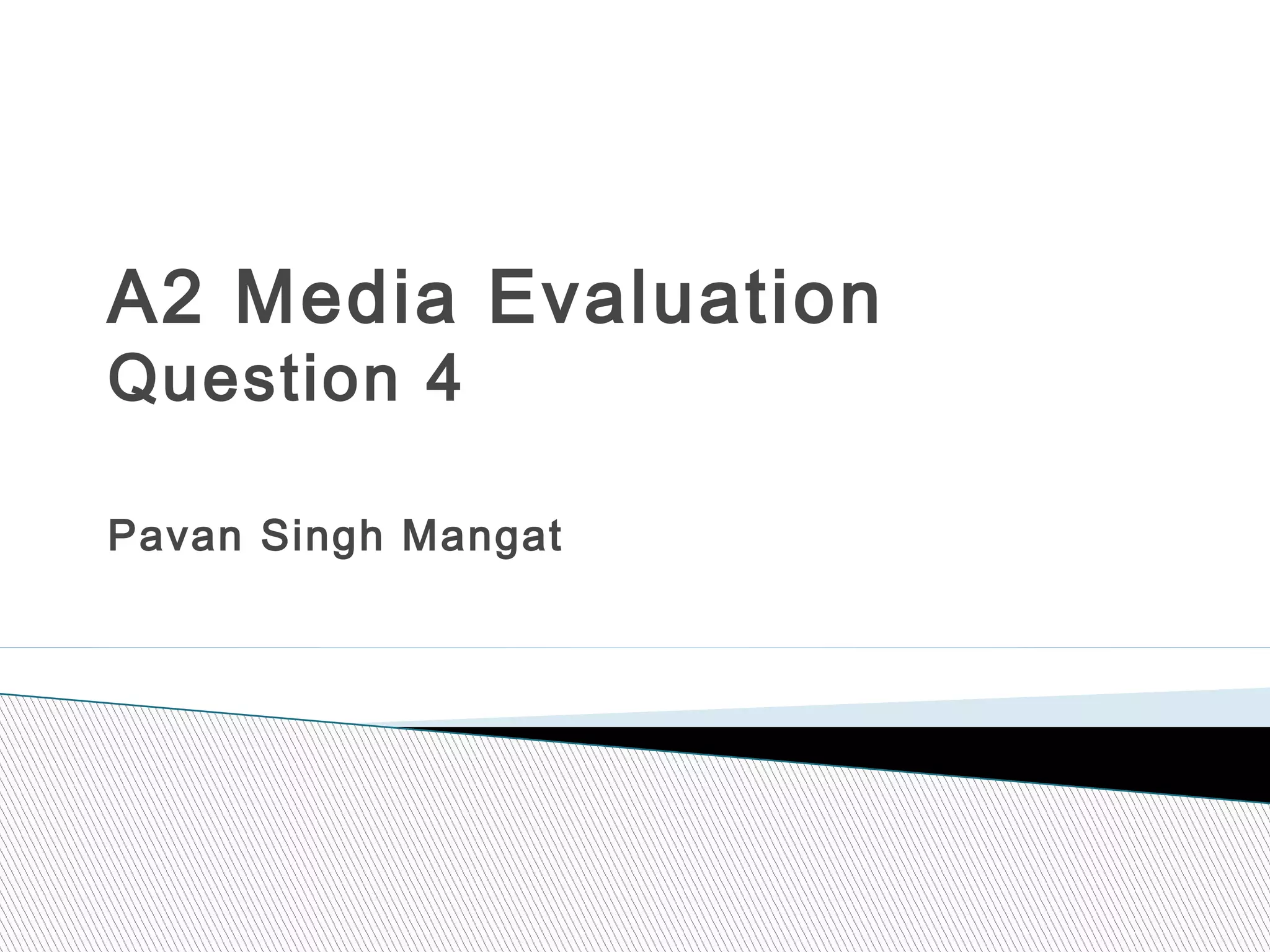
iMacs – the iMacs allowed us to view adverts
consecutively and with the new Retina Display,
we could view these adverts in more detail picking
up different aspects of the text such as a variation
of lighting.
•
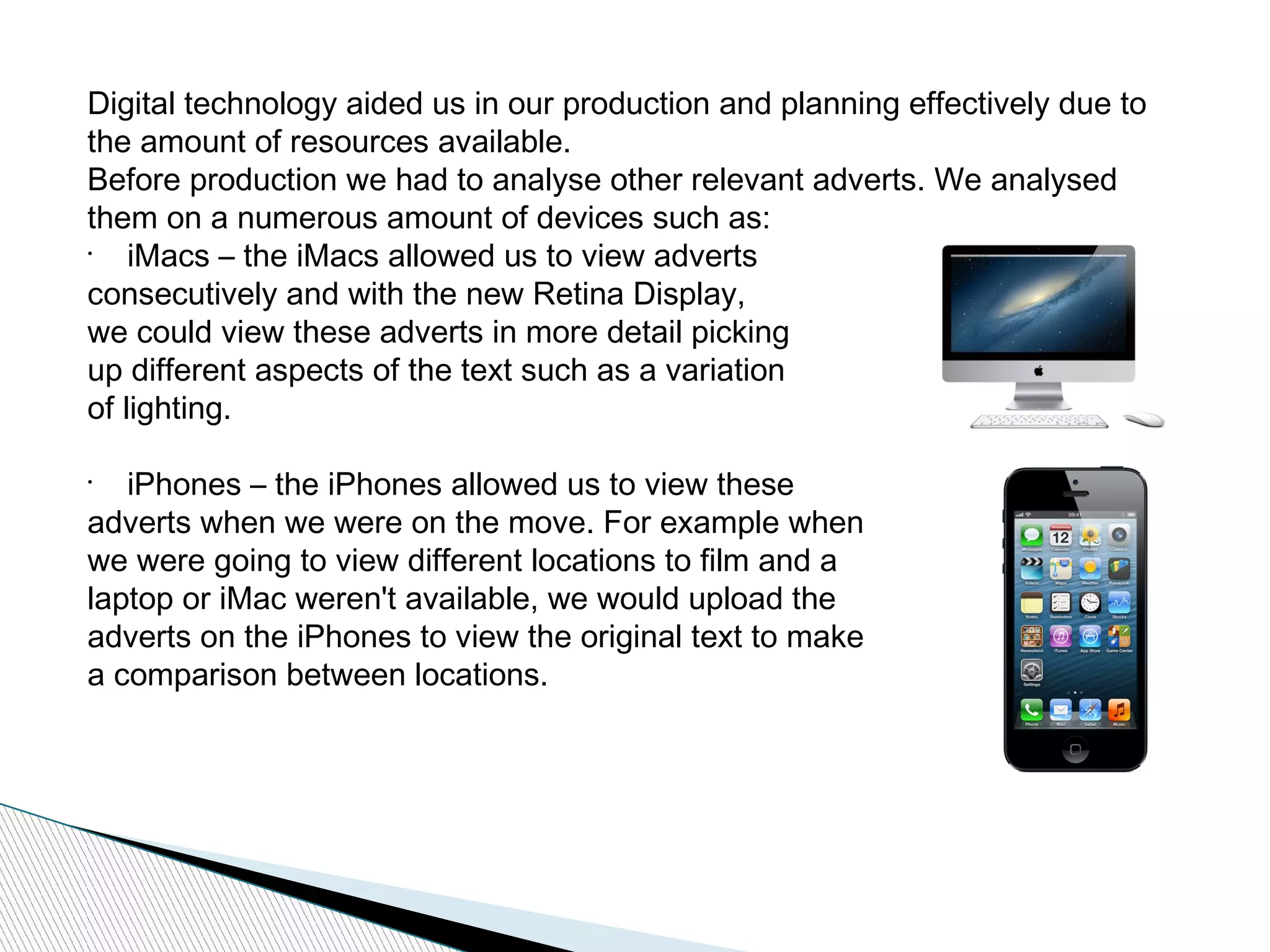
iPhones – the iPhones allowed us to view these
adverts when we were on the move. For example when
we were going to view different locations to film and a
laptop or iMac weren't available, we would upload the
adverts on the iPhones to view the original text to make
a comparison between locations.
•
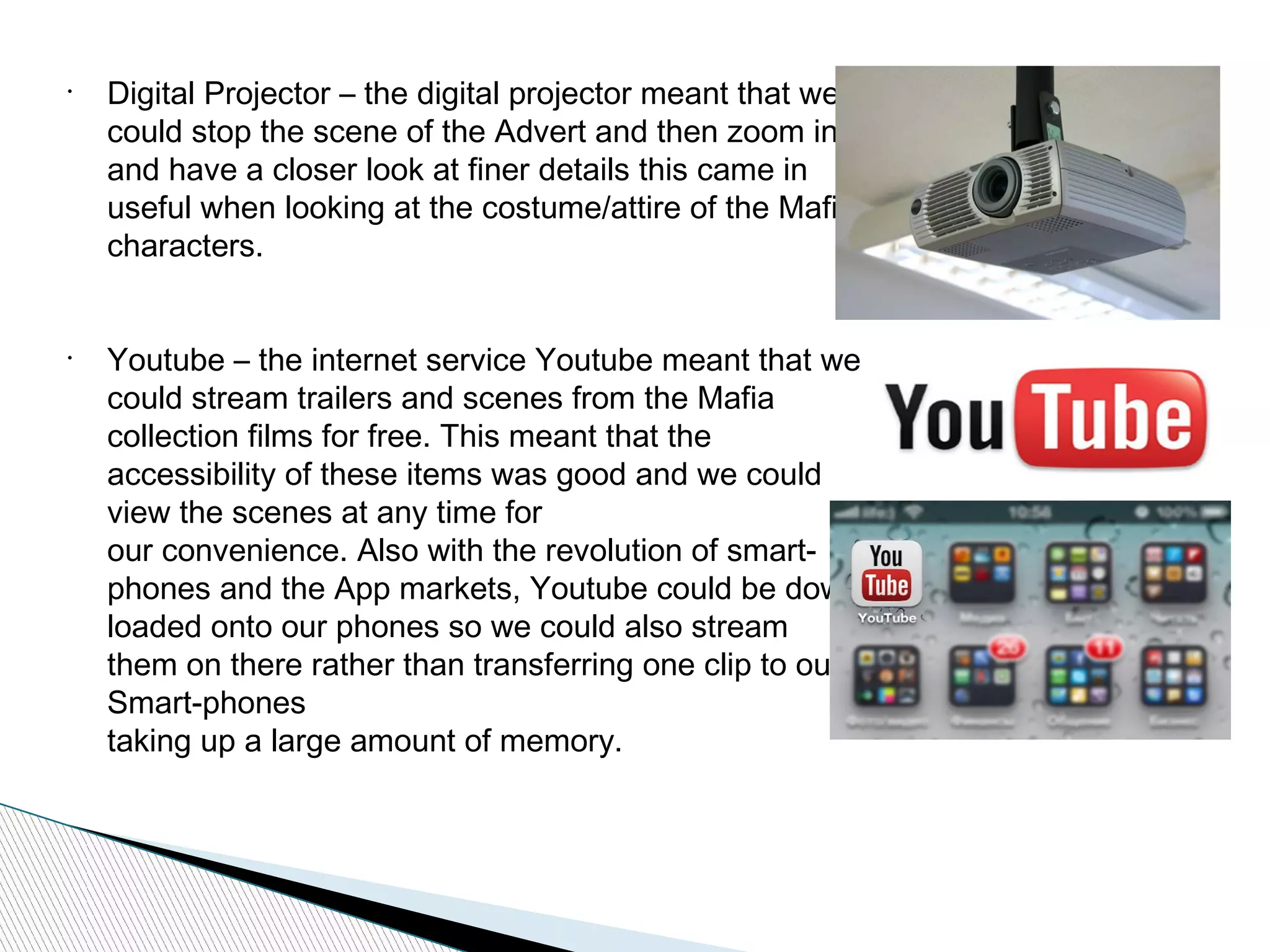
Digital Projector – the digital projector meant that we
could stop the scene of the Advert and then zoom in
and have a closer look at finer details this came in
useful when looking at the costume/attire of the Mafia
characters.
•
Youtube – the internet service Youtube meant that we
could stream trailers and scenes from the Mafia
collection films for free. This meant that the
accessibility of these items was good and we could
view the scenes at any time for
our convenience. Also with the revolution of smart-
phones and the App markets, Youtube could be down
loaded onto our phones so we could also stream
them on there rather than transferring one clip to our
Smart-phones
taking up a large amount of memory.
During production we used an iPhone and
Sony Digital Video Camera. Both of these
roducts were beneficial as they were small
and compact but also gave us a high
resolution video quality which improved our
scenes a lot.
The Sony Camera had an input slot which
fitted into a variety of tripods so whichever
tripod we were given, the camera would fit into
it with ease. This came in handy when we went
off site and didn't have a tripod with us. We
then went into a local electronic store and
asked to borrow a tripod for a short period of
time while under supervision, and the staff
allowed us to do this.
This iPhone meant that while filming, the camera man could view and
compare the original media text to the shots we were filming. This meant
that we could alter the lighting and any positioning errors during production,
rather than after production.
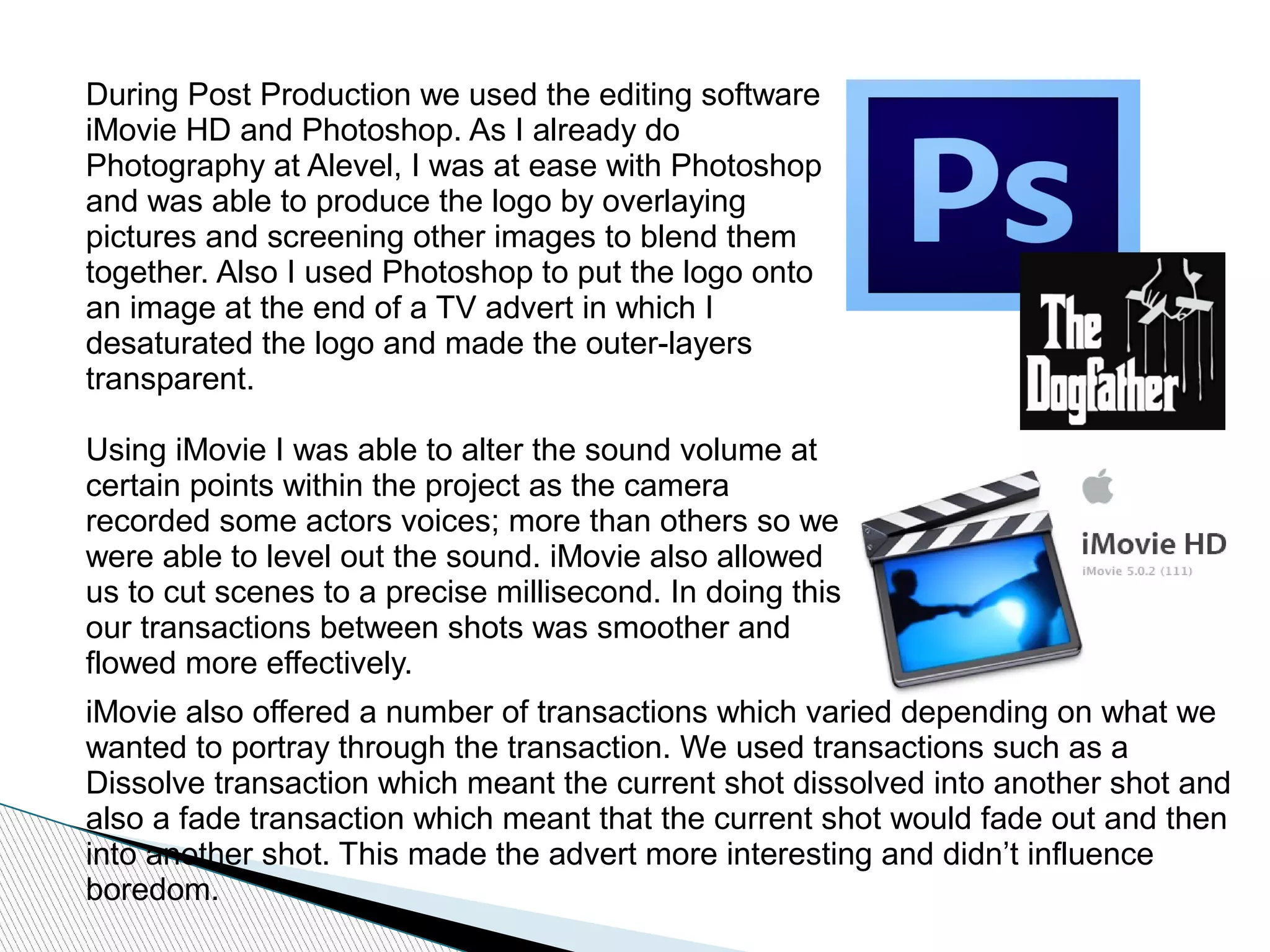
During Post Production we used the editing software
iMovie HD and Photoshop. As I already do
Photography at Alevel, I was at ease with Photoshop
and was able to produce the logo by overlaying
pictures and screening other images to blend them
together. Also I used Photoshop to put the logo onto
an image at the end of a TV advert in which I
desaturated the logo and made the outer-layers
transparent.
Using iMovie I was able to alter the sound volume at
certain points within the project as the camera
recorded some actors voices; more than others so we
were able to level out the sound. iMovie also allowed
us to cut scenes to a precise millisecond. In doing this
our transactions between shots was smoother and
flowed more effectively.
iMovie also offered a number of transactions which varied depending on what we
wanted to portray through the transaction. We used transactions such as a
Dissolve transaction which meant the current shot dissolved into another shot and
also a fade transaction which meant that the current shot would fade out and then
into another shot. This made the advert more interesting and didn’t influence
boredom.
During Post Production we used the editing software
iMovie HD and Photoshop. As I already do
Photography at Alevel, I was at ease with Photoshop
and was able to produce the logo by overlaying
pictures and screening other images to blend them
together. Also I used Photoshop to put the logo onto
an image at the end of a TV advert in which I
desaturated the logo and made the outer-layers
transparent.
Using iMovie I was able to alter the sound volume at
certain points within the project as the camera
recorded some actors voices; more than others so we
were able to level out the sound. iMovie also allowed
us to cut scenes to a precise millisecond. In doing this
our transactions between shots was smoother and
flowed more effectively.
iMovie also offered a number of transactions which varied depending on what we
wanted to portray through the transaction. We used transactions such as a
Dissolve transaction which meant the current shot dissolved into another shot and
also a fade transaction which meant that the current shot would fade out and then
into another shot. This made the advert more interesting and didn’t influence
boredom.

A2 media evaluation question 4

  • 1.
    A2 Media Evaluation Question4 Pavan Singh Mangat
  • 2.
    Digital technology aidedus in our production and planning effectively due to the amount of resources available. Before production we had to analyse other relevant adverts. We analysed them on a numerous amount of devices such as: • iMacs – the iMacs allowed us to view adverts consecutively and with the new Retina Display, we could view these adverts in more detail picking up different aspects of the text such as a variation of lighting. • iPhones – the iPhones allowed us to view these adverts when we were on the move. For example when we were going to view different locations to film and a laptop or iMac weren't available, we would upload the adverts on the iPhones to view the original text to make a comparison between locations.
  • 3.
    • Digital Projector –the digital projector meant that we could stop the scene of the Advert and then zoom in and have a closer look at finer details this came in useful when looking at the costume/attire of the Mafia characters. • Youtube – the internet service Youtube meant that we could stream trailers and scenes from the Mafia collection films for free. This meant that the accessibility of these items was good and we could view the scenes at any time for our convenience. Also with the revolution of smart- phones and the App markets, Youtube could be down loaded onto our phones so we could also stream them on there rather than transferring one clip to our Smart-phones taking up a large amount of memory.
  • 4.
    During production weused an iPhone and Sony Digital Video Camera. Both of these roducts were beneficial as they were small and compact but also gave us a high resolution video quality which improved our scenes a lot. The Sony Camera had an input slot which fitted into a variety of tripods so whichever tripod we were given, the camera would fit into it with ease. This came in handy when we went off site and didn't have a tripod with us. We then went into a local electronic store and asked to borrow a tripod for a short period of time while under supervision, and the staff allowed us to do this. This iPhone meant that while filming, the camera man could view and compare the original media text to the shots we were filming. This meant that we could alter the lighting and any positioning errors during production, rather than after production.
  • 5.
    During Post Productionwe used the editing software iMovie HD and Photoshop. As I already do Photography at Alevel, I was at ease with Photoshop and was able to produce the logo by overlaying pictures and screening other images to blend them together. Also I used Photoshop to put the logo onto an image at the end of a TV advert in which I desaturated the logo and made the outer-layers transparent. Using iMovie I was able to alter the sound volume at certain points within the project as the camera recorded some actors voices; more than others so we were able to level out the sound. iMovie also allowed us to cut scenes to a precise millisecond. In doing this our transactions between shots was smoother and flowed more effectively. iMovie also offered a number of transactions which varied depending on what we wanted to portray through the transaction. We used transactions such as a Dissolve transaction which meant the current shot dissolved into another shot and also a fade transaction which meant that the current shot would fade out and then into another shot. This made the advert more interesting and didn’t influence boredom.
  • 6.
    During Post Productionwe used the editing software iMovie HD and Photoshop. As I already do Photography at Alevel, I was at ease with Photoshop and was able to produce the logo by overlaying pictures and screening other images to blend them together. Also I used Photoshop to put the logo onto an image at the end of a TV advert in which I desaturated the logo and made the outer-layers transparent. Using iMovie I was able to alter the sound volume at certain points within the project as the camera recorded some actors voices; more than others so we were able to level out the sound. iMovie also allowed us to cut scenes to a precise millisecond. In doing this our transactions between shots was smoother and flowed more effectively. iMovie also offered a number of transactions which varied depending on what we wanted to portray through the transaction. We used transactions such as a Dissolve transaction which meant the current shot dissolved into another shot and also a fade transaction which meant that the current shot would fade out and then into another shot. This made the advert more interesting and didn’t influence boredom.