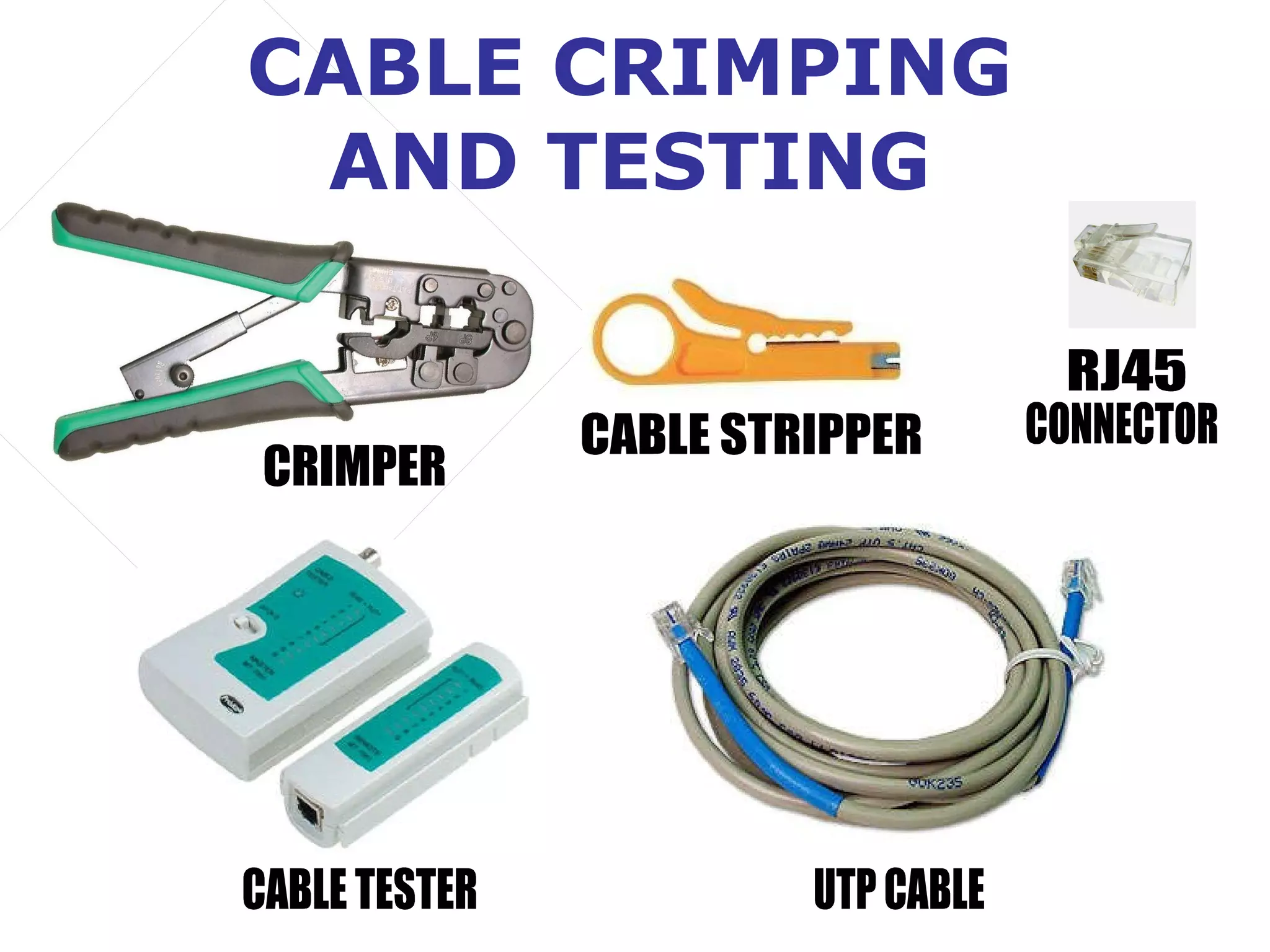
CABLE CRIMPING
AND TESTING
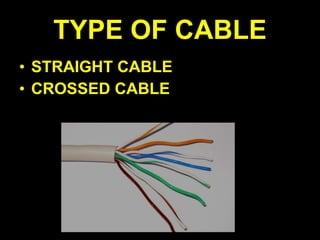
TYPE OF CABLE
• STRAIGHT CABLE
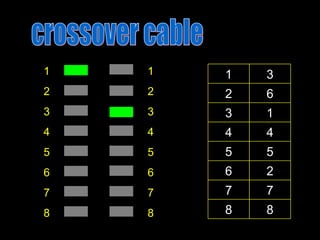
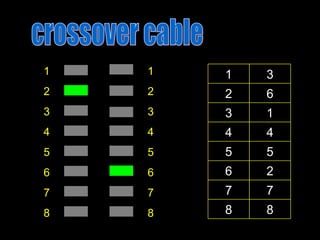
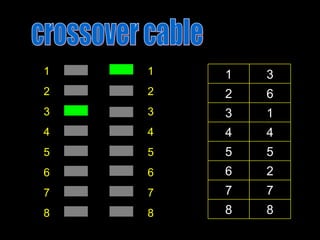
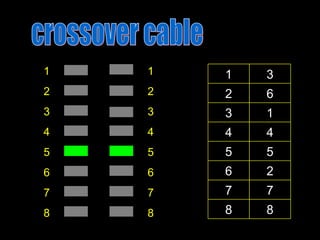
• CROSSED CABLE
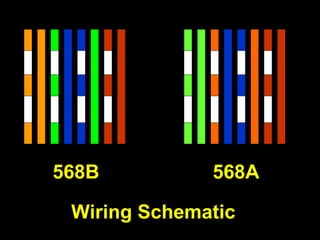
568B 568A
Wiring Schematic
568B
568A
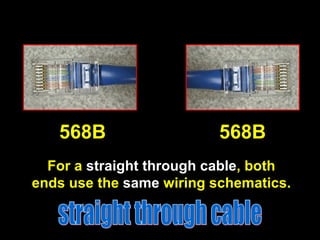
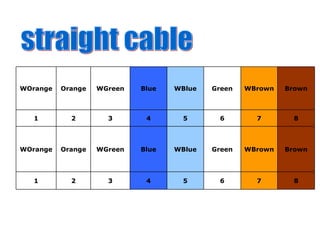
For a straight through cable, both
ends use the same wiring schematics.
568B 568B
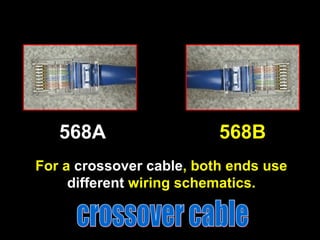
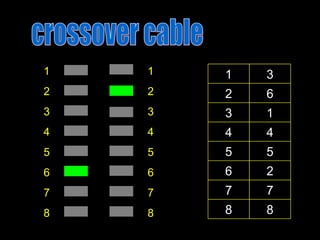
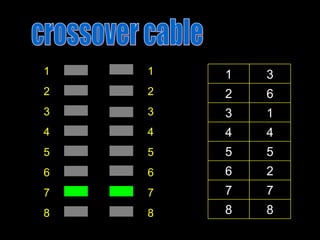
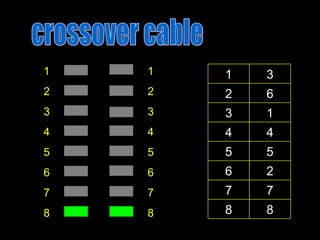
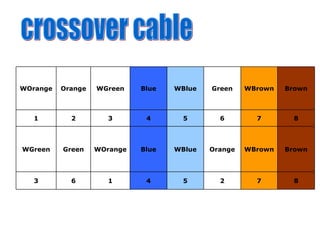
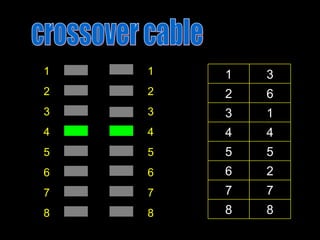
For a crossover cable, both ends use
different wiring schematics.
568A 568B
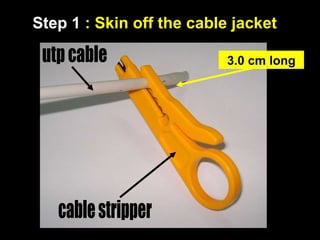
Step 1 : Skin off the cable jacket
3.0 cm long
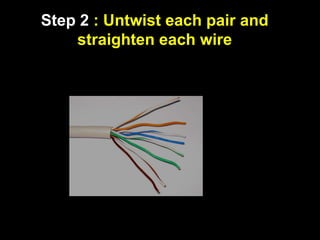
Step 2 : Untwist each pair and
straighten each wire
900
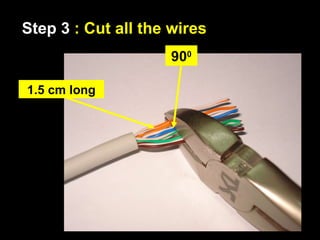
1.5 cm long
Step 3 : Cut all the wires
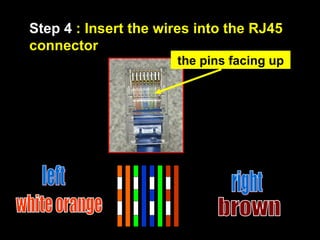
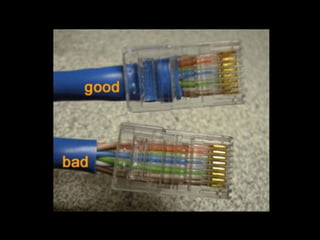
Step 4 : Insert the wires into the RJ45
connector
the pins facing up
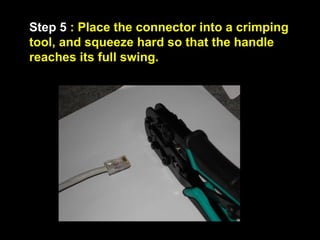
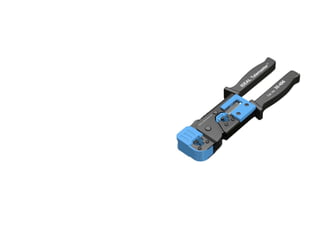
Step 5 : Place the connector into a crimping
tool, and squeeze hard so that the handle
reaches its full swing.
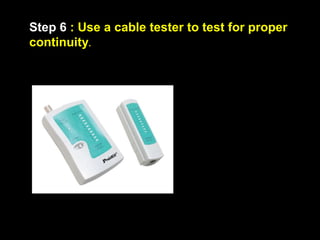
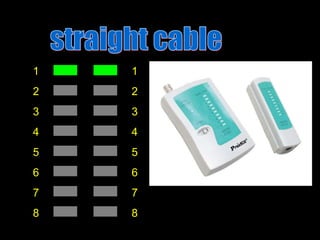
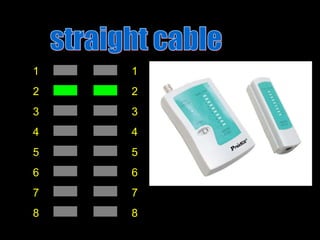
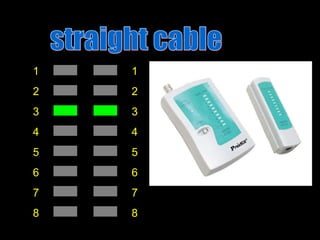
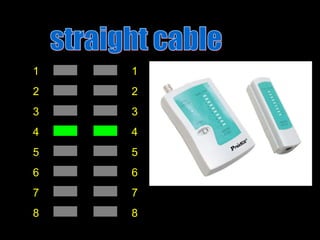
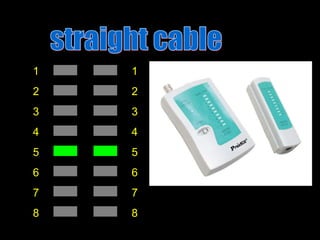
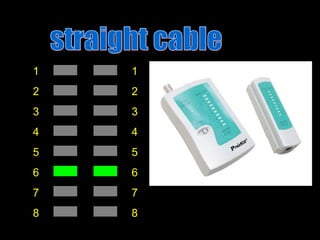
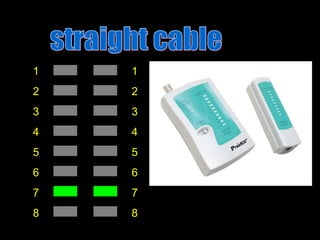
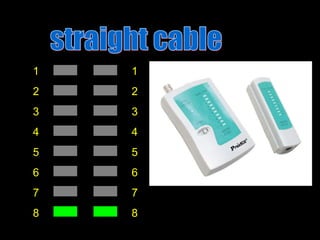
Step 6 : Use a cable tester to test for proper
continuity.
1
2
3
4
5
6
7
8
1
2
3
4
5
6
7
8
1
2
3
4
5
6
7
8
1
2
3
4
5
6
7
8
1
2
3
4
5
6
7
8
1
2
3
4
5
6
7
8
1
2
3
4
5
6
7
8
1
2
3
4
5
6
7
8
1
2
3
4
5
6
7
8
1
2
3
4
5
6
7
8
1
2
3
4
5
6
7
8
1
2
3
4
5
6
7
8
1
2
3
4
5
6
7
8
1
2
3
4
5
6
7
8
1
2
3
4
5
6
7
8
1
2
3
4
5
6
7
8
1
2
3
4
5
6
7
8
1
2
3
4
5
6
7
8 8
8
7
7
2
6
5
5
4
4
1
3
6
2
3
1
1
2
3
4
5
6
7
8
1
2
3
4
5
6
7
8 8
8
7
7
2
6
5
5
4
4
1
3
6
2
3
1
1
2
3
4
5
6
7
8
1
2
3
4
5
6
7
8 8
8
7
7
2
6
5
5
4
4
1
3
6
2
3
1
1
2
3
4
5
6
7
8
1
2
3
4
5
6
7
8 8
8
7
7
2
6
5
5
4
4
1
3
6
2
3
1
1
2
3
4
5
6
7
8
1
2
3
4
5
6
7
8 8
8
7
7
2
6
5
5
4
4
1
3
6
2
3
1
1
2
3
4
5
6
7
8
1
2
3
4
5
6
7
8 8
8
7
7
2
6
5
5
4
4
1
3
6
2
3
1
1
2
3
4
5
6
7
8
1
2
3
4
5
6
7
8 8
8
7
7
2
6
5
5
4
4
1
3
6
2
3
1
1
2
3
4
5
6
7
8
1
2
3
4
5
6
7
8 8
8
7
7
2
6
5
5
4
4
1
3
6
2
3
1
8
7
6
5
4
3
2
1
Brown
WBrown
Green
WBlue
Blue
WGreen
Orange
WOrange
8
7
6
5
4
3
2
1
Brown
WBrown
Green
WBlue
Blue
WGreen
Orange
WOrange
8
7
2
5
4
1
6
3
Brown
WBrown
Orange
WBlue
Blue
WOrange
Green
WGreen
8
7
6
5
4
3
2
1
Brown
WBrown
Green
WBlue
Blue
WGreen
Orange
WOrange
8. crimping.pdf
8. crimping.pdf

8. crimping.pdf