7 Steps to Simplifying your AI
Workflows
Visually Building and Running AI workflows in the Cloud
About Me
• Vishnu Vettrivel
• @cloudronin
• Open source enthusiast
• Developer with around 20 years
of experience building and
scaling successful big data and AI
platforms.
• Architect and co-founder of the
Nephos project
• hybrid cloud enabled AI workflow
service
A brief background to AI workflows
• Computationally expensive
• Large data sets
• Multiple binaries/executables/scripts
• Orchestration and Data flow intensive
• Iterative in nature
• Elasticity of Cloud will help
• Can get pretty complex pretty quickly
• Versioning is important
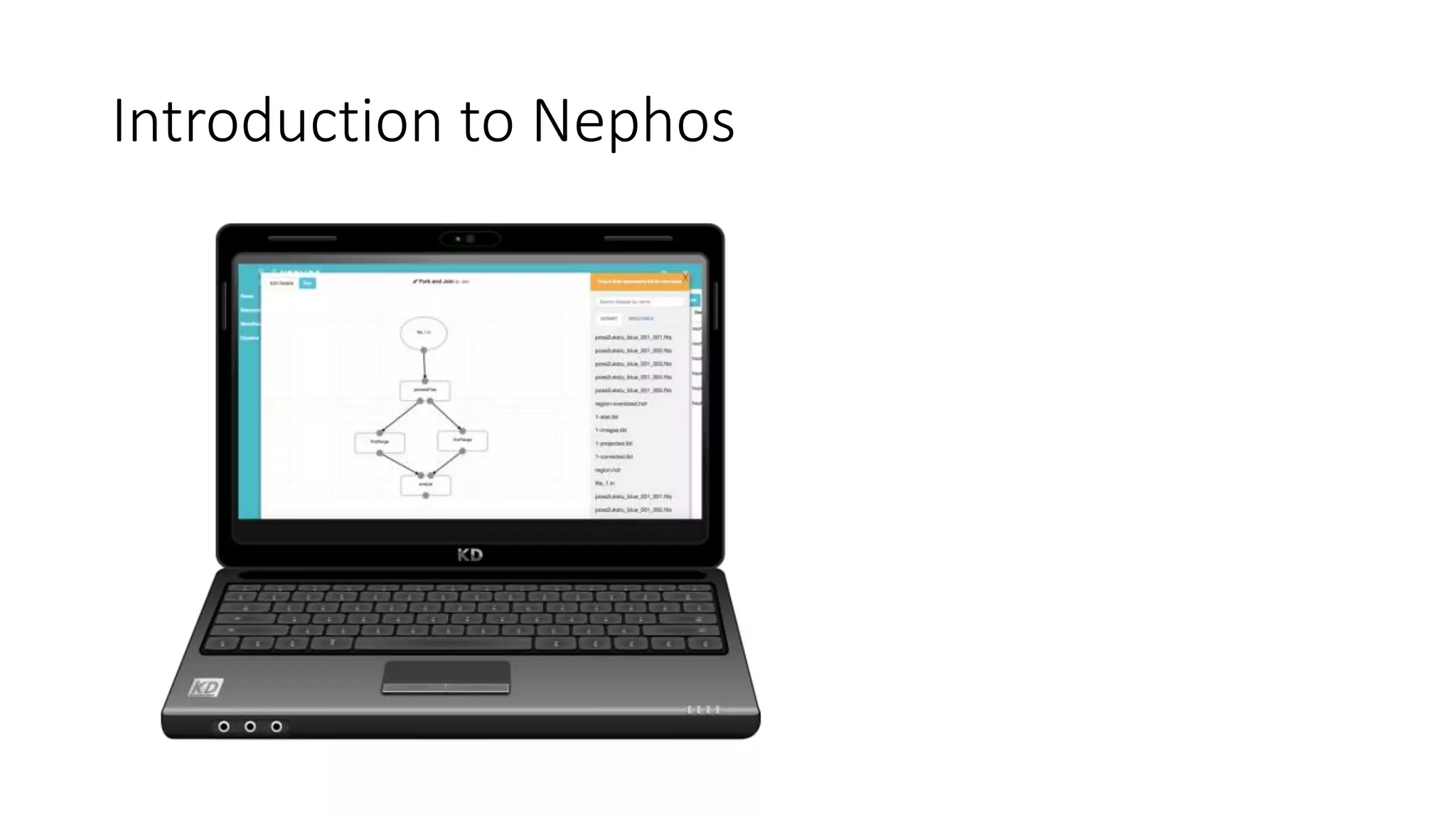
Introduction to Nephos
Nephos: High Level overview
• Visual workflow service
• Built for hybrid clouds
• Built on open source technologies
• Pegasus
• Htcondor
• Docker
• Built by Experienced AI/Big Data practioners
Step 1: Setup a new Cluster
• Adding a cluster is a 1-click operation*
• Unless you want to setup on a private cloud
• Define cluster Configuration
• Cluster size
• Autoscaling parameters
• Instance types
• Libraries to attach
Step 2: Register your Resources
• Resources could either be
• Datasets (External or Internal)
• Executables (or Scripts)
• Define arguments
• Inputs
• Outputs
• Position bindings
Step 3: Create your first AI workflow
• Drag and Drop Datasets
• Drag and Drop Executables
• Draw your connecting edges
• Configure Nodes if needed
• Modify Name and other metadata as needed
• Get ready to run your workflow
Step 4: Running your Workflow
• Click Run
• Watch Run Log output
• Progress Indicator
• Wait for completion (or error )
• Download/Preview output if succesful
• Debug if needed
• Modify workflow if needed
• Repeat Rinse
Step 5: Experimenting on your workflows
• Download/Preview output
• Analyze results
• Decide if improvements needed
• Modify workflow parameters/nodes
• Re-run workflow
Step 6: Collaborating on your workflow
• Comment your workflows
• Share your workflow with your team
• Clone your team members workflow
• Modify the clone and share back
• Repeat, Rinse!
Step 7: Scheduling your workflow runs
• Decide which workflow you want to ’jobify’
• Select and create a job from it
• Configure Job parameters
• Setup alerting if needed
Questions

7 steps to simplifying your AI workflows

  • 1.
    7 Steps toSimplifying your AI Workflows Visually Building and Running AI workflows in the Cloud
  • 2.
    About Me • VishnuVettrivel • @cloudronin • Open source enthusiast • Developer with around 20 years of experience building and scaling successful big data and AI platforms. • Architect and co-founder of the Nephos project • hybrid cloud enabled AI workflow service
  • 3.
    A brief backgroundto AI workflows • Computationally expensive • Large data sets • Multiple binaries/executables/scripts • Orchestration and Data flow intensive • Iterative in nature • Elasticity of Cloud will help • Can get pretty complex pretty quickly • Versioning is important
  • 4.
  • 5.
    Nephos: High Leveloverview • Visual workflow service • Built for hybrid clouds • Built on open source technologies • Pegasus • Htcondor • Docker • Built by Experienced AI/Big Data practioners
  • 6.
    Step 1: Setupa new Cluster • Adding a cluster is a 1-click operation* • Unless you want to setup on a private cloud • Define cluster Configuration • Cluster size • Autoscaling parameters • Instance types • Libraries to attach
  • 7.
    Step 2: Registeryour Resources • Resources could either be • Datasets (External or Internal) • Executables (or Scripts) • Define arguments • Inputs • Outputs • Position bindings
  • 8.
    Step 3: Createyour first AI workflow • Drag and Drop Datasets • Drag and Drop Executables • Draw your connecting edges • Configure Nodes if needed • Modify Name and other metadata as needed • Get ready to run your workflow
  • 9.
    Step 4: Runningyour Workflow • Click Run • Watch Run Log output • Progress Indicator • Wait for completion (or error ) • Download/Preview output if succesful • Debug if needed • Modify workflow if needed • Repeat Rinse
  • 10.
    Step 5: Experimentingon your workflows • Download/Preview output • Analyze results • Decide if improvements needed • Modify workflow parameters/nodes • Re-run workflow
  • 11.
    Step 6: Collaboratingon your workflow • Comment your workflows • Share your workflow with your team • Clone your team members workflow • Modify the clone and share back • Repeat, Rinse!
  • 12.
    Step 7: Schedulingyour workflow runs • Decide which workflow you want to ’jobify’ • Select and create a job from it • Configure Job parameters • Setup alerting if needed
  • 13.