Download to read offline
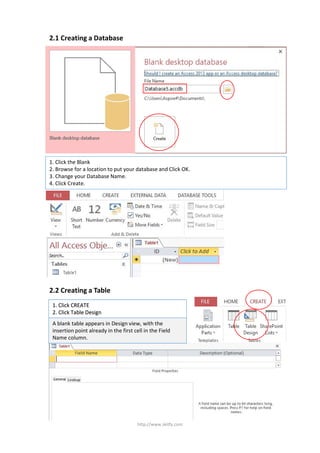
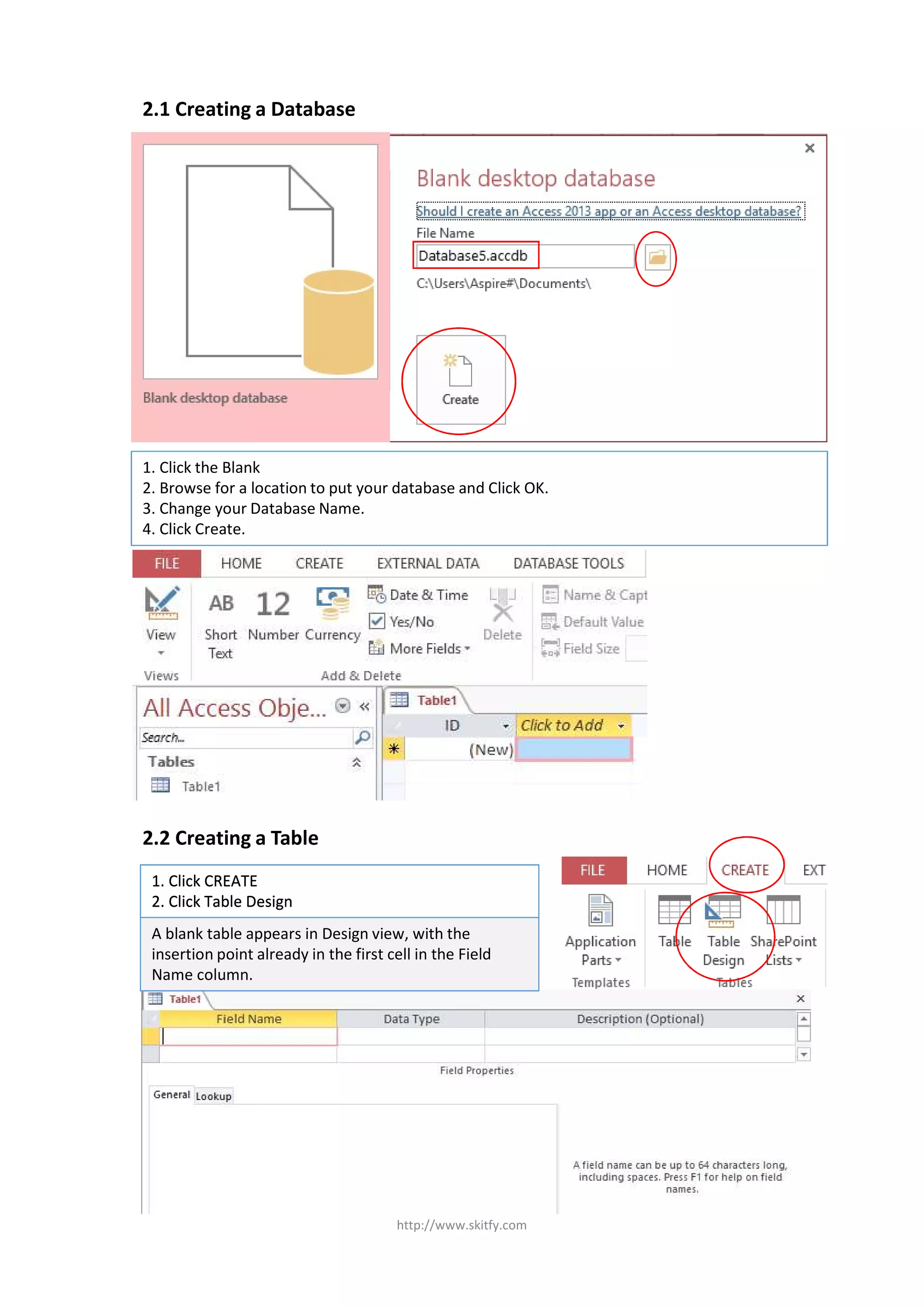

This document provides instructions for creating a database and table in two steps. The first step has the user click Blank, browse for a location, change the database name, and click Create. The second step has the user click Create and then Table Design to view an empty table in Design view ready for field names.


