


Vault configuration as code via Terraform:
stories from trenches
Andrey Devyatkin
HashiTalks 2020
On your production servers...
During outage
On your production servers...
During outage
or
Intrusion
Why this presentation? What to expect?
● Not pretending to be an expert just sharing what worked/what didn’t and hopefully
save some time for some of you
● Technical details and references
● Slides will be available online - you don’t have to remember/photo/screenshot
everything
I’m Andrey
● Enjoying life as technology
specialist, father and endurance
athlete
● 10+ years in the industry
● Writing tools
● Fixing automation, projects and
organisations
● Meetups/conferences organizer
● Speaker
● Trainer
● Certified this and that
Terraform
● Infrastructure as code
● Execution plans
● Resource graph
● Change automation
● Open Source modules
● Providers for almost everything
Vault
● Centrally Manage Secrets to Reduce Secrets Sprawl
● Shift from static secrets to short-time dynamically
generated ones
● Avoid shared secrets thus better audit trail
● Protect Sensitive Data Across Clouds and Private
Data Centers
● Break glass procedure
Where do we start?
Collect requirements and clarify context
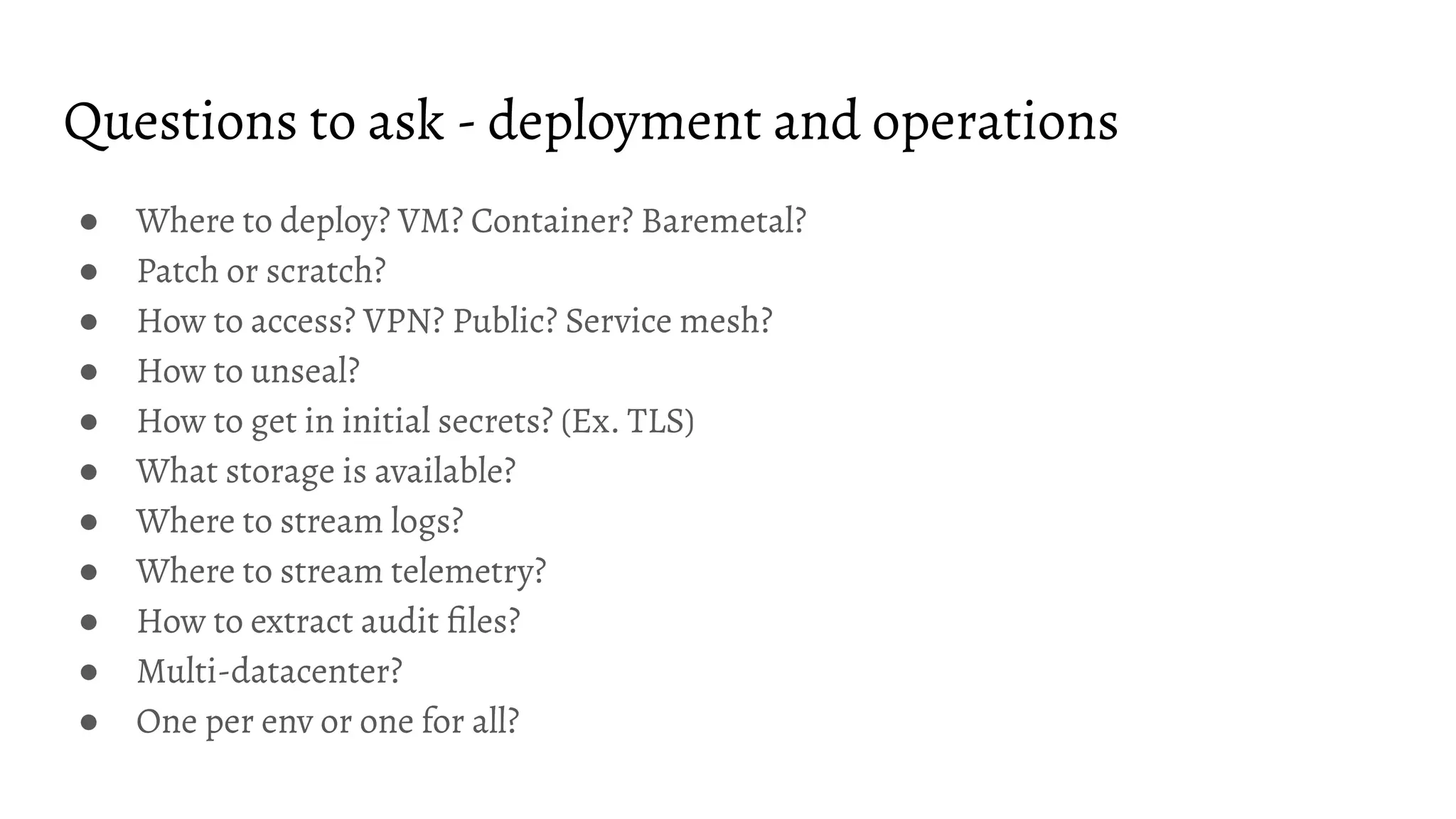
Questions to ask - deployment and operations
● Where to deploy? VM? Container? Baremetal?
● Patch or scratch?
● How to access? VPN? Public? Service mesh?
● How to unseal?
● How to get in initial secrets? (Ex. TLS)
● What storage is available?
● Where to stream logs?
● Where to stream telemetry?
● How to extract audit files?
● Multi-datacenter?
● One per env or one for all?
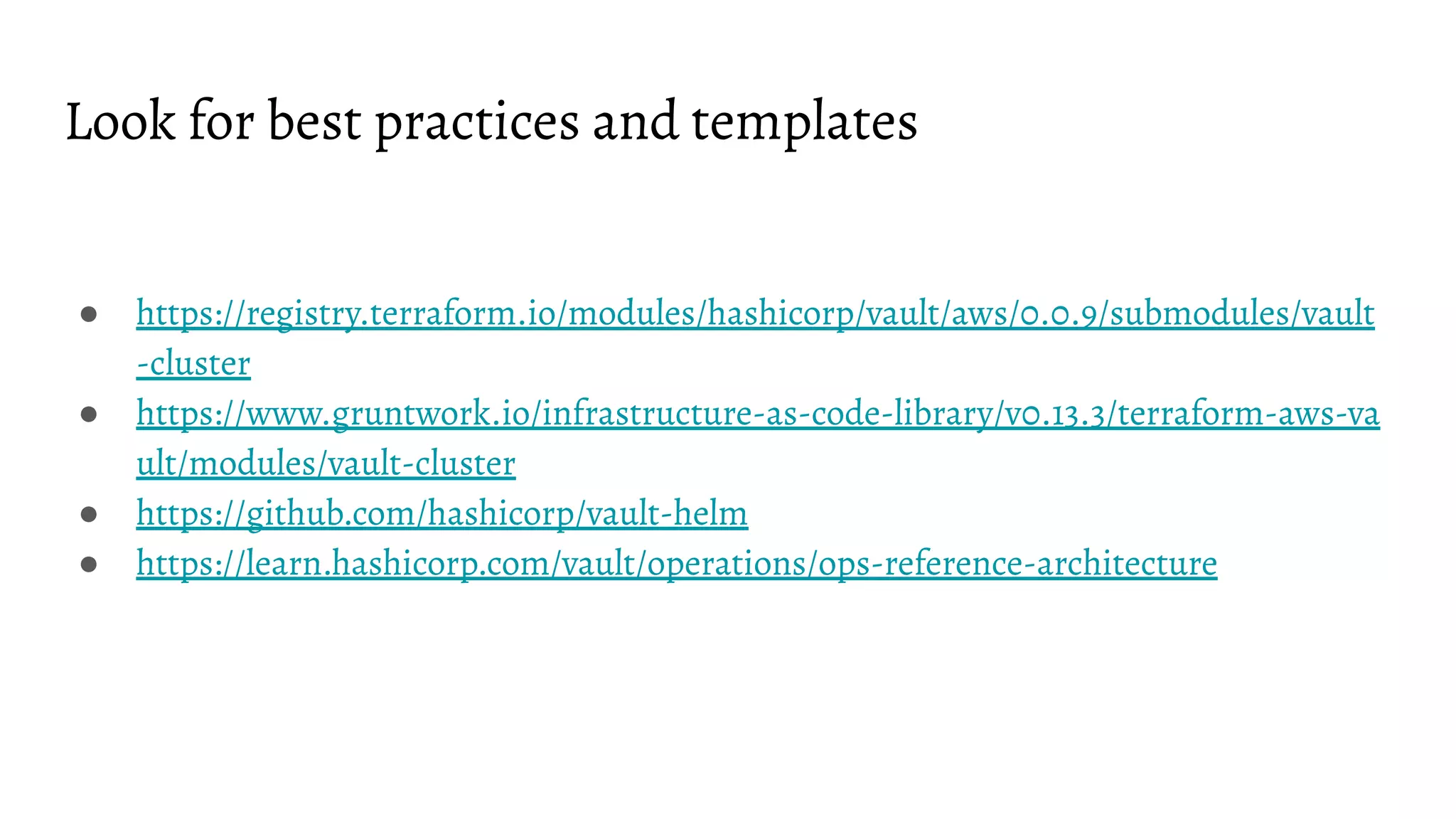
Look for best practices and templates
● https://registry.terraform.io/modules/hashicorp/vault/aws/0.0.9/submodules/vault
-cluster
● https://www.gruntwork.io/infrastructure-as-code-library/v0.13.3/terraform-aws-va
ult/modules/vault-cluster
● https://github.com/hashicorp/vault-helm
● https://learn.hashicorp.com/vault/operations/ops-reference-architecture
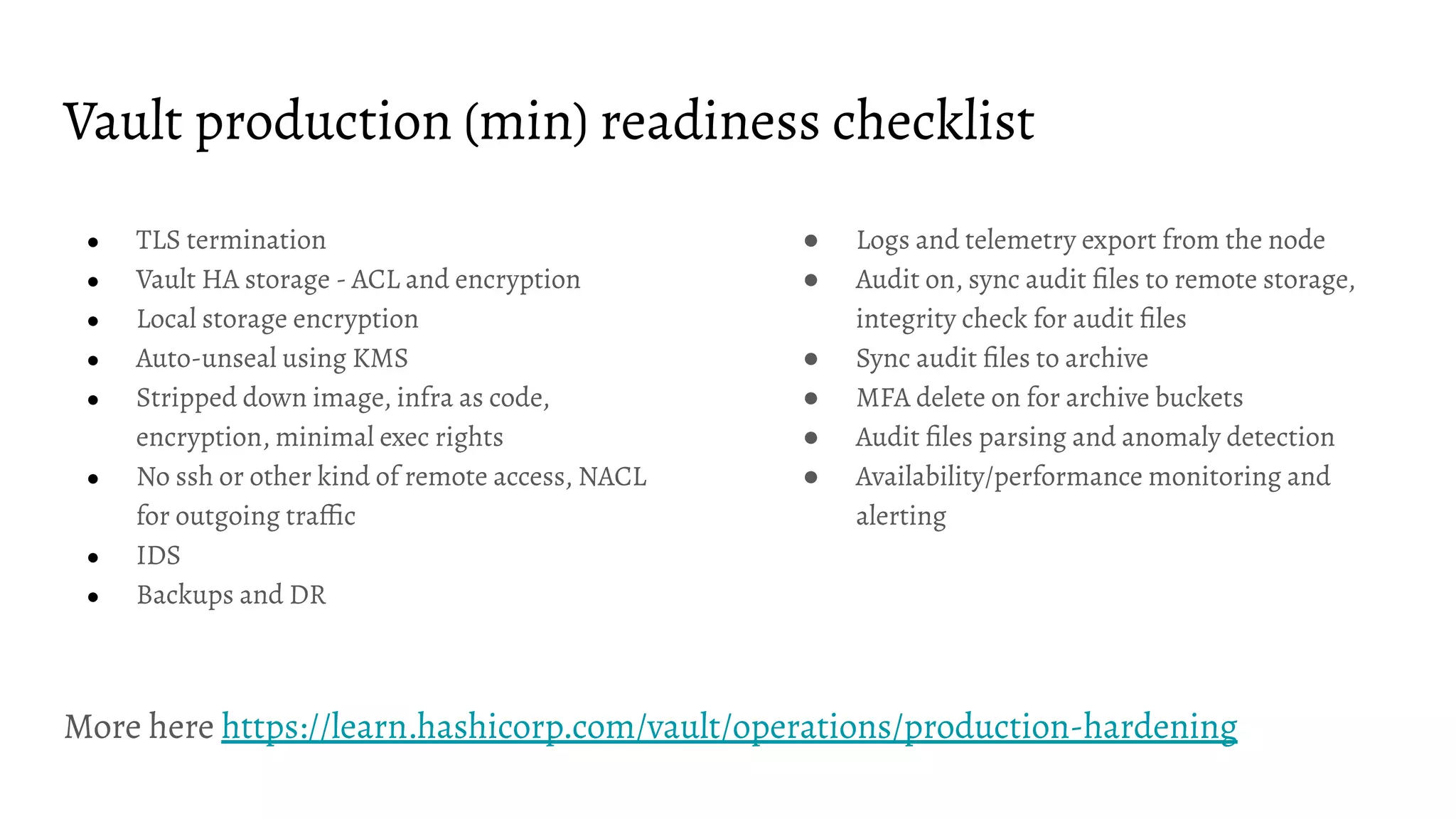
Vault production (min) readiness checklist
● TLS termination
● Vault HA storage - ACL and encryption
● Local storage encryption
● Auto-unseal using KMS
● Stripped down image, infra as code,
encryption, minimal exec rights
● No ssh or other kind of remote access, NACL
for outgoing traffic
● IDS
● Backups and DR
● Logs and telemetry export from the node
● Audit on, sync audit files to remote storage,
integrity check for audit files
● Sync audit files to archive
● MFA delete on for archive buckets
● Audit files parsing and anomaly detection
● Availability/performance monitoring and
alerting
More here https://learn.hashicorp.com/vault/operations/production-hardening
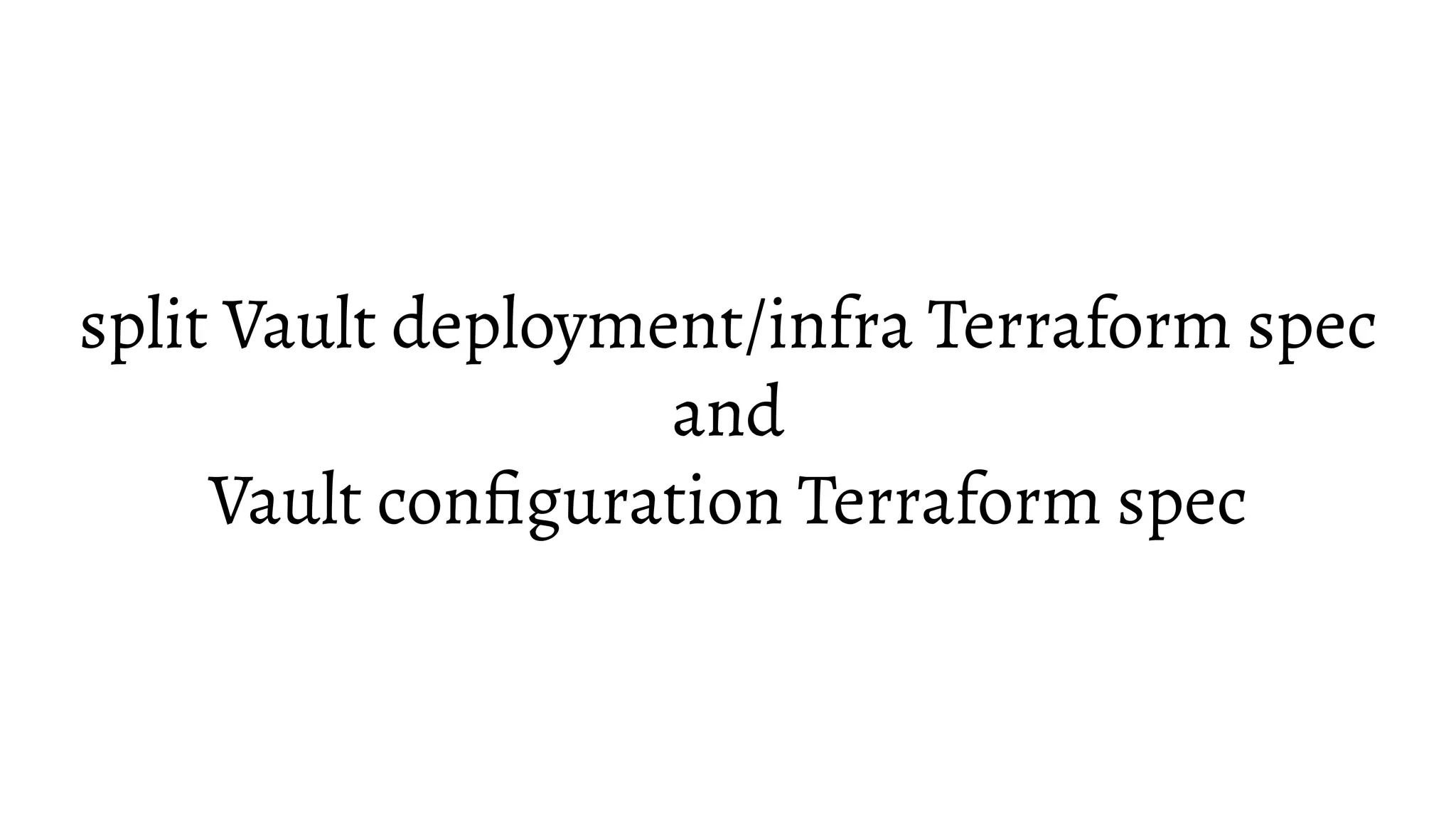
split Vault deployment/infra Terraform spec
and
Vault configuration Terraform spec
Vault is up and running. What is next?
To start configuring Vault via Terraform we need...
● Vault URL configured as VAULT_ADDR env variable
● Vault token (root token will do for the start but revoke it afterwards together with the
rest of the root tokens)
● A good idea what are you after…
More here https://www.youtube.com/watch?v=fOybhcbuxJ0 and here
https://www.terraform.io/docs/providers/vault/index.html
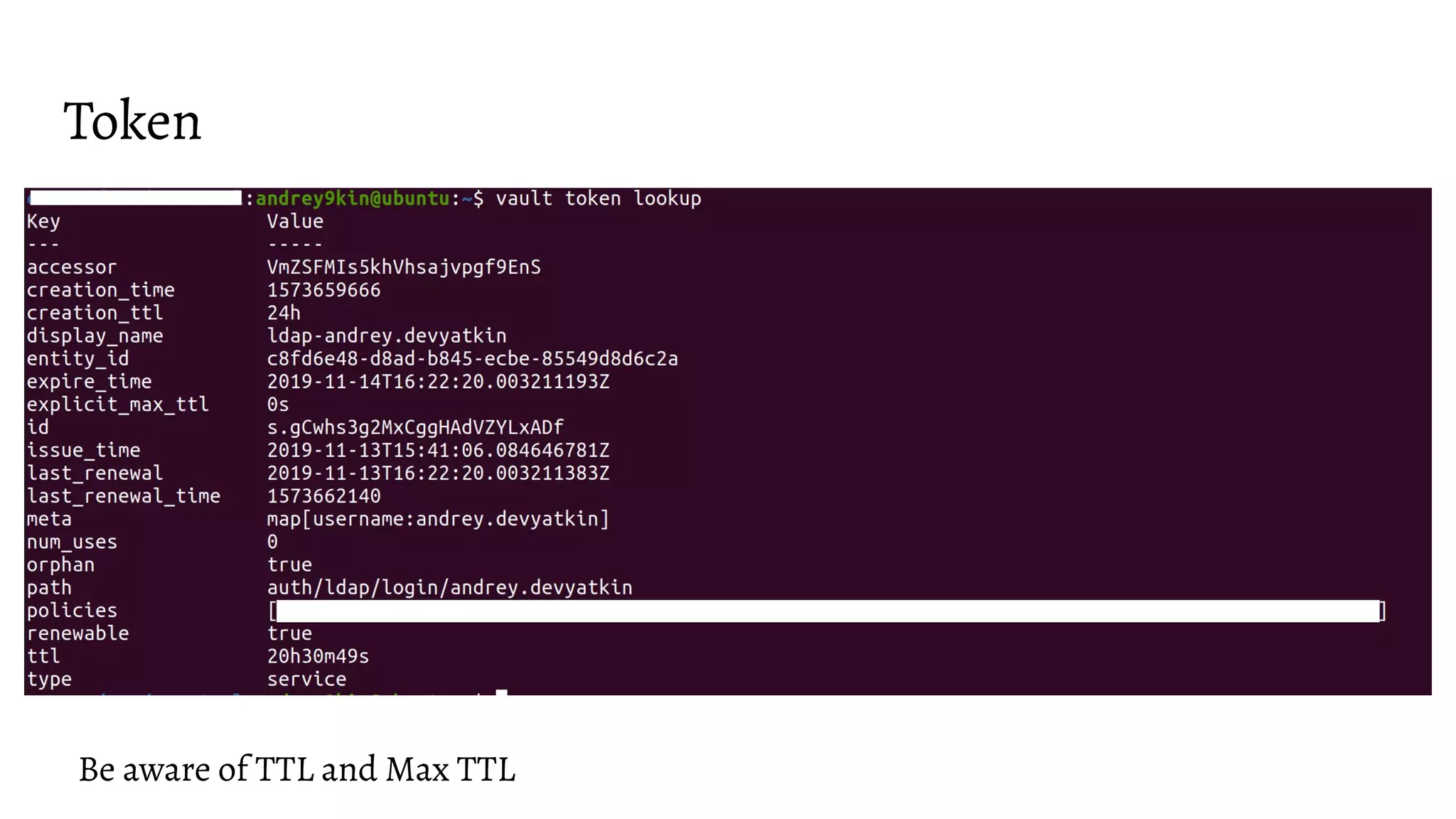
Token
Be aware of TTL and Max TTL
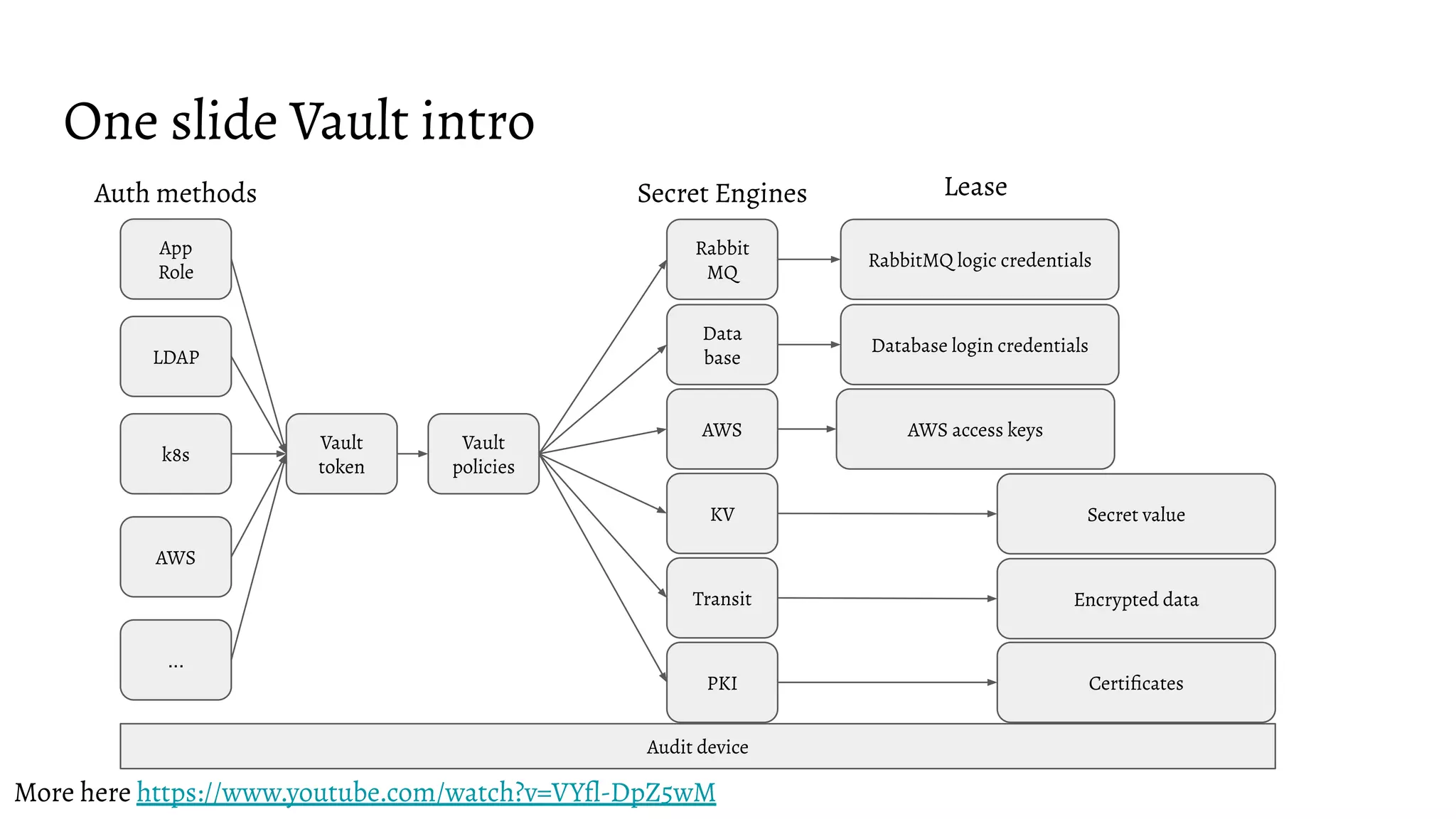
One slide Vault intro
LDAP
k8s
App
Role
AWS
...
Auth methods
Vault
token
AWS
Data
base
Secret Engines
Rabbit
MQ
PKI
Database login credentials
AWS access keys
RabbitMQ logic credentials
Certificates
Lease
Audit device
More here https://www.youtube.com/watch?v=VYfl-DpZ5wM
KV
Transit Encrypted data
Secret value
Vault
policies
Auth methods and policies
Boring, hard but very important
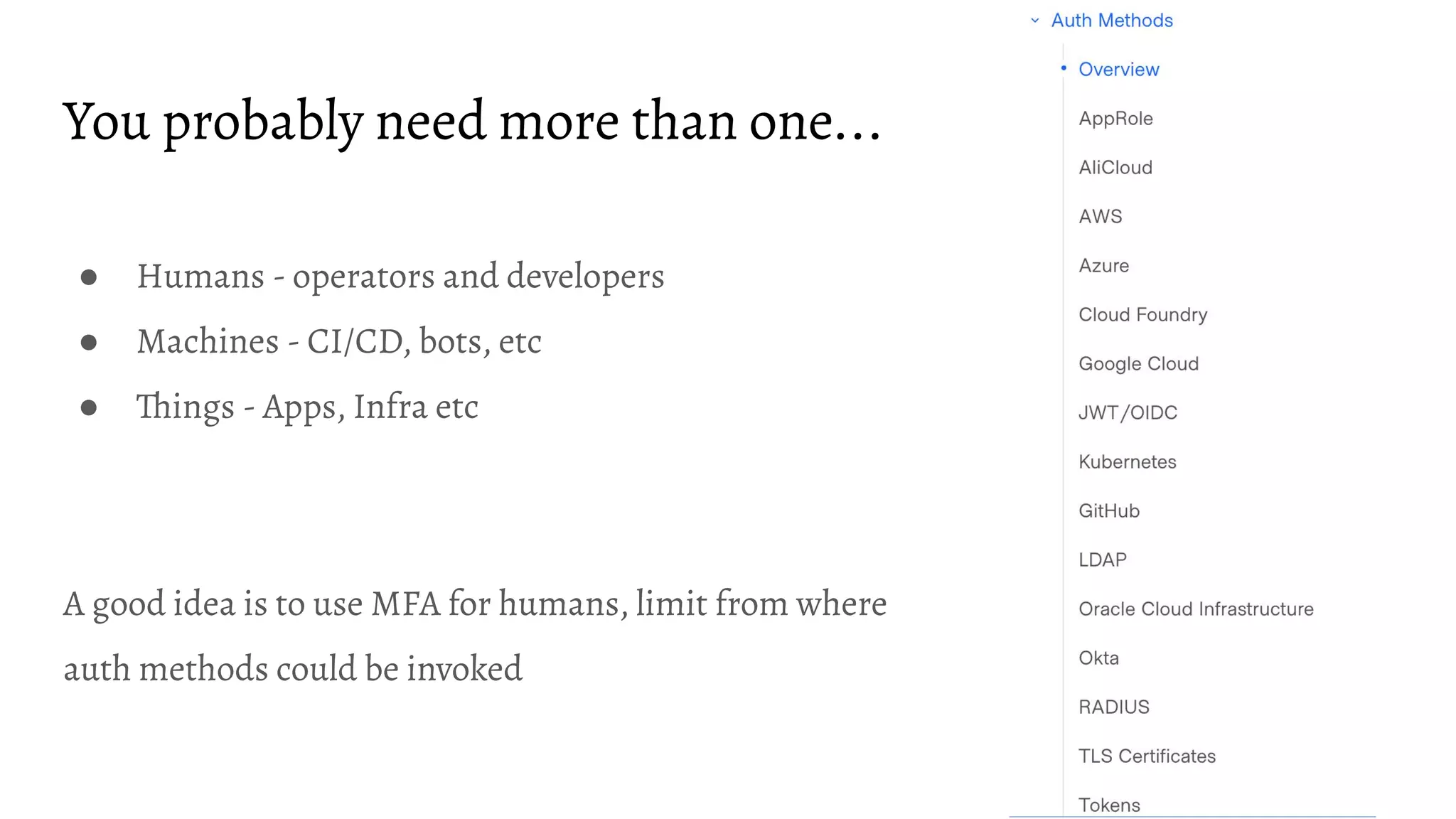
You probably need more than one...
● Humans - operators and developers
● Machines - CI/CD, bots, etc
● Things - Apps, Infra etc
A good idea is to use MFA for humans, limit from where
auth methods could be invoked
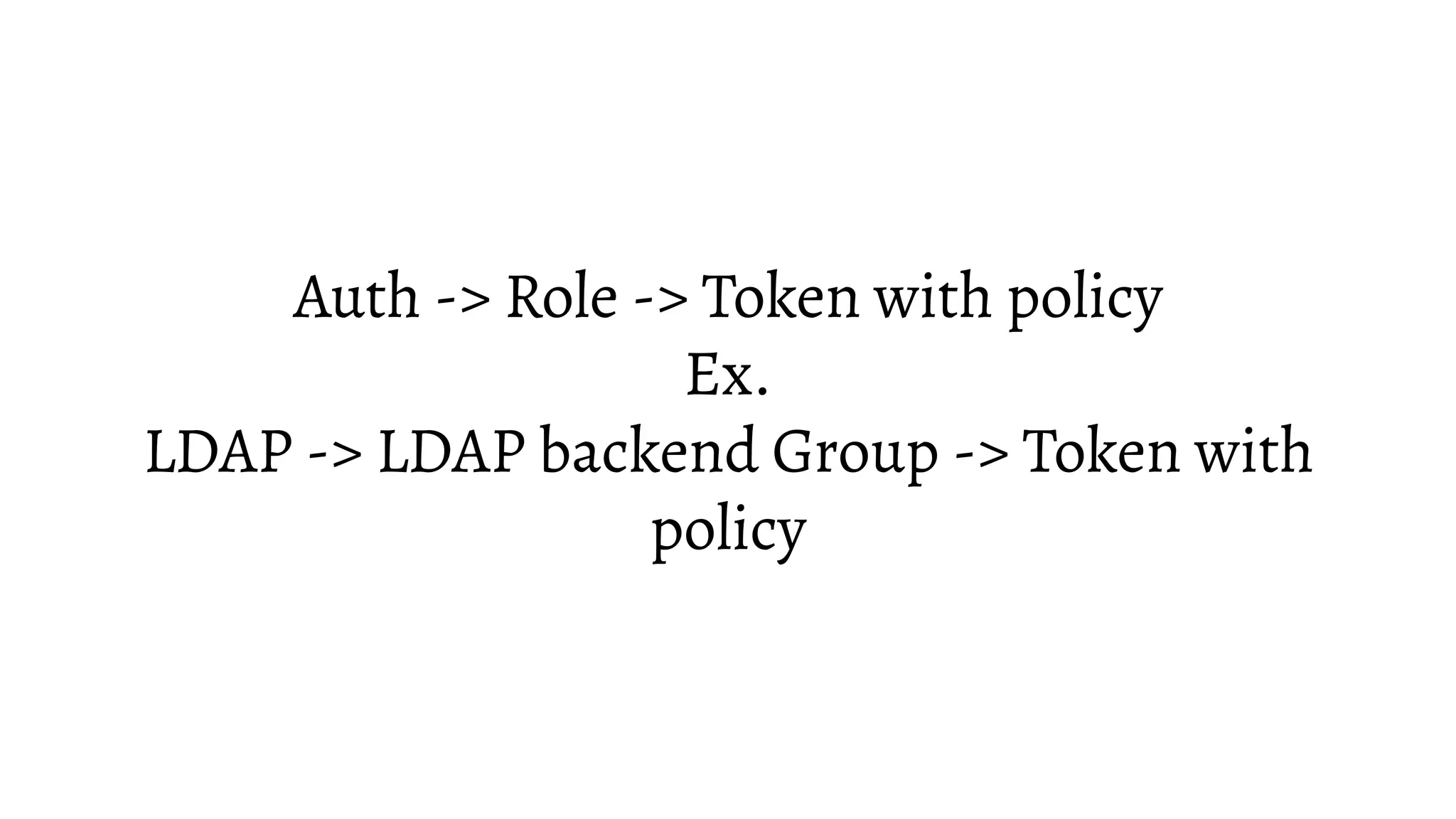
Auth -> Role -> Token with policy
Ex.
LDAP -> LDAP backend Group -> Token with
policy
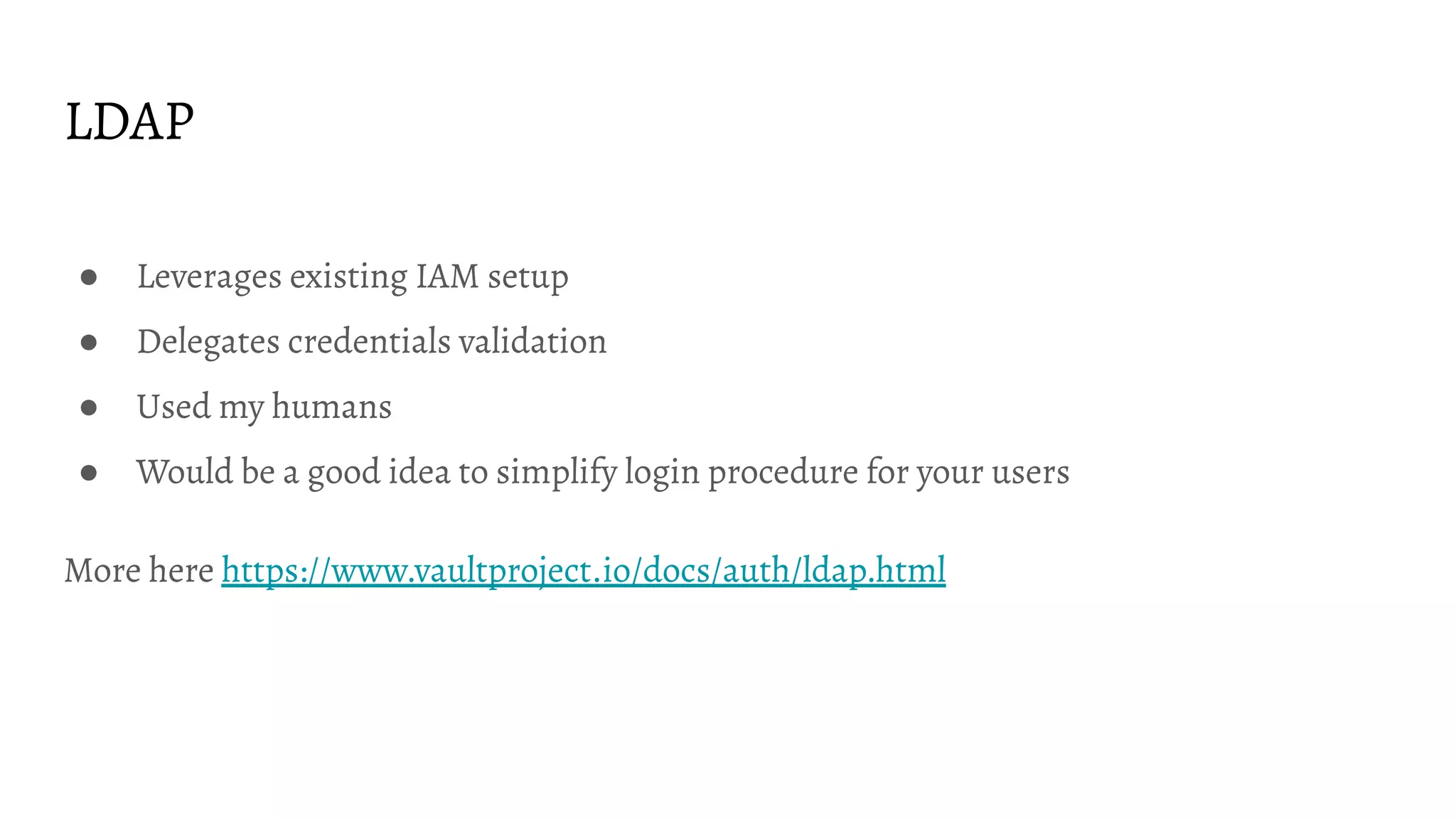
LDAP
● Leverages existing IAM setup
● Delegates credentials validation
● Used my humans
● Would be a good idea to simplify login procedure for your users
More here https://www.vaultproject.io/docs/auth/ldap.html
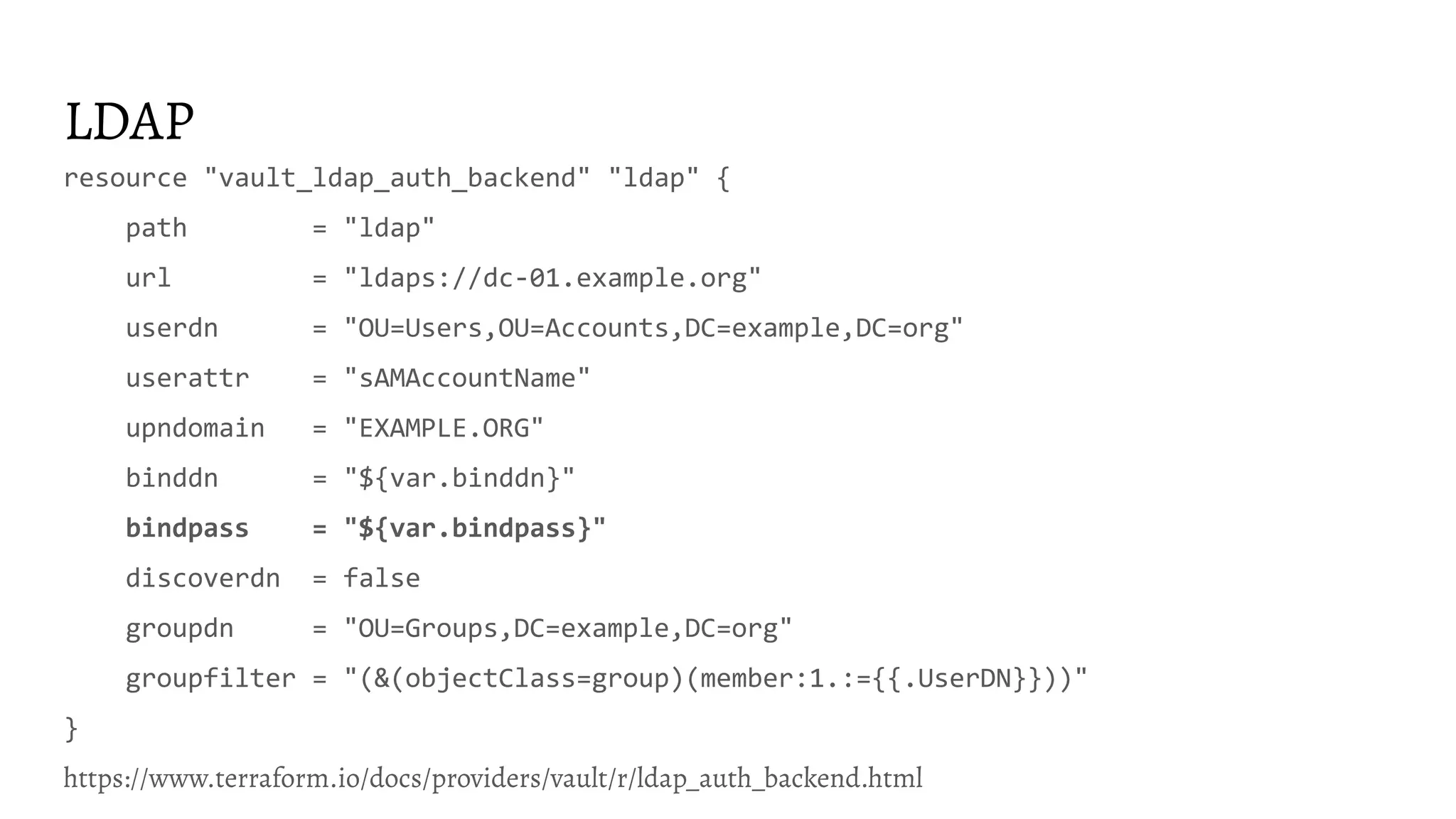
LDAP
resource "vault_ldap_auth_backend" "ldap" {
path = "ldap"
url = "ldaps://dc-01.example.org"
userdn = "OU=Users,OU=Accounts,DC=example,DC=org"
userattr = "sAMAccountName"
upndomain = "EXAMPLE.ORG"
binddn = "${var.binddn}"
bindpass = "${var.bindpass}"
discoverdn = false
groupdn = "OU=Groups,DC=example,DC=org"
groupfilter = "(&(objectClass=group)(member:1.:={{.UserDN}}))"
}
https://www.terraform.io/docs/providers/vault/r/ldap_auth_backend.html
LDAP role (backend group actually)
resource "vault_ldap_auth_backend_group" "group" {
groupname = "dba"
policies = ["dba"]
backend = "${vault_ldap_auth_backend.ldap.path}"
}
https://www.terraform.io/docs/providers/vault/r/ldap_auth_backend_group.html
Policy
data "vault_policy_document" "example" {
rule {
path = "secret/*"
capabilities = ["create", "read", "update", "delete", "list"]
description = "allow all on secrets"
}
}
resource "vault_policy" "example" {
name = "example_policy"
policy = "${data.vault_policy_document.example.hcl}"
}
https://www.terraform.io/docs/providers/vault/d/policy_document.html
Policy
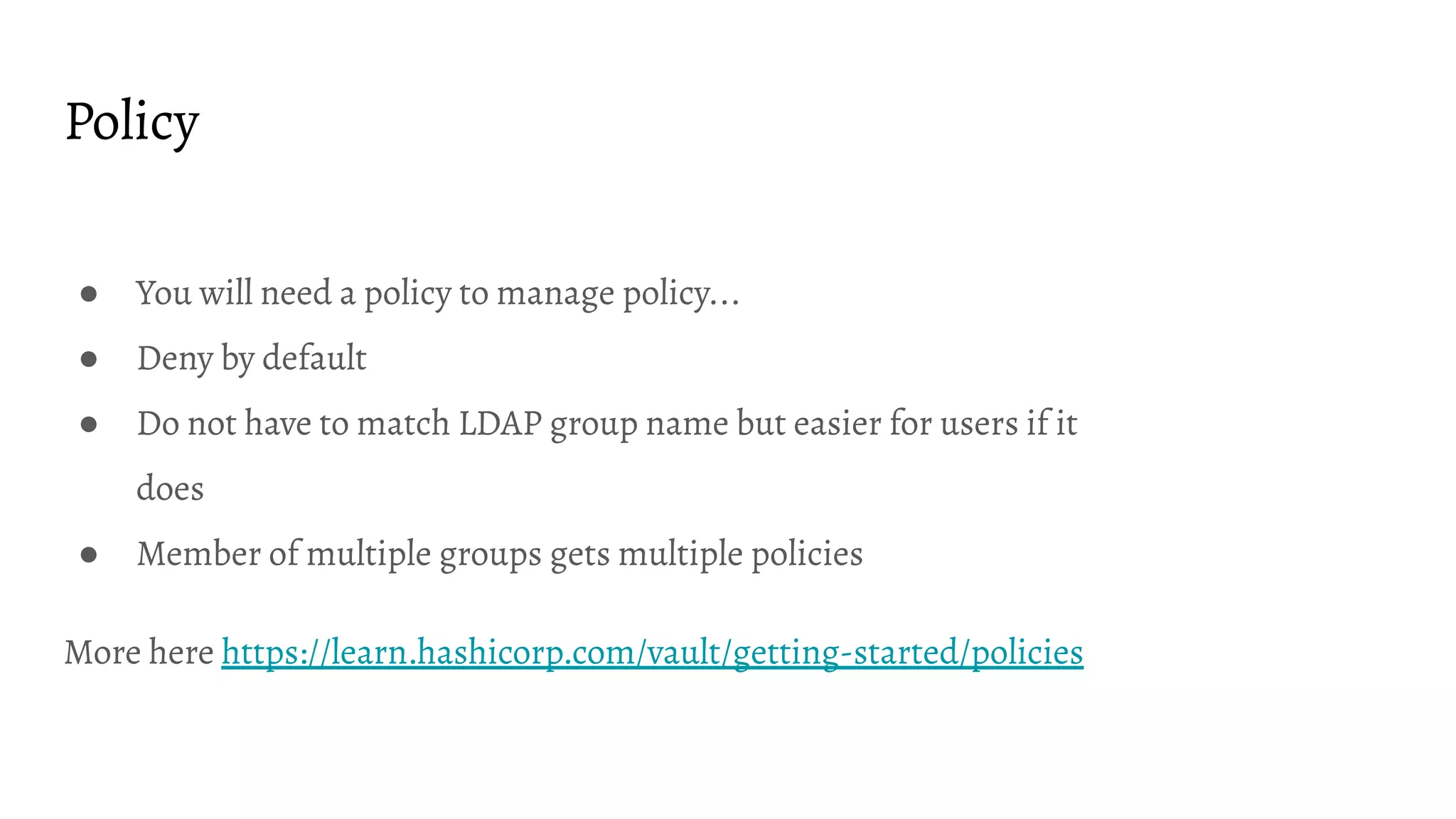
● You will need a policy to manage policy...
● Deny by default
● Do not have to match LDAP group name but easier for users if it
does
● Member of multiple groups gets multiple policies
More here https://learn.hashicorp.com/vault/getting-started/policies
Things to consider
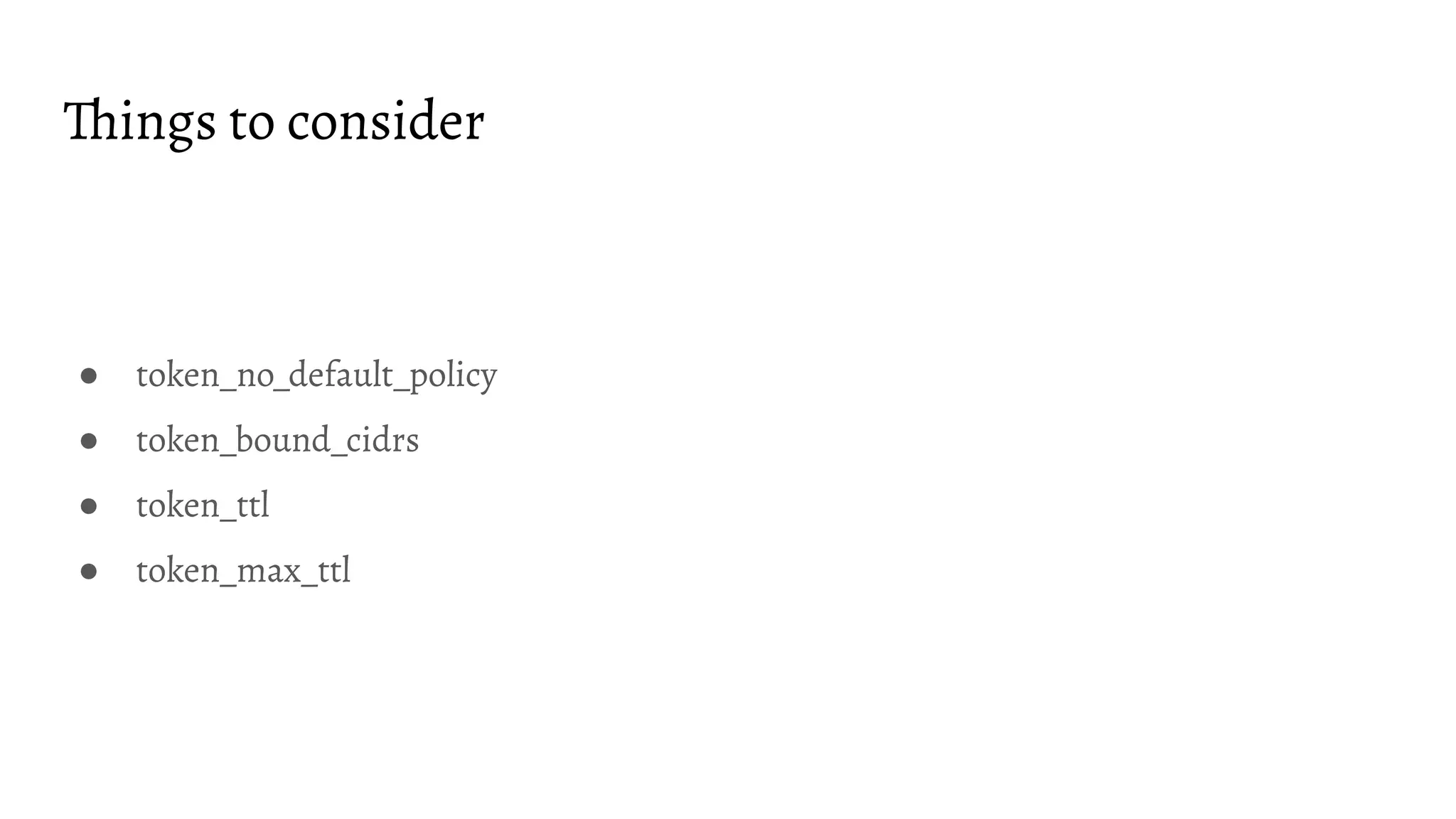
● token_no_default_policy
● token_bound_cidrs
● token_ttl
● token_max_ttl
AppRole if you really have to...
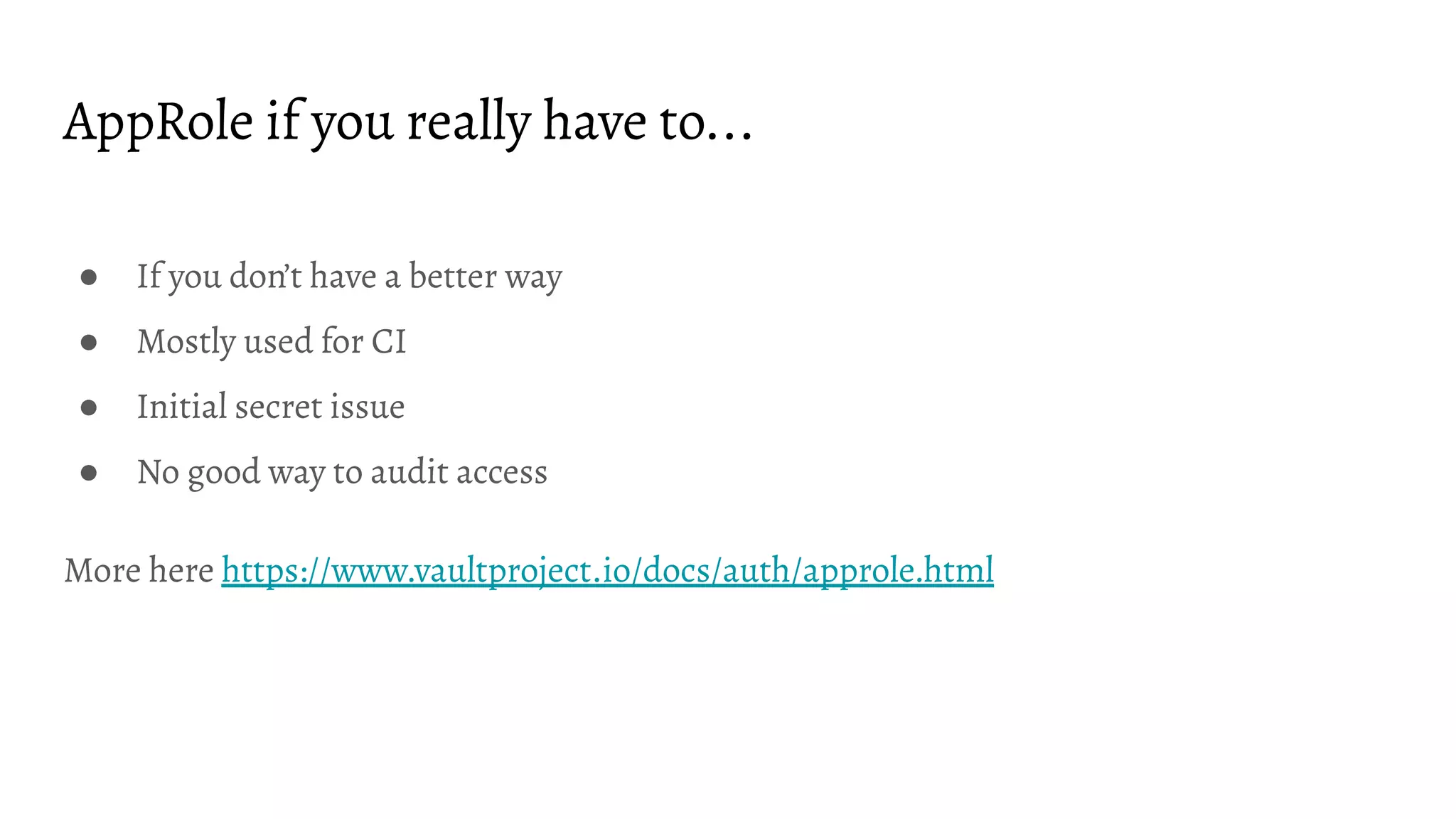
● If you don’t have a better way
● Mostly used for CI
● Initial secret issue
● No good way to audit access
More here https://www.vaultproject.io/docs/auth/approle.html
AppRole
resource "vault_auth_backend" "approle" {
type = "approle"
}
resource "vault_approle_auth_backend_role" "example" {
backend = vault_auth_backend.approle.path
role_name = "test-role"
token_policies = ["default", "dev", "prod"]
}
https://www.terraform.io/docs/providers/vault/r/approle_auth_backend_role.html
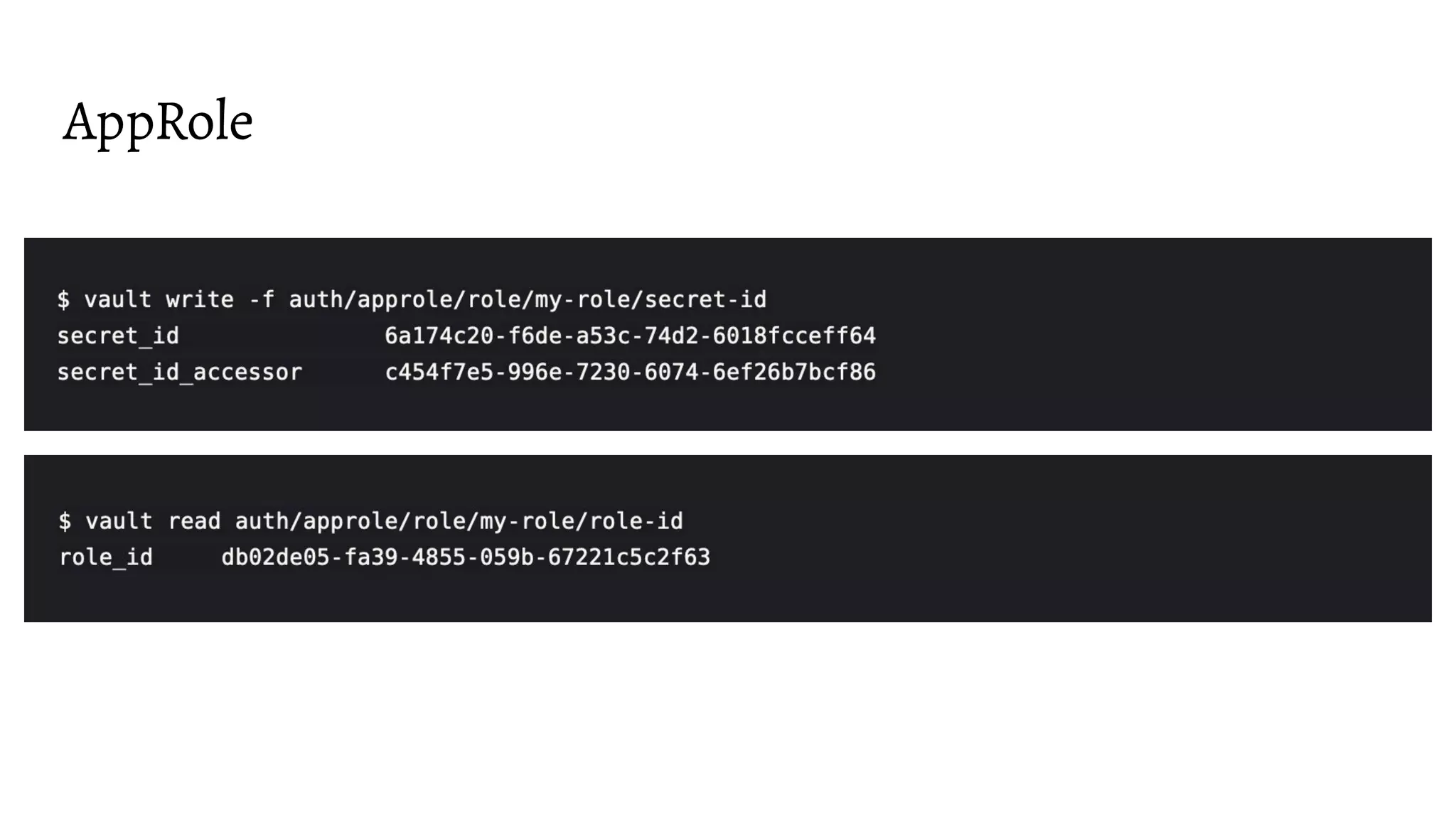
AppRole
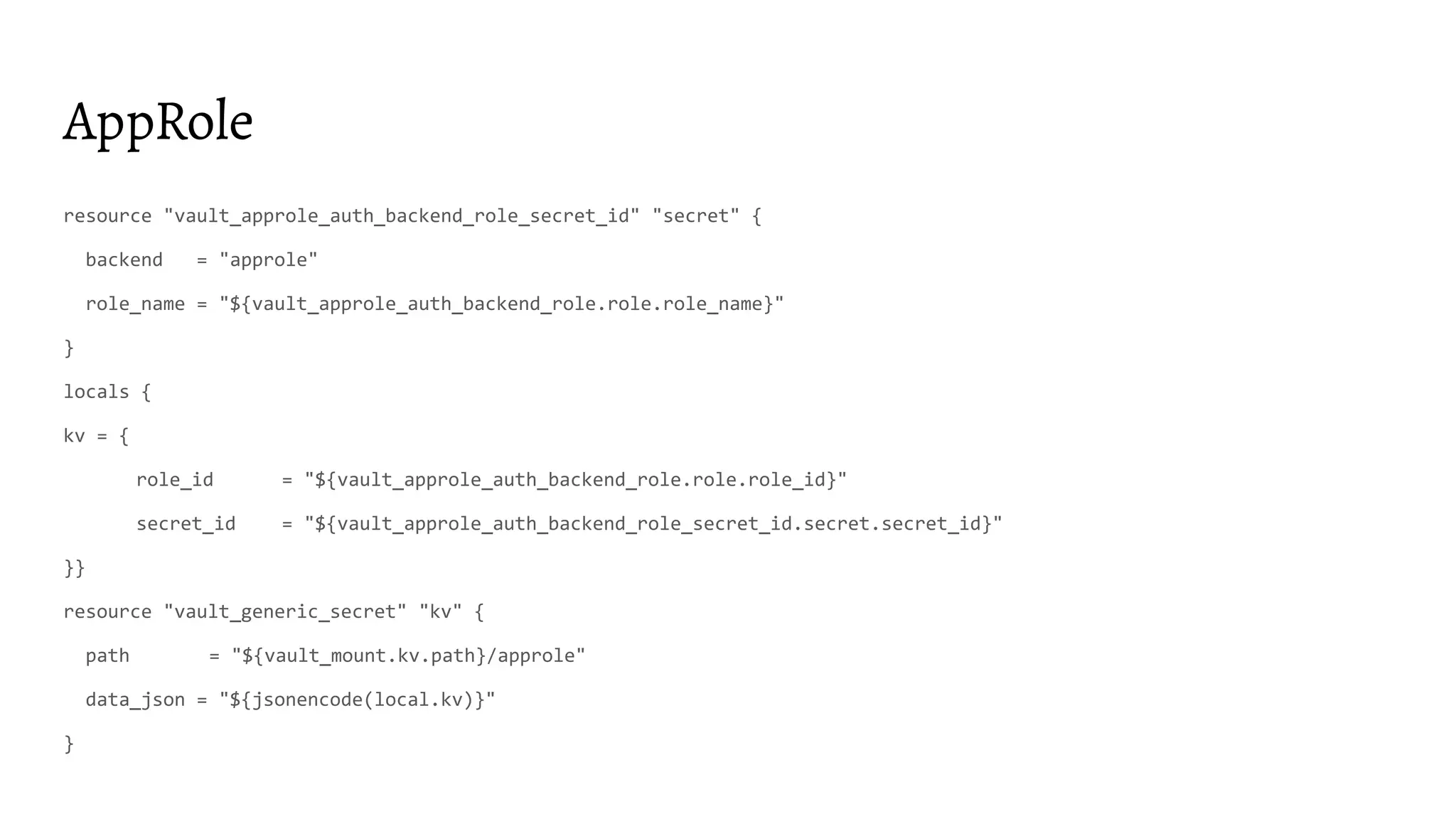
AppRole
resource "vault_approle_auth_backend_role_secret_id" "secret" {
backend = "approle"
role_name = "${vault_approle_auth_backend_role.role.role_name}"
}
locals {
kv = {
role_id = "${vault_approle_auth_backend_role.role.role_id}"
secret_id = "${vault_approle_auth_backend_role_secret_id.secret.secret_id}"
}}
resource "vault_generic_secret" "kv" {
path = "${vault_mount.kv.path}/approle"
data_json = "${jsonencode(local.kv)}"
}
Cloud IAM, K8S, etc
● Better way for non-interactive auth
● Leverages existing entities
● Delegates entity validation
AWS IAM
resource "vault_auth_backend" "aws" {
type = "aws"
}
resource "vault_aws_auth_backend_role" "this" {
backend = "${vault_auth_backend.aws.path}"
role = "ci-builder"
auth_type = "iam"
bound_iam_principal_arns = ["${data.aws_iam_role.ci_builder.arn}"]
token_ttl = 3600
token_max_ttl = 3600
token_policies = ["${vault_policy.ci_builder.name}"]
}
https://www.terraform.io/docs/providers/vault/r/aws_auth_backend_role.html
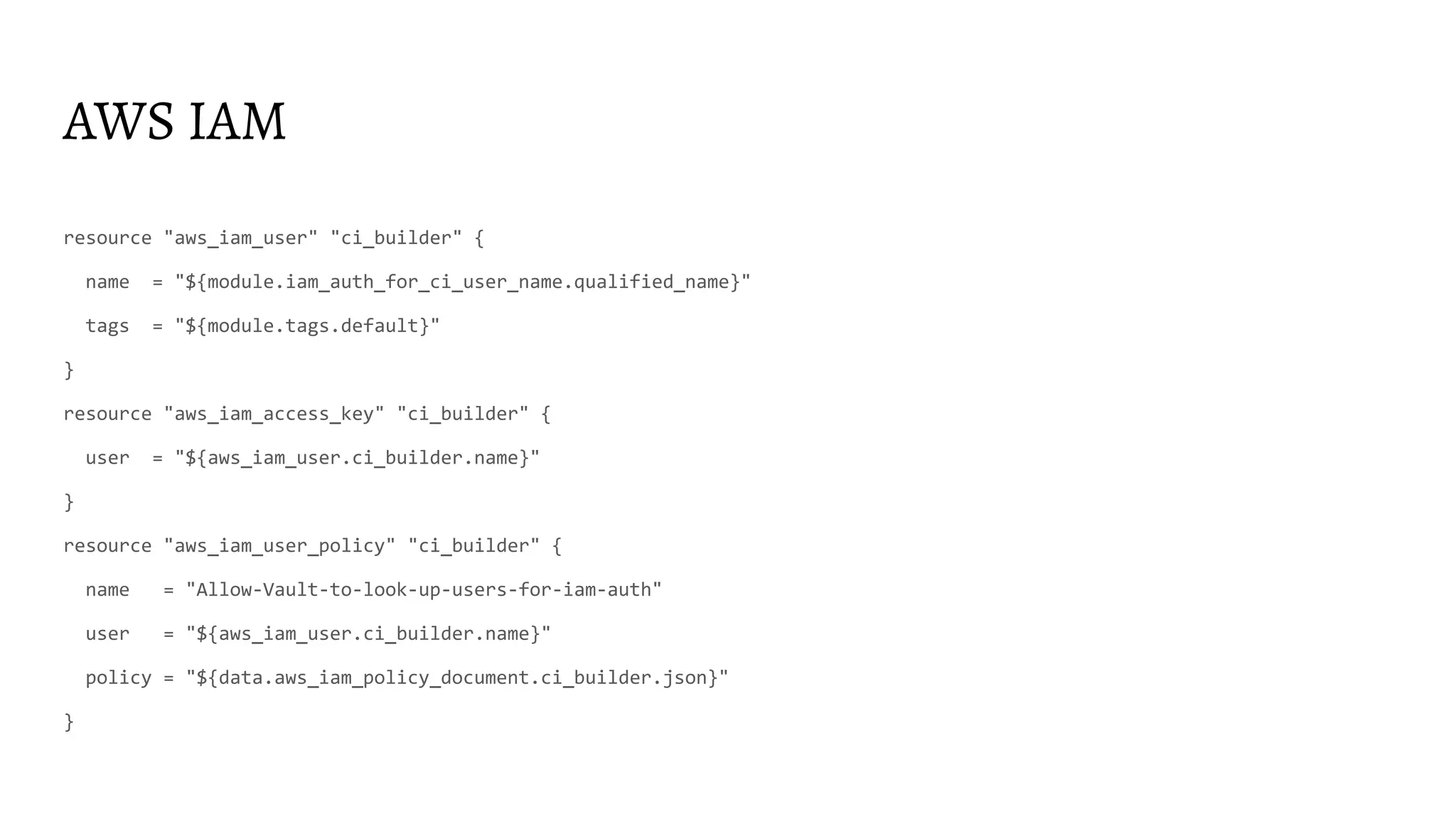
AWS IAM
resource "aws_iam_user" "ci_builder" {
name = "${module.iam_auth_for_ci_user_name.qualified_name}"
tags = "${module.tags.default}"
}
resource "aws_iam_access_key" "ci_builder" {
user = "${aws_iam_user.ci_builder.name}"
}
resource "aws_iam_user_policy" "ci_builder" {
name = "Allow-Vault-to-look-up-users-for-iam-auth"
user = "${aws_iam_user.ci_builder.name}"
policy = "${data.aws_iam_policy_document.ci_builder.json}"
}
AWS IAM
# https://www.vaultproject.io/docs/secrets/aws/index.html#example-iam-policy-for-vault
data "aws_iam_policy_document" "iam_auth_for_ci" {
statement {
effect = "Allow"
actions = ["iam:GetUser","iam:GetRole",]
resources = ["arn:aws:iam::${data.aws_caller_identity.i.account_id}:*"]
}
statement {
effect = "Allow"
actions = ["sts:AssumeRole"]
resources = ["arn:aws:iam::${data.aws_caller_identity.i.account_id}:role/vault-cluster*"]
}
}
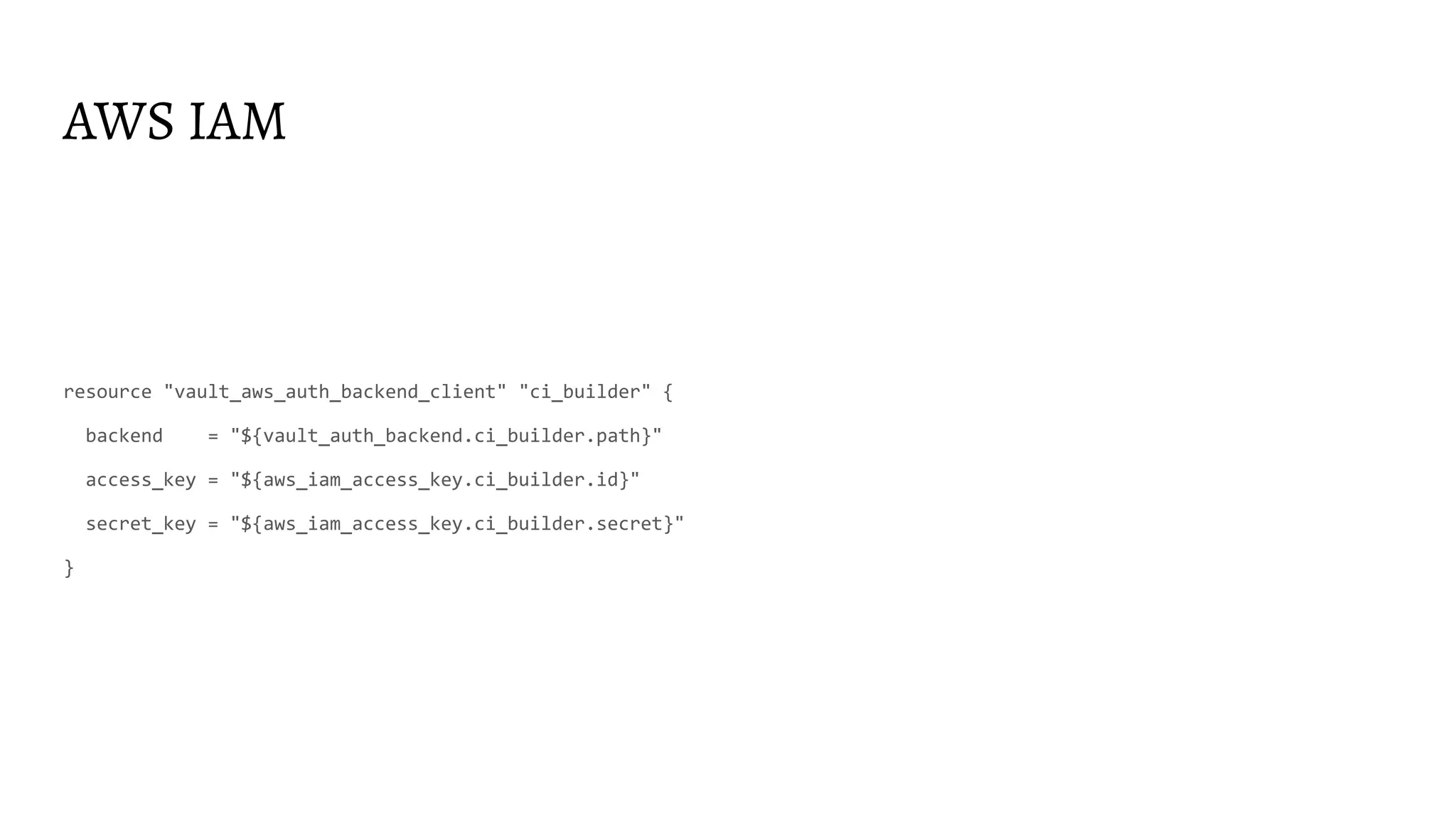
AWS IAM
resource "vault_aws_auth_backend_client" "ci_builder" {
backend = "${vault_auth_backend.ci_builder.path}"
access_key = "${aws_iam_access_key.ci_builder.id}"
secret_key = "${aws_iam_access_key.ci_builder.secret}"
}
K8S
Here are more details if you are interested
https://www.youtube.com/watch?v=t6ZKhY0-_cA
I got token. What is next?
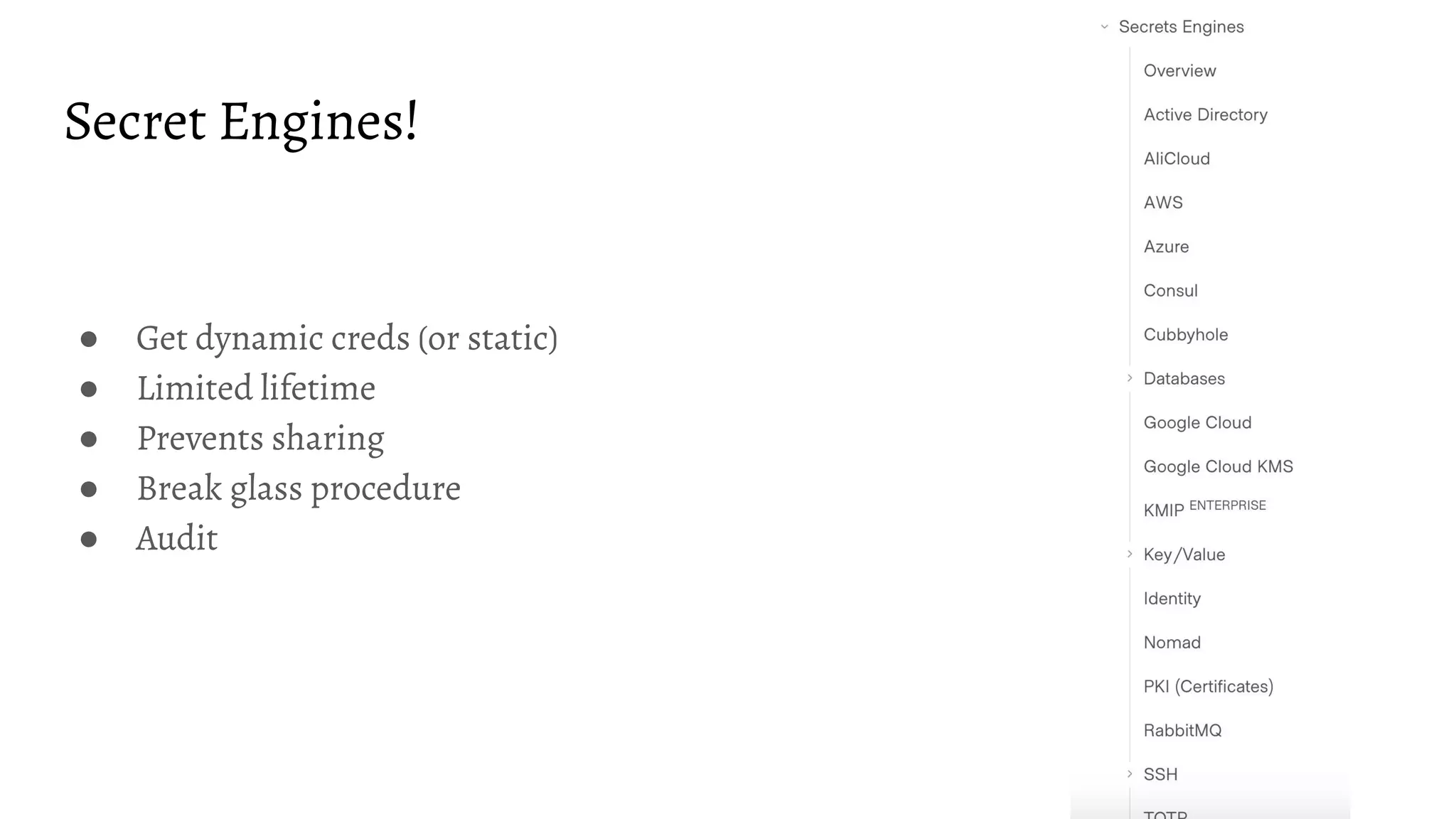
Secret Engines!
● Get dynamic creds (or static)
● Limited lifetime
● Prevents sharing
● Break glass procedure
● Audit
KV
Human initiated secret storage for static secrets
and
Machine initiated-readable storage for static secrets
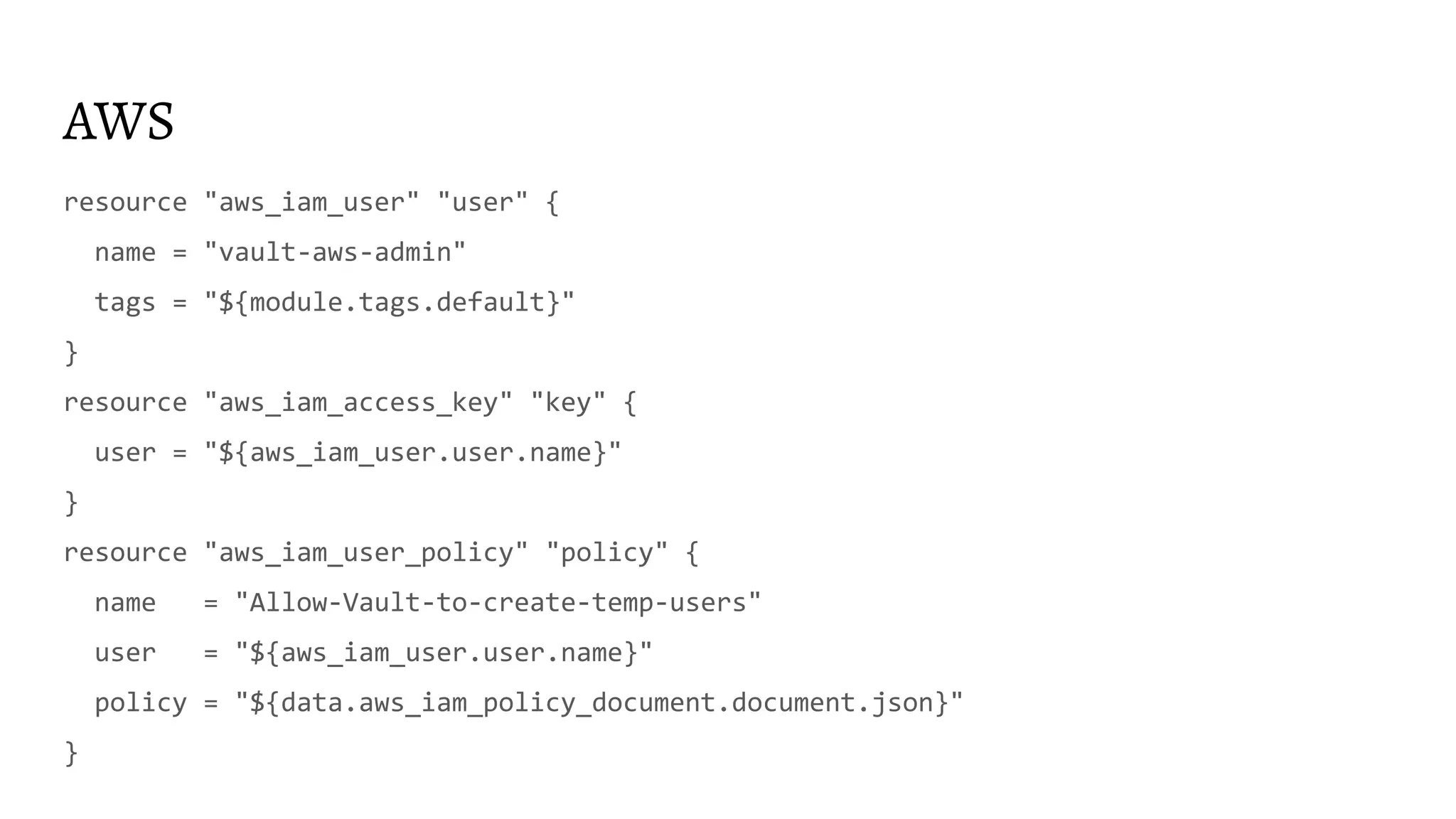
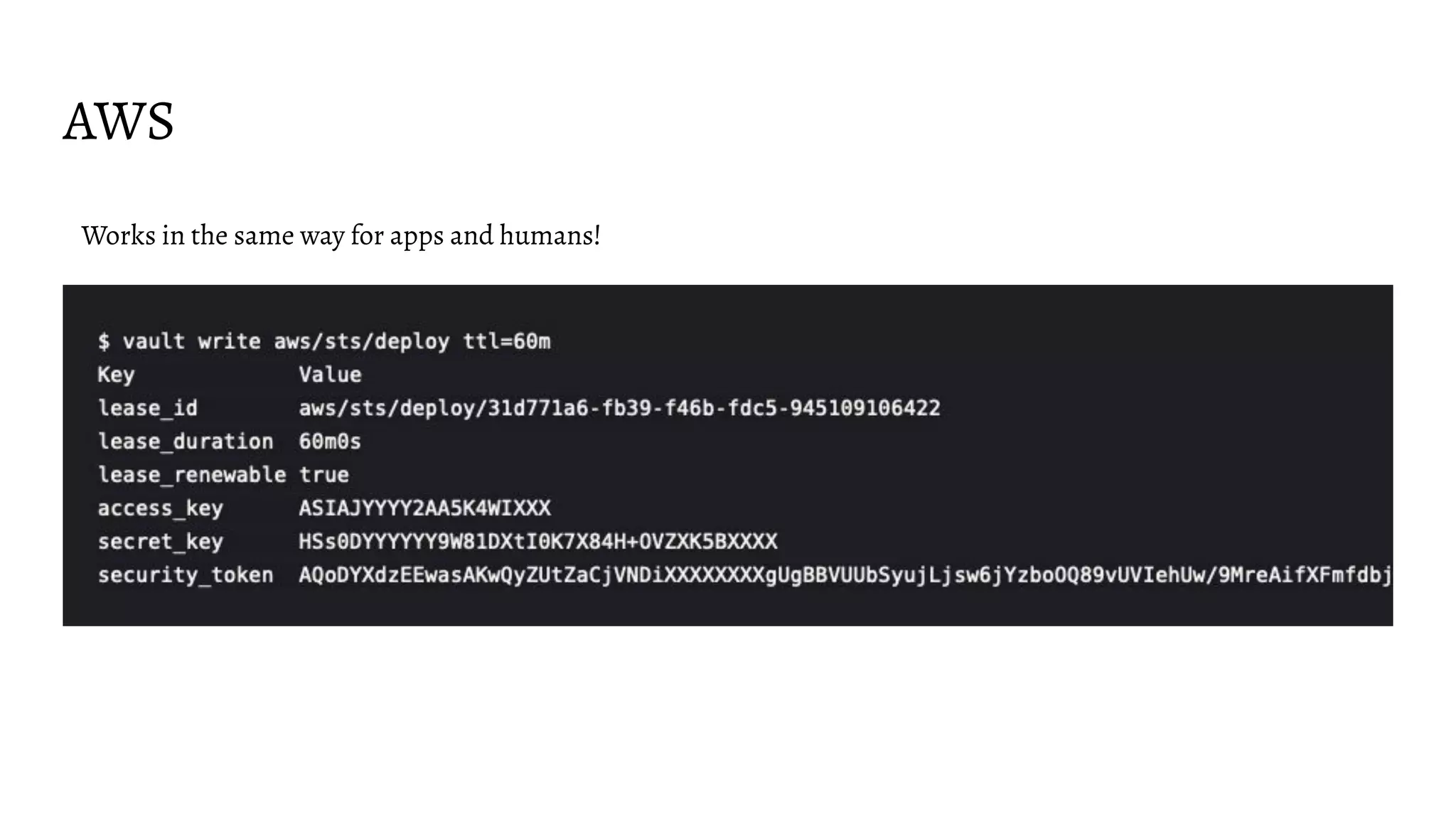
AWS
resource "aws_iam_user" "user" {
name = "vault-aws-admin"
tags = "${module.tags.default}"
}
resource "aws_iam_access_key" "key" {
user = "${aws_iam_user.user.name}"
}
resource "aws_iam_user_policy" "policy" {
name = "Allow-Vault-to-create-temp-users"
user = "${aws_iam_user.user.name}"
policy = "${data.aws_iam_policy_document.document.json}"
}
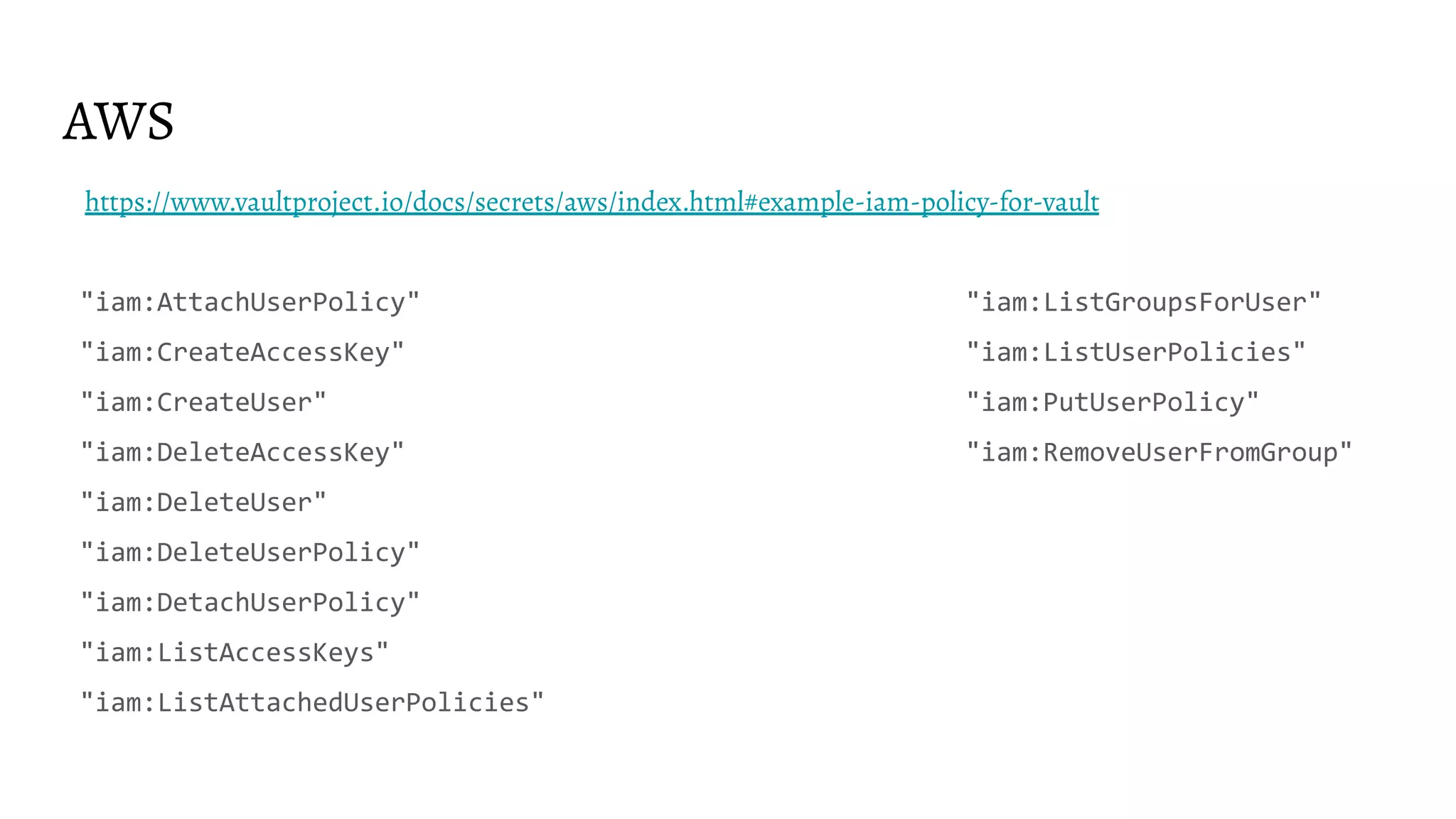
AWS
https://www.vaultproject.io/docs/secrets/aws/index.html#example-iam-policy-for-vault
"iam:AttachUserPolicy" "iam:ListGroupsForUser"
"iam:CreateAccessKey" "iam:ListUserPolicies"
"iam:CreateUser" "iam:PutUserPolicy"
"iam:DeleteAccessKey" "iam:RemoveUserFromGroup"
"iam:DeleteUser"
"iam:DeleteUserPolicy"
"iam:DetachUserPolicy"
"iam:ListAccessKeys"
"iam:ListAttachedUserPolicies"
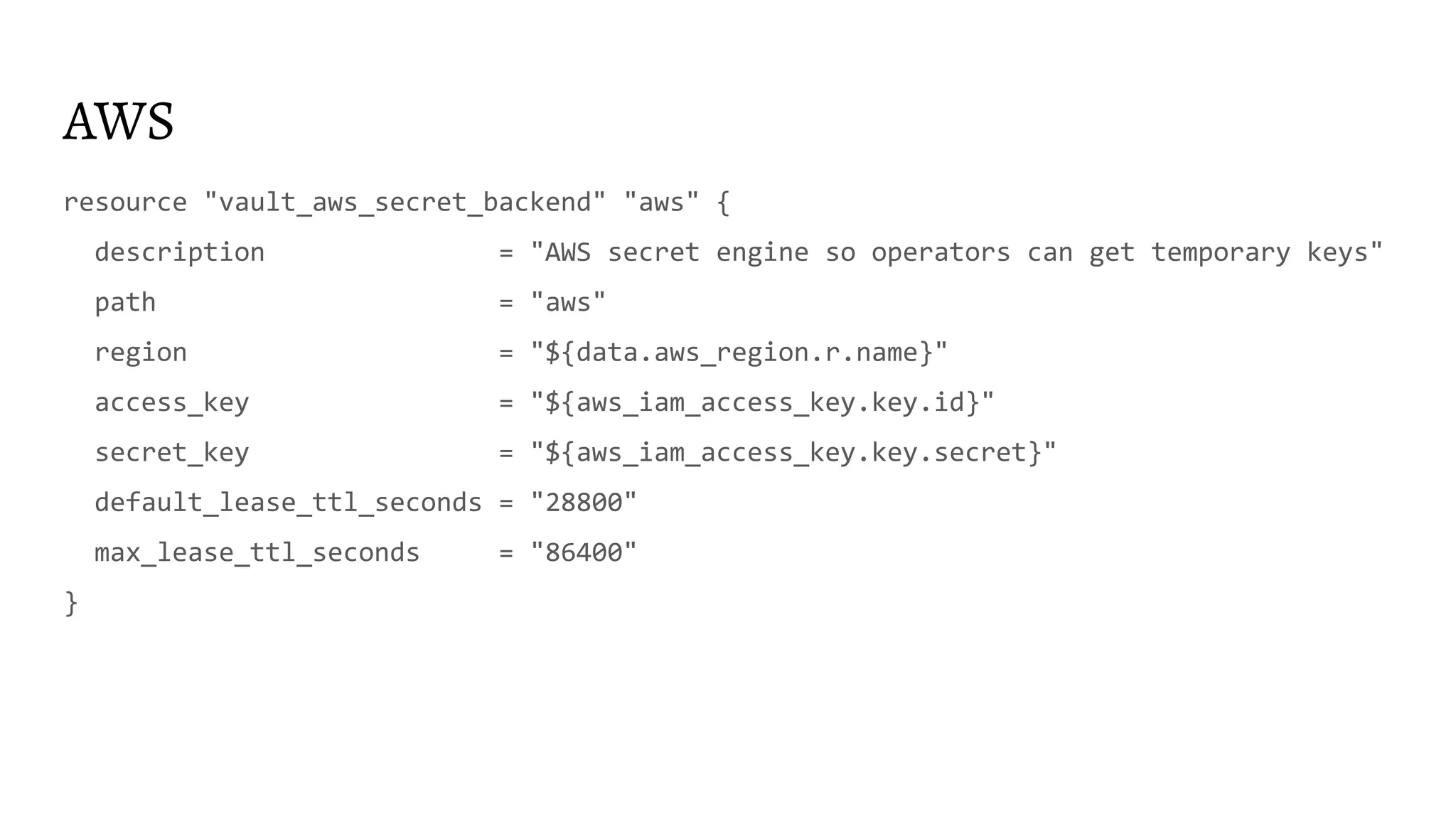
AWS
resource "vault_aws_secret_backend" "aws" {
description = "AWS secret engine so operators can get temporary keys"
path = "aws"
region = "${data.aws_region.r.name}"
access_key = "${aws_iam_access_key.key.id}"
secret_key = "${aws_iam_access_key.key.secret}"
default_lease_ttl_seconds = "28800"
max_lease_ttl_seconds = "86400"
}
AWS
resource "aws_iam_role" "admin" {
name = "admin"
max_session_duration = "28800"
assume_role_policy = "${data.aws_iam_policy_document.trust.json}"
tags = "${module.tags.default}"
}
resource "vault_aws_secret_backend_role" "access-aws-admin-role" {
backend = "${vault_aws_secret_backend.aws.path}"
name = "access-aws-admin-role"
role_arns = ["${aws_iam_role.admin.arn}"]
credential_type = "assumed_role"
}
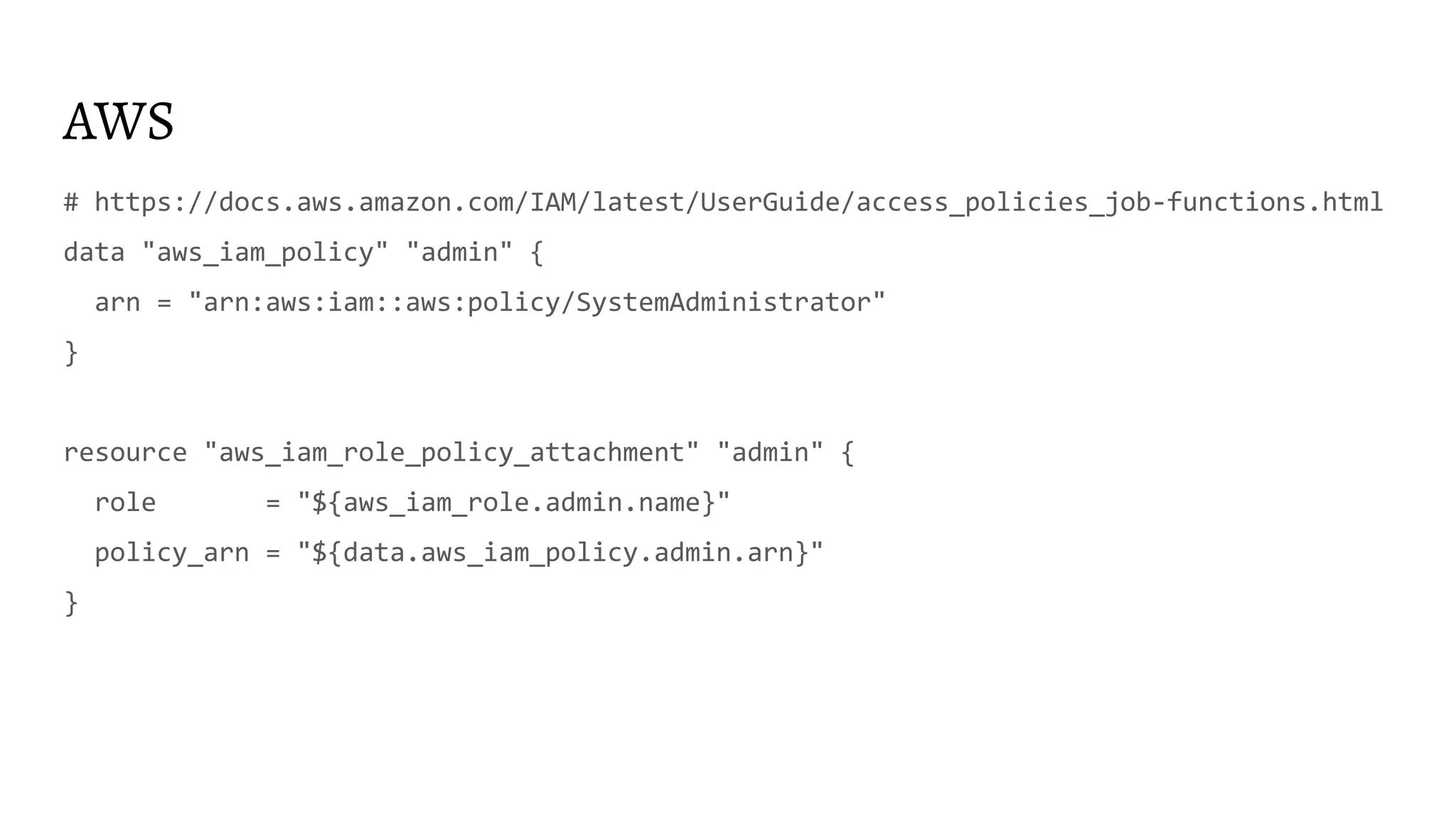
AWS
# https://docs.aws.amazon.com/IAM/latest/UserGuide/access_policies_job-functions.html
data "aws_iam_policy" "admin" {
arn = "arn:aws:iam::aws:policy/SystemAdministrator"
}
resource "aws_iam_role_policy_attachment" "admin" {
role = "${aws_iam_role.admin.name}"
policy_arn = "${data.aws_iam_policy.admin.arn}"
}
AWS
data "aws_iam_policy_document" "trust" {
statement {
effect = "Allow"
actions = ["sts:AssumeRole"]
principals {
type = "AWS"
identifiers = ["${aws_iam_user.user.arn}"]
}
}
}
AWS
Works in the same way for apps and humans!
AWS
Use temporary AWS creds to generate sign-in AWS console URL! No SSO needed!
https://docs.aws.amazon.com/IAM/latest/UserGuide/id_roles_providers_enable-console
-custom-url.html
For more inspiration https://youtu.be/Y0er4UCmqiA
Database creds
● Creation and revocation statements are hard
● If not done right Vault won’t be able to revoke creds
● Consider RDS IAM auth where possible
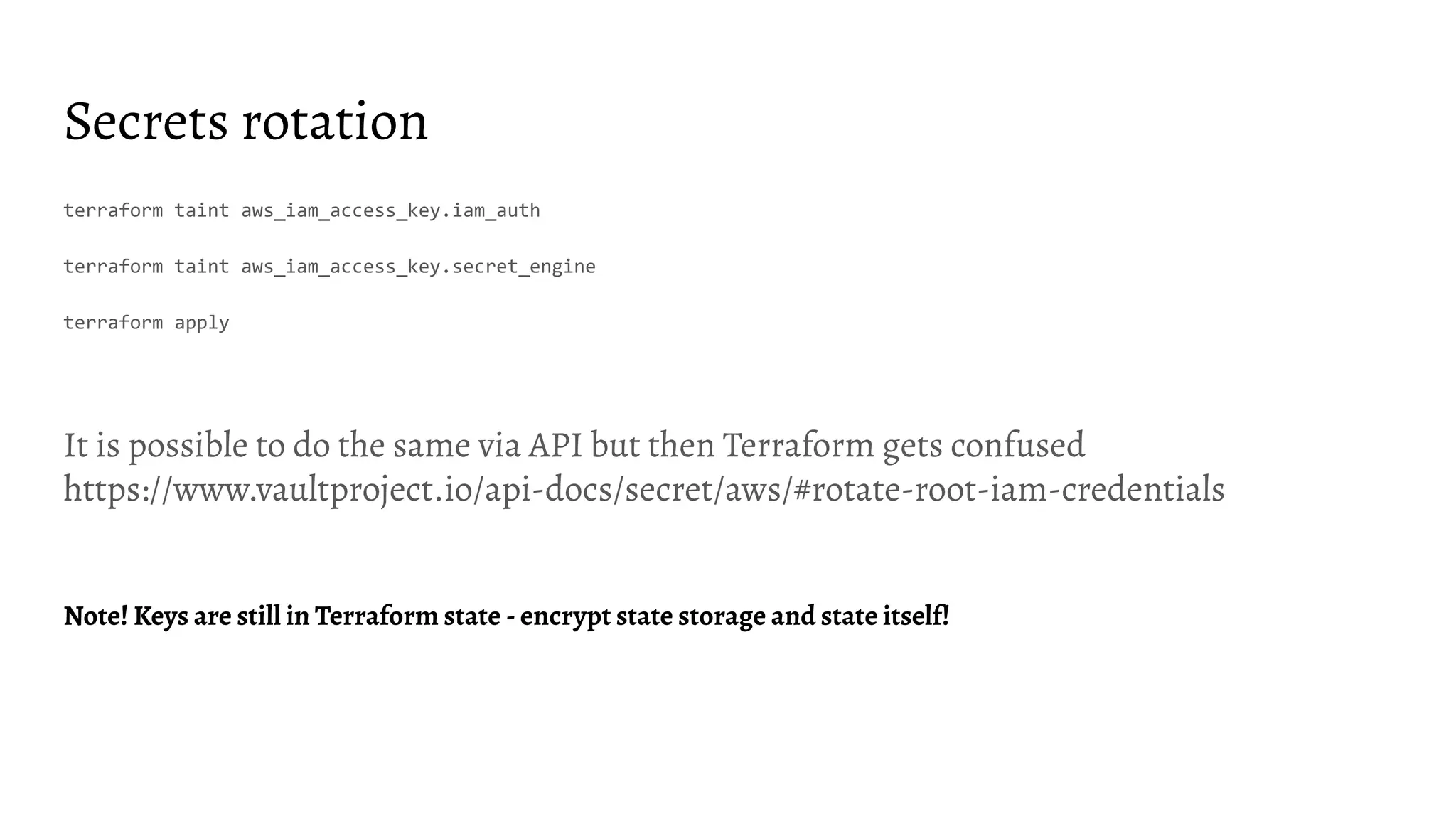
Secrets rotation
DB_SECRET_ENGINE_MOUNTS=$(vault secrets list -format=json | jq -r '. | to_entries[] | select(.value.type |
startswith("database")) | .key')
for DB_SECRET_ENGINE_MOUNT in ${DB_SECRET_ENGINE_MOUNTS}; do
DB_CONNECTION_NAMES=$(vault list -format=json ${DB_SECRET_ENGINE_MOUNT}config | jq --raw-output .[])
for DB_CONNECTION_NAME in ${DB_CONNECTION_NAMES}; do
vault write -force ${DB_SECRET_ENGINE_MOUNT}rotate-root/${DB_CONNECTION_NAME}
done
done
Secrets rotation
terraform taint aws_iam_access_key.iam_auth
terraform taint aws_iam_access_key.secret_engine
terraform apply
It is possible to do the same via API but then Terraform gets confused
https://www.vaultproject.io/api-docs/secret/aws/#rotate-root-iam-credentials
Note! Keys are still in Terraform state - encrypt state storage and state itself!
Unexpected findings
KV state issue
● Terraform provider for Vault in some cases(?) does not re-read KV and newly added
values are not readable/found
● terraform state rm data-source
data "vault_generic_secret" "rundeck_auth" {
path = "secret/rundeck_auth"
}
provider "rundeck" {
url = "http://rundeck.example.com/"
auth_token = "${data.vault_generic_secret.rundeck_auth.data["auth_token"]}"
}
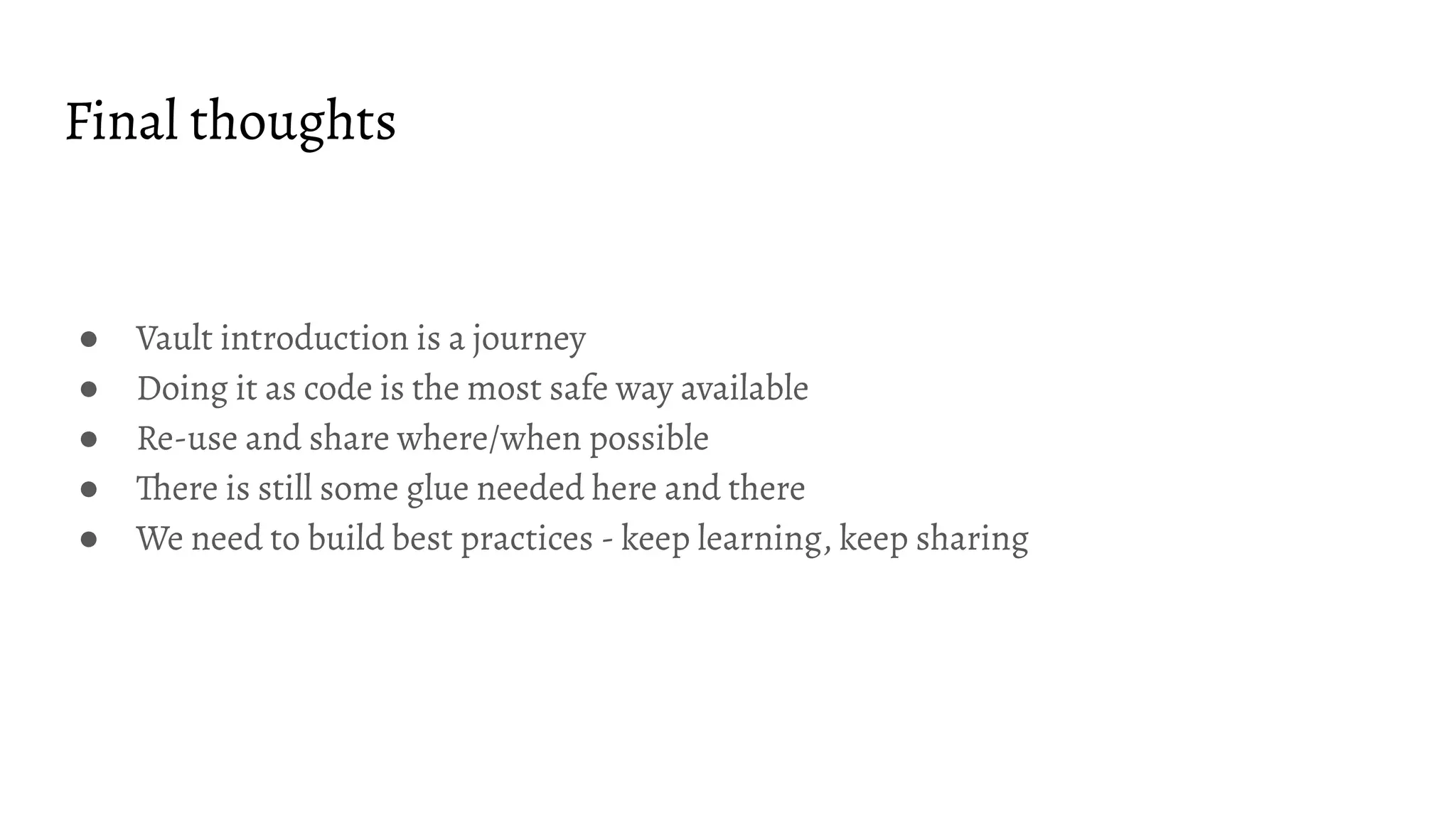
Final thoughts
● Vault introduction is a journey
● Doing it as code is the most safe way available
● Re-use and share where/when possible
● There is still some glue needed here and there
● We need to build best practices - keep learning, keep sharing
Thanks!
Questions?
@andrey9kin
info@andreydevyatkin.com
https://andreydevyatkin.com
https://www.linkedin.com/in/andreydevyatkin/

2020-02-20 - HashiTalks 2020 - HashiCorp Vault configuration as code via HashiCorp Terraform: stories from trenches

  • 1.
    Vault configuration ascode via Terraform: stories from trenches Andrey Devyatkin HashiTalks 2020
  • 3.
  • 4.
    On your productionservers... During outage
  • 5.
    On your productionservers... During outage or Intrusion
  • 6.
    Why this presentation?What to expect? ● Not pretending to be an expert just sharing what worked/what didn’t and hopefully save some time for some of you ● Technical details and references ● Slides will be available online - you don’t have to remember/photo/screenshot everything
  • 8.
    I’m Andrey ● Enjoyinglife as technology specialist, father and endurance athlete ● 10+ years in the industry ● Writing tools ● Fixing automation, projects and organisations ● Meetups/conferences organizer ● Speaker ● Trainer ● Certified this and that
  • 9.
    Terraform ● Infrastructure ascode ● Execution plans ● Resource graph ● Change automation ● Open Source modules ● Providers for almost everything
  • 10.
    Vault ● Centrally ManageSecrets to Reduce Secrets Sprawl ● Shift from static secrets to short-time dynamically generated ones ● Avoid shared secrets thus better audit trail ● Protect Sensitive Data Across Clouds and Private Data Centers ● Break glass procedure
  • 11.
    Where do westart? Collect requirements and clarify context
  • 12.
    Questions to ask- deployment and operations ● Where to deploy? VM? Container? Baremetal? ● Patch or scratch? ● How to access? VPN? Public? Service mesh? ● How to unseal? ● How to get in initial secrets? (Ex. TLS) ● What storage is available? ● Where to stream logs? ● Where to stream telemetry? ● How to extract audit files? ● Multi-datacenter? ● One per env or one for all?
  • 13.
    Look for bestpractices and templates ● https://registry.terraform.io/modules/hashicorp/vault/aws/0.0.9/submodules/vault -cluster ● https://www.gruntwork.io/infrastructure-as-code-library/v0.13.3/terraform-aws-va ult/modules/vault-cluster ● https://github.com/hashicorp/vault-helm ● https://learn.hashicorp.com/vault/operations/ops-reference-architecture
  • 14.
    Vault production (min)readiness checklist ● TLS termination ● Vault HA storage - ACL and encryption ● Local storage encryption ● Auto-unseal using KMS ● Stripped down image, infra as code, encryption, minimal exec rights ● No ssh or other kind of remote access, NACL for outgoing traffic ● IDS ● Backups and DR ● Logs and telemetry export from the node ● Audit on, sync audit files to remote storage, integrity check for audit files ● Sync audit files to archive ● MFA delete on for archive buckets ● Audit files parsing and anomaly detection ● Availability/performance monitoring and alerting More here https://learn.hashicorp.com/vault/operations/production-hardening
  • 15.
    split Vault deployment/infraTerraform spec and Vault configuration Terraform spec
  • 16.
    Vault is upand running. What is next?
  • 17.
    To start configuringVault via Terraform we need... ● Vault URL configured as VAULT_ADDR env variable ● Vault token (root token will do for the start but revoke it afterwards together with the rest of the root tokens) ● A good idea what are you after… More here https://www.youtube.com/watch?v=fOybhcbuxJ0 and here https://www.terraform.io/docs/providers/vault/index.html
  • 18.
    Token Be aware ofTTL and Max TTL
  • 19.
    One slide Vaultintro LDAP k8s App Role AWS ... Auth methods Vault token AWS Data base Secret Engines Rabbit MQ PKI Database login credentials AWS access keys RabbitMQ logic credentials Certificates Lease Audit device More here https://www.youtube.com/watch?v=VYfl-DpZ5wM KV Transit Encrypted data Secret value Vault policies
  • 20.
    Auth methods andpolicies Boring, hard but very important
  • 21.
    You probably needmore than one... ● Humans - operators and developers ● Machines - CI/CD, bots, etc ● Things - Apps, Infra etc A good idea is to use MFA for humans, limit from where auth methods could be invoked
  • 22.
    Auth -> Role-> Token with policy Ex. LDAP -> LDAP backend Group -> Token with policy
  • 23.
    LDAP ● Leverages existingIAM setup ● Delegates credentials validation ● Used my humans ● Would be a good idea to simplify login procedure for your users More here https://www.vaultproject.io/docs/auth/ldap.html
  • 24.
    LDAP resource "vault_ldap_auth_backend" "ldap"{ path = "ldap" url = "ldaps://dc-01.example.org" userdn = "OU=Users,OU=Accounts,DC=example,DC=org" userattr = "sAMAccountName" upndomain = "EXAMPLE.ORG" binddn = "${var.binddn}" bindpass = "${var.bindpass}" discoverdn = false groupdn = "OU=Groups,DC=example,DC=org" groupfilter = "(&(objectClass=group)(member:1.:={{.UserDN}}))" } https://www.terraform.io/docs/providers/vault/r/ldap_auth_backend.html
  • 25.
    LDAP role (backendgroup actually) resource "vault_ldap_auth_backend_group" "group" { groupname = "dba" policies = ["dba"] backend = "${vault_ldap_auth_backend.ldap.path}" } https://www.terraform.io/docs/providers/vault/r/ldap_auth_backend_group.html
  • 26.
    Policy data "vault_policy_document" "example"{ rule { path = "secret/*" capabilities = ["create", "read", "update", "delete", "list"] description = "allow all on secrets" } } resource "vault_policy" "example" { name = "example_policy" policy = "${data.vault_policy_document.example.hcl}" } https://www.terraform.io/docs/providers/vault/d/policy_document.html
  • 27.
    Policy ● You willneed a policy to manage policy... ● Deny by default ● Do not have to match LDAP group name but easier for users if it does ● Member of multiple groups gets multiple policies More here https://learn.hashicorp.com/vault/getting-started/policies
  • 28.
    Things to consider ●token_no_default_policy ● token_bound_cidrs ● token_ttl ● token_max_ttl
  • 29.
    AppRole if youreally have to... ● If you don’t have a better way ● Mostly used for CI ● Initial secret issue ● No good way to audit access More here https://www.vaultproject.io/docs/auth/approle.html
  • 30.
    AppRole resource "vault_auth_backend" "approle"{ type = "approle" } resource "vault_approle_auth_backend_role" "example" { backend = vault_auth_backend.approle.path role_name = "test-role" token_policies = ["default", "dev", "prod"] } https://www.terraform.io/docs/providers/vault/r/approle_auth_backend_role.html
  • 31.
  • 32.
    AppRole resource "vault_approle_auth_backend_role_secret_id" "secret"{ backend = "approle" role_name = "${vault_approle_auth_backend_role.role.role_name}" } locals { kv = { role_id = "${vault_approle_auth_backend_role.role.role_id}" secret_id = "${vault_approle_auth_backend_role_secret_id.secret.secret_id}" }} resource "vault_generic_secret" "kv" { path = "${vault_mount.kv.path}/approle" data_json = "${jsonencode(local.kv)}" }
  • 33.
    Cloud IAM, K8S,etc ● Better way for non-interactive auth ● Leverages existing entities ● Delegates entity validation
  • 34.
    AWS IAM resource "vault_auth_backend""aws" { type = "aws" } resource "vault_aws_auth_backend_role" "this" { backend = "${vault_auth_backend.aws.path}" role = "ci-builder" auth_type = "iam" bound_iam_principal_arns = ["${data.aws_iam_role.ci_builder.arn}"] token_ttl = 3600 token_max_ttl = 3600 token_policies = ["${vault_policy.ci_builder.name}"] } https://www.terraform.io/docs/providers/vault/r/aws_auth_backend_role.html
  • 35.
    AWS IAM resource "aws_iam_user""ci_builder" { name = "${module.iam_auth_for_ci_user_name.qualified_name}" tags = "${module.tags.default}" } resource "aws_iam_access_key" "ci_builder" { user = "${aws_iam_user.ci_builder.name}" } resource "aws_iam_user_policy" "ci_builder" { name = "Allow-Vault-to-look-up-users-for-iam-auth" user = "${aws_iam_user.ci_builder.name}" policy = "${data.aws_iam_policy_document.ci_builder.json}" }
  • 36.
    AWS IAM # https://www.vaultproject.io/docs/secrets/aws/index.html#example-iam-policy-for-vault data"aws_iam_policy_document" "iam_auth_for_ci" { statement { effect = "Allow" actions = ["iam:GetUser","iam:GetRole",] resources = ["arn:aws:iam::${data.aws_caller_identity.i.account_id}:*"] } statement { effect = "Allow" actions = ["sts:AssumeRole"] resources = ["arn:aws:iam::${data.aws_caller_identity.i.account_id}:role/vault-cluster*"] } }
  • 37.
    AWS IAM resource "vault_aws_auth_backend_client""ci_builder" { backend = "${vault_auth_backend.ci_builder.path}" access_key = "${aws_iam_access_key.ci_builder.id}" secret_key = "${aws_iam_access_key.ci_builder.secret}" }
  • 38.
    K8S Here are moredetails if you are interested https://www.youtube.com/watch?v=t6ZKhY0-_cA
  • 39.
    I got token.What is next?
  • 40.
    Secret Engines! ● Getdynamic creds (or static) ● Limited lifetime ● Prevents sharing ● Break glass procedure ● Audit
  • 41.
    KV Human initiated secretstorage for static secrets and Machine initiated-readable storage for static secrets
  • 42.
    AWS resource "aws_iam_user" "user"{ name = "vault-aws-admin" tags = "${module.tags.default}" } resource "aws_iam_access_key" "key" { user = "${aws_iam_user.user.name}" } resource "aws_iam_user_policy" "policy" { name = "Allow-Vault-to-create-temp-users" user = "${aws_iam_user.user.name}" policy = "${data.aws_iam_policy_document.document.json}" }
  • 43.
    AWS https://www.vaultproject.io/docs/secrets/aws/index.html#example-iam-policy-for-vault "iam:AttachUserPolicy" "iam:ListGroupsForUser" "iam:CreateAccessKey" "iam:ListUserPolicies" "iam:CreateUser""iam:PutUserPolicy" "iam:DeleteAccessKey" "iam:RemoveUserFromGroup" "iam:DeleteUser" "iam:DeleteUserPolicy" "iam:DetachUserPolicy" "iam:ListAccessKeys" "iam:ListAttachedUserPolicies"
  • 44.
    AWS resource "vault_aws_secret_backend" "aws"{ description = "AWS secret engine so operators can get temporary keys" path = "aws" region = "${data.aws_region.r.name}" access_key = "${aws_iam_access_key.key.id}" secret_key = "${aws_iam_access_key.key.secret}" default_lease_ttl_seconds = "28800" max_lease_ttl_seconds = "86400" }
  • 45.
    AWS resource "aws_iam_role" "admin"{ name = "admin" max_session_duration = "28800" assume_role_policy = "${data.aws_iam_policy_document.trust.json}" tags = "${module.tags.default}" } resource "vault_aws_secret_backend_role" "access-aws-admin-role" { backend = "${vault_aws_secret_backend.aws.path}" name = "access-aws-admin-role" role_arns = ["${aws_iam_role.admin.arn}"] credential_type = "assumed_role" }
  • 46.
    AWS # https://docs.aws.amazon.com/IAM/latest/UserGuide/access_policies_job-functions.html data "aws_iam_policy""admin" { arn = "arn:aws:iam::aws:policy/SystemAdministrator" } resource "aws_iam_role_policy_attachment" "admin" { role = "${aws_iam_role.admin.name}" policy_arn = "${data.aws_iam_policy.admin.arn}" }
  • 47.
    AWS data "aws_iam_policy_document" "trust"{ statement { effect = "Allow" actions = ["sts:AssumeRole"] principals { type = "AWS" identifiers = ["${aws_iam_user.user.arn}"] } } }
  • 48.
    AWS Works in thesame way for apps and humans!
  • 49.
    AWS Use temporary AWScreds to generate sign-in AWS console URL! No SSO needed! https://docs.aws.amazon.com/IAM/latest/UserGuide/id_roles_providers_enable-console -custom-url.html
  • 50.
    For more inspirationhttps://youtu.be/Y0er4UCmqiA
  • 51.
    Database creds ● Creationand revocation statements are hard ● If not done right Vault won’t be able to revoke creds ● Consider RDS IAM auth where possible
  • 52.
    Secrets rotation DB_SECRET_ENGINE_MOUNTS=$(vault secretslist -format=json | jq -r '. | to_entries[] | select(.value.type | startswith("database")) | .key') for DB_SECRET_ENGINE_MOUNT in ${DB_SECRET_ENGINE_MOUNTS}; do DB_CONNECTION_NAMES=$(vault list -format=json ${DB_SECRET_ENGINE_MOUNT}config | jq --raw-output .[]) for DB_CONNECTION_NAME in ${DB_CONNECTION_NAMES}; do vault write -force ${DB_SECRET_ENGINE_MOUNT}rotate-root/${DB_CONNECTION_NAME} done done
  • 53.
    Secrets rotation terraform taintaws_iam_access_key.iam_auth terraform taint aws_iam_access_key.secret_engine terraform apply It is possible to do the same via API but then Terraform gets confused https://www.vaultproject.io/api-docs/secret/aws/#rotate-root-iam-credentials Note! Keys are still in Terraform state - encrypt state storage and state itself!
  • 54.
  • 55.
    KV state issue ●Terraform provider for Vault in some cases(?) does not re-read KV and newly added values are not readable/found ● terraform state rm data-source data "vault_generic_secret" "rundeck_auth" { path = "secret/rundeck_auth" } provider "rundeck" { url = "http://rundeck.example.com/" auth_token = "${data.vault_generic_secret.rundeck_auth.data["auth_token"]}" }
  • 56.
    Final thoughts ● Vaultintroduction is a journey ● Doing it as code is the most safe way available ● Re-use and share where/when possible ● There is still some glue needed here and there ● We need to build best practices - keep learning, keep sharing
  • 57.