
This work is licensed under a Creative Commons Attribution 3.0 Unported 
License. 
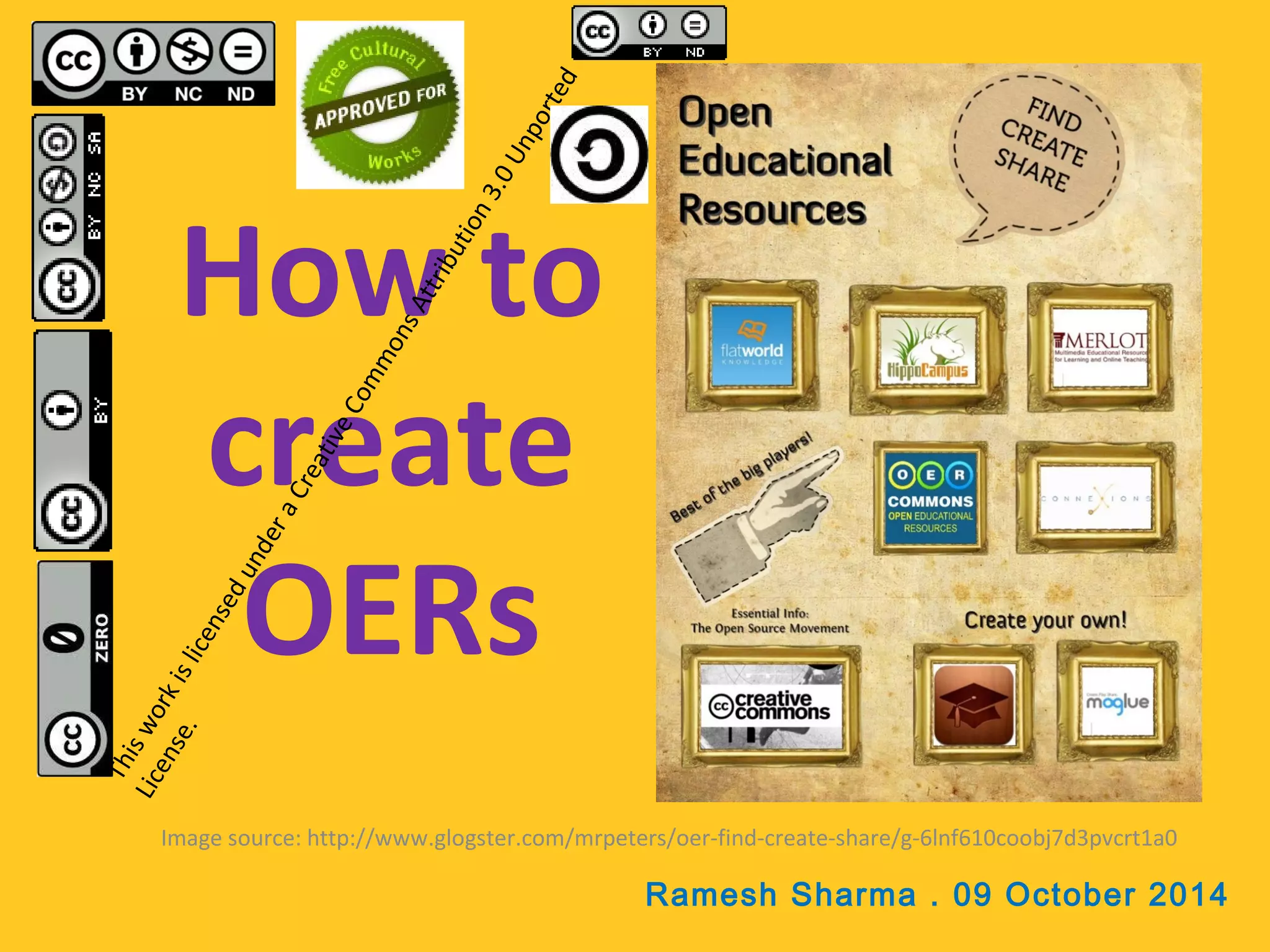
How to 
create 
OERs 
Image source: http://www.glogster.com/mrpeters/oer-find-create-share/g-6lnf610coobj7d3pvcrt1a0 
Ramesh Sharma . 09 October 2014
What you can create… 
• Activities & Labs 
• Assessments 
• Audio Lectures 
• Case Study 
• Curriculum Standards 
• Discussion Forums 
• Full Course 
• Games 
• Homework & 
Assignments 
• Images & Illustrations 
• Interactive Text 
• Lecture Notes 
• Lesson Plans 
• Readings 
• Resource Review 
• Simulations 
• Syllabi 
• Teaching & Learning Strategies 
• Textbooks 
• Training Materials 
• Unit of Study 
• Video Lectures 
Any materials associated with teaching and learning!
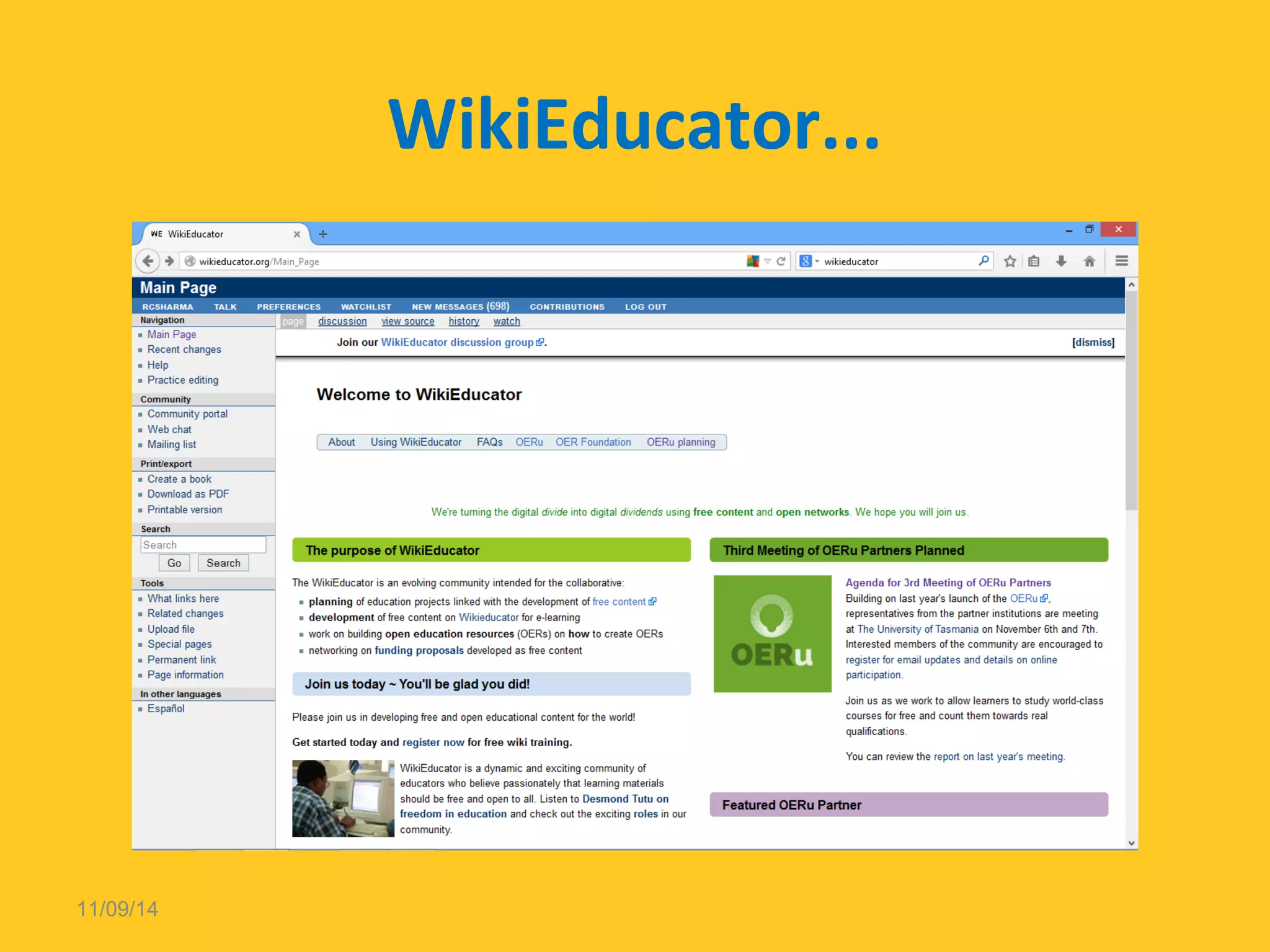
WikiEducator... 
11/09/14
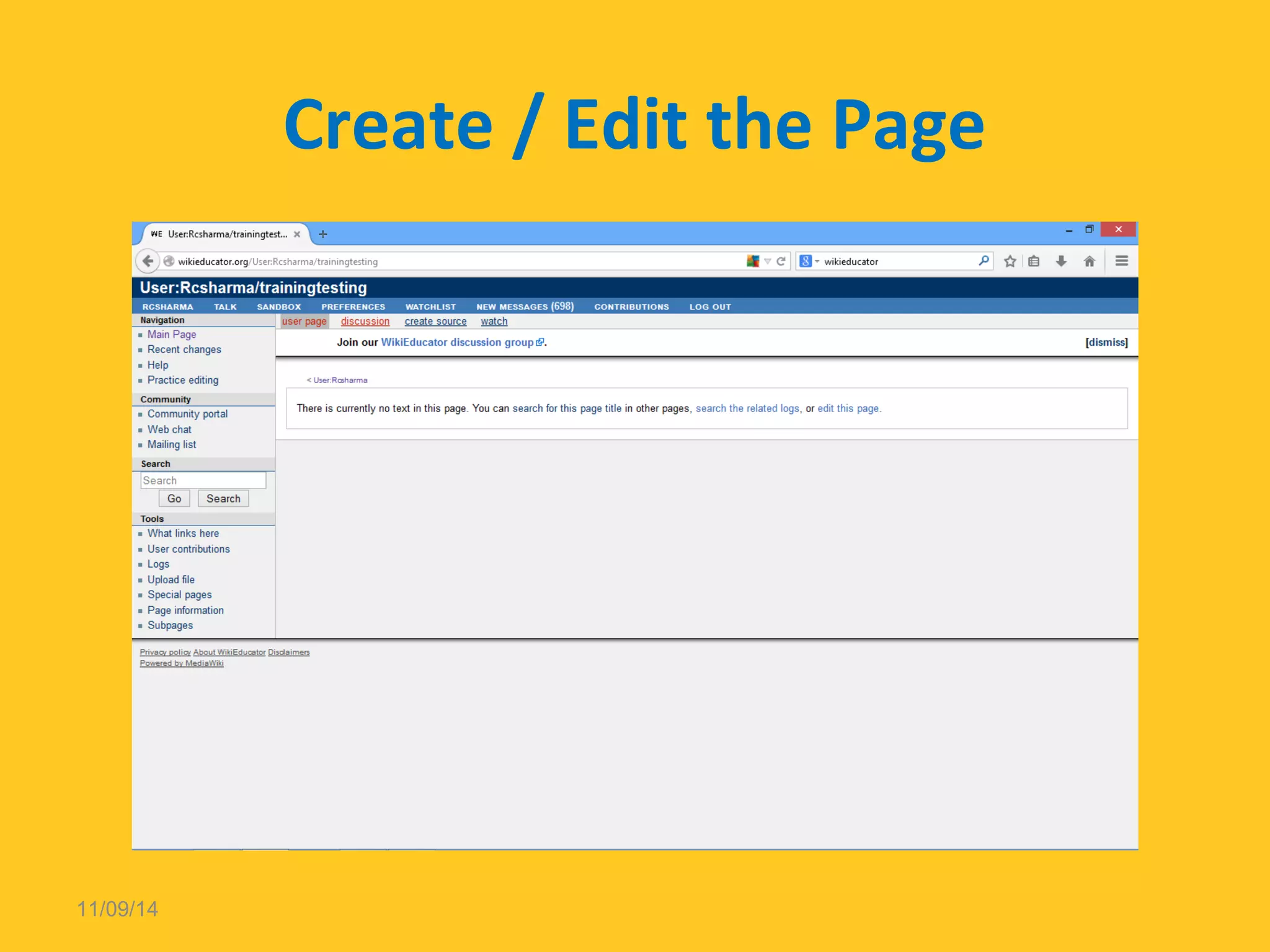
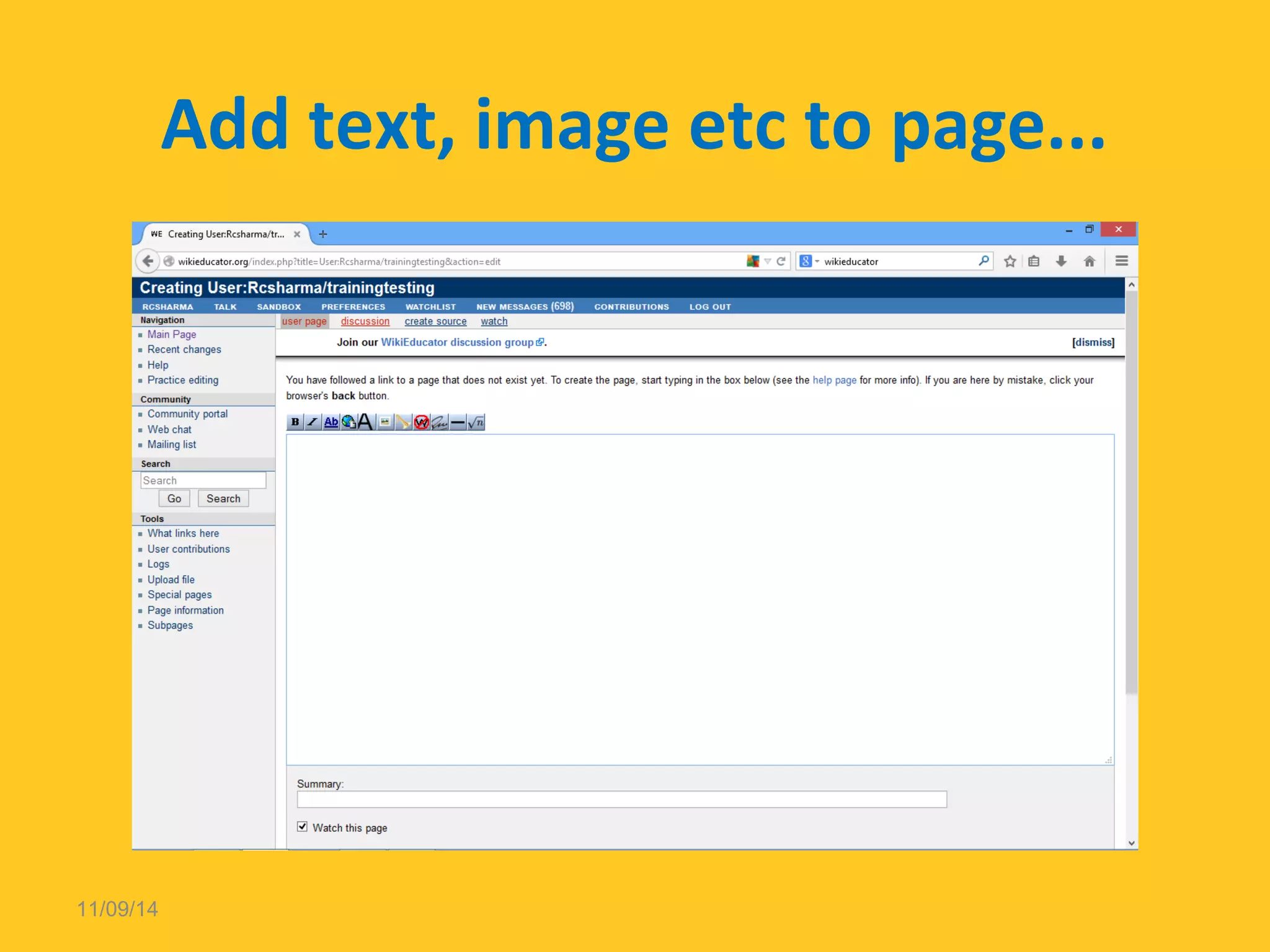
Create / Edit the Page 
11/09/14
Add text, image etc to page... 
11/09/14
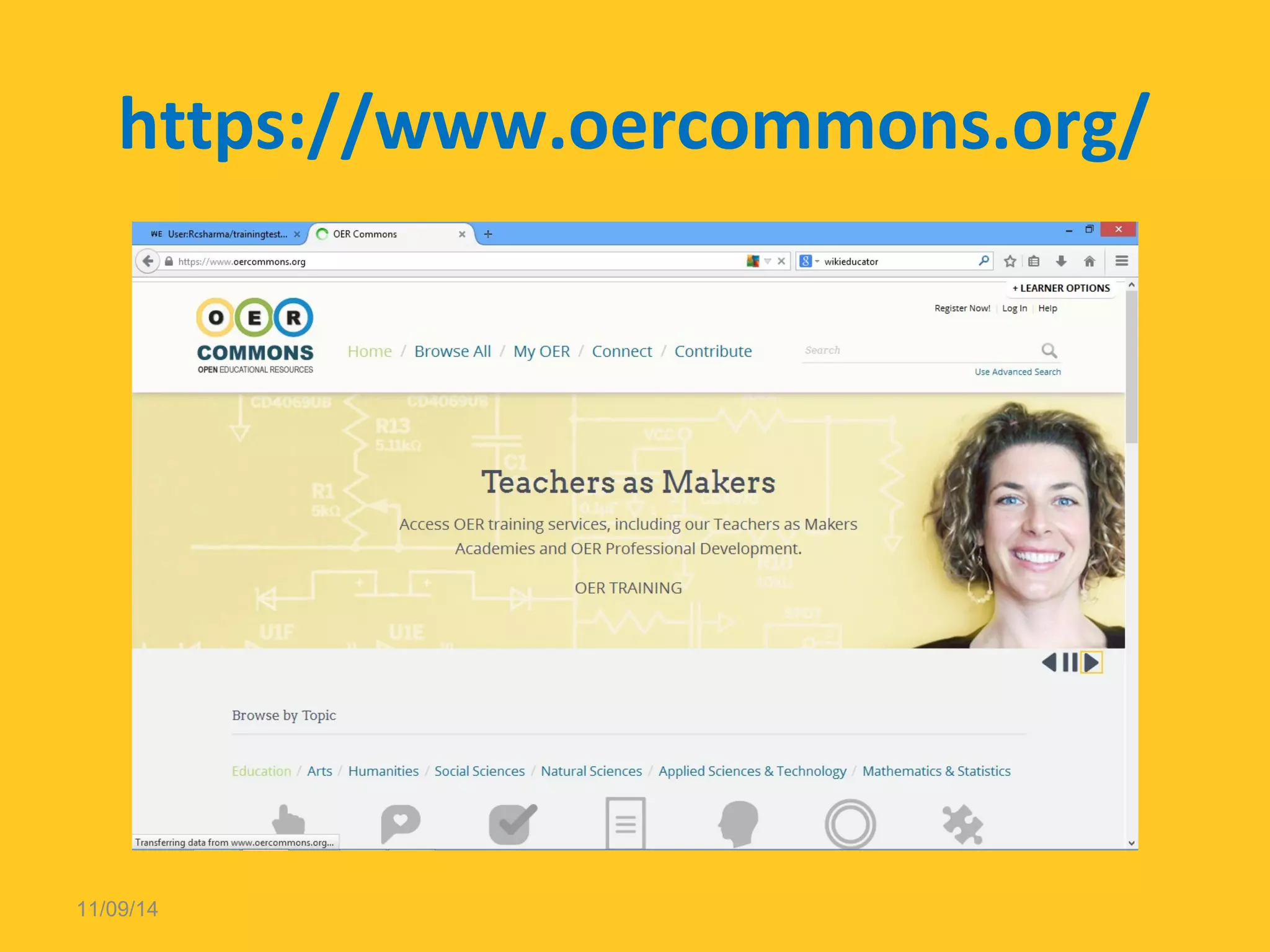
https://www.oercommons.org/ 
11/09/14
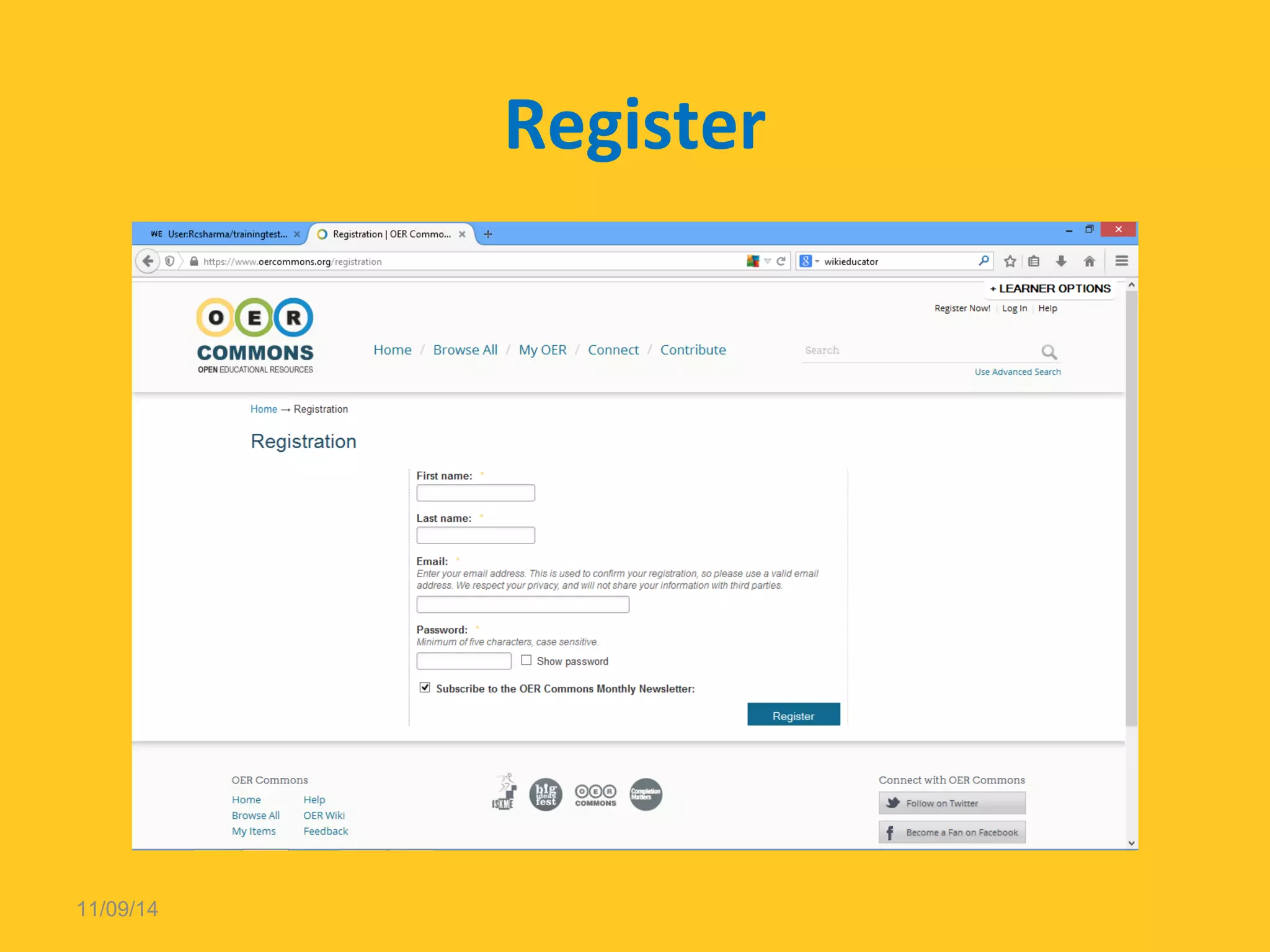
Register 
11/09/14
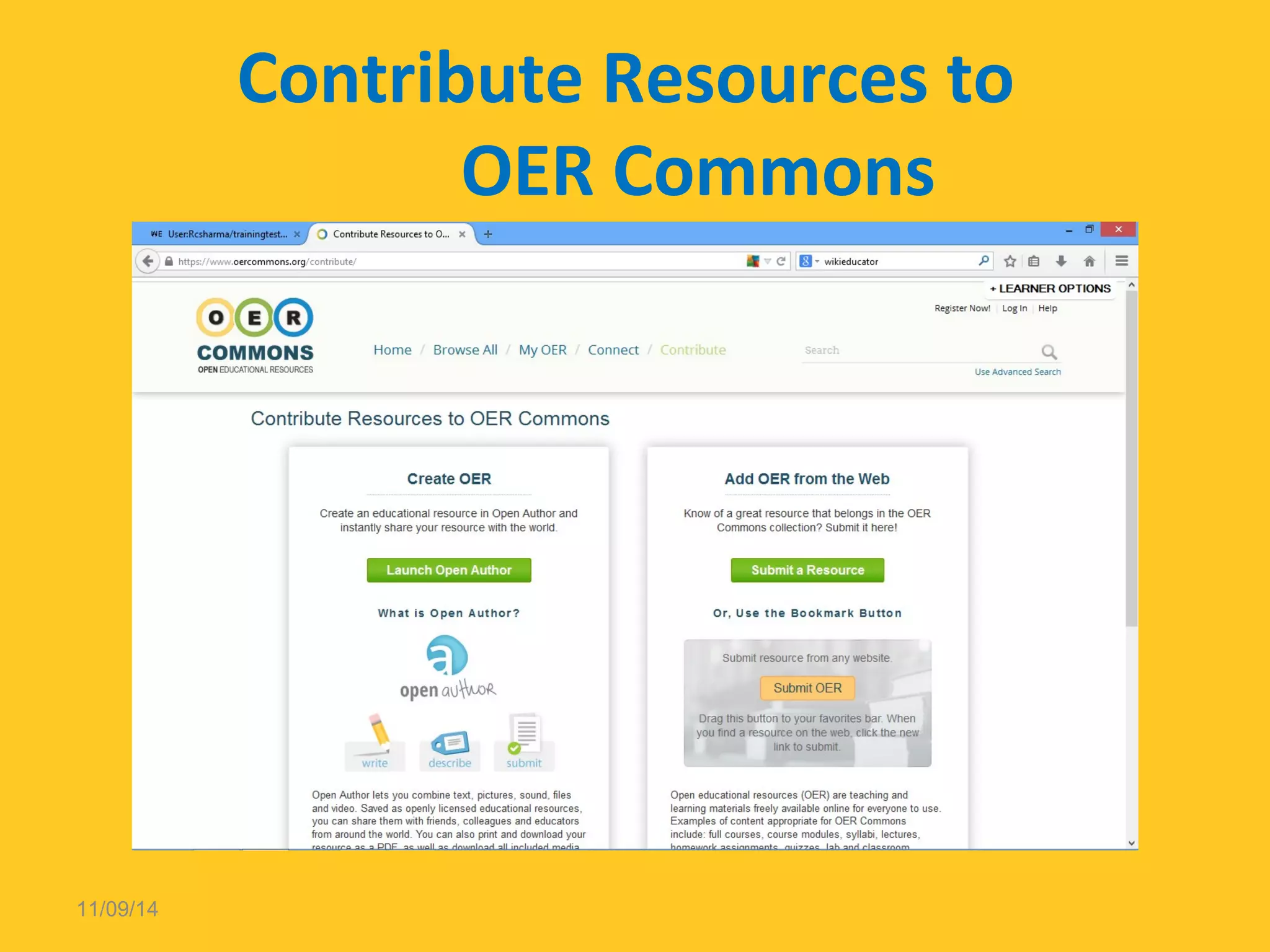
Contribute Resources to 
OER Commons 
11/09/14
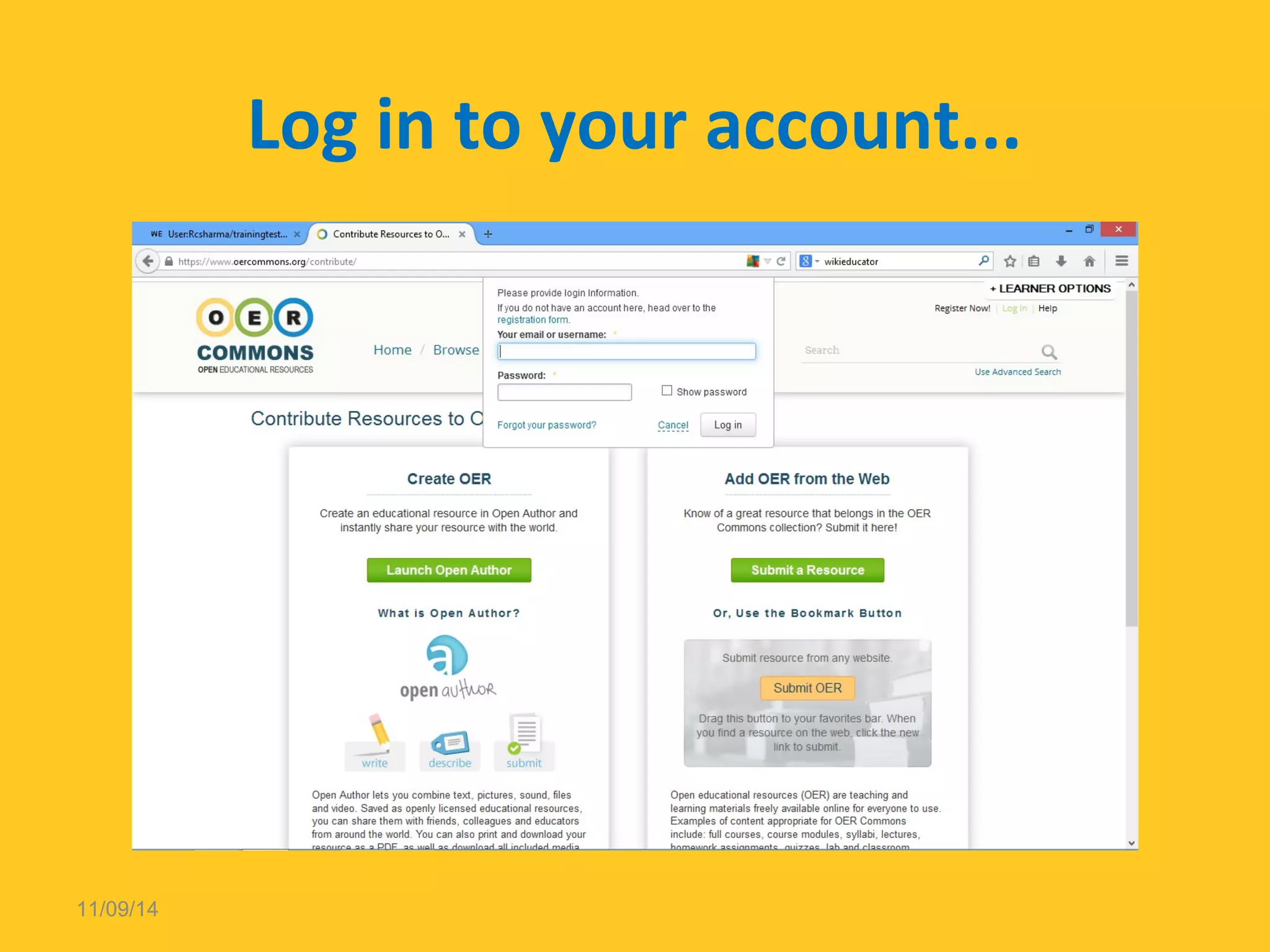
Log in to your account... 
11/09/14
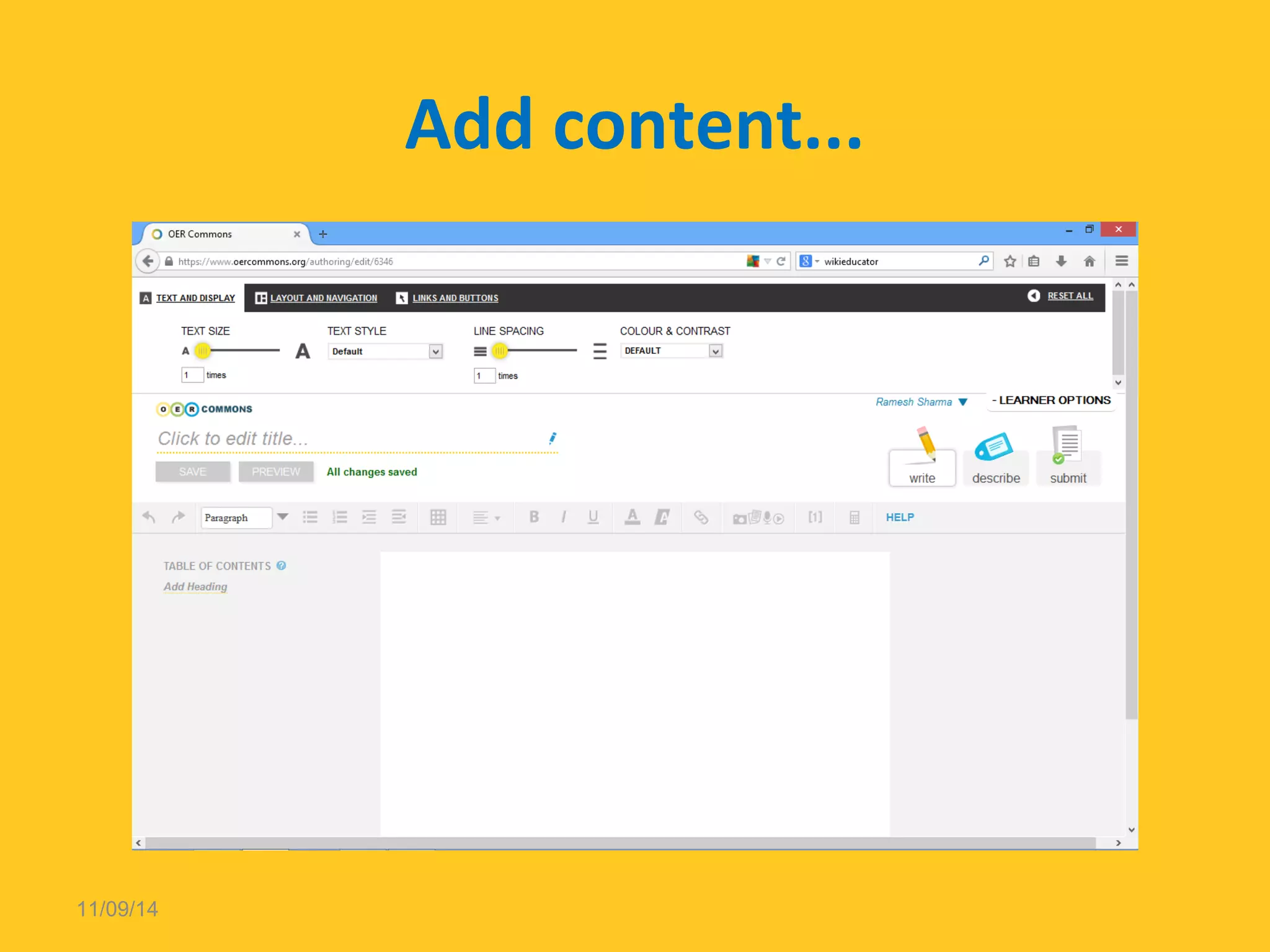
Add content... 
11/09/14
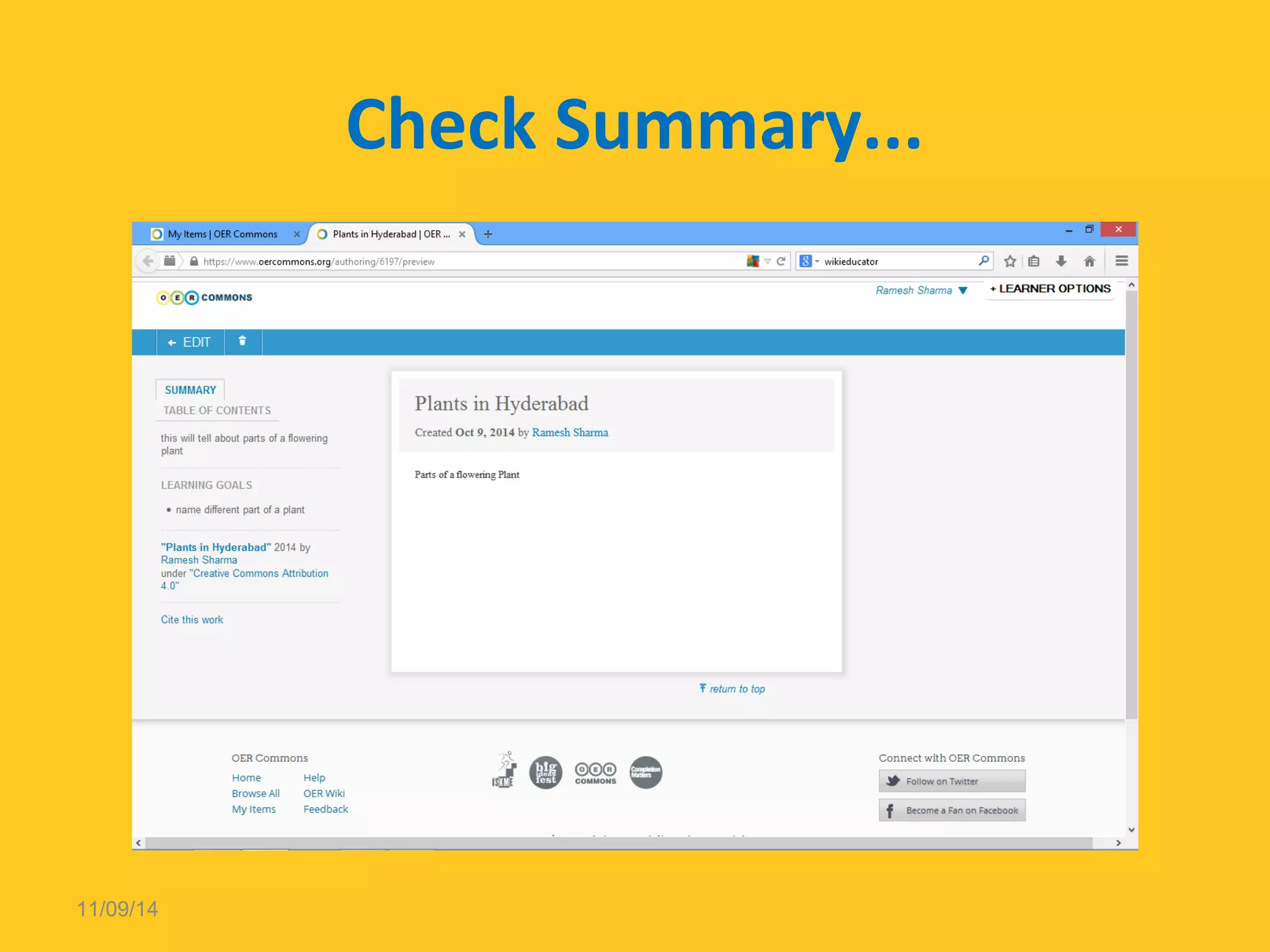
Check Summary... 
11/09/14
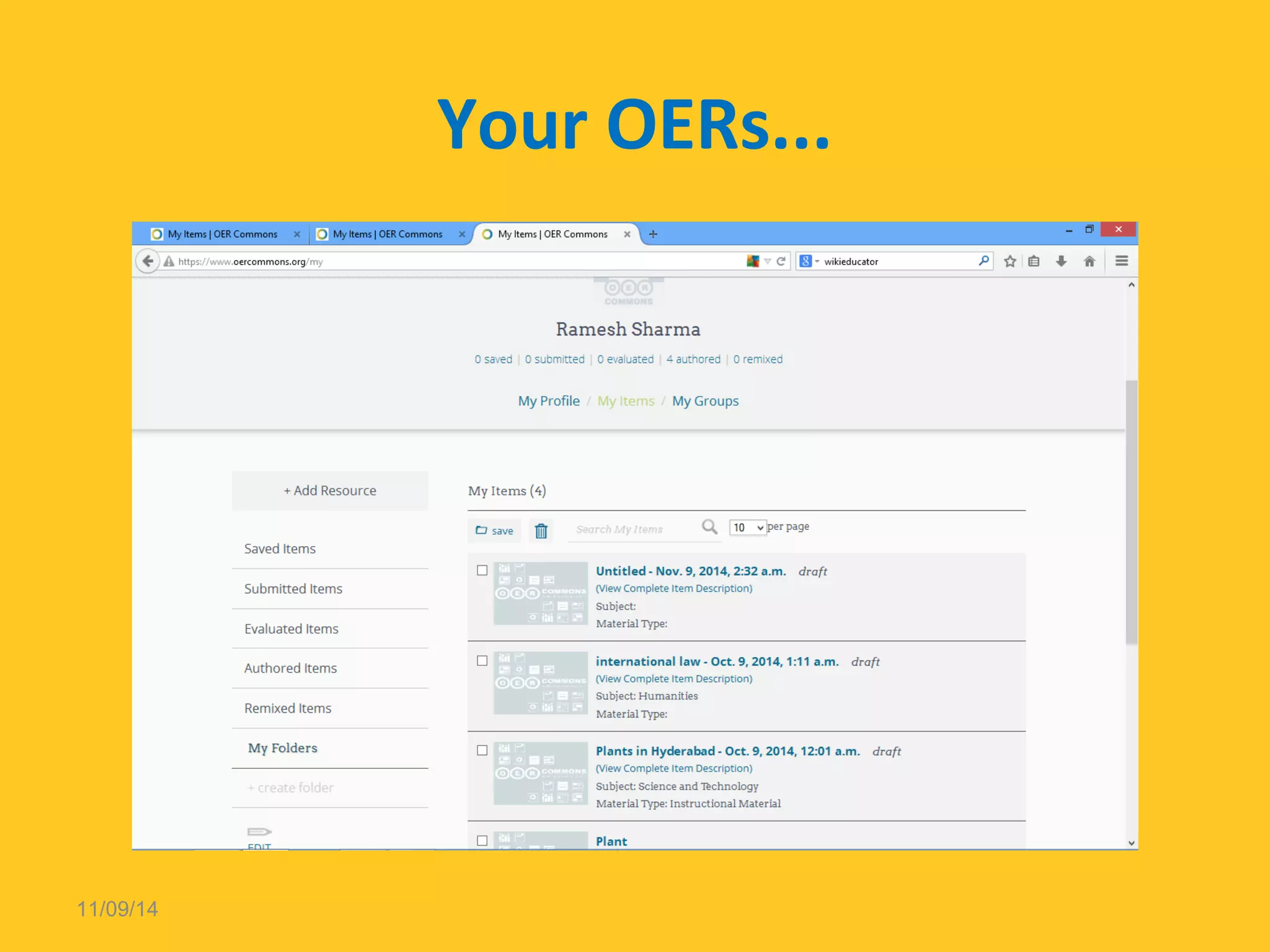
Your OERs... 
11/09/14
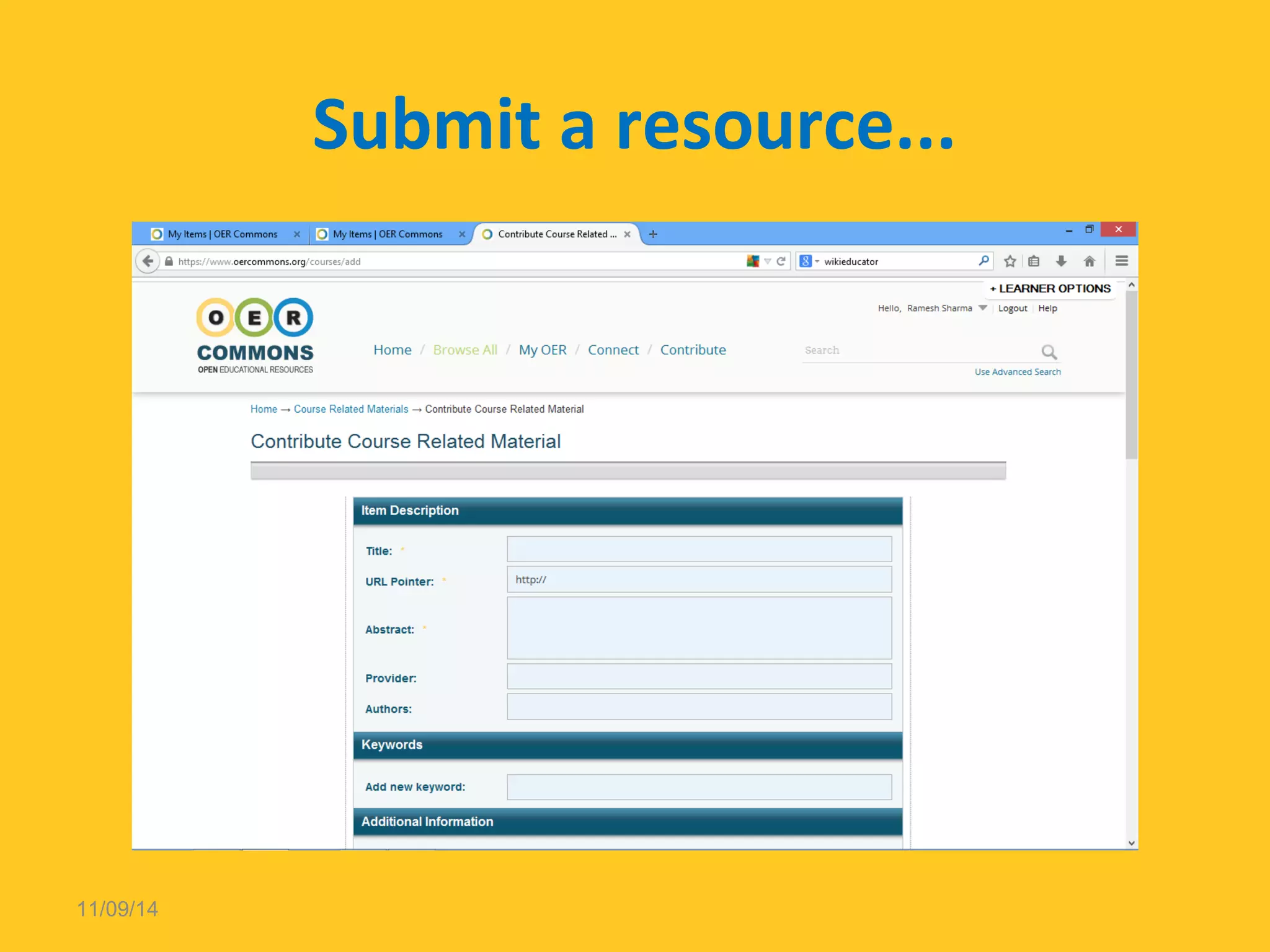
Submit a resource... 
11/09/14
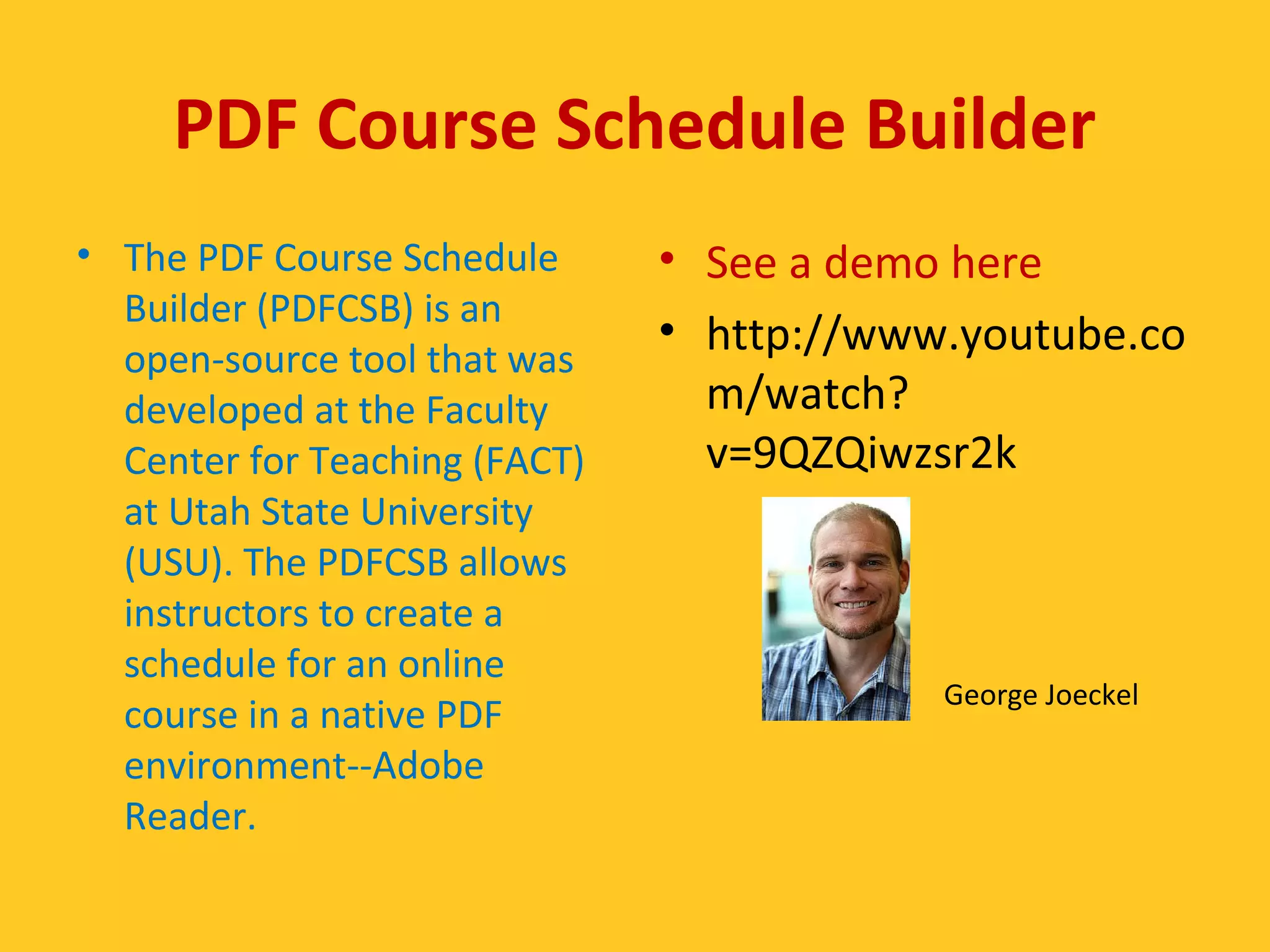
PDF Course Schedule Builder 
• The PDF Course Schedule 
Builder (PDFCSB) is an 
open-source tool that was 
developed at the Faculty 
Center for Teaching (FACT) 
at Utah State University 
(USU). The PDFCSB allows 
instructors to create a 
schedule for an online 
course in a native PDF 
environment--Adobe 
Reader. 
• See a demo here 
• http://www.youtube.co 
m/watch? 
v=9QZQiwzsr2k 
George Joeckel
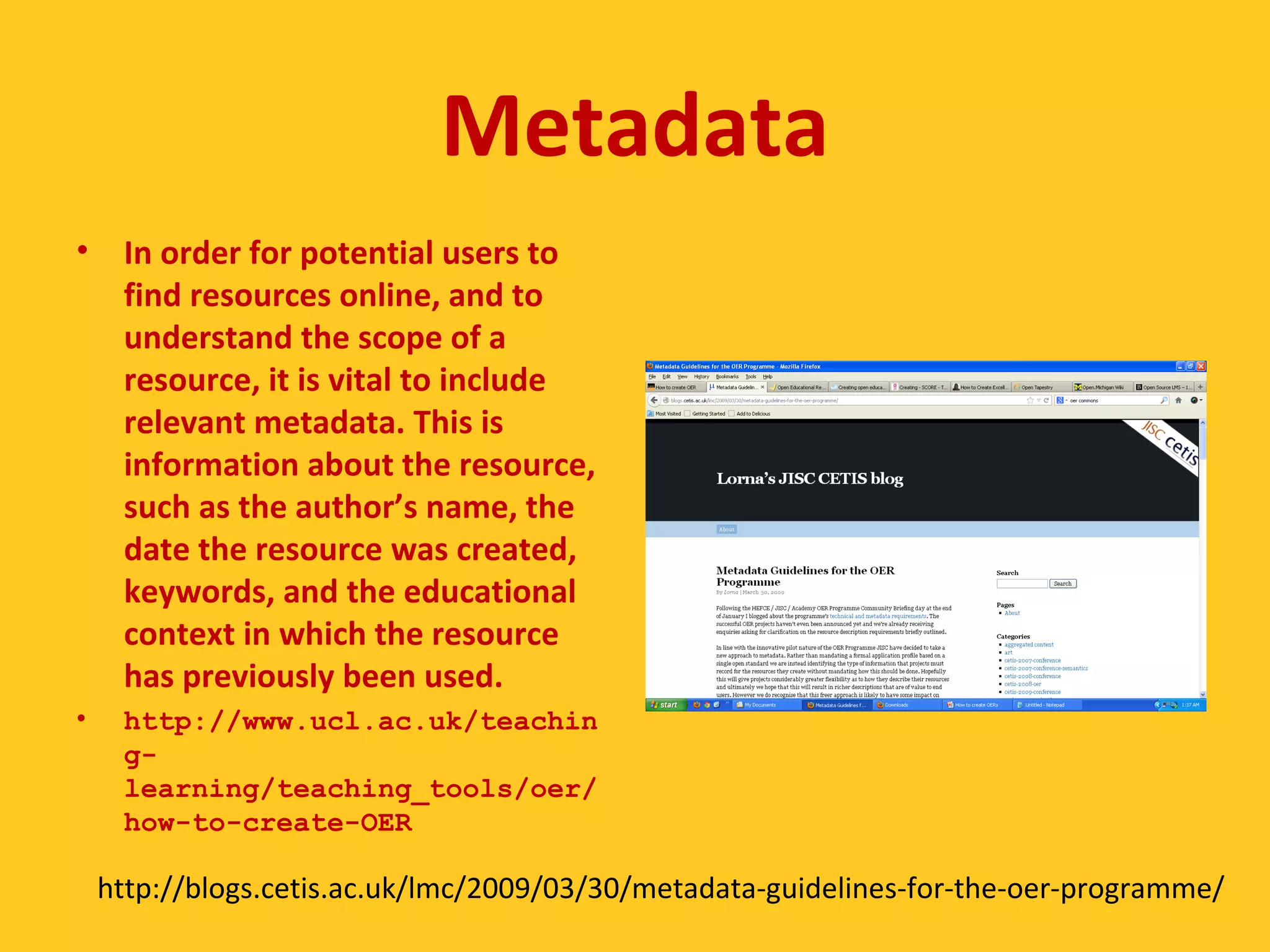
Metadata 
• In order for potential users to 
find resources online, and to 
understand the scope of a 
resource, it is vital to include 
relevant metadata. This is 
information about the resource, 
such as the author’s name, the 
date the resource was created, 
keywords, and the educational 
context in which the resource 
has previously been used. 
• http://www.ucl.ac.uk/teachin 
g-learning/ 
teaching_tools/oer/ 
how-to-create-OER 
http://blogs.cetis.ac.uk/lmc/2009/03/30/metadata-guidelines-for-the-oer-programme/
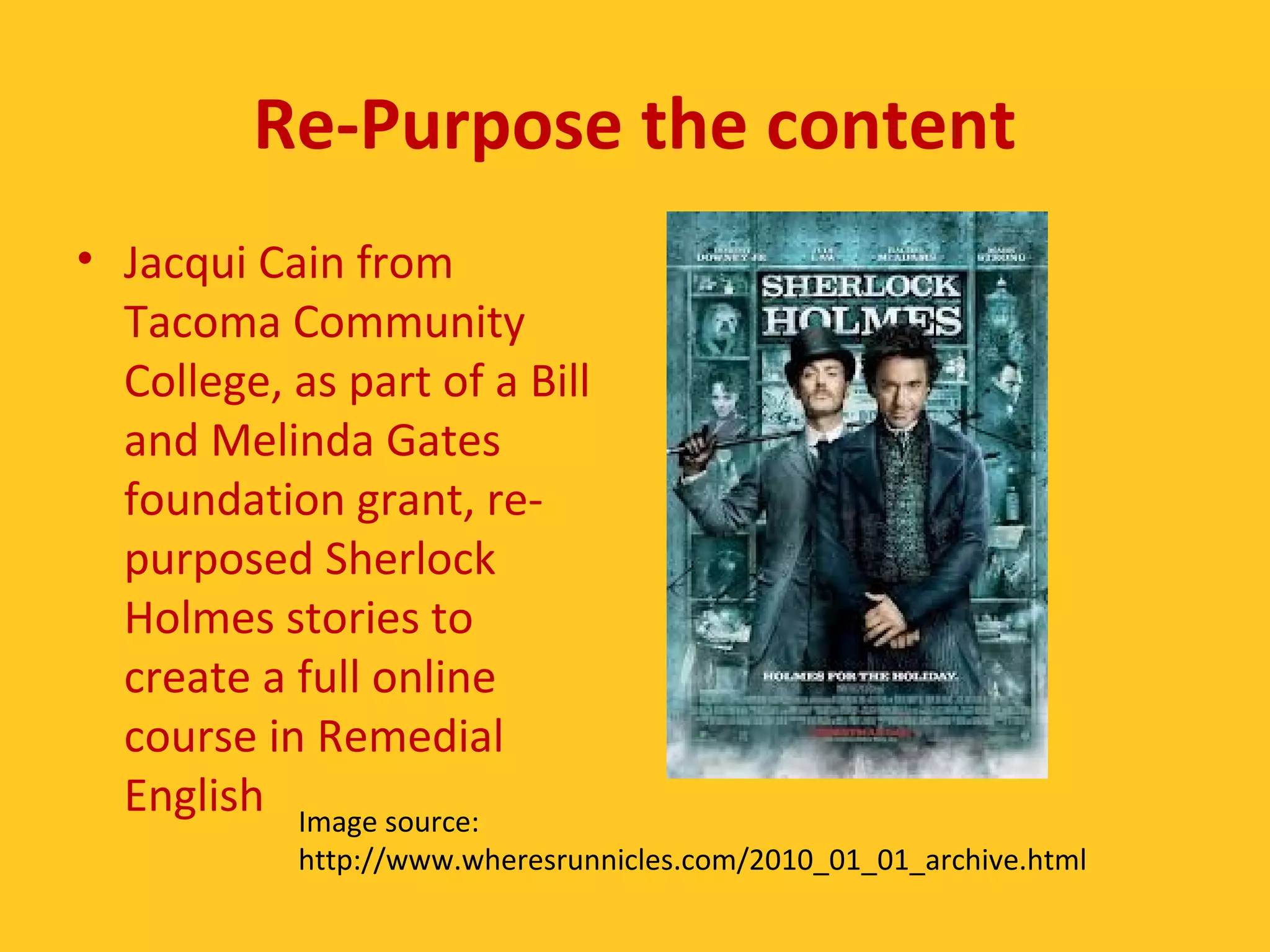
Re-Purpose the content 
• Jacqui Cain from 
Tacoma Community 
College, as part of a Bill 
and Melinda Gates 
foundation grant, re-purposed 
Sherlock 
Holmes stories to 
create a full online 
course in Remedial 
English Image source: 
http://www.wheresrunnicles.com/2010_01_01_archive.html
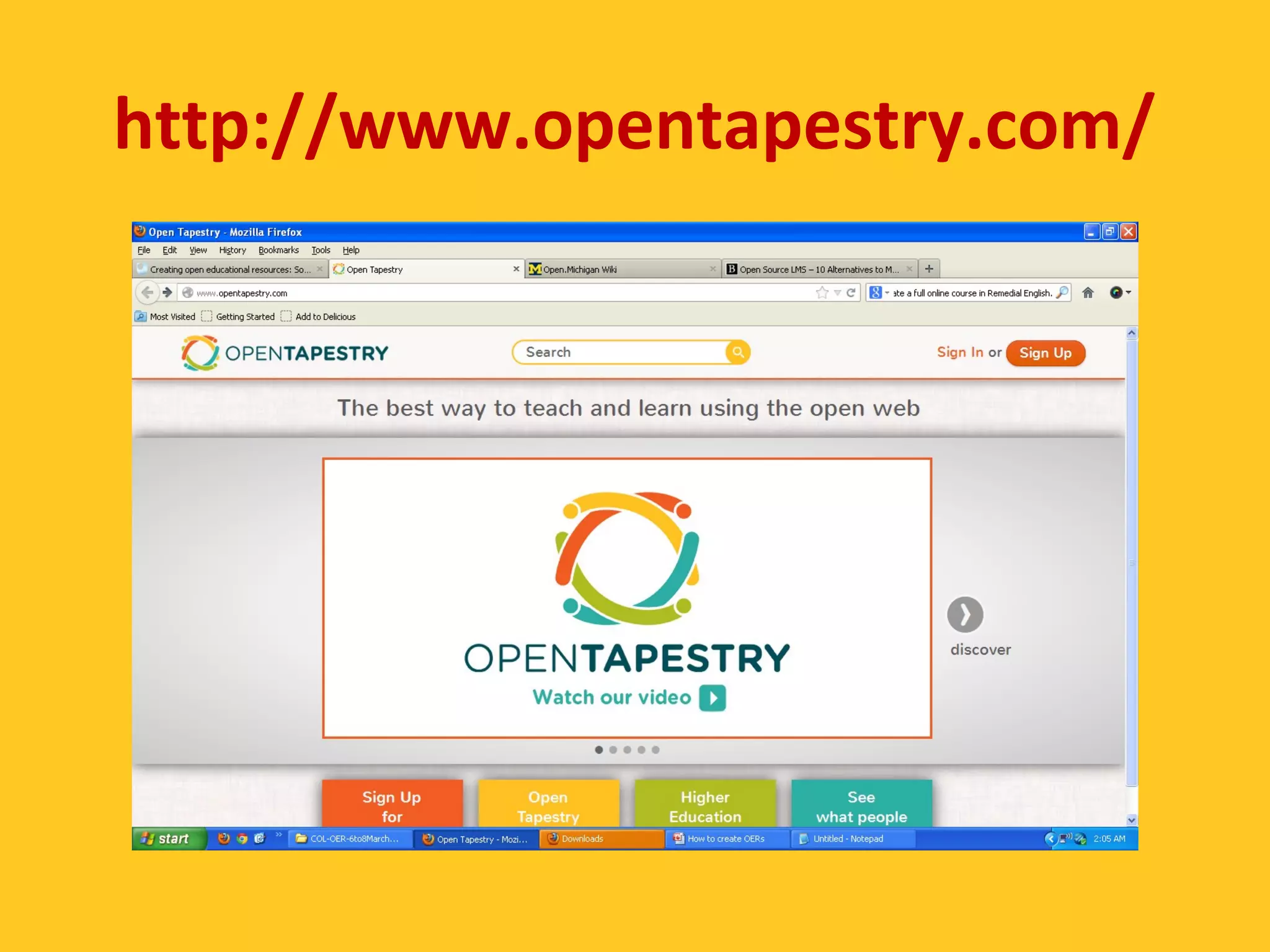
http://www.opentapestry.com/
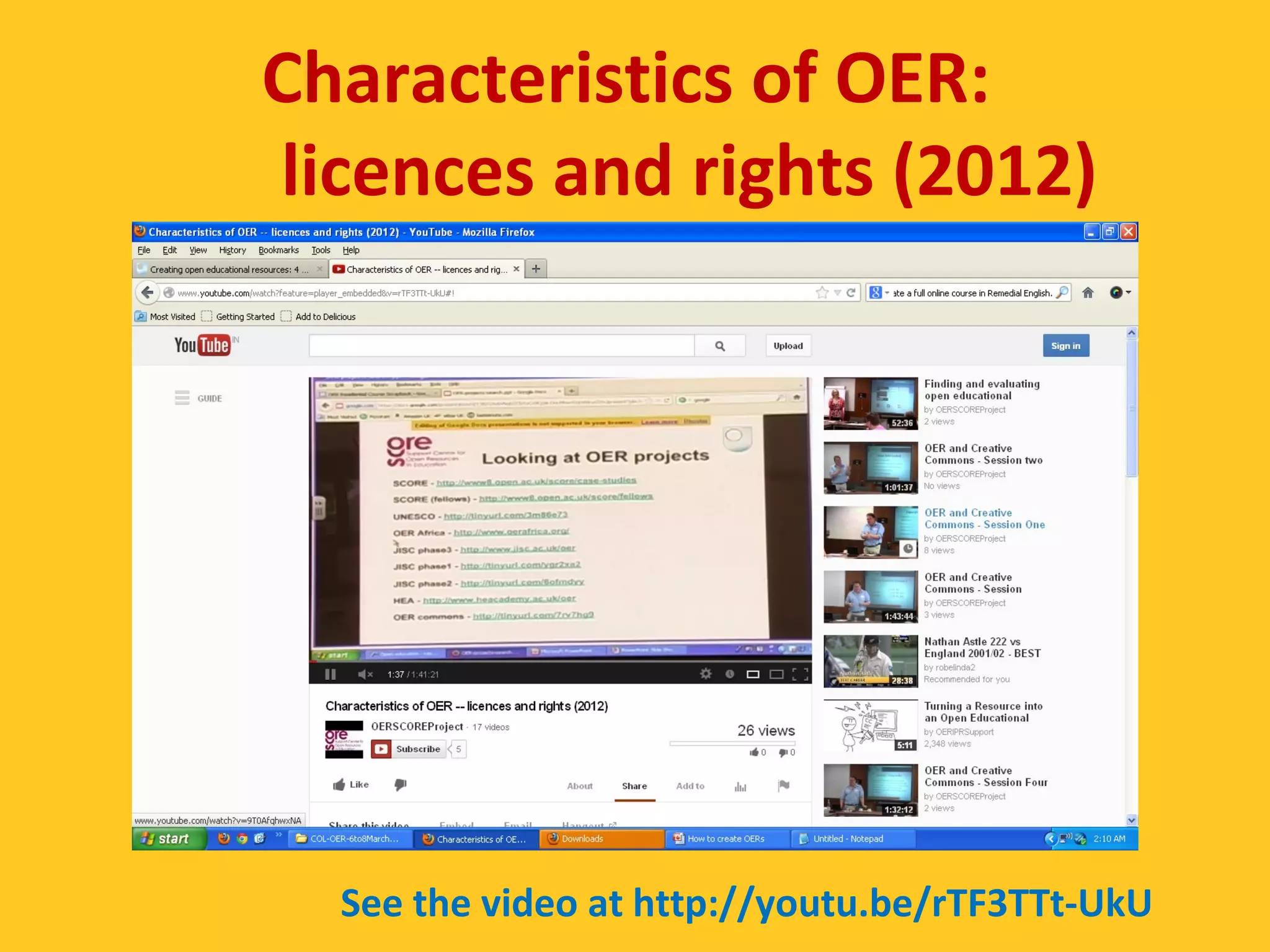
Characteristics of OER: 
licences and rights (2012) 
See the video at http://youtu.be/rTF3TTt-UkU
Make sure to… 
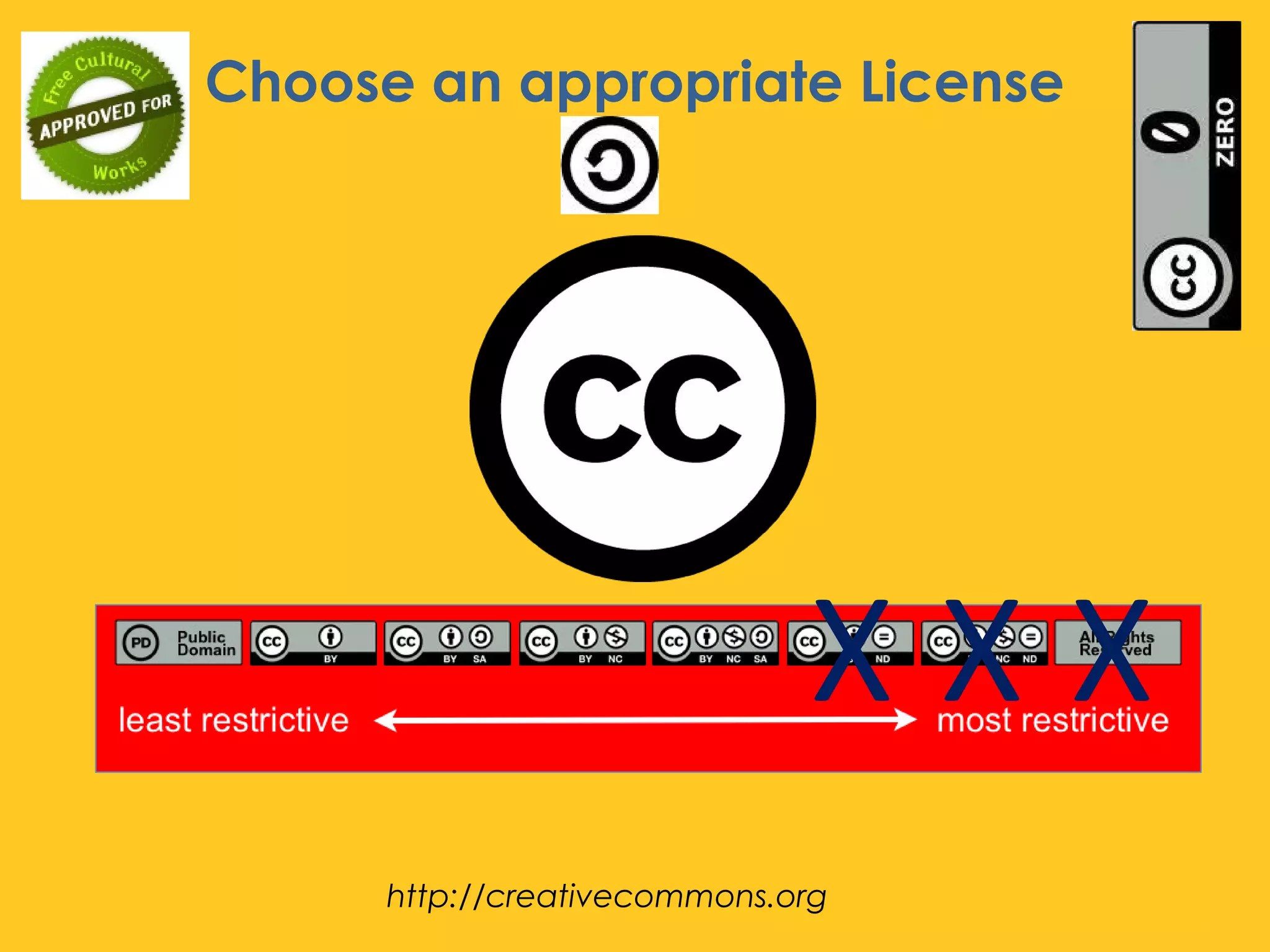
 Choose an appropriate License 
– Be clear about your license choice and about what it 
covers. 
 Cite your sources! 
– Include license info and link to license on website 
 Make it adaptable! 
– Make your content available in multiple file formats 
(pdf, .ppt, .odt, .doc, etc) 
– Ensure that users can download your content, not simply 
access. 
 Use Open Content! 
– Promote open content by using open content and 
remixing others’ work. 
http://www.slideshare.net/epuckettrodgers/create-oer
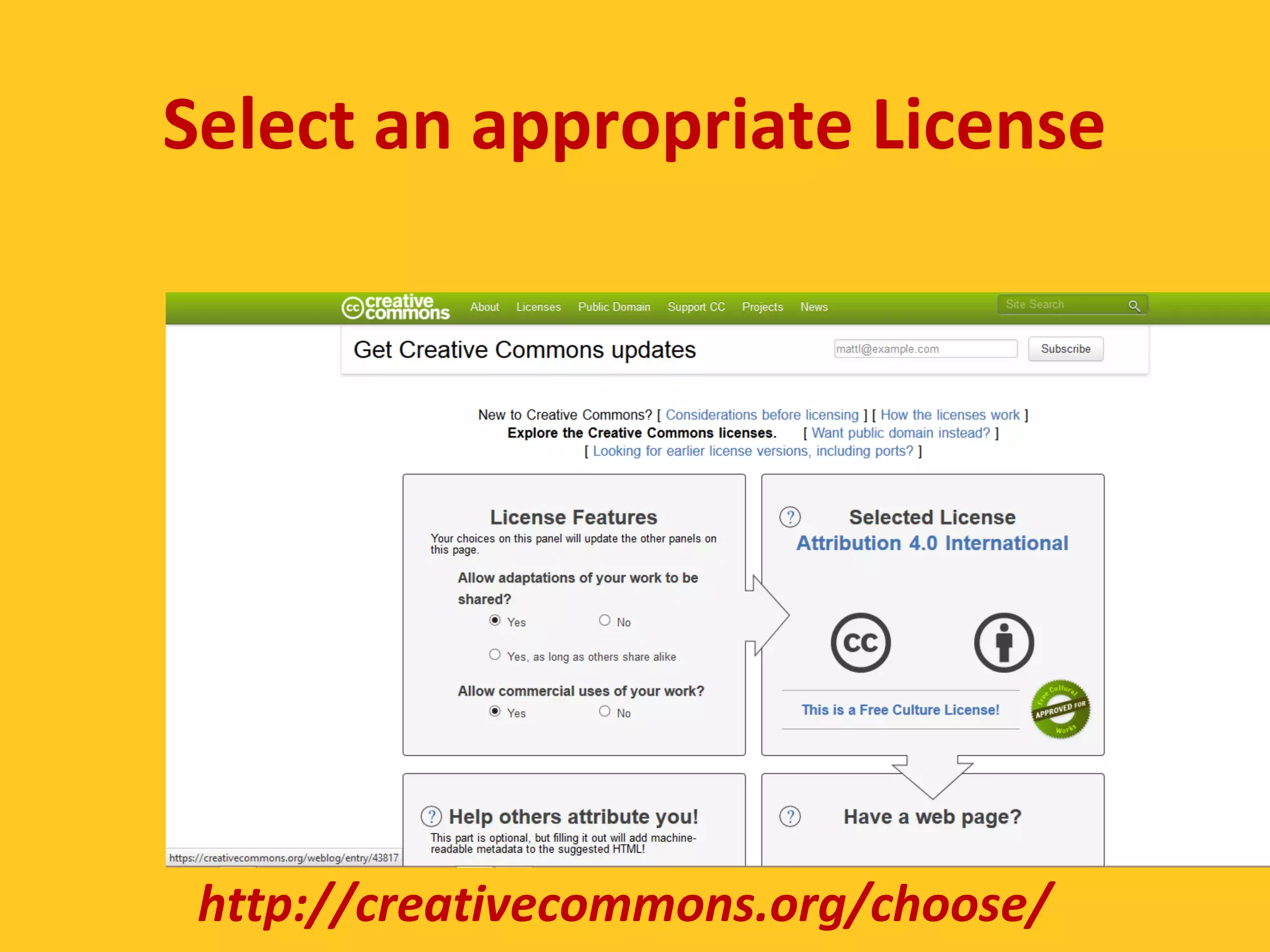
Select an appropriate License 
http://creativecommons.org/choose/
Choose an appropriate License 
X X X 
http://creativecommons.org
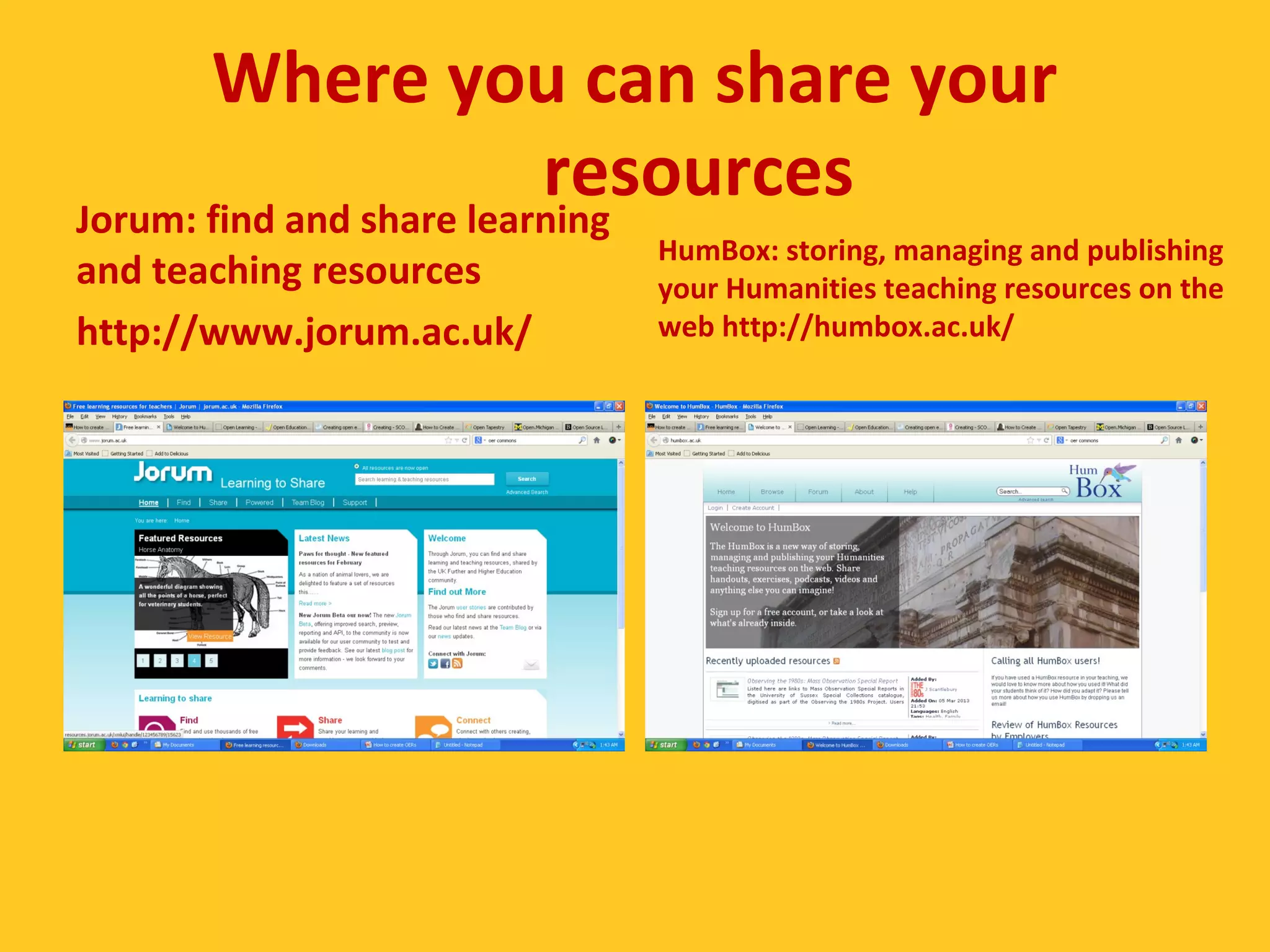
Where you can share your 
resources 
Jorum: find and share learning 
and teaching resources 
http://www.jorum.ac.uk/ 
HumBox: storing, managing and publishing 
your Humanities teaching resources on the 
web http://humbox.ac.uk/
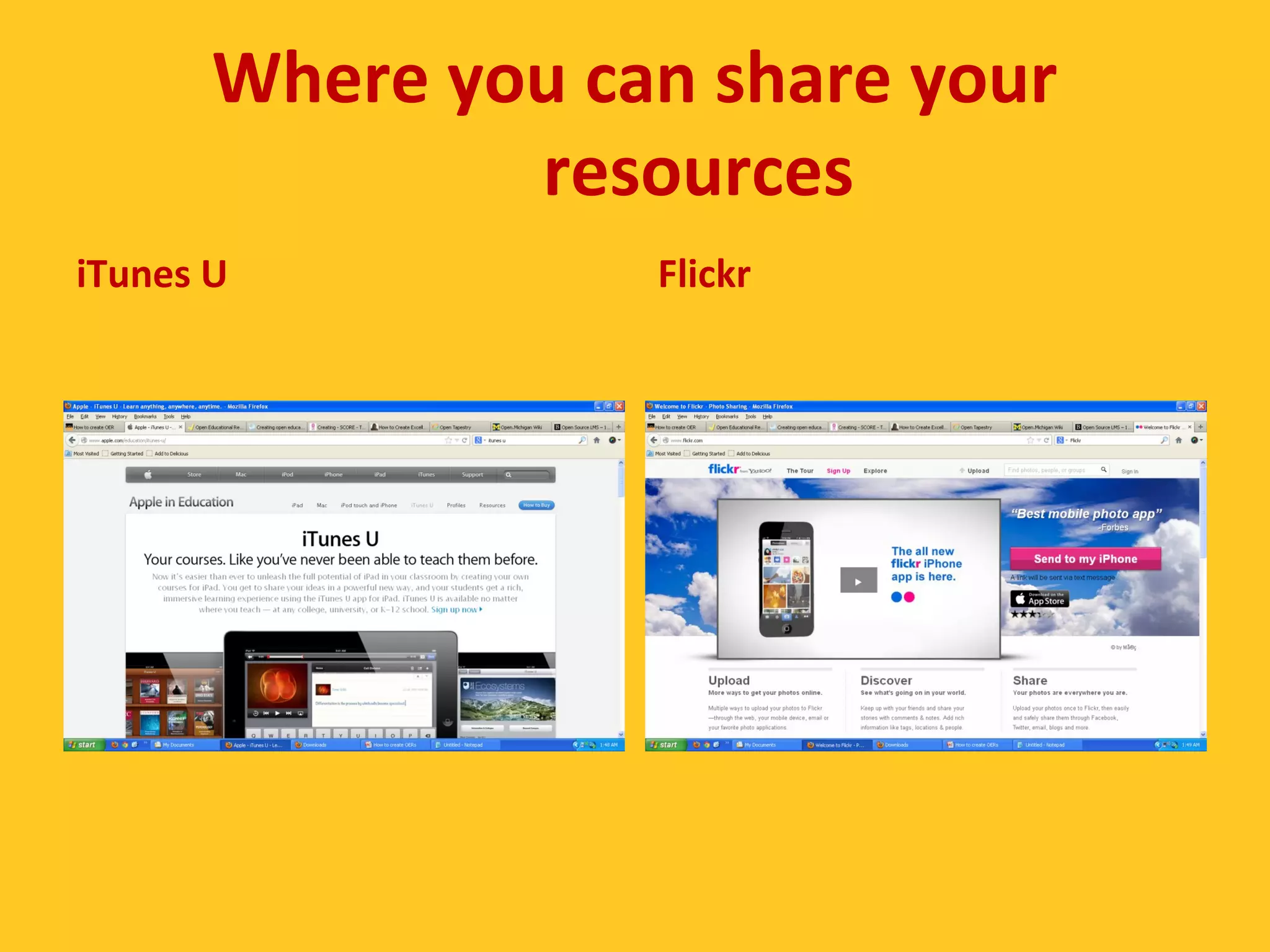
Where you can share your 
resources 
iTunes U Flickr
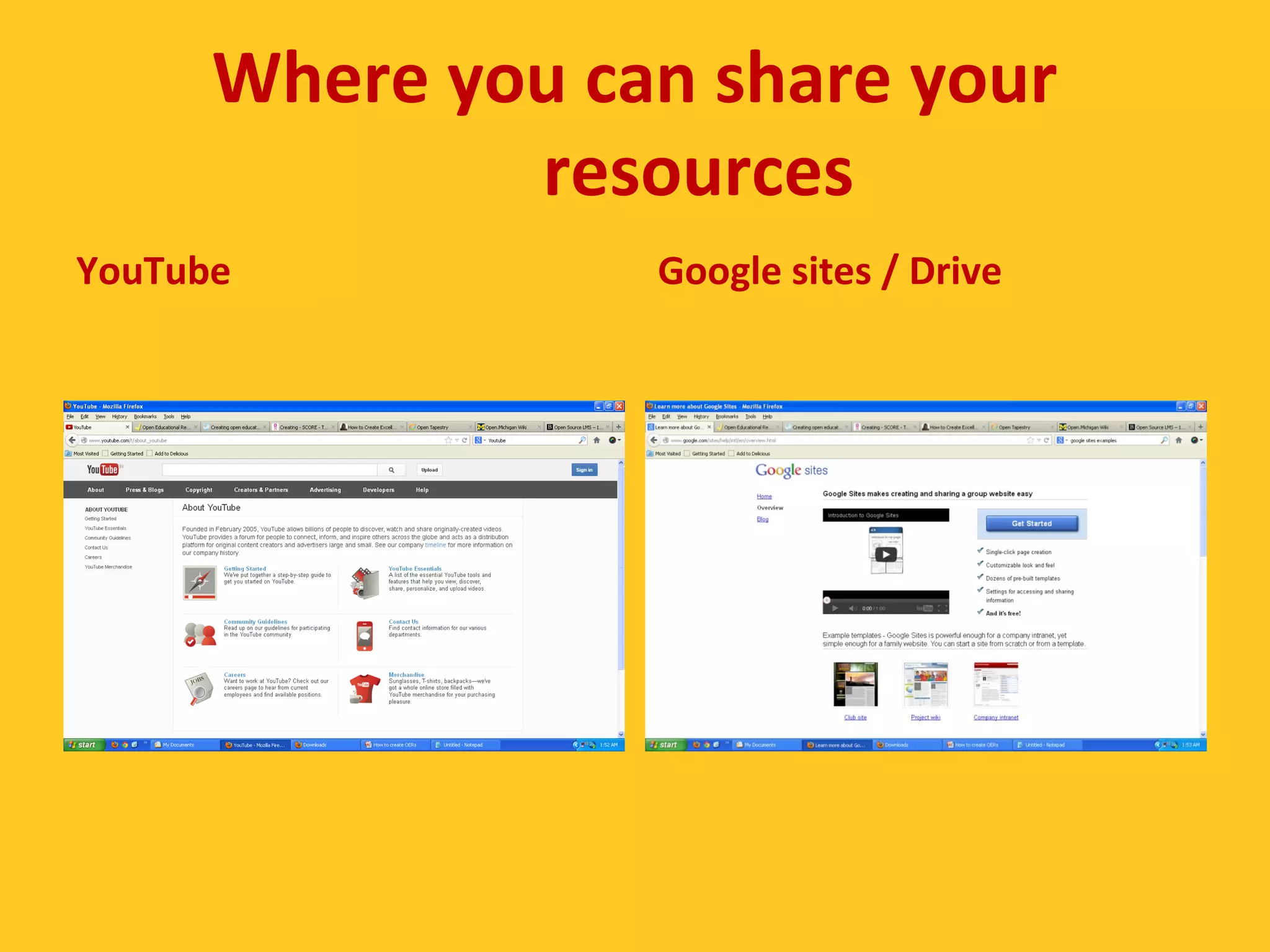
Where you can share your 
resources 
YouTube Google sites / Drive
Thank You!

2014 oct9 cemca-hyd-session-8-How to create OERs

  • 1.
    This work islicensed under a Creative Commons Attribution 3.0 Unported License. How to create OERs Image source: http://www.glogster.com/mrpeters/oer-find-create-share/g-6lnf610coobj7d3pvcrt1a0 Ramesh Sharma . 09 October 2014
  • 2.
    What you cancreate… • Activities & Labs • Assessments • Audio Lectures • Case Study • Curriculum Standards • Discussion Forums • Full Course • Games • Homework & Assignments • Images & Illustrations • Interactive Text • Lecture Notes • Lesson Plans • Readings • Resource Review • Simulations • Syllabi • Teaching & Learning Strategies • Textbooks • Training Materials • Unit of Study • Video Lectures Any materials associated with teaching and learning!
  • 3.
  • 4.
    Create / Editthe Page 11/09/14
  • 5.
    Add text, imageetc to page... 11/09/14
  • 6.
  • 7.
  • 8.
    Contribute Resources to OER Commons 11/09/14
  • 9.
    Log in toyour account... 11/09/14
  • 10.
  • 11.
  • 12.
  • 13.
  • 14.
    PDF Course ScheduleBuilder • The PDF Course Schedule Builder (PDFCSB) is an open-source tool that was developed at the Faculty Center for Teaching (FACT) at Utah State University (USU). The PDFCSB allows instructors to create a schedule for an online course in a native PDF environment--Adobe Reader. • See a demo here • http://www.youtube.co m/watch? v=9QZQiwzsr2k George Joeckel
  • 15.
    Metadata • Inorder for potential users to find resources online, and to understand the scope of a resource, it is vital to include relevant metadata. This is information about the resource, such as the author’s name, the date the resource was created, keywords, and the educational context in which the resource has previously been used. • http://www.ucl.ac.uk/teachin g-learning/ teaching_tools/oer/ how-to-create-OER http://blogs.cetis.ac.uk/lmc/2009/03/30/metadata-guidelines-for-the-oer-programme/
  • 16.
    Re-Purpose the content • Jacqui Cain from Tacoma Community College, as part of a Bill and Melinda Gates foundation grant, re-purposed Sherlock Holmes stories to create a full online course in Remedial English Image source: http://www.wheresrunnicles.com/2010_01_01_archive.html
  • 17.
  • 18.
    Characteristics of OER: licences and rights (2012) See the video at http://youtu.be/rTF3TTt-UkU
  • 19.
    Make sure to…  Choose an appropriate License – Be clear about your license choice and about what it covers.  Cite your sources! – Include license info and link to license on website  Make it adaptable! – Make your content available in multiple file formats (pdf, .ppt, .odt, .doc, etc) – Ensure that users can download your content, not simply access.  Use Open Content! – Promote open content by using open content and remixing others’ work. http://www.slideshare.net/epuckettrodgers/create-oer
  • 20.
    Select an appropriateLicense http://creativecommons.org/choose/
  • 21.
    Choose an appropriateLicense X X X http://creativecommons.org
  • 22.
    Where you canshare your resources Jorum: find and share learning and teaching resources http://www.jorum.ac.uk/ HumBox: storing, managing and publishing your Humanities teaching resources on the web http://humbox.ac.uk/
  • 23.
    Where you canshare your resources iTunes U Flickr
  • 24.
    Where you canshare your resources YouTube Google sites / Drive
  • 25.