Downloaded 25 times
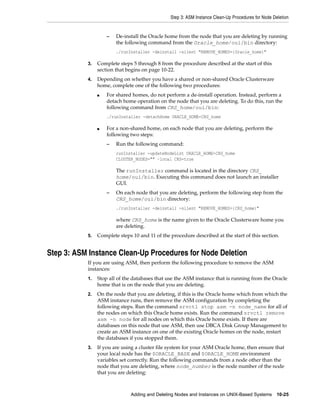
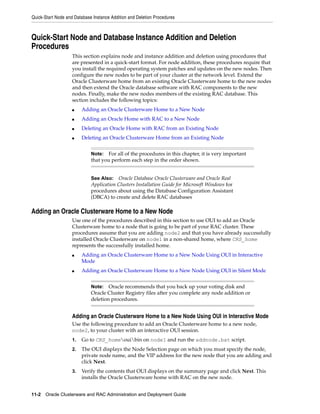
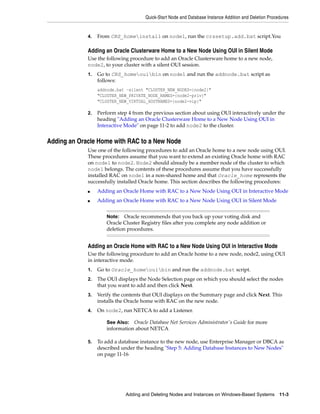
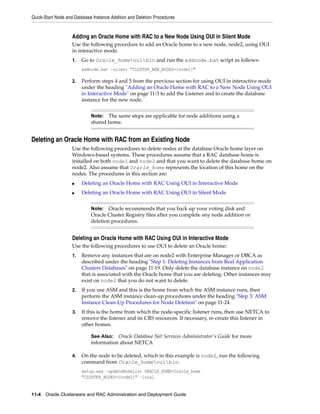
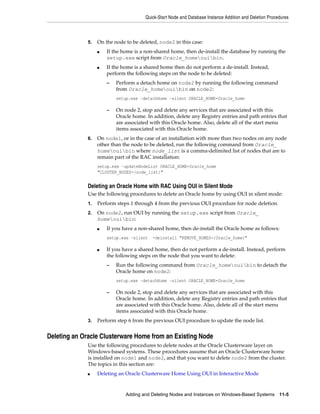
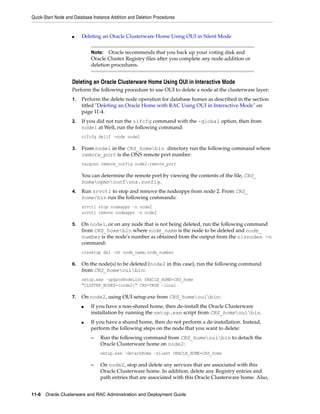


The document provides steps for deleting database instances and nodes from existing Real Application Clusters using different methods: 1) To delete an instance using Enterprise Manager, select the instance from the Deployments section and submit the deletion job which will be monitored to completion. 2) To delete an instance using DBCA interactively, select the instance and database, review services reassignment, and confirm deletion which is performed by DBCA. 3) To delete a node, first delete any instances on the node, remove the listener, detach the Oracle home, remove node-specific configurations, disable Oracle Clusterware applications, and run rootdeletenode.sh on a remaining node.


