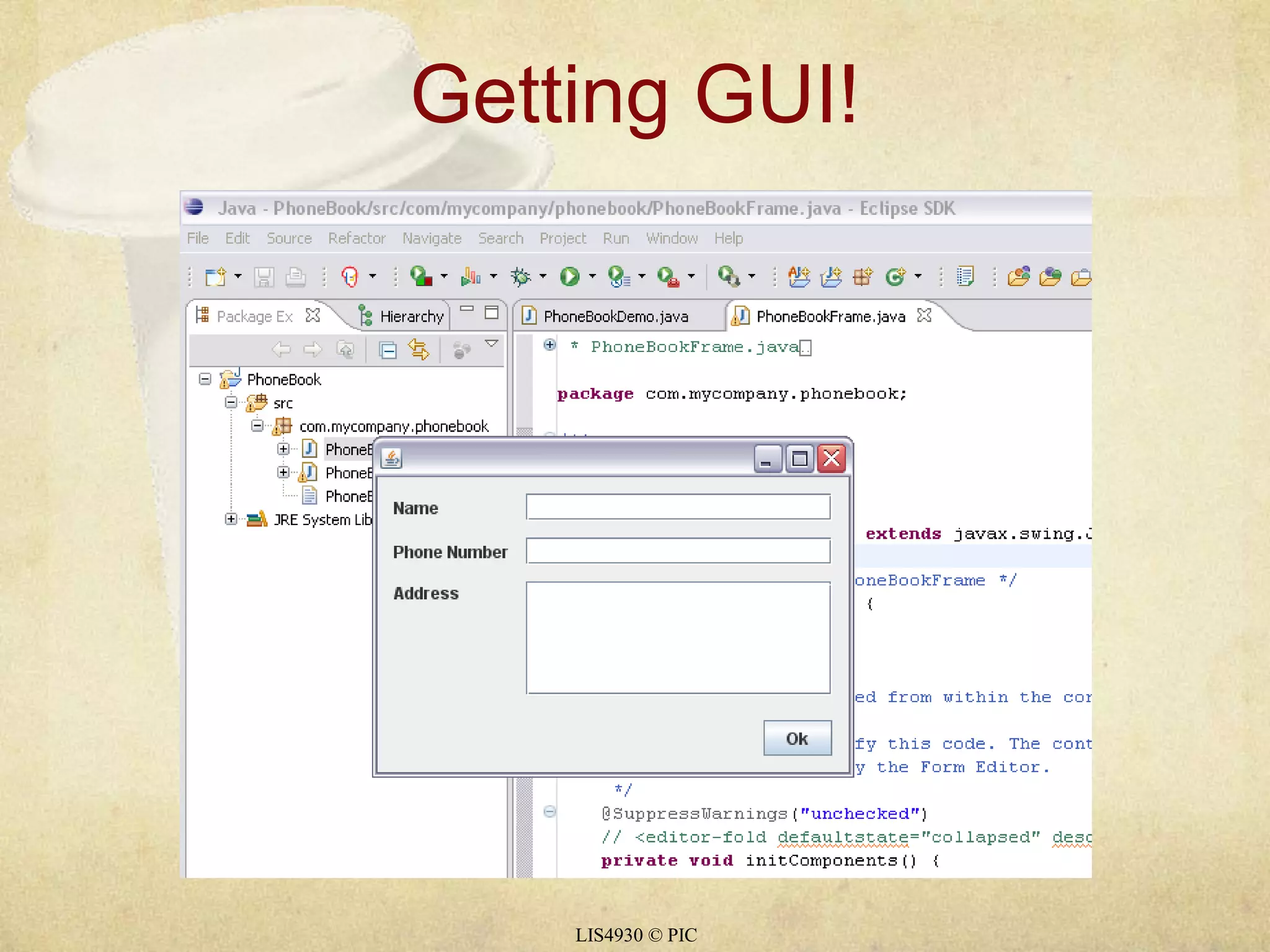
Getting GUI!LIS4930 © PIC
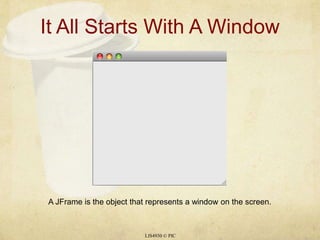
It All Starts With A WindowLIS4930 © PICA JFrame is the object that represents a window on the screen.
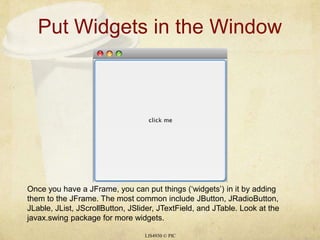
Put Widgets in the WindowLIS4930 © PICOnce you have a JFrame, you can put things (‘widgets’) in it by adding them to the JFrame. The most common include JButton, JRadioButton, JLable, JList, JScrollButton, JSlider, JTextField, and JTable. Look at the javax.swing package for more widgets.
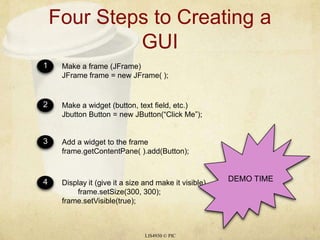
Four Steps to Creating a GUILIS4930 © PIC1234Make a frame (JFrame)JFrame frame = new JFrame( );Make a widget (button, text field, etc.)Jbutton Button = new JButton(“Click Me”);Add a widget to the frameframe.getContentPane( ).add(Button);Display it (give it a size and make it visible)	frame.setSize(300, 300);frame.setVisible(true);DEMO TIME
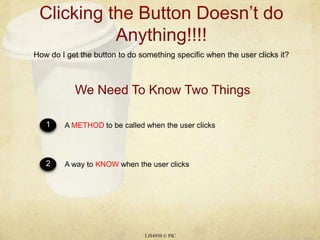
Clicking the Button Doesn’t do Anything!!!!LIS4930 © PICHow do I get the button to do something specific when the user clicks it?12A METHOD to be called when the user clicks A way to KNOW when the user clicksWe Need To Know Two Things
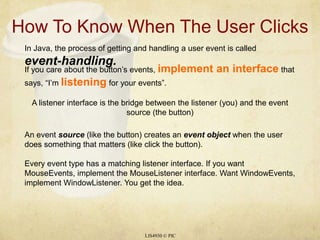
How To Know When The User ClicksLIS4930 © PICIn Java, the process of getting and handling a user event is called event-handling.If you care about the button’s events, implement an interface that says, “I’m listening for your events”.A listener interface is the bridge between the listener (you) and the event source (the button)An event source (like the button) creates an event object when the user does something that matters (like click the button).Every event type has a matching listener interface. If you want MouseEvents, implement the MouseListener interface. Want WindowEvents, implement WindowListener. You get the idea.
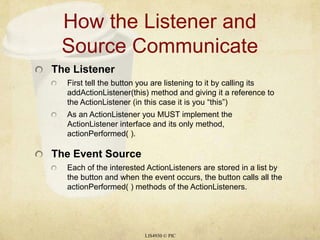
How the Listener and Source CommunicateThe ListenerFirst tell the button you are listening to it by calling its addActionListener(this) method and giving it a reference to the ActionListener (in this case it is you “this”)As an ActionListener you MUST implement the ActionListener interface and its only method, actionPerformed( ).The Event SourceEach of the interested ActionListeners are stored in a list by the button and when the event occurs, the button calls all the actionPerformed( ) methods of the ActionListeners.LIS4930 © PIC
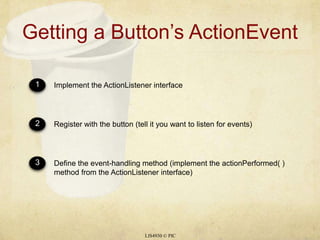
Getting a Button’s ActionEventLIS4930 © PIC123Implement the ActionListener interfaceRegister with the button (tell it you want to listen for events)Define the event-handling method (implement the actionPerformed( ) method from the ActionListener interface)
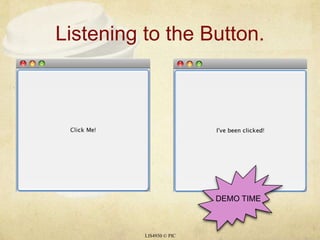
Listening to the Button.LIS4930 © PICDEMO TIME
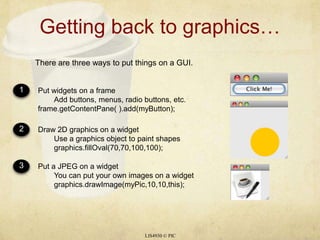
Getting back to graphics…LIS4930 © PICThere are three ways to put things on a GUI.123Put widgets on a frame	Add buttons, menus, radio buttons, etc.frame.getContentPane( ).add(myButton);Draw 2D graphics on a widget	Use a graphics object to paint shapes	graphics.fillOval(70,70,100,100);Put a JPEG on a widget	You can put your own images on a widget	graphics.drawImage(myPic,10,10,this);

15a gui

  • 1.
  • 2.
    It All StartsWith A WindowLIS4930 © PICA JFrame is the object that represents a window on the screen.
  • 3.
    Put Widgets inthe WindowLIS4930 © PICOnce you have a JFrame, you can put things (‘widgets’) in it by adding them to the JFrame. The most common include JButton, JRadioButton, JLable, JList, JScrollButton, JSlider, JTextField, and JTable. Look at the javax.swing package for more widgets.
  • 4.
    Four Steps toCreating a GUILIS4930 © PIC1234Make a frame (JFrame)JFrame frame = new JFrame( );Make a widget (button, text field, etc.)Jbutton Button = new JButton(“Click Me”);Add a widget to the frameframe.getContentPane( ).add(Button);Display it (give it a size and make it visible) frame.setSize(300, 300);frame.setVisible(true);DEMO TIME
  • 5.
    Clicking the ButtonDoesn’t do Anything!!!!LIS4930 © PICHow do I get the button to do something specific when the user clicks it?12A METHOD to be called when the user clicks A way to KNOW when the user clicksWe Need To Know Two Things
  • 6.
    How To KnowWhen The User ClicksLIS4930 © PICIn Java, the process of getting and handling a user event is called event-handling.If you care about the button’s events, implement an interface that says, “I’m listening for your events”.A listener interface is the bridge between the listener (you) and the event source (the button)An event source (like the button) creates an event object when the user does something that matters (like click the button).Every event type has a matching listener interface. If you want MouseEvents, implement the MouseListener interface. Want WindowEvents, implement WindowListener. You get the idea.
  • 7.
    How the Listenerand Source CommunicateThe ListenerFirst tell the button you are listening to it by calling its addActionListener(this) method and giving it a reference to the ActionListener (in this case it is you “this”)As an ActionListener you MUST implement the ActionListener interface and its only method, actionPerformed( ).The Event SourceEach of the interested ActionListeners are stored in a list by the button and when the event occurs, the button calls all the actionPerformed( ) methods of the ActionListeners.LIS4930 © PIC
  • 8.
    Getting a Button’sActionEventLIS4930 © PIC123Implement the ActionListener interfaceRegister with the button (tell it you want to listen for events)Define the event-handling method (implement the actionPerformed( ) method from the ActionListener interface)
  • 9.
    Listening to theButton.LIS4930 © PICDEMO TIME
  • 10.
    Getting back tographics…LIS4930 © PICThere are three ways to put things on a GUI.123Put widgets on a frame Add buttons, menus, radio buttons, etc.frame.getContentPane( ).add(myButton);Draw 2D graphics on a widget Use a graphics object to paint shapes graphics.fillOval(70,70,100,100);Put a JPEG on a widget You can put your own images on a widget graphics.drawImage(myPic,10,10,this);