BOOTSTRAP
UI LIBRARY
A beautiful website in hours, or less
About
www.vardot.com
Mohammed J. Razem
CEO & Founder of Vardot
m.razem@vardot.com

@moerazem

d.o/user/255384
What do I know about
Bootstrap?
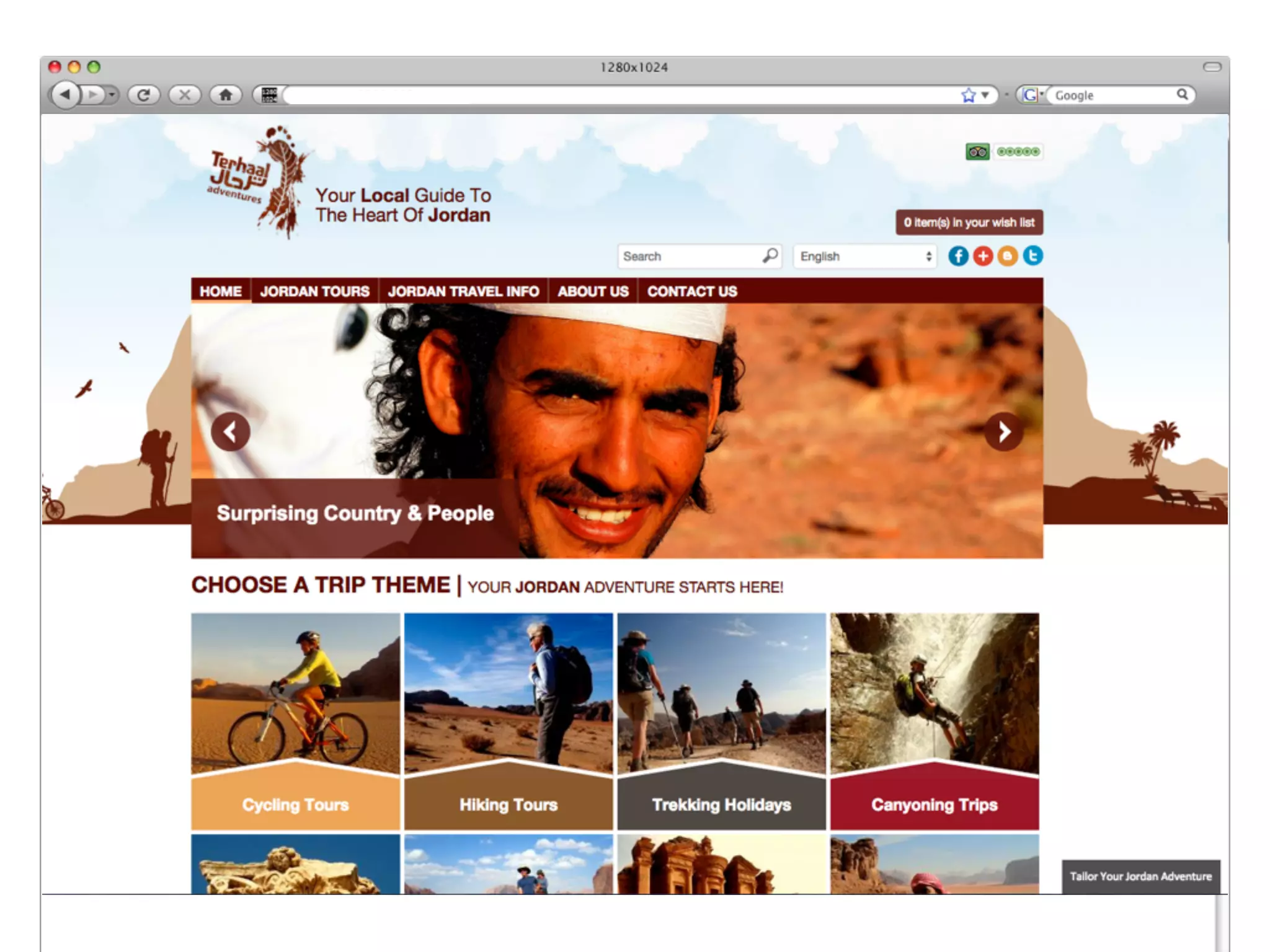
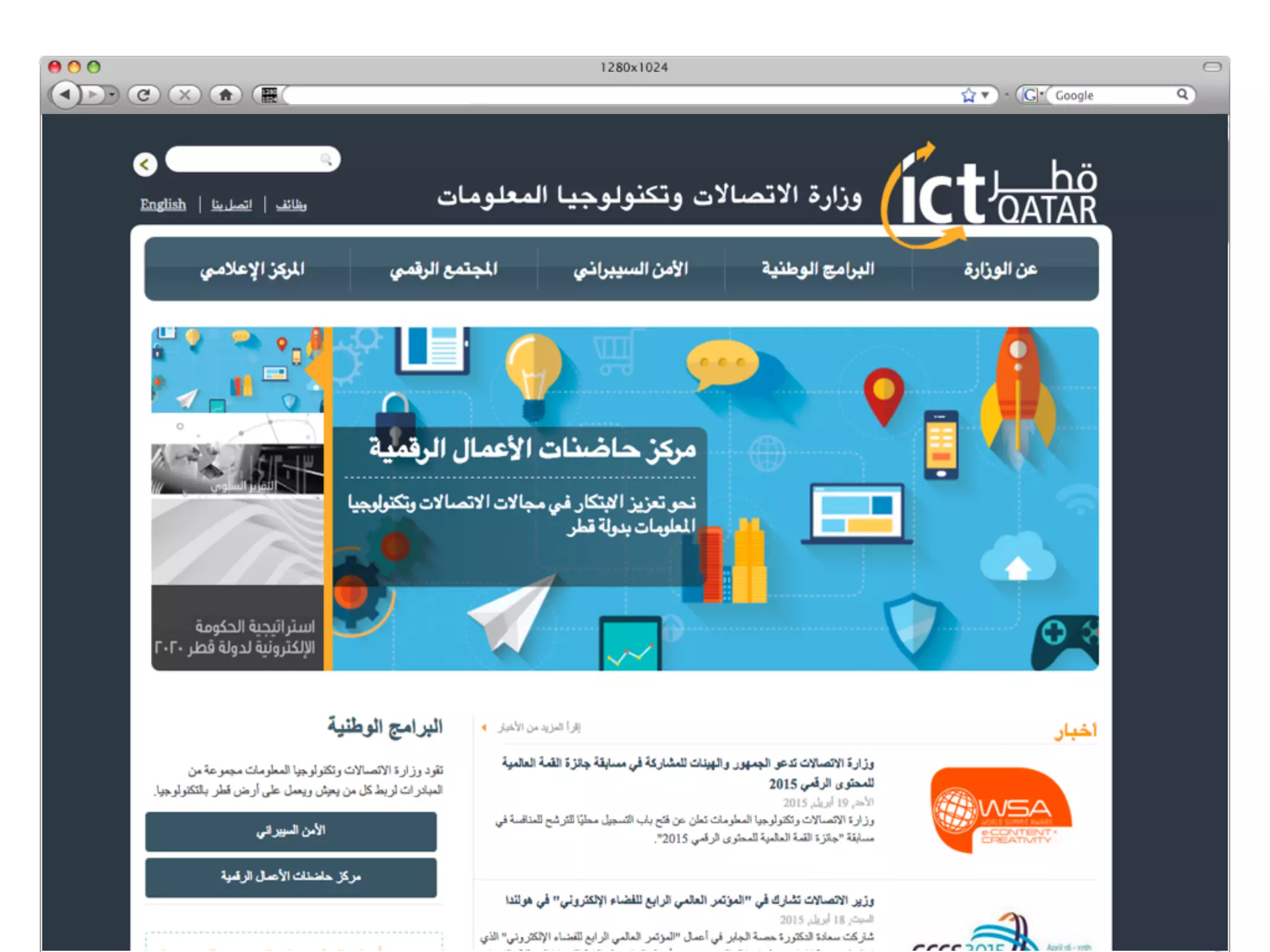
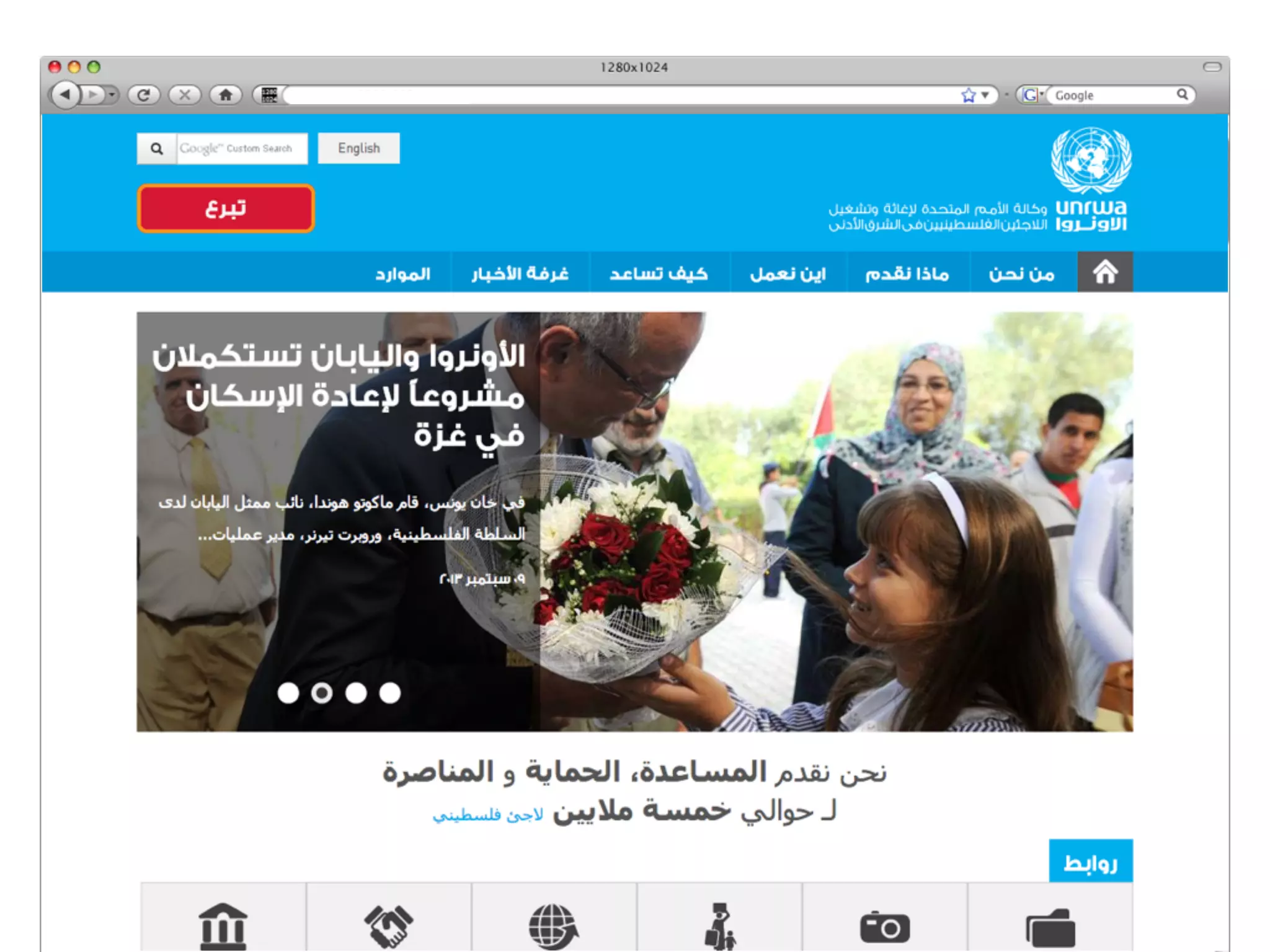
WE BUILD WEBSITES
ON BOOTSTRAP
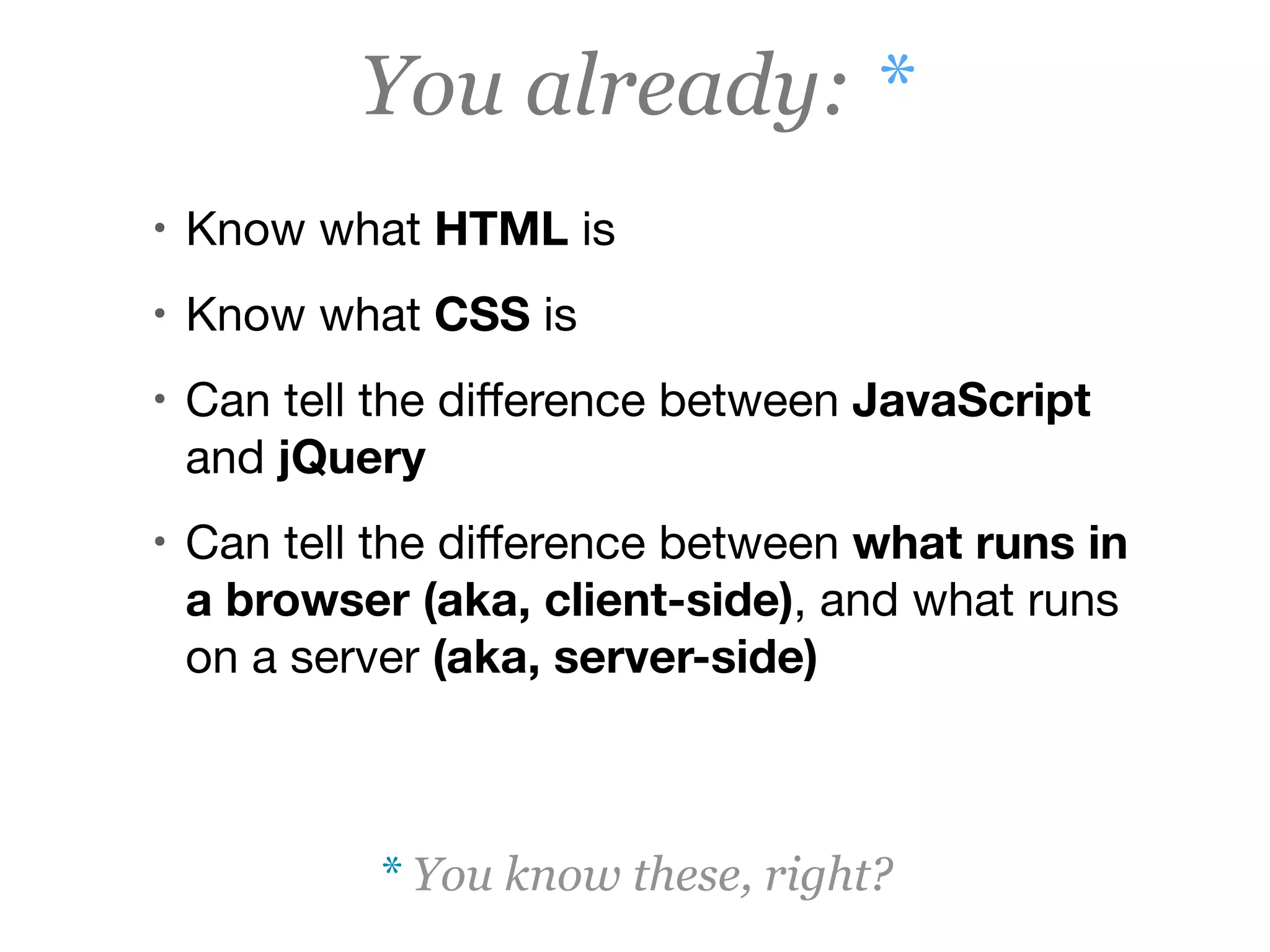
Before we discuss
what is Bootstrap
ASSUMPTIONS!
You already: *
• Know what HTML is

• Know what CSS is

• Can tell the difference between JavaScript
and jQuery

• Can tell the difference between what runs in
a browser (aka, client-side), and what runs
on a server (aka, server-side)
* You know these, right?
PRINCIPLES OF
DESIGN
Part 1
Contrast
1
Repetition
2
Alignment
3
Proximity
4
Color
5
Typography
6
Contrast
1
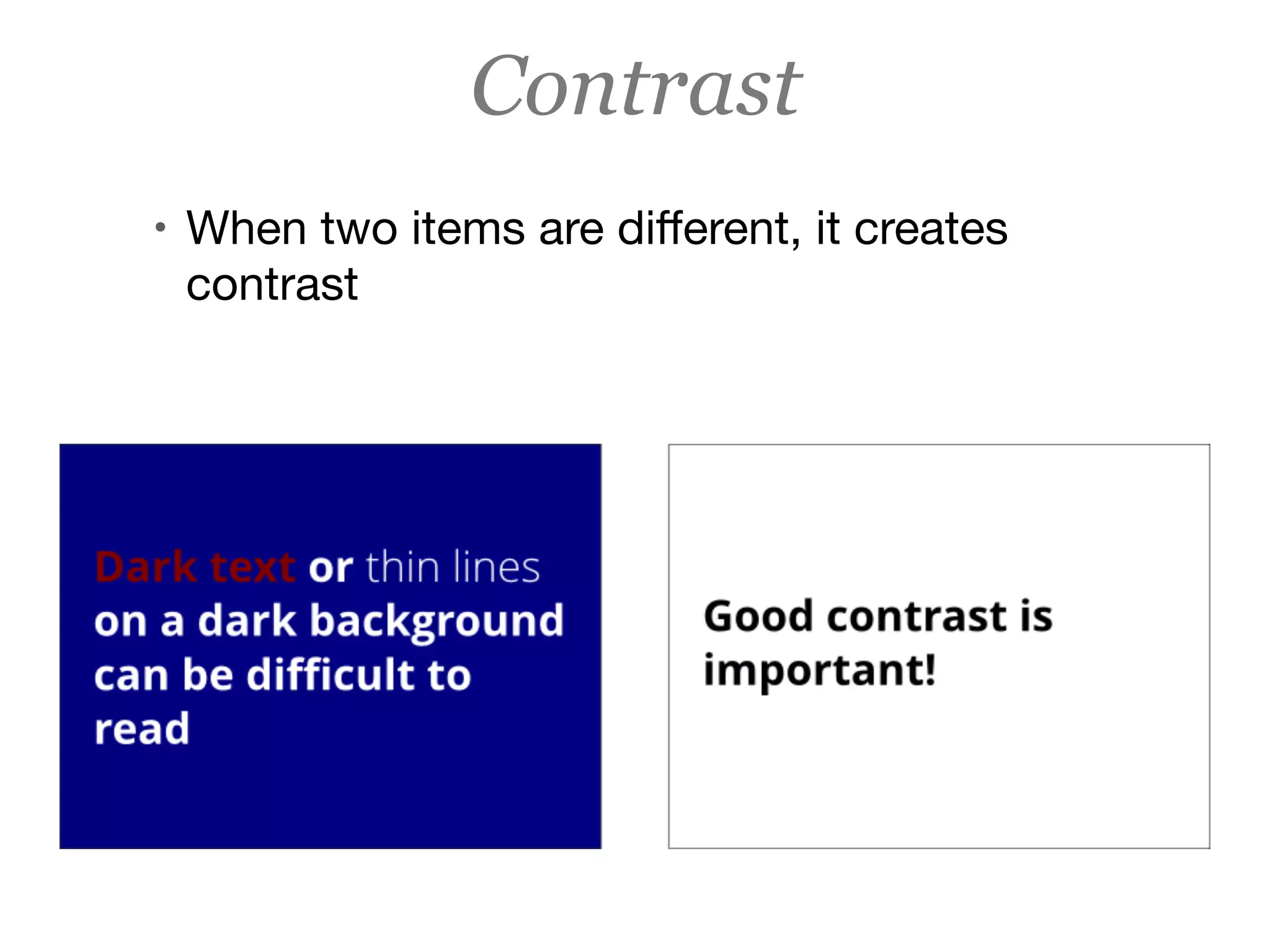
Contrast
• When two items are different, it creates
contrast
Contrast
• Use color analyzer tool

• Check WCAG 2.0, Level AA

• WCAG 2.0 is a law in Europe
Repetition
2
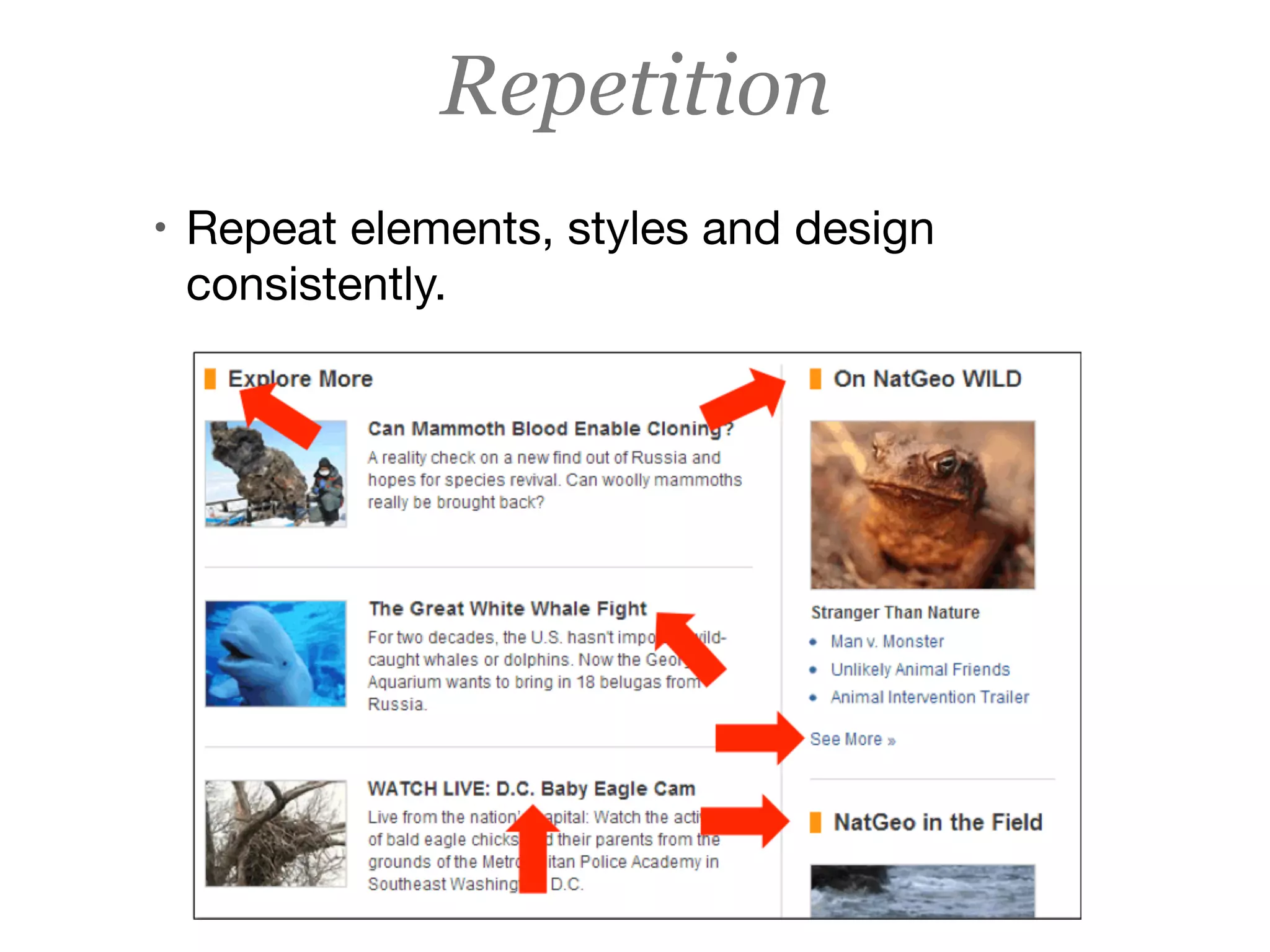
Repetition
• Repeat elements, styles and design
consistently.
Repetition
• Font-size and family across headers and
copy

• Bullet styles

• Color

• Border thickness / style

• Margins / padding

• Components

• Buttons

• Forms
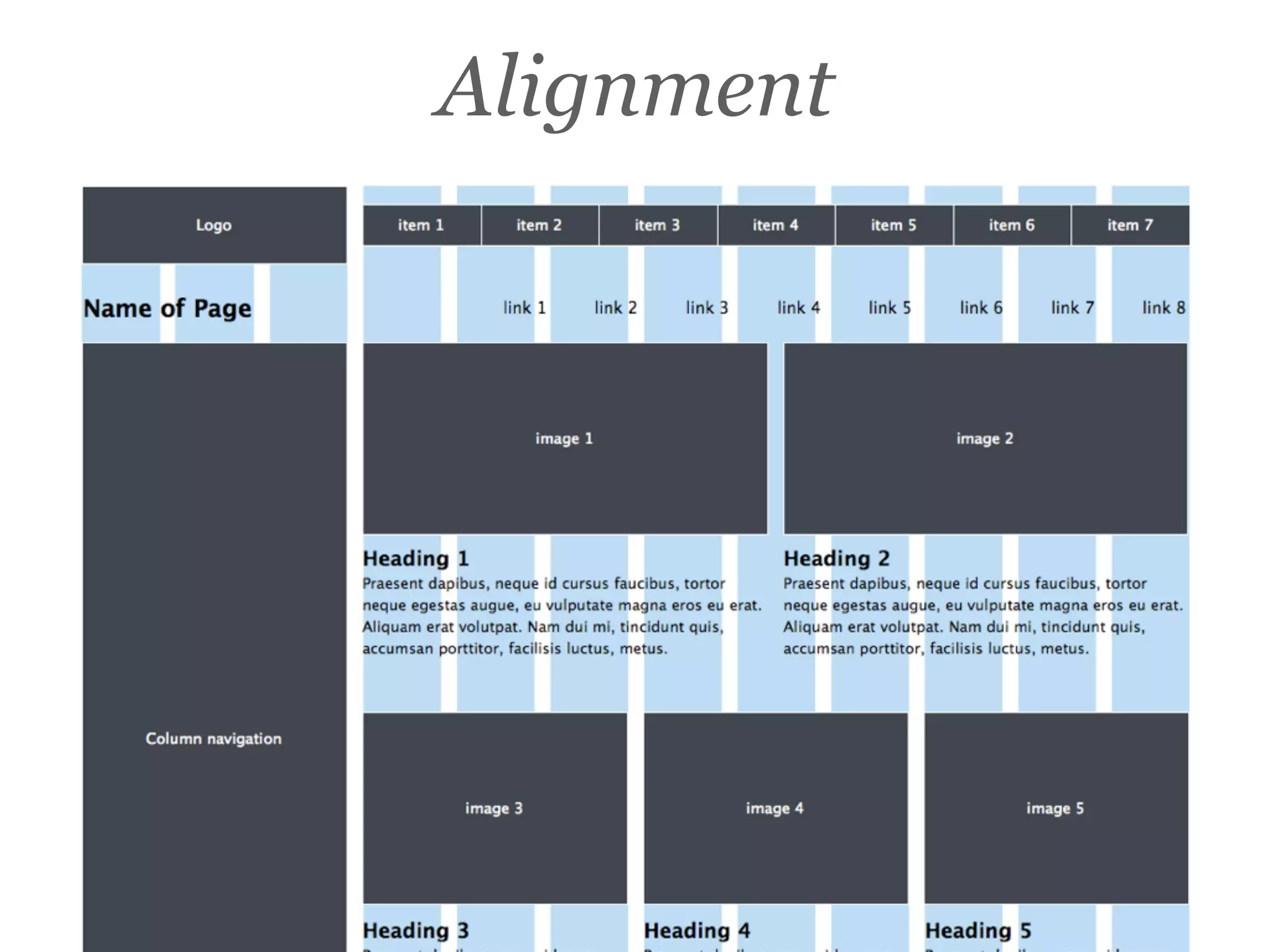
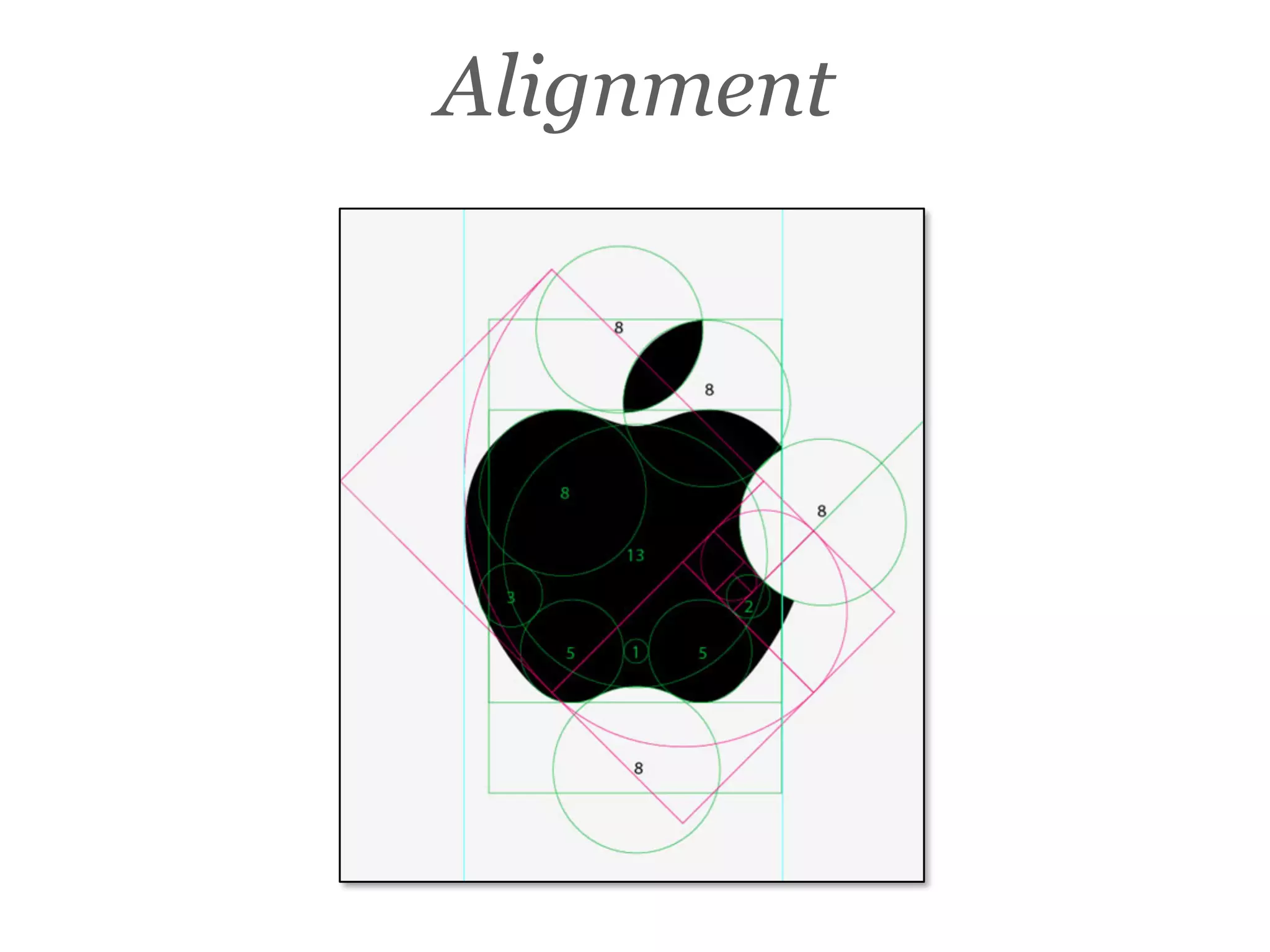
Alignment
3
Alignment
Alignment
Proximity
4
Proximity
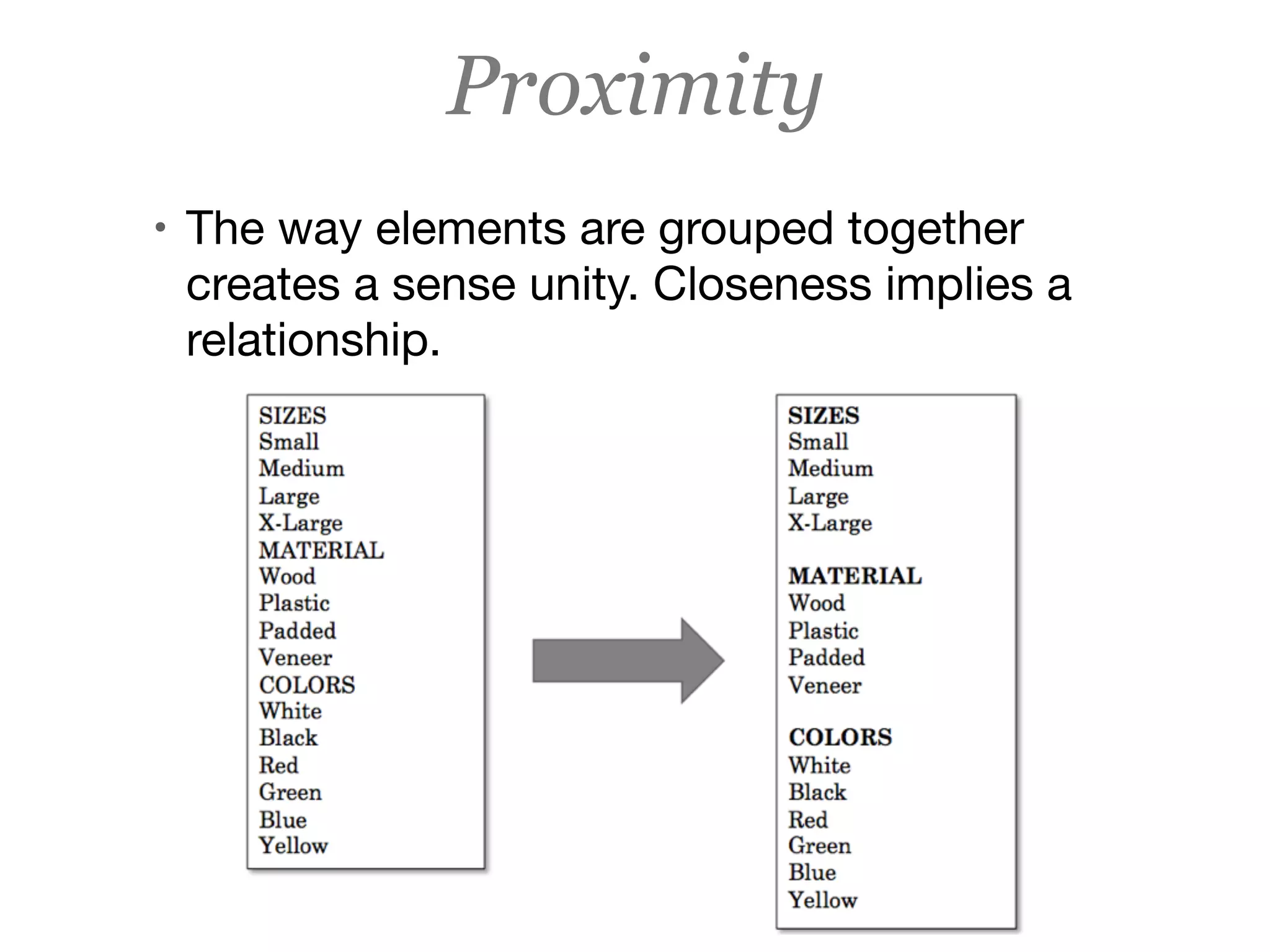
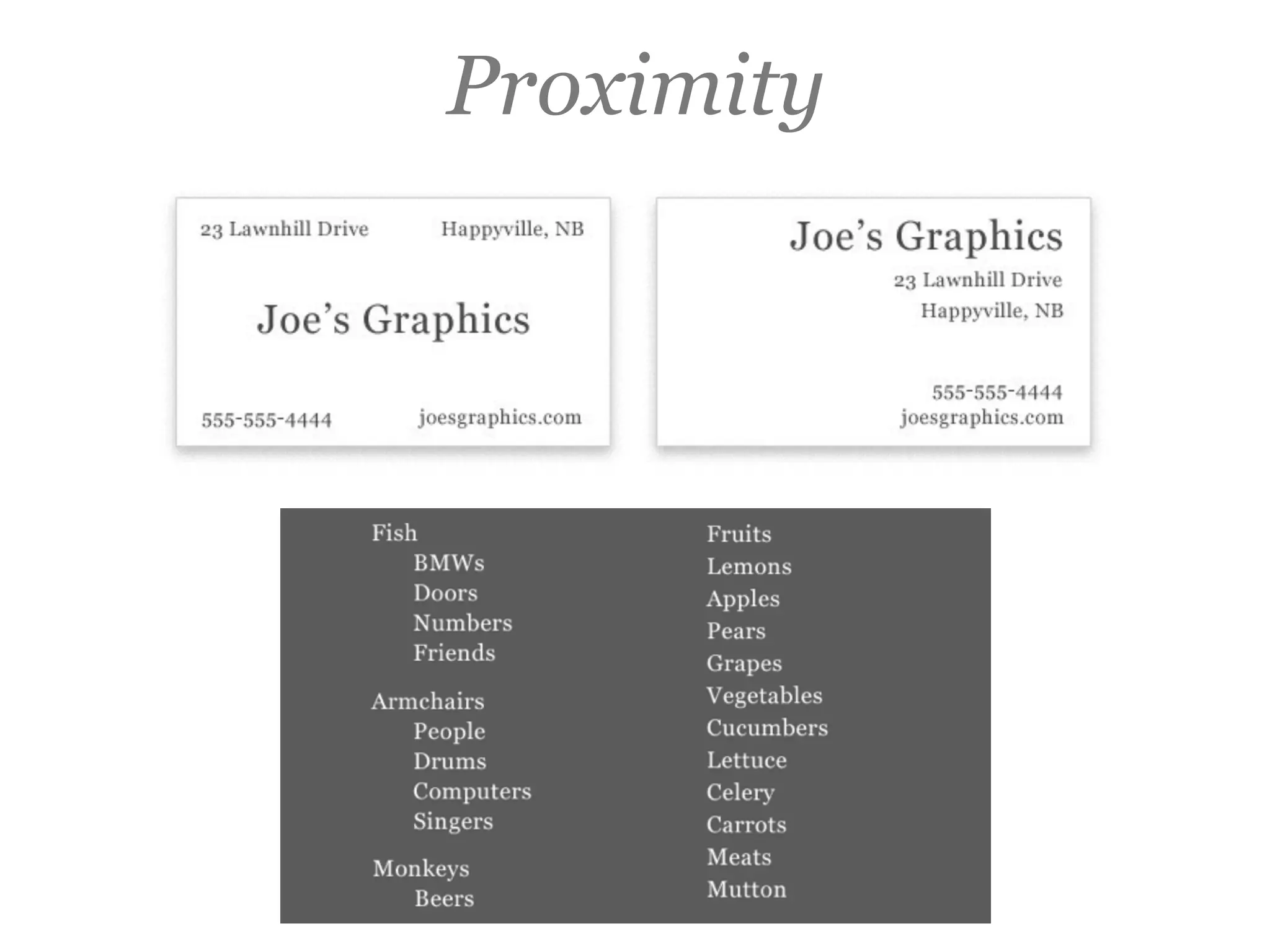
• The way elements are grouped together
creates a sense unity. Closeness implies a
relationship.
Proximity
Color
5
Color
Color can be very emotional (as in
psychology) or scientific (theories and
schemes)
• Color Association - How colors make us feel

• Color Temperatures – Warm and Cool

• Color Models – Additive and Subtractive 

• Color Wheels and Schemes
Color
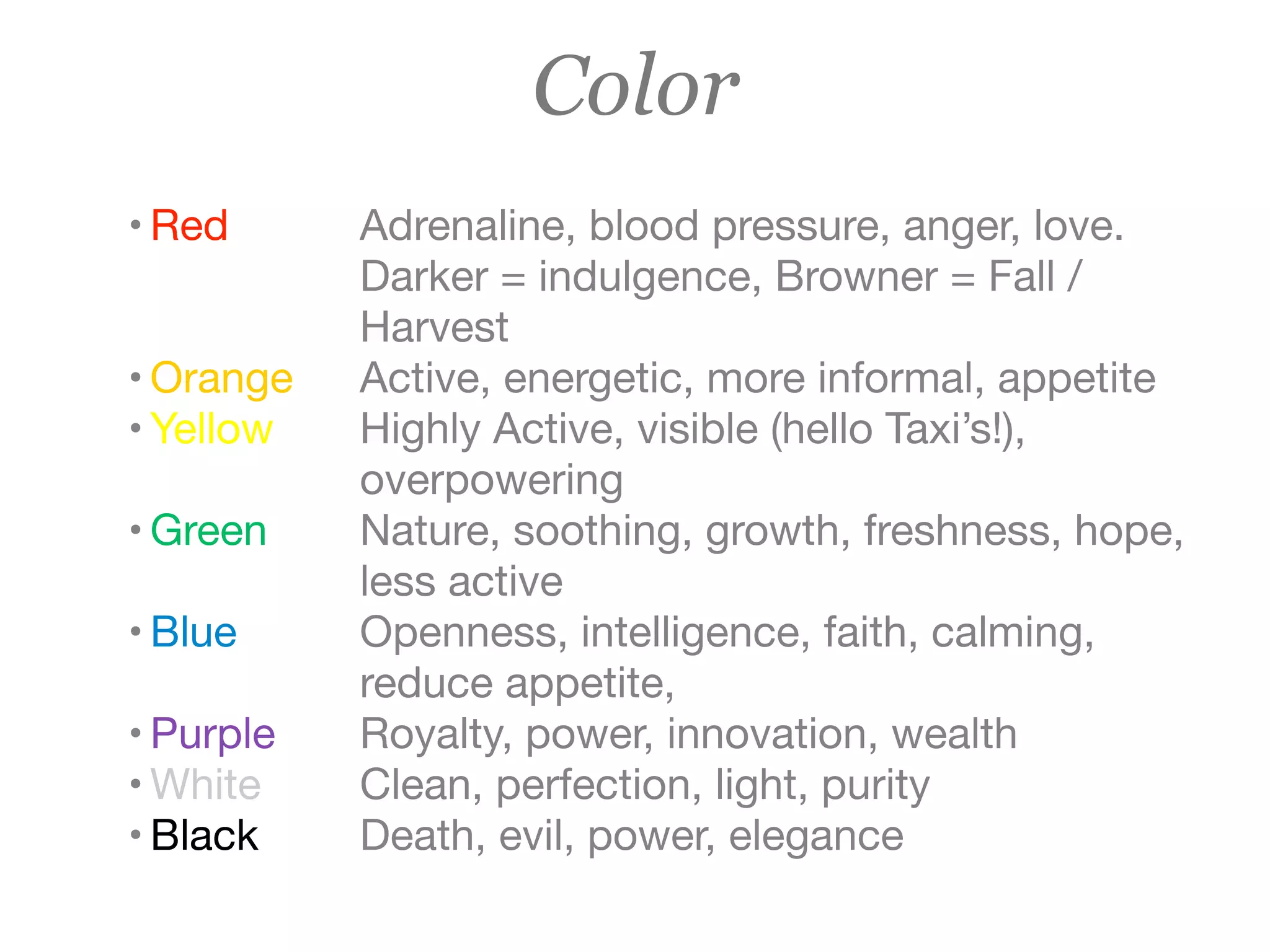
• Red

• Orange

• Yellow

• Green

• Blue

• Purple

• White

• Black
Adrenaline, blood pressure, anger, love.
Darker = indulgence, Browner = Fall /
Harvest

Active, energetic, more informal, appetite

Highly Active, visible (hello Taxi’s!), 	
overpowering

Nature, soothing, growth, freshness, hope,
less active

Openness, intelligence, faith, calming,
reduce appetite,

Royalty, power, innovation, wealth

Clean, perfection, light, purity

Death, evil, power, elegance
Color
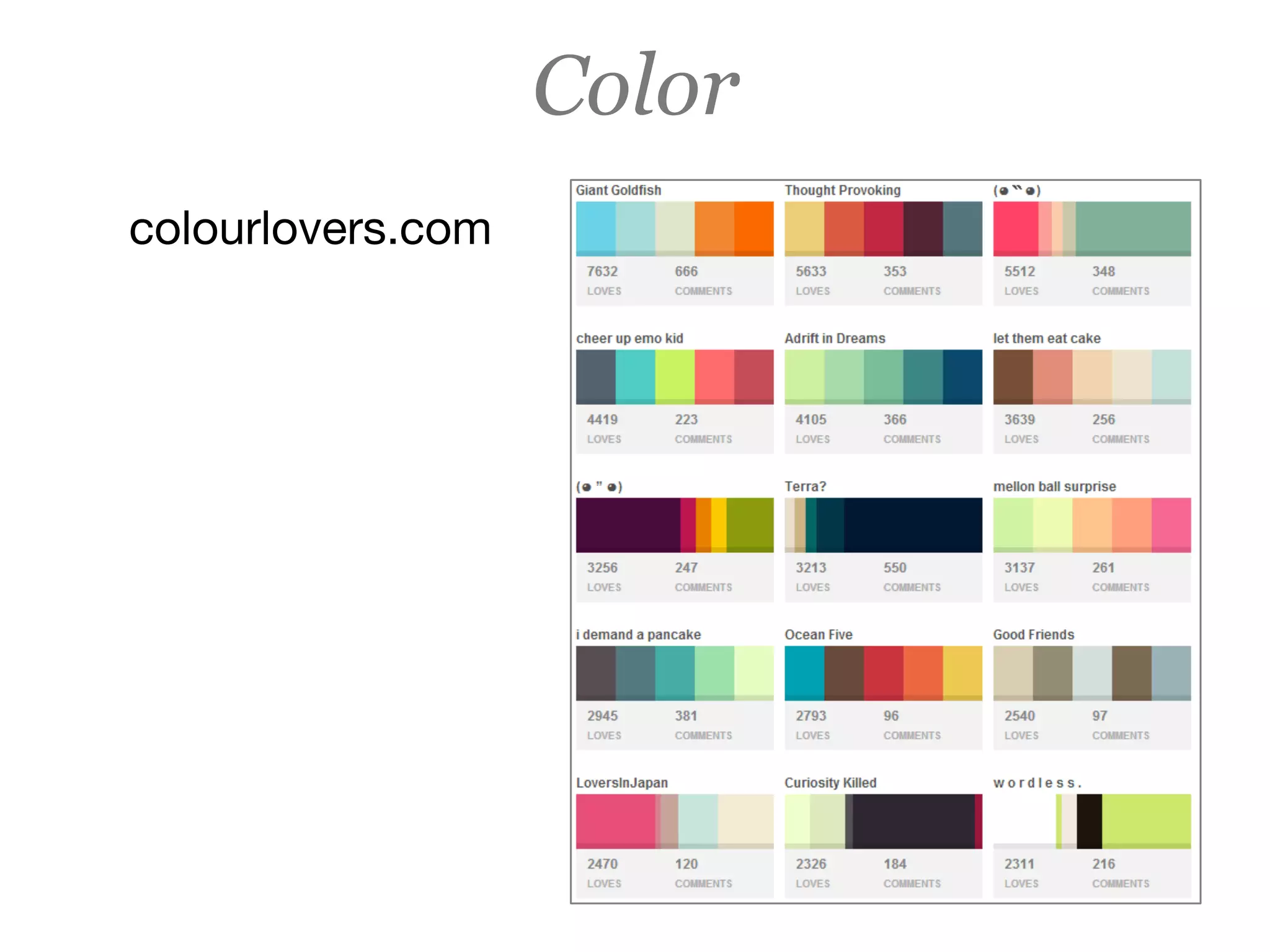
colourlovers.com
Typography
6
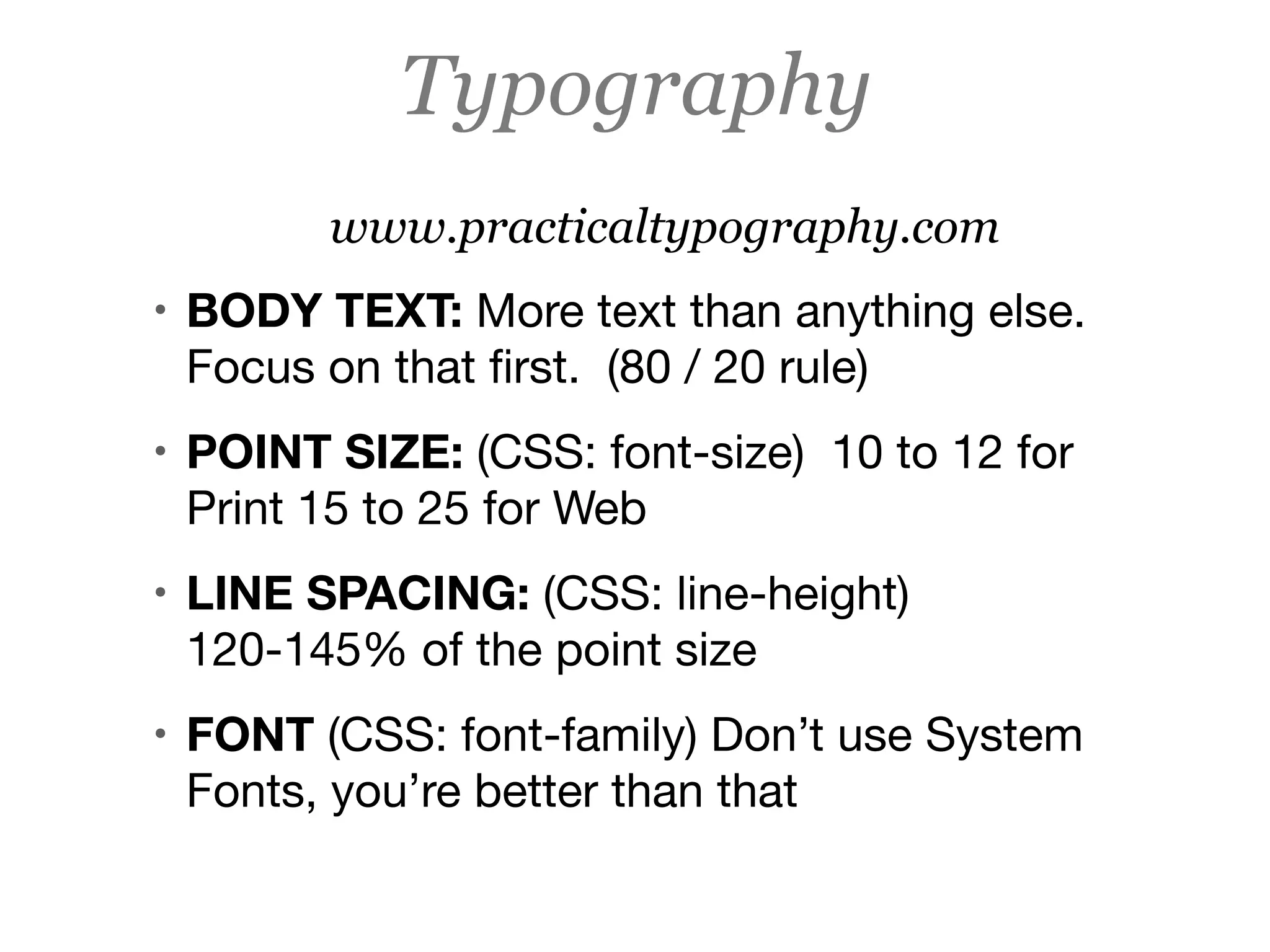
Typography
www.practicaltypography.com
• BODY TEXT: More text than anything else.
Focus on that first. (80 / 20 rule)

• POINT SIZE: (CSS: font-size) 10 to 12 for
Print 15 to 25 for Web

• LINE SPACING: (CSS: line-height)
120-145% of the point size

• FONT (CSS: font-family) Don’t use System
Fonts, you’re better than that

Typography
Typography
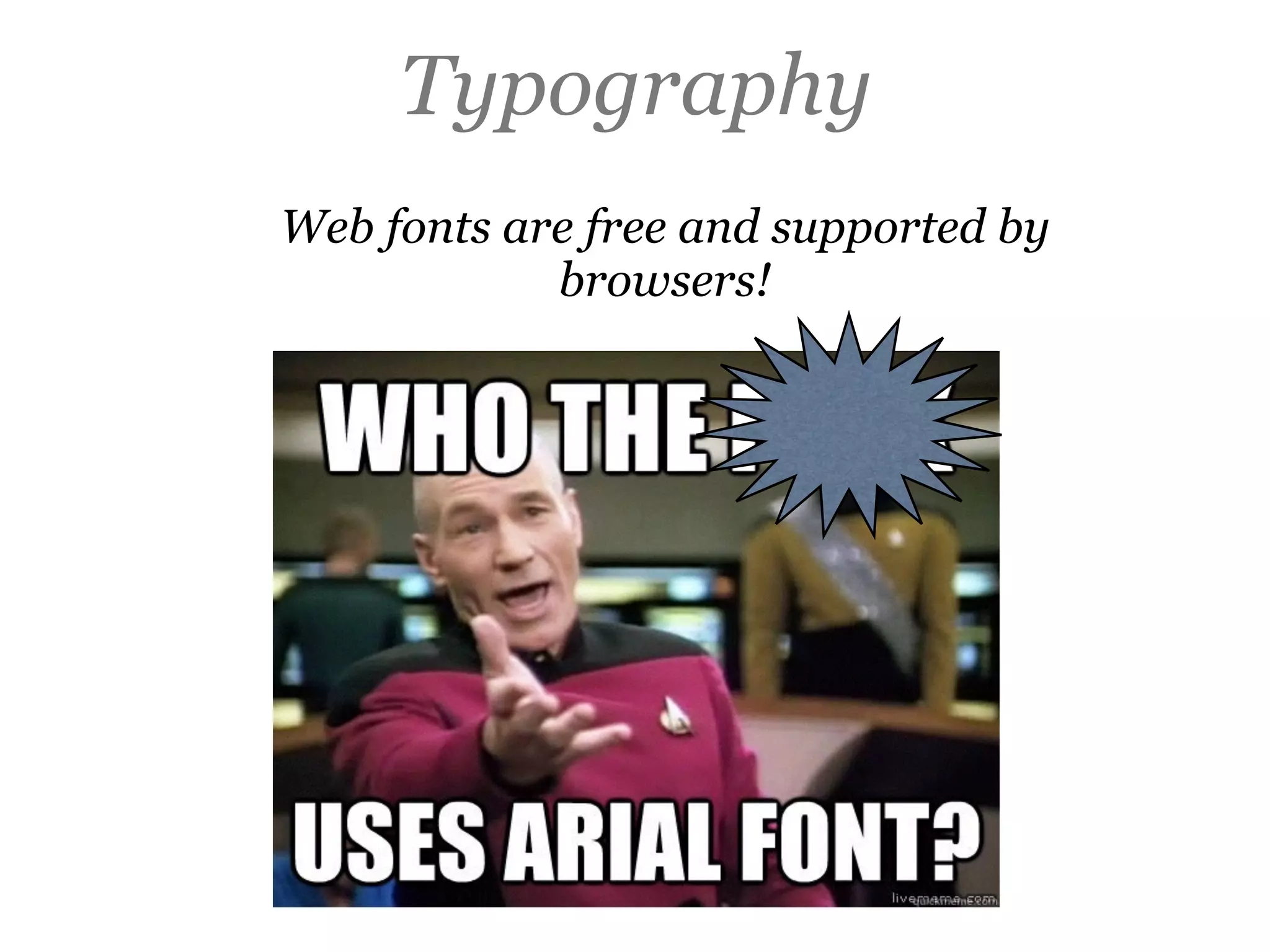
Web fonts are free and supported by
browsers!
Typography
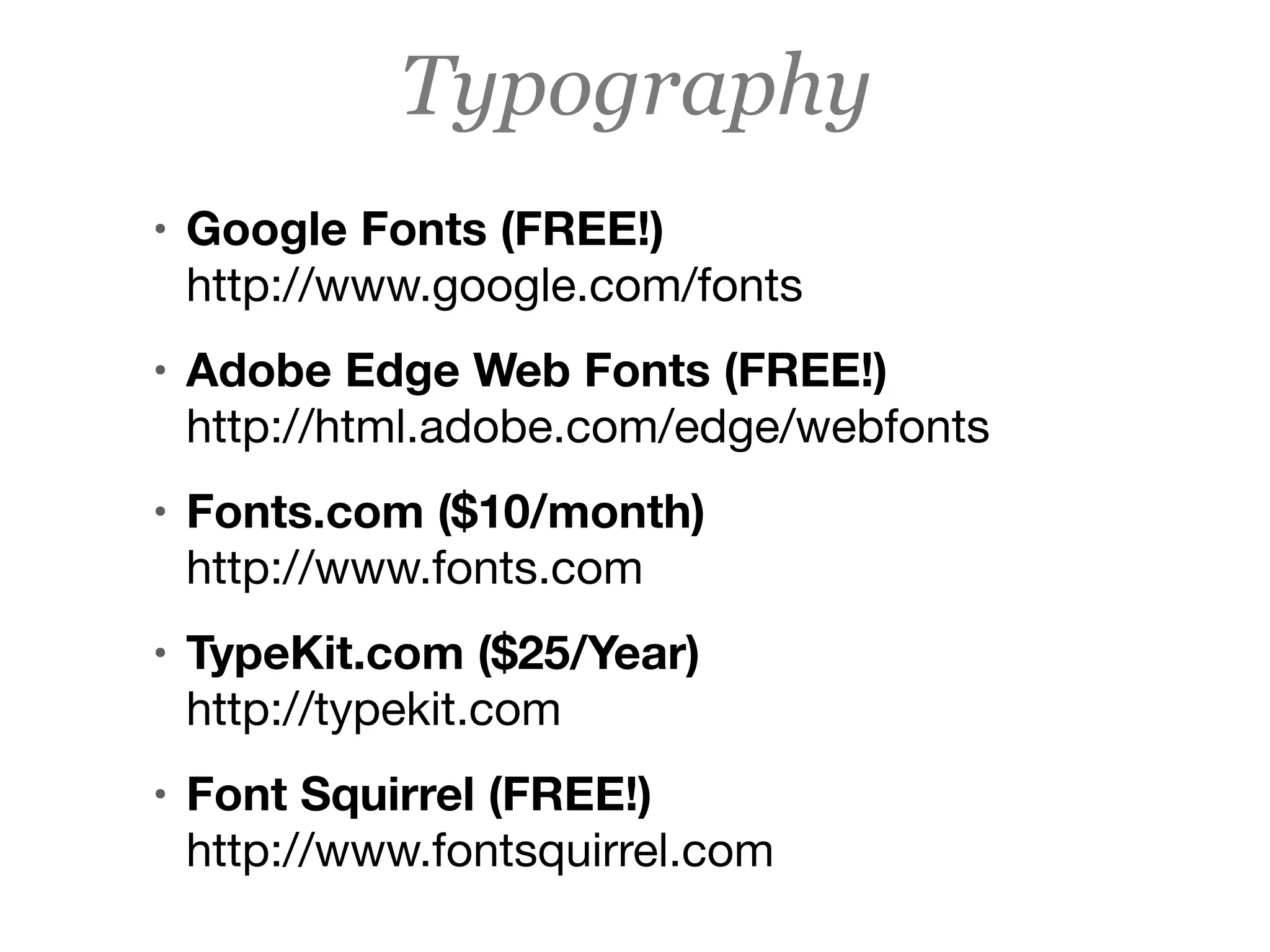
• Google Fonts (FREE!)

http://www.google.com/fonts
• Adobe Edge Web Fonts (FREE!)

http://html.adobe.com/edge/webfonts
• Fonts.com ($10/month)

http://www.fonts.com
• TypeKit.com ($25/Year)

http://typekit.com
• Font Squirrel (FREE!)

http://www.fontsquirrel.com
Typography
BOOTSTRAP 3
Part 2
What is Bootstrap?
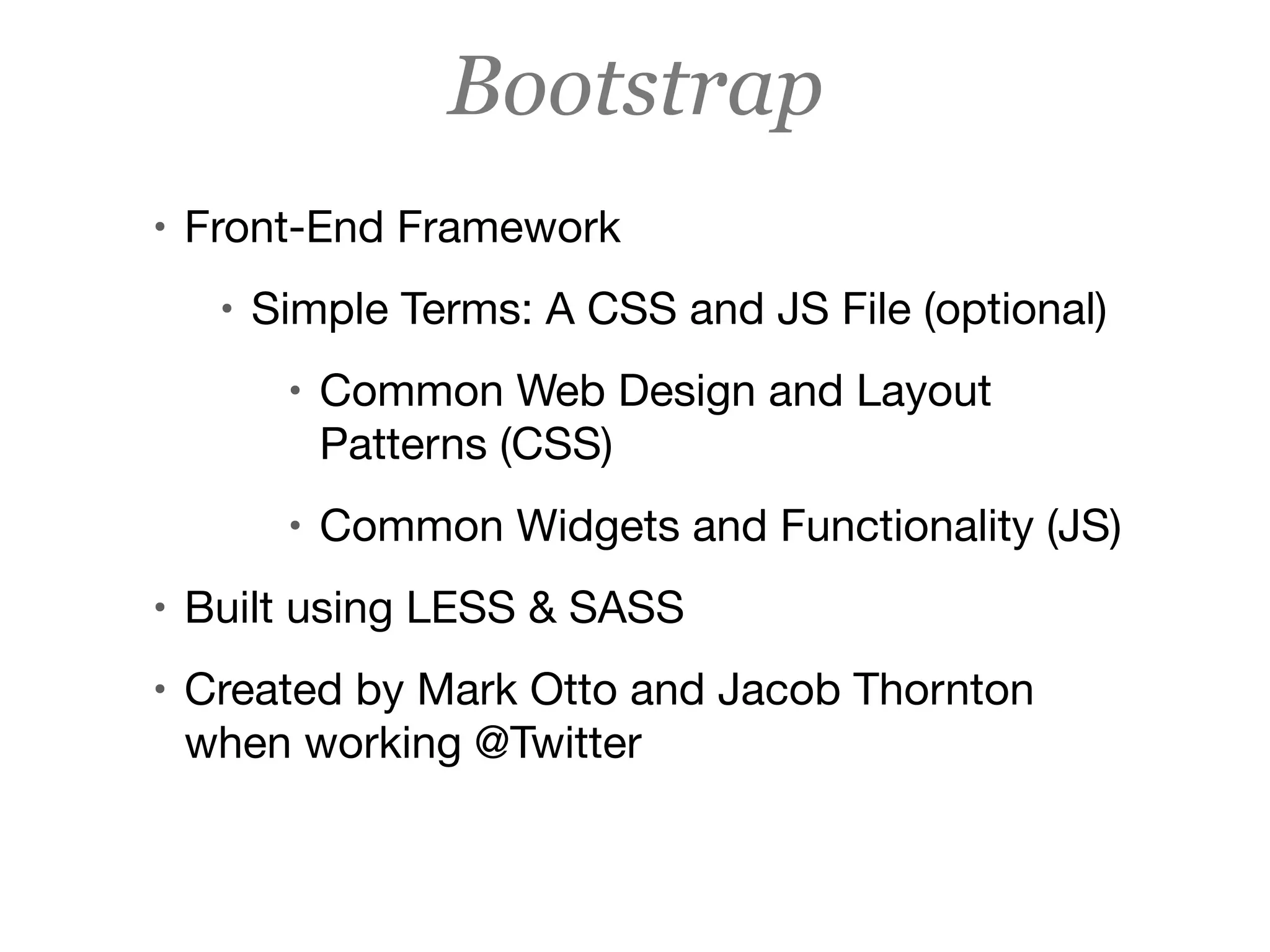
Bootstrap
• Front-End Framework

• Simple Terms: A CSS and JS File (optional) 

• Common Web Design and Layout
Patterns (CSS)

• Common Widgets and Functionality (JS)

• Built using LESS & SASS

• Created by Mark Otto and Jacob Thornton
when working @Twitter
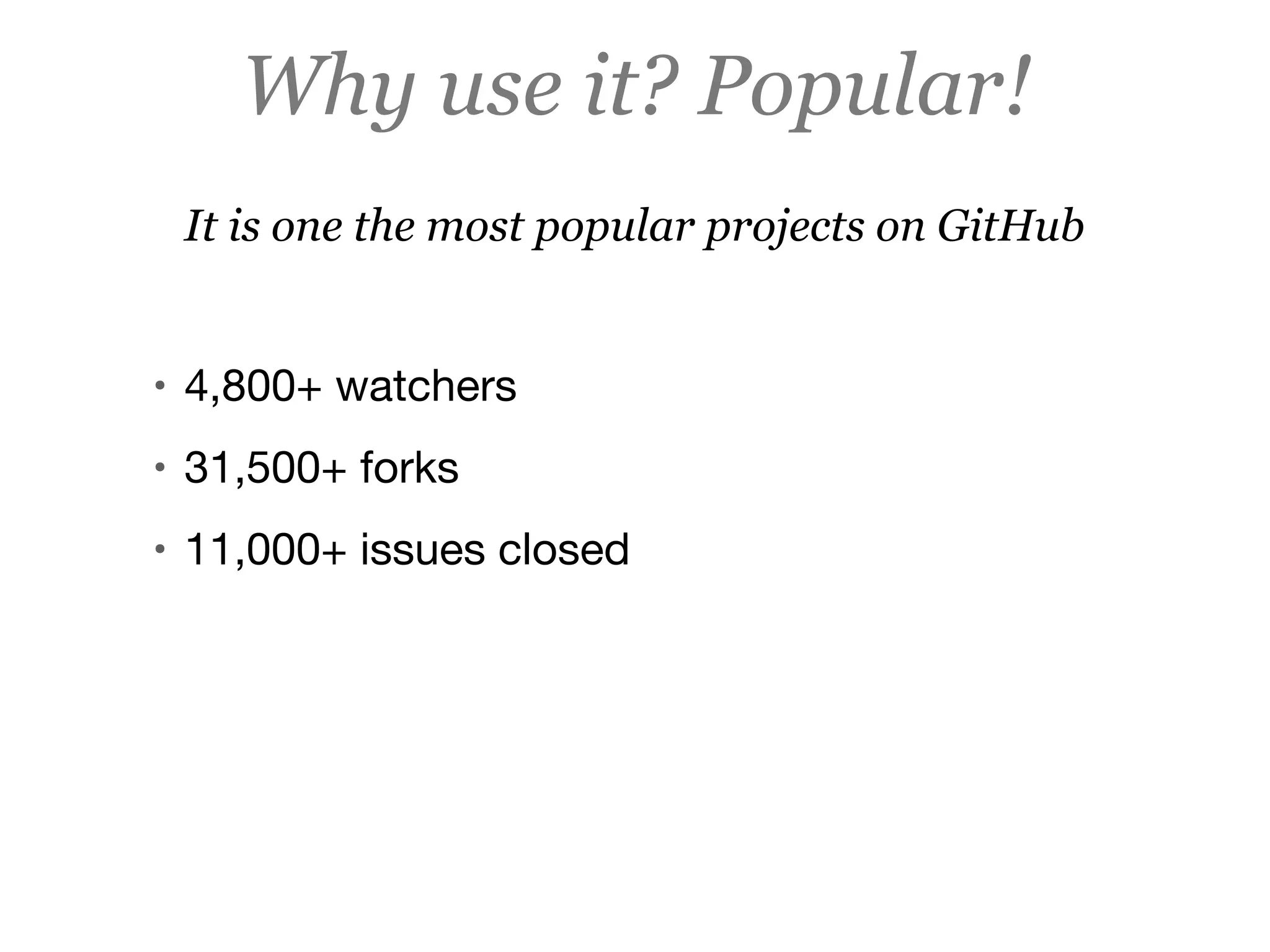
Why use it? Popular!
It is one the most popular projects on GitHub
• 4,800+ watchers

• 31,500+ forks

• 11,000+ issues closed
Getting started
getbootstrap.com
What we will see together
1.		 Mobile-first grid

2.		 Base CSS for common UI elements

3.		 Components

4.		 JavaScript

5.		 Customize
HELPFULL TOOLS
Part 3
Cheatsheet
www.cheatography.com/
masonjo/cheat-sheets/
bootstrap/
Snippets
www.bootsnipp.com
Bootstrap Resources
expo.getbootstrap.com/
resources/
Q + A

Bootstrap UI Library Introduction