Download to read offline

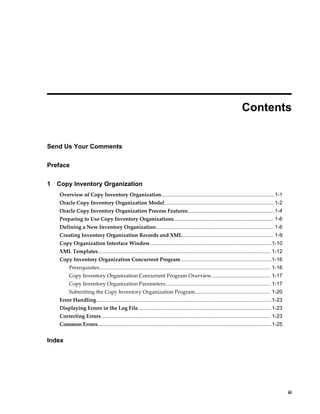



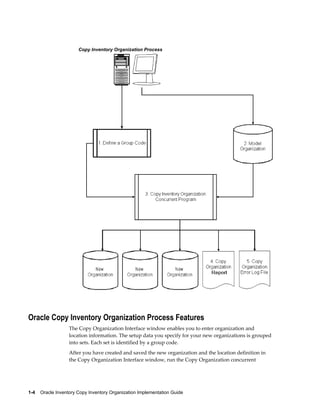
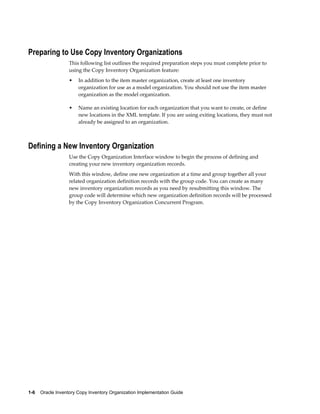
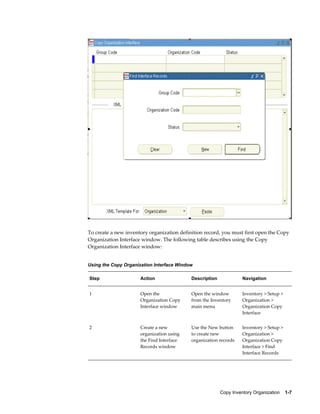
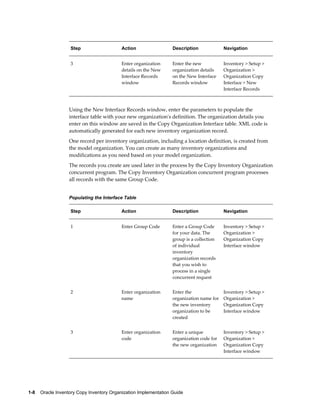
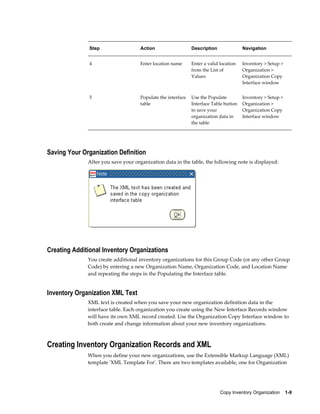
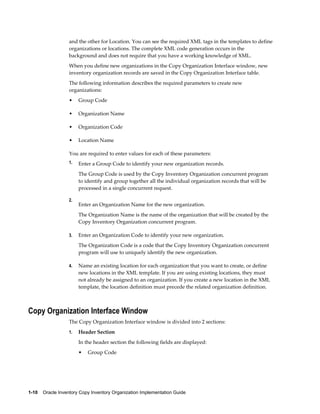
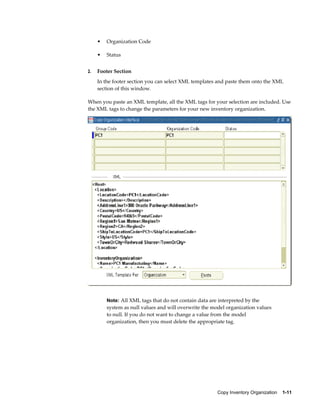
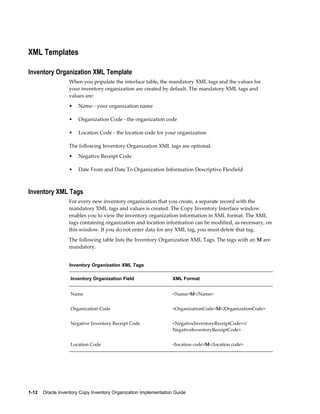
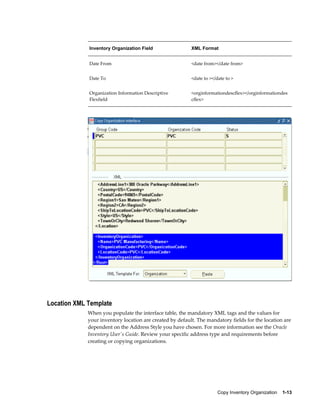
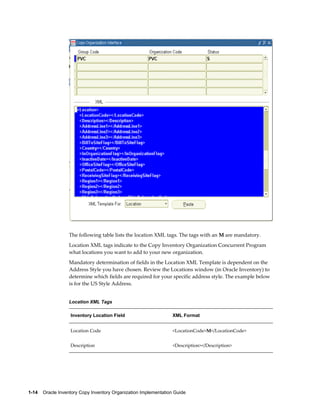
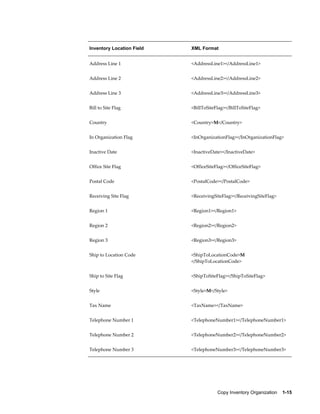
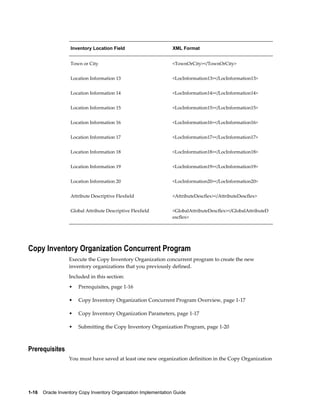
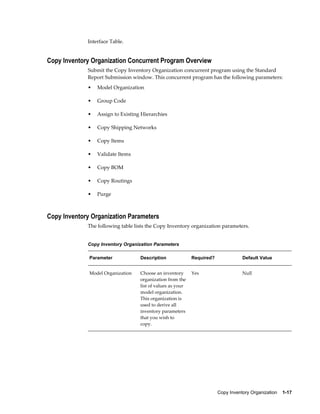
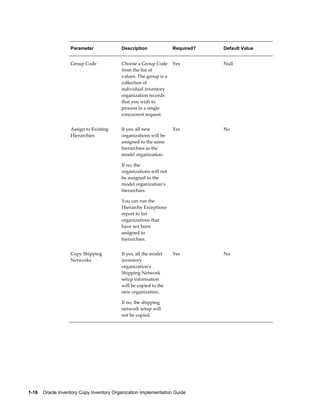
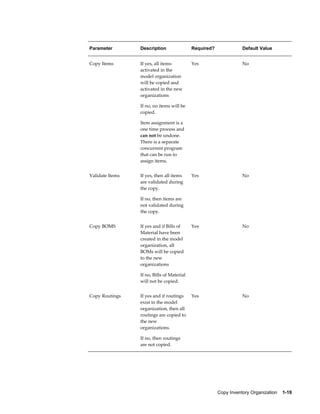
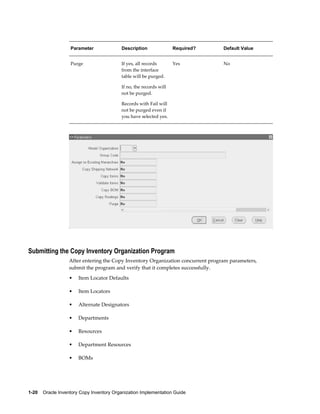
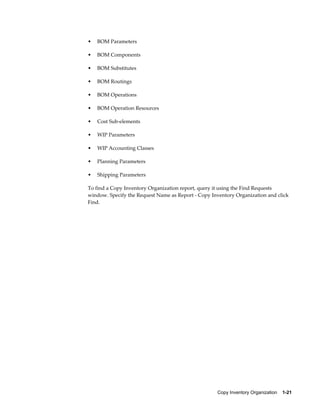
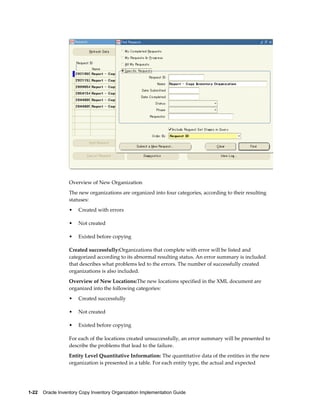
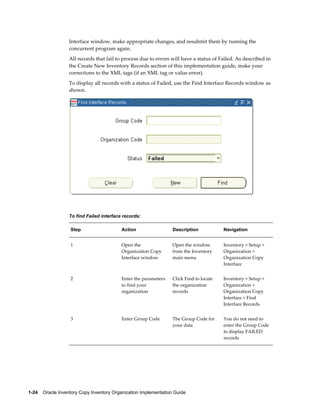
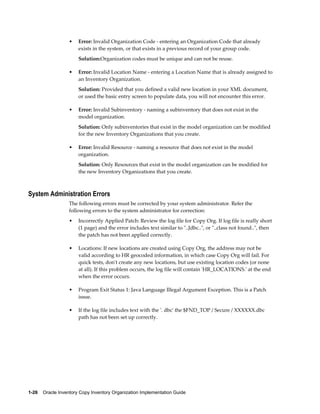

1. Use the Copy Organization Interface window to create a new inventory organization record and assign it a group code. 2. Populate the record with the organization name, code, and location details. This will generate XML code for the new organization. 3. Additional records can be created for multiple new organizations by repeating steps 1-2. All records with the same group code will be processed together. 4. Submit the Copy Inventory Organization concurrent program, specifying the model organization, group code, and which setup data to copy. This will create the new organizations defined in the interface records.


