Lectures on Computer Graphics
by
Dr. Sukhendu Das
Associate Professor
Dept. of Computer Science and Engg.
IIT Madras
Chennai – 600036.
Duration: 43 Hours
COMPUTER GRAPHICS
Section – I
INTRODUCTION
Various fundamental concepts and principles
in Computer Graphics are
Display Systems
Storage displays, Random scan, Raster
refresh displays, CRT basics, video basics,
Flat panel displays.
Transformations
Affine ( 2-D and 3-D ): Rotation, Translation,
Scale, Reflection and Shear.
Viewing: The Camera Transformations -
perspective, orthographic, isometric and
stereographic views, Quaternion.
Scan Conversion and Clipping
Drawing of Points, Lines, Markers, Curves,
Circles, Ellipse, Polyline, Polygon. Area filling, fill-
style, fill pattern, clipping algorithms, anti-aliasing
etc.
Hidden Surface Removal
Back face culling, Painter's algorithm, scan-
line algorithm, BSP-trees, Z-buffer/sorting, Ray
tracing etc.
Shading & Illumination
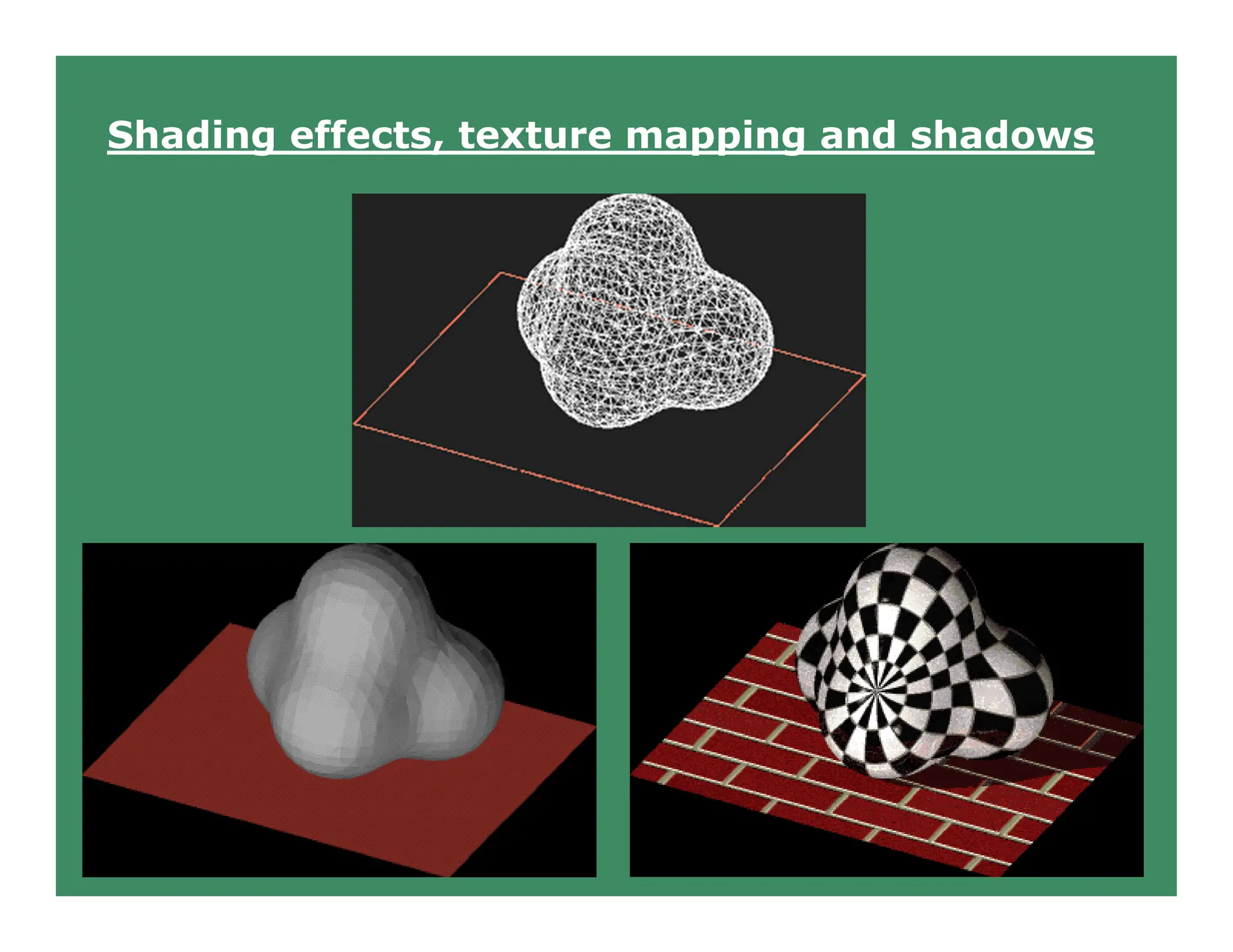
Phong's shading model, texture mapping,
bump mapping, Gouraud shading, Shadows and
background, Color models etc.
Solid Modeling
Wire-frame, Octrees, Sweep, Boundary
representations. Regularized Boolean set
operations, Constructive Solid Geometry.
Curves and Surfaces
Bezier (Bernstein Polynomials) Curves,
B-Splines, Cubic-Splines, Quadratic
surfaces, parametric and non-parametric
forms, Hermite Curves etc.
Miscellaneous
Animation, Fractals, Projection and
Viewing, Geometry, Modeling, Image File
formats, Image Morphing, Interaction
(sample and event-driven) etc.
Advanced Raster Graphics Architecture
Display Processors, Pipeline and
parallel architectures, multi-processor
systems, hybrid architectures.
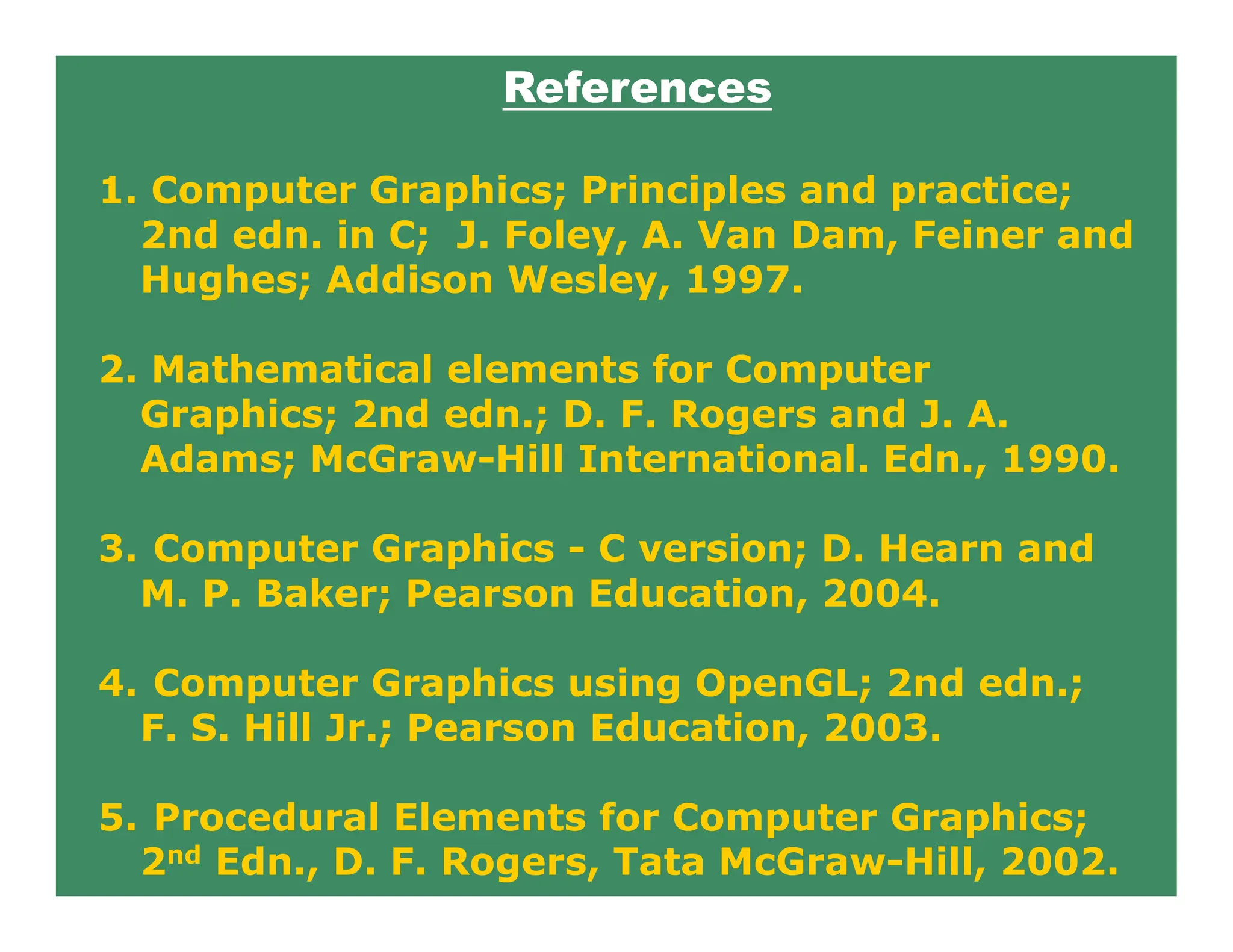
References
1. Computer Graphics; Principles and practice;
2nd edn. in C; J. Foley, A. Van Dam, Feiner and
Hughes; Addison Wesley, 1997.
2. Mathematical elements for Computer
Graphics; 2nd edn.; D. F. Rogers and J. A.
Adams; McGraw-Hill International. Edn., 1990.
3. Computer Graphics - C version; D. Hearn and
M. P. Baker; Pearson Education, 2004.
4. Computer Graphics using OpenGL; 2nd edn.;
F. S. Hill Jr.; Pearson Education, 2003.
5. Procedural Elements for Computer Graphics;
2nd Edn., D. F. Rogers, Tata McGraw-Hill, 2002.
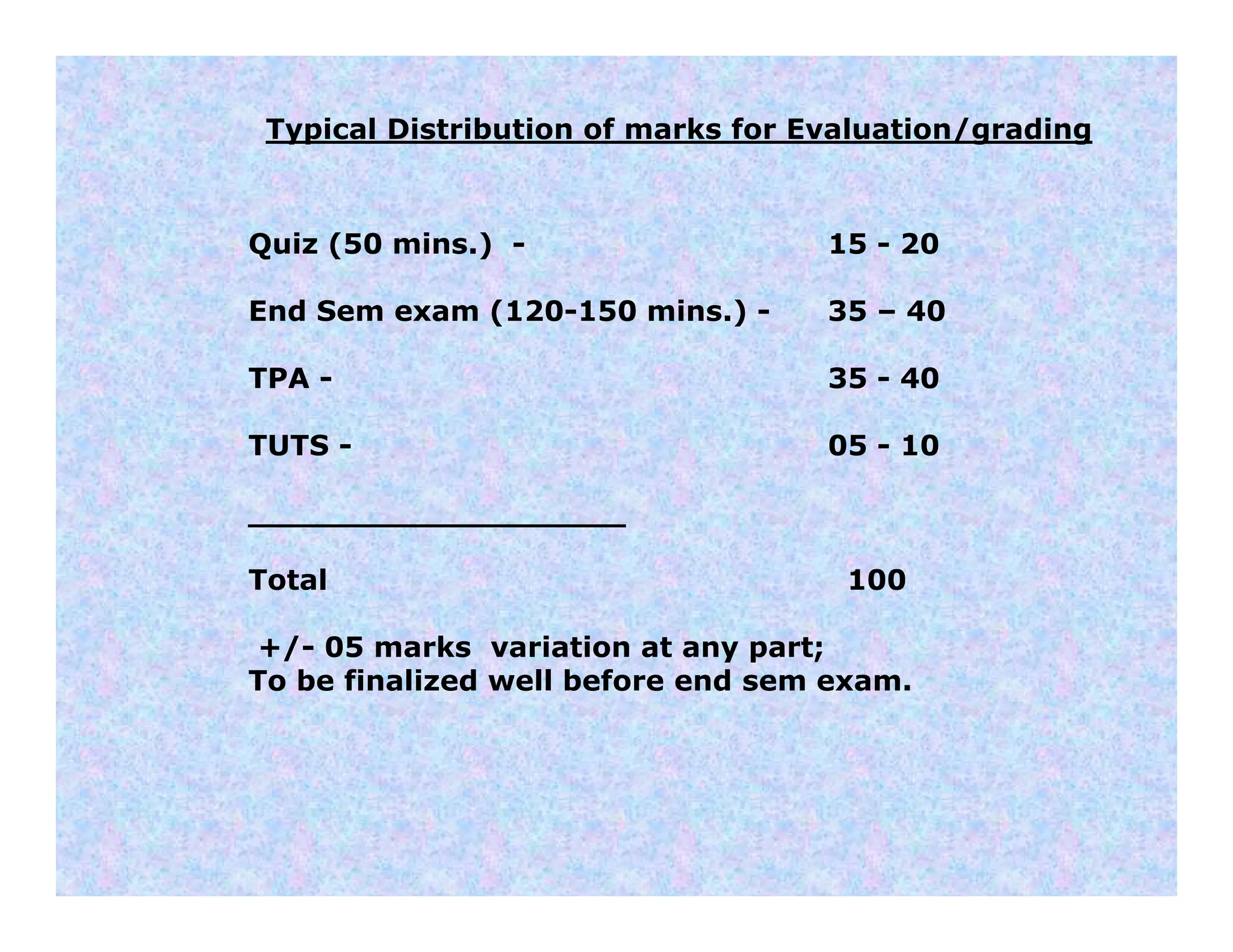
Typical Distribution of marks for Evaluation/grading
Quiz (50 mins.) - 15 - 20
End Sem exam (120-150 mins.) - 35 – 40
TPA - 35 - 40
TUTS - 05 - 10
___________________
Total 100
+/- 05 marks variation at any part;
To be finalized well before end sem exam.
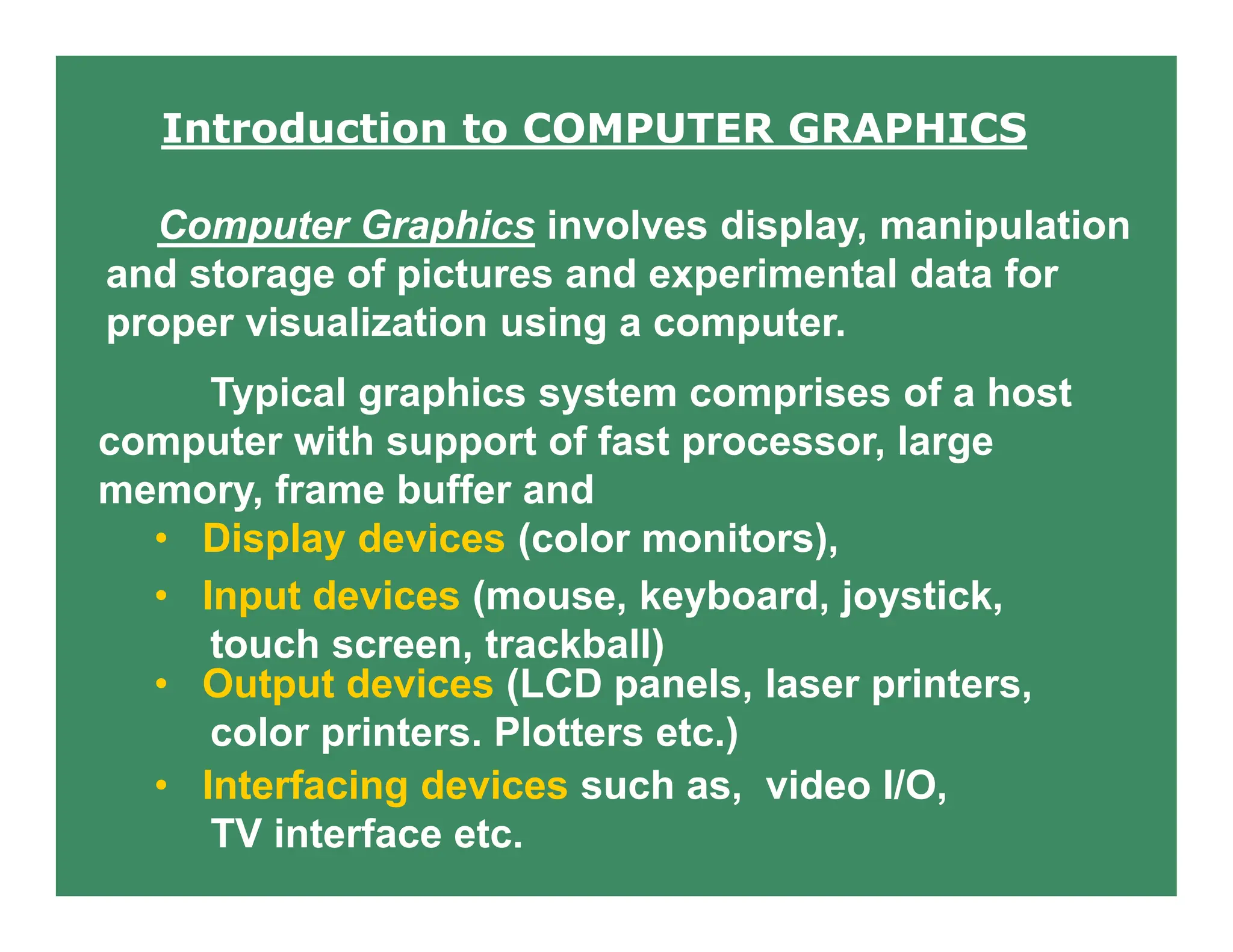
Introduction to COMPUTER GRAPHICS
Computer Graphics involves display, manipulation
and storage of pictures and experimental data for
proper visualization using a computer.
Typical graphics system comprises of a host
computer with support of fast processor, large
memory, frame buffer and
• Display devices (color monitors),
• Input devices (mouse, keyboard, joystick,
touch screen, trackball)
• Output devices (LCD panels, laser printers,
color printers. Plotters etc.)
• Interfacing devices such as, video I/O,
TV interface etc.
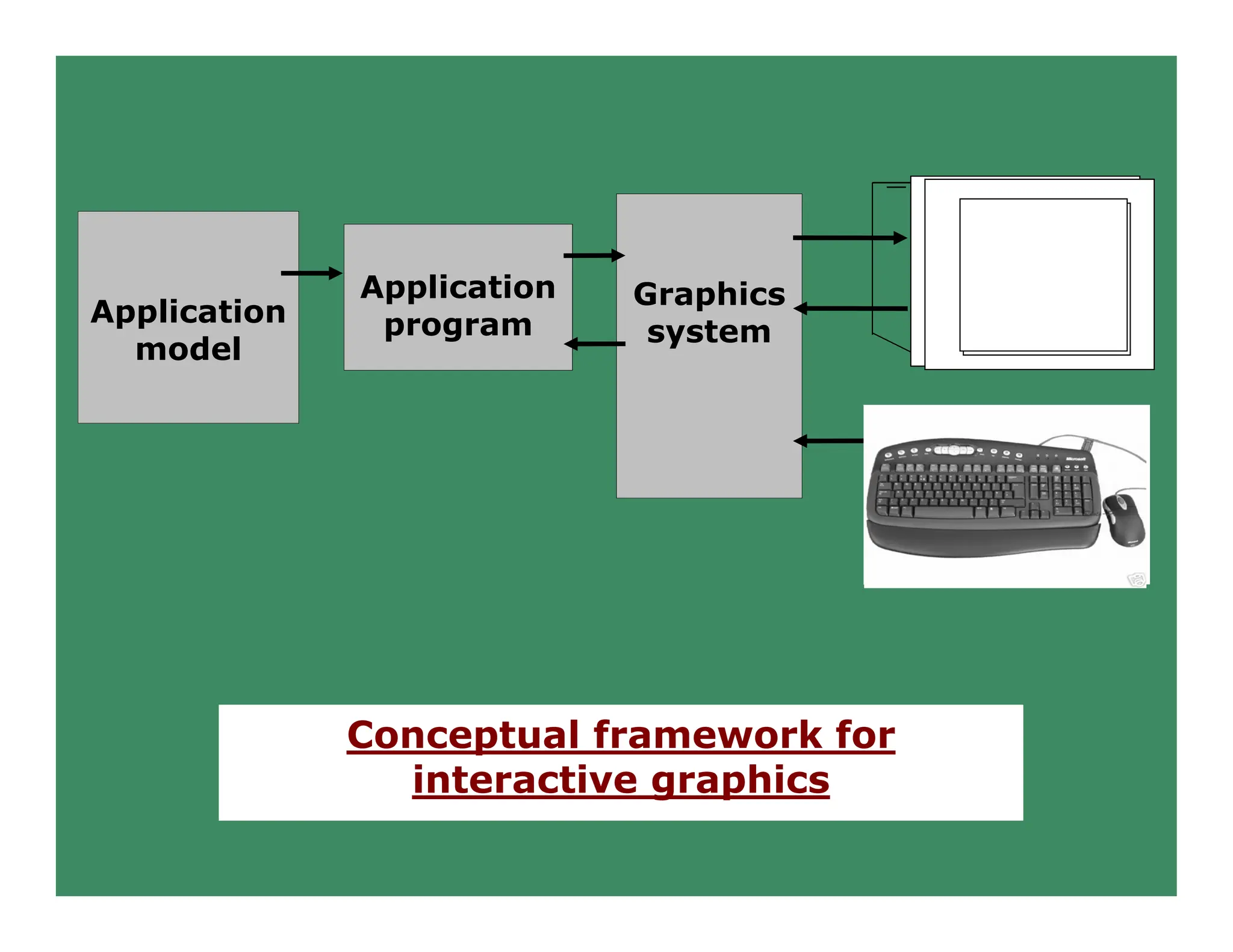
Application
model
Application
program
Graphics
system
Conceptual framework for
interactive graphics
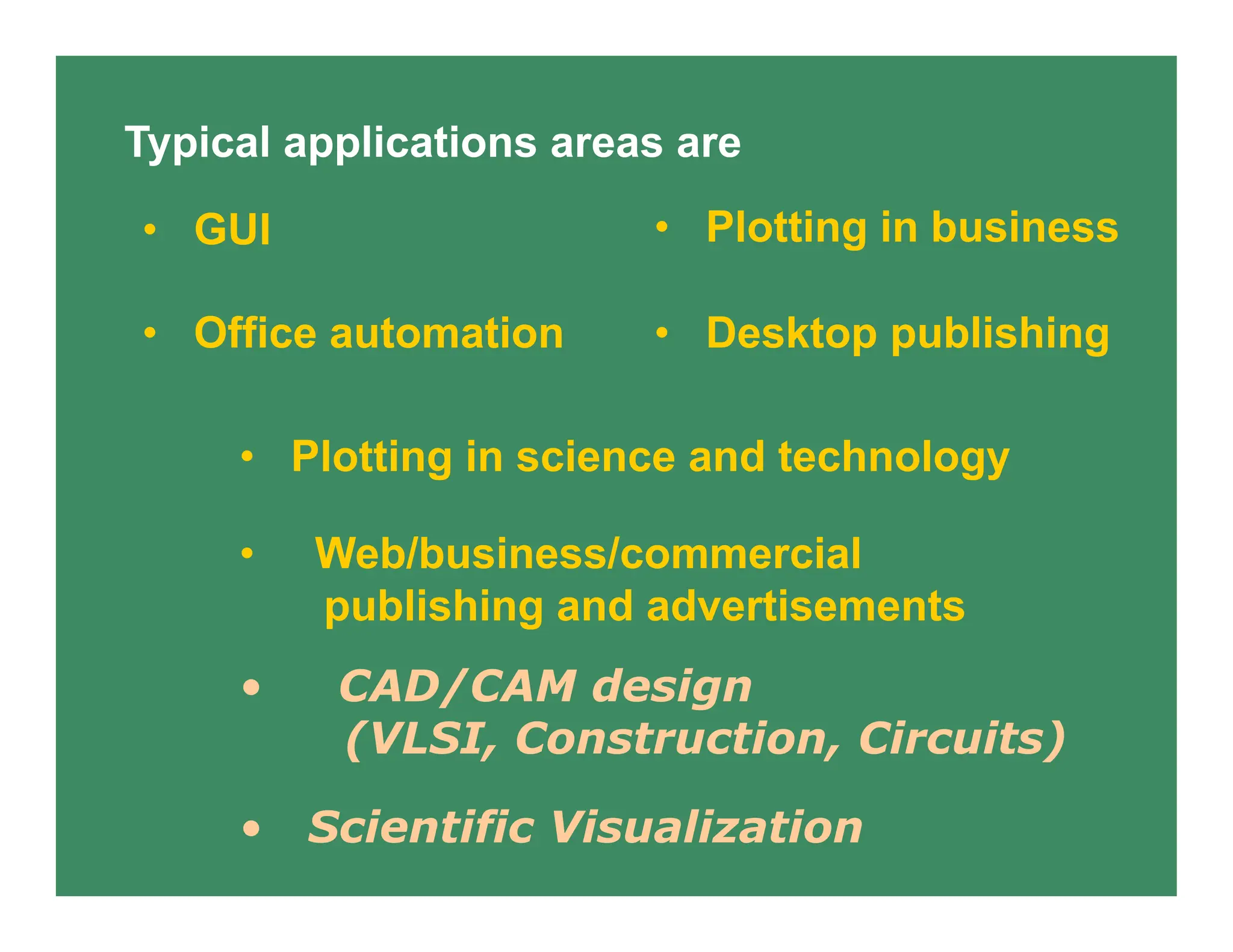
Typical applications areas are
• Plotting in business
• Plotting in science and technology
• GUI
• Scientific Visualization
• Office automation • Desktop publishing
• Web/business/commercial
publishing and advertisements
• CAD/CAM design
(VLSI, Construction, Circuits)
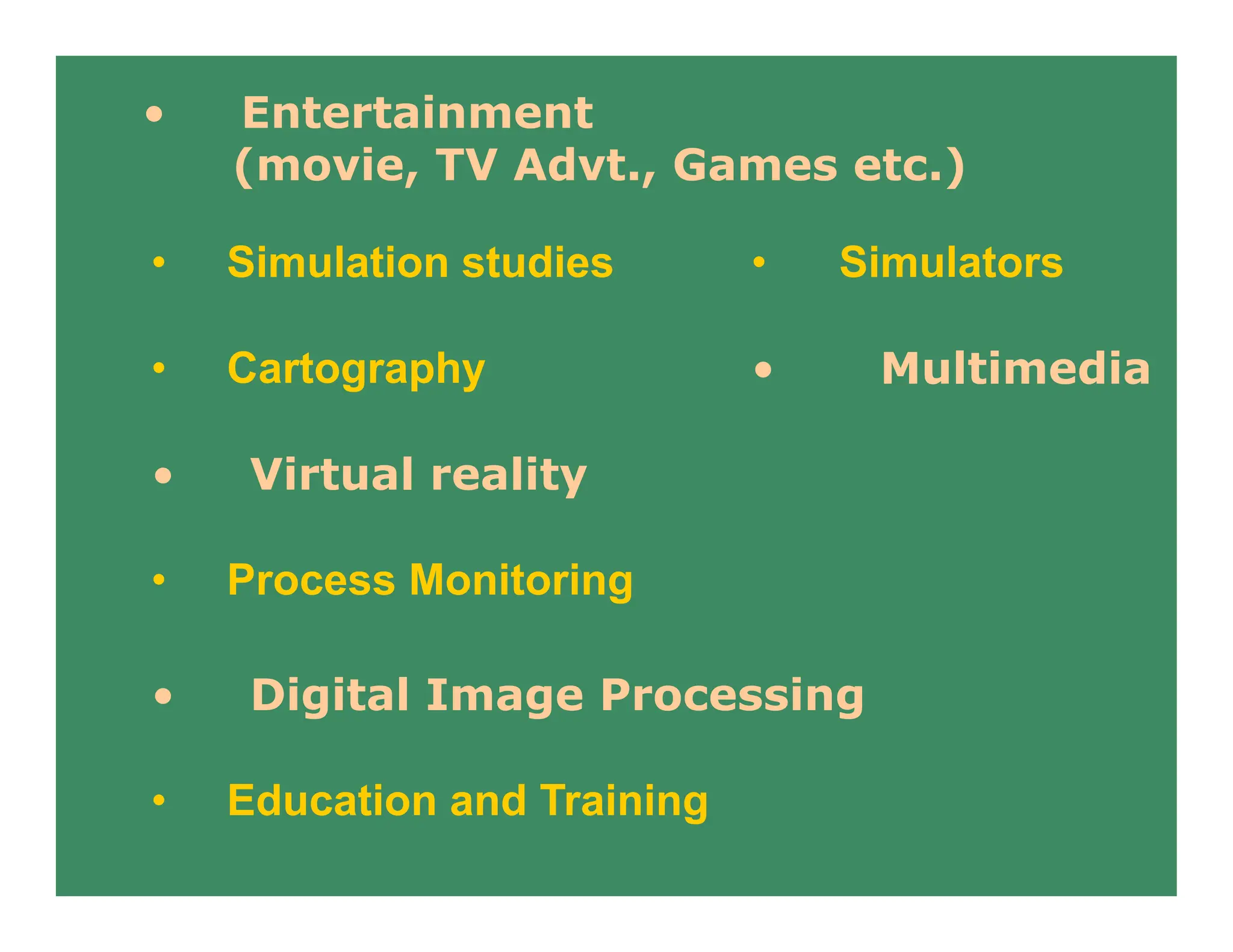
• Simulation studies • Simulators
• Cartography • Multimedia
• Entertainment
(movie, TV Advt., Games etc.)
• Virtual reality
• Process Monitoring
• Digital Image Processing
• Education and Training
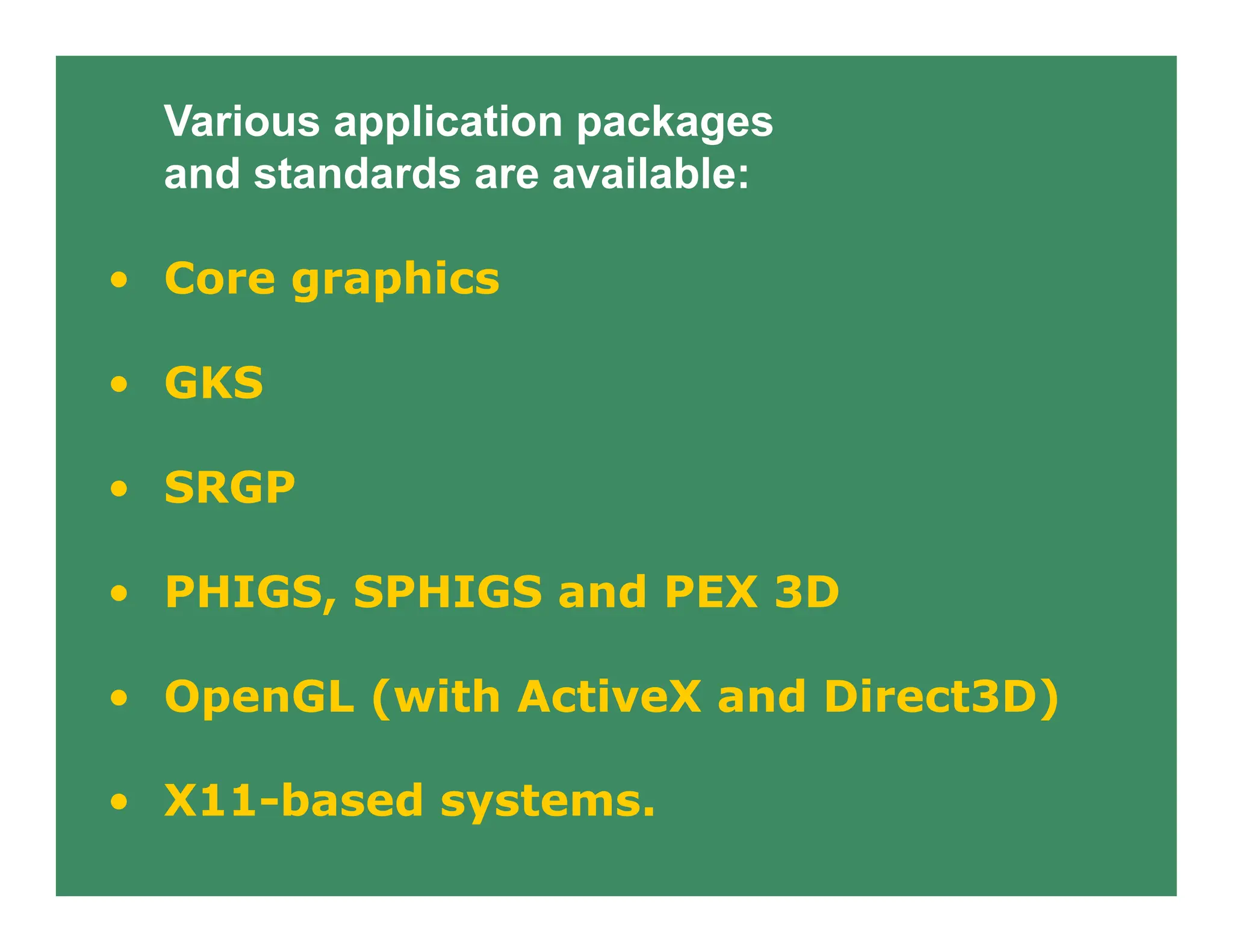
Various application packages
and standards are available:
• Core graphics
• GKS
• SRGP
• PHIGS, SPHIGS and PEX 3D
• OpenGL (with ActiveX and Direct3D)
• X11-based systems.
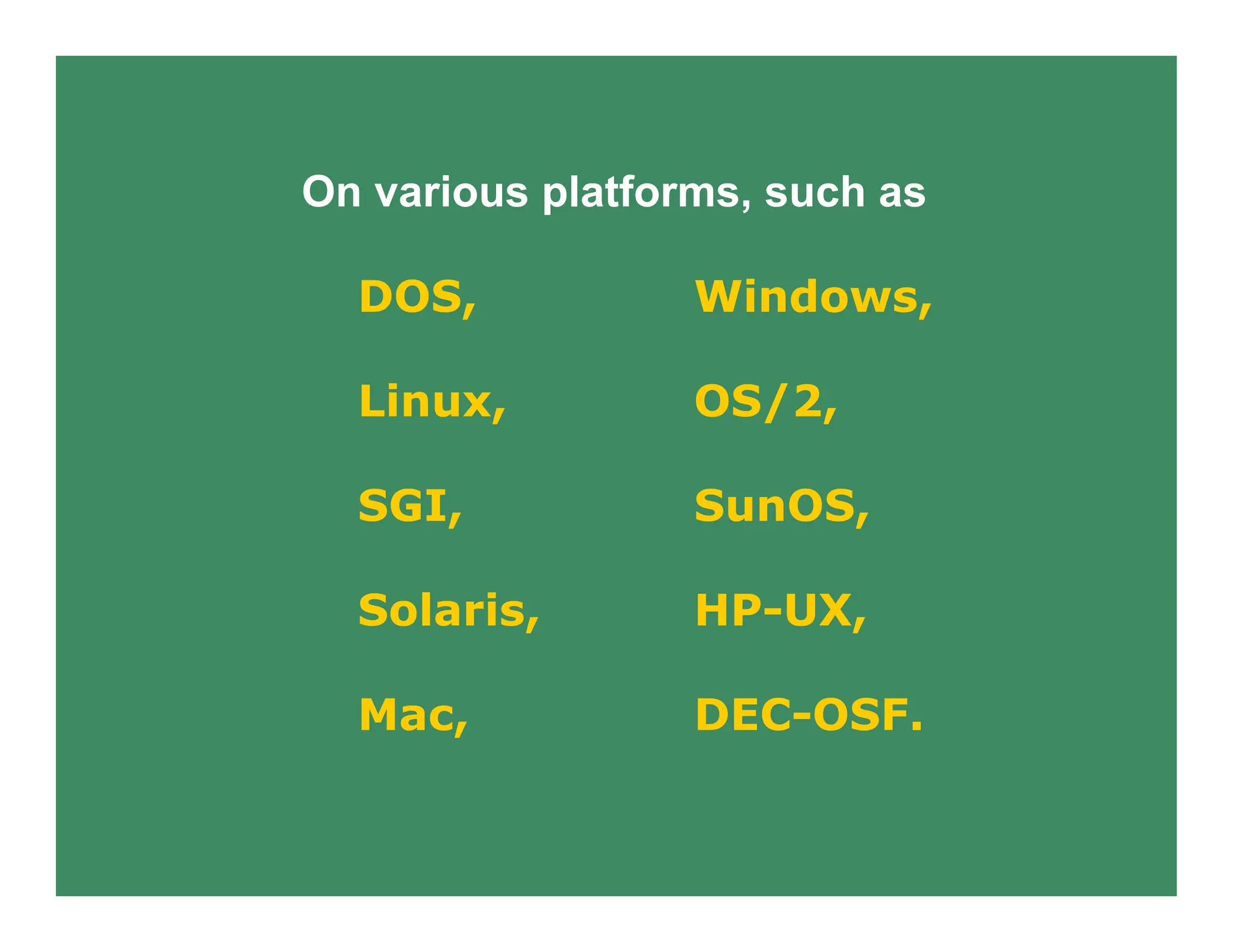
On various platforms, such as
DOS, Windows,
Linux, OS/2,
SGI, SunOS,
Solaris, HP-UX,
Mac, DEC-OSF.
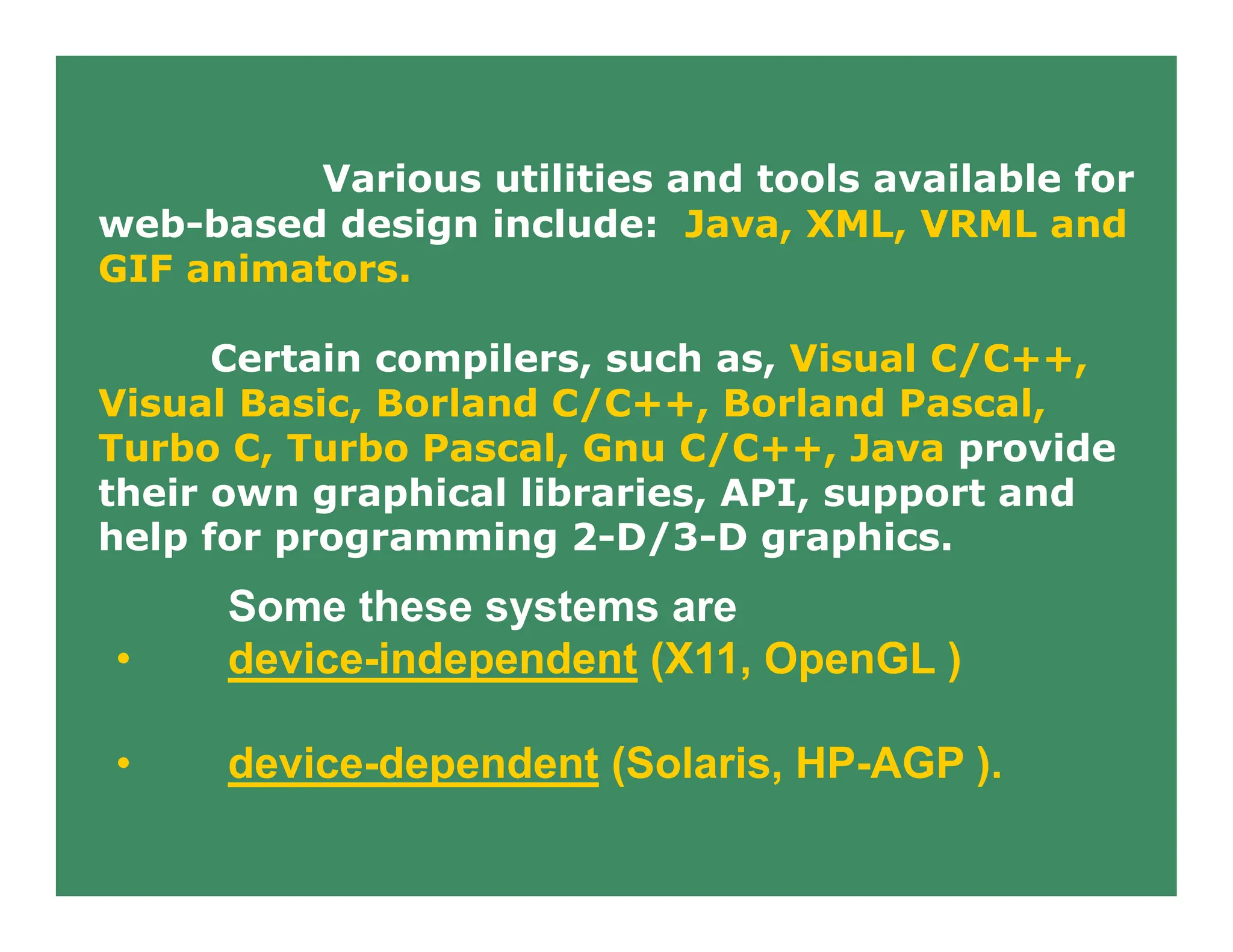
Various utilities and tools available for
web-based design include: Java, XML, VRML and
GIF animators.
Certain compilers, such as, Visual C/C++,
Visual Basic, Borland C/C++, Borland Pascal,
Turbo C, Turbo Pascal, Gnu C/C++, Java provide
their own graphical libraries, API, support and
help for programming 2-D/3-D graphics.
Some these systems are
• device-independent (X11, OpenGL )
• device-dependent (Solaris, HP-AGP ).
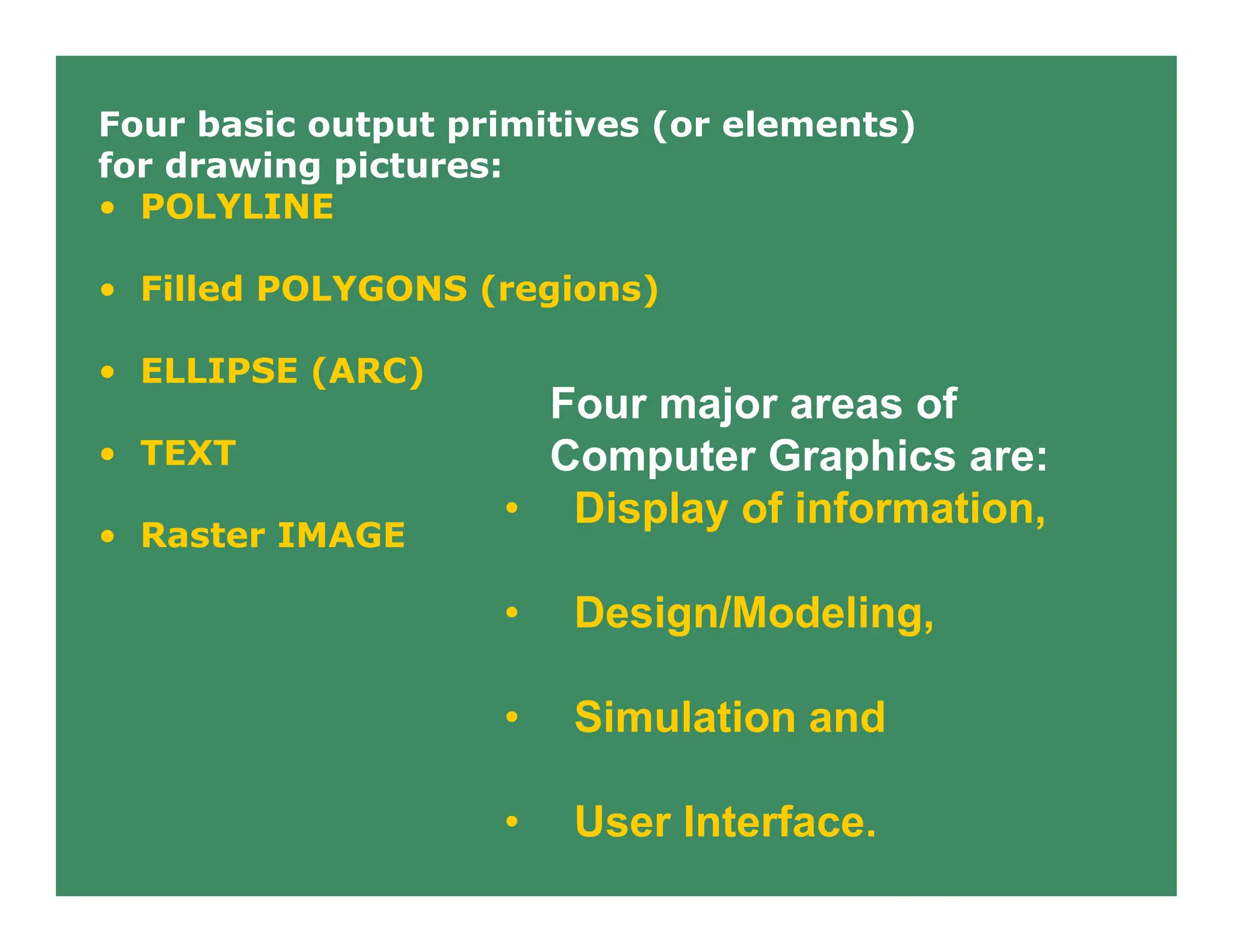
Four major areas of
Computer Graphics are:
• Display of information,
• Design/Modeling,
• Simulation and
• User Interface.
Four basic output primitives (or elements)
for drawing pictures:
• POLYLINE
• Filled POLYGONS (regions)
• ELLIPSE (ARC)
• TEXT
• Raster IMAGE
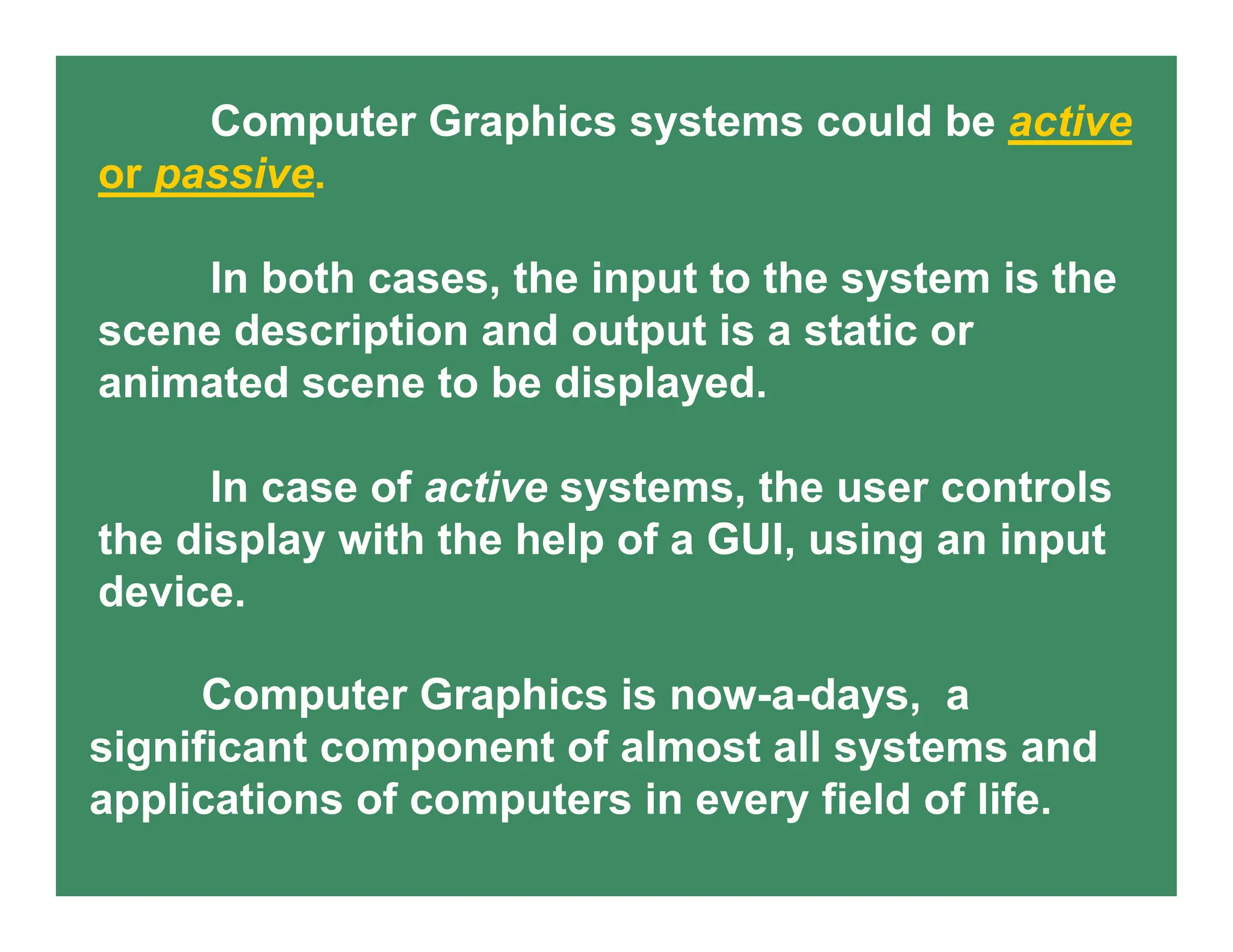
Computer Graphics systems could be active
or passive.
In both cases, the input to the system is the
scene description and output is a static or
animated scene to be displayed.
In case of active systems, the user controls
the display with the help of a GUI, using an input
device.
Computer Graphics is now-a-days, a
significant component of almost all systems and
applications of computers in every field of life.
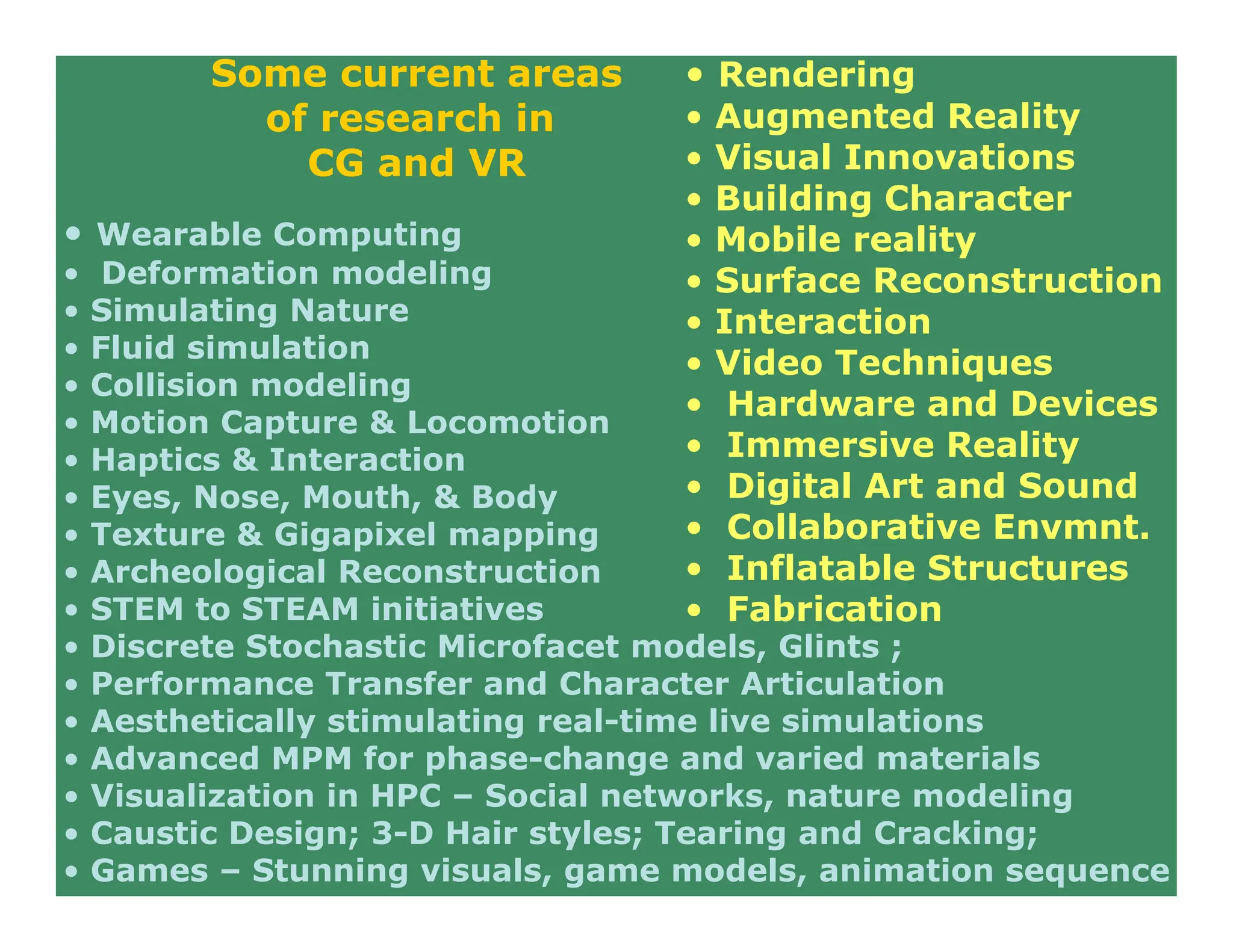
• Wearable Computing
• Deformation modeling
• Simulating Nature
• Fluid simulation
• Collision modeling
• Motion Capture & Locomotion
• Haptics & Interaction
• Eyes, Nose, Mouth, & Body
• Texture & Gigapixel mapping
• Archeological Reconstruction
• STEM to STEAM initiatives
• Discrete Stochastic Microfacet models, Glints ;
• Performance Transfer and Character Articulation
• Aesthetically stimulating real-time live simulations
• Advanced MPM for phase-change and varied materials
• Visualization in HPC – Social networks, nature modeling
• Caustic Design; 3-D Hair styles; Tearing and Cracking;
• Games – Stunning visuals, game models, animation sequence
Some current areas
of research in
CG and VR
• Rendering
• Augmented Reality
• Visual Innovations
• Building Character
• Mobile reality
• Surface Reconstruction
• Interaction
• Video Techniques
• Hardware and Devices
• Immersive Reality
• Digital Art and Sound
• Collaborative Envmnt.
• Inflatable Structures
• Fabrication
Haptics
Haptics (pronounced HAP-tiks) is the
science of applying touch (tactile) sensation and
control to interaction with computer applications
(the word derives from the Greek haptein
meaning "to fasten.").
By using special input/output devices
(joysticks, data gloves, or other devices), users
can receive feedback from computer applications
in the form of felt sensations in the hand or other
parts of the body.
In combination with a visual display, haptics
technology can be used to train people for tasks
requiring hand-eye coordination, such as surgery
and space ship maneuvers.
It can also be used for games in which you
feel as well as see your interactions with images.
For example, you might play tennis with
another computer user somewhere else in the
world.
Both of you can see the moving ball and,
using the haptic device, position and swing your
tennis racket and feel the impact of the ball.
A number of universities are experimenting
with haptics. The Immersion Corporation offers a
joystick product that is used in laboratories and
in arcade games. Haptics offers an additional
dimension to a virtual reality or 3-D environment.
USER INTERACTION HANDLING
Sampling
vs.
Event Driven
• PICK CORRELATION
• DEVICE MEASURE AND ATTRIBUTES
Introduction
Display Devices - self study
2D Transformations – self study
3D Graphics and Viewing Transformations
Line Drawing ;
Ellipse & Circles ;
Polygon filling;
Clipping lines & Polygons
QUIZ – I () – March 2nd week (tentative)
Curves and Surfaces
Solid modeling
Visible Surface Determination
Illumination and Shading
MISC & Adv. Topics
END-SEM ( May 1st week)
Some examples and illustrations
of Graphical objects
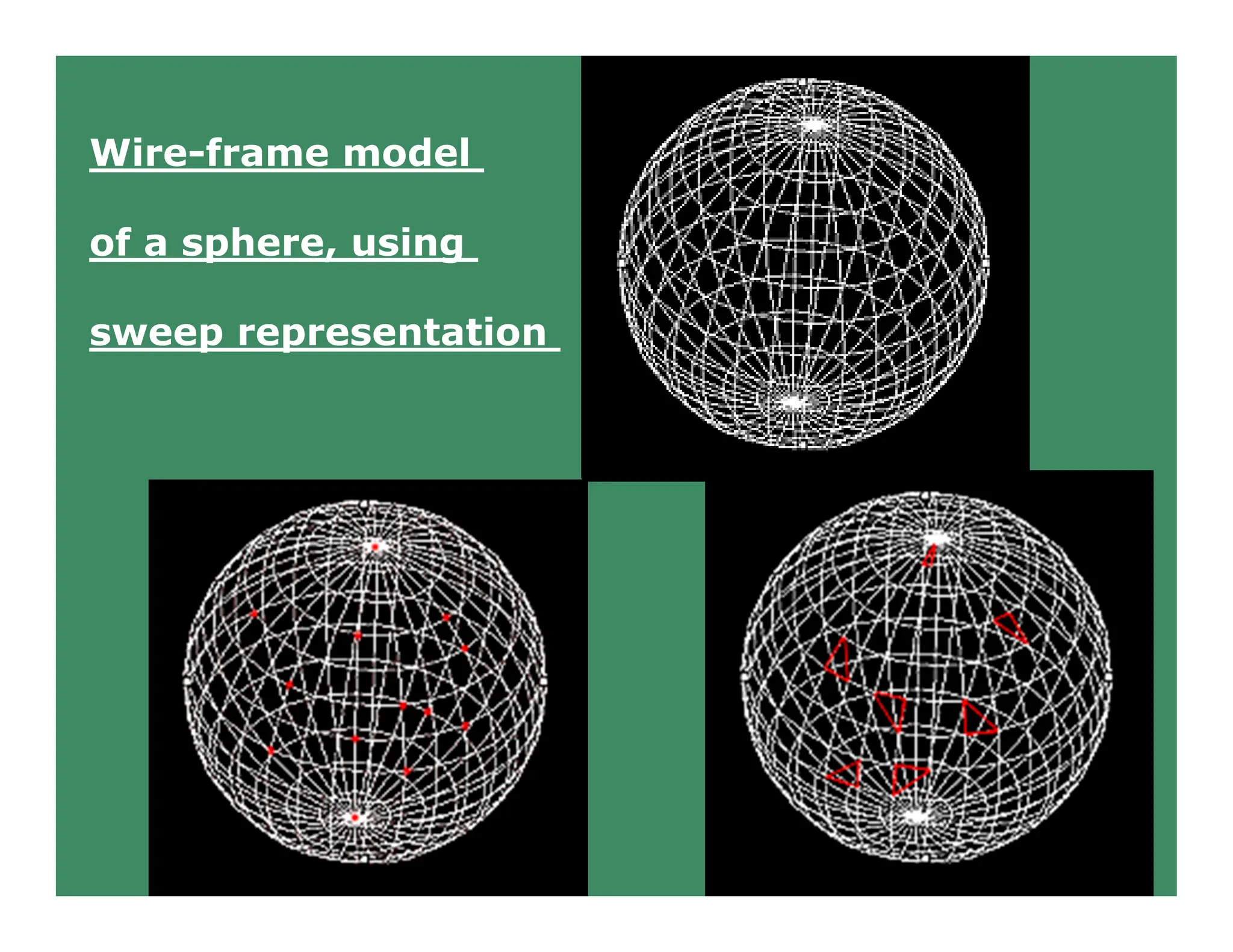
Wire-frame model
of a sphere, using
sweep representation
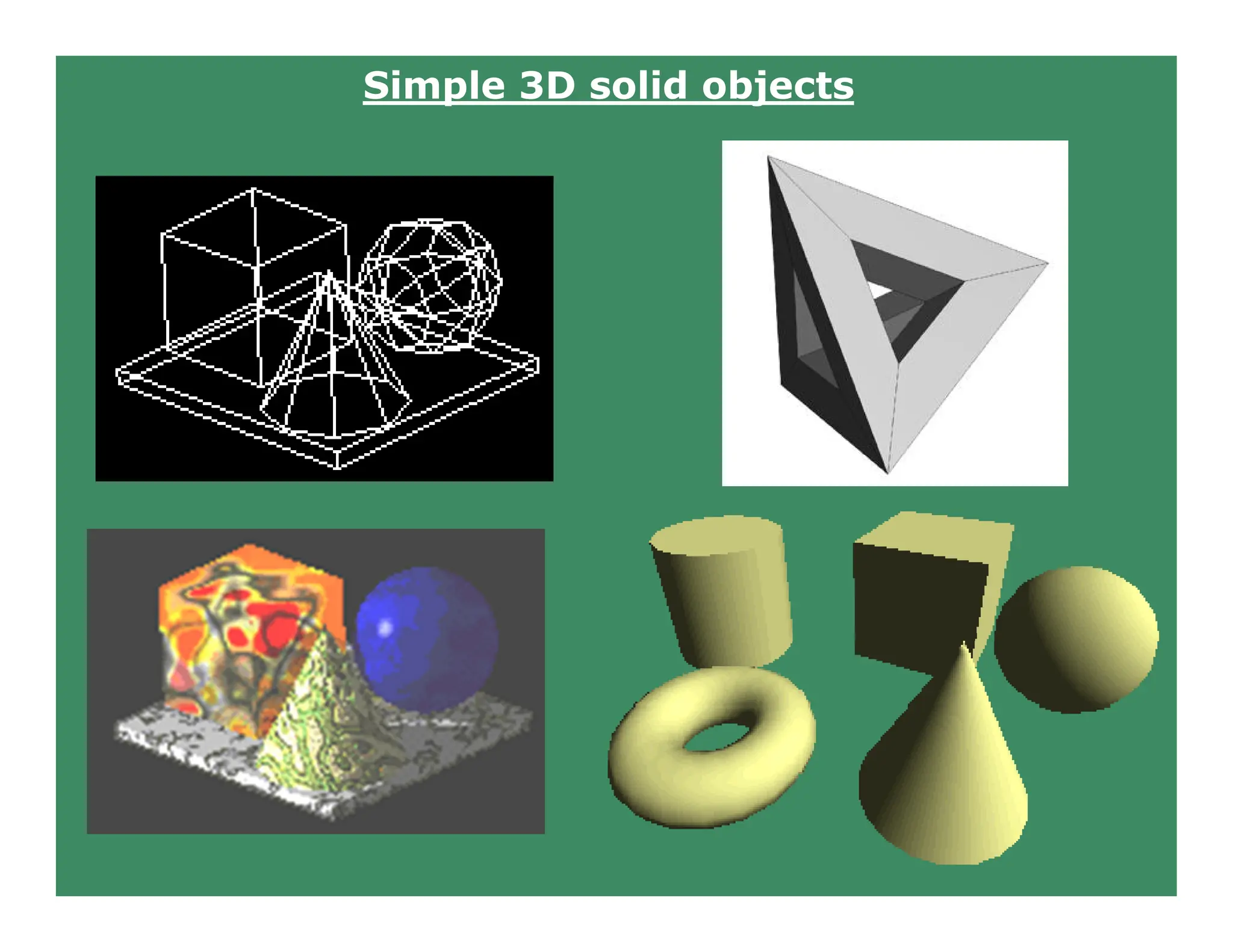
Simple 3D solid objects
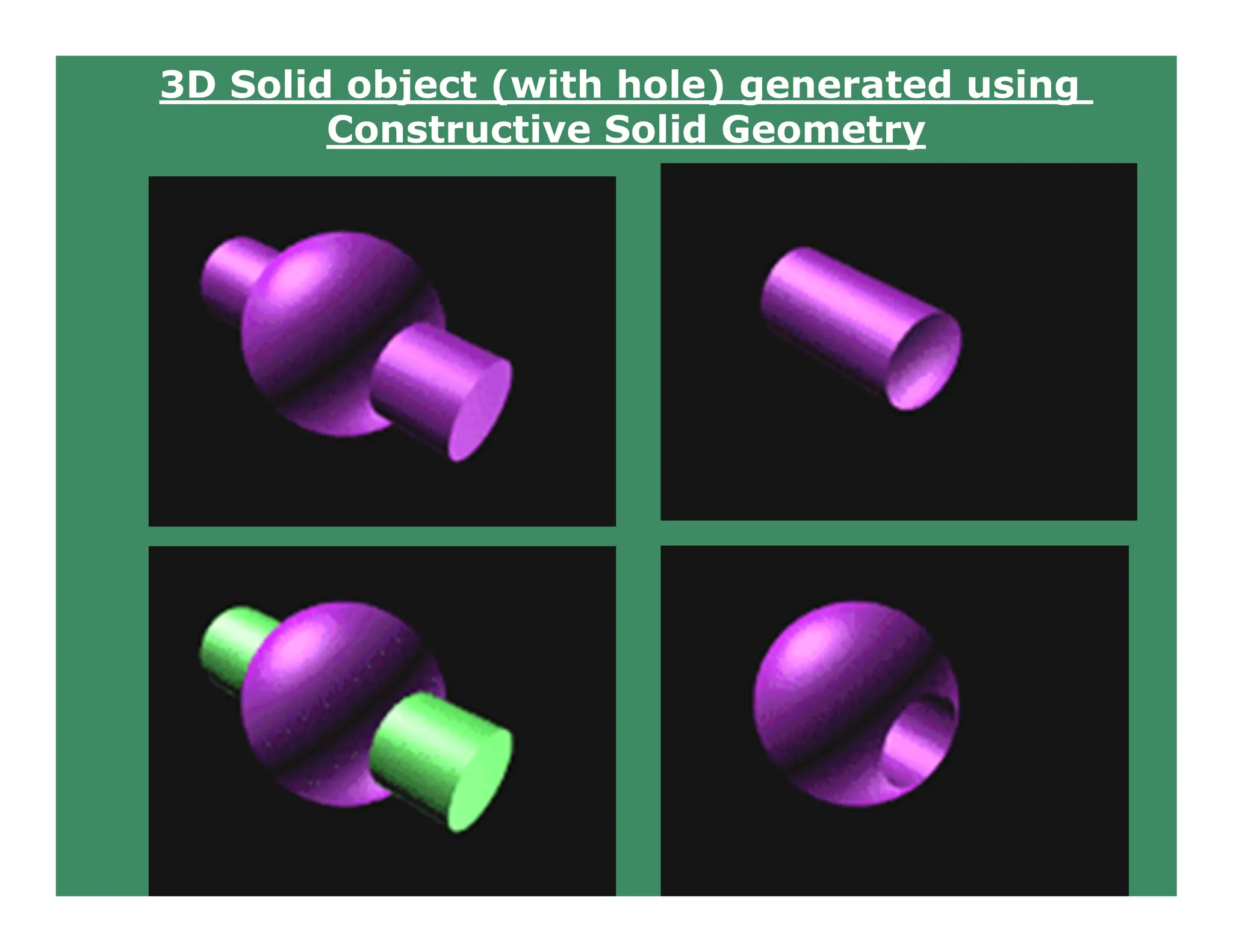
3D Solid object (with hole) generated using
Constructive Solid Geometry
Shading effects, texture mapping and shadows
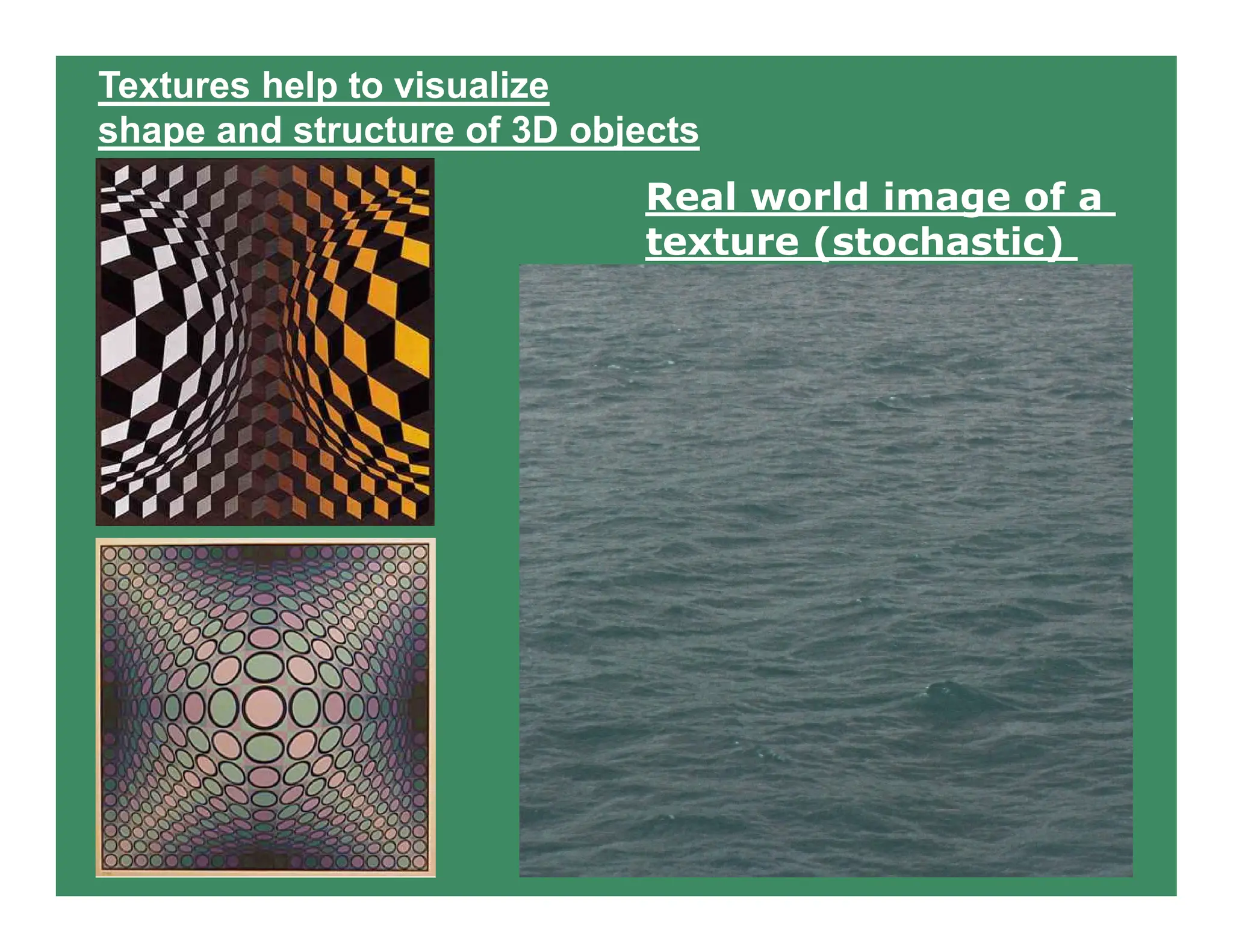
Textures help to visualize
shape and structure of 3D objects
Real world image of a
texture (stochastic)
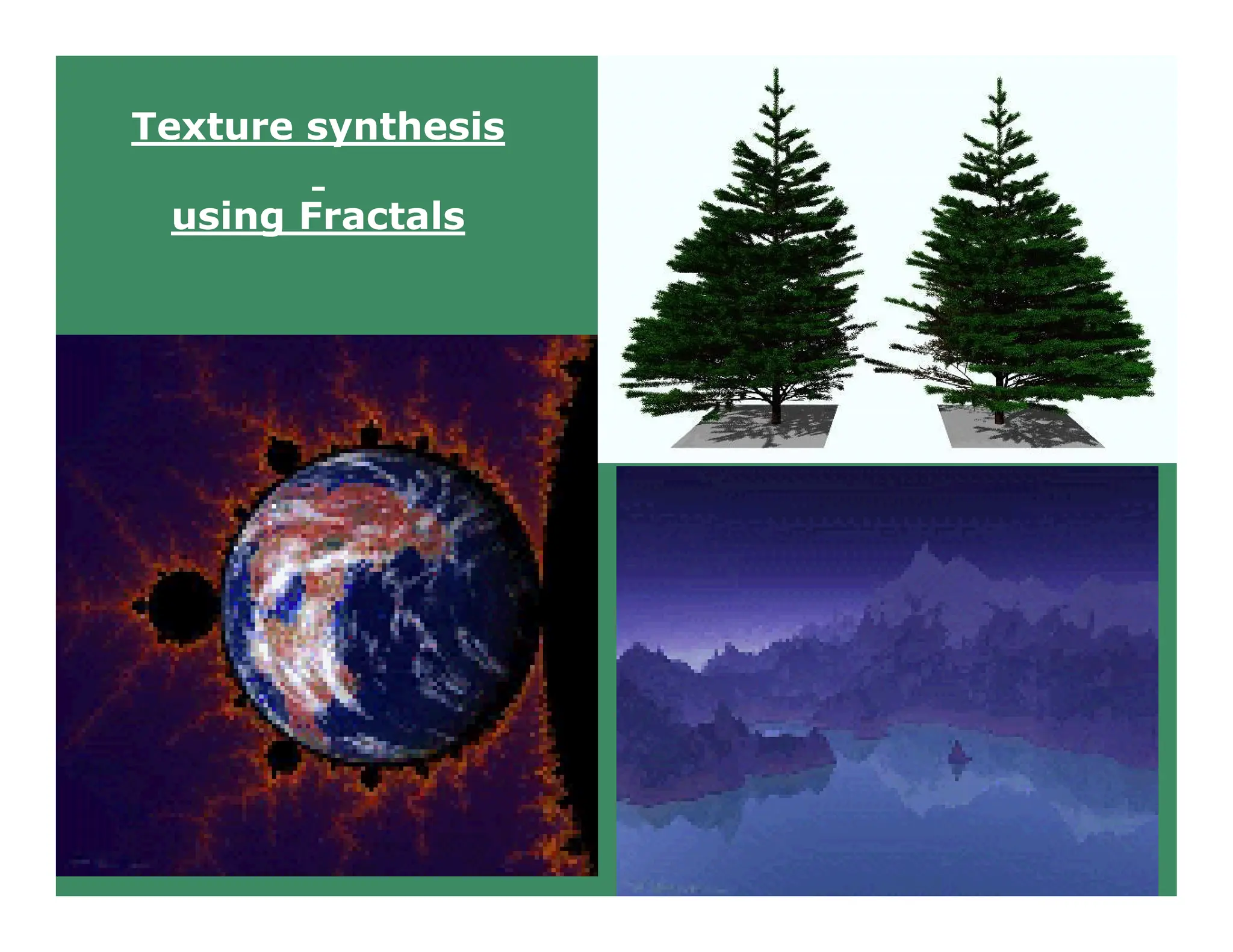
Texture synthesis
using Fractals
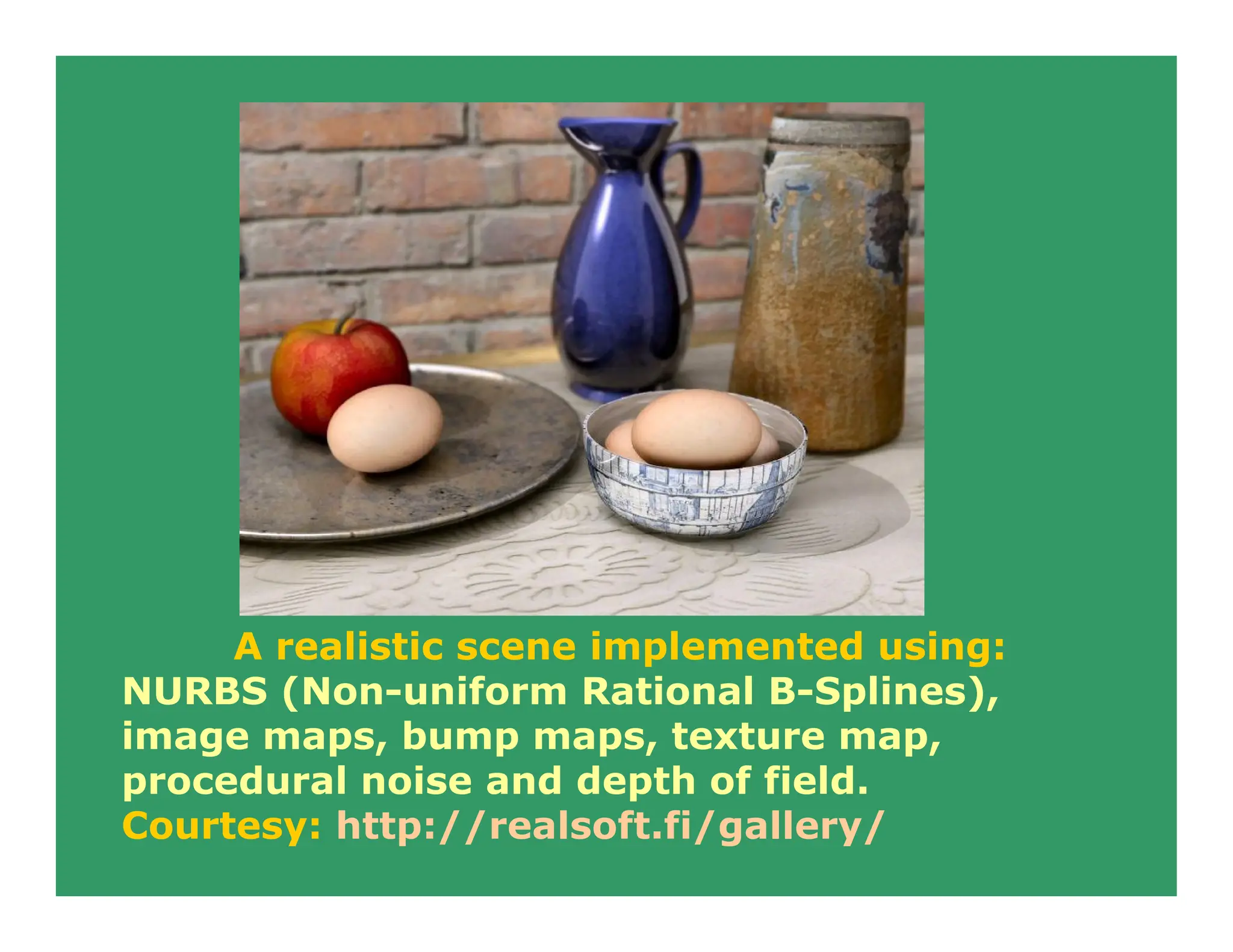
A realistic scene implemented using:
NURBS (Non-uniform Rational B-Splines),
image maps, bump maps, texture map,
procedural noise and depth of field.
Courtesy: http://realsoft.fi/gallery/
End of Section - I

1) INRODUCTION about Computer Graphics.pdf

  • 1.
    Lectures on ComputerGraphics by Dr. Sukhendu Das Associate Professor Dept. of Computer Science and Engg. IIT Madras Chennai – 600036. Duration: 43 Hours
  • 2.
  • 3.
    Various fundamental conceptsand principles in Computer Graphics are Display Systems Storage displays, Random scan, Raster refresh displays, CRT basics, video basics, Flat panel displays. Transformations Affine ( 2-D and 3-D ): Rotation, Translation, Scale, Reflection and Shear. Viewing: The Camera Transformations - perspective, orthographic, isometric and stereographic views, Quaternion.
  • 4.
    Scan Conversion andClipping Drawing of Points, Lines, Markers, Curves, Circles, Ellipse, Polyline, Polygon. Area filling, fill- style, fill pattern, clipping algorithms, anti-aliasing etc. Hidden Surface Removal Back face culling, Painter's algorithm, scan- line algorithm, BSP-trees, Z-buffer/sorting, Ray tracing etc. Shading & Illumination Phong's shading model, texture mapping, bump mapping, Gouraud shading, Shadows and background, Color models etc.
  • 5.
    Solid Modeling Wire-frame, Octrees,Sweep, Boundary representations. Regularized Boolean set operations, Constructive Solid Geometry. Curves and Surfaces Bezier (Bernstein Polynomials) Curves, B-Splines, Cubic-Splines, Quadratic surfaces, parametric and non-parametric forms, Hermite Curves etc.
  • 6.
    Miscellaneous Animation, Fractals, Projectionand Viewing, Geometry, Modeling, Image File formats, Image Morphing, Interaction (sample and event-driven) etc. Advanced Raster Graphics Architecture Display Processors, Pipeline and parallel architectures, multi-processor systems, hybrid architectures.
  • 7.
    References 1. Computer Graphics;Principles and practice; 2nd edn. in C; J. Foley, A. Van Dam, Feiner and Hughes; Addison Wesley, 1997. 2. Mathematical elements for Computer Graphics; 2nd edn.; D. F. Rogers and J. A. Adams; McGraw-Hill International. Edn., 1990. 3. Computer Graphics - C version; D. Hearn and M. P. Baker; Pearson Education, 2004. 4. Computer Graphics using OpenGL; 2nd edn.; F. S. Hill Jr.; Pearson Education, 2003. 5. Procedural Elements for Computer Graphics; 2nd Edn., D. F. Rogers, Tata McGraw-Hill, 2002.
  • 8.
    Typical Distribution ofmarks for Evaluation/grading Quiz (50 mins.) - 15 - 20 End Sem exam (120-150 mins.) - 35 – 40 TPA - 35 - 40 TUTS - 05 - 10 ___________________ Total 100 +/- 05 marks variation at any part; To be finalized well before end sem exam.
  • 9.
    Introduction to COMPUTERGRAPHICS Computer Graphics involves display, manipulation and storage of pictures and experimental data for proper visualization using a computer. Typical graphics system comprises of a host computer with support of fast processor, large memory, frame buffer and • Display devices (color monitors), • Input devices (mouse, keyboard, joystick, touch screen, trackball) • Output devices (LCD panels, laser printers, color printers. Plotters etc.) • Interfacing devices such as, video I/O, TV interface etc.
  • 10.
  • 11.
    Typical applications areasare • Plotting in business • Plotting in science and technology • GUI • Scientific Visualization • Office automation • Desktop publishing • Web/business/commercial publishing and advertisements • CAD/CAM design (VLSI, Construction, Circuits)
  • 12.
    • Simulation studies• Simulators • Cartography • Multimedia • Entertainment (movie, TV Advt., Games etc.) • Virtual reality • Process Monitoring • Digital Image Processing • Education and Training
  • 13.
    Various application packages andstandards are available: • Core graphics • GKS • SRGP • PHIGS, SPHIGS and PEX 3D • OpenGL (with ActiveX and Direct3D) • X11-based systems.
  • 14.
    On various platforms,such as DOS, Windows, Linux, OS/2, SGI, SunOS, Solaris, HP-UX, Mac, DEC-OSF.
  • 15.
    Various utilities andtools available for web-based design include: Java, XML, VRML and GIF animators. Certain compilers, such as, Visual C/C++, Visual Basic, Borland C/C++, Borland Pascal, Turbo C, Turbo Pascal, Gnu C/C++, Java provide their own graphical libraries, API, support and help for programming 2-D/3-D graphics. Some these systems are • device-independent (X11, OpenGL ) • device-dependent (Solaris, HP-AGP ).
  • 16.
    Four major areasof Computer Graphics are: • Display of information, • Design/Modeling, • Simulation and • User Interface. Four basic output primitives (or elements) for drawing pictures: • POLYLINE • Filled POLYGONS (regions) • ELLIPSE (ARC) • TEXT • Raster IMAGE
  • 17.
    Computer Graphics systemscould be active or passive. In both cases, the input to the system is the scene description and output is a static or animated scene to be displayed. In case of active systems, the user controls the display with the help of a GUI, using an input device. Computer Graphics is now-a-days, a significant component of almost all systems and applications of computers in every field of life.
  • 18.
    • Wearable Computing •Deformation modeling • Simulating Nature • Fluid simulation • Collision modeling • Motion Capture & Locomotion • Haptics & Interaction • Eyes, Nose, Mouth, & Body • Texture & Gigapixel mapping • Archeological Reconstruction • STEM to STEAM initiatives • Discrete Stochastic Microfacet models, Glints ; • Performance Transfer and Character Articulation • Aesthetically stimulating real-time live simulations • Advanced MPM for phase-change and varied materials • Visualization in HPC – Social networks, nature modeling • Caustic Design; 3-D Hair styles; Tearing and Cracking; • Games – Stunning visuals, game models, animation sequence Some current areas of research in CG and VR • Rendering • Augmented Reality • Visual Innovations • Building Character • Mobile reality • Surface Reconstruction • Interaction • Video Techniques • Hardware and Devices • Immersive Reality • Digital Art and Sound • Collaborative Envmnt. • Inflatable Structures • Fabrication
  • 19.
    Haptics Haptics (pronounced HAP-tiks)is the science of applying touch (tactile) sensation and control to interaction with computer applications (the word derives from the Greek haptein meaning "to fasten."). By using special input/output devices (joysticks, data gloves, or other devices), users can receive feedback from computer applications in the form of felt sensations in the hand or other parts of the body. In combination with a visual display, haptics technology can be used to train people for tasks requiring hand-eye coordination, such as surgery and space ship maneuvers.
  • 20.
    It can alsobe used for games in which you feel as well as see your interactions with images. For example, you might play tennis with another computer user somewhere else in the world. Both of you can see the moving ball and, using the haptic device, position and swing your tennis racket and feel the impact of the ball. A number of universities are experimenting with haptics. The Immersion Corporation offers a joystick product that is used in laboratories and in arcade games. Haptics offers an additional dimension to a virtual reality or 3-D environment.
  • 21.
    USER INTERACTION HANDLING Sampling vs. EventDriven • PICK CORRELATION • DEVICE MEASURE AND ATTRIBUTES
  • 22.
    Introduction Display Devices -self study 2D Transformations – self study 3D Graphics and Viewing Transformations Line Drawing ; Ellipse & Circles ; Polygon filling; Clipping lines & Polygons QUIZ – I () – March 2nd week (tentative) Curves and Surfaces Solid modeling Visible Surface Determination Illumination and Shading MISC & Adv. Topics END-SEM ( May 1st week)
  • 24.
    Some examples andillustrations of Graphical objects
  • 25.
    Wire-frame model of asphere, using sweep representation
  • 26.
  • 27.
    3D Solid object(with hole) generated using Constructive Solid Geometry
  • 28.
    Shading effects, texturemapping and shadows
  • 29.
    Textures help tovisualize shape and structure of 3D objects Real world image of a texture (stochastic)
  • 30.
  • 31.
    A realistic sceneimplemented using: NURBS (Non-uniform Rational B-Splines), image maps, bump maps, texture map, procedural noise and depth of field. Courtesy: http://realsoft.fi/gallery/
  • 32.