ugo.rinaldi@gmail.com
HTML e oltre
HTML avanzato e HTML5 (per cominciare)
Argomenti

Nuovi elementi semantici

Nuovi elementi per il form

Tip & Tricks
2
Struttura del documento
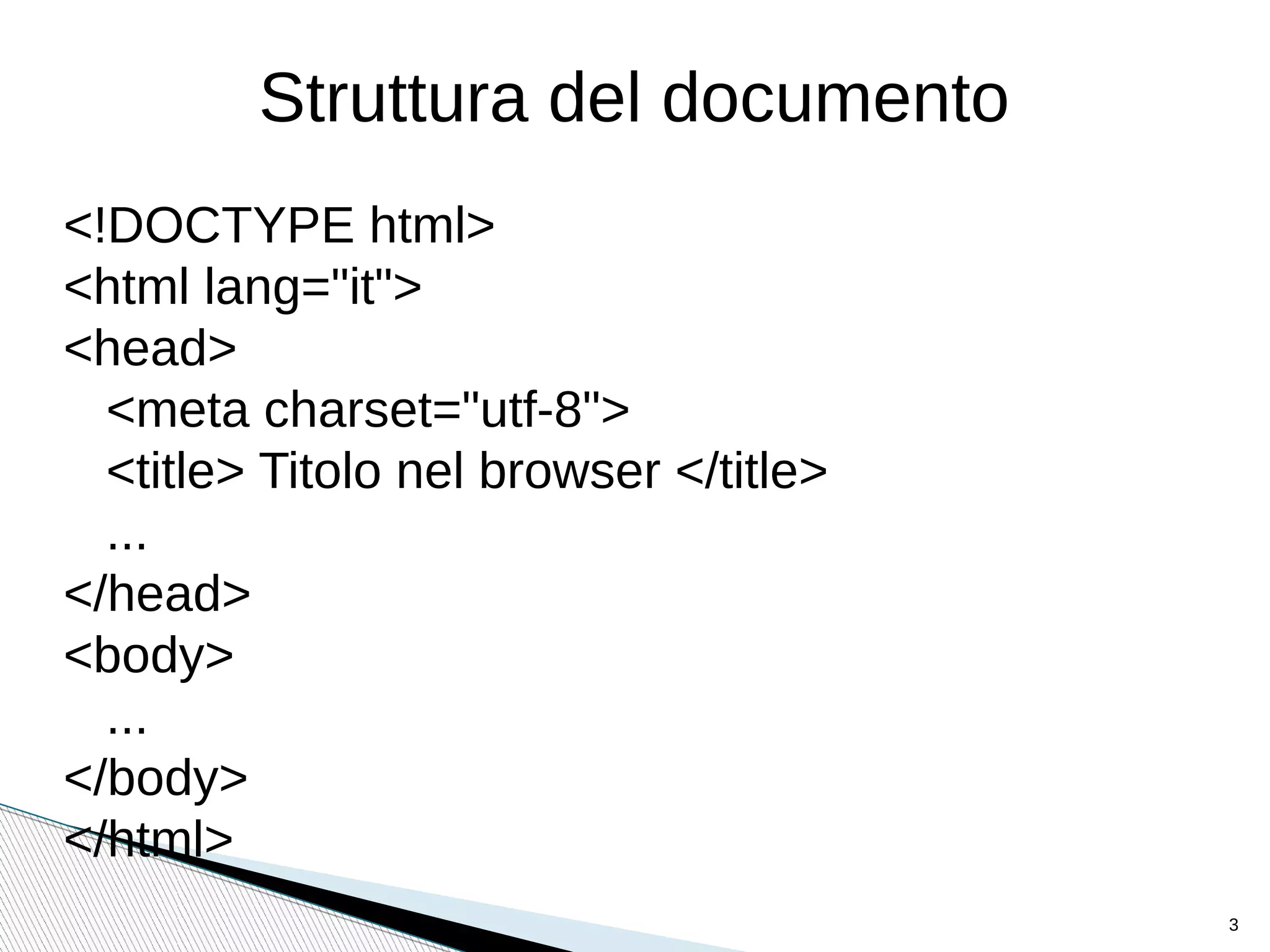
<!DOCTYPE html>
<html lang="it">
<head>
<meta charset="utf-8">
<title> Titolo nel browser </title>
...
</head>
<body>
...
</body>
</html>
3
4
Header
•
Rappresenta un contenitore
•
I suoi elementi tipici sono:
• <h1> - <h6>
• logo o icone
• authorship information
•
Si possono avere più <header> in un documento
•
Non può essere posto dentro <footer>,
<address> or another <header>
5
Esempio
<article>
<header>
<h1>Most important heading here</h1>
<h3>Less important heading here</h3>
<p>Some additional information here</p>
</header>
<p>Lorem Ipsum dolor set amet....</p>
</article>
6
Nav
Barra di navigazione. Definisce un insieme di link
di navigazione
Non tutti il link devo esser posti dentro un <nav>
Esempio:
<nav>
<a href="/html/">HTML</a> |
<a href="/css/">CSS</a> |
<a href="/js/">JavaScript</a> |
<a href="/jquery/">jQuery</a>
</nav>
7
Aside
•
Contenuti laterali. Potrebbe esser posto come una barra laterale
in un article.
•
Molti browser visualizzano <aside> ed i tag successivi con il
seguente valore di default: aside {display: block; }
•
Esempio:
<p>My family and I visited The Epcot center this summer.</p>
<aside>
<h4>Epcot Center</h4>
<p>The Epcot Center is a theme park in Disney World,
Florida.</p>
</aside>
8
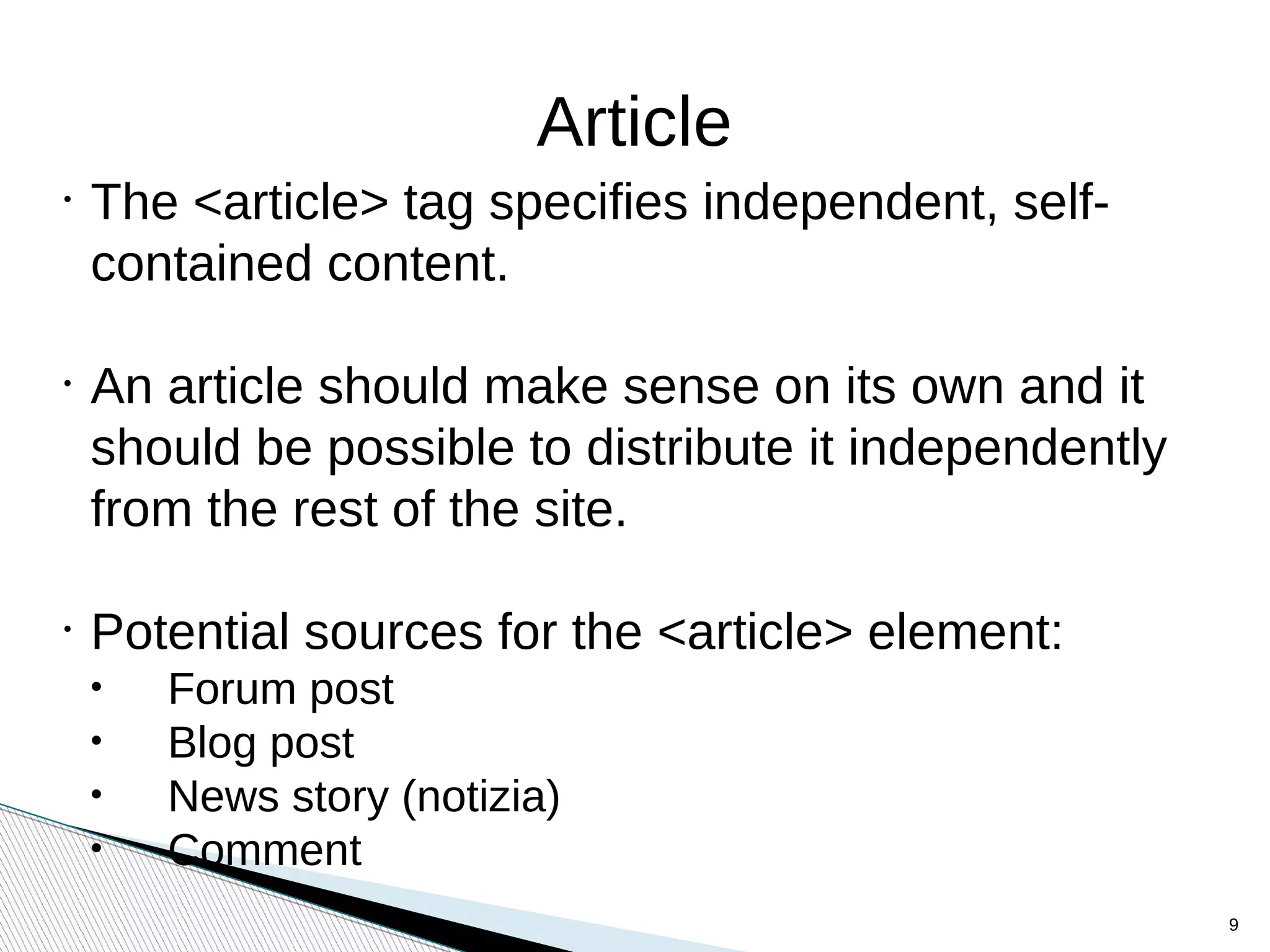
Article
•
The <article> tag specifies independent, self-
contained content.
•
An article should make sense on its own and it
should be possible to distribute it independently
from the rest of the site.
•
Potential sources for the <article> element:
• Forum post
• Blog post
• News story (notizia)
• Comment
9
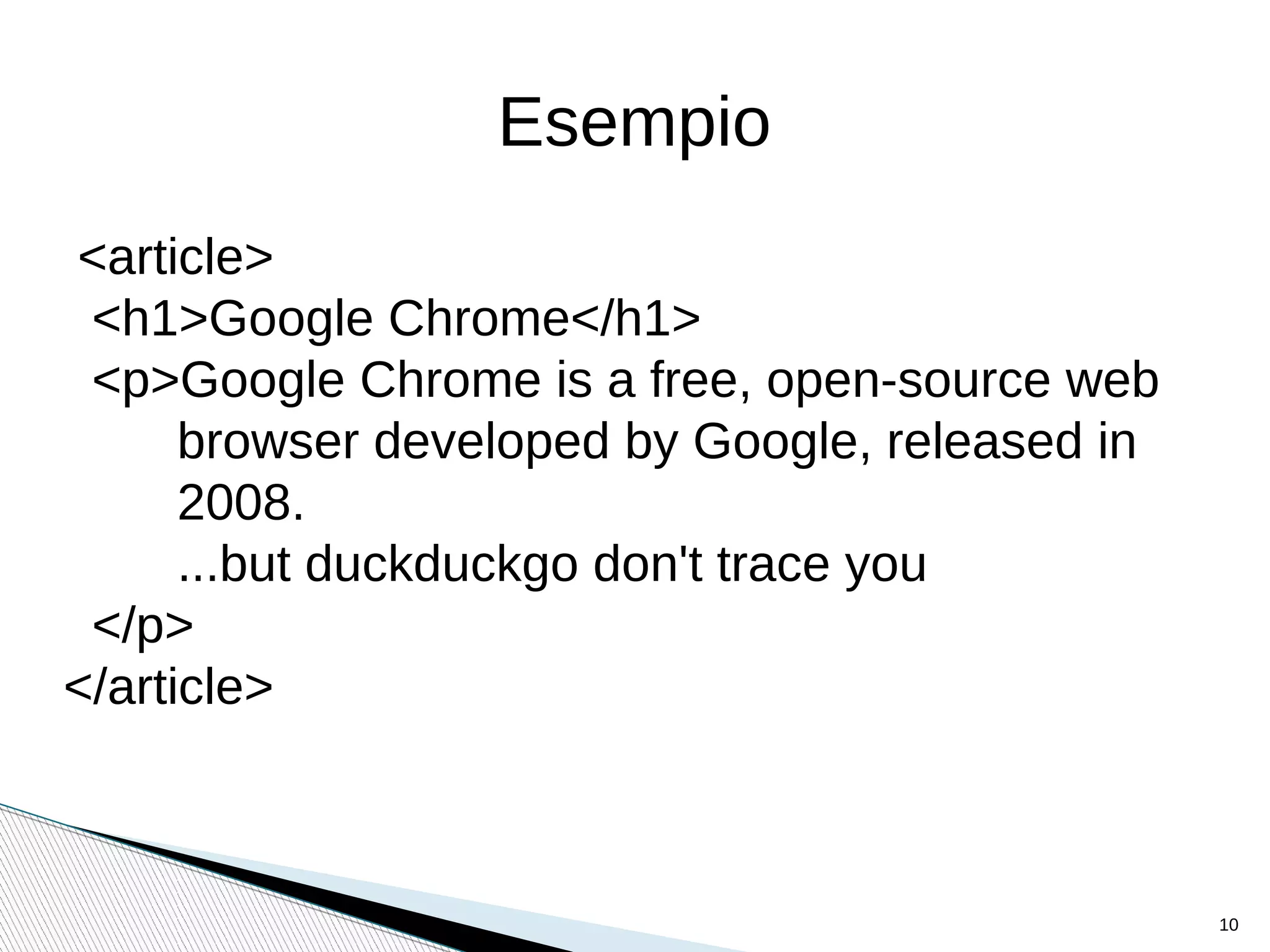
Esempio
<article>
<h1>Google Chrome</h1>
<p>Google Chrome is a free, open-source web
browser developed by Google, released in
2008.
...but duckduckgo don't trace you
</p>
</article>
10
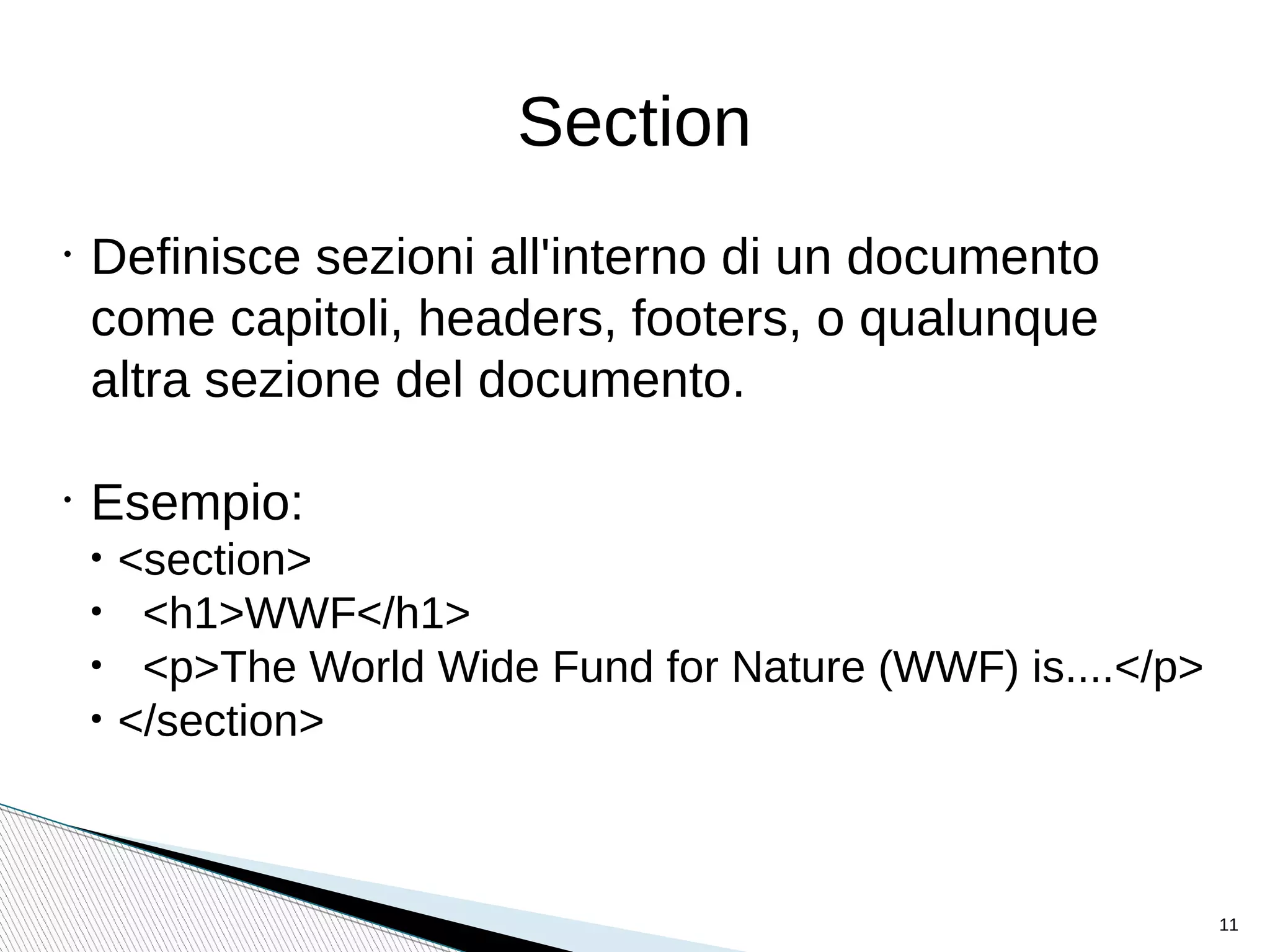
Section
•
Definisce sezioni all'interno di un documento
come capitoli, headers, footers, o qualunque
altra sezione del documento.
•
Esempio:
• <section>
• <h1>WWF</h1>
• <p>The World Wide Fund for Nature (WWF) is....</p>
• </section>
11
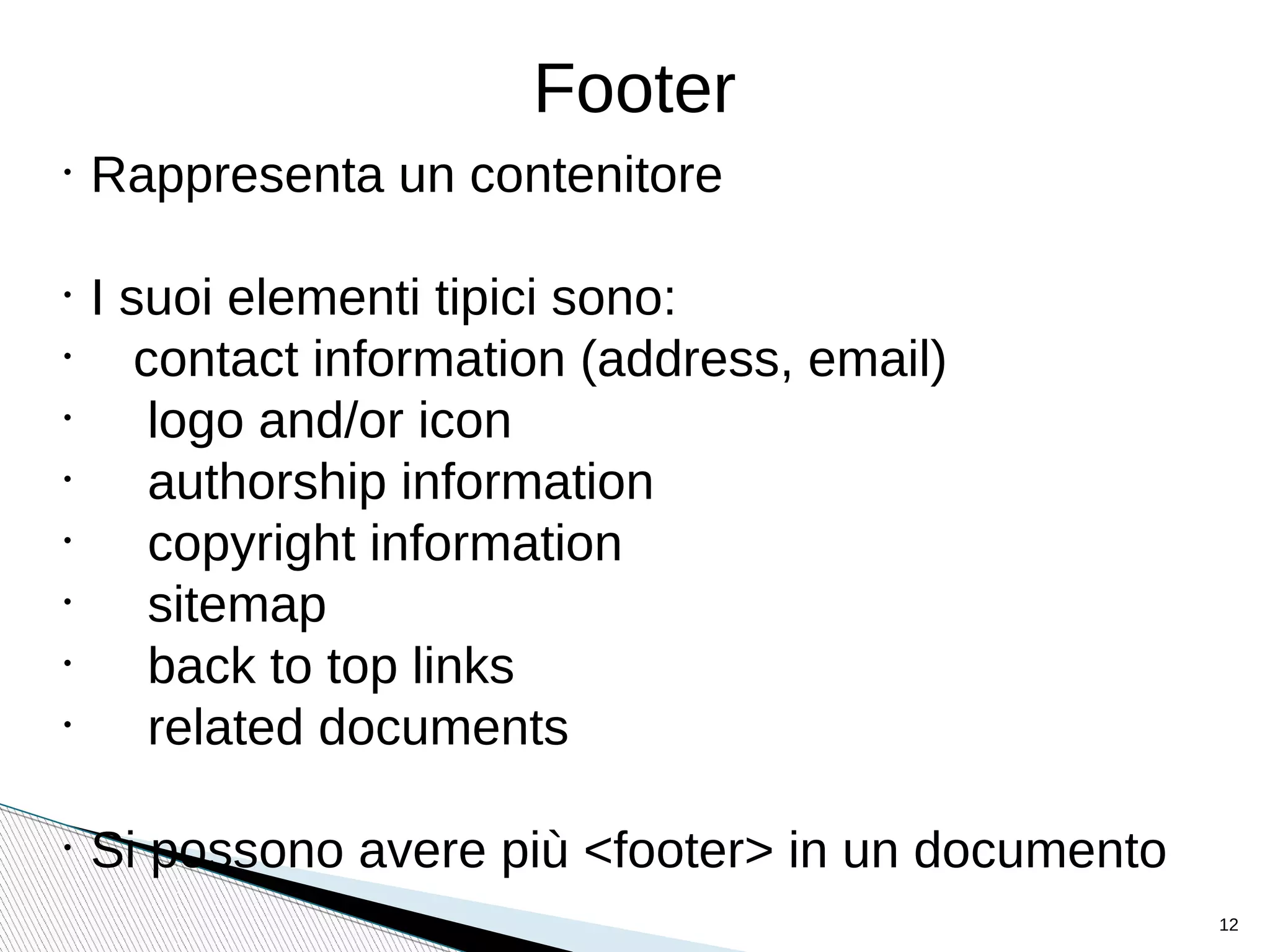
Footer
•
Rappresenta un contenitore
•
I suoi elementi tipici sono:
•
contact information (address, email)
•
logo and/or icon
•
authorship information
•
copyright information
•
sitemap
•
back to top links
•
related documents
•
Si possono avere più <footer> in un documento
12
Modello senza CSS
Modello con CSS
Esempi con elementi semantici
13
•
<style>
•
body {font-family: Verdana, sans-serif;
font-size:0.8em;}
•
header, nav, section, article, footer
{border:1px solid grey; margin:5px;
padding:8px;}
•
nav ul {margin:0; padding:0;}
•
nav ul li {display:inline; margin:5px;}
•
</style>
Il CSS degli esempi
14
Il form

The <form> tag is used to create an HTML form
for user input.
<form action="demo_form.php" method="get">
First name: <input type="text" name="fname"><br>
Last name: <input type="text" name="lname"><br>
<input type="submit" value="Submit">
</form>
15
I pulsanti
<button type="button" onclick="alert('Hello world!')">
CONFERMA
</button>
<input type="button" onclick="alert('Hello World!')"
value="Conferma">
<input type="submit" value="CONFERMA">
16
Nuovi e vecchi type per l'input

Checkbox, radio, submit, reset, text, password, hidden (Già visti)

button Defines a clickable button (mostly used with a JavaScript to activate a script)

color Defines a color picker

date Defines a date control (year, month and day (no time))

datetime-local Defines a date and time control (year, month, day, hour, minute,
second, and fraction of a second (no time zone)

email Defines a field for an e-mail address

file Defines a file-select field and a "Browse..." button (for file uploads)

image Defines an image as the submit button

month Defines a month and year control (no time zone)

number Defines a field for entering a number

range Defines a control for entering a number whose exact value is not important
(like a slider control)

search Defines a text field for entering a search string

tel Defines a field for entering a telephone number (SAFARI)

time Defines a control for entering a time (no time zone)

url Defines a field for entering a URL

week Defines a week and year control (no time zone)
17
Esempio
Un form con i più utili type di input
18
News & Curious (Curiosities)

autocomplete="on/off"

placeholder="article, section,…"

required

maxlength="20"

src=”image.png” (solo per il type=image)

min="1" max="10" step="1"
19
Esempio di datalist
<input type=”text” list="browsers">
<datalist id="browsers">
<option value="Internet Explorer">
<option value="Firefox">
<option value="Google Chrome">
<option value="Opera">
<option value="Safari">
</datalist>
20
Un accenno alle regular expression
<input type="text" name="nickname"
...
pattern="[a-z]{1}[a-z_]{2,19}"
...>
21
22
Tip & tricks
23
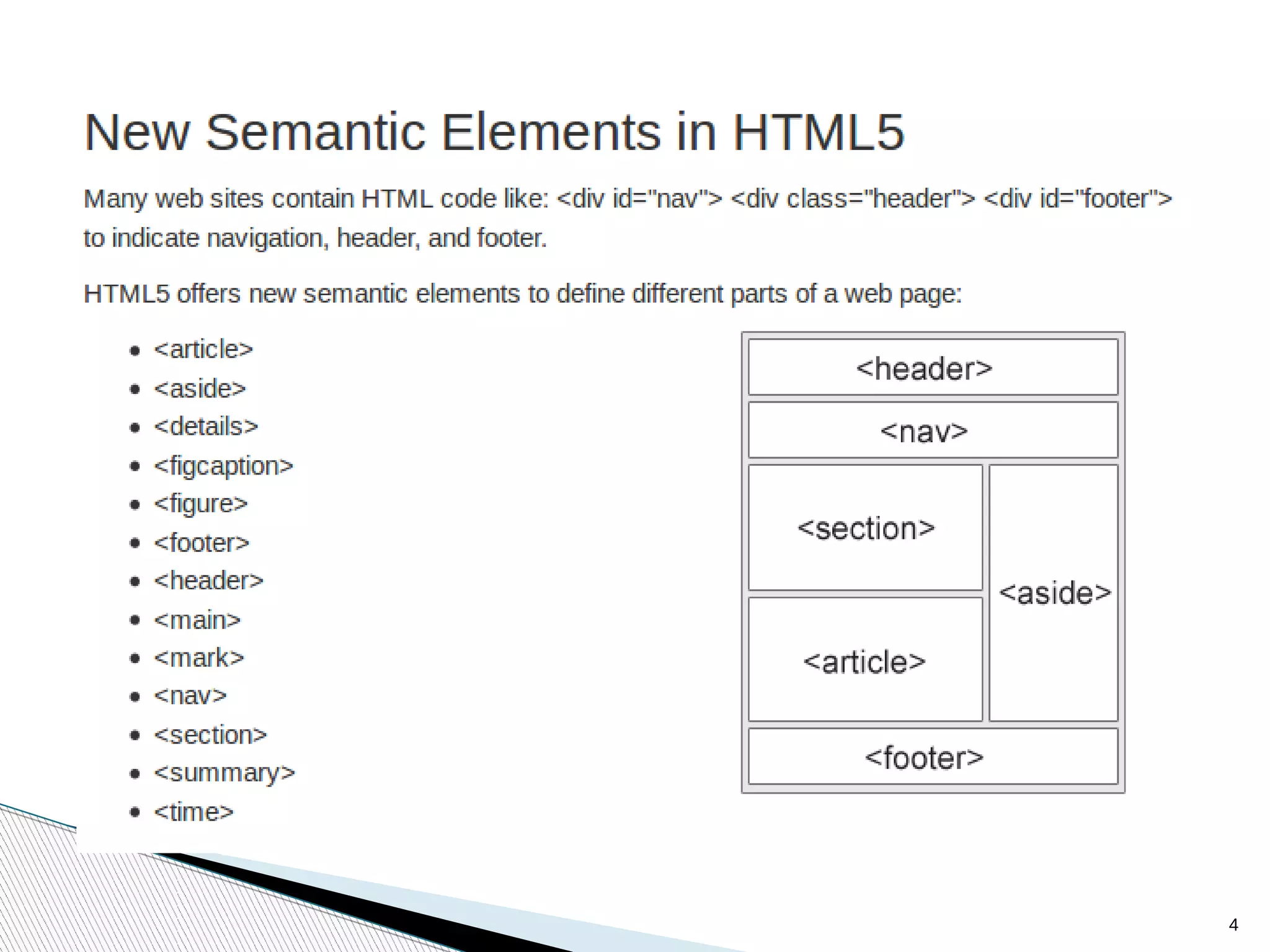
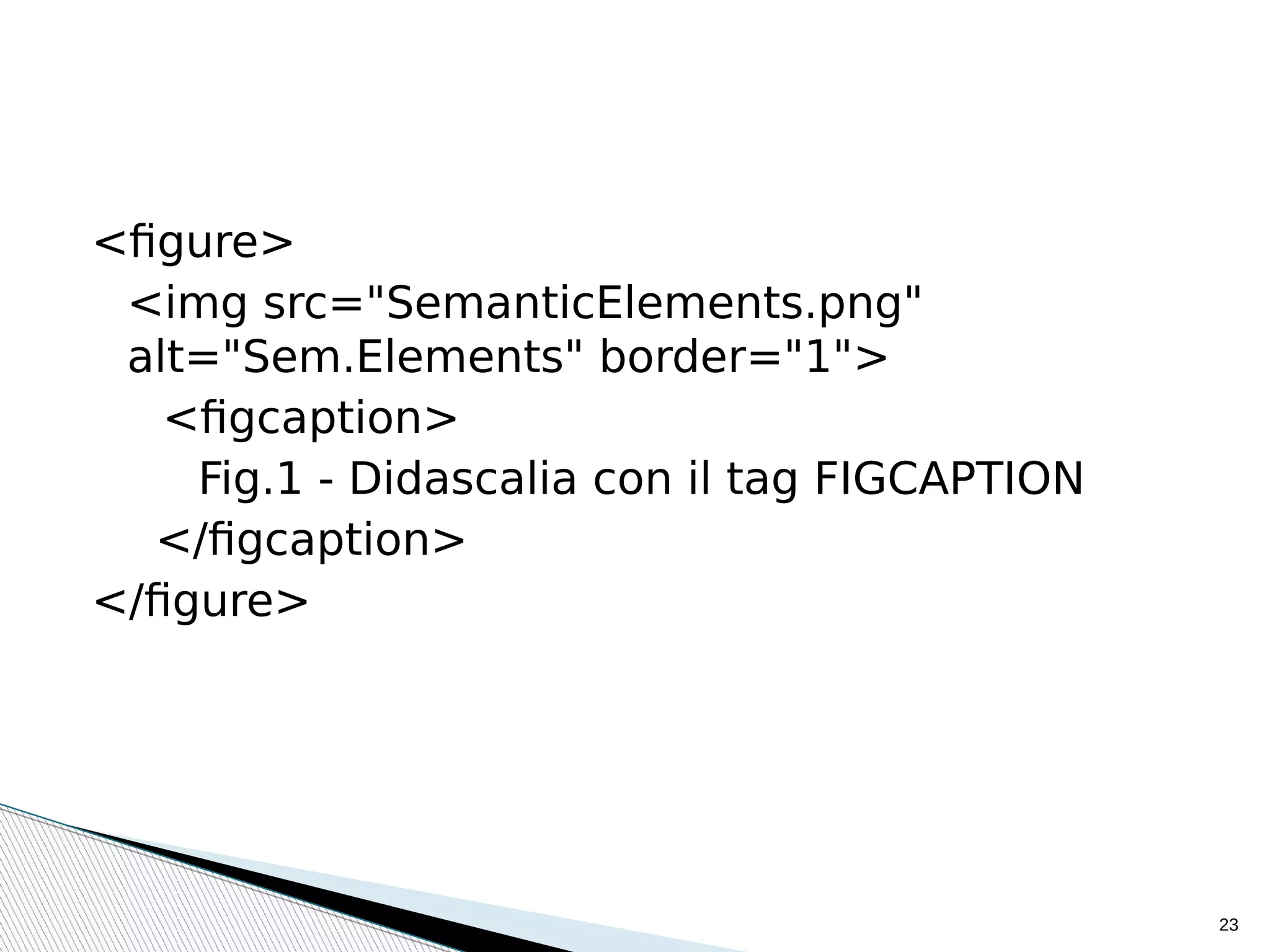
<figure>
<img src="SemanticElements.png"
alt="Sem.Elements" border="1">
<figcaption>
Fig.1 - Didascalia con il tag FIGCAPTION
</figcaption>
</figure>
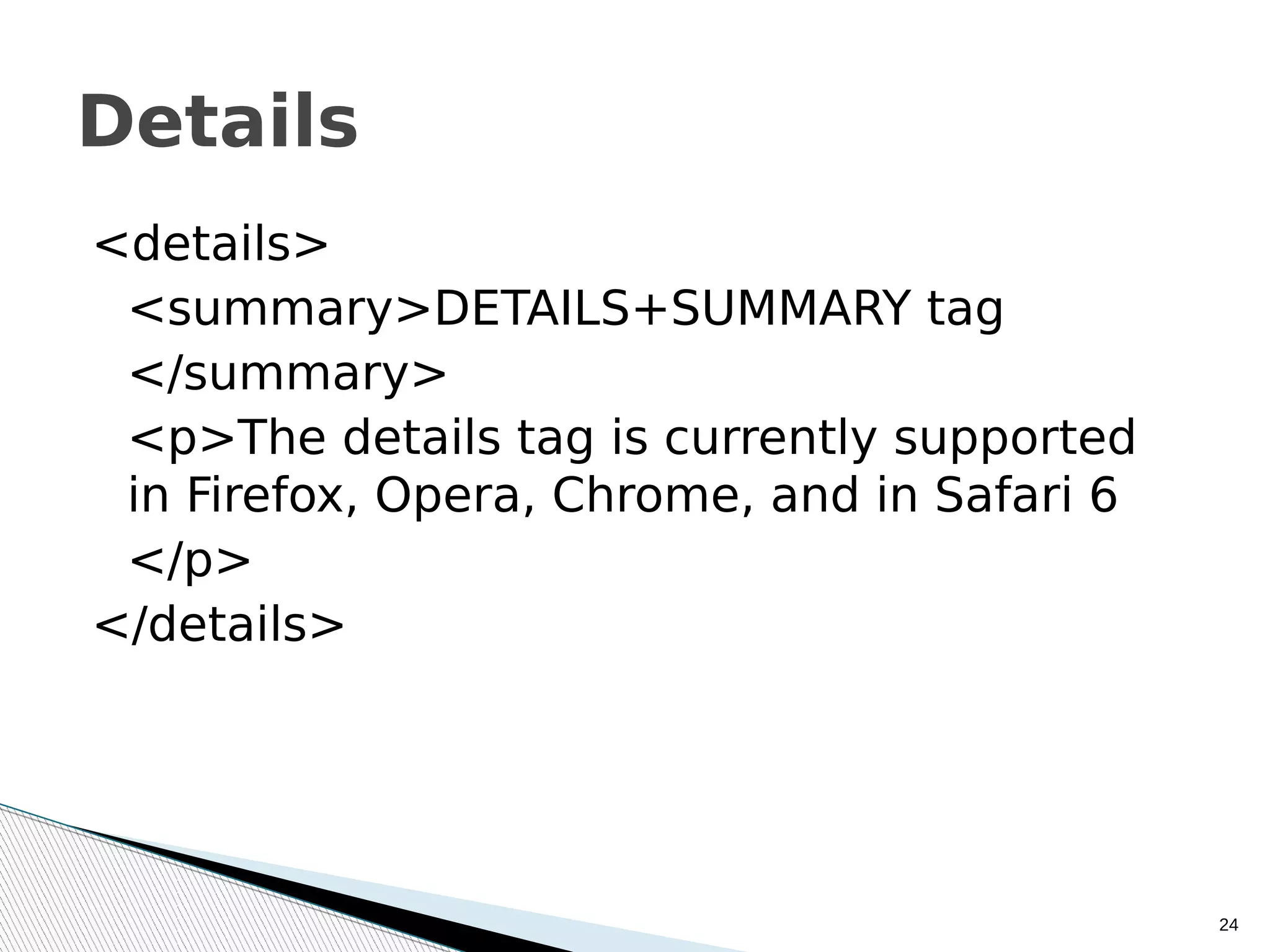
<details>
<summary>DETAILS+SUMMARY tag
</summary>
<p>The details tag is currently supported
in Firefox, Opera, Chrome, and in Safari 6
</p>
</details>
24
Details
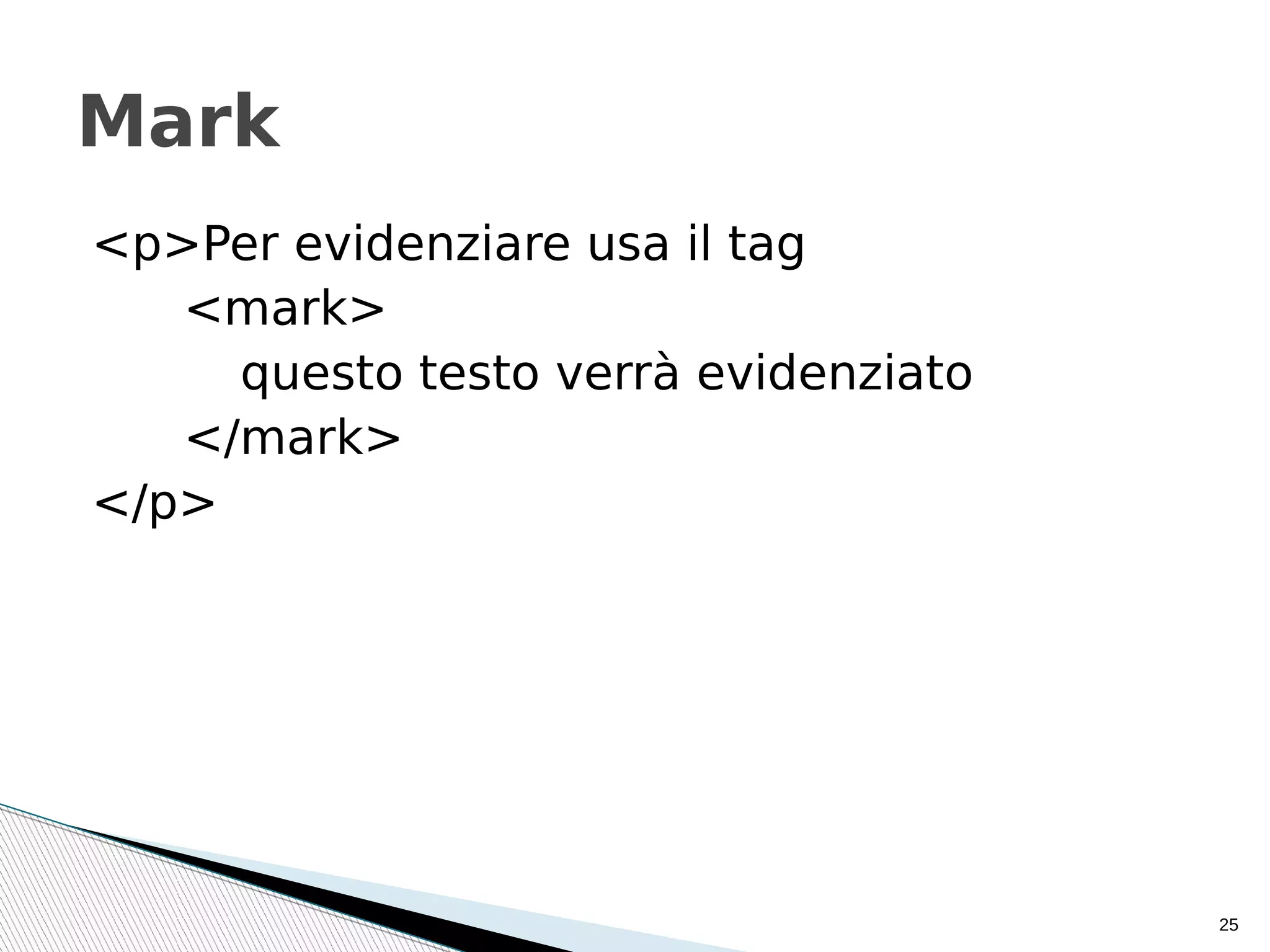
<p>Per evidenziare usa il tag
<mark>
questo testo verrà evidenziato
</mark>
</p>
25
Mark
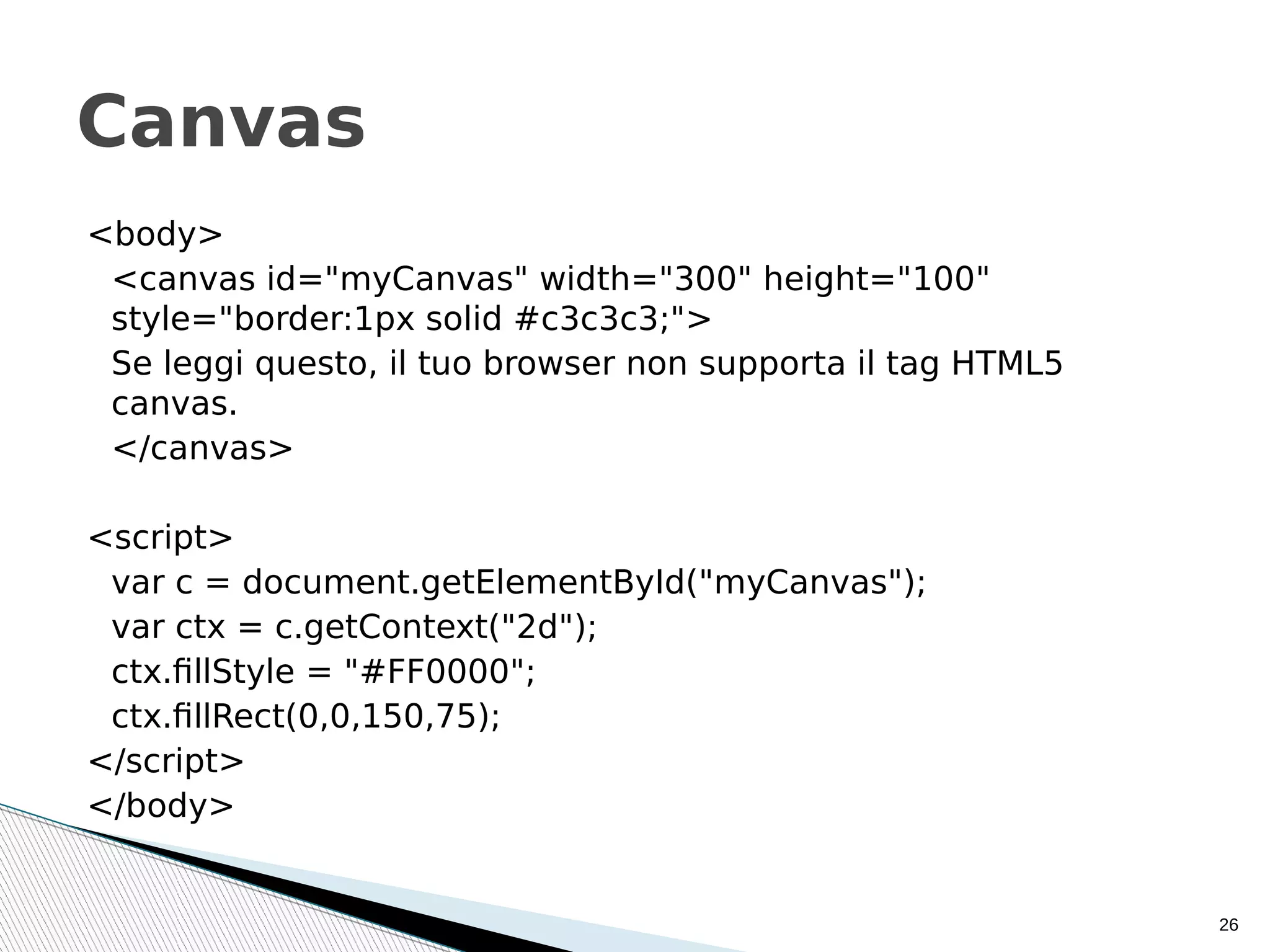
<body>
<canvas id="myCanvas" width="300" height="100"
style="border:1px solid #c3c3c3;">
Se leggi questo, il tuo browser non supporta il tag HTML5
canvas.
</canvas>
<script>
var c = document.getElementById("myCanvas");
var ctx = c.getContext("2d");
ctx.fillStyle = "#FF0000";
ctx.fillRect(0,0,150,75);
</script>
</body>
26
Canvas
• http://www.w3schools.com/html/default.asp
• http://www.w3schools.com/html/html5_intro
.asp
• http://www.html.it
Sitografia

Html5 appunti.0

  • 1.
    ugo.rinaldi@gmail.com HTML e oltre HTMLavanzato e HTML5 (per cominciare)
  • 2.
    Argomenti  Nuovi elementi semantici  Nuovielementi per il form  Tip & Tricks 2
  • 3.
    Struttura del documento <!DOCTYPEhtml> <html lang="it"> <head> <meta charset="utf-8"> <title> Titolo nel browser </title> ... </head> <body> ... </body> </html> 3
  • 4.
  • 5.
    Header • Rappresenta un contenitore • Isuoi elementi tipici sono: • <h1> - <h6> • logo o icone • authorship information • Si possono avere più <header> in un documento • Non può essere posto dentro <footer>, <address> or another <header> 5
  • 6.
    Esempio <article> <header> <h1>Most important headinghere</h1> <h3>Less important heading here</h3> <p>Some additional information here</p> </header> <p>Lorem Ipsum dolor set amet....</p> </article> 6
  • 7.
    Nav Barra di navigazione.Definisce un insieme di link di navigazione Non tutti il link devo esser posti dentro un <nav> Esempio: <nav> <a href="/html/">HTML</a> | <a href="/css/">CSS</a> | <a href="/js/">JavaScript</a> | <a href="/jquery/">jQuery</a> </nav> 7
  • 8.
    Aside • Contenuti laterali. Potrebbeesser posto come una barra laterale in un article. • Molti browser visualizzano <aside> ed i tag successivi con il seguente valore di default: aside {display: block; } • Esempio: <p>My family and I visited The Epcot center this summer.</p> <aside> <h4>Epcot Center</h4> <p>The Epcot Center is a theme park in Disney World, Florida.</p> </aside> 8
  • 9.
    Article • The <article> tagspecifies independent, self- contained content. • An article should make sense on its own and it should be possible to distribute it independently from the rest of the site. • Potential sources for the <article> element: • Forum post • Blog post • News story (notizia) • Comment 9
  • 10.
    Esempio <article> <h1>Google Chrome</h1> <p>Google Chromeis a free, open-source web browser developed by Google, released in 2008. ...but duckduckgo don't trace you </p> </article> 10
  • 11.
    Section • Definisce sezioni all'internodi un documento come capitoli, headers, footers, o qualunque altra sezione del documento. • Esempio: • <section> • <h1>WWF</h1> • <p>The World Wide Fund for Nature (WWF) is....</p> • </section> 11
  • 12.
    Footer • Rappresenta un contenitore • Isuoi elementi tipici sono: • contact information (address, email) • logo and/or icon • authorship information • copyright information • sitemap • back to top links • related documents • Si possono avere più <footer> in un documento 12
  • 13.
    Modello senza CSS Modellocon CSS Esempi con elementi semantici 13
  • 14.
    • <style> • body {font-family: Verdana,sans-serif; font-size:0.8em;} • header, nav, section, article, footer {border:1px solid grey; margin:5px; padding:8px;} • nav ul {margin:0; padding:0;} • nav ul li {display:inline; margin:5px;} • </style> Il CSS degli esempi 14
  • 15.
    Il form  The <form>tag is used to create an HTML form for user input. <form action="demo_form.php" method="get"> First name: <input type="text" name="fname"><br> Last name: <input type="text" name="lname"><br> <input type="submit" value="Submit"> </form> 15
  • 16.
    I pulsanti <button type="button"onclick="alert('Hello world!')"> CONFERMA </button> <input type="button" onclick="alert('Hello World!')" value="Conferma"> <input type="submit" value="CONFERMA"> 16
  • 17.
    Nuovi e vecchitype per l'input  Checkbox, radio, submit, reset, text, password, hidden (Già visti)  button Defines a clickable button (mostly used with a JavaScript to activate a script)  color Defines a color picker  date Defines a date control (year, month and day (no time))  datetime-local Defines a date and time control (year, month, day, hour, minute, second, and fraction of a second (no time zone)  email Defines a field for an e-mail address  file Defines a file-select field and a "Browse..." button (for file uploads)  image Defines an image as the submit button  month Defines a month and year control (no time zone)  number Defines a field for entering a number  range Defines a control for entering a number whose exact value is not important (like a slider control)  search Defines a text field for entering a search string  tel Defines a field for entering a telephone number (SAFARI)  time Defines a control for entering a time (no time zone)  url Defines a field for entering a URL  week Defines a week and year control (no time zone) 17
  • 18.
    Esempio Un form coni più utili type di input 18
  • 19.
    News & Curious(Curiosities)  autocomplete="on/off"  placeholder="article, section,…"  required  maxlength="20"  src=”image.png” (solo per il type=image)  min="1" max="10" step="1" 19
  • 20.
    Esempio di datalist <inputtype=”text” list="browsers"> <datalist id="browsers"> <option value="Internet Explorer"> <option value="Firefox"> <option value="Google Chrome"> <option value="Opera"> <option value="Safari"> </datalist> 20
  • 21.
    Un accenno alleregular expression <input type="text" name="nickname" ... pattern="[a-z]{1}[a-z_]{2,19}" ...> 21
  • 22.
  • 23.
  • 24.
    <details> <summary>DETAILS+SUMMARY tag </summary> <p>The detailstag is currently supported in Firefox, Opera, Chrome, and in Safari 6 </p> </details> 24 Details
  • 25.
    <p>Per evidenziare usail tag <mark> questo testo verrà evidenziato </mark> </p> 25 Mark
  • 26.
    <body> <canvas id="myCanvas" width="300"height="100" style="border:1px solid #c3c3c3;"> Se leggi questo, il tuo browser non supporta il tag HTML5 canvas. </canvas> <script> var c = document.getElementById("myCanvas"); var ctx = c.getContext("2d"); ctx.fillStyle = "#FF0000"; ctx.fillRect(0,0,150,75); </script> </body> 26 Canvas
  • 27.