NYCCamp 2012


                 Preston So
               July 21, 2012
¡    Preston So (@prestonso) is Prototyper Intern
      at Acquia and co-maintainer of the upcoming
      Spark distribution. He founded the Southern
      Colorado User Group.

        www.prestonsodesign.com
        drupal.org/user/325491
        pso@college.harvard.edu
        preston.so@acquia.com
1	
     Drupal design principles

2	
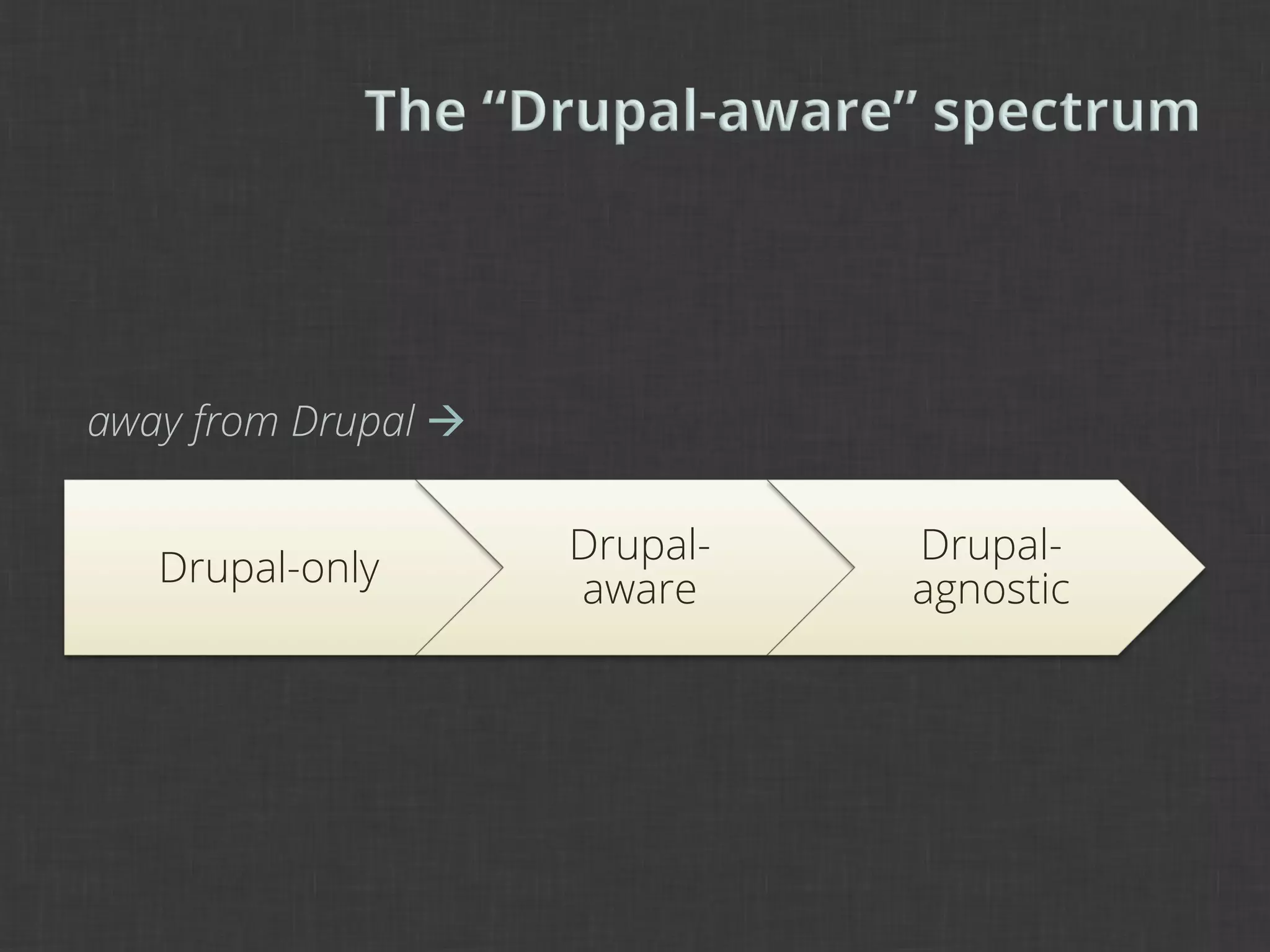
     The “Drupal-aware” spectrum

3	
     Drupal-aware design

4       Drupal-aware theming

4       To Drupal and beyond
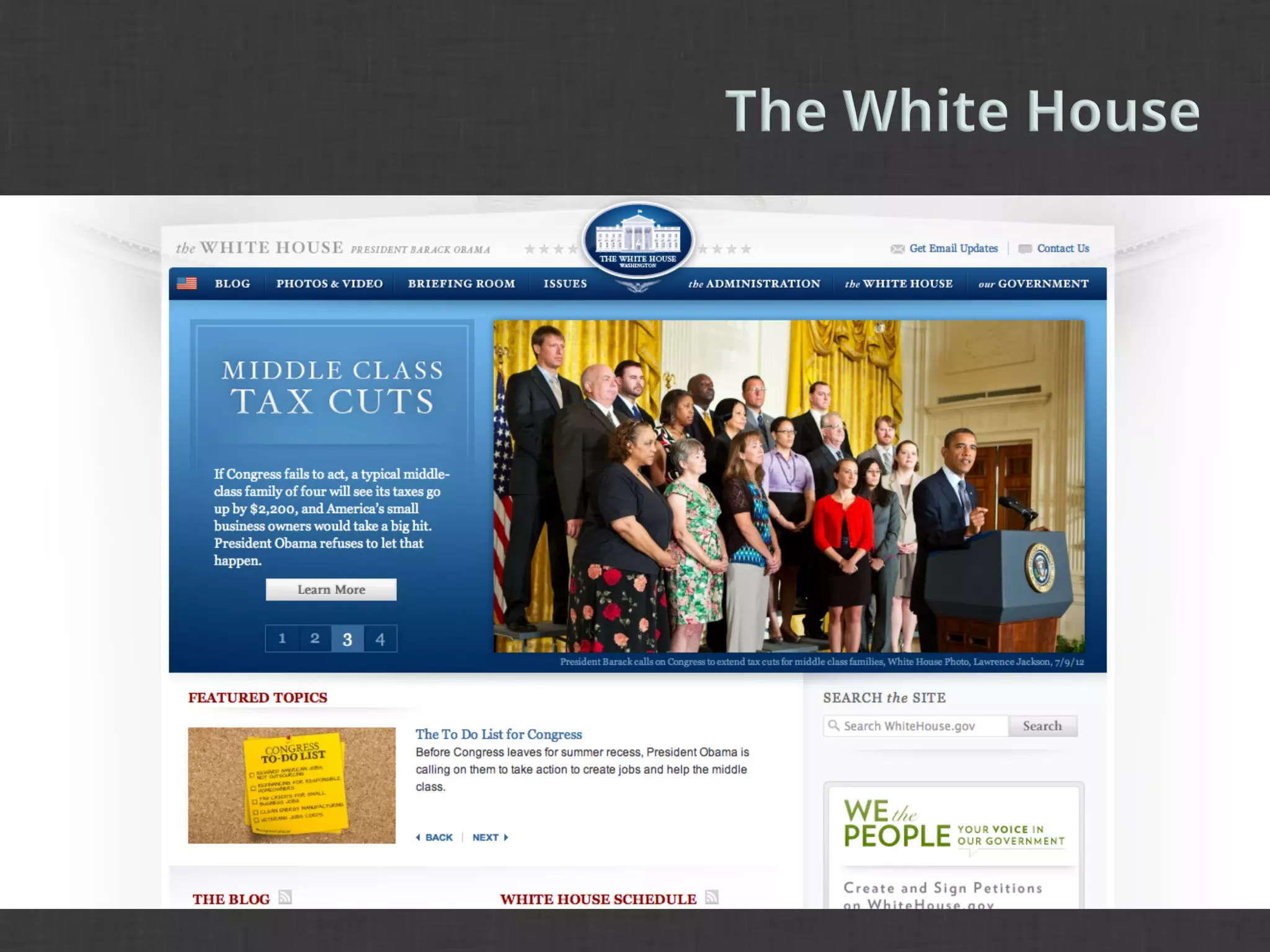
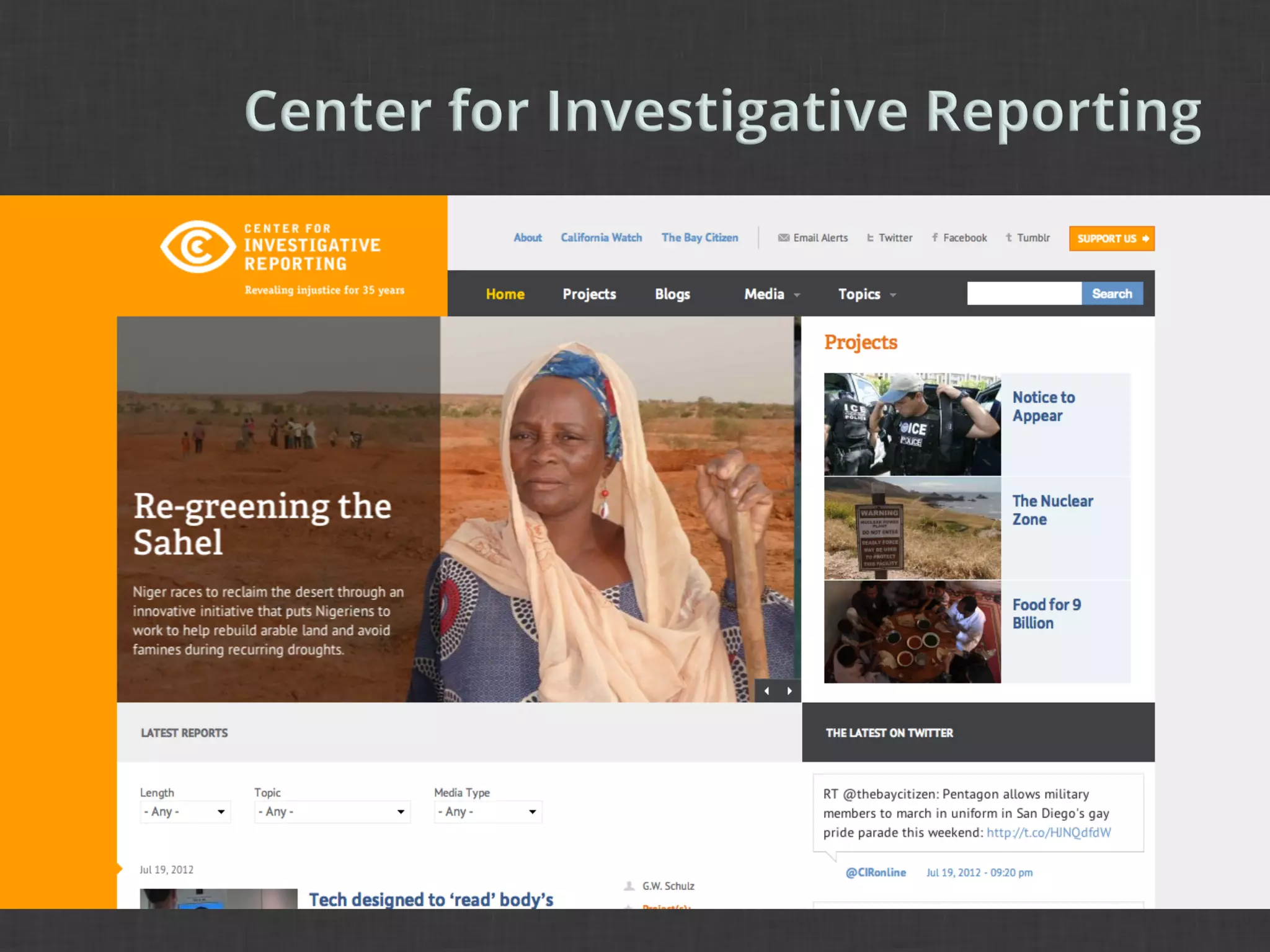
¡    Design in Drupal has come a long way.
¡    About four years ago, Dries mentioned that 3
      out of 4 Drupal sites are ugly.

¡    That’s changed (pretty substantially), but what
      has replaced ugly Drupal designs? Ugly Drupal
      implementations of themes that are not
      extensible or flexible.
¡    There is a dramatic change in process between
      design and theme.
      §  Structure. Photoshop layers vs. theme templates.
      §  Goal. Good design vs. integration with Drupal.
      §  Process. Putting things together vs. making things
          display right.
      §  Next steps. Focus on the theme vs. focus on the
          Drupal implementation.
¡    Handovers in markup cause consternation and
      disapproval when later stages are reviewed.

¡    Without a complete understanding of the
      design, the themer does not know how to
      approach the design.

¡    Without a complete understanding of the
      theming process, the designer does not know
      how to approach Drupal.
¡    We can bring designers and themers together
      for a more robust design and theme process.

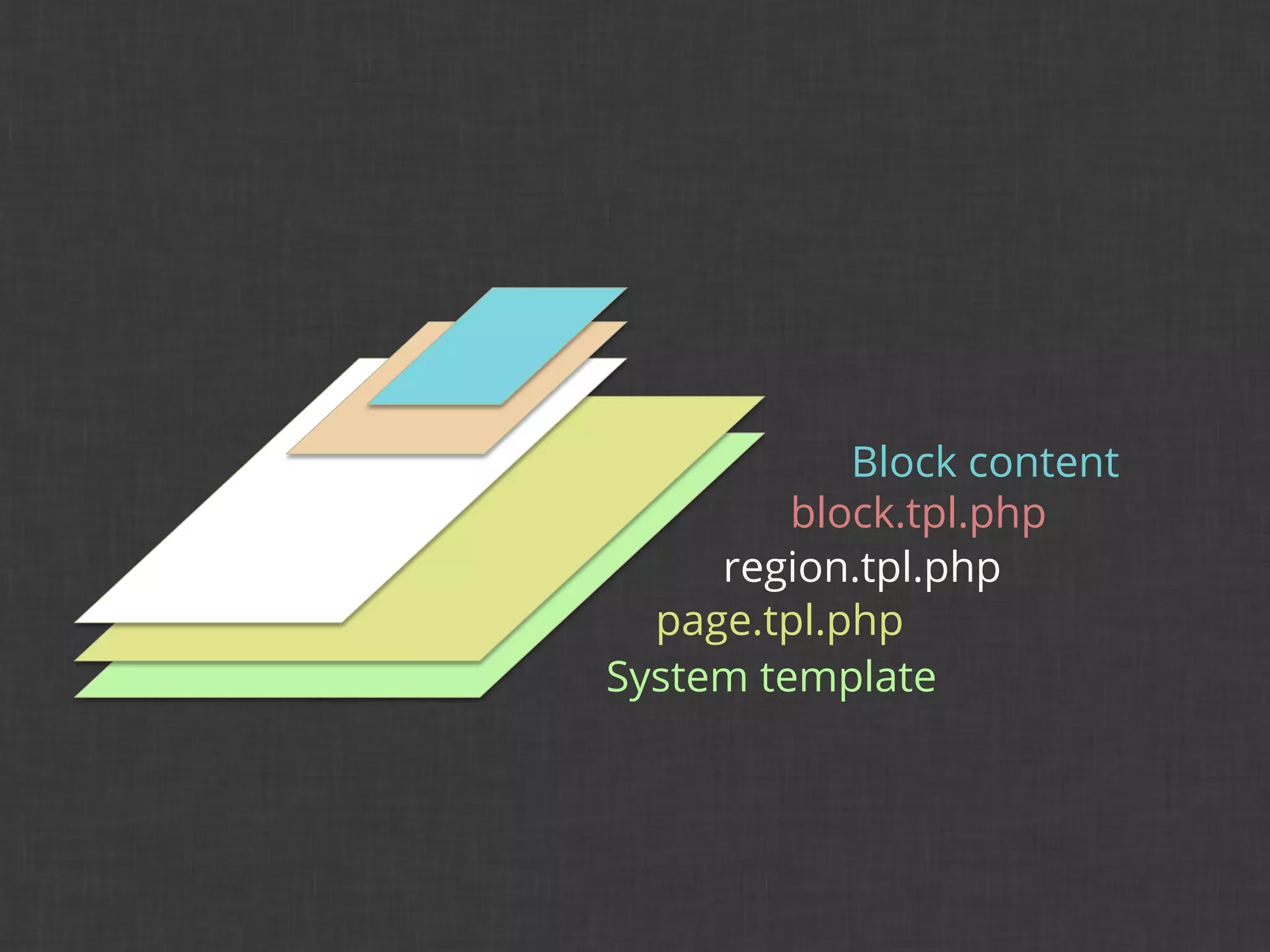
¡    Designers and themers need to know at least
      the basics of what each is doing.
¡    Design principles are worthy sources of wisdom
      not only for the design process, but also for our
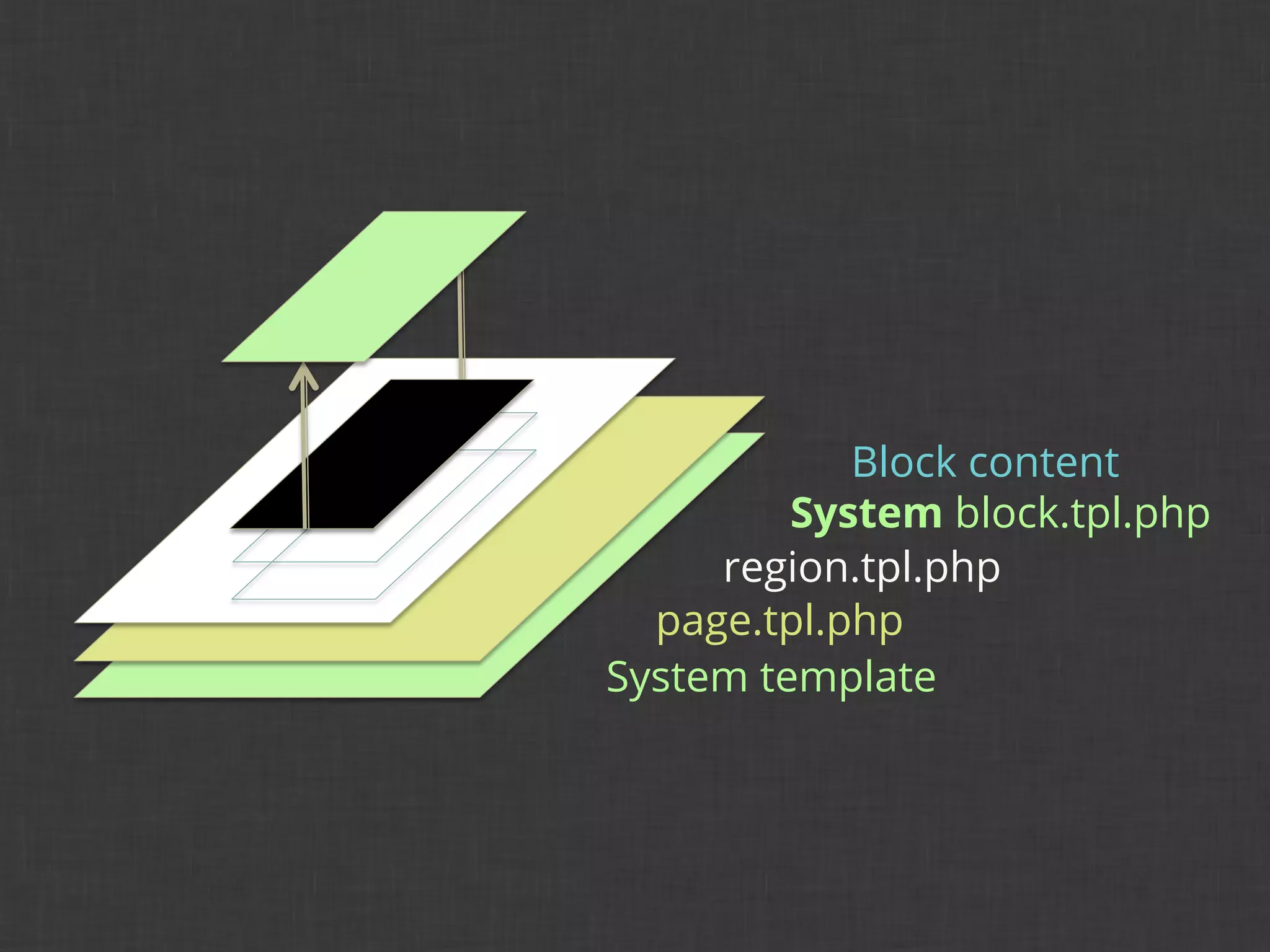
      project process.

¡    Where might some design principles come into
      play at the design-theme interface?
1	
  
Postel’s robustness principle

General design principles

Drupal 7 UX principles
¡    Design principles by Jeremy Keith
      principles.adactio.com

¡    Drupal 7 UX design principles
      www.d7ux.org
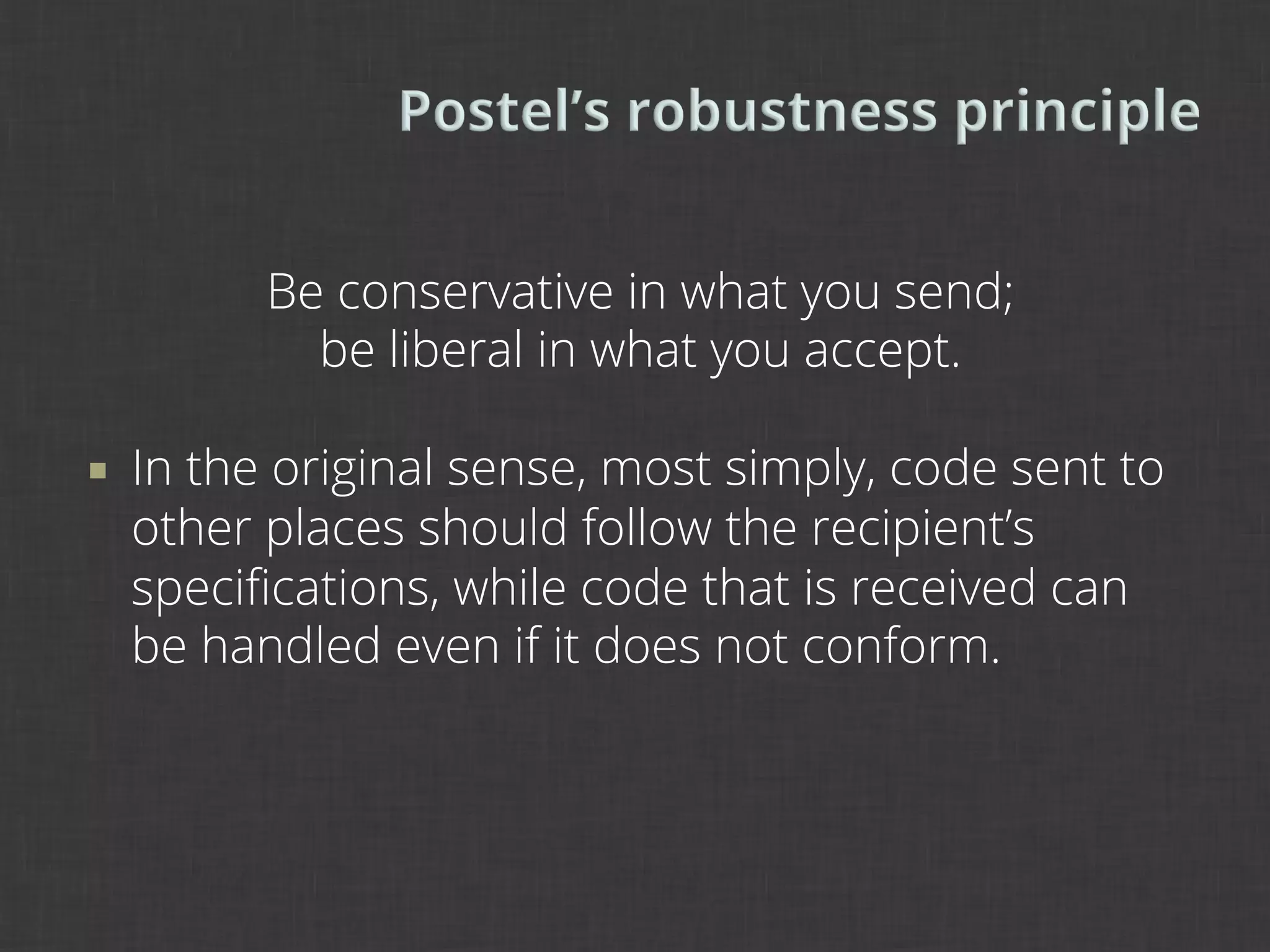
Be conservative in what you send;
              be liberal in what you accept.

¡    In the original sense, most simply, code sent to
      other places should follow the recipient’s
      specifications, while code that is received can
      be handled even if it does not conform.
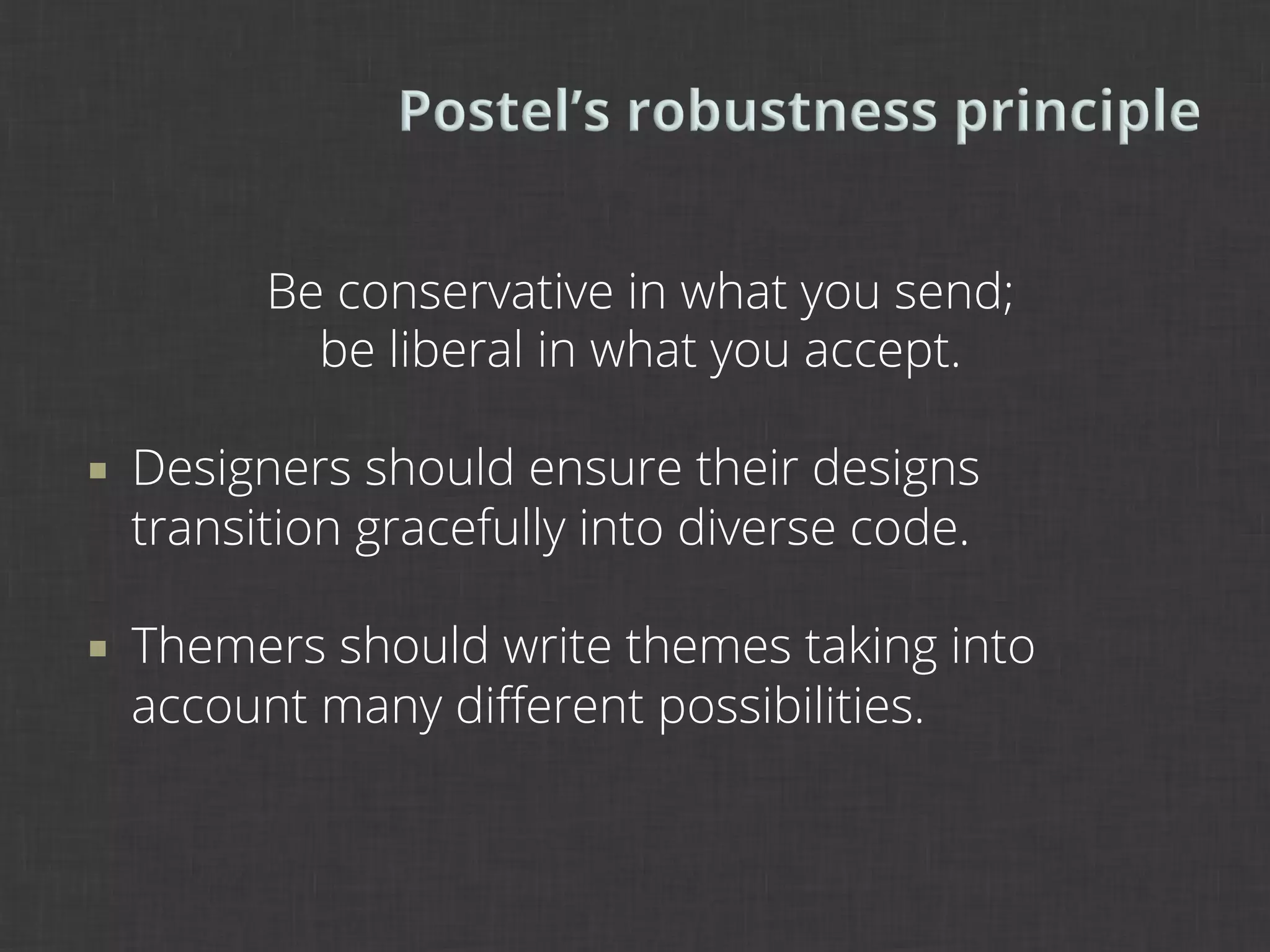
Be conservative in what you send;
              be liberal in what you accept.

¡    Designers should ensure their designs
      transition gracefully into diverse code.

¡    Themers should write themes taking into
      account many different possibilities.
When browsers are lax about what
    they expect, the system works better
   but also it encourages laxness on the
 part of web page writers. The principle
   of tolerance does not blunt the need
            for a perfectly clear protocol
     specification which draws a precise
distinction between a conformance and
     non-conformance. The principle of
     tolerance is no excuse for a product
          which contravenes a standard.

                         TIM BERNERS-LEE
                                   1998
We follow the standards of Drupal.
              Where standards are weak,
           we champion new standards and
            prove why those standards are
                    more effective.

¡    When designing and implementing designs in
      Drupal, should we stick to Drupal paradigms
      across the board, even in HTML/CSS?
The answer is sort of.

¡    Yes cases
      The site will be in Drupal.
      The theme will be contributed.

¡    Maybe cases
      The site may not be in Drupal forever (e.g. prototype).
      The theme may need to be Drupal-agnostic.
Good design is
as little design
    as possible.
         DIETER RAMS
                 1976
Design for the 80%.

 Privilege the content creator.

Make the default settings smart.
2	
  
What is Drupal-aware?

From Drupal-agnostic …

To embracing Drupal
¡    What is designing for Drupal?
      Using standard Drupal areas and regions
      Using particular Drupal classes (e.g. page-front)
      This methodology embraces Drupal.
¡    What is designing with Drupal?
      Anticipating standard Drupal areas and regions
      Anticipating particular Drupal classes (e.g. page-front)
      This methodology is aware of Drupal, or perhaps even
      agnostic to Drupal.
¡    If the use of Drupal is uncertain, we should
      tailor our code to anticipate all possibilities.

¡    What might this look like?
¡    Ask yourself some questions about your intent:
      Will the theme be contributed?
      Will the theme have sub-themes?
      Will the design need to change from Drupal?
      Will the theme need to change from Drupal?

¡    Then, tailor both the design and theming
      processes to this intent.
away from Drupal à

                      Drupal-   Drupal-
   Drupal-only
                      aware     agnostic
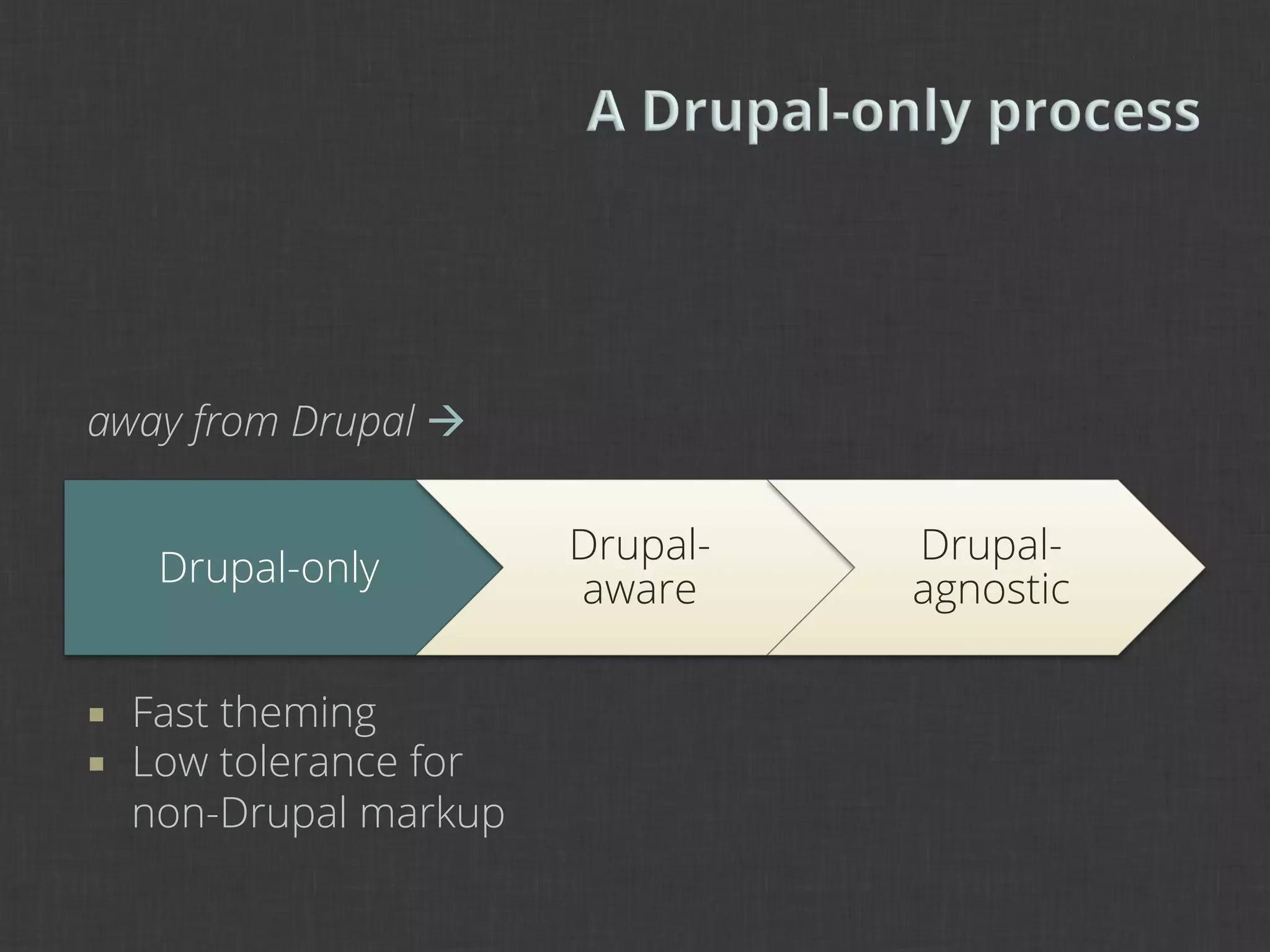
away from Drupal à

                          Drupal-   Drupal-
       Drupal-only
                          aware     agnostic

¡    Fast theming
¡    Low tolerance for
      non-Drupal markup
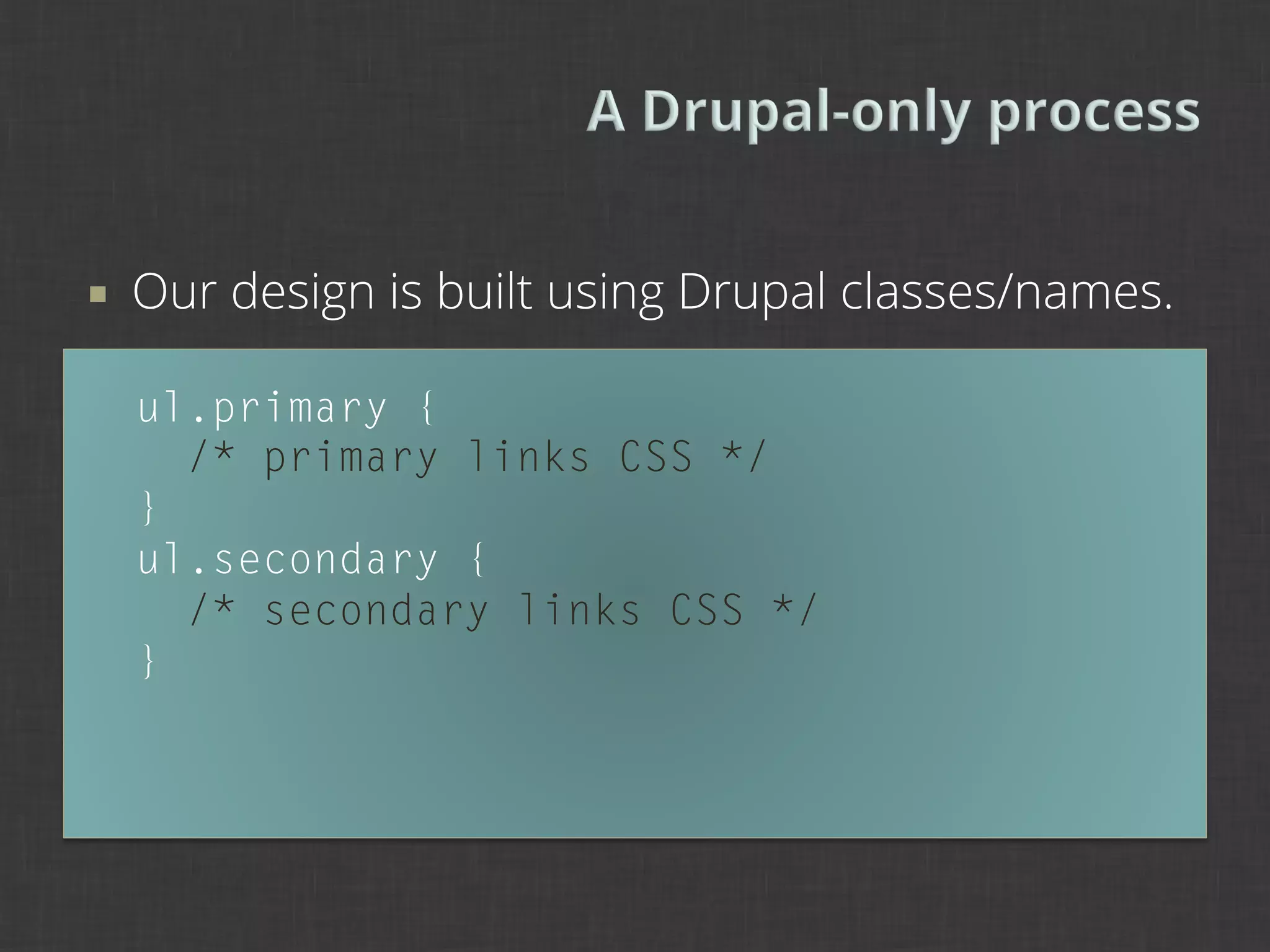
¡    Our design is built using Drupal classes/names.

      ul.primary {
        /* primary links CSS */
      }
      ul.secondary {
        /* secondary links CSS */
      }
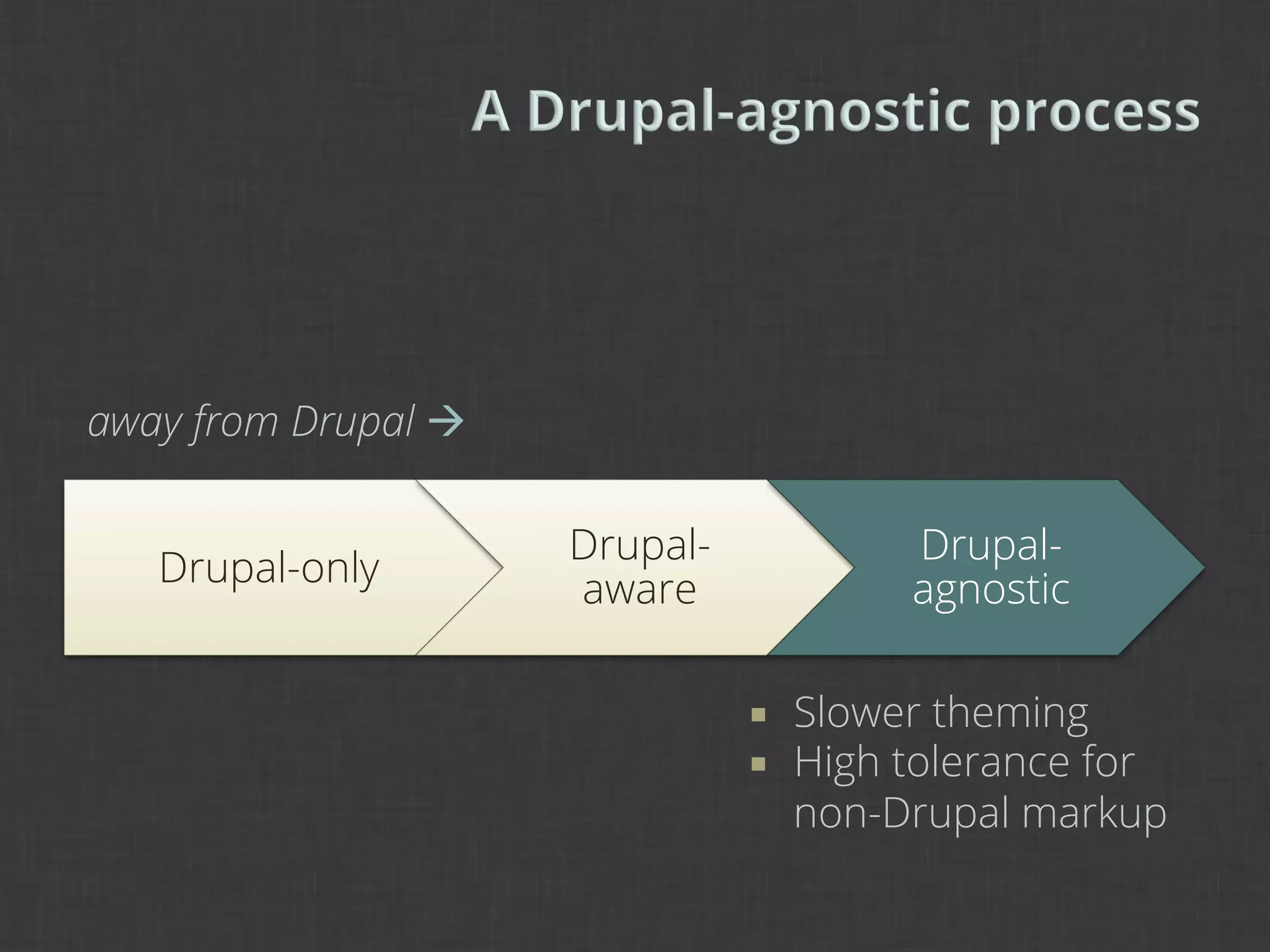
away from Drupal à

                      Drupal-              Drupal-
   Drupal-only
                      aware                agnostic

                                ¡    Slower theming
                                ¡    High tolerance for
                                      non-Drupal markup
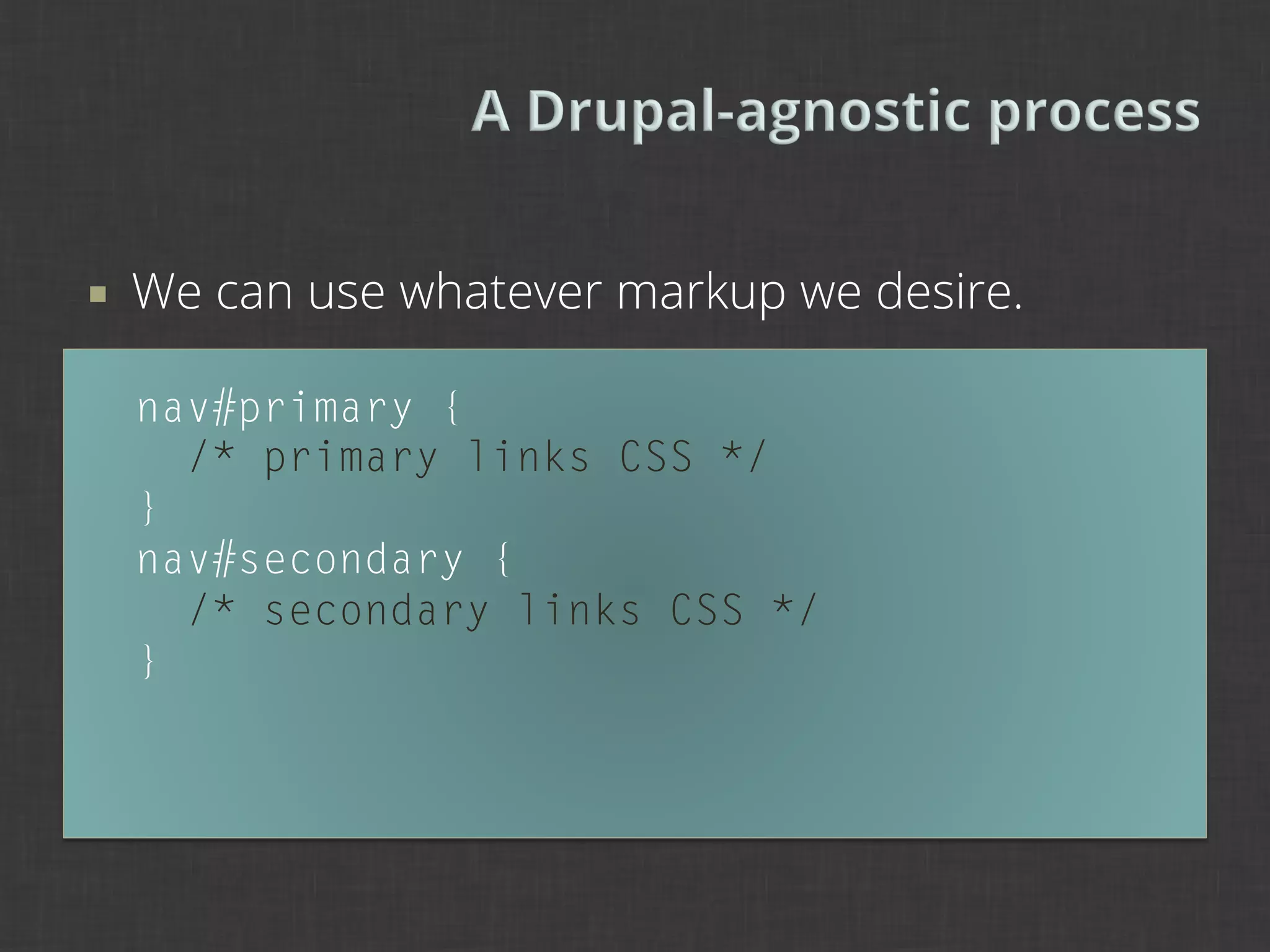
¡    We can use whatever markup we desire.

      nav#primary {
        /* primary links CSS */
      }
      nav#secondary {
        /* secondary links CSS */
      }
¡    As we move closer to Drupal as a need on this
      spectrum, we should ensure that our designs
      and themes utilize classes and elements that
      are most conducive to Drupal.

¡    But a “Drupal-aware” theme should not only run
      well on Drupal but also other CMSes.

¡    This is a fusion of both Drupal-only and Drupal-
      agnostic approaches.
¡    A selection of one of these processes does not
      mean that it is the end-all, be-all solution.

¡    As with every project, approaches need to be
      analyzed and tested. No one solution will work
      for all conditions.

¡    This spectrum model is only intended to allow
      you to visualize the possible approaches to
      follow.
¡    A Drupal-aware methodology is a great idea for
      rapid prototyping, rapid implementation, or
      simply to test a variety of conditions.

¡    Jeff Noyes, “Rapid Prototyping with Drupal”,
      Design 4 Drupal 2009
      www.youtube.com/watch?v=O25Wuts90sw
away from Drupal à

                            Drupal-          Drupal-
   Drupal-only
                            aware            agnostic

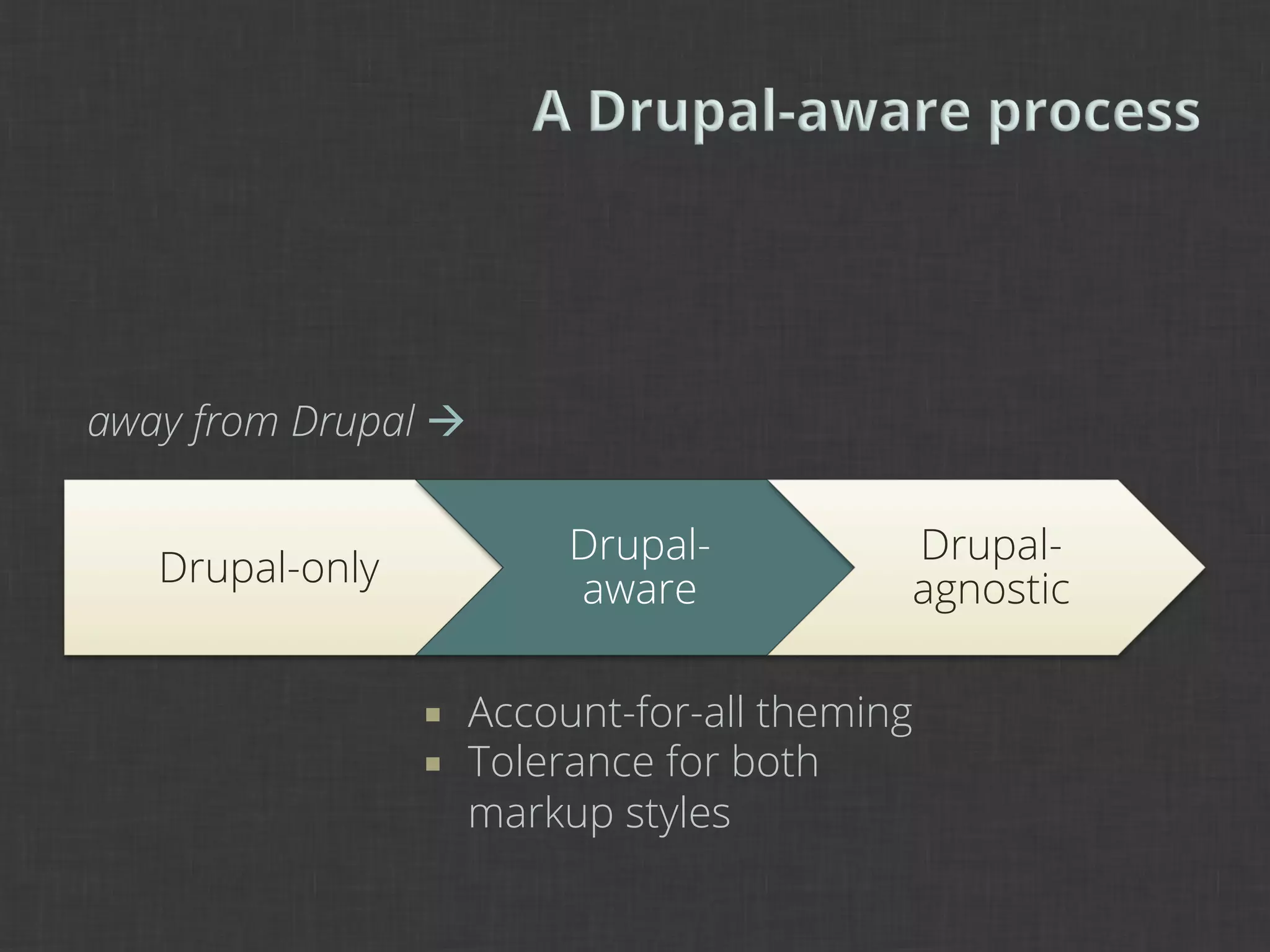
                 ¡    Account-for-all theming
                 ¡    Tolerance for both
                       markup styles
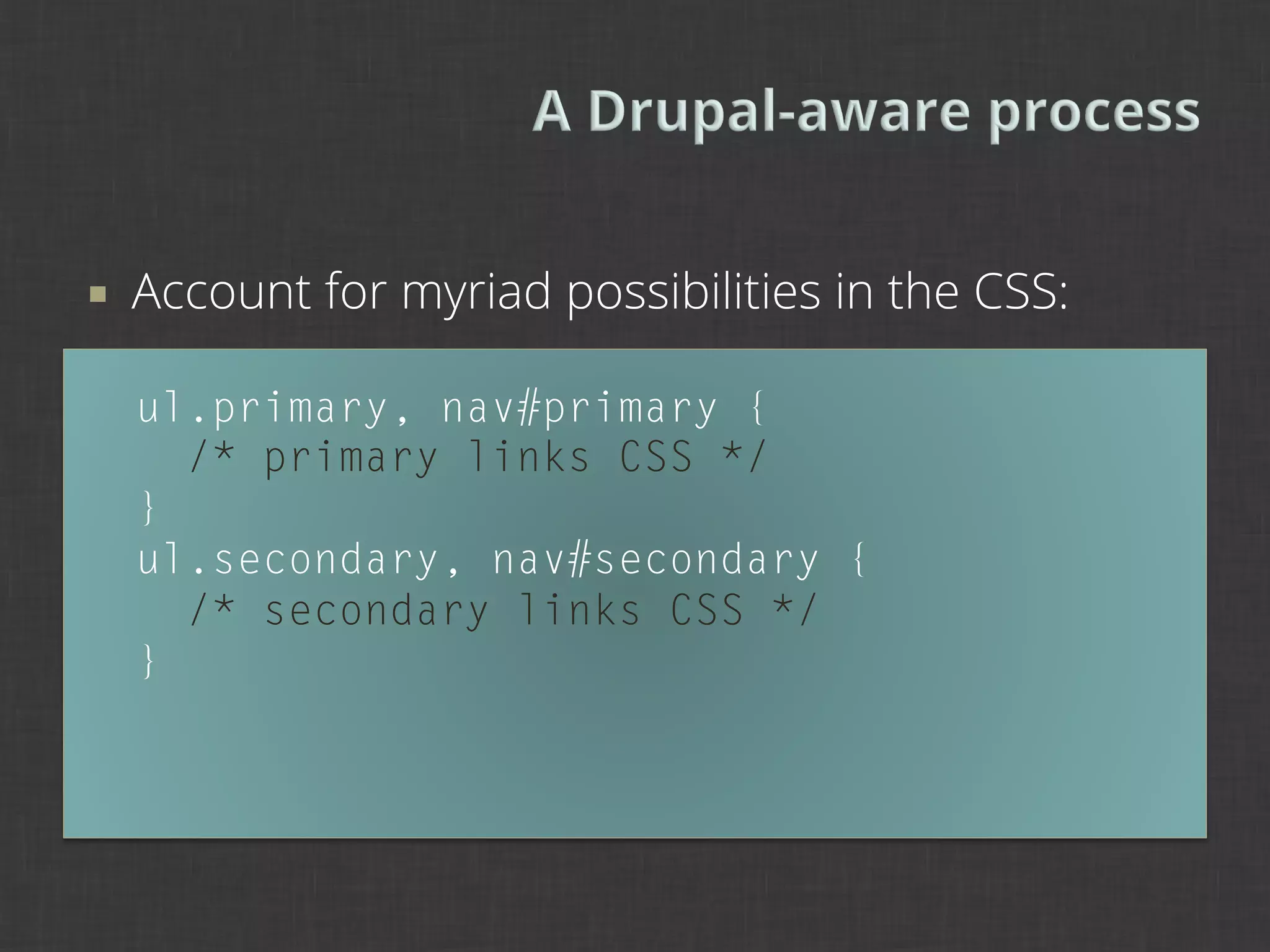
¡    Account for myriad possibilities in the CSS:

      ul.primary, nav#primary {
        /* primary links CSS */
      }
      ul.secondary, nav#secondary {
        /* secondary links CSS */
      }
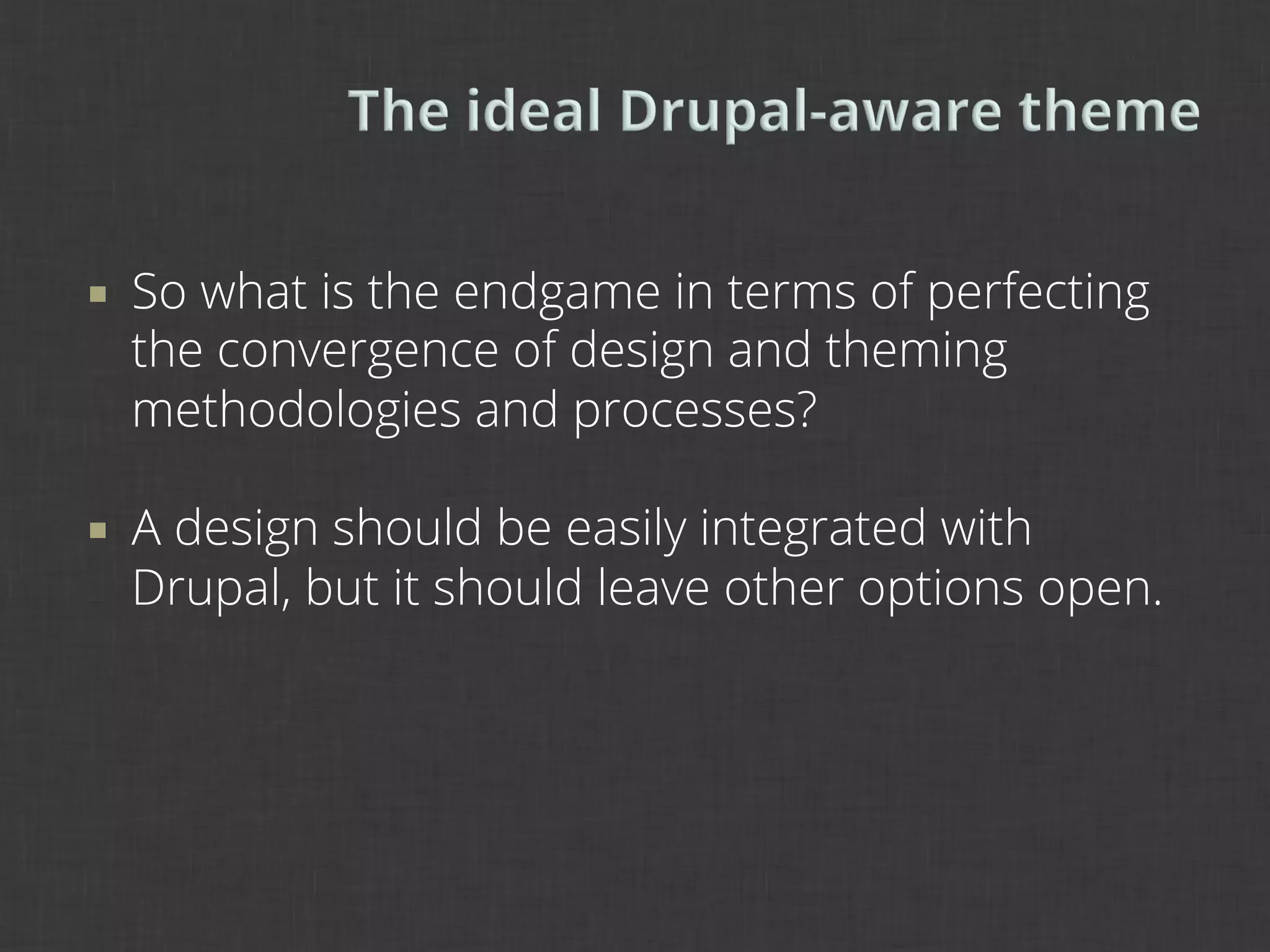
¡    So what is the endgame in terms of perfecting
      the convergence of design and theming
      methodologies and processes?

¡    A design should be easily integrated with
      Drupal, but it should leave other options open.
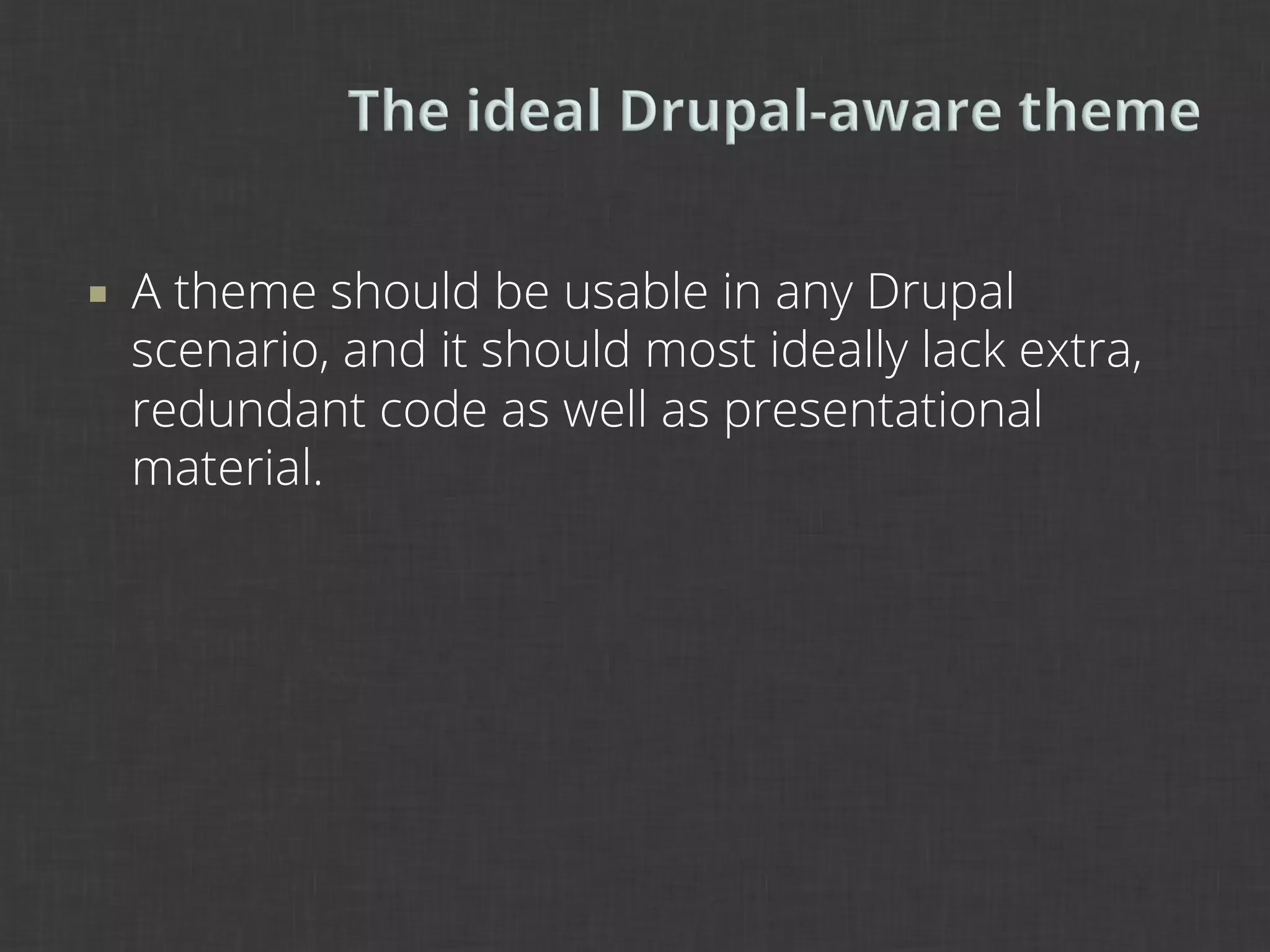
¡    A theme should be usable in any Drupal
      scenario, and it should most ideally lack extra,
      redundant code as well as presentational
      material.
3	
  
The stacked-paper model

Standards and conventions

Usability concerns and considerations
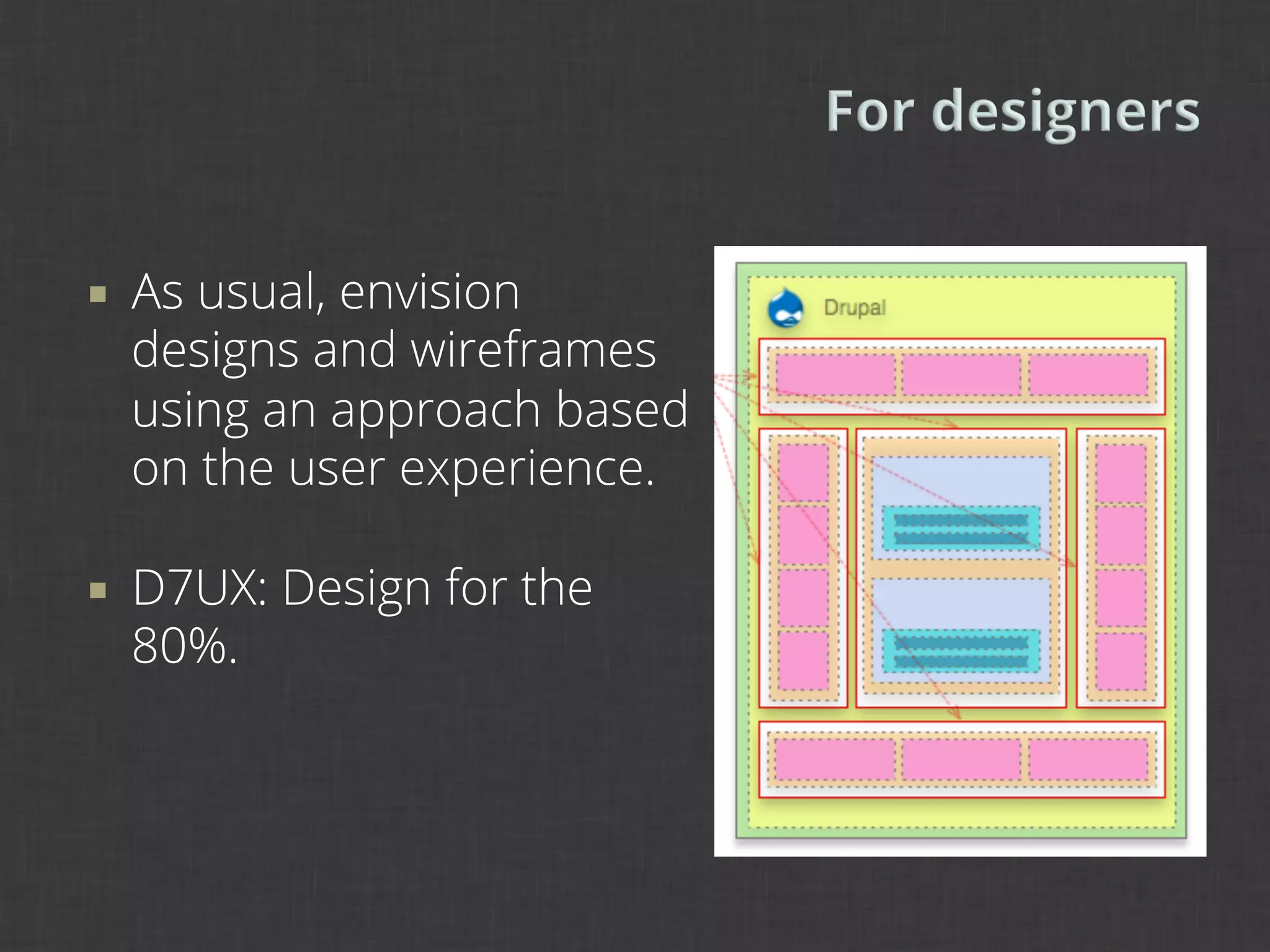
¡    As usual, envision
      designs and wireframes
      using an approach based
      on the user experience.

¡    D7UX: Design for the
      80%.
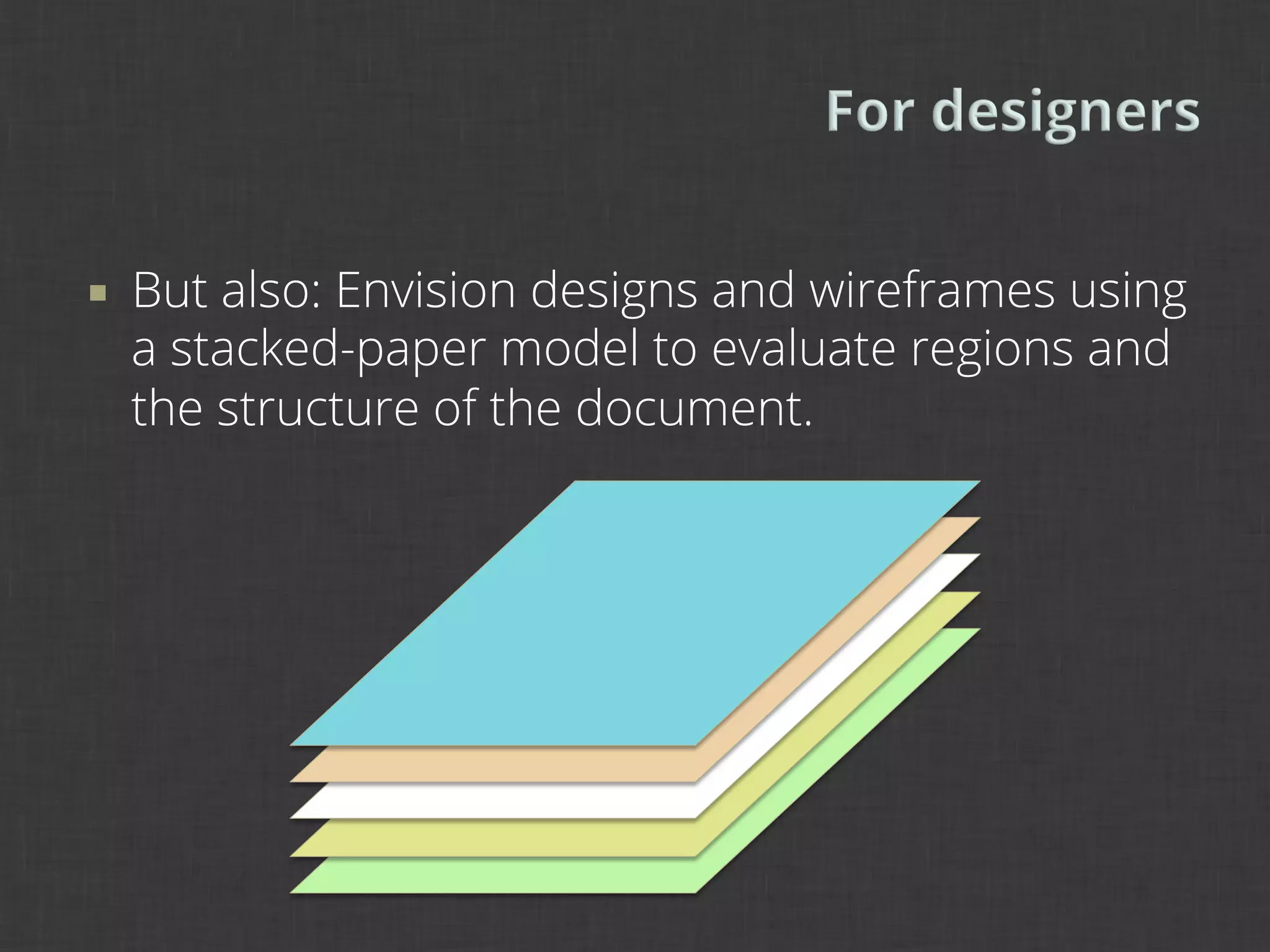
¡    But also: Envision designs and wireframes using
      a stacked-paper model to evaluate regions and
      the structure of the document.
¡    But also: Envision designs and wireframes using
      a stacked-paper model to evaluate regions and
      the structure of the document.
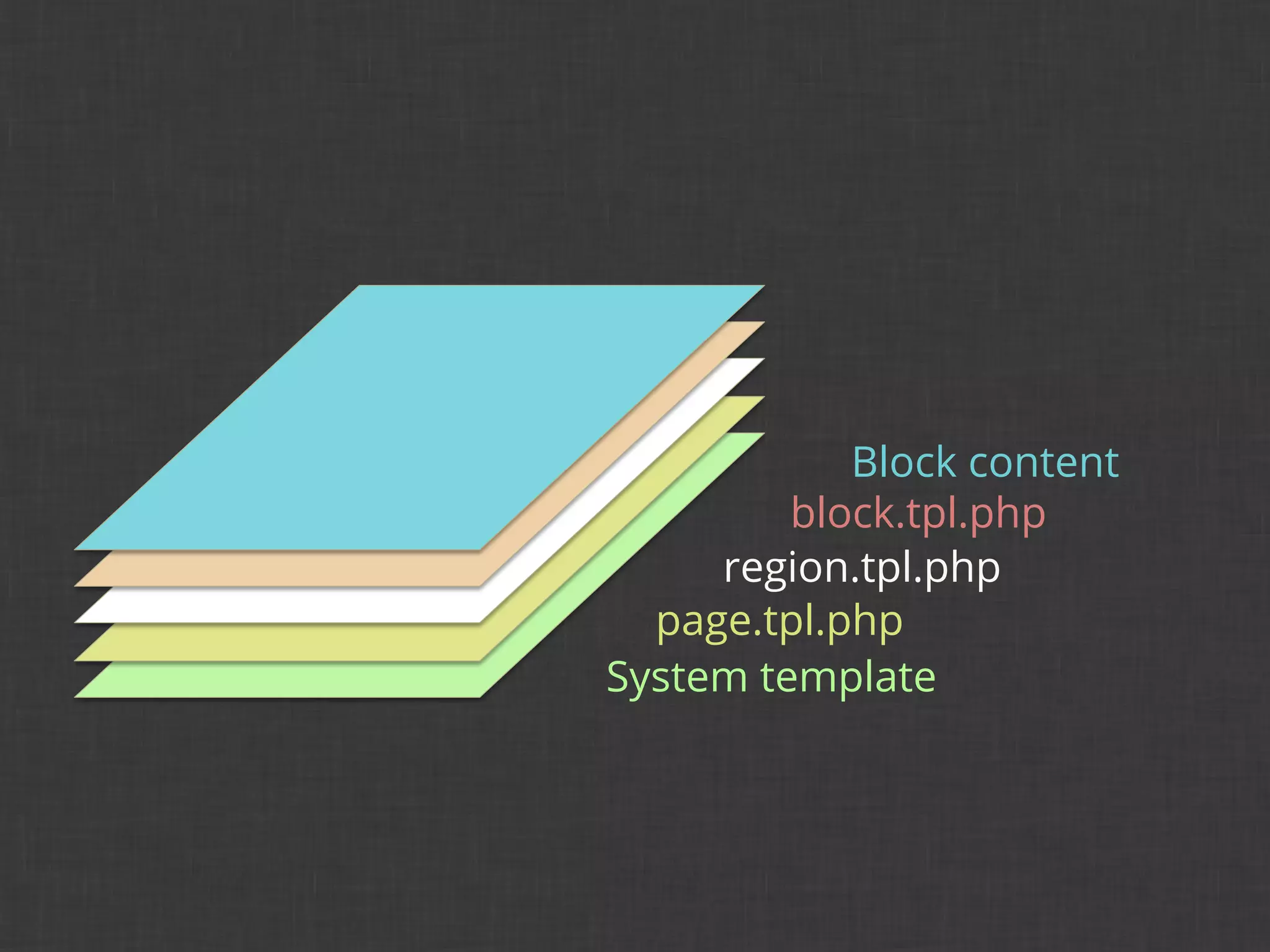
Block content
         block.tpl.php
     region.tpl.php
  page.tpl.php
System template
Block content
         block.tpl.php
     region.tpl.php
  page.tpl.php
System template
Block content
         System block.tpl.php
     region.tpl.php
  page.tpl.php
System template
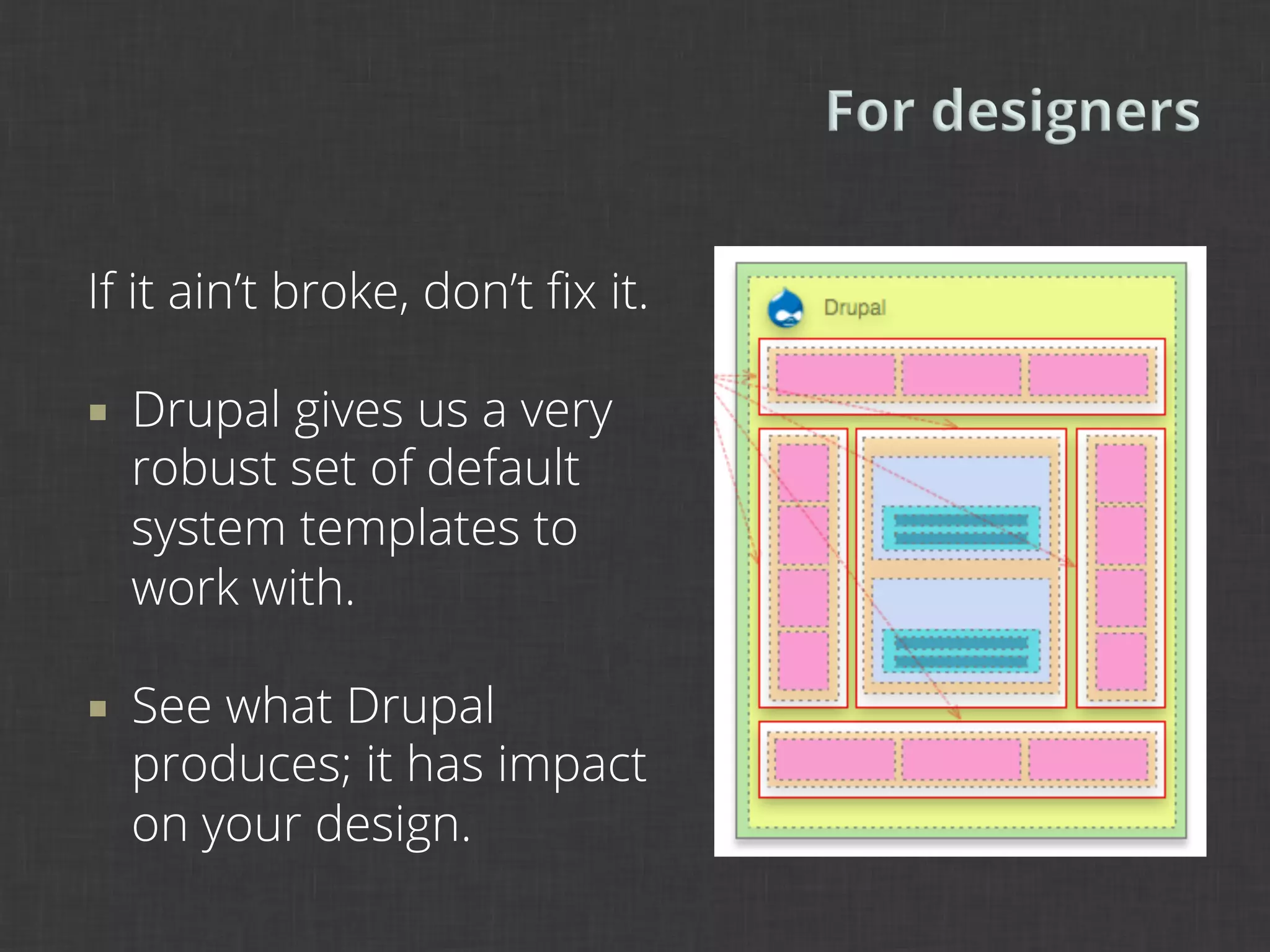
If it ain’t broke, don’t fix it.

¡    Drupal gives us a very
      robust set of default
      system templates to
      work with.

¡    See what Drupal
      produces; it has impact
      on your design.
4	
  
Theme robustness

Conditions in theming

Best practices for templates
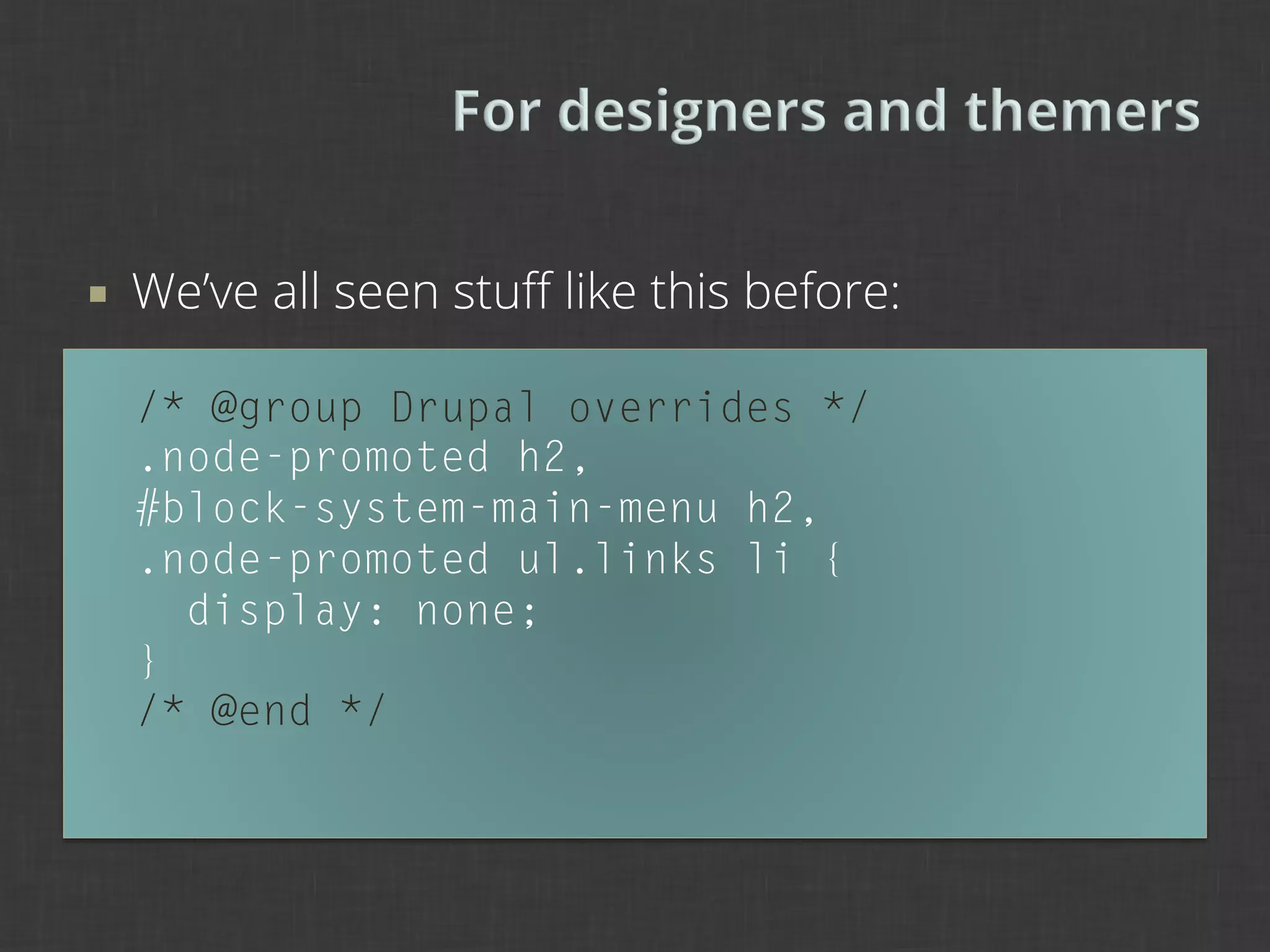
¡    We’ve all seen stuff like this before:

      /* @group Drupal overrides */
      .node-promoted h2,
      #block-system-main-menu h2,
      .node-promoted ul.links li {
        display: none;
      }
      /* @end */
¡    Drupal can sometimes produce some nasty
      overlaps in code with system CSS.

¡    Use a CSS reset or base presentational aspects
      of theme off of system defaults.

¡    Drupal overrides should generally be avoided,
      because they are hard to manage and uglify
      your beautifully written CSS.
¡    Use built-in Drupal display configurations to
      change the visibility and style of elements such
      as fields, labels, headings, etc.
      §  For example, you can use Views to add CSS classes
        that are easier to manipulate than unwieldy classes
        like .views-views-row or .views-views-field.
¡    Use a style guide to manage hierarchical
      relationships between elements and to track
      how they are used on the page.
      §  For example, track heading tags based on other
          headings in use as well as Drupal defaults.
      §  Ken Woodworth, “Designing and Implementing
          Beautiful Flexible Interfaces,” Design 4 Drupal 2012.
      §  boston2012.design4drupal.org/sites/default/files/
          slides/Designing%20Interfaces.pdf
¡    Key to Drupal is the split between structure and
      presentation.

¡    Keep as much as possible in the presentation
      layer so that more flexible structures can be
      accepted.
¡    Avoid esoteric code.

¡    Esoteric code leads to difficulties in markup
      handover and extending your prior work.

¡    As we design, whether it is a wireframe or
      prototype, we should think always about the
      next steps for the design, as if code will be
      reused every step of the way.
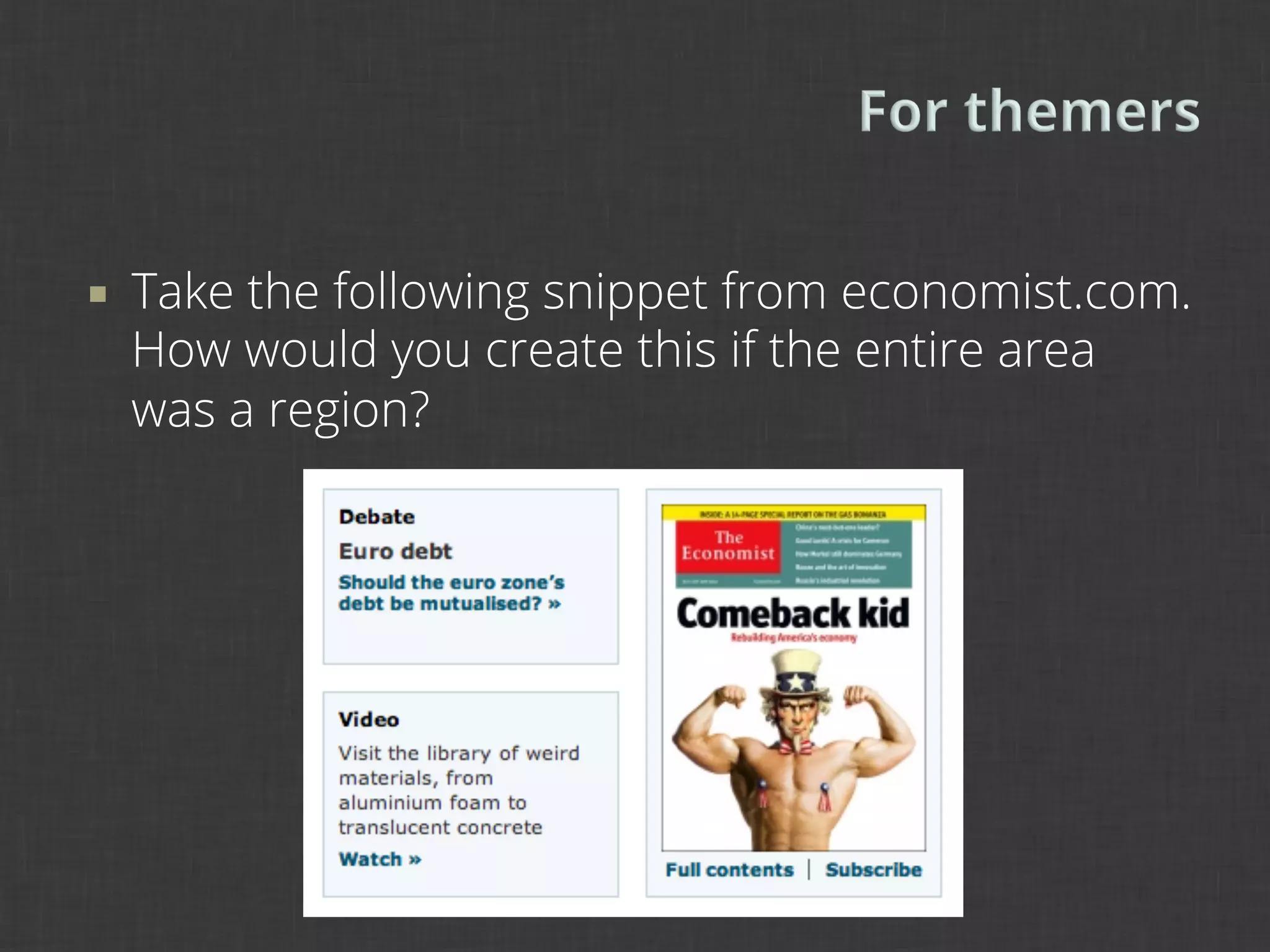
¡    Take the following snippet from economist.com.
      How would you create this if the entire area
      was a region?
¡    When creating themes, we should avoid adding
      anything to the extreme amount of HTML
      Drupal already has. Two regions?

      <div id=“left”>
        <div class=“block”></div>
        <div class=“block”></div>
      </div>
      <div id=“right”>
        <div class=“block”></div>
      </div>
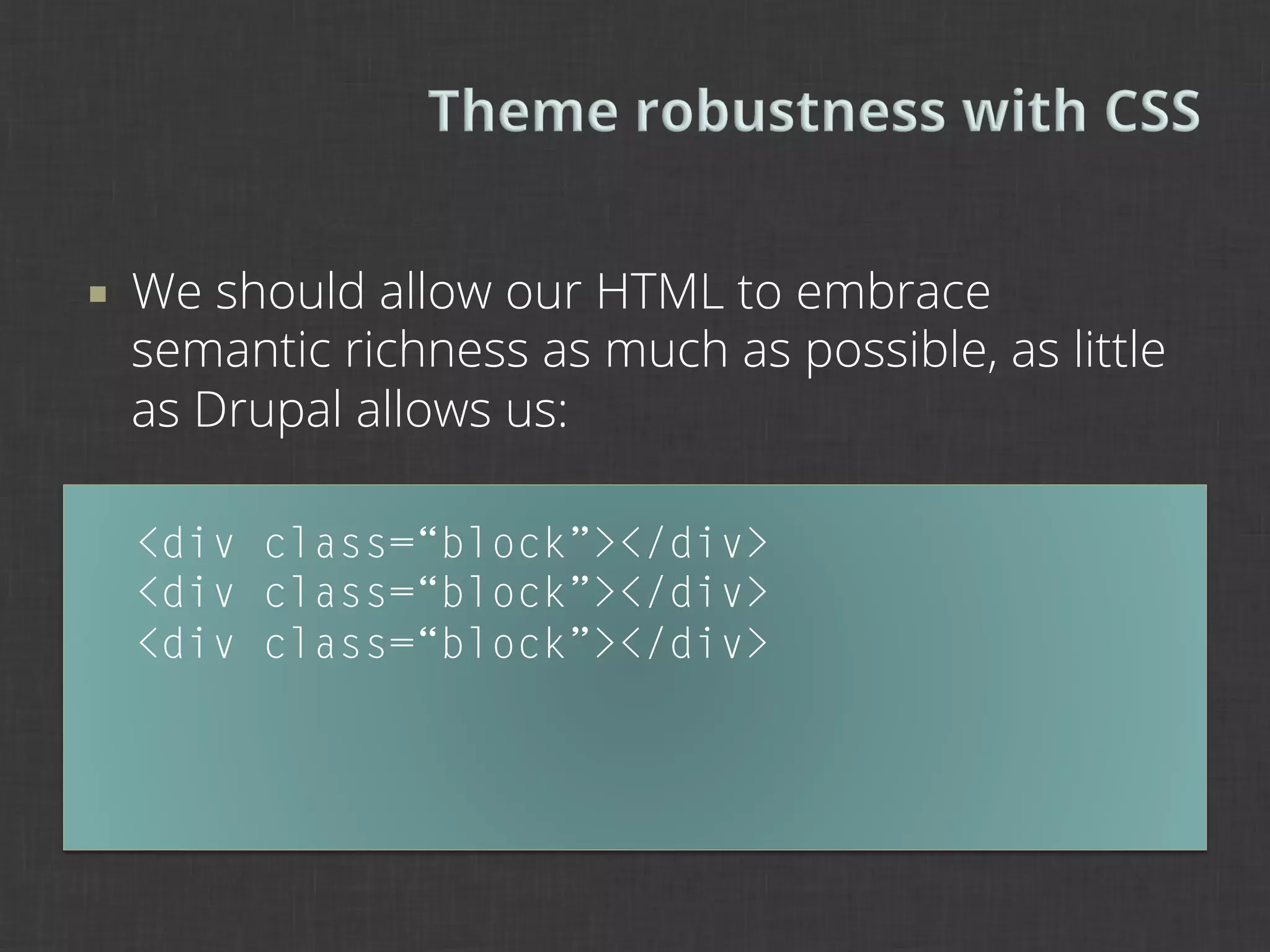
¡    We should allow our HTML to embrace
      semantic richness as much as possible, as little
      as Drupal allows us:

      <div class=“block”></div>
      <div class=“block”></div>
      <div class=“block”></div>
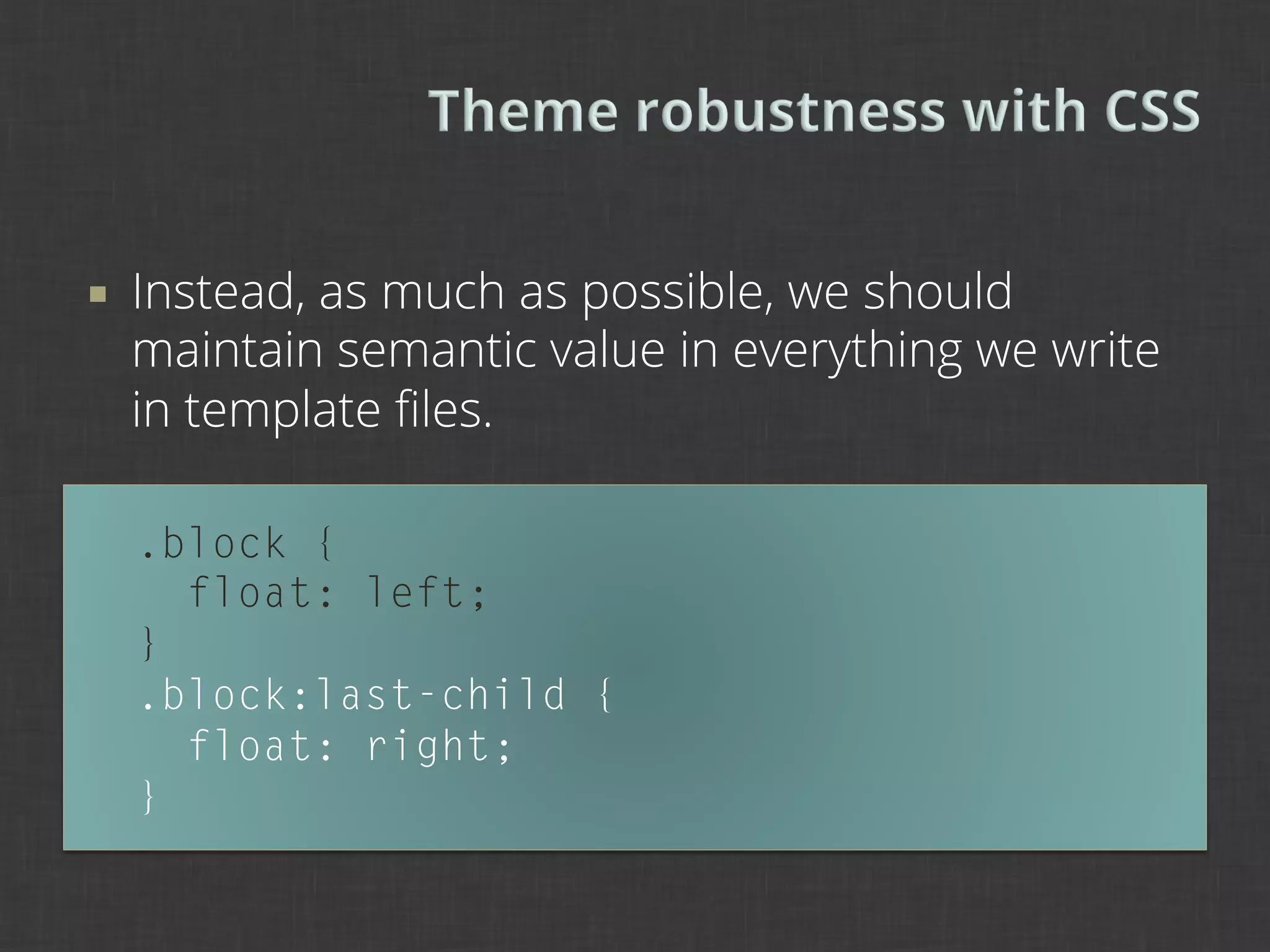
¡    Instead, as much as possible, we should
      maintain semantic value in everything we write
      in template files.

      .block {
        float: left;
      }
      .block:last-child {
        float: right;
      }
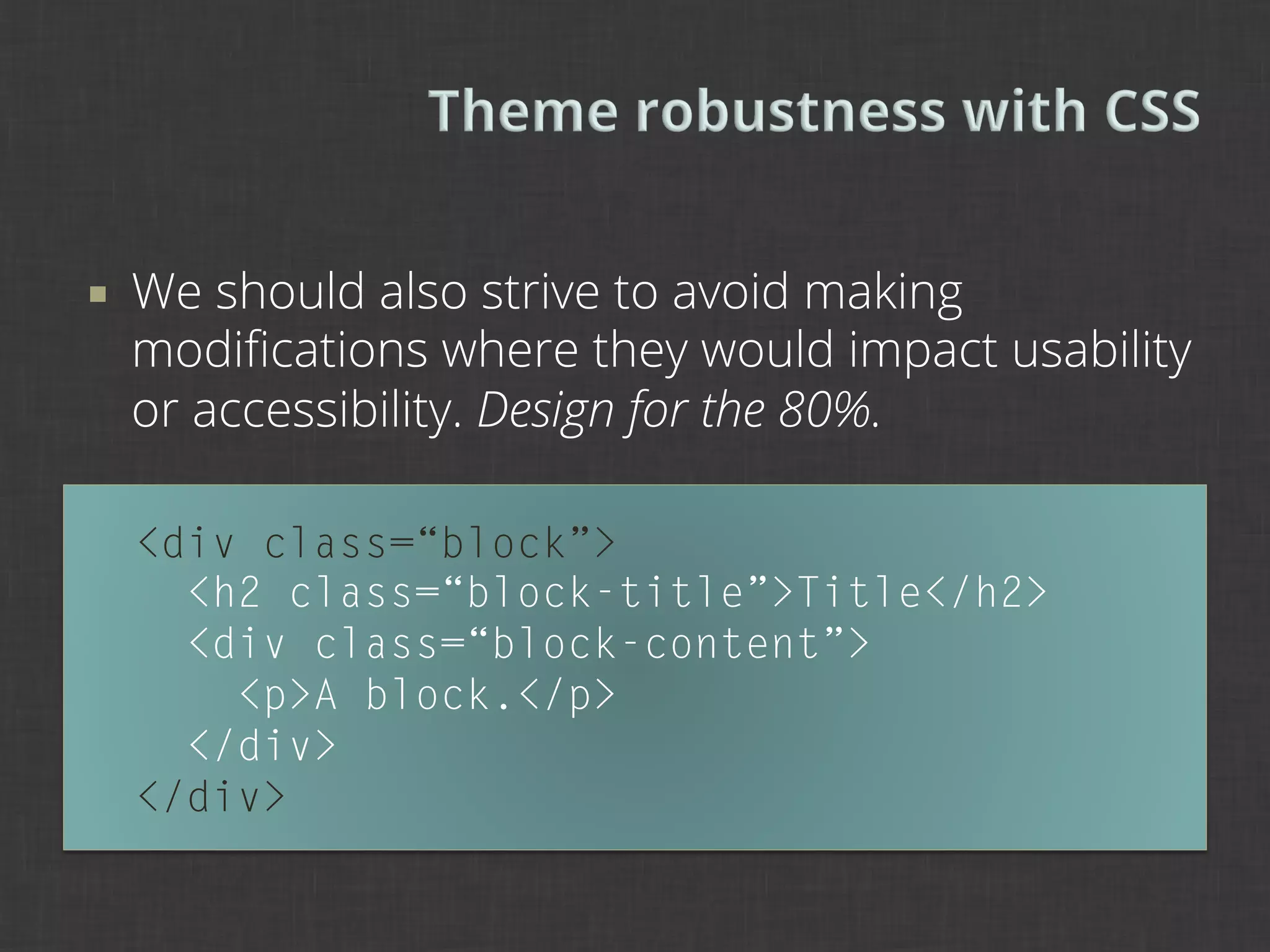
¡    We should also strive to avoid making
      modifications where they would impact usability
      or accessibility. Design for the 80%.

      <div class=“block”>
        <h2 class=“block-title”>Title</h2>
        <div class=“block-content”>
          <p>A block.</p>
        </div>
      </div>
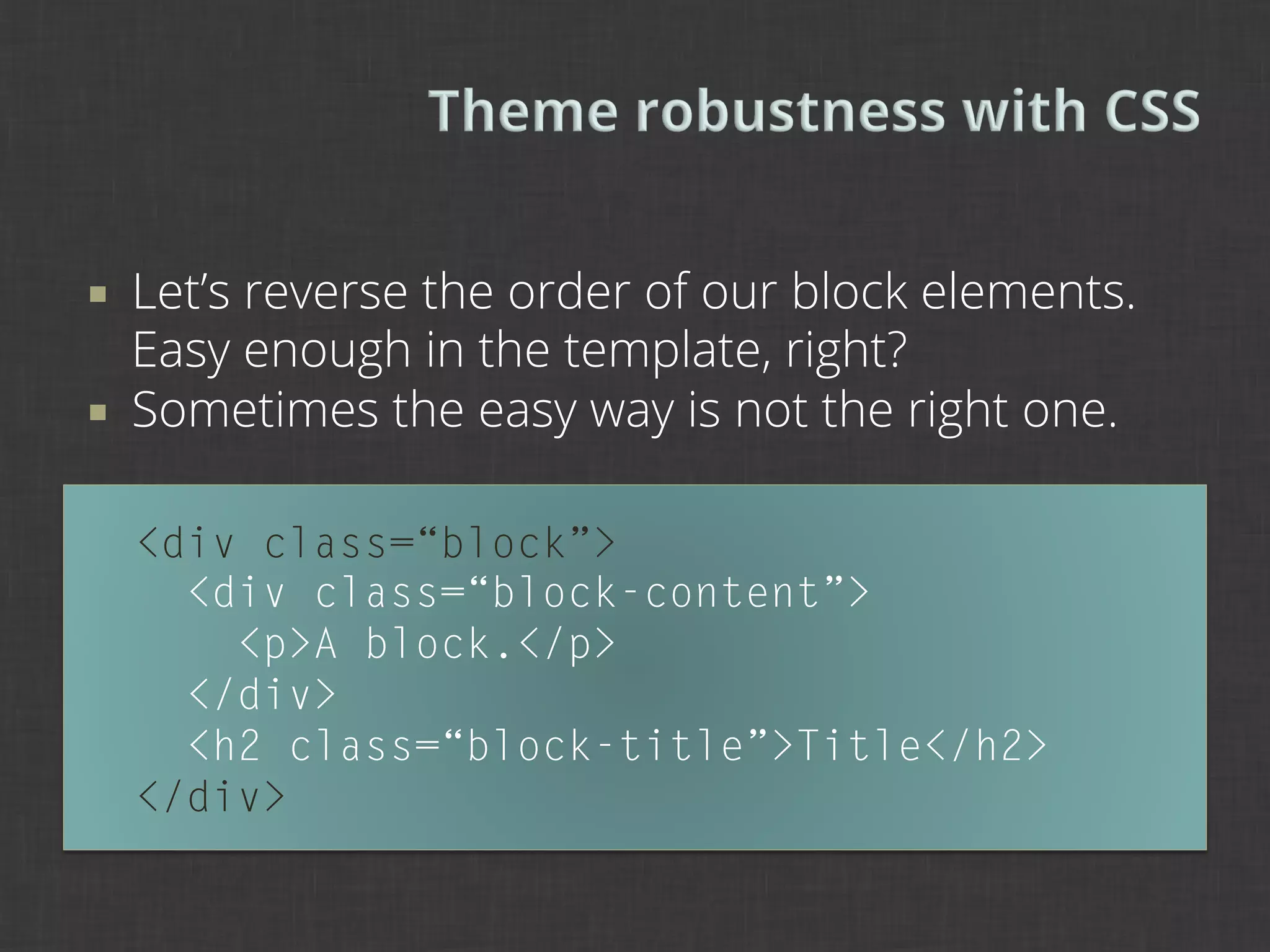
¡    Let’s reverse the order of our block elements.
      Easy enough in the template, right?
¡    Sometimes the easy way is not the right one.

      <div class=“block”>
        <div class=“block-content”>
          <p>A block.</p>
        </div>
        <h2 class=“block-title”>Title</h2>
      </div>
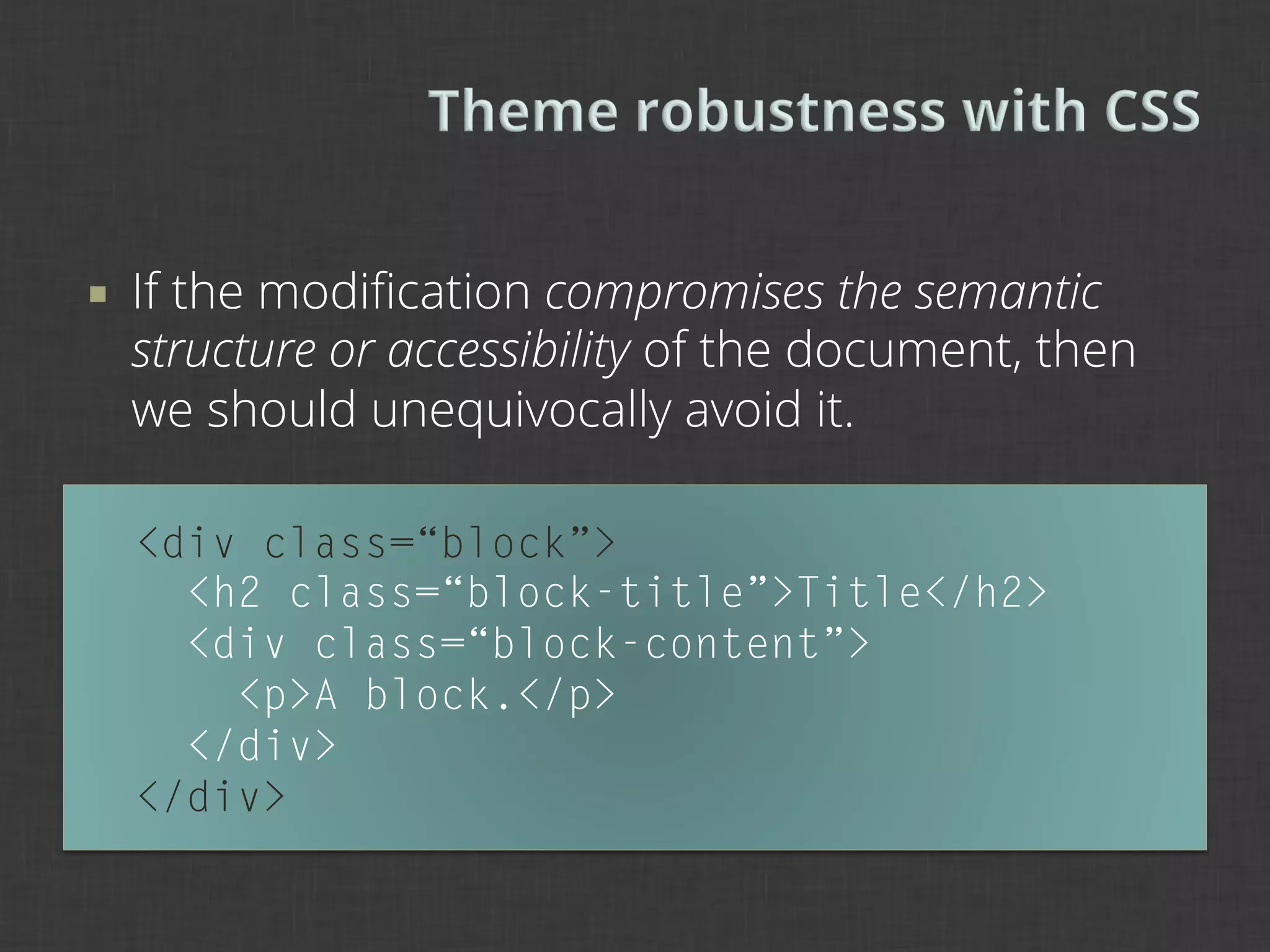
¡    If the modification compromises the semantic
      structure or accessibility of the document, then
      we should unequivocally avoid it.

      <div class=“block”>
        <h2 class=“block-title”>Title</h2>
        <div class=“block-content”>
          <p>A block.</p>
        </div>
      </div>
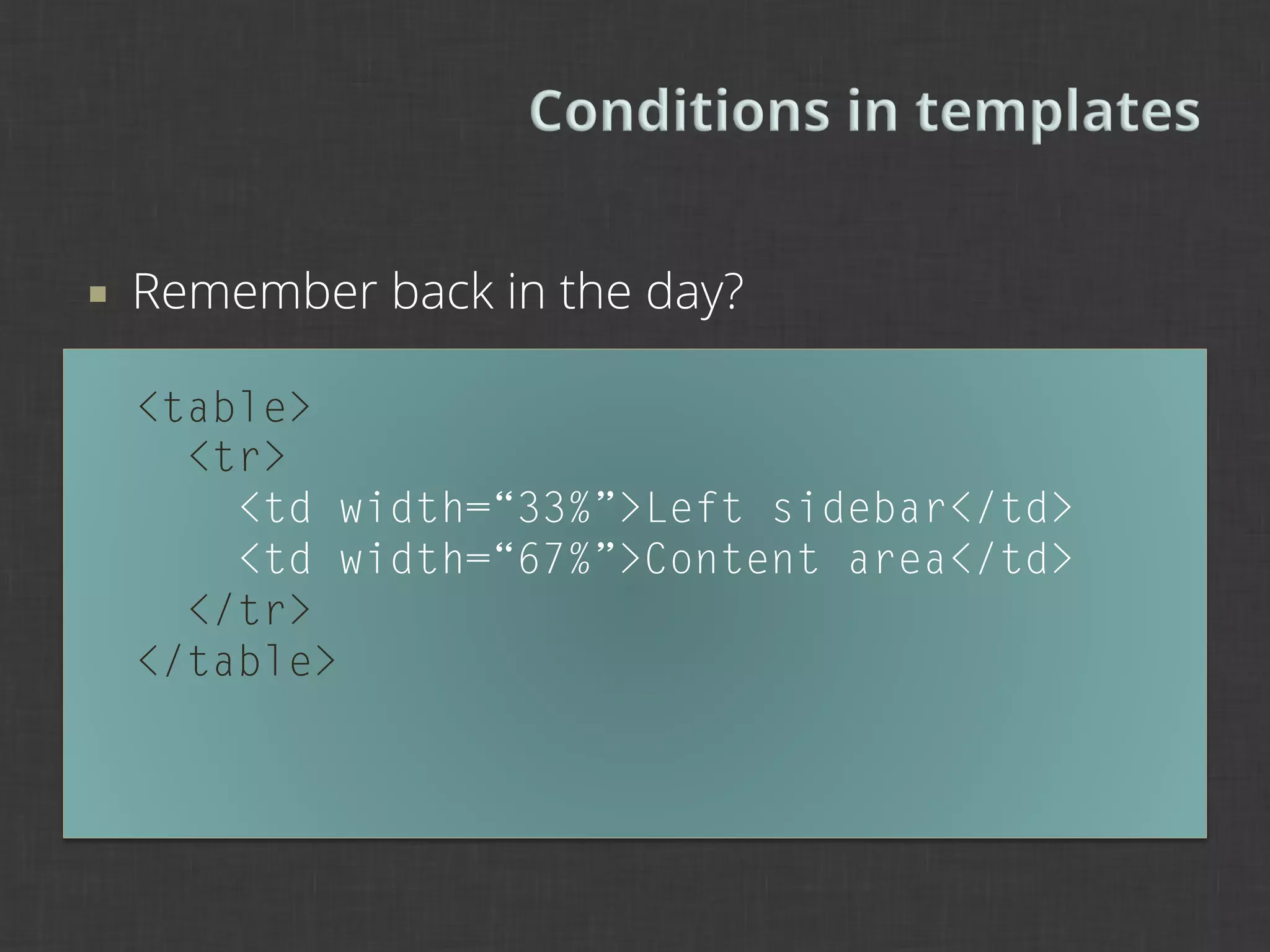
¡    Remember back in the day?

      <table>
        <tr>
          <td width=“33%”>Left sidebar</td>
          <td width=“67%”>Content area</td>
        </tr>
      </table>
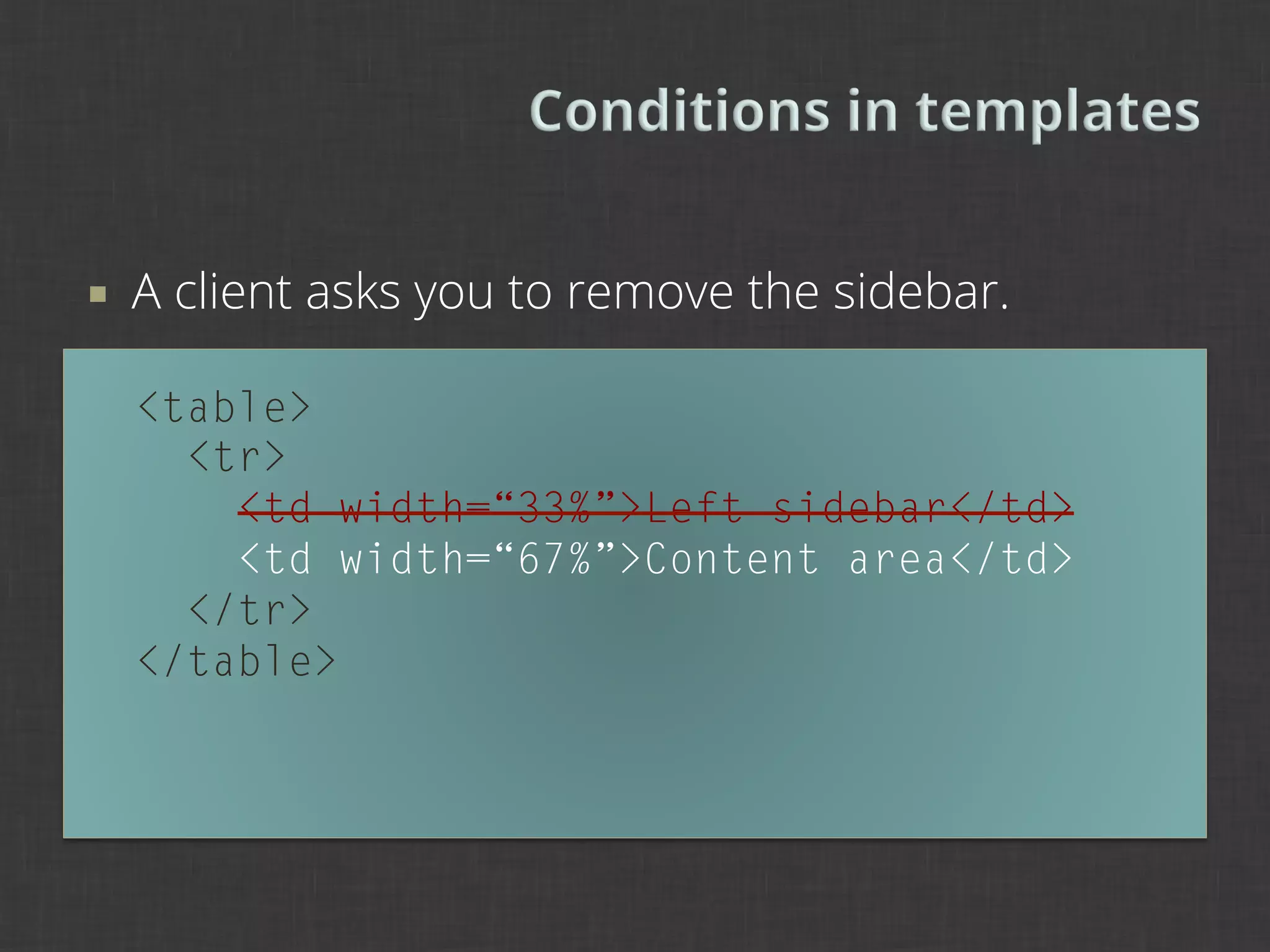
¡    A client asks you to remove the sidebar.

      <table>
        <tr>
          <td width=“33%”>Left sidebar</td>
          <td width=“67%”>Content area</td>
        </tr>
      </table>
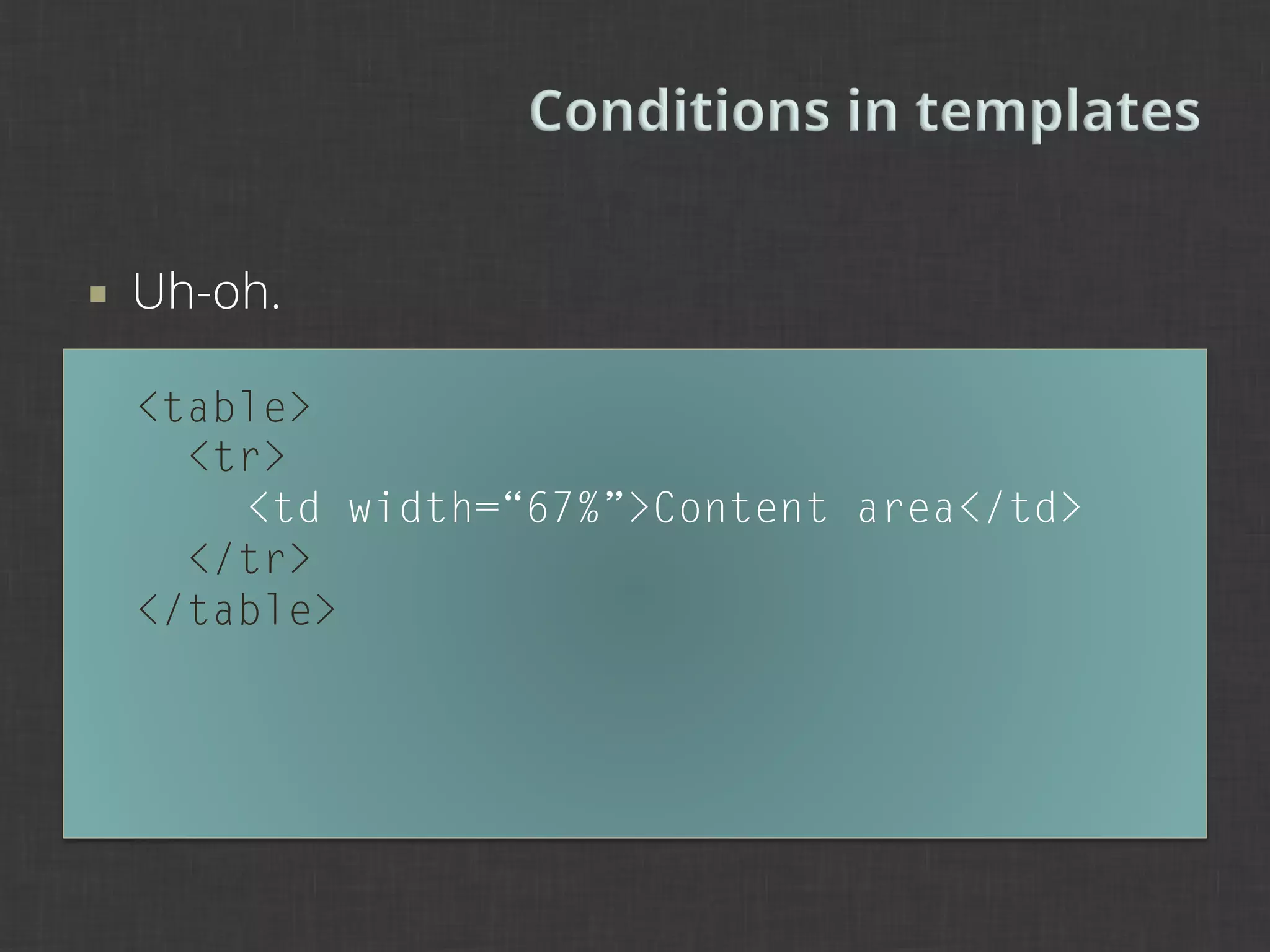
¡    Uh-oh.

      <table>
        <tr>
          <td width=“67%”>Content area</td>
        </tr>
      </table>
¡    We can condition based on sidebar existence:

      <?php if ($page['sidebar_first']): ?>
        <div id="sidebar-first" class="sidebar">
          <?php print
      >> render($page['sidebar_first']); ?>
        </div>
      <?php endif; ?>
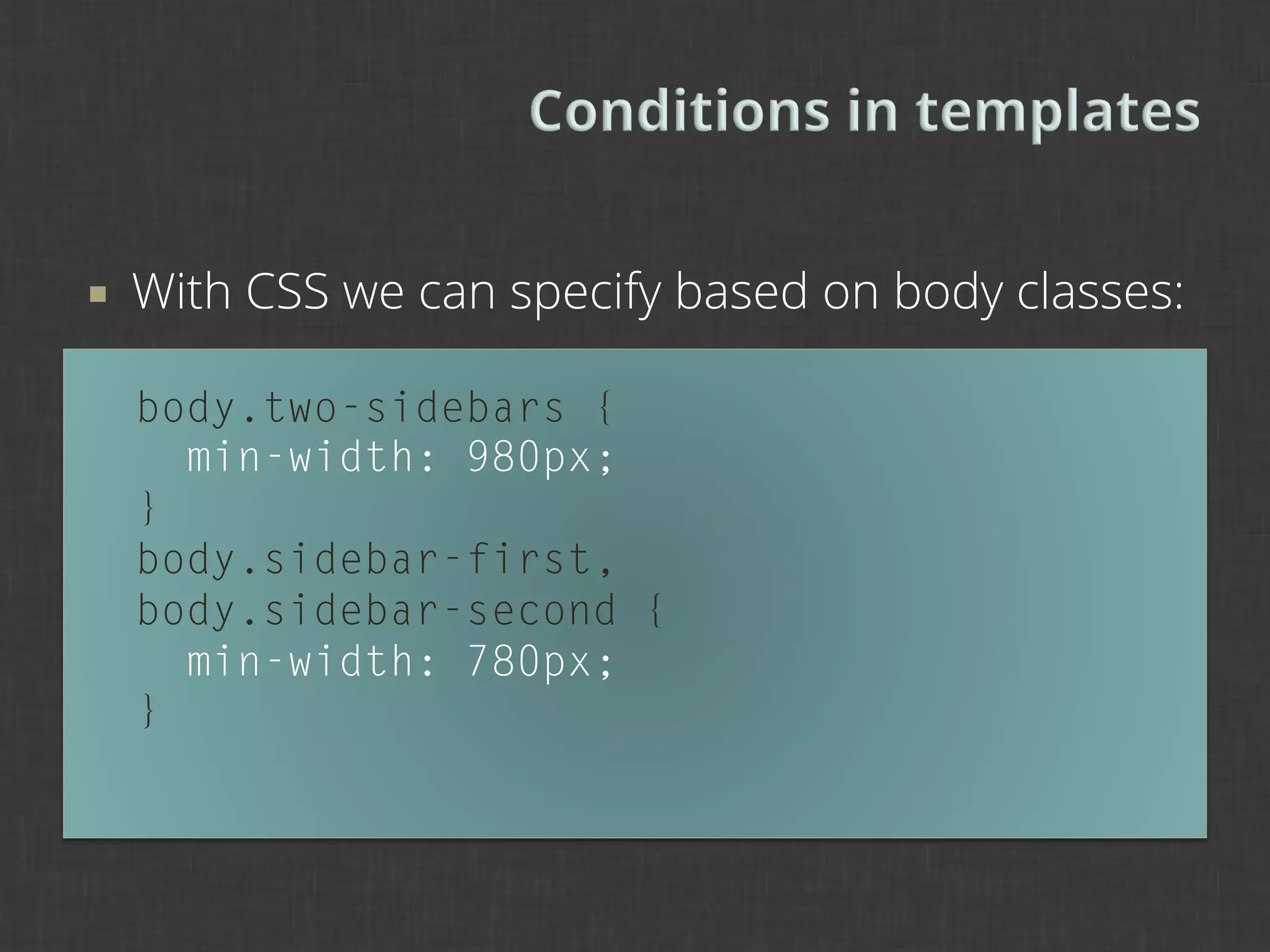
¡    With CSS we can specify based on body classes:

      body.two-sidebars {
        min-width: 980px;
      }
      body.sidebar-first,
      body.sidebar-second {
        min-width: 780px;
      }
5	
  
Standards, conventions, documentation

Contributing to Drupal

New horizons
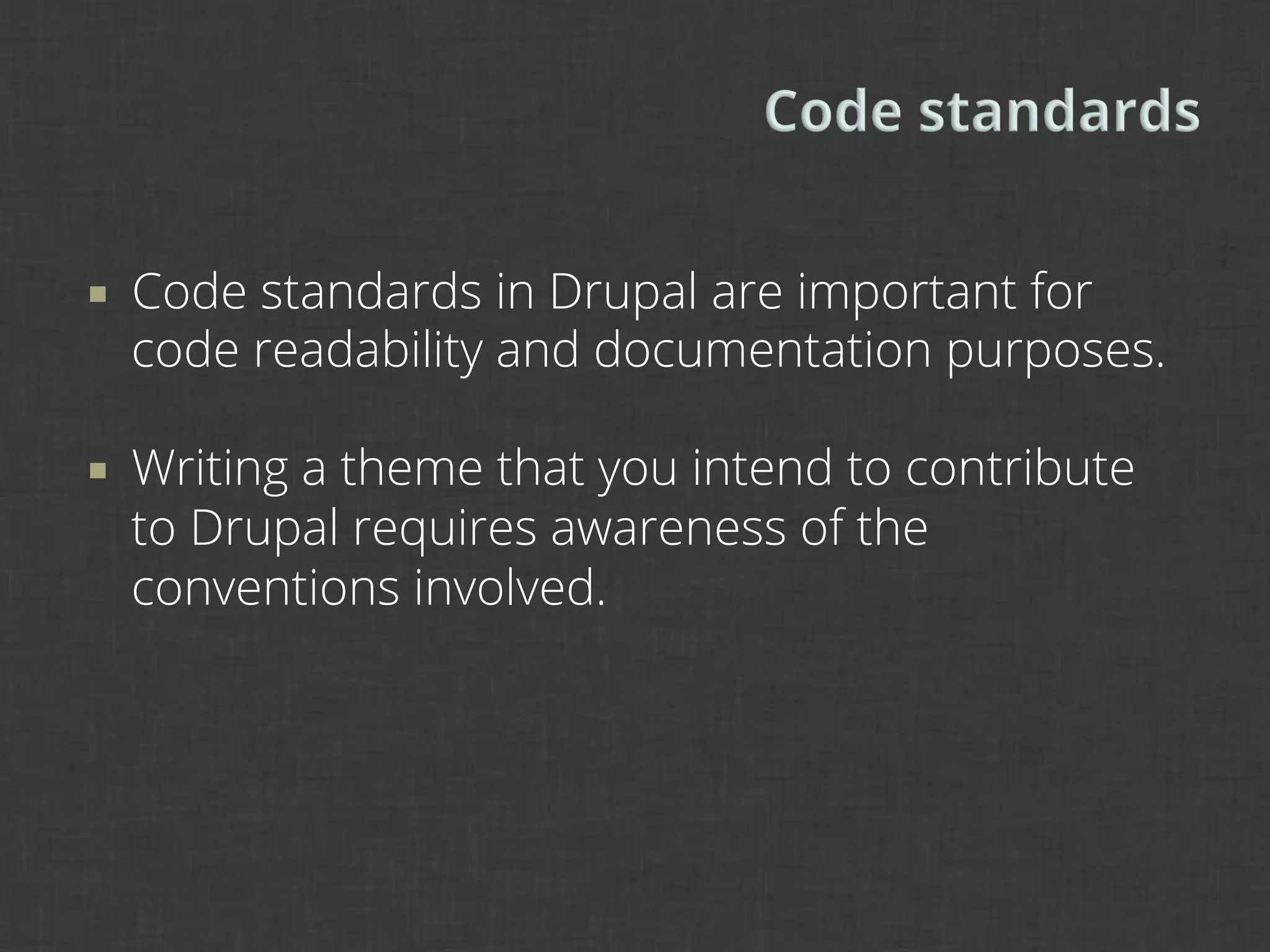
¡    Code standards in Drupal are important for
      code readability and documentation purposes.

¡    Writing a theme that you intend to contribute
      to Drupal requires awareness of the
      conventions involved.
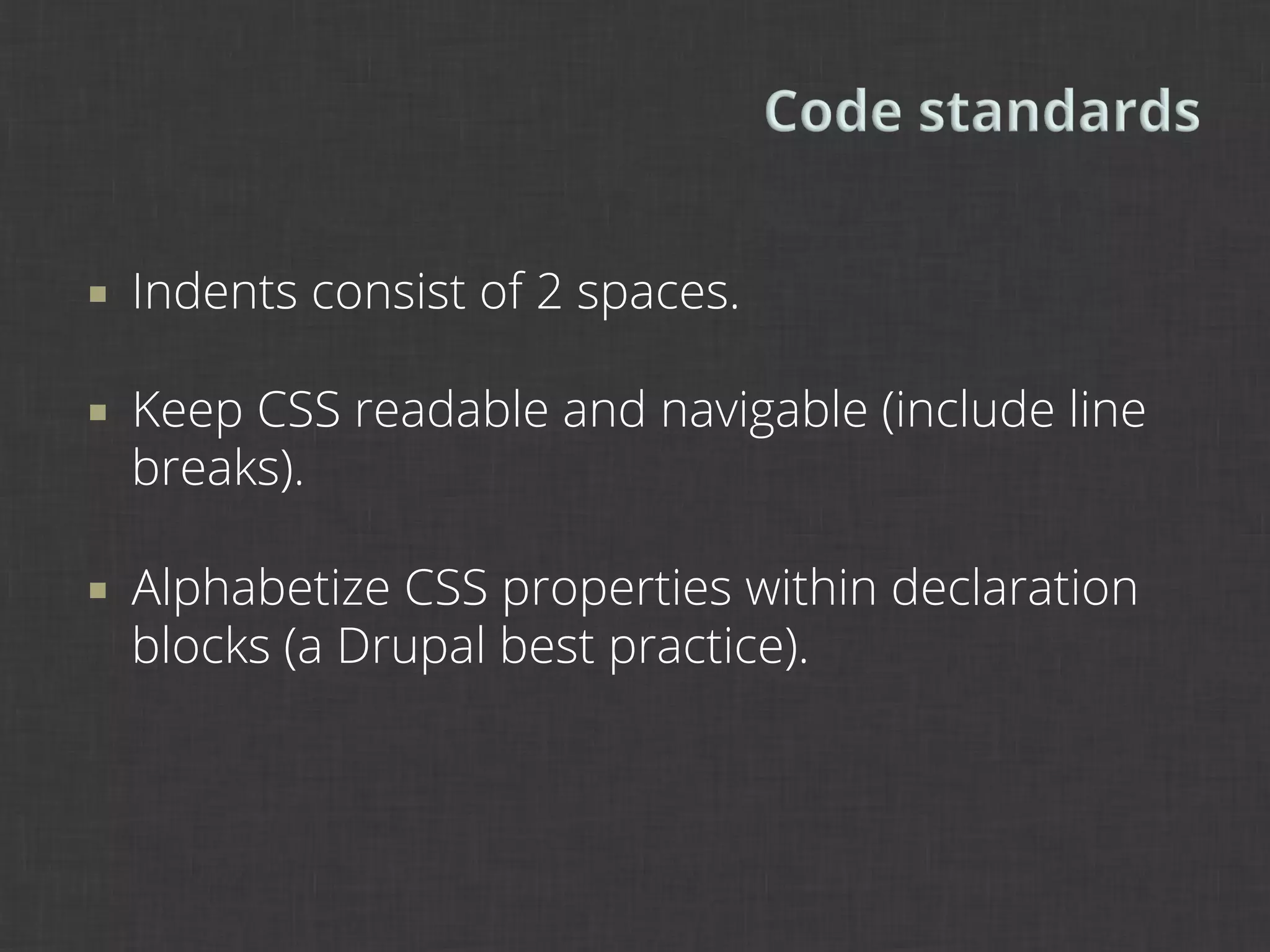
¡    Indents consist of 2 spaces.

¡    Keep CSS readable and navigable (include line
      breaks).

¡    Alphabetize CSS properties within declaration
      blocks (a Drupal best practice).
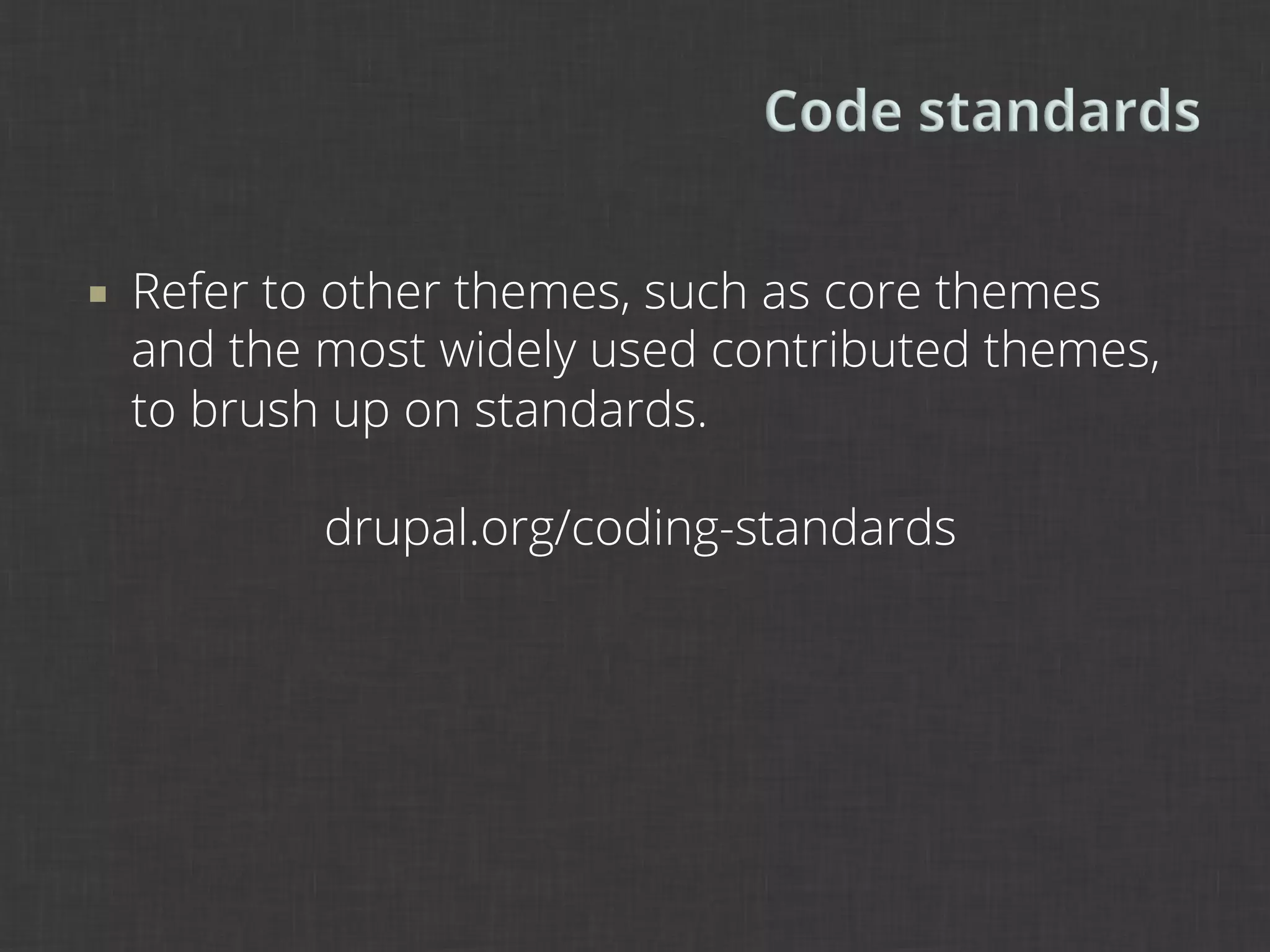
¡    Refer to other themes, such as core themes
      and the most widely used contributed themes,
      to brush up on standards.

              drupal.org/coding-standards
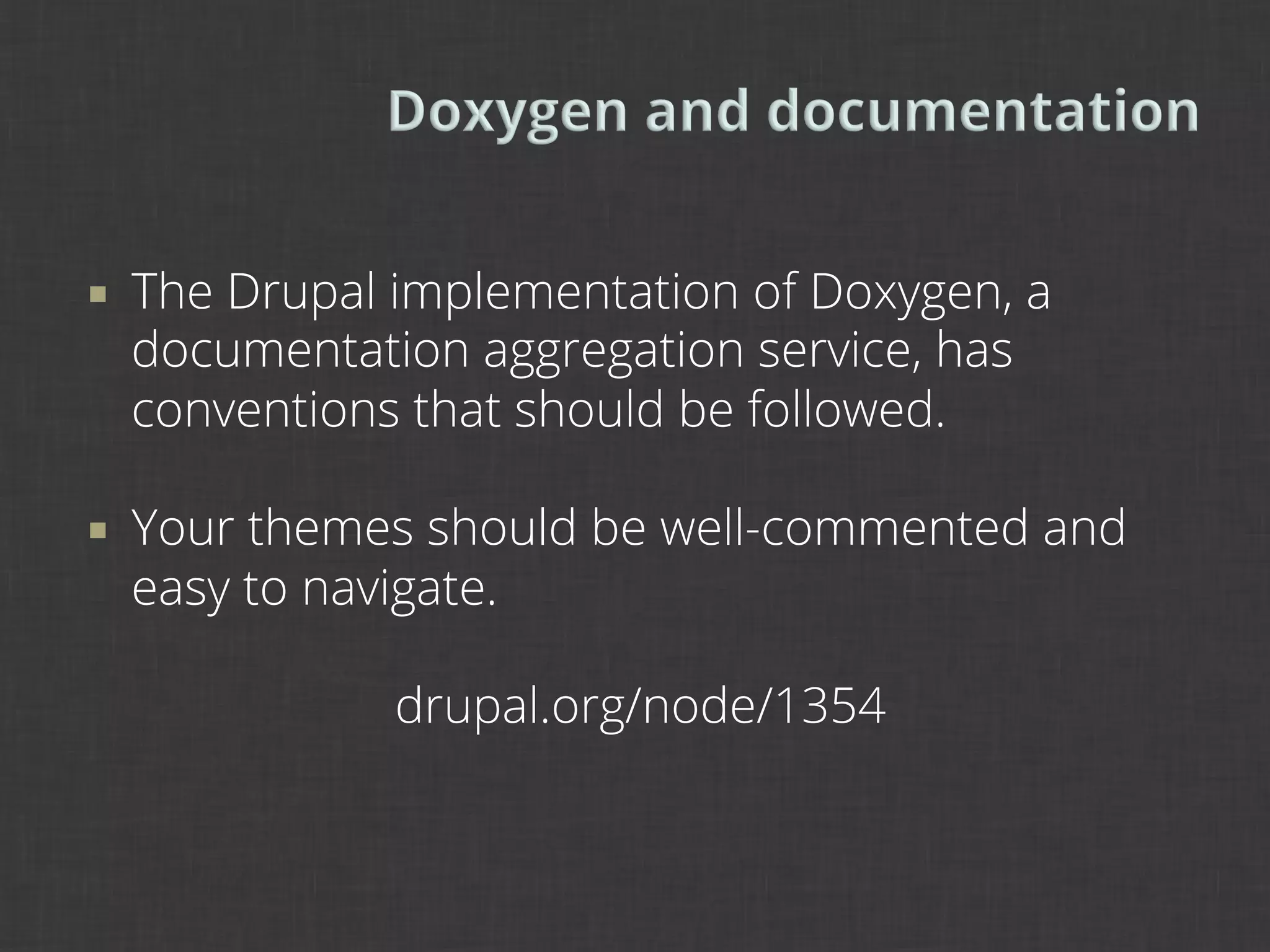
¡    The Drupal implementation of Doxygen, a
      documentation aggregation service, has
      conventions that should be followed.

¡    Your themes should be well-commented and
      easy to navigate.

                 drupal.org/node/1354
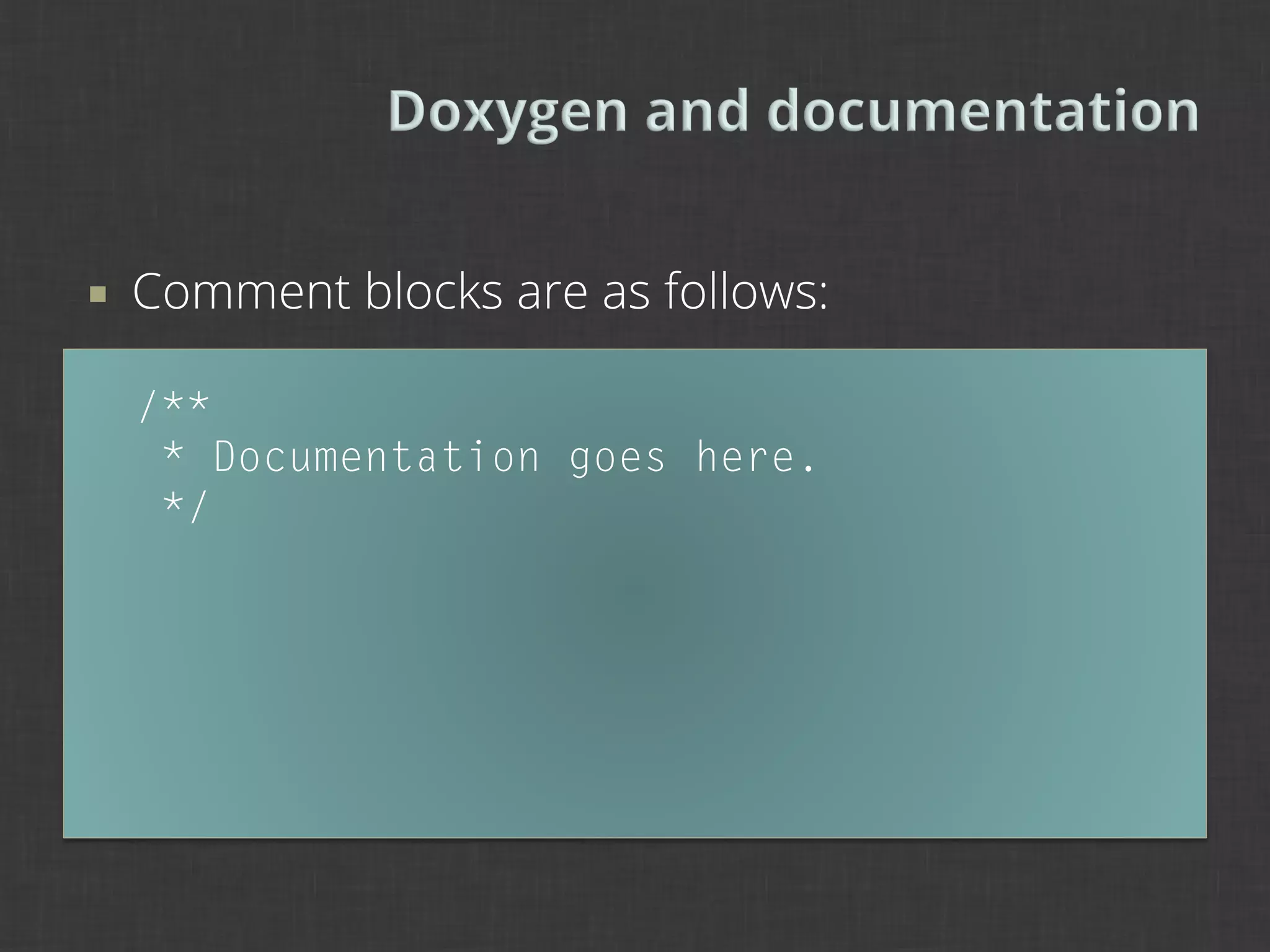
¡    Comment blocks are as follows:

      /**
       * Documentation goes here.
       */
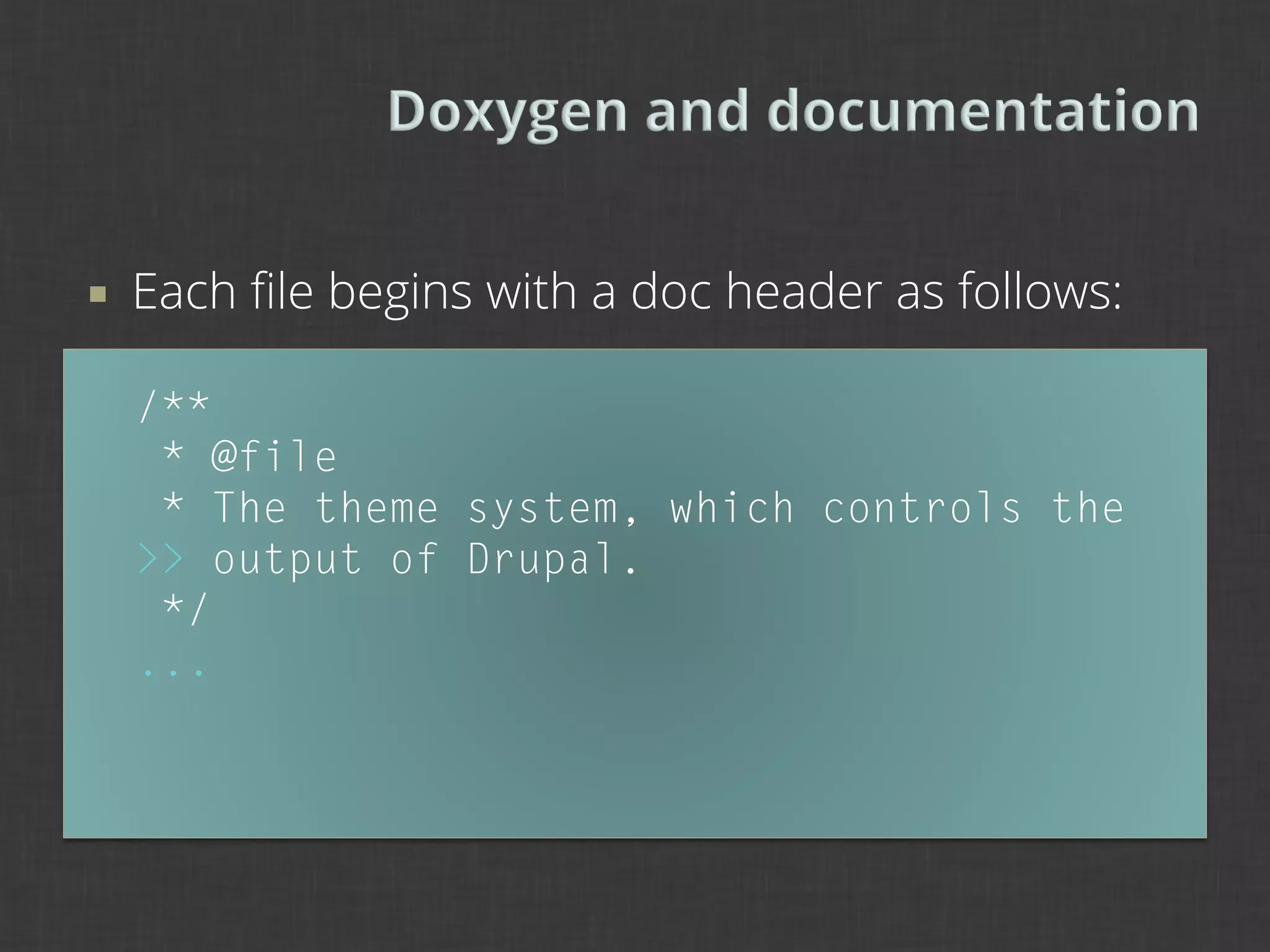
¡    Each file begins with a doc header as follows:

      /**
       * @file
       * The theme system, which controls the
      >> output of Drupal.
       */
      ...
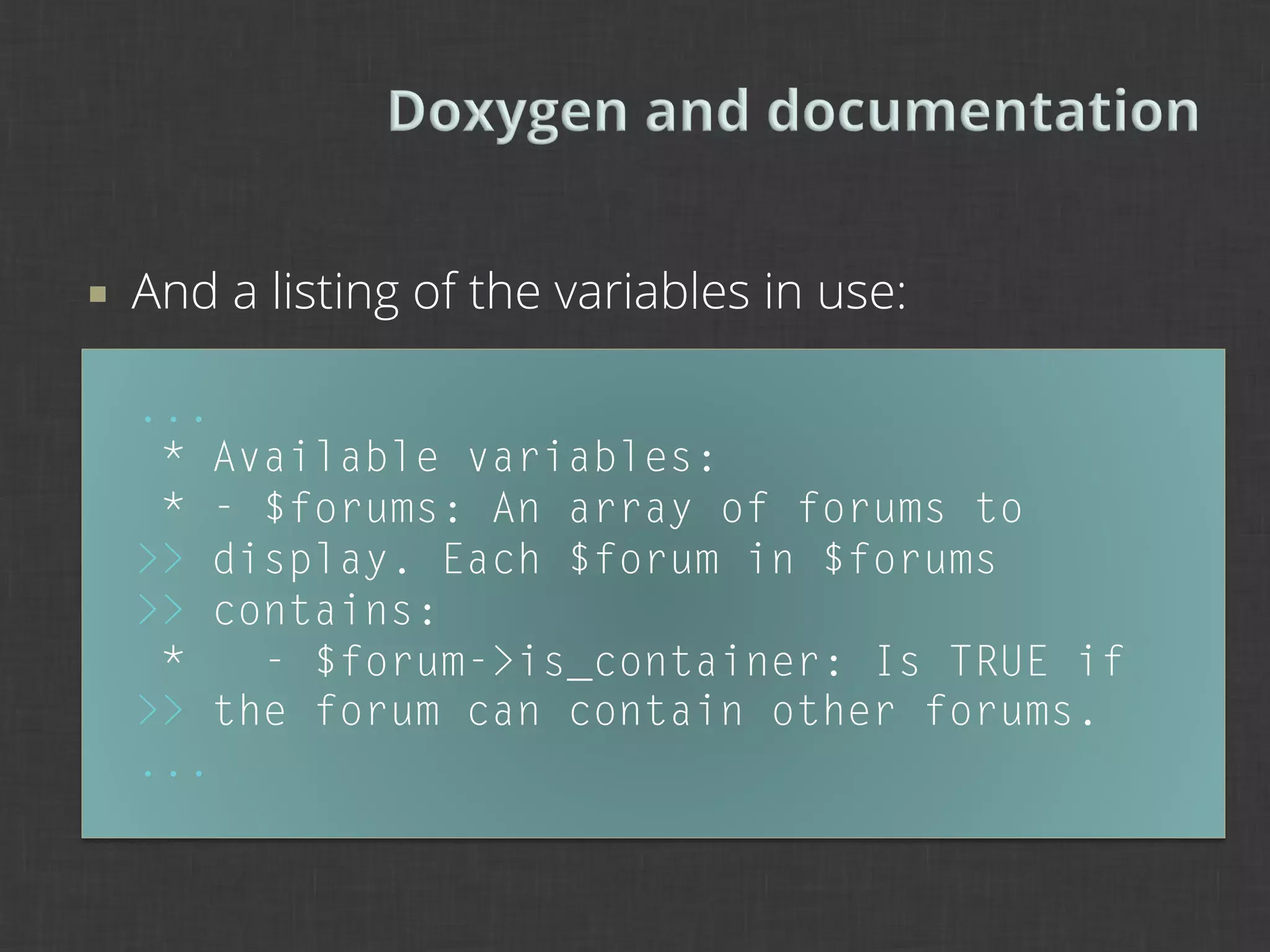
¡    And a listing of the variables in use:

      ...
       * Available variables:
       * - $forums: An array of forums to
      >> display. Each $forum in $forums
      >> contains:
       *   - $forum->is_container: Is TRUE if
      >> the forum can contain other forums.
      ...
¡    Drupal is constantly in need of better, more
      flexible themes.

¡    Contributed themes, since they are optimized
      for Drupal, should follow a Drupal-only
      paradigm, but you can certainly account for
      other potential outcomes.

                 drupal.org/node/14208
¡    The upcoming Spark distribution will
      fundamentally change the way themes create
      layout, as well as the end-user UI.

¡    The possibility of flexible layouts is essential
      here. Themes will need to account for any
      possibility of layouts.
¡    The goal of our Layout module is to give
      designers easier tools to create responsive
      layouts using grid systems.

¡    It will also give content editors much more
      capability in structuring their copy.
¡    Please consider contributing to our efforts on
      Spark by testing and reporting issues.

                drupal.org/project/spark
                 drupal.org/project/edit
                drupal.org/project/layout

¡    Kevin O’Leary, “Improving the Content Editing
      Experience with Spark”, 10:30, Acquia Skyline
      §  Demo: www.youtube.com/watch?v=Ek2eyWZPI1c
¡    Design principles can help guide us in creating
      themes that are flexible and extend well.

¡    Drupal-aware design involves consideration of
      the way Drupal structures its themable output.

¡    Drupal-aware theming involves consideration of
      structure vs. presentation and the reusability of
      theme code.
¡    What do you think about accounting for when
      you write a theme?

¡    What methodologies do you use in your design
      and theming processes?

¡    What problems have you encountered during
      these processes?
¡    Preston So (prestonso) is Prototyper Intern at
      Acquia and co-maintainer of the upcoming
      Spark distribution. He founded the Southern
      Colorado User Group.

        www.prestonsodesign.com
        drupal.org/user/325491
        pso@college.harvard.edu
        preston.so@acquia.com

Drupal Aware Design: Good Techniques for Better Themes

  • 1.
    NYCCamp 2012 Preston So July 21, 2012
  • 2.
    ¡  Preston So (@prestonso) is Prototyper Intern at Acquia and co-maintainer of the upcoming Spark distribution. He founded the Southern Colorado User Group. www.prestonsodesign.com drupal.org/user/325491 pso@college.harvard.edu preston.so@acquia.com
  • 3.
    1   Drupal design principles 2   The “Drupal-aware” spectrum 3   Drupal-aware design 4 Drupal-aware theming 4 To Drupal and beyond
  • 5.
    ¡  Design in Drupal has come a long way.
  • 9.
    ¡  About four years ago, Dries mentioned that 3 out of 4 Drupal sites are ugly. ¡  That’s changed (pretty substantially), but what has replaced ugly Drupal designs? Ugly Drupal implementations of themes that are not extensible or flexible.
  • 10.
    ¡  There is a dramatic change in process between design and theme. §  Structure. Photoshop layers vs. theme templates. §  Goal. Good design vs. integration with Drupal. §  Process. Putting things together vs. making things display right. §  Next steps. Focus on the theme vs. focus on the Drupal implementation.
  • 11.
    ¡  Handovers in markup cause consternation and disapproval when later stages are reviewed. ¡  Without a complete understanding of the design, the themer does not know how to approach the design. ¡  Without a complete understanding of the theming process, the designer does not know how to approach Drupal.
  • 12.
    ¡  We can bring designers and themers together for a more robust design and theme process. ¡  Designers and themers need to know at least the basics of what each is doing.
  • 13.
    ¡  Design principles are worthy sources of wisdom not only for the design process, but also for our project process. ¡  Where might some design principles come into play at the design-theme interface?
  • 14.
    1   Postel’s robustnessprinciple General design principles Drupal 7 UX principles
  • 15.
    ¡  Design principles by Jeremy Keith principles.adactio.com ¡  Drupal 7 UX design principles www.d7ux.org
  • 16.
    Be conservative inwhat you send; be liberal in what you accept. ¡  In the original sense, most simply, code sent to other places should follow the recipient’s specifications, while code that is received can be handled even if it does not conform.
  • 17.
    Be conservative inwhat you send; be liberal in what you accept. ¡  Designers should ensure their designs transition gracefully into diverse code. ¡  Themers should write themes taking into account many different possibilities.
  • 18.
    When browsers arelax about what they expect, the system works better but also it encourages laxness on the part of web page writers. The principle of tolerance does not blunt the need for a perfectly clear protocol specification which draws a precise distinction between a conformance and non-conformance. The principle of tolerance is no excuse for a product which contravenes a standard. TIM BERNERS-LEE 1998
  • 19.
    We follow thestandards of Drupal. Where standards are weak, we champion new standards and prove why those standards are more effective. ¡  When designing and implementing designs in Drupal, should we stick to Drupal paradigms across the board, even in HTML/CSS?
  • 20.
    The answer issort of. ¡  Yes cases The site will be in Drupal. The theme will be contributed. ¡  Maybe cases The site may not be in Drupal forever (e.g. prototype). The theme may need to be Drupal-agnostic.
  • 21.
    Good design is aslittle design as possible. DIETER RAMS 1976
  • 24.
    Design for the80%. Privilege the content creator. Make the default settings smart.
  • 25.
    2   What isDrupal-aware? From Drupal-agnostic … To embracing Drupal
  • 26.
    ¡  What is designing for Drupal? Using standard Drupal areas and regions Using particular Drupal classes (e.g. page-front) This methodology embraces Drupal.
  • 27.
    ¡  What is designing with Drupal? Anticipating standard Drupal areas and regions Anticipating particular Drupal classes (e.g. page-front) This methodology is aware of Drupal, or perhaps even agnostic to Drupal.
  • 28.
    ¡  If the use of Drupal is uncertain, we should tailor our code to anticipate all possibilities. ¡  What might this look like?
  • 29.
    ¡  Ask yourself some questions about your intent: Will the theme be contributed? Will the theme have sub-themes? Will the design need to change from Drupal? Will the theme need to change from Drupal? ¡  Then, tailor both the design and theming processes to this intent.
  • 30.
    away from Drupalà Drupal- Drupal- Drupal-only aware agnostic
  • 31.
    away from Drupalà Drupal- Drupal- Drupal-only aware agnostic ¡  Fast theming ¡  Low tolerance for non-Drupal markup
  • 32.
    ¡  Our design is built using Drupal classes/names. ul.primary { /* primary links CSS */ } ul.secondary { /* secondary links CSS */ }
  • 33.
    away from Drupalà Drupal- Drupal- Drupal-only aware agnostic ¡  Slower theming ¡  High tolerance for non-Drupal markup
  • 34.
    ¡  We can use whatever markup we desire. nav#primary { /* primary links CSS */ } nav#secondary { /* secondary links CSS */ }
  • 35.
    ¡  As we move closer to Drupal as a need on this spectrum, we should ensure that our designs and themes utilize classes and elements that are most conducive to Drupal. ¡  But a “Drupal-aware” theme should not only run well on Drupal but also other CMSes. ¡  This is a fusion of both Drupal-only and Drupal- agnostic approaches.
  • 36.
    ¡  A selection of one of these processes does not mean that it is the end-all, be-all solution. ¡  As with every project, approaches need to be analyzed and tested. No one solution will work for all conditions. ¡  This spectrum model is only intended to allow you to visualize the possible approaches to follow.
  • 37.
    ¡  A Drupal-aware methodology is a great idea for rapid prototyping, rapid implementation, or simply to test a variety of conditions. ¡  Jeff Noyes, “Rapid Prototyping with Drupal”, Design 4 Drupal 2009 www.youtube.com/watch?v=O25Wuts90sw
  • 38.
    away from Drupalà Drupal- Drupal- Drupal-only aware agnostic ¡  Account-for-all theming ¡  Tolerance for both markup styles
  • 39.
    ¡  Account for myriad possibilities in the CSS: ul.primary, nav#primary { /* primary links CSS */ } ul.secondary, nav#secondary { /* secondary links CSS */ }
  • 40.
    ¡  So what is the endgame in terms of perfecting the convergence of design and theming methodologies and processes? ¡  A design should be easily integrated with Drupal, but it should leave other options open.
  • 41.
    ¡  A theme should be usable in any Drupal scenario, and it should most ideally lack extra, redundant code as well as presentational material.
  • 42.
    3   The stacked-papermodel Standards and conventions Usability concerns and considerations
  • 43.
    ¡  As usual, envision designs and wireframes using an approach based on the user experience. ¡  D7UX: Design for the 80%.
  • 44.
    ¡  But also: Envision designs and wireframes using a stacked-paper model to evaluate regions and the structure of the document.
  • 45.
    ¡  But also: Envision designs and wireframes using a stacked-paper model to evaluate regions and the structure of the document.
  • 46.
    Block content block.tpl.php region.tpl.php page.tpl.php System template
  • 47.
    Block content block.tpl.php region.tpl.php page.tpl.php System template
  • 48.
    Block content System block.tpl.php region.tpl.php page.tpl.php System template
  • 50.
    If it ain’tbroke, don’t fix it. ¡  Drupal gives us a very robust set of default system templates to work with. ¡  See what Drupal produces; it has impact on your design.
  • 51.
    4   Theme robustness Conditionsin theming Best practices for templates
  • 52.
    ¡  We’ve all seen stuff like this before: /* @group Drupal overrides */ .node-promoted h2, #block-system-main-menu h2, .node-promoted ul.links li { display: none; } /* @end */
  • 53.
    ¡  Drupal can sometimes produce some nasty overlaps in code with system CSS. ¡  Use a CSS reset or base presentational aspects of theme off of system defaults. ¡  Drupal overrides should generally be avoided, because they are hard to manage and uglify your beautifully written CSS.
  • 54.
    ¡  Use built-in Drupal display configurations to change the visibility and style of elements such as fields, labels, headings, etc. §  For example, you can use Views to add CSS classes that are easier to manipulate than unwieldy classes like .views-views-row or .views-views-field.
  • 55.
    ¡  Use a style guide to manage hierarchical relationships between elements and to track how they are used on the page. §  For example, track heading tags based on other headings in use as well as Drupal defaults. §  Ken Woodworth, “Designing and Implementing Beautiful Flexible Interfaces,” Design 4 Drupal 2012. §  boston2012.design4drupal.org/sites/default/files/ slides/Designing%20Interfaces.pdf
  • 56.
    ¡  Key to Drupal is the split between structure and presentation. ¡  Keep as much as possible in the presentation layer so that more flexible structures can be accepted.
  • 57.
    ¡  Avoid esoteric code. ¡  Esoteric code leads to difficulties in markup handover and extending your prior work. ¡  As we design, whether it is a wireframe or prototype, we should think always about the next steps for the design, as if code will be reused every step of the way.
  • 58.
    ¡  Take the following snippet from economist.com. How would you create this if the entire area was a region?
  • 59.
    ¡  When creating themes, we should avoid adding anything to the extreme amount of HTML Drupal already has. Two regions? <div id=“left”> <div class=“block”></div> <div class=“block”></div> </div> <div id=“right”> <div class=“block”></div> </div>
  • 60.
    ¡  We should allow our HTML to embrace semantic richness as much as possible, as little as Drupal allows us: <div class=“block”></div> <div class=“block”></div> <div class=“block”></div>
  • 61.
    ¡  Instead, as much as possible, we should maintain semantic value in everything we write in template files. .block { float: left; } .block:last-child { float: right; }
  • 62.
    ¡  We should also strive to avoid making modifications where they would impact usability or accessibility. Design for the 80%. <div class=“block”> <h2 class=“block-title”>Title</h2> <div class=“block-content”> <p>A block.</p> </div> </div>
  • 63.
    ¡  Let’s reverse the order of our block elements. Easy enough in the template, right? ¡  Sometimes the easy way is not the right one. <div class=“block”> <div class=“block-content”> <p>A block.</p> </div> <h2 class=“block-title”>Title</h2> </div>
  • 64.
    ¡  If the modification compromises the semantic structure or accessibility of the document, then we should unequivocally avoid it. <div class=“block”> <h2 class=“block-title”>Title</h2> <div class=“block-content”> <p>A block.</p> </div> </div>
  • 65.
    ¡  Remember back in the day? <table> <tr> <td width=“33%”>Left sidebar</td> <td width=“67%”>Content area</td> </tr> </table>
  • 66.
    ¡  A client asks you to remove the sidebar. <table> <tr> <td width=“33%”>Left sidebar</td> <td width=“67%”>Content area</td> </tr> </table>
  • 67.
    ¡  Uh-oh. <table> <tr> <td width=“67%”>Content area</td> </tr> </table>
  • 68.
    ¡  We can condition based on sidebar existence: <?php if ($page['sidebar_first']): ?> <div id="sidebar-first" class="sidebar"> <?php print >> render($page['sidebar_first']); ?> </div> <?php endif; ?>
  • 69.
    ¡  With CSS we can specify based on body classes: body.two-sidebars { min-width: 980px; } body.sidebar-first, body.sidebar-second { min-width: 780px; }
  • 70.
    5   Standards, conventions,documentation Contributing to Drupal New horizons
  • 71.
    ¡  Code standards in Drupal are important for code readability and documentation purposes. ¡  Writing a theme that you intend to contribute to Drupal requires awareness of the conventions involved.
  • 72.
    ¡  Indents consist of 2 spaces. ¡  Keep CSS readable and navigable (include line breaks). ¡  Alphabetize CSS properties within declaration blocks (a Drupal best practice).
  • 73.
    ¡  Refer to other themes, such as core themes and the most widely used contributed themes, to brush up on standards. drupal.org/coding-standards
  • 74.
    ¡  The Drupal implementation of Doxygen, a documentation aggregation service, has conventions that should be followed. ¡  Your themes should be well-commented and easy to navigate. drupal.org/node/1354
  • 75.
    ¡  Comment blocks are as follows: /** * Documentation goes here. */
  • 76.
    ¡  Each file begins with a doc header as follows: /** * @file * The theme system, which controls the >> output of Drupal. */ ...
  • 77.
    ¡  And a listing of the variables in use: ... * Available variables: * - $forums: An array of forums to >> display. Each $forum in $forums >> contains: *   - $forum->is_container: Is TRUE if >> the forum can contain other forums. ...
  • 78.
    ¡  Drupal is constantly in need of better, more flexible themes. ¡  Contributed themes, since they are optimized for Drupal, should follow a Drupal-only paradigm, but you can certainly account for other potential outcomes. drupal.org/node/14208
  • 79.
    ¡  The upcoming Spark distribution will fundamentally change the way themes create layout, as well as the end-user UI. ¡  The possibility of flexible layouts is essential here. Themes will need to account for any possibility of layouts.
  • 80.
    ¡  The goal of our Layout module is to give designers easier tools to create responsive layouts using grid systems. ¡  It will also give content editors much more capability in structuring their copy.
  • 81.
    ¡  Please consider contributing to our efforts on Spark by testing and reporting issues. drupal.org/project/spark drupal.org/project/edit drupal.org/project/layout ¡  Kevin O’Leary, “Improving the Content Editing Experience with Spark”, 10:30, Acquia Skyline §  Demo: www.youtube.com/watch?v=Ek2eyWZPI1c
  • 82.
    ¡  Design principles can help guide us in creating themes that are flexible and extend well. ¡  Drupal-aware design involves consideration of the way Drupal structures its themable output. ¡  Drupal-aware theming involves consideration of structure vs. presentation and the reusability of theme code.
  • 83.
    ¡  What do you think about accounting for when you write a theme? ¡  What methodologies do you use in your design and theming processes? ¡  What problems have you encountered during these processes?
  • 84.
    ¡  Preston So (prestonso) is Prototyper Intern at Acquia and co-maintainer of the upcoming Spark distribution. He founded the Southern Colorado User Group. www.prestonsodesign.com drupal.org/user/325491 pso@college.harvard.edu preston.so@acquia.com