# MySQL is a relational database management system (RDBMS).  MySQL is currently the most popular open source database server in existence.  # A relational database management system which runs a server, providing multi-user access to a number of databases. # SQL (Structured Query Language) is a standard interactive and programming language for getting information from and updating a database.  MY SQL
# Structured Query Langauge is cross between a math-like language and an English-like language that allows us to ask a database questions or tell it do do things. For example: SELECT * FROM table; Where 'SELECT', 'FROM' and 'table' are in English, but '*' is a symbol that means all.
*USES: Many web applications use MySQL as the database component of a  LAMP  software stack.
  Its popularity for use with web applications is closely tied to the popularity of  PHP , which is often combined with MySQL.
Several high-traffic web sites including  Flickr, Facebook, Wikipedia, Google, Nokia and YouTube  use MySQL for data storage and logging of user data.
CREATE Command - is used to  create  a database/table. SELECT Command - is used to  retrieve  data from the database.
DELETE Command - is used to  delete  data from the database.
INSERT Command - is used to  insert  data into a database.
UPDATE Command - is used to  update  the data in a table.
DROP Command - is used to  delete or drop  the database/table.  . BASIC QUERIES COMMANDS
CREATE Command : The Create command is used to create a table by specifying the tablename, fieldnames and constraints. Syntax: $createSQL=("CREATE TABLE tblName"); Example: $createSQL=("CREATE TABLE tblstudent(fldstudid int(10) NOTNULL AUTO_INCREMENT PRIMARY KEY,fldstudName VARCHAR(250) NOTNULL,fldstudentmark int(4) DEFAULT '0' ");
SELECT Command: The Select command is used to select the records from a table using its field names. To select all the fields in a table, '*' is used in the command.  Syntax: $selectSQL=("SELECT field_names FROM tablename"); Example: $selectSQL=("SELECT * FROM tblstudent");
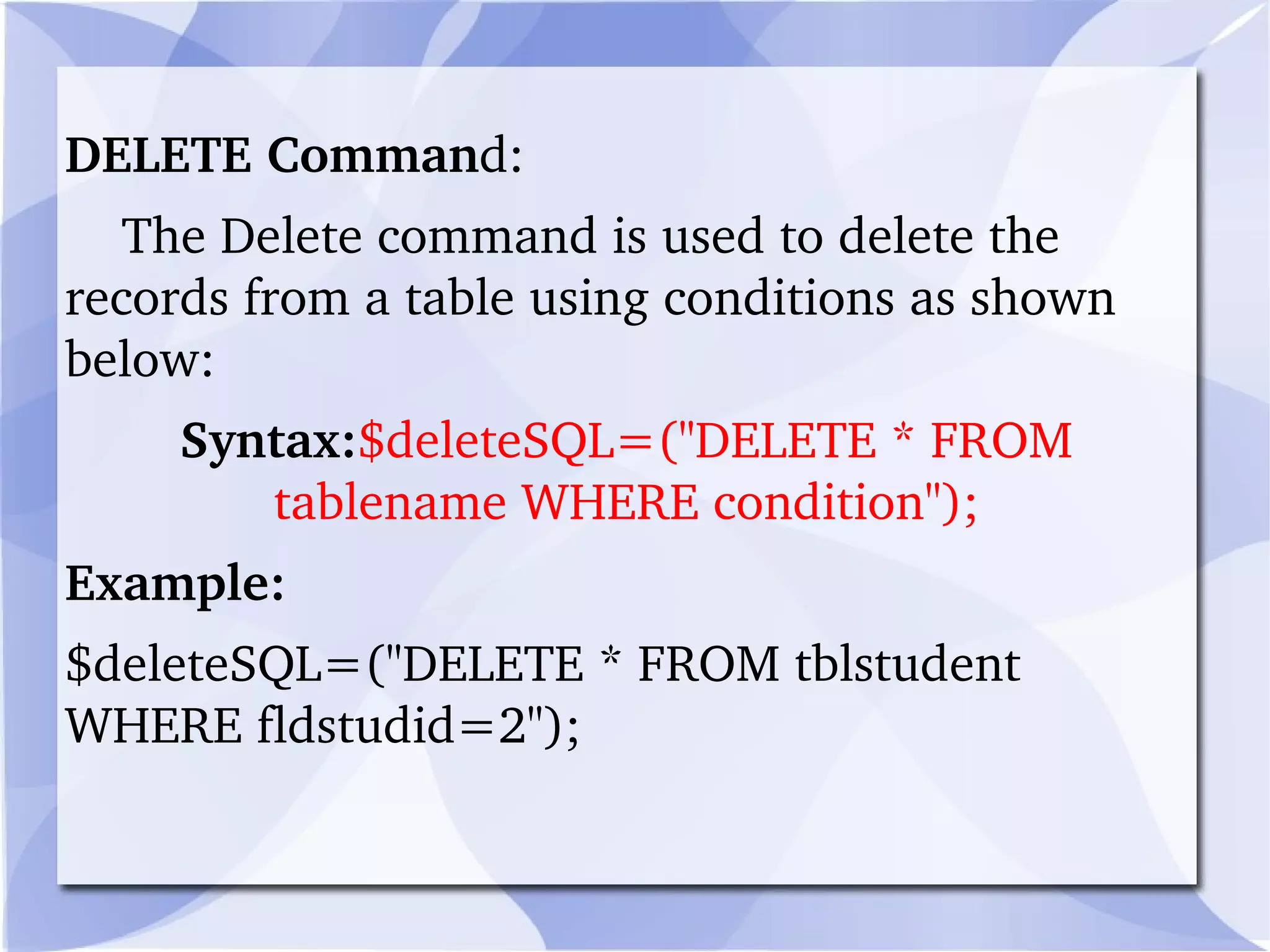
DELETE Comman d: The Delete command is used to delete the records from a table using conditions as shown below: Syntax: $deleteSQL=("DELETE * FROM tablename WHERE condition"); Example: $deleteSQL=("DELETE * FROM tblstudent WHERE fldstudid=2");
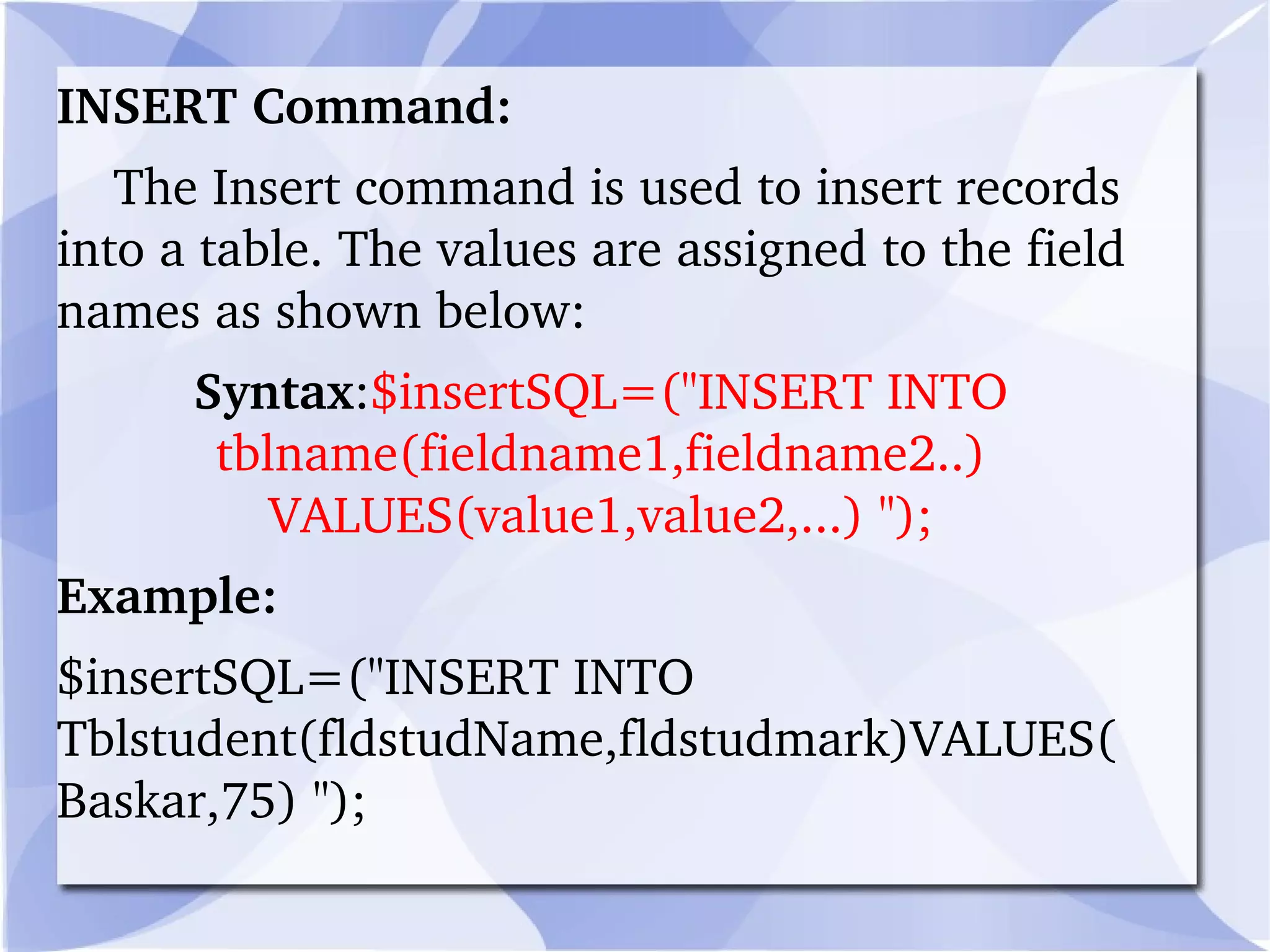
INSERT Command: The Insert command is used to insert records into a table. The values are assigned to the field names as shown below: Syntax : $insertSQL=("INSERT INTO tblname(fieldname1,fieldname2..) VALUES(value1,value2,...) "); Example: $insertSQL=("INSERT INTO Tblstudent(fldstudName,fldstudmark)VALUES(Baskar,75) ");
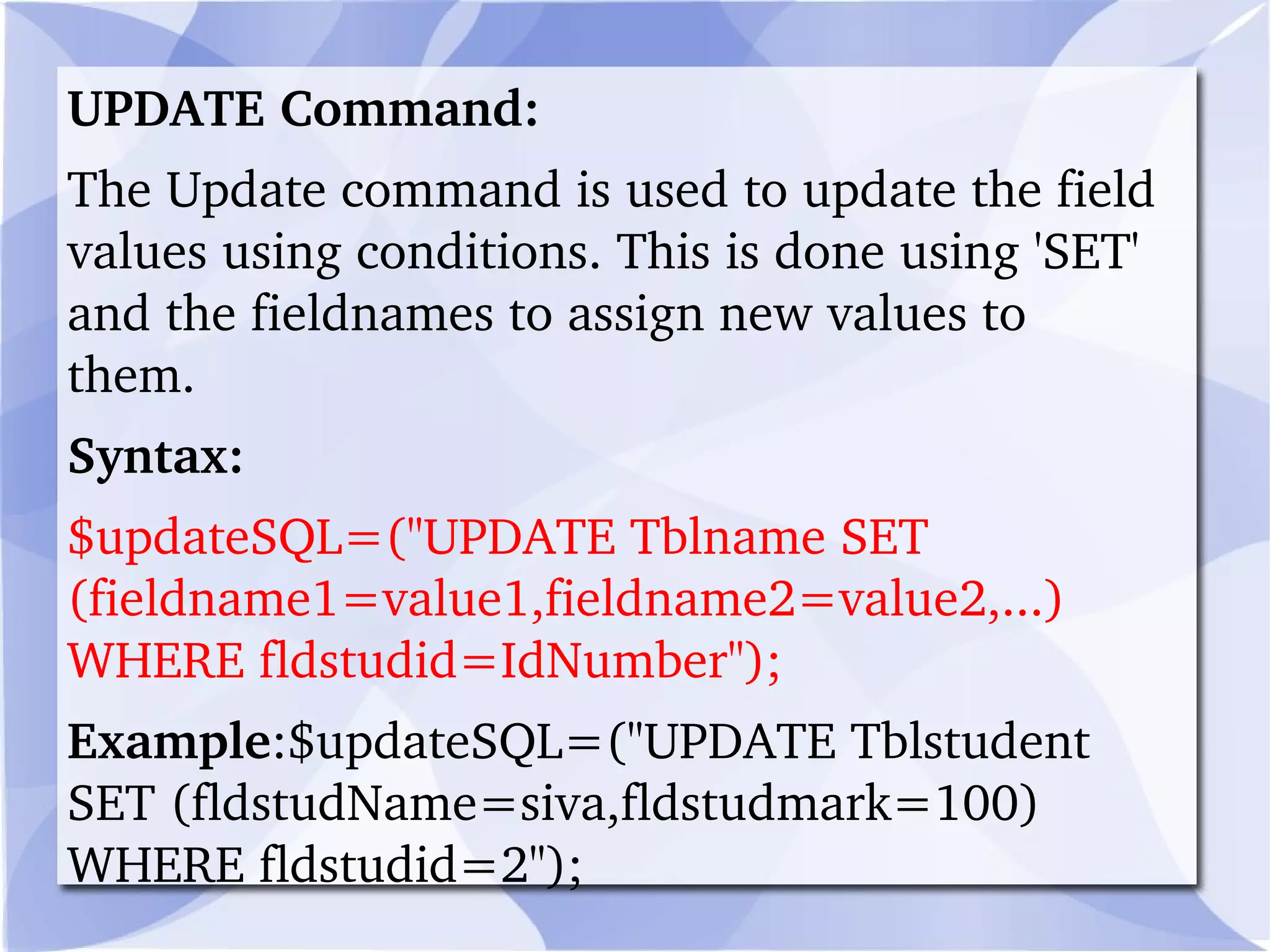
UPDATE Command: The Update command is used to update the field values using conditions. This is done using 'SET' and the fieldnames to assign new values to them. Syntax: $updateSQL=("UPDATE Tblname SET (fieldname1=value1,fieldname2=value2,...) WHERE fldstudid=IdNumber"); Example :$updateSQL=("UPDATE Tblstudent SET (fldstudName=siva,fldstudmark=100) WHERE fldstudid=2");
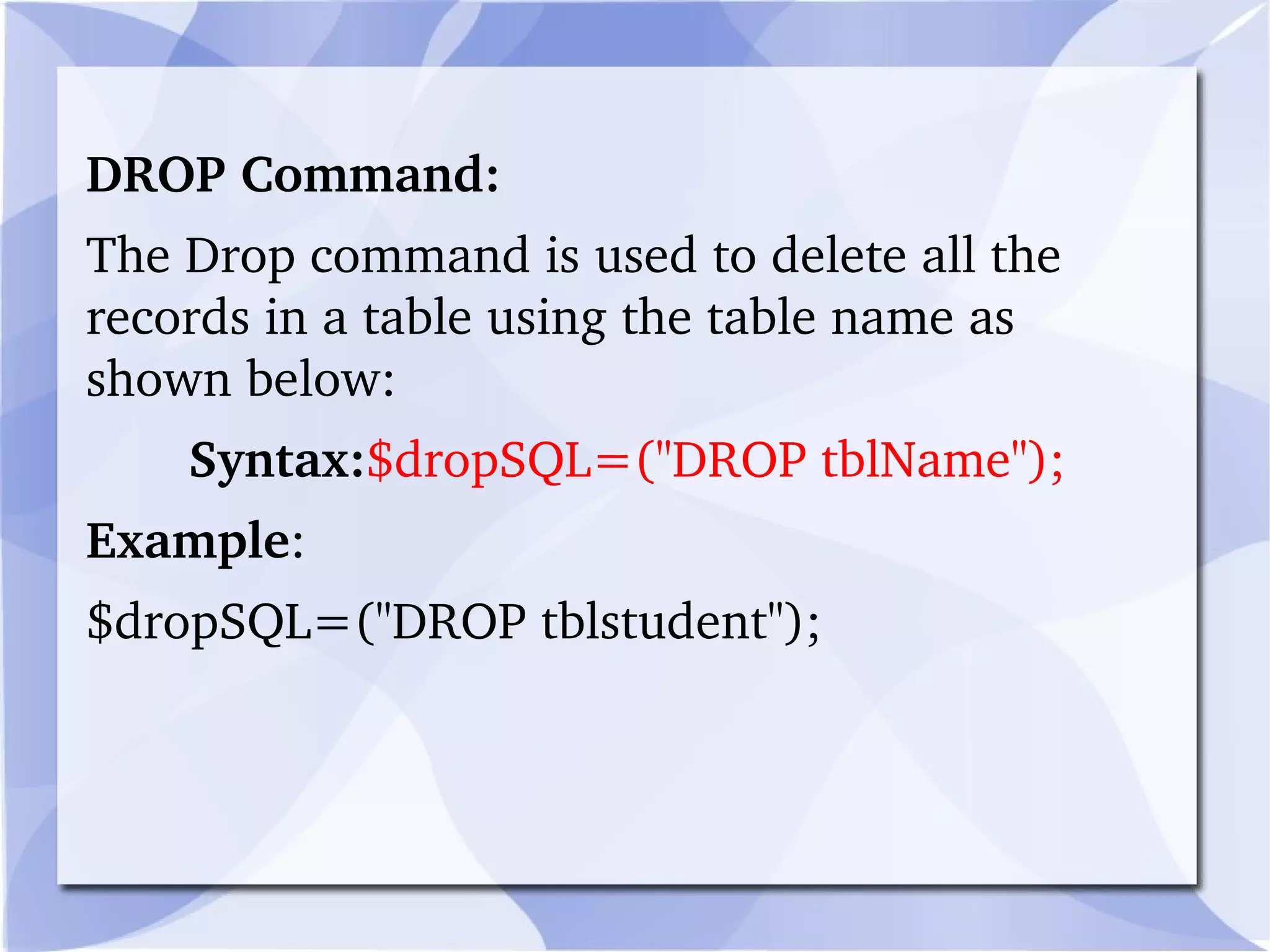
DROP Command: The Drop command is used to delete all the records in a table using the table name as shown below:  Syntax: $dropSQL=("DROP tblName"); Example : $dropSQL=("DROP tblstudent");
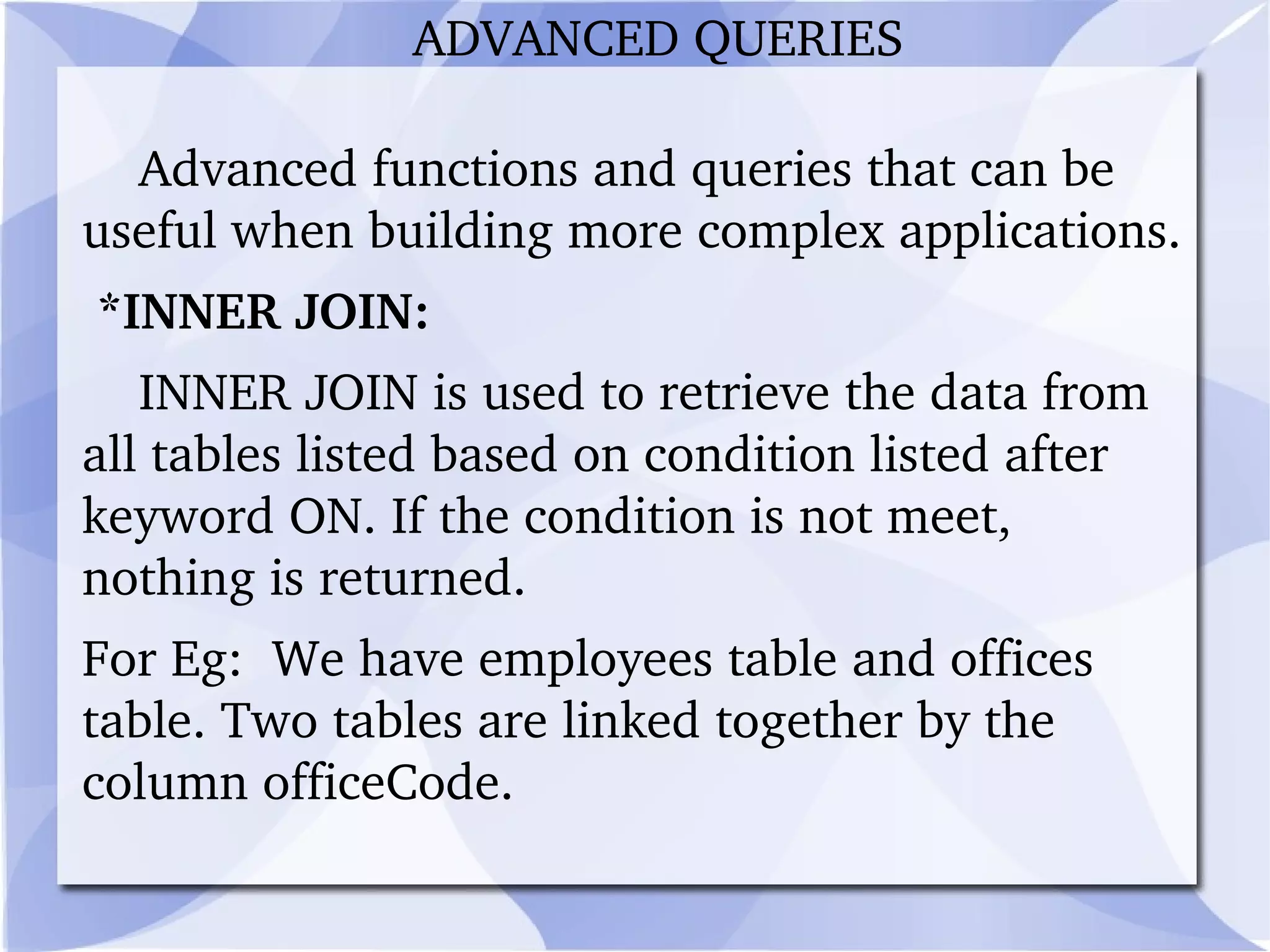
Advanced functions and queries that can be useful when building more complex applications. *INNER JOIN: INNER JOIN is used to retrieve the data from all tables listed based on condition listed after keyword ON. If the condition is not meet, nothing is returned.  For Eg:  We have employees table and offices table. Two tables are linked together by the column officeCode.  ADVANCED QUERIES
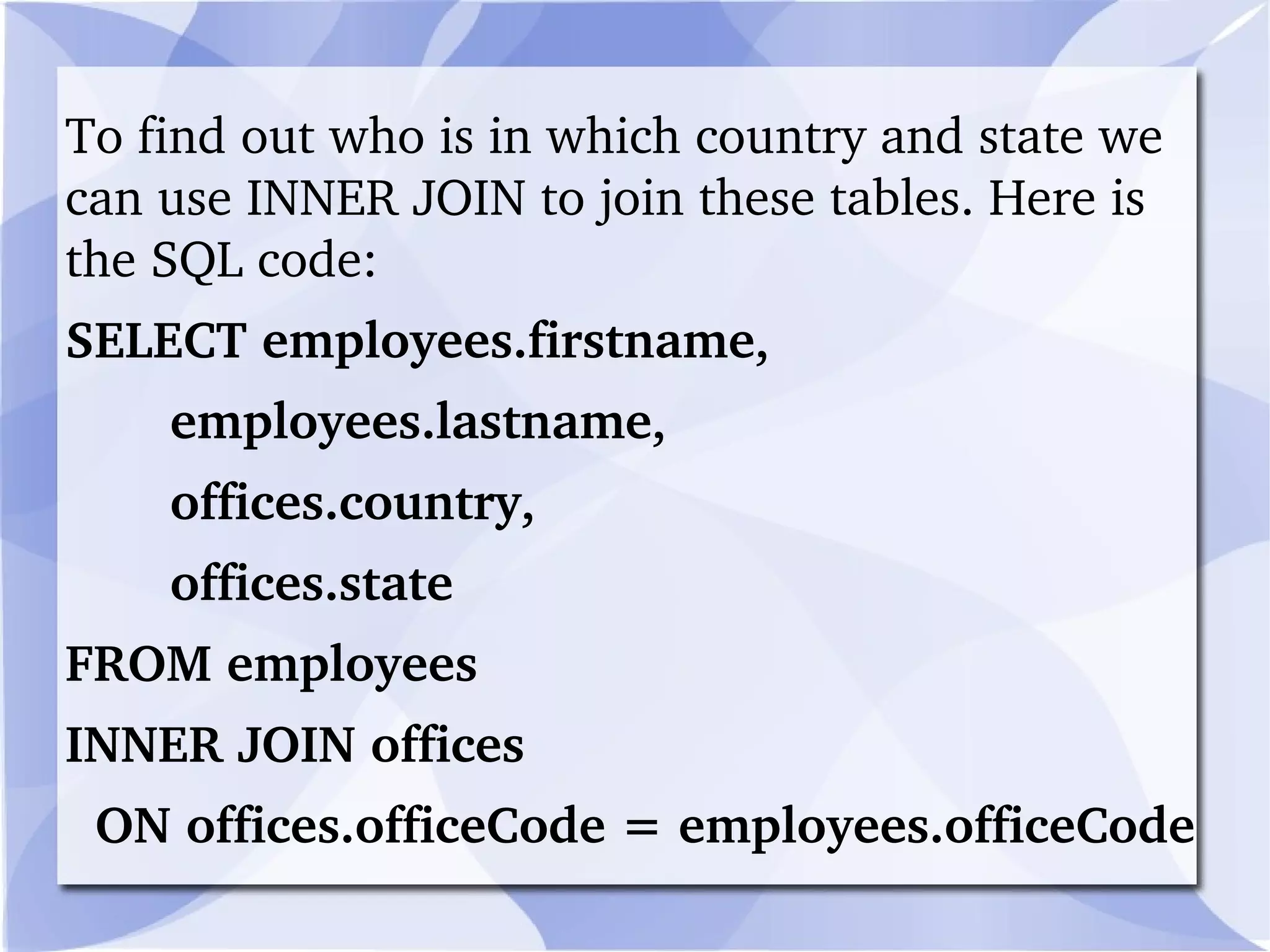
To find out who is in which country and state we can use INNER JOIN to join these tables. Here is the SQL code: SELECT employees.firstname, employees.lastname, offices.country, offices.state FROM employees INNER JOIN offices  ON offices.officeCode = employees.officeCode
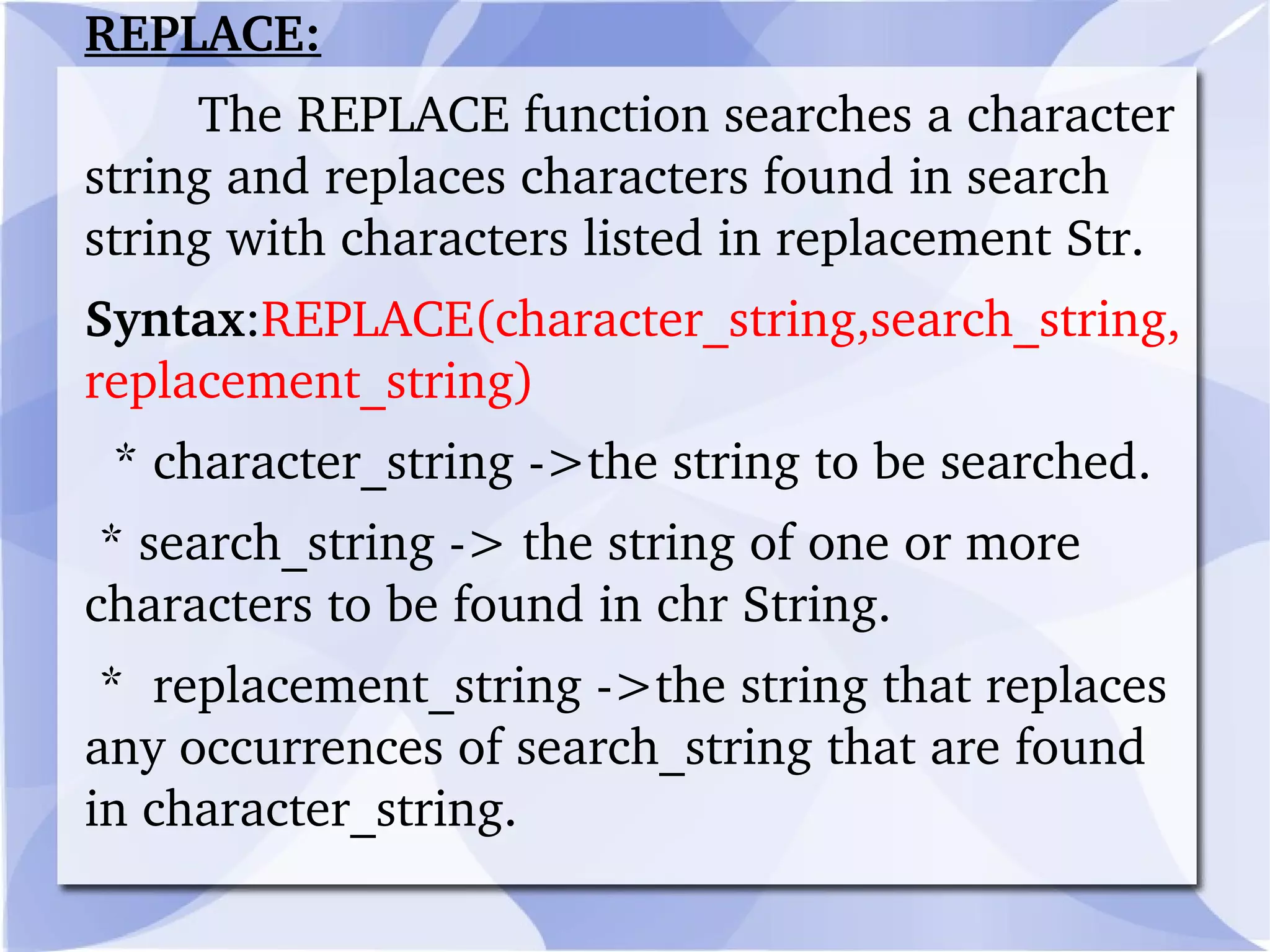
REPLACE: The REPLACE function searches a character string and replaces characters found in search string with characters listed in replacement Str.  Syntax : REPLACE(character_string,search_string, replacement_string) * character_string ->the string to be searched. * search_string -> the string of one or more characters to be found in chr String.  *  replacement_string ->the string that replaces any occurrences of search_string that are found in character_string.
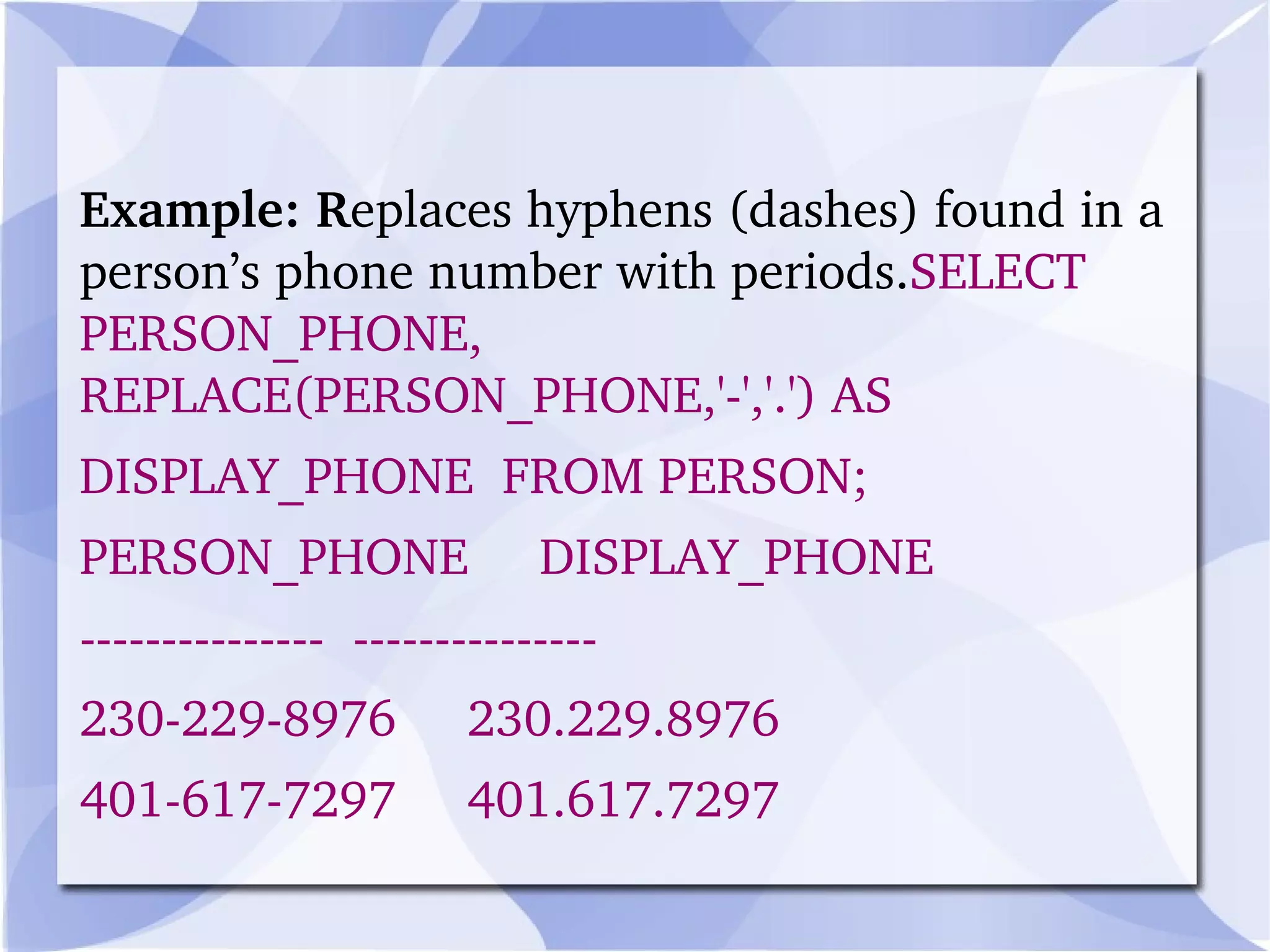
Example: R eplaces hyphens (dashes) found in a person’s phone number with periods. SELECT PERSON_PHONE, REPLACE(PERSON_PHONE,'-','.') AS  DISPLAY_PHONE  FROM PERSON; PERSON_PHONE  DISPLAY_PHONE ---------------  --------------- 230-229-8976  230.229.8976 401-617-7297  401.617.7297
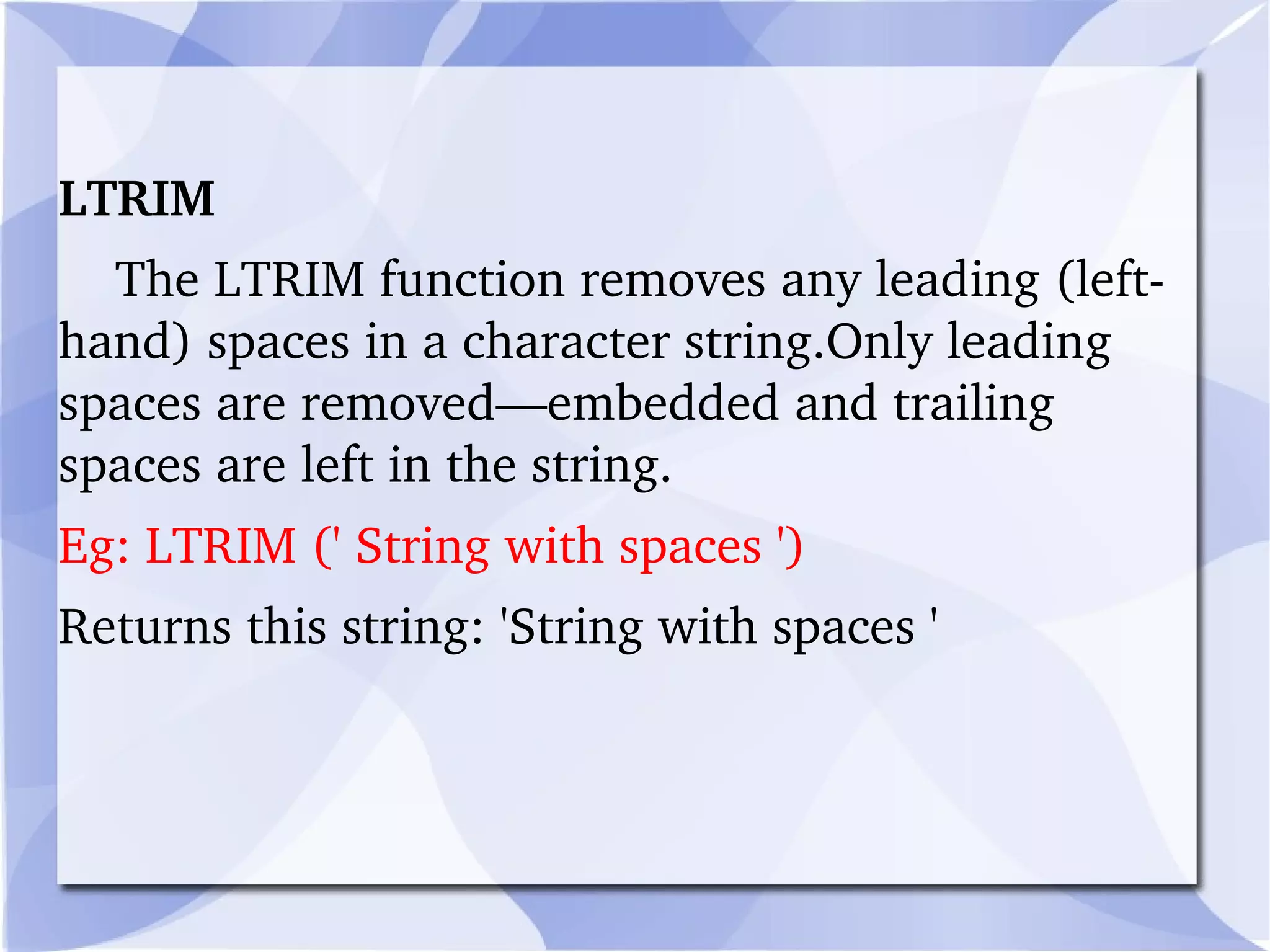
LTRIM  The LTRIM function removes any leading (left-hand) spaces in a character string.Only leading spaces are removed—embedded and trailing spaces are left in the string.  Eg: LTRIM (' String with spaces ') Returns this string: 'String with spaces '
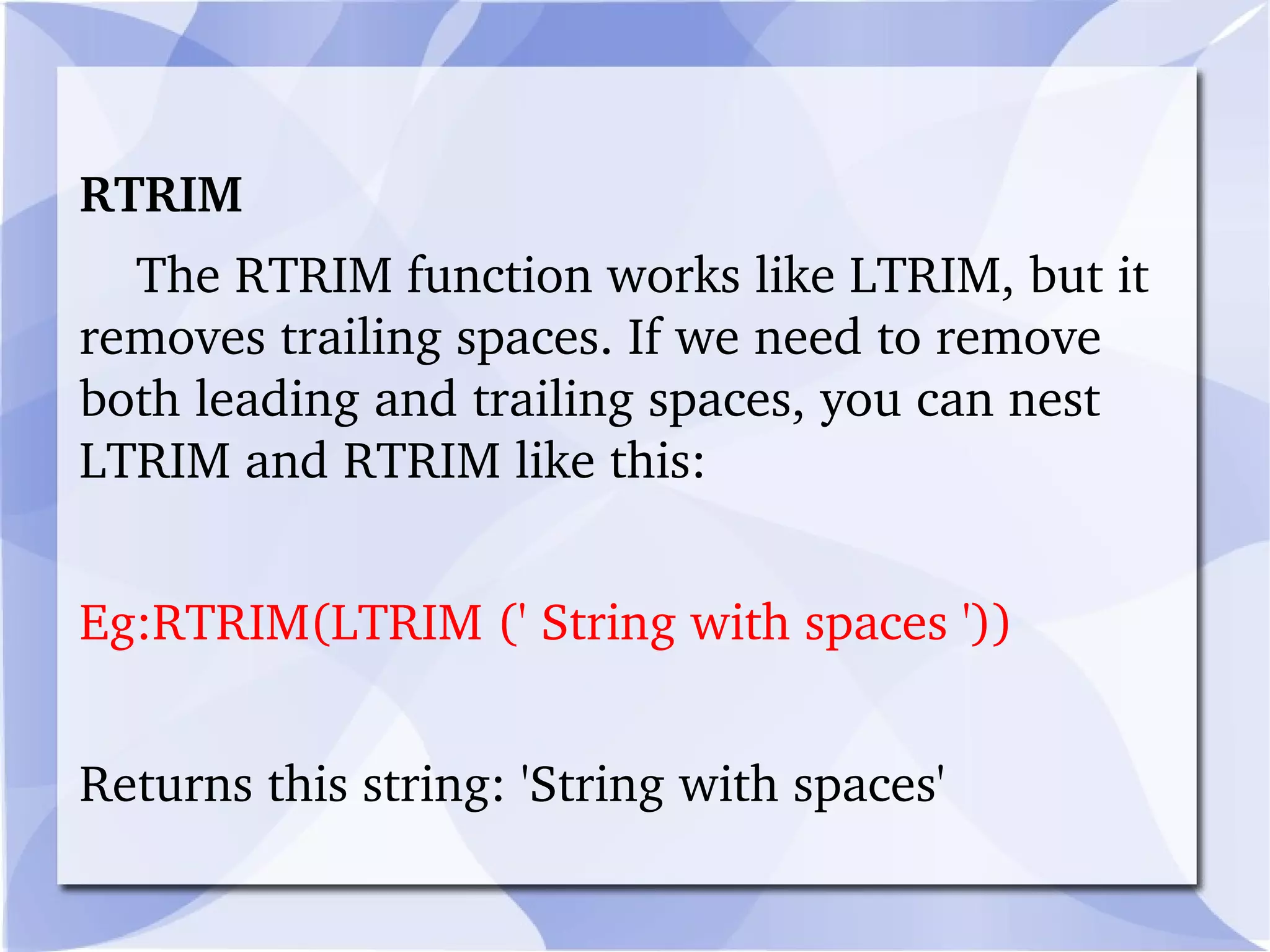
RTRIM The RTRIM function works like LTRIM, but it removes trailing spaces. If we need to remove both leading and trailing spaces, you can nest LTRIM and RTRIM like this: Eg:RTRIM(LTRIM (' String with spaces ')) Returns this string: 'String with spaces'
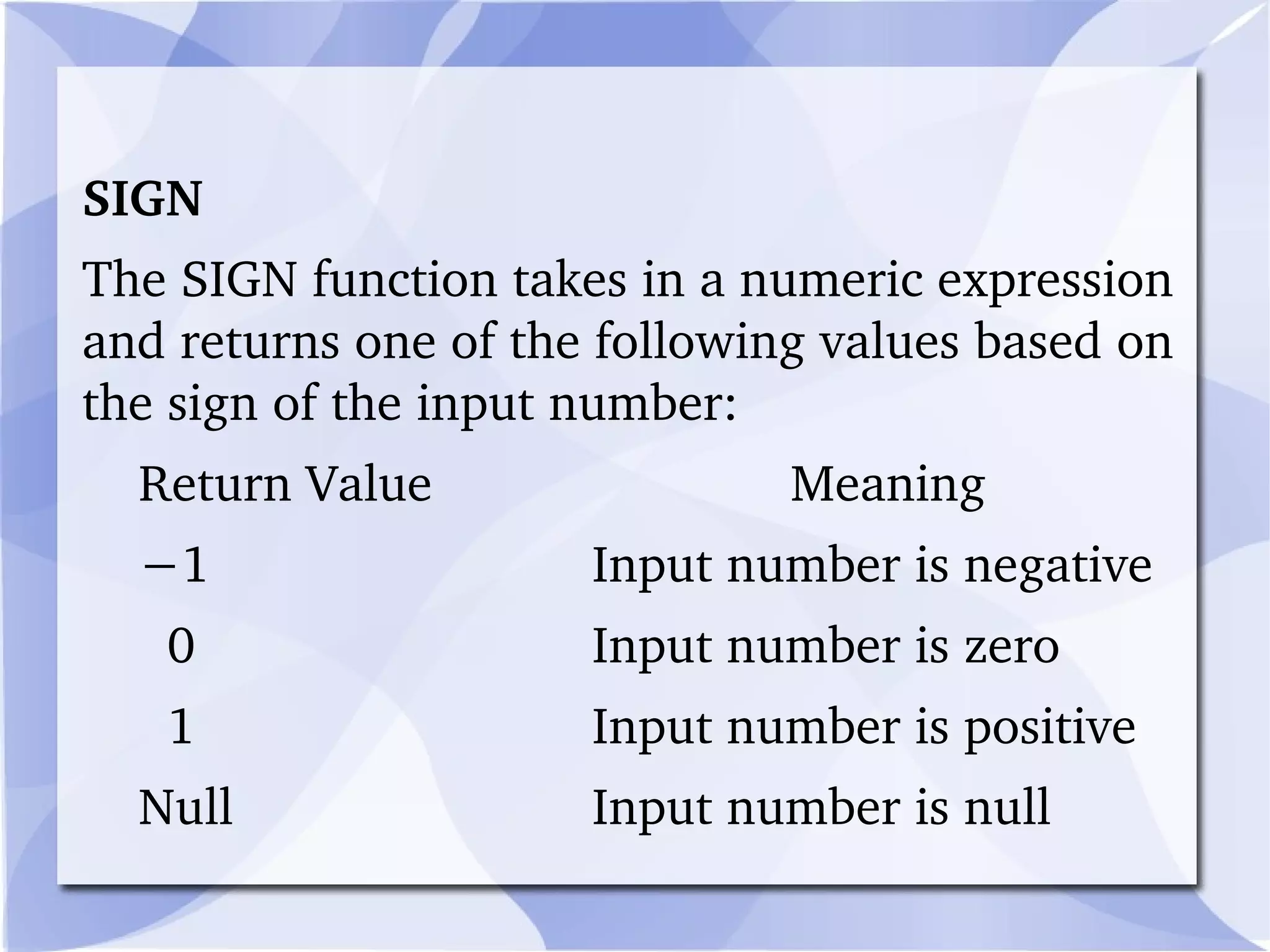
SIGN  The SIGN function takes in a numeric expression and returns one of the following values based on the sign of the input number: Return Value   Meaning − 1 Input number is negative   0 Input number is zero   1 Input number is positive Null Input number is null
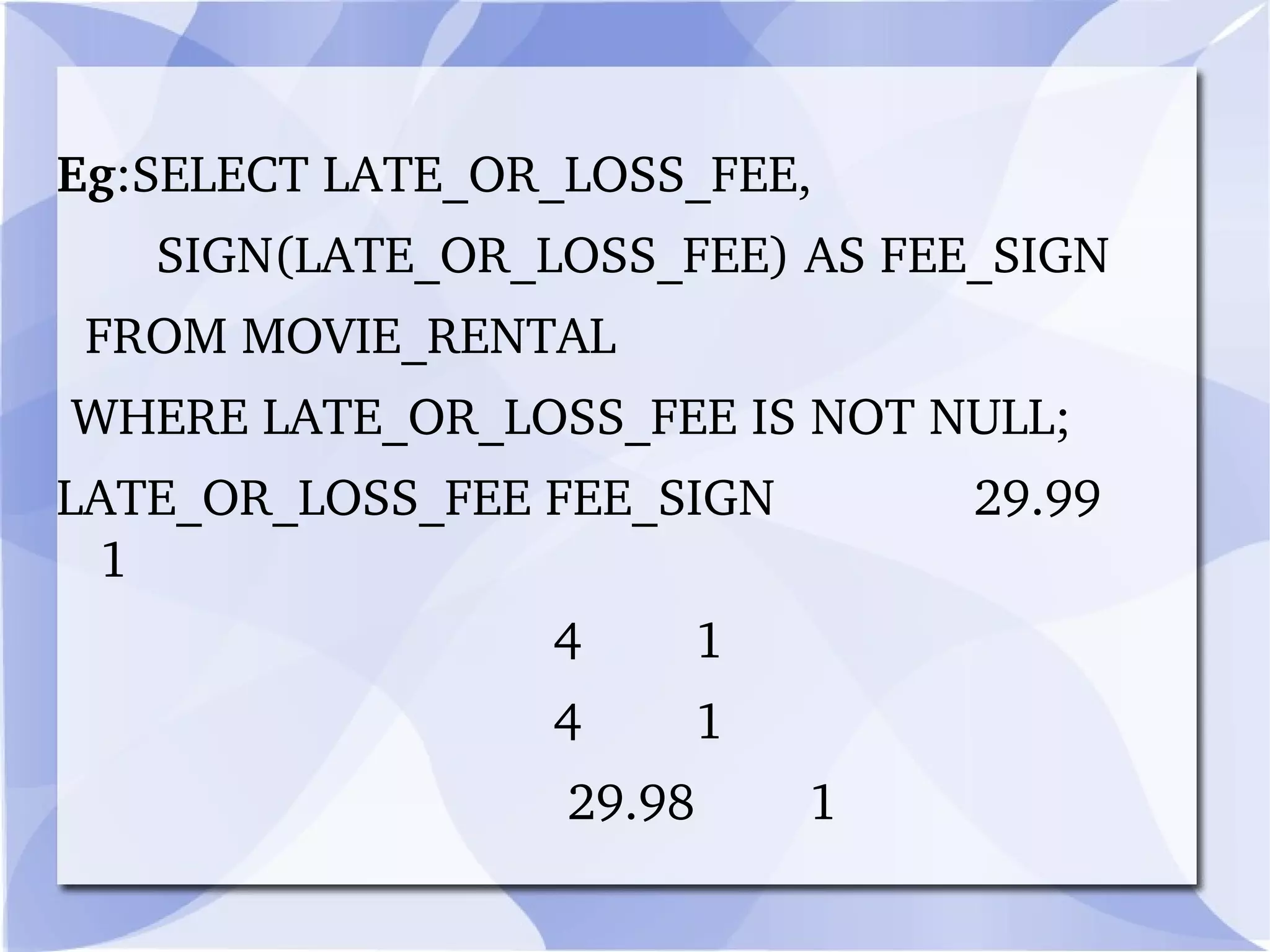
Eg :SELECT LATE_OR_LOSS_FEE, SIGN(LATE_OR_LOSS_FEE) AS FEE_SIGN FROM MOVIE_RENTAL WHERE LATE_OR_LOSS_FEE IS NOT NULL; LATE_OR_LOSS_FEE FEE_SIGN  29.99  1   4  1   4  1   29.98  1
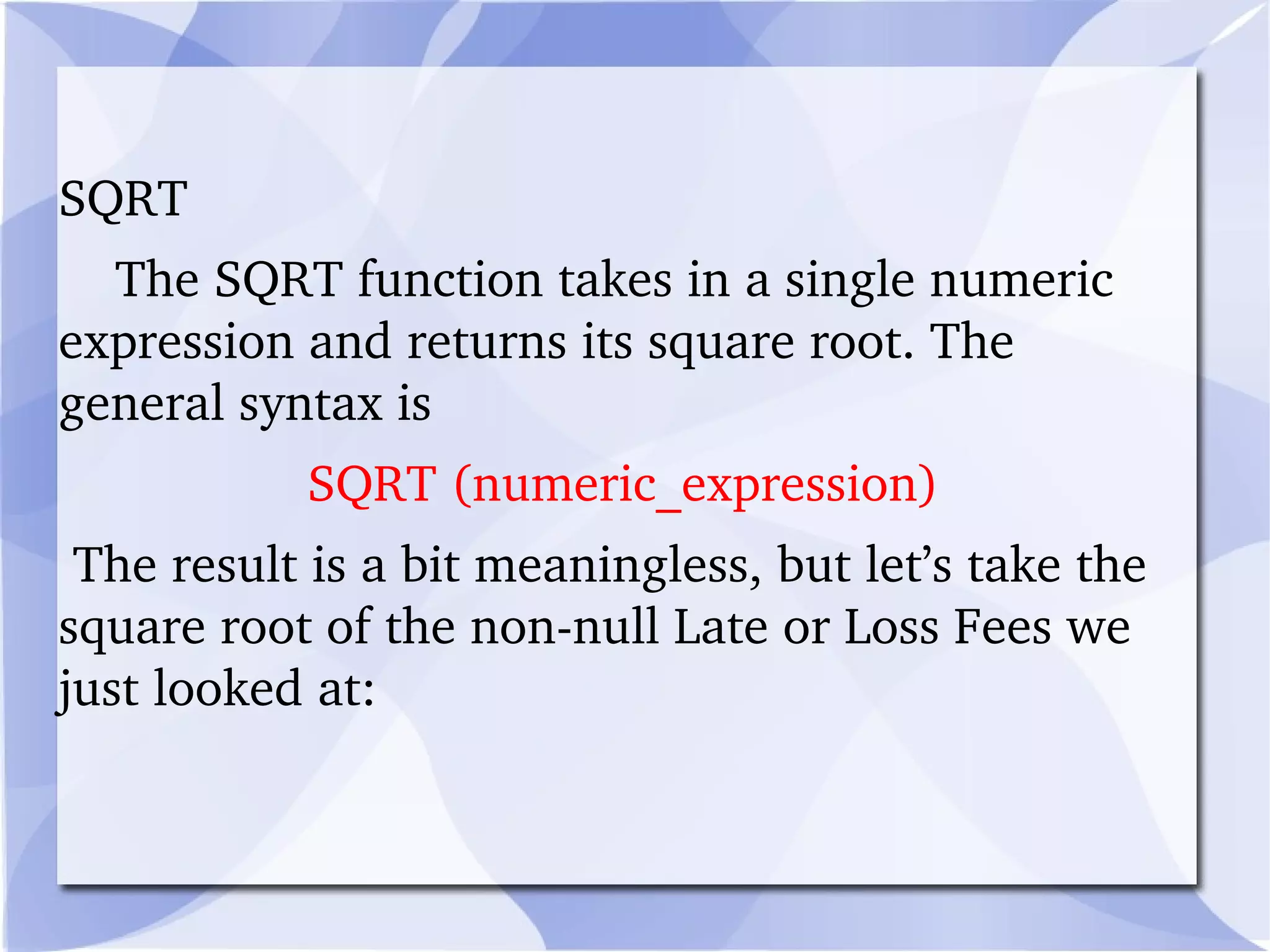
SQRT  The SQRT function takes in a single numeric expression and returns its square root. The general syntax is  SQRT (numeric_expression) The result is a bit meaningless, but let’s take the square root of the non-null Late or Loss Fees we just looked at:
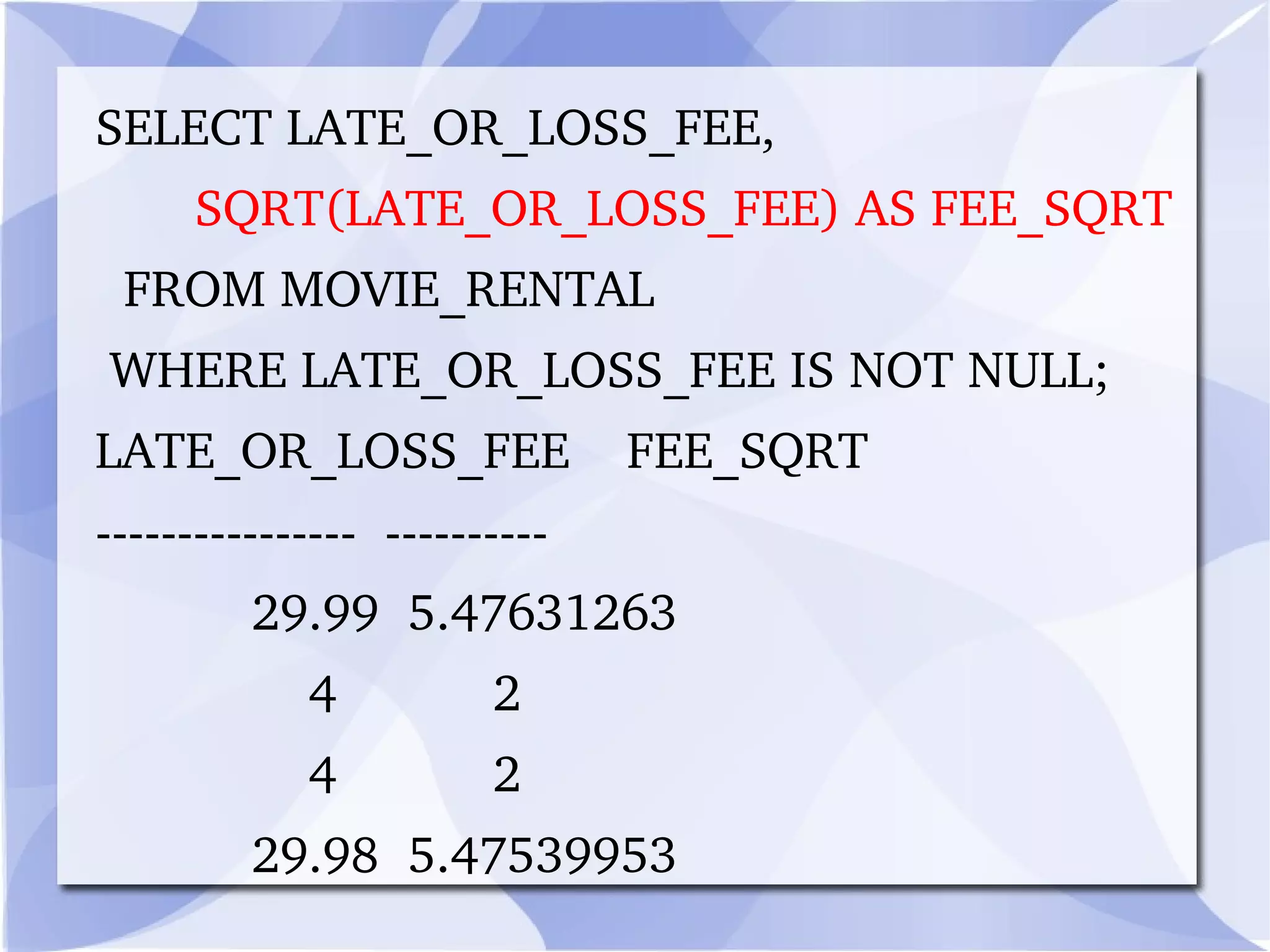
SELECT LATE_OR_LOSS_FEE,         SQRT(LATE_OR_LOSS_FEE) AS FEE_SQRT    FROM MOVIE_RENTAL   WHERE LATE_OR_LOSS_FEE IS NOT NULL; LATE_OR_LOSS_FEE    FEE_SQRT ----------------  ----------             29.99  5.47631263                 4           2                 4           2             29.98  5.47539953
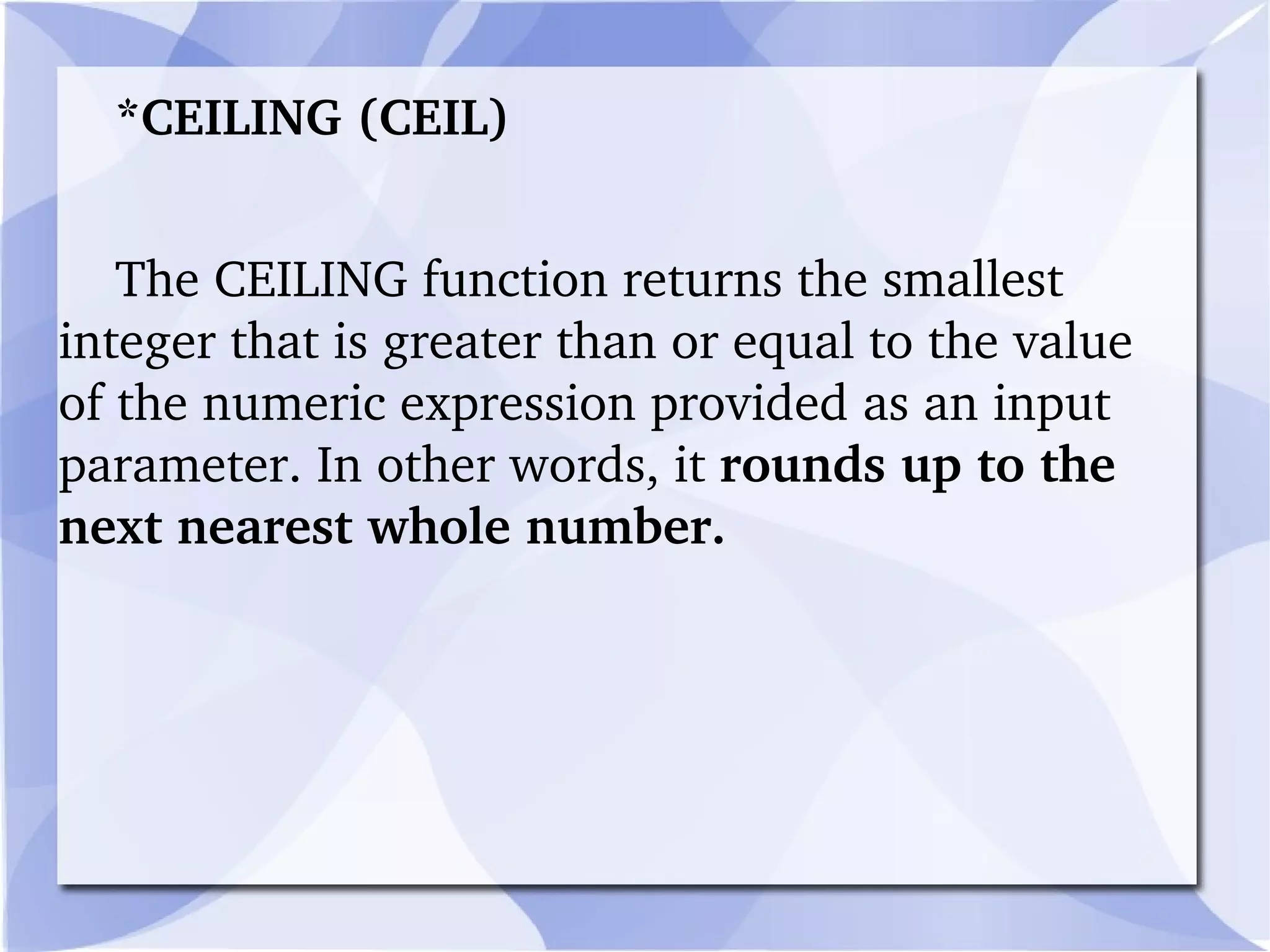
*CEILING (CEIL)  The CEILING function returns the smallest integer that is greater than or equal to the value of the numeric expression provided as an input parameter. In other words, it  rounds up to the next nearest whole number.
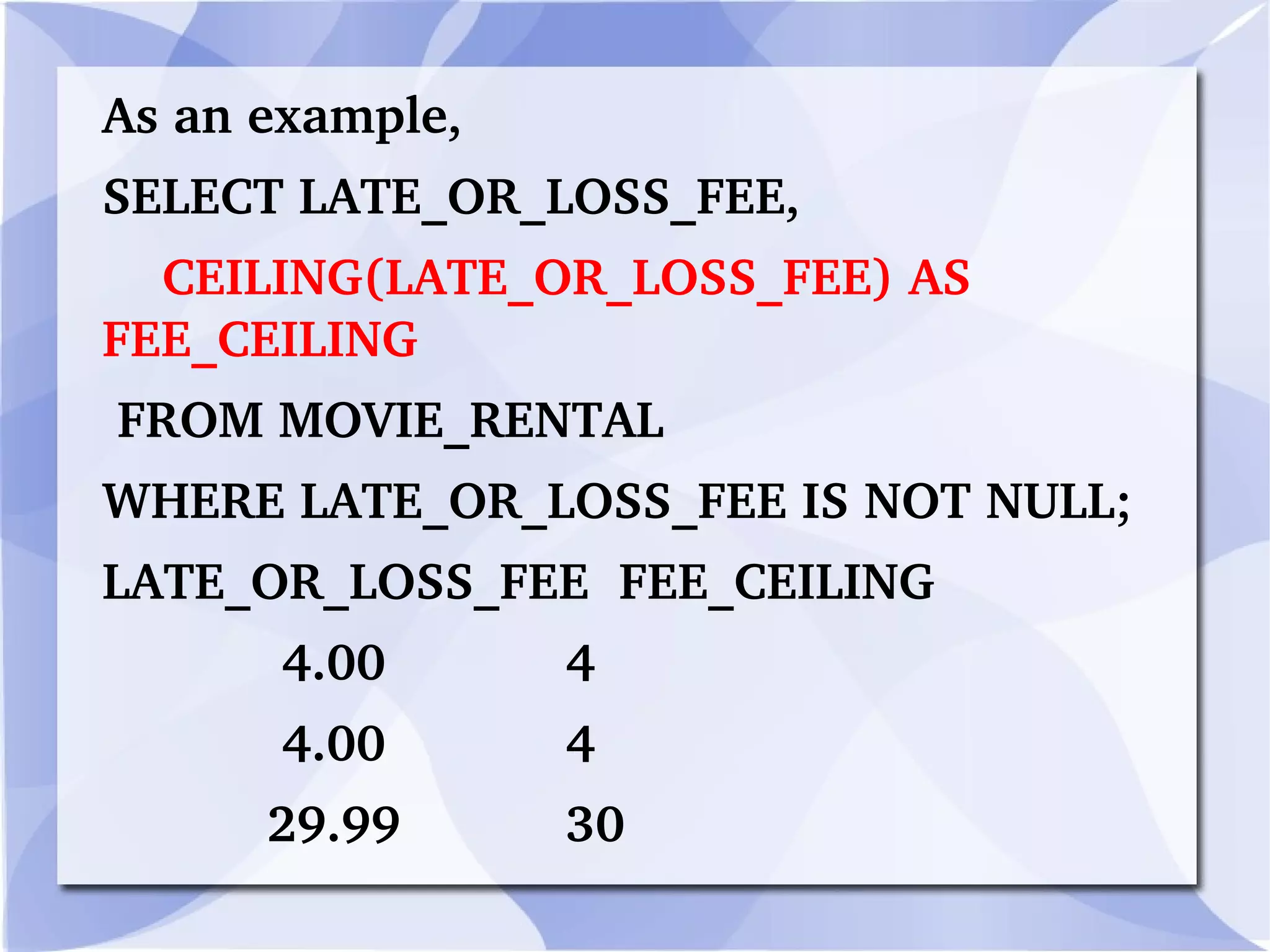
As an example,  SELECT LATE_OR_LOSS_FEE, CEILING(LATE_OR_LOSS_FEE) AS FEE_CEILING FROM MOVIE_RENTAL WHERE LATE_OR_LOSS_FEE IS NOT NULL; LATE_OR_LOSS_FEE  FEE_CEILING 4.00  4 4.00  4 29.99  30
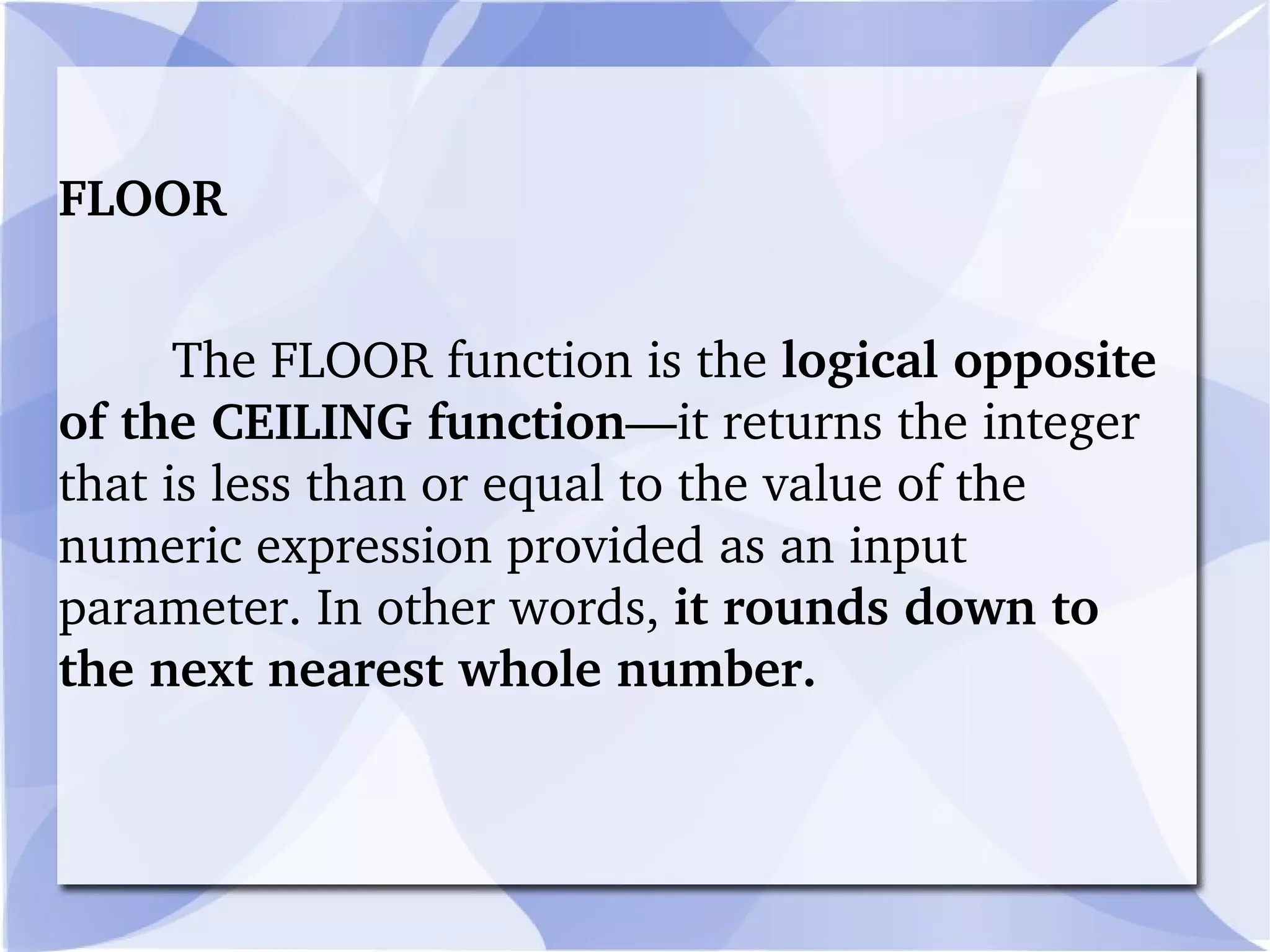
FLOOR  The FLOOR function is the  logical opposite of the CEILING function —it returns the integer that is less than or equal to the value of the numeric expression provided as an input parameter. In other words,  it rounds down to the next nearest whole number.
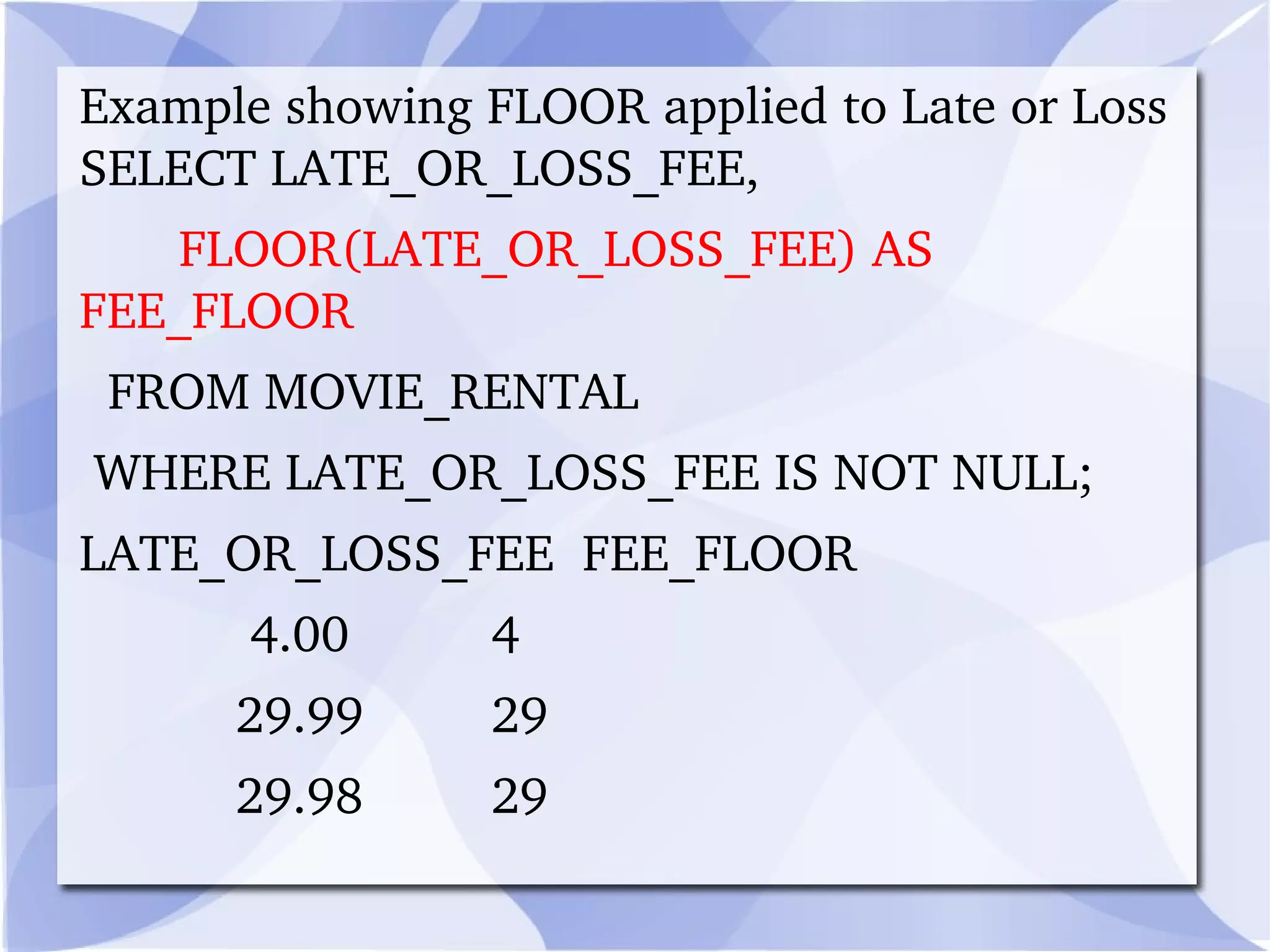
Example showing FLOOR applied to Late or Loss SELECT LATE_OR_LOSS_FEE,         FLOOR(LATE_OR_LOSS_FEE) AS FEE_FLOOR    FROM MOVIE_RENTAL   WHERE LATE_OR_LOSS_FEE IS NOT NULL; LATE_OR_LOSS_FEE  FEE_FLOOR              4.00          4             29.99         29             29.98         29
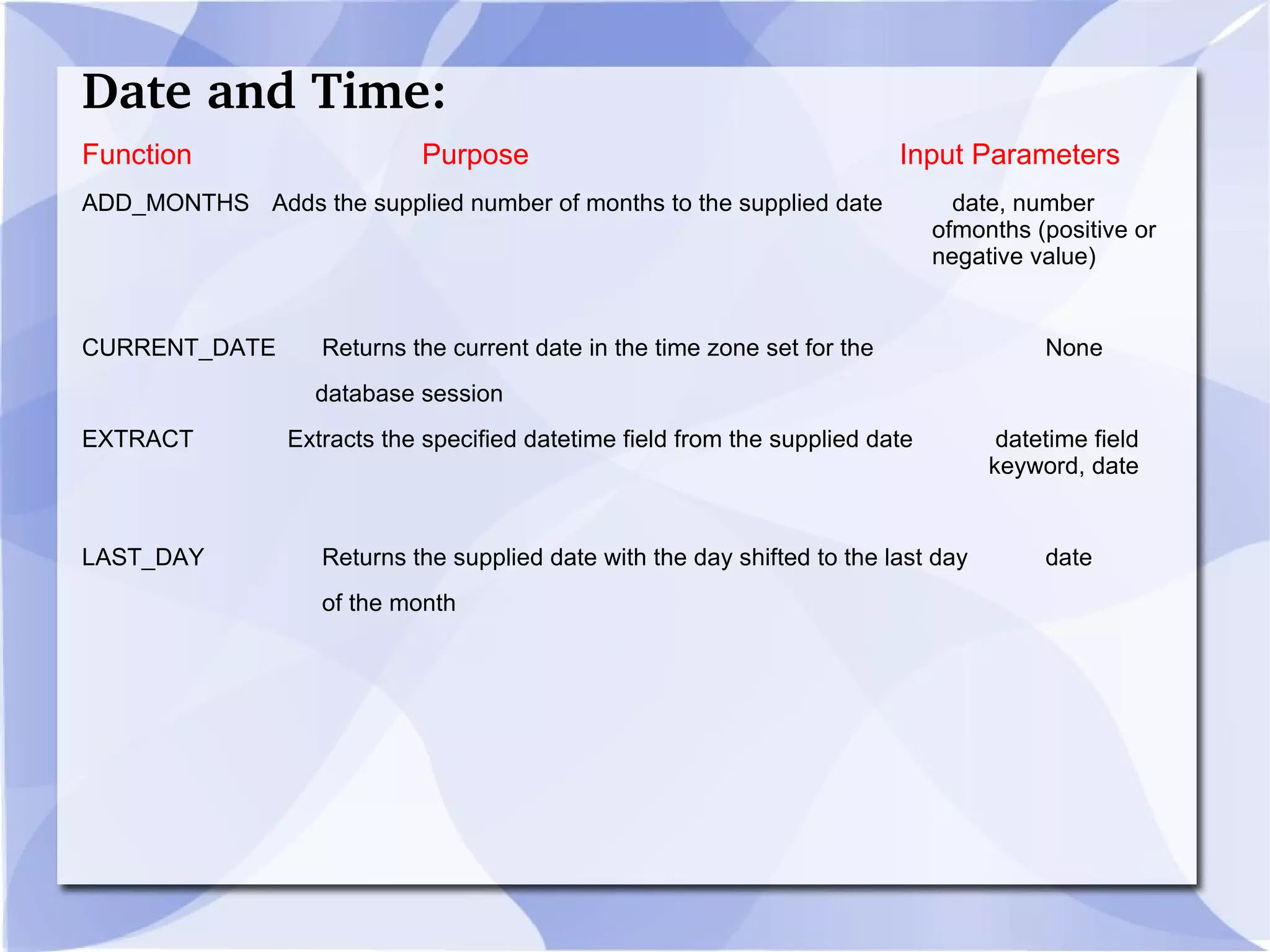
Date and Time: Function   Purpose   Input Parameters ADD_MONTHS   Adds the supplied number of months to the supplied date   date, number  ofmonths (positive or  negative value) CURRENT_DATE   Returns the current date in the time zone set for the None   database session EXTRACT  Extracts the specified datetime field from the supplied date  datetime field  keyword, date LAST_DAY    Returns the supplied date with the day shifted to the last day  date   of the month
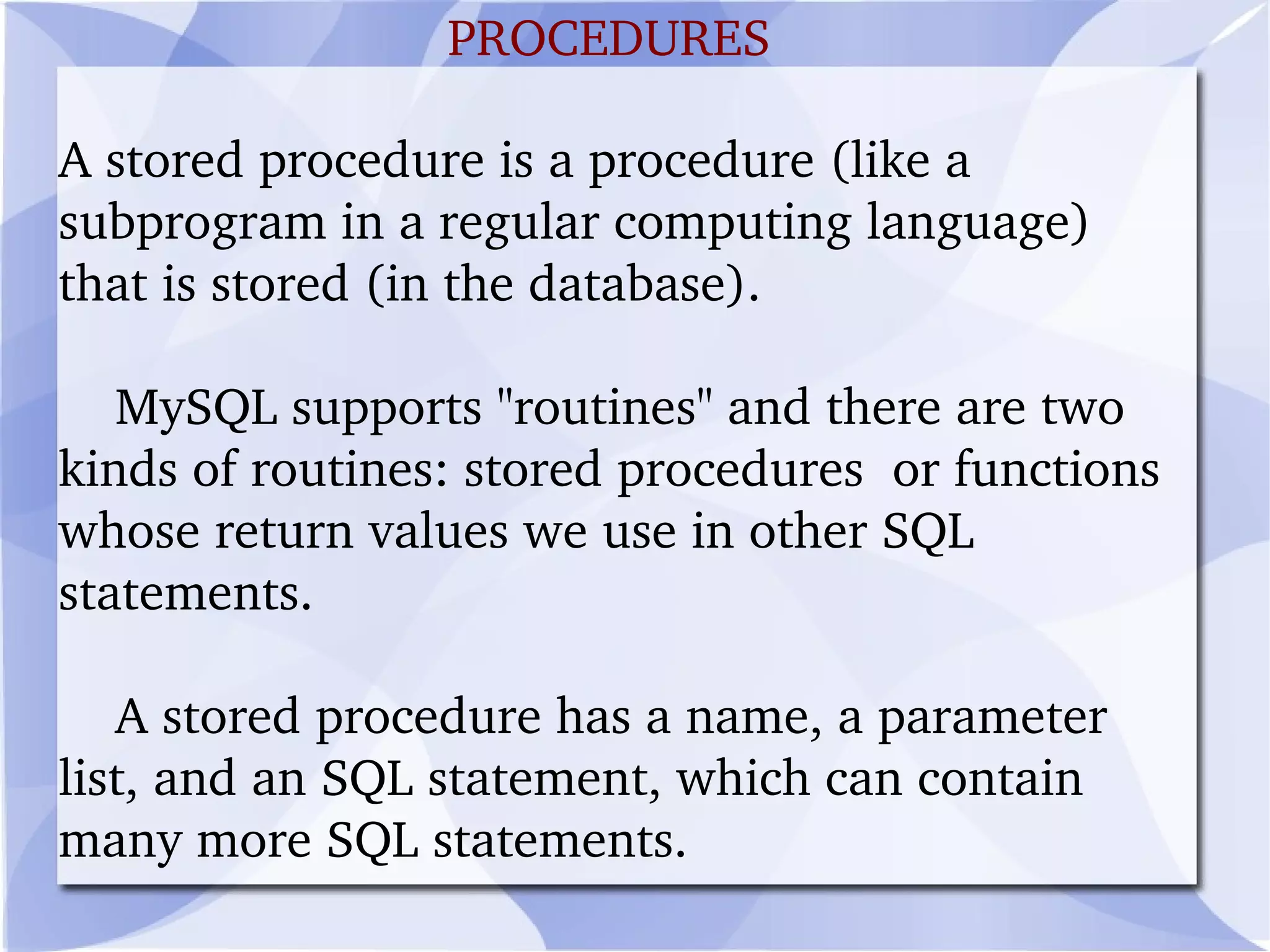
A stored procedure is a procedure (like a subprogram in a regular computing language) that is stored (in the database).
MySQL supports "routines" and there are two kinds of routines: stored procedures  or functions whose return values we use in other SQL statements.
A stored procedure has a name, a parameter list, and an SQL statement, which can contain many more SQL statements. PROCEDURES
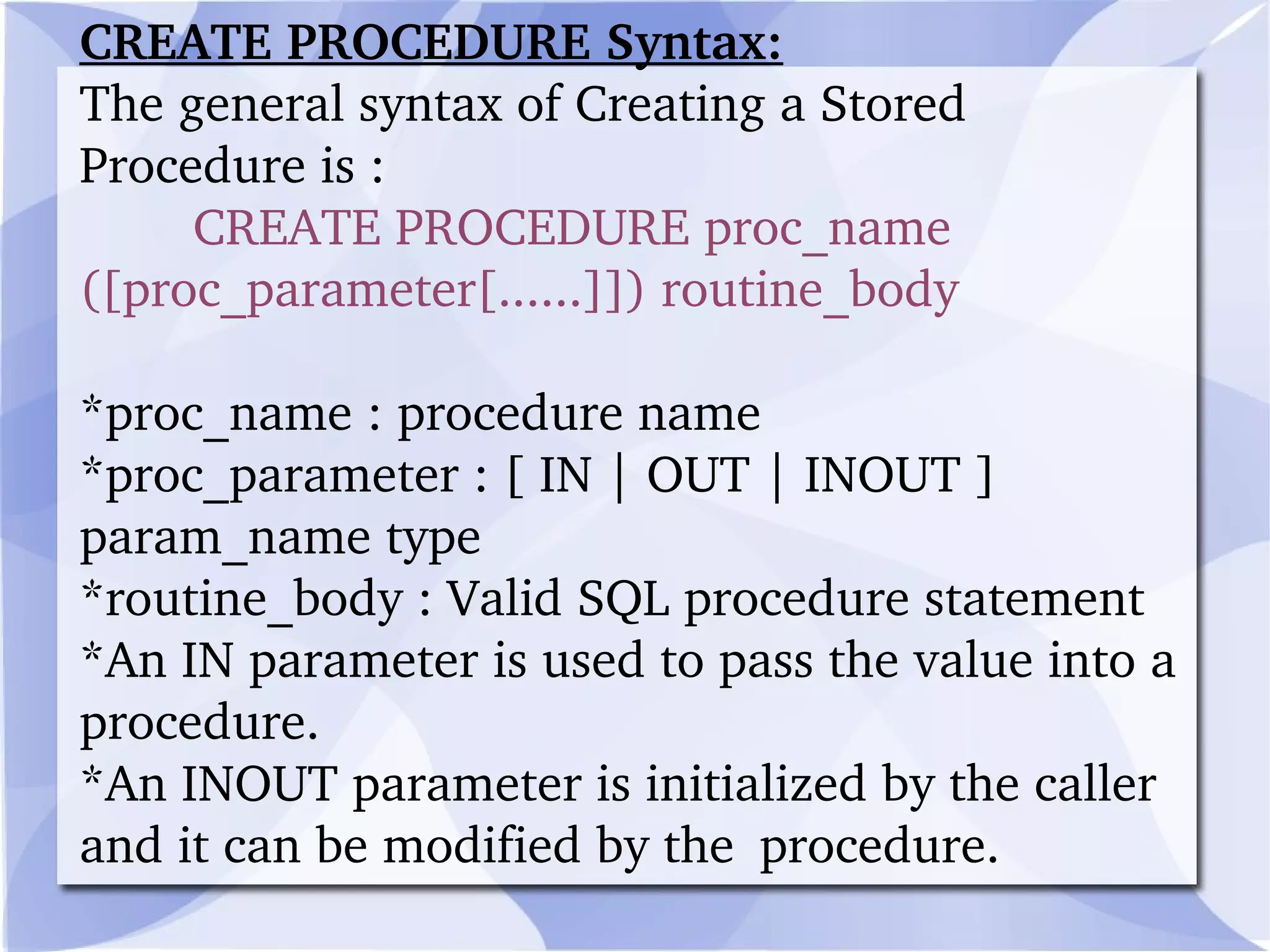
CREATE PROCEDURE Syntax: The general syntax of Creating a Stored Procedure is : CREATE PROCEDURE proc_name ([proc_parameter[......]]) routine_body *proc_name : procedure name *proc_parameter : [ IN | OUT | INOUT ]  param_name type *routine_body : Valid SQL procedure statement *An IN parameter is used to pass the value into a procedure. *An INOUT parameter is initialized by the caller and it can be modified by the  procedure.
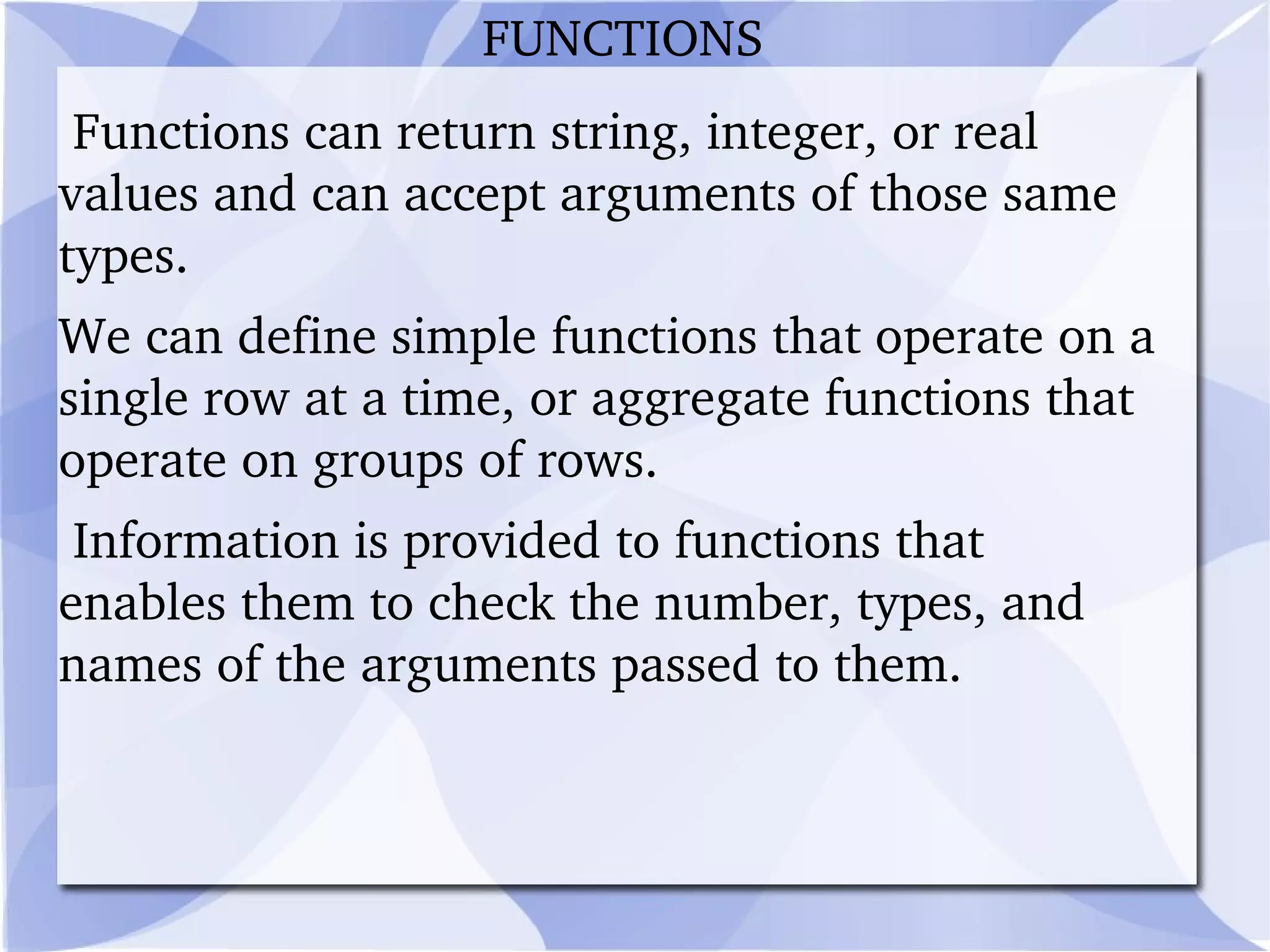
Functions can return string, integer, or real values and can accept arguments of those same types.
We can define simple functions that operate on a single row at a time, or aggregate functions that operate on groups of rows.

Mysqlppt

  • 1.
    # MySQL isa relational database management system (RDBMS). MySQL is currently the most popular open source database server in existence. # A relational database management system which runs a server, providing multi-user access to a number of databases. # SQL (Structured Query Language) is a standard interactive and programming language for getting information from and updating a database. MY SQL
  • 2.
    # Structured QueryLangauge is cross between a math-like language and an English-like language that allows us to ask a database questions or tell it do do things. For example: SELECT * FROM table; Where 'SELECT', 'FROM' and 'table' are in English, but '*' is a symbol that means all.
  • 3.
    *USES: Many webapplications use MySQL as the database component of a LAMP software stack.
  • 4.
    Itspopularity for use with web applications is closely tied to the popularity of PHP , which is often combined with MySQL.
  • 5.
    Several high-traffic websites including Flickr, Facebook, Wikipedia, Google, Nokia and YouTube use MySQL for data storage and logging of user data.
  • 6.
    CREATE Command -is used to create a database/table. SELECT Command - is used to retrieve data from the database.
  • 7.
    DELETE Command -is used to delete data from the database.
  • 8.
    INSERT Command -is used to insert data into a database.
  • 9.
    UPDATE Command -is used to update the data in a table.
  • 10.
    DROP Command -is used to delete or drop the database/table. . BASIC QUERIES COMMANDS
  • 11.
    CREATE Command :The Create command is used to create a table by specifying the tablename, fieldnames and constraints. Syntax: $createSQL=("CREATE TABLE tblName"); Example: $createSQL=("CREATE TABLE tblstudent(fldstudid int(10) NOTNULL AUTO_INCREMENT PRIMARY KEY,fldstudName VARCHAR(250) NOTNULL,fldstudentmark int(4) DEFAULT '0' ");
  • 12.
    SELECT Command: TheSelect command is used to select the records from a table using its field names. To select all the fields in a table, '*' is used in the command. Syntax: $selectSQL=("SELECT field_names FROM tablename"); Example: $selectSQL=("SELECT * FROM tblstudent");
  • 13.
    DELETE Comman d:The Delete command is used to delete the records from a table using conditions as shown below: Syntax: $deleteSQL=("DELETE * FROM tablename WHERE condition"); Example: $deleteSQL=("DELETE * FROM tblstudent WHERE fldstudid=2");
  • 14.
    INSERT Command: TheInsert command is used to insert records into a table. The values are assigned to the field names as shown below: Syntax : $insertSQL=("INSERT INTO tblname(fieldname1,fieldname2..) VALUES(value1,value2,...) "); Example: $insertSQL=("INSERT INTO Tblstudent(fldstudName,fldstudmark)VALUES(Baskar,75) ");
  • 15.
    UPDATE Command: TheUpdate command is used to update the field values using conditions. This is done using 'SET' and the fieldnames to assign new values to them. Syntax: $updateSQL=("UPDATE Tblname SET (fieldname1=value1,fieldname2=value2,...) WHERE fldstudid=IdNumber"); Example :$updateSQL=("UPDATE Tblstudent SET (fldstudName=siva,fldstudmark=100) WHERE fldstudid=2");
  • 16.
    DROP Command: TheDrop command is used to delete all the records in a table using the table name as shown below: Syntax: $dropSQL=("DROP tblName"); Example : $dropSQL=("DROP tblstudent");
  • 17.
    Advanced functions andqueries that can be useful when building more complex applications. *INNER JOIN: INNER JOIN is used to retrieve the data from all tables listed based on condition listed after keyword ON. If the condition is not meet, nothing is returned. For Eg: We have employees table and offices table. Two tables are linked together by the column officeCode. ADVANCED QUERIES
  • 18.
    To find outwho is in which country and state we can use INNER JOIN to join these tables. Here is the SQL code: SELECT employees.firstname, employees.lastname, offices.country, offices.state FROM employees INNER JOIN offices ON offices.officeCode = employees.officeCode
  • 19.
    REPLACE: The REPLACEfunction searches a character string and replaces characters found in search string with characters listed in replacement Str. Syntax : REPLACE(character_string,search_string, replacement_string) * character_string ->the string to be searched. * search_string -> the string of one or more characters to be found in chr String. * replacement_string ->the string that replaces any occurrences of search_string that are found in character_string.
  • 20.
    Example: R eplaceshyphens (dashes) found in a person’s phone number with periods. SELECT PERSON_PHONE, REPLACE(PERSON_PHONE,'-','.') AS DISPLAY_PHONE FROM PERSON; PERSON_PHONE DISPLAY_PHONE --------------- --------------- 230-229-8976 230.229.8976 401-617-7297 401.617.7297
  • 21.
    LTRIM TheLTRIM function removes any leading (left-hand) spaces in a character string.Only leading spaces are removed—embedded and trailing spaces are left in the string. Eg: LTRIM (' String with spaces ') Returns this string: 'String with spaces '
  • 22.
    RTRIM The RTRIMfunction works like LTRIM, but it removes trailing spaces. If we need to remove both leading and trailing spaces, you can nest LTRIM and RTRIM like this: Eg:RTRIM(LTRIM (' String with spaces ')) Returns this string: 'String with spaces'
  • 23.
    SIGN TheSIGN function takes in a numeric expression and returns one of the following values based on the sign of the input number: Return Value Meaning − 1 Input number is negative 0 Input number is zero 1 Input number is positive Null Input number is null
  • 24.
    Eg :SELECT LATE_OR_LOSS_FEE,SIGN(LATE_OR_LOSS_FEE) AS FEE_SIGN FROM MOVIE_RENTAL WHERE LATE_OR_LOSS_FEE IS NOT NULL; LATE_OR_LOSS_FEE FEE_SIGN 29.99 1 4 1 4 1 29.98 1
  • 25.
    SQRT TheSQRT function takes in a single numeric expression and returns its square root. The general syntax is SQRT (numeric_expression) The result is a bit meaningless, but let’s take the square root of the non-null Late or Loss Fees we just looked at:
  • 26.
    SELECT LATE_OR_LOSS_FEE,        SQRT(LATE_OR_LOSS_FEE) AS FEE_SQRT   FROM MOVIE_RENTAL   WHERE LATE_OR_LOSS_FEE IS NOT NULL; LATE_OR_LOSS_FEE    FEE_SQRT ----------------  ----------            29.99  5.47631263                4           2                4           2            29.98  5.47539953
  • 27.
    *CEILING (CEIL) The CEILING function returns the smallest integer that is greater than or equal to the value of the numeric expression provided as an input parameter. In other words, it rounds up to the next nearest whole number.
  • 28.
    As an example, SELECT LATE_OR_LOSS_FEE, CEILING(LATE_OR_LOSS_FEE) AS FEE_CEILING FROM MOVIE_RENTAL WHERE LATE_OR_LOSS_FEE IS NOT NULL; LATE_OR_LOSS_FEE FEE_CEILING 4.00 4 4.00 4 29.99 30
  • 29.
    FLOOR TheFLOOR function is the logical opposite of the CEILING function —it returns the integer that is less than or equal to the value of the numeric expression provided as an input parameter. In other words, it rounds down to the next nearest whole number.
  • 30.
    Example showing FLOORapplied to Late or Loss SELECT LATE_OR_LOSS_FEE,        FLOOR(LATE_OR_LOSS_FEE) AS FEE_FLOOR   FROM MOVIE_RENTAL   WHERE LATE_OR_LOSS_FEE IS NOT NULL; LATE_OR_LOSS_FEE  FEE_FLOOR             4.00          4            29.99         29            29.98         29
  • 31.
    Date and Time:Function Purpose Input Parameters ADD_MONTHS Adds the supplied number of months to the supplied date date, number ofmonths (positive or negative value) CURRENT_DATE Returns the current date in the time zone set for the None database session EXTRACT Extracts the specified datetime field from the supplied date datetime field keyword, date LAST_DAY Returns the supplied date with the day shifted to the last day date of the month
  • 32.
    A stored procedureis a procedure (like a subprogram in a regular computing language) that is stored (in the database).
  • 33.
    MySQL supports "routines"and there are two kinds of routines: stored procedures or functions whose return values we use in other SQL statements.
  • 34.
    A stored procedurehas a name, a parameter list, and an SQL statement, which can contain many more SQL statements. PROCEDURES
  • 35.
    CREATE PROCEDURE Syntax:The general syntax of Creating a Stored Procedure is : CREATE PROCEDURE proc_name ([proc_parameter[......]]) routine_body *proc_name : procedure name *proc_parameter : [ IN | OUT | INOUT ] param_name type *routine_body : Valid SQL procedure statement *An IN parameter is used to pass the value into a procedure. *An INOUT parameter is initialized by the caller and it can be modified by the procedure.
  • 36.
    Functions can returnstring, integer, or real values and can accept arguments of those same types.
  • 37.
    We can definesimple functions that operate on a single row at a time, or aggregate functions that operate on groups of rows.
  • 38.
    Information is providedto functions that enables them to check the number, types, and names of the arguments passed to them. FUNCTIONS
  • 39.
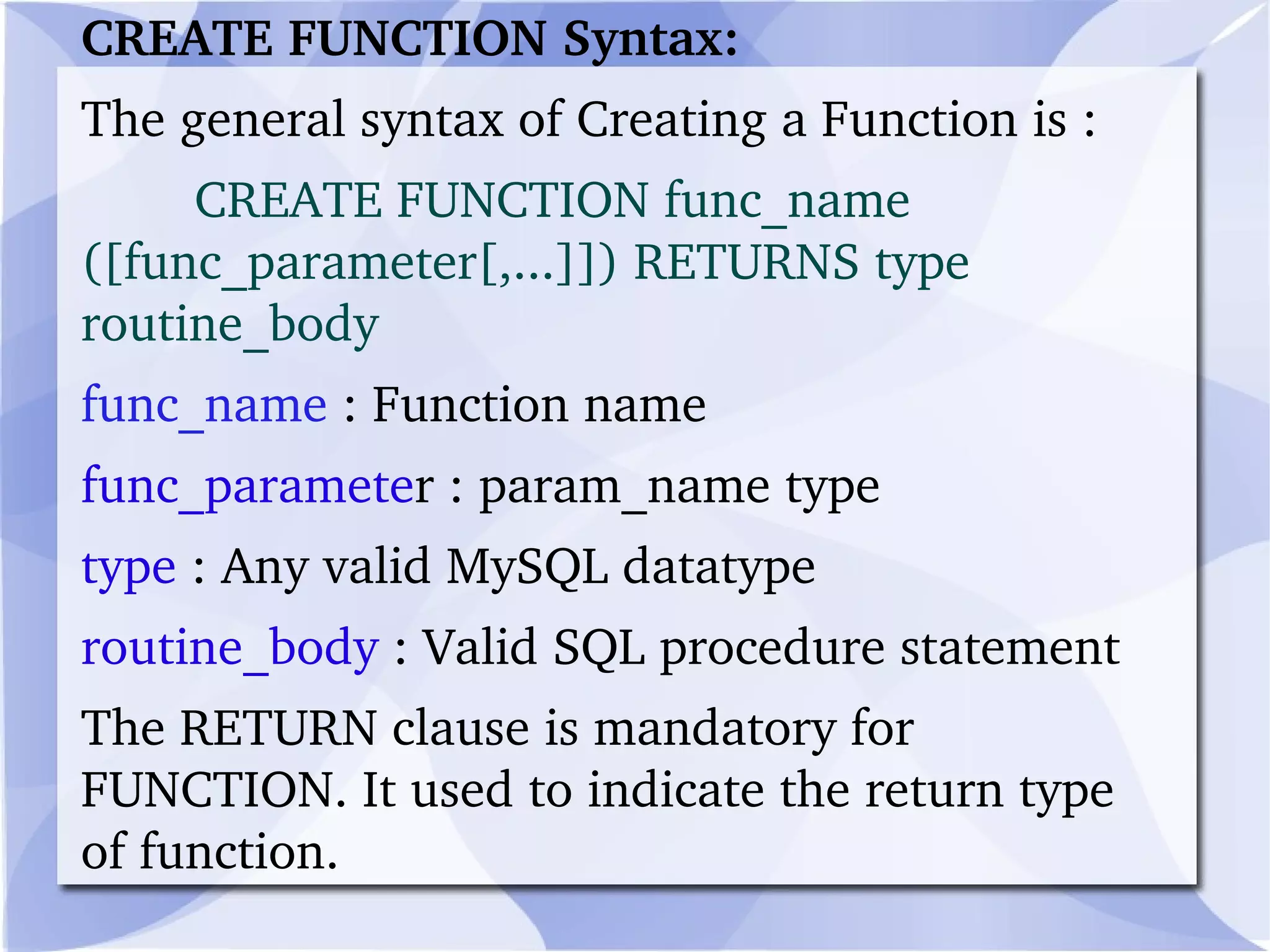
    CREATE FUNCTION Syntax:The general syntax of Creating a Function is :         CREATE FUNCTION func_name ([func_parameter[,...]]) RETURNS type routine_body func_name : Function name func_paramete r : param_name type type : Any valid MySQL datatype routine_body : Valid SQL procedure statement The RETURN clause is mandatory for FUNCTION. It used to indicate the return type of function.
  • 40.
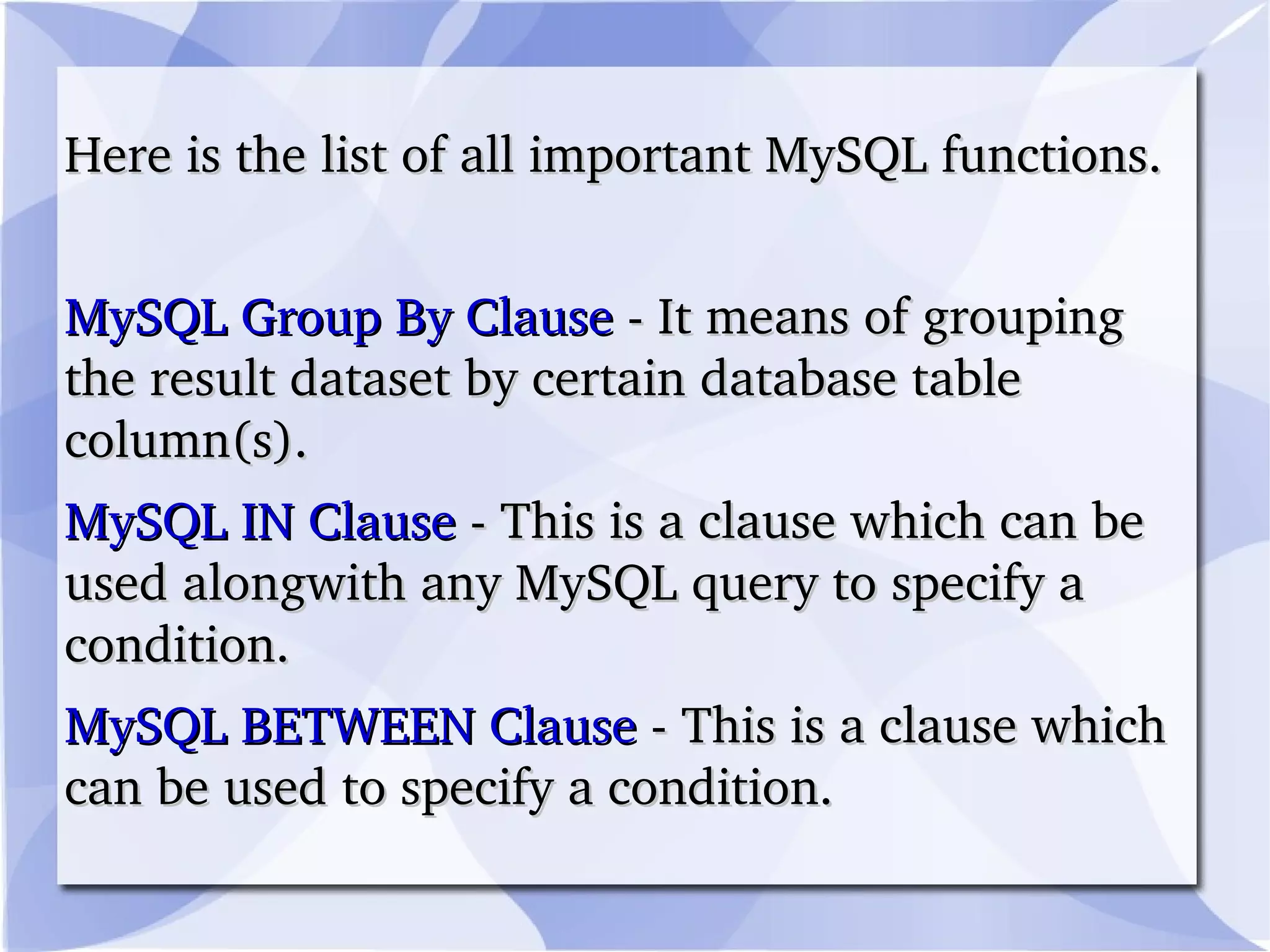
    Here is thelist of all important MySQL functions. MySQL Group By Clause - It means of grouping the result dataset by certain database table column(s).
  • 41.
    MySQL IN Clause - This is a clause which can be used alongwith any MySQL query to specify a condition.
  • 42.
    MySQL BETWEEN Clause - This is a clause which can be used to specify a condition.
  • 43.
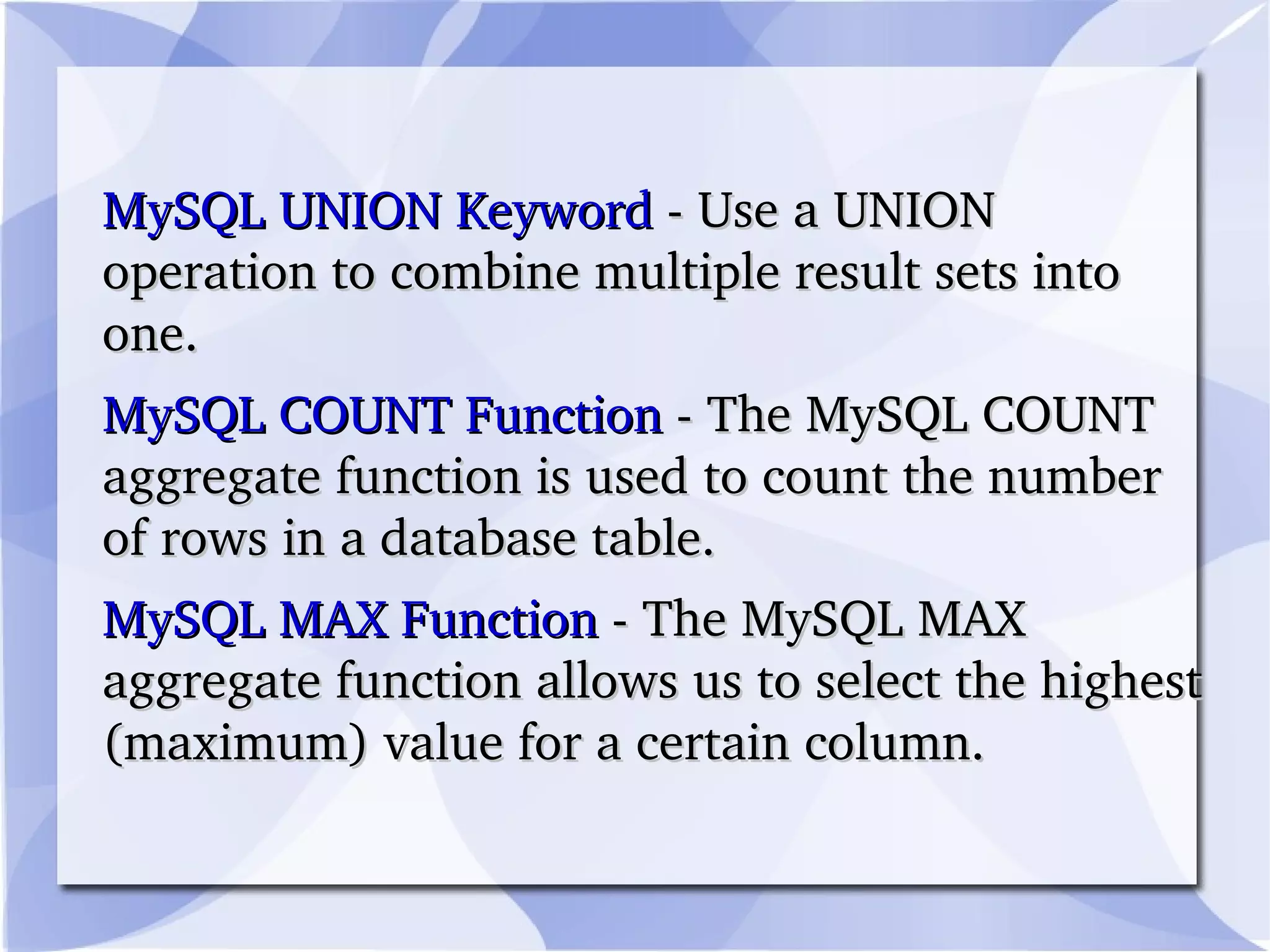
    MySQL UNION Keyword - Use a UNION operation to combine multiple result sets into one. MySQL COUNT Function - The MySQL COUNT aggregate function is used to count the number of rows in a database table. MySQL MAX Function - The MySQL MAX aggregate function allows us to select the highest (maximum) value for a certain column.
  • 44.
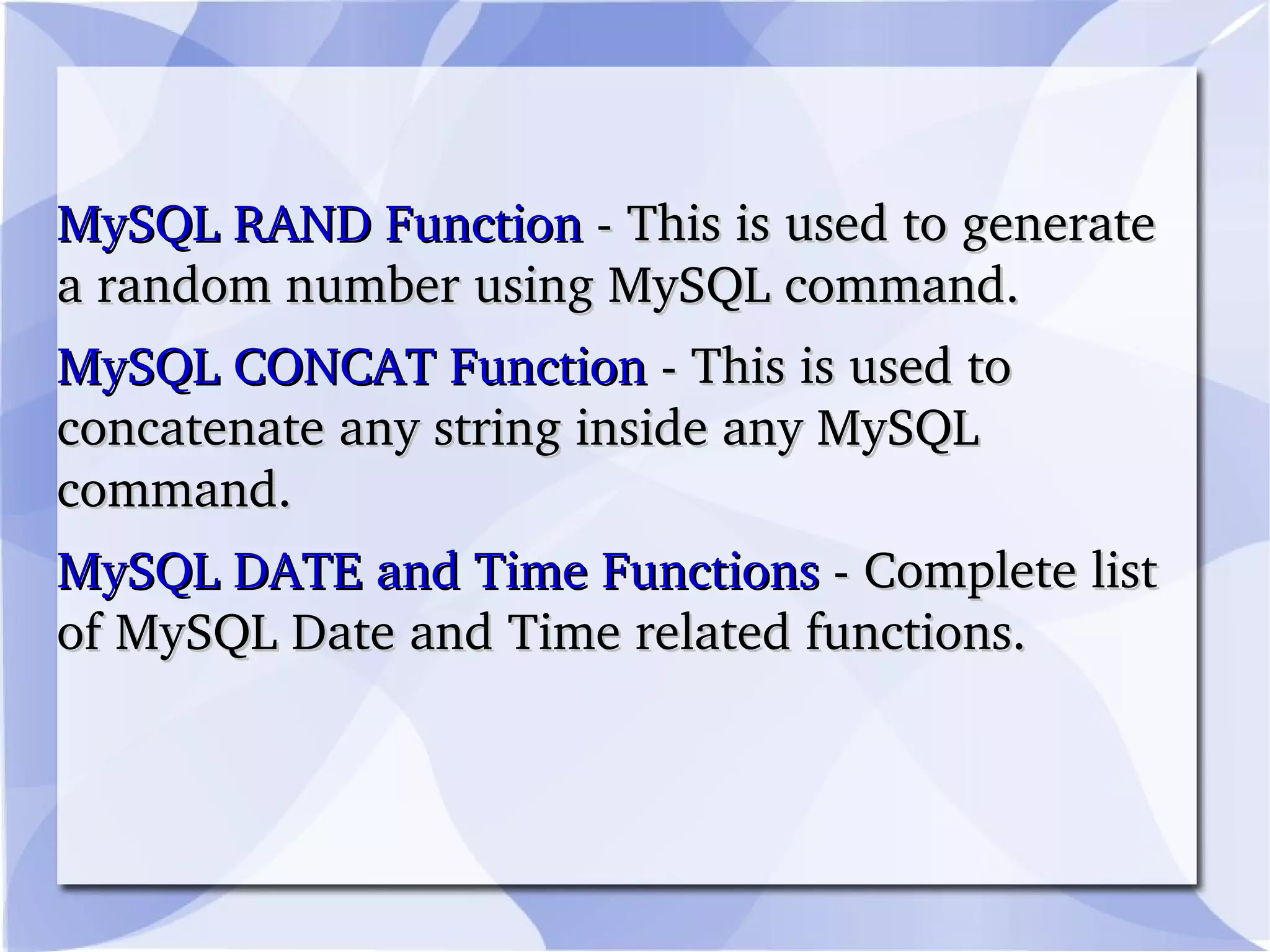
    MySQL RAND Function - This is used to generate a random number using MySQL command. MySQL CONCAT Function - This is used to concatenate any string inside any MySQL command. MySQL DATE and Time Functions - Complete list of MySQL Date and Time related functions.
  • 45.
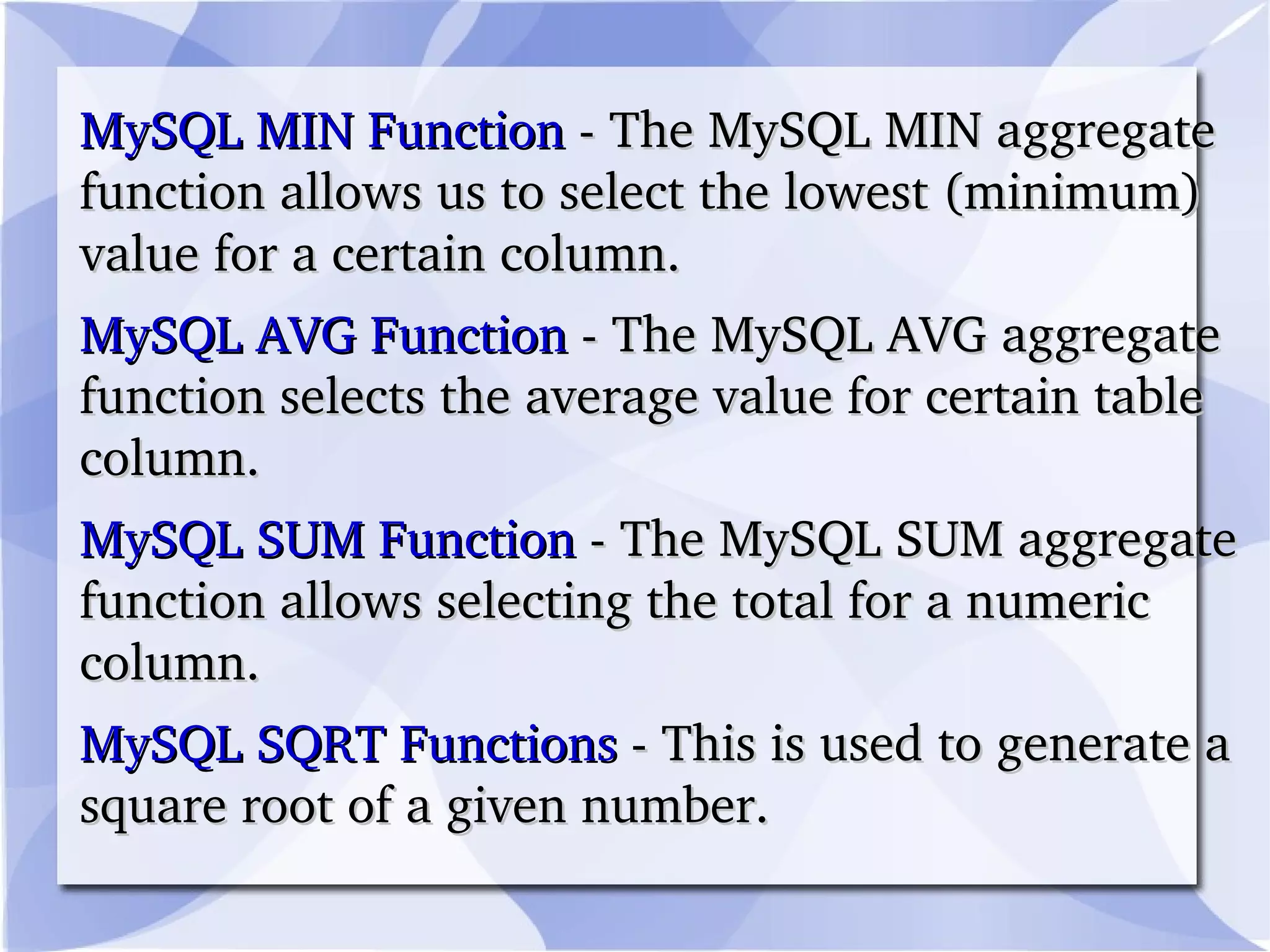
    MySQL MIN Function - The MySQL MIN aggregate function allows us to select the lowest (minimum) value for a certain column. MySQL AVG Function - The MySQL AVG aggregate function selects the average value for certain table column. MySQL SUM Function - The MySQL SUM aggregate function allows selecting the total for a numeric column. MySQL SQRT Functions - This is used to generate a square root of a given number.
  • 46.
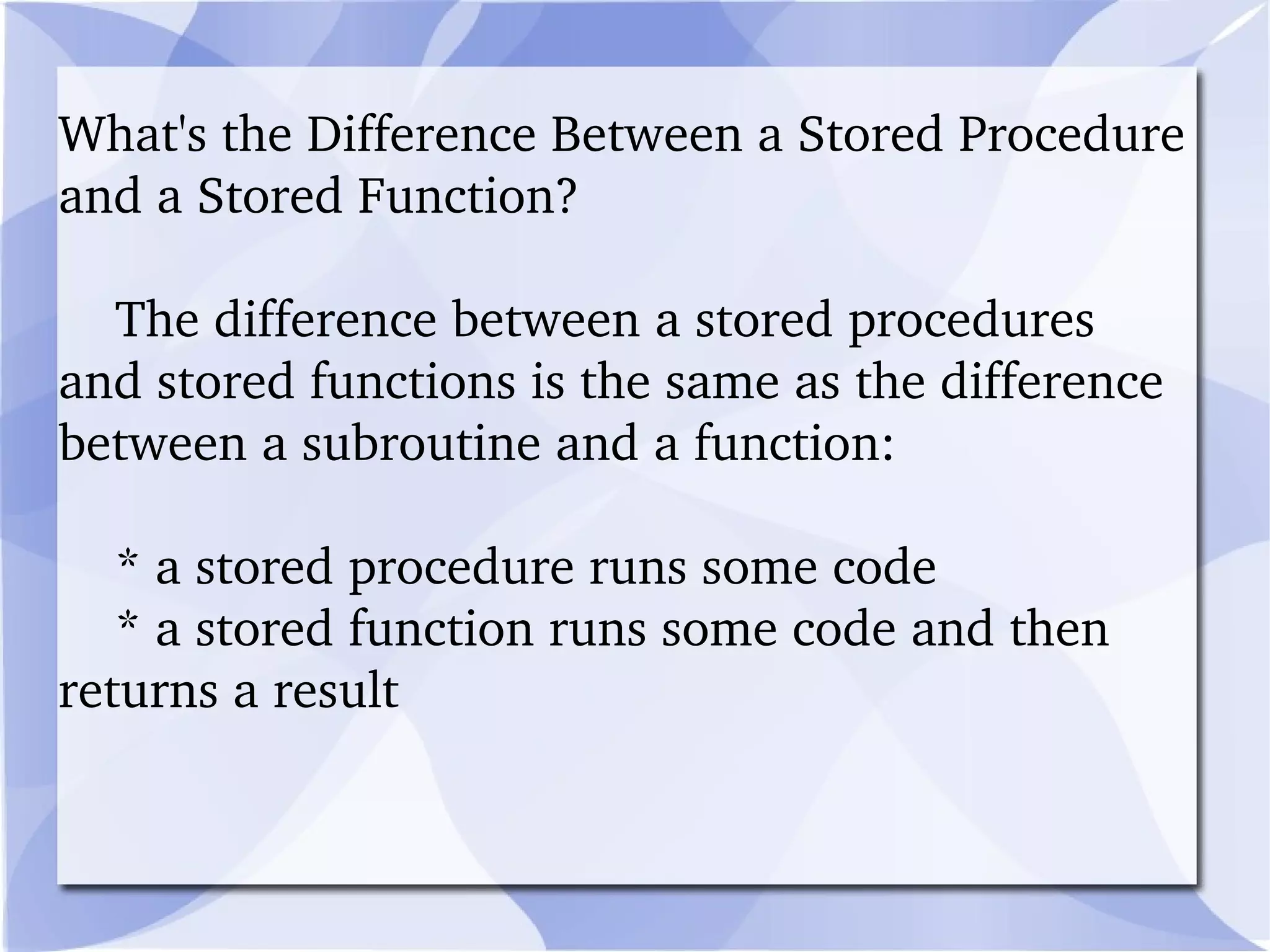
    What's the DifferenceBetween a Stored Procedure and a Stored Function? The difference between a stored procedures and stored functions is the same as the difference between a subroutine and a function: * a stored procedure runs some code * a stored function runs some code and then returns a result
  • 47.
    Why Use StoredProcedures and Stored Functions? The real advantage to using stored procedures and stored functions is that they provide functionality which is platform and application independant.
  • 48.
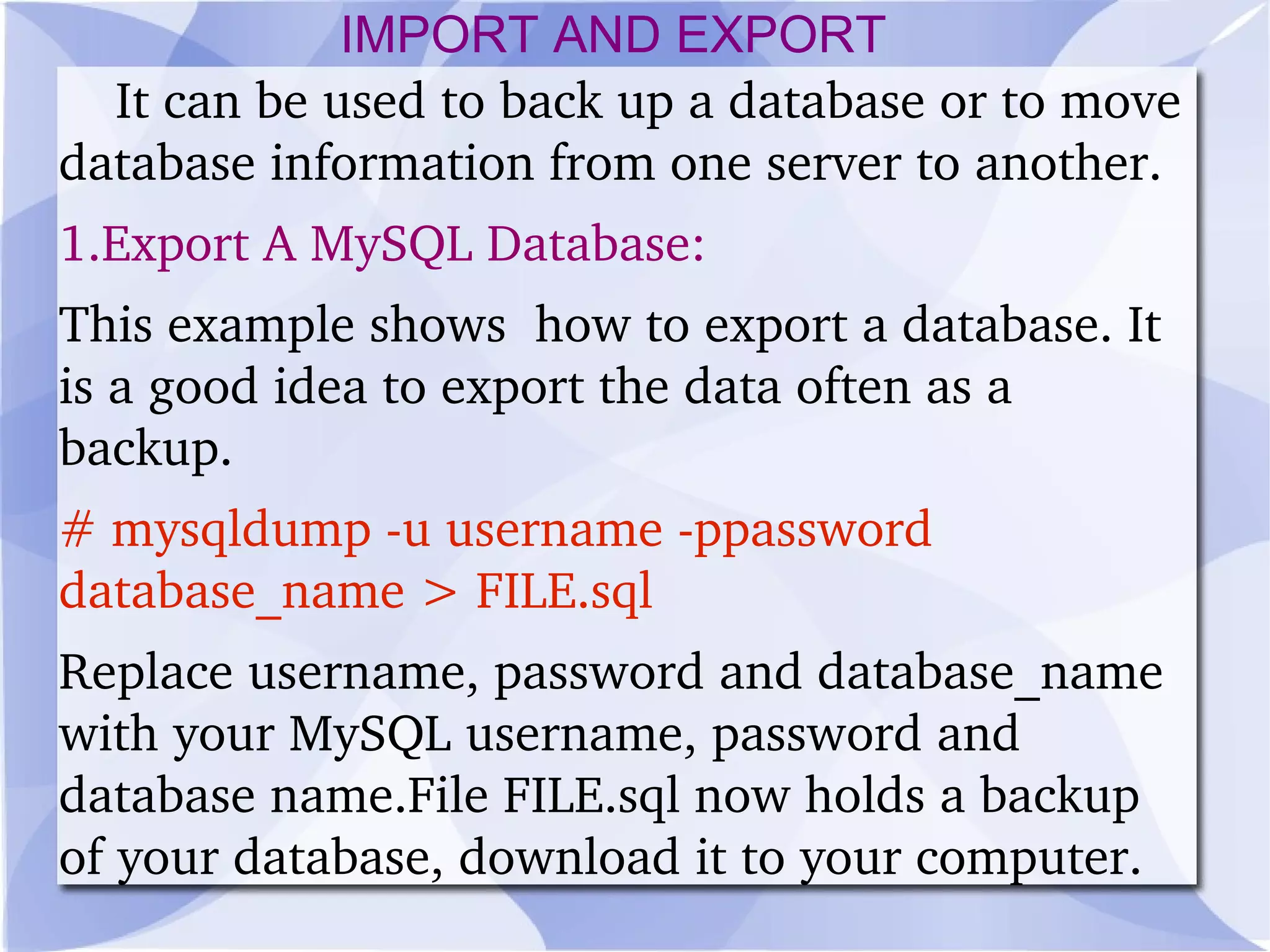
    It can beused to back up a database or to move database information from one server to another. 1.Export A MySQL Database: This example shows how to export a database. It is a good idea to export the data often as a backup. # mysqldump -u username -ppassword database_name > FILE.sql Replace username, password and database_name with your MySQL username, password and database name.File FILE.sql now holds a backup of your database, download it to your computer. IMPORT AND EXPORT
  • 49.
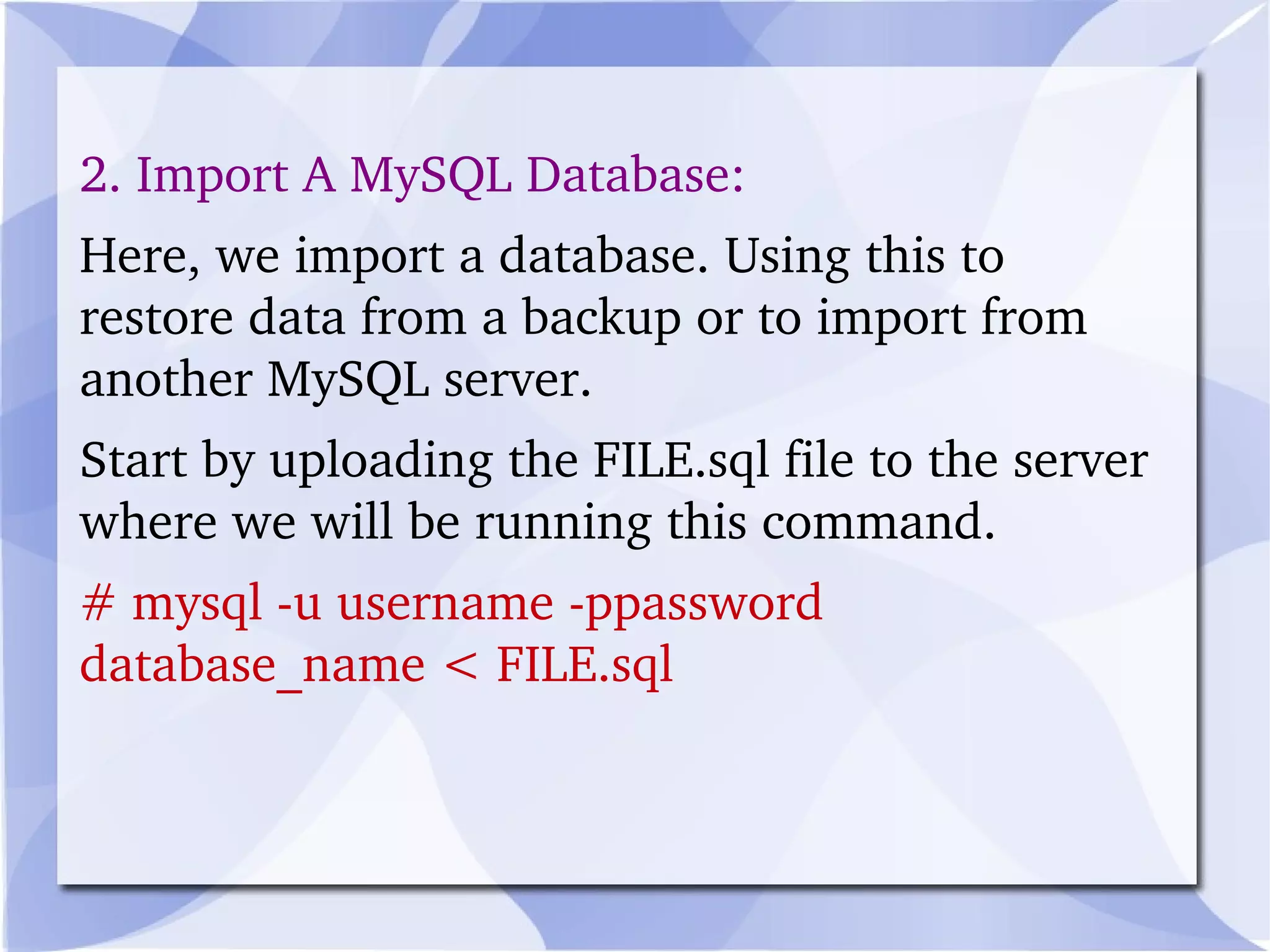
    2. Import AMySQL Database: Here, we import a database. Using this to restore data from a backup or to import from another MySQL server. Start by uploading the FILE.sql file to the server where we will be running this command. # mysql -u username -ppassword database_name < FILE.sql