BY LARAH YEARWOOD
AND MORE….


Whilst I was researching for this project I used
the internet to conduct my research about
music videos and digipaks, and I posted my
findings on blogger. I used animation apps,
such as Pixtrix to annotate cd covers and
adverts, and Prezi and Gifs to analyze music
videos. Gifs were particularly useful when I
was researching about mise-en-scene. I also
used Youtube for my research so I could get
some influence from already existing music
videos, as well as Google images for use of
synergy.


Instead of just noting things down we
uploaded and posted things to blogger.
Whilst researching I posted my findings
to the blog and got regular feedback
from my teachers. I also used blogger to
evaluate how I was progressing through
the course. I was able keep track of
what I was doing as my posts were in
order and I could plan what to do in the
project on blogger as well.
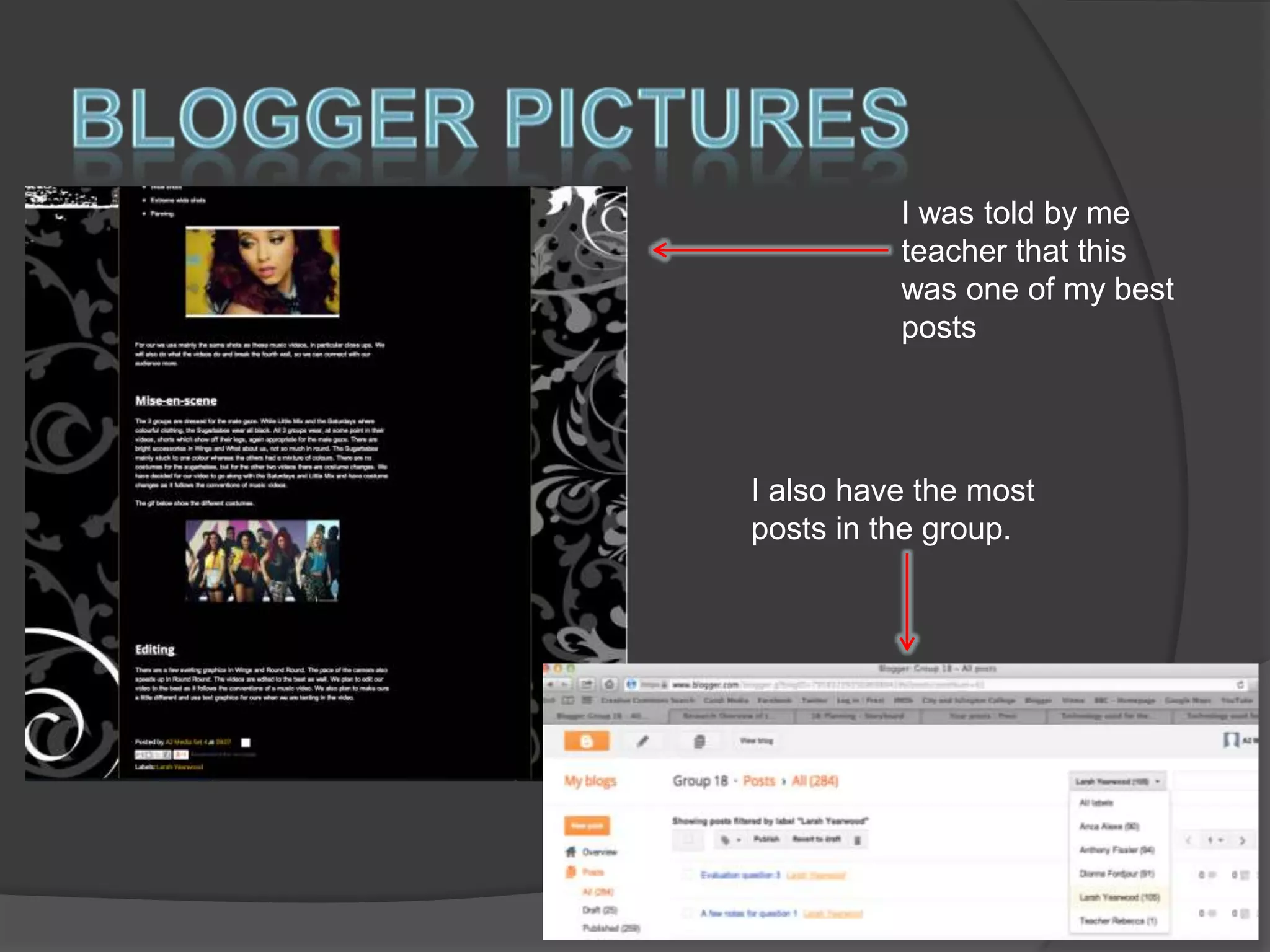
I was told by me
teacher that this
was one of my best
posts

I also have the most
posts in the group.


Some of the research I did involved
youtube. I had to analyse music videos.
For example, some videos I felt had a
good range of shots, good mise-enscene and good editing. I also had to
analyse videos that influenced me. This
was mainly little mix and the saturdays
videos as they are the same genre as
us.


I also used Google for research on theories
about music videos, in particular from
Andrew Goodwin and Carol Vernallis. I also
used the internet to find out conventions
about music videos and digipaks as well,
as I needed to know the important do’s and
don’t’s of the work and what I could
possibly challenge. The group also set up a
facebook account to conduct more
research regarding our target audience and
what they would expect or want to hear
from us.
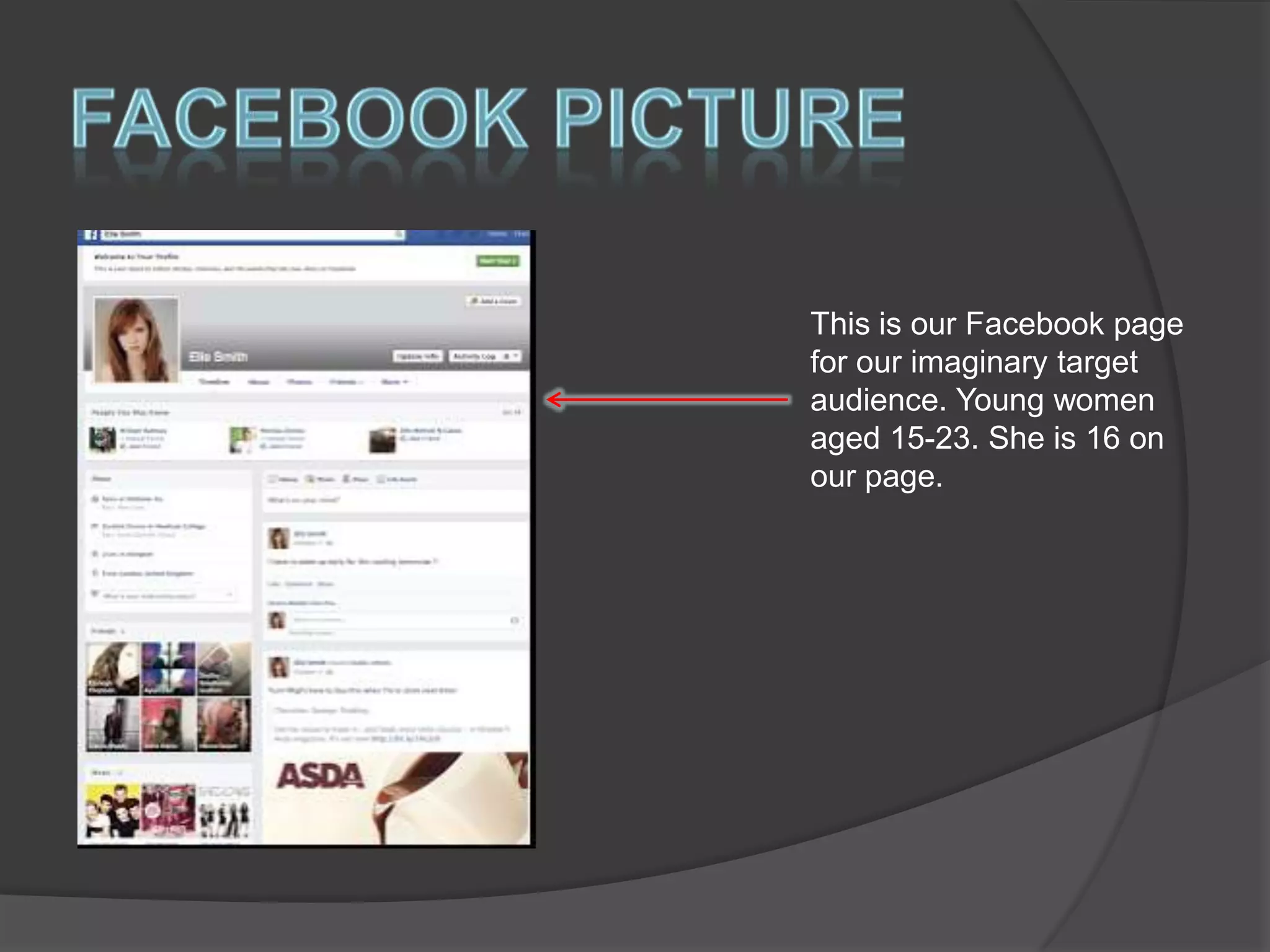
This is our Facebook page
for our imaginary target
audience. Young women
aged 15-23. She is 16 on
our page.


I used the app GoAnimate to create a
conversation about the conventions of a
music video, just for a little fun. I also
used photobucket a lot when I took
screen grabs of my research. These
posts are up on the blog. I used apps
that were new to me as well such as
Animoto, Pixtrix and Slidely to be a bit
more creative.


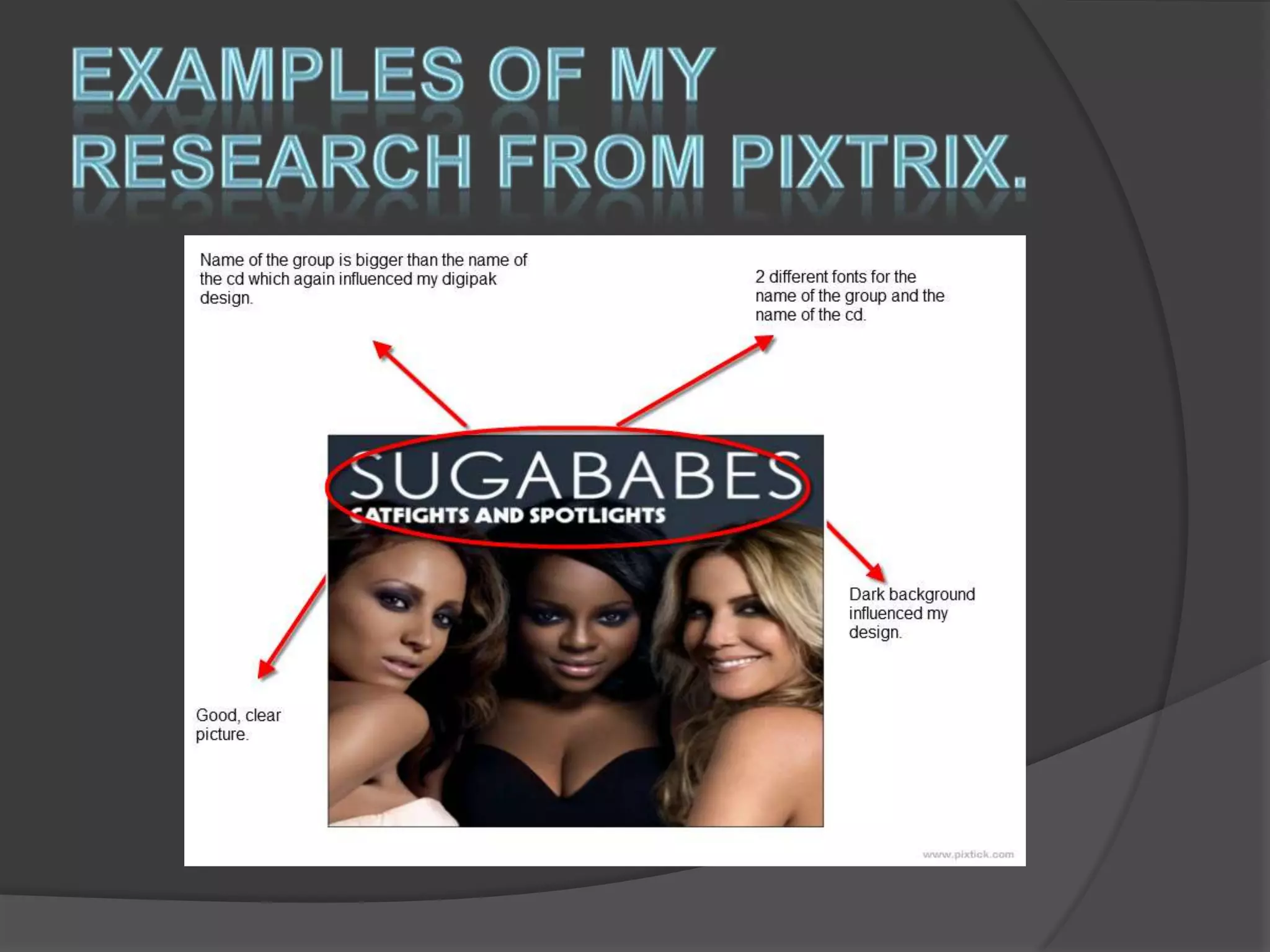
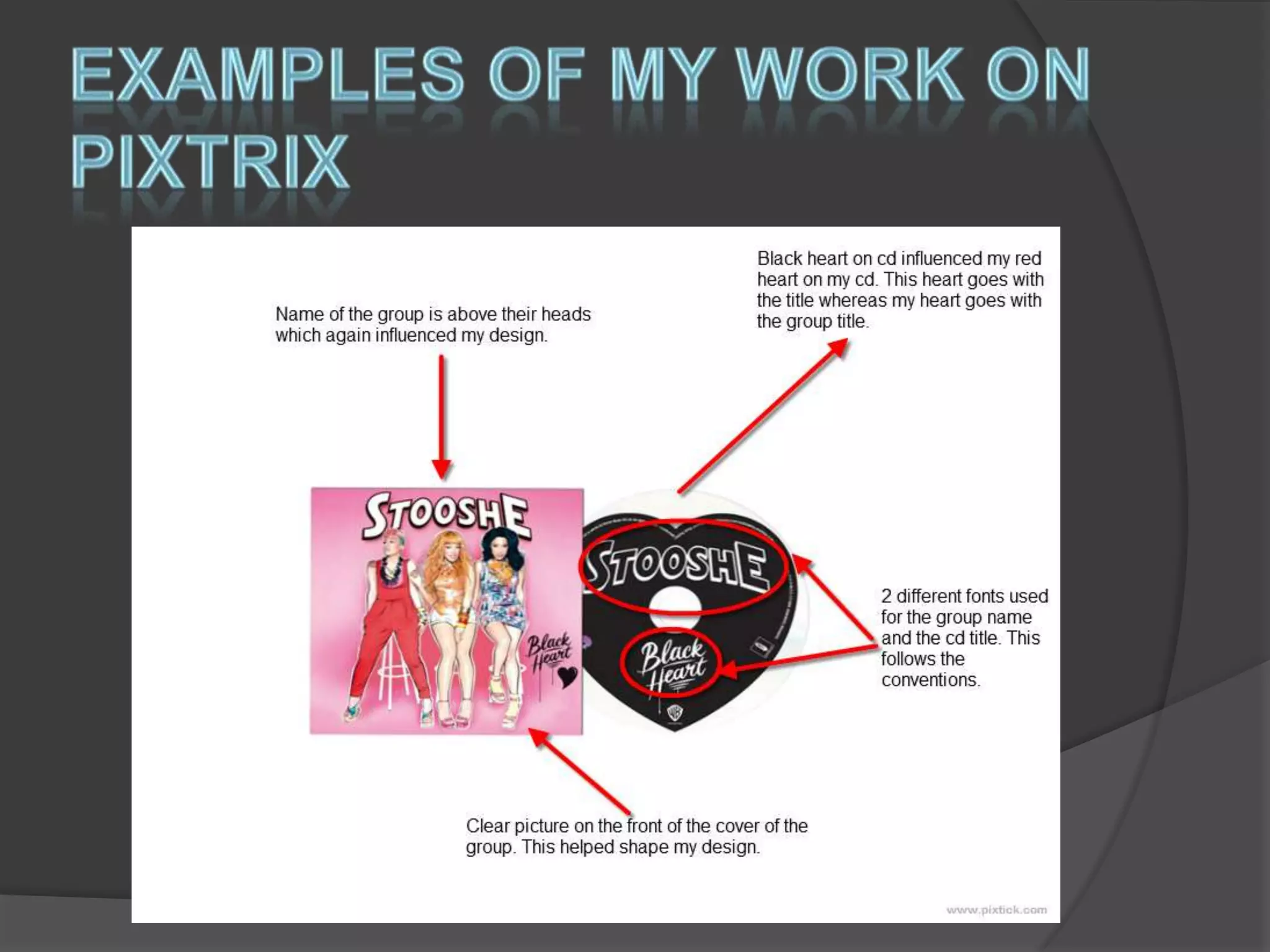
Pixtrix is an annotations app I used for
research into my ancillary work. I was
able to analyse digipaks and
advertisements and also show the links
to my work. I was also able to show how
already existing work influenced mine.


Whilst we were planning we decided to
set up a twitter account for our group
and post tweets updating our followers
on how progress with the video and
album were going. We also had a group
twitter account to keep our teachers up
to date with our filming progress. This
was a new thing.


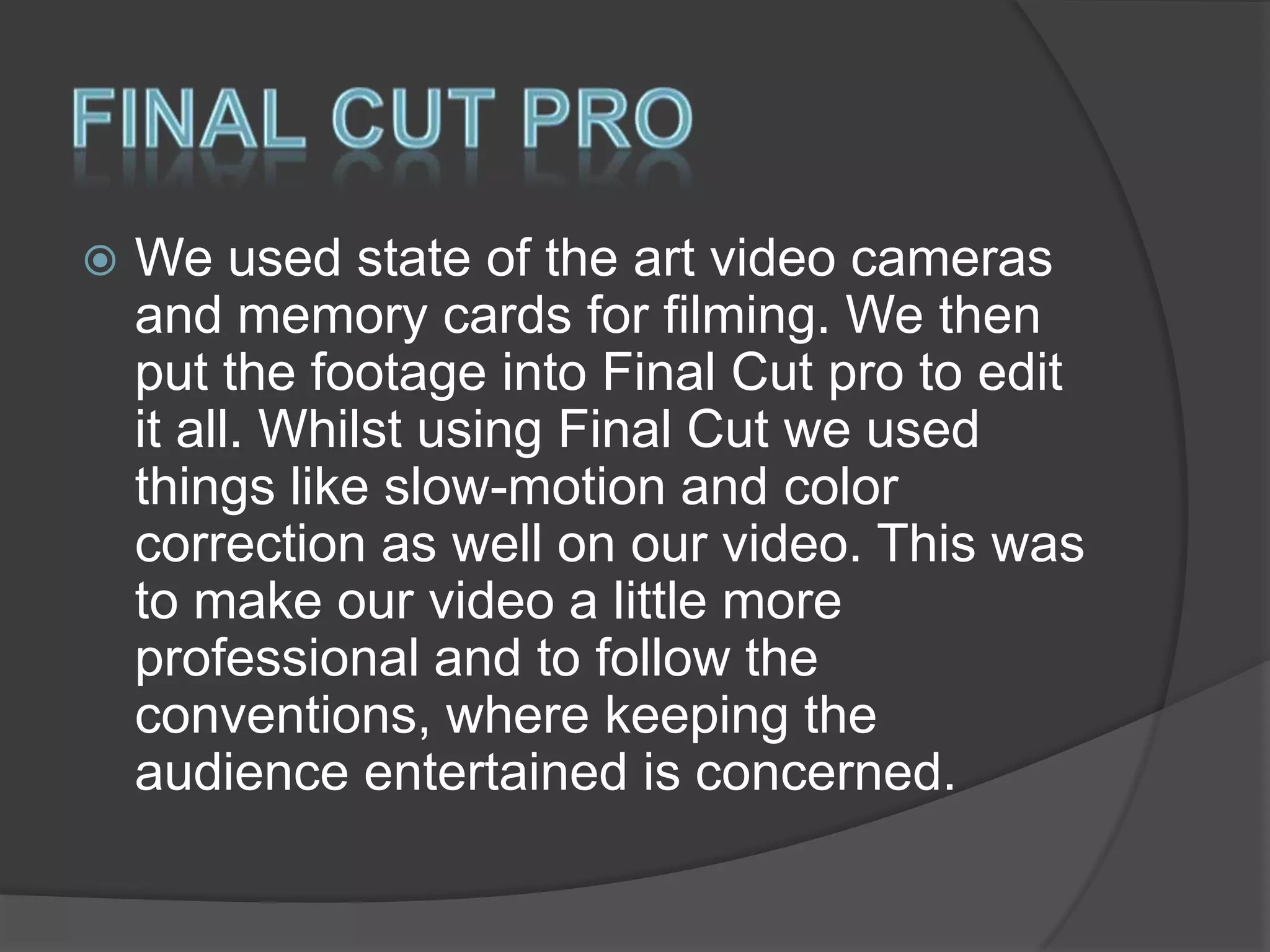
This screen shot
here show our
twitter page
updating fans. This
helped the project
seem a little more
realistic.


We used state of the art video cameras
and memory cards for filming. We then
put the footage into Final Cut pro to edit
it all. Whilst using Final Cut we used
things like slow-motion and color
correction as well on our video. This was
to make our video a little more
professional and to follow the
conventions, where keeping the
audience entertained is concerned.
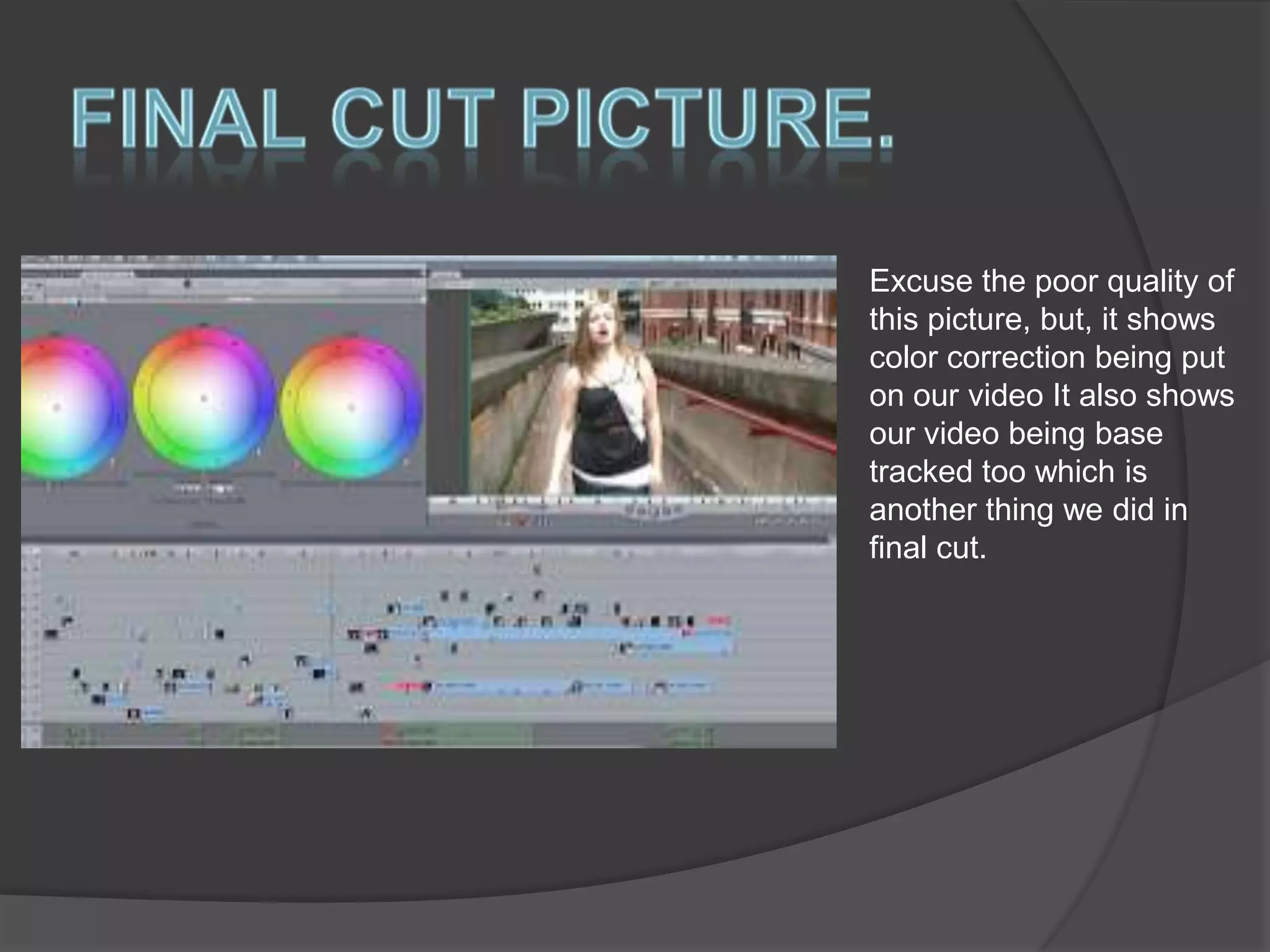
Excuse the poor quality of
this picture, but, it shows
color correction being put
on our video It also shows
our video being base
tracked too which is
another thing we did in
final cut.


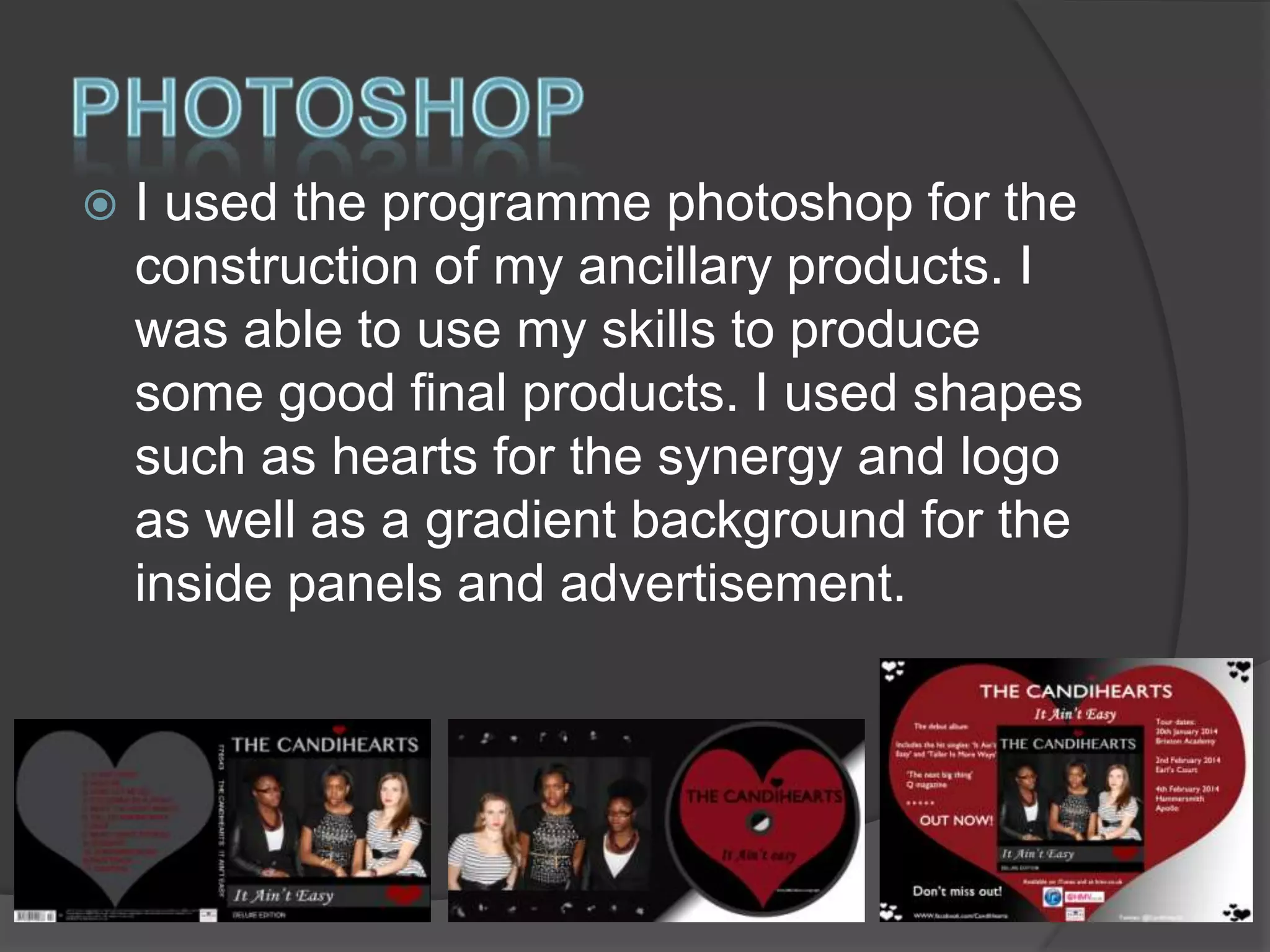
I used the programme photoshop for the
construction of my ancillary products. I
was able to use my skills to produce
some good final products. I used shapes
such as hearts for the synergy and logo
as well as a gradient background for the
inside panels and advertisement.


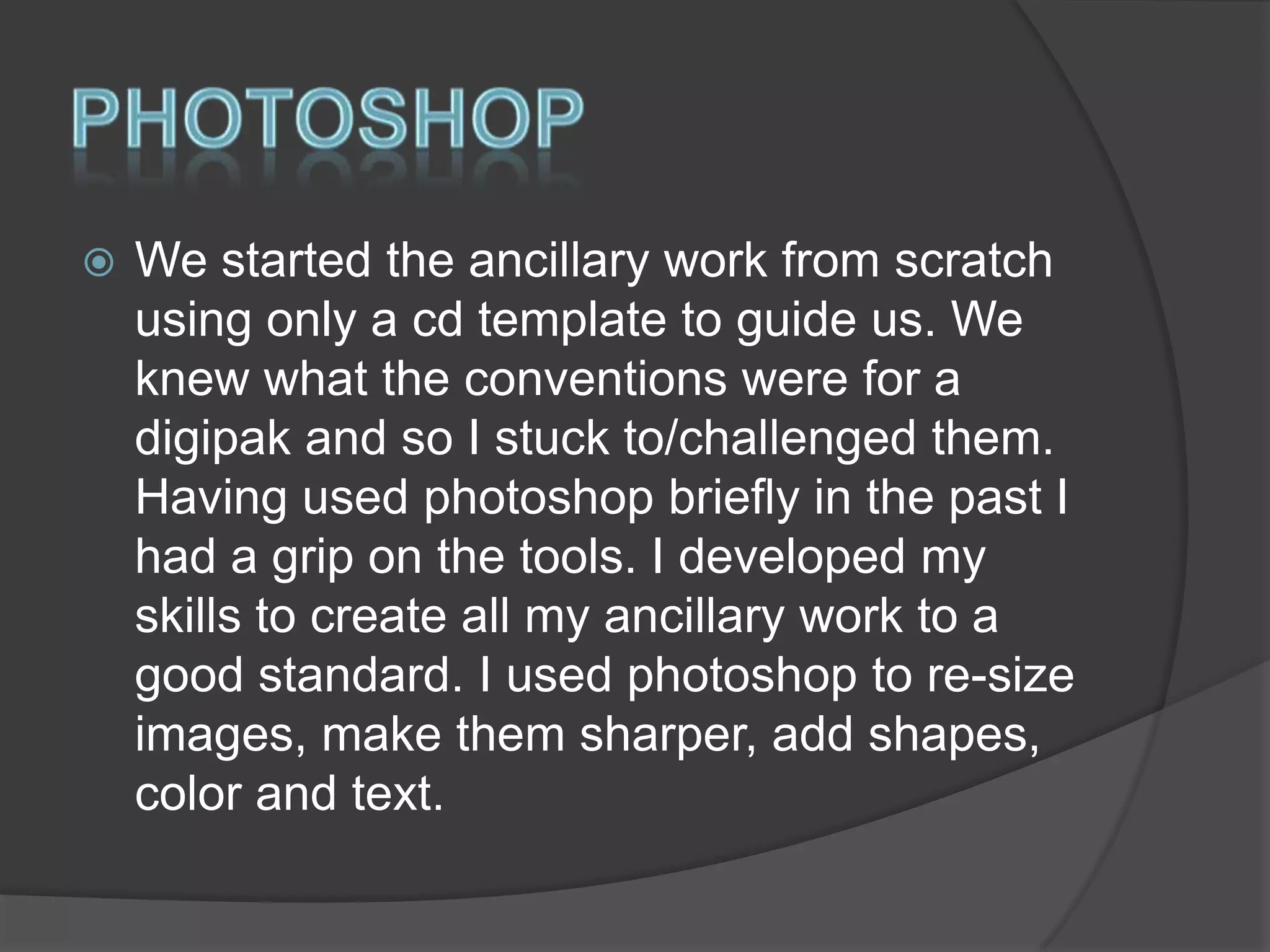
We started the ancillary work from scratch
using only a cd template to guide us. We
knew what the conventions were for a
digipak and so I stuck to/challenged them.
Having used photoshop briefly in the past I
had a grip on the tools. I developed my
skills to create all my ancillary work to a
good standard. I used photoshop to re-size
images, make them sharper, add shapes,
color and text.
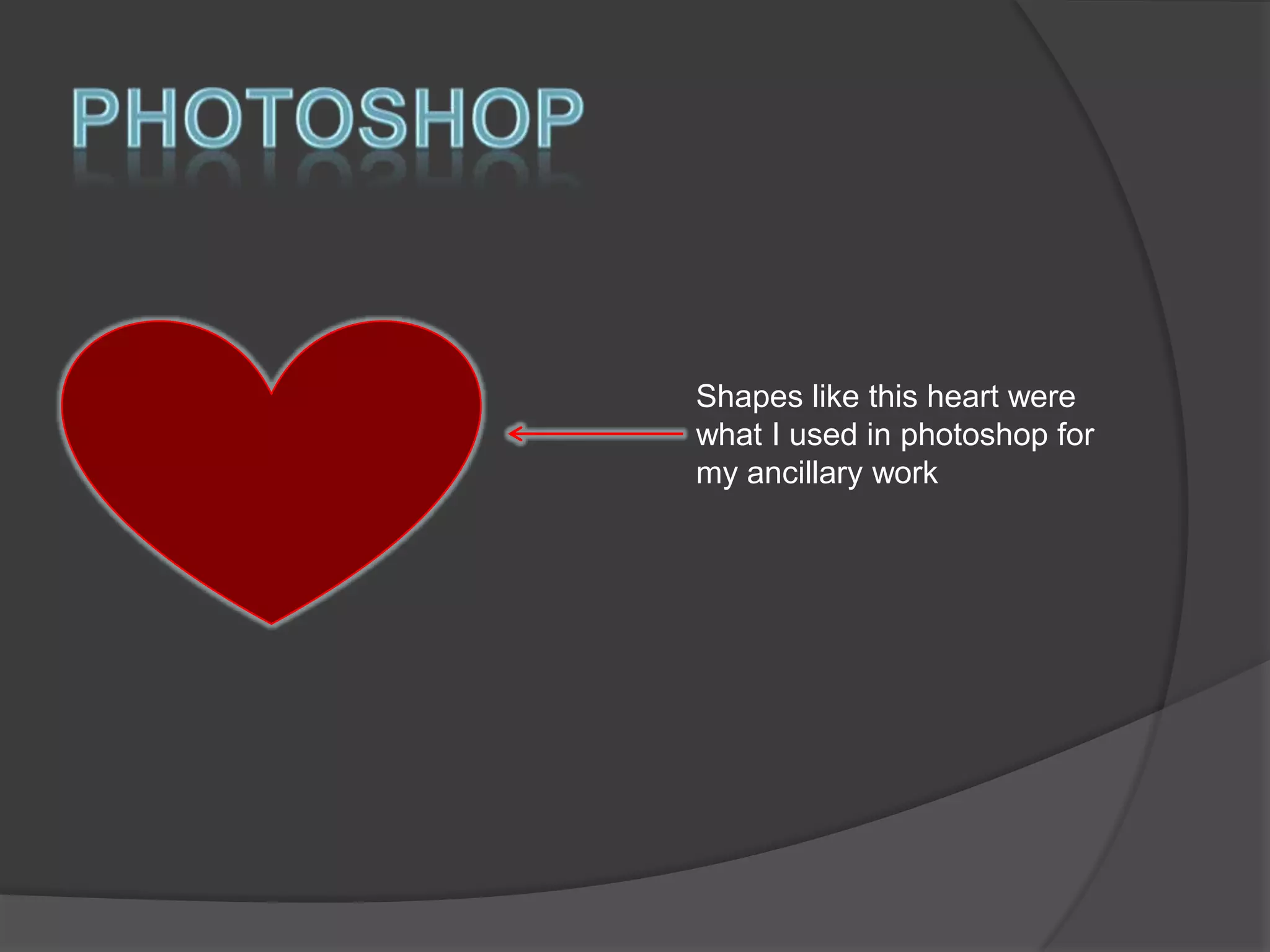
Shapes like this heart were
what I used in photoshop for
my ancillary work
A2 media evaluation 2014

A2 media evaluation 2014

  • 1.
  • 2.
  • 3.
     Whilst I wasresearching for this project I used the internet to conduct my research about music videos and digipaks, and I posted my findings on blogger. I used animation apps, such as Pixtrix to annotate cd covers and adverts, and Prezi and Gifs to analyze music videos. Gifs were particularly useful when I was researching about mise-en-scene. I also used Youtube for my research so I could get some influence from already existing music videos, as well as Google images for use of synergy.
  • 4.
     Instead of justnoting things down we uploaded and posted things to blogger. Whilst researching I posted my findings to the blog and got regular feedback from my teachers. I also used blogger to evaluate how I was progressing through the course. I was able keep track of what I was doing as my posts were in order and I could plan what to do in the project on blogger as well.
  • 5.
    I was toldby me teacher that this was one of my best posts I also have the most posts in the group.
  • 6.
     Some of theresearch I did involved youtube. I had to analyse music videos. For example, some videos I felt had a good range of shots, good mise-enscene and good editing. I also had to analyse videos that influenced me. This was mainly little mix and the saturdays videos as they are the same genre as us.
  • 7.
     I also usedGoogle for research on theories about music videos, in particular from Andrew Goodwin and Carol Vernallis. I also used the internet to find out conventions about music videos and digipaks as well, as I needed to know the important do’s and don’t’s of the work and what I could possibly challenge. The group also set up a facebook account to conduct more research regarding our target audience and what they would expect or want to hear from us.
  • 8.
    This is ourFacebook page for our imaginary target audience. Young women aged 15-23. She is 16 on our page.
  • 9.
     I used theapp GoAnimate to create a conversation about the conventions of a music video, just for a little fun. I also used photobucket a lot when I took screen grabs of my research. These posts are up on the blog. I used apps that were new to me as well such as Animoto, Pixtrix and Slidely to be a bit more creative.
  • 10.
     Pixtrix is anannotations app I used for research into my ancillary work. I was able to analyse digipaks and advertisements and also show the links to my work. I was also able to show how already existing work influenced mine.
  • 13.
     Whilst we wereplanning we decided to set up a twitter account for our group and post tweets updating our followers on how progress with the video and album were going. We also had a group twitter account to keep our teachers up to date with our filming progress. This was a new thing.
  • 14.
     This screen shot hereshow our twitter page updating fans. This helped the project seem a little more realistic.
  • 15.
     We used stateof the art video cameras and memory cards for filming. We then put the footage into Final Cut pro to edit it all. Whilst using Final Cut we used things like slow-motion and color correction as well on our video. This was to make our video a little more professional and to follow the conventions, where keeping the audience entertained is concerned.
  • 16.
    Excuse the poorquality of this picture, but, it shows color correction being put on our video It also shows our video being base tracked too which is another thing we did in final cut.
  • 17.
     I used theprogramme photoshop for the construction of my ancillary products. I was able to use my skills to produce some good final products. I used shapes such as hearts for the synergy and logo as well as a gradient background for the inside panels and advertisement.
  • 18.
     We started theancillary work from scratch using only a cd template to guide us. We knew what the conventions were for a digipak and so I stuck to/challenged them. Having used photoshop briefly in the past I had a grip on the tools. I developed my skills to create all my ancillary work to a good standard. I used photoshop to re-size images, make them sharper, add shapes, color and text.
  • 19.
    Shapes like thisheart were what I used in photoshop for my ancillary work