Learning 2.0 for Associations <learning> <technology> <change> Mission to Learn
Download and Resources Available The download of this presentation at Slideshare.net contains the related script as well as all attributions, etc.  Resources to accompany the presentation are also available at  http:// www.missiontolearn.com /resources   This work is licensed under a  Creative Commons Attribution-Share Alike 3.0 United States License .
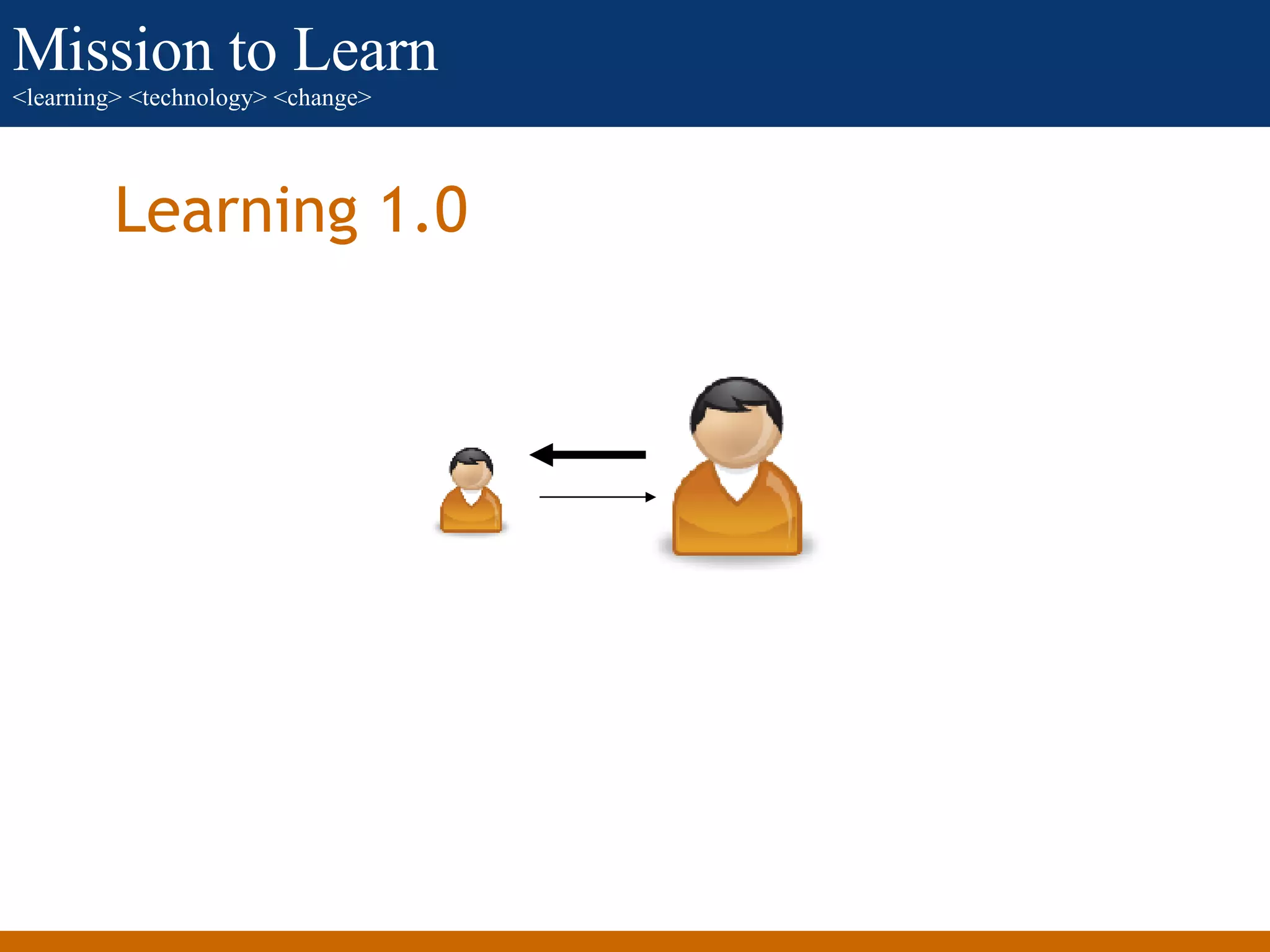
Learning 1.0
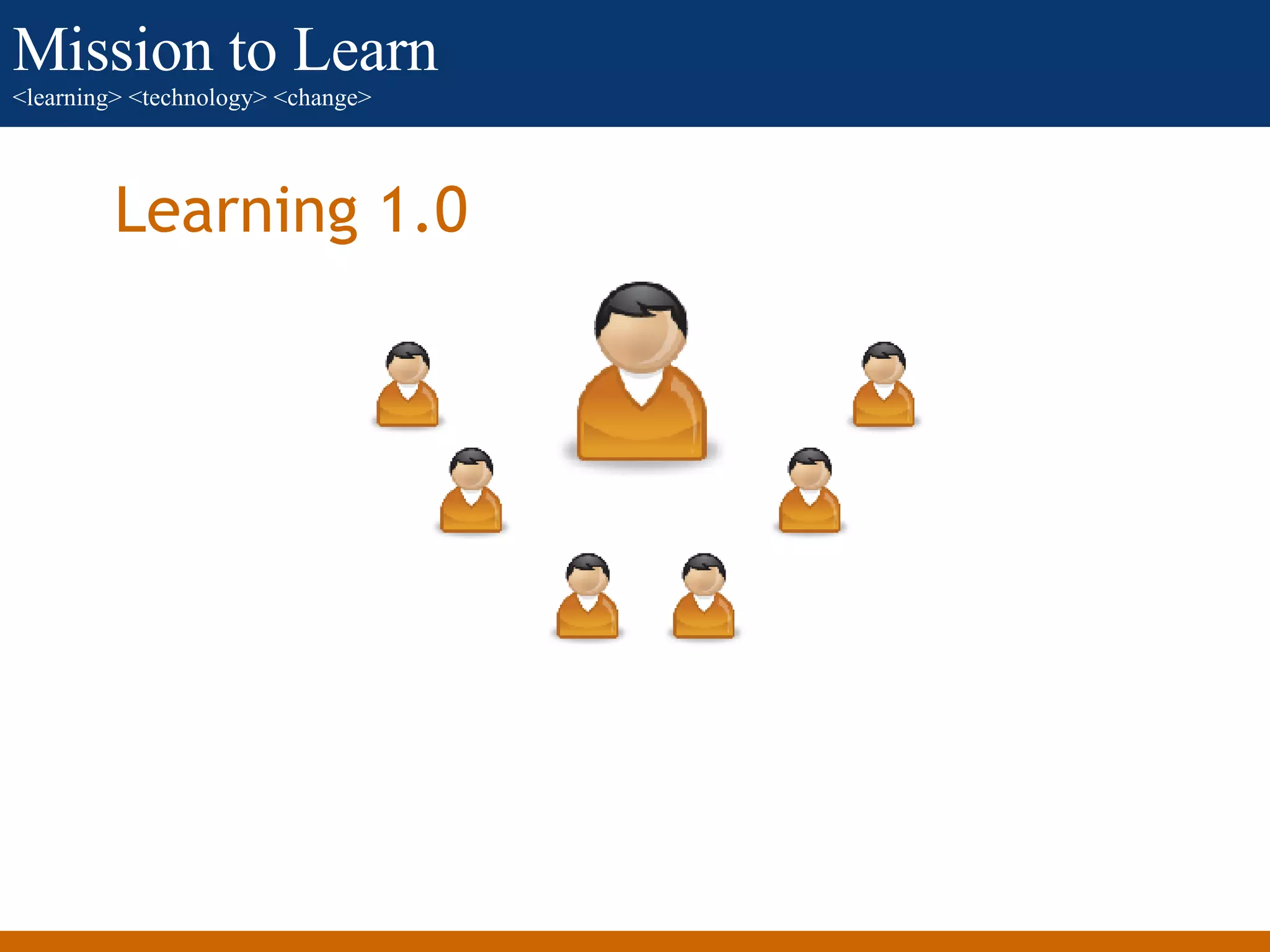
Learning 1.0
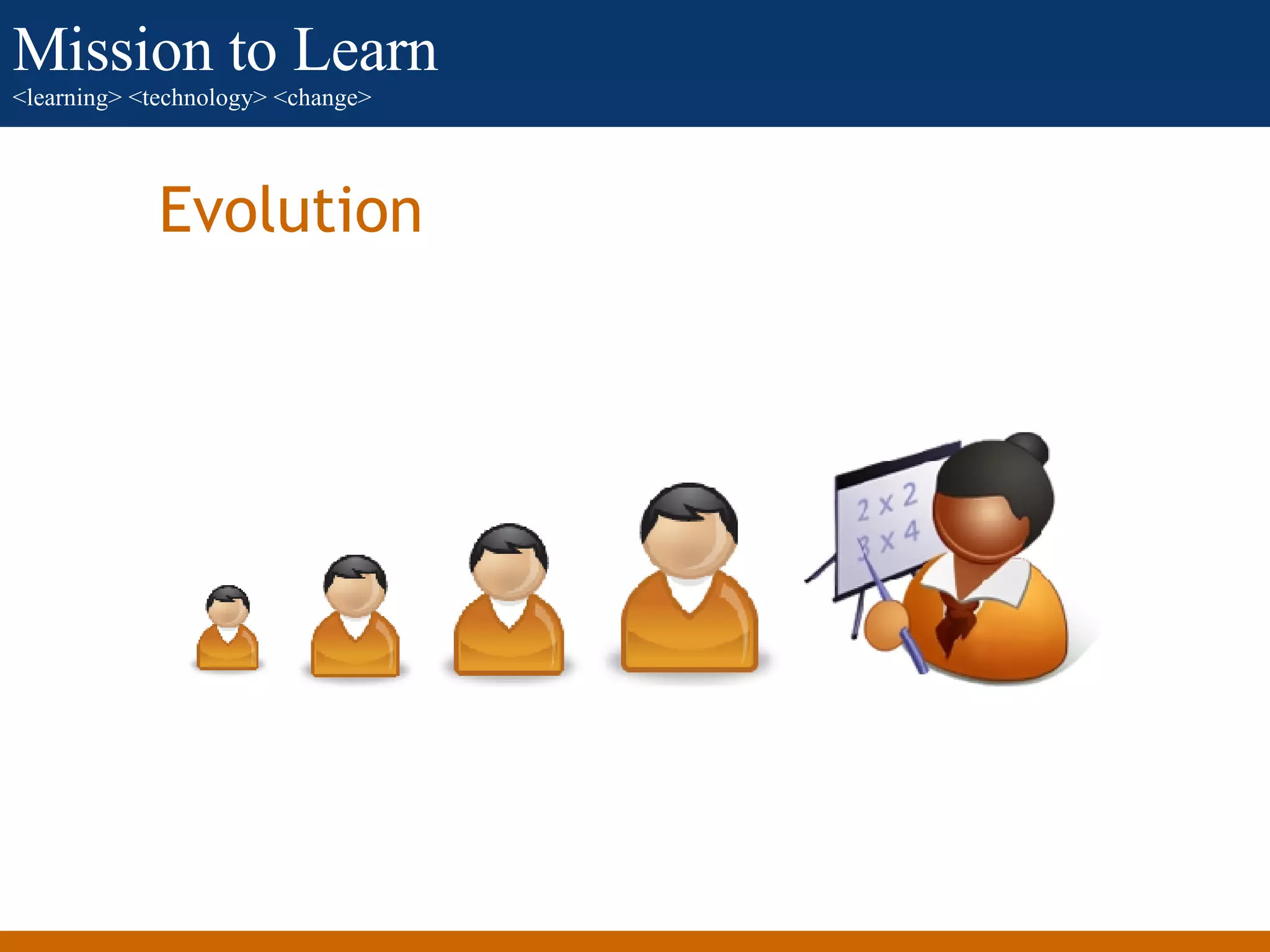
Evolution
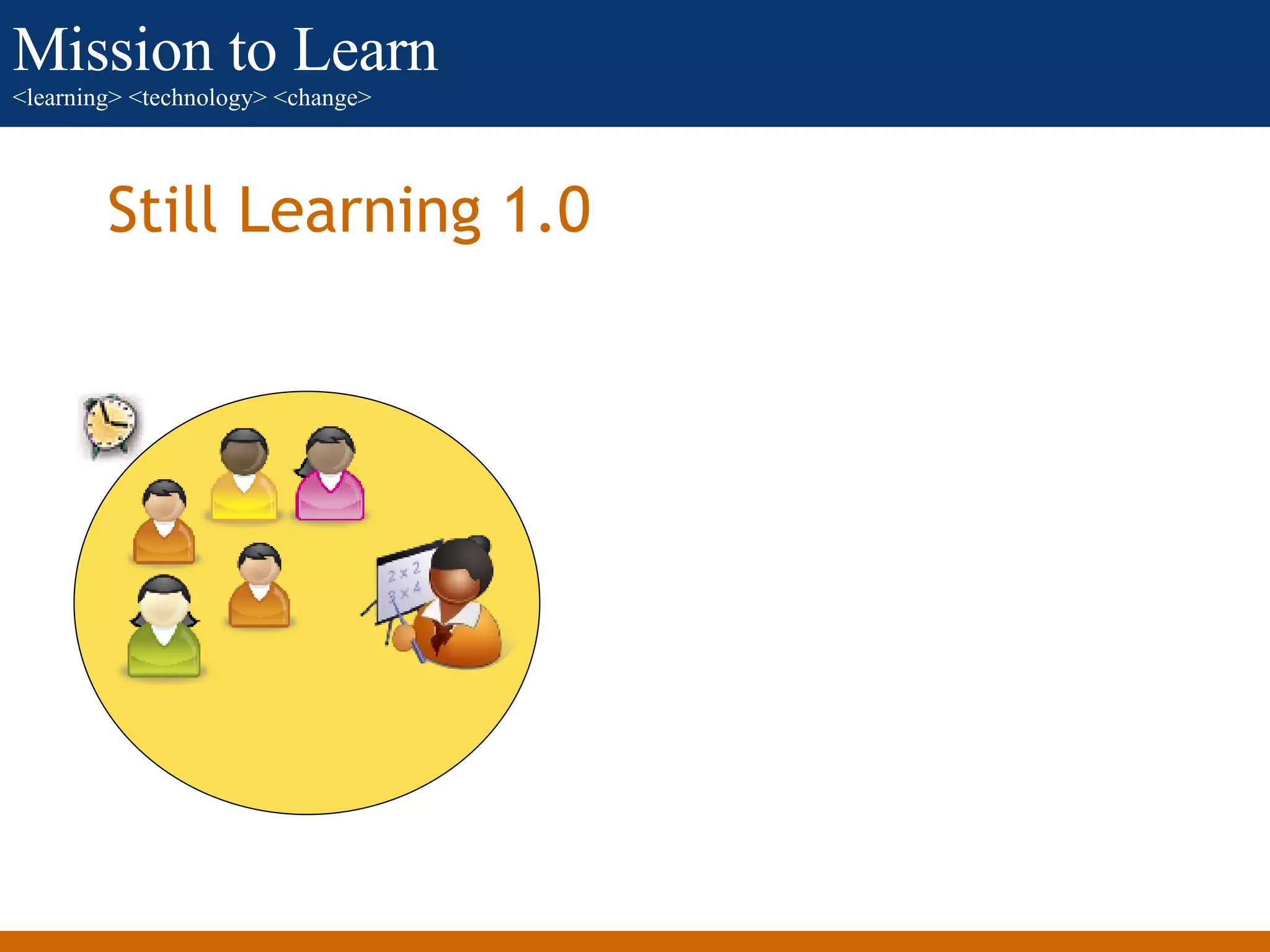
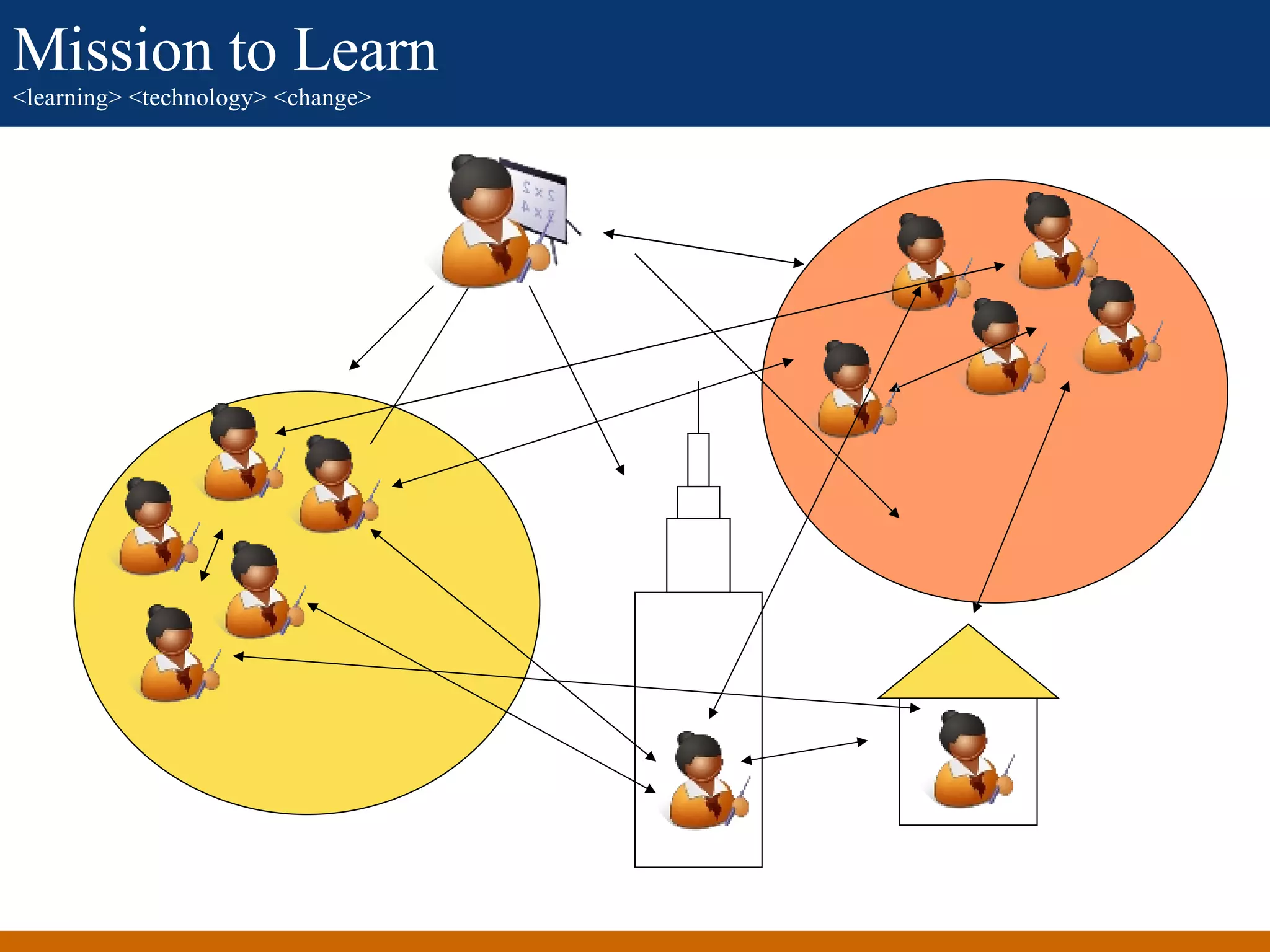
Still Learning 1.0
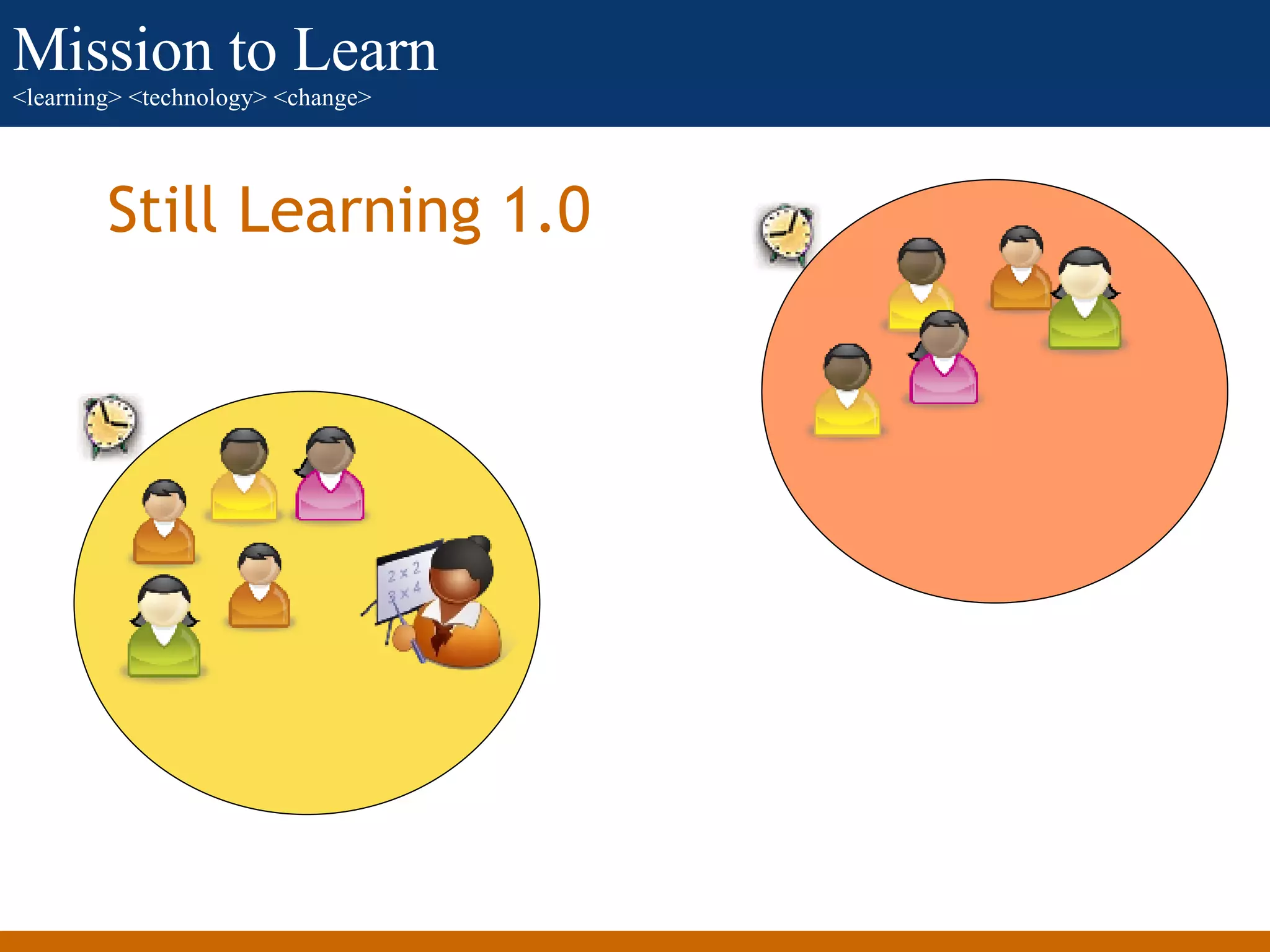
Still Learning 1.0
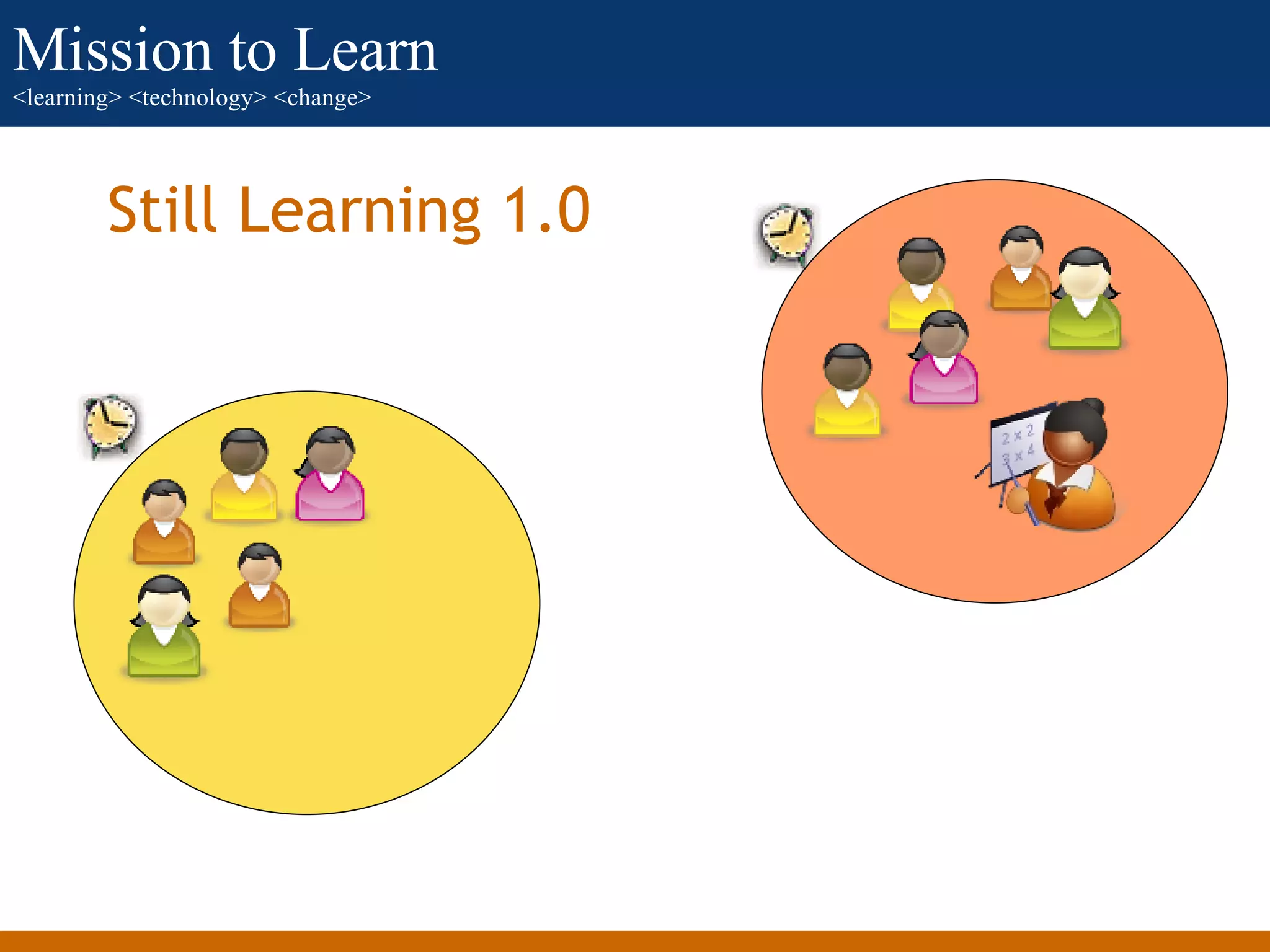
Still Learning 1.0
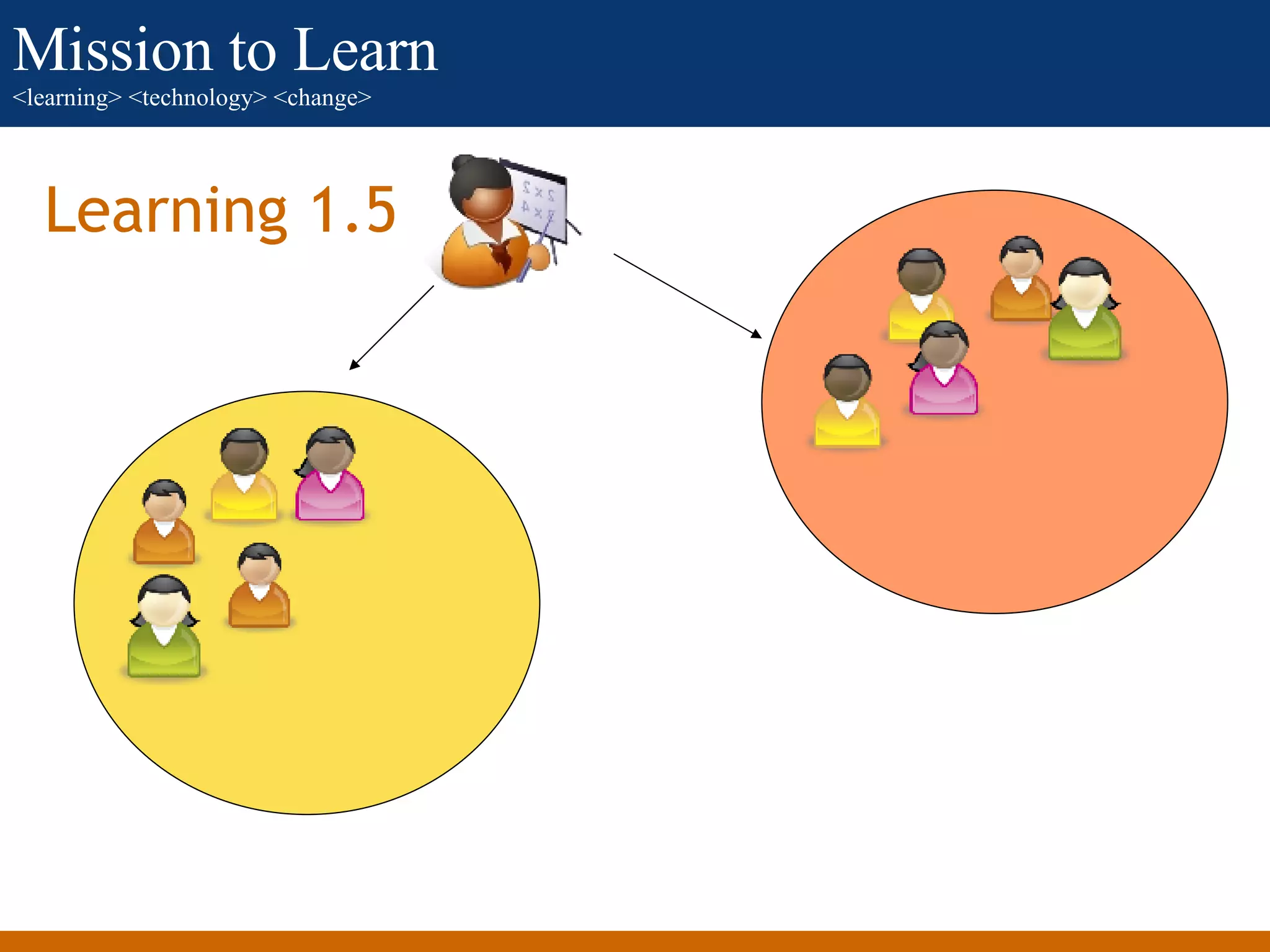
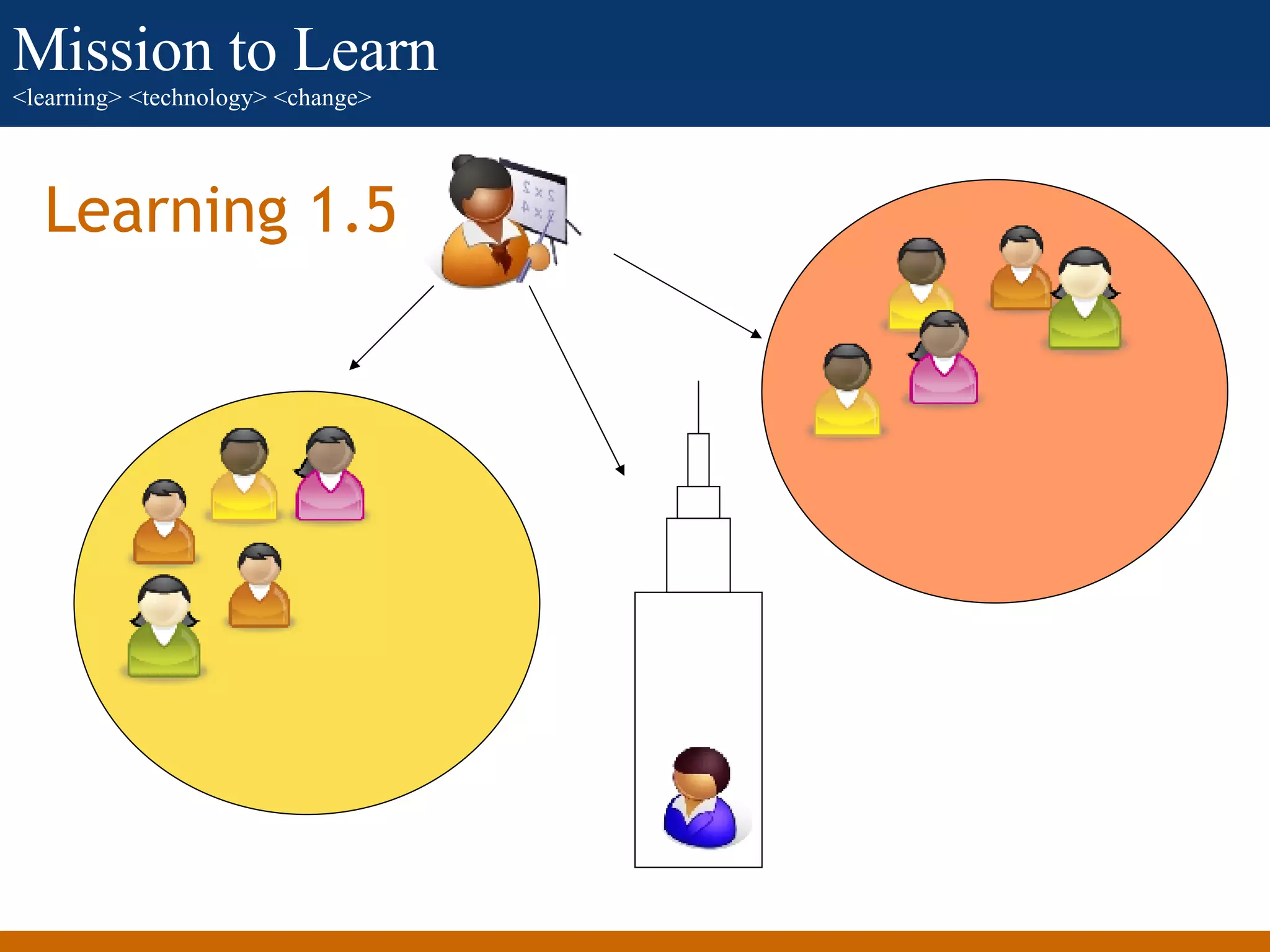
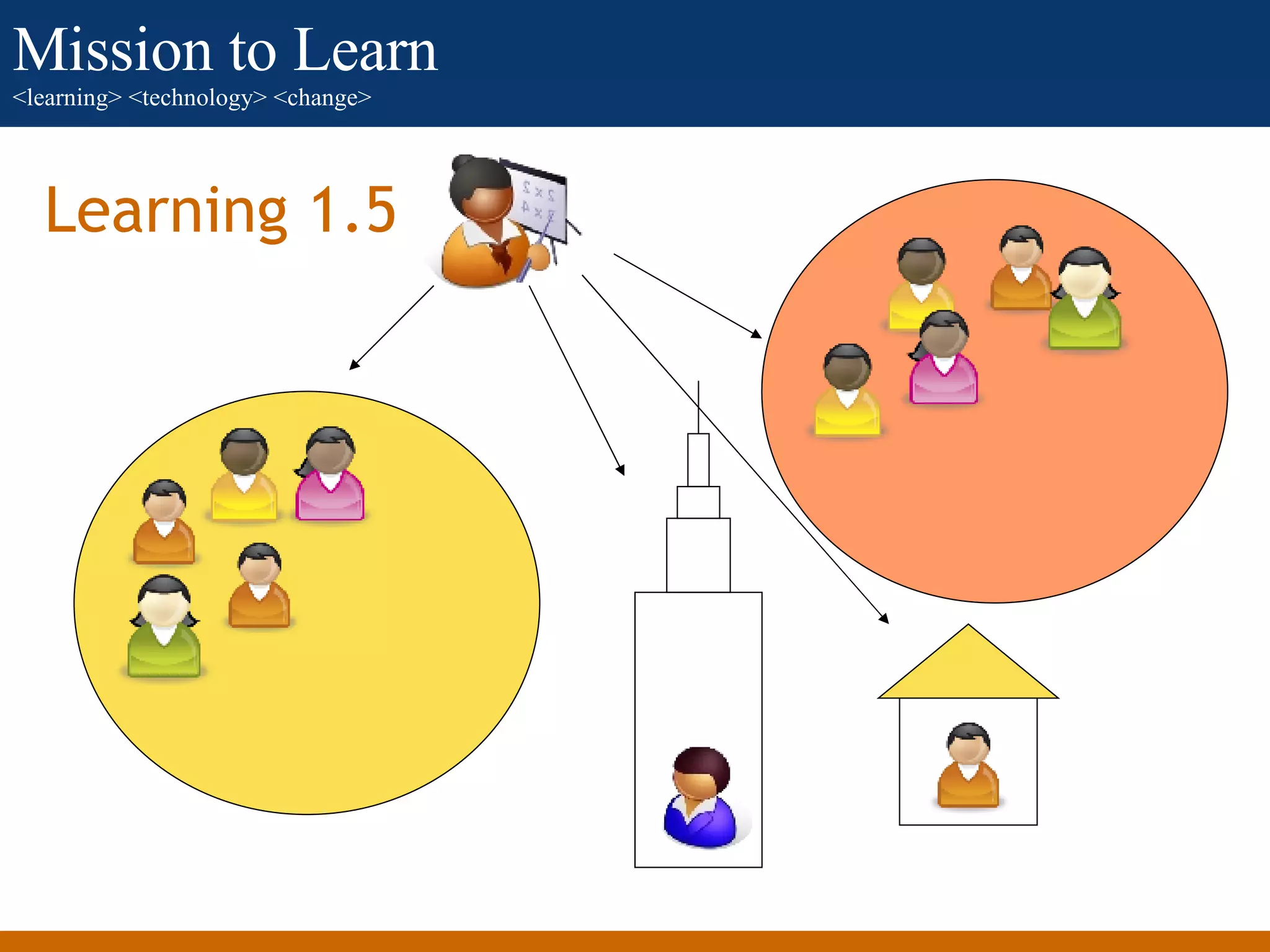
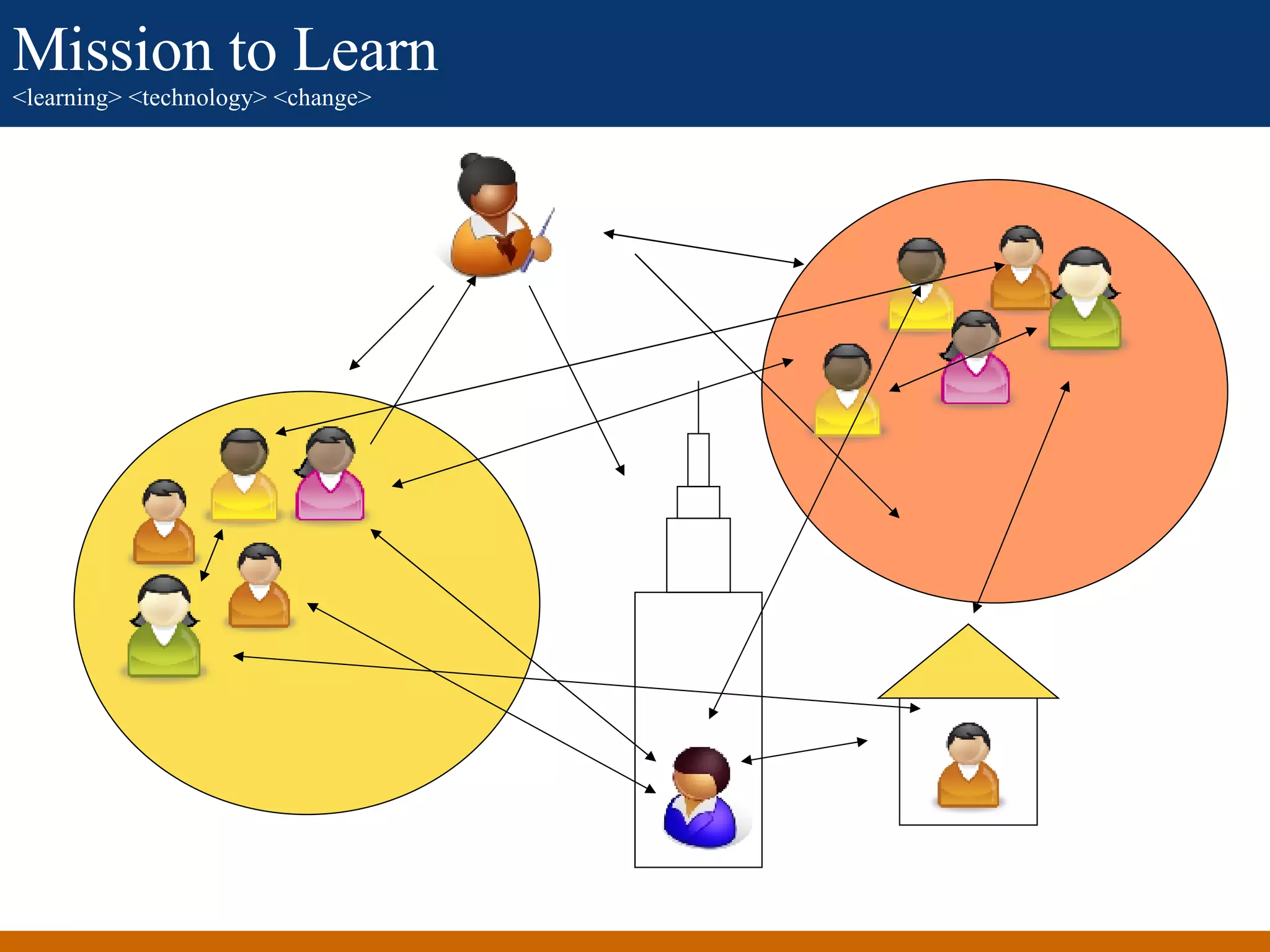
Learning 1.5
Learning 1.5
Learning 1.5
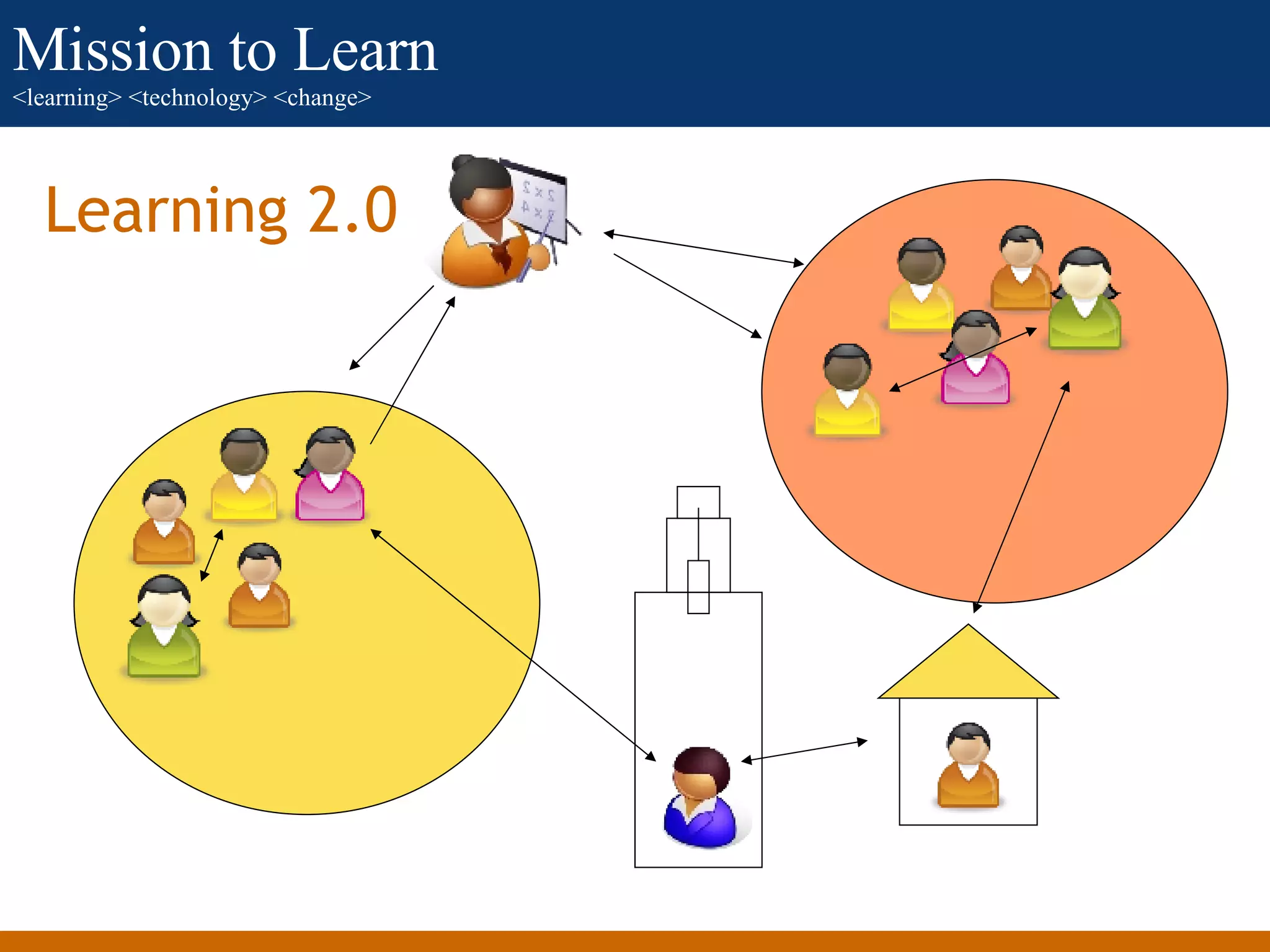
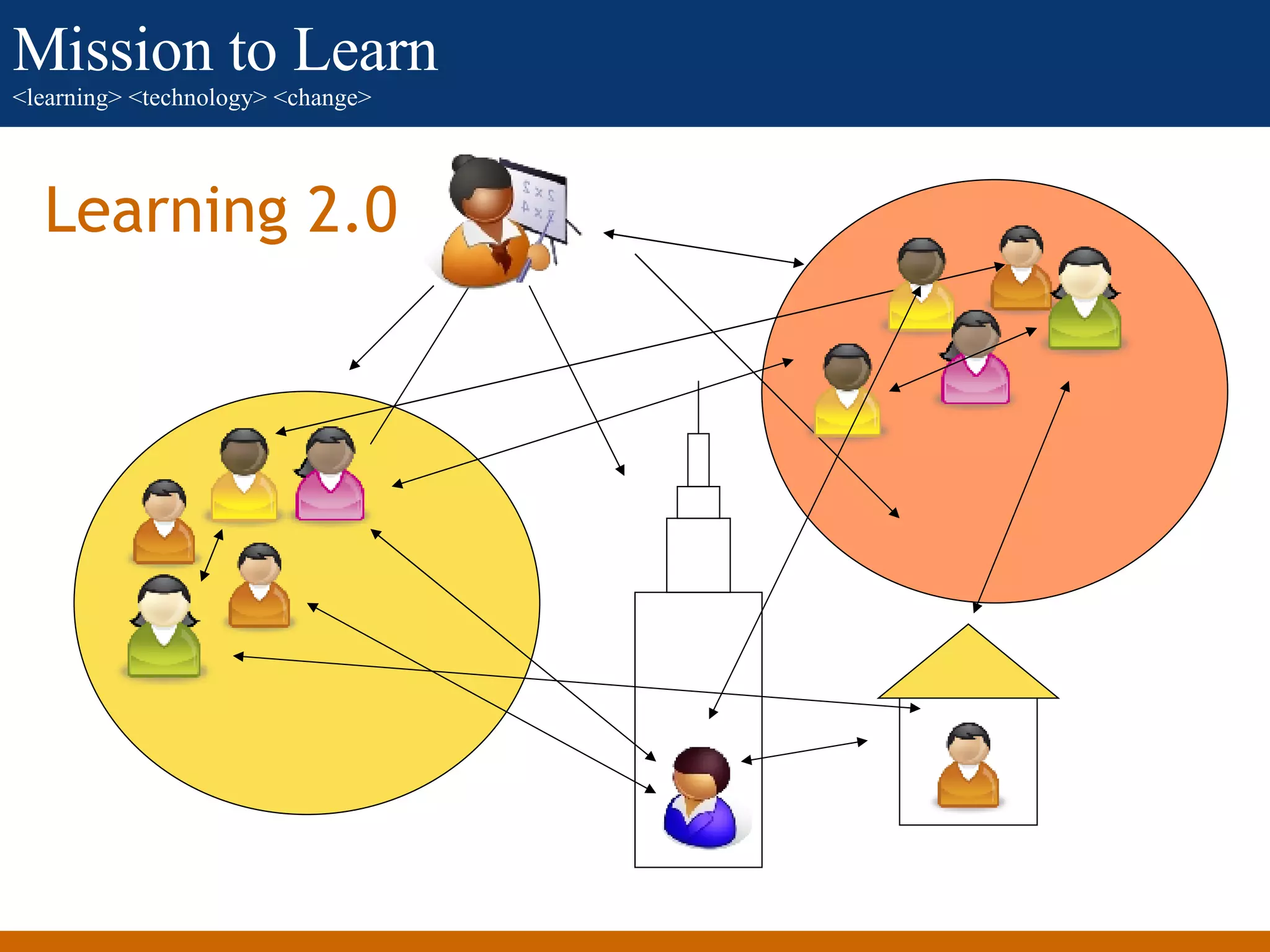
Learning 2.0
Learning 2.0
 
 
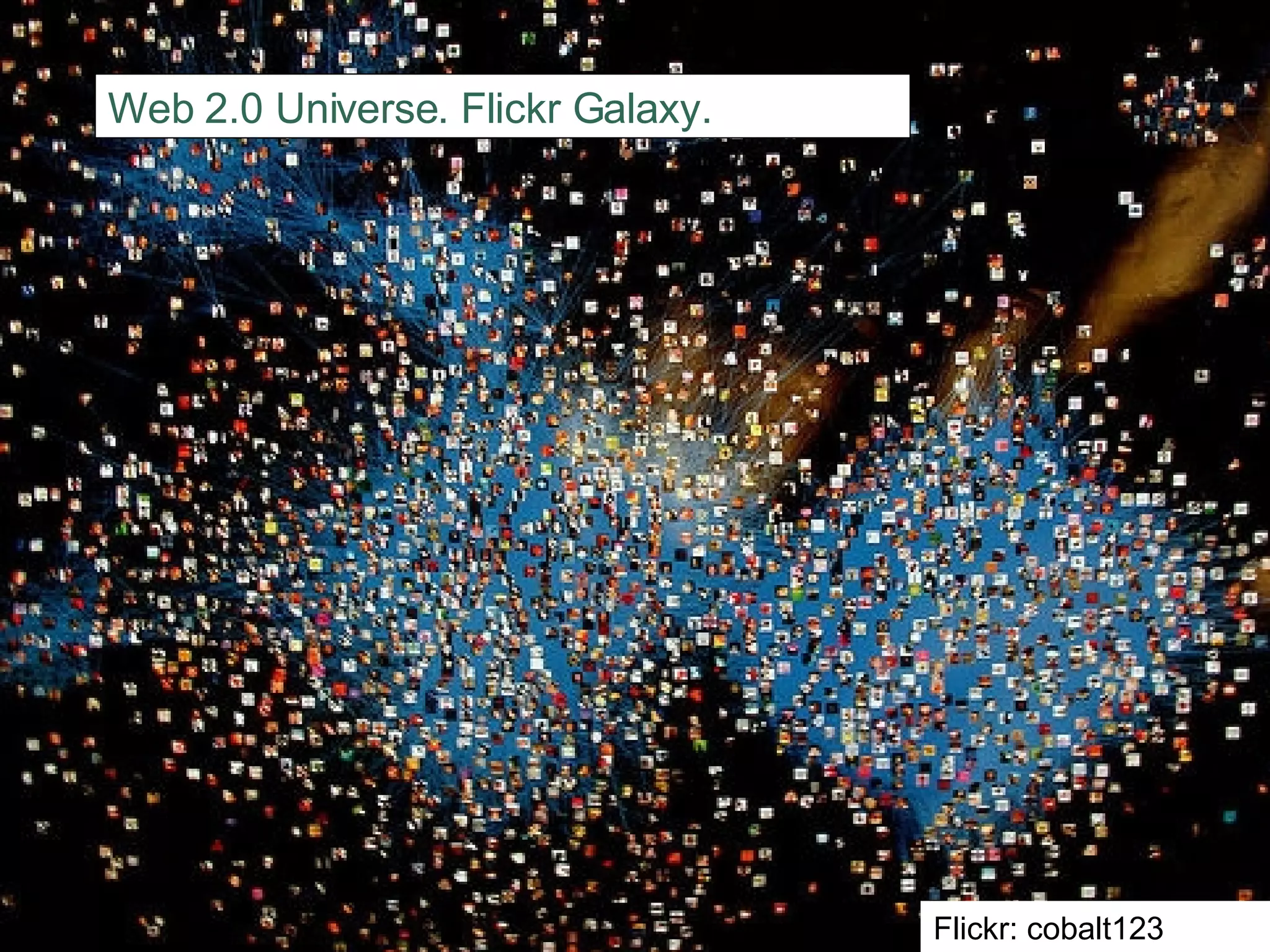
Web 2.0 Universe. Flickr Galaxy. Flickr: cobalt123
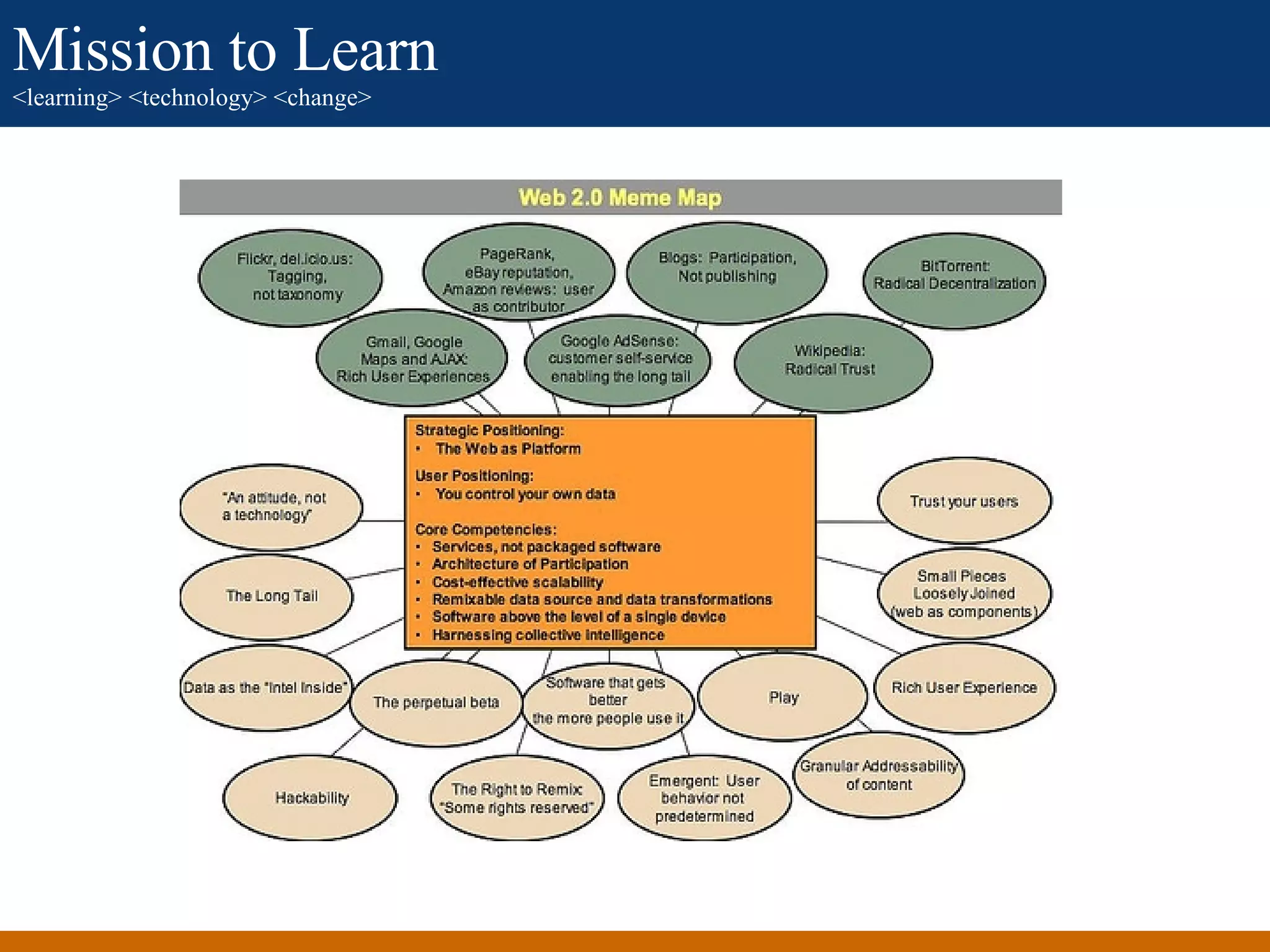
What caused this?
What caused this
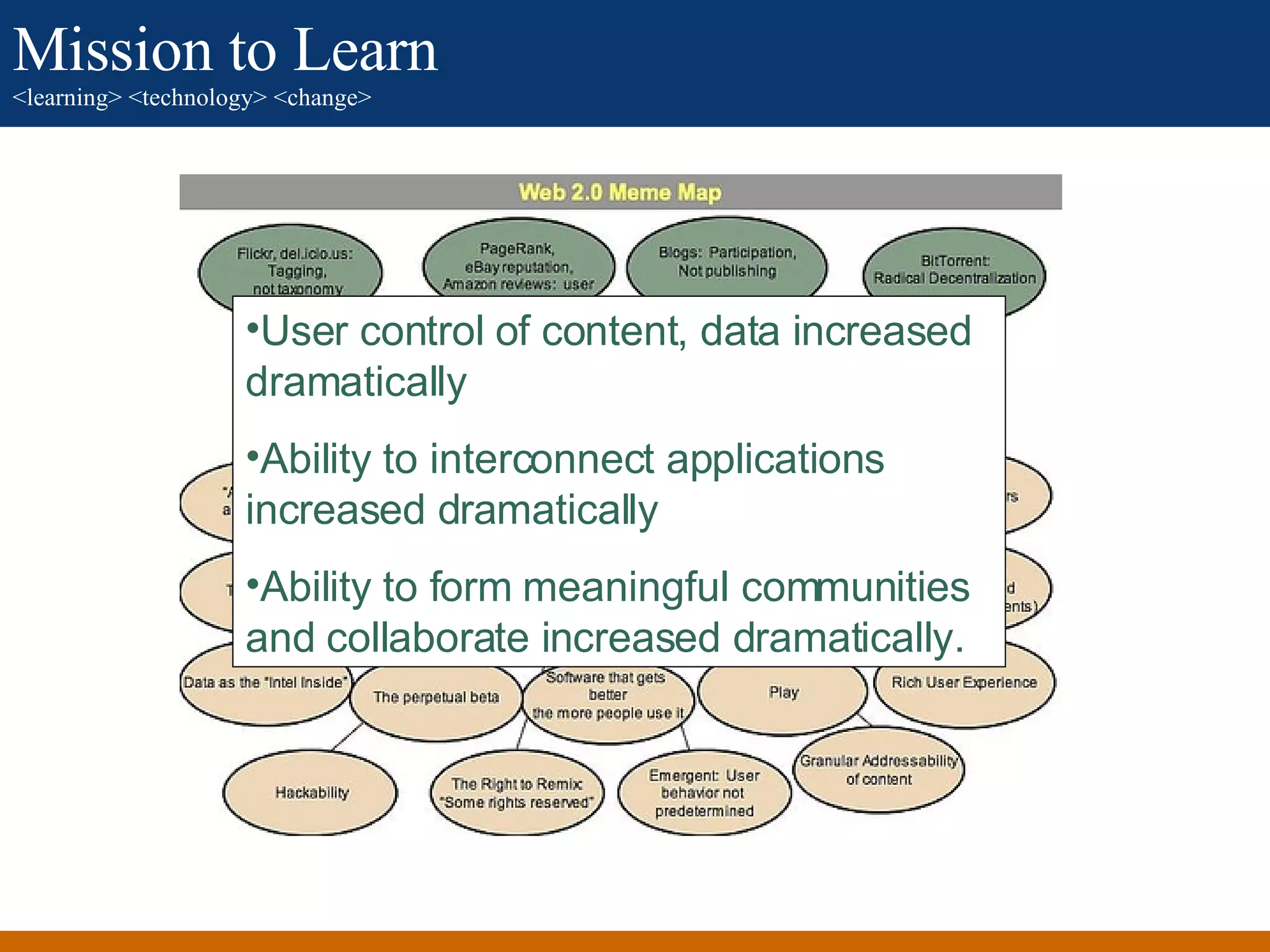
What caused this? User control of content, data increased dramatically Ability to interconnect applications increased dramatically Ability to form meaningful communities and collaborate increased dramatically.
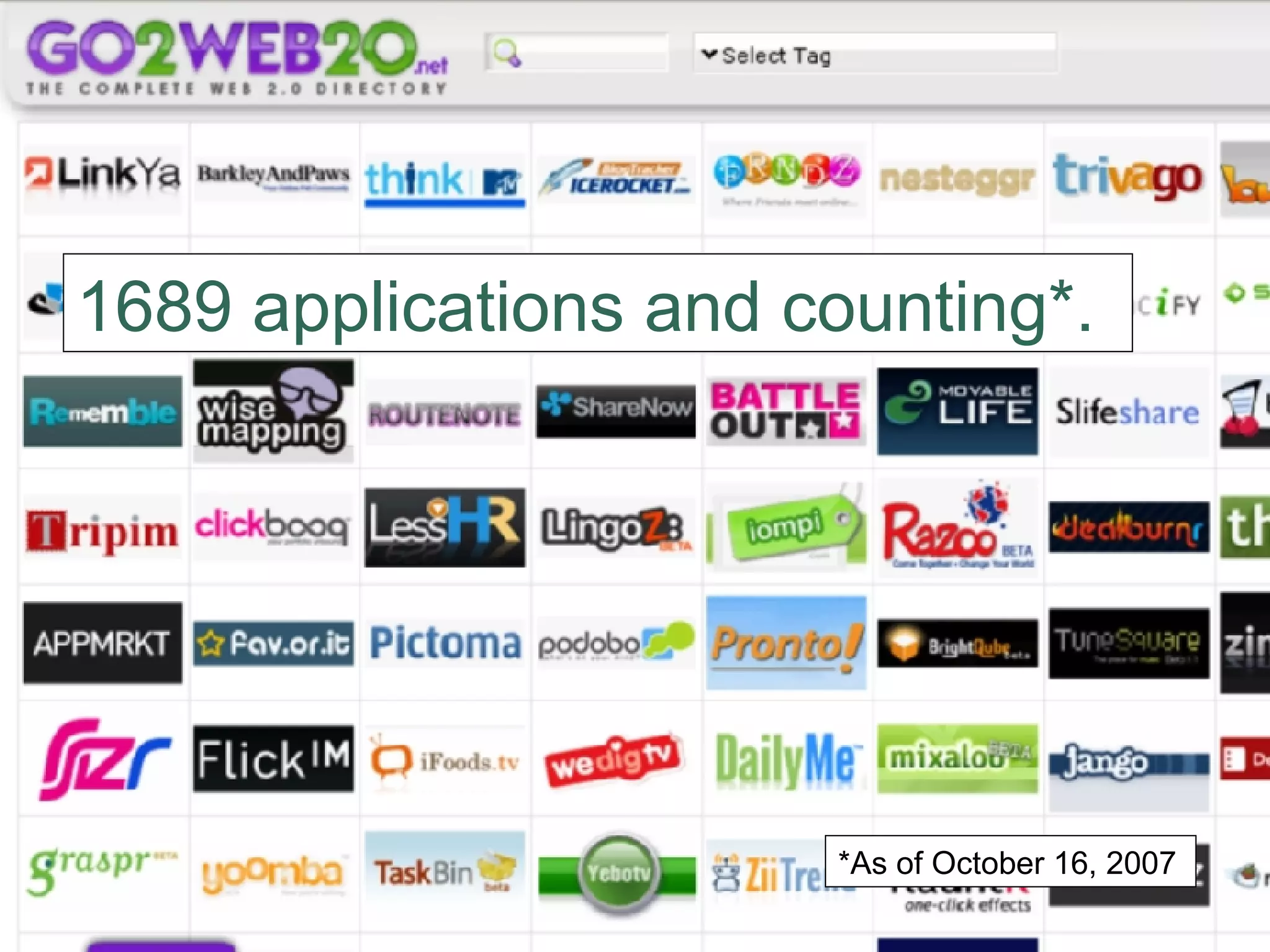
1689 applications and counting*. *As of October 16, 2007
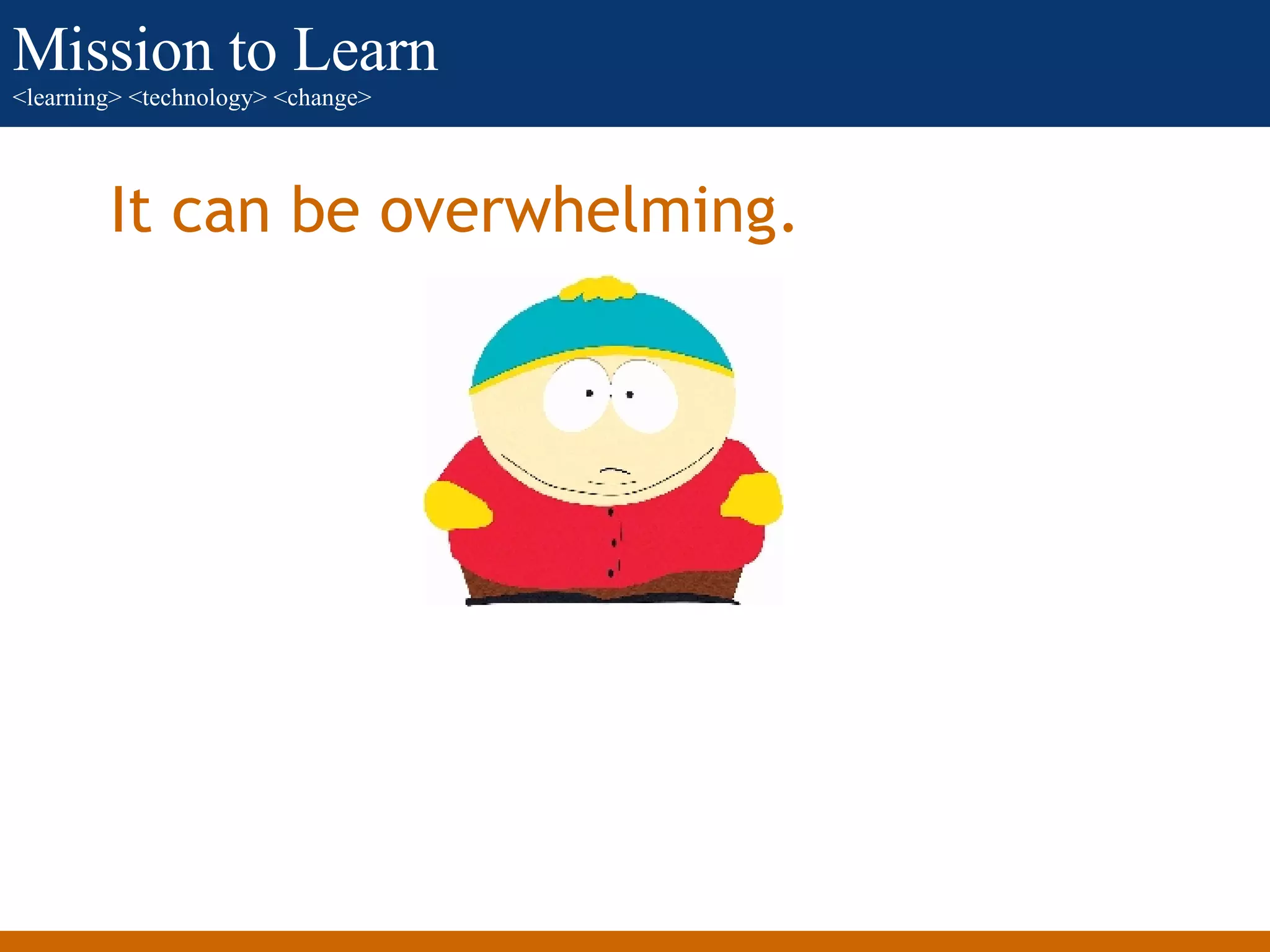
It can be overwhelming.
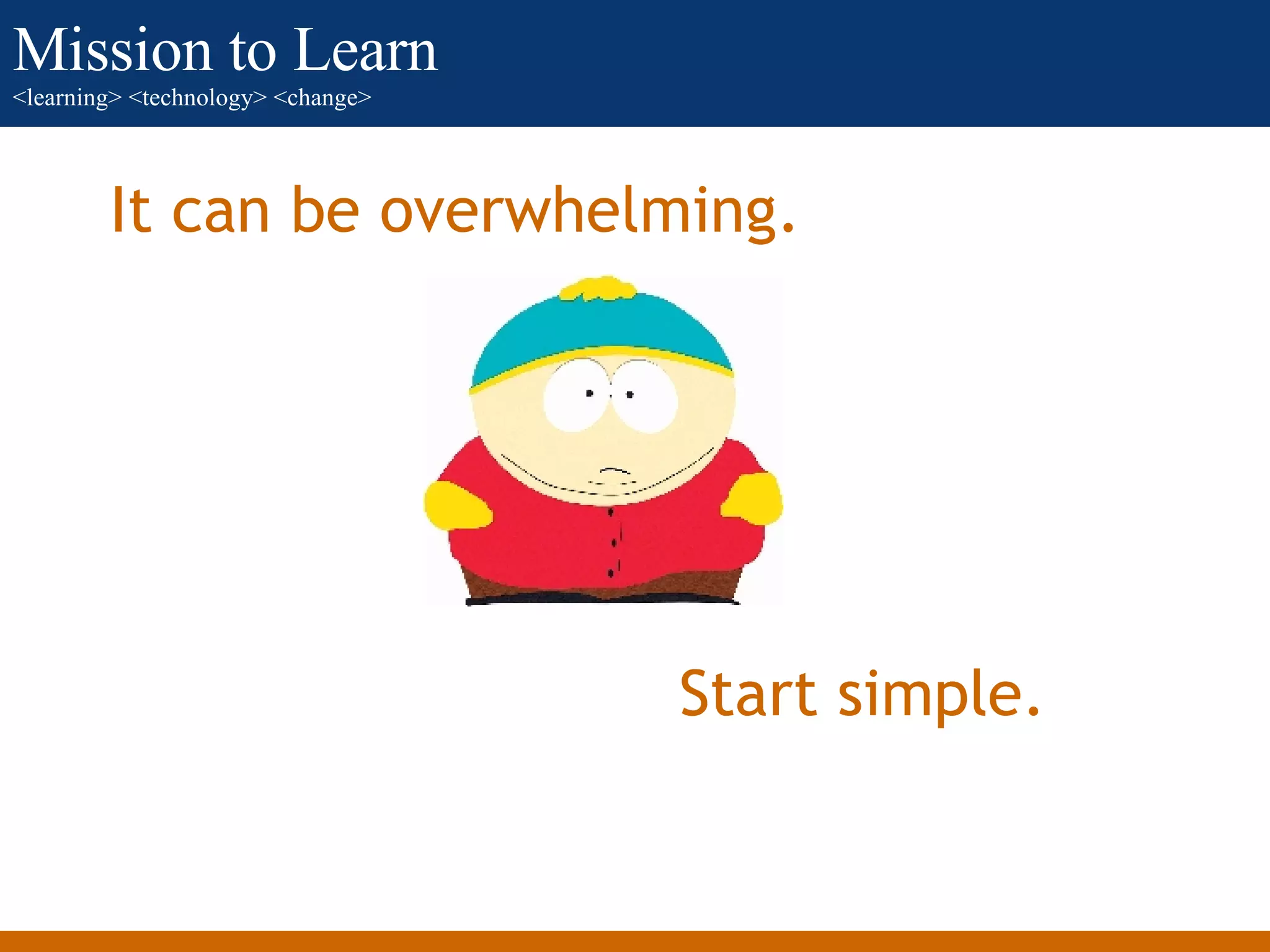
It can be overwhelming. Start simple.
Some possibilities and examples.
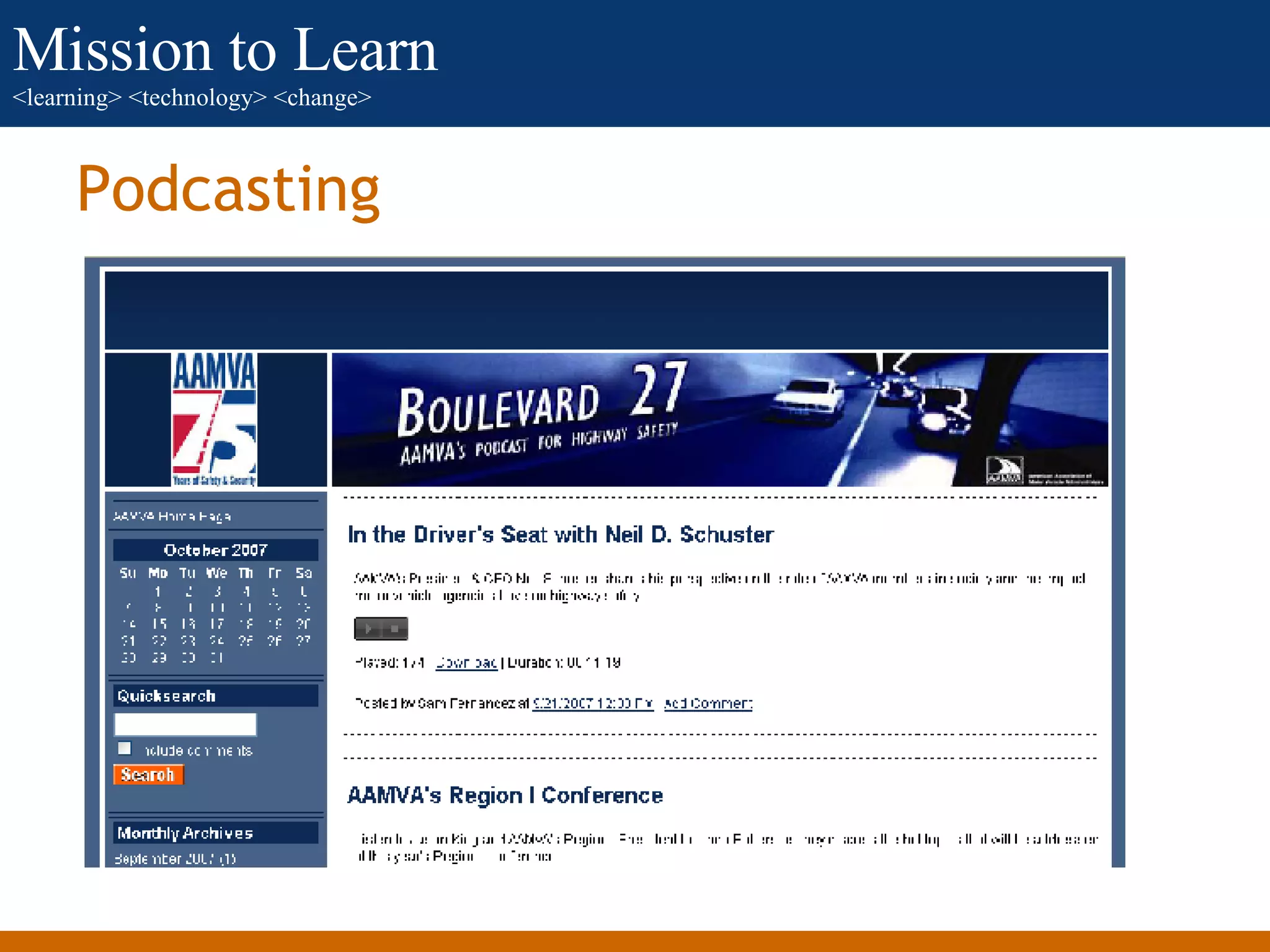
Podcasting
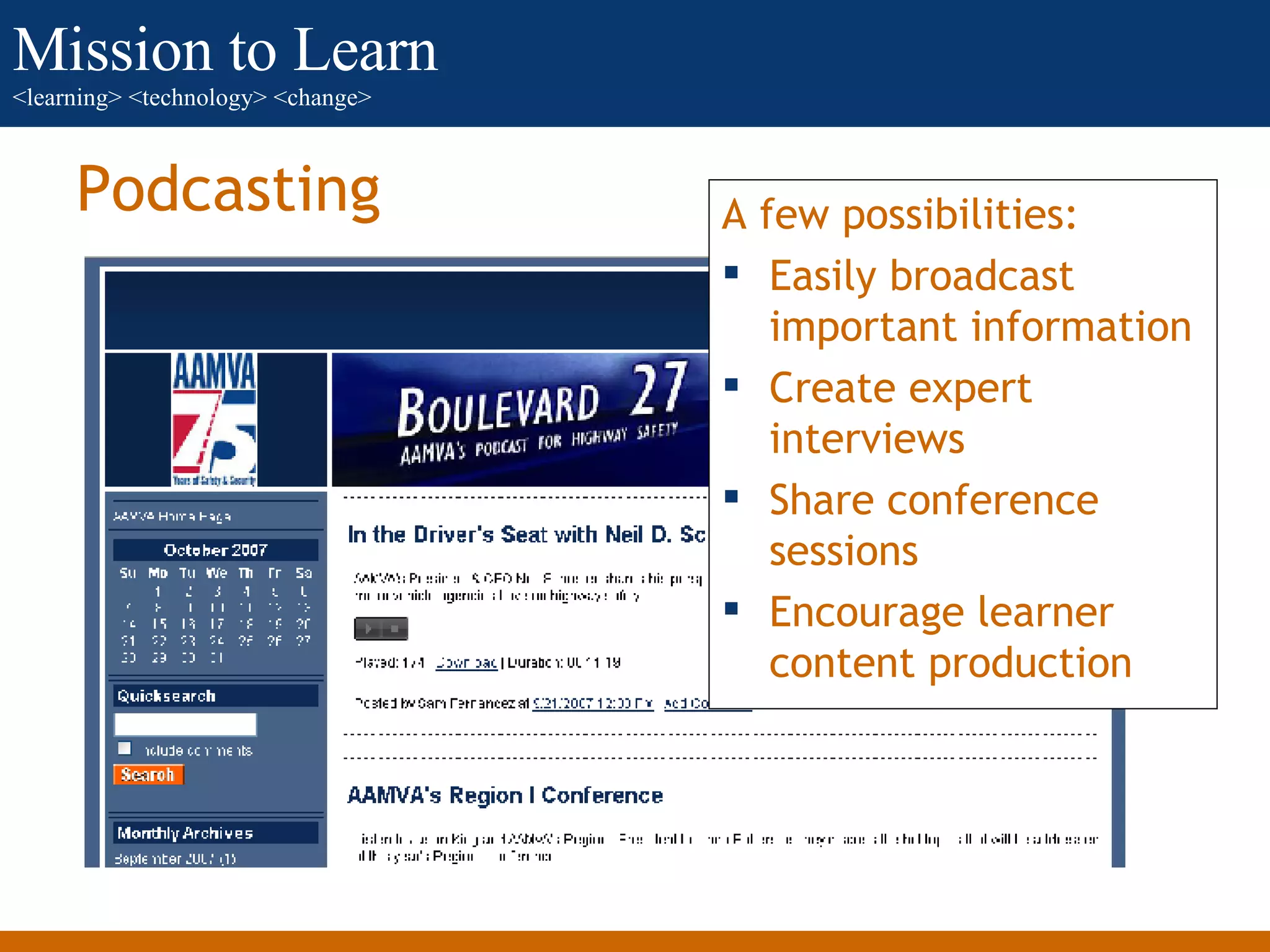
Podcasting A few possibilities: Easily broadcast important information Create expert interviews Share conference sessions Encourage learner content production
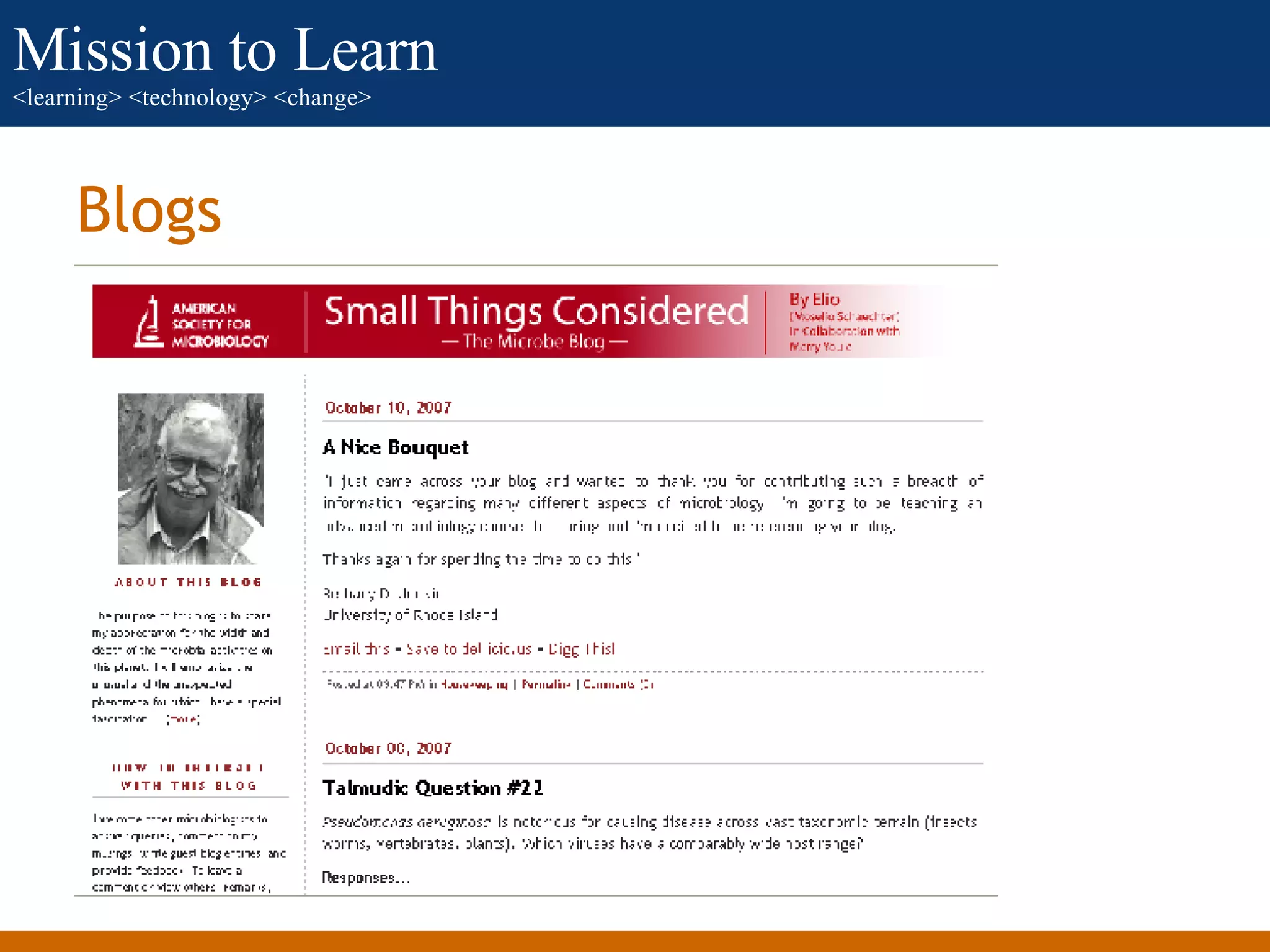
Blogs
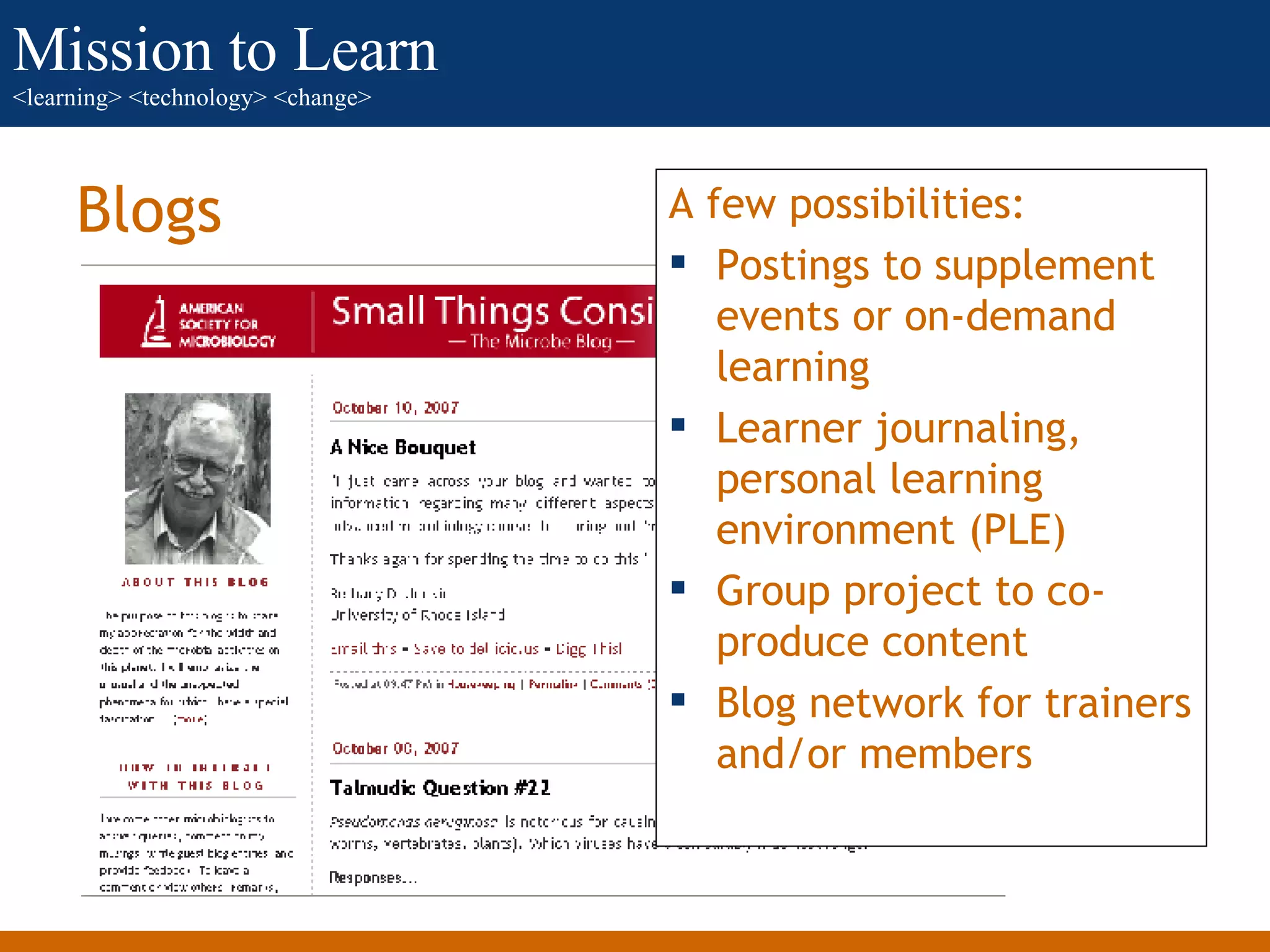
Blogs A few possibilities: Postings to supplement events or on-demand learning Learner journaling, personal learning environment (PLE) Group project to co-produce content Blog network for trainers and/or members
Video on Demand (VOD)
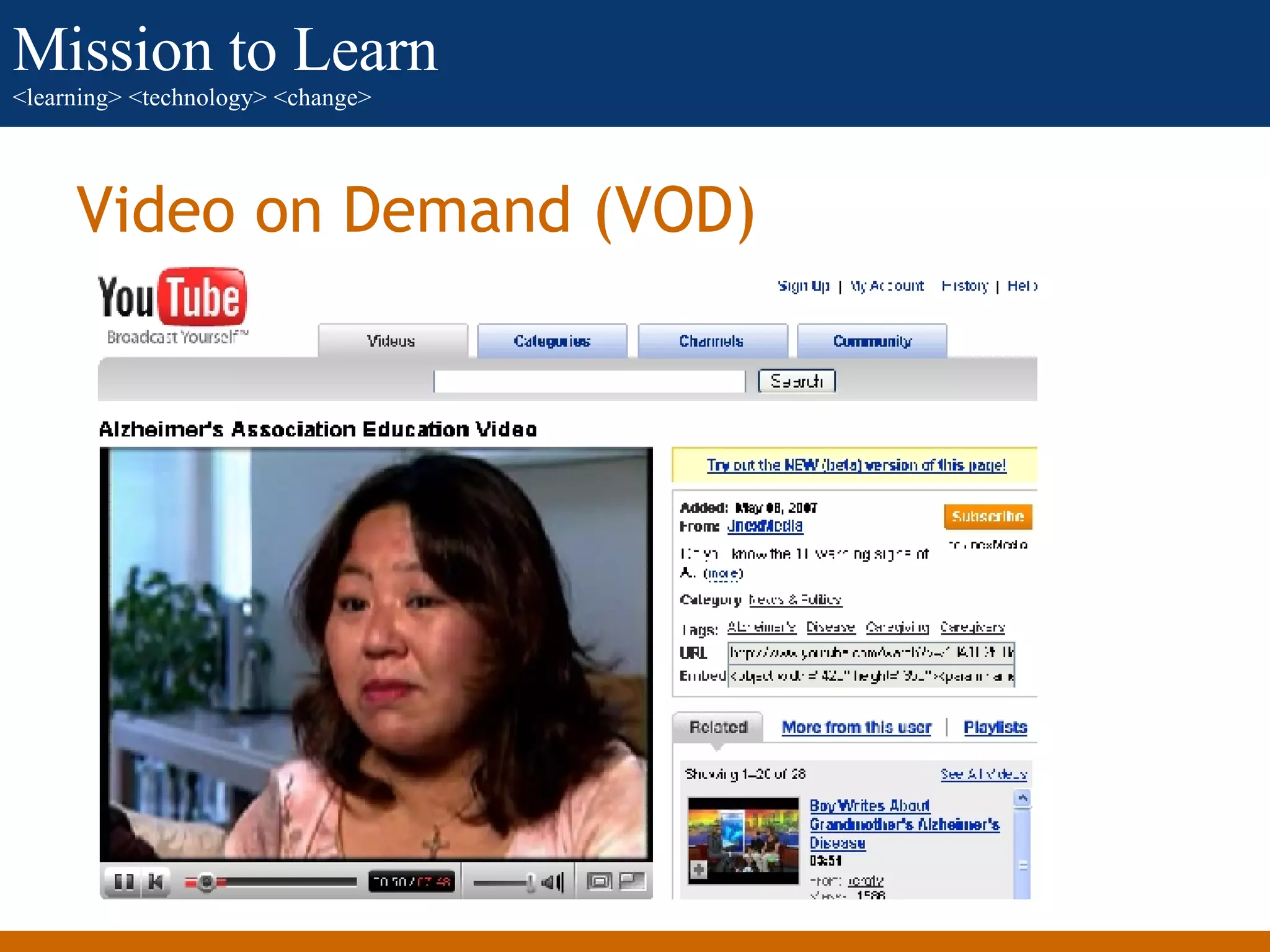
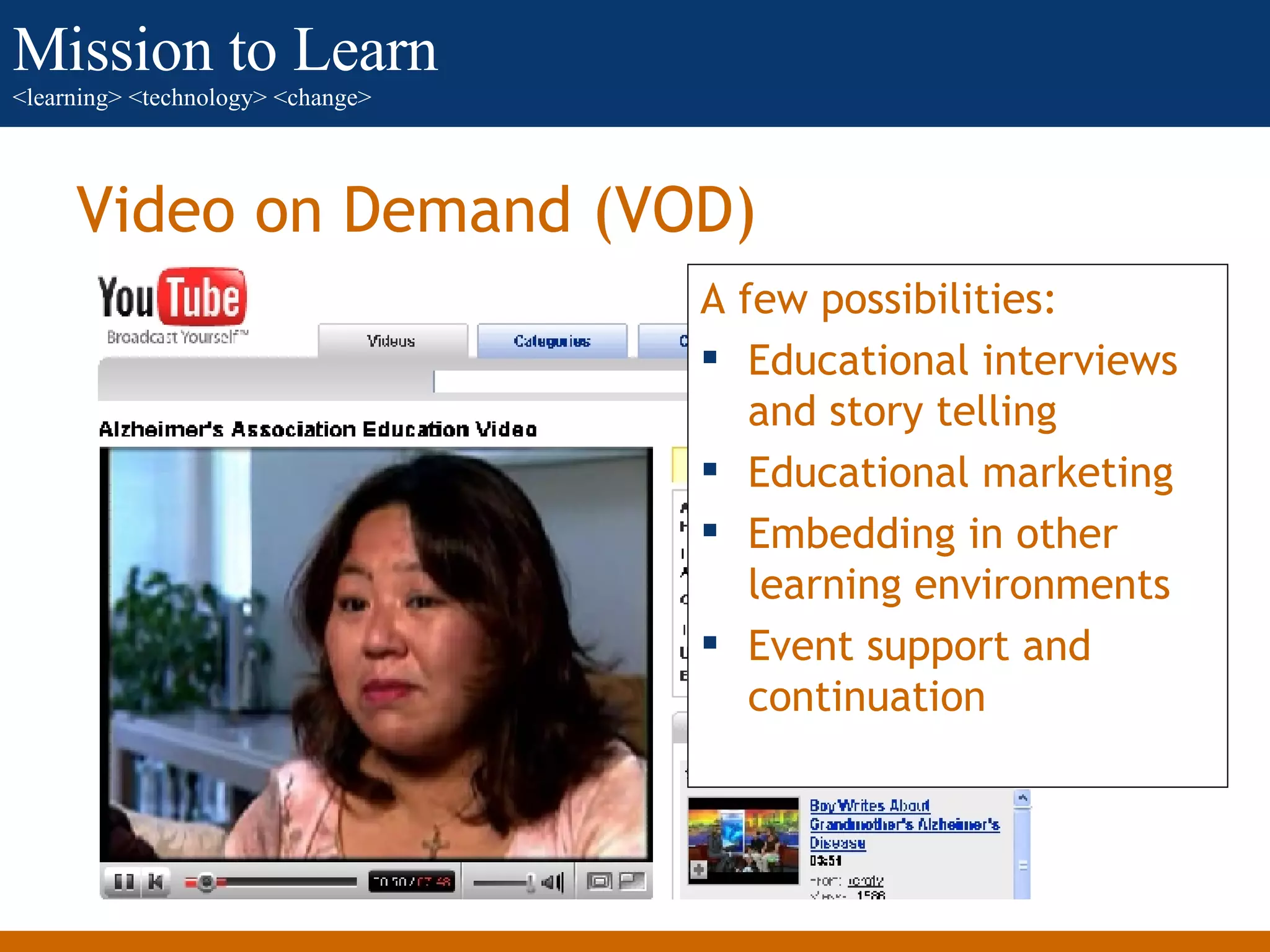
Video on Demand (VOD) A few possibilities: Educational interviews and story telling Educational marketing Embedding in other learning environments Event support and continuation
Photo and Slide Sharing
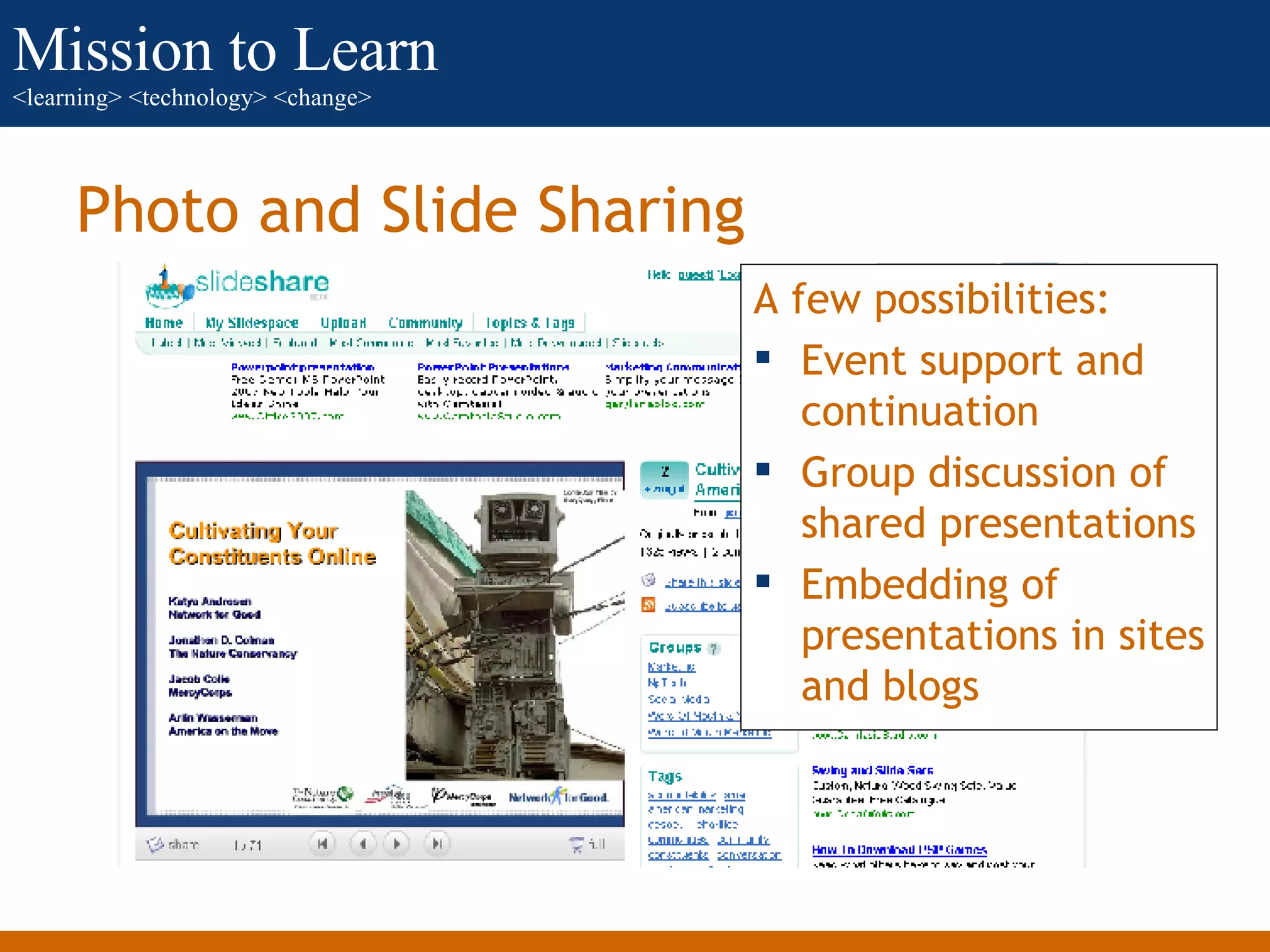
Photo and Slide Sharing A few possibilities: Event support and continuation Group discussion of shared presentations Embedding of presentations in sites and blogs
Photo and Slide Sharing
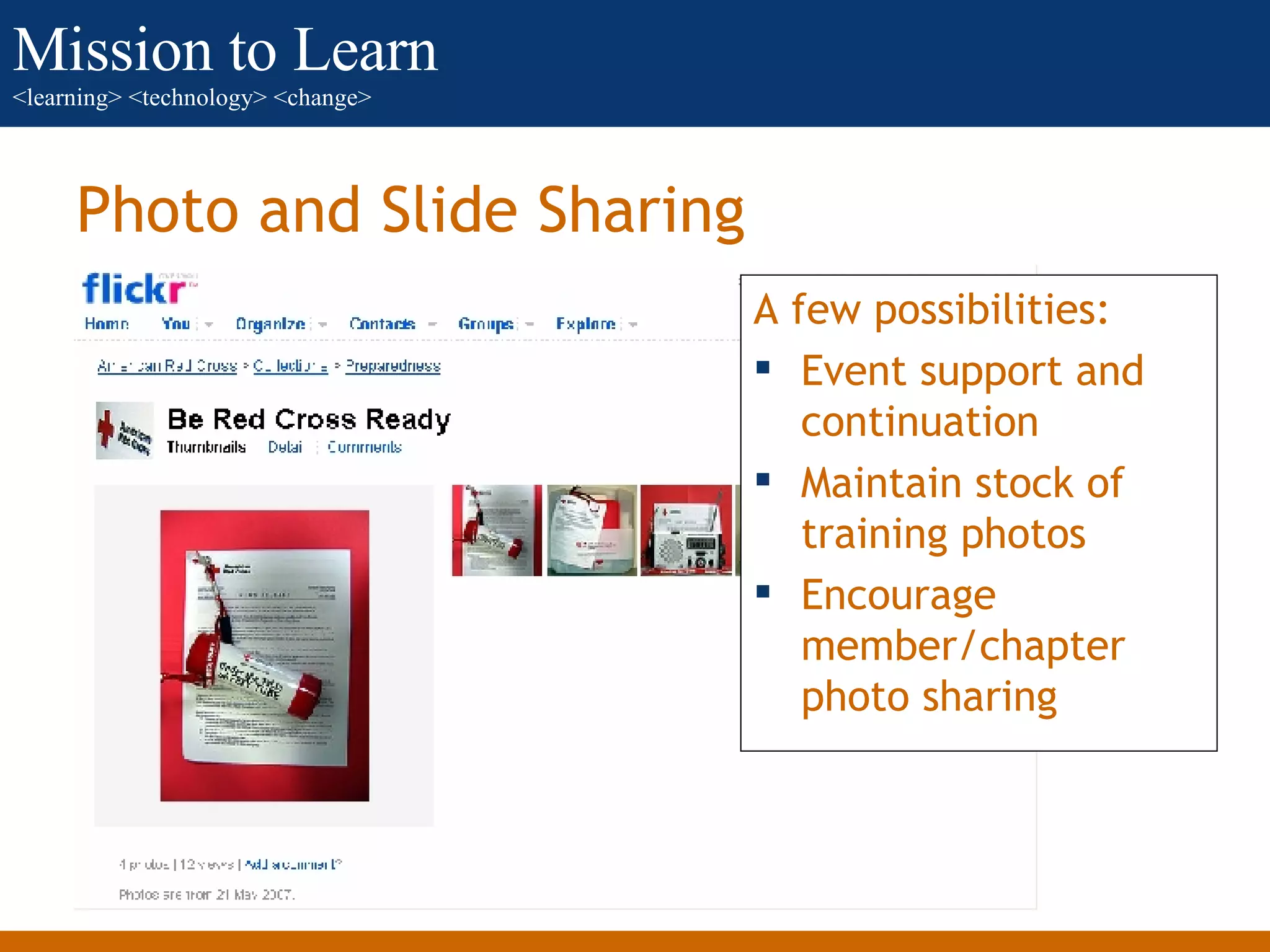
Photo and Slide Sharing A few possibilities: Event support and continuation Maintain stock of training photos Encourage member/chapter photo sharing
Virtual Worlds
Virtual Worlds A few possibilities: Virtual conferences and seminars Resource “island” for education Team meetings and collaboration spaces Simulations
Social Bookmarking
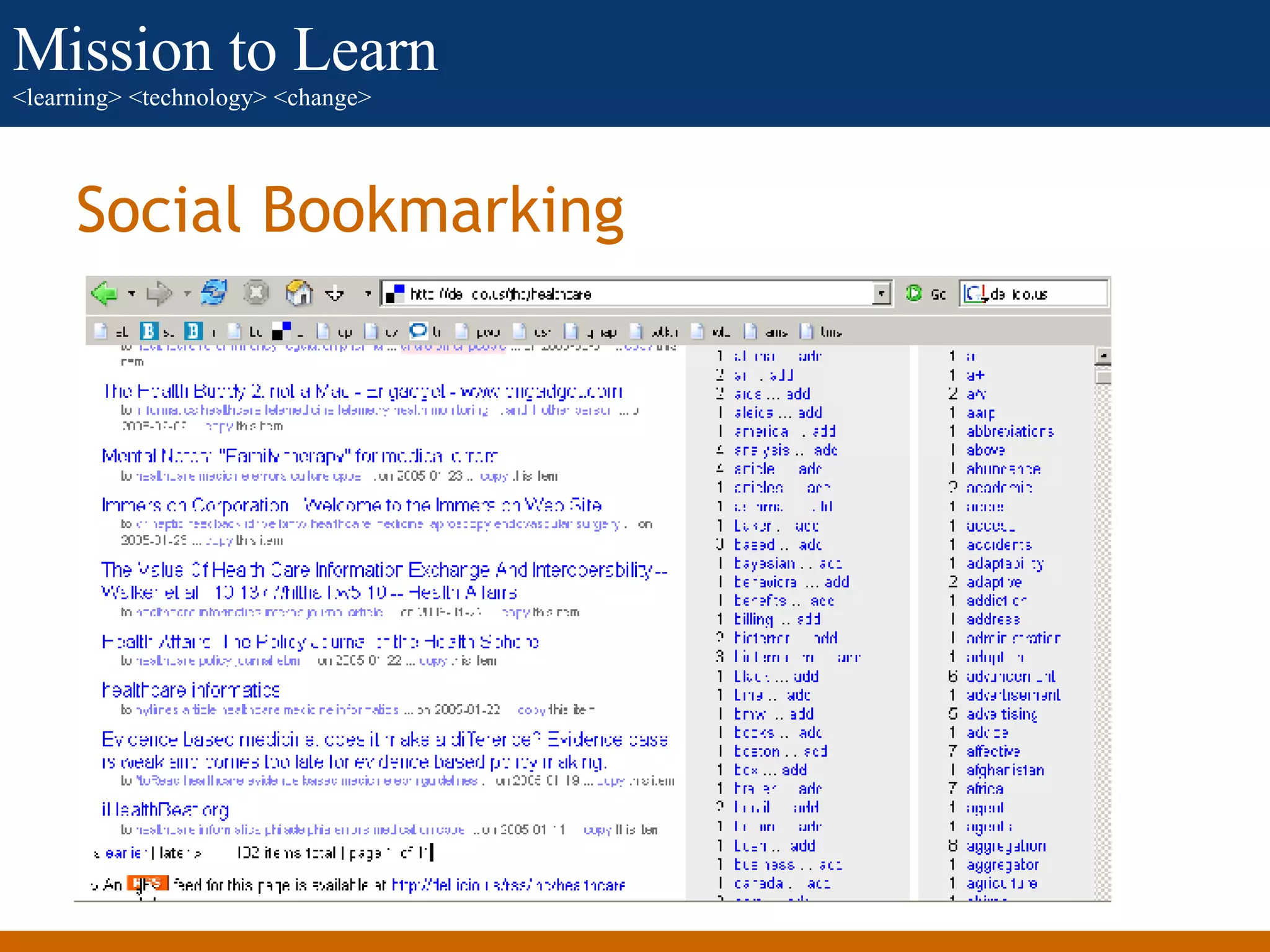
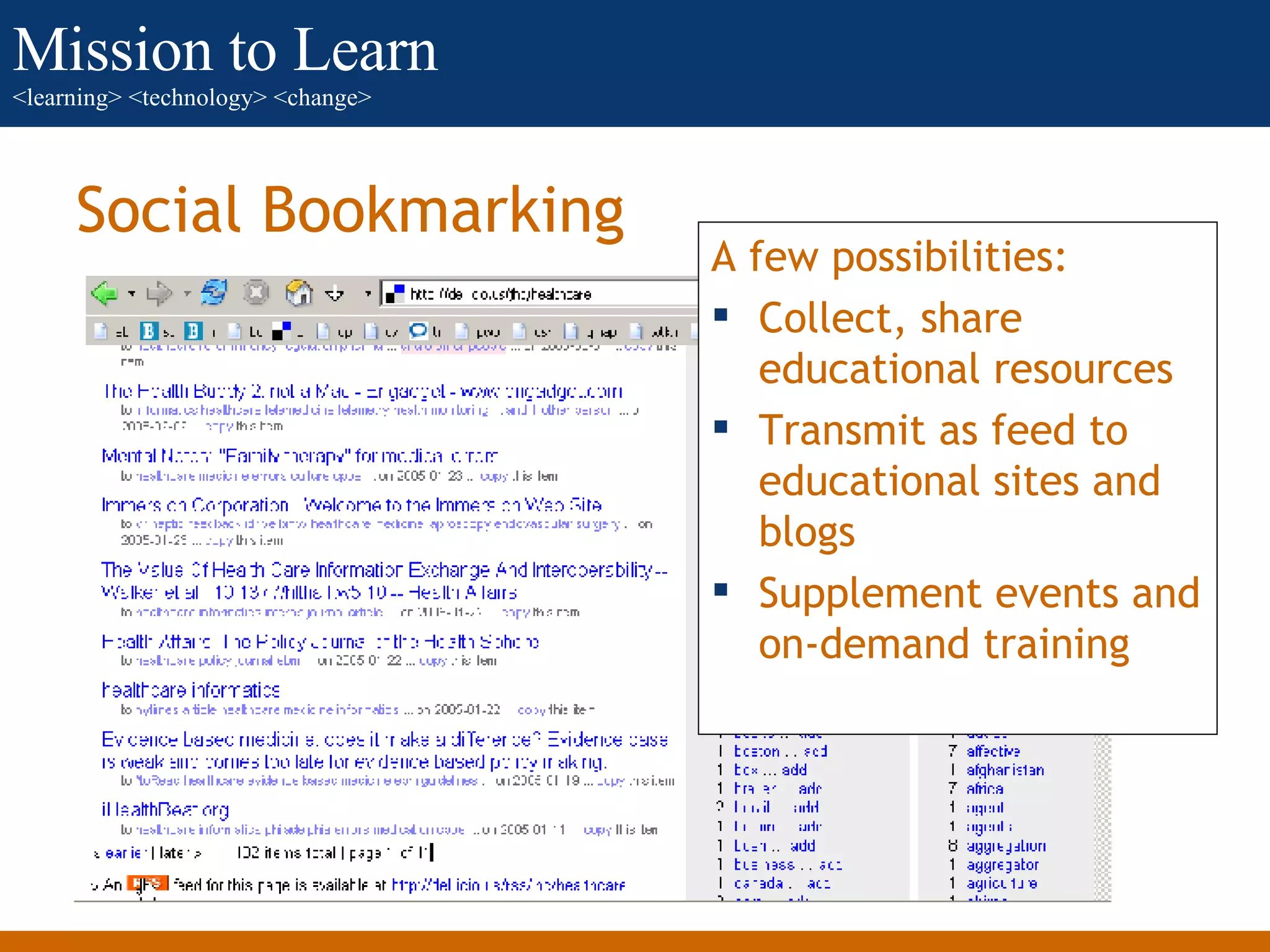
Social Bookmarking A few possibilities: Collect, share educational resources Transmit as feed to educational sites and blogs Supplement events and on-demand training
Wikis
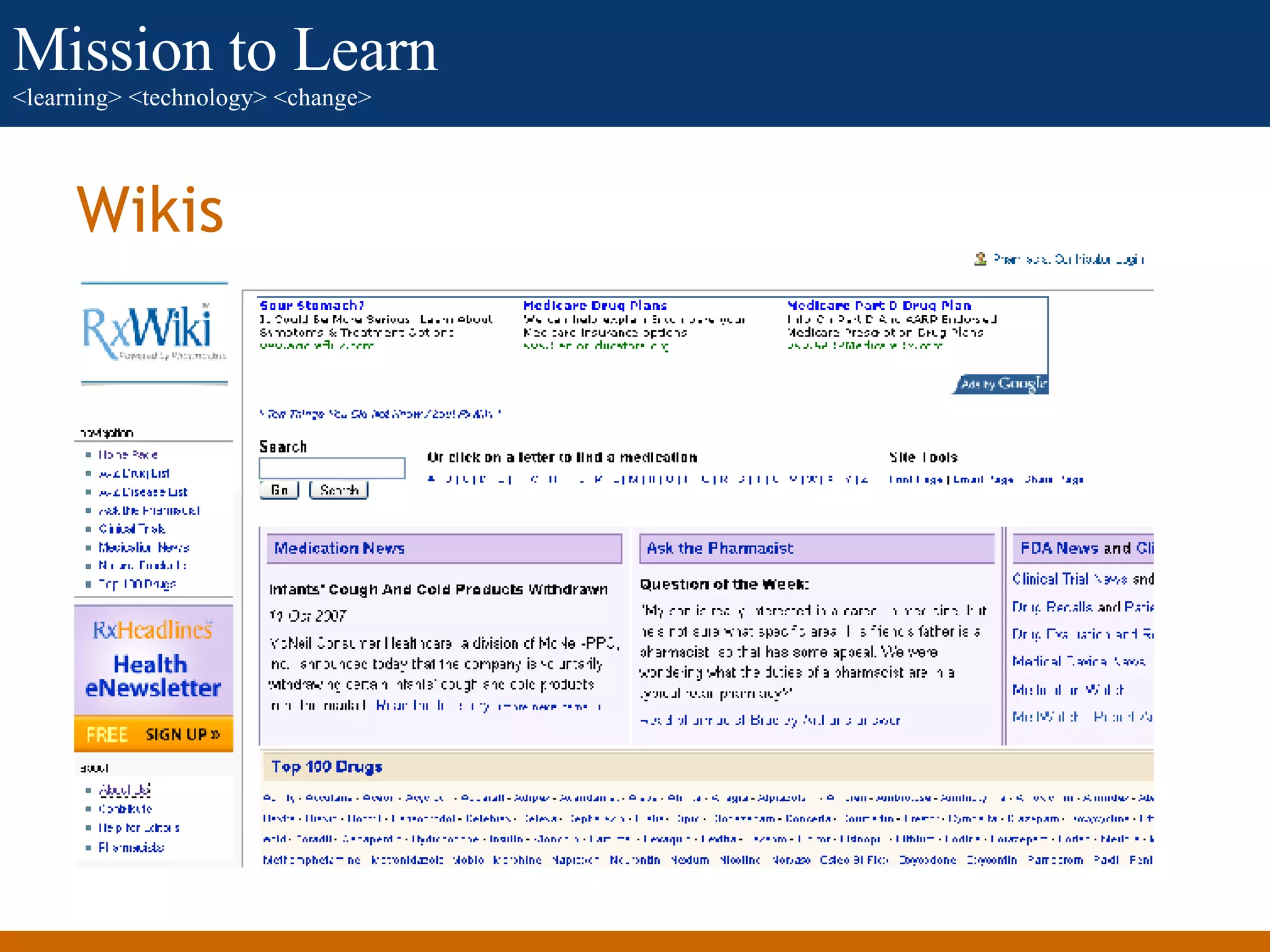
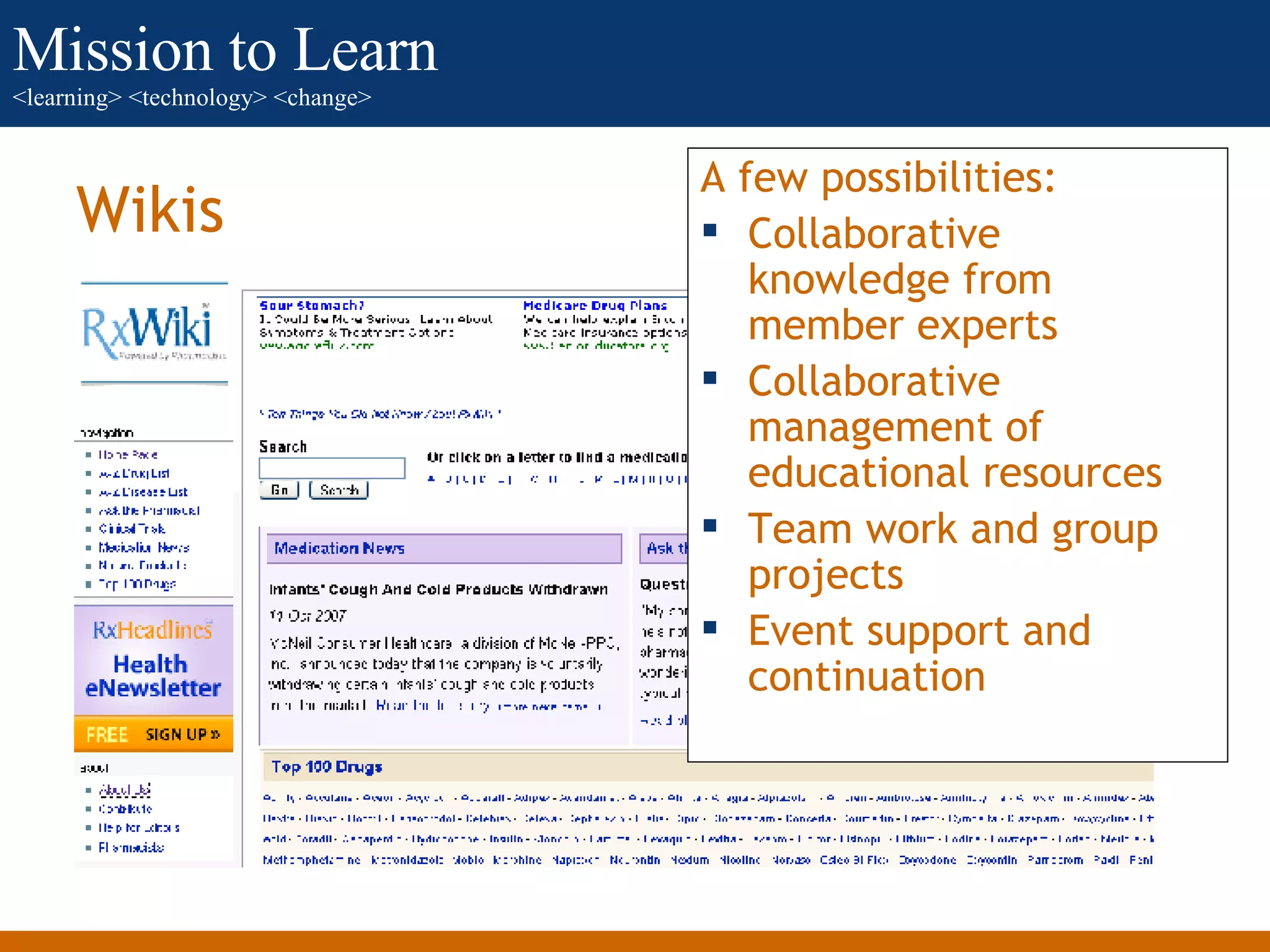
Wikis A few possibilities: Collaborative knowledge from member experts Collaborative management of educational resources Team work and group projects Event support and continuation
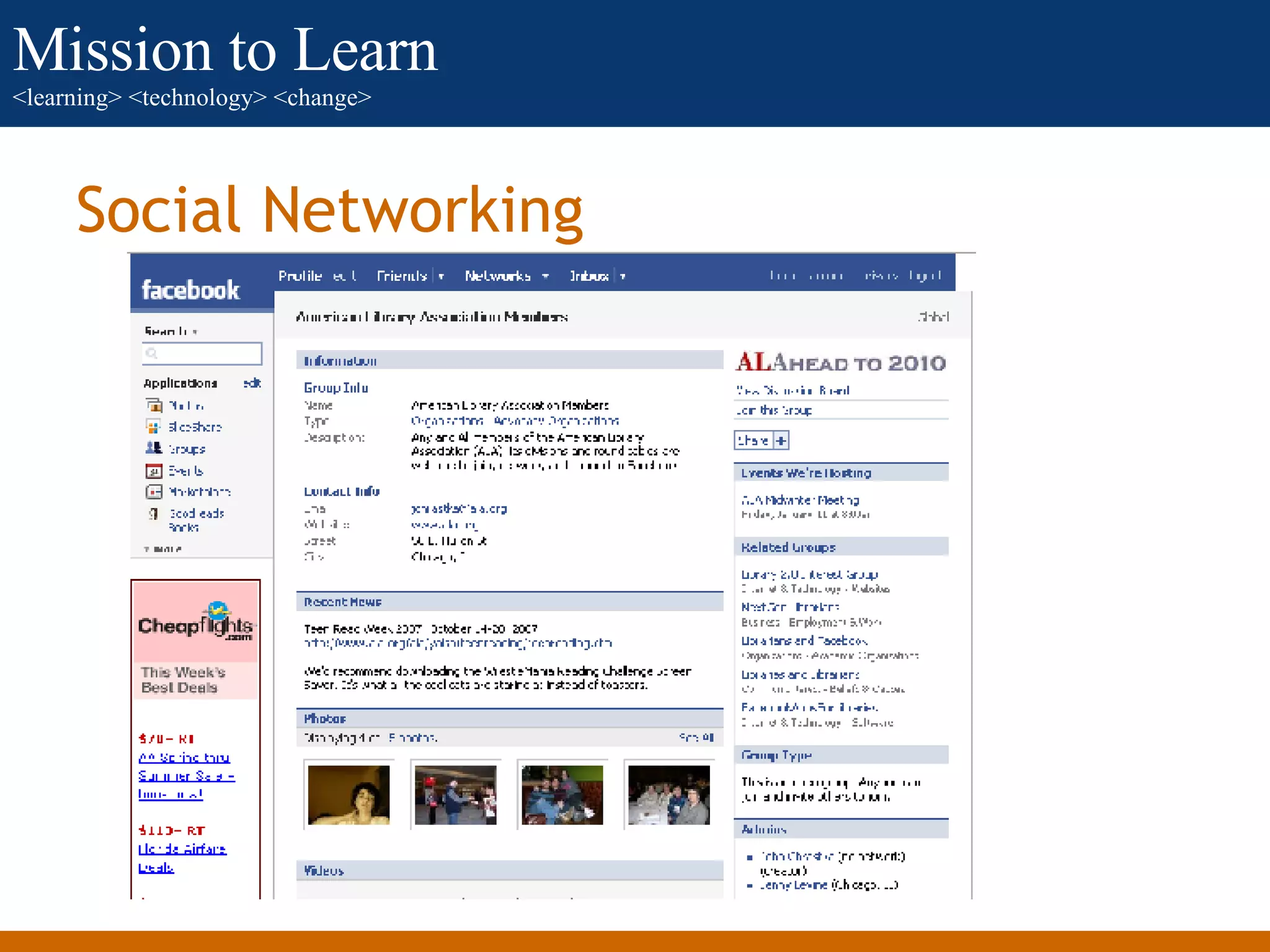
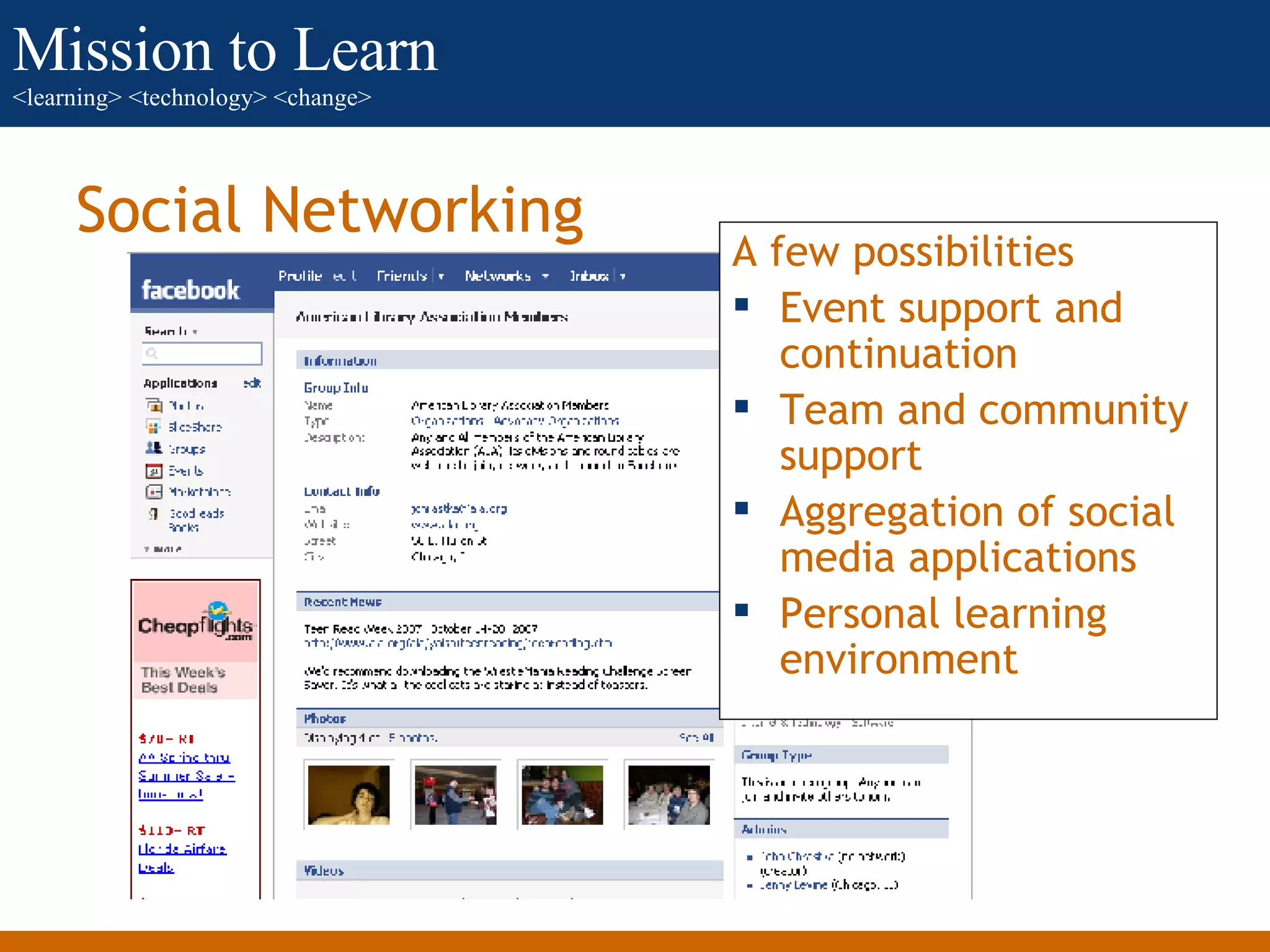
Social Networking
Social Networking A few possibilities Event support and continuation Team and community support Aggregation of social media applications Personal learning environment
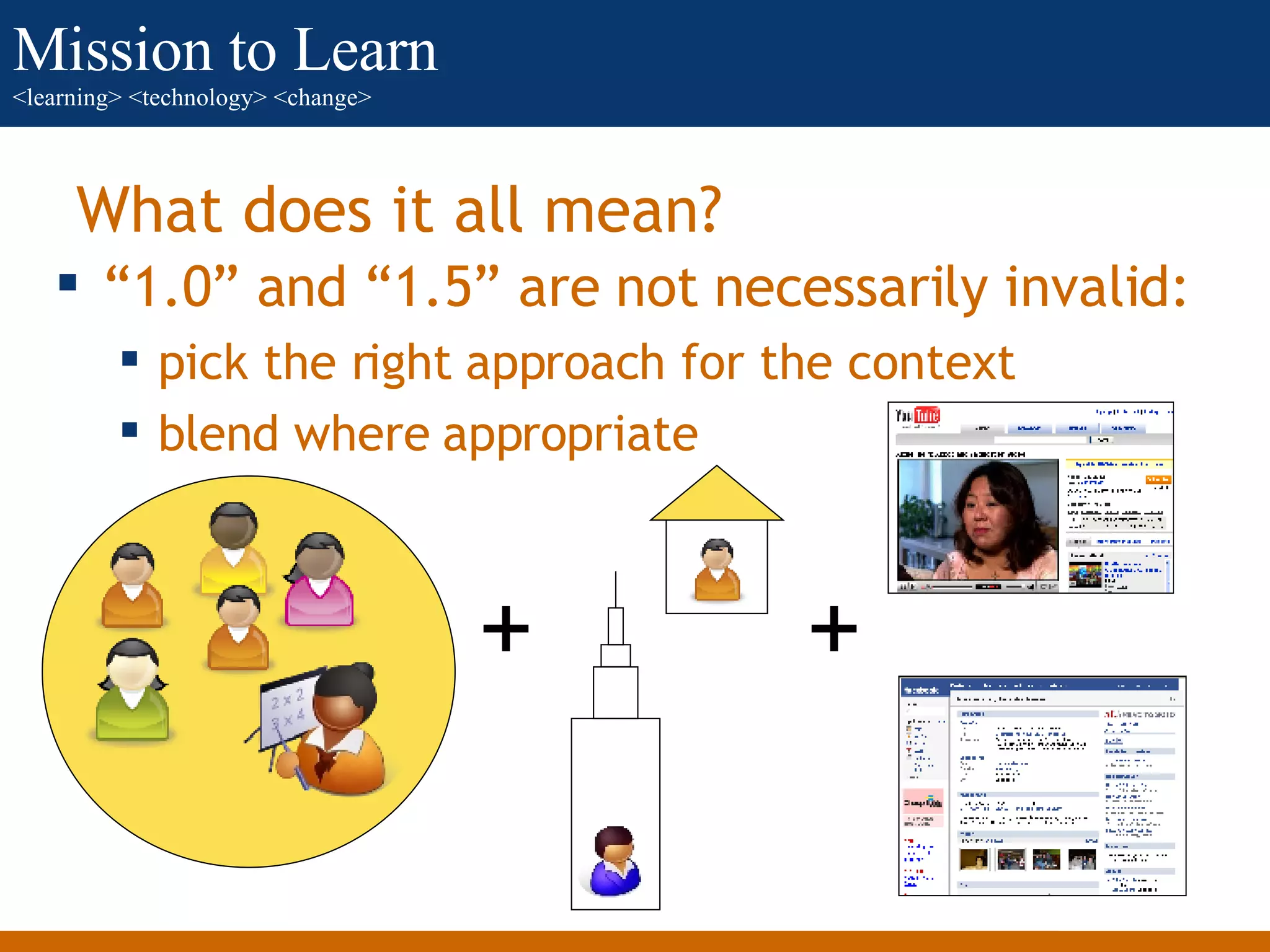
“1.0” and “1.5” are not necessarily invalid:  pick the right approach for the context blend where appropriate What does it all mean? + +
What does it all mean? If you incorporate social media  be ready for less control network think, not group think Groups require unity, networks require diversity  Groups require coherence, networks require autonomy Groups require privacy or segregation, networks require openness Groups require focus of voice, networks require interaction
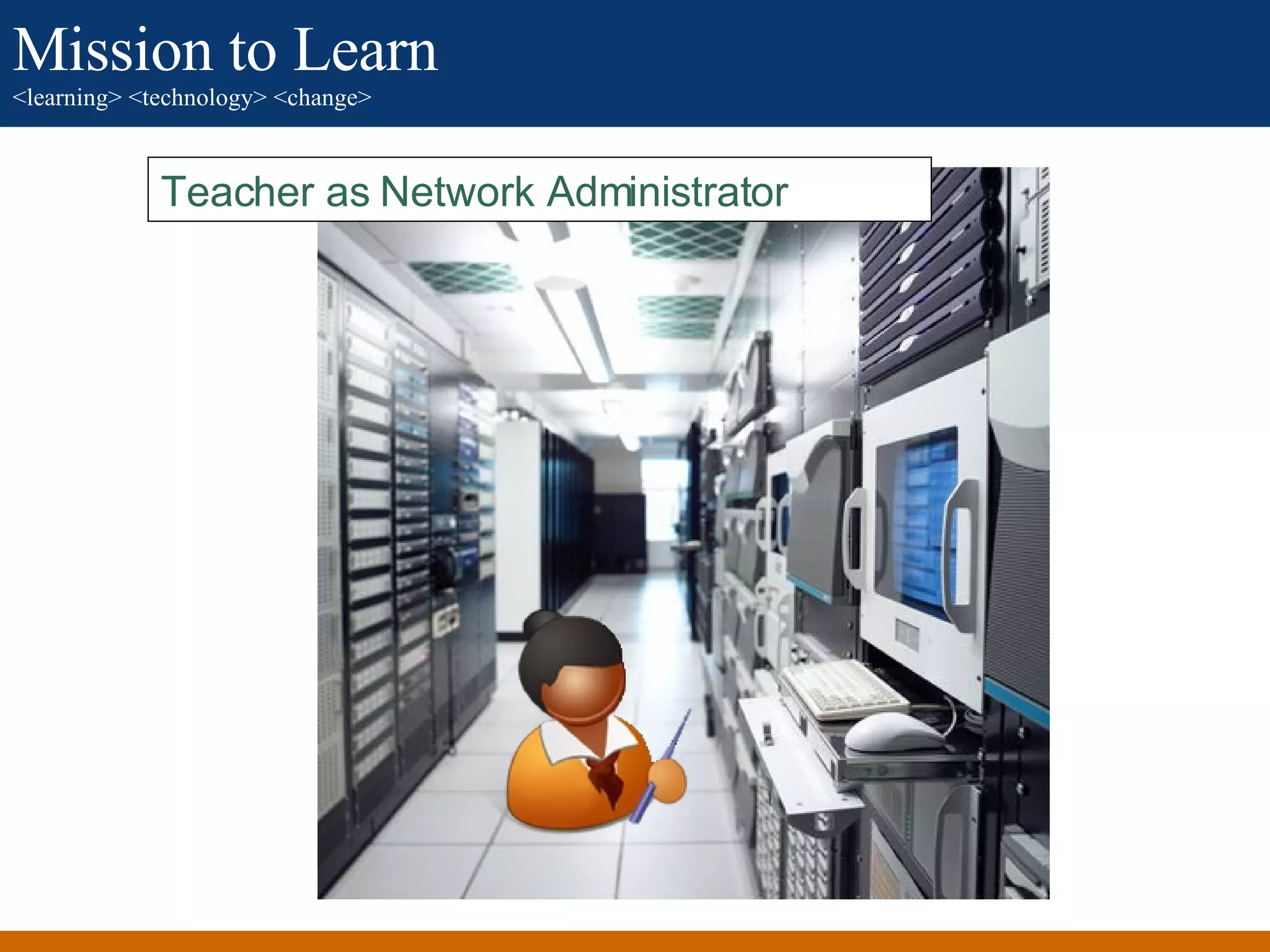
Teacher as network administrator Teacher as Network Administrator
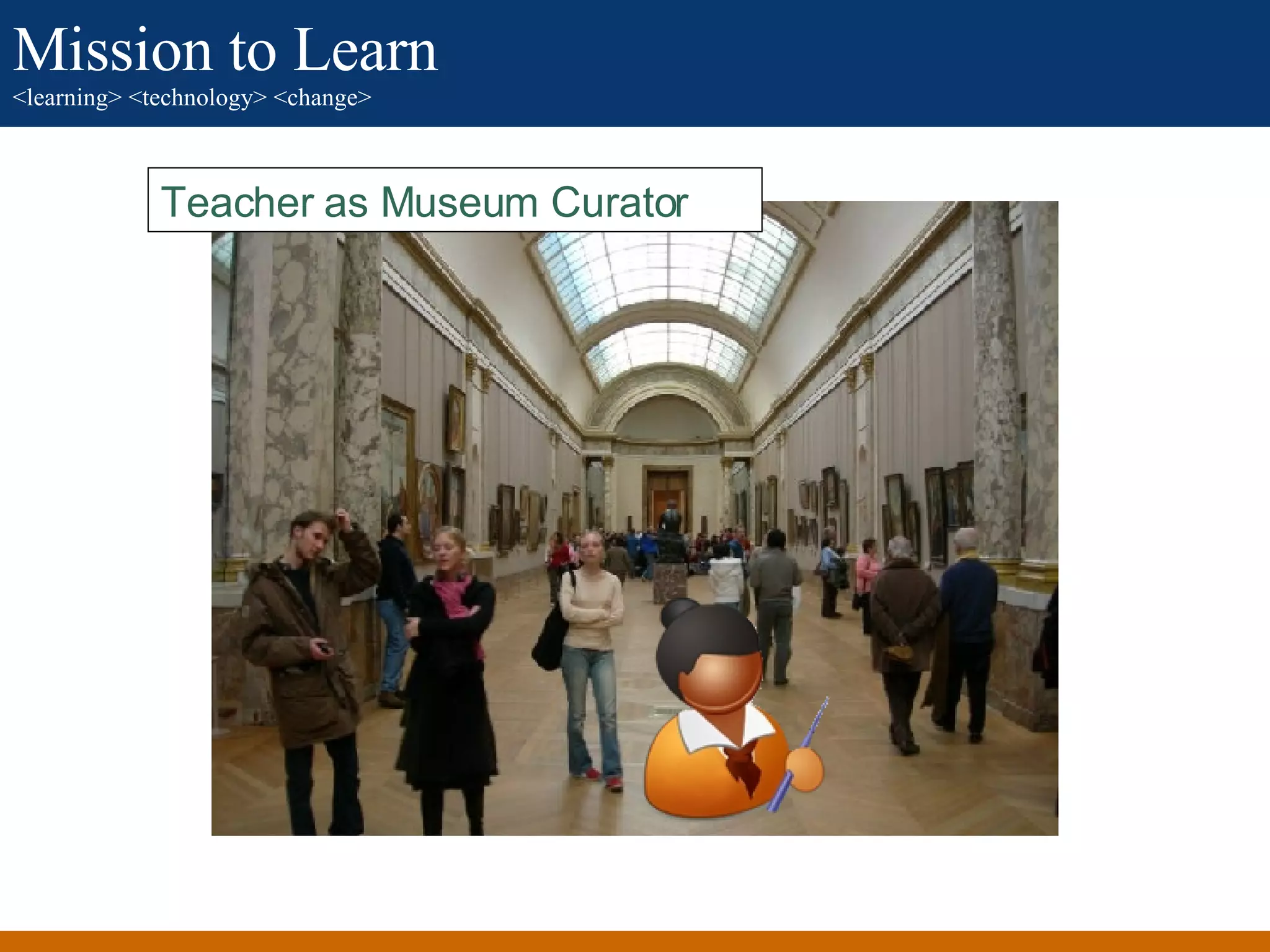
Teacher as museum curator Teacher as Museum Curator
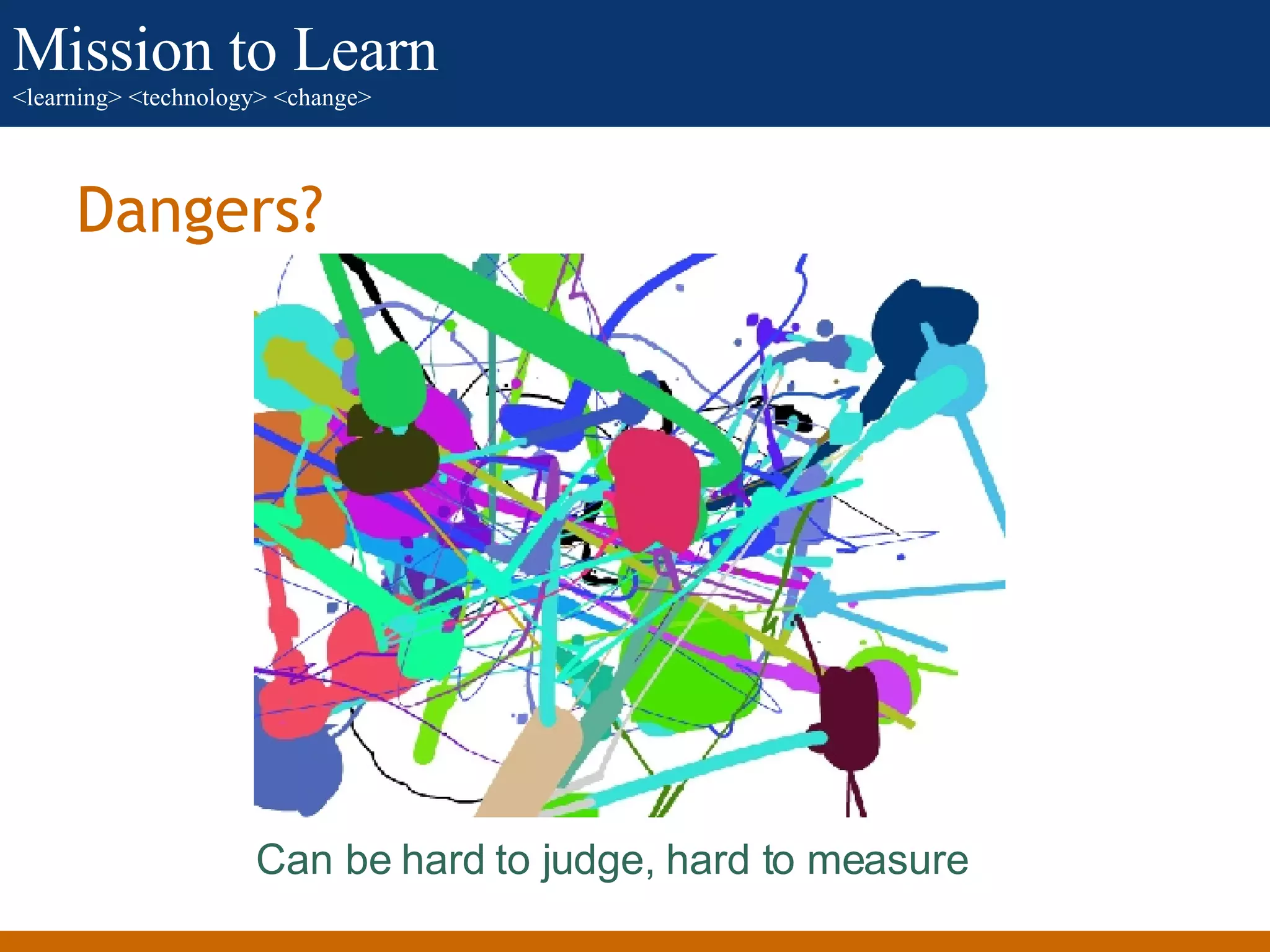
Dangers? Can be hard to judge, hard to measure
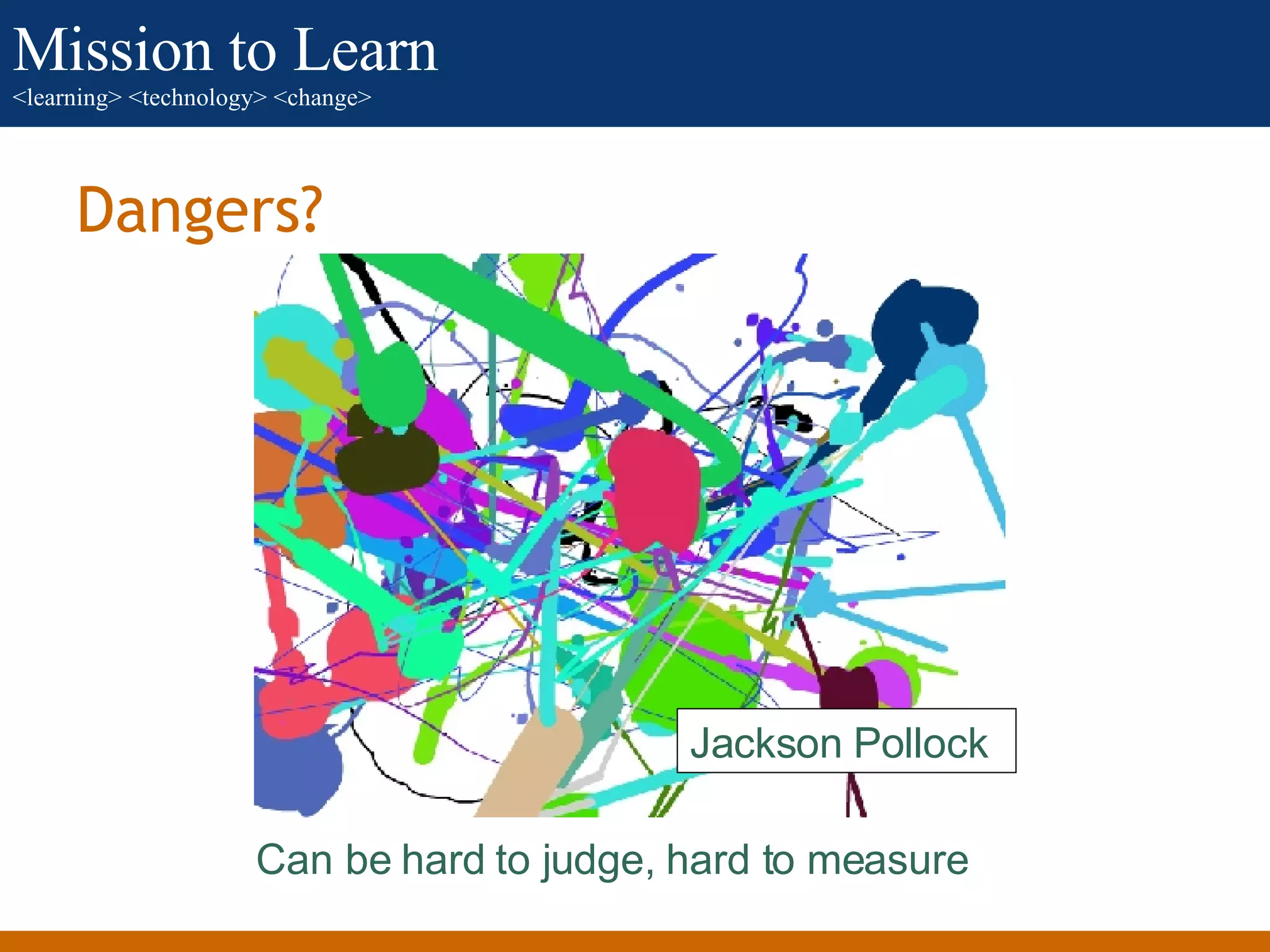
Dangers? Can be hard to judge, hard to measure Jackson Pollock
Where to next? Personal exploration of possibilities Try out a variety of tools Use the tools themselves to capture your learning Understand your context The more your association is already behaving like a network, the easier adoption of social media technologies will be
Where to next? Encourage development of personal knowledge management (PKM) skills Experiment, but with purpose Feel free to: E-mail me:  jeff   at_steelcob.com   Call or SMS me: 919.201.7460 Skype me: jtcobb Comment on my blog:  http://blog.missiontolearn.com

Learning 2.0 For Associations

  • 1.
    Learning 2.0 forAssociations <learning> <technology> <change> Mission to Learn
  • 2.
    Download and ResourcesAvailable The download of this presentation at Slideshare.net contains the related script as well as all attributions, etc. Resources to accompany the presentation are also available at http:// www.missiontolearn.com /resources This work is licensed under a Creative Commons Attribution-Share Alike 3.0 United States License .
  • 3.
  • 4.
  • 5.
  • 6.
  • 7.
  • 8.
  • 9.
  • 10.
  • 11.
  • 12.
  • 13.
  • 14.
  • 15.
  • 16.
    Web 2.0 Universe.Flickr Galaxy. Flickr: cobalt123
  • 17.
  • 18.
  • 19.
    What caused this?User control of content, data increased dramatically Ability to interconnect applications increased dramatically Ability to form meaningful communities and collaborate increased dramatically.
  • 20.
    1689 applications andcounting*. *As of October 16, 2007
  • 21.
    It can beoverwhelming.
  • 22.
    It can beoverwhelming.
  • 23.
    It can beoverwhelming. Start simple.
  • 24.
  • 25.
  • 26.
    Podcasting A fewpossibilities: Easily broadcast important information Create expert interviews Share conference sessions Encourage learner content production
  • 27.
  • 28.
    Blogs A fewpossibilities: Postings to supplement events or on-demand learning Learner journaling, personal learning environment (PLE) Group project to co-produce content Blog network for trainers and/or members
  • 29.
  • 30.
    Video on Demand(VOD) A few possibilities: Educational interviews and story telling Educational marketing Embedding in other learning environments Event support and continuation
  • 31.
  • 32.
    Photo and SlideSharing A few possibilities: Event support and continuation Group discussion of shared presentations Embedding of presentations in sites and blogs
  • 33.
  • 34.
    Photo and SlideSharing A few possibilities: Event support and continuation Maintain stock of training photos Encourage member/chapter photo sharing
  • 35.
  • 36.
    Virtual Worlds Afew possibilities: Virtual conferences and seminars Resource “island” for education Team meetings and collaboration spaces Simulations
  • 37.
  • 38.
    Social Bookmarking Afew possibilities: Collect, share educational resources Transmit as feed to educational sites and blogs Supplement events and on-demand training
  • 39.
  • 40.
    Wikis A fewpossibilities: Collaborative knowledge from member experts Collaborative management of educational resources Team work and group projects Event support and continuation
  • 41.
  • 42.
    Social Networking Afew possibilities Event support and continuation Team and community support Aggregation of social media applications Personal learning environment
  • 43.
    “1.0” and “1.5”are not necessarily invalid: pick the right approach for the context blend where appropriate What does it all mean? + +
  • 44.
    What does itall mean? If you incorporate social media be ready for less control network think, not group think Groups require unity, networks require diversity Groups require coherence, networks require autonomy Groups require privacy or segregation, networks require openness Groups require focus of voice, networks require interaction
  • 45.
    Teacher as networkadministrator Teacher as Network Administrator
  • 46.
    Teacher as museumcurator Teacher as Museum Curator
  • 47.
    Dangers? Can behard to judge, hard to measure
  • 48.
    Dangers? Can behard to judge, hard to measure Jackson Pollock
  • 49.
    Where to next?Personal exploration of possibilities Try out a variety of tools Use the tools themselves to capture your learning Understand your context The more your association is already behaving like a network, the easier adoption of social media technologies will be
  • 50.
    Where to next?Encourage development of personal knowledge management (PKM) skills Experiment, but with purpose Feel free to: E-mail me: jeff at_steelcob.com Call or SMS me: 919.201.7460 Skype me: jtcobb Comment on my blog: http://blog.missiontolearn.com

Editor's Notes

  • #2 Thank you for joining this presentation on incorporating social media into online learning programs. During the course of the presentation we’ll consider how approaches to learning have evolved and what impact the range of new technologies dubbed “Web 2.0” is having. We’ll also take a look at some of the ways in which associations are using these new technologies and what possibilities they may represent for your professional development and other learning initiatives. This presentation assumes a high level of comfort with the Web, but it does not assume deep familiarity with social media tools. In my examples, I talk about general areas of social media and to illustrate these areas use tools that have a high likelihood of being familiar to most viewers. Viewers who already make significant use of social media technologies may find some of the content a bit basic, but my hope is that the examples and some of the general thinking about Learning 2.0 as a concept will nonetheless be helpful. Let’s start with a look at what we mean by the term “Learning 2.0.” Photo credit: jefield, Flickr, http://www.flickr.com/photos/50021255@N00/20582060/