@bobmccune
Bob McCune
with AVAudioEngine
Building Modern Audio Apps
-MN Developer and Instructor
-Owner of TapHarmonic, LLC.
-Author of Learning AV Foundation
About...
Bob McCune
http://LearningAVFoundation.com
-What is AVAudioEngine?
- Goals and Capabilities
-Understanding AVAudioEngine
- Understanding Audio Nodes
- Playing and Recording Audio
- Audio Mixing and Effect Processing
- Working with MIDI and Samplers
Agenda
What will I learn?
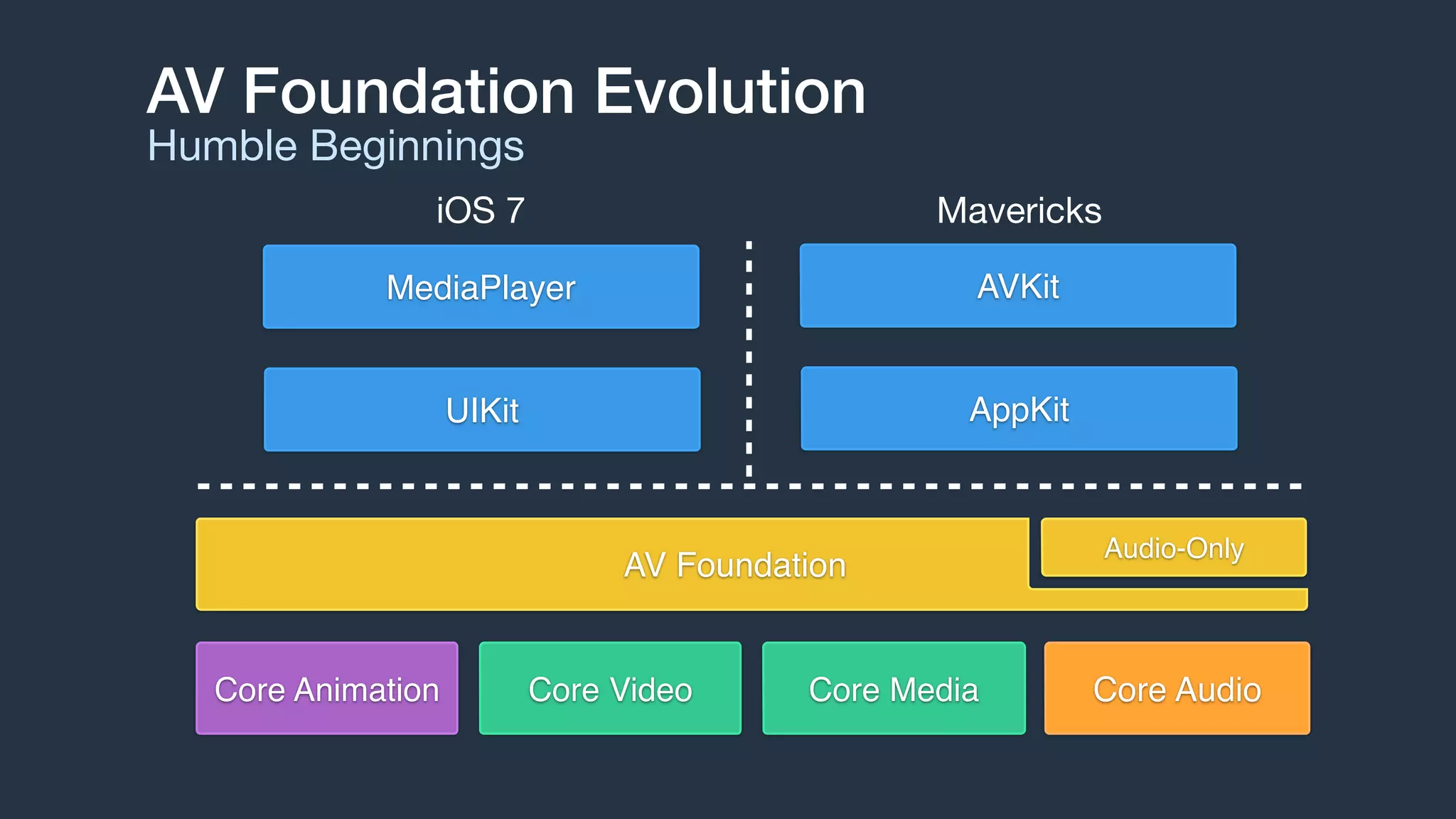
AV Foundation Evolution
Humble Beginnings
AV Foundation
MediaPlayer AVKit
UIKit AppKit
Core Video Core MediaCore Animation
Audio-Only
Core Audio
MavericksiOS 7
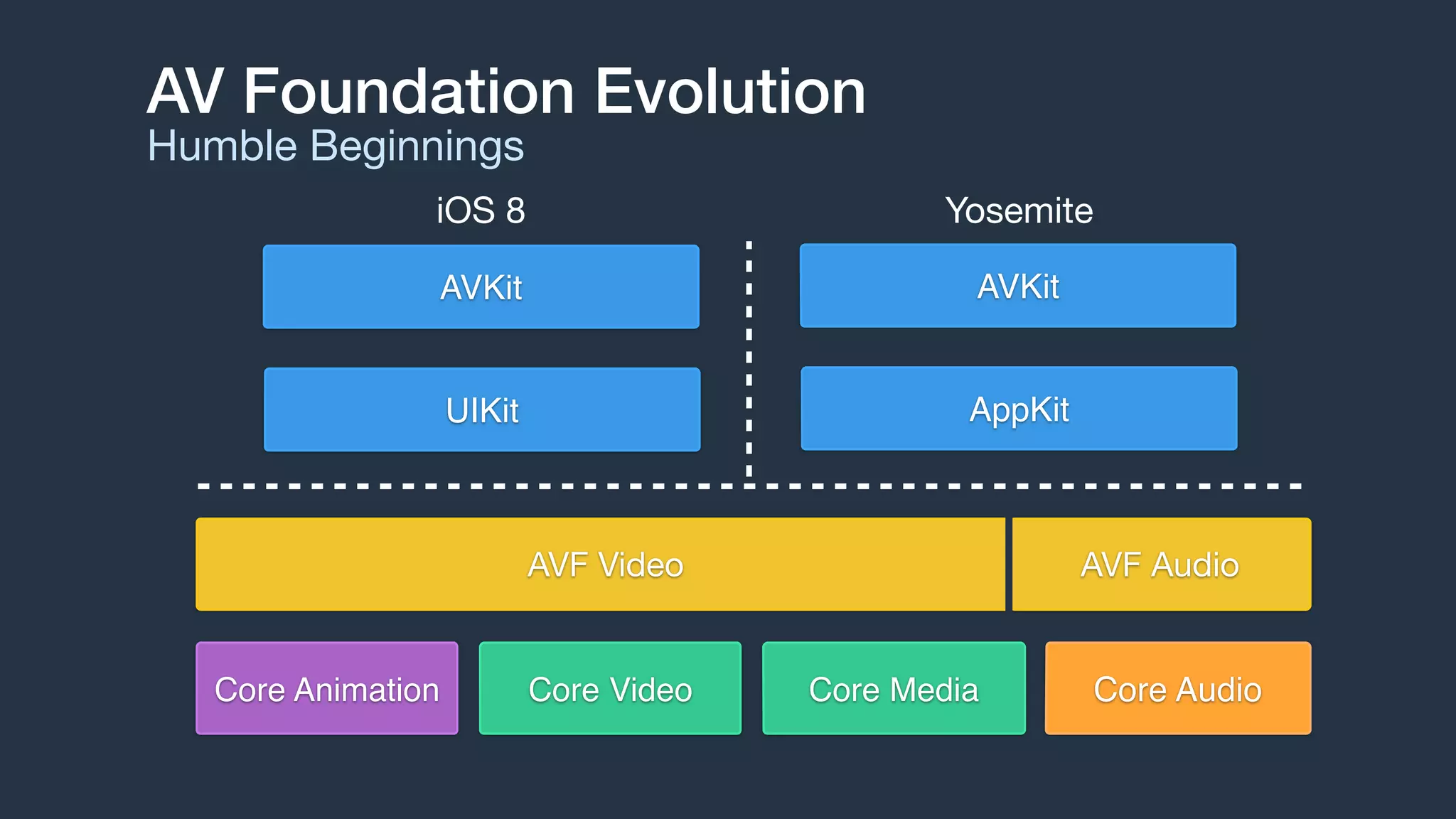
AV Foundation Evolution
Humble Beginnings
AVKit AVKit
UIKit AppKit
Core Video Core MediaCore Animation Core Audio
AVF Video AVF Audio
YosemiteiOS 8
AVAudioEngine
An Introduction
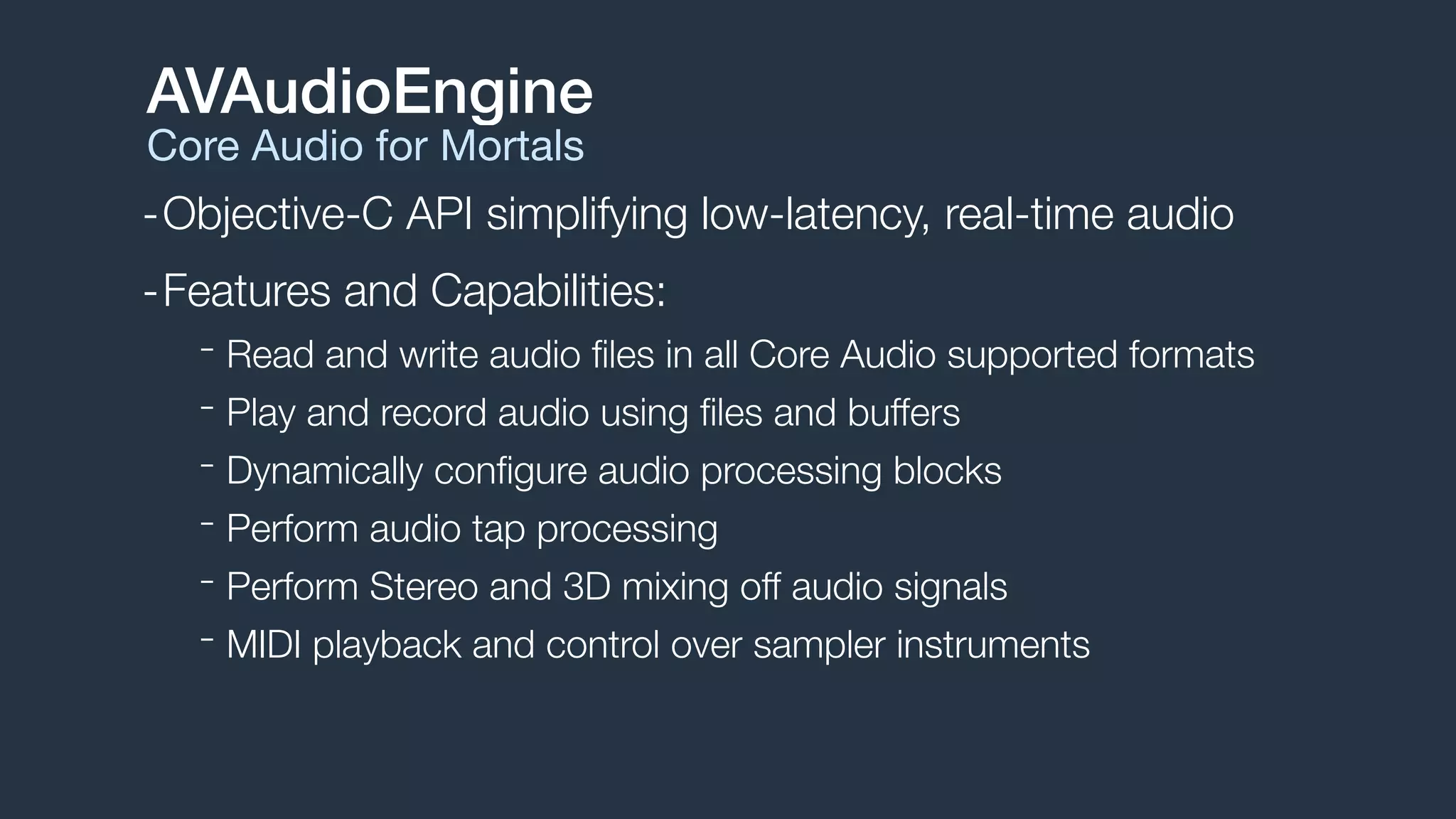
-Objective-C API simplifying low-latency, real-time audio
-Features and Capabilities:
- Read and write audio files in all Core Audio supported formats
- Play and record audio using files and buffers
- Dynamically configure audio processing blocks
- Perform audio tap processing
- Perform Stereo and 3D mixing off audio signals
- MIDI playback and control over sampler instruments
AVAudioEngine
Core Audio for Mortals
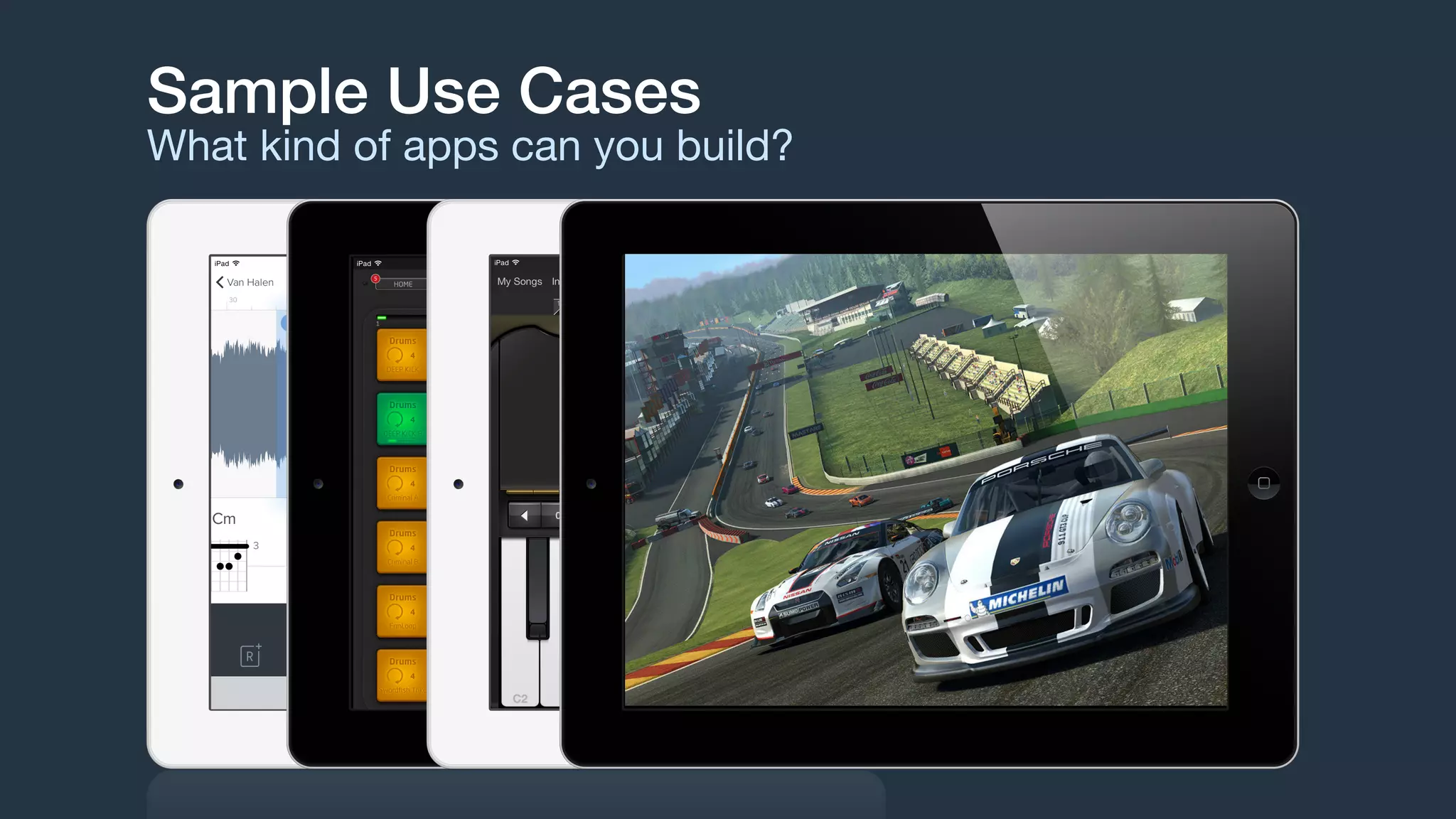
Sample Use Cases
What kind of apps can you build?
-Manages graphs of audio nodes
-Connects audio node into active chains
-Dynamically attach and reconfigure graph
-Start and stop the engine
The Engine
AVAudioEngine
-Nodes are audio blocks
- Source Nodes: Player, Microphone
- Processing Nodes: Mixer, Audio Unit Effect
- Destination: Speaker, Headphones
Nodes
AVAudioNode
-AVAudioEngine provides 3 implicit nodes:
- AVAudioInputNode: system input, cannot be created
- AVAudioOutputNode: system output, cannot be created
- AVAudioMixerNode: mixes multiple inputs to a single output
-Nodes are connected via their input and output busses
- Most nodes have one input and one output
- AVAudioMixerNode has multiple inputs and one output
- Busses have an associated audio format
Nodes
AVAudioNode
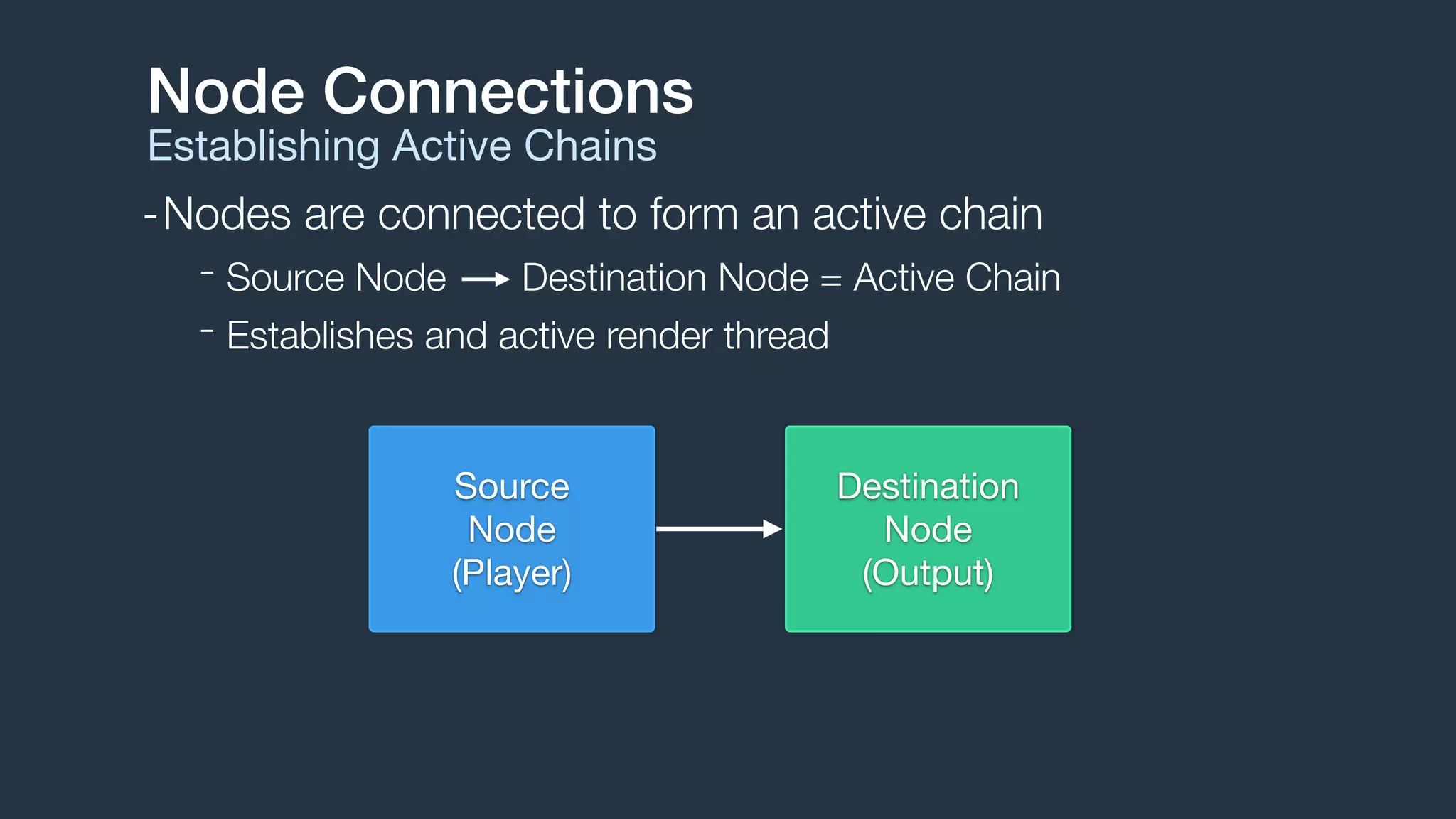
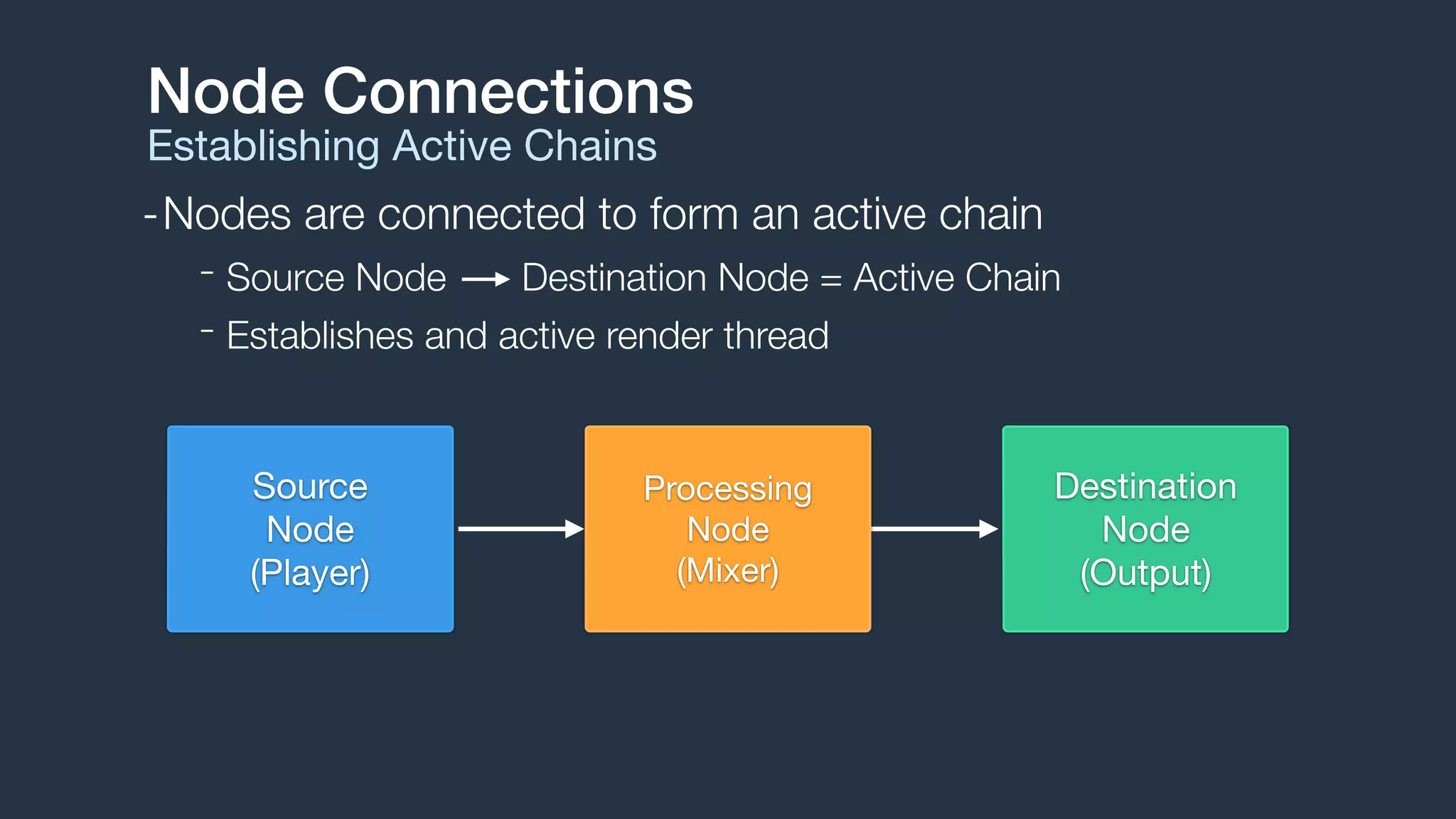
-Nodes are connected to form an active chain
- Source Node Destination Node = Active Chain
- Establishes and active render thread
Node Connections
Establishing Active Chains
Destination

Node

(Output)
Source

Node

(Player)
Node Connections
Establishing Active Chains
Destination

Node

(Output)
Source

Node

(Player)
Processing 

Node

(Mixer)
-Nodes are connected to form an active chain
- Source Node Destination Node = Active Chain
- Establishes and active render thread
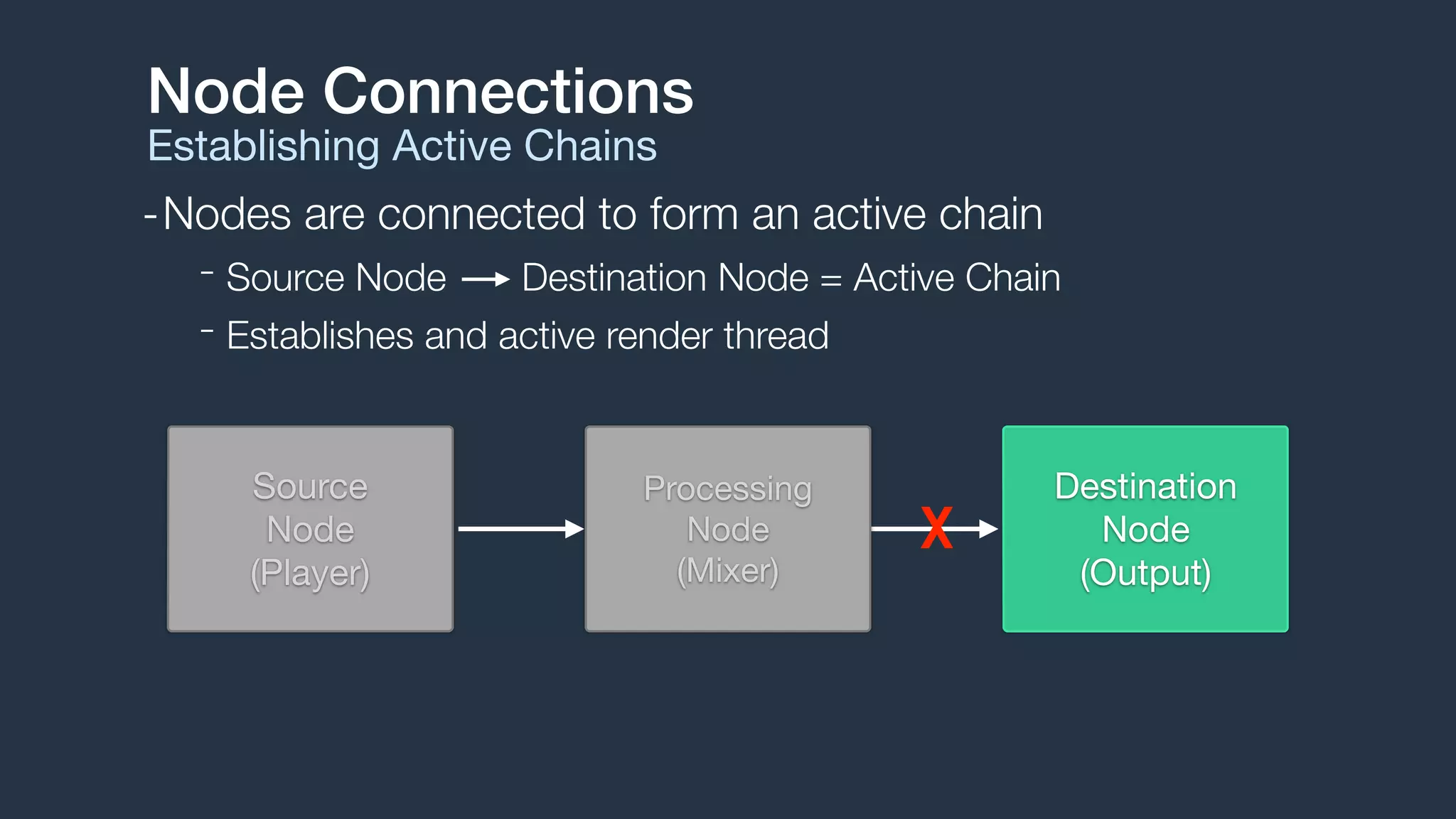
Node Connections
Establishing Active Chains
Destination

Node

(Output)
Source

Node

(Player)
Processing 

Node

(Mixer)
X
-Nodes are connected to form an active chain
- Source Node Destination Node = Active Chain
- Establishes and active render thread
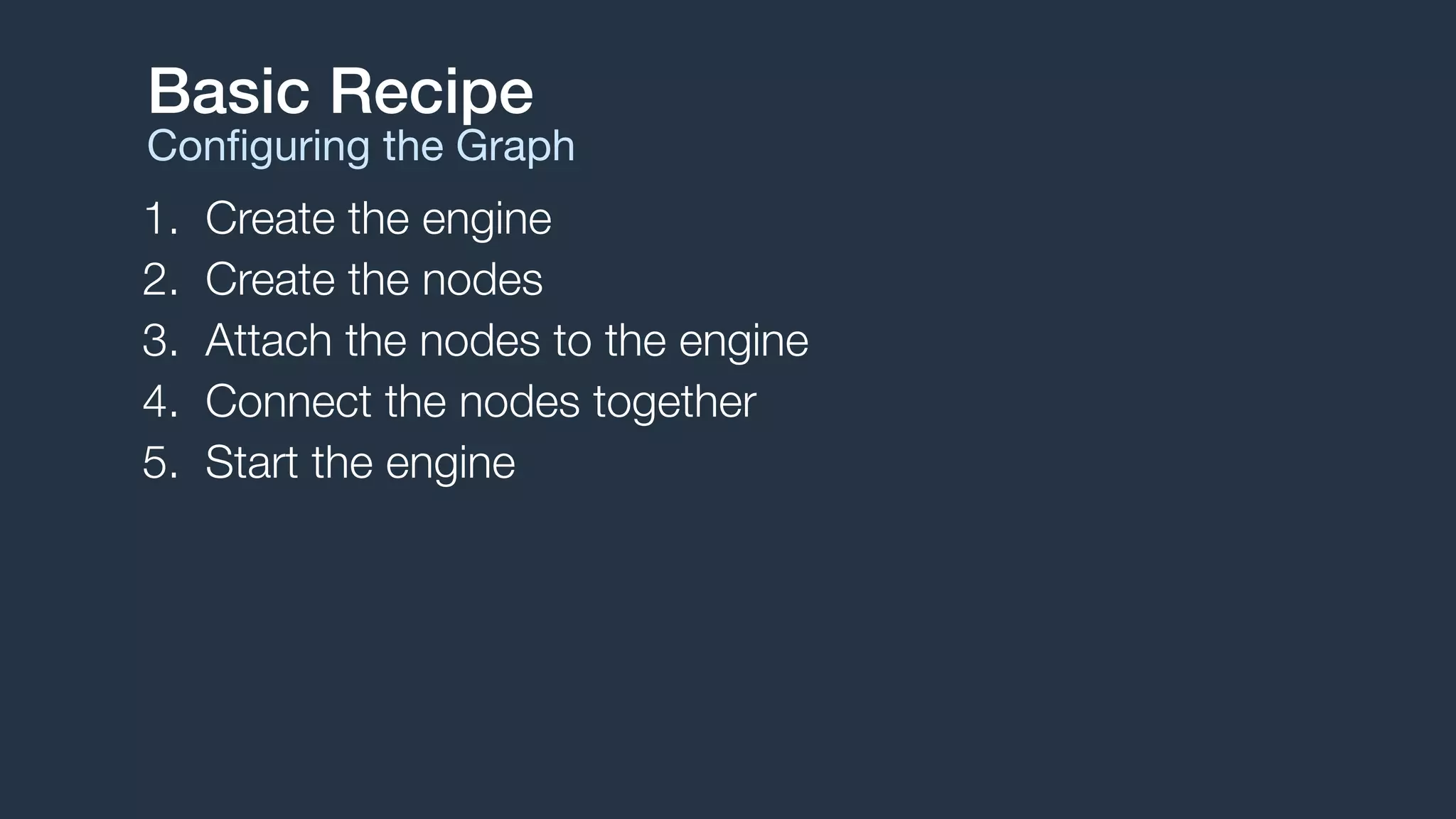
1. Create the engine
2. Create the nodes
3. Attach the nodes to the engine
4. Connect the nodes together
5. Start the engine
Basic Recipe
Configuring the Graph
Engine Setup
Basic Recipe
// 1. Create engine (example only, needs to be strong reference)
AVAudioEngine *engine = [[AVAudioEngine alloc] init];
// 2. Create a player node
AVAudioPlayerNode *player = [[AVAudioPlayerNode alloc] init];
// 3. Attach node to the engine
[engine attachNode:player];
// 4. Connect player node to engine's main mixer
AVAudioMixerNode *mixer = engine.mainMixerNode;
[engine connect:player to:mixer format:[mixer outputFormatForBus:0]];
// 5. Start engine
NSError *error;
if (![engine startAndReturnError:&error]) {
// handle error
}
Playing Audio
Players, Files, and Buffers
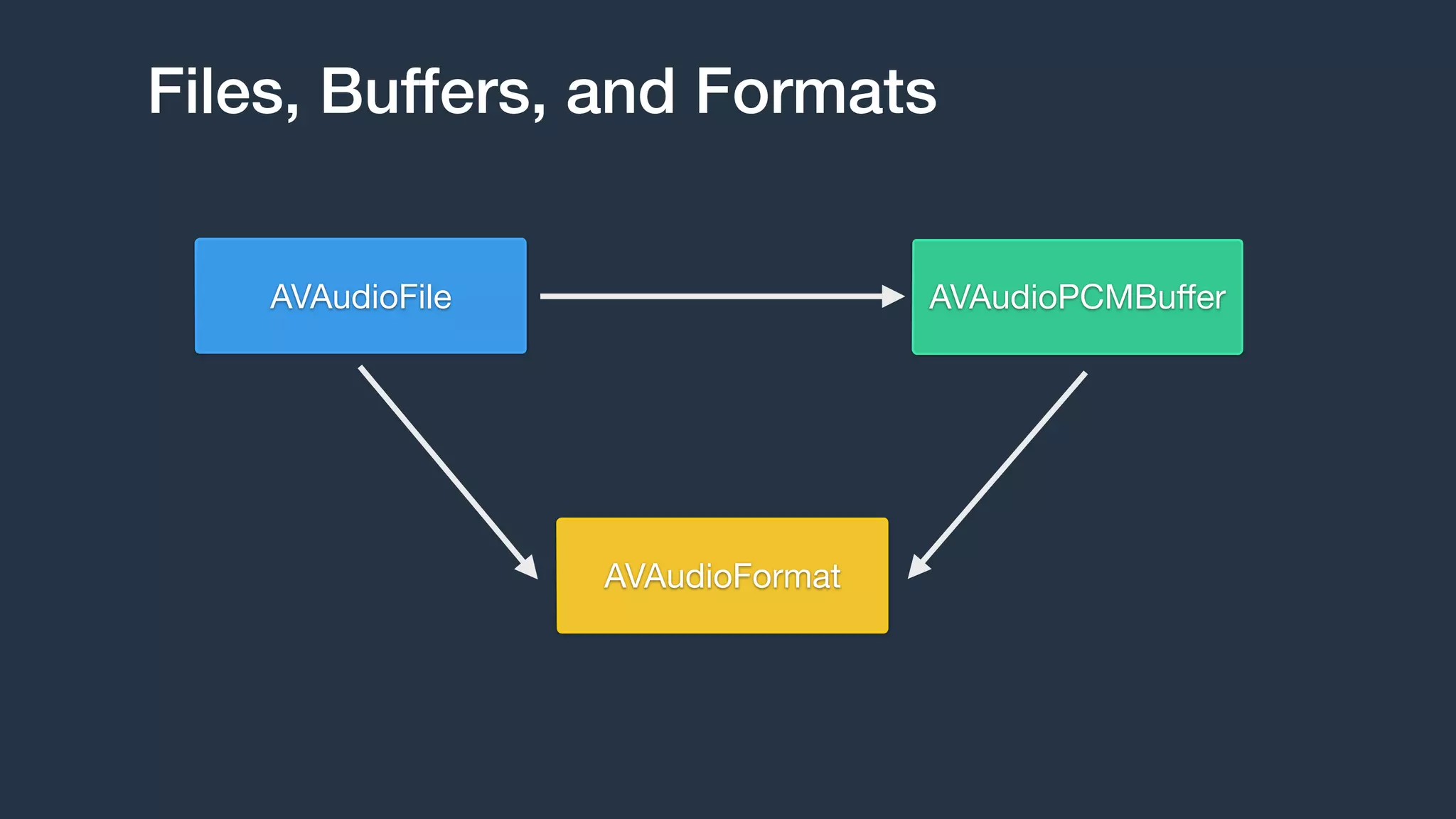
Files, Buffers, and Formats
AVAudioPCMBuffer
AVAudioFormat
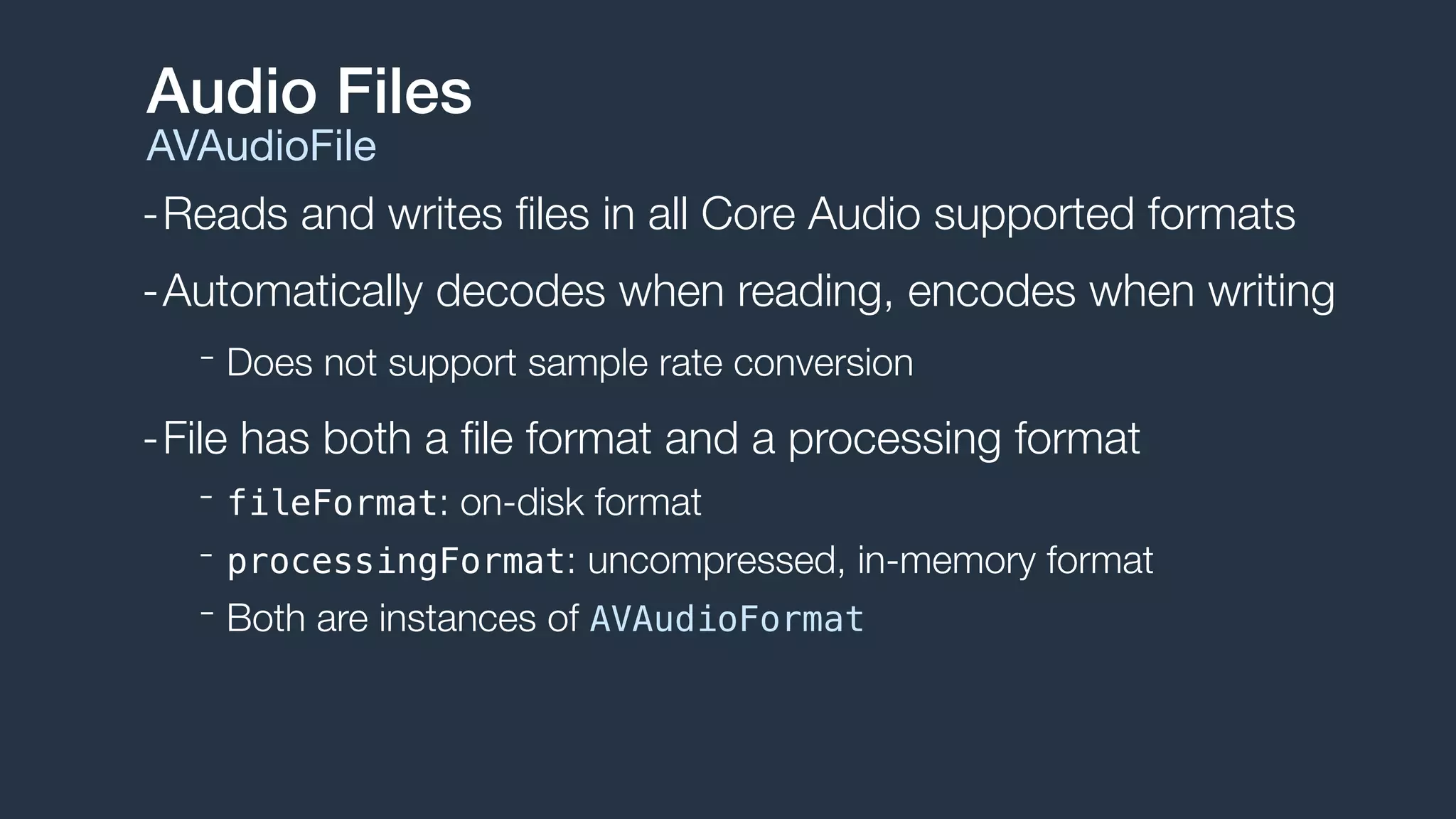
AVAudioFile
-Reads and writes files in all Core Audio supported formats
-Automatically decodes when reading, encodes when writing
- Does not support sample rate conversion
-File has both a file format and a processing format
- fileFormat: on-disk format
- processingFormat: uncompressed, in-memory format
- Both are instances of AVAudioFormat
Audio Files
AVAudioFile
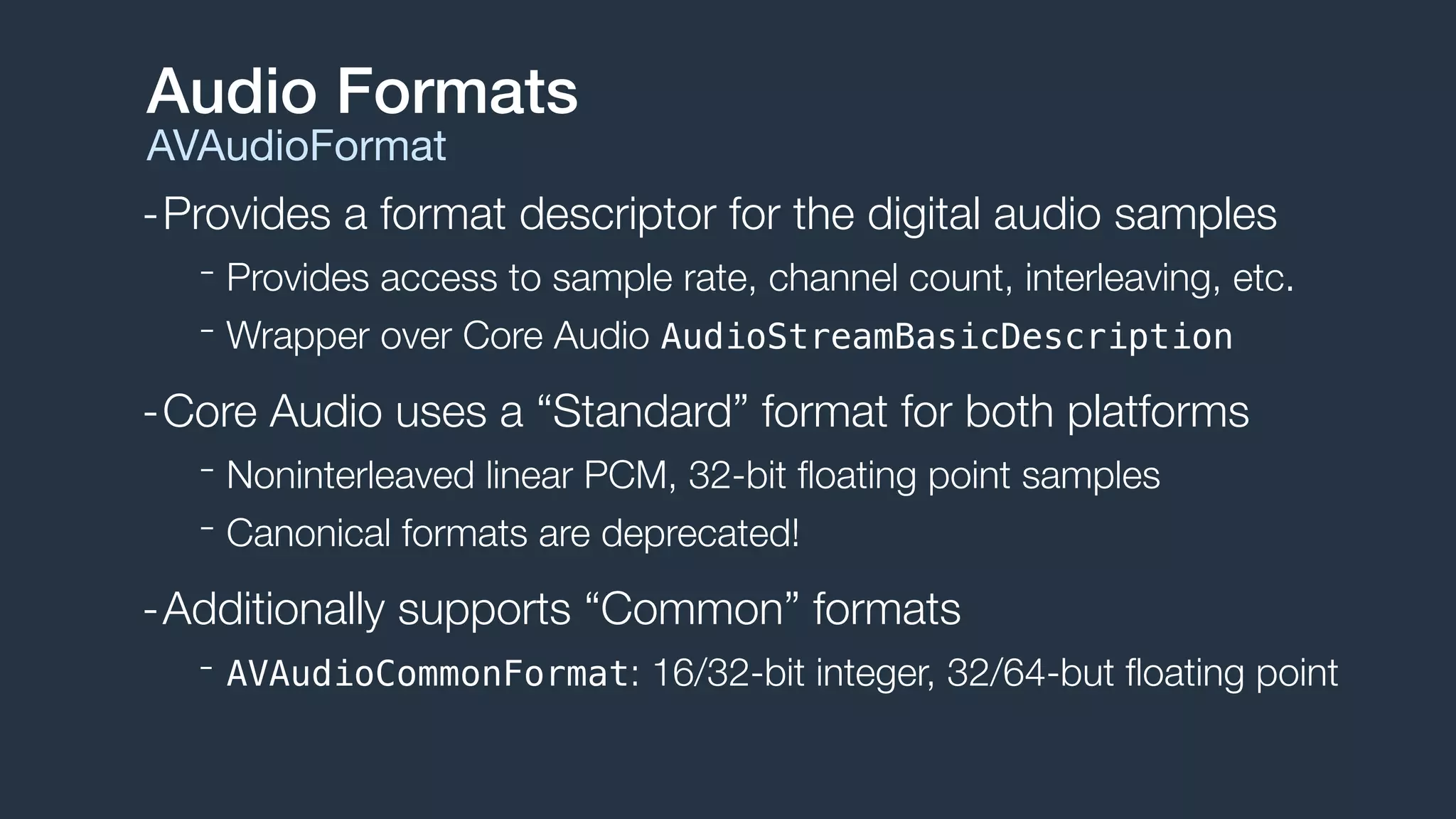
-Provides a format descriptor for the digital audio samples
- Provides access to sample rate, channel count, interleaving, etc.
- Wrapper over Core Audio AudioStreamBasicDescription
-Core Audio uses a “Standard” format for both platforms
- Noninterleaved linear PCM, 32-bit floating point samples
- Canonical formats are deprecated!
-Additionally supports “Common” formats
- AVAudioCommonFormat: 16/32-bit integer, 32/64-but floating point
Audio Formats
AVAudioFormat
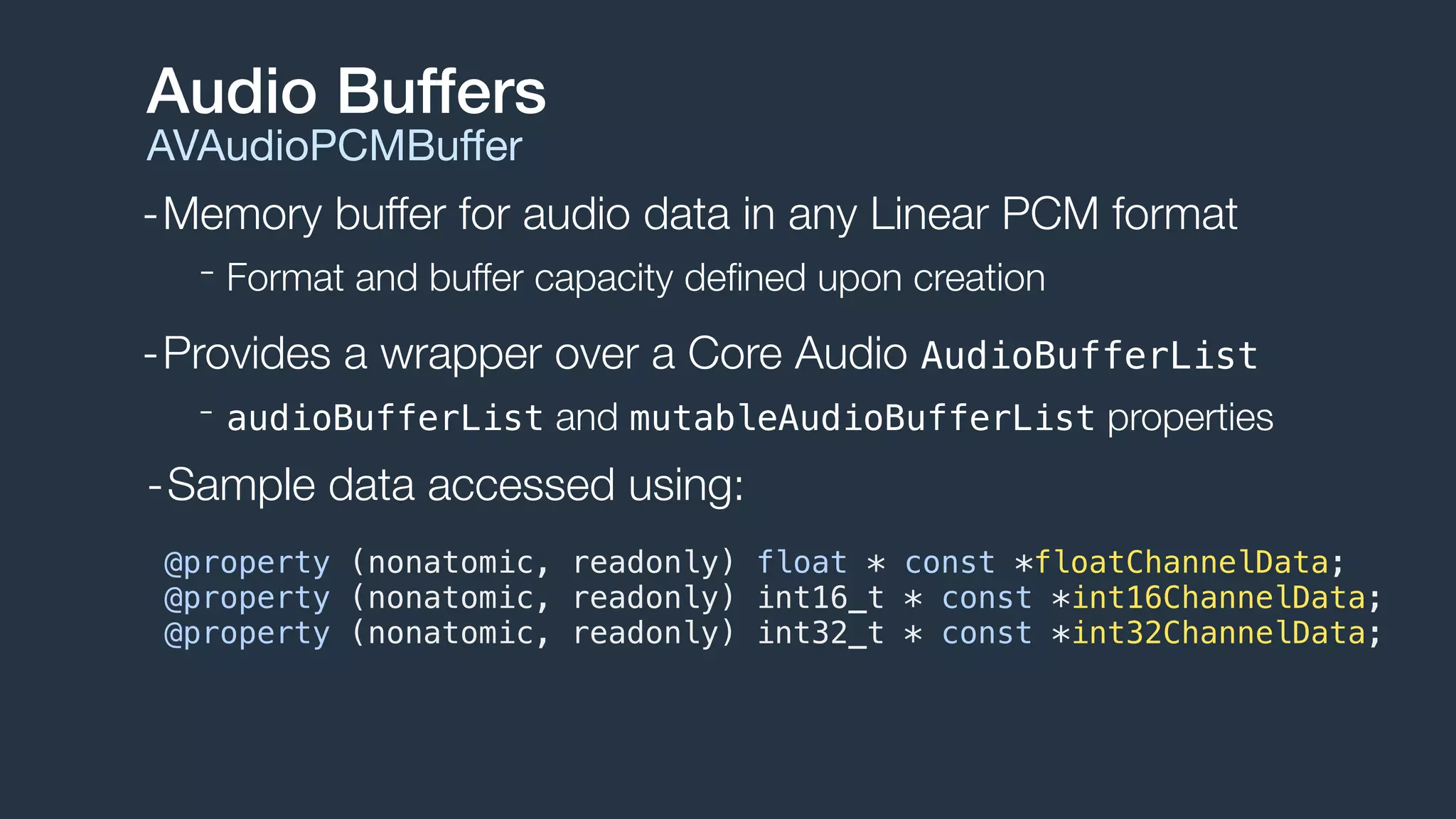
-Memory buffer for audio data in any Linear PCM format
- Format and buffer capacity defined upon creation
-Provides a wrapper over a Core Audio AudioBufferList
- audioBufferList and mutableAudioBufferList properties
Audio Buffers
AVAudioPCMBuffer
@property (nonatomic, readonly) float * const *floatChannelData;
@property (nonatomic, readonly) int16_t * const *int16ChannelData;
@property (nonatomic, readonly) int32_t * const *int32ChannelData;
-Sample data accessed using:
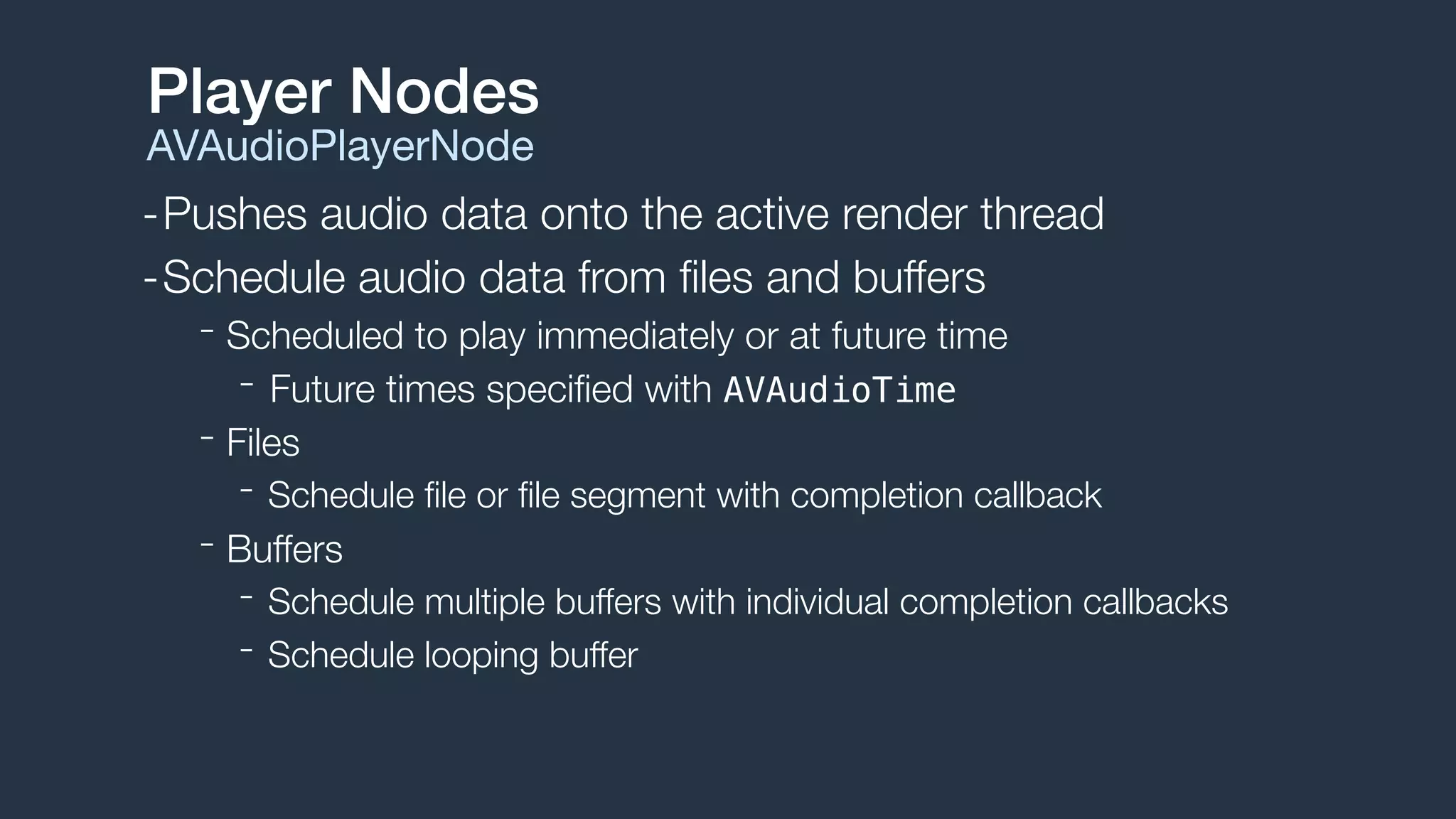
-Pushes audio data onto the active render thread
-Schedule audio data from files and buffers
- Scheduled to play immediately or at future time
- Future times specified with AVAudioTime
- Files
- Schedule file or file segment with completion callback
- Buffers
- Schedule multiple buffers with individual completion callbacks
- Schedule looping buffer
Player Nodes
AVAudioPlayerNode
Creating Files and Buffers
AVAudioFile and AVAudioPCMBuffer
NSURL *url = [[NSBundle mainBundle] URLForResource:@"groove"
withExtension:@"m4a"];
// Create AVAudioFile
AVAudioFile *file = [[AVAudioFile alloc] initForReading:url
error:nil];
// Create AVAudioPCMBuffer
AVAudioFormat *format = file.processingFormat;
AVAudioFrameCount capacity = (AVAudioFrameCount)file.length;
AVAudioPCMBuffer *buffer =
[[AVAudioPCMBuffer alloc] initWithPCMFormat:format
frameCapacity:capacity];
// Read AVAudioFile -> AVAudioPCMBuffer
[file readIntoBuffer:buffer error:nil];
AVPlayerNode
Scheduling Files and Buffers
Immediate File Playback
[playerNode scheduleFile:audioFile atTime:nil completionHandler:nil];
[playerNode play];
Future Buffer Playback
// Play audio file 5 seconds from now
double sampleRate = buffer.format.sampleRate;
double sampleTime = sampleRate * 5.0;
AVAudioTime *futureTime = [AVAudioTime timeWithSampleTime:sampleTime
atRate:sampleRate];
[playerNode scheduleBuffer:audioBuffer atTime:futureTime options:0 completionHandler:nil];
[playerNode play];
[playerNode scheduleBuffer:audioBuffer completionHandler:nil];
[playerNode play];
Immediate Buffer Playback
-Scheduling multiple buffers queues them serially
Scheduling Options
AVAudioPlayerNodeBufferOptions
[playerNode scheduleBuffer:buffer1 atTime:nil options:0 completionHandler:nil];
[playerNode play];
[playerNode scheduleBuffer:buffer2 atTime:nil options:0 completionHandler:nil];
buffer1 buffer2
time
[playerNode scheduleBuffer:buffer2
atTime:nil
options:AVAudioPlayerNodeBufferInterrupts completionHandler:nil];
-Schedule with interruption option to change this behavior
buffer1 buffer2
time
-Schedule a single looping buffer
Scheduling Options
AVAudioPlayerNodeBufferOptions
[playerNode scheduleBuffer:buffer1
atTime:nil
options:AVAudioPlayerNodeBufferLoops completionHandler:nil];
buffer1
[playerNode scheduleBuffer:buffer2
atTime:nil
options:AVAudioPlayerNodeBufferInterruptsAtLoop completionHandler:nil];
-Schedule with interruption or interruption at loop
buffer1 buffer2
Audio Mixing
AVAudioMixerNode
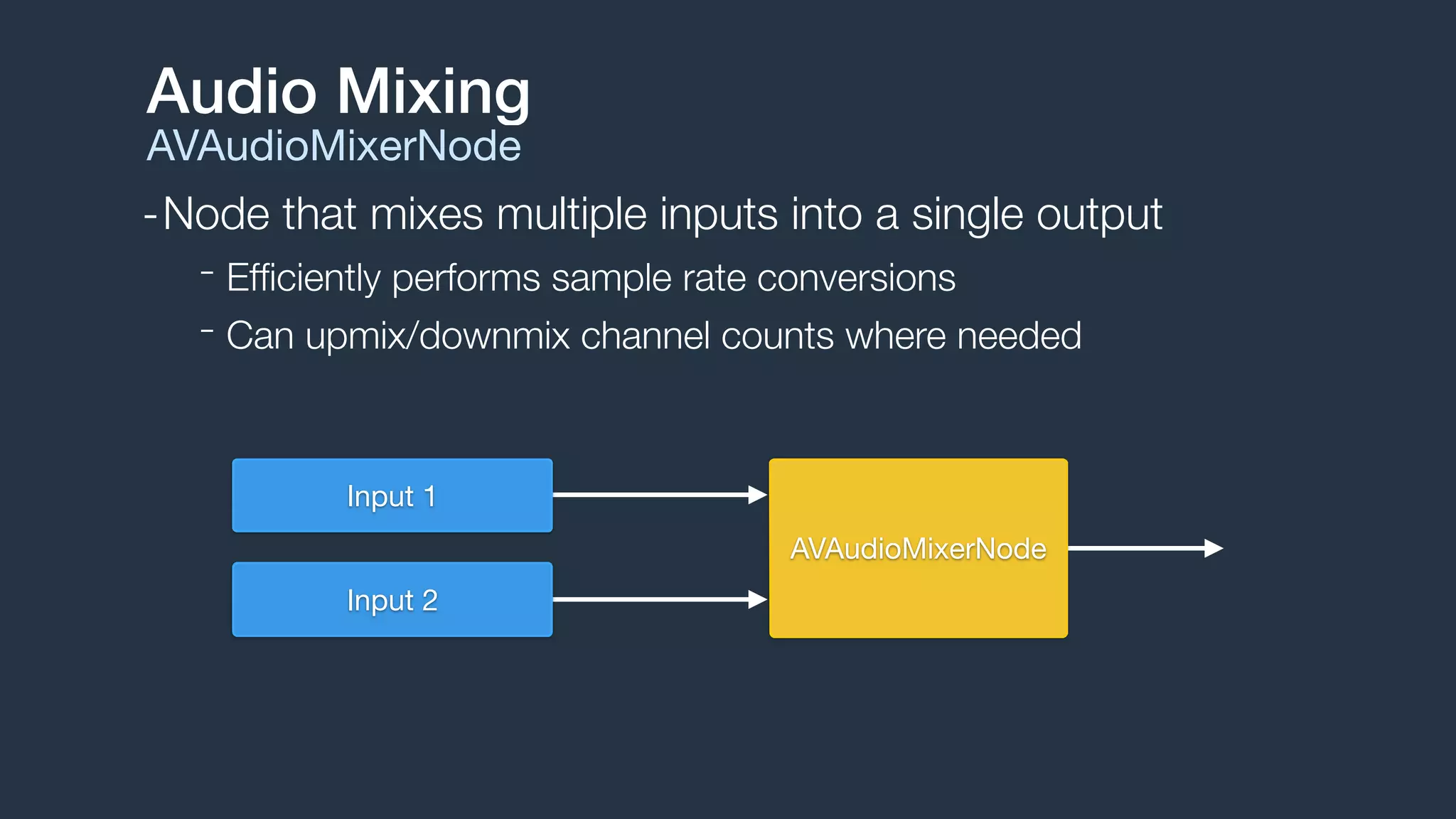
-Node that mixes multiple inputs into a single output
- Efficiently performs sample rate conversions
- Can upmix/downmix channel counts where needed
Audio Mixing
AVAudioMixerNode
AVAudioMixerNode
Input 1
Input 2
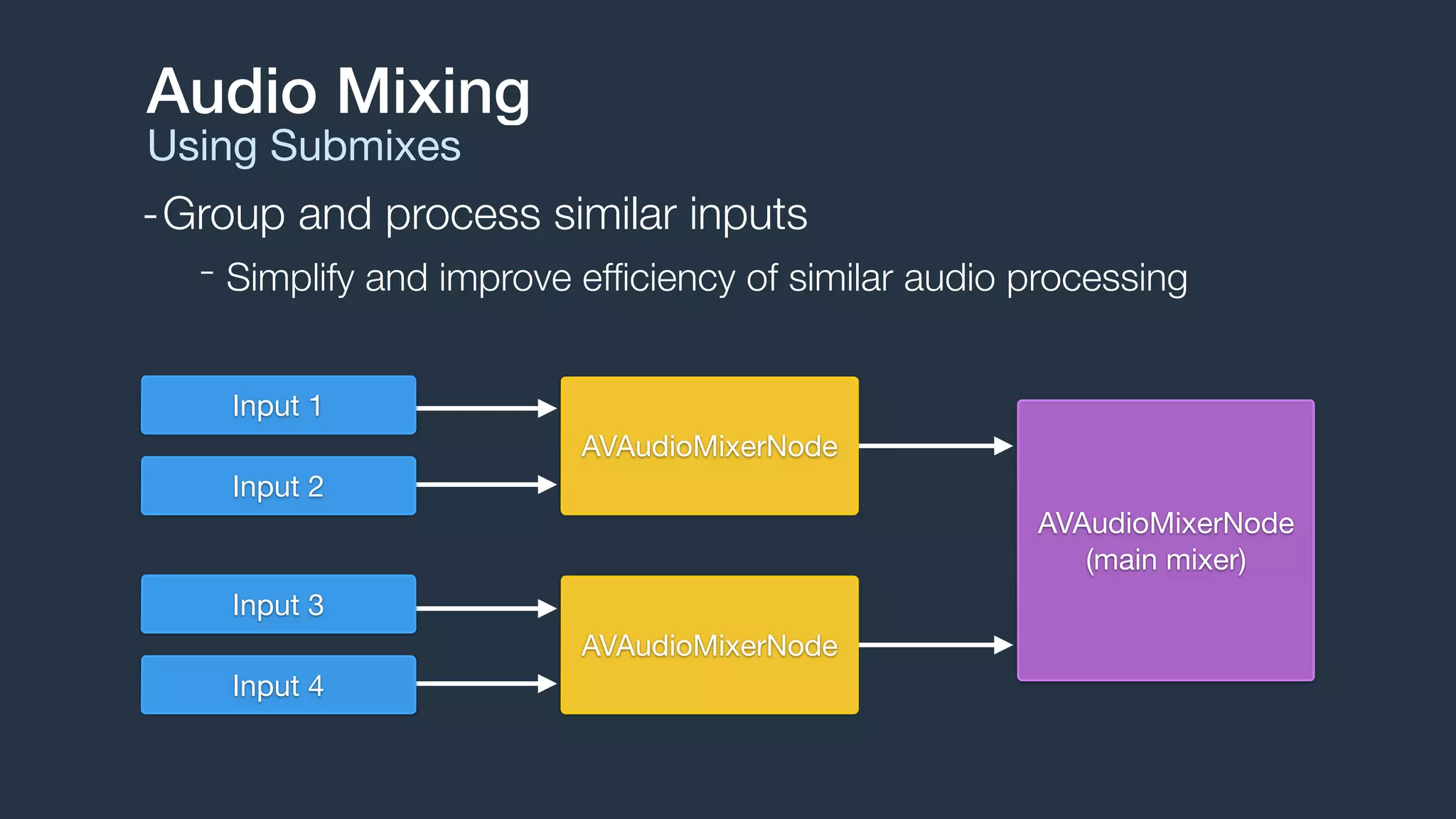
-Group and process similar inputs
- Simplify and improve efficiency of similar audio processing
Audio Mixing
Using Submixes
AVAudioMixerNode
Input 1
Input 2
AVAudioMixerNode
Input 3
Input 4
AVAudioMixerNode

(main mixer)
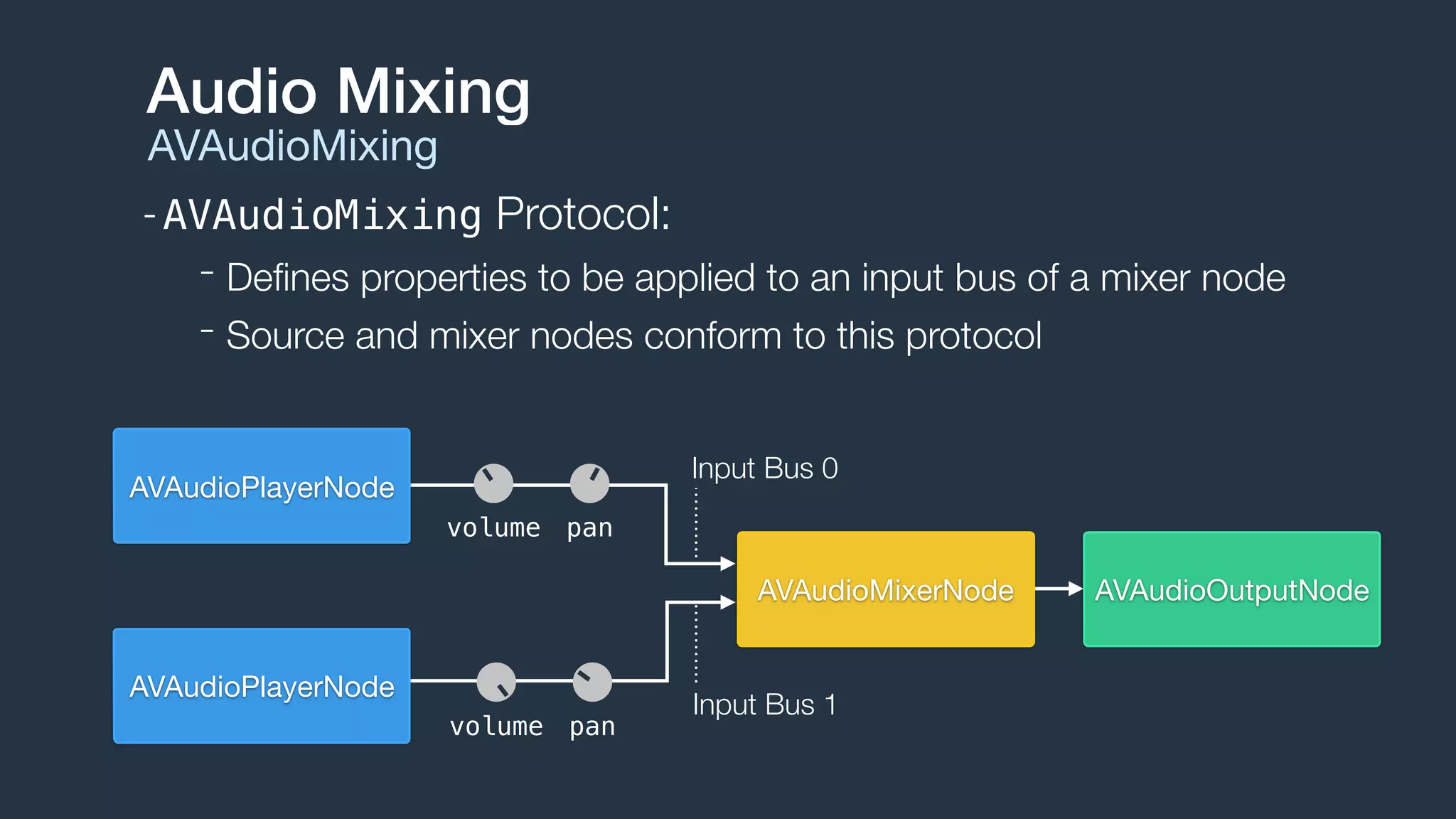
-AVAudioMixing Protocol:
- Defines properties to be applied to an input bus of a mixer node
- Source and mixer nodes conform to this protocol
Audio Mixing
AVAudioMixing
AVAudioOutputNodeAVAudioMixerNode
AVAudioPlayerNode
AVAudioPlayerNode
volume pan
volume pan
Input Bus 0
Input Bus 1
Audio Taps
Installing Node Taps
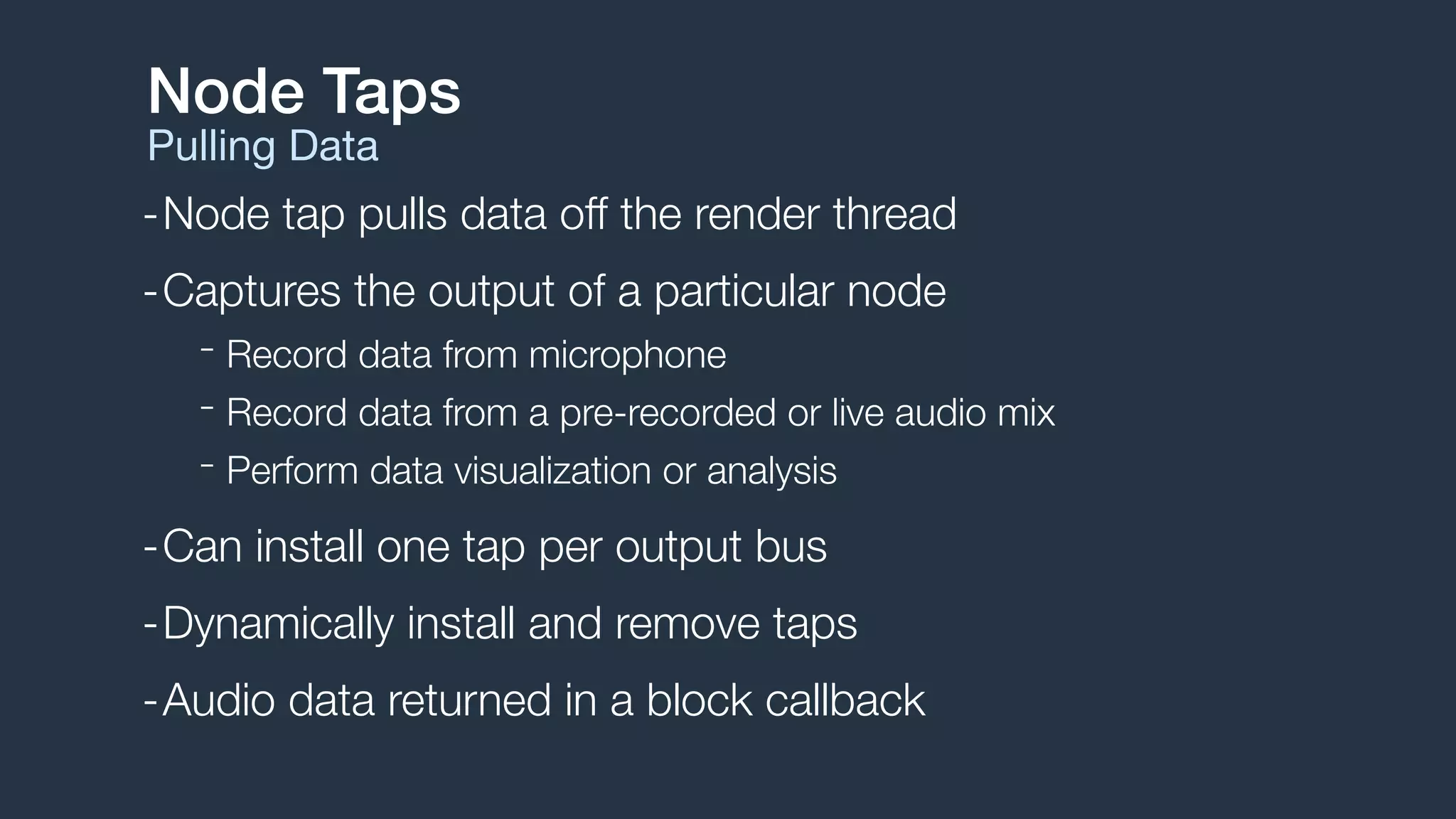
-Node tap pulls data off the render thread
-Captures the output of a particular node
- Record data from microphone
- Record data from a pre-recorded or live audio mix
- Perform data visualization or analysis
-Can install one tap per output bus
-Dynamically install and remove taps
-Audio data returned in a block callback
Node Taps
Pulling Data
Node Taps
Installing a tap
AVAudioMixerNode *mixer = self.engine.mainMixerNode;
AVAudioFrameCount bufferSize = 4096;
AVAudioFormat *format = [mixer outputFormatForBus:0];
[mixer installTapOnBus:0
bufferSize:bufferSize
format:format
block:^(AVAudioPCMBuffer *buffer, AVAudioTime *when) {
// Process AVAudioPCMBuffer
}];
Audio Processing
Applying Audio Effects
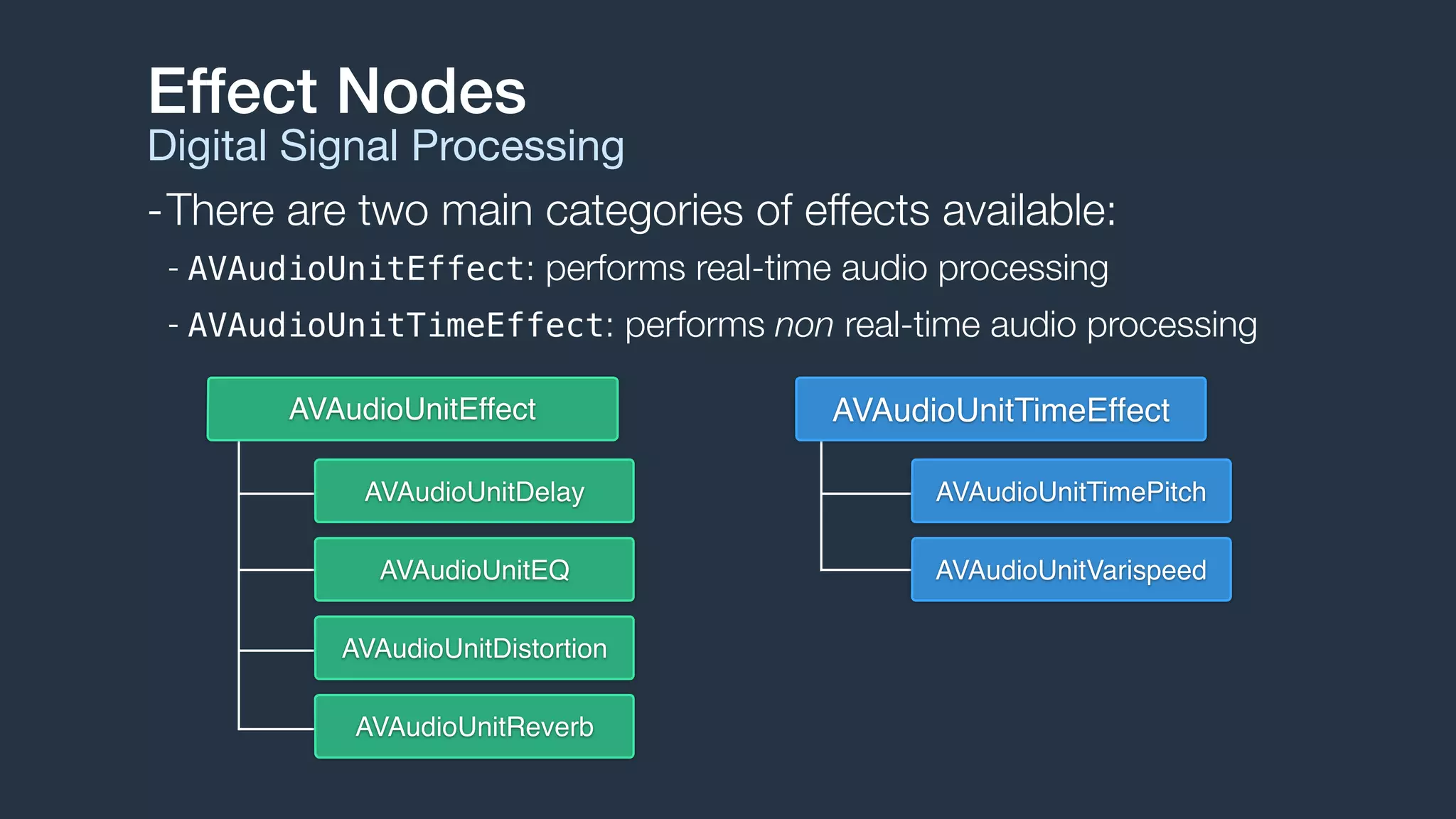
Effect Nodes
Digital Signal Processing
-There are two main categories of effects available:
- AVAudioUnitEffect: performs real-time audio processing
- AVAudioUnitTimeEffect: performs non real-time audio processing
AVAudioUnitDelay
AVAudioUnitEQ
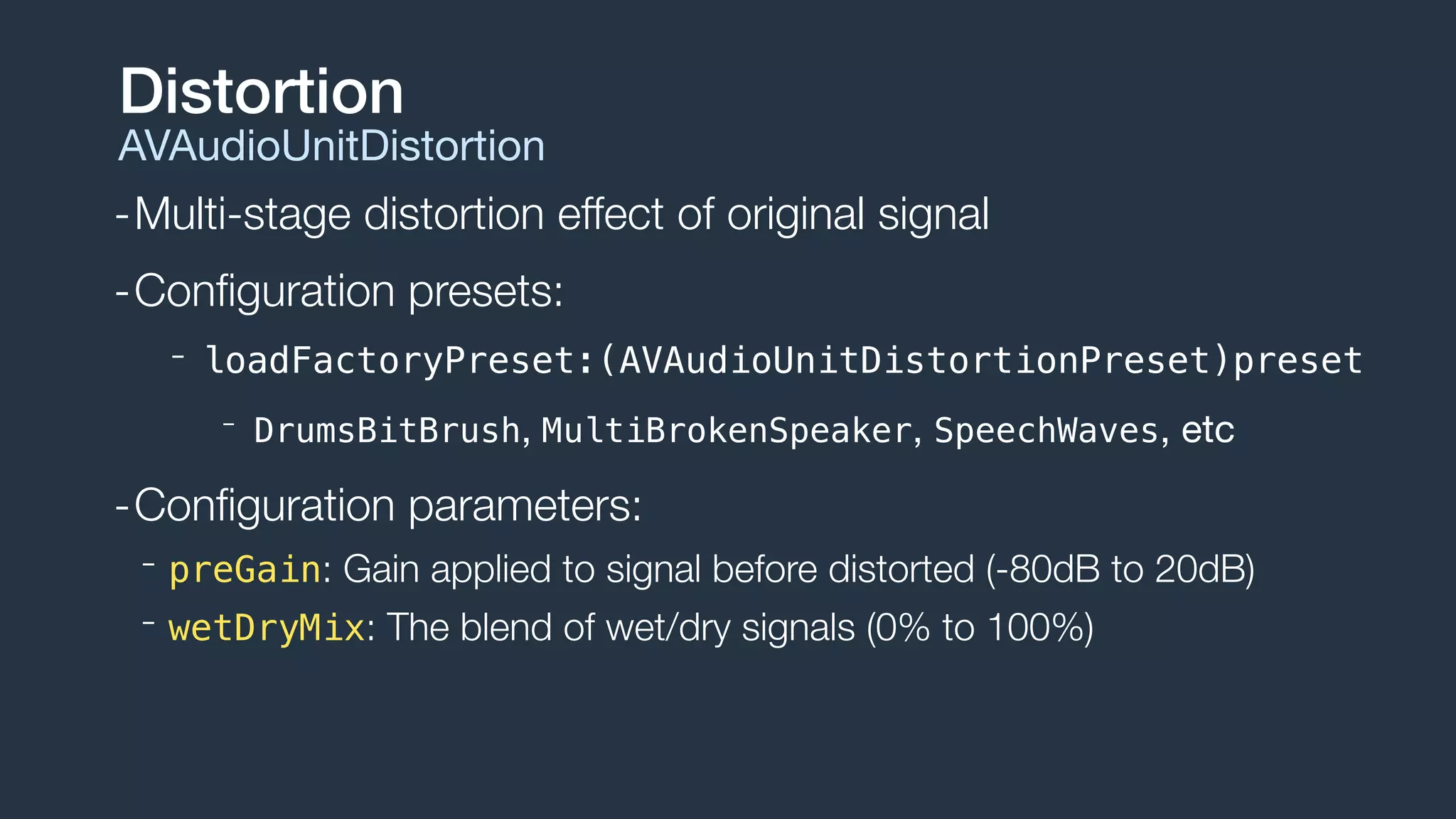
AVAudioUnitDistortion
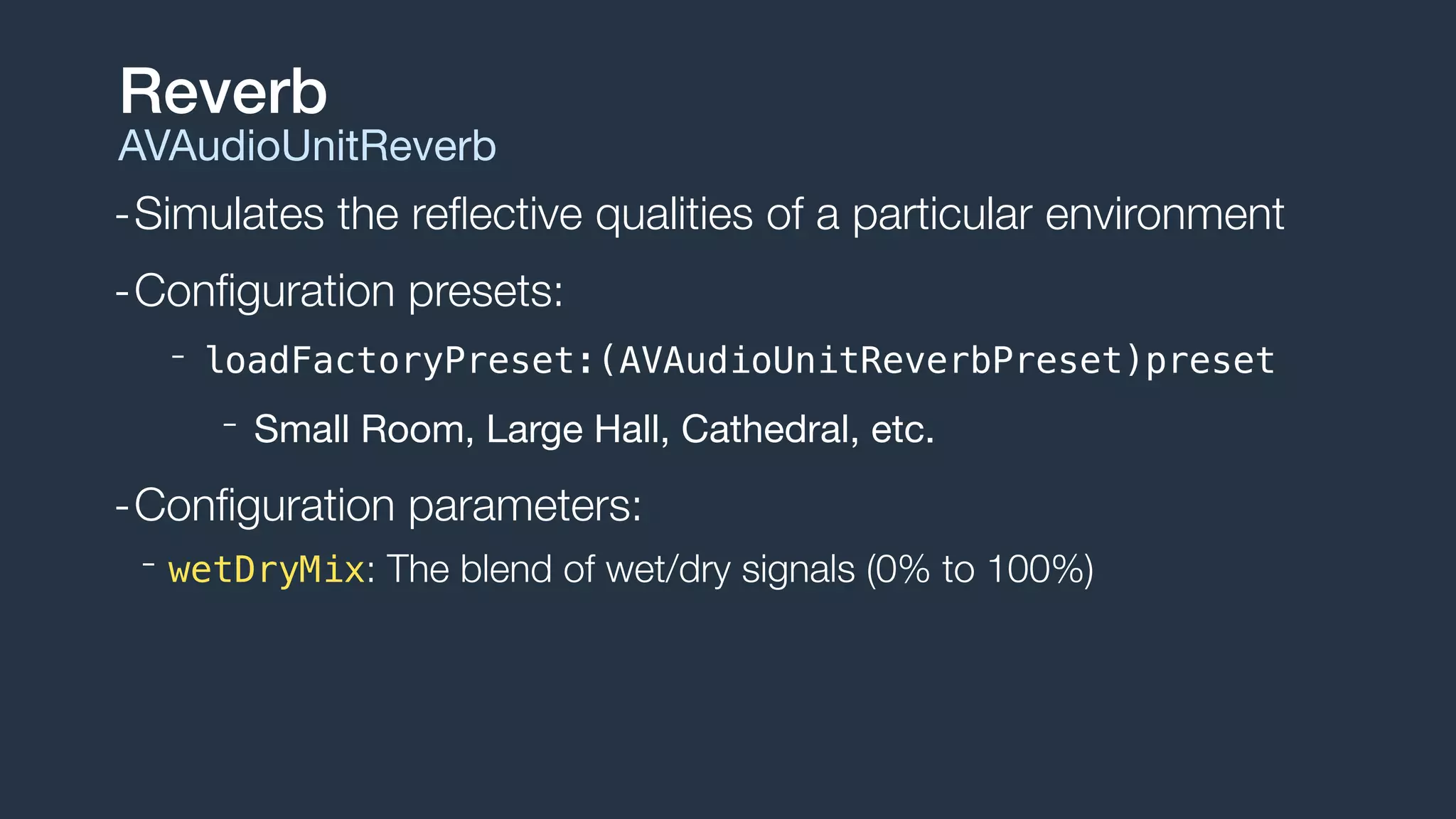
AVAudioUnitReverb
AVAudioUnitEffect AVAudioUnitTimeEffect
AVAudioUnitTimePitch
AVAudioUnitVarispeed
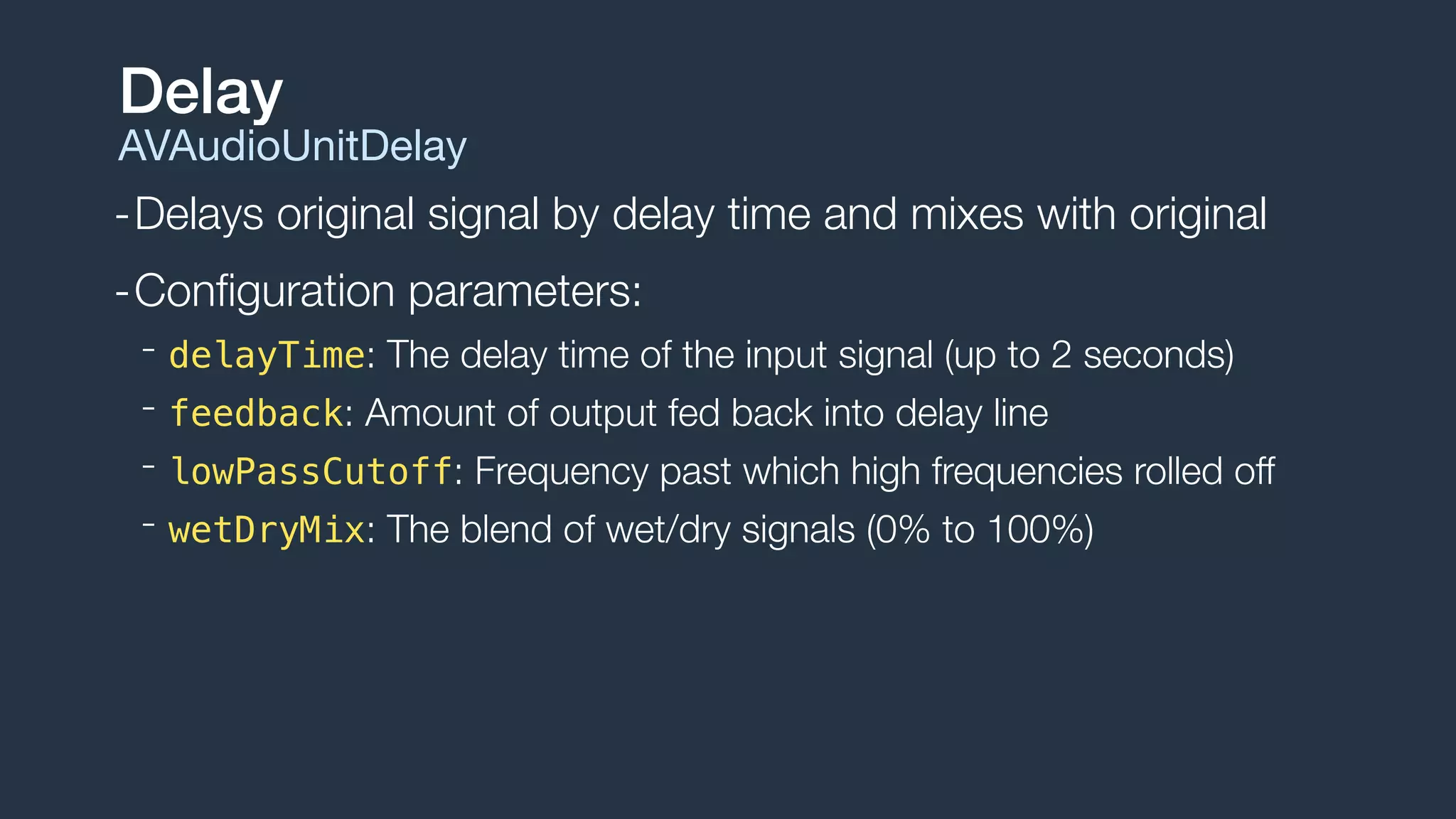
-Delays original signal by delay time and mixes with original
-Configuration parameters:
- delayTime: The delay time of the input signal (up to 2 seconds)
- feedback: Amount of output fed back into delay line
- lowPassCutoff: Frequency past which high frequencies rolled off
- wetDryMix: The blend of wet/dry signals (0% to 100%)
Delay
AVAudioUnitDelay
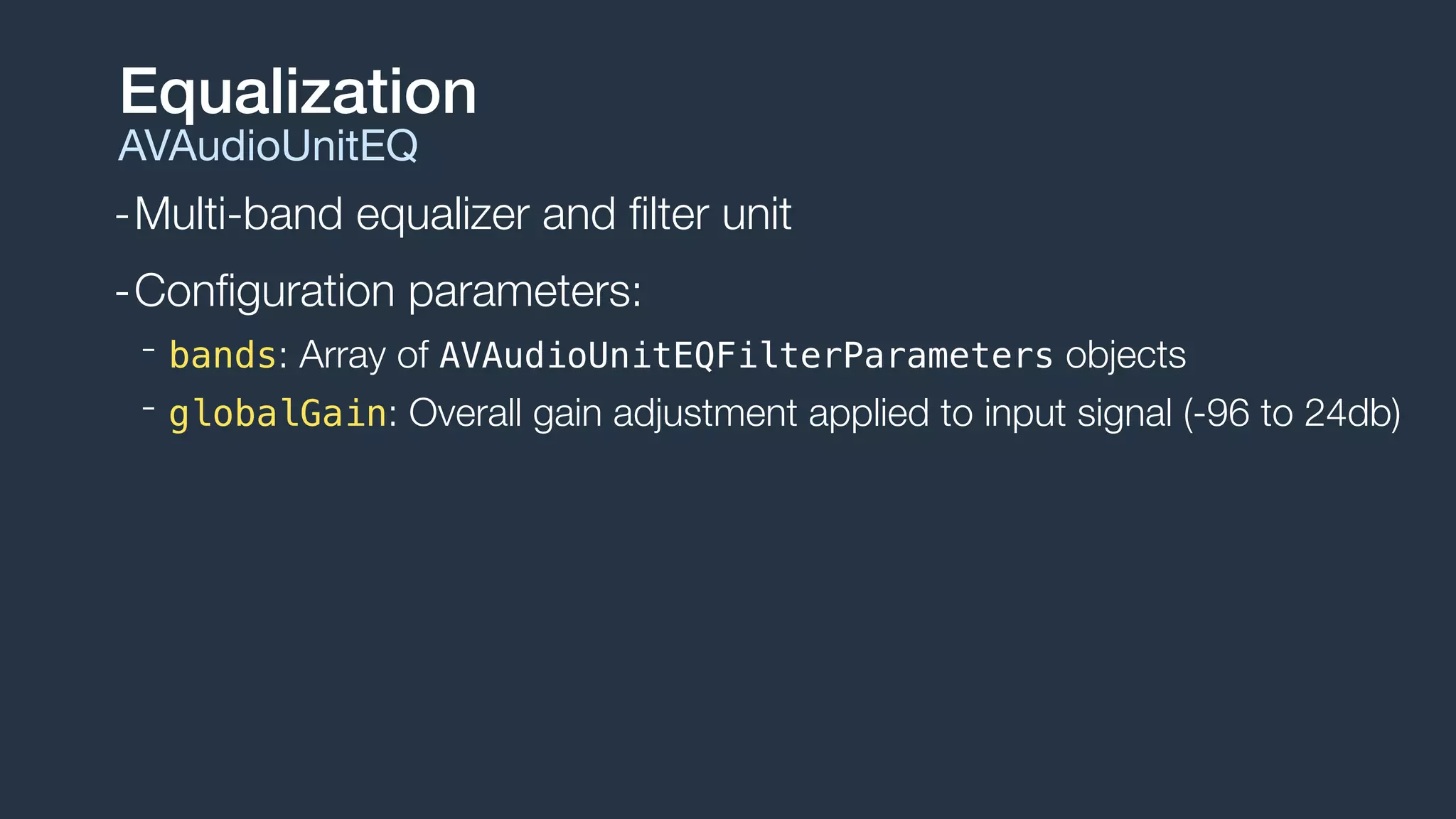
-Multi-band equalizer and filter unit
-Configuration parameters:
- bands: Array of AVAudioUnitEQFilterParameters objects
- globalGain: Overall gain adjustment applied to input signal (-96 to 24db)
Equalization
AVAudioUnitEQ
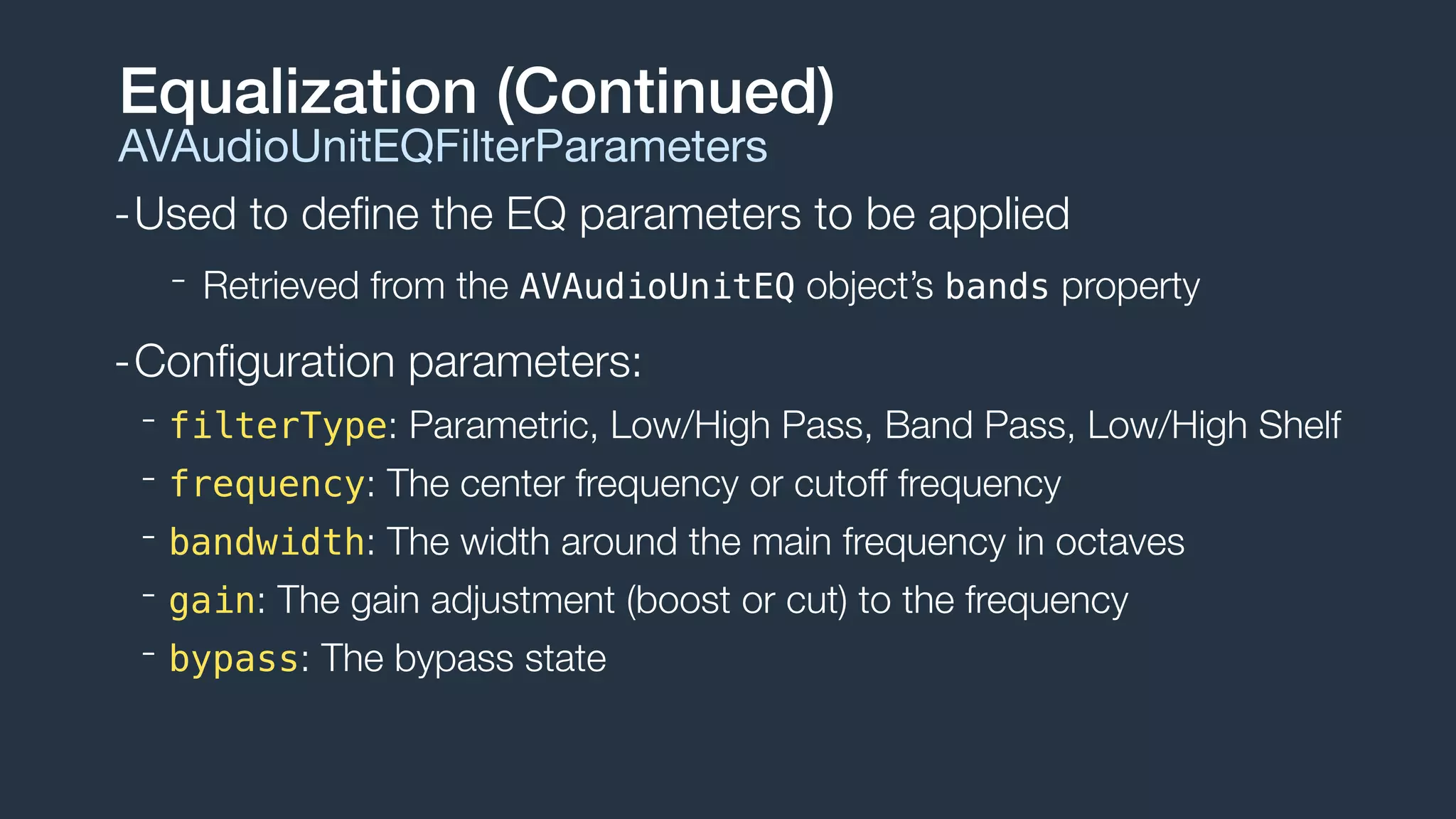
-Used to define the EQ parameters to be applied
- Retrieved from the AVAudioUnitEQ object’s bands property
-Configuration parameters:
- filterType: Parametric, Low/High Pass, Band Pass, Low/High Shelf
- frequency: The center frequency or cutoff frequency
- bandwidth: The width around the main frequency in octaves
- gain: The gain adjustment (boost or cut) to the frequency
- bypass: The bypass state
Equalization (Continued)
AVAudioUnitEQFilterParameters
-Multi-stage distortion effect of original signal
-Configuration presets:
- loadFactoryPreset:(AVAudioUnitDistortionPreset)preset
- DrumsBitBrush, MultiBrokenSpeaker, SpeechWaves, etc
-Configuration parameters:
- preGain: Gain applied to signal before distorted (-80dB to 20dB)
- wetDryMix: The blend of wet/dry signals (0% to 100%)
Distortion
AVAudioUnitDistortion
-Simulates the reflective qualities of a particular environment
-Configuration presets:
- loadFactoryPreset:(AVAudioUnitReverbPreset)preset
- Small Room, Large Hall, Cathedral, etc.

-Configuration parameters:
- wetDryMix: The blend of wet/dry signals (0% to 100%)
Reverb
AVAudioUnitReverb
Demo
GarageMix
Using MIDI
MIDI Playback
-Musical Instrument Digital Interface
-Specification defining:
- Communication protocol for controlling electronic instruments
- Hardware cables and connectors
- Standard MIDI file format
-Extensions:
- General MIDI (GM)
- Downloadable Sounds (DLS)
MIDI
What is MIDI?
http://www.midi.org
-High-quality sampler instrument to play sampled sounds
-Loads samples in EXS, SF2, or DLS formats
- Can additionally load and arbitrary array of sample data
-Responds to all standard MIDI messages
- Note on/off, controller messages, pitch bend, etc.
-Great solution for a live performance instrument
- What about playing sequences?
Sampling Instrument
AVAudioUnitSampler
-AVAudioEngine has a musicSequence property
- AudioToolbox MusicSequence type
-Use the MusicPlayer and MusicSequence APIs
- Attach the MusicSequence to the engine to play through Sampler
MusicSequence
Core MIDI Type
Demo
EXSSampler
-Powerful new addition to AV Foundation
- Simplifies low-latency, realtime audio
- Great solution for music, audio, and gaming applications
- Core Audio for Mortals
-Enables you to build advanced audio applications
- Read and write audio files
- Play and record audio using files and buffers
- Add DSP effects: Reverb, Delays, etc.
- Perform Stereo and 3D mixing off audio signals
- MIDI playback and control over sampler instruments
Summary
AVAudioEngine

Building Modern Audio Apps with AVAudioEngine

  • 1.
  • 2.
    -MN Developer andInstructor -Owner of TapHarmonic, LLC. -Author of Learning AV Foundation About... Bob McCune http://LearningAVFoundation.com
  • 3.
    -What is AVAudioEngine? -Goals and Capabilities -Understanding AVAudioEngine - Understanding Audio Nodes - Playing and Recording Audio - Audio Mixing and Effect Processing - Working with MIDI and Samplers Agenda What will I learn?
  • 4.
    AV Foundation Evolution HumbleBeginnings AV Foundation MediaPlayer AVKit UIKit AppKit Core Video Core MediaCore Animation Audio-Only Core Audio MavericksiOS 7
  • 5.
    AV Foundation Evolution HumbleBeginnings AVKit AVKit UIKit AppKit Core Video Core MediaCore Animation Core Audio AVF Video AVF Audio YosemiteiOS 8
  • 6.
  • 7.
    -Objective-C API simplifyinglow-latency, real-time audio -Features and Capabilities: - Read and write audio files in all Core Audio supported formats - Play and record audio using files and buffers - Dynamically configure audio processing blocks - Perform audio tap processing - Perform Stereo and 3D mixing off audio signals - MIDI playback and control over sampler instruments AVAudioEngine Core Audio for Mortals
  • 8.
    Sample Use Cases Whatkind of apps can you build?
  • 9.
    -Manages graphs ofaudio nodes -Connects audio node into active chains -Dynamically attach and reconfigure graph -Start and stop the engine The Engine AVAudioEngine
  • 10.
    -Nodes are audioblocks - Source Nodes: Player, Microphone - Processing Nodes: Mixer, Audio Unit Effect - Destination: Speaker, Headphones Nodes AVAudioNode
  • 11.
    -AVAudioEngine provides 3implicit nodes: - AVAudioInputNode: system input, cannot be created - AVAudioOutputNode: system output, cannot be created - AVAudioMixerNode: mixes multiple inputs to a single output -Nodes are connected via their input and output busses - Most nodes have one input and one output - AVAudioMixerNode has multiple inputs and one output - Busses have an associated audio format Nodes AVAudioNode
  • 12.
    -Nodes are connectedto form an active chain - Source Node Destination Node = Active Chain - Establishes and active render thread Node Connections Establishing Active Chains Destination Node (Output) Source Node (Player)
  • 13.
    Node Connections Establishing ActiveChains Destination Node (Output) Source Node (Player) Processing Node (Mixer) -Nodes are connected to form an active chain - Source Node Destination Node = Active Chain - Establishes and active render thread
  • 14.
    Node Connections Establishing ActiveChains Destination Node (Output) Source Node (Player) Processing Node (Mixer) X -Nodes are connected to form an active chain - Source Node Destination Node = Active Chain - Establishes and active render thread
  • 15.
    1. Create theengine 2. Create the nodes 3. Attach the nodes to the engine 4. Connect the nodes together 5. Start the engine Basic Recipe Configuring the Graph
  • 16.
    Engine Setup Basic Recipe //1. Create engine (example only, needs to be strong reference) AVAudioEngine *engine = [[AVAudioEngine alloc] init]; // 2. Create a player node AVAudioPlayerNode *player = [[AVAudioPlayerNode alloc] init]; // 3. Attach node to the engine [engine attachNode:player]; // 4. Connect player node to engine's main mixer AVAudioMixerNode *mixer = engine.mainMixerNode; [engine connect:player to:mixer format:[mixer outputFormatForBus:0]]; // 5. Start engine NSError *error; if (![engine startAndReturnError:&error]) { // handle error }
  • 17.
  • 18.
    Files, Buffers, andFormats AVAudioPCMBuffer AVAudioFormat AVAudioFile
  • 19.
    -Reads and writesfiles in all Core Audio supported formats -Automatically decodes when reading, encodes when writing - Does not support sample rate conversion -File has both a file format and a processing format - fileFormat: on-disk format - processingFormat: uncompressed, in-memory format - Both are instances of AVAudioFormat Audio Files AVAudioFile
  • 20.
    -Provides a formatdescriptor for the digital audio samples - Provides access to sample rate, channel count, interleaving, etc. - Wrapper over Core Audio AudioStreamBasicDescription -Core Audio uses a “Standard” format for both platforms - Noninterleaved linear PCM, 32-bit floating point samples - Canonical formats are deprecated! -Additionally supports “Common” formats - AVAudioCommonFormat: 16/32-bit integer, 32/64-but floating point Audio Formats AVAudioFormat
  • 21.
    -Memory buffer foraudio data in any Linear PCM format - Format and buffer capacity defined upon creation -Provides a wrapper over a Core Audio AudioBufferList - audioBufferList and mutableAudioBufferList properties Audio Buffers AVAudioPCMBuffer @property (nonatomic, readonly) float * const *floatChannelData; @property (nonatomic, readonly) int16_t * const *int16ChannelData; @property (nonatomic, readonly) int32_t * const *int32ChannelData; -Sample data accessed using:
  • 22.
    -Pushes audio dataonto the active render thread -Schedule audio data from files and buffers - Scheduled to play immediately or at future time - Future times specified with AVAudioTime - Files - Schedule file or file segment with completion callback - Buffers - Schedule multiple buffers with individual completion callbacks - Schedule looping buffer Player Nodes AVAudioPlayerNode
  • 23.
    Creating Files andBuffers AVAudioFile and AVAudioPCMBuffer NSURL *url = [[NSBundle mainBundle] URLForResource:@"groove" withExtension:@"m4a"]; // Create AVAudioFile AVAudioFile *file = [[AVAudioFile alloc] initForReading:url error:nil]; // Create AVAudioPCMBuffer AVAudioFormat *format = file.processingFormat; AVAudioFrameCount capacity = (AVAudioFrameCount)file.length; AVAudioPCMBuffer *buffer = [[AVAudioPCMBuffer alloc] initWithPCMFormat:format frameCapacity:capacity]; // Read AVAudioFile -> AVAudioPCMBuffer [file readIntoBuffer:buffer error:nil];
  • 24.
    AVPlayerNode Scheduling Files andBuffers Immediate File Playback [playerNode scheduleFile:audioFile atTime:nil completionHandler:nil]; [playerNode play]; Future Buffer Playback // Play audio file 5 seconds from now double sampleRate = buffer.format.sampleRate; double sampleTime = sampleRate * 5.0; AVAudioTime *futureTime = [AVAudioTime timeWithSampleTime:sampleTime atRate:sampleRate]; [playerNode scheduleBuffer:audioBuffer atTime:futureTime options:0 completionHandler:nil]; [playerNode play]; [playerNode scheduleBuffer:audioBuffer completionHandler:nil]; [playerNode play]; Immediate Buffer Playback
  • 25.
    -Scheduling multiple buffersqueues them serially Scheduling Options AVAudioPlayerNodeBufferOptions [playerNode scheduleBuffer:buffer1 atTime:nil options:0 completionHandler:nil]; [playerNode play]; [playerNode scheduleBuffer:buffer2 atTime:nil options:0 completionHandler:nil]; buffer1 buffer2 time [playerNode scheduleBuffer:buffer2 atTime:nil options:AVAudioPlayerNodeBufferInterrupts completionHandler:nil]; -Schedule with interruption option to change this behavior buffer1 buffer2 time
  • 26.
    -Schedule a singlelooping buffer Scheduling Options AVAudioPlayerNodeBufferOptions [playerNode scheduleBuffer:buffer1 atTime:nil options:AVAudioPlayerNodeBufferLoops completionHandler:nil]; buffer1 [playerNode scheduleBuffer:buffer2 atTime:nil options:AVAudioPlayerNodeBufferInterruptsAtLoop completionHandler:nil]; -Schedule with interruption or interruption at loop buffer1 buffer2
  • 27.
  • 28.
    -Node that mixesmultiple inputs into a single output - Efficiently performs sample rate conversions - Can upmix/downmix channel counts where needed Audio Mixing AVAudioMixerNode AVAudioMixerNode Input 1 Input 2
  • 29.
    -Group and processsimilar inputs - Simplify and improve efficiency of similar audio processing Audio Mixing Using Submixes AVAudioMixerNode Input 1 Input 2 AVAudioMixerNode Input 3 Input 4 AVAudioMixerNode (main mixer)
  • 30.
    -AVAudioMixing Protocol: - Definesproperties to be applied to an input bus of a mixer node - Source and mixer nodes conform to this protocol Audio Mixing AVAudioMixing AVAudioOutputNodeAVAudioMixerNode AVAudioPlayerNode AVAudioPlayerNode volume pan volume pan Input Bus 0 Input Bus 1
  • 31.
  • 32.
    -Node tap pullsdata off the render thread -Captures the output of a particular node - Record data from microphone - Record data from a pre-recorded or live audio mix - Perform data visualization or analysis -Can install one tap per output bus -Dynamically install and remove taps -Audio data returned in a block callback Node Taps Pulling Data
  • 33.
    Node Taps Installing atap AVAudioMixerNode *mixer = self.engine.mainMixerNode; AVAudioFrameCount bufferSize = 4096; AVAudioFormat *format = [mixer outputFormatForBus:0]; [mixer installTapOnBus:0 bufferSize:bufferSize format:format block:^(AVAudioPCMBuffer *buffer, AVAudioTime *when) { // Process AVAudioPCMBuffer }];
  • 34.
  • 35.
    Effect Nodes Digital SignalProcessing -There are two main categories of effects available: - AVAudioUnitEffect: performs real-time audio processing - AVAudioUnitTimeEffect: performs non real-time audio processing AVAudioUnitDelay AVAudioUnitEQ AVAudioUnitDistortion AVAudioUnitReverb AVAudioUnitEffect AVAudioUnitTimeEffect AVAudioUnitTimePitch AVAudioUnitVarispeed
  • 36.
    -Delays original signalby delay time and mixes with original -Configuration parameters: - delayTime: The delay time of the input signal (up to 2 seconds) - feedback: Amount of output fed back into delay line - lowPassCutoff: Frequency past which high frequencies rolled off - wetDryMix: The blend of wet/dry signals (0% to 100%) Delay AVAudioUnitDelay
  • 37.
    -Multi-band equalizer andfilter unit -Configuration parameters: - bands: Array of AVAudioUnitEQFilterParameters objects - globalGain: Overall gain adjustment applied to input signal (-96 to 24db) Equalization AVAudioUnitEQ
  • 38.
    -Used to definethe EQ parameters to be applied - Retrieved from the AVAudioUnitEQ object’s bands property -Configuration parameters: - filterType: Parametric, Low/High Pass, Band Pass, Low/High Shelf - frequency: The center frequency or cutoff frequency - bandwidth: The width around the main frequency in octaves - gain: The gain adjustment (boost or cut) to the frequency - bypass: The bypass state Equalization (Continued) AVAudioUnitEQFilterParameters
  • 39.
    -Multi-stage distortion effectof original signal -Configuration presets: - loadFactoryPreset:(AVAudioUnitDistortionPreset)preset - DrumsBitBrush, MultiBrokenSpeaker, SpeechWaves, etc -Configuration parameters: - preGain: Gain applied to signal before distorted (-80dB to 20dB) - wetDryMix: The blend of wet/dry signals (0% to 100%) Distortion AVAudioUnitDistortion
  • 40.
    -Simulates the reflectivequalities of a particular environment -Configuration presets: - loadFactoryPreset:(AVAudioUnitReverbPreset)preset - Small Room, Large Hall, Cathedral, etc. -Configuration parameters: - wetDryMix: The blend of wet/dry signals (0% to 100%) Reverb AVAudioUnitReverb
  • 41.
  • 42.
  • 43.
    -Musical Instrument DigitalInterface -Specification defining: - Communication protocol for controlling electronic instruments - Hardware cables and connectors - Standard MIDI file format -Extensions: - General MIDI (GM) - Downloadable Sounds (DLS) MIDI What is MIDI? http://www.midi.org
  • 44.
    -High-quality sampler instrumentto play sampled sounds -Loads samples in EXS, SF2, or DLS formats - Can additionally load and arbitrary array of sample data -Responds to all standard MIDI messages - Note on/off, controller messages, pitch bend, etc. -Great solution for a live performance instrument - What about playing sequences? Sampling Instrument AVAudioUnitSampler
  • 45.
    -AVAudioEngine has amusicSequence property - AudioToolbox MusicSequence type -Use the MusicPlayer and MusicSequence APIs - Attach the MusicSequence to the engine to play through Sampler MusicSequence Core MIDI Type
  • 46.
  • 47.
    -Powerful new additionto AV Foundation - Simplifies low-latency, realtime audio - Great solution for music, audio, and gaming applications - Core Audio for Mortals -Enables you to build advanced audio applications - Read and write audio files - Play and record audio using files and buffers - Add DSP effects: Reverb, Delays, etc. - Perform Stereo and 3D mixing off audio signals - MIDI playback and control over sampler instruments Summary AVAudioEngine