Introducing
Systems Analysis, Design &
  Development Concepts

   Shafiul Azam Chowdhury
Task: Build a Simplest Accounting S/W
• You’ve been offered to build a very basic
  accounting software for Bangoo Banks Inc.
  – You’ll need to collaborate with 3-4 other
    developers.
  – You’ll receive handsome amount of cash for full
    functional software!
  – Deadline: very, very strict. Say, couple of months?
What are you going to do?
• Divide the total project in visible sections, say:
  – User Accounts
  – Human Resource
  – Accounting
  – Etc…
• And started asking questions to your clients
  how they want the program behave, design
  database…
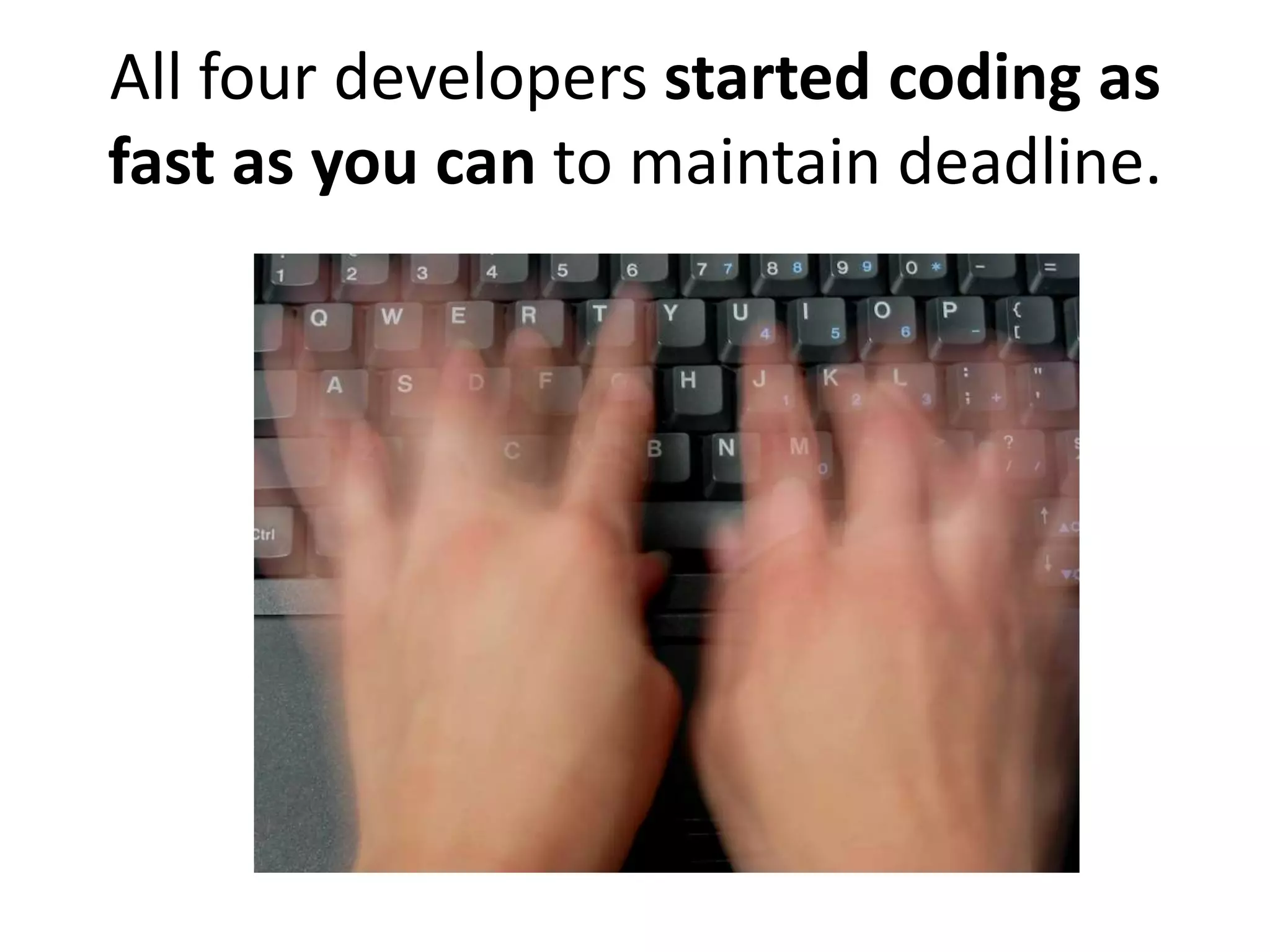
All four developers started coding as
fast as you can to maintain deadline.
After some days… you felt like
        integrating your works?
• But you figured out you need a change in some
  part, you could change it, but others’ code can
  break?
• You hardly understand what your friend means by
  variable baln or function register()
• Your disc crashed and your codes are gone?
• You’ve created too many folders like code_old
  code_working, code_new2, code_final… now
  what?
• How do you merge everybody’s code to a full-
  functional system?
Messed Up?
• Without putting your code in a function, you just wrote
  it down, thinking, “Hey, I’ll not use this code anywhere
  else! So Why do I need to put it in a function or class?”
• But, you never know…
   –   Client may change his mind
   –   New functionalities may appear in future
   –   And you’re very likely to duplicate same codes.
   –   Man is mortal. To fix buggy codes you’ll need to investigate
       your whole project number of times you copy-pasted same
       code.
        • Hard to find bugs. 
Software Evolves…
• If your software is usable, it will have changes
  in it and have future releases.
• Clients will add new features, or users will
  want changes.
After some days, you’re about to bring
     some changes in your code.
And…
        Is that
       Hebrew?


             You don’t
          understand your
            own code 
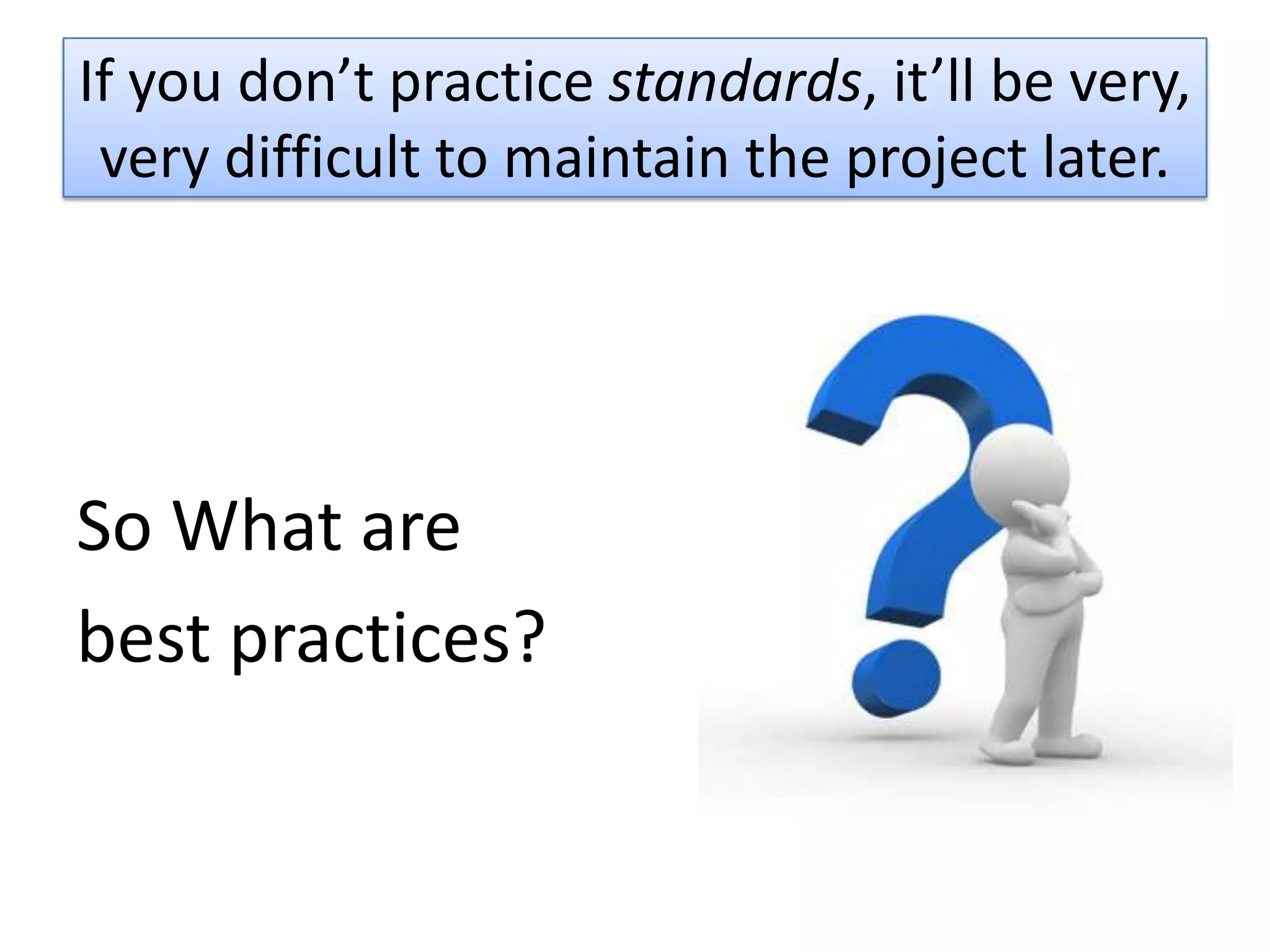
If you don’t practice standards, it’ll be very,
 very difficult to maintain the project later.


So What are
best practices?
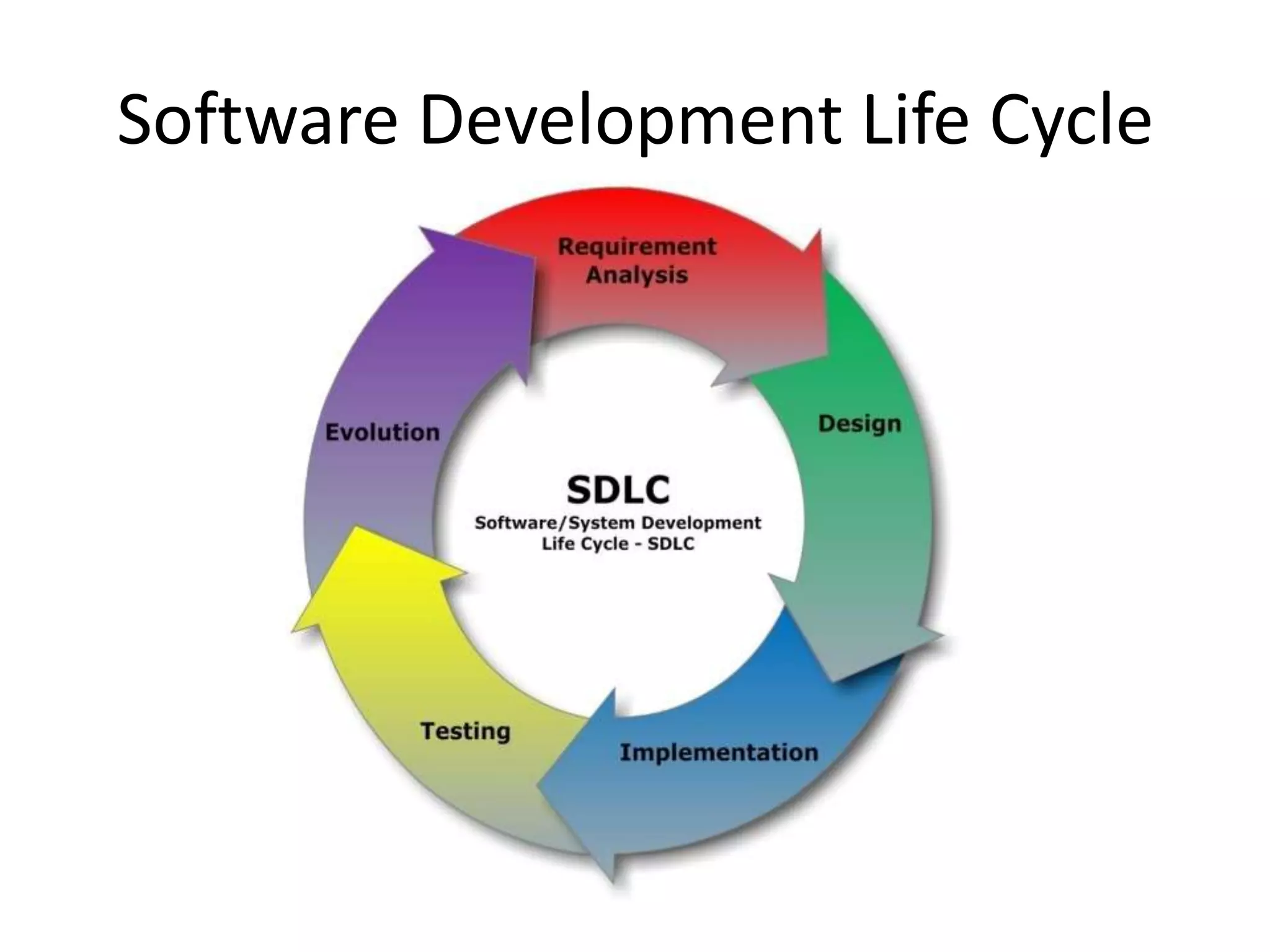
Software Development Life Cycle
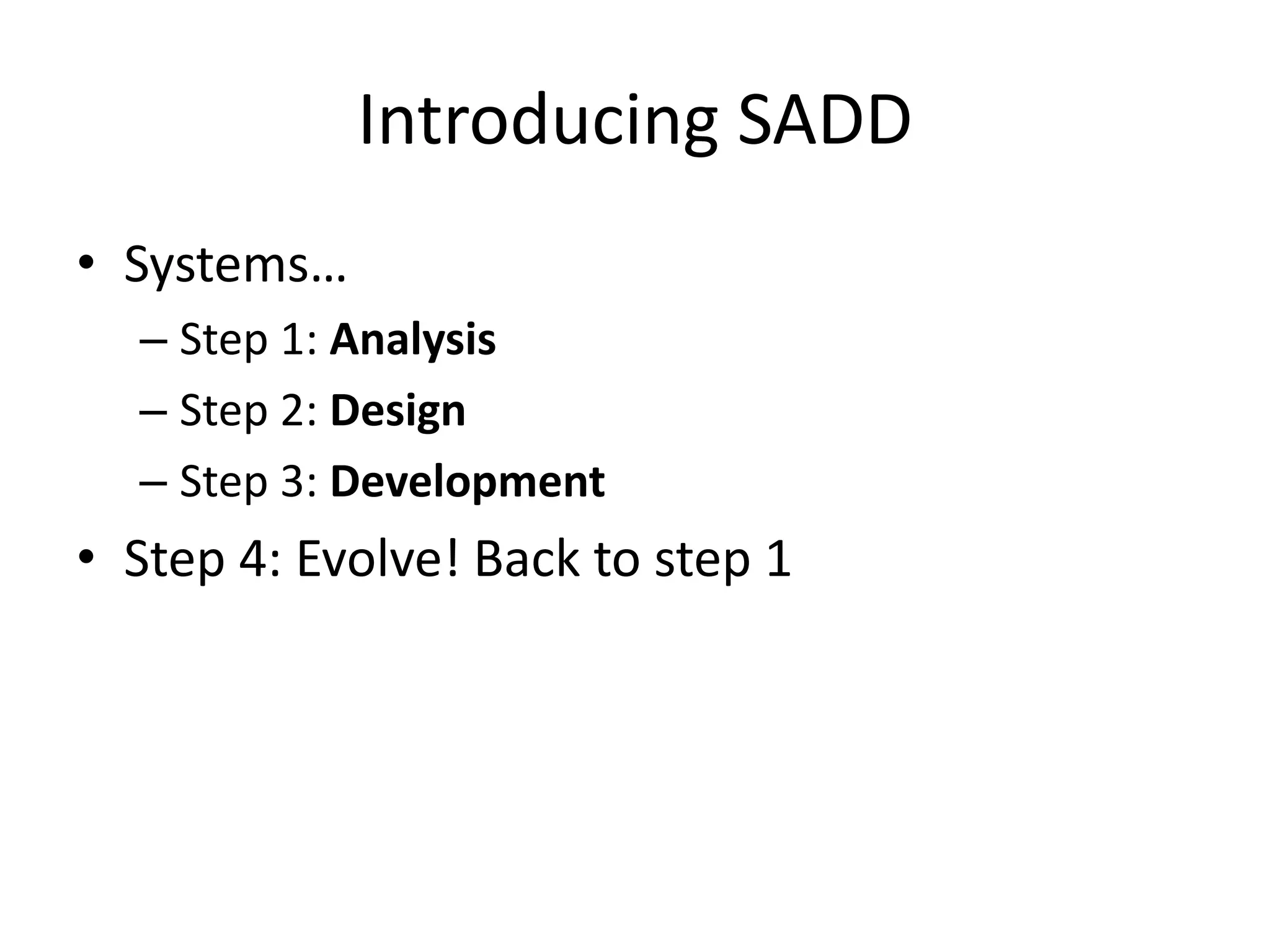
Introducing SADD
• Systems…
  – Step 1: Analysis
  – Step 2: Design
  – Step 3: Development
• Step 4: Evolve! Back to step 1
First Step: Systems Analysis
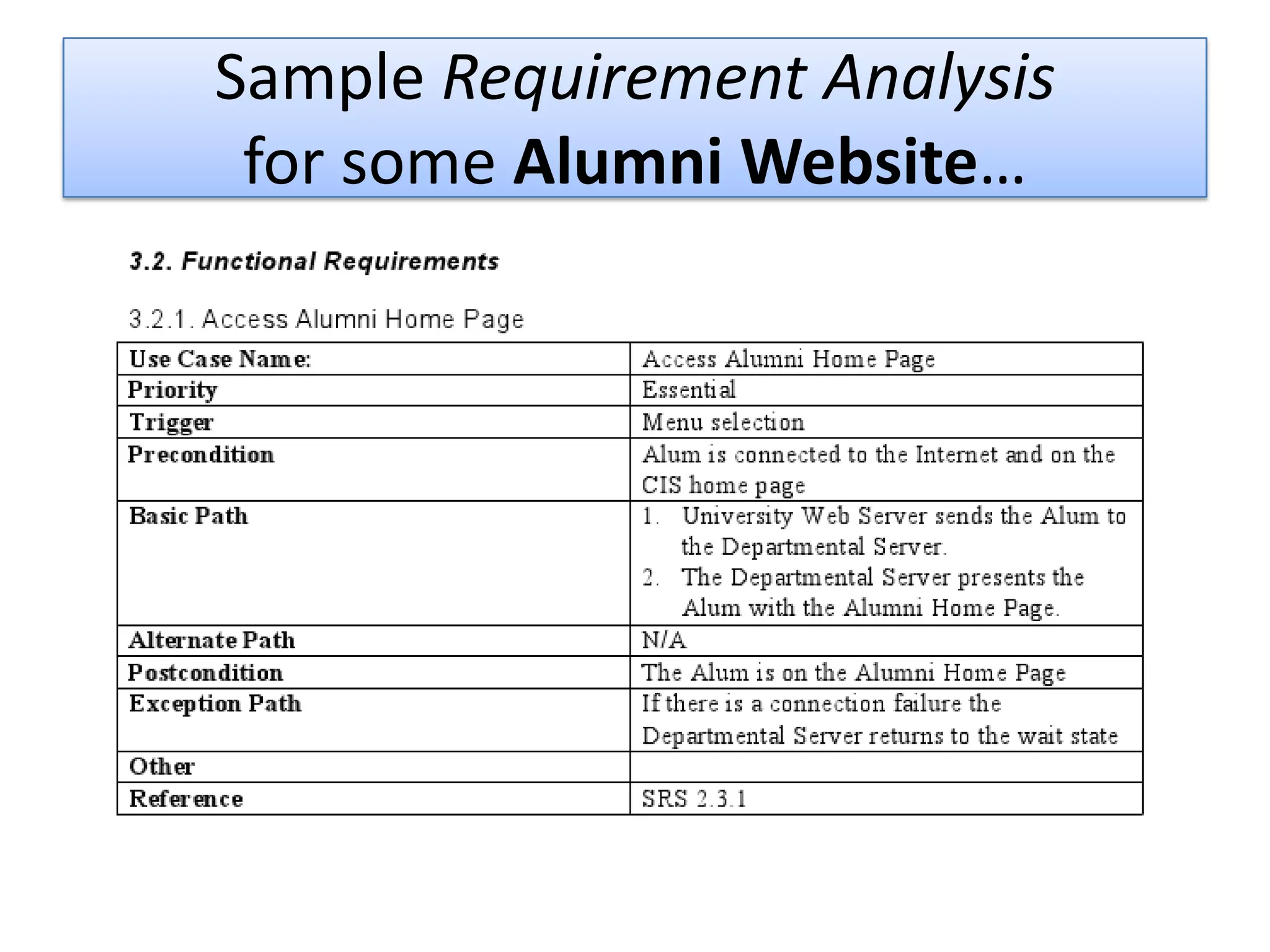
• Known as Requirement Analysis
• Extract information from your clients on what
  the software is supposed to do.
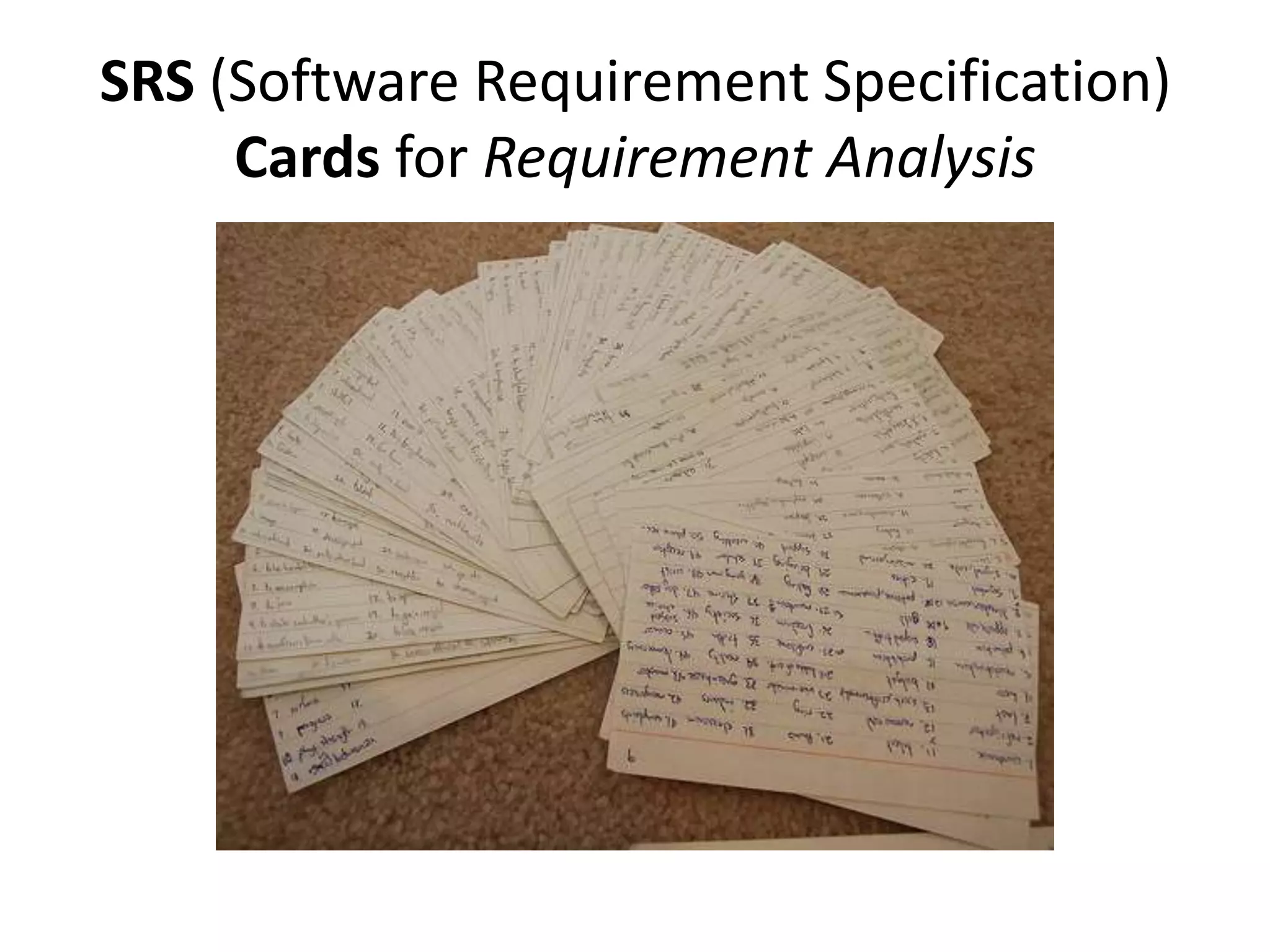
• Place them on SRS Cards

• Useful to understand the total scope of
  application, defining priority and leads to
  modular design.
Sample Requirement Analysis
 for some Alumni Website…
SRS (Software Requirement Specification)
     Cards for Requirement Analysis
Step 2: Design your system
• Once you’re done with analysis, design it.
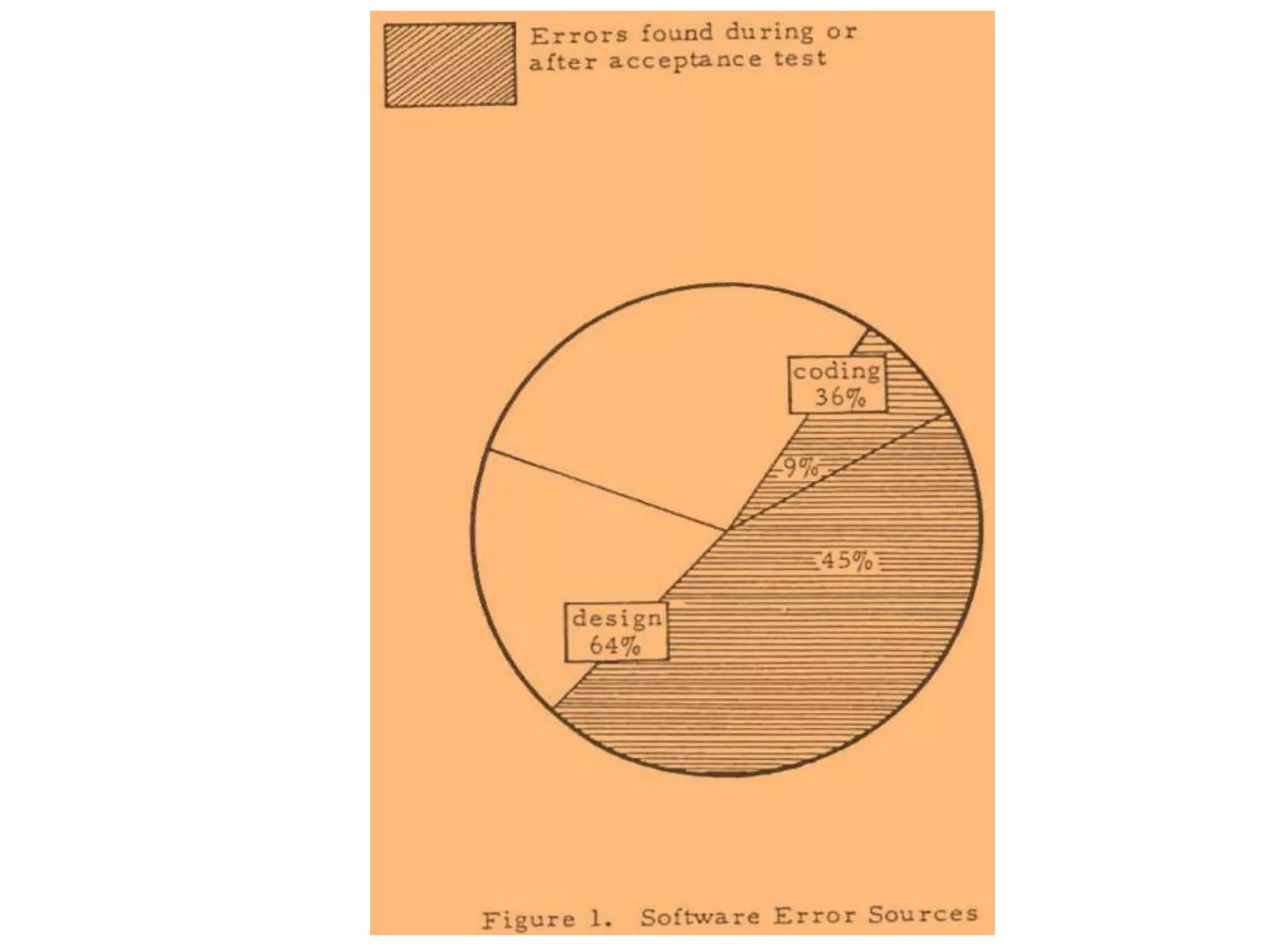
• The great majority of the types of errors found
  in testing the code had originated in the
  design phase
  – See figure in next slide.
Systems Design
• Following Design Patterns
  – Why reinvent the wheel?
• Modular Design
  – Loosely coupled code
  – Easy to extend your program
  – Code less. Reuse your code
• Build Wireframes
• Follow Single Responsibility Principle
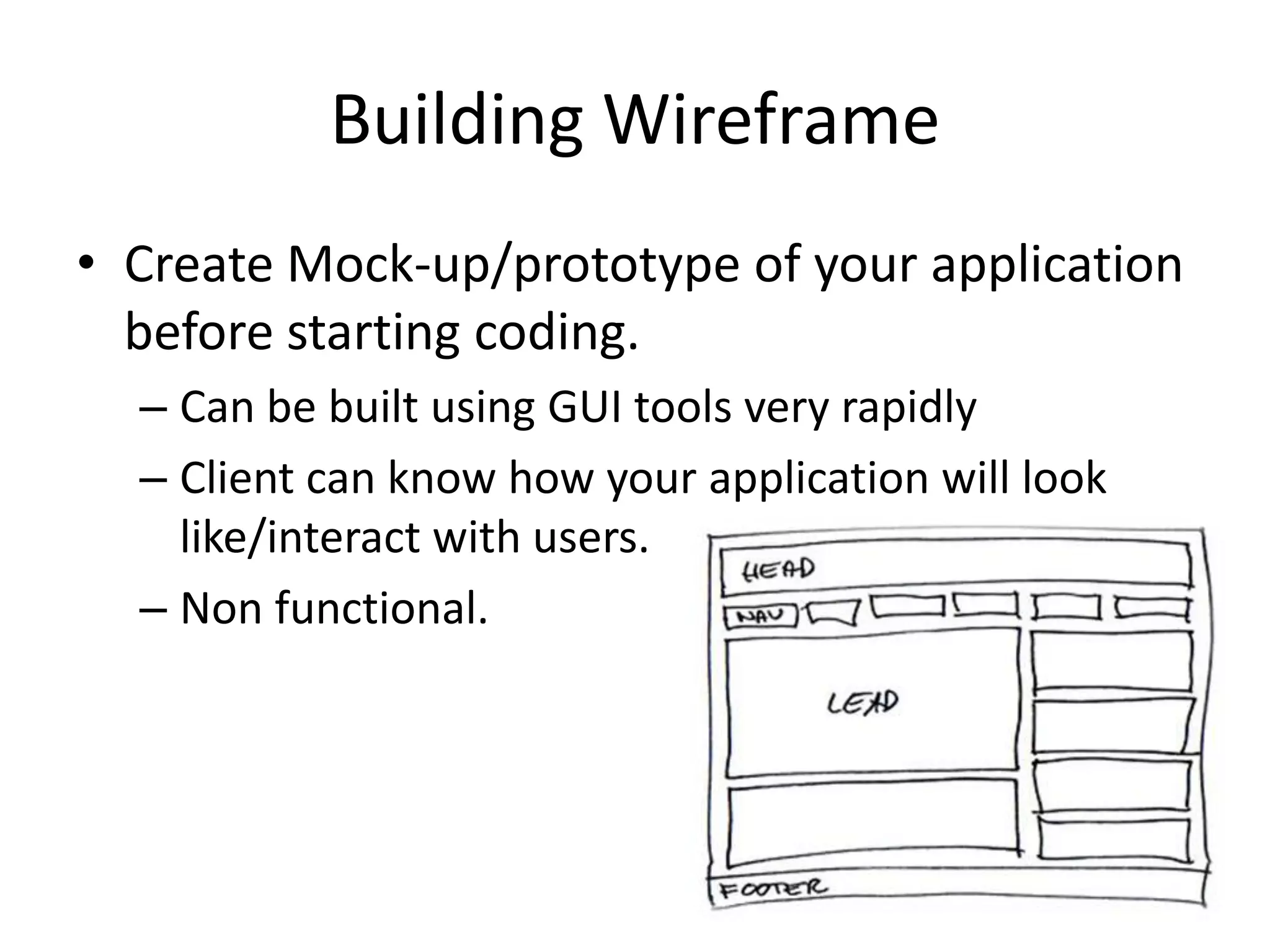
Building Wireframe
• Create Mock-up/prototype of your application
  before starting coding.
  – Can be built using GUI tools very rapidly
  – Client can know how your application will look
    like/interact with users.
  – Non functional.
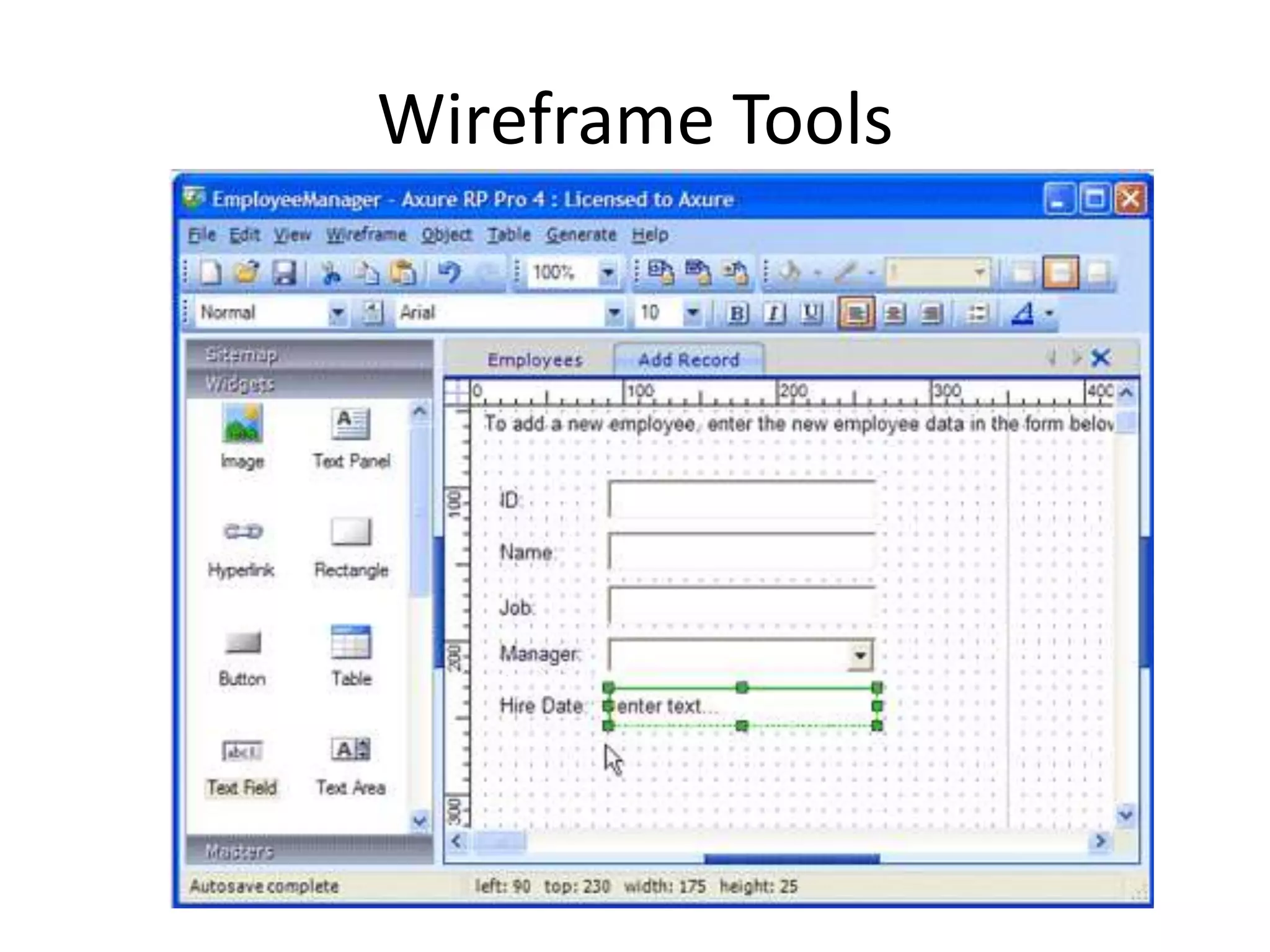
Wireframe Tools
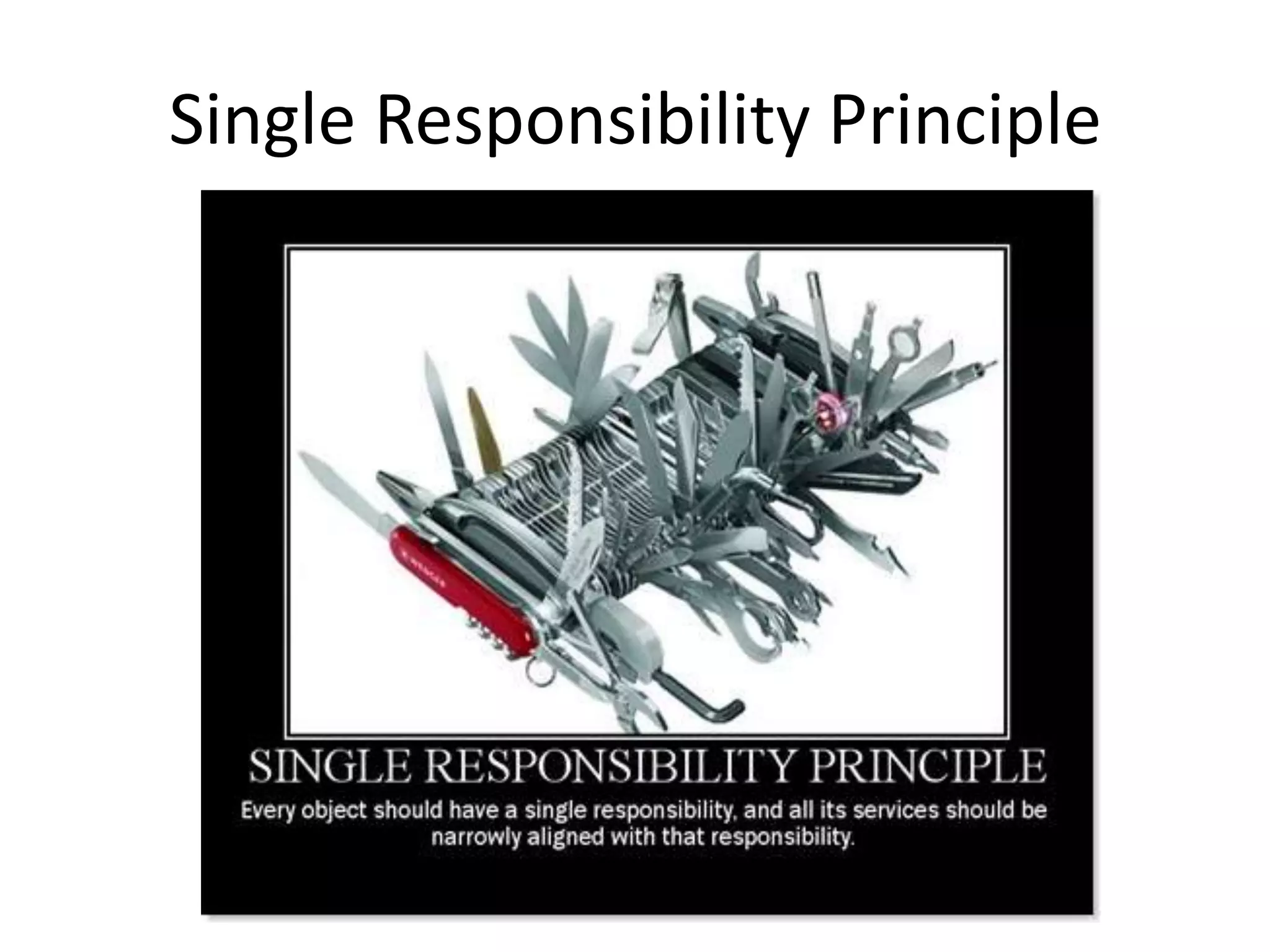
Single Responsibility Principle
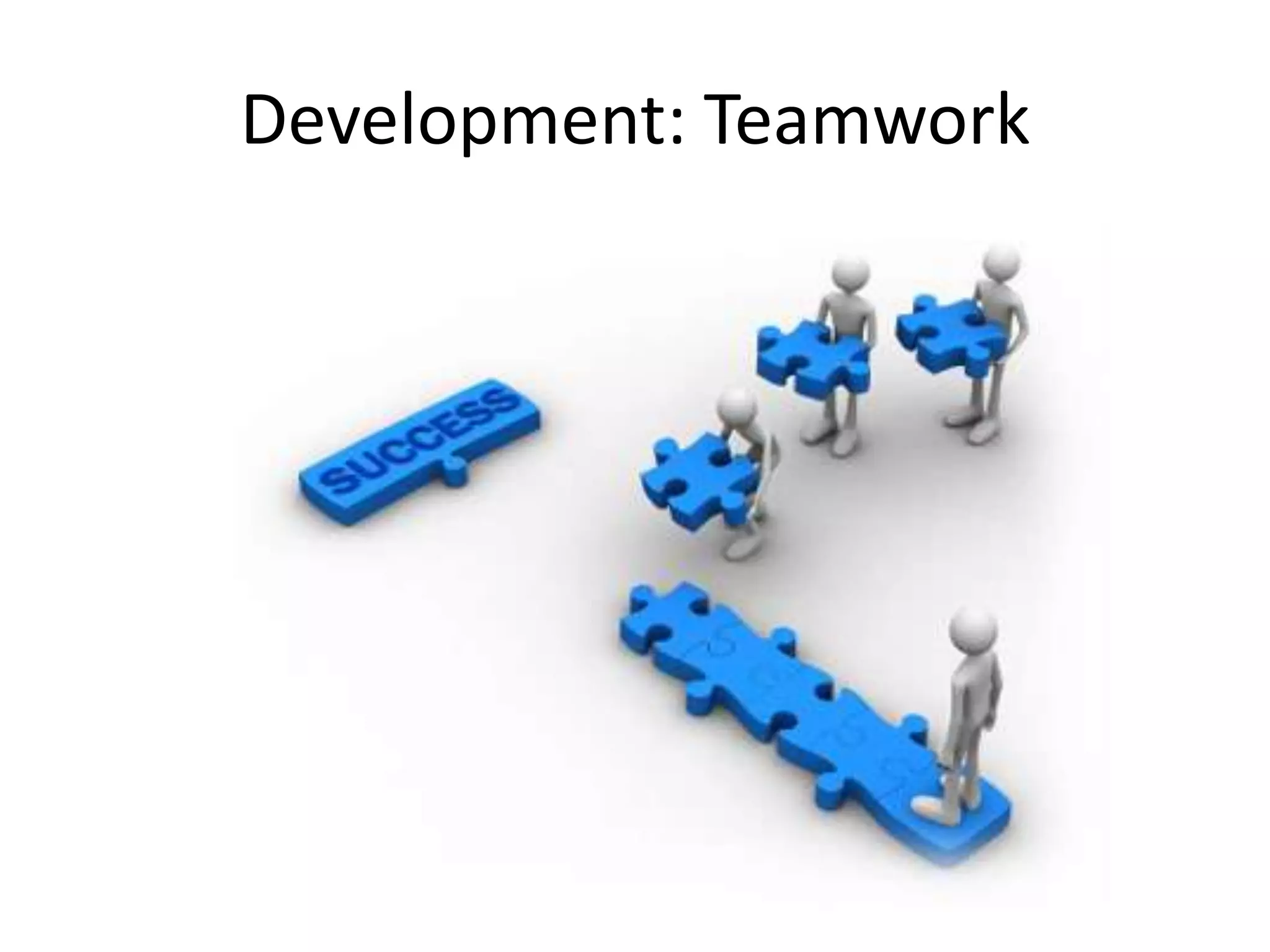
Development: Teamwork
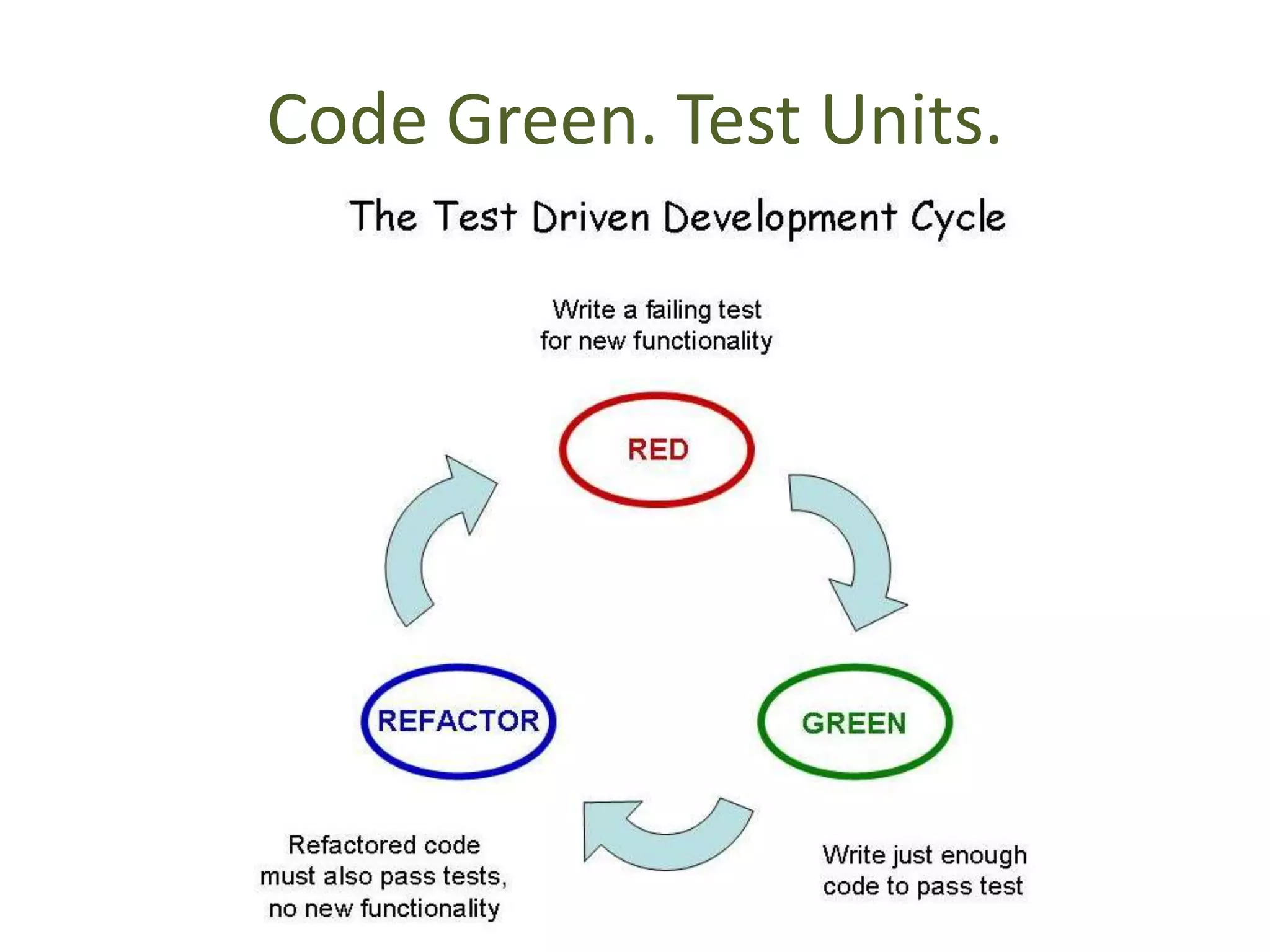
Code Green. Test Units.
Documentation
• You alone are not coding
  – Others will work with your code
  – You will work with other’s code.
• Provide Documentation
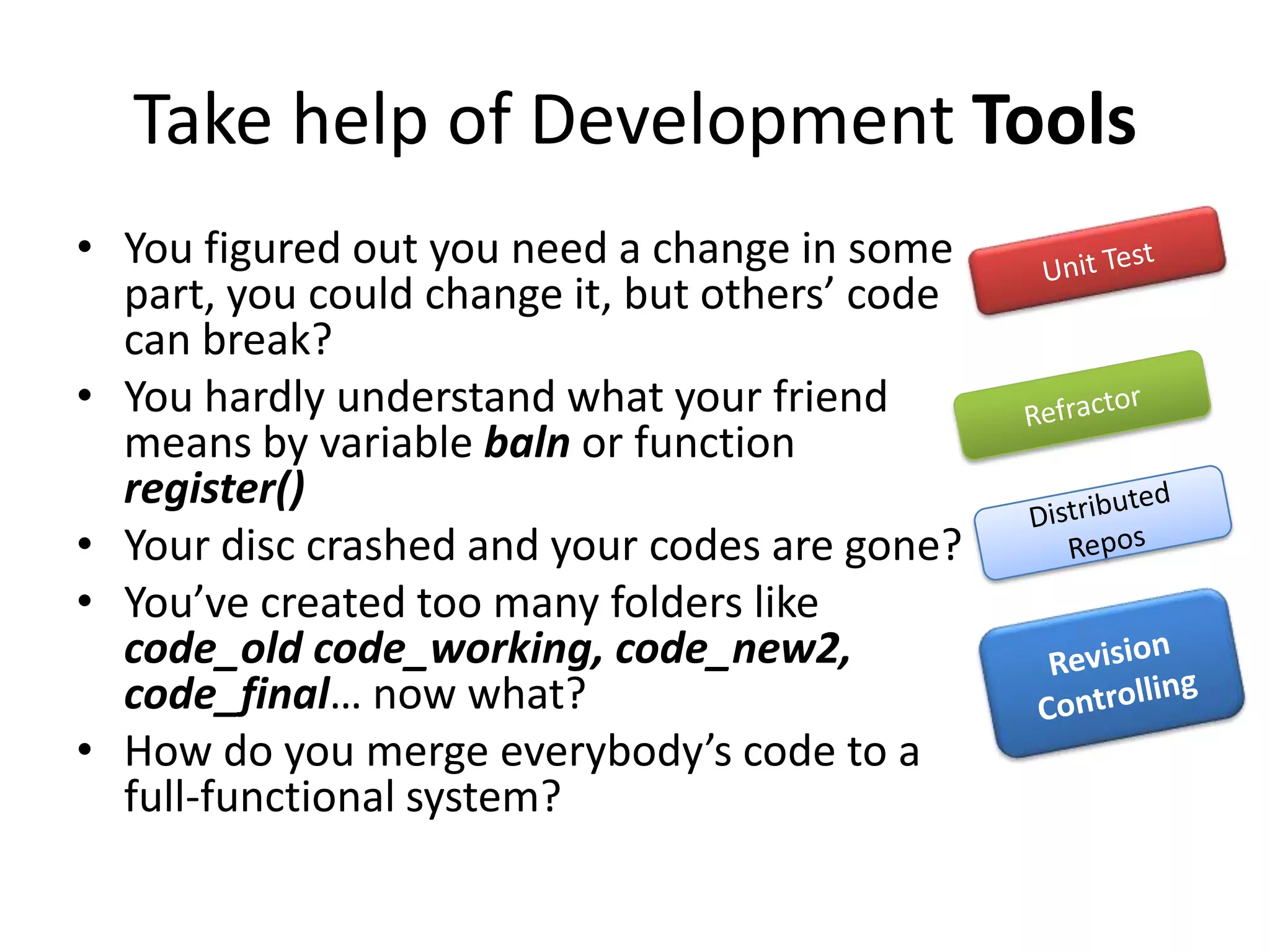
Take help of Development Tools
• You figured out you need a change in some
  part, you could change it, but others’ code
  can break?
• You hardly understand what your friend
  means by variable baln or function
  register()
• Your disc crashed and your codes are gone?
• You’ve created too many folders like
  code_old code_working, code_new2,
  code_final… now what?
• How do you merge everybody’s code to a
  full-functional system?
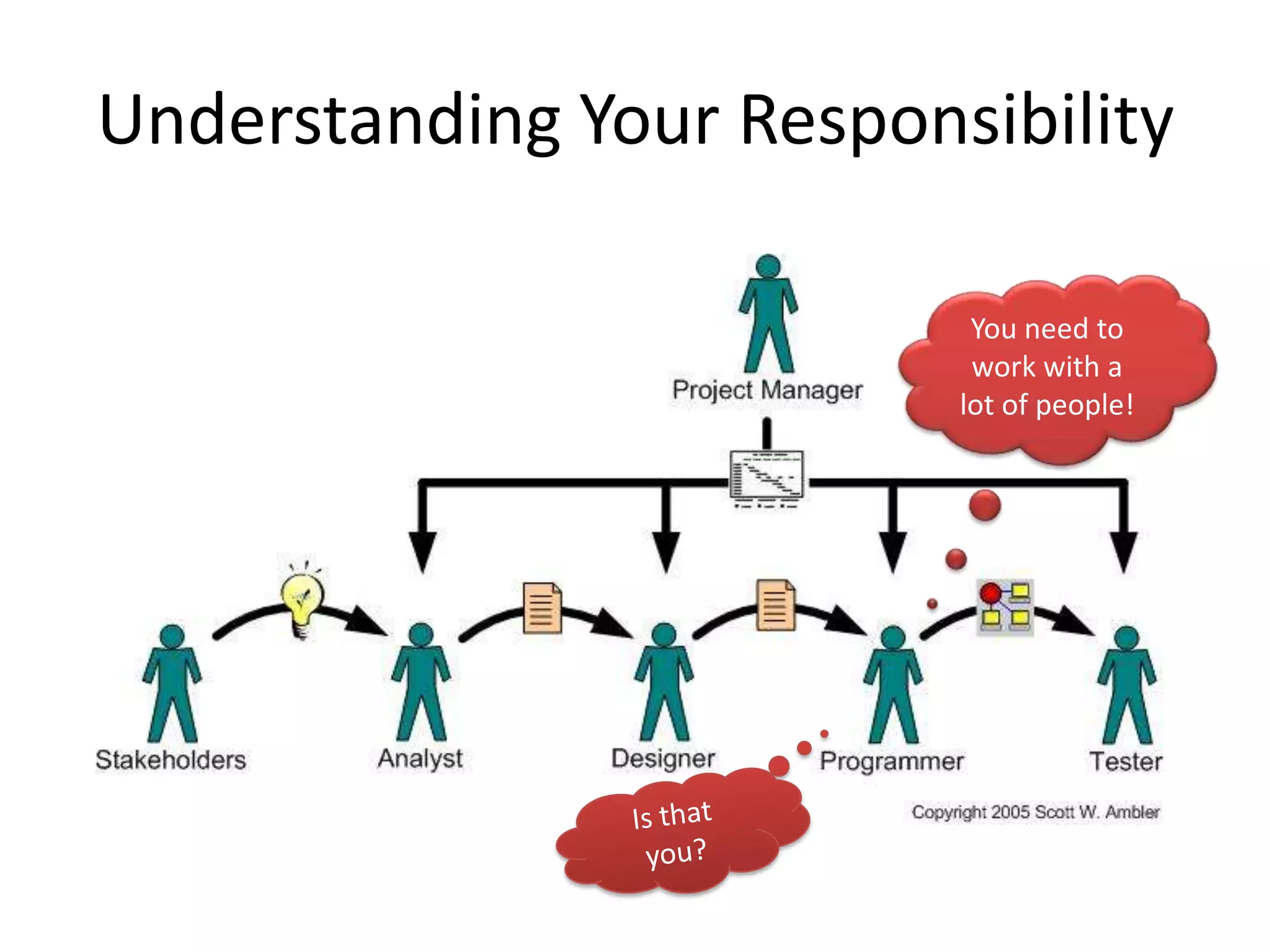
Understanding Your Responsibility

                           You need to
                           work with a
                          lot of people!
Project Management Tools
• Coding is not your only responsibility.
  – Issues are assigned to you by your Project
    Manager
  – Bug fixing tasks assigned to you
  – You fix code and re-assign it to Tester.
• To simplify all these, various Tools are
  available.
  – Using these tools guarantee standards.
Tools: Revision Controlling
• Git is a powerful distributed version
  controlling system.
  – Stores complete history of your source code at
    different stages of project life cycle.
  – Easy merging of everyone’s copy of work.
  – Distributed.
Project Management Tools
• Project Management applications come with
  rich features like
  – Role Management (PM, Tester, Designer,
    Programmer,…)
  – Bugs Reporting
  – Issue Tracking & Assigning
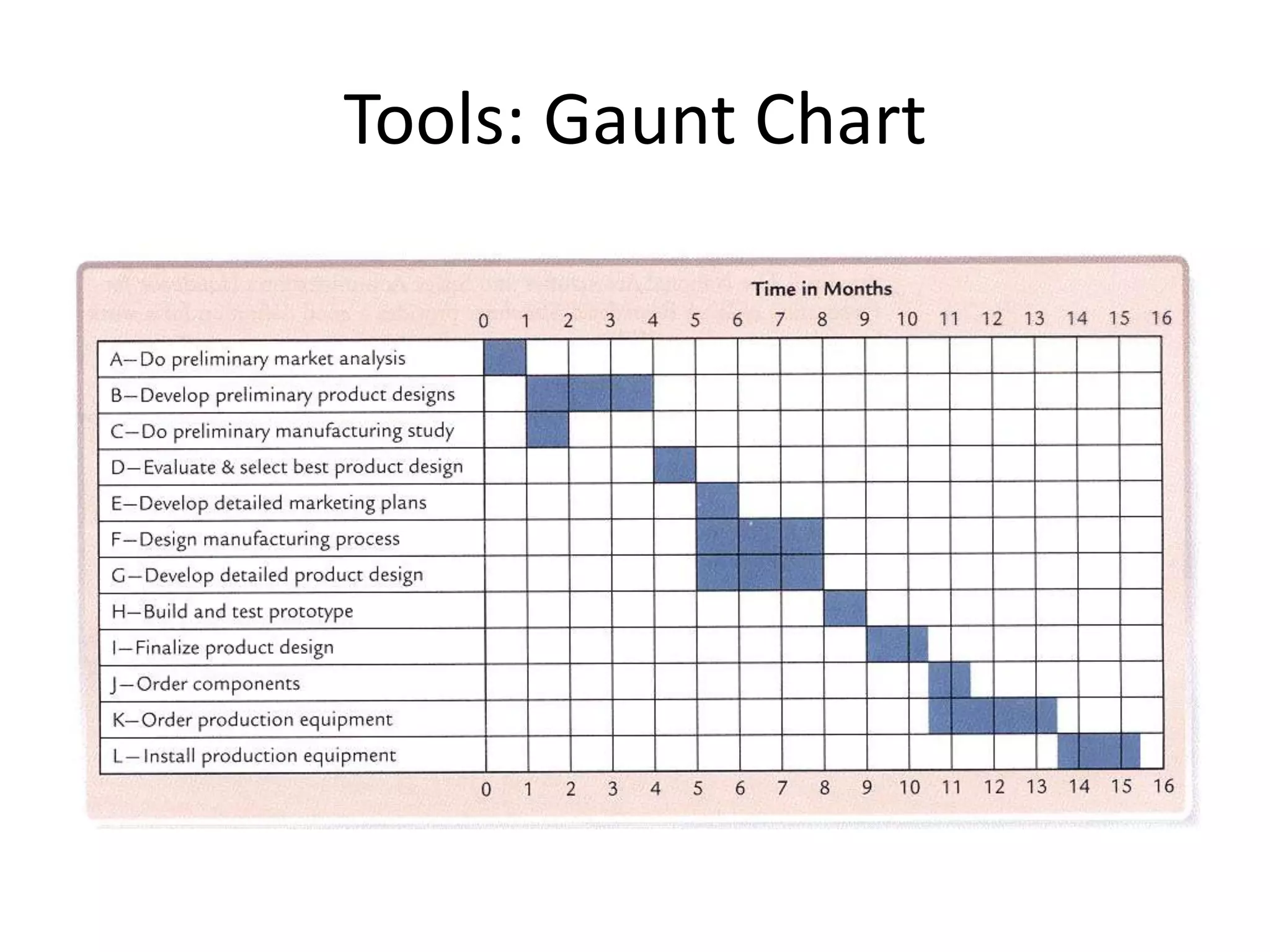
  – Gaunt Charts for schedule management
  – Documentation
Tools: Gaunt Chart
Thank You!

• Presentation prepared by
   – Shafiul Azam Chowdhury
   – Student, CSE, BUET
   – http://shafiul.users.sf.net
References
•   http://mixergy.com/wp-content/uploads/fast-typing.jpg
•   http://www.confessionsofaphotoshopnerd.com/storage/Confessions%20of%20a%20photoshop%2
    0nerd.jpg?__SQUARESPACE_CACHEVERSION=1294205000507
•   http://www.fgsd.com.au/wp-content/uploads/2011/09/Software-Policies-Processes.jpg
•   http://en.wikipedia.org/wiki/Systems_development_life-cycle
•   http://sunset.usc.edu/csse/TECHRPTS/1975/usccse75-501/usccse75-501.pdf
•   http://farm6.static.flickr.com/5227/5643033953_9b542af5a1.jpg
•   www.jsu.edu/mcis/docs/SRSSample.doc
•   http://cdn.seomoz.org/images/upload/axure-wireframe.gif
•   http://www.re-vision.com/webwork/p27wireframes/drawing_small.jpg
•   http://elegantcode.com/2008/12/22/single-responsibility-principle/
•   http://www.emqube.com/images/side_team.jpg
•   http://www.bluecollarobjects.com/pub/Main/TestDrivenDevelopment/RedGrenRefactorTight.jpg
•   http://www.agilemodeling.com/images/generalizingSpecialistsTaylorism.jpg
•   http://home.snc.edu/eliotelfner/333/pictures/Gantt.gif

Introducing systems analysis, design & development Concepts

  • 1.
    Introducing Systems Analysis, Design& Development Concepts Shafiul Azam Chowdhury
  • 2.
    Task: Build aSimplest Accounting S/W • You’ve been offered to build a very basic accounting software for Bangoo Banks Inc. – You’ll need to collaborate with 3-4 other developers. – You’ll receive handsome amount of cash for full functional software! – Deadline: very, very strict. Say, couple of months?
  • 3.
    What are yougoing to do? • Divide the total project in visible sections, say: – User Accounts – Human Resource – Accounting – Etc… • And started asking questions to your clients how they want the program behave, design database…
  • 4.
    All four developersstarted coding as fast as you can to maintain deadline.
  • 5.
    After some days…you felt like integrating your works? • But you figured out you need a change in some part, you could change it, but others’ code can break? • You hardly understand what your friend means by variable baln or function register() • Your disc crashed and your codes are gone? • You’ve created too many folders like code_old code_working, code_new2, code_final… now what? • How do you merge everybody’s code to a full- functional system?
  • 6.
    Messed Up? • Withoutputting your code in a function, you just wrote it down, thinking, “Hey, I’ll not use this code anywhere else! So Why do I need to put it in a function or class?” • But, you never know… – Client may change his mind – New functionalities may appear in future – And you’re very likely to duplicate same codes. – Man is mortal. To fix buggy codes you’ll need to investigate your whole project number of times you copy-pasted same code. • Hard to find bugs. 
  • 7.
    Software Evolves… • Ifyour software is usable, it will have changes in it and have future releases. • Clients will add new features, or users will want changes.
  • 8.
    After some days,you’re about to bring some changes in your code.
  • 9.
    And… Is that Hebrew? You don’t understand your own code 
  • 10.
    If you don’tpractice standards, it’ll be very, very difficult to maintain the project later. So What are best practices?
  • 11.
  • 12.
    Introducing SADD • Systems… – Step 1: Analysis – Step 2: Design – Step 3: Development • Step 4: Evolve! Back to step 1
  • 13.
    First Step: SystemsAnalysis • Known as Requirement Analysis • Extract information from your clients on what the software is supposed to do. • Place them on SRS Cards • Useful to understand the total scope of application, defining priority and leads to modular design.
  • 14.
    Sample Requirement Analysis for some Alumni Website…
  • 15.
    SRS (Software RequirementSpecification) Cards for Requirement Analysis
  • 16.
    Step 2: Designyour system • Once you’re done with analysis, design it. • The great majority of the types of errors found in testing the code had originated in the design phase – See figure in next slide.
  • 18.
    Systems Design • FollowingDesign Patterns – Why reinvent the wheel? • Modular Design – Loosely coupled code – Easy to extend your program – Code less. Reuse your code • Build Wireframes • Follow Single Responsibility Principle
  • 19.
    Building Wireframe • CreateMock-up/prototype of your application before starting coding. – Can be built using GUI tools very rapidly – Client can know how your application will look like/interact with users. – Non functional.
  • 20.
  • 21.
  • 22.
  • 23.
  • 24.
    Documentation • You aloneare not coding – Others will work with your code – You will work with other’s code. • Provide Documentation
  • 25.
    Take help ofDevelopment Tools • You figured out you need a change in some part, you could change it, but others’ code can break? • You hardly understand what your friend means by variable baln or function register() • Your disc crashed and your codes are gone? • You’ve created too many folders like code_old code_working, code_new2, code_final… now what? • How do you merge everybody’s code to a full-functional system?
  • 26.
    Understanding Your Responsibility You need to work with a lot of people!
  • 27.
    Project Management Tools •Coding is not your only responsibility. – Issues are assigned to you by your Project Manager – Bug fixing tasks assigned to you – You fix code and re-assign it to Tester. • To simplify all these, various Tools are available. – Using these tools guarantee standards.
  • 28.
    Tools: Revision Controlling •Git is a powerful distributed version controlling system. – Stores complete history of your source code at different stages of project life cycle. – Easy merging of everyone’s copy of work. – Distributed.
  • 29.
    Project Management Tools •Project Management applications come with rich features like – Role Management (PM, Tester, Designer, Programmer,…) – Bugs Reporting – Issue Tracking & Assigning – Gaunt Charts for schedule management – Documentation
  • 30.
  • 31.
    Thank You! • Presentationprepared by – Shafiul Azam Chowdhury – Student, CSE, BUET – http://shafiul.users.sf.net
  • 32.
    References • http://mixergy.com/wp-content/uploads/fast-typing.jpg • http://www.confessionsofaphotoshopnerd.com/storage/Confessions%20of%20a%20photoshop%2 0nerd.jpg?__SQUARESPACE_CACHEVERSION=1294205000507 • http://www.fgsd.com.au/wp-content/uploads/2011/09/Software-Policies-Processes.jpg • http://en.wikipedia.org/wiki/Systems_development_life-cycle • http://sunset.usc.edu/csse/TECHRPTS/1975/usccse75-501/usccse75-501.pdf • http://farm6.static.flickr.com/5227/5643033953_9b542af5a1.jpg • www.jsu.edu/mcis/docs/SRSSample.doc • http://cdn.seomoz.org/images/upload/axure-wireframe.gif • http://www.re-vision.com/webwork/p27wireframes/drawing_small.jpg • http://elegantcode.com/2008/12/22/single-responsibility-principle/ • http://www.emqube.com/images/side_team.jpg • http://www.bluecollarobjects.com/pub/Main/TestDrivenDevelopment/RedGrenRefactorTight.jpg • http://www.agilemodeling.com/images/generalizingSpecialistsTaylorism.jpg • http://home.snc.edu/eliotelfner/333/pictures/Gantt.gif