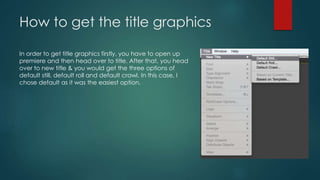
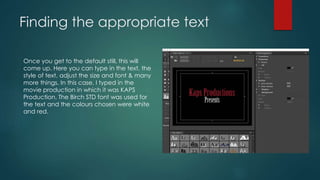
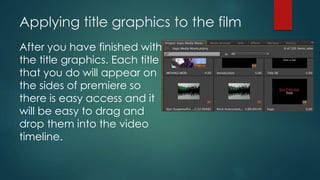
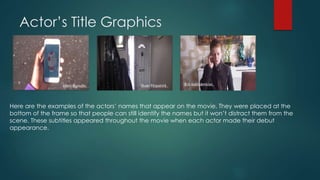
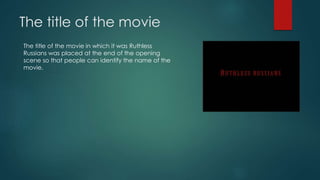
To add title graphics in Premiere, open Premiere and select Title > New Title to choose between default title templates. Text, fonts, sizes and colors can be customized for each title. Finished titles are accessible on the timeline for easy dragging into the video. Titles like the production company name and movie title should be placed at strategic points like the start and end of scenes to inform viewers.