Nathan West
Task 5 - Audio Recording VST Effects Manipulation (Track 6)
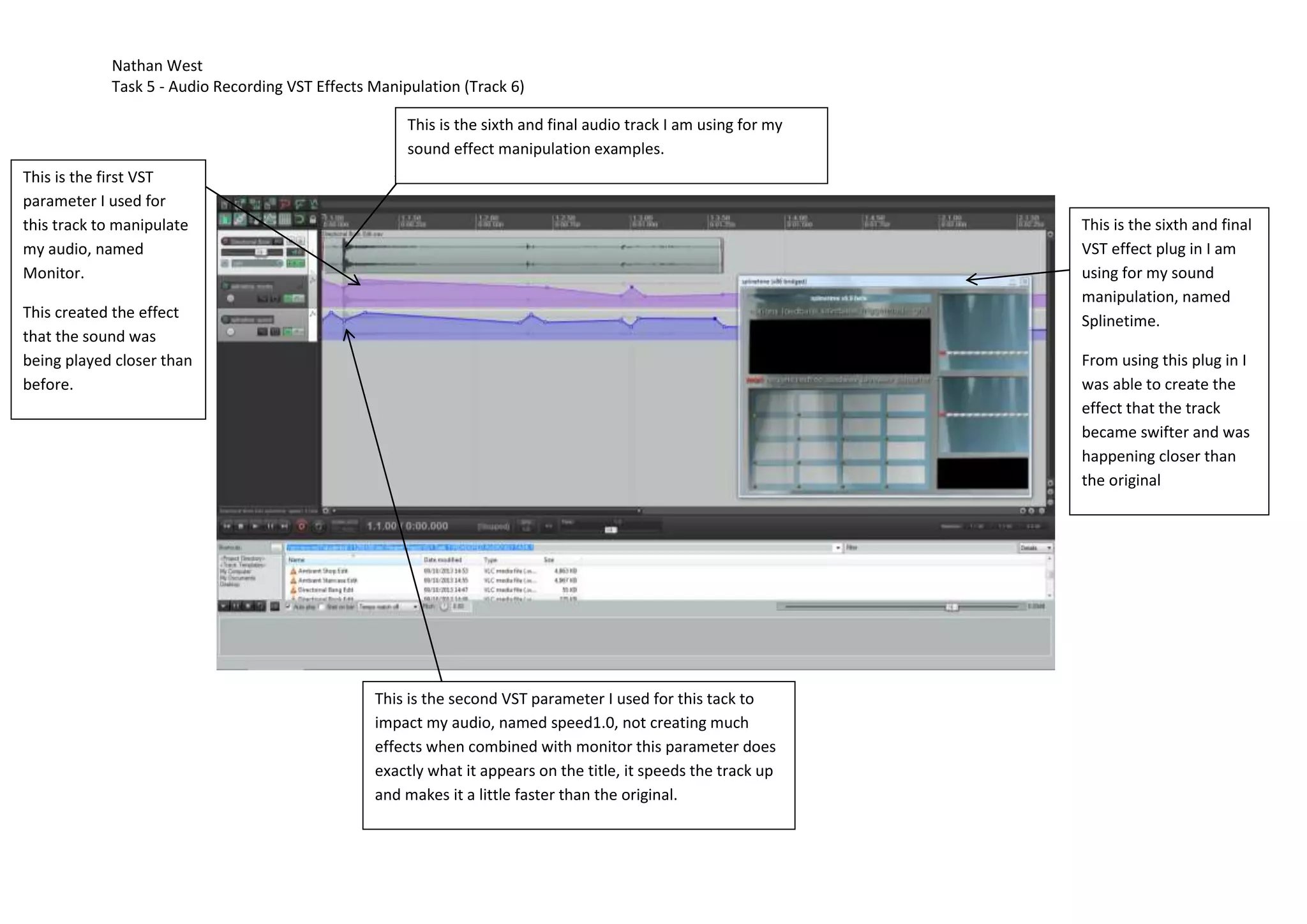
This is the sixth and final audio track I am using for my
sound effect manipulation examples.
This is the first VST
parameter I used for
this track to manipulate
my audio, named
Monitor.

This is the sixth and final
VST effect plug in I am
using for my sound
manipulation, named
Splinetime.

This created the effect
that the sound was
being played closer than
before.

From using this plug in I
was able to create the
effect that the track
became swifter and was
happening closer than
the original

This is the second VST parameter I used for this tack to
impact my audio, named speed1.0, not creating much
effects when combined with monitor this parameter does
exactly what it appears on the title, it speeds the track up
and makes it a little faster than the original.

IG1 Task 5 - Effects manipulation 1

  • 1.
    Nathan West Task 5- Audio Recording VST Effects Manipulation (Track 6) This is the sixth and final audio track I am using for my sound effect manipulation examples. This is the first VST parameter I used for this track to manipulate my audio, named Monitor. This is the sixth and final VST effect plug in I am using for my sound manipulation, named Splinetime. This created the effect that the sound was being played closer than before. From using this plug in I was able to create the effect that the track became swifter and was happening closer than the original This is the second VST parameter I used for this tack to impact my audio, named speed1.0, not creating much effects when combined with monitor this parameter does exactly what it appears on the title, it speeds the track up and makes it a little faster than the original.