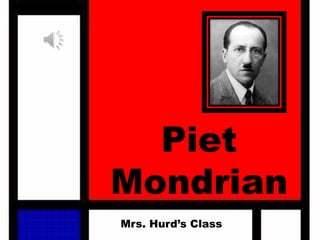
Piet
Mondrian
Mrs. Hurd’s Class
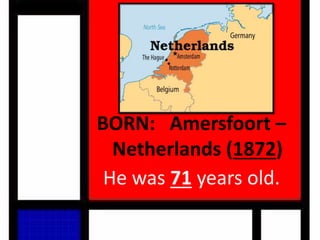
BORN: Amersfoort –
Netherlands (1872)
He was 71 years old.
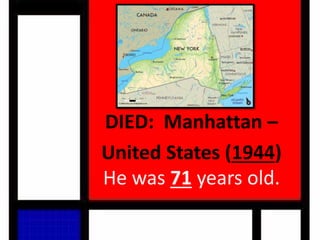
DIED: Manhattan –
United States (1944)
He was 71 years old.
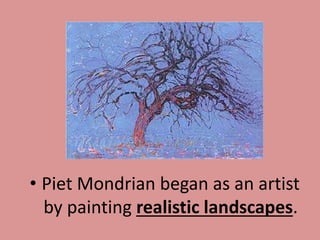
• Piet Mondrian began as an artist
by painting realistic landscapes.
It's hard to imagine that he began
as a landscape painter and was
influenced by Fauvism, Symbolism,
and Cubism on his way to his
characteristic abstractions.
• "In order to survive, Mondrian had been a painter of flowers on porcelain
for practically his whole life. Perhaps this explains his hatred of nature. ...
[Mondrian] suppressed curves and all greens because they reminded him
of trees, which he loathed. ... In 1924 the artist broke away from Theo van
Doesburg, who ... maintained that the slanted line at a 45-degree incline
better corresponded to the dynamism of modern man." (Art of Our
Century, ed Jean-Louis Ferrier, page 429.)
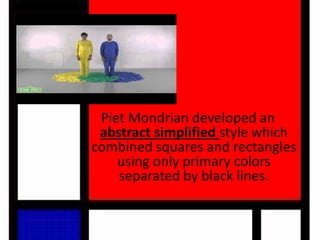
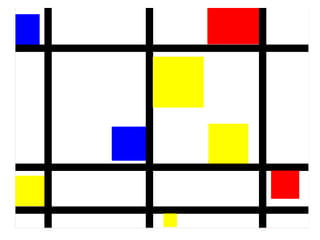
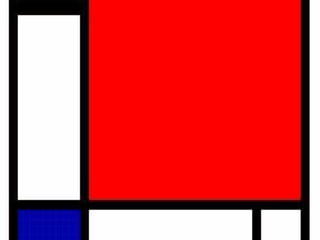
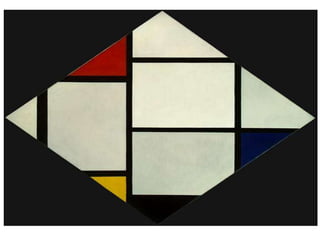
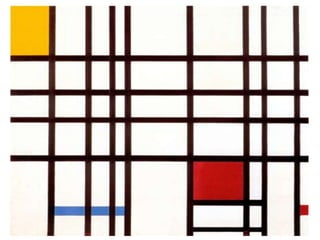
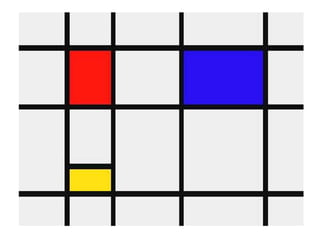
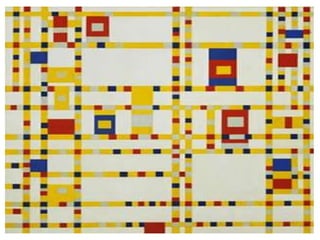
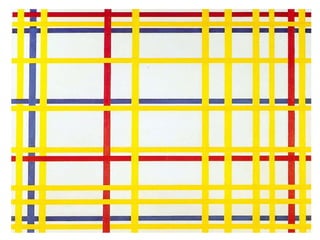
Piet Mondrian developed an
abstract simplified style which
combined squares and rectangles
using only primary colors
separated by black lines.
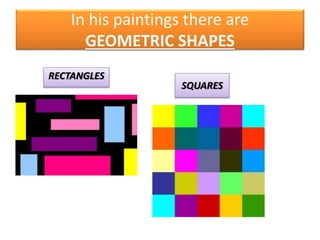
In his paintings there are
GEOMETRIC SHAPES
RECTANGLES
SQUARES
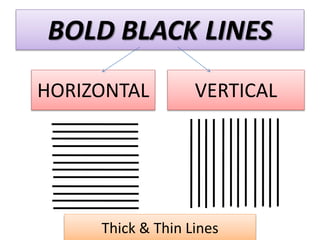
BOLD BLACK LINES
HORIZONTAL VERTICAL
Thick & Thin Lines
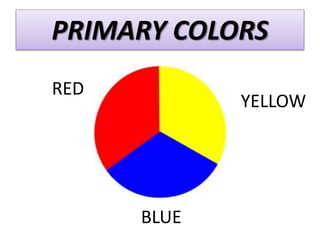
PRIMARY COLORS
RED
YELLOW
BLUE
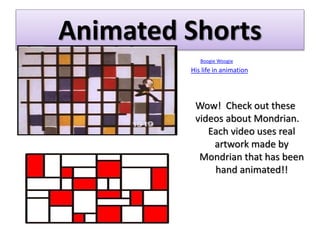
Animated Shorts
Boogie Woogie
His life in animation
Wow! Check out these
videos about Mondrian.
Each video uses real
artwork made by
Mondrian that has been
hand animated!!
Exercise
Create artwork in the style of Piet Mondrian
Material
Computer
Pixlr.com/editor
Printer
Instructions for
Mondrian Inspired Art
Mrs. Hurd
Instructor
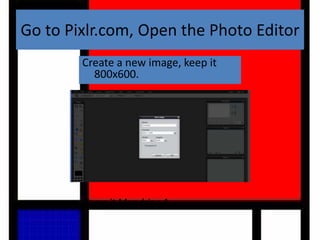
Go to Pixlr.com, Open the Photo Editor
Create a new image, keep it
800x600.
Name it Mondrian 1.
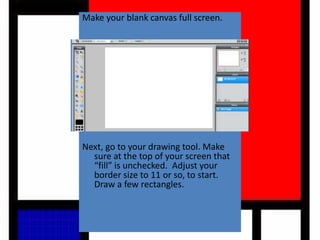
Make your blank canvas full screen.
Next, go to your drawing tool. Make
sure at the top of your screen that
“fill” is unchecked. Adjust your
border size to 11 or so, to start.
Draw a few rectangles.
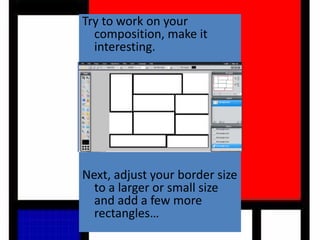
Try to work on your
composition, make it
interesting.
Next, adjust your border size
to a larger or small size
and add a few more
rectangles…
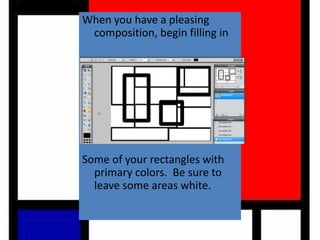
When you have a pleasing
composition, begin filling in
Some of your rectangles with
primary colors. Be sure to
leave some areas white.
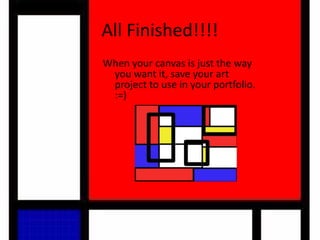
All Finished!!!!
When your canvas is just the way
you want it, save your art
project to use in your portfolio.
:=)
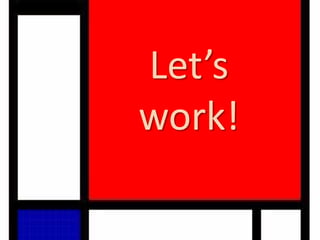
Let’s
work!

Piet mondrian pixlr

  • 1.
  • 2.
    BORN: Amersfoort – Netherlands(1872) He was 71 years old.
  • 3.
    DIED: Manhattan – UnitedStates (1944) He was 71 years old.
  • 4.
    • Piet Mondrianbegan as an artist by painting realistic landscapes.
  • 5.
    It's hard toimagine that he began as a landscape painter and was influenced by Fauvism, Symbolism, and Cubism on his way to his characteristic abstractions. • "In order to survive, Mondrian had been a painter of flowers on porcelain for practically his whole life. Perhaps this explains his hatred of nature. ... [Mondrian] suppressed curves and all greens because they reminded him of trees, which he loathed. ... In 1924 the artist broke away from Theo van Doesburg, who ... maintained that the slanted line at a 45-degree incline better corresponded to the dynamism of modern man." (Art of Our Century, ed Jean-Louis Ferrier, page 429.)
  • 6.
    Piet Mondrian developedan abstract simplified style which combined squares and rectangles using only primary colors separated by black lines.
  • 7.
    In his paintingsthere are GEOMETRIC SHAPES RECTANGLES SQUARES
  • 8.
    BOLD BLACK LINES HORIZONTALVERTICAL Thick & Thin Lines
  • 9.
  • 10.
    Animated Shorts Boogie Woogie Hislife in animation Wow! Check out these videos about Mondrian. Each video uses real artwork made by Mondrian that has been hand animated!!
  • 19.
    Exercise Create artwork inthe style of Piet Mondrian Material Computer Pixlr.com/editor Printer
  • 20.
    Instructions for Mondrian InspiredArt Mrs. Hurd Instructor
  • 21.
    Go to Pixlr.com,Open the Photo Editor Create a new image, keep it 800x600. Name it Mondrian 1.
  • 22.
    Make your blankcanvas full screen. Next, go to your drawing tool. Make sure at the top of your screen that “fill” is unchecked. Adjust your border size to 11 or so, to start. Draw a few rectangles.
  • 23.
    Try to workon your composition, make it interesting. Next, adjust your border size to a larger or small size and add a few more rectangles…
  • 24.
    When you havea pleasing composition, begin filling in Some of your rectangles with primary colors. Be sure to leave some areas white.
  • 25.
    All Finished!!!! When yourcanvas is just the way you want it, save your art project to use in your portfolio. :=)
  • 26.