LESSON 2 Workplace Documents
A workplace document is any document that provides steps or gives instructions to carry out tasks that
contains technical details. All workplaces use documents to record their business activities. Some
documents need to be completed as part of government acts or regulations, while others are developed to
ensure the efficient delivery of services and products to customers. It is important to know which
workplace documents, records and forms you will be expected to complete as part of your job.
There are many different types of workplace documents. Some examples are:
o Messages
o Memorandum
o Business Letters
o Minutes from meetings
o Agenda
o Annual reports
o Presentations
o Diagrams
Messages, memorandum, minutes and agenda are usually workplace documents that are prepared for
internal use. That is, these documents are only used and read by people inside your organization.
Messages
Messages come in all sorts of formats. It can be a simple phone message to an email or a short message
left for a work colleague. Whatever the format, it is important to be sure that people’s names are spelled
correctly, that phone numbers or other figures are written down correctly. It is also important to mark on
the “message” the time and date as well as who is leaving the message. Above all, it is vital that you use
clear and neat handwriting.
Memorandum
Memorandum or memo is a workplace document that sends information to people in your organization
about a work related topic. Most messages of this type are sent by email, but in some instances a hard
copy of a memorandum is distributed to staff members.
Guidelines in Writing a Memorandum
Choose a representative phrase that immediately tells the reader what the memo will be about.
Use plain paper (not stationery) with one-inch margins around the page.
Use a professional font and black color.
Begin all the lines of the memo at the left margin, except the MEMO line which can be centered.
Use single-spaced, with two spaces between paragraphs in the body of the memo.
If your memo is more than 1 page long, use a subsequent page header that includes who the Memo is
addressed to, the page number, and the date.
Sign the Memo next to the FROM line, using initials, first name, or complete name.
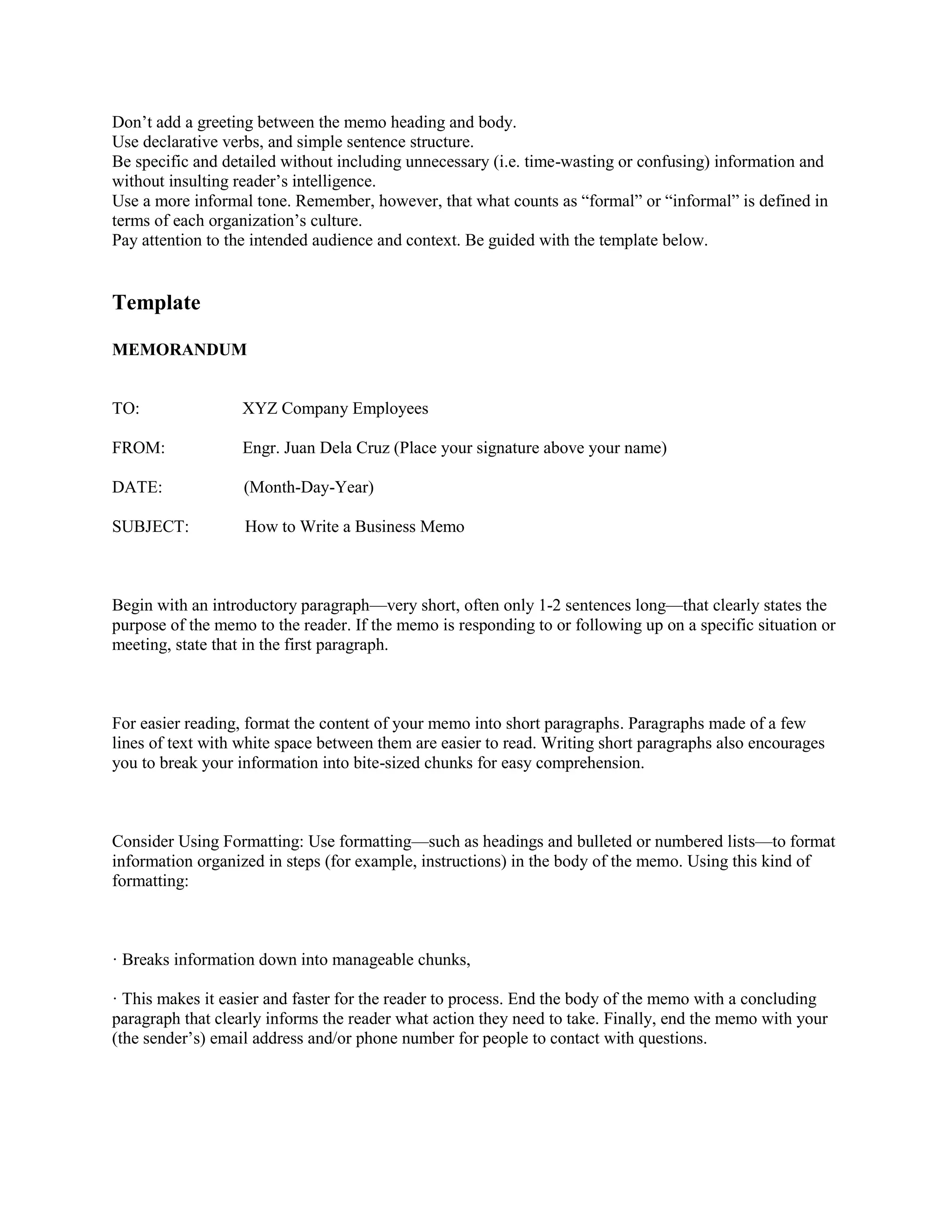
Don’t add a greeting between the memo heading and body.
Use declarative verbs, and simple sentence structure.
Be specific and detailed without including unnecessary (i.e. time-wasting or confusing) information and
without insulting reader’s intelligence.
Use a more informal tone. Remember, however, that what counts as “formal” or “informal” is defined in
terms of each organization’s culture.
Pay attention to the intended audience and context. Be guided with the template below.
Template
MEMORANDUM
TO: XYZ Company Employees
FROM: Engr. Juan Dela Cruz (Place your signature above your name)
DATE: (Month-Day-Year)
SUBJECT: How to Write a Business Memo
Begin with an introductory paragraph—very short, often only 1-2 sentences long—that clearly states the
purpose of the memo to the reader. If the memo is responding to or following up on a specific situation or
meeting, state that in the first paragraph.
For easier reading, format the content of your memo into short paragraphs. Paragraphs made of a few
lines of text with white space between them are easier to read. Writing short paragraphs also encourages
you to break your information into bite-sized chunks for easy comprehension.
Consider Using Formatting: Use formatting—such as headings and bulleted or numbered lists—to format
information organized in steps (for example, instructions) in the body of the memo. Using this kind of
formatting:
· Breaks information down into manageable chunks,
· This makes it easier and faster for the reader to process. End the body of the memo with a concluding
paragraph that clearly informs the reader what action they need to take. Finally, end the memo with your
(the sender’s) email address and/or phone number for people to contact with questions.
Agenda and Meeting Minutes
Agenda is a list of topics that are planned to be discussed at a meeting. It is used a guide to the
Chairperson of a meeting, to keep the meeting “on track”. The minutes of the meeting are the record of
the matters that are discussed during a meeting. They are a “formal” record of what took place in a
meeting. Consider the following questions in writing meeting minutes:
o When was the meeting?
o Who attended?
o Who did not attend? (Include this information if it matters)
o What topics were discussed?
o What was decided?
o What actions were agreed upon?
o Who is to complete the actions, by when?
o Were materials distributed at the meeting? If so, are copies or a link available?
o Is there anything special the reader of the minutes should know or do?
o Is a follow-up meeting scheduled? If so, when? Where? Why?
Guidelines in Writing a Meeting Minutes
1. Write minutes soon after the meeting, preferably within 48 hours. That way, those who
attended can be reminded of action items, and those who did not attend will promptly know what
happened.
2. Don't skip writing minutes just because everyone attended the meeting and knows what
happened. Meeting notes serve as a record of the meeting long after people forget what
happened.
3. Don't describe all the "he said, she said" details unless those details are very important.
Record topics discussed, decisions made, and action items.
4. Don't include any information that will embarrass anyone (for example, "Then John/Jane left
the room in tears").
5. Use positive language rather than describing the discussion as heated or angry, use passionate,
lively, or energetic--all of which are just as true as the negative words.
6. Edit and proof the meeting minutes.
7. Attach any hand-outs or documents electronically, so that all participants and non-participants
have easy access to them.
8. Include the following information:
Topics
Decisions
Actions Agreed Upon
Person responsible
Deadline
Next Meeting
Date and Time
Location
Agenda items

LESSON 2 Workplace Documents.pdf

  • 1.
    LESSON 2 WorkplaceDocuments A workplace document is any document that provides steps or gives instructions to carry out tasks that contains technical details. All workplaces use documents to record their business activities. Some documents need to be completed as part of government acts or regulations, while others are developed to ensure the efficient delivery of services and products to customers. It is important to know which workplace documents, records and forms you will be expected to complete as part of your job. There are many different types of workplace documents. Some examples are: o Messages o Memorandum o Business Letters o Minutes from meetings o Agenda o Annual reports o Presentations o Diagrams Messages, memorandum, minutes and agenda are usually workplace documents that are prepared for internal use. That is, these documents are only used and read by people inside your organization. Messages Messages come in all sorts of formats. It can be a simple phone message to an email or a short message left for a work colleague. Whatever the format, it is important to be sure that people’s names are spelled correctly, that phone numbers or other figures are written down correctly. It is also important to mark on the “message” the time and date as well as who is leaving the message. Above all, it is vital that you use clear and neat handwriting. Memorandum Memorandum or memo is a workplace document that sends information to people in your organization about a work related topic. Most messages of this type are sent by email, but in some instances a hard copy of a memorandum is distributed to staff members. Guidelines in Writing a Memorandum Choose a representative phrase that immediately tells the reader what the memo will be about. Use plain paper (not stationery) with one-inch margins around the page. Use a professional font and black color. Begin all the lines of the memo at the left margin, except the MEMO line which can be centered. Use single-spaced, with two spaces between paragraphs in the body of the memo. If your memo is more than 1 page long, use a subsequent page header that includes who the Memo is addressed to, the page number, and the date. Sign the Memo next to the FROM line, using initials, first name, or complete name.
  • 2.
    Don’t add agreeting between the memo heading and body. Use declarative verbs, and simple sentence structure. Be specific and detailed without including unnecessary (i.e. time-wasting or confusing) information and without insulting reader’s intelligence. Use a more informal tone. Remember, however, that what counts as “formal” or “informal” is defined in terms of each organization’s culture. Pay attention to the intended audience and context. Be guided with the template below. Template MEMORANDUM TO: XYZ Company Employees FROM: Engr. Juan Dela Cruz (Place your signature above your name) DATE: (Month-Day-Year) SUBJECT: How to Write a Business Memo Begin with an introductory paragraph—very short, often only 1-2 sentences long—that clearly states the purpose of the memo to the reader. If the memo is responding to or following up on a specific situation or meeting, state that in the first paragraph. For easier reading, format the content of your memo into short paragraphs. Paragraphs made of a few lines of text with white space between them are easier to read. Writing short paragraphs also encourages you to break your information into bite-sized chunks for easy comprehension. Consider Using Formatting: Use formatting—such as headings and bulleted or numbered lists—to format information organized in steps (for example, instructions) in the body of the memo. Using this kind of formatting: · Breaks information down into manageable chunks, · This makes it easier and faster for the reader to process. End the body of the memo with a concluding paragraph that clearly informs the reader what action they need to take. Finally, end the memo with your (the sender’s) email address and/or phone number for people to contact with questions.
  • 3.
    Agenda and MeetingMinutes Agenda is a list of topics that are planned to be discussed at a meeting. It is used a guide to the Chairperson of a meeting, to keep the meeting “on track”. The minutes of the meeting are the record of the matters that are discussed during a meeting. They are a “formal” record of what took place in a meeting. Consider the following questions in writing meeting minutes: o When was the meeting? o Who attended? o Who did not attend? (Include this information if it matters) o What topics were discussed? o What was decided? o What actions were agreed upon? o Who is to complete the actions, by when? o Were materials distributed at the meeting? If so, are copies or a link available? o Is there anything special the reader of the minutes should know or do? o Is a follow-up meeting scheduled? If so, when? Where? Why? Guidelines in Writing a Meeting Minutes 1. Write minutes soon after the meeting, preferably within 48 hours. That way, those who attended can be reminded of action items, and those who did not attend will promptly know what happened. 2. Don't skip writing minutes just because everyone attended the meeting and knows what happened. Meeting notes serve as a record of the meeting long after people forget what happened. 3. Don't describe all the "he said, she said" details unless those details are very important. Record topics discussed, decisions made, and action items. 4. Don't include any information that will embarrass anyone (for example, "Then John/Jane left the room in tears"). 5. Use positive language rather than describing the discussion as heated or angry, use passionate, lively, or energetic--all of which are just as true as the negative words. 6. Edit and proof the meeting minutes. 7. Attach any hand-outs or documents electronically, so that all participants and non-participants have easy access to them. 8. Include the following information: Topics Decisions Actions Agreed Upon Person responsible Deadline Next Meeting Date and Time Location Agenda items