


WHO NEEDS A SERVER?
SETTING UP WORDPRESS IN AWS
WITHOUT A SERVER
Carel Bekker
@ClickHOST & @carelbekker
Carel Bekker - @ClickHOST
Overview
In this session we’ll be exploring how to
setup WordPress in AWS (Amazon
Web Services) without using a server.
It is also referred to as serverless
computing. It takes the pain out of
having to setup and manage aVPS, or
dedicated server for WordPress.
2
Carel Bekker - @ClickHOST
What we’ll cover
3
• Serverless definition
• WordPress architecture & installation
• Why Serverless ?
• Use cases
• Serverless WordPress & Demo
• Opportunities for growth (aka limitations)
• What next?
• Q&A and Discussion.
Carel Bekker - @ClickHOST
Serverless Definition
• No servers to manage
• No software to manage
• No software to upgrade
• Pay for execution time only
4
Carel Bekker - @ClickHOST
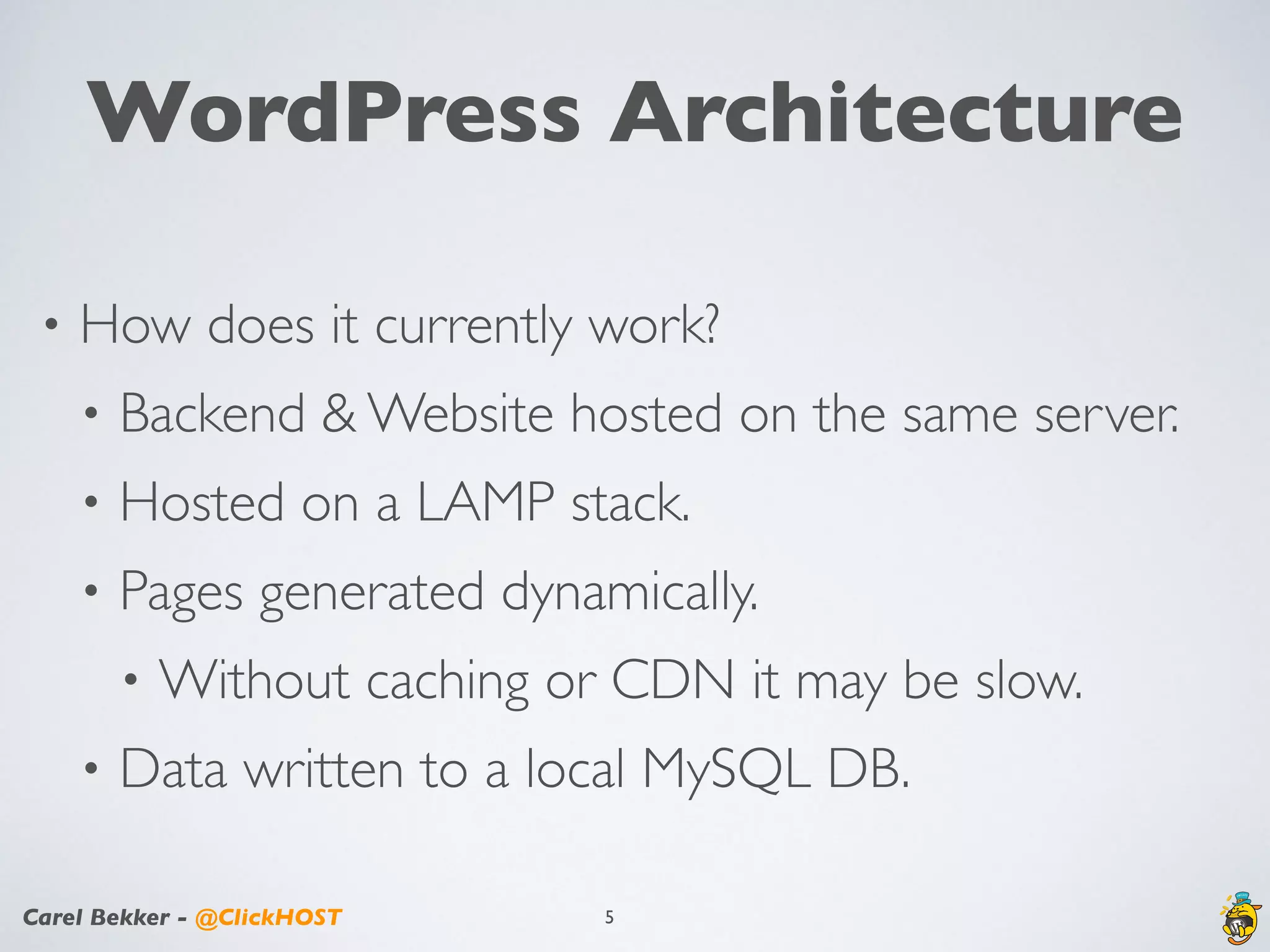
WordPress Architecture
• How does it currently work?
• Backend & Website hosted on the same server.
• Hosted on a LAMP stack.
• Pages generated dynamically.
• Without caching or CDN it may be slow.
• Data written to a local MySQL DB.
5
Carel Bekker - @ClickHOST
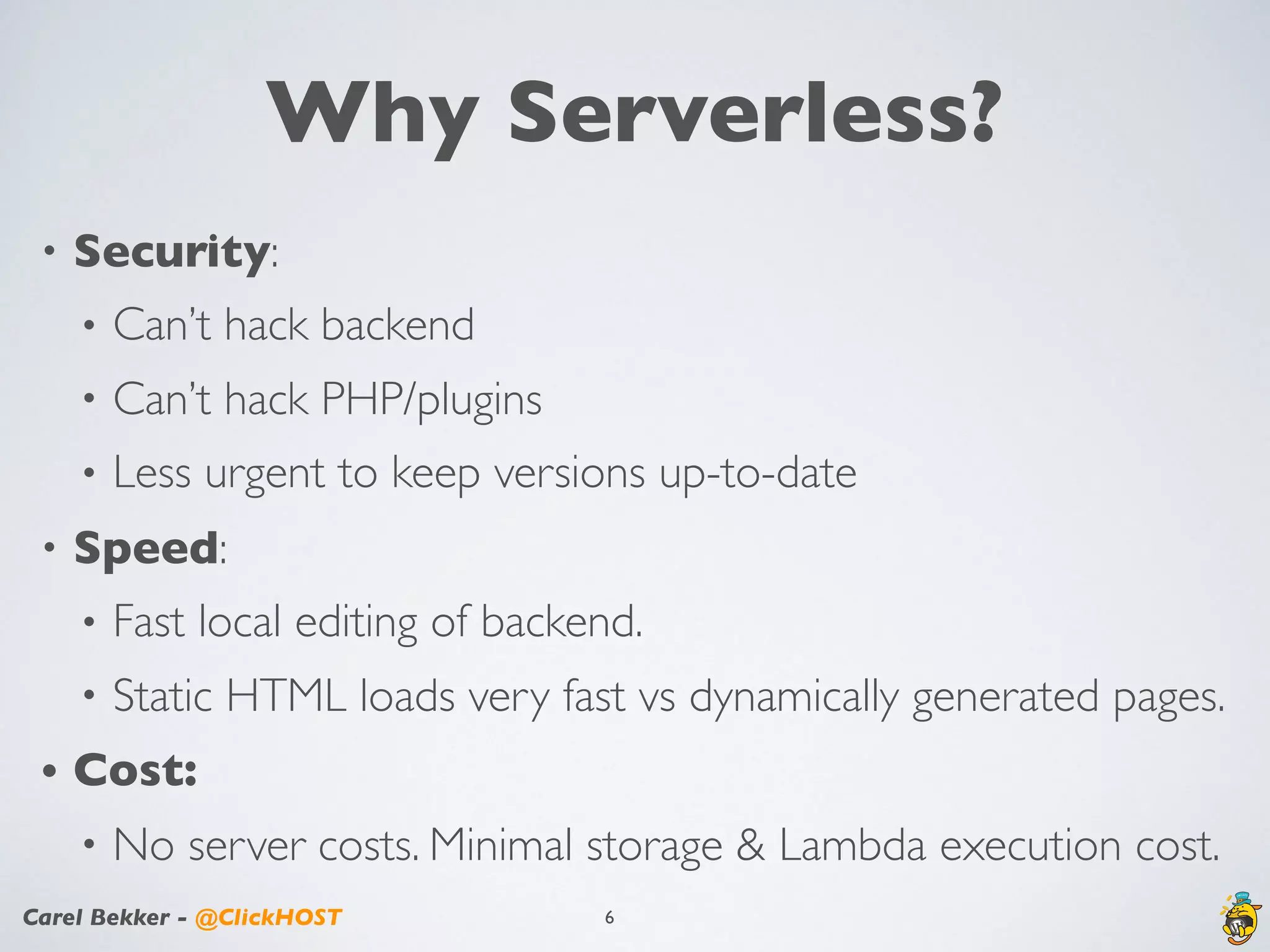
Why Serverless?
• Security:
• Can’t hack backend
• Can’t hack PHP/plugins
• Less urgent to keep versions up-to-date
• Speed:
• Fast local editing of backend.
• Static HTML loads very fast vs dynamically generated pages.
• Cost:
• No server costs. Minimal storage & Lambda execution cost.
6
Carel Bekker - @ClickHOST
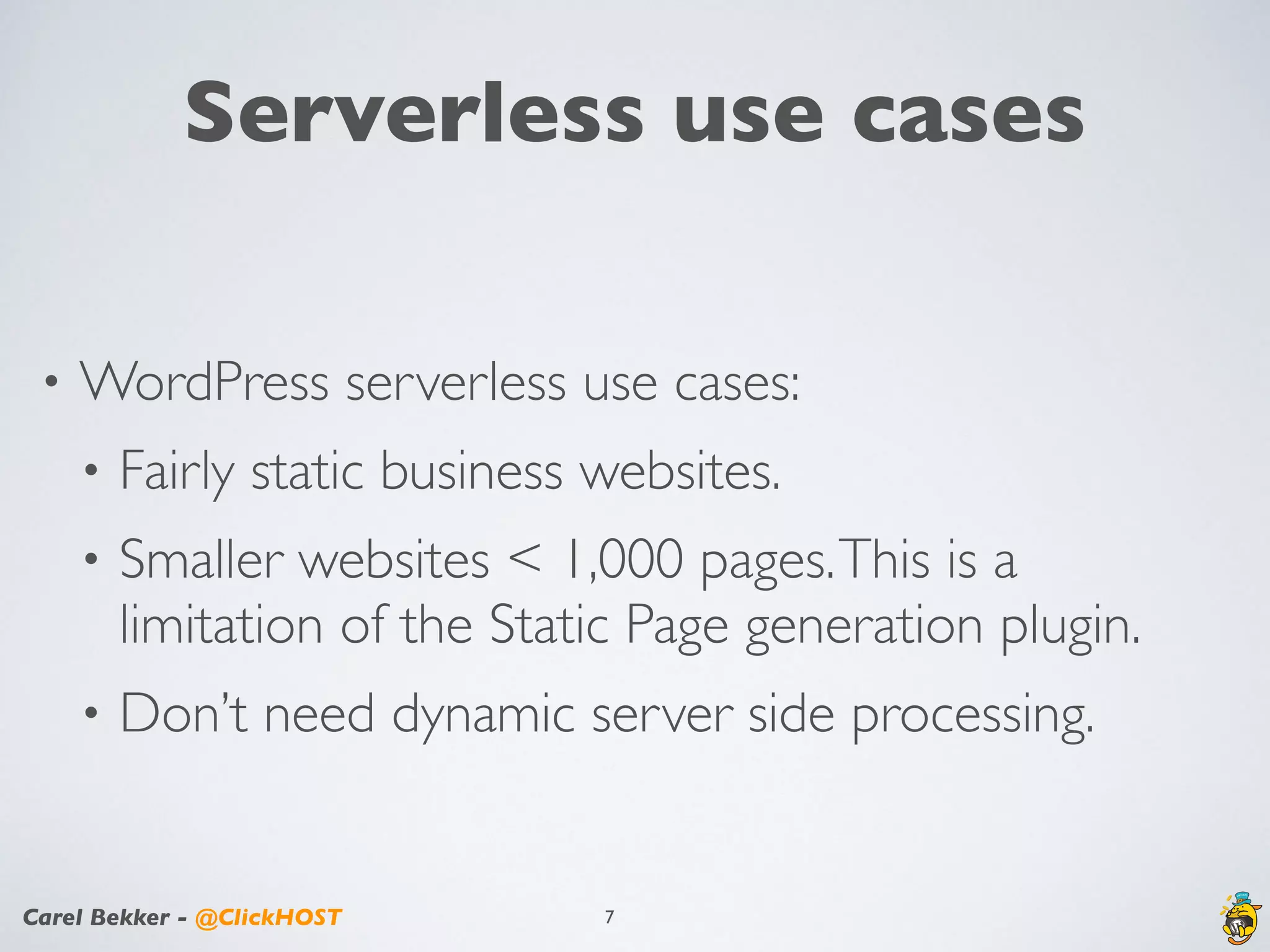
Serverless use cases
• WordPress serverless use cases:
• Fairly static business websites.
• Smaller websites < 1,000 pages.This is a
limitation of the Static Page generation plugin.
• Don’t need dynamic server side processing.
7
Carel Bekker - @ClickHOST
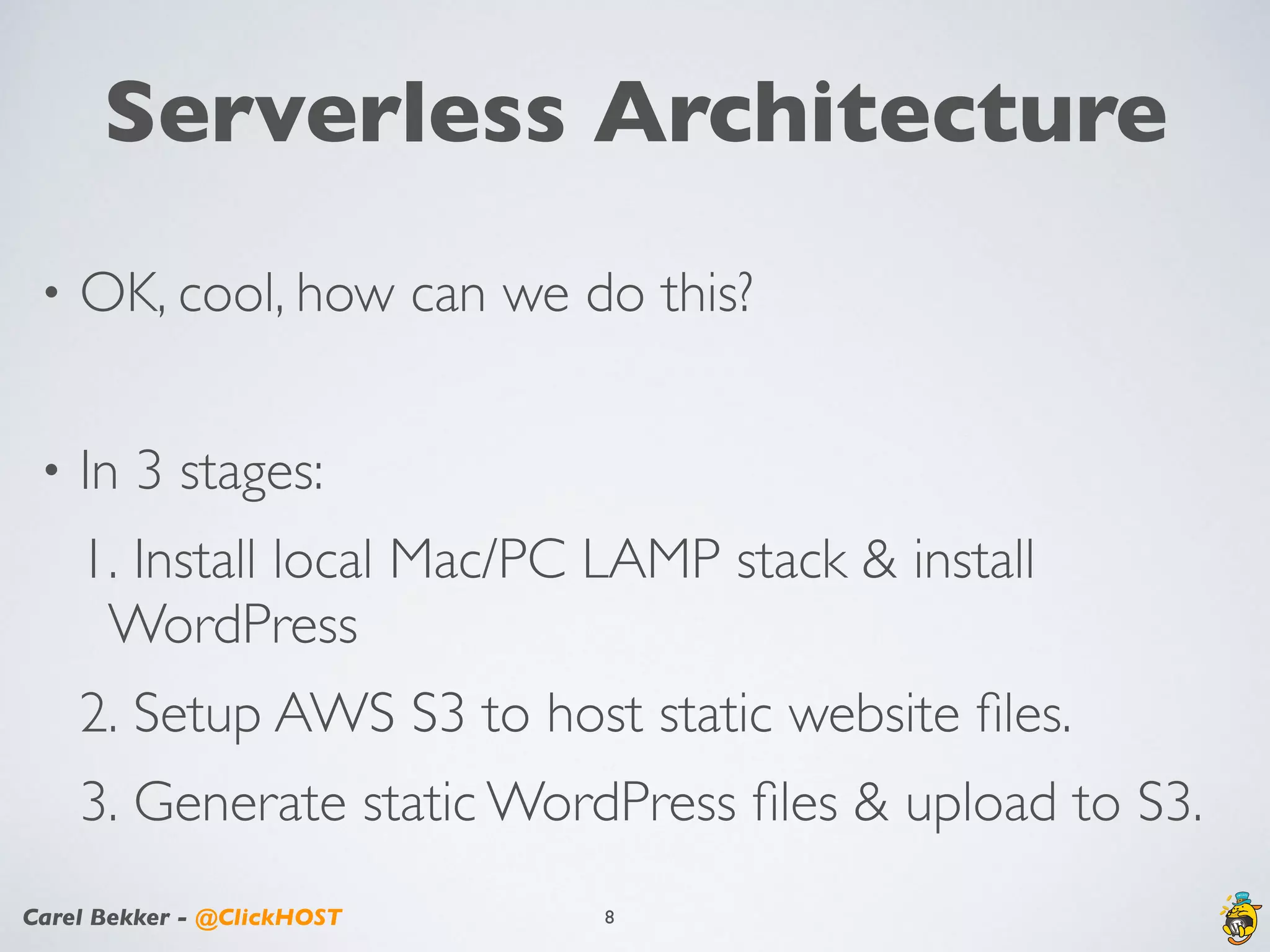
Serverless Architecture
• OK, cool, how can we do this?
• In 3 stages:
1. Install local Mac/PC LAMP stack & install
WordPress
2. Setup AWS S3 to host static website files.
3. Generate static WordPress files & upload to S3.
8
Carel Bekker - @ClickHOST
Install Local LAMP stack
• Many ways to setup a local LAMP stack.
• I used Softaculous ampps software.
• Quick & easy to install
• Free
• Includes WordPress installer
• Design your WordPress site on your local Mac/PC.
9
Carel Bekker - @ClickHOST
Setup your AWS env.
• Create an S3 bucket.
• Setup S3 bucket for static hosting.
• Important: bucket name should match domain
name, e.g., carelbekker.com is the bucket and
domain name.
• Setup Route 53 entries.
10
Carel Bekker - @ClickHOST
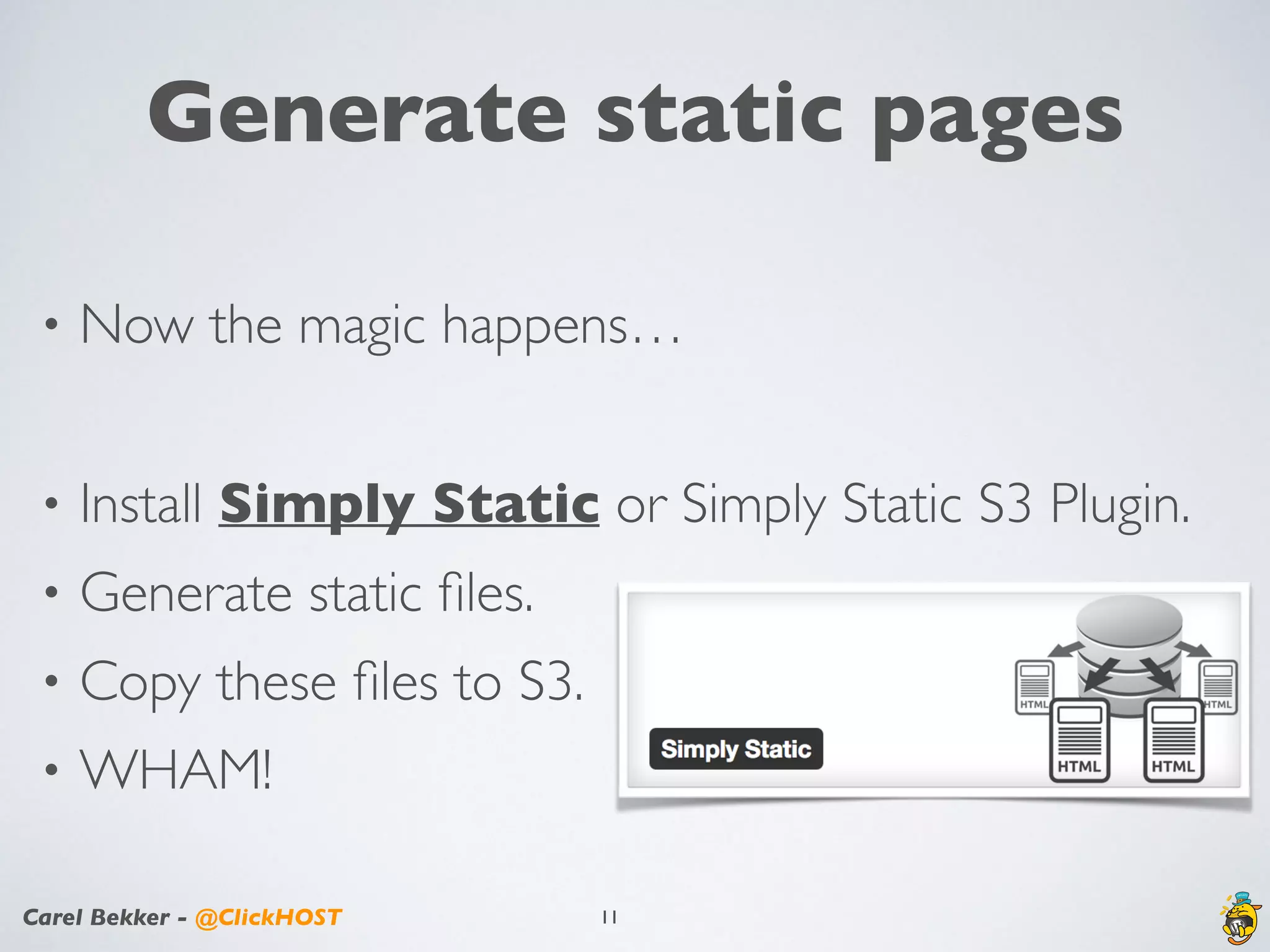
Generate static pages
• Now the magic happens…
• Install Simply Static or Simply Static S3 Plugin.
• Generate static files.
• Copy these files to S3.
• WHAM!
11
Carel Bekker - @ClickHOST
DEMO
12
Carel Bekker - @ClickHOST
Contact Us Page
• Use the following AWS services:
• SES — Simple Email Service to send email.
• API Gateway — API endpoint that can be used
to activate a Lambda function.
• Lambda — Uses SES to send email containing
data from Contact Us Page.
13
Carel Bekker - @ClickHOST
Areas of research
• Aka, limitations.
• No dynamic / server side code
• 3 common areas & solutions:
1. Forms: use Lambda or wufoo
2. Comments: use Facebook & Disqus
3. Search: use Google Search or Aliquo
14
Carel Bekker - @ClickHOST
What next?
•Cloudfront for caching
•Automate the publishing
•Publish only changed content
15
Carel Bekker - @ClickHOST
Q&A
16
Carel Bekker - @ClickHOST
Resources
•AWS Overview
•AWS S3 Static Website Hosting
•ClickHOST AWS Blog Posts
•ClickHOST Managed AWS Hosting
17
Carel Bekker - @ClickHOST
Carel Bekker
President&Owner
carel@clickhost.com
Twitter: @clickhost, @carelbekker
Tel: 404.220.8110
18

Serverless WordPress using AWS Services - WordCamp Atlanta 2017

  • 1.
    WHO NEEDS ASERVER? SETTING UP WORDPRESS IN AWS WITHOUT A SERVER Carel Bekker @ClickHOST & @carelbekker
  • 2.
    Carel Bekker -@ClickHOST Overview In this session we’ll be exploring how to setup WordPress in AWS (Amazon Web Services) without using a server. It is also referred to as serverless computing. It takes the pain out of having to setup and manage aVPS, or dedicated server for WordPress. 2
  • 3.
    Carel Bekker -@ClickHOST What we’ll cover 3 • Serverless definition • WordPress architecture & installation • Why Serverless ? • Use cases • Serverless WordPress & Demo • Opportunities for growth (aka limitations) • What next? • Q&A and Discussion.
  • 4.
    Carel Bekker -@ClickHOST Serverless Definition • No servers to manage • No software to manage • No software to upgrade • Pay for execution time only 4
  • 5.
    Carel Bekker -@ClickHOST WordPress Architecture • How does it currently work? • Backend & Website hosted on the same server. • Hosted on a LAMP stack. • Pages generated dynamically. • Without caching or CDN it may be slow. • Data written to a local MySQL DB. 5
  • 6.
    Carel Bekker -@ClickHOST Why Serverless? • Security: • Can’t hack backend • Can’t hack PHP/plugins • Less urgent to keep versions up-to-date • Speed: • Fast local editing of backend. • Static HTML loads very fast vs dynamically generated pages. • Cost: • No server costs. Minimal storage & Lambda execution cost. 6
  • 7.
    Carel Bekker -@ClickHOST Serverless use cases • WordPress serverless use cases: • Fairly static business websites. • Smaller websites < 1,000 pages.This is a limitation of the Static Page generation plugin. • Don’t need dynamic server side processing. 7
  • 8.
    Carel Bekker -@ClickHOST Serverless Architecture • OK, cool, how can we do this? • In 3 stages: 1. Install local Mac/PC LAMP stack & install WordPress 2. Setup AWS S3 to host static website files. 3. Generate static WordPress files & upload to S3. 8
  • 9.
    Carel Bekker -@ClickHOST Install Local LAMP stack • Many ways to setup a local LAMP stack. • I used Softaculous ampps software. • Quick & easy to install • Free • Includes WordPress installer • Design your WordPress site on your local Mac/PC. 9
  • 10.
    Carel Bekker -@ClickHOST Setup your AWS env. • Create an S3 bucket. • Setup S3 bucket for static hosting. • Important: bucket name should match domain name, e.g., carelbekker.com is the bucket and domain name. • Setup Route 53 entries. 10
  • 11.
    Carel Bekker -@ClickHOST Generate static pages • Now the magic happens… • Install Simply Static or Simply Static S3 Plugin. • Generate static files. • Copy these files to S3. • WHAM! 11
  • 12.
    Carel Bekker -@ClickHOST DEMO 12
  • 13.
    Carel Bekker -@ClickHOST Contact Us Page • Use the following AWS services: • SES — Simple Email Service to send email. • API Gateway — API endpoint that can be used to activate a Lambda function. • Lambda — Uses SES to send email containing data from Contact Us Page. 13
  • 14.
    Carel Bekker -@ClickHOST Areas of research • Aka, limitations. • No dynamic / server side code • 3 common areas & solutions: 1. Forms: use Lambda or wufoo 2. Comments: use Facebook & Disqus 3. Search: use Google Search or Aliquo 14
  • 15.
    Carel Bekker -@ClickHOST What next? •Cloudfront for caching •Automate the publishing •Publish only changed content 15
  • 16.
    Carel Bekker -@ClickHOST Q&A 16
  • 17.
    Carel Bekker -@ClickHOST Resources •AWS Overview •AWS S3 Static Website Hosting •ClickHOST AWS Blog Posts •ClickHOST Managed AWS Hosting 17
  • 18.
    Carel Bekker -@ClickHOST Carel Bekker President&Owner carel@clickhost.com Twitter: @clickhost, @carelbekker Tel: 404.220.8110 18