Why Nobody
Fills Out My
Forms
Andrew Malek http://malektips.com/
@malekontheweb
@malekontheweb
DidWe Always
Care AboutWeb
Form Design?
@malekontheweb
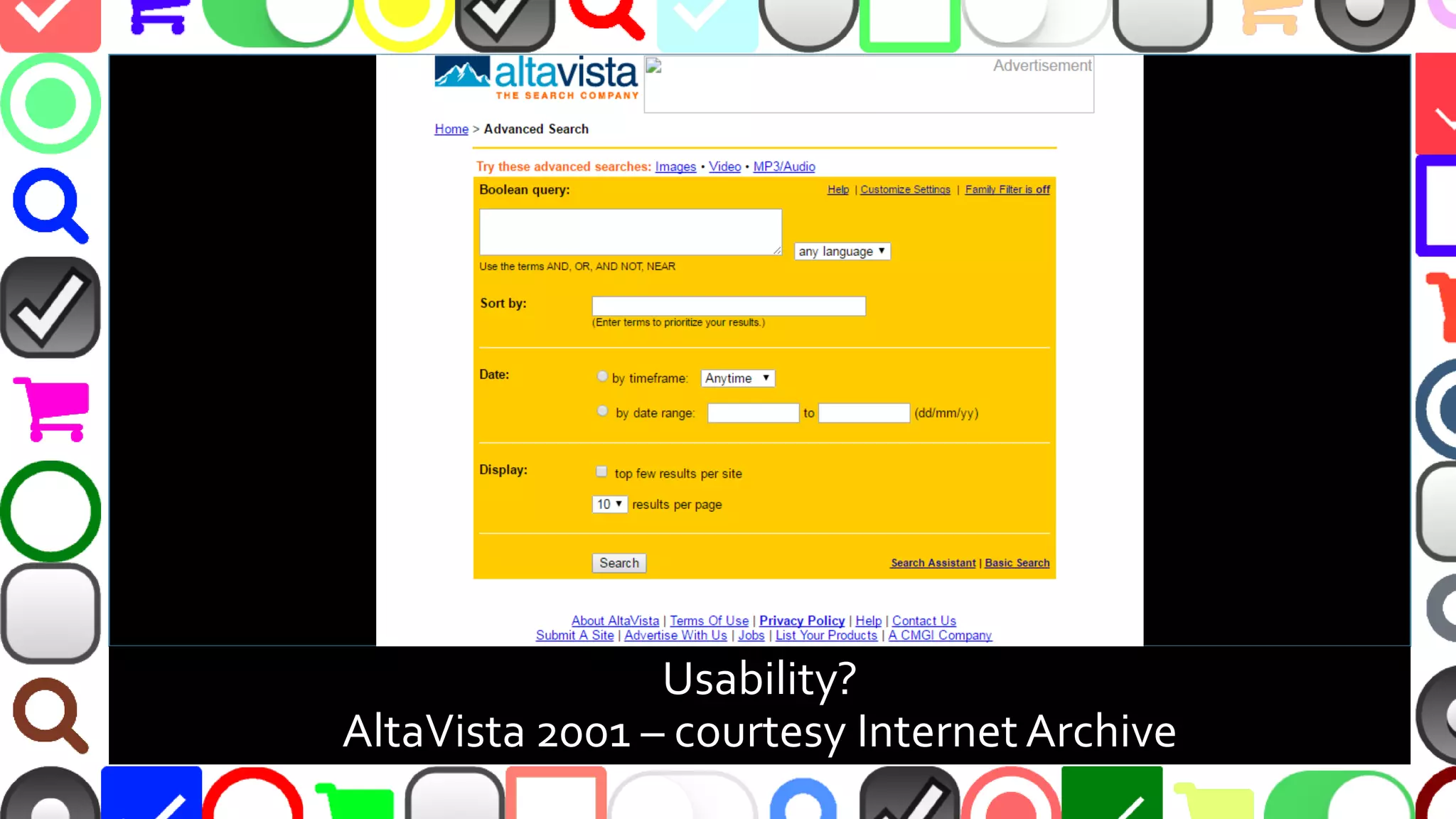
Usability?
AltaVista 2001 – courtesy InternetArchive
@malekontheweb
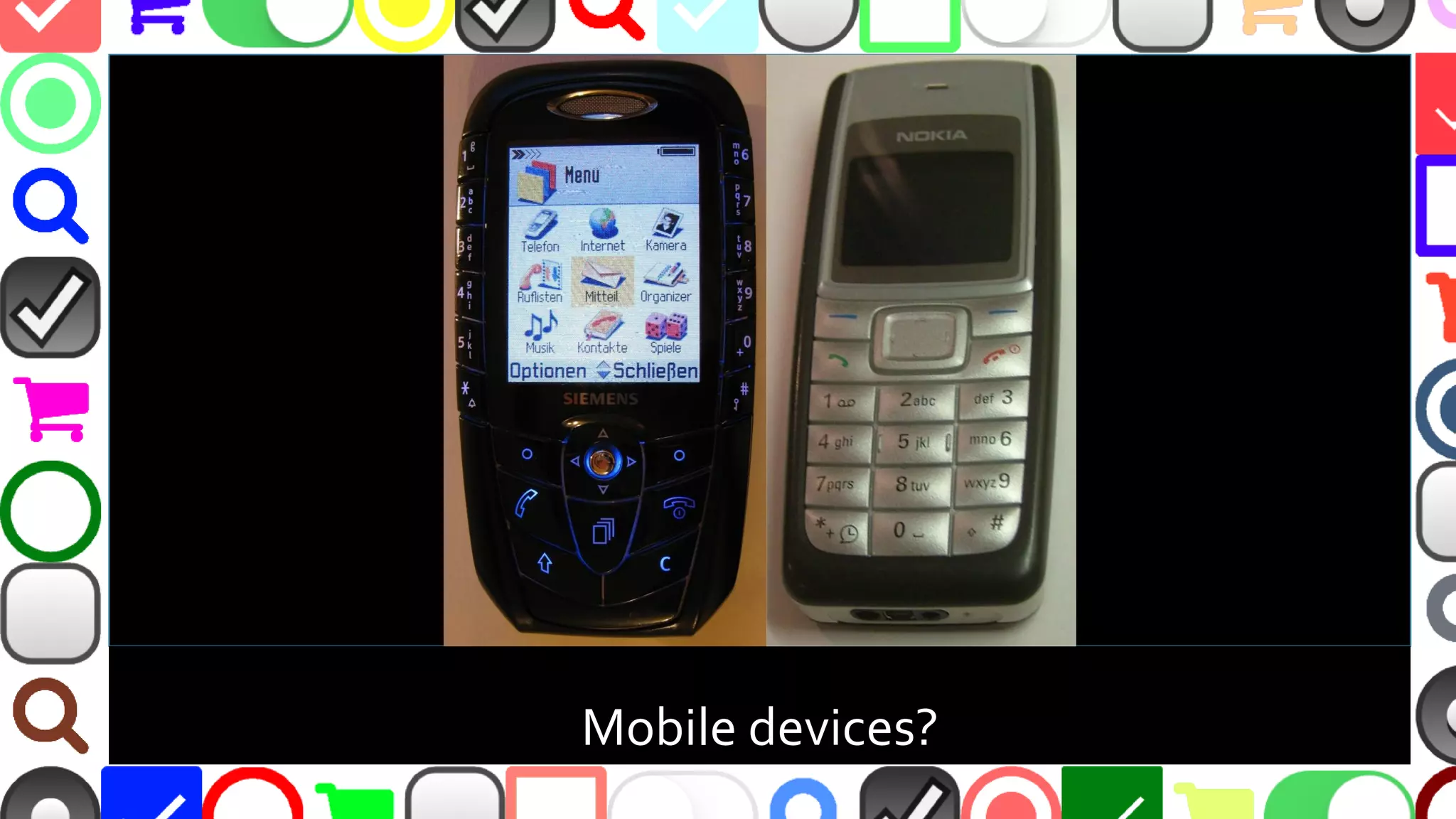
Mobile devices?
@malekontheweb
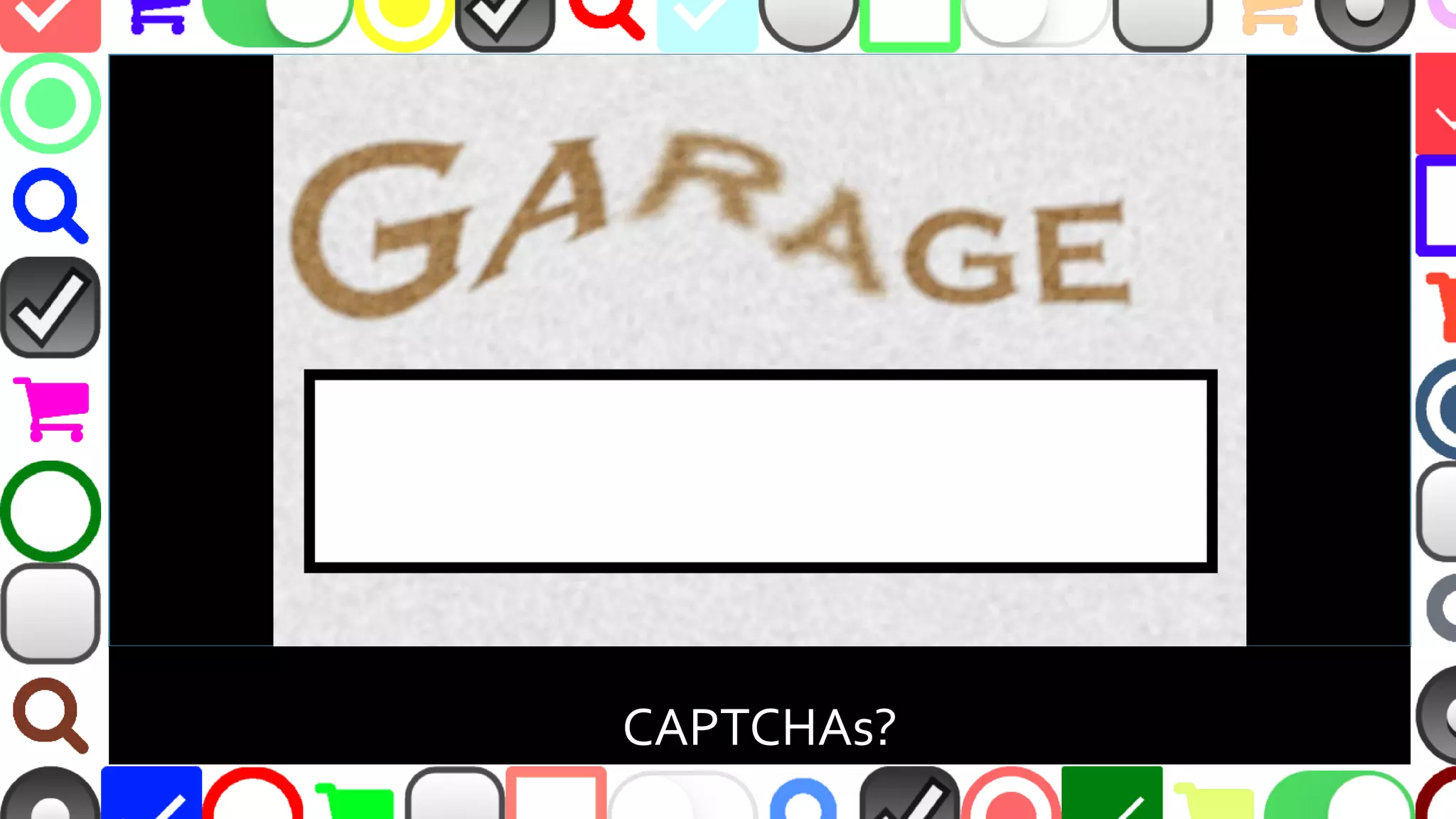
CAPTCHAs?
@malekontheweb
So…Why Don’t
People Fill Out
ThoseWeb
Forms Now?
@malekontheweb
Why People Don’t Fill Out Forms?
▪ Too long
▪ Too hard to determine what must be entered
▪ Too hard to determine how to enter information
–“Don’t Make MeThink!”
▪ Don’t display correctly everywhere
@malekontheweb
Don’tTake MyWord
ForThings Here…
TEST,TEST,TEST!!!
@malekontheweb
A/B Testing
▪ Calculate conversion rate percentage between
control and experiment
▪ Options include:
–Button colors
–Form instruction wording
–Number of form fields
–Order of form fields
@malekontheweb
A/B Testing Considerations
▪ Results can be skewed
–Demographics
–Page speed
–Browser / code issues
–Unexpected traffic sources
▪ Can end test too soon if results prove conclusion
too early
@malekontheweb
Testing Options – Open Source
▪ Alephbet - https://github.com/Alephbet/alephbet
–JavaScript framework with Google Analytics support
▪ PlanOut - https://github.com/facebook/planout
–Multiple language support - from Facebook
▪ Sixpack - http://sixpack.seatgeek.com/
–Multiple language support
@malekontheweb
Testing Options - Services
▪ Google Analytics Content Experiments -
https://developers.google.com/analytics/solutions/
▪ Kissmetrics - https://www.kissmetrics.com/
▪ Optimizely - https://www.optimizely.com/
▪ Unbounce - http://unbounce.com/
▪ VisualWebsite Optimizer - https://vwo.com/
@malekontheweb
A/B Testing Resources
▪ http://marketingland.com/watch-false-positives-3-ways-get-
better-testing-105386
▪ https://www.smashingmagazine.com/2010/06/the-ultimate-
guide-to-a-b-testing/
▪ http://conversionxl.com/12-ab-split-testing-mistakes-i-see-
businesses-make-all-the-time/
▪ https://uxdesign.cc/how-netflix-does-a-b-testing-87df9f9bf57c
▪ https://www.nngroup.com/articles/ab-testing-and-ux-research/
@malekontheweb
@malekontheweb
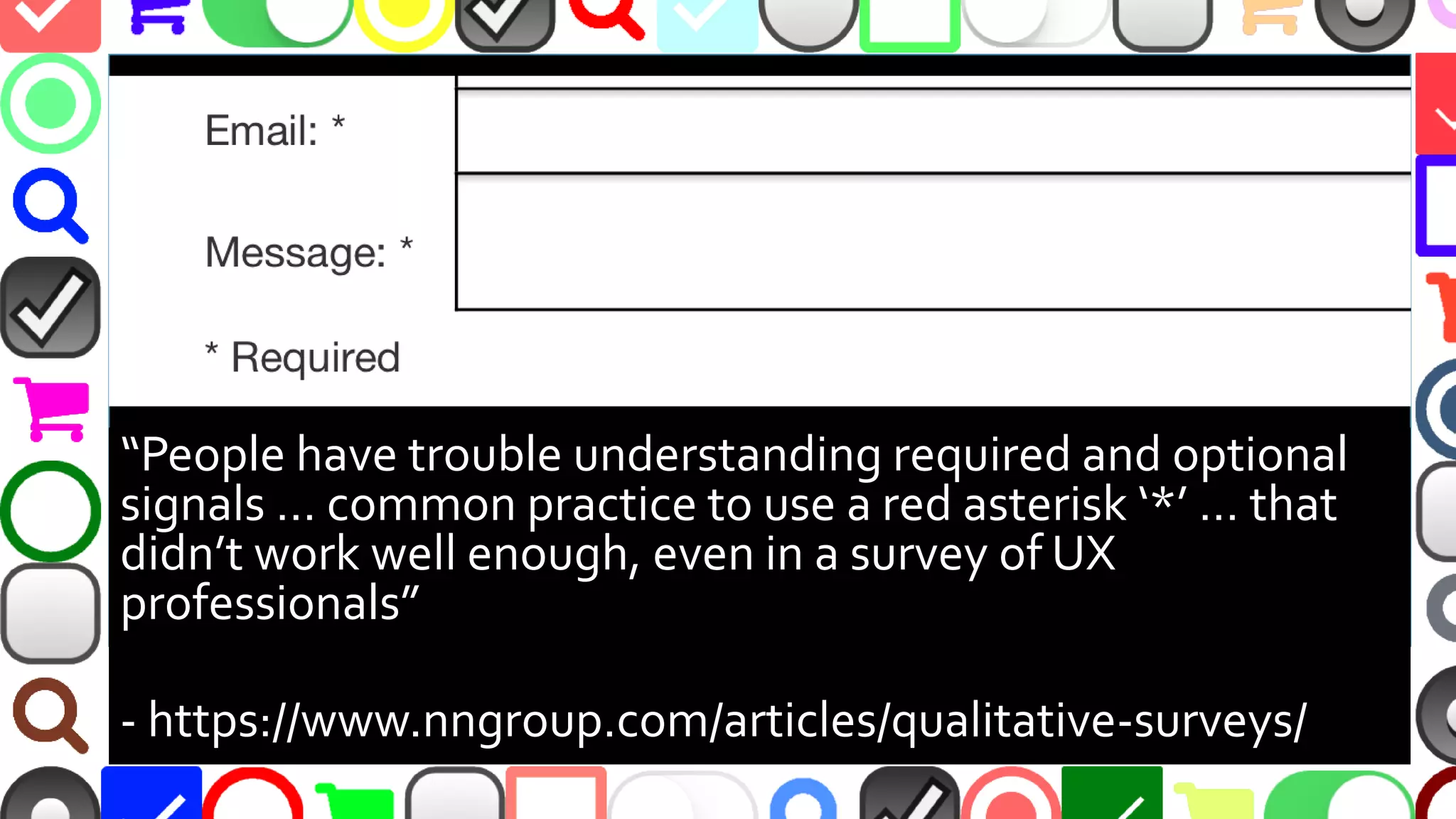
“People have trouble understanding required and optional
signals … common practice to use a red asterisk ‘*’ … that
didn’t work well enough, even in a survey of UX
professionals”
- https://www.nngroup.com/articles/qualitative-surveys/
@malekontheweb
‘Asterisk as Required’ Issues
▪ Small asterisk can be easily overlooked
▪ Color-blind? Red asterisk may not stand out
▪ Some argue opposite - only labeling fields as
optional
–Users may skip all fields not marked as required
–http://uxmovement.com/forms/why-users-fill-out-
less-if-you-mark-required-fields/
@malekontheweb
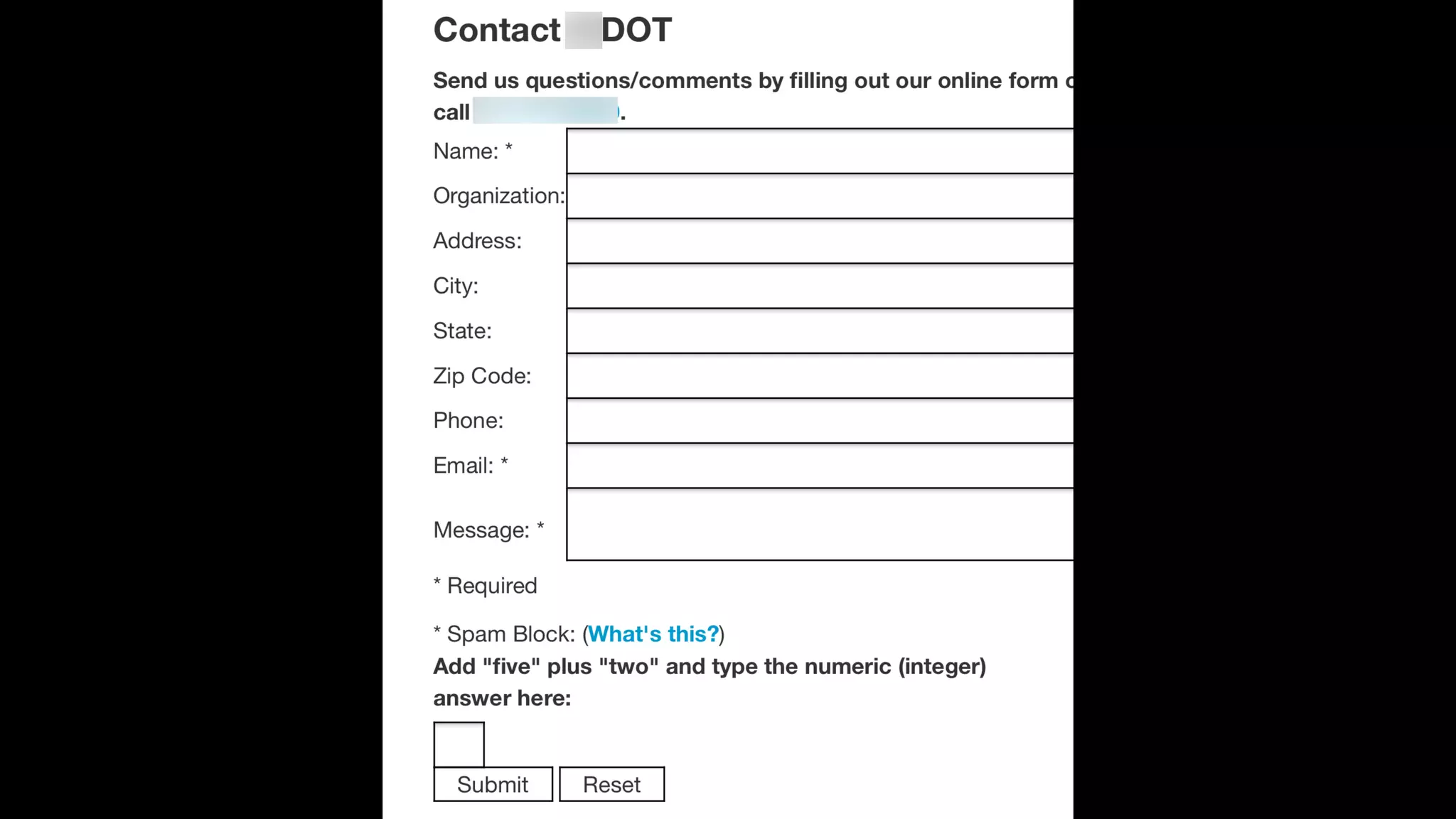
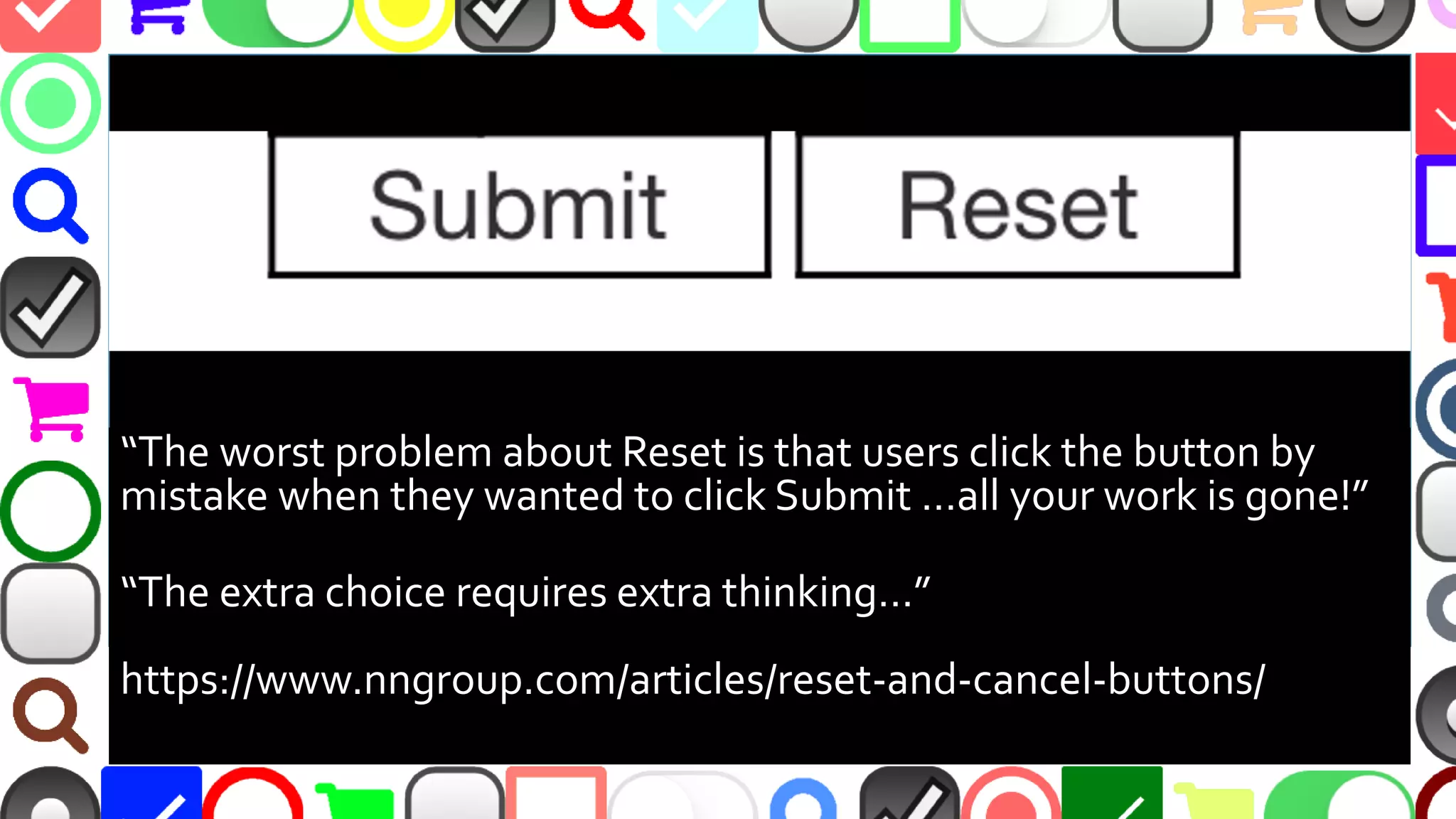
“The worst problem about Reset is that users click the button by
mistake when they wanted to click Submit …all your work is gone!”
“The extra choice requires extra thinking…”
https://www.nngroup.com/articles/reset-and-cancel-buttons/
@malekontheweb
Other Issues with Reset Button
▪ “Reset”, “Clear”, etc. adds clutter
▪ If “Clear” needed, show confirmation dialog
▪ Main CTA button should stand out
▪ “Submit” not clear – use verb or phrase
–“Checkout”, “Join Now!”, “Send Comment”, “Post
Message”, “Download”, “Ask Question”
–http://blog.wishpond.com/post/103290853633/
@malekontheweb
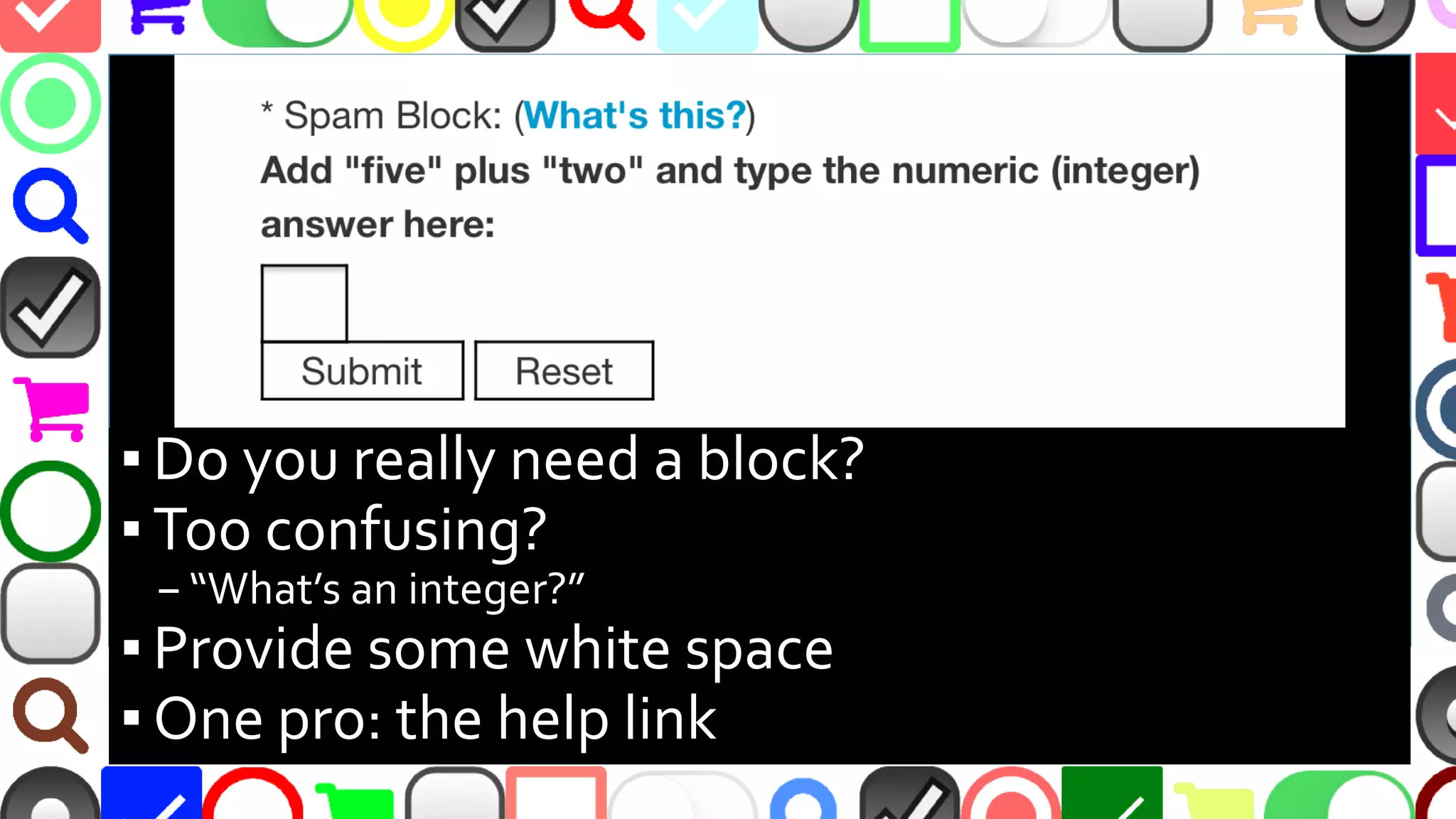
▪ Is the SPAM block needed?
▪ Too confusing?
–“What’s an integer?”
▪ Provide some white space
▪ One positive: link to get help
@malekontheweb
@malekontheweb
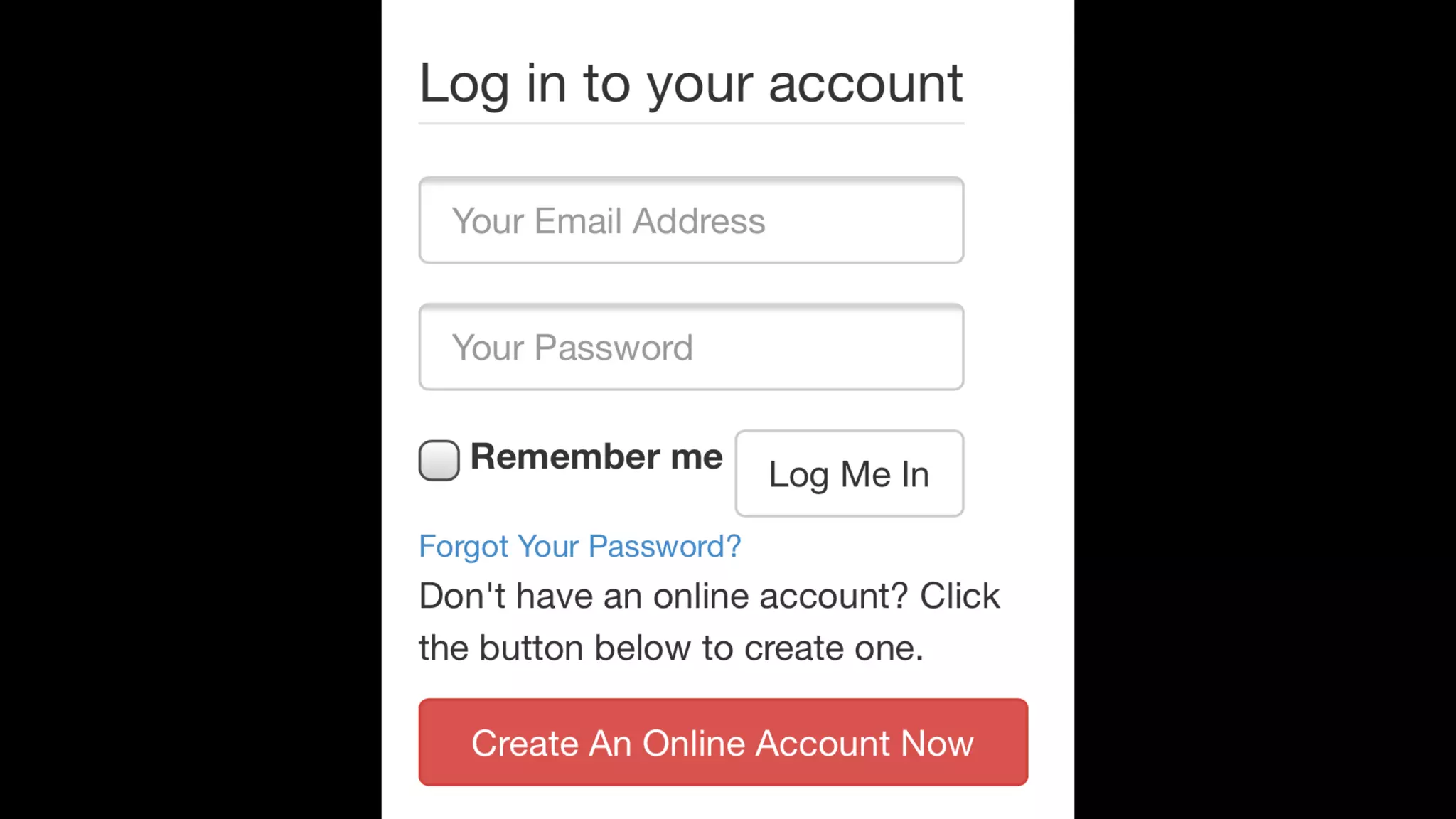
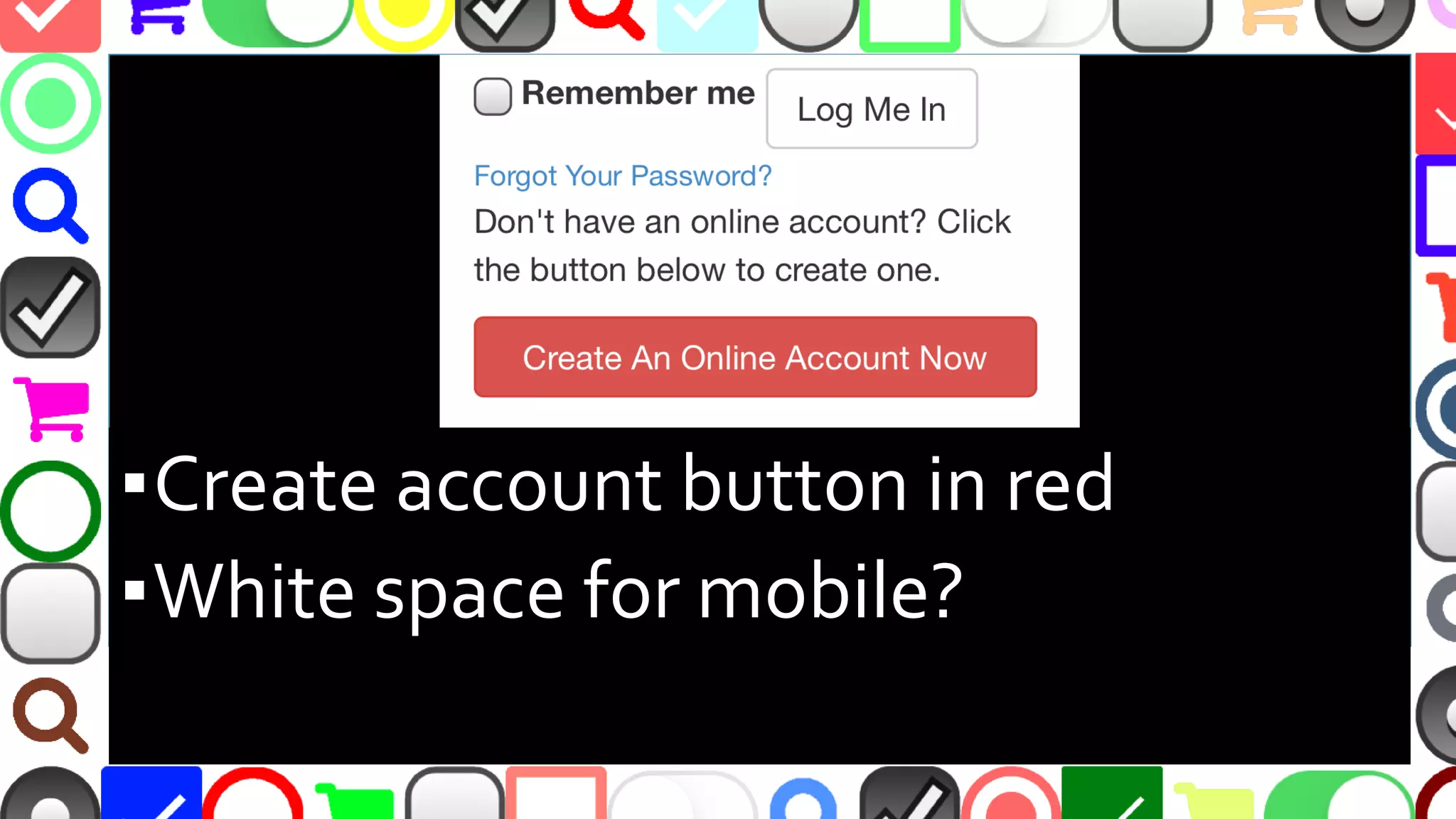
▪Create account button in red
▪White space for mobile?
@malekontheweb
@malekontheweb
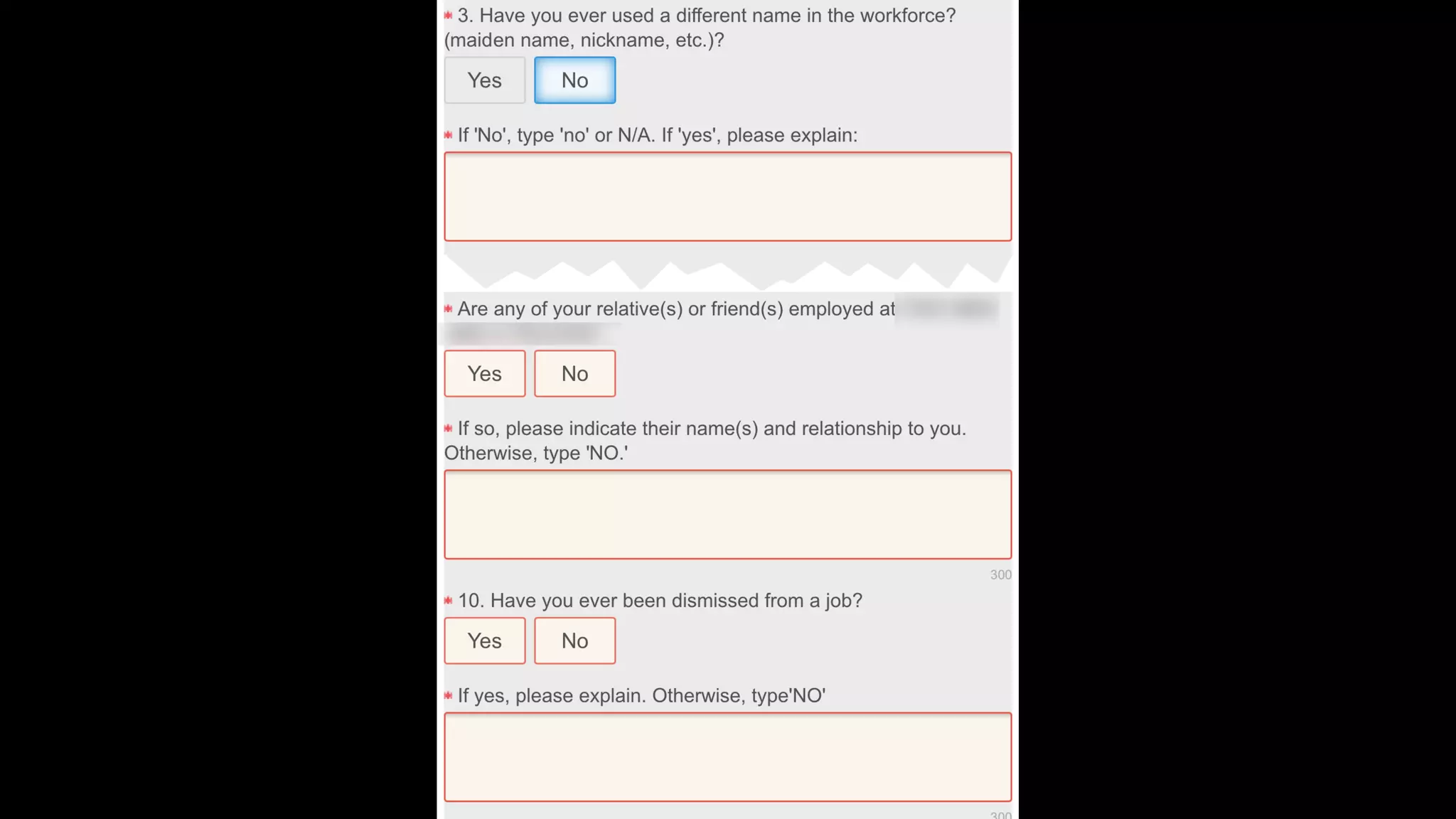
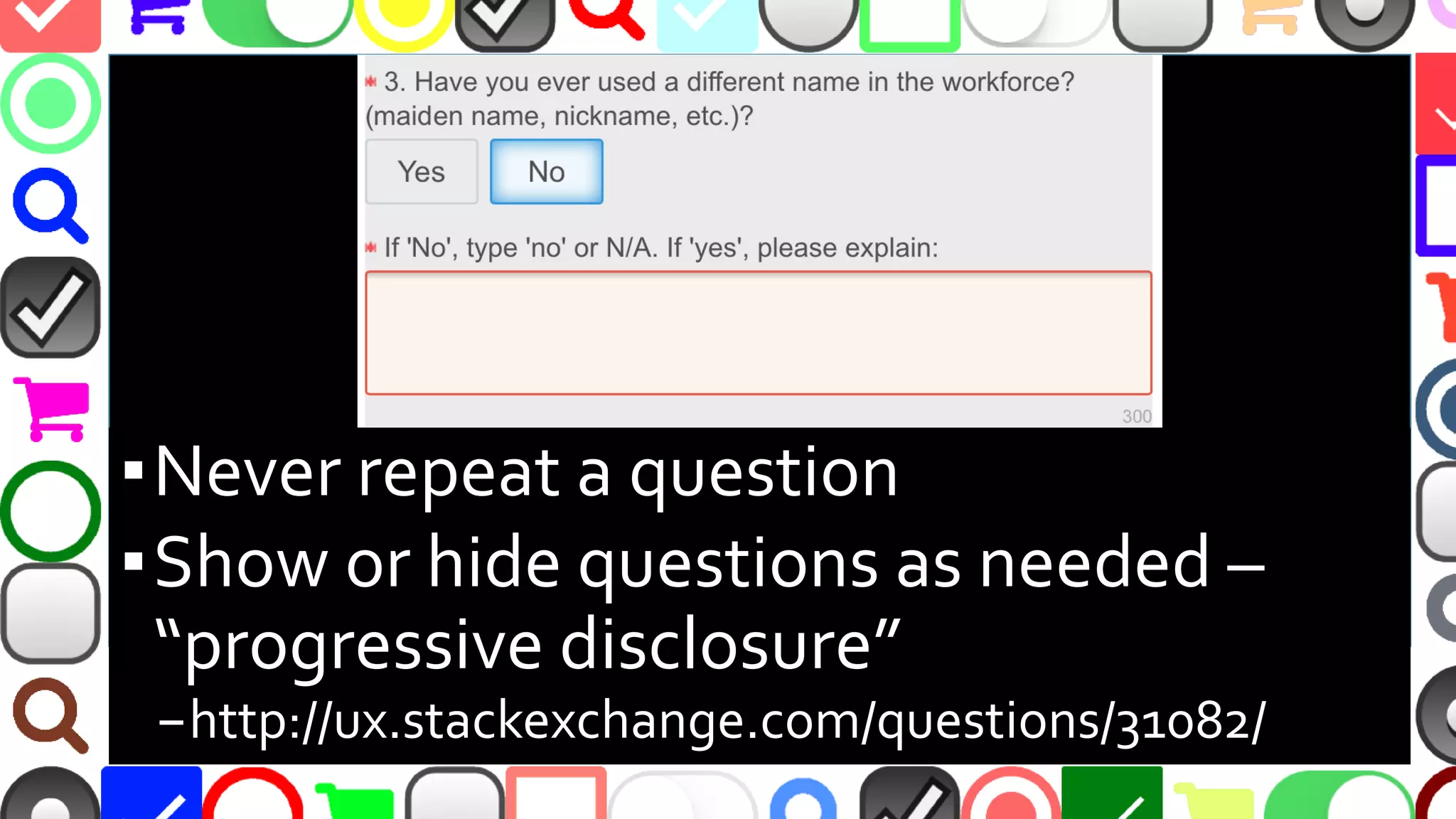
▪Never repeat a question
▪Show or hide questions as needed –
“progressive disclosure”
–http://ux.stackexchange.com/questions/31082/
@malekontheweb
@malekontheweb
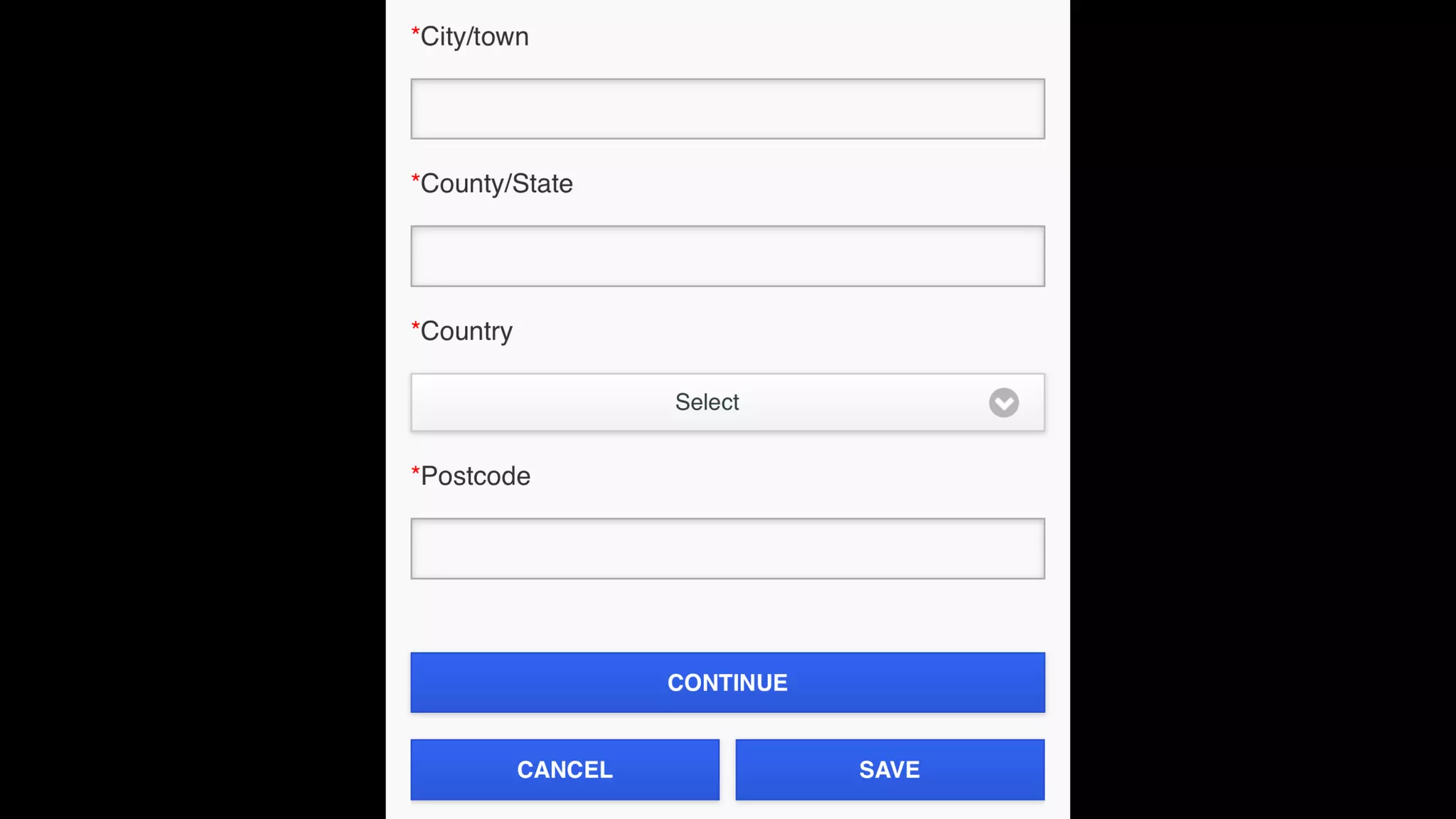
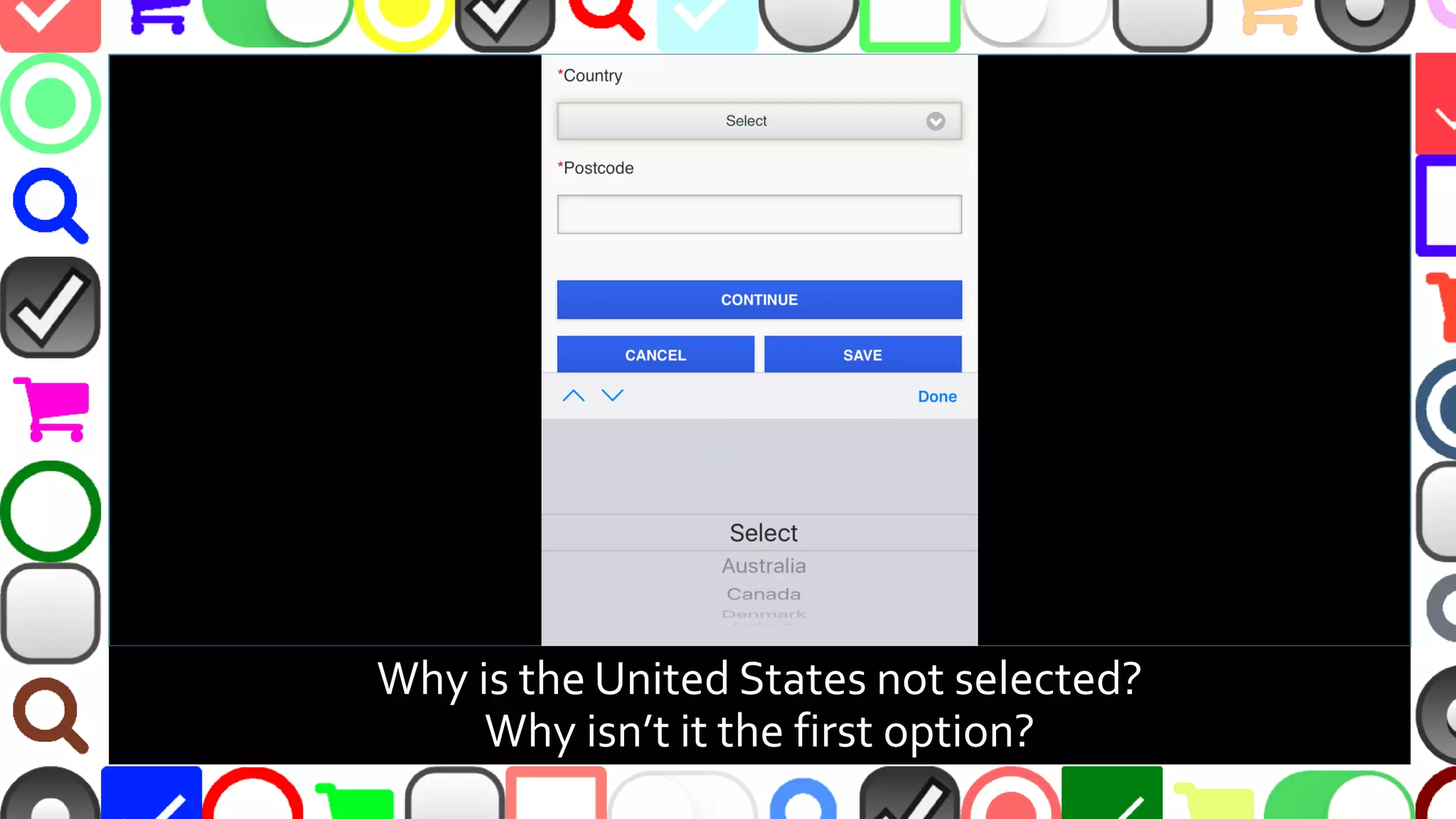
Why is the United States not selected?
Why isn’t it the first option?
@malekontheweb
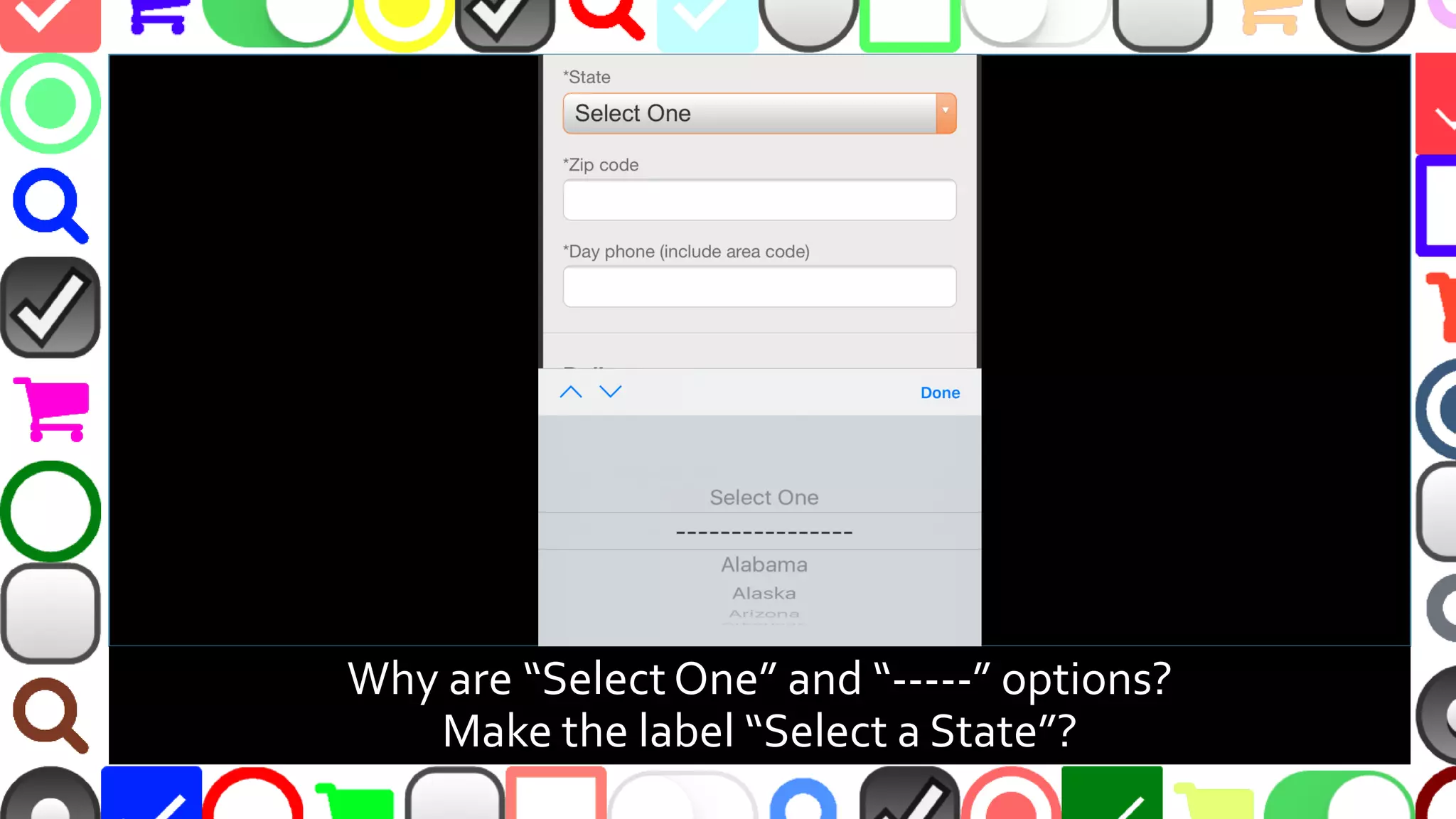
Why are “Select One” and “-----” options?
Make the label “Select a State”?
@malekontheweb
Automate Address by IP Location
▪ http://ip2location.com
▪ http://dev.maxmind.com/geoip
▪ Not reliable when proxy,VPN, anonymizer, etc.
used
@malekontheweb
Automate Address by Geolocation
▪ http://dev.w3.org/geo/api/spec-source.html
▪ Reverse geocode lat / long to location
–https://developers.google.com/maps/documentation/
javascript/examples/geocoding-reverse
–http://www.geonames.org/
▪ Requires user giving share permission
▪ Location can be faked…
@malekontheweb
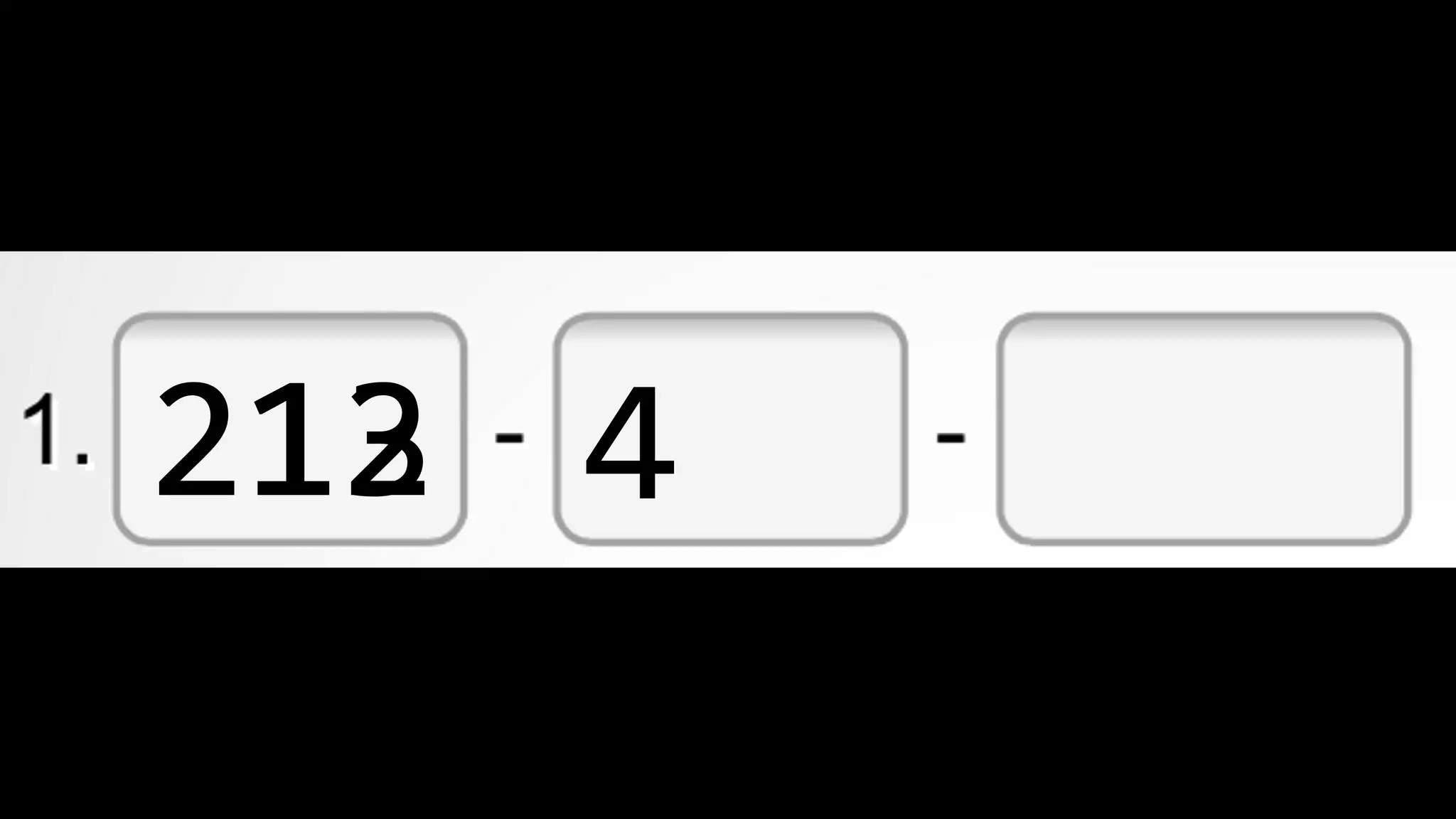
Common Form Issue – Phone Numbers
▪ What you want:
–1234567890
▪ What you get:
–123-456-7890
–(123) 456-7890
–123.456.7890
–(123)-456-7890
–….etc
@malekontheweb
@malekontheweb
213 421212
@malekontheweb
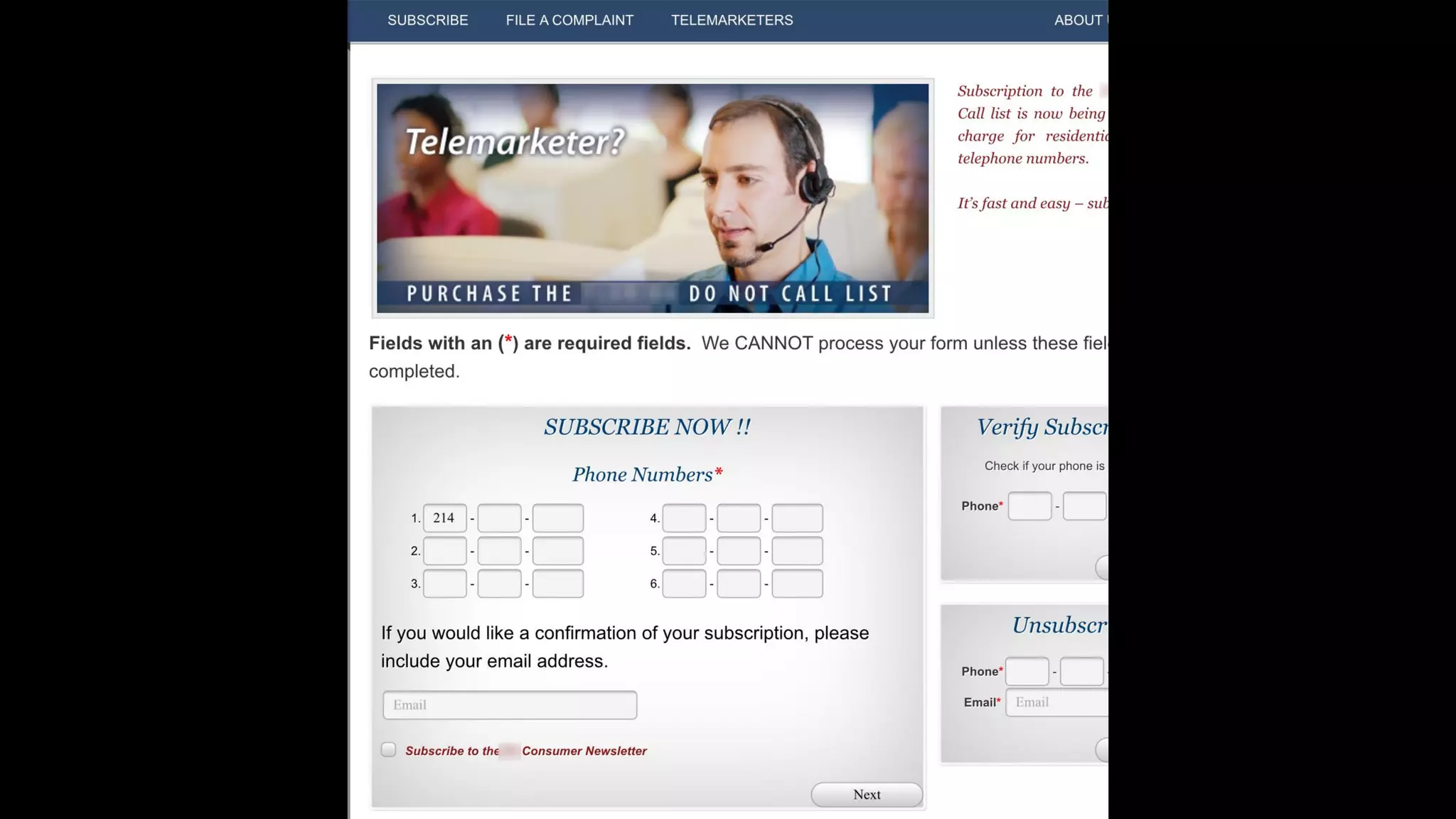
Other Split Phone Number Issues
▪ User could use “Next” and “Previous” buttons on
mobile phone keyboard to switch between parts
–Few did in Baymard Institute e-commerce study
▪ Split fields make users question what is required if
one part of multi-part input is labeled “Required”
–http://baymard.com/blog/mobile-form-usability-
single-input-fields
@malekontheweb
What Else Could Be Split?
▪ Name
▪ ZIP Code
▪ Birthdate (some debate on this one)
▪ Address (house number and street fields)
@malekontheweb
@malekontheweb
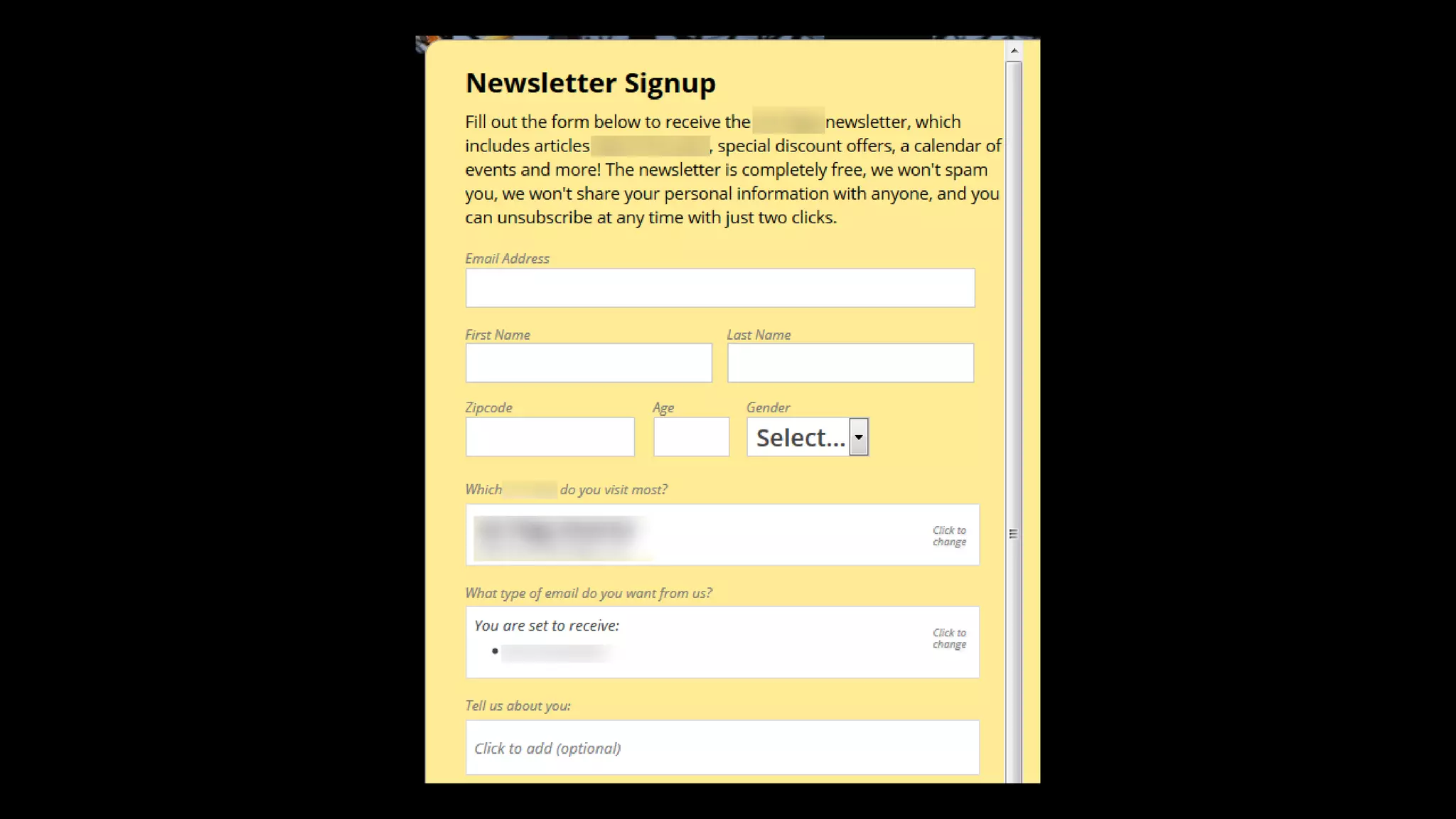
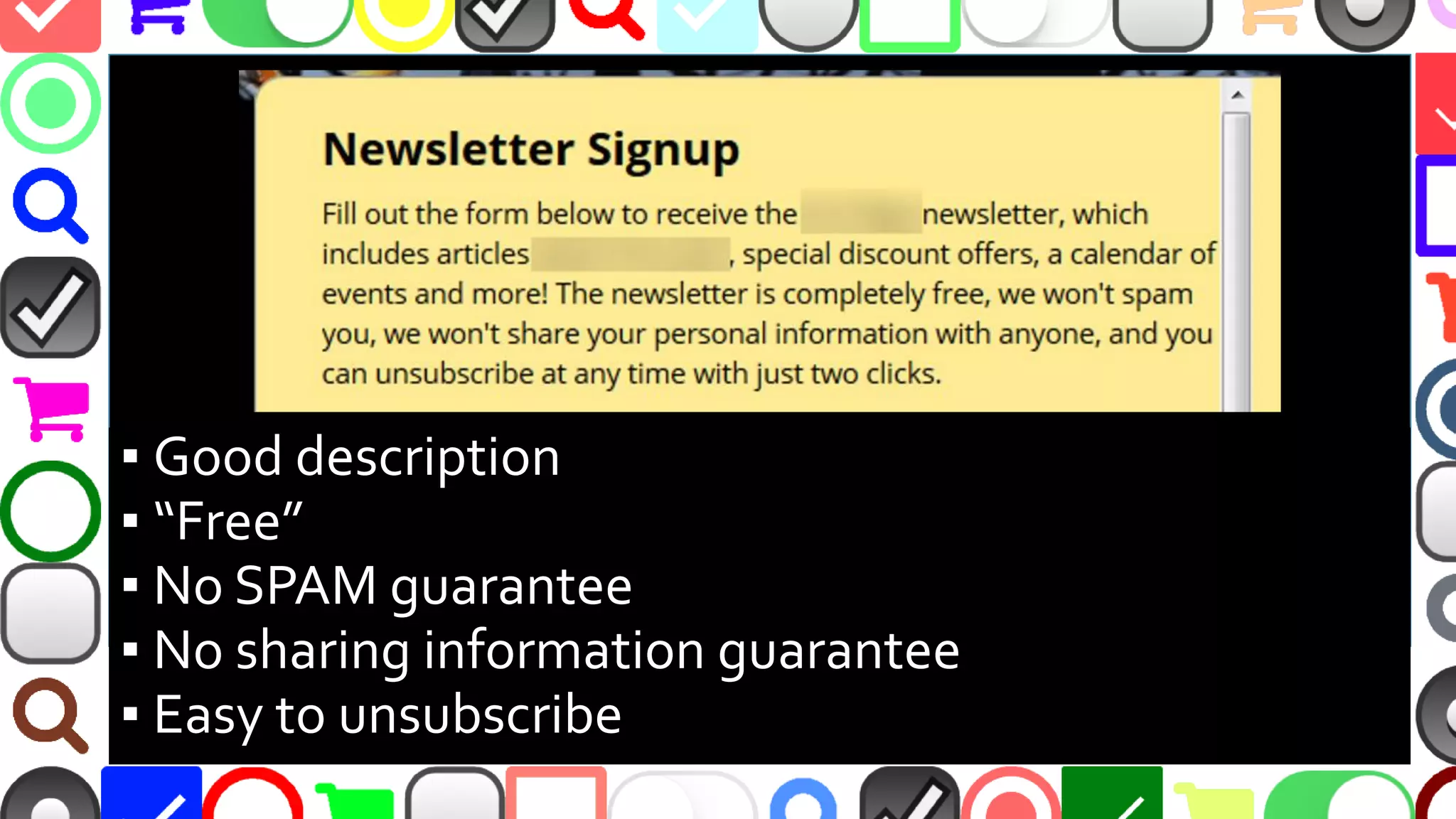
▪ Good description
▪ “Free”
▪ No SPAM guarantee
▪ No sharing information guarantee
▪ Easy to unsubscribe
@malekontheweb
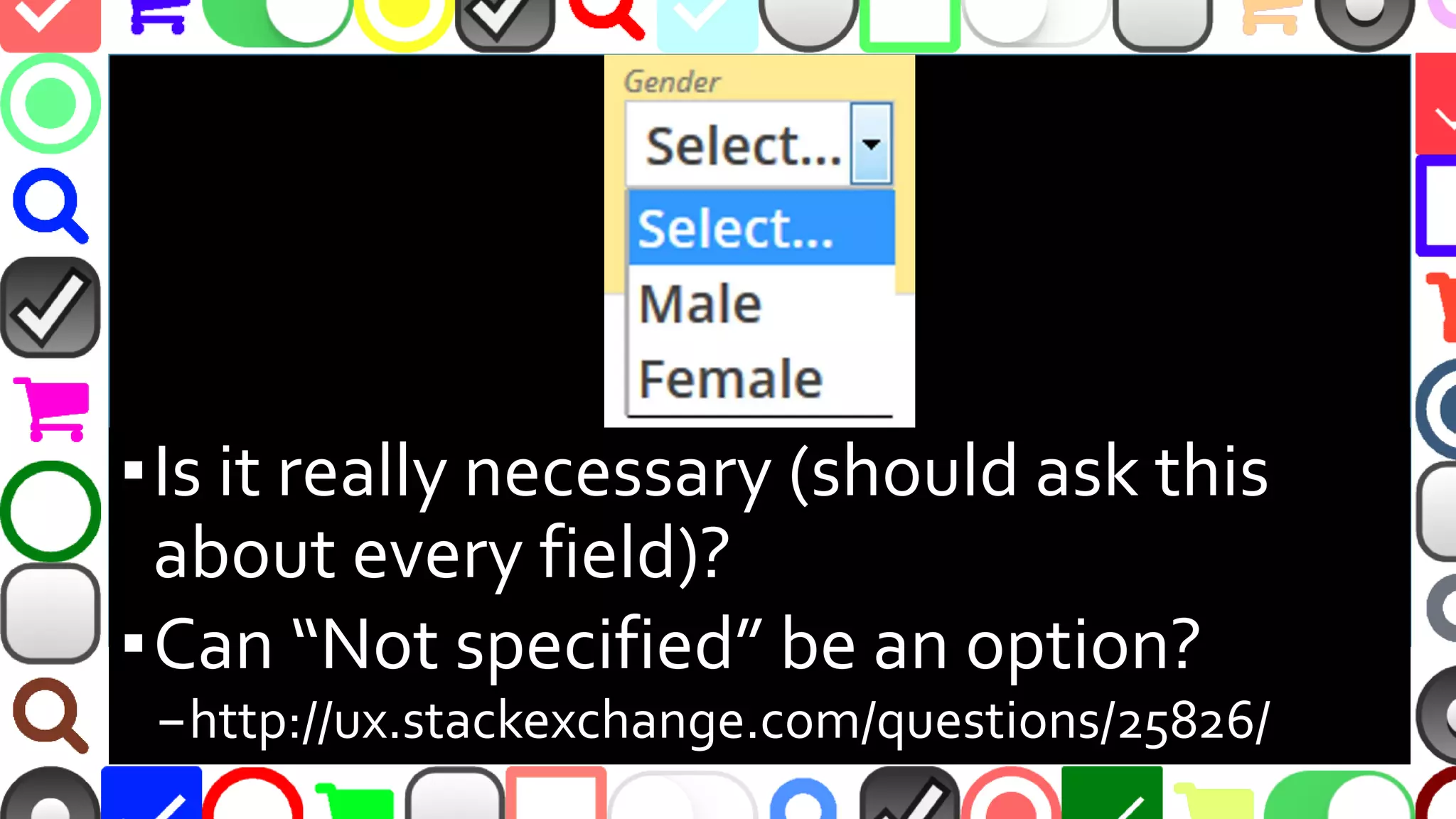
▪Really necessary (should ask this about
every field)?
▪Provide option “Not specified”?
–http://ux.stackexchange.com/questions/25826/
@malekontheweb
Form Length and Conversions
▪ Reducing contact form from 11 to 4 fields caused
120% conversion
▪ Expedia removed one field - $12million profit
▪ Asking for age caused a 3% dip in conversions
–http://unbounce.com/conversion-rate-
optimization/how-to-optimize-contact-forms/
▪ Ask only what is needed and NO MORE!
@malekontheweb
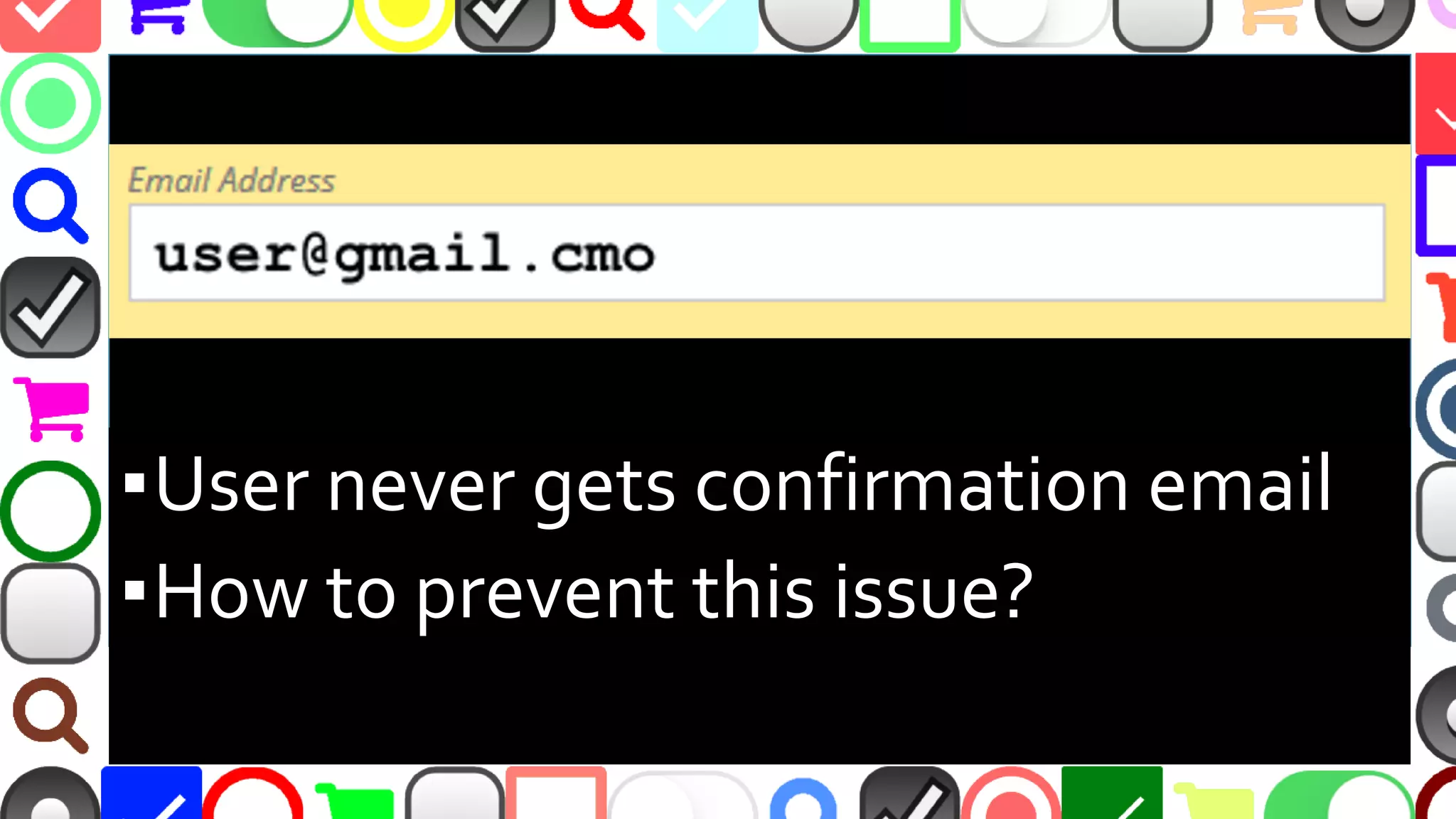
▪User never gets confirmation email
▪How to prevent this issue?
@malekontheweb
Validate Email Before User Submits
▪ mailcheck.js – can suggest common domains if
user misspells them
–https://github.com/mailcheck/mailcheck
▪ Regular expression validation
–http://stackoverflow.com/questions/46155/
▪ Could do MX record validation, but beware DoS
–https://www.npmjs.com/package/legit
@malekontheweb
@malekontheweb
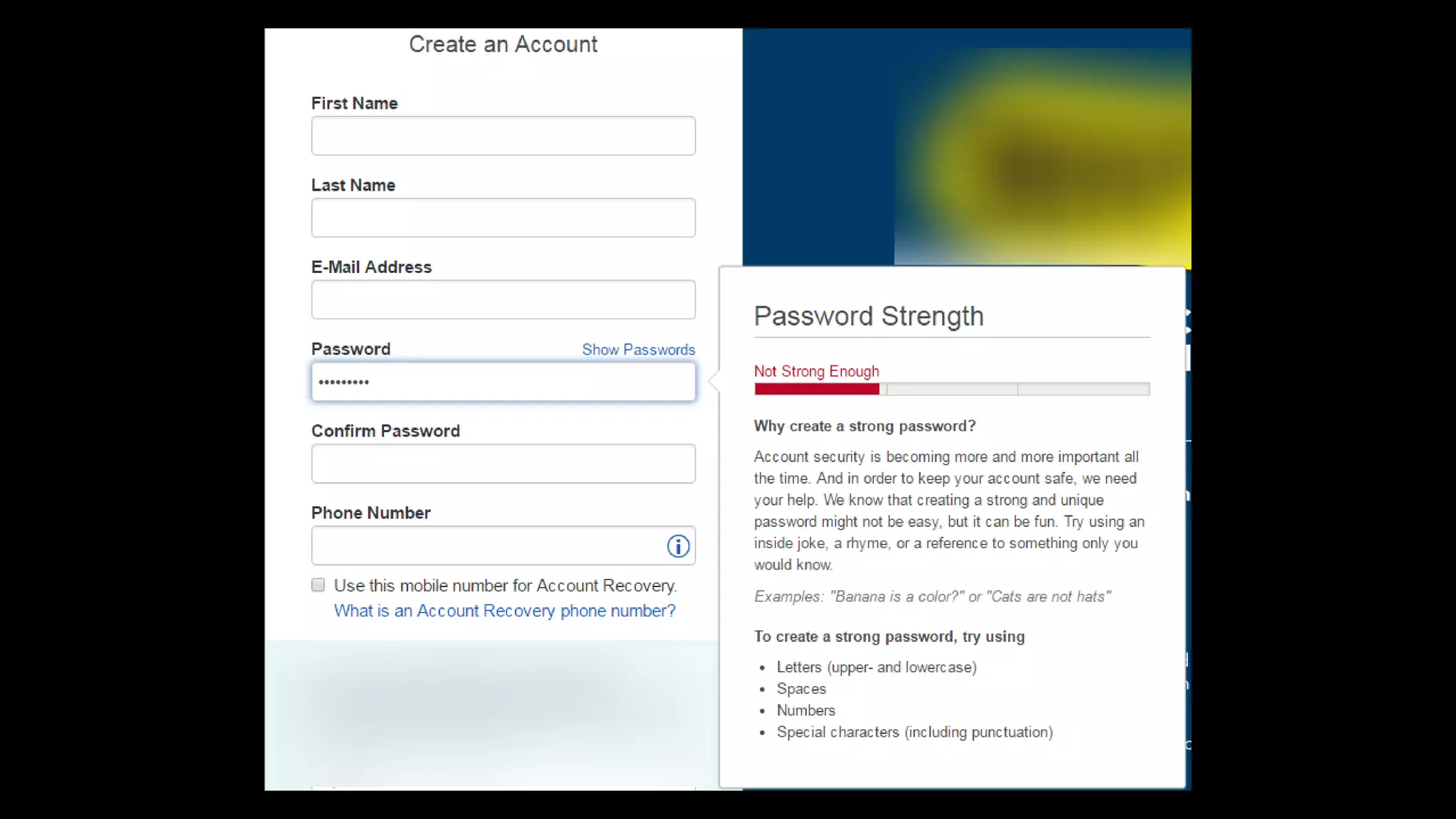
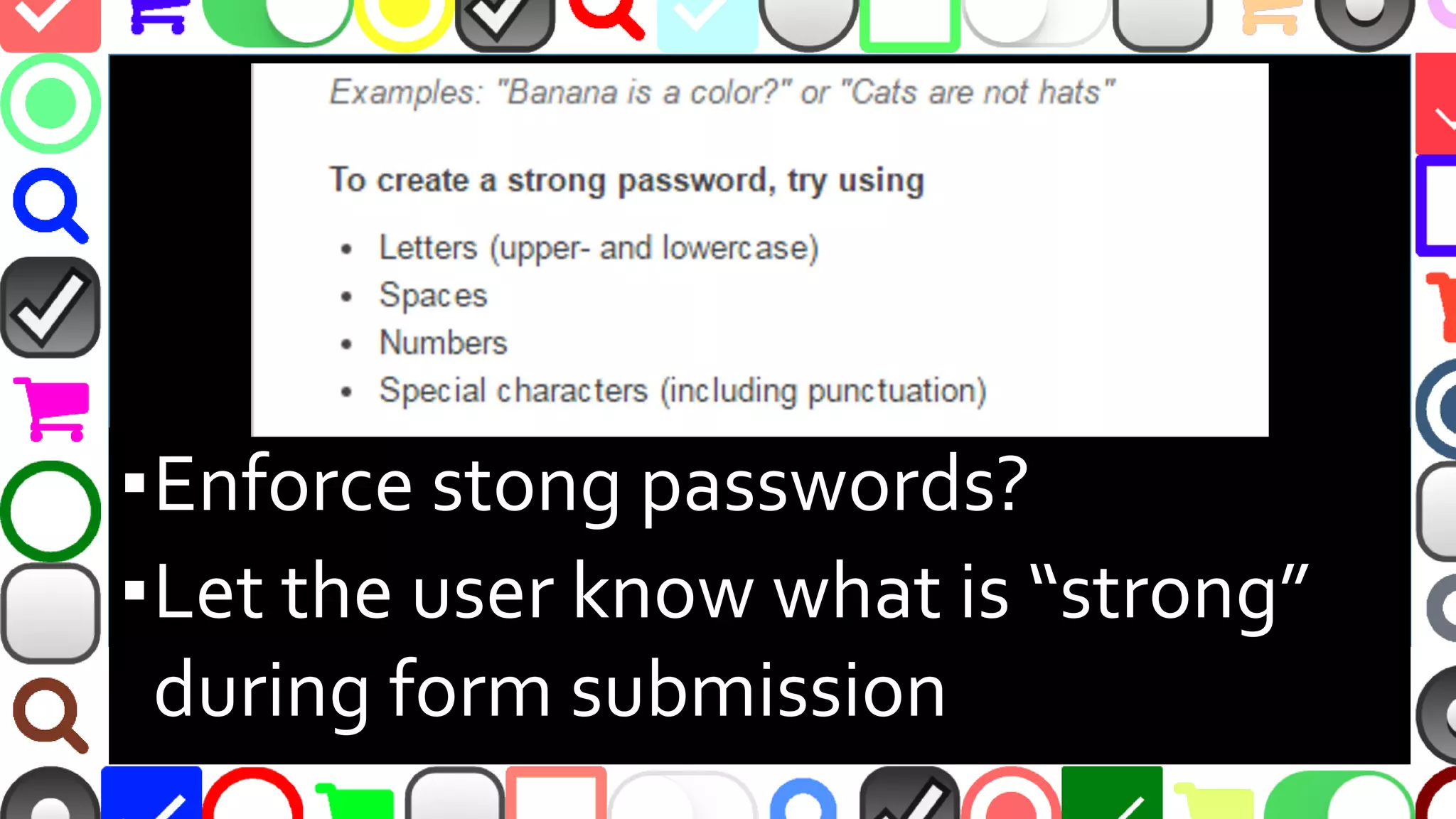
▪Enforce strong passwords?
▪Let the user know what is “strong”
during form submission
@malekontheweb
However...
▪ “[S]trict password rules can cause an 18.75%
checkout abandonment rate among existing
account users as they try to sign in”
–Baymard Institute
–http://baymard.com/blog/password-requirements-
and-password-reset
▪ You’ll have to decide…
@malekontheweb
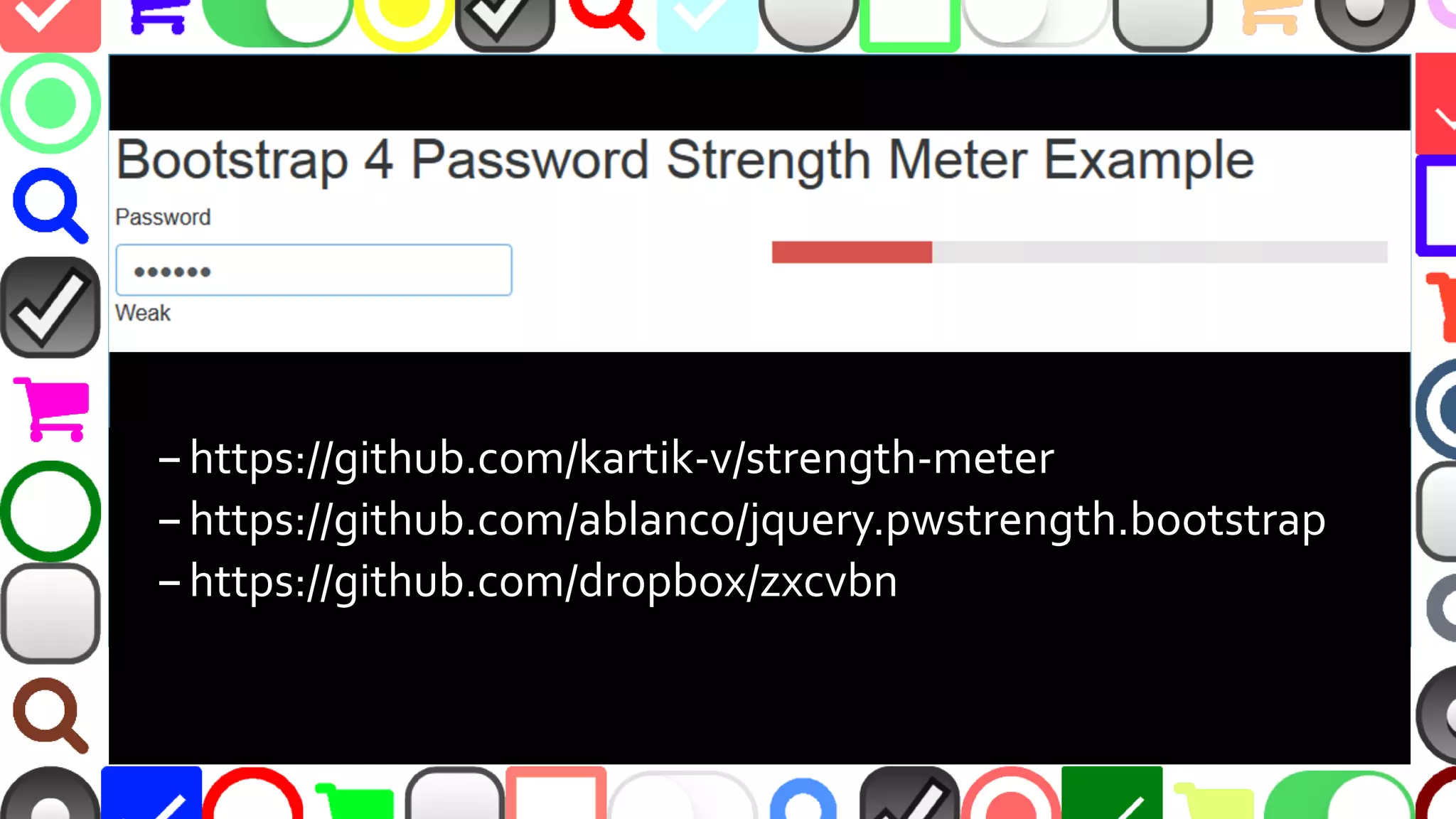
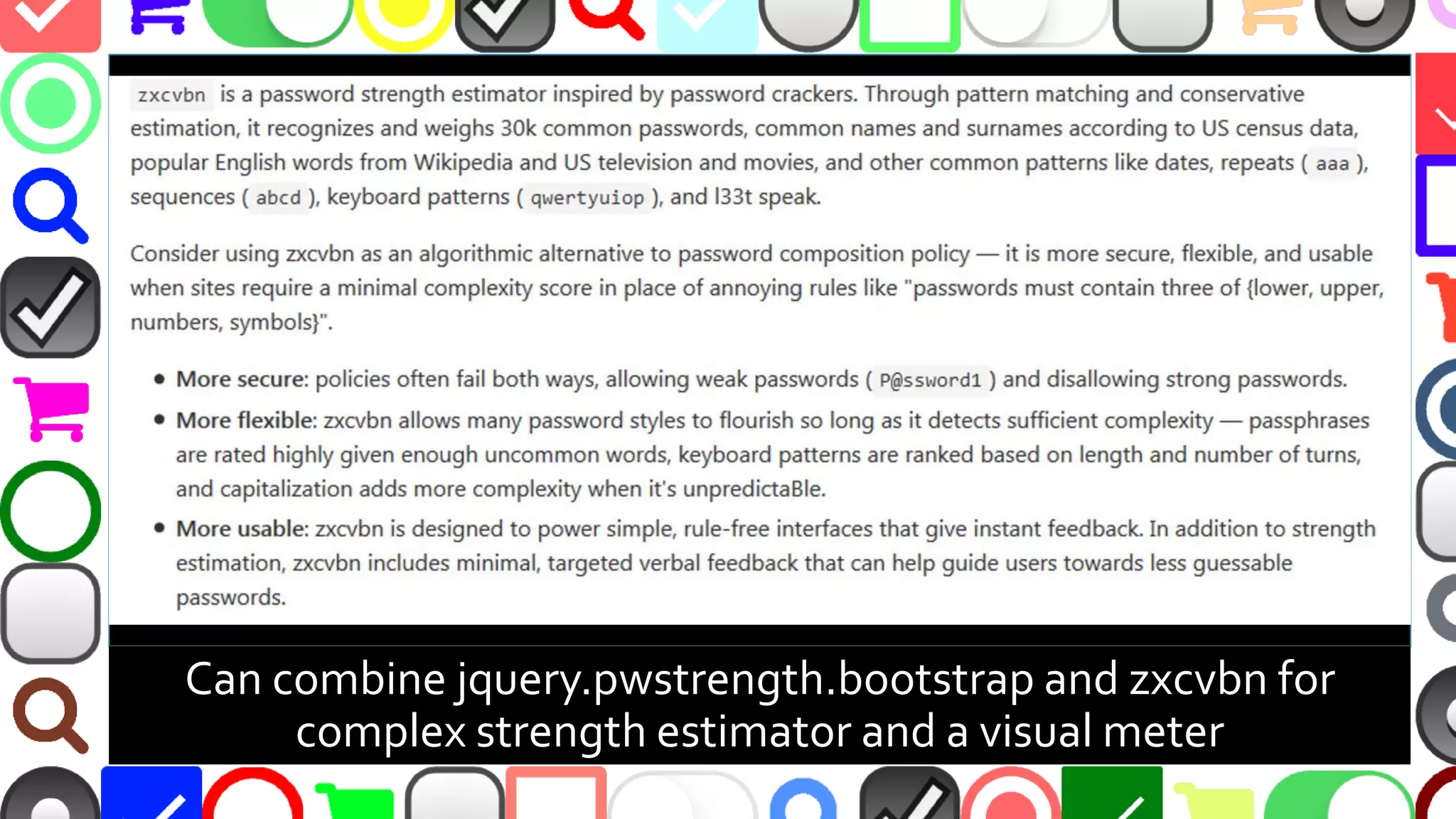
–https://github.com/kartik-v/strength-meter
–https://github.com/ablanco/jquery.pwstrength.bootstrap
–https://github.com/dropbox/zxcvbn
@malekontheweb
Can combine jquery.pwstrength.bootstrap and zxcvbn for
complex strength estimator and a visual meter
@malekontheweb
@malekontheweb
@malekontheweb
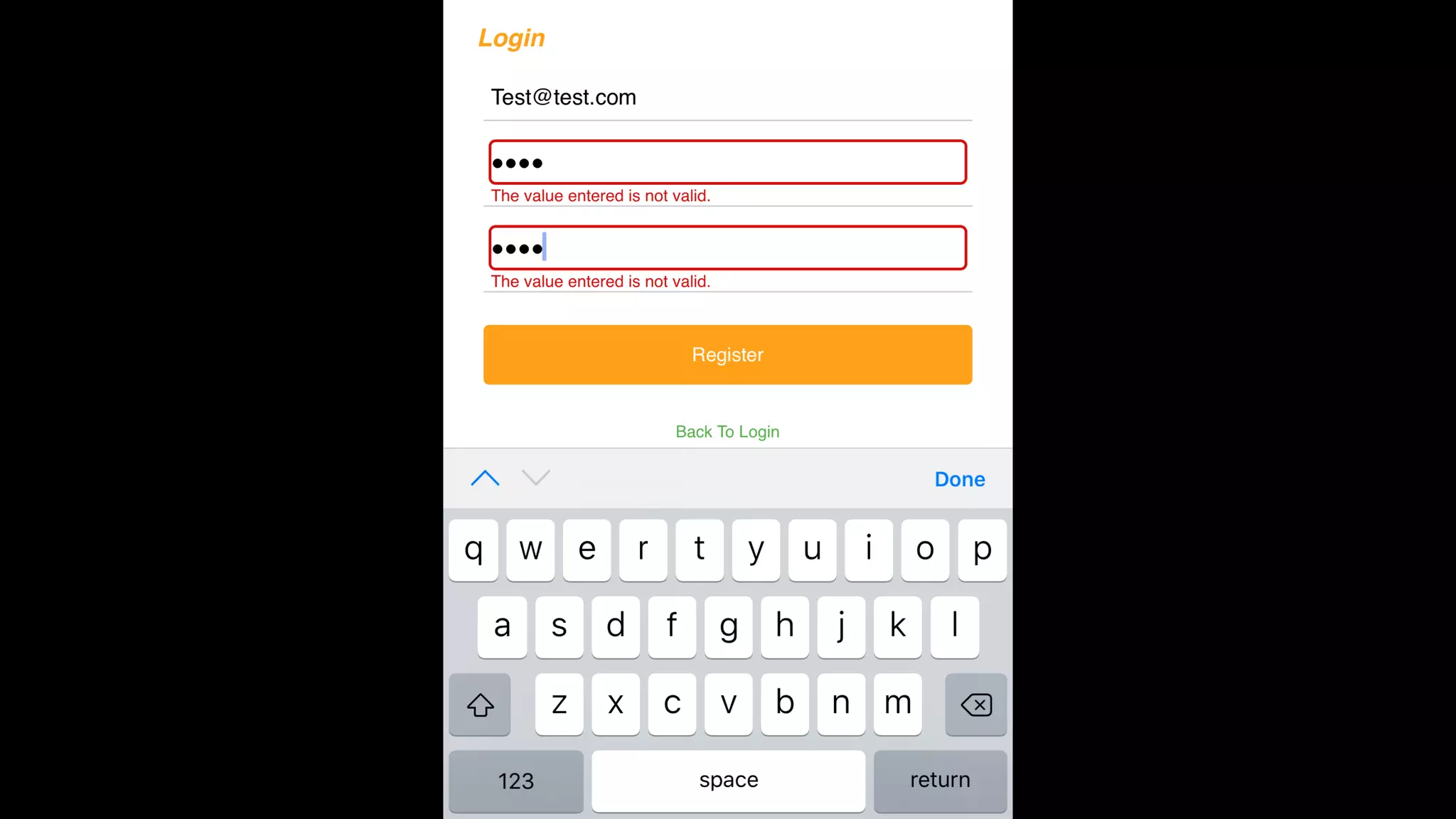
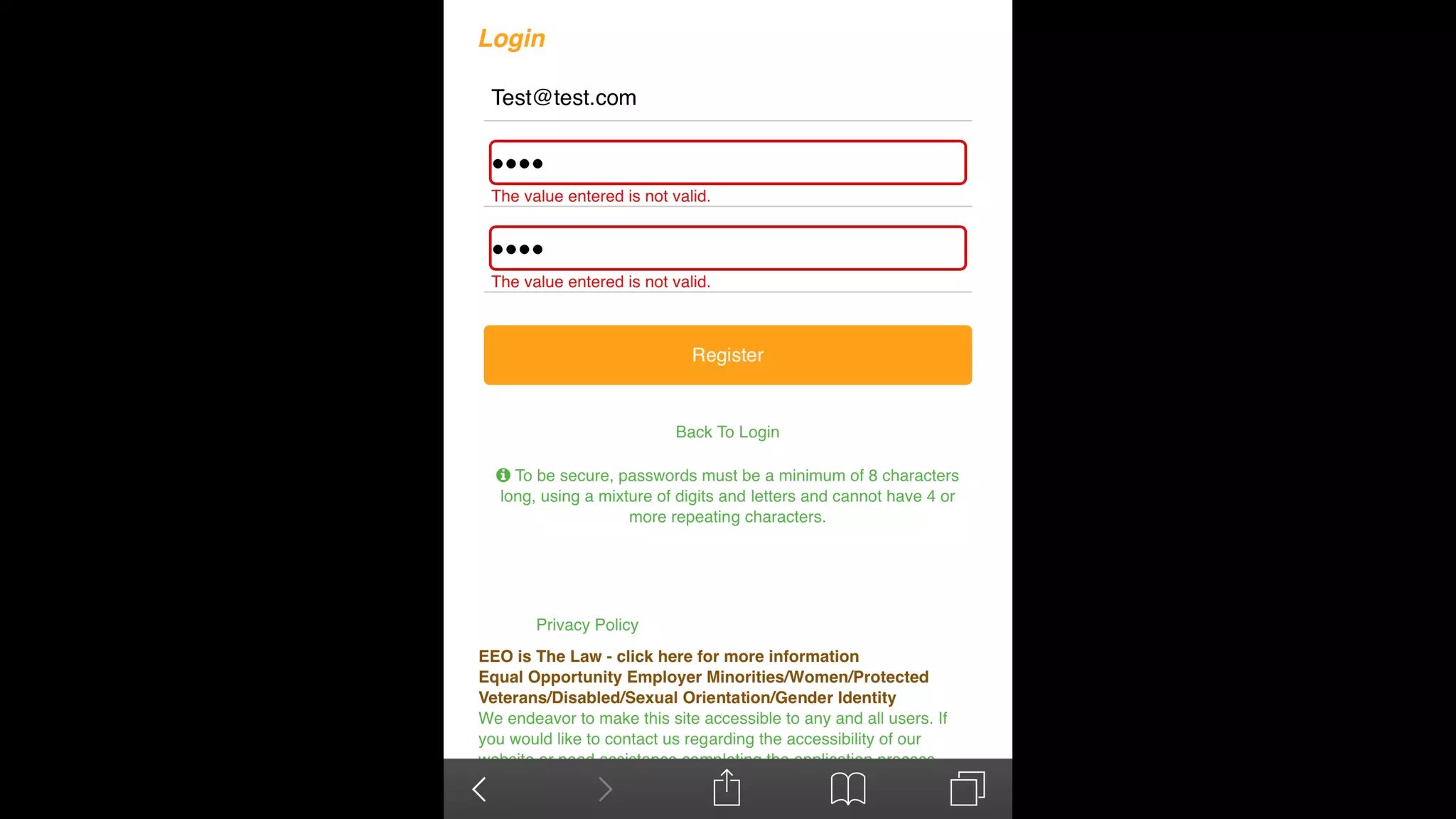
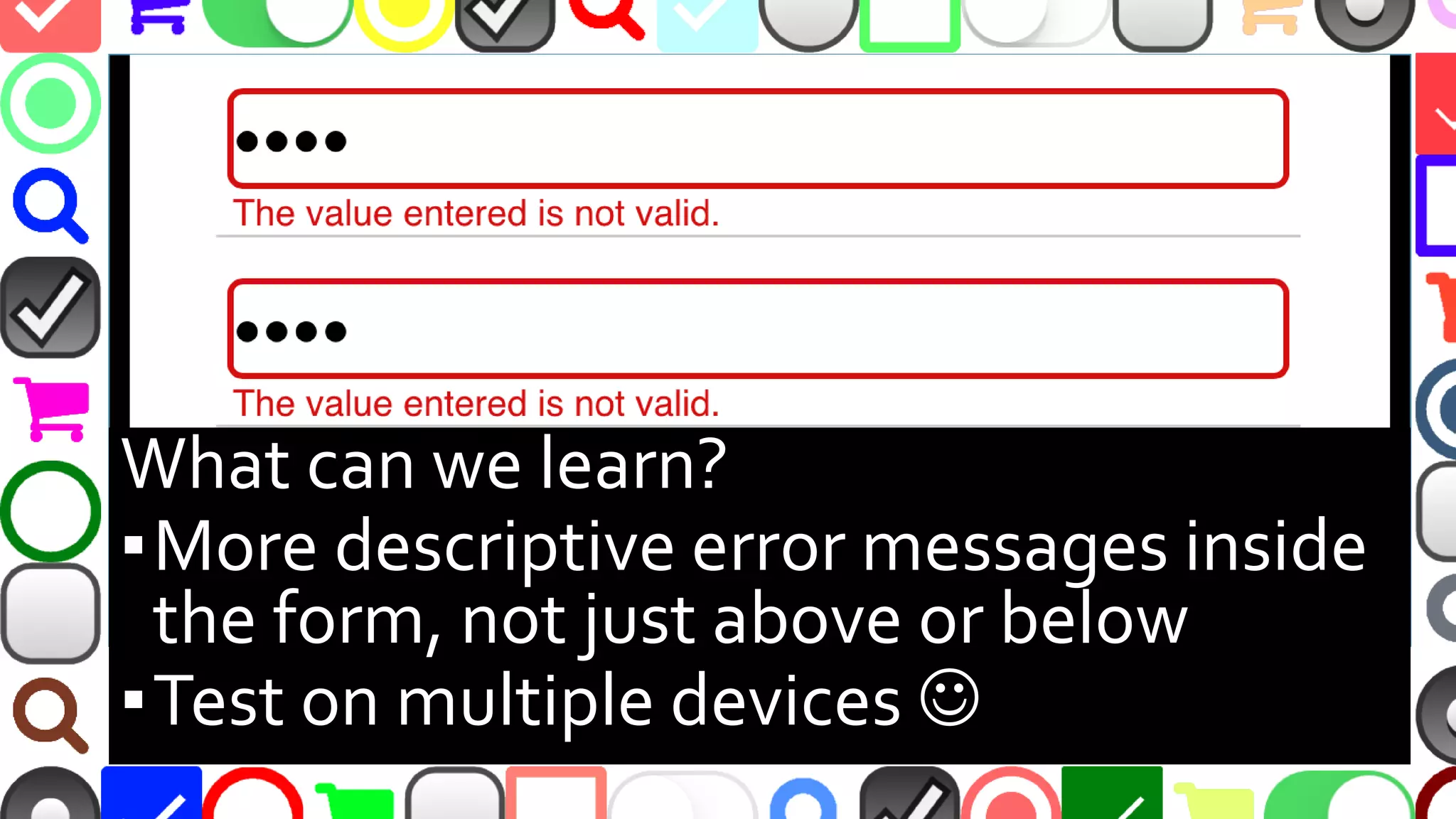
What can we learn?
▪More descriptive error messages inside
the form, not just above or below
▪Test on multiple devices 
@malekontheweb
Inline Validation is Good
▪ Can see errors at-a-glance while typing
▪ No waiting for slow form submission
▪ Error message should change as user alters field
▪ Yet 40% of “major” e-commerce sites lack this
–http://baymard.com/blog/inline-form-validation
(9/27/2016)
▪ …but can one go too far?
@malekontheweb
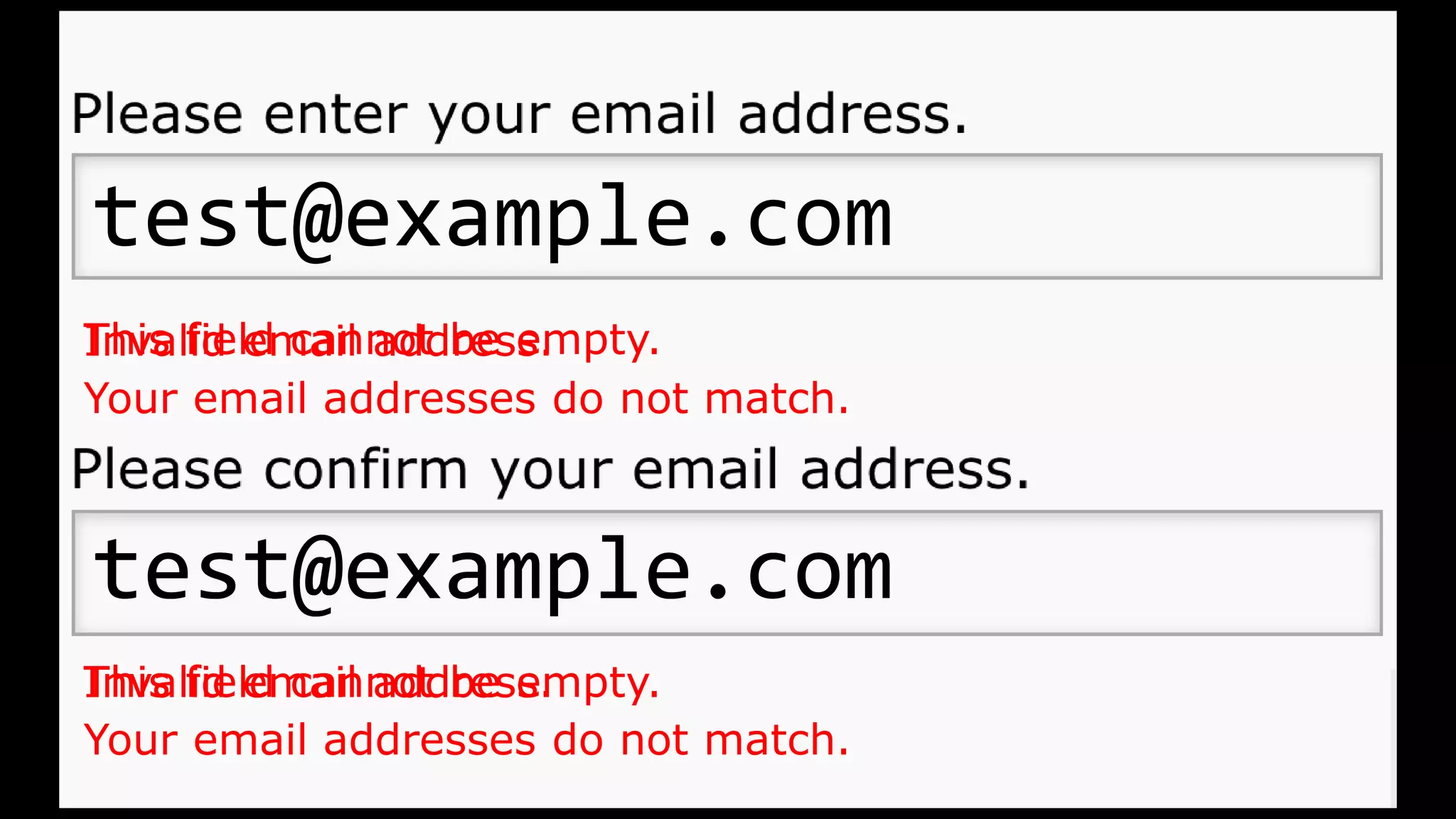
Invalid email address.
Your email addresses do not match.
test@example.com
test@example.com
test@examt
test@example.cotest@examt
This field cannot be empty.
@malekontheweb
Showing Error Messages Prematurely
▪ Showing errors before user fills out fields
▪ Clutters up form
▪ Confusing and distracting
▪ Users feel “scolded”, especially with messages in
red text or ALL CAPS
@malekontheweb
How Not to Show Errors Too Early
▪ Show errors after user leaves a field (JavaScript ‘blur’)
▪ Confirmation fields - show errors after user leaves
both fields, and on form submit if user forgets field
▪ OK to show suggestions at first for complicated fields
(password restrictions, max field length, etc.)
–http://ux.stackexchange.com/questions/74531/
–http://baymard.com/blog/inline-form-validation
@malekontheweb
@malekontheweb
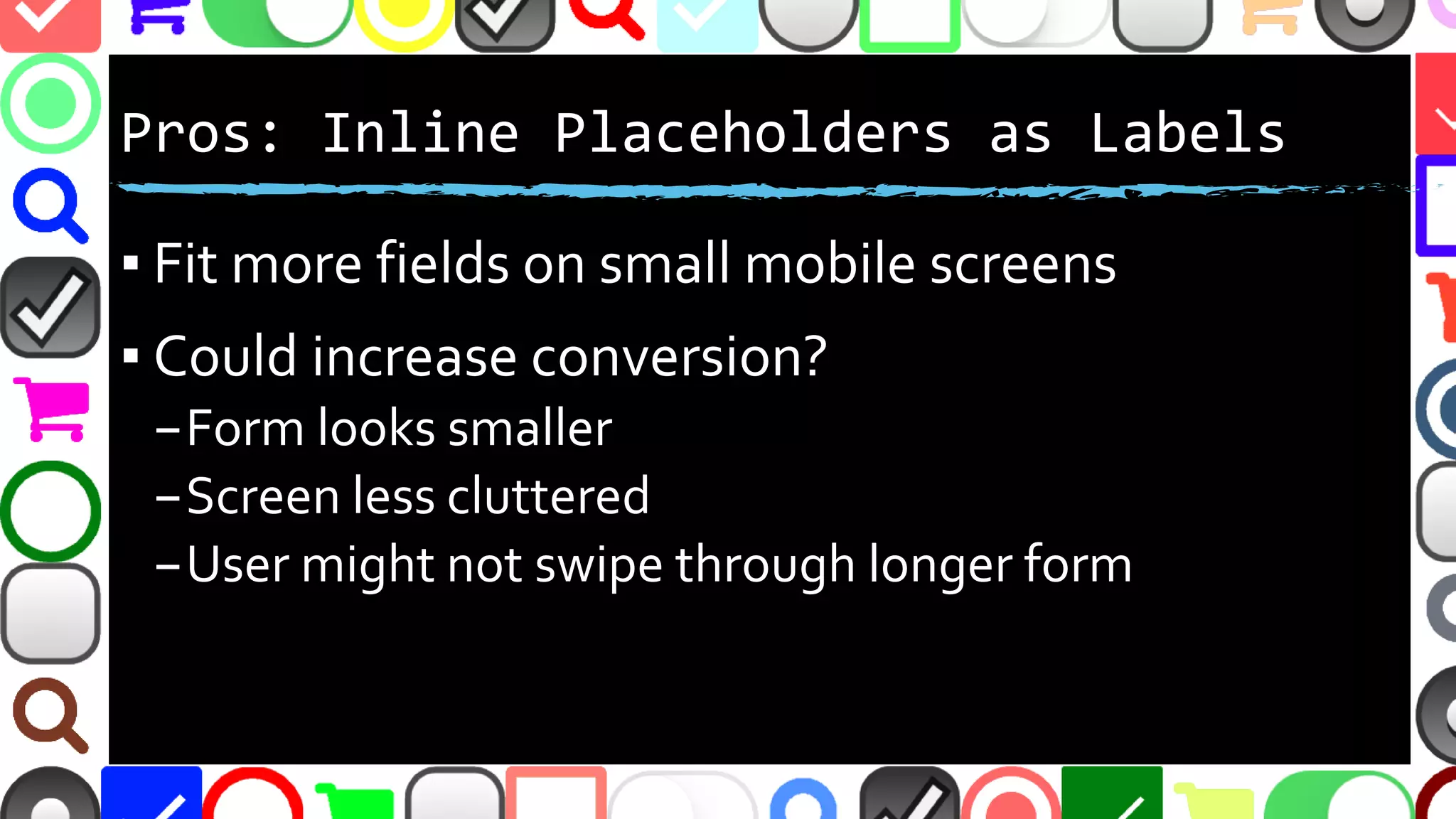
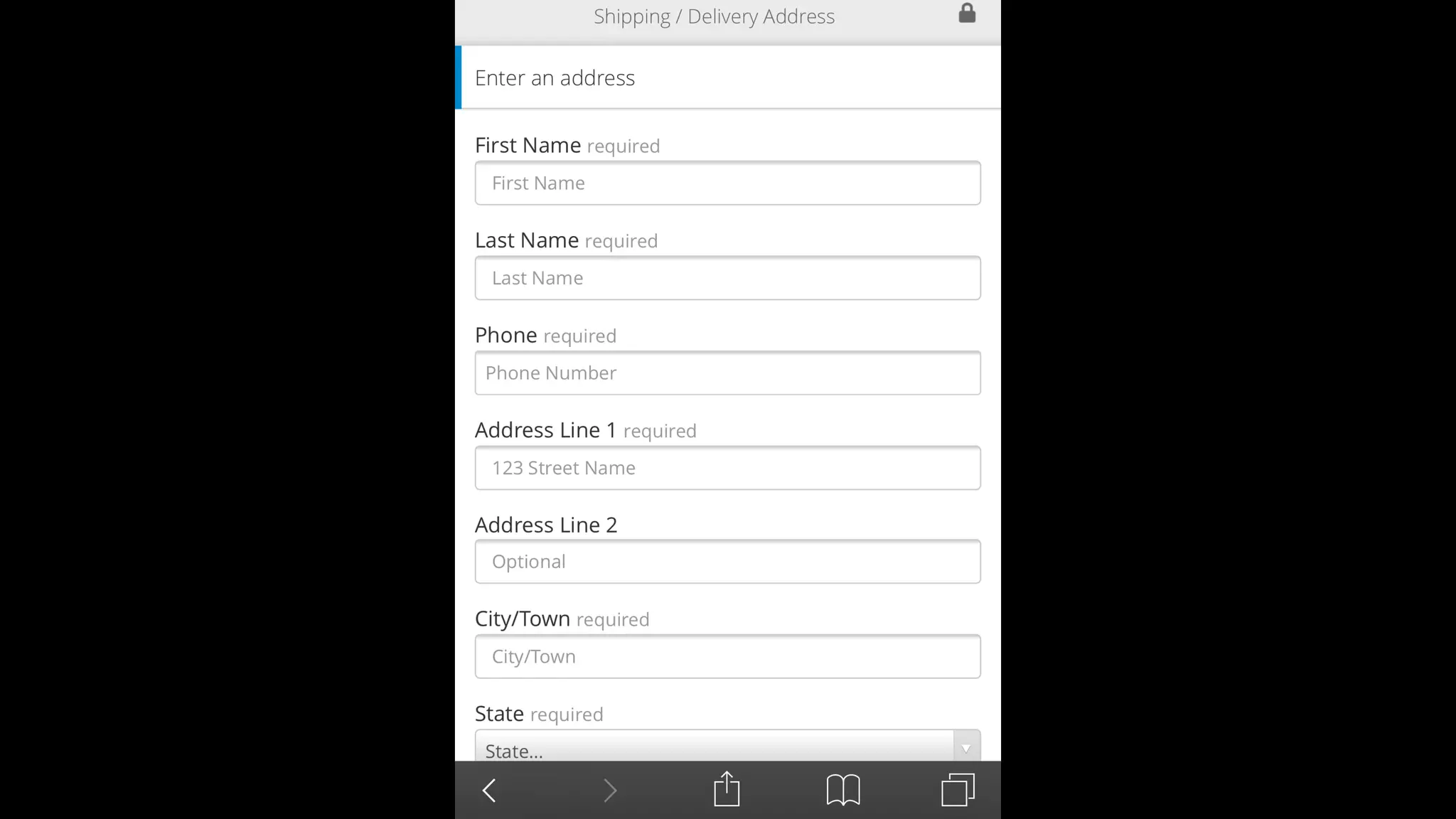
Pros: Inline Placeholders as Labels
▪ Fit more fields on small mobile screens
▪ Could increase conversions?
–Form appears smaller
–Screen less cluttered
–User might not swipe through longer form
@malekontheweb
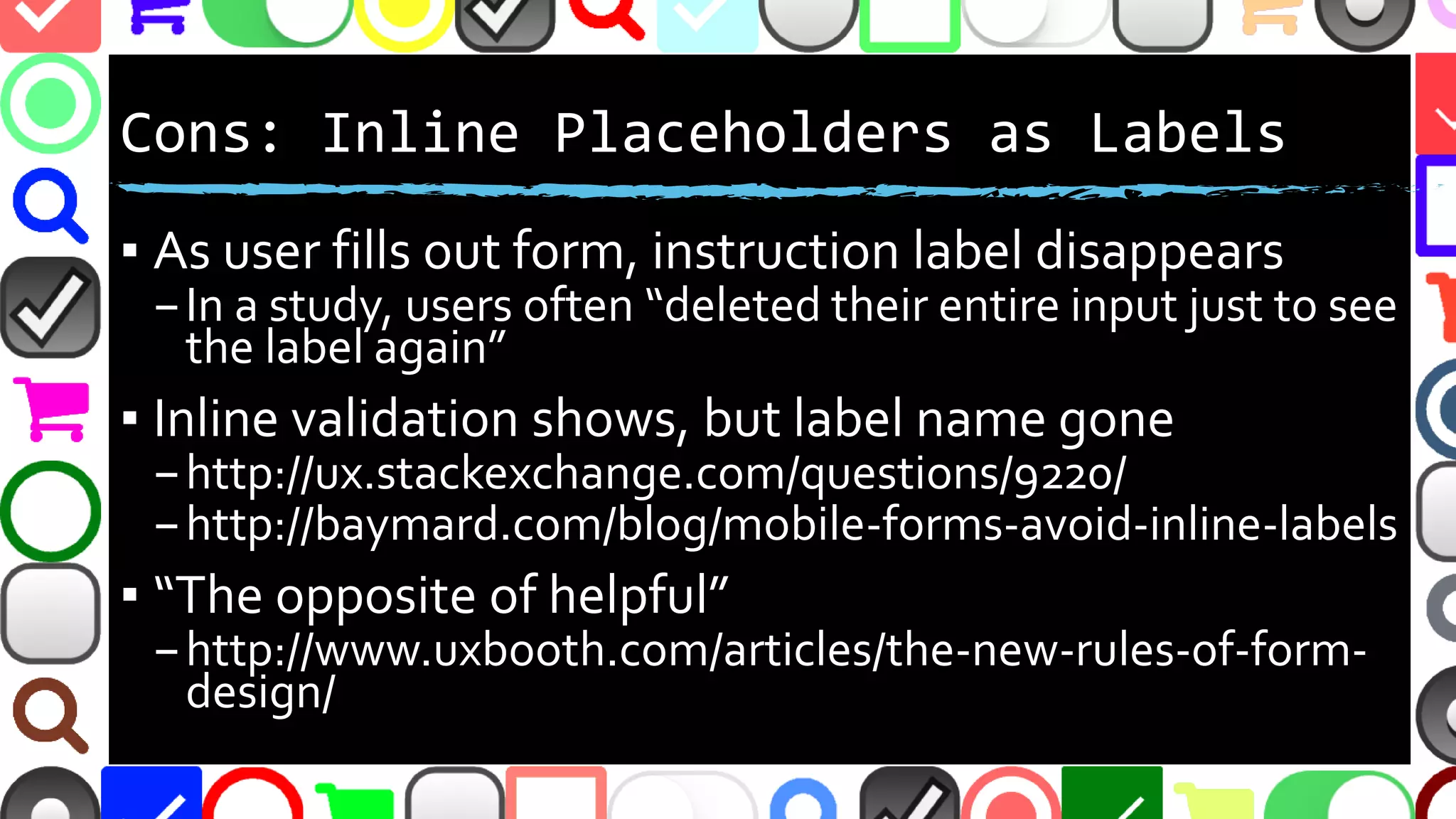
Cons: Inline Placeholders as Labels
▪ As user fills out form, instruction label disappears
–In a study, users often “deleted their entire input just to see
the label again”
▪ Inline validation shows, but label name gone
–http://ux.stackexchange.com/questions/9220/
–http://baymard.com/blog/mobile-forms-avoid-inline-labels
▪ “The opposite of helpful”
–http://www.uxbooth.com/articles/the-new-rules-of-form-
design/
@malekontheweb
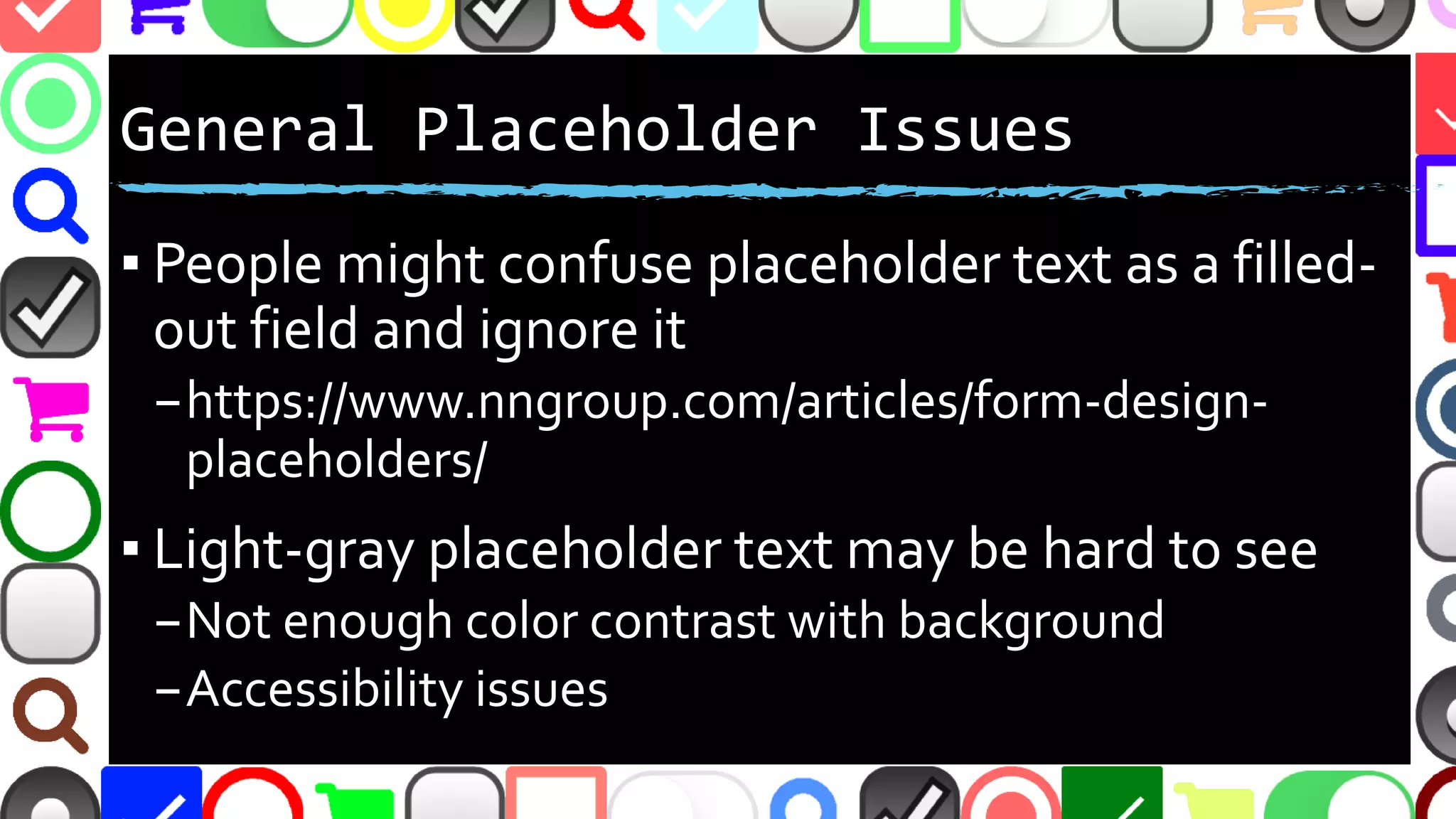
Cons(2): Inline Placeholders as Labels
▪ People might confuse placeholder text as a filled-
out field and ignore it
–https://www.nngroup.com/articles/form-design-
placeholders/
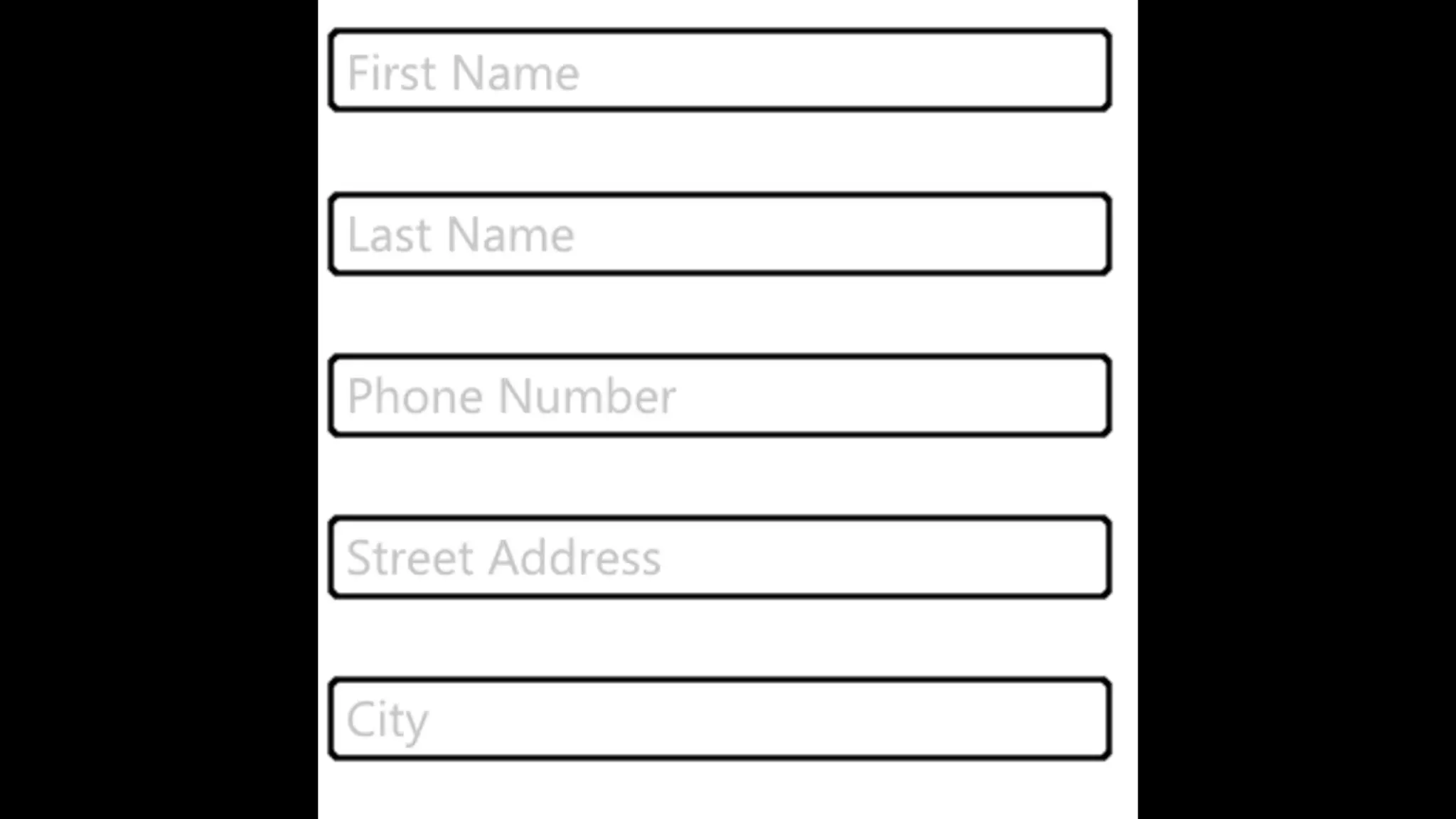
▪ Light-gray placeholder text may be hard to see
–Not enough color contrast with background
–Accessibility issues
@malekontheweb
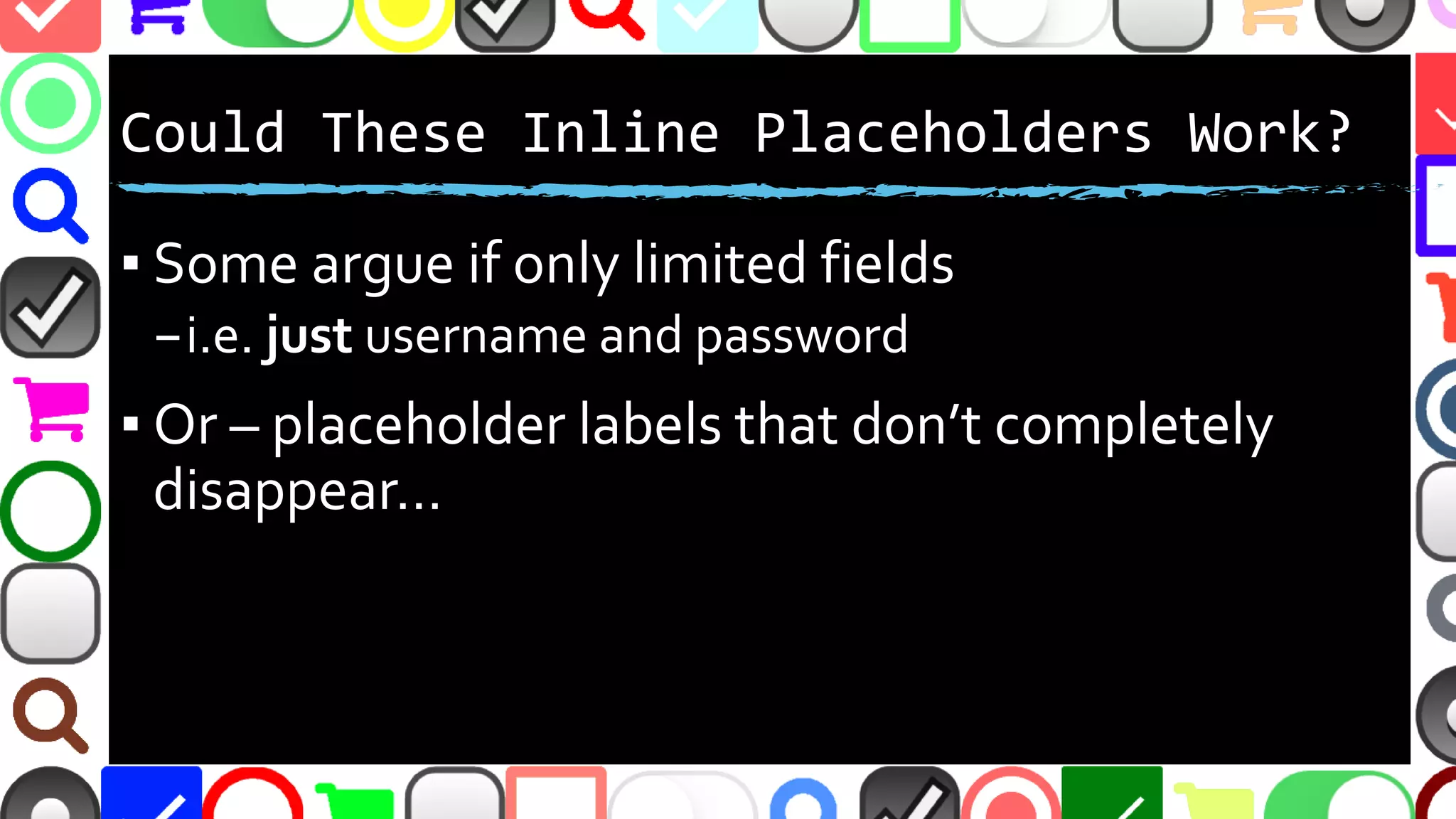
Could These Inline Placeholders Work?
▪ Some argue if yes – if very few form fields
–i.e. just username and password
▪ Or – what if placeholder labels don’t completely
disappear…
@malekontheweb
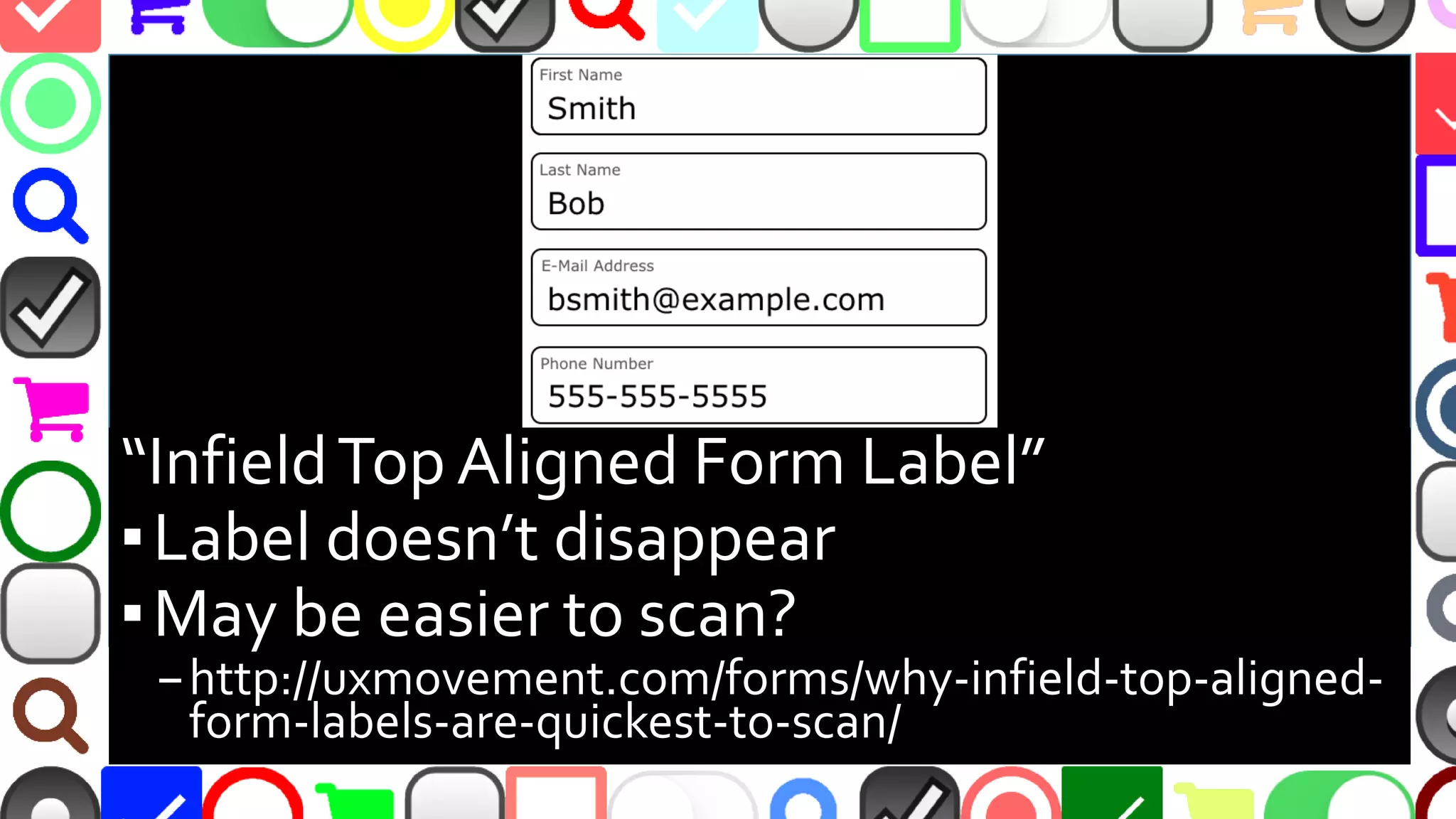
“InfieldTop Aligned Form Label”
▪Label doesn’t disappear
▪Form smaller, may be easier to scan?
–http://uxmovement.com/forms/why-infield-top-aligned-
form-labels-are-quickest-to-scan/
@malekontheweb
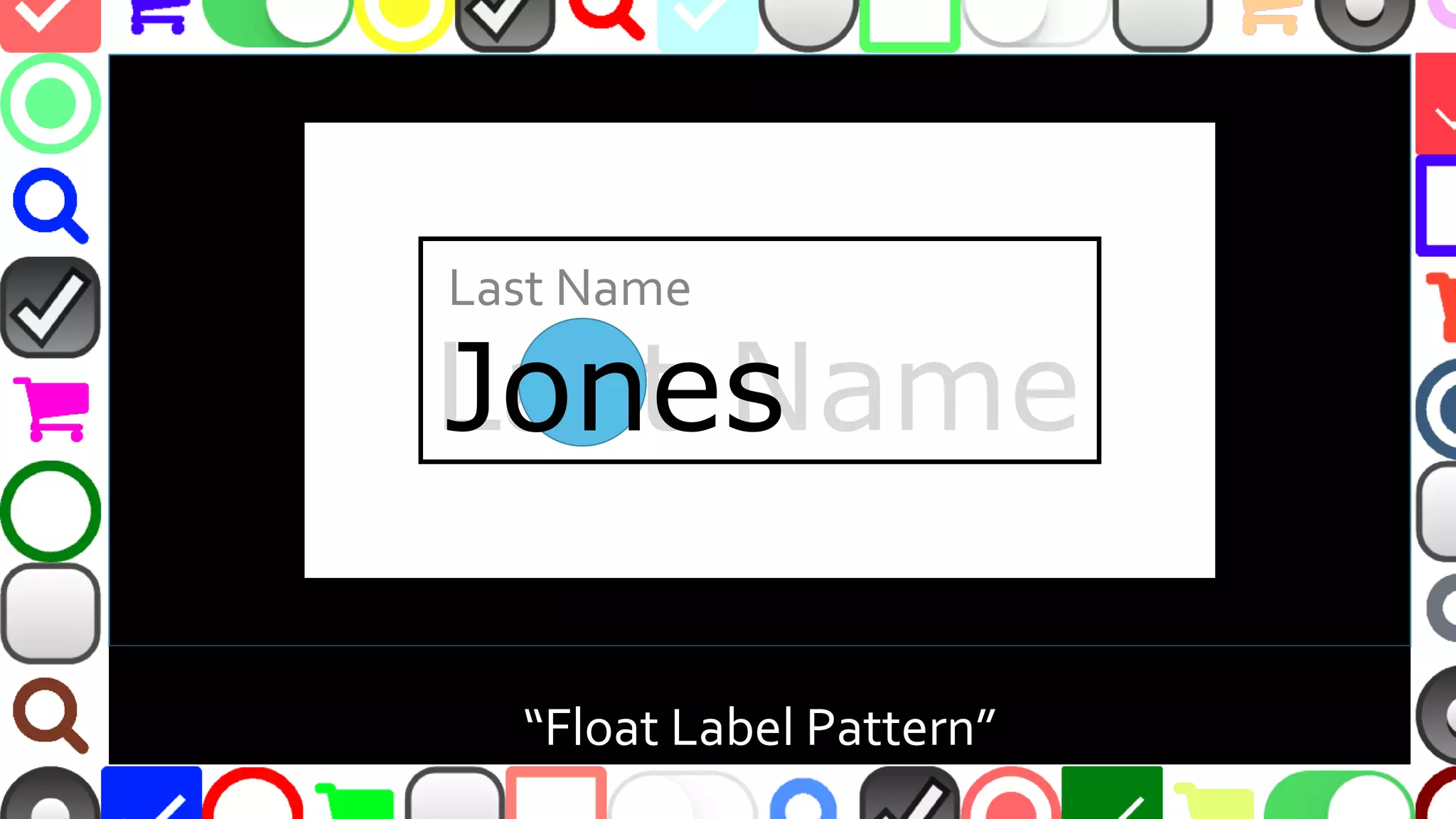
“Float Label Pattern”
Last Name
Last Name
Jones
@malekontheweb
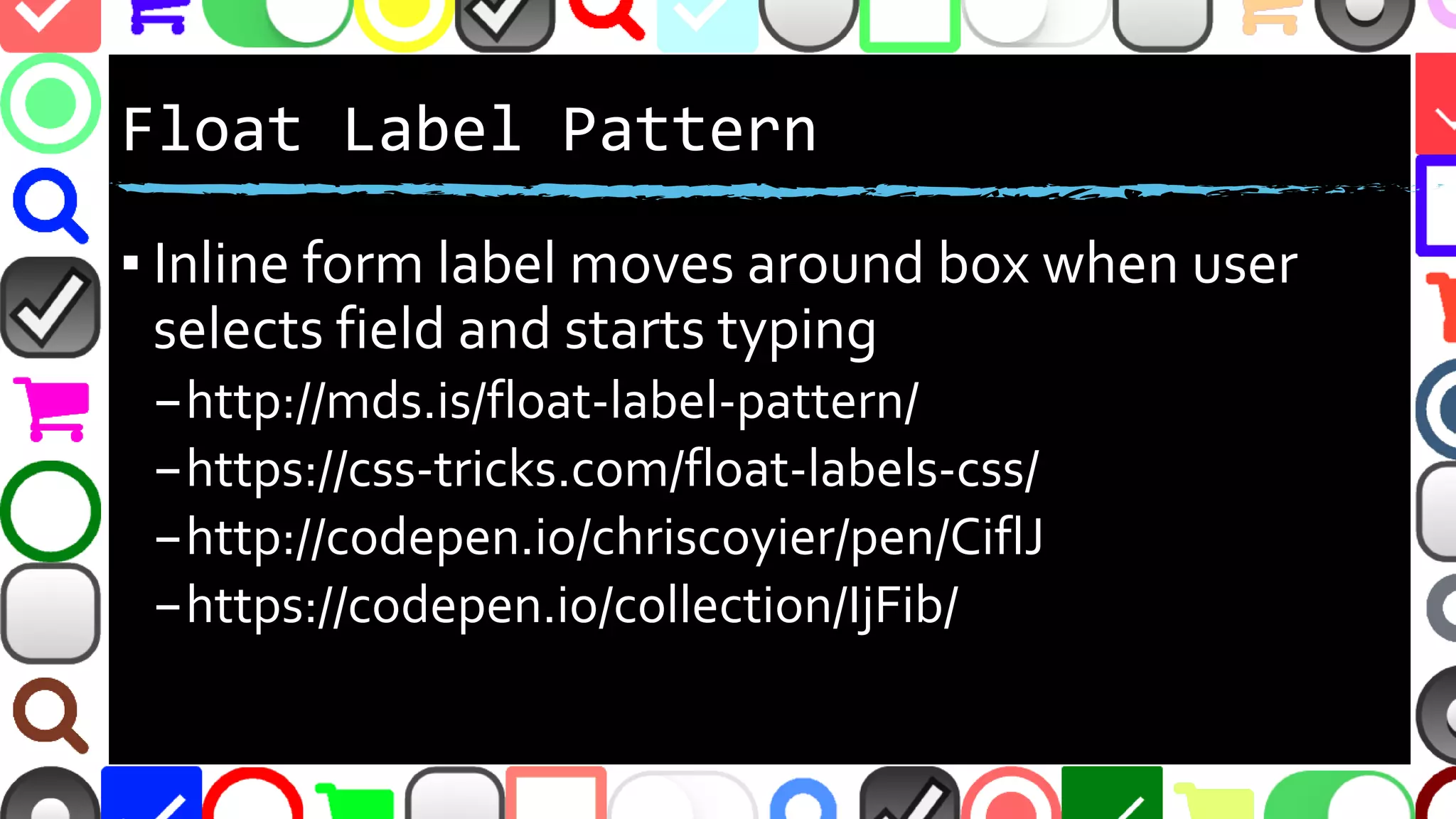
Float Label Pattern
▪ Inline form label moves inside box when user
selects field and starts typing
–http://mds.is/float-label-pattern/
–https://css-tricks.com/float-labels-css/
–http://codepen.io/chriscoyier/pen/CiflJ
–https://codepen.io/collection/IjFib/
@malekontheweb
https://github.com/bkzl/vue-float-label (Vue.js)
@malekontheweb
@malekontheweb
Redundant Placeholder as Label
▪ Could be useful to draw attention?
–http://ux.stackexchange.com/questions/83380/
▪ Or does it clutter the form with redundancy?
▪ Previously mentioned placeholder issues…
@malekontheweb
Placeholder Hints with Labels
▪ Pros:
–Use less screen real estate to display instructions
–Guide users to desired input format
▪ (i.e. “Phone Format: nnn-nnn-nnnn”)
▪ Cons:
–Previously mentioned placeholder issues…
@malekontheweb
A Matter of Trust
▪ LinkedIn lost 167 million account credentials in data
breach
–http://fortune.com/2016/05/18/linkedin-data-breach-
email-password/
▪ 360 million Myspace accounts breached
–http://www.usatoday.com/story/tech/2016/05/31/360-
million-myspace-accounts-breached/85183200/
▪ Yahoo hack: 1 billion accounts compromised
–https://www.theguardian.com/technology/2016/dec/14/ya
hoo-hack-security-of-one-billion-accounts-breached
@malekontheweb
How to Increase Trust?
▪ Contact information
–Phone and postal – not just email
▪ Guest checkout option
▪ No SPAM guarantees
▪ Shorter forms or progress indicators
@malekontheweb
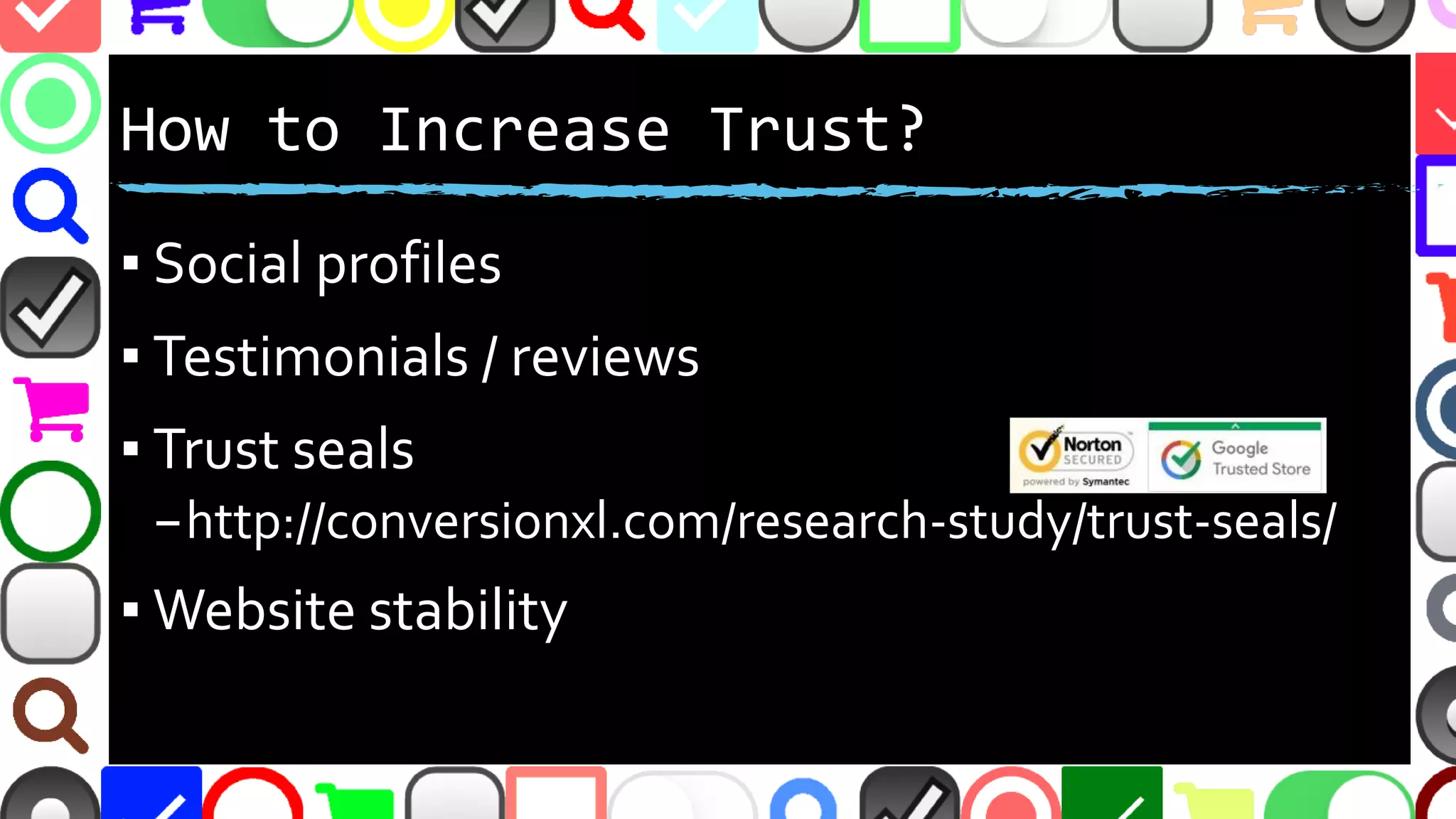
How to Increase Trust?
▪ Social media profiles
▪ Testimonials / reviews
▪ Trust seals
–http://conversionxl.com/research-study/trust-seals/
▪ Website stability
@malekontheweb
User Trust Studies and Resources
▪ http://baymard.com/blog/perceived-security-of-
payment-form
▪ https://blog.kissmetrics.com/first-step-of-checkout/
▪ https://designshack.net/articles/ux-design/create-a-
ui-that-users-can-trust/
▪ https://www.koozai.com/blog/search-marketing/6-
essential-trust-signals-for-your-website-to-follow/
@malekontheweb
@malekontheweb
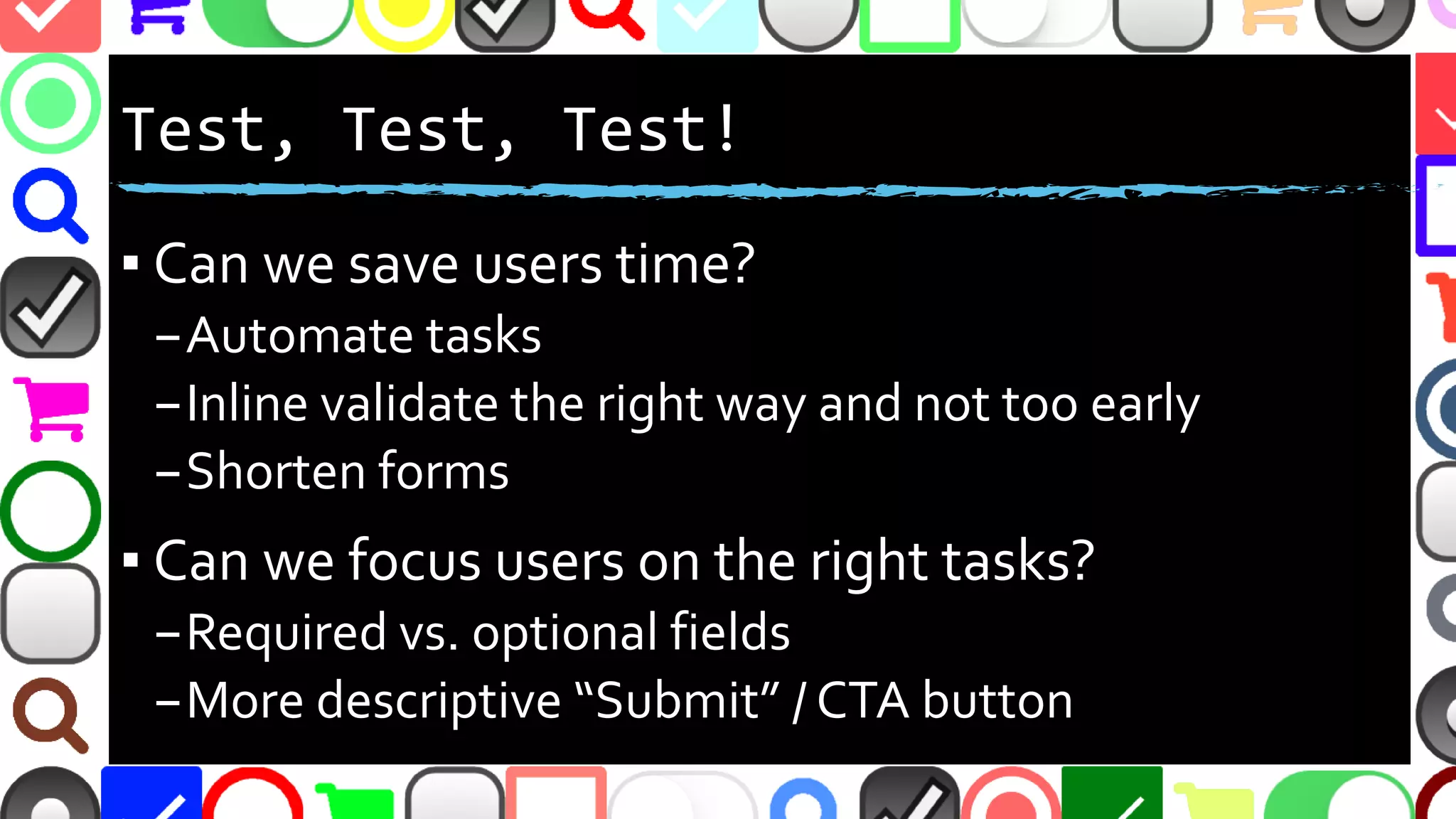
Test, Test, Test!
▪ Can we save users time?
–Automate tasks
–Inline validate the right way and not too early
–Shorten forms
▪ Can we focus users on the right tasks?
–Required vs. optional fields
–More descriptive “Submit” / CTA button
@malekontheweb
Test, Test, Test!
▪ Can instructions be made easier?
▪ Can redundant questions be removed?
▪ Are SPAM Blocks / CAPTCHAs not needed?
▪ Can we test on different devices?
@malekontheweb
@malekontheweb
http://malektips.com
@malekontheweb

Why Nobody Fills Out My Forms

  • 1.
    Why Nobody Fills OutMy Forms Andrew Malek http://malektips.com/ @malekontheweb
  • 2.
  • 3.
  • 4.
  • 5.
  • 6.
  • 7.
    @malekontheweb Why People Don’tFill Out Forms? ▪ Too long ▪ Too hard to determine what must be entered ▪ Too hard to determine how to enter information –“Don’t Make MeThink!” ▪ Don’t display correctly everywhere
  • 8.
  • 9.
    @malekontheweb A/B Testing ▪ Calculateconversion rate percentage between control and experiment ▪ Options include: –Button colors –Form instruction wording –Number of form fields –Order of form fields
  • 10.
    @malekontheweb A/B Testing Considerations ▪Results can be skewed –Demographics –Page speed –Browser / code issues –Unexpected traffic sources ▪ Can end test too soon if results prove conclusion too early
  • 11.
    @malekontheweb Testing Options –Open Source ▪ Alephbet - https://github.com/Alephbet/alephbet –JavaScript framework with Google Analytics support ▪ PlanOut - https://github.com/facebook/planout –Multiple language support - from Facebook ▪ Sixpack - http://sixpack.seatgeek.com/ –Multiple language support
  • 12.
    @malekontheweb Testing Options -Services ▪ Google Analytics Content Experiments - https://developers.google.com/analytics/solutions/ ▪ Kissmetrics - https://www.kissmetrics.com/ ▪ Optimizely - https://www.optimizely.com/ ▪ Unbounce - http://unbounce.com/ ▪ VisualWebsite Optimizer - https://vwo.com/
  • 13.
    @malekontheweb A/B Testing Resources ▪http://marketingland.com/watch-false-positives-3-ways-get- better-testing-105386 ▪ https://www.smashingmagazine.com/2010/06/the-ultimate- guide-to-a-b-testing/ ▪ http://conversionxl.com/12-ab-split-testing-mistakes-i-see- businesses-make-all-the-time/ ▪ https://uxdesign.cc/how-netflix-does-a-b-testing-87df9f9bf57c ▪ https://www.nngroup.com/articles/ab-testing-and-ux-research/
  • 14.
  • 15.
    @malekontheweb “People have troubleunderstanding required and optional signals … common practice to use a red asterisk ‘*’ … that didn’t work well enough, even in a survey of UX professionals” - https://www.nngroup.com/articles/qualitative-surveys/
  • 16.
    @malekontheweb ‘Asterisk as Required’Issues ▪ Small asterisk can be easily overlooked ▪ Color-blind? Red asterisk may not stand out ▪ Some argue opposite - only labeling fields as optional –Users may skip all fields not marked as required –http://uxmovement.com/forms/why-users-fill-out- less-if-you-mark-required-fields/
  • 17.
    @malekontheweb “The worst problemabout Reset is that users click the button by mistake when they wanted to click Submit …all your work is gone!” “The extra choice requires extra thinking…” https://www.nngroup.com/articles/reset-and-cancel-buttons/
  • 18.
    @malekontheweb Other Issues withReset Button ▪ “Reset”, “Clear”, etc. adds clutter ▪ If “Clear” needed, show confirmation dialog ▪ Main CTA button should stand out ▪ “Submit” not clear – use verb or phrase –“Checkout”, “Join Now!”, “Send Comment”, “Post Message”, “Download”, “Ask Question” –http://blog.wishpond.com/post/103290853633/
  • 19.
    @malekontheweb ▪ Is theSPAM block needed? ▪ Too confusing? –“What’s an integer?” ▪ Provide some white space ▪ One positive: link to get help
  • 20.
  • 21.
    @malekontheweb ▪Create account buttonin red ▪White space for mobile?
  • 22.
  • 23.
    @malekontheweb ▪Never repeat aquestion ▪Show or hide questions as needed – “progressive disclosure” –http://ux.stackexchange.com/questions/31082/
  • 24.
  • 25.
    @malekontheweb Why is theUnited States not selected? Why isn’t it the first option?
  • 26.
    @malekontheweb Why are “SelectOne” and “-----” options? Make the label “Select a State”?
  • 27.
    @malekontheweb Automate Address byIP Location ▪ http://ip2location.com ▪ http://dev.maxmind.com/geoip ▪ Not reliable when proxy,VPN, anonymizer, etc. used
  • 28.
    @malekontheweb Automate Address byGeolocation ▪ http://dev.w3.org/geo/api/spec-source.html ▪ Reverse geocode lat / long to location –https://developers.google.com/maps/documentation/ javascript/examples/geocoding-reverse –http://www.geonames.org/ ▪ Requires user giving share permission ▪ Location can be faked…
  • 29.
    @malekontheweb Common Form Issue– Phone Numbers ▪ What you want: –1234567890 ▪ What you get: –123-456-7890 –(123) 456-7890 –123.456.7890 –(123)-456-7890 –….etc
  • 30.
  • 31.
  • 32.
    @malekontheweb Other Split PhoneNumber Issues ▪ User could use “Next” and “Previous” buttons on mobile phone keyboard to switch between parts –Few did in Baymard Institute e-commerce study ▪ Split fields make users question what is required if one part of multi-part input is labeled “Required” –http://baymard.com/blog/mobile-form-usability- single-input-fields
  • 33.
    @malekontheweb What Else CouldBe Split? ▪ Name ▪ ZIP Code ▪ Birthdate (some debate on this one) ▪ Address (house number and street fields)
  • 34.
  • 35.
    @malekontheweb ▪ Good description ▪“Free” ▪ No SPAM guarantee ▪ No sharing information guarantee ▪ Easy to unsubscribe
  • 36.
    @malekontheweb ▪Really necessary (shouldask this about every field)? ▪Provide option “Not specified”? –http://ux.stackexchange.com/questions/25826/
  • 37.
    @malekontheweb Form Length andConversions ▪ Reducing contact form from 11 to 4 fields caused 120% conversion ▪ Expedia removed one field - $12million profit ▪ Asking for age caused a 3% dip in conversions –http://unbounce.com/conversion-rate- optimization/how-to-optimize-contact-forms/ ▪ Ask only what is needed and NO MORE!
  • 38.
    @malekontheweb ▪User never getsconfirmation email ▪How to prevent this issue?
  • 39.
    @malekontheweb Validate Email BeforeUser Submits ▪ mailcheck.js – can suggest common domains if user misspells them –https://github.com/mailcheck/mailcheck ▪ Regular expression validation –http://stackoverflow.com/questions/46155/ ▪ Could do MX record validation, but beware DoS –https://www.npmjs.com/package/legit
  • 40.
  • 41.
    @malekontheweb ▪Enforce strong passwords? ▪Letthe user know what is “strong” during form submission
  • 42.
    @malekontheweb However... ▪ “[S]trict passwordrules can cause an 18.75% checkout abandonment rate among existing account users as they try to sign in” –Baymard Institute –http://baymard.com/blog/password-requirements- and-password-reset ▪ You’ll have to decide…
  • 43.
  • 44.
    @malekontheweb Can combine jquery.pwstrength.bootstrapand zxcvbn for complex strength estimator and a visual meter
  • 45.
  • 46.
  • 47.
    @malekontheweb What can welearn? ▪More descriptive error messages inside the form, not just above or below ▪Test on multiple devices 
  • 48.
    @malekontheweb Inline Validation isGood ▪ Can see errors at-a-glance while typing ▪ No waiting for slow form submission ▪ Error message should change as user alters field ▪ Yet 40% of “major” e-commerce sites lack this –http://baymard.com/blog/inline-form-validation (9/27/2016) ▪ …but can one go too far?
  • 49.
    @malekontheweb Invalid email address. Invalidemail address. Your email addresses do not match. Your email addresses do not match. test@example.com test@example.com test@examt test@example.cotest@examt This field cannot be empty. This field cannot be empty.
  • 50.
    @malekontheweb Showing Error MessagesPrematurely ▪ Showing errors before user fills out fields ▪ Clutters up form ▪ Confusing and distracting ▪ Users feel “scolded”, especially with messages in red text or ALL CAPS
  • 51.
    @malekontheweb How Not toShow Errors Too Early ▪ Show errors after user leaves a field (JavaScript ‘blur’) ▪ Confirmation fields - show errors after user leaves both fields, and on form submit if user forgets field ▪ OK to show suggestions at first for complicated fields (password restrictions, max field length, etc.) –http://ux.stackexchange.com/questions/74531/ –http://baymard.com/blog/inline-form-validation
  • 52.
  • 53.
    @malekontheweb Pros: Inline Placeholdersas Labels ▪ Fit more fields on small mobile screens ▪ Could increase conversions? –Form appears smaller –Screen less cluttered –User might not swipe through longer form
  • 54.
    @malekontheweb Cons: Inline Placeholdersas Labels ▪ As user fills out form, instruction label disappears –In a study, users often “deleted their entire input just to see the label again” ▪ Inline validation shows, but label name gone –http://ux.stackexchange.com/questions/9220/ –http://baymard.com/blog/mobile-forms-avoid-inline-labels ▪ “The opposite of helpful” –http://www.uxbooth.com/articles/the-new-rules-of-form- design/
  • 55.
    @malekontheweb Cons(2): Inline Placeholdersas Labels ▪ People might confuse placeholder text as a filled- out field and ignore it –https://www.nngroup.com/articles/form-design- placeholders/ ▪ Light-gray placeholder text may be hard to see –Not enough color contrast with background –Accessibility issues
  • 56.
    @malekontheweb Could These InlinePlaceholders Work? ▪ Some argue if yes – if very few form fields –i.e. just username and password ▪ Or – what if placeholder labels don’t completely disappear…
  • 57.
    @malekontheweb “InfieldTop Aligned FormLabel” ▪Label doesn’t disappear ▪Form smaller, may be easier to scan? –http://uxmovement.com/forms/why-infield-top-aligned- form-labels-are-quickest-to-scan/
  • 58.
  • 59.
    @malekontheweb Float Label Pattern ▪Inline form label moves inside box when user selects field and starts typing –http://mds.is/float-label-pattern/ –https://css-tricks.com/float-labels-css/ –http://codepen.io/chriscoyier/pen/CiflJ –https://codepen.io/collection/IjFib/
  • 60.
  • 61.
  • 62.
    @malekontheweb Redundant Placeholder asLabel ▪ Could be useful to draw attention? –http://ux.stackexchange.com/questions/83380/ ▪ Or does it clutter the form with redundancy? ▪ Previously mentioned placeholder issues…
  • 63.
    @malekontheweb Placeholder Hints withLabels ▪ Pros: –Use less screen real estate to display instructions –Guide users to desired input format ▪ (i.e. “Phone Format: nnn-nnn-nnnn”) ▪ Cons: –Previously mentioned placeholder issues…
  • 64.
    @malekontheweb A Matter ofTrust ▪ LinkedIn lost 167 million account credentials in data breach –http://fortune.com/2016/05/18/linkedin-data-breach- email-password/ ▪ 360 million Myspace accounts breached –http://www.usatoday.com/story/tech/2016/05/31/360- million-myspace-accounts-breached/85183200/ ▪ Yahoo hack: 1 billion accounts compromised –https://www.theguardian.com/technology/2016/dec/14/ya hoo-hack-security-of-one-billion-accounts-breached
  • 65.
    @malekontheweb How to IncreaseTrust? ▪ Contact information –Phone and postal – not just email ▪ Guest checkout option ▪ No SPAM guarantees ▪ Shorter forms or progress indicators
  • 66.
    @malekontheweb How to IncreaseTrust? ▪ Social media profiles ▪ Testimonials / reviews ▪ Trust seals –http://conversionxl.com/research-study/trust-seals/ ▪ Website stability
  • 67.
    @malekontheweb User Trust Studiesand Resources ▪ http://baymard.com/blog/perceived-security-of- payment-form ▪ https://blog.kissmetrics.com/first-step-of-checkout/ ▪ https://designshack.net/articles/ux-design/create-a- ui-that-users-can-trust/ ▪ https://www.koozai.com/blog/search-marketing/6- essential-trust-signals-for-your-website-to-follow/
  • 68.
  • 69.
    @malekontheweb Test, Test, Test! ▪Can we save users time? –Automate tasks –Inline validate the right way and not too early –Shorten forms ▪ Can we focus users on the right tasks? –Required vs. optional fields –More descriptive “Submit” / CTA button
  • 70.
    @malekontheweb Test, Test, Test! ▪Can instructions be made easier? ▪ Can redundant questions be removed? ▪ Are SPAM Blocks / CAPTCHAs not needed? ▪ Can we test on different devices?
  • 71.
  • 72.