Version Control:: Subversion 101 Nguyen Vu Hung [email_address] 2010/10/05 2010/10/05 Subversion 101 Nguyen Vu Hung
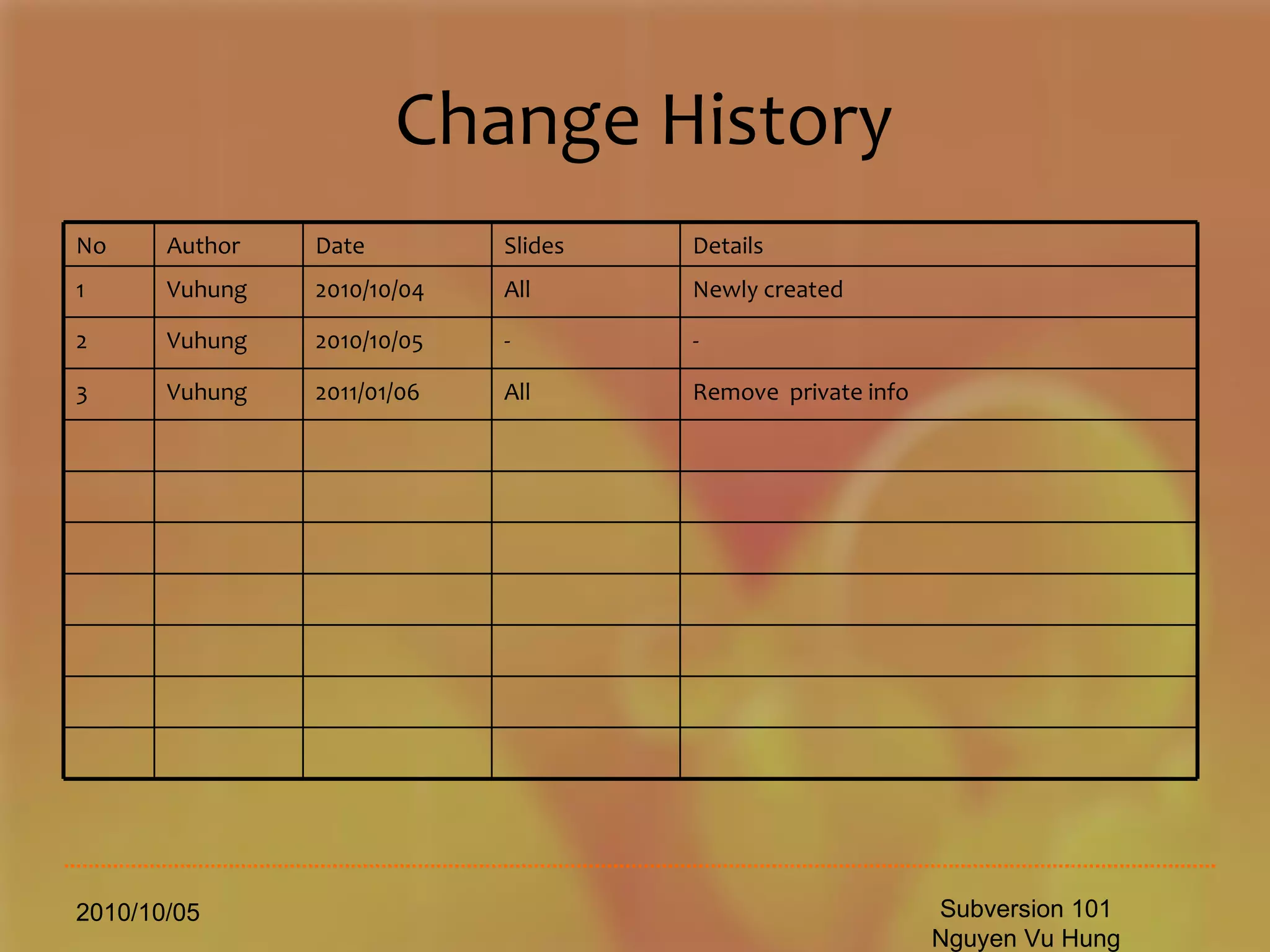
Change History 2010/10/05 Subversion 101 Nguyen Vu Hung No Author Date Slides Details 1 Vuhung 2010/10/04 All Newly created 2 Vuhung 2010/10/05 - - 3 Vuhung 2011/01/06 All Remove  private info
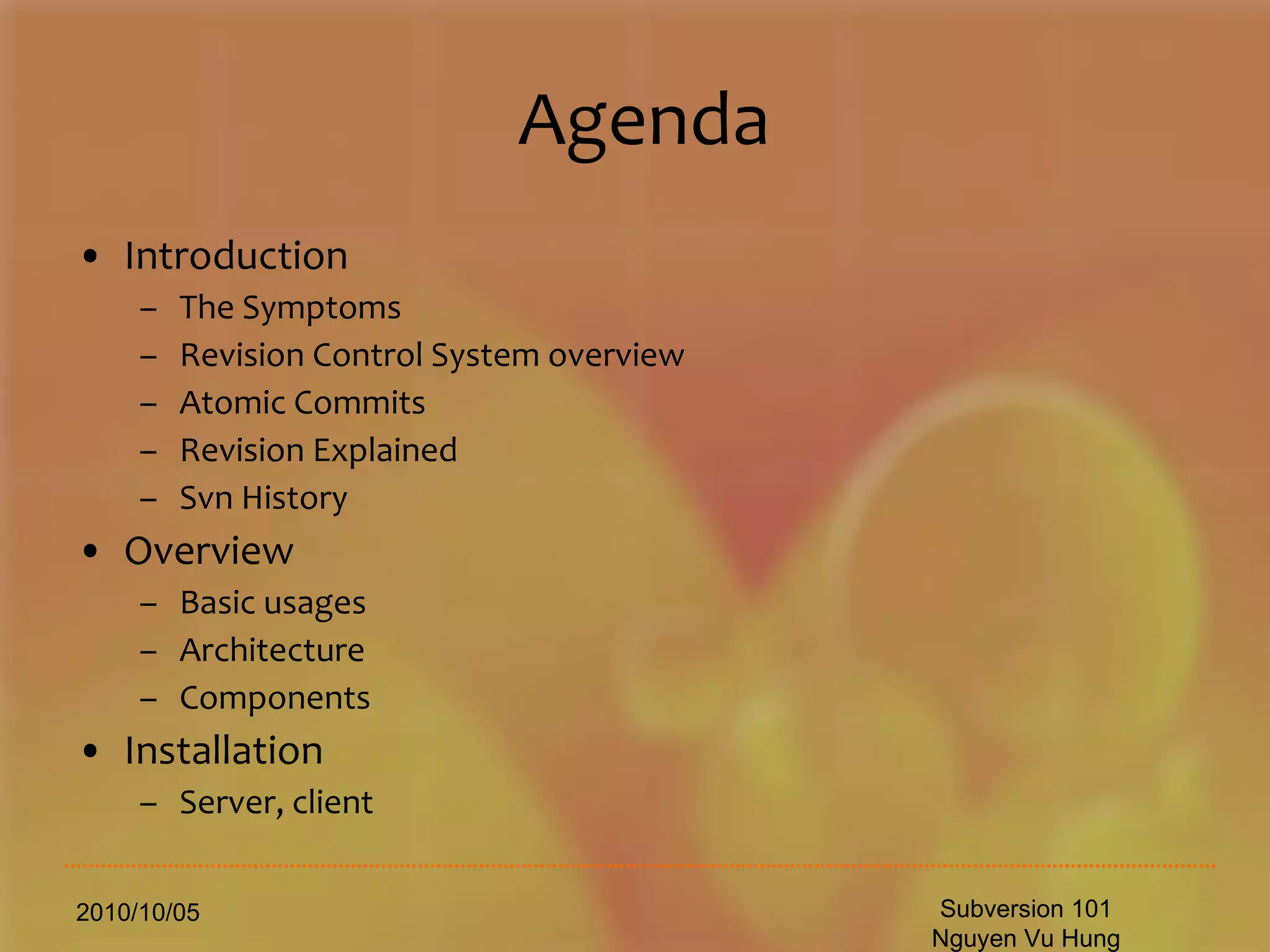
Agenda Introduction The Symptoms Revision Control System overview Atomic Commits Revision Explained Svn History Overview Basic usages Architecture Components Installation  Server, client 2010/10/05 Subversion 101 Nguyen Vu Hung
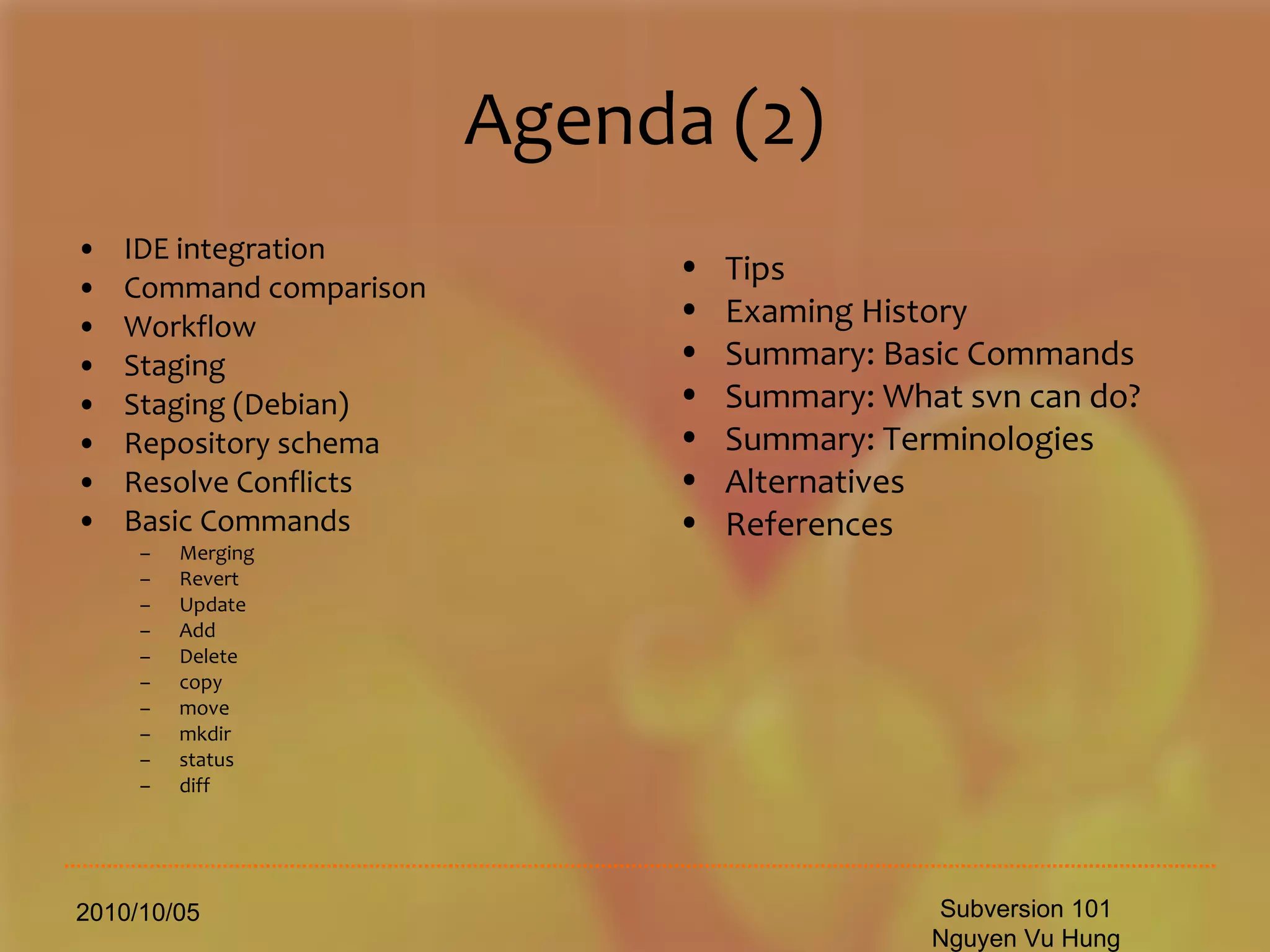
Agenda (2) IDE integration Command comparison Workflow Staging Staging (Debian) Repository schema Resolve Conflicts Basic Commands Merging Revert Update Add Delete copy move mkdir status diff 2010/10/05 Subversion 101 Nguyen Vu Hung Tips Examing History Summary: Basic Commands Summary: What svn can do? Summary: Terminologies  Alternatives References
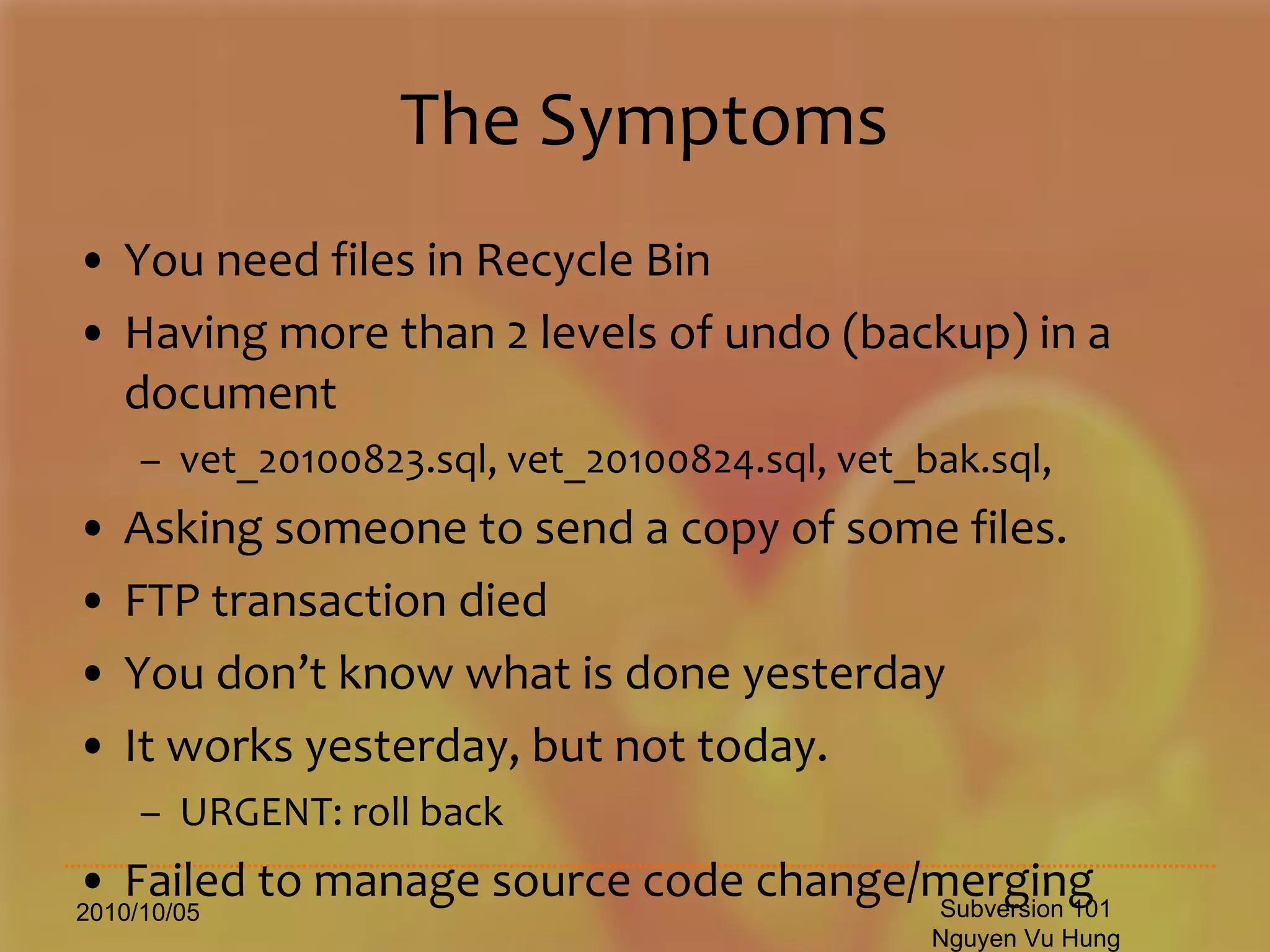
The Symptoms You need files in Recycle Bin Having more than 2 levels of undo (backup) in a document vet_20100823.sql, vet_20100824.sql, vet_bak.sql, Asking someone to send a copy of some files. FTP transaction died You don’t know what is done yesterday It works yesterday, but not today. URGENT: roll back Failed to manage source code change/merging 2010/10/05 Subversion 101 Nguyen Vu Hung
Revision Control System Revision control , also known as  version control ,  source control  or  software configuration management  (SCM) , is the  management of changes  to documents,  programs , and other information stored as  computer files . It is most commonly used in  software development , where a  team  of people may  change the same files .  Changes are usually identified by a number or letter code, termed the  "revision number",  "revision level", or simply "revision". For example, an initial set of files is "revision 1". When the first change is made, the resulting set is "revision 2", and so on. Each  revision is associated with a   timestamp  and the person making the change. Revisions can be  compared, restored , and with some types of files, merged.  2010/10/05 Subversion 101 Nguyen Vu Hung
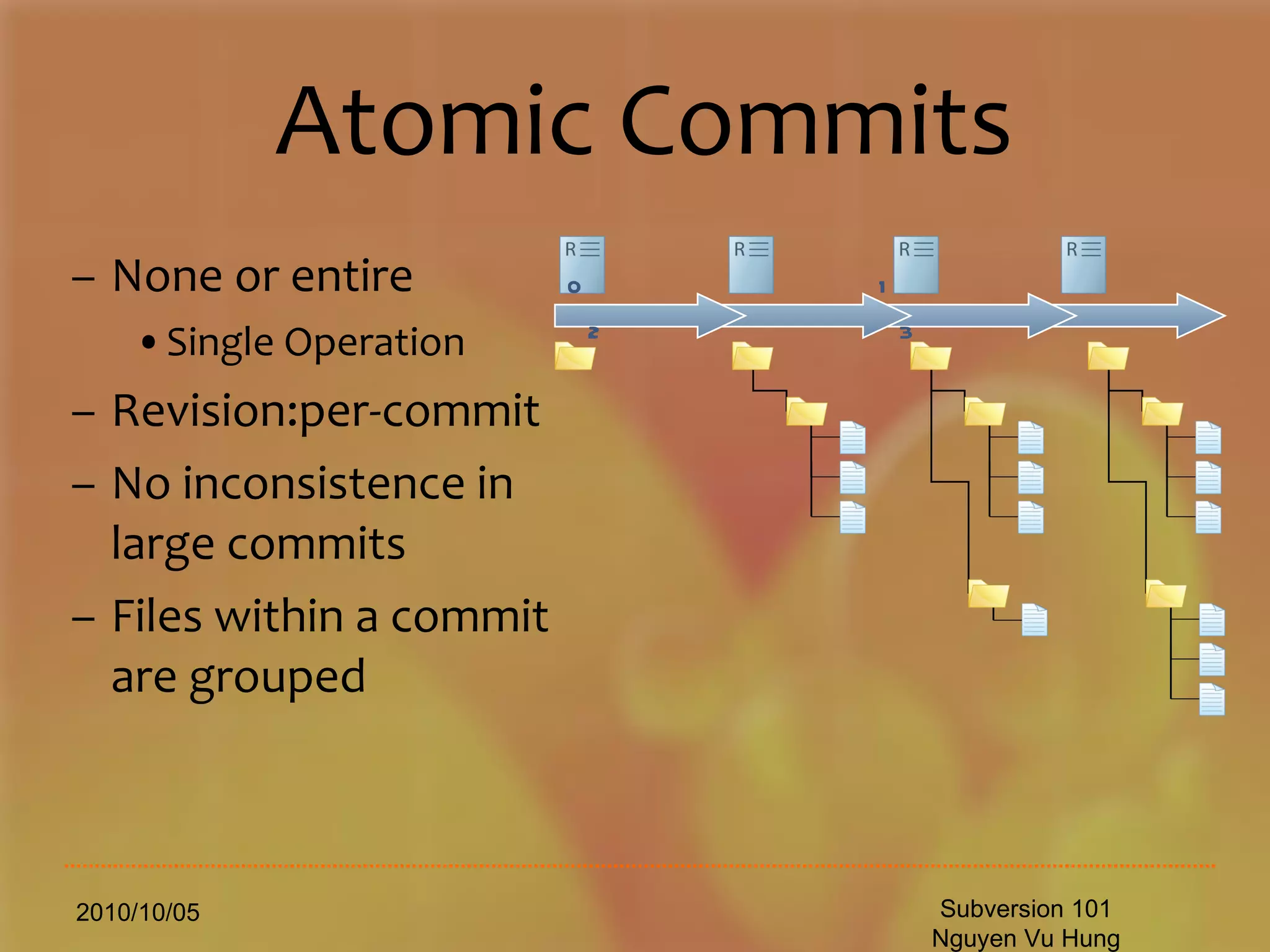
Atomic Commits None or entire Single Operation Revision:per-commit No inconsistence in large commits Files within a commit are grouped 2010/10/05 Subversion 101 Nguyen Vu Hung 0  1  2  3
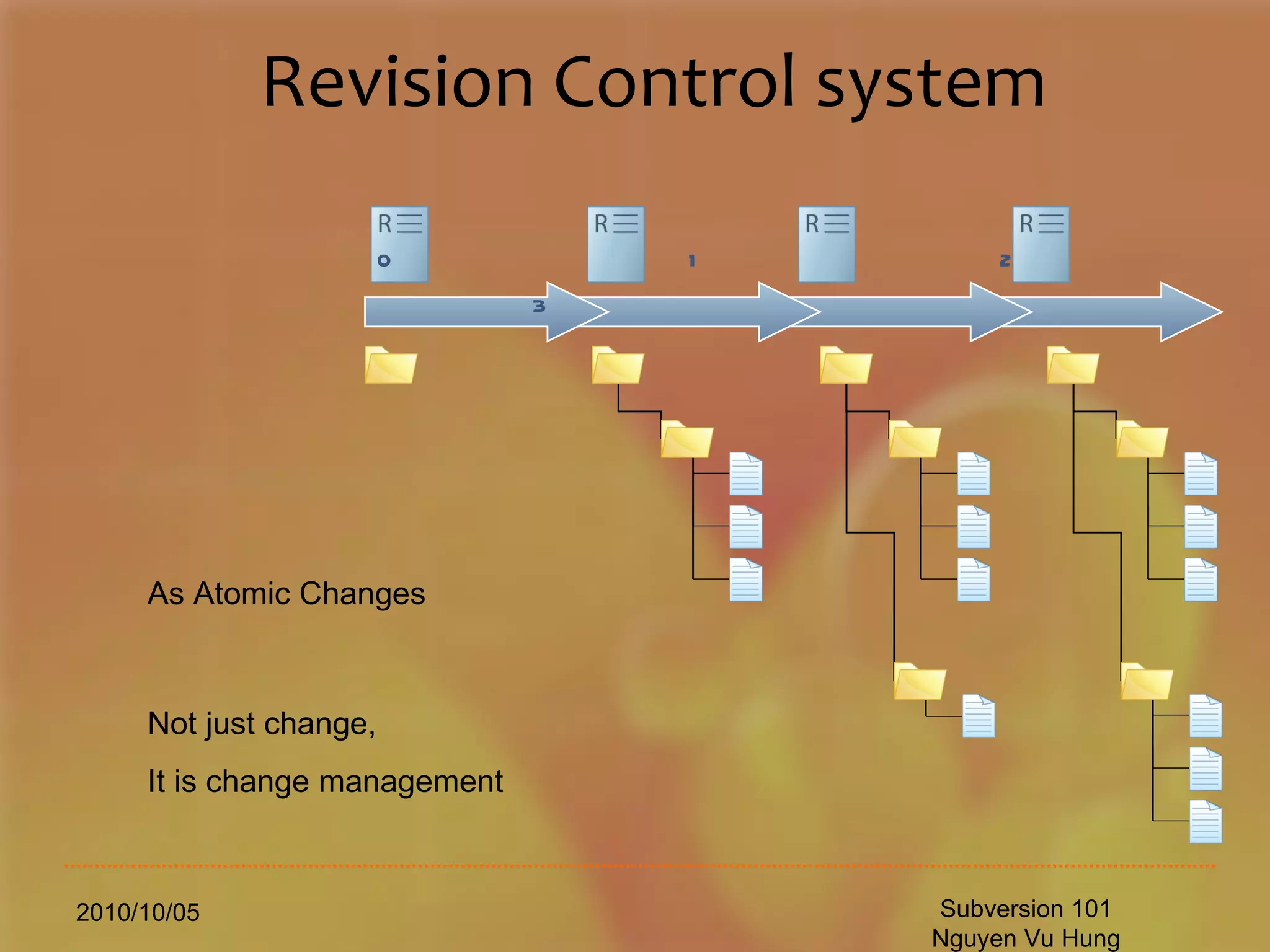
Revision Control system 2010/10/05 Subversion 101 Nguyen Vu Hung As Atomic Changes Not just change, It is change management 0  1  2  3
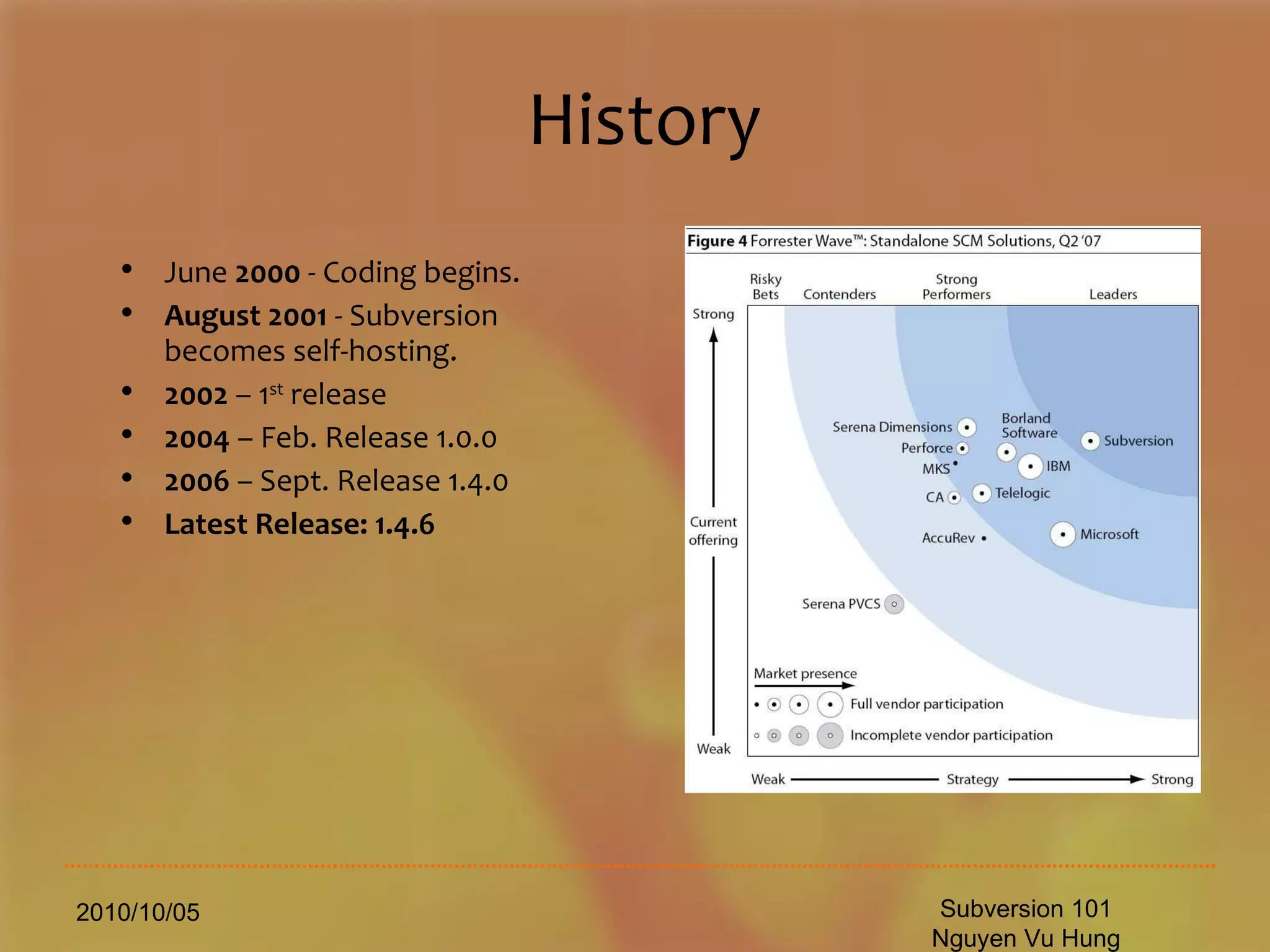
History 2010/10/05 Subversion 101 Nguyen Vu Hung June  2000  - Coding begins. August 2001  - Subversion becomes self-hosting. 2002  – 1 st  release   2004  – Feb. Release 1.0.0 2006  – Sept. Release 1.4.0 Latest Release: 1.4.6
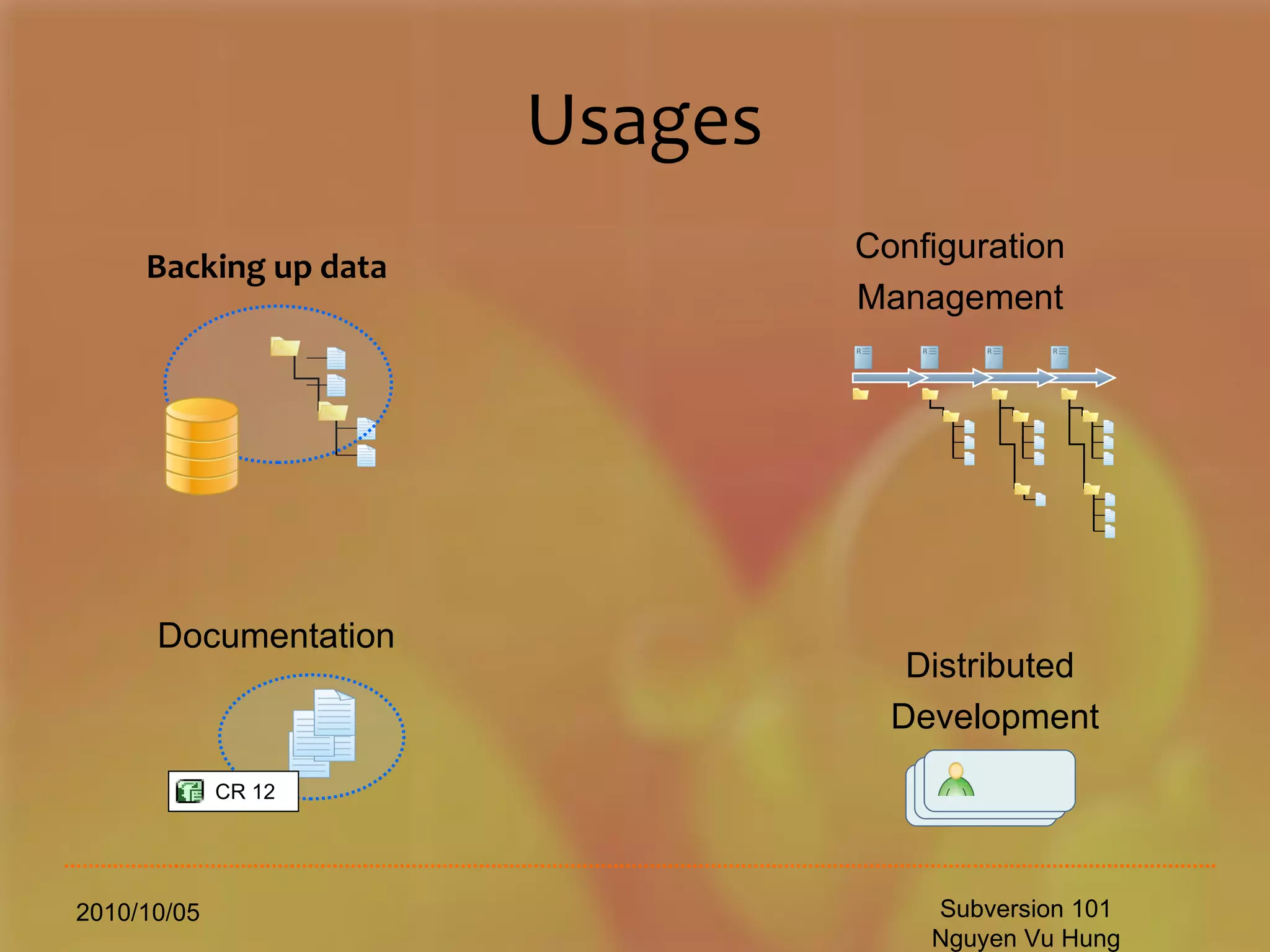
Usages 2010/10/05 Subversion 101 Nguyen Vu Hung Backing up data Documentation Configuration Management Distributed  Development CR 12
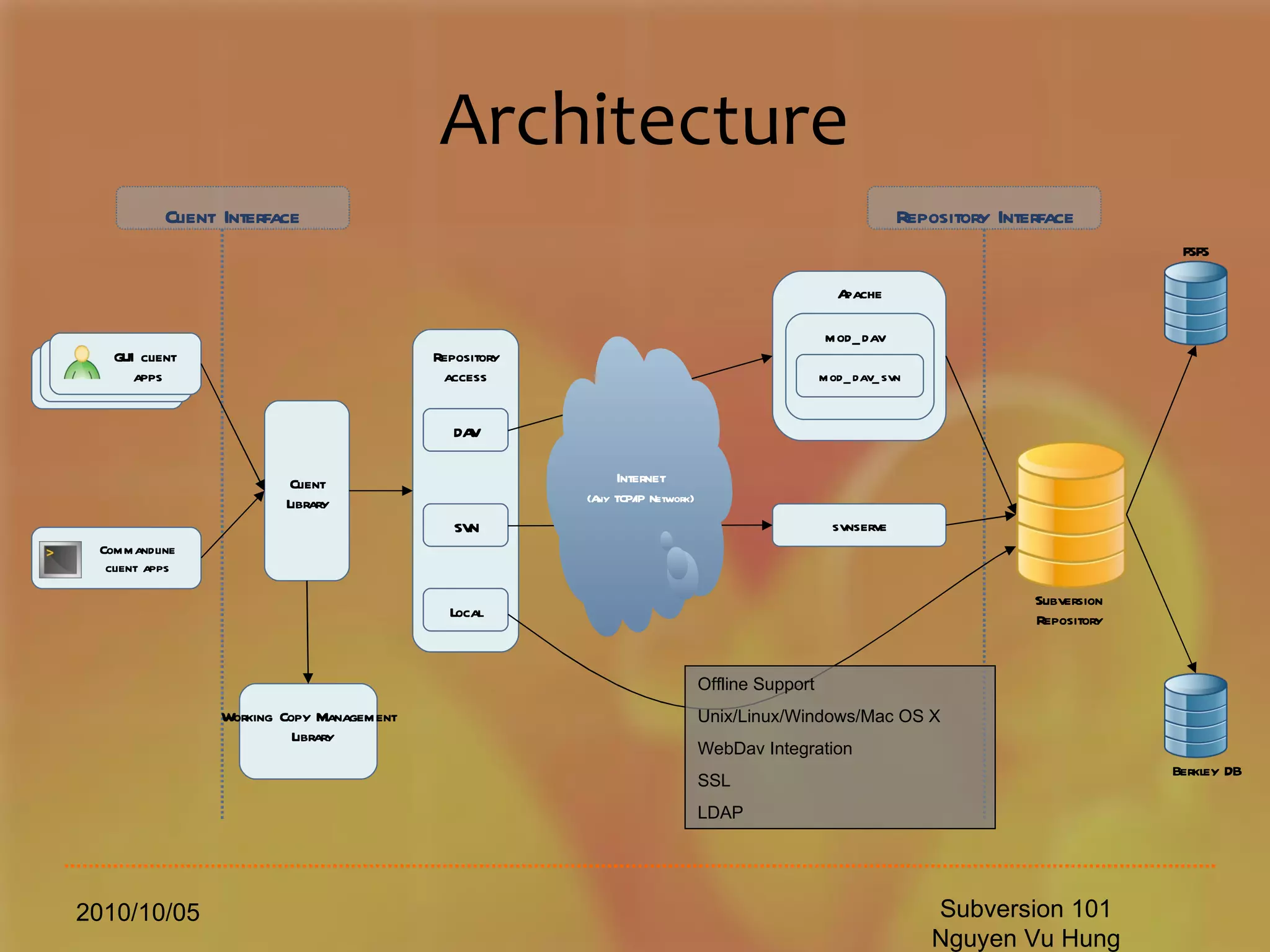
Architecture 2010/10/05 Subversion 101 Nguyen Vu Hung Berkley DB FSFS Subversion Repository Client Interface Repository  Interface GUI   client  apps Commandline client apps Client Library Working Copy Management Library Repository access DAV SVN Local Apache mod _ dav mod_dav_svn svnserve Internet (Any TCP/IP Network) Offline Support Unix/Linux/Windows/Mac OS X WebDav Integration SSL  LDAP
Subversion Components svn   (this is what you [client] need) The command-line client program . svnadmin  A tool for creating, tweaking or repairing a Subversion repository. svnserve  A custom standalone server program, runnable as a daemon process or invokable by SSH; another way to make your repository available to others over a network. 2010/10/05 Subversion 101 Nguyen Vu Hung
Installation (server) 2010/10/05 Subversion 101 Nguyen Vu Hung yum install mod_dav_svn  subversion
Installation (server settings) 2010/10/05 Subversion 101 Nguyen Vu Hung [root@vinicorp conf]# cat /etc/httpd/conf.d/subversion.conf LoadModule dav_svn_module  modules/mod_dav_svn.so LoadModule authz_svn_module  modules/mod_authz_svn.so <Location  /svn-repo > DAV svn SVNParentPath /svn-repo # Limit write permission to list of valid users. <LimitExcept GET PROPFIND OPTIONS REPORT> # Require SSL connection for password protection. # SSLRequireSSL AuthType Basic AuthName &quot;Vinicorp Subversion Realm&quot; AuthUserFile  /etc/svn-auth-conf Require valid-user </LimitExcept>
Installation (server settings) 2010/10/05 Subversion 101 Nguyen Vu Hung [root@vinicorp conf]# head  /etc/svn-auth-conf #vinicorp:pIuFZUS0McheY hoatran:3cYHbUvT9aV0o doancuong:0K3C3IdVJD7VY thuanvd:xJSWLpXNr5/EM hiennb:GHvHoKOG2E1eI huyenvtt:FySHeMI9u9uvc trungdq:MB7kxm/IgGMsY thuytp:rw68sUTpnVD7M thangnv:zSoOwCSdqqcLk phuongdt:o2ZYftrCjq2oM [root@vinicorp conf]# wc -l /etc/svn-auth-conf 51 /etc/svn-auth-conf
Installation (server settings) 2010/10/05 Subversion 101 Nguyen Vu Hung [root@conf]# head /etc/svn-auth-conf #xxxxxxxxxx:pIuFZUS0McheY xxxxxxxxxx:3cYHbUvT9aV0o xxxxxxxxxx:0K3C3IdVJD7VY xxxxxxxxxx:xJSWLpXNr5/EM xxxxxxxxxx:GHvHoKOG2E1eI xxxxxxxxxx:FySHeMI9u9uvc xxxxxxxxxx:MB7kxm/IgGMsY xxxxxxxxxx:rw68sUTpnVD7M xxxxxxxxxx:zSoOwCSdqqcLk xxxxxxxxxx:o2ZYftrCjq2oM [root@conf]# wc -l /etc/svn-auth-conf 51 /etc/svn-auth-conf Create a repo: mkdir /svn-repo Create an user : htpasswd -c /etc/svn-auth-conf  vinicorp
Installation (server settings) 2010/10/05 Subversion 101 Nguyen Vu Hung [root@ svn-repo]# pwd /svn-repo [root@ svn-repo]# ls -1 001.Project1 005. Project2 006. Project3
Installation (server settings) 2010/10/05 Subversion 101 Nguyen Vu Hung [root@ svn-repo]# pwd /svn-repo [root@ svn-repo]# ls -1 001.Project1 005.Project2 006.Project3 cd /svn-repo svnadmin create 001.Project1 chown -R apache.apache 001.Project1 service httpd restart
Installation (client) TortoiseSVN (Windows) svn/subversion (Unix/Linux) svn (Mac OS X) RapidSVN (cross-platform) 2010/10/05 Subversion 101 Nguyen Vu Hung
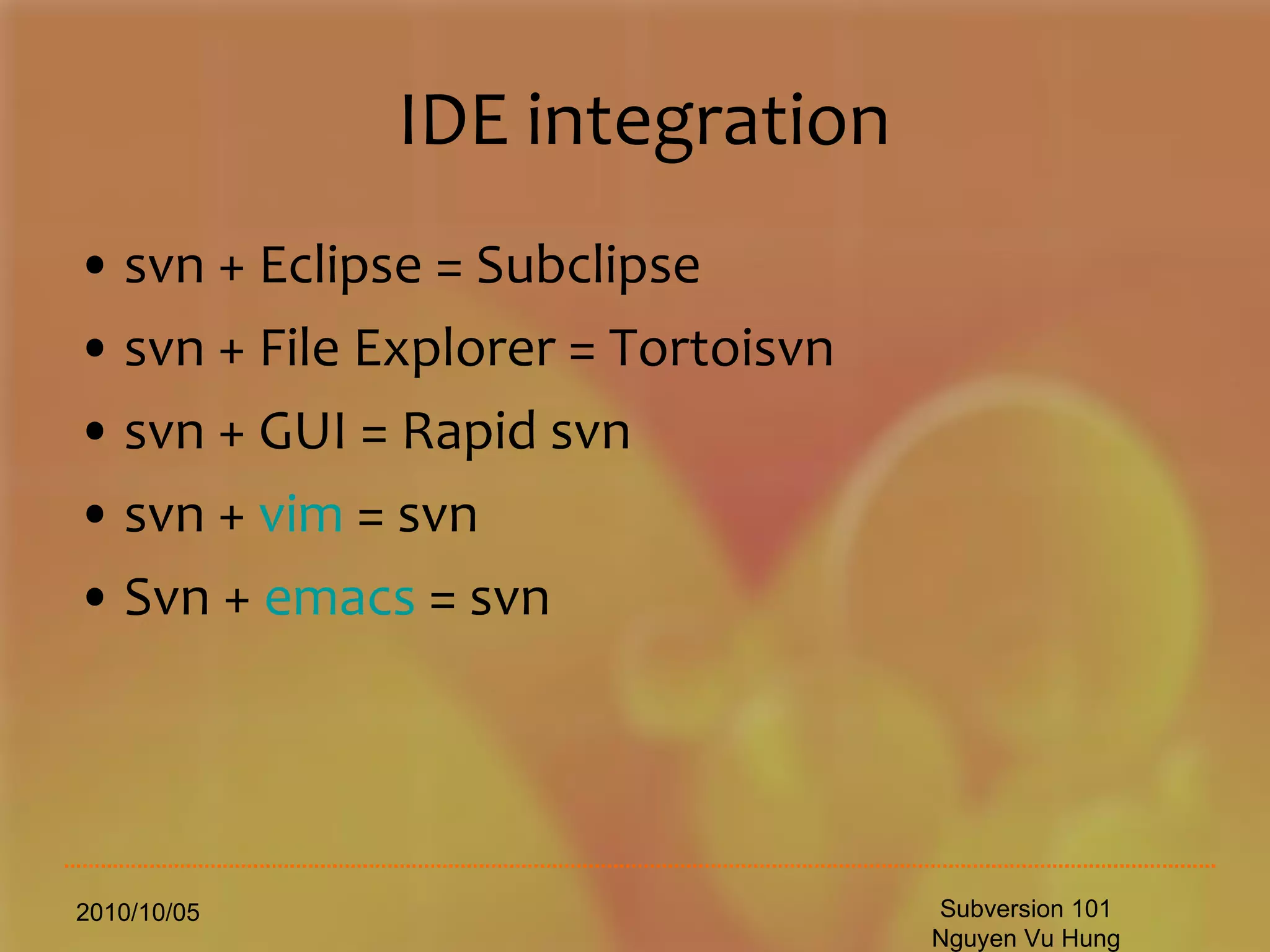
IDE integration svn + Eclipse = Subclipse svn + File Explorer = Tortoisvn svn + GUI = Rapid svn  svn +  vim  = svn Svn +  emacs  = svn 2010/10/05 Subversion 101 Nguyen Vu Hung
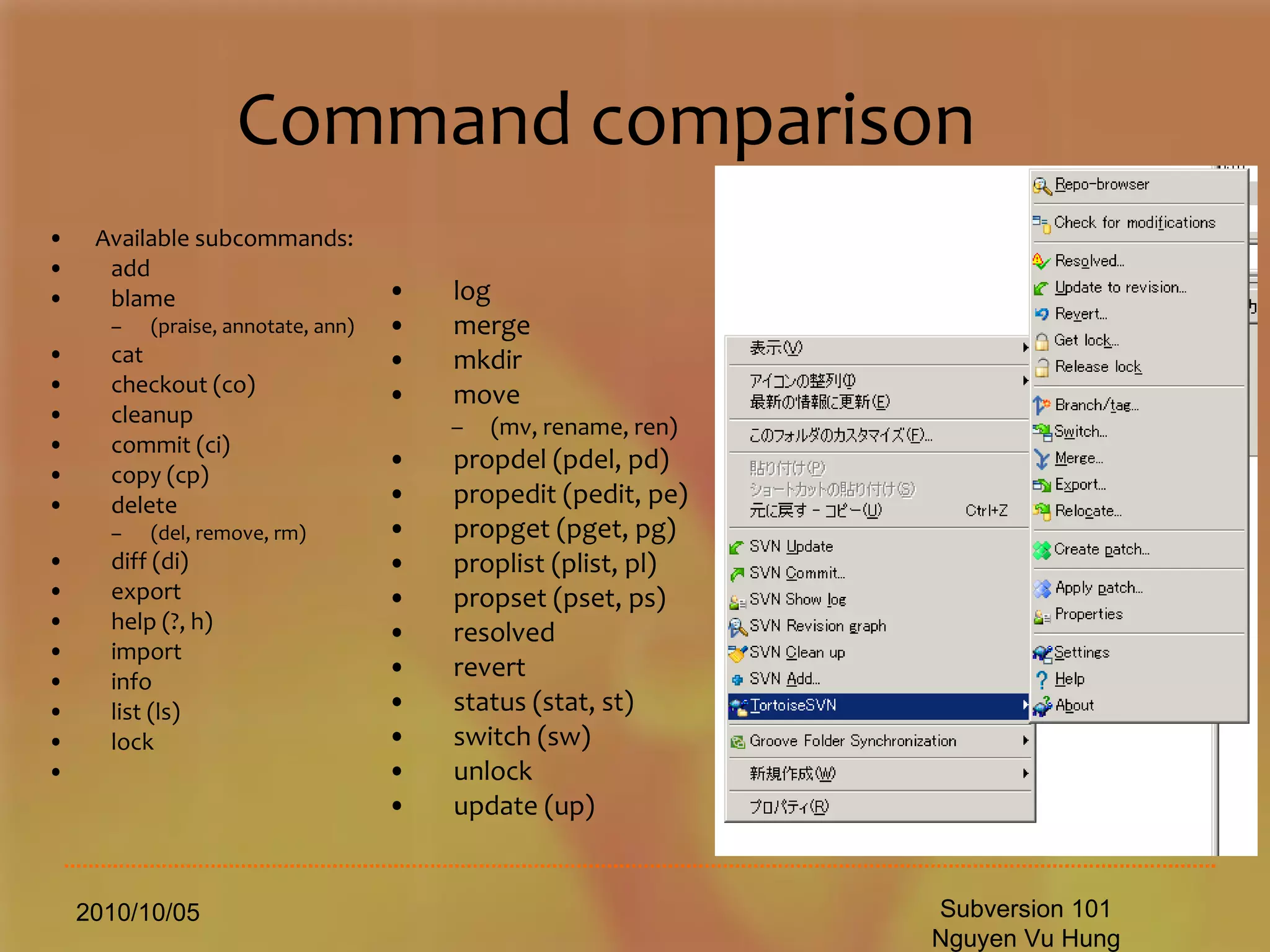
Command comparison Available subcommands: add blame  (praise, annotate, ann) cat checkout (co) cleanup commit (ci) copy (cp) delete  (del, remove, rm) diff (di) export help (?, h) import info list (ls) lock 2010/10/05 Subversion 101 Nguyen Vu Hung log merge mkdir move  (mv, rename, ren) propdel (pdel, pd) propedit (pedit, pe) propget (pget, pg) proplist (plist, pl) propset (pset, ps) resolved revert status (stat, st) switch (sw) unlock update (up)
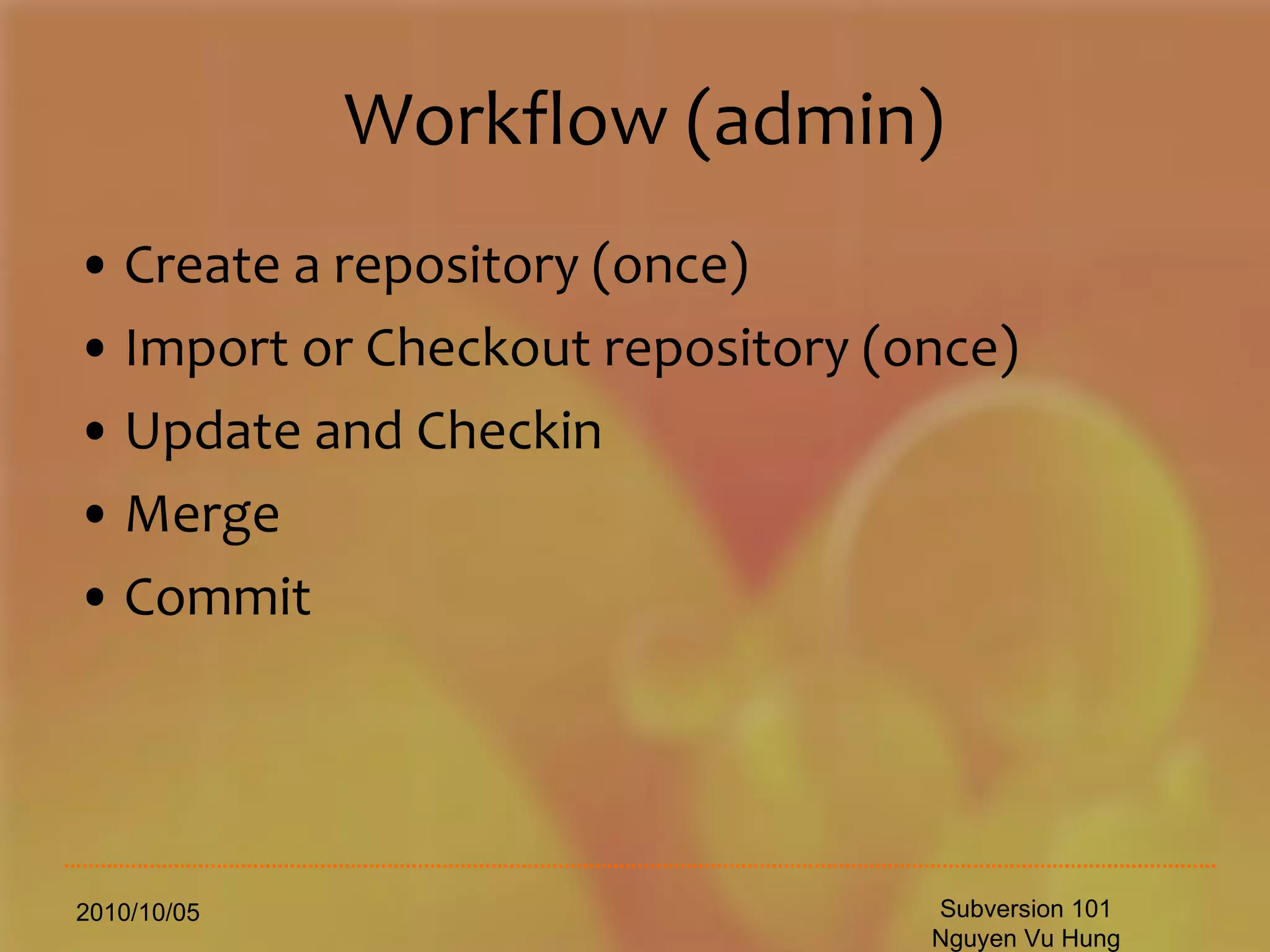
Workflow (admin) Create a repository (once) Import or Checkout repository (once) Update and Checkin Merge Commit 2010/10/05 Subversion 101 Nguyen Vu Hung
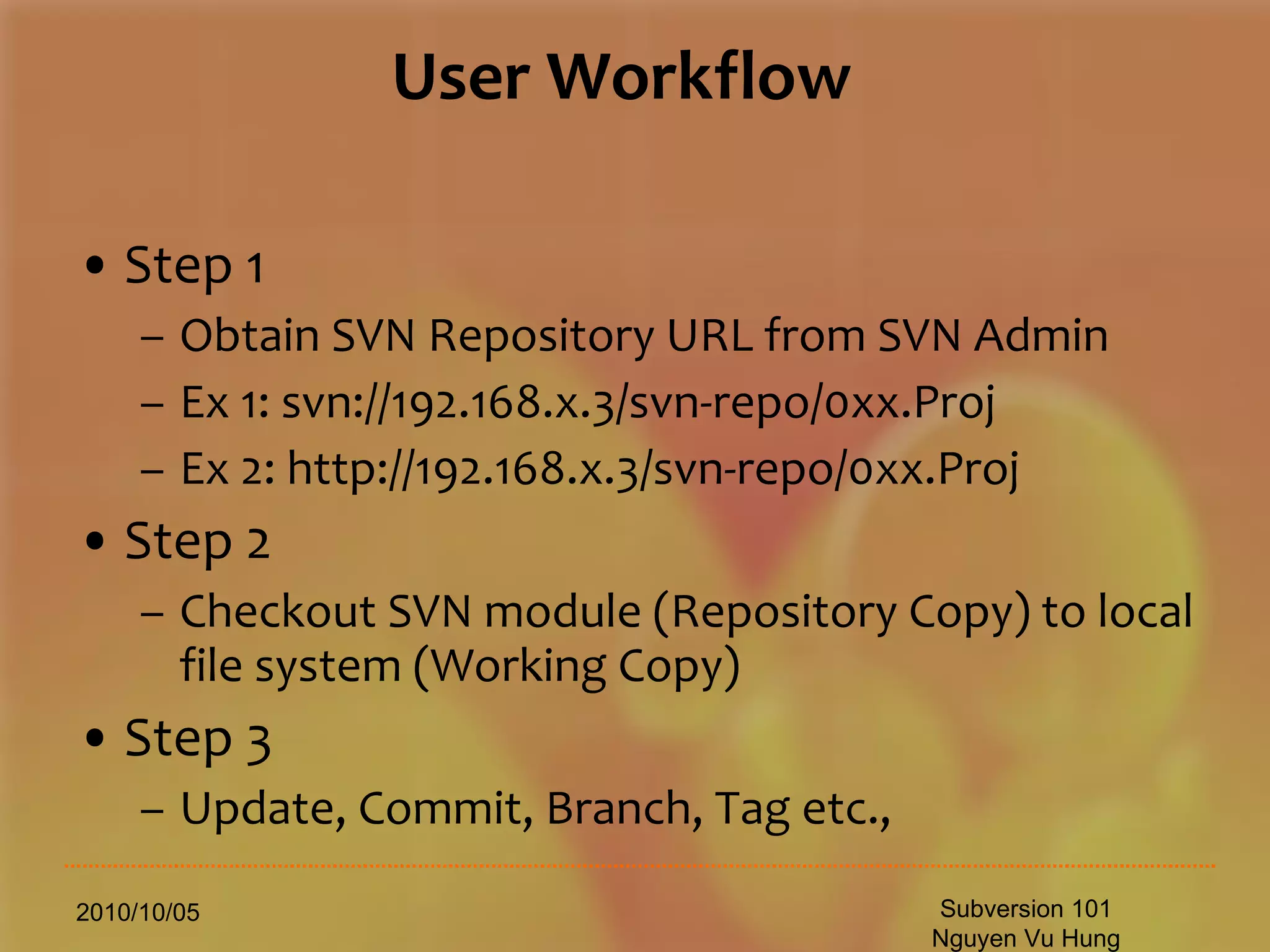
User Workflow Step 1 Obtain SVN Repository URL from SVN Admin Ex 1: svn://192.168.x.3/svn-repo/0xx.Proj Ex 2: http://192.168.x.3/svn-repo/0xx.Proj Step 2 Checkout SVN module (Repository Copy) to local file system (Working Copy) Step 3 Update, Commit, Branch, Tag etc., 2010/10/05 Subversion 101 Nguyen Vu Hung
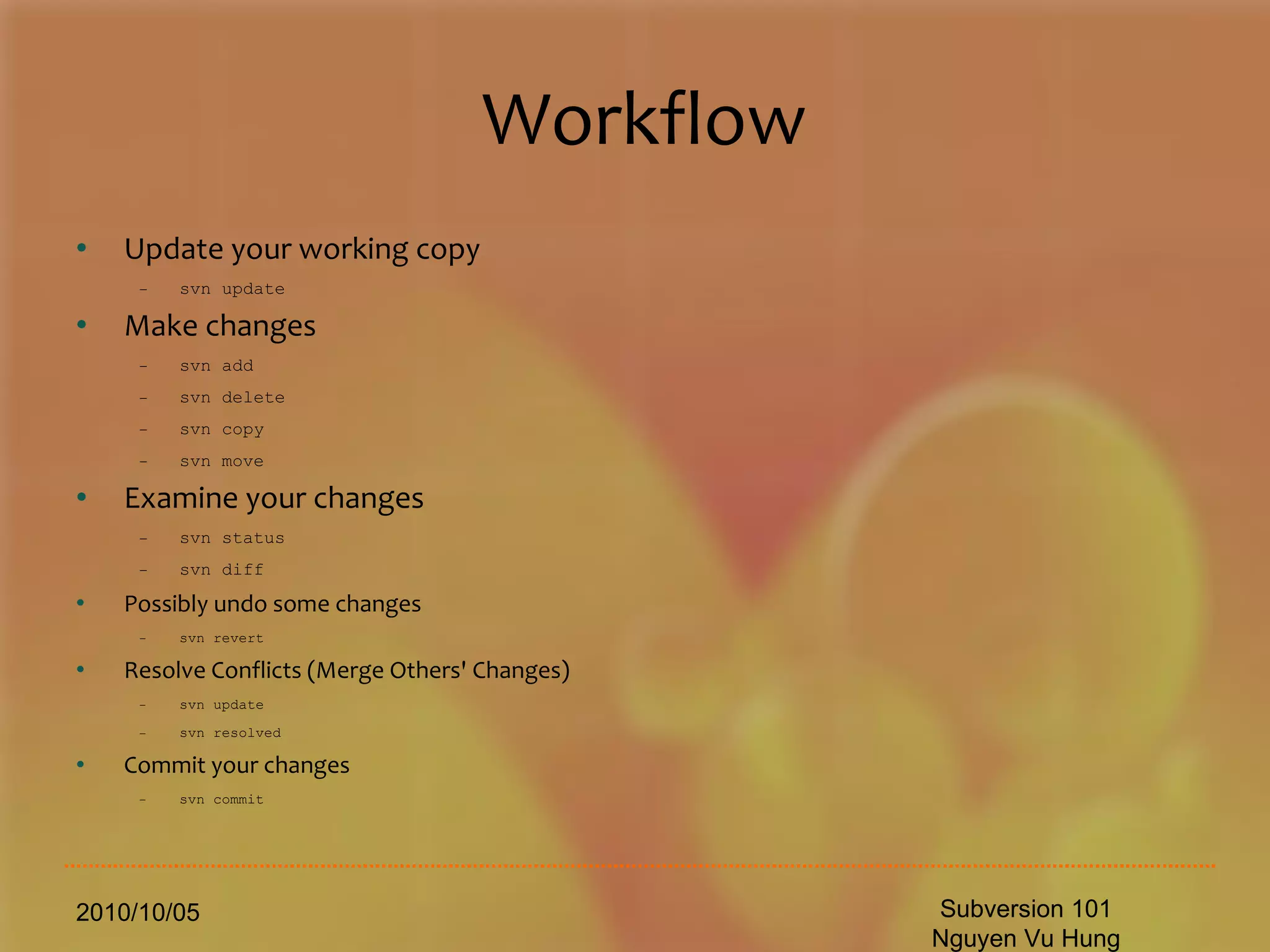
Workflow Update your working copy svn update Make changes svn add svn delete svn copy svn move Examine your changes svn status svn diff Possibly undo some changes svn revert Resolve Conflicts (Merge Others' Changes) svn update svn resolved Commit your changes svn commit 2010/10/05 Subversion 101 Nguyen Vu Hung
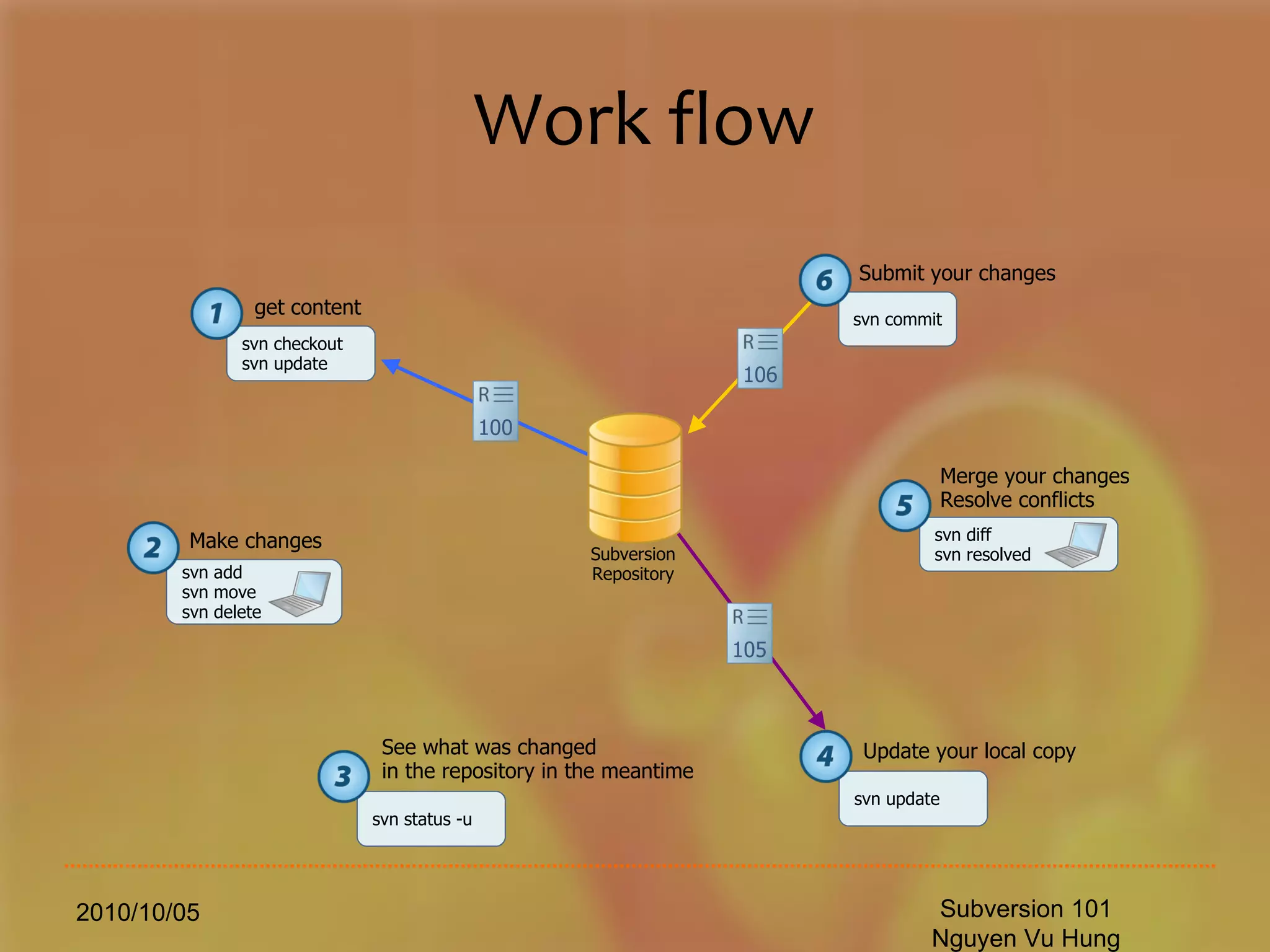
Work flow 2010/10/05 Subversion 101 Nguyen Vu Hung svn checkout svn update  get content svn add svn move svn delete Make changes svn status -u  See what was changed  in the repository in the meantime svn update Update your local copy svn diff svn resolved Merge your changes Resolve conflicts svn commit Submit your changes 105 100 106 Subversion Repository
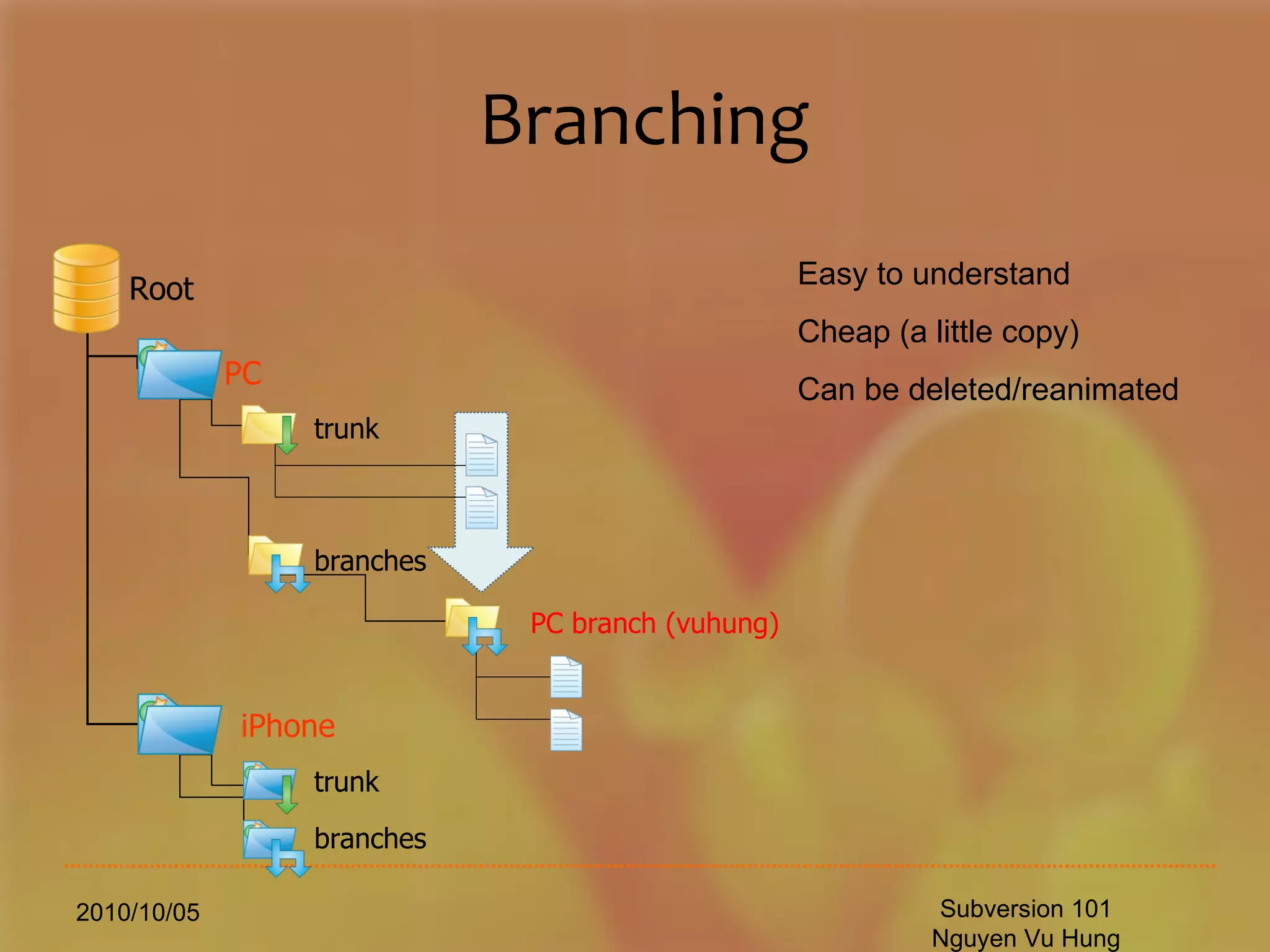
Branching 2010/10/05 Subversion 101 Nguyen Vu Hung branches   trunk PC Root iPhone PC  branch  (vuhung) branches   trunk Easy to understand Cheap (a little copy) Can be deleted/reanimated
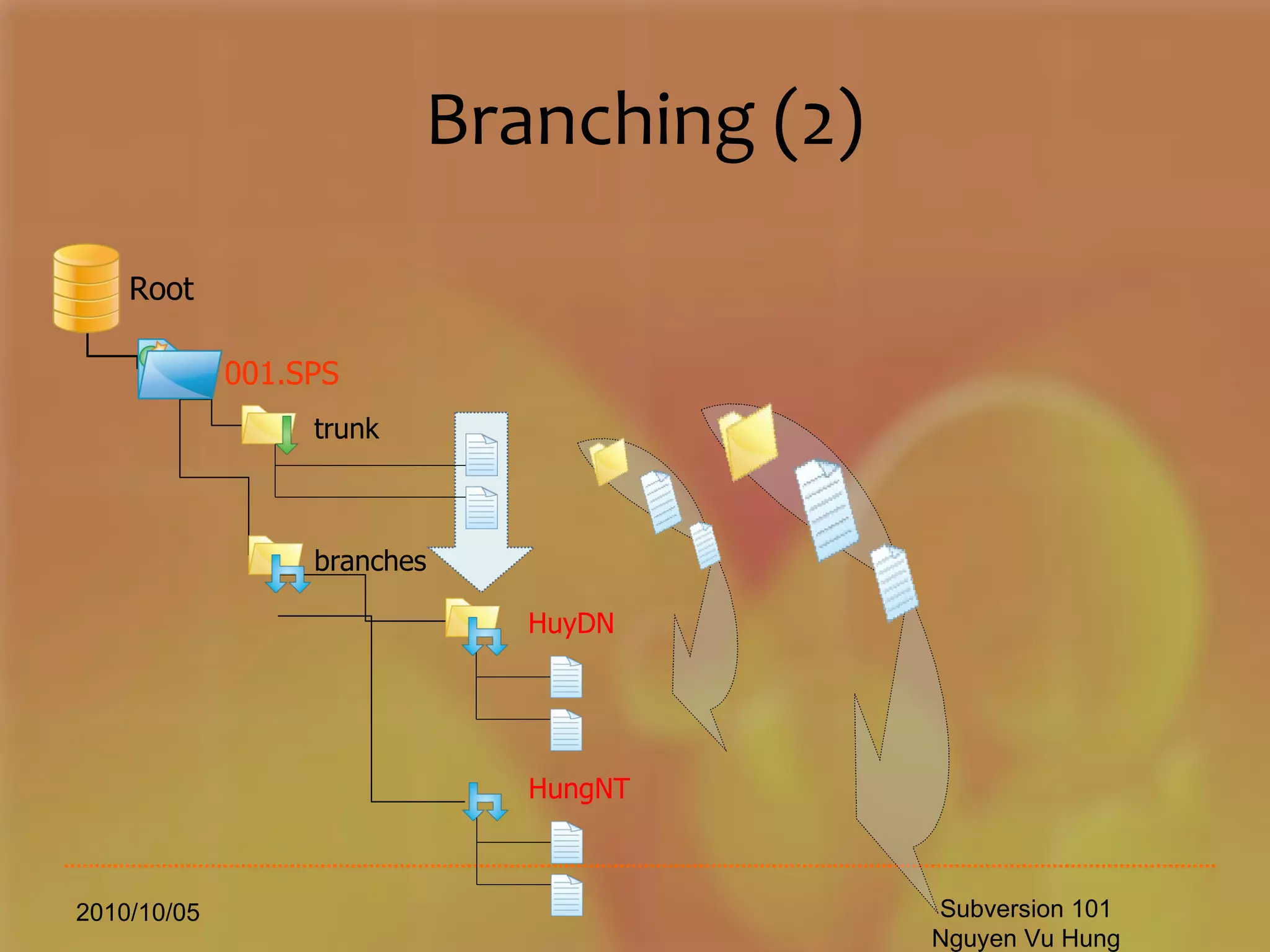
Branching (2) 2010/10/05 Subversion 101 Nguyen Vu Hung branches   trunk 001.SPS Root HuyDN HungNT
Staging 2010/10/05 Subversion 101 Nguyen Vu Hung Staging can be managed via folder structures tags Project  1 Root trunk Development stage (TestServer.biz) Releases for QA (Test [For the Customer]) Final Releases (ProductionServer.com) Dev QA Rel
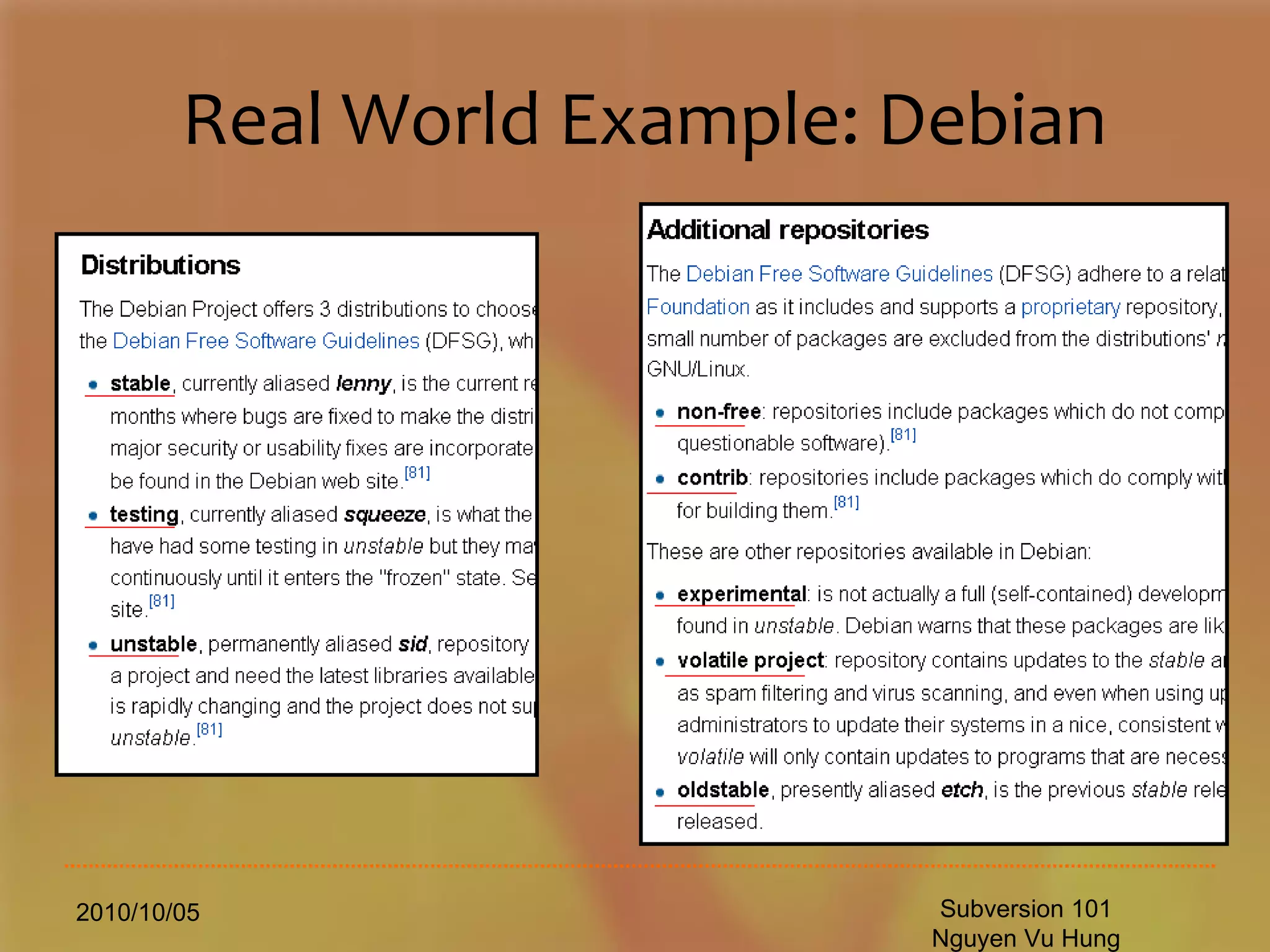
Real World Example: Debian 2010/10/05 Subversion 101 Nguyen Vu Hung
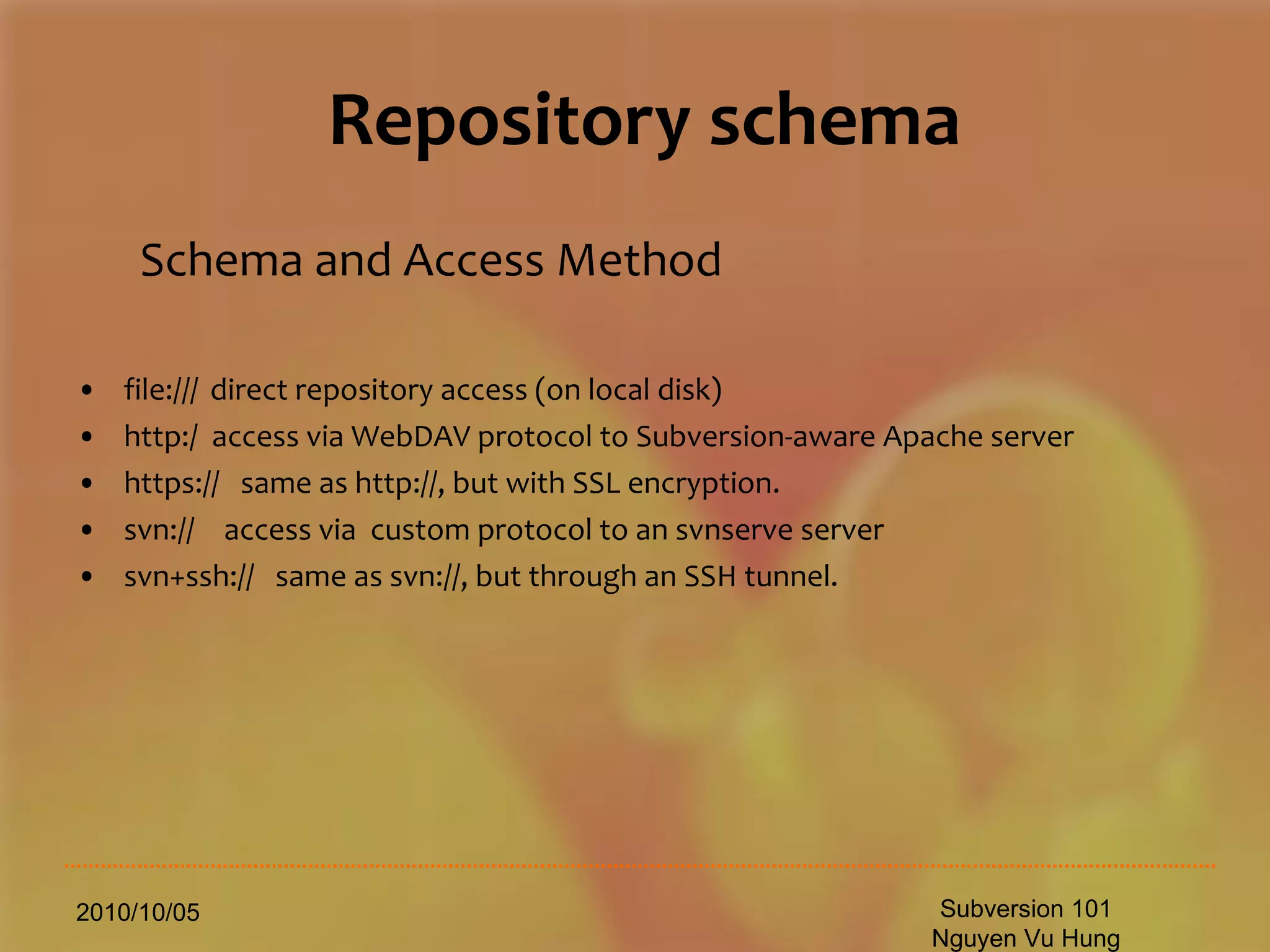
Repository schema Schema and Access Method file:///  direct repository access (on local disk) http:/  access via WebDAV protocol to Subversion-aware Apache server https://  same as http://, but with SSL encryption. svn://   access via  custom protocol to an svnserve server svn+ssh://  same as svn://, but through an SSH tunnel. 2010/10/05 Subversion 101 Nguyen Vu Hung
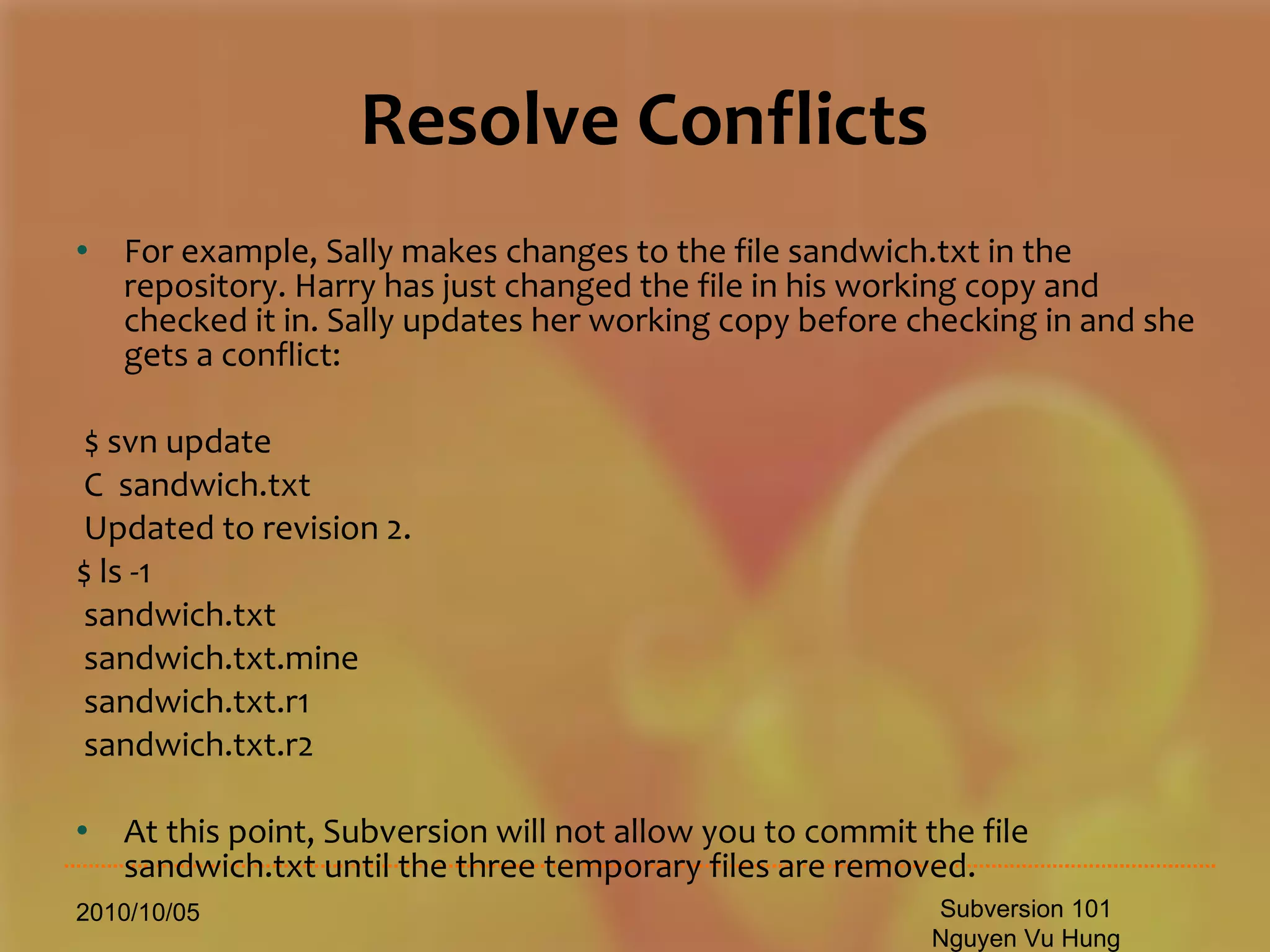
Resolve Conflicts For example, Sally makes changes to the file sandwich.txt in the repository. Harry has just changed the file in his working copy and checked it in. Sally updates her working copy before checking in and she gets a conflict: $ svn update C  sandwich.txt Updated to revision 2. $ ls -1 sandwich.txt sandwich.txt.mine sandwich.txt.r1 sandwich.txt.r2 At this point, Subversion will not allow you to commit the file sandwich.txt until the three temporary files are removed. 2010/10/05 Subversion 101 Nguyen Vu Hung
Resolove Conflicts $ svn commit -m &quot;Add a few more things&quot; svn: Commit failed (details follow): svn: Aborting commit: '/home/vuhung/work/sandwich.txt' remains in conflict If you get a conflict, you need to do one of three things: Merge the conflicted text “by hand” (by examining and editing the conflict markers within the file). Copy one of the temporary files on top of your working file. Run svn revert <filename> to throw away all of your local changes. Once you've resolved the conflict, you need to let Subversion know by running svn resolved. This removes the three temporary files and Subversion no longer considers the file to be in a state of conflict.[6] $ svn resolved sandwich.txt Resolved conflicted state of 'sandwich.txt' 2010/10/05 Subversion 101 Nguyen Vu Hung
Merge We both update the same file at the same time. What happens? Update tells me there is a conflict You checked yours in first I have to merge the two updates together. Before checking in 2010/10/05 Subversion 101 Nguyen Vu Hung
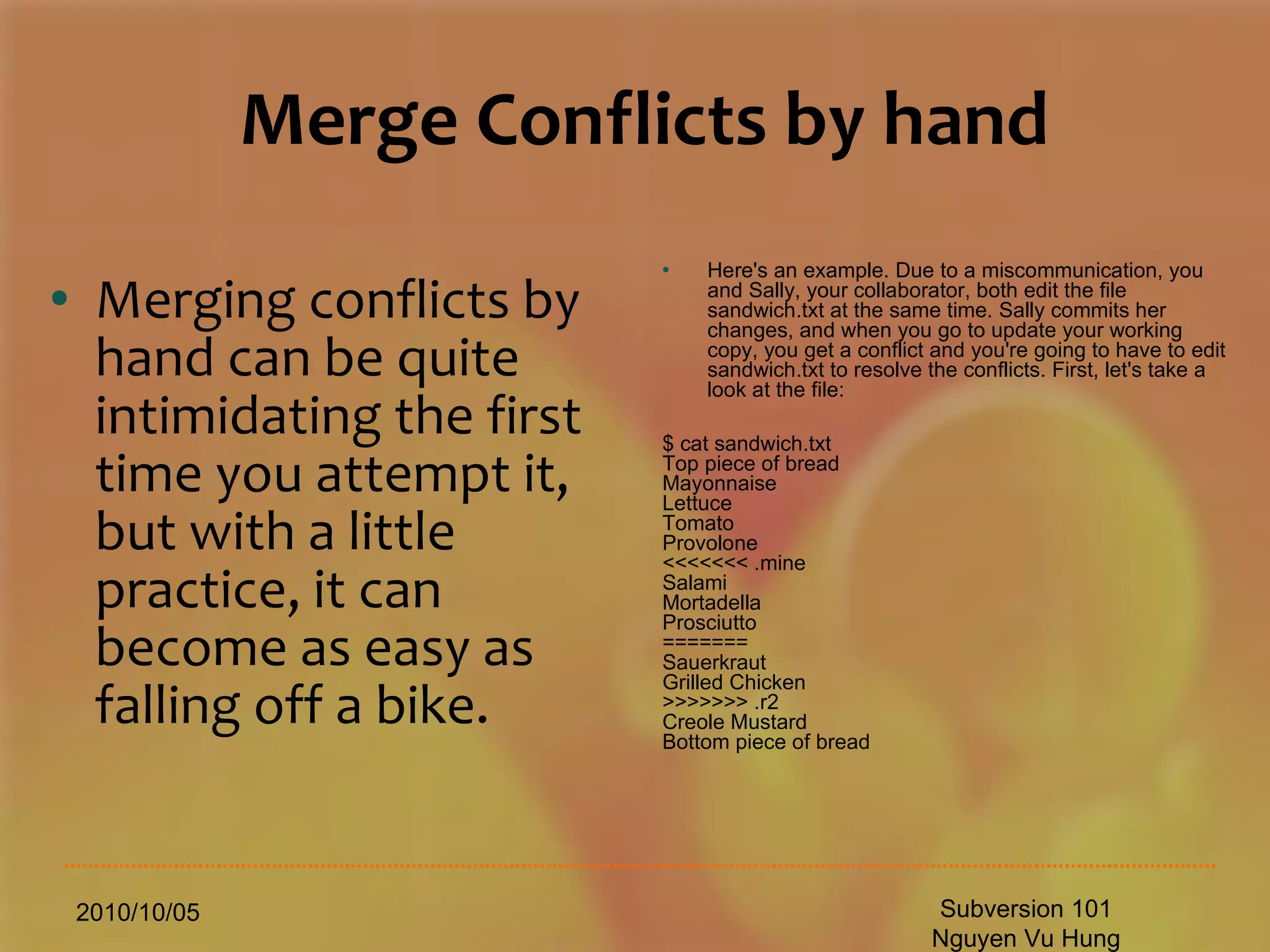
Merge Conflicts by hand Merging conflicts by hand can be quite intimidating the first time you attempt it, but with a little practice, it can become as easy as falling off a bike. 2010/10/05 Subversion 101 Nguyen Vu Hung Here's an example. Due to a miscommunication, you and Sally, your collaborator, both edit the file sandwich.txt at the same time. Sally commits her changes, and when you go to update your working copy, you get a conflict and you're going to have to edit sandwich.txt to resolve the conflicts. First, let's take a look at the file: $ cat sandwich.txt Top piece of bread Mayonnaise Lettuce Tomato Provolone <<<<<<< .mine Salami Mortadella Prosciutto ======= Sauerkraut Grilled Chicken >>>>>>> .r2 Creole Mustard Bottom piece of bread
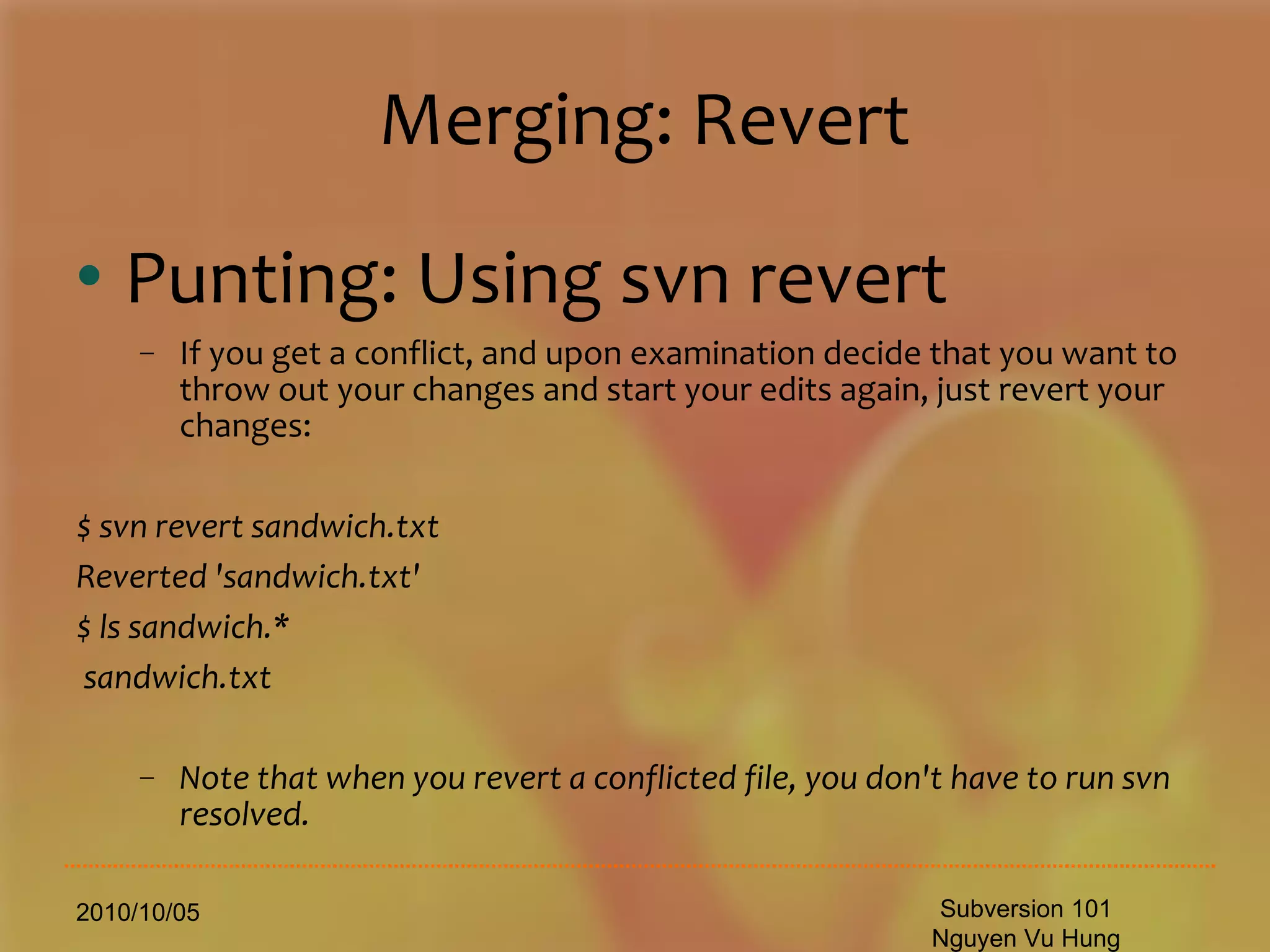
Merging: Revert Punting: Using svn revert If you get a conflict, and upon examination decide that you want to throw out your changes and start your edits again, just revert your changes: $ svn revert sandwich.txt Reverted 'sandwich.txt' $ ls sandwich.* sandwich.txt Note that when you revert a conflicted file, you don't have to run svn resolved. 2010/10/05 Subversion 101 Nguyen Vu Hung
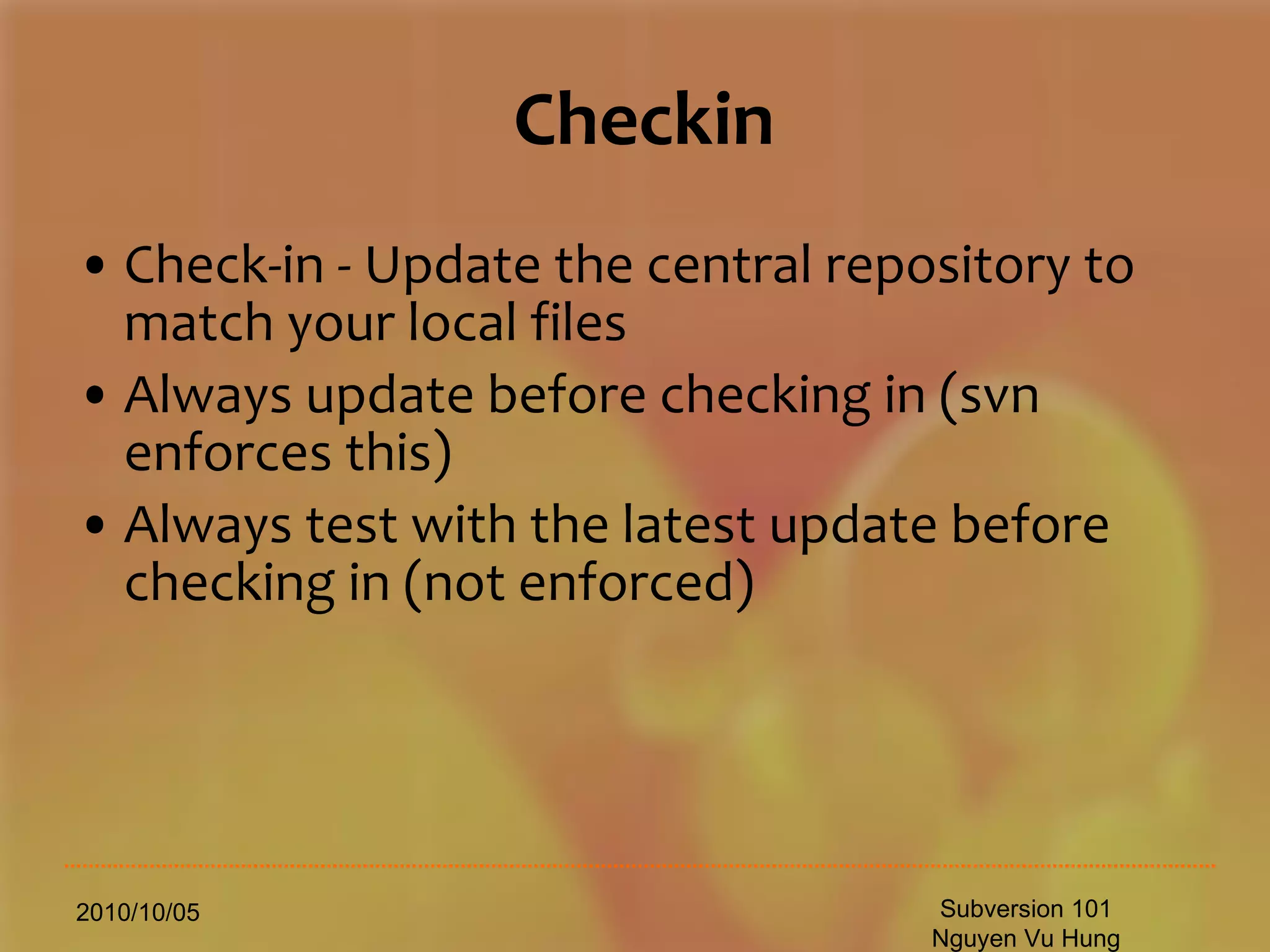
Checkin Check-in - Update the central repository to match your local files Always update before checking in (svn enforces this) Always test with the latest update before checking in (not enforced) 2010/10/05 Subversion 101 Nguyen Vu Hung
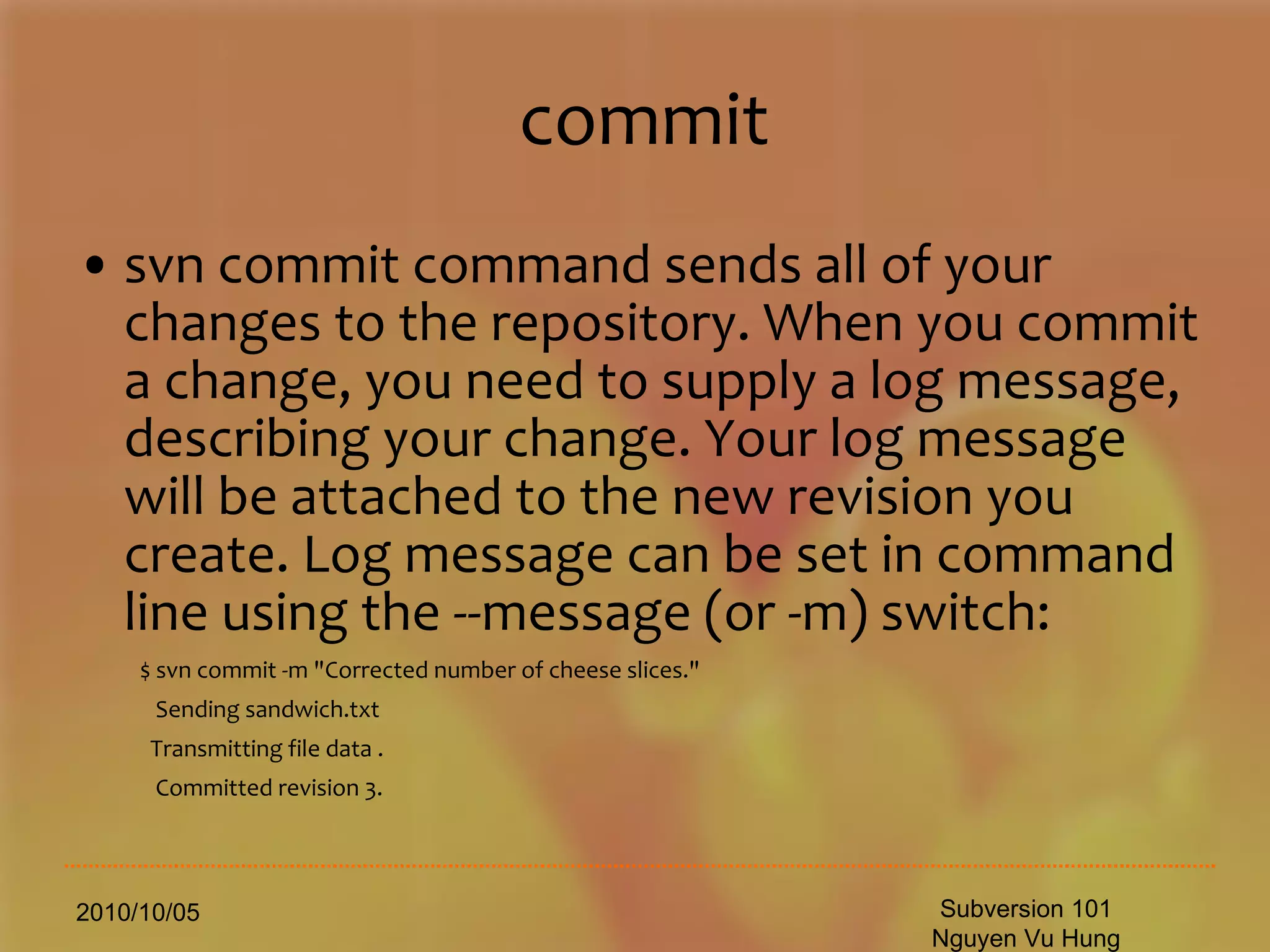
commit svn commit command sends all of your changes to the repository. When you commit a change, you need to supply a log message, describing your change. Your log message will be attached to the new revision you create. Log message can be set in command line using the --message (or -m) switch: $ svn commit -m &quot;Corrected number of cheese slices.&quot; Sending sandwich.txt Transmitting file data . Committed revision 3. 2010/10/05 Subversion 101 Nguyen Vu Hung
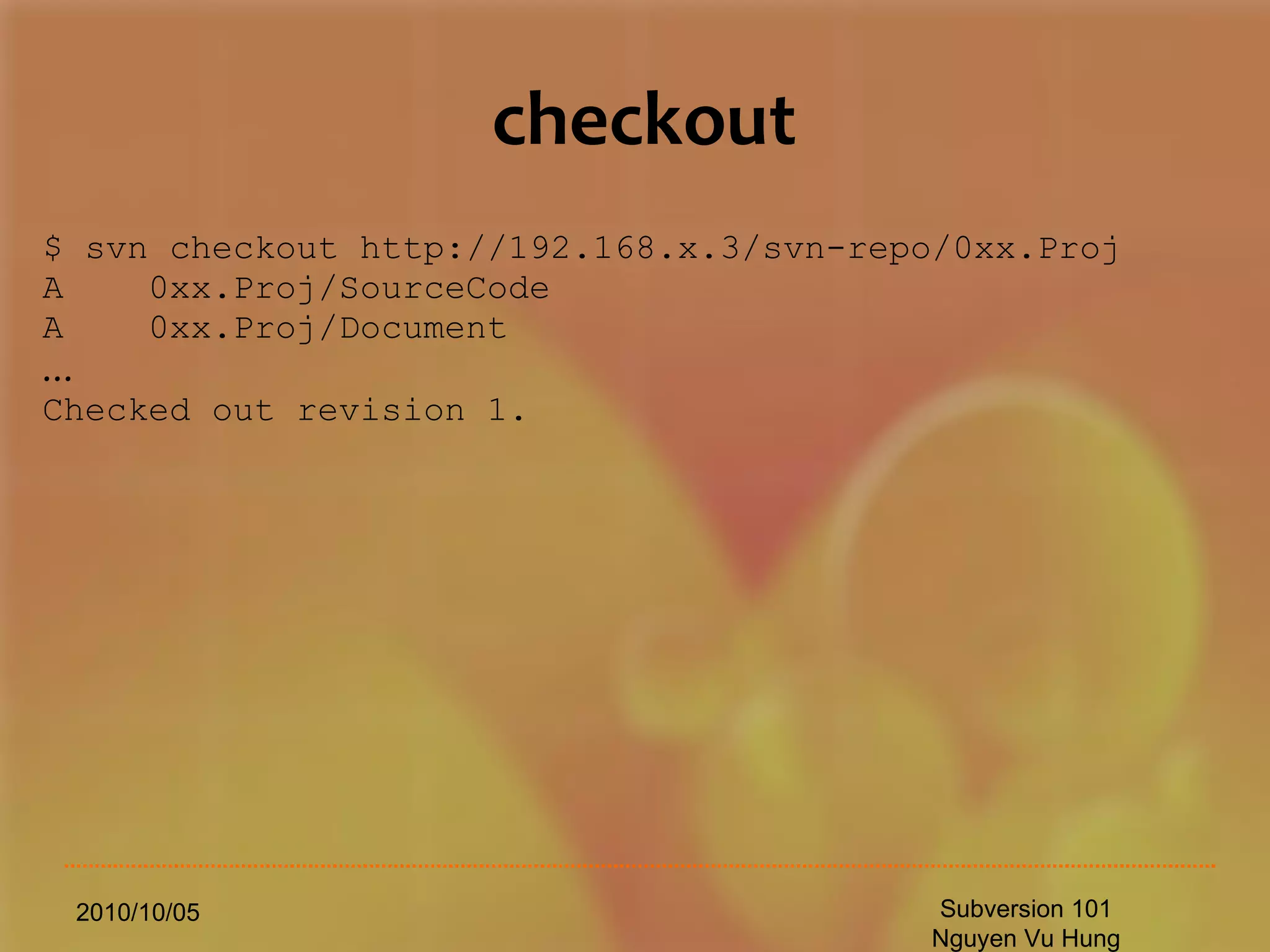
checkout $ svn checkout http://192.168.x.3/svn-repo/0xx.Proj A  0xx.Proj/SourceCode A  0xx.Proj/Document … Checked out revision 1. 2010/10/05 Subversion 101 Nguyen Vu Hung
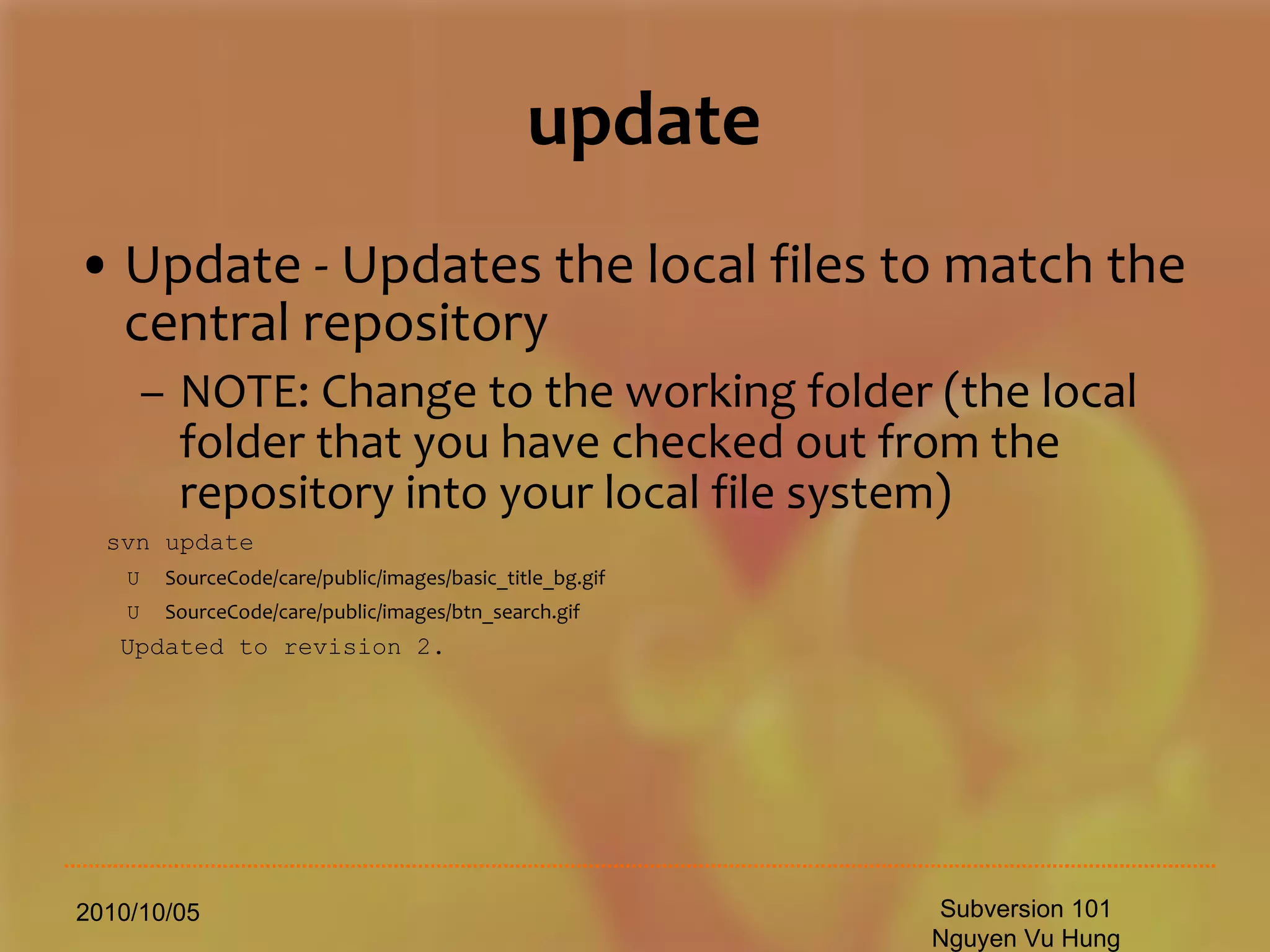
update Update - Updates the local files to match the central repository NOTE: Change to the working folder (the local folder that you have checked out from the repository into your local file system) svn update U  SourceCode/care/public/images/basic_title_bg.gif   U  SourceCode/care/public/images/btn_search.gif   Updated to revision 2. 2010/10/05 Subversion 101 Nguyen Vu Hung
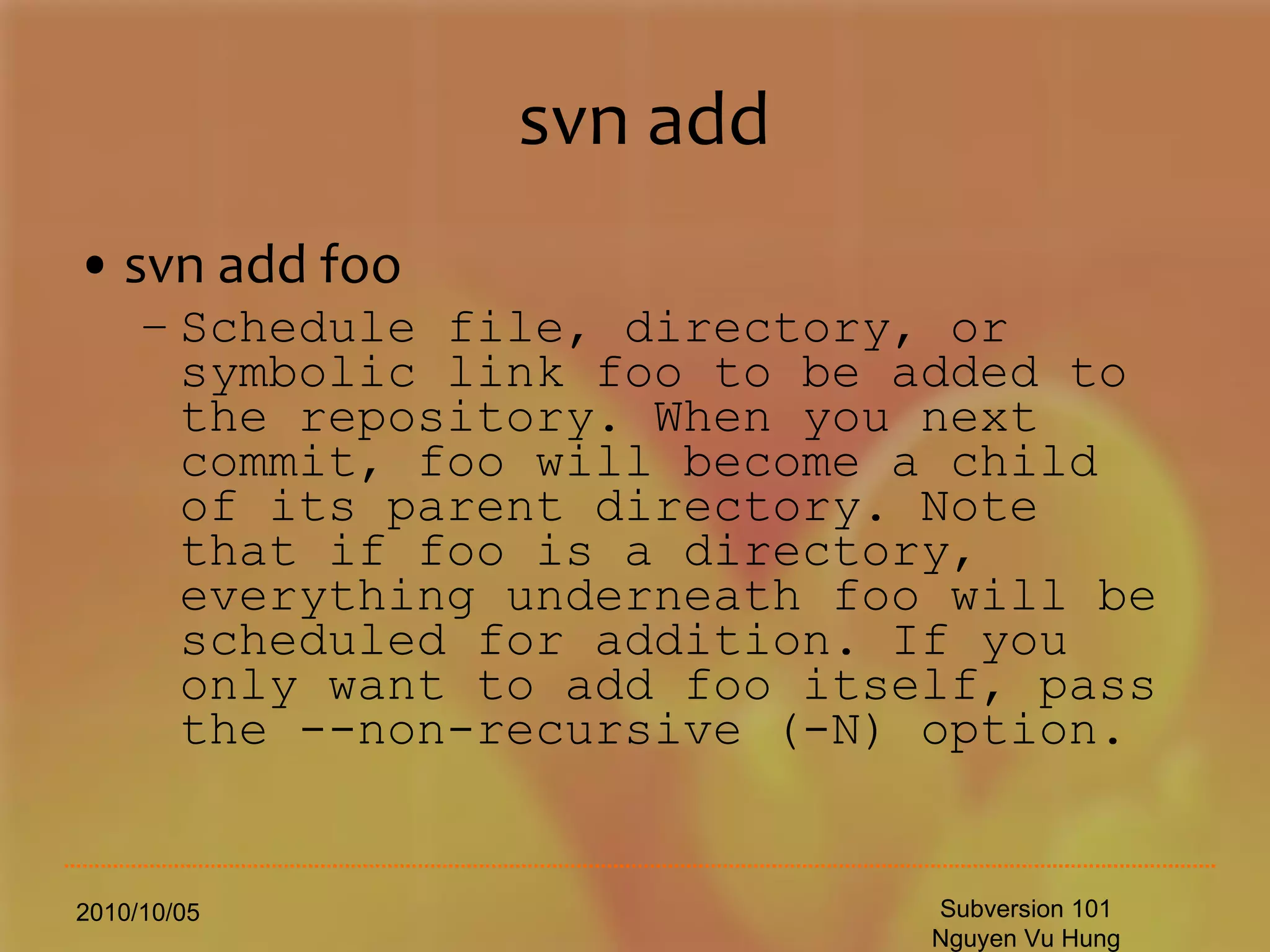
svn add svn add foo Schedule file, directory, or symbolic link foo to be added to the repository. When you next commit, foo will become a child of its parent directory. Note that if foo is a directory, everything underneath foo will be scheduled for addition. If you only want to add foo itself, pass the --non-recursive (-N) option. 2010/10/05 Subversion 101 Nguyen Vu Hung
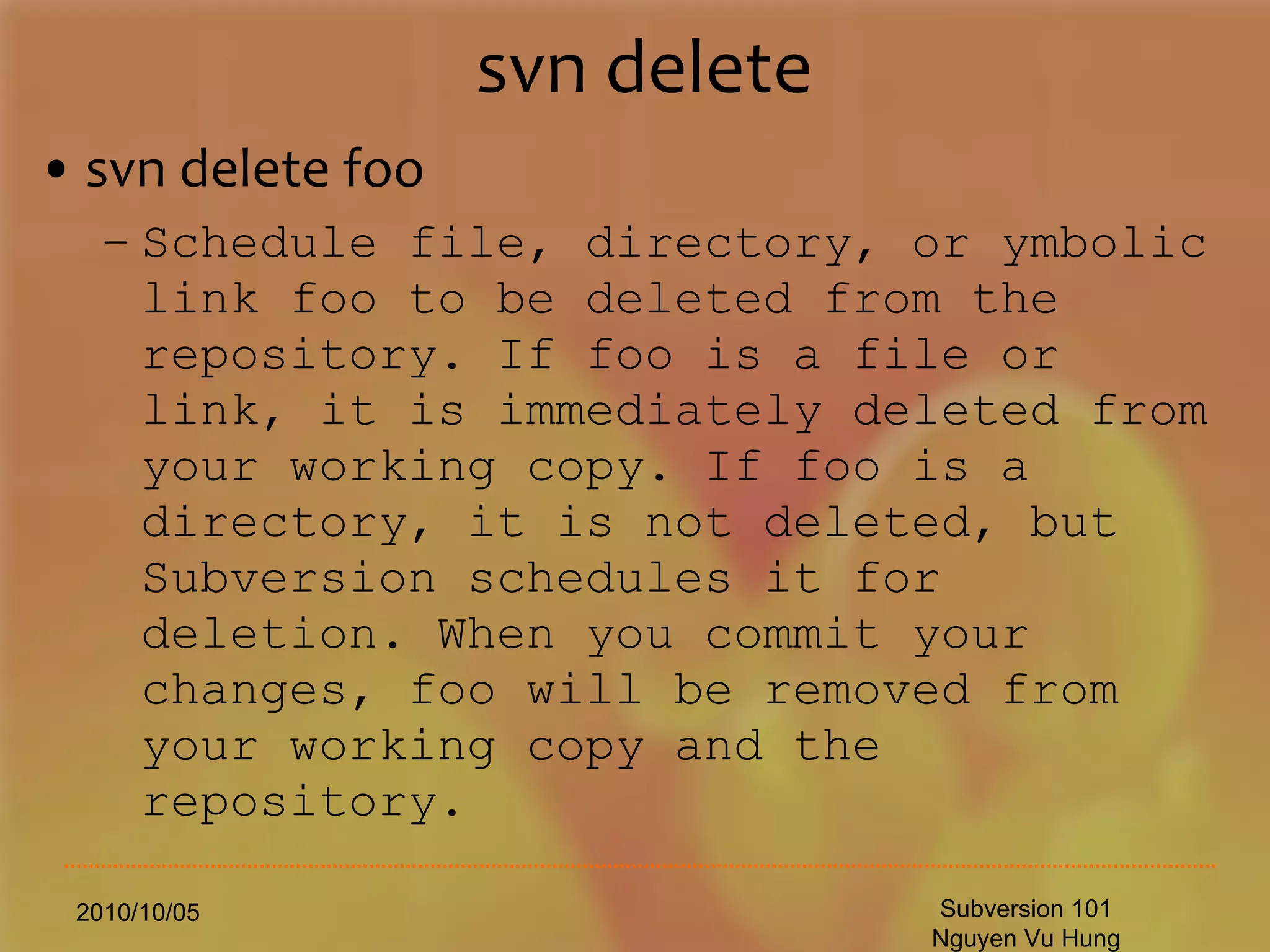
svn delete svn delete foo Schedule file, directory, or ymbolic link foo to be deleted from the repository. If foo is a file or link, it is immediately deleted from your working copy. If foo is a directory, it is not deleted, but Subversion schedules it for deletion. When you commit your changes, foo will be removed from your working copy and the repository. 2010/10/05 Subversion 101 Nguyen Vu Hung
svn copy svn copy foo bar Create a new item bar as a duplicate of foo and automatically schedule bar for addition. When bar is added to the repository on the next commit, its copy history is recorded (as having originally come from foo). svn copy does not create intermediate directories. 2010/10/05 Subversion 101 Nguyen Vu Hung
svn move svn move foo bar This command is exactly the same as running svn copy foo bar; svn delete foo. That is, bar is scheduled for addition as a copy of foo, and foo is scheduled for removal. svn move does not create intermediate directories. 2010/10/05 Subversion 101 Nguyen Vu Hung
svn mkdir svn mkdir blort This command is exactly the same as running mkdir blort; svn add blort. That is, a new directory named blort is created and scheduled for addition. 2010/10/05 Subversion 101 Nguyen Vu Hung
svn update (2) Update working copy Update all files and directories to the most current version $svn update Go to a particular older revision for all files and directories $% svn update  – r 1345 I want an even older version of svn-doc.el $% svn update  – r 999 FolderName Update output and what it means U  `foo' File `foo' was (U)pdated (received changes from the server.) A  `foo' File or directory `foo' was (A)dded to your working copy. D  `foo' File or directory `foo' was (D)eleted from your working copy. R  `foo' File or directory `foo' was (R)eplaced in your working copy; that is, `foo' was deleted, and a new item with the same name was added.  While they may have the same name, the repository considers them to be distinct objects with distinct histories. G  `foo' File `foo' received new changes, but also had changes of your own to begin with.  The changes did not intersect, however, so Subversion has mer(G)ed the repository's changes into the file without a problem. C  `foo' File `foo' received (C)onflicting changes from the server.  The changes from the server directly overlap your own changes to the file.  No need to panic, though.  This overlap needs to be resolved by a human (you). 2010/10/05 Subversion 101 Nguyen Vu Hung
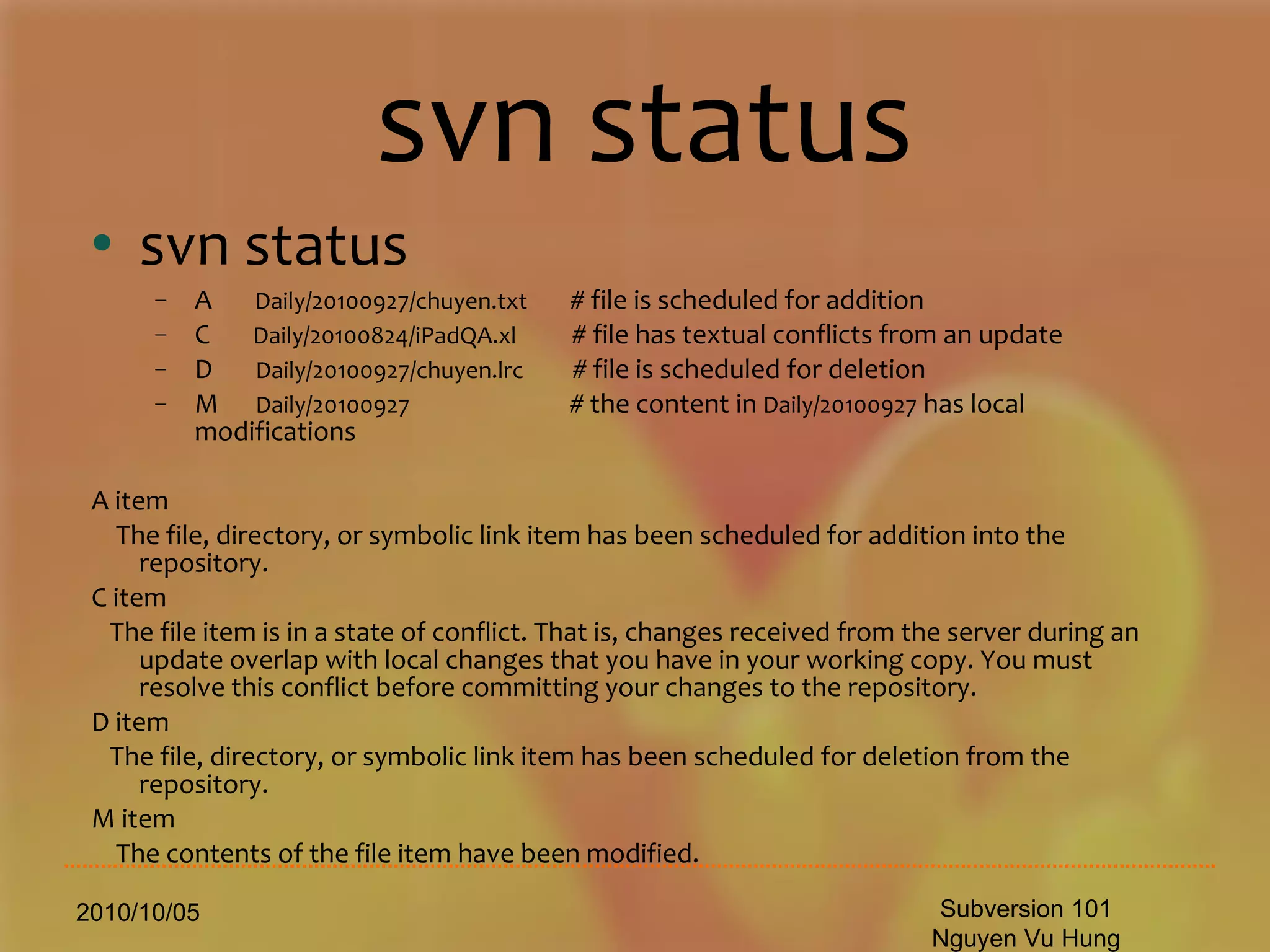
svn status svn status A  Daily/20100927/chuyen.txt   # file is scheduled for addition C  Daily/20100824/iPadQA.xl  # file has textual conflicts from an update D  Daily/20100927/chuyen.lrc   # file is scheduled for deletion M  Daily/20100927   # the content in  Daily/20100927  has local modifications A item The file, directory, or symbolic link item has been scheduled for addition into the repository. C item The file item is in a state of conflict. That is, changes received from the server during an update overlap with local changes that you have in your working copy. You must resolve this conflict before committing your changes to the repository. D item The file, directory, or symbolic link item has been scheduled for deletion from the repository. M item The contents of the file item have been modified. 2010/10/05 Subversion 101 Nguyen Vu Hung
Svn diff 2010/10/05 Subversion 101 Nguyen Vu Hung [vuhung@ 20100927]$ svn diff . Index: chuyen.lrc =================================================================== --- chuyen.lrc  (revision 166) +++ chuyen.lrc  (working copy) @@ -5,15 +5,15 @@ [00:15.83]chieu  ngoai  o,  gio  khe  dua  toc  em  [00:26.51]Cong  cong  con  duong  uon  quanh.  -[00:30.71]chieu  dao  pho,  chieu  mang  chut  huong  thanh  binh  [00:46.72]Thuong  anh  yeu  anh  em  uoc  mo.  -[01:01.23]Uoc  mo  nho  be  trong  doi  +[01:01.23]Uoc va  mo  nho  be  trong  doi  [01:16.11]UOc  mo  cho  tinh  yeu  len  hat  sac  xuan  +[01:16.11]UOc  mo  cho  tinh  yeu  len  hat  sac  xuan  [01:21.19]Uoc  mo  la  la  tren  canh  [01:27.07]Nguoc  mat  thay  bao  giac  mo.  @@ -44,4 +44,4 @@ [03:53.07]??c  m?  nh?  be  trong  ??i  [03:58.84]Ng??c  m?t  th?y  bao  gi?c  m?. -[04:10:10] \ No newline at end of file +[04:10:10]
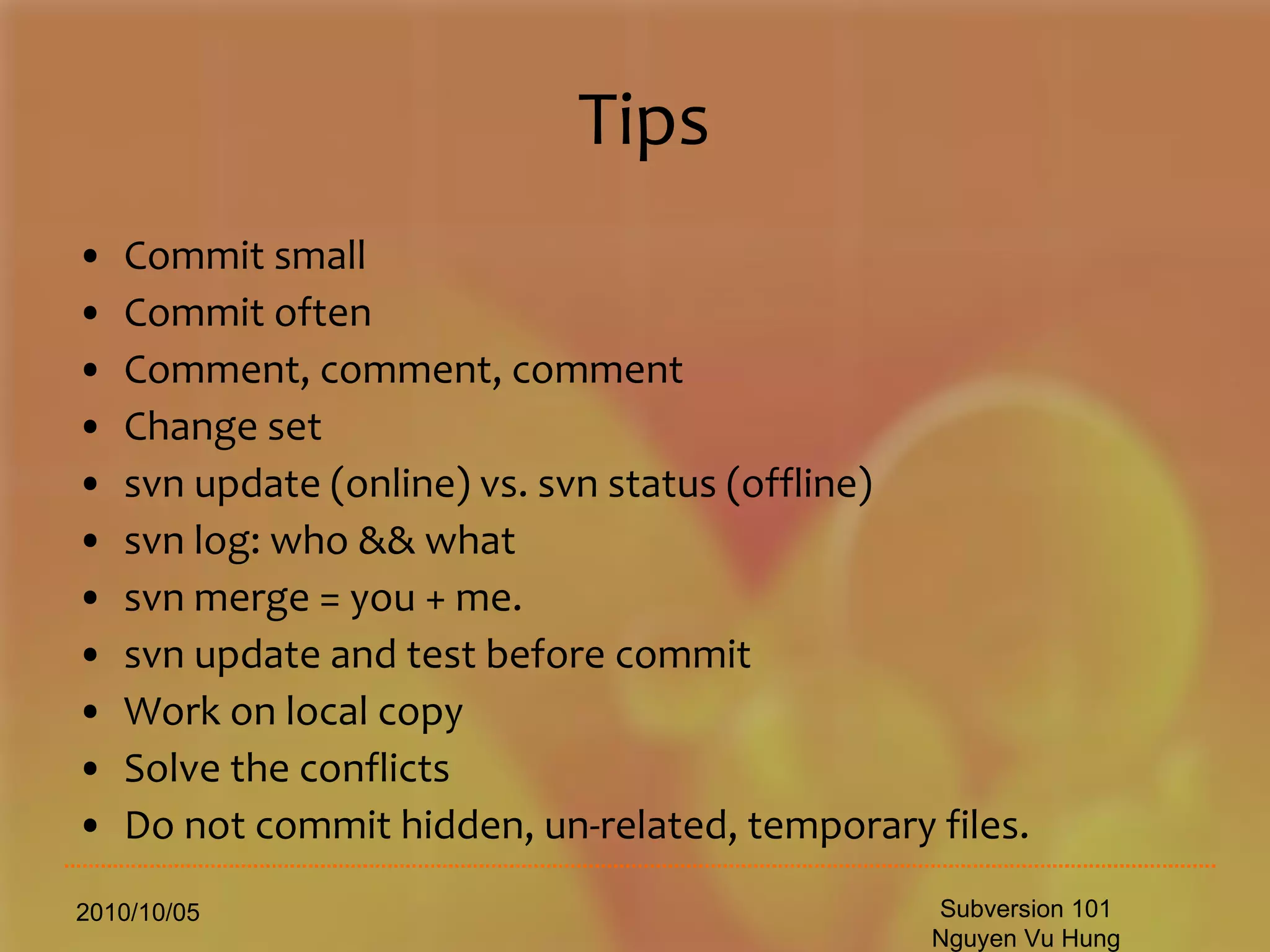
Tips Commit small Commit often Comment, comment, comment Change set svn update (online) vs. svn status (offline) svn log: who && what svn merge = you + me. svn update and test before commit Work on local copy Solve the conflicts Do not commit hidden, un-related, temporary files. 2010/10/05 Subversion 101 Nguyen Vu Hung
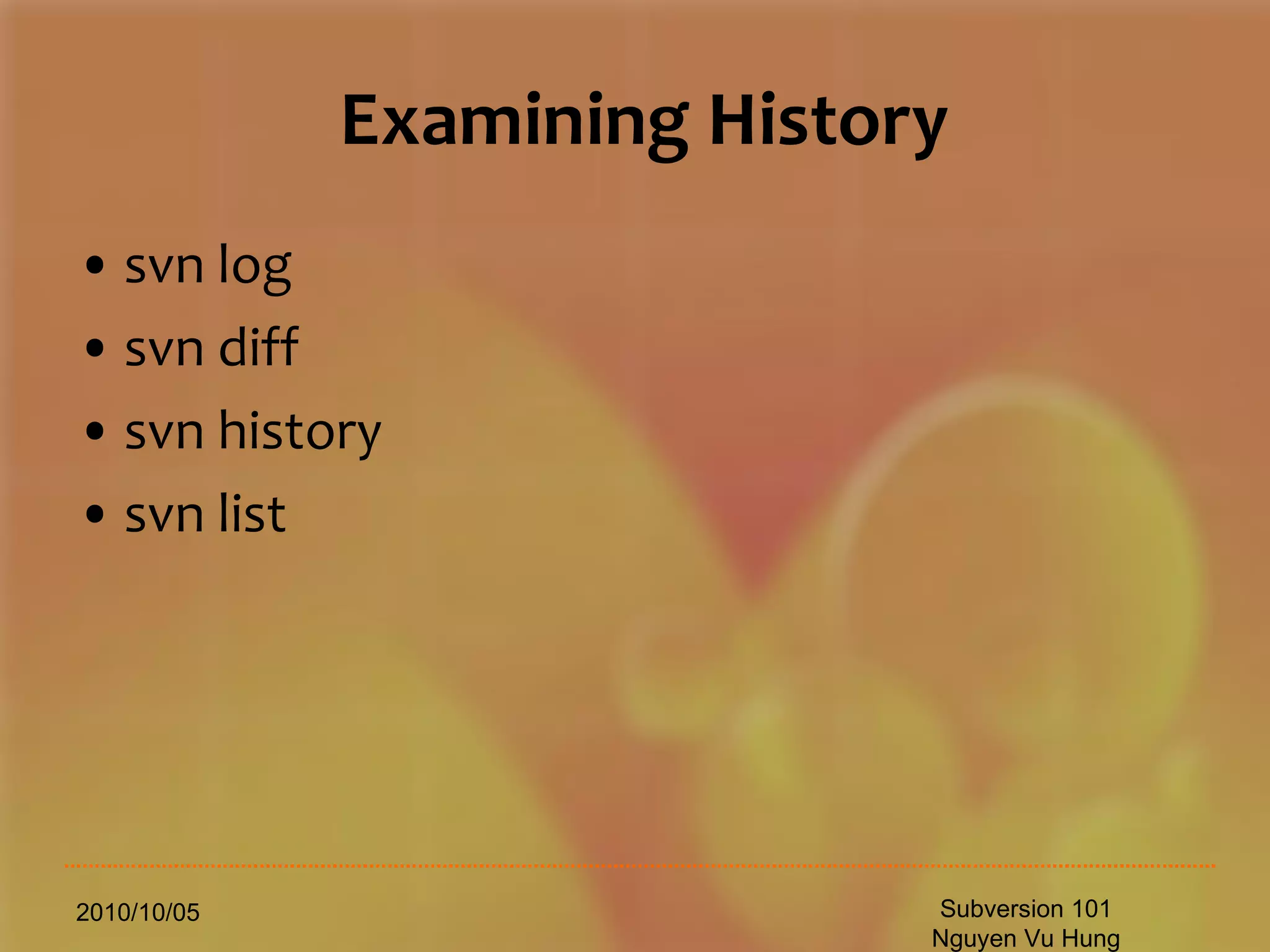
Examining History svn log svn diff svn history svn list 2010/10/05 Subversion 101 Nguyen Vu Hung
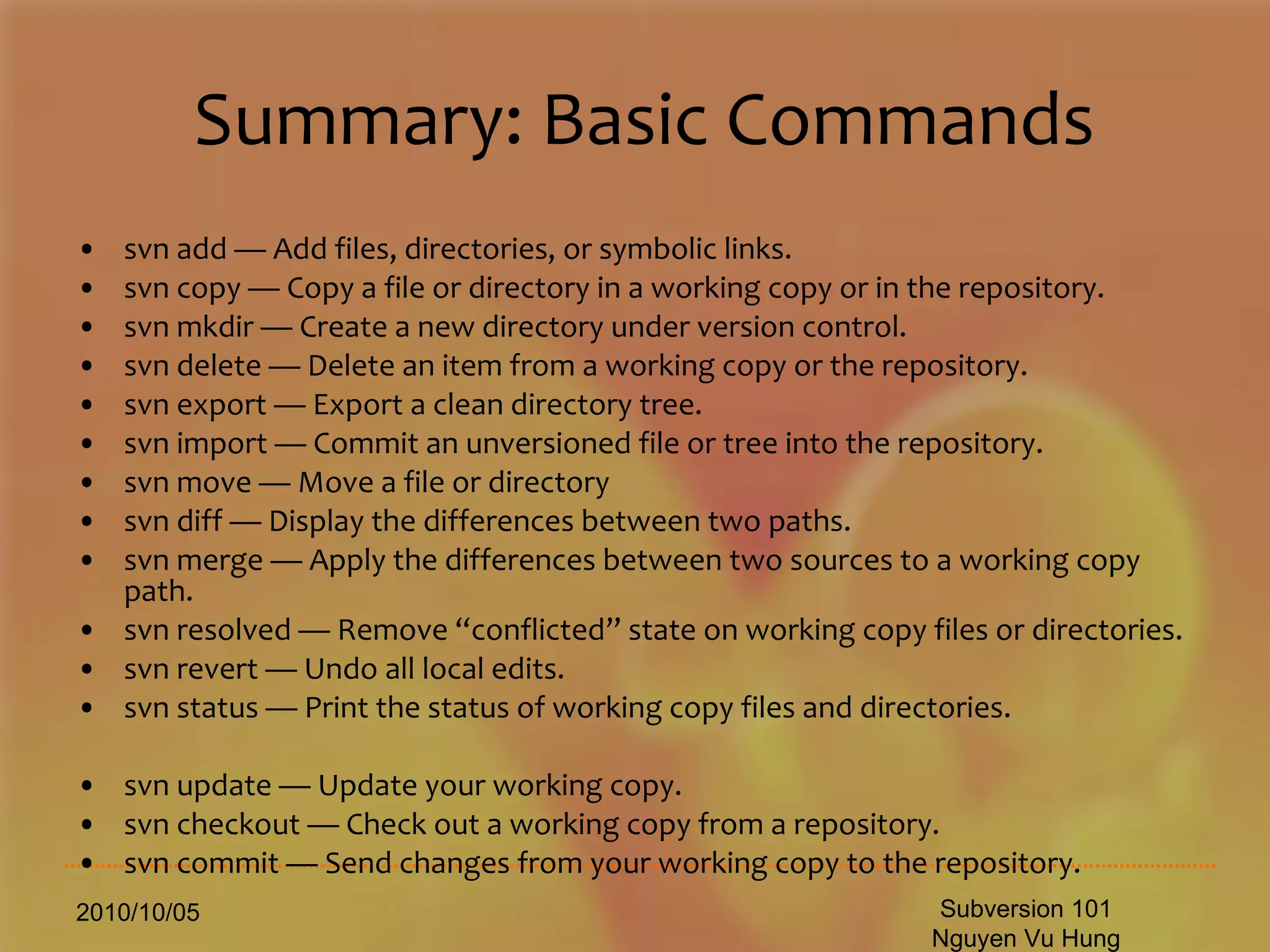
Summary: Basic Commands svn add — Add files, directories, or symbolic links. svn copy — Copy a file or directory in a working copy or in the repository. svn mkdir — Create a new directory under version control. svn delete — Delete an item from a working copy or the repository. svn export — Export a clean directory tree. svn import — Commit an unversioned file or tree into the repository. svn move — Move a file or directory  svn diff — Display the differences between two paths. svn merge — Apply the differences between two sources to a working copy path. svn resolved — Remove “conflicted” state on working copy files or directories. svn revert — Undo all local edits. svn status — Print the status of working copy files and directories.  svn update — Update your working copy. svn checkout — Check out a working copy from a repository. svn commit — Send changes from your working copy to the repository.  2010/10/05 Subversion 101 Nguyen Vu Hung
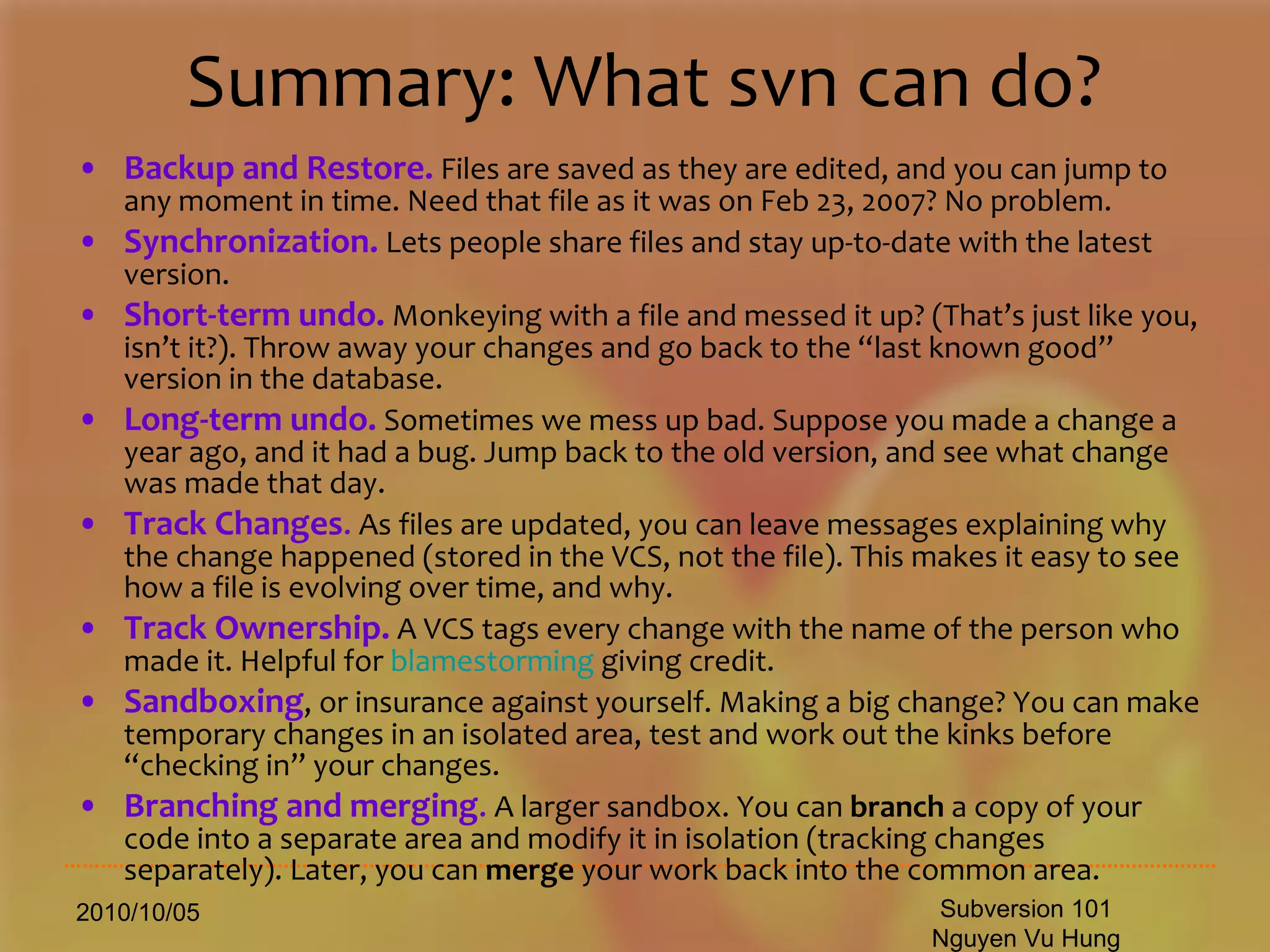
Summary: What svn can do? Backup and Restore.  Files are saved as they are edited, and you can jump to any moment in time. Need that file as it was on Feb 23, 2007? No problem.  Synchronization.  Lets people share files and stay up-to-date with the latest version.  Short-term undo.  Monkeying with a file and messed it up? (That’s just like you, isn’t it?). Throw away your changes and go back to the “last known good” version in the database.  Long-term undo.  Sometimes we mess up bad. Suppose you made a change a year ago, and it had a bug. Jump back to the old version, and see what change was made that day.  Track Changes .  As files are updated, you can leave messages explaining why the change happened (stored in the VCS, not the file). This makes it easy to see how a file is evolving over time, and why.  Track Ownership.  A VCS tags every change with the name of the person who made it. Helpful for  blamestorming  giving credit.  Sandboxing , or insurance against yourself. Making a big change? You can make temporary changes in an isolated area, test and work out the kinks before “checking in” your changes.  Branching and merging .  A larger sandbox. You can  branch  a copy of your code into a separate area and modify it in isolation (tracking changes separately). Later, you can  merge  your work back into the common area.  2010/10/05 Subversion 101 Nguyen Vu Hung
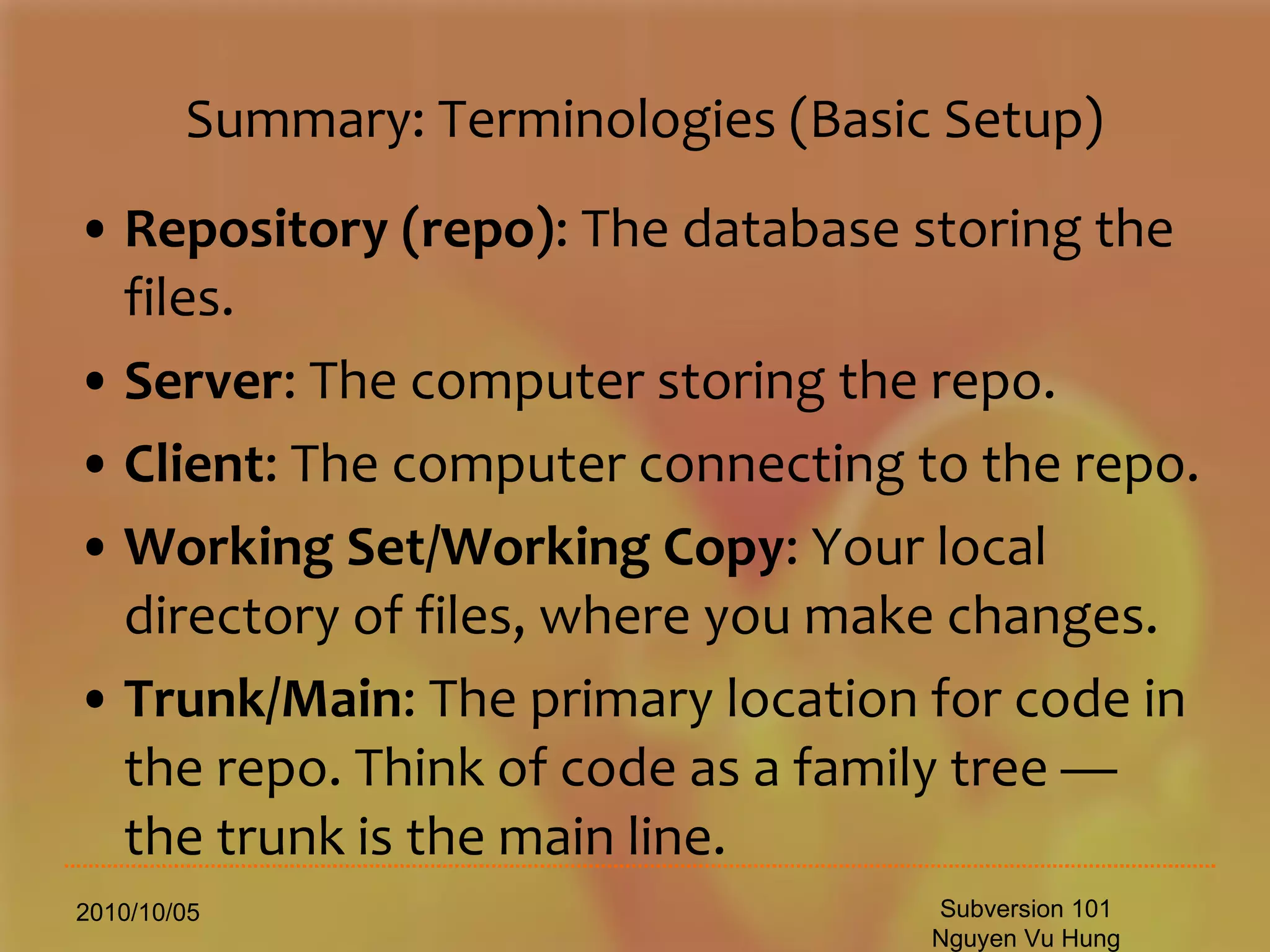
Summary: Terminologies (Basic Setup) Repository (repo) : The database storing the files.  Server : The computer storing the repo.  Client : The computer connecting to the repo.  Working Set/Working Copy : Your local directory of files, where you make changes.  Trunk/Main : The primary location for code in the repo. Think of code as a family tree — the trunk is the main line.  2010/10/05 Subversion 101 Nguyen Vu Hung
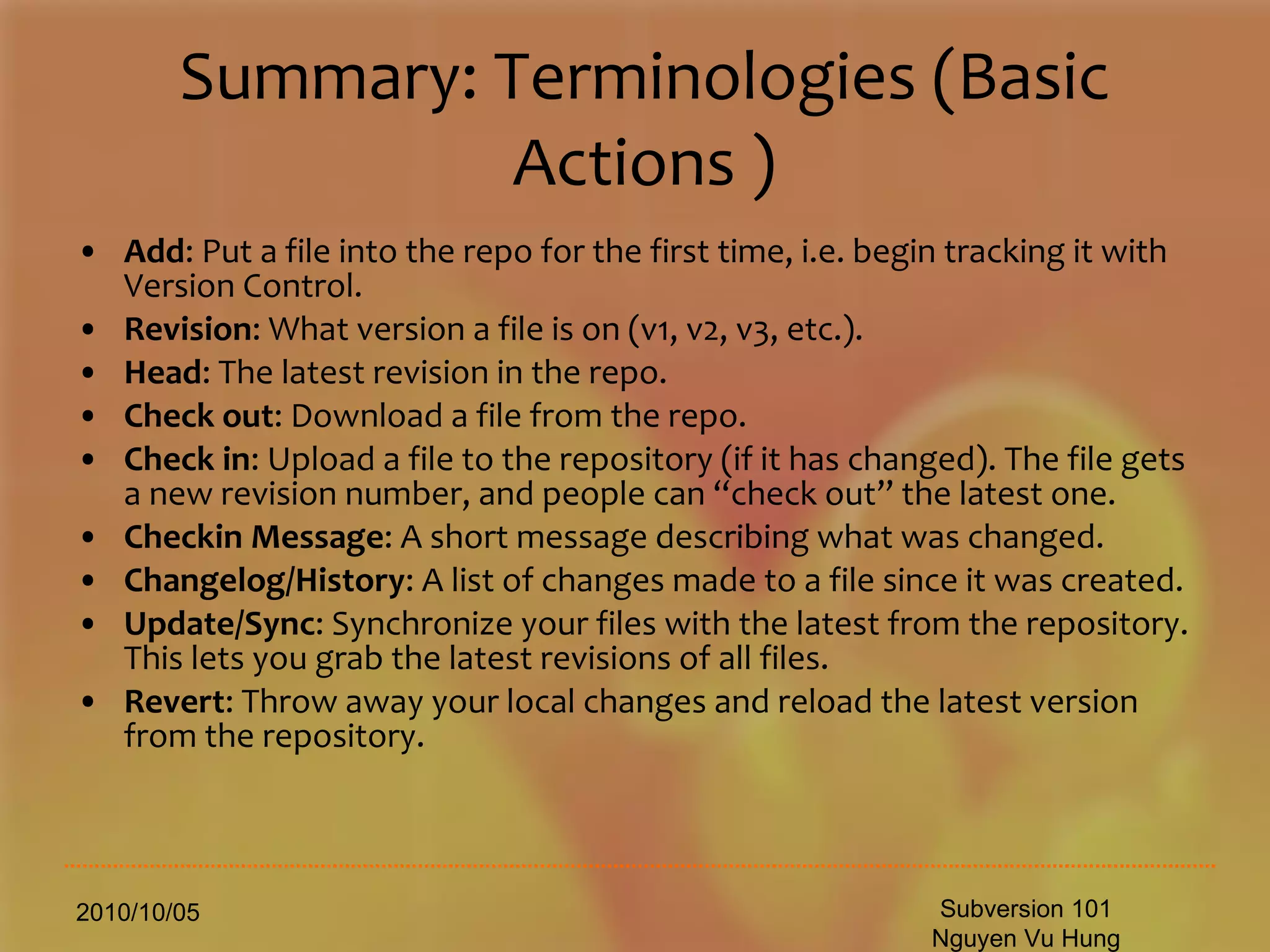
Summary: Terminologies (Basic Actions ) Add : Put a file into the repo for the first time, i.e. begin tracking it with Version Control.  Revision : What version a file is on (v1, v2, v3, etc.).  Head : The latest revision in the repo.  Check out : Download a file from the repo.  Check in : Upload a file to the repository (if it has changed). The file gets a new revision number, and people can “check out” the latest one.  Checkin Message : A short message describing what was changed.  Changelog/History : A list of changes made to a file since it was created.  Update/Sync : Synchronize your files with the latest from the repository. This lets you grab the latest revisions of all files.  Revert : Throw away your local changes and reload the latest version from the repository.  2010/10/05 Subversion 101 Nguyen Vu Hung
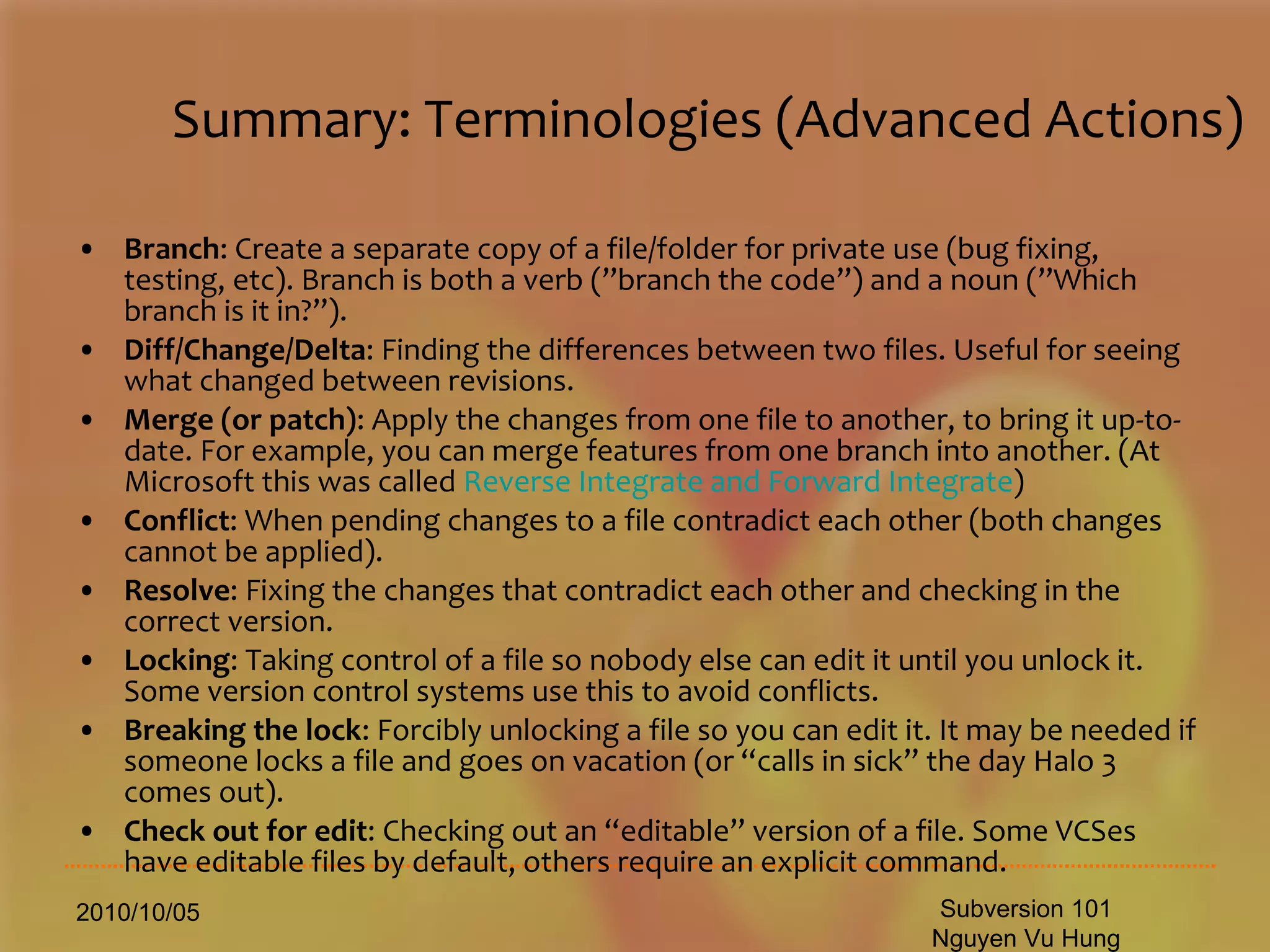
Summary: Terminologies (Advanced Actions) Branch : Create a separate copy of a file/folder for private use (bug fixing, testing, etc). Branch is both a verb (”branch the code”) and a noun (”Which branch is it in?”).  Diff/Change/Delta : Finding the differences between two files. Useful for seeing what changed between revisions.  Merge (or patch) : Apply the changes from one file to another, to bring it up-to-date. For example, you can merge features from one branch into another. (At Microsoft this was called  Reverse Integrate and Forward Integrate )  Conflict : When pending changes to a file contradict each other (both changes cannot be applied).  Resolve : Fixing the changes that contradict each other and checking in the correct version.  Locking : Taking control of a file so nobody else can edit it until you unlock it. Some version control systems use this to avoid conflicts.  Breaking the lock : Forcibly unlocking a file so you can edit it. It may be needed if someone locks a file and goes on vacation (or “calls in sick” the day Halo 3 comes out).  Check out for edit : Checking out an “editable” version of a file. Some VCSes have editable files by default, others require an explicit command.  2010/10/05 Subversion 101 Nguyen Vu Hung
Alternatives Historical RCS (Revision Control System) Distributed model Bazzar (python-based, Canonical supported) Git (Perl, C, shell based) Open source CVS (Concurrent Versions System) CSVNT (for Windows [NT]) Proprietary CMVC (Configuration Management Version Control) (IBM) Visual Source Safe (Microsoft) Visual Studio Team System (Microsoft) 2010/10/05 Subversion 101 Nguyen Vu Hung
2010/10/05 Subversion 101 Nguyen Vu Hung
Version Control:: Subversion 101 Nguyen Vu Hung [email_address] 2010/10/05 2010/10/05 Subversion 101 Nguyen Vu Hung
References Polarion subversion tutorial http://www.slideshare.net/intellibitz/subversion-user-guide http://www.ericsink.com/scm/source_control.html http://betterexplained.com/articles/a-visual-guide-to-version-control/ Photographer: jscreationzs http://www.freedigitalphotos.net/images/Browns_and_Creams_g332-Question_Mark__p17549.html 2010/10/05 Subversion 101 Nguyen Vu Hung

Subversion 101: A short introduction to Subversion

  • 1.
    Version Control:: Subversion101 Nguyen Vu Hung [email_address] 2010/10/05 2010/10/05 Subversion 101 Nguyen Vu Hung
  • 2.
    Change History 2010/10/05Subversion 101 Nguyen Vu Hung No Author Date Slides Details 1 Vuhung 2010/10/04 All Newly created 2 Vuhung 2010/10/05 - - 3 Vuhung 2011/01/06 All Remove private info
  • 3.
    Agenda Introduction TheSymptoms Revision Control System overview Atomic Commits Revision Explained Svn History Overview Basic usages Architecture Components Installation Server, client 2010/10/05 Subversion 101 Nguyen Vu Hung
  • 4.
    Agenda (2) IDEintegration Command comparison Workflow Staging Staging (Debian) Repository schema Resolve Conflicts Basic Commands Merging Revert Update Add Delete copy move mkdir status diff 2010/10/05 Subversion 101 Nguyen Vu Hung Tips Examing History Summary: Basic Commands Summary: What svn can do? Summary: Terminologies Alternatives References
  • 5.
    The Symptoms Youneed files in Recycle Bin Having more than 2 levels of undo (backup) in a document vet_20100823.sql, vet_20100824.sql, vet_bak.sql, Asking someone to send a copy of some files. FTP transaction died You don’t know what is done yesterday It works yesterday, but not today. URGENT: roll back Failed to manage source code change/merging 2010/10/05 Subversion 101 Nguyen Vu Hung
  • 6.
    Revision Control SystemRevision control , also known as version control , source control or software configuration management (SCM) , is the management of changes to documents, programs , and other information stored as computer files . It is most commonly used in software development , where a team of people may change the same files . Changes are usually identified by a number or letter code, termed the &quot;revision number&quot;, &quot;revision level&quot;, or simply &quot;revision&quot;. For example, an initial set of files is &quot;revision 1&quot;. When the first change is made, the resulting set is &quot;revision 2&quot;, and so on. Each revision is associated with a timestamp and the person making the change. Revisions can be compared, restored , and with some types of files, merged. 2010/10/05 Subversion 101 Nguyen Vu Hung
  • 7.
    Atomic Commits Noneor entire Single Operation Revision:per-commit No inconsistence in large commits Files within a commit are grouped 2010/10/05 Subversion 101 Nguyen Vu Hung 0 1 2 3
  • 8.
    Revision Control system2010/10/05 Subversion 101 Nguyen Vu Hung As Atomic Changes Not just change, It is change management 0 1 2 3
  • 9.
    History 2010/10/05 Subversion101 Nguyen Vu Hung June 2000 - Coding begins. August 2001 - Subversion becomes self-hosting. 2002 – 1 st release 2004 – Feb. Release 1.0.0 2006 – Sept. Release 1.4.0 Latest Release: 1.4.6
  • 10.
    Usages 2010/10/05 Subversion101 Nguyen Vu Hung Backing up data Documentation Configuration Management Distributed Development CR 12
  • 11.
    Architecture 2010/10/05 Subversion101 Nguyen Vu Hung Berkley DB FSFS Subversion Repository Client Interface Repository Interface GUI client apps Commandline client apps Client Library Working Copy Management Library Repository access DAV SVN Local Apache mod _ dav mod_dav_svn svnserve Internet (Any TCP/IP Network) Offline Support Unix/Linux/Windows/Mac OS X WebDav Integration SSL LDAP
  • 12.
    Subversion Components svn (this is what you [client] need) The command-line client program . svnadmin A tool for creating, tweaking or repairing a Subversion repository. svnserve A custom standalone server program, runnable as a daemon process or invokable by SSH; another way to make your repository available to others over a network. 2010/10/05 Subversion 101 Nguyen Vu Hung
  • 13.
    Installation (server) 2010/10/05Subversion 101 Nguyen Vu Hung yum install mod_dav_svn subversion
  • 14.
    Installation (server settings)2010/10/05 Subversion 101 Nguyen Vu Hung [root@vinicorp conf]# cat /etc/httpd/conf.d/subversion.conf LoadModule dav_svn_module modules/mod_dav_svn.so LoadModule authz_svn_module modules/mod_authz_svn.so <Location /svn-repo > DAV svn SVNParentPath /svn-repo # Limit write permission to list of valid users. <LimitExcept GET PROPFIND OPTIONS REPORT> # Require SSL connection for password protection. # SSLRequireSSL AuthType Basic AuthName &quot;Vinicorp Subversion Realm&quot; AuthUserFile /etc/svn-auth-conf Require valid-user </LimitExcept>
  • 15.
    Installation (server settings)2010/10/05 Subversion 101 Nguyen Vu Hung [root@vinicorp conf]# head /etc/svn-auth-conf #vinicorp:pIuFZUS0McheY hoatran:3cYHbUvT9aV0o doancuong:0K3C3IdVJD7VY thuanvd:xJSWLpXNr5/EM hiennb:GHvHoKOG2E1eI huyenvtt:FySHeMI9u9uvc trungdq:MB7kxm/IgGMsY thuytp:rw68sUTpnVD7M thangnv:zSoOwCSdqqcLk phuongdt:o2ZYftrCjq2oM [root@vinicorp conf]# wc -l /etc/svn-auth-conf 51 /etc/svn-auth-conf
  • 16.
    Installation (server settings)2010/10/05 Subversion 101 Nguyen Vu Hung [root@conf]# head /etc/svn-auth-conf #xxxxxxxxxx:pIuFZUS0McheY xxxxxxxxxx:3cYHbUvT9aV0o xxxxxxxxxx:0K3C3IdVJD7VY xxxxxxxxxx:xJSWLpXNr5/EM xxxxxxxxxx:GHvHoKOG2E1eI xxxxxxxxxx:FySHeMI9u9uvc xxxxxxxxxx:MB7kxm/IgGMsY xxxxxxxxxx:rw68sUTpnVD7M xxxxxxxxxx:zSoOwCSdqqcLk xxxxxxxxxx:o2ZYftrCjq2oM [root@conf]# wc -l /etc/svn-auth-conf 51 /etc/svn-auth-conf Create a repo: mkdir /svn-repo Create an user : htpasswd -c /etc/svn-auth-conf vinicorp
  • 17.
    Installation (server settings)2010/10/05 Subversion 101 Nguyen Vu Hung [root@ svn-repo]# pwd /svn-repo [root@ svn-repo]# ls -1 001.Project1 005. Project2 006. Project3
  • 18.
    Installation (server settings)2010/10/05 Subversion 101 Nguyen Vu Hung [root@ svn-repo]# pwd /svn-repo [root@ svn-repo]# ls -1 001.Project1 005.Project2 006.Project3 cd /svn-repo svnadmin create 001.Project1 chown -R apache.apache 001.Project1 service httpd restart
  • 19.
    Installation (client) TortoiseSVN(Windows) svn/subversion (Unix/Linux) svn (Mac OS X) RapidSVN (cross-platform) 2010/10/05 Subversion 101 Nguyen Vu Hung
  • 20.
    IDE integration svn+ Eclipse = Subclipse svn + File Explorer = Tortoisvn svn + GUI = Rapid svn svn + vim = svn Svn + emacs = svn 2010/10/05 Subversion 101 Nguyen Vu Hung
  • 21.
    Command comparison Availablesubcommands: add blame (praise, annotate, ann) cat checkout (co) cleanup commit (ci) copy (cp) delete (del, remove, rm) diff (di) export help (?, h) import info list (ls) lock 2010/10/05 Subversion 101 Nguyen Vu Hung log merge mkdir move (mv, rename, ren) propdel (pdel, pd) propedit (pedit, pe) propget (pget, pg) proplist (plist, pl) propset (pset, ps) resolved revert status (stat, st) switch (sw) unlock update (up)
  • 22.
    Workflow (admin) Createa repository (once) Import or Checkout repository (once) Update and Checkin Merge Commit 2010/10/05 Subversion 101 Nguyen Vu Hung
  • 23.
    User Workflow Step1 Obtain SVN Repository URL from SVN Admin Ex 1: svn://192.168.x.3/svn-repo/0xx.Proj Ex 2: http://192.168.x.3/svn-repo/0xx.Proj Step 2 Checkout SVN module (Repository Copy) to local file system (Working Copy) Step 3 Update, Commit, Branch, Tag etc., 2010/10/05 Subversion 101 Nguyen Vu Hung
  • 24.
    Workflow Update yourworking copy svn update Make changes svn add svn delete svn copy svn move Examine your changes svn status svn diff Possibly undo some changes svn revert Resolve Conflicts (Merge Others' Changes) svn update svn resolved Commit your changes svn commit 2010/10/05 Subversion 101 Nguyen Vu Hung
  • 25.
    Work flow 2010/10/05Subversion 101 Nguyen Vu Hung svn checkout svn update get content svn add svn move svn delete Make changes svn status -u See what was changed in the repository in the meantime svn update Update your local copy svn diff svn resolved Merge your changes Resolve conflicts svn commit Submit your changes 105 100 106 Subversion Repository
  • 26.
    Branching 2010/10/05 Subversion101 Nguyen Vu Hung branches trunk PC Root iPhone PC branch (vuhung) branches trunk Easy to understand Cheap (a little copy) Can be deleted/reanimated
  • 27.
    Branching (2) 2010/10/05Subversion 101 Nguyen Vu Hung branches trunk 001.SPS Root HuyDN HungNT
  • 28.
    Staging 2010/10/05 Subversion101 Nguyen Vu Hung Staging can be managed via folder structures tags Project 1 Root trunk Development stage (TestServer.biz) Releases for QA (Test [For the Customer]) Final Releases (ProductionServer.com) Dev QA Rel
  • 29.
    Real World Example:Debian 2010/10/05 Subversion 101 Nguyen Vu Hung
  • 30.
    Repository schema Schemaand Access Method file:/// direct repository access (on local disk) http:/ access via WebDAV protocol to Subversion-aware Apache server https:// same as http://, but with SSL encryption. svn:// access via custom protocol to an svnserve server svn+ssh:// same as svn://, but through an SSH tunnel. 2010/10/05 Subversion 101 Nguyen Vu Hung
  • 31.
    Resolve Conflicts Forexample, Sally makes changes to the file sandwich.txt in the repository. Harry has just changed the file in his working copy and checked it in. Sally updates her working copy before checking in and she gets a conflict: $ svn update C sandwich.txt Updated to revision 2. $ ls -1 sandwich.txt sandwich.txt.mine sandwich.txt.r1 sandwich.txt.r2 At this point, Subversion will not allow you to commit the file sandwich.txt until the three temporary files are removed. 2010/10/05 Subversion 101 Nguyen Vu Hung
  • 32.
    Resolove Conflicts $svn commit -m &quot;Add a few more things&quot; svn: Commit failed (details follow): svn: Aborting commit: '/home/vuhung/work/sandwich.txt' remains in conflict If you get a conflict, you need to do one of three things: Merge the conflicted text “by hand” (by examining and editing the conflict markers within the file). Copy one of the temporary files on top of your working file. Run svn revert <filename> to throw away all of your local changes. Once you've resolved the conflict, you need to let Subversion know by running svn resolved. This removes the three temporary files and Subversion no longer considers the file to be in a state of conflict.[6] $ svn resolved sandwich.txt Resolved conflicted state of 'sandwich.txt' 2010/10/05 Subversion 101 Nguyen Vu Hung
  • 33.
    Merge We bothupdate the same file at the same time. What happens? Update tells me there is a conflict You checked yours in first I have to merge the two updates together. Before checking in 2010/10/05 Subversion 101 Nguyen Vu Hung
  • 34.
    Merge Conflicts byhand Merging conflicts by hand can be quite intimidating the first time you attempt it, but with a little practice, it can become as easy as falling off a bike. 2010/10/05 Subversion 101 Nguyen Vu Hung Here's an example. Due to a miscommunication, you and Sally, your collaborator, both edit the file sandwich.txt at the same time. Sally commits her changes, and when you go to update your working copy, you get a conflict and you're going to have to edit sandwich.txt to resolve the conflicts. First, let's take a look at the file: $ cat sandwich.txt Top piece of bread Mayonnaise Lettuce Tomato Provolone <<<<<<< .mine Salami Mortadella Prosciutto ======= Sauerkraut Grilled Chicken >>>>>>> .r2 Creole Mustard Bottom piece of bread
  • 35.
    Merging: Revert Punting:Using svn revert If you get a conflict, and upon examination decide that you want to throw out your changes and start your edits again, just revert your changes: $ svn revert sandwich.txt Reverted 'sandwich.txt' $ ls sandwich.* sandwich.txt Note that when you revert a conflicted file, you don't have to run svn resolved. 2010/10/05 Subversion 101 Nguyen Vu Hung
  • 36.
    Checkin Check-in -Update the central repository to match your local files Always update before checking in (svn enforces this) Always test with the latest update before checking in (not enforced) 2010/10/05 Subversion 101 Nguyen Vu Hung
  • 37.
    commit svn commitcommand sends all of your changes to the repository. When you commit a change, you need to supply a log message, describing your change. Your log message will be attached to the new revision you create. Log message can be set in command line using the --message (or -m) switch: $ svn commit -m &quot;Corrected number of cheese slices.&quot; Sending sandwich.txt Transmitting file data . Committed revision 3. 2010/10/05 Subversion 101 Nguyen Vu Hung
  • 38.
    checkout $ svncheckout http://192.168.x.3/svn-repo/0xx.Proj A 0xx.Proj/SourceCode A 0xx.Proj/Document … Checked out revision 1. 2010/10/05 Subversion 101 Nguyen Vu Hung
  • 39.
    update Update -Updates the local files to match the central repository NOTE: Change to the working folder (the local folder that you have checked out from the repository into your local file system) svn update U SourceCode/care/public/images/basic_title_bg.gif U SourceCode/care/public/images/btn_search.gif   Updated to revision 2. 2010/10/05 Subversion 101 Nguyen Vu Hung
  • 40.
    svn add svnadd foo Schedule file, directory, or symbolic link foo to be added to the repository. When you next commit, foo will become a child of its parent directory. Note that if foo is a directory, everything underneath foo will be scheduled for addition. If you only want to add foo itself, pass the --non-recursive (-N) option. 2010/10/05 Subversion 101 Nguyen Vu Hung
  • 41.
    svn delete svndelete foo Schedule file, directory, or ymbolic link foo to be deleted from the repository. If foo is a file or link, it is immediately deleted from your working copy. If foo is a directory, it is not deleted, but Subversion schedules it for deletion. When you commit your changes, foo will be removed from your working copy and the repository. 2010/10/05 Subversion 101 Nguyen Vu Hung
  • 42.
    svn copy svncopy foo bar Create a new item bar as a duplicate of foo and automatically schedule bar for addition. When bar is added to the repository on the next commit, its copy history is recorded (as having originally come from foo). svn copy does not create intermediate directories. 2010/10/05 Subversion 101 Nguyen Vu Hung
  • 43.
    svn move svnmove foo bar This command is exactly the same as running svn copy foo bar; svn delete foo. That is, bar is scheduled for addition as a copy of foo, and foo is scheduled for removal. svn move does not create intermediate directories. 2010/10/05 Subversion 101 Nguyen Vu Hung
  • 44.
    svn mkdir svnmkdir blort This command is exactly the same as running mkdir blort; svn add blort. That is, a new directory named blort is created and scheduled for addition. 2010/10/05 Subversion 101 Nguyen Vu Hung
  • 45.
    svn update (2)Update working copy Update all files and directories to the most current version $svn update Go to a particular older revision for all files and directories $% svn update – r 1345 I want an even older version of svn-doc.el $% svn update – r 999 FolderName Update output and what it means U `foo' File `foo' was (U)pdated (received changes from the server.) A `foo' File or directory `foo' was (A)dded to your working copy. D `foo' File or directory `foo' was (D)eleted from your working copy. R `foo' File or directory `foo' was (R)eplaced in your working copy; that is, `foo' was deleted, and a new item with the same name was added. While they may have the same name, the repository considers them to be distinct objects with distinct histories. G `foo' File `foo' received new changes, but also had changes of your own to begin with. The changes did not intersect, however, so Subversion has mer(G)ed the repository's changes into the file without a problem. C `foo' File `foo' received (C)onflicting changes from the server. The changes from the server directly overlap your own changes to the file. No need to panic, though. This overlap needs to be resolved by a human (you). 2010/10/05 Subversion 101 Nguyen Vu Hung
  • 46.
    svn status svnstatus A Daily/20100927/chuyen.txt # file is scheduled for addition C Daily/20100824/iPadQA.xl # file has textual conflicts from an update D Daily/20100927/chuyen.lrc # file is scheduled for deletion M Daily/20100927 # the content in Daily/20100927 has local modifications A item The file, directory, or symbolic link item has been scheduled for addition into the repository. C item The file item is in a state of conflict. That is, changes received from the server during an update overlap with local changes that you have in your working copy. You must resolve this conflict before committing your changes to the repository. D item The file, directory, or symbolic link item has been scheduled for deletion from the repository. M item The contents of the file item have been modified. 2010/10/05 Subversion 101 Nguyen Vu Hung
  • 47.
    Svn diff 2010/10/05Subversion 101 Nguyen Vu Hung [vuhung@ 20100927]$ svn diff . Index: chuyen.lrc =================================================================== --- chuyen.lrc (revision 166) +++ chuyen.lrc (working copy) @@ -5,15 +5,15 @@ [00:15.83]chieu ngoai o, gio khe dua toc em [00:26.51]Cong cong con duong uon quanh. -[00:30.71]chieu dao pho, chieu mang chut huong thanh binh [00:46.72]Thuong anh yeu anh em uoc mo. -[01:01.23]Uoc mo nho be trong doi +[01:01.23]Uoc va mo nho be trong doi [01:16.11]UOc mo cho tinh yeu len hat sac xuan +[01:16.11]UOc mo cho tinh yeu len hat sac xuan [01:21.19]Uoc mo la la tren canh [01:27.07]Nguoc mat thay bao giac mo. @@ -44,4 +44,4 @@ [03:53.07]??c m? nh? be trong ??i [03:58.84]Ng??c m?t th?y bao gi?c m?. -[04:10:10] \ No newline at end of file +[04:10:10]
  • 48.
    Tips Commit smallCommit often Comment, comment, comment Change set svn update (online) vs. svn status (offline) svn log: who && what svn merge = you + me. svn update and test before commit Work on local copy Solve the conflicts Do not commit hidden, un-related, temporary files. 2010/10/05 Subversion 101 Nguyen Vu Hung
  • 49.
    Examining History svnlog svn diff svn history svn list 2010/10/05 Subversion 101 Nguyen Vu Hung
  • 50.
    Summary: Basic Commandssvn add — Add files, directories, or symbolic links. svn copy — Copy a file or directory in a working copy or in the repository. svn mkdir — Create a new directory under version control. svn delete — Delete an item from a working copy or the repository. svn export — Export a clean directory tree. svn import — Commit an unversioned file or tree into the repository. svn move — Move a file or directory svn diff — Display the differences between two paths. svn merge — Apply the differences between two sources to a working copy path. svn resolved — Remove “conflicted” state on working copy files or directories. svn revert — Undo all local edits. svn status — Print the status of working copy files and directories. svn update — Update your working copy. svn checkout — Check out a working copy from a repository. svn commit — Send changes from your working copy to the repository. 2010/10/05 Subversion 101 Nguyen Vu Hung
  • 51.
    Summary: What svncan do? Backup and Restore. Files are saved as they are edited, and you can jump to any moment in time. Need that file as it was on Feb 23, 2007? No problem. Synchronization. Lets people share files and stay up-to-date with the latest version. Short-term undo. Monkeying with a file and messed it up? (That’s just like you, isn’t it?). Throw away your changes and go back to the “last known good” version in the database. Long-term undo. Sometimes we mess up bad. Suppose you made a change a year ago, and it had a bug. Jump back to the old version, and see what change was made that day. Track Changes . As files are updated, you can leave messages explaining why the change happened (stored in the VCS, not the file). This makes it easy to see how a file is evolving over time, and why. Track Ownership. A VCS tags every change with the name of the person who made it. Helpful for blamestorming giving credit. Sandboxing , or insurance against yourself. Making a big change? You can make temporary changes in an isolated area, test and work out the kinks before “checking in” your changes. Branching and merging . A larger sandbox. You can branch a copy of your code into a separate area and modify it in isolation (tracking changes separately). Later, you can merge your work back into the common area. 2010/10/05 Subversion 101 Nguyen Vu Hung
  • 52.
    Summary: Terminologies (BasicSetup) Repository (repo) : The database storing the files. Server : The computer storing the repo. Client : The computer connecting to the repo. Working Set/Working Copy : Your local directory of files, where you make changes. Trunk/Main : The primary location for code in the repo. Think of code as a family tree — the trunk is the main line. 2010/10/05 Subversion 101 Nguyen Vu Hung
  • 53.
    Summary: Terminologies (BasicActions ) Add : Put a file into the repo for the first time, i.e. begin tracking it with Version Control. Revision : What version a file is on (v1, v2, v3, etc.). Head : The latest revision in the repo. Check out : Download a file from the repo. Check in : Upload a file to the repository (if it has changed). The file gets a new revision number, and people can “check out” the latest one. Checkin Message : A short message describing what was changed. Changelog/History : A list of changes made to a file since it was created. Update/Sync : Synchronize your files with the latest from the repository. This lets you grab the latest revisions of all files. Revert : Throw away your local changes and reload the latest version from the repository. 2010/10/05 Subversion 101 Nguyen Vu Hung
  • 54.
    Summary: Terminologies (AdvancedActions) Branch : Create a separate copy of a file/folder for private use (bug fixing, testing, etc). Branch is both a verb (”branch the code”) and a noun (”Which branch is it in?”). Diff/Change/Delta : Finding the differences between two files. Useful for seeing what changed between revisions. Merge (or patch) : Apply the changes from one file to another, to bring it up-to-date. For example, you can merge features from one branch into another. (At Microsoft this was called Reverse Integrate and Forward Integrate ) Conflict : When pending changes to a file contradict each other (both changes cannot be applied). Resolve : Fixing the changes that contradict each other and checking in the correct version. Locking : Taking control of a file so nobody else can edit it until you unlock it. Some version control systems use this to avoid conflicts. Breaking the lock : Forcibly unlocking a file so you can edit it. It may be needed if someone locks a file and goes on vacation (or “calls in sick” the day Halo 3 comes out). Check out for edit : Checking out an “editable” version of a file. Some VCSes have editable files by default, others require an explicit command. 2010/10/05 Subversion 101 Nguyen Vu Hung
  • 55.
    Alternatives Historical RCS(Revision Control System) Distributed model Bazzar (python-based, Canonical supported) Git (Perl, C, shell based) Open source CVS (Concurrent Versions System) CSVNT (for Windows [NT]) Proprietary CMVC (Configuration Management Version Control) (IBM) Visual Source Safe (Microsoft) Visual Studio Team System (Microsoft) 2010/10/05 Subversion 101 Nguyen Vu Hung
  • 56.
  • 57.
    Version Control:: Subversion101 Nguyen Vu Hung [email_address] 2010/10/05 2010/10/05 Subversion 101 Nguyen Vu Hung
  • 58.
    References Polarion subversiontutorial http://www.slideshare.net/intellibitz/subversion-user-guide http://www.ericsink.com/scm/source_control.html http://betterexplained.com/articles/a-visual-guide-to-version-control/ Photographer: jscreationzs http://www.freedigitalphotos.net/images/Browns_and_Creams_g332-Question_Mark__p17549.html 2010/10/05 Subversion 101 Nguyen Vu Hung