Brian Farr

Valerie Forrestal

Systems Manager
College of Staten Island

Web Services Librarian
College of Staten Island





CUNY IT Conference ~ 12.6.13






Clear, concise and logical navigation
Simple, elegant design
Advertise news and upcoming events
Central search box for finding resources
Repository for forms, policies, hours and
contact information


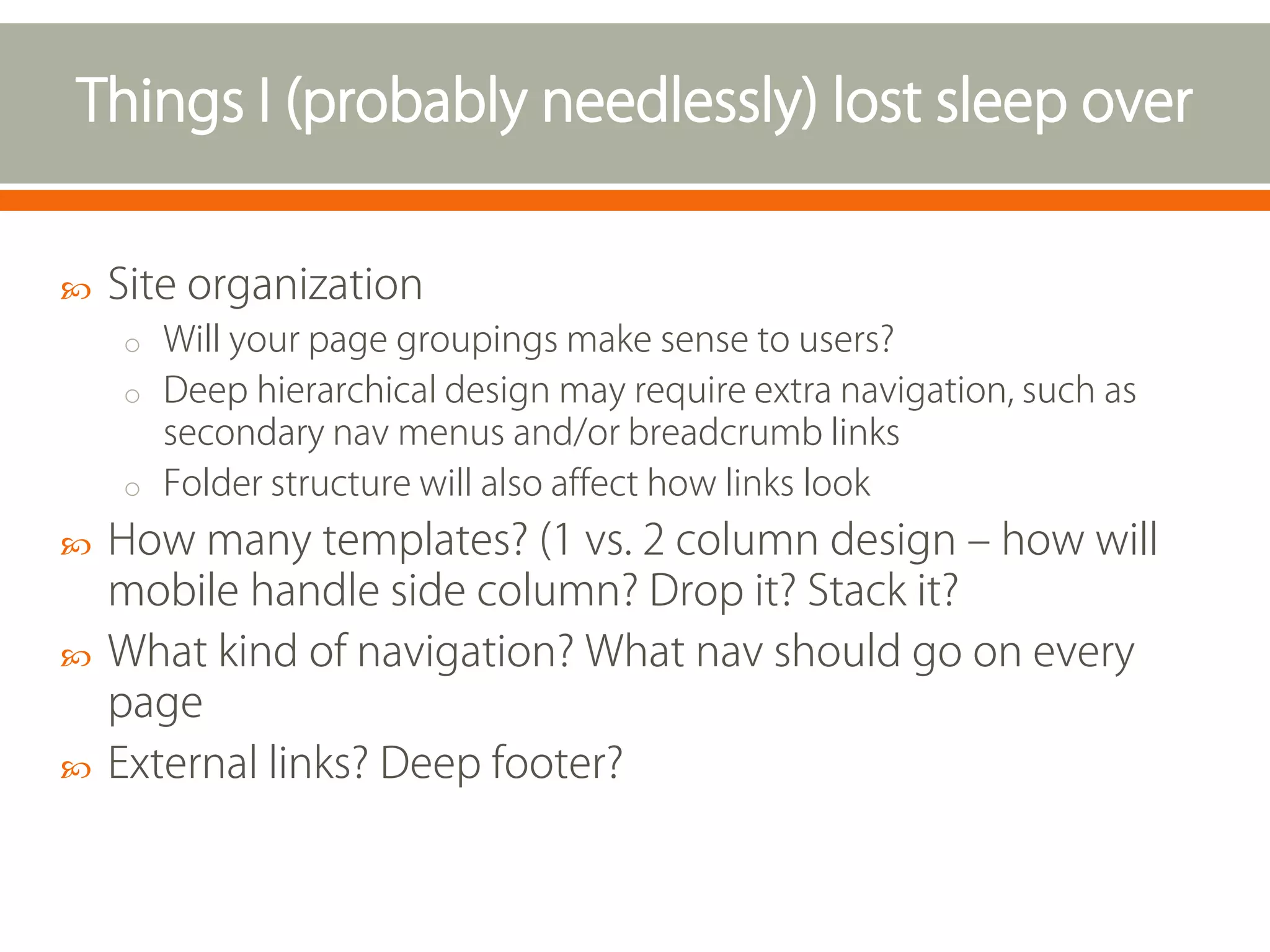
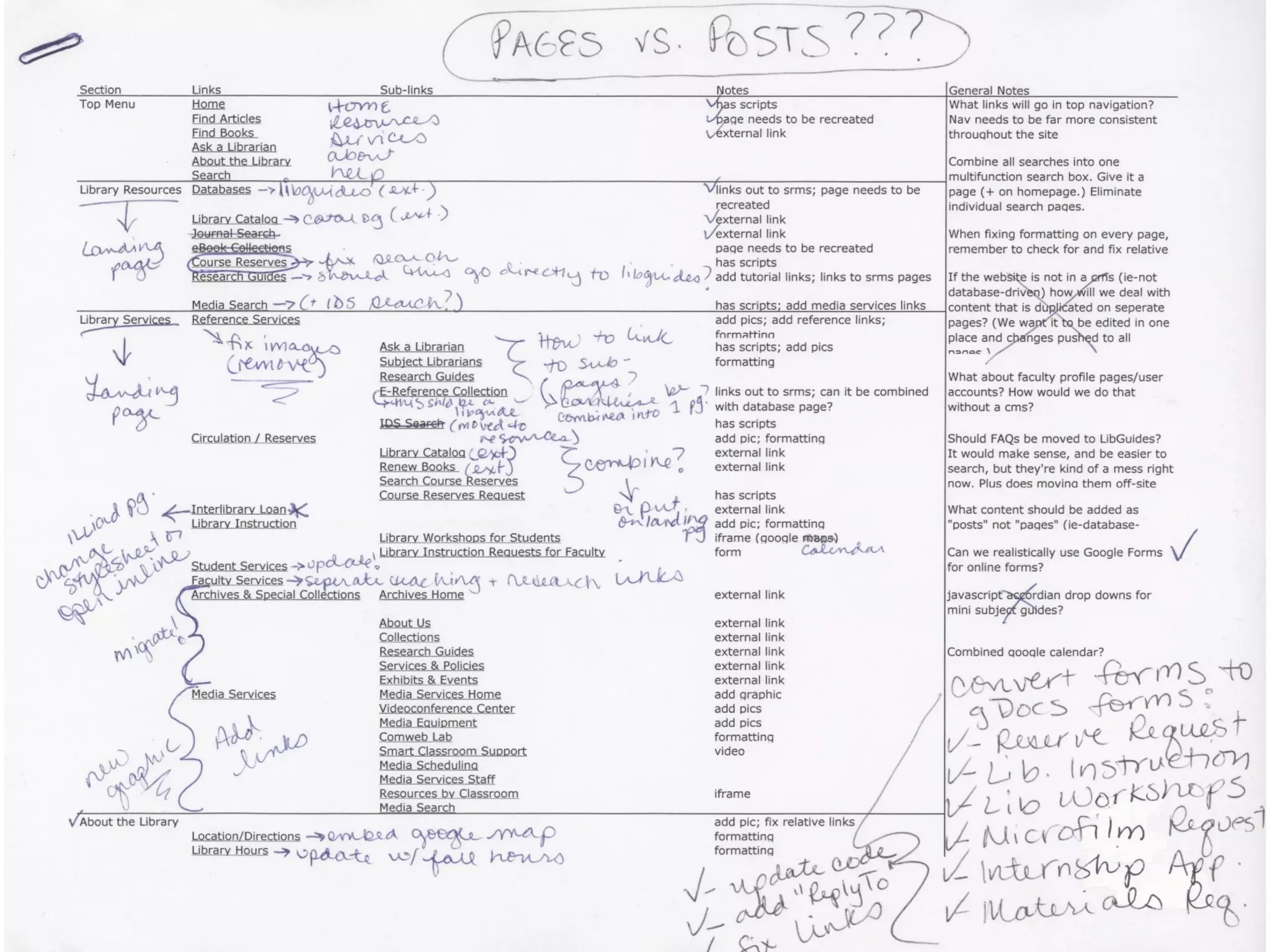
Site organization
o Will your page groupings make sense to users?
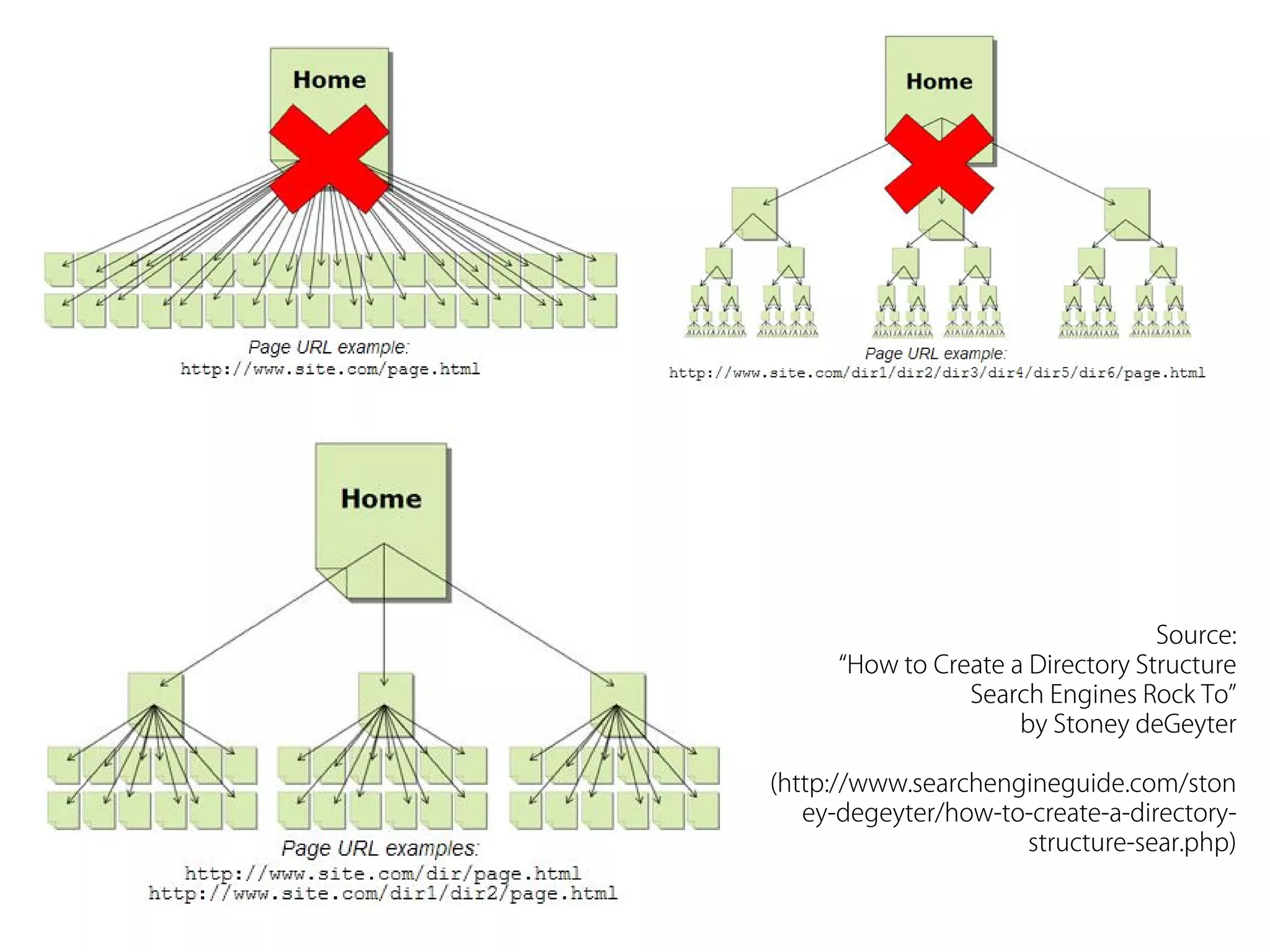
o Deep hierarchical design may require extra navigation, such as

secondary nav menus and/or breadcrumb links
o Folder structure will also affect how links look




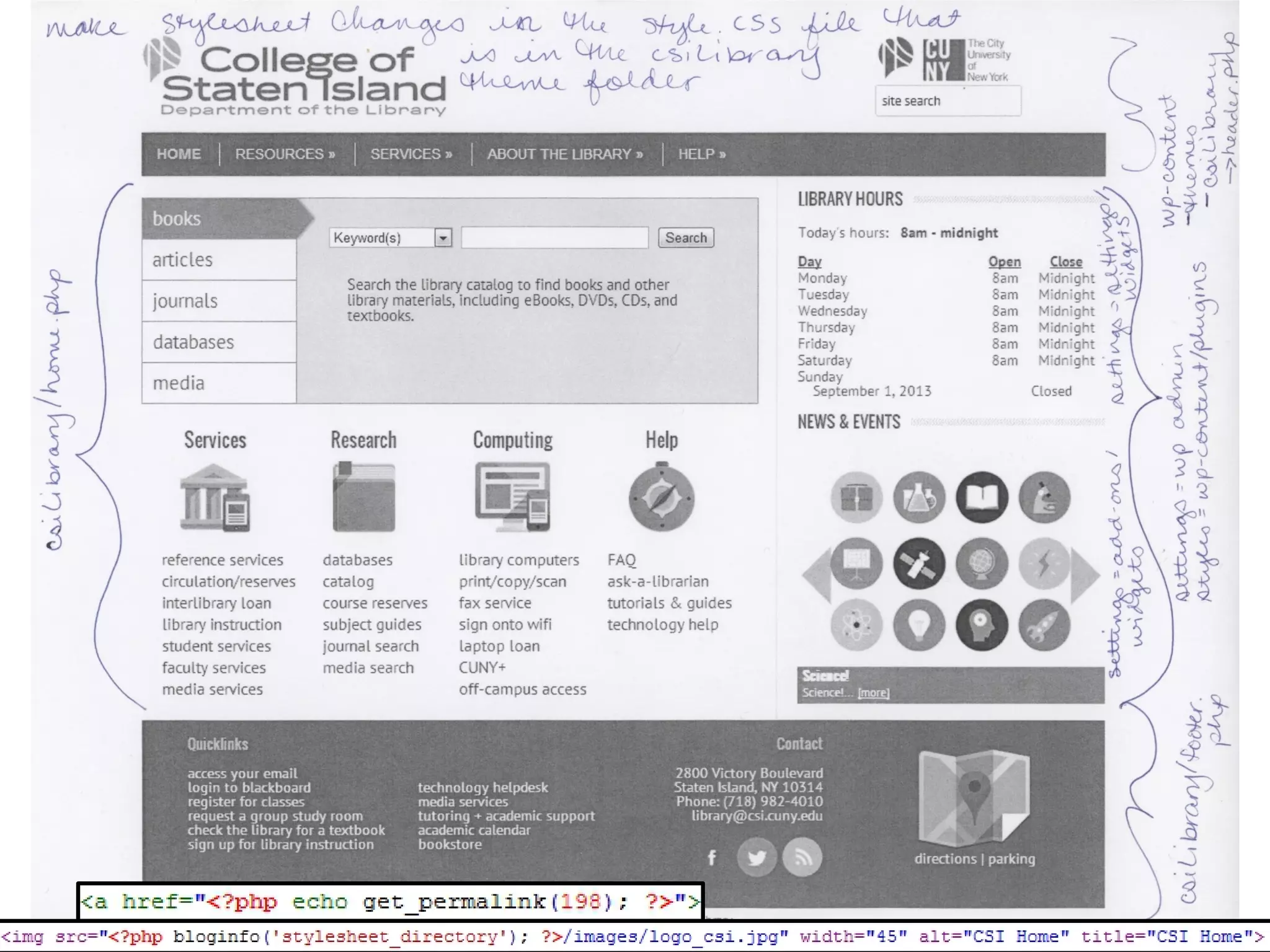
How many templates? (1 vs. 2 column design – how will
mobile handle side column? Drop it? Stack it?
What kind of navigation? What nav should go on every
page
External links? Deep footer?
Source:
“How to Create a Directory Structure
Search Engines Rock To”
by Stoney deGeyter
(http://www.searchengineguide.com/ston
ey-degeyter/how-to-create-a-directorystructure-sear.php)
How did we get here?
Joomla:
• Customizations prevented
updates
• Messy back-end/admin
interface
• Old, vulnerable plugins







Learning curve
Will you need user
accounts?
Will it continue to be
supported?
Server requirements
Back end code





Versioning
Functions vs. content
Site performance

Why WordPress?
• Any CMS will do what we need
• Leanest
• Easiest
• Least intimidating to librarians
• Better separation between
code & content
For questions or more info:
brian.farr@csi.cuny.edu
valerie.forrestal@csi.edu
Site @ did.csi.cuny.edu/wp
Slides @ vforrestal.com

Building Academic Websites (in the real world)

  • 1.
    Brian Farr Valerie Forrestal SystemsManager College of Staten Island Web Services Librarian College of Staten Island   CUNY IT Conference ~ 12.6.13
  • 2.
         Clear, concise andlogical navigation Simple, elegant design Advertise news and upcoming events Central search box for finding resources Repository for forms, policies, hours and contact information
  • 3.
     Site organization o Willyour page groupings make sense to users? o Deep hierarchical design may require extra navigation, such as secondary nav menus and/or breadcrumb links o Folder structure will also affect how links look    How many templates? (1 vs. 2 column design – how will mobile handle side column? Drop it? Stack it? What kind of navigation? What nav should go on every page External links? Deep footer?
  • 4.
    Source: “How to Createa Directory Structure Search Engines Rock To” by Stoney deGeyter (http://www.searchengineguide.com/ston ey-degeyter/how-to-create-a-directorystructure-sear.php)
  • 6.
    How did weget here?
  • 8.
    Joomla: • Customizations prevented updates •Messy back-end/admin interface • Old, vulnerable plugins      Learning curve Will you need user accounts? Will it continue to be supported? Server requirements Back end code    Versioning Functions vs. content Site performance Why WordPress? • Any CMS will do what we need • Leanest • Easiest • Least intimidating to librarians • Better separation between code & content
  • 14.
    For questions ormore info: brian.farr@csi.cuny.edu valerie.forrestal@csi.edu Site @ did.csi.cuny.edu/wp Slides @ vforrestal.com