flickr,photobucket & Upload, manage, and share your photos and videos the Web 2.0 way
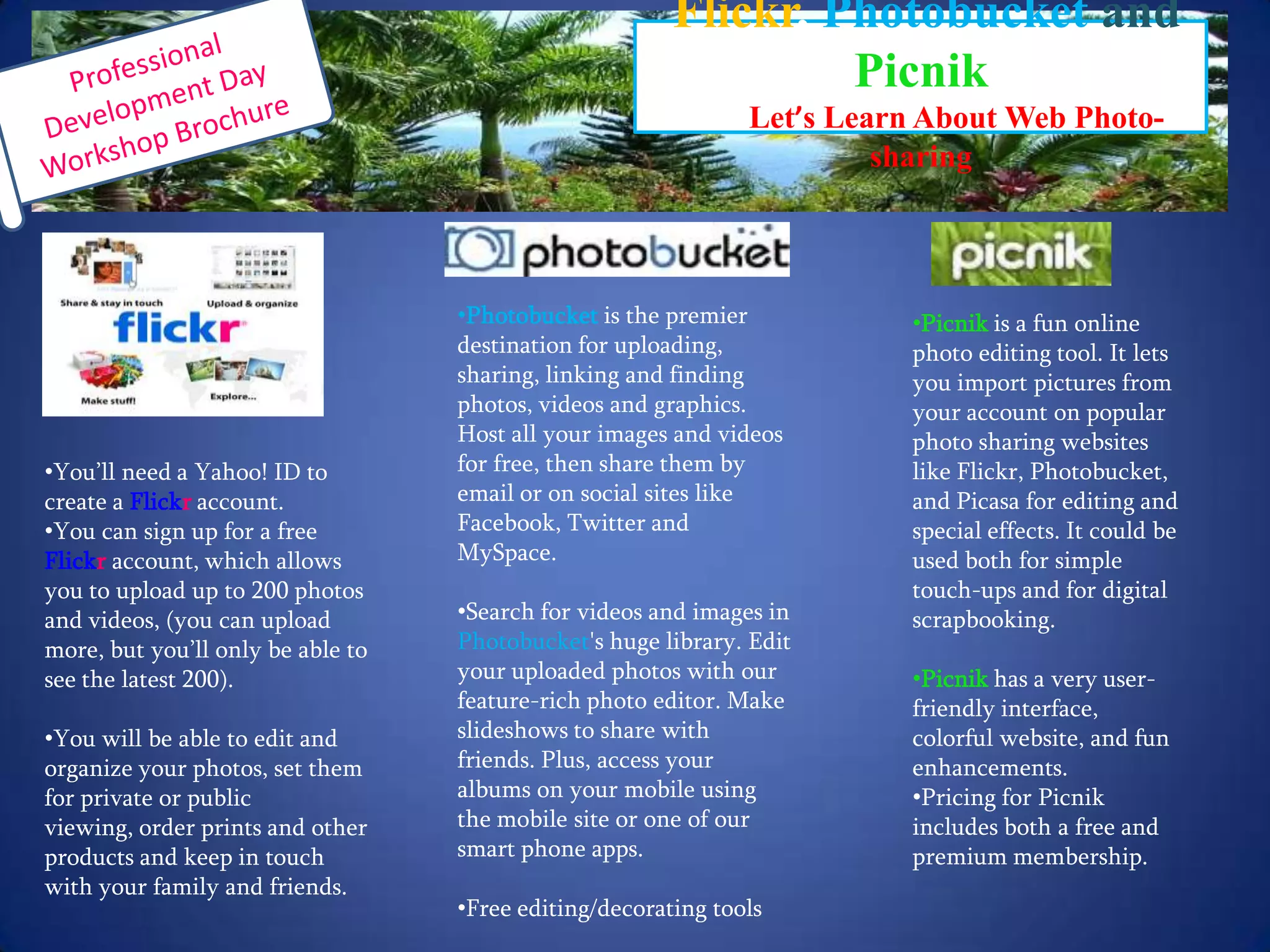
Professional Development Day Workshop BrochureFlickr, PhotobucketandPicnik         Let’s Learn About Web Photo-sharing You’ll need a Yahoo! ID to create a Flickr account.
You can sign up for a free Flickraccount, which allows you to upload up to 200 photos and videos, (you can upload more, but you’ll only be able to see the latest 200).
You will be able to edit and organize your photos, set them for private or public viewing, order prints and other products and keep in touch with your family and friends.    Picnik is a fun online photo editing tool. It lets you import pictures from your account on popular photo sharing websites like Flickr, Photobucket, and Picasa for editing and special effects. It could be used both for simple touch-ups and for digital scrapbooking.  Picnikhas a very user-friendly interface, colorful website, and fun enhancements.
Pricing for Picnik includes both a free and premium membership.  Photobucket is the premier destination for uploading, sharing, linking and finding photos, videos and graphics. Host all your images and videos for free, then share them by email or on social sites like Facebook, Twitter and MySpace.
Search for videos and images in Photobucket's huge library. Edit your uploaded photos with our feature-rich photo editor. Make slideshows to share with friends. Plus, access your albums on your mobile using the mobile site or one of our smart phone apps.
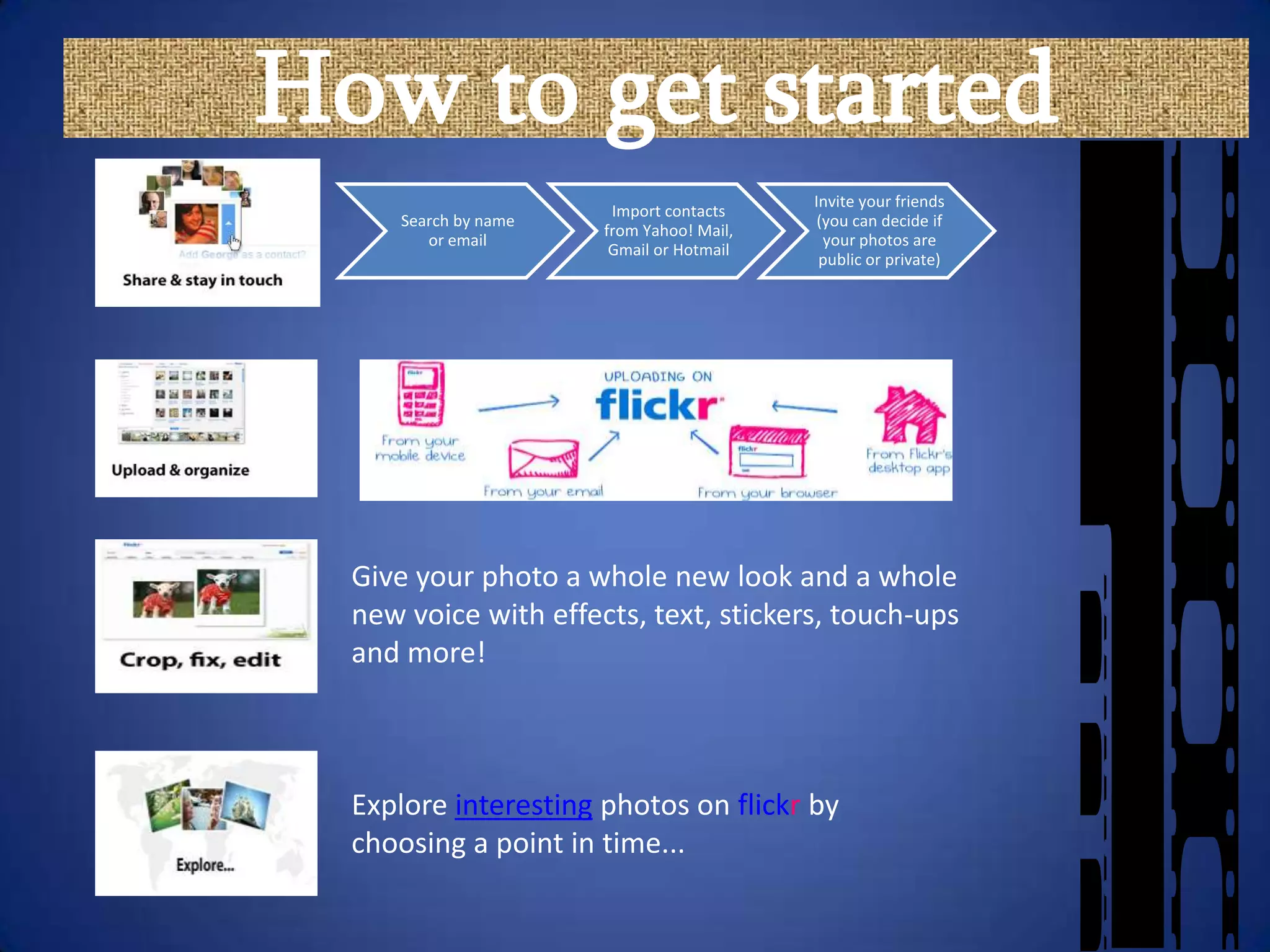
Free editing/decorating toolsHow to get startedGive your photo a whole new look and a whole new voice with effects, text, stickers, touch-ups and more!Explore interesting photos on flickr by choosing a point in time...
What’s in flickr?Explore everyone else’s photos – over 5,000 pictures are uploaded every minuteWhere’d you take that?  Add your photos to a map using GeotagDesign cards, personalize calendars, make a poster, create a canvas and make photobooksCheck out Befuddlr – a puzzle game that takes photos from flickr and makes them into puzzles for studentsPicnik is one of the fastest growing photo sites on the web and now it is integrated directly intoflickr
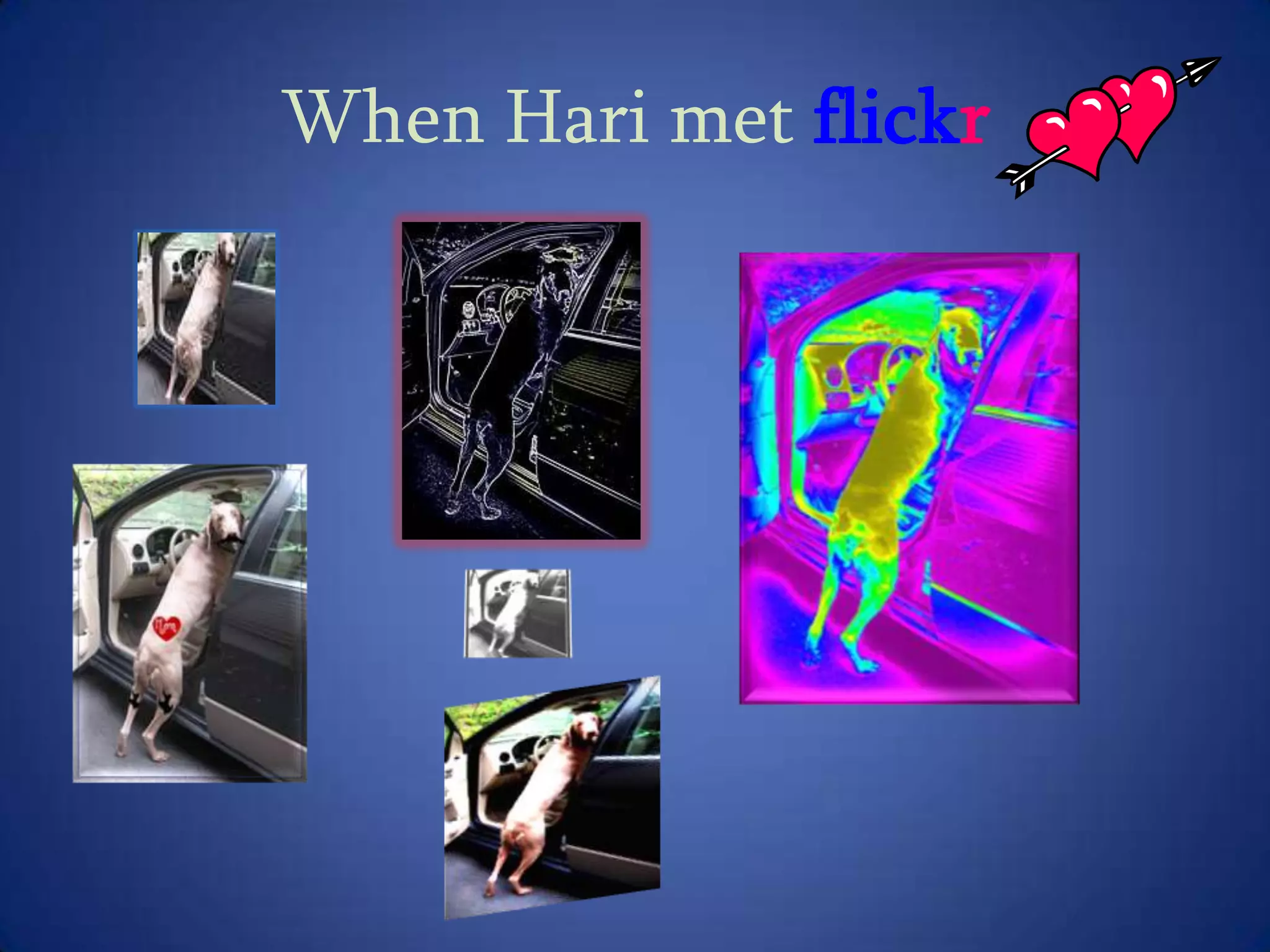
When Hari met flickr
.comGreat to use with Smartboard (it only requires left mouse button so you can use your finger on the Smartboard)
Grab an image directly from any website with Bookmarklet, grab a screenshot of any website with our Firefox Extension, or upload a photo directly to Picnik via our drag-and-droppable Yahoo Widget.
Photo editor for flickrUpload, share, link and find photos, videos and graphics.

Sally's WoW presentation

  • 1.
    flickr,photobucket & Upload,manage, and share your photos and videos the Web 2.0 way
  • 2.
    Professional Development DayWorkshop BrochureFlickr, PhotobucketandPicnik Let’s Learn About Web Photo-sharing You’ll need a Yahoo! ID to create a Flickr account.
  • 3.
    You can signup for a free Flickraccount, which allows you to upload up to 200 photos and videos, (you can upload more, but you’ll only be able to see the latest 200).
  • 4.
    You will beable to edit and organize your photos, set them for private or public viewing, order prints and other products and keep in touch with your family and friends.    Picnik is a fun online photo editing tool. It lets you import pictures from your account on popular photo sharing websites like Flickr, Photobucket, and Picasa for editing and special effects. It could be used both for simple touch-ups and for digital scrapbooking.  Picnikhas a very user-friendly interface, colorful website, and fun enhancements.
  • 5.
    Pricing for Picnikincludes both a free and premium membership.  Photobucket is the premier destination for uploading, sharing, linking and finding photos, videos and graphics. Host all your images and videos for free, then share them by email or on social sites like Facebook, Twitter and MySpace.
  • 6.
    Search for videosand images in Photobucket's huge library. Edit your uploaded photos with our feature-rich photo editor. Make slideshows to share with friends. Plus, access your albums on your mobile using the mobile site or one of our smart phone apps.
  • 7.
    Free editing/decorating toolsHowto get startedGive your photo a whole new look and a whole new voice with effects, text, stickers, touch-ups and more!Explore interesting photos on flickr by choosing a point in time...
  • 8.
    What’s in flickr?Exploreeveryone else’s photos – over 5,000 pictures are uploaded every minuteWhere’d you take that? Add your photos to a map using GeotagDesign cards, personalize calendars, make a poster, create a canvas and make photobooksCheck out Befuddlr – a puzzle game that takes photos from flickr and makes them into puzzles for studentsPicnik is one of the fastest growing photo sites on the web and now it is integrated directly intoflickr
  • 9.
  • 10.
    .comGreat to usewith Smartboard (it only requires left mouse button so you can use your finger on the Smartboard)
  • 11.
    Grab an imagedirectly from any website with Bookmarklet, grab a screenshot of any website with our Firefox Extension, or upload a photo directly to Picnik via our drag-and-droppable Yahoo Widget.
  • 12.
    Photo editor forflickrUpload, share, link and find photos, videos and graphics.
  • 13.
    Host all yourimages and videos for free, then share them by email or on social sites like Facebook, Twitter and MySpace.
  • 14.
    Edit your uploadedphotos with our feature-rich photo editor with such tabs as effects, decorate, animations, beautify, distort, layers and geek.
  • 15.
    Free and easyto use !Disadvantages:The ads on the free account can be annoying.
  • 16.
    You can't setthe level of privacy for each photo
  • 17.
    You can emailpeople pictures from the site, but they can't download pictures from the site directly
  • 18.
    There is alimit to the number of photos you can have in each slideshowflickr+ +photobucketAdvantages - Using photo-sharing in the classroom:Create student discussion threads based on assignments
  • 19.
    Chronological portfolio forstudents that never gets lost
  • 20.
    Encourages collaboration –students can see each other’s work
  • 21.
    They are safe– settings can be private or public
  • 22.
    Peer groups multiplybecause results are posted
  • 23.
    Teachers use photoprompts to spark writing/dialogues
  • 24.
    Mostly free -premium editing tools in flickr and picnik have a small annual feeWatch YouTube video - flickr in the classroom
  • 25.
    flickr ++ photobucketDisadvantages(in general)The FutureIt is important to think about the future when posting pictures on the Internet. A photo that may seem "cute" today could prove to be extremely embarrassing years from now. Some people have not been hired for jobs because of the nature of the pictures they have posted on a social networking site. Use common sense and always be professional.
  • 26.
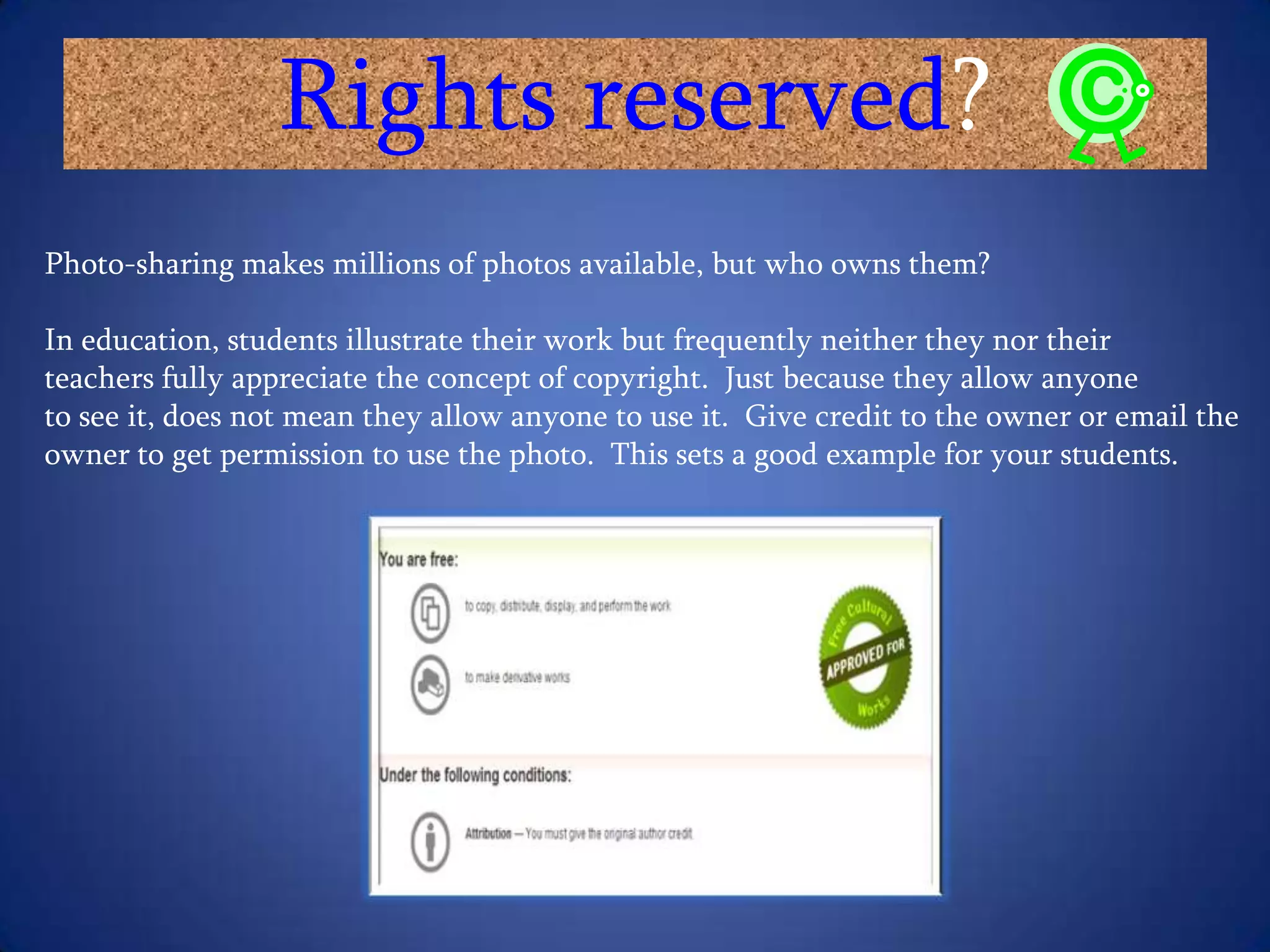
    Rights reserved?Photo-sharing makesmillions of photos available, but who owns them?In education, students illustrate their work but frequently neither they nor their teachers fully appreciate the concept of copyright. Just because they allow anyone to see it, does not mean they allow anyone to use it. Give credit to the owner or email the owner to get permission to use the photo. This sets a good example for your students.
  • 27.
  • 28.
    "flickr Photo Sharingon Facebook." Steve's Digicams - Main Menu . N.p., n.d. Web. 23 July 2010. <http://www.steves-digicams.com/knowledge-center/how-tos/online-sharing Steves-DigicamsFreedman, T. (2010, March 12). Web 2.0 For Rookies: Photo-sharing. ICT in Education. Retrieved July 24, 2010, from educationalsoftware.wikispaces. ICT Education"Image hosting, free photo sharing & video sharing at Photobucket." Image hosting, free photo sharing & video sharing at Photobucket. N.p., n.d. Web. 24 July 2010. <http://photobucket.com/?ref=nue>. PhotobucketKarch, M. (n.d.). Picnik - What Is Picnik?. Google – Google Tips Tricks and News. Retrieved July 25, 2010, from http://google.about.com/od/p/g/picknik-definition.htm Google"Photobucket - Wikipedia, the free encyclopedia." Wikipedia, the free encyclopedia. N.p., n.d. Web. 24 July 2010. <http://en.wikipedia.org/wiki/Photobucket>. Wikipedia"Picture Sharing." Educational Software. N.p., n.d. Web. 25 July 2010. <educationalsoftware.wikispaceEducational SoftwareThe Disadvantages of Sharing Pictures Online | eHow.com. (n.d.). eHow | How To Do Just About Everything! | How To Videos & Articles. Retrieved July 29, 2010, from ehowWordle. (2009). (J. Feinberg, Producer) Retrieved July 24, 2010, from Wordle: Wordle" YouTube - Flickr in the classroom ." YouTube - Broadcast Yourself. . N.p., n.d. Web. 25 July 2010. <http://www.youtube.com/watch?v=DaqZYWfEnQc>. YouTubeResources