PHOTO SHARING
What is photo sharing It's a technology that allows digital pho-tographs to be shared through web-sites and applications that facilitate the upload and display of images. Photo-sharing sites can be splitted in two groups: the ones that are free photo sha-ring and the ones that offer paid services under subscription processes
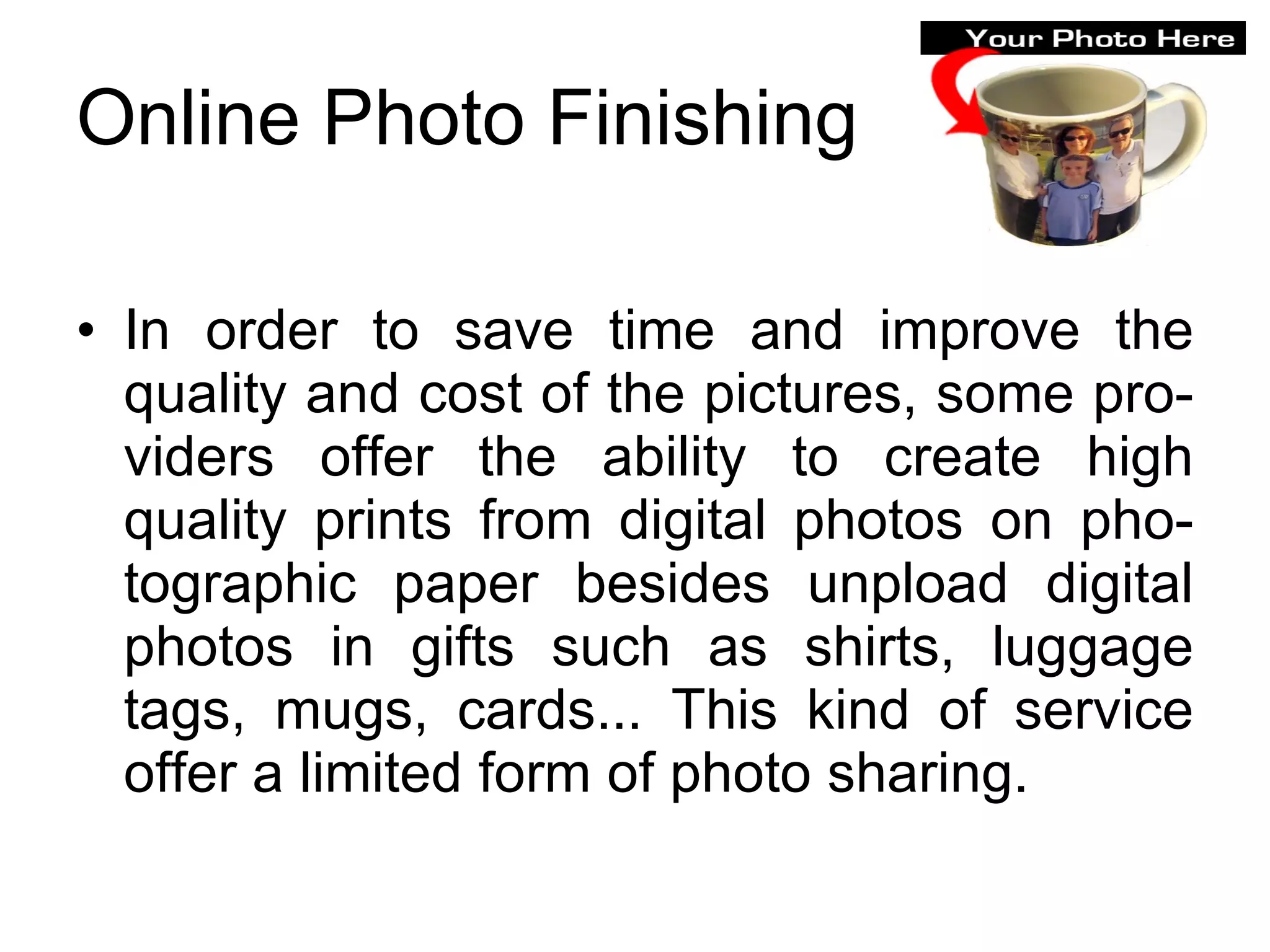
Online Photo Finishing In order to save time and improve the quality and cost of the pictures, some pro-viders offer the ability to create high quality prints from digital photos on pho-tographic paper besides unpload digital photos in gifts such as shirts, luggage tags, mugs, cards... This kind of service offer a limited form of photo sharing.
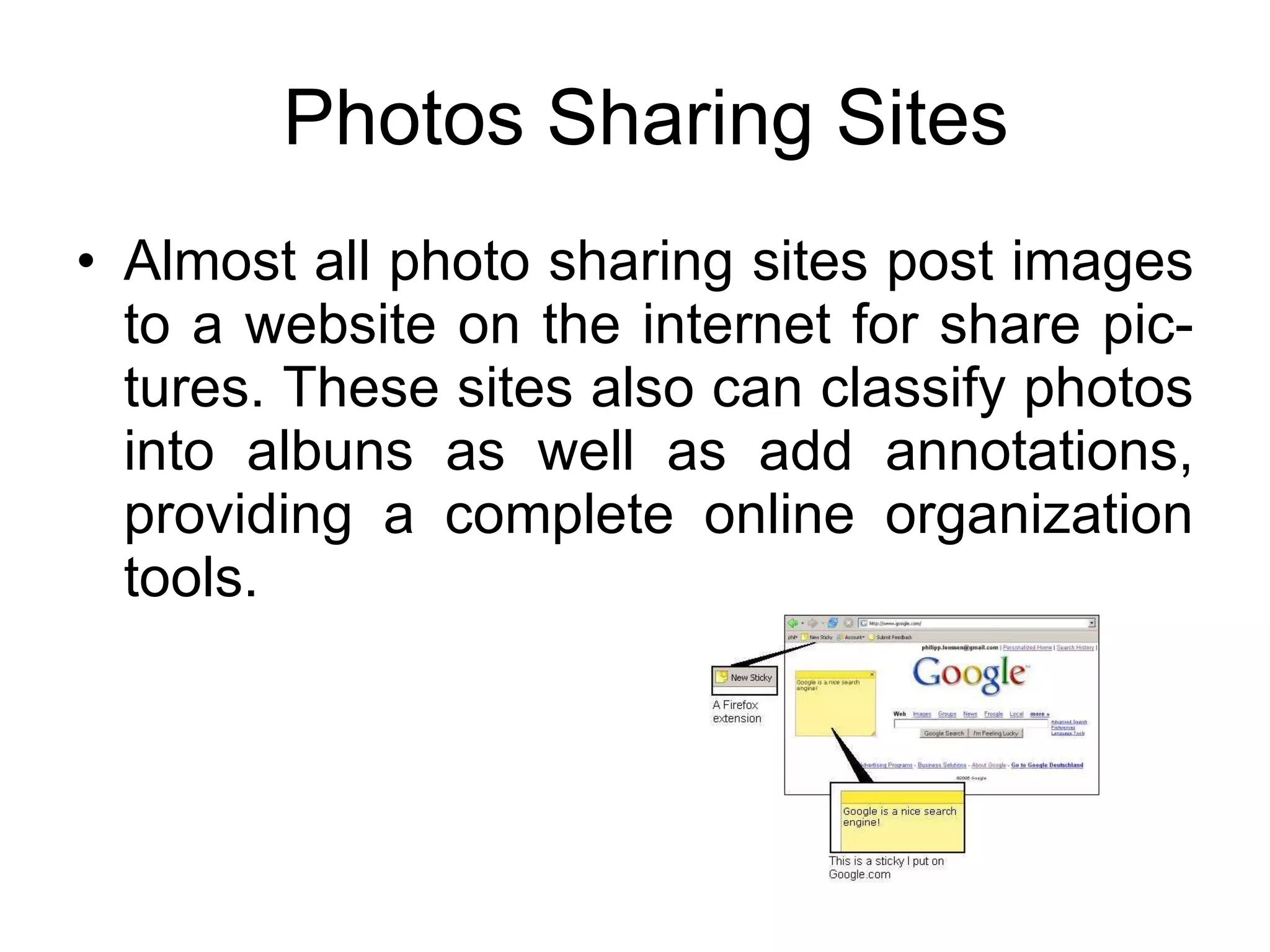
Photos Sharing Sites Almost all photo sharing sites post images to a website on the internet for share pic-tures. These sites also can classify photos into albuns as well as add annotations, providing a complete online organization tools.
Photos Sharing Sites These are some of the most popular photo sharing sites, which can be free or paid depending on the services that are offe-red.
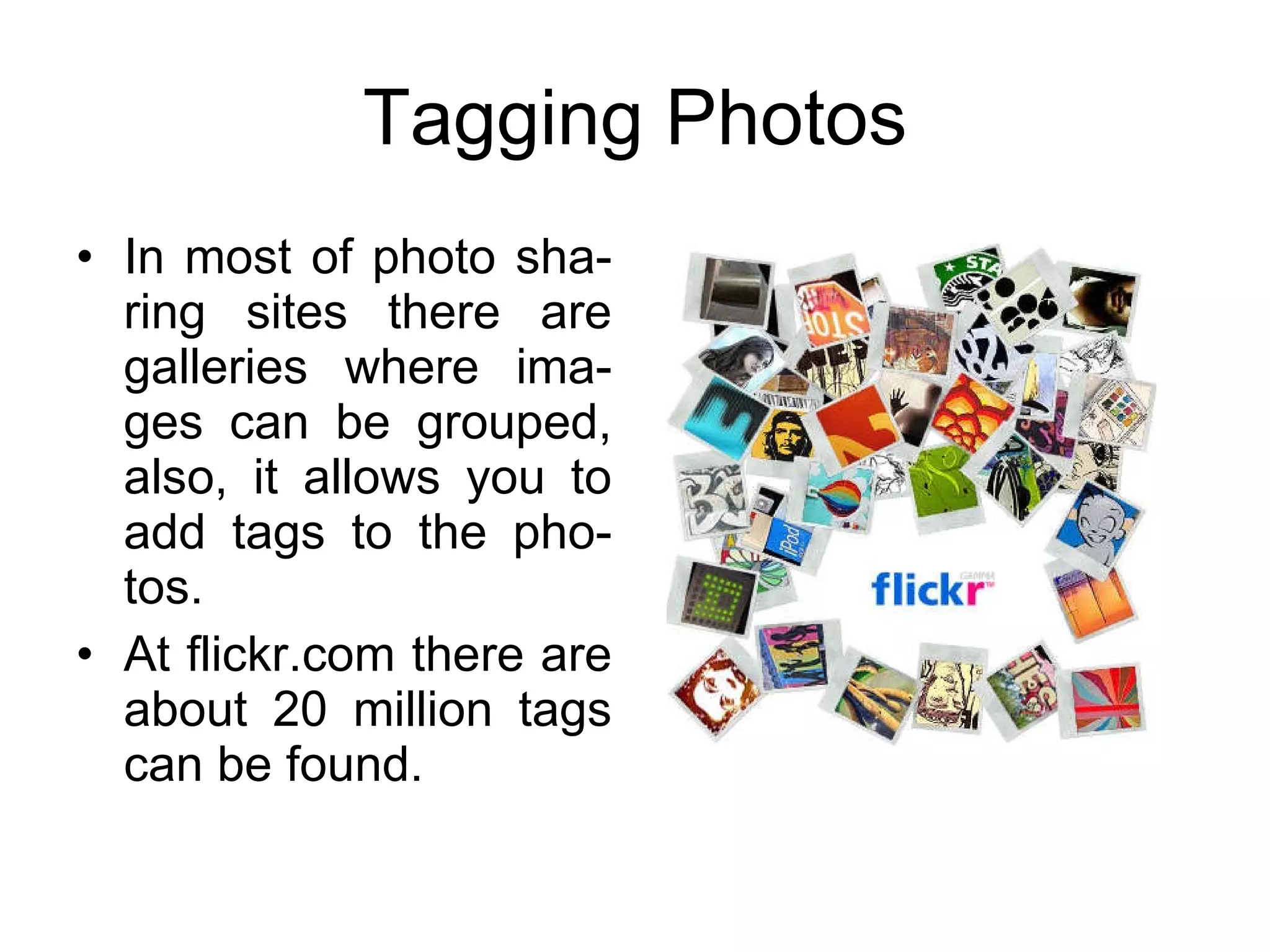
Tagging Photos In most of photo sha-ring sites there are galleries where ima-ges can be grouped, also, it allows you to add tags to the pho-tos. At flickr.com there are about 20 million tags can be found.
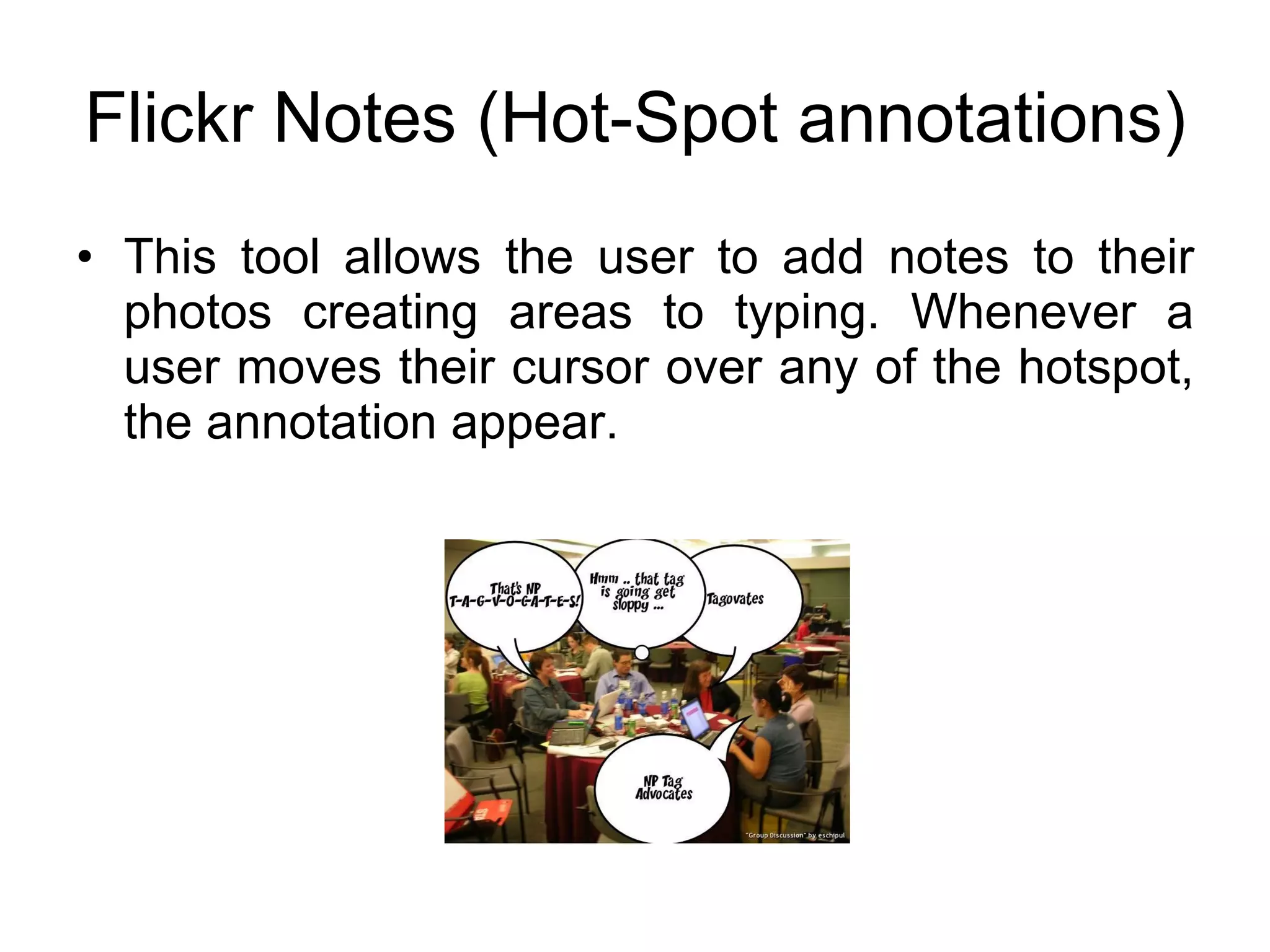
Flickr Notes (Hot-Spot annotations) This tool allows the user to add notes to their photos creating areas to typing. Whenever a user moves their cursor over any of the hotspot, the annotation appear.
Organizing Photos Online In flickr.com, sets a grouping of photos  that you can organize around a certain  theme. You can use sets to highlight your favorite  photos, or make and album of a particular  activity or location. flickr.com/photos/organize is a powerful  tool for managing photos or using sets.
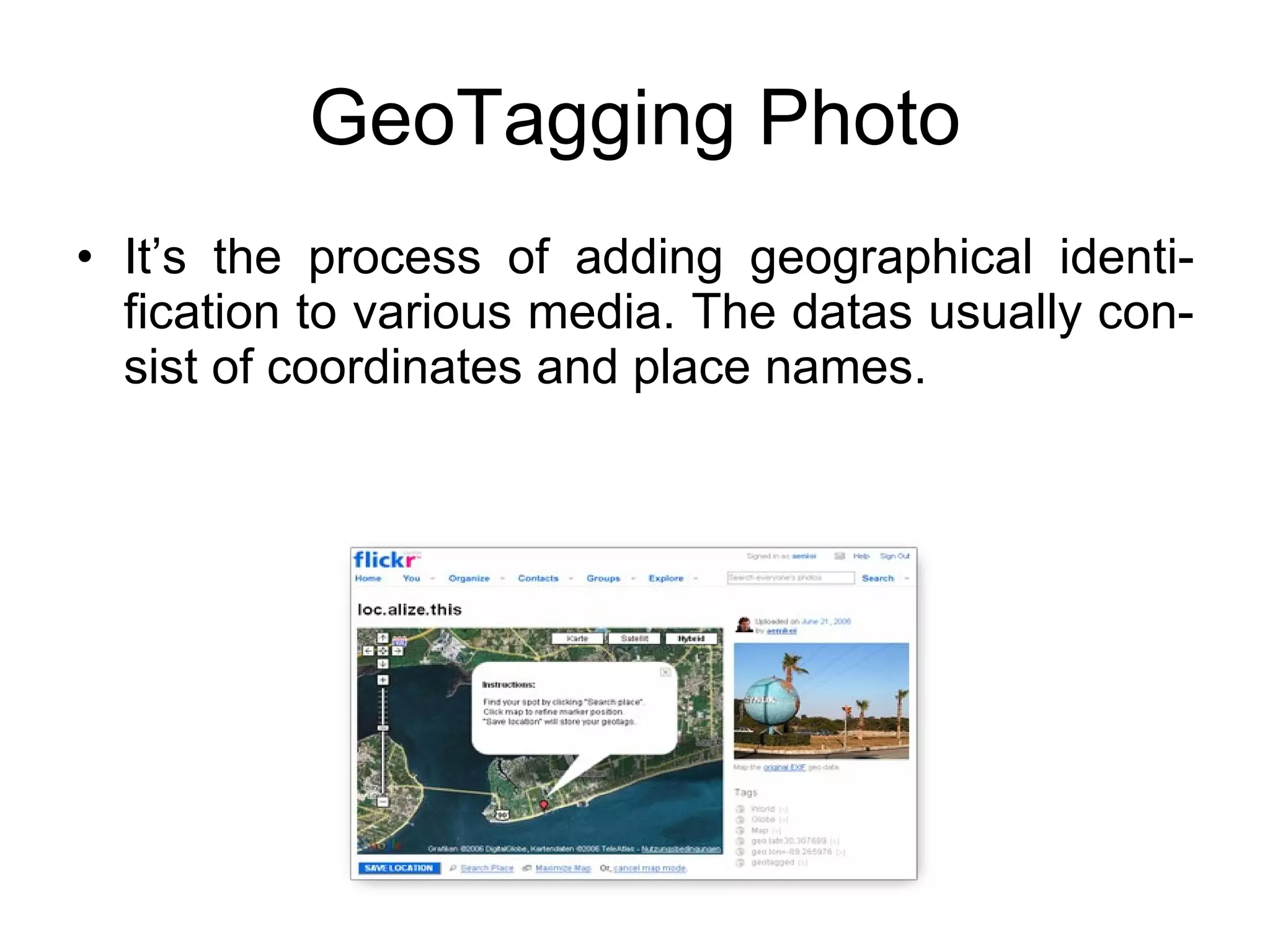
GeoTagging Photo It’s the process of adding geographical identi-fication to various media. The datas usually con-sist of coordinates and place names.
Photocasting Slideshow Tools It’s a new way to sharing photos accompanied by music or narrations. It also sends photos and has pictures changed on the computers. Users can find this tool on slideflickr or bubbleshare, for example, so you can embed slideshows in your own websites.
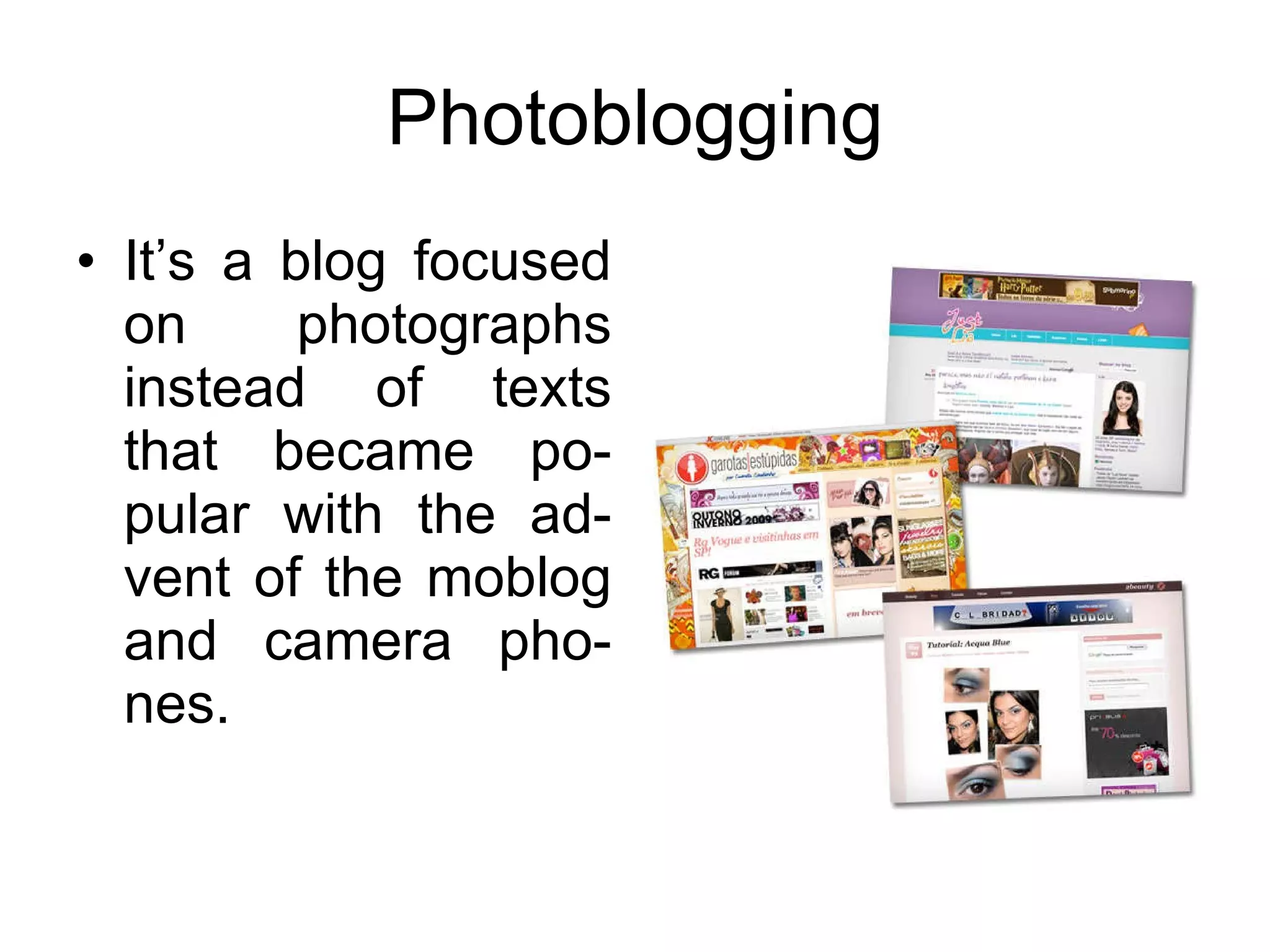
Photoblogging It’s a blog focused on photographs instead of texts that became po-pular with the ad-vent of the moblog and camera pho-nes.
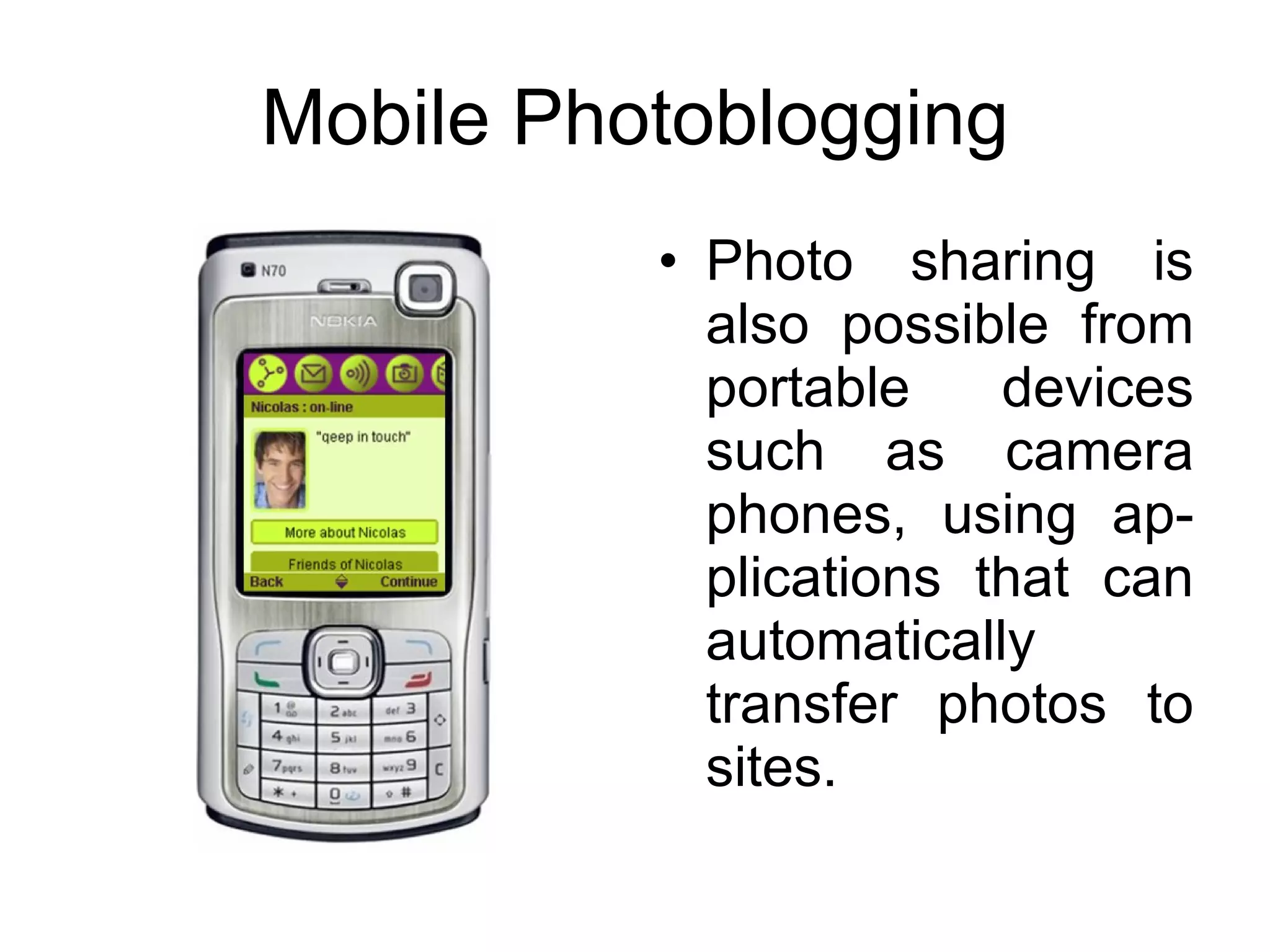
Mobile Photoblogging Photo sharing is also possible from portable devices such as camera phones, using ap-plications that can automatically transfer photos to sites.
Legal and Safety Issues Most photo sharing sites allow user to use groups and privacy controls to share photos. The safety levels provided are: SAFE  - suitable for a public audience; MODERATE  - restricted for some users; RESTRICTED  - not suitable for children.
Creative Commons For intellectual property rights purposes,  creativecommons.org Website offers an  alternative to full copyright . This Website also offers six default  li-censes as an alternative to full copyright,  so the user can choose the one that best  suits his or her needs.
Curriculum Photo-sharing sites can be used to store,  promote and document school events in  order to share photos the school com-munity. Students and educators can also use these  sites to create digital portfolios where they can comment on the photos that are  included.
Summary A well-balanced visual and media literacy is helpful as part of learning into the cur-riculum,  business world and  personal net-working.  Thank you! Glauce Mendes – Marcus Vínicius GROUP ONE

Task 11 group one - photo sharing

  • 1.
  • 2.
    What is photosharing It's a technology that allows digital pho-tographs to be shared through web-sites and applications that facilitate the upload and display of images. Photo-sharing sites can be splitted in two groups: the ones that are free photo sha-ring and the ones that offer paid services under subscription processes
  • 3.
    Online Photo FinishingIn order to save time and improve the quality and cost of the pictures, some pro-viders offer the ability to create high quality prints from digital photos on pho-tographic paper besides unpload digital photos in gifts such as shirts, luggage tags, mugs, cards... This kind of service offer a limited form of photo sharing.
  • 4.
    Photos Sharing SitesAlmost all photo sharing sites post images to a website on the internet for share pic-tures. These sites also can classify photos into albuns as well as add annotations, providing a complete online organization tools.
  • 5.
    Photos Sharing SitesThese are some of the most popular photo sharing sites, which can be free or paid depending on the services that are offe-red.
  • 6.
    Tagging Photos Inmost of photo sha-ring sites there are galleries where ima-ges can be grouped, also, it allows you to add tags to the pho-tos. At flickr.com there are about 20 million tags can be found.
  • 7.
    Flickr Notes (Hot-Spotannotations) This tool allows the user to add notes to their photos creating areas to typing. Whenever a user moves their cursor over any of the hotspot, the annotation appear.
  • 8.
    Organizing Photos OnlineIn flickr.com, sets a grouping of photos that you can organize around a certain theme. You can use sets to highlight your favorite photos, or make and album of a particular activity or location. flickr.com/photos/organize is a powerful tool for managing photos or using sets.
  • 9.
    GeoTagging Photo It’sthe process of adding geographical identi-fication to various media. The datas usually con-sist of coordinates and place names.
  • 10.
    Photocasting Slideshow ToolsIt’s a new way to sharing photos accompanied by music or narrations. It also sends photos and has pictures changed on the computers. Users can find this tool on slideflickr or bubbleshare, for example, so you can embed slideshows in your own websites.
  • 11.
    Photoblogging It’s ablog focused on photographs instead of texts that became po-pular with the ad-vent of the moblog and camera pho-nes.
  • 12.
    Mobile Photoblogging Photosharing is also possible from portable devices such as camera phones, using ap-plications that can automatically transfer photos to sites.
  • 13.
    Legal and SafetyIssues Most photo sharing sites allow user to use groups and privacy controls to share photos. The safety levels provided are: SAFE - suitable for a public audience; MODERATE - restricted for some users; RESTRICTED - not suitable for children.
  • 14.
    Creative Commons Forintellectual property rights purposes, creativecommons.org Website offers an alternative to full copyright . This Website also offers six default li-censes as an alternative to full copyright, so the user can choose the one that best suits his or her needs.
  • 15.
    Curriculum Photo-sharing sitescan be used to store, promote and document school events in order to share photos the school com-munity. Students and educators can also use these sites to create digital portfolios where they can comment on the photos that are included.
  • 16.
    Summary A well-balancedvisual and media literacy is helpful as part of learning into the cur-riculum, business world and personal net-working. Thank you! Glauce Mendes – Marcus Vínicius GROUP ONE