INTRODUCTION TO COMPUTERS ESSENTIAL INFORMATION  ABOUT COMPUTERS
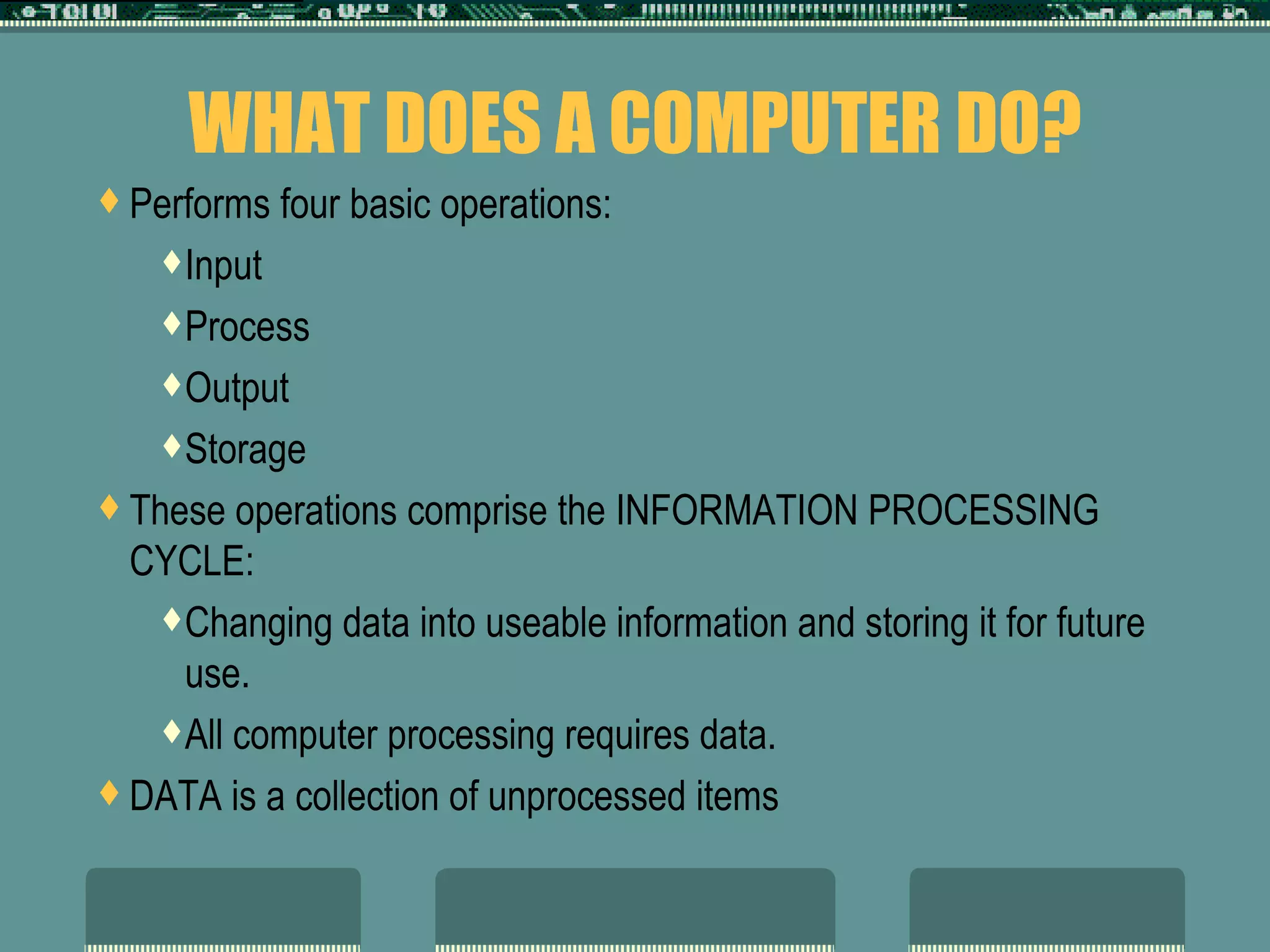
WHAT DOES A COMPUTER DO? Performs four basic operations: Input Process Output Storage These operations comprise the INFORMATION PROCESSING CYCLE: Changing data into useable information and storing it for future use.  All computer processing requires data.  DATA is a collection of unprocessed items
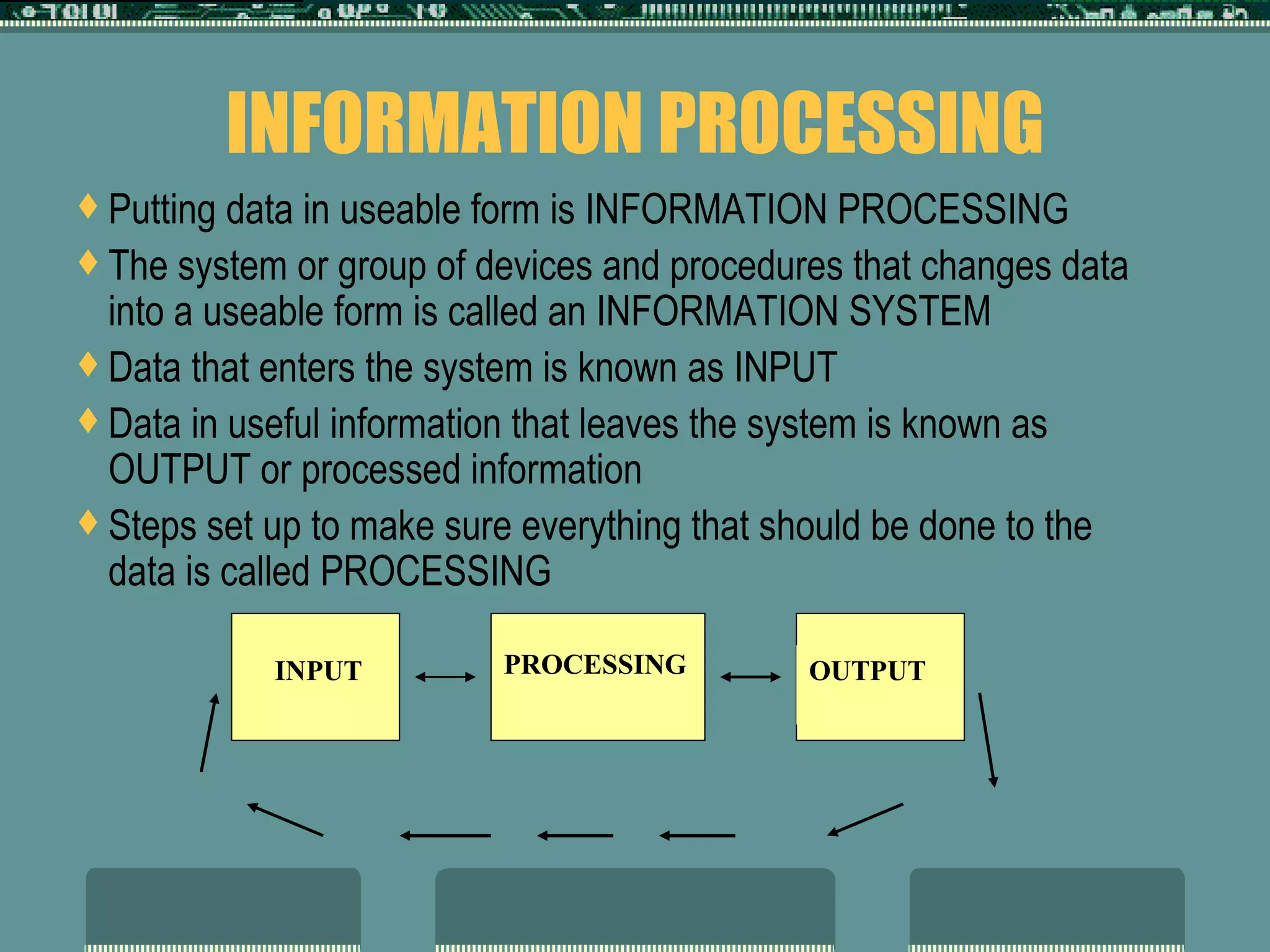
INFORMATION PROCESSING Putting data in useable form is INFORMATION PROCESSING  The system or group of devices and procedures that changes data into a useable form is called an INFORMATION SYSTEM Data that enters the system is known as INPUT Data in useful information that leaves the system is known as OUTPUT or processed information Steps set up to make sure everything that should be done to the data is called PROCESSING  PROCESSING INPUT OUTPUT
1 ST  STEP  ---  INPUT Data to be processed or RAW DATA Raw data written on forms is known as SOURCE DOCUMENTS
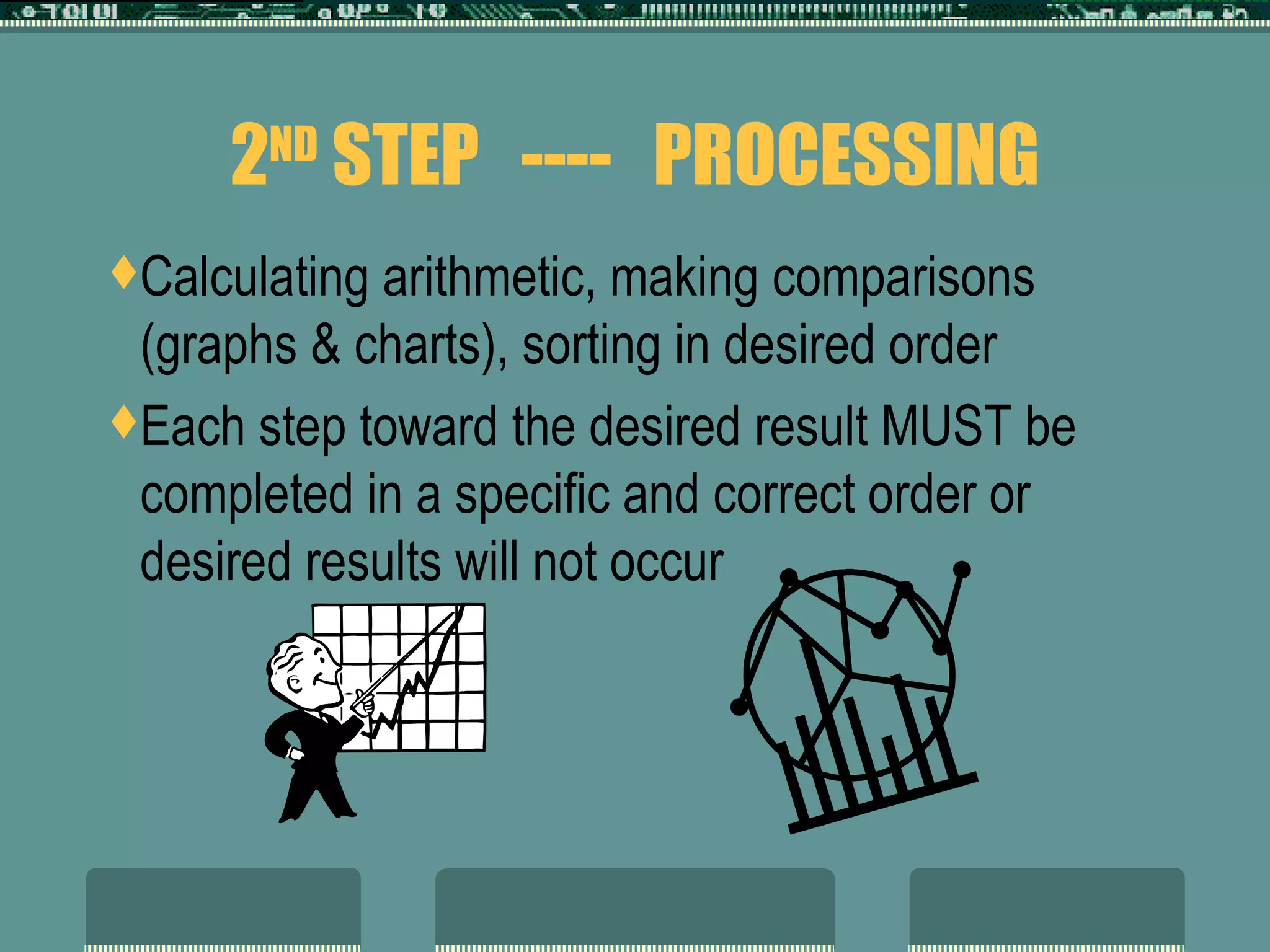
2 ND  STEP  ----  PROCESSING Calculating arithmetic, making comparisons (graphs & charts), sorting in desired order Each step toward the desired result MUST be completed in a specific and correct order or desired results will not occur
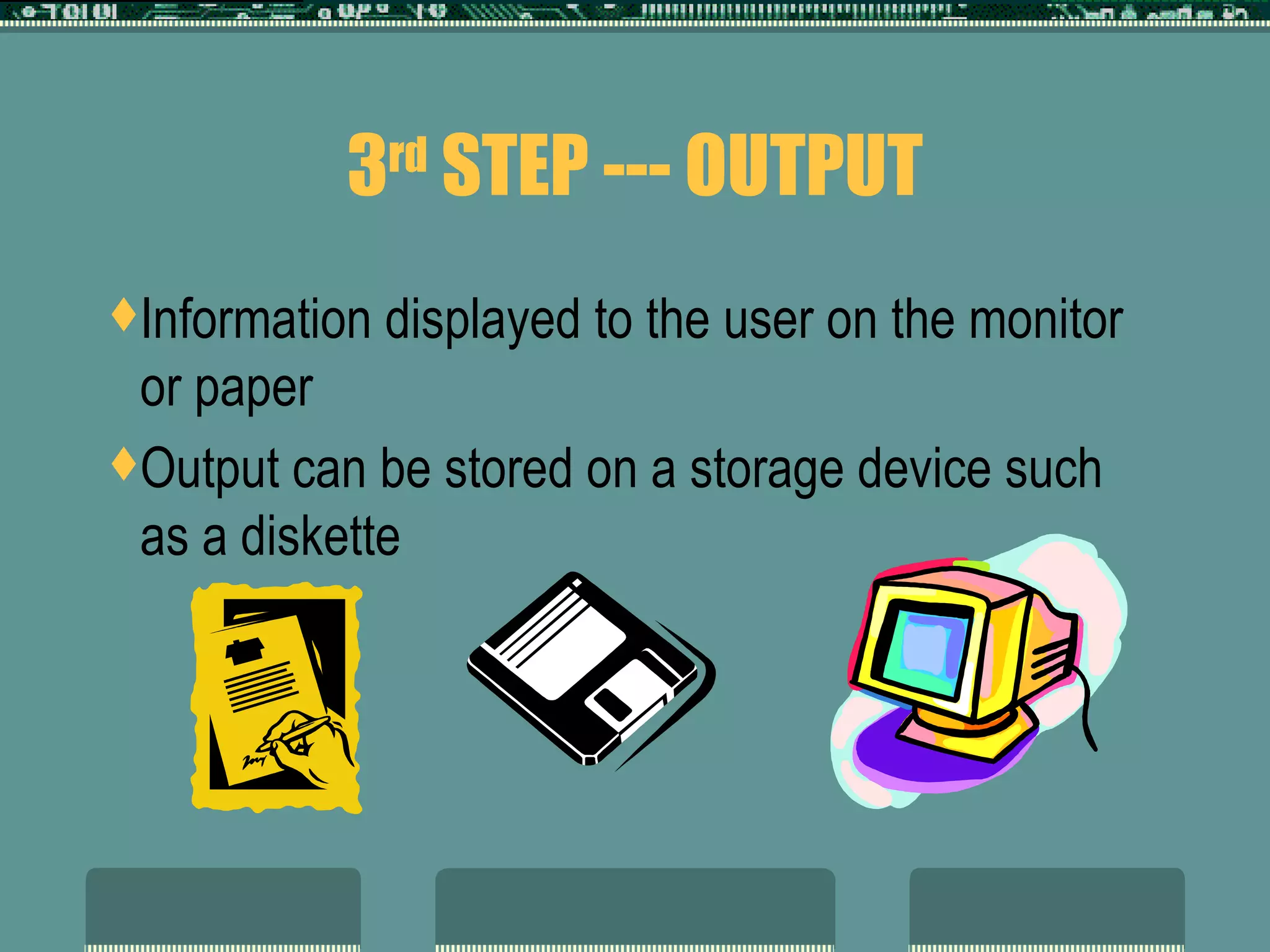
3 rd  STEP --- OUTPUT Information displayed to the user on the monitor or paper Output can be stored on a storage device such as a diskette
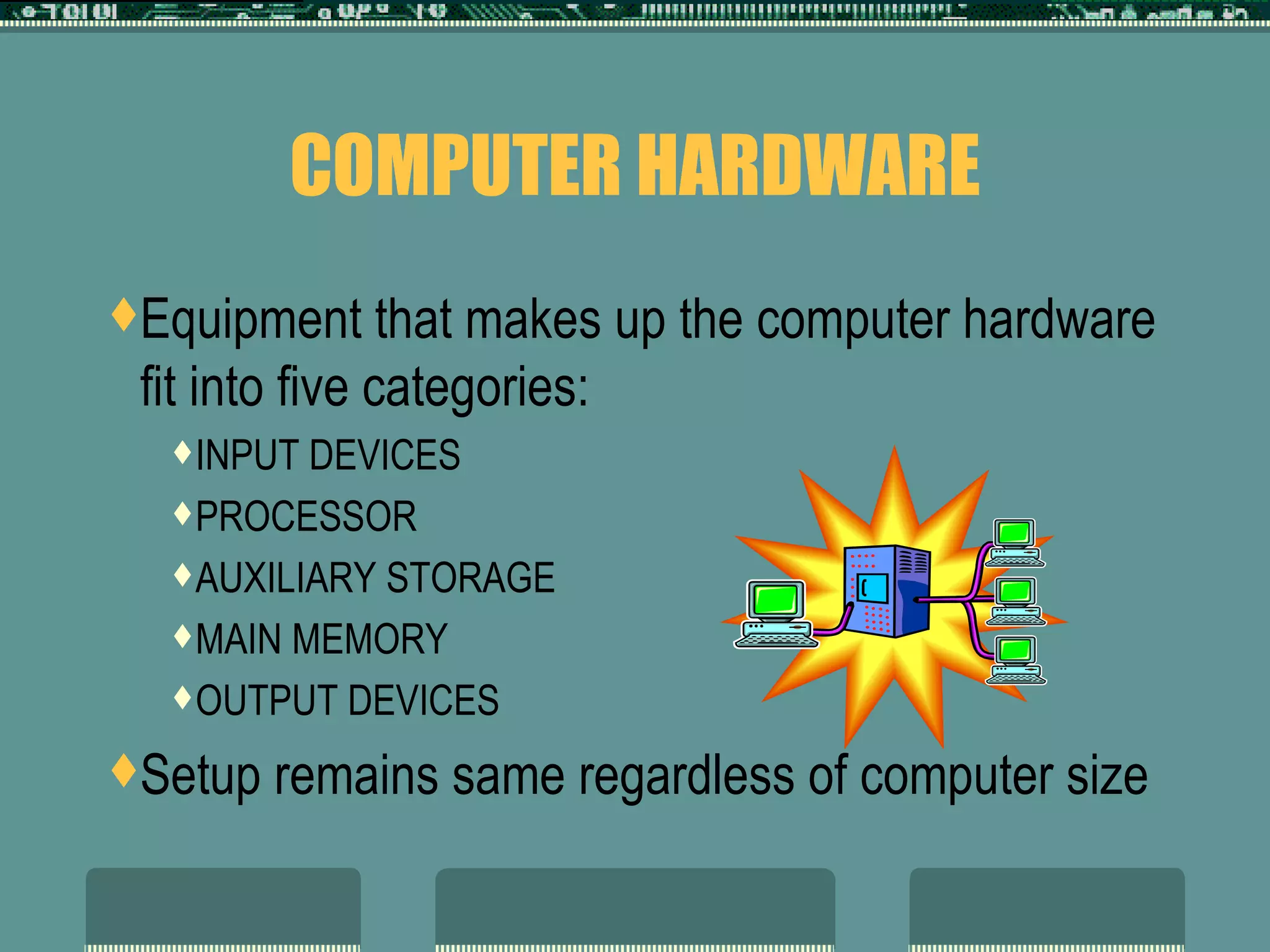
COMPUTER HARDWARE Equipment that makes up the computer hardware fit into five categories:  INPUT DEVICES PROCESSOR AUXILIARY STORAGE MAIN MEMORY OUTPUT DEVICES Setup remains same regardless of computer size
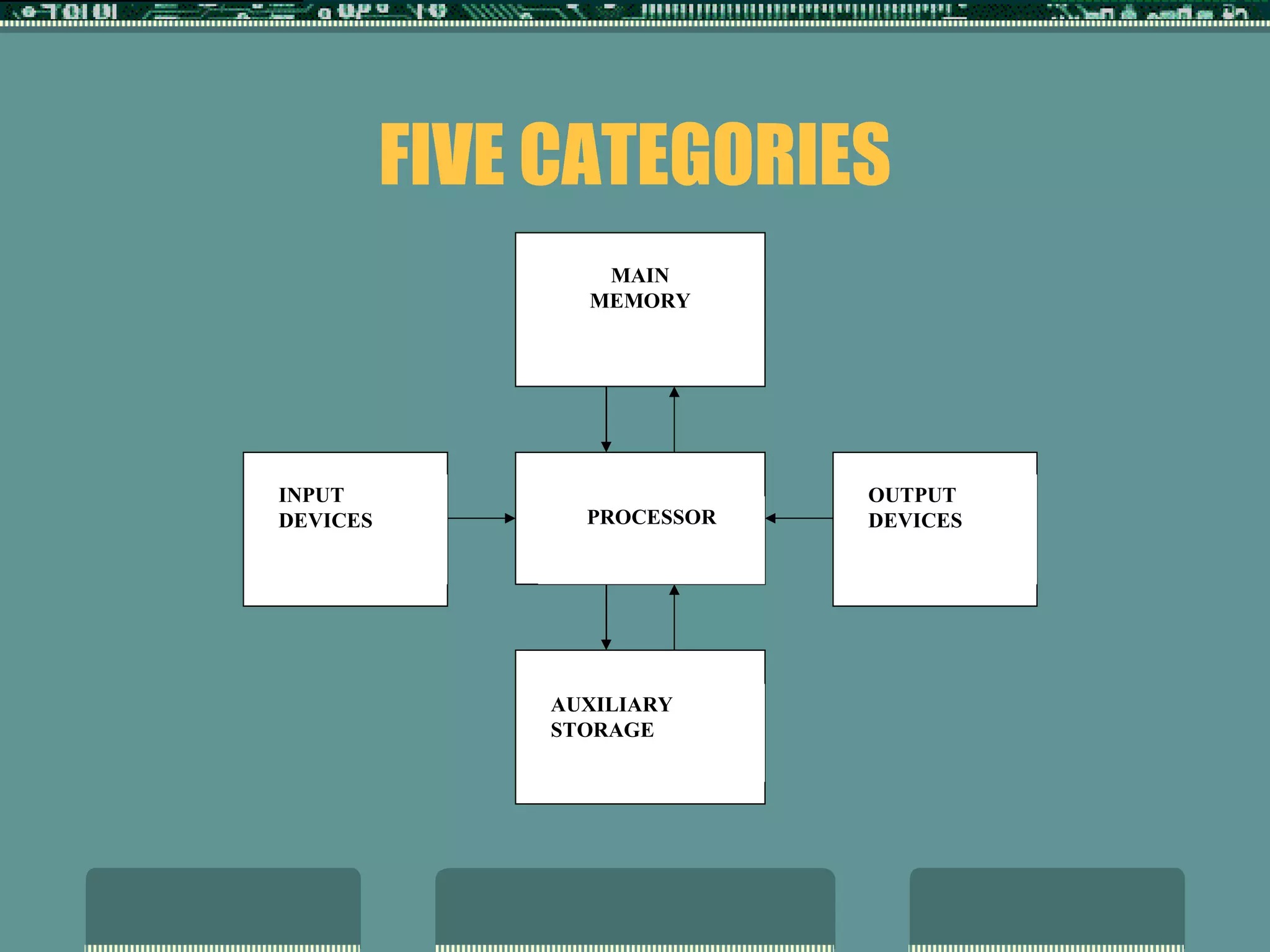
FIVE CATEGORIES INPUT  DEVICES OUTPUT  DEVICES AUXILIARY  STORAGE MAIN MEMORY PROCESSOR
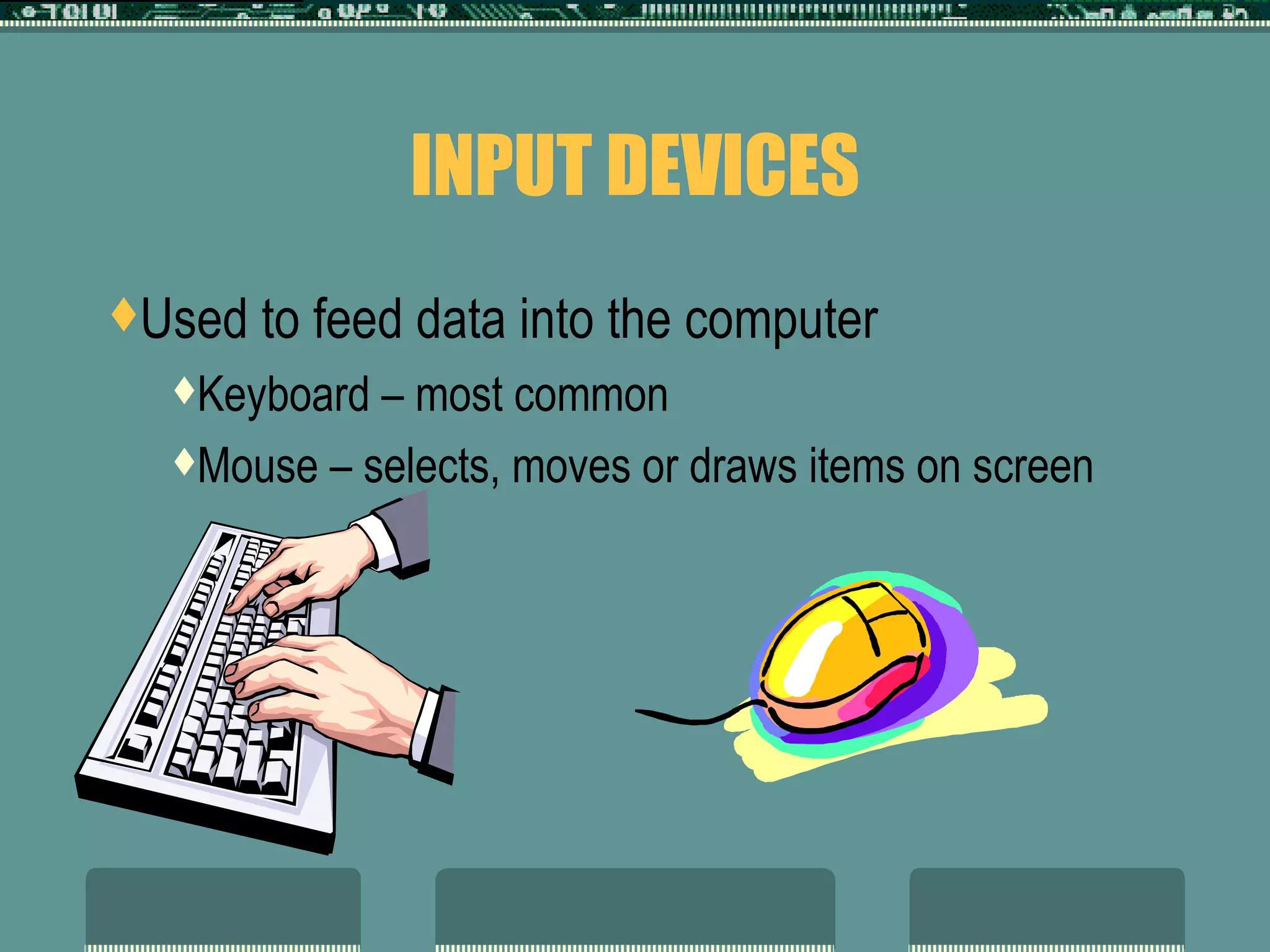
INPUT DEVICES Used to feed data into the computer Keyboard – most common Mouse – selects, moves or draws items on screen
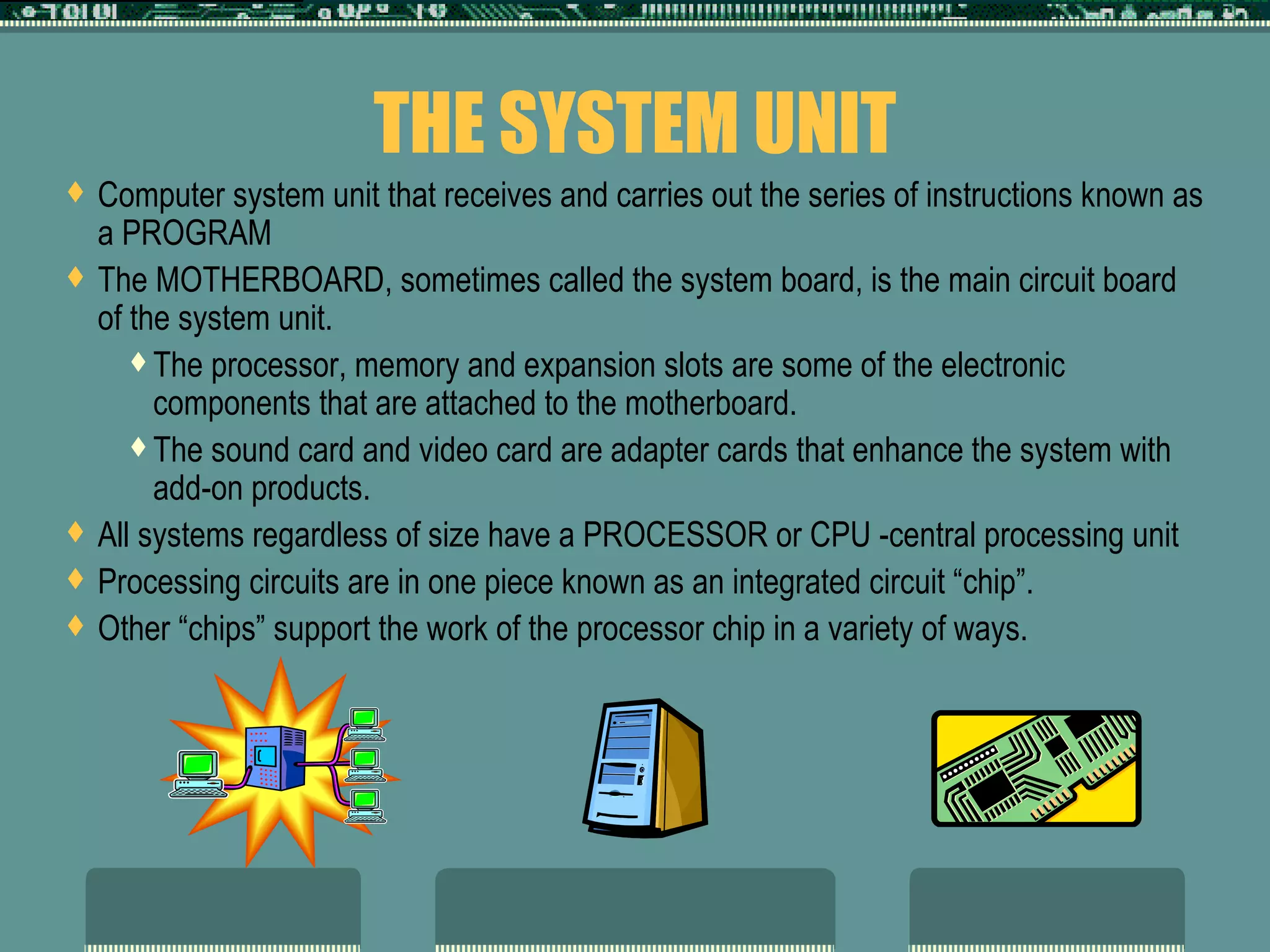
THE SYSTEM UNIT Computer system unit that receives and carries out the series of instructions known as a PROGRAM The MOTHERBOARD, sometimes called the system board, is the main circuit board of the system unit.  The processor, memory and expansion slots are some of the electronic components that are attached to the motherboard. The sound card and video card are adapter cards that enhance the system with add-on products. All systems regardless of size have a PROCESSOR or CPU -central processing unit Processing circuits are in one piece known as an integrated circuit “chip”. Other “chips” support the work of the processor chip in a variety of ways.
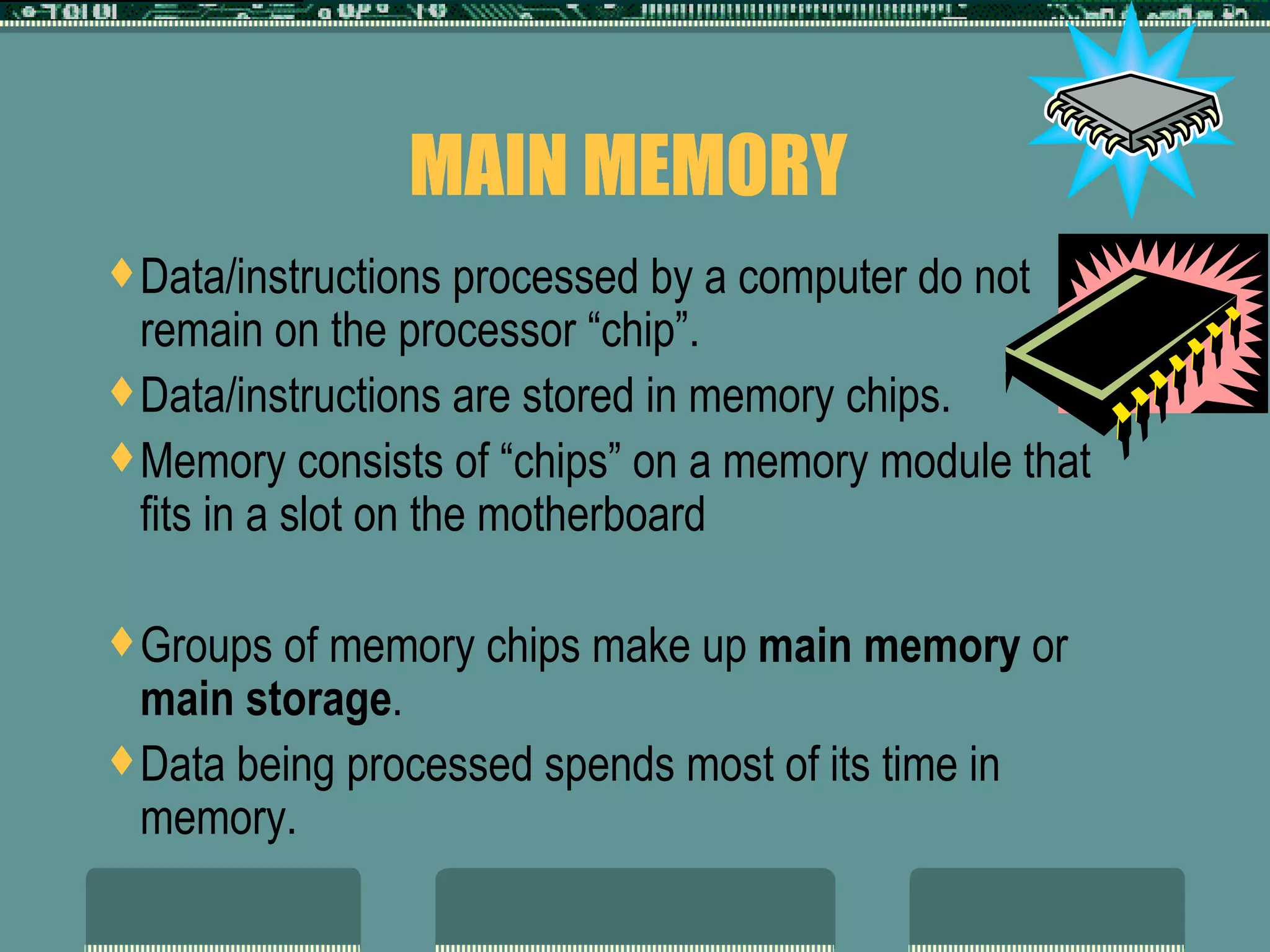
MAIN MEMORY  Data/instructions processed by a computer do not remain on the processor “chip”. Data/instructions are stored in memory chips. Memory consists of “chips” on a memory module that fits in a slot on the motherboard Groups of memory chips make up  main memory  or  main storage . Data being processed spends most of its time in memory.
MAIN MEMORY CONT’D Data/instructions are stored as electronic impulses in specific locations in memory.  Memory is like a post office with mail boxes These mailboxes have a number known as its NUMERIC ADDRESS.  A memory chip may be either  RAM  or  ROM  memory.
MAIN MEMORY CONT’D RAM  (Random Access Memory) is used as temporary storage while processing is done This memory is  “volatile”  --- its contents are lost when the computer is turned off.  Amount of RAM is measured in units called  “bytes”   One  byte  is amount of memory to store one character – typically in “kilo” (1,000), “mega” (million), or “giga”(billion) – 512Mg represents 512 million characters ROM  (Read only memory) holds data permanently  “ nonvolatile”  – its contents are not lost when the computer is turned off.  Stores instructions to start computer and since it is “Read-Only” new information cannot be added to this type of memory
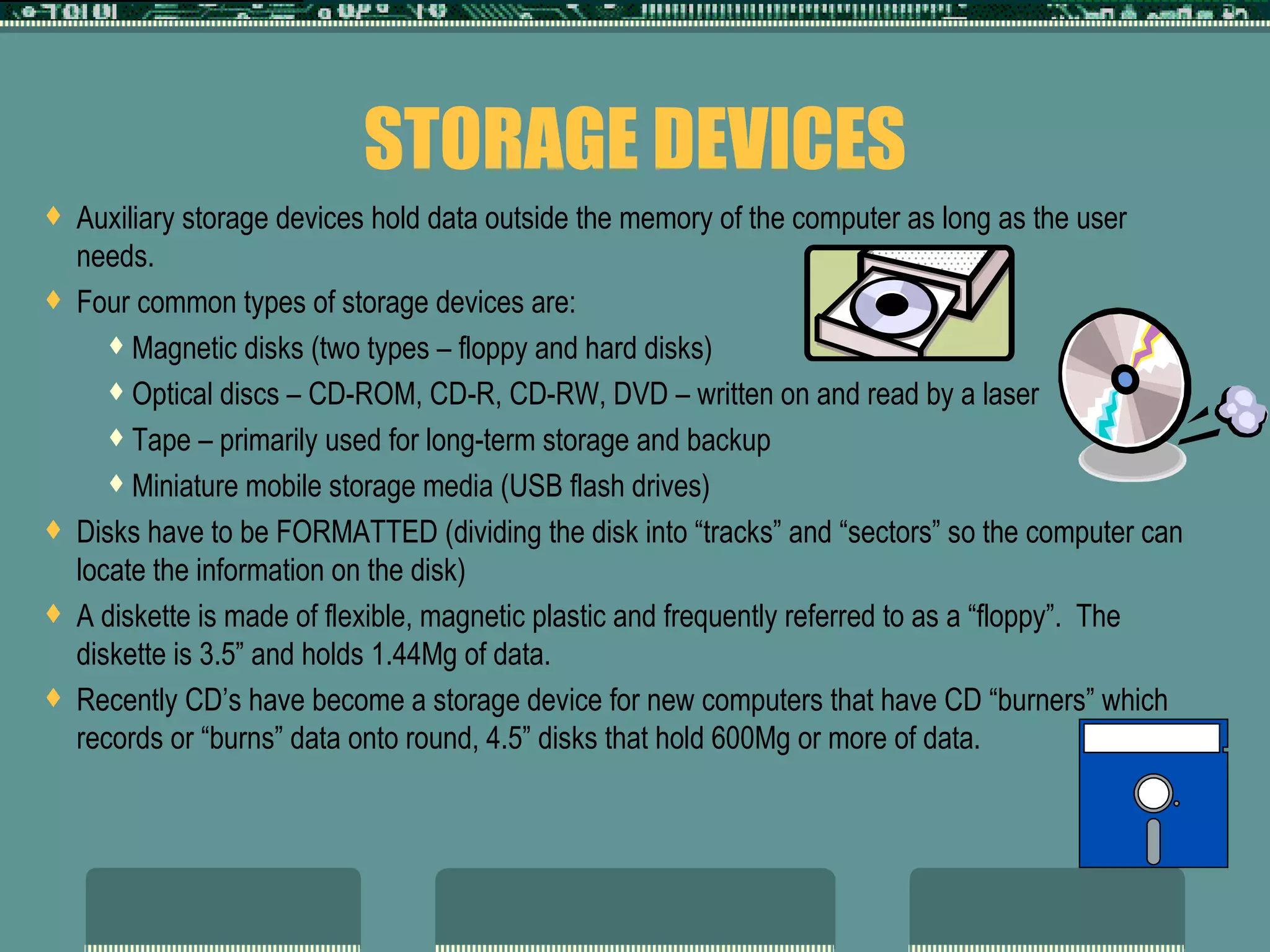
STORAGE DEVICES Auxiliary storage devices hold data outside the memory of the computer as long as the user needs. Four common types of storage devices are: Magnetic disks (two types – floppy and hard disks) Optical discs – CD-ROM, CD-R, CD-RW, DVD – written on and read by a laser  Tape – primarily used for long-term storage and backup Miniature mobile storage media (USB flash drives) Disks have to be FORMATTED (dividing the disk into “tracks” and “sectors” so the computer can locate the information on the disk) A diskette is made of flexible, magnetic plastic and frequently referred to as a “floppy”.  The diskette is 3.5” and holds 1.44Mg of data.  Recently CD’s have become a storage device for new computers that have CD “burners” which records or “burns” data onto round, 4.5” disks that hold 600Mg or more of data.
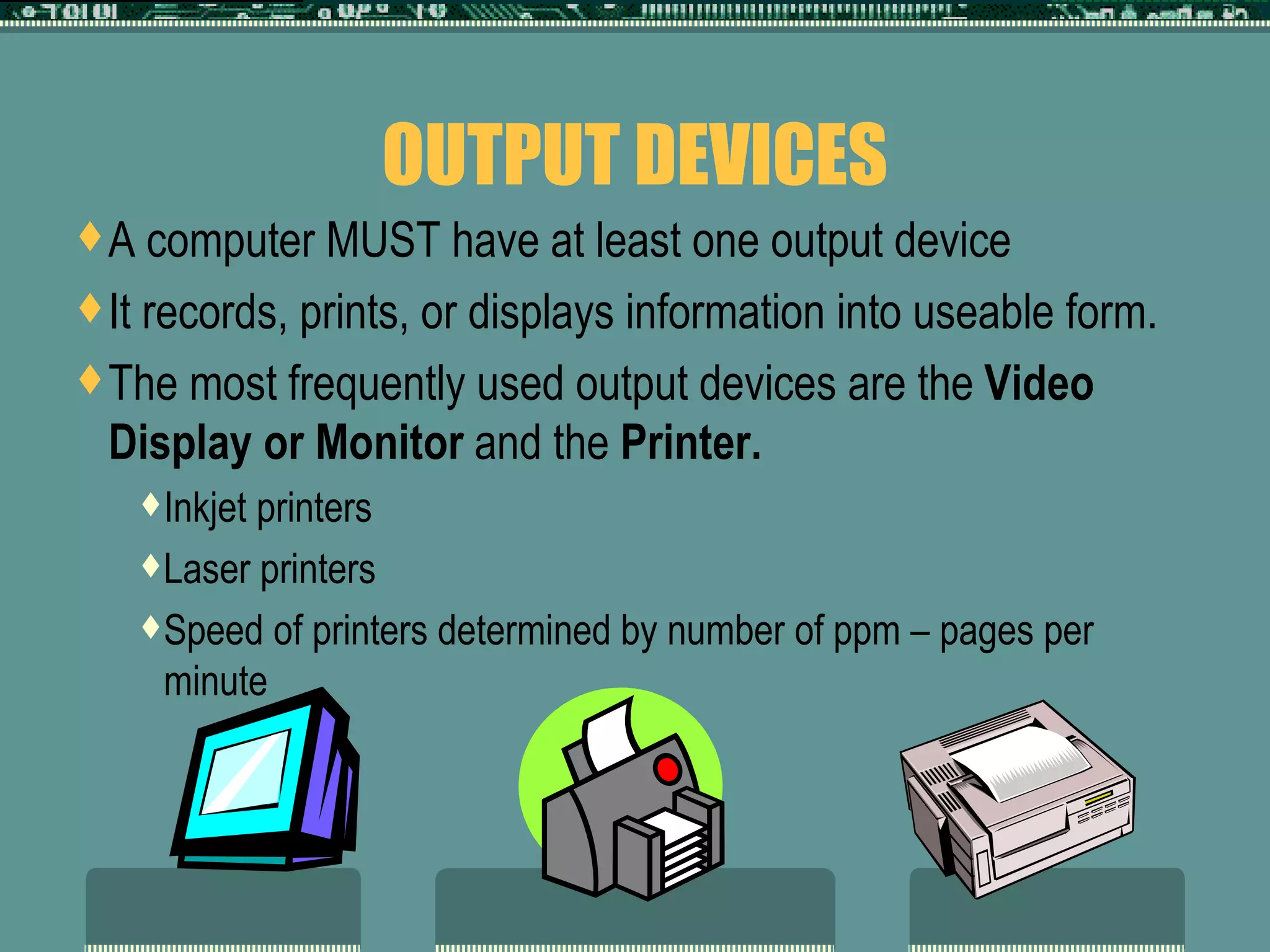
OUTPUT DEVICES A computer MUST have at least one output device It records, prints, or displays information into useable form. The most frequently used output devices are the  Video Display or Monitor  and the  Printer.  Inkjet printers Laser printers Speed of printers determined by number of ppm – pages per minute
SYSTEM SOFTWARE Hardware  is the physical equipment parts of the computer.  There are steps to follow to process data entered into a computer.  These steps are known as a  Program .  Programs in general are known as  Software .  Control the operations of computer equipment There are 3 basic categories of software:  Operating System Software Utility Software  Application Software
OPERATING SYSTEM SOFTWARE Consists of programs necessary to keep the hardware functioning. It sets up and maintains communication between the processor, auxiliary storage, input devices, and output devices.  It controls copying of data and feeds data to the processor When computer is turned on, the operating system is loaded from the auxiliary storage.  This process is called “BOOTING” Most operating systems have GUI (graphical user interface) or icon symbols to help user.
UTILITY SOFTWARE A  Utility program  is a program that performs routine jobs.  Usually part of the system’s software, but can be bought separately with additional capabilities.  Firewall software and Virus Protection software Norton’s Disk Doctor Scandisk and Defragmenter (part of the system that is used frequently to “clean” the hard drive and fix errors)
APPLICATION SOFTWARE Programs designed to solve specific problems for the user.  Application software are available for almost any task imaginable.  Computerized banking (Quicken, QuickBooks) Word Processing, spreadsheet, database programs Graphing programs DeskTop Publishing programs Integrated software combines several of these into one program Microsoft Office Suite Corel WordPerfect Suite

The Computer System2007

  • 1.
    INTRODUCTION TO COMPUTERSESSENTIAL INFORMATION ABOUT COMPUTERS
  • 2.
    WHAT DOES ACOMPUTER DO? Performs four basic operations: Input Process Output Storage These operations comprise the INFORMATION PROCESSING CYCLE: Changing data into useable information and storing it for future use. All computer processing requires data. DATA is a collection of unprocessed items
  • 3.
    INFORMATION PROCESSING Puttingdata in useable form is INFORMATION PROCESSING The system or group of devices and procedures that changes data into a useable form is called an INFORMATION SYSTEM Data that enters the system is known as INPUT Data in useful information that leaves the system is known as OUTPUT or processed information Steps set up to make sure everything that should be done to the data is called PROCESSING PROCESSING INPUT OUTPUT
  • 4.
    1 ST STEP --- INPUT Data to be processed or RAW DATA Raw data written on forms is known as SOURCE DOCUMENTS
  • 5.
    2 ND STEP ---- PROCESSING Calculating arithmetic, making comparisons (graphs & charts), sorting in desired order Each step toward the desired result MUST be completed in a specific and correct order or desired results will not occur
  • 6.
    3 rd STEP --- OUTPUT Information displayed to the user on the monitor or paper Output can be stored on a storage device such as a diskette
  • 7.
    COMPUTER HARDWARE Equipmentthat makes up the computer hardware fit into five categories: INPUT DEVICES PROCESSOR AUXILIARY STORAGE MAIN MEMORY OUTPUT DEVICES Setup remains same regardless of computer size
  • 8.
    FIVE CATEGORIES INPUT DEVICES OUTPUT DEVICES AUXILIARY STORAGE MAIN MEMORY PROCESSOR
  • 9.
    INPUT DEVICES Usedto feed data into the computer Keyboard – most common Mouse – selects, moves or draws items on screen
  • 10.
    THE SYSTEM UNITComputer system unit that receives and carries out the series of instructions known as a PROGRAM The MOTHERBOARD, sometimes called the system board, is the main circuit board of the system unit. The processor, memory and expansion slots are some of the electronic components that are attached to the motherboard. The sound card and video card are adapter cards that enhance the system with add-on products. All systems regardless of size have a PROCESSOR or CPU -central processing unit Processing circuits are in one piece known as an integrated circuit “chip”. Other “chips” support the work of the processor chip in a variety of ways.
  • 11.
    MAIN MEMORY Data/instructions processed by a computer do not remain on the processor “chip”. Data/instructions are stored in memory chips. Memory consists of “chips” on a memory module that fits in a slot on the motherboard Groups of memory chips make up main memory or main storage . Data being processed spends most of its time in memory.
  • 12.
    MAIN MEMORY CONT’DData/instructions are stored as electronic impulses in specific locations in memory. Memory is like a post office with mail boxes These mailboxes have a number known as its NUMERIC ADDRESS. A memory chip may be either RAM or ROM memory.
  • 13.
    MAIN MEMORY CONT’DRAM (Random Access Memory) is used as temporary storage while processing is done This memory is “volatile” --- its contents are lost when the computer is turned off. Amount of RAM is measured in units called “bytes” One byte is amount of memory to store one character – typically in “kilo” (1,000), “mega” (million), or “giga”(billion) – 512Mg represents 512 million characters ROM (Read only memory) holds data permanently “ nonvolatile” – its contents are not lost when the computer is turned off. Stores instructions to start computer and since it is “Read-Only” new information cannot be added to this type of memory
  • 14.
    STORAGE DEVICES Auxiliarystorage devices hold data outside the memory of the computer as long as the user needs. Four common types of storage devices are: Magnetic disks (two types – floppy and hard disks) Optical discs – CD-ROM, CD-R, CD-RW, DVD – written on and read by a laser Tape – primarily used for long-term storage and backup Miniature mobile storage media (USB flash drives) Disks have to be FORMATTED (dividing the disk into “tracks” and “sectors” so the computer can locate the information on the disk) A diskette is made of flexible, magnetic plastic and frequently referred to as a “floppy”. The diskette is 3.5” and holds 1.44Mg of data. Recently CD’s have become a storage device for new computers that have CD “burners” which records or “burns” data onto round, 4.5” disks that hold 600Mg or more of data.
  • 15.
    OUTPUT DEVICES Acomputer MUST have at least one output device It records, prints, or displays information into useable form. The most frequently used output devices are the Video Display or Monitor and the Printer. Inkjet printers Laser printers Speed of printers determined by number of ppm – pages per minute
  • 16.
    SYSTEM SOFTWARE Hardware is the physical equipment parts of the computer. There are steps to follow to process data entered into a computer. These steps are known as a Program . Programs in general are known as Software . Control the operations of computer equipment There are 3 basic categories of software: Operating System Software Utility Software Application Software
  • 17.
    OPERATING SYSTEM SOFTWAREConsists of programs necessary to keep the hardware functioning. It sets up and maintains communication between the processor, auxiliary storage, input devices, and output devices. It controls copying of data and feeds data to the processor When computer is turned on, the operating system is loaded from the auxiliary storage. This process is called “BOOTING” Most operating systems have GUI (graphical user interface) or icon symbols to help user.
  • 18.
    UTILITY SOFTWARE A Utility program is a program that performs routine jobs. Usually part of the system’s software, but can be bought separately with additional capabilities. Firewall software and Virus Protection software Norton’s Disk Doctor Scandisk and Defragmenter (part of the system that is used frequently to “clean” the hard drive and fix errors)
  • 19.
    APPLICATION SOFTWARE Programsdesigned to solve specific problems for the user. Application software are available for almost any task imaginable. Computerized banking (Quicken, QuickBooks) Word Processing, spreadsheet, database programs Graphing programs DeskTop Publishing programs Integrated software combines several of these into one program Microsoft Office Suite Corel WordPerfect Suite