Podcasting and Screencasting Pam Friedman Laura Paiva Westfield School District
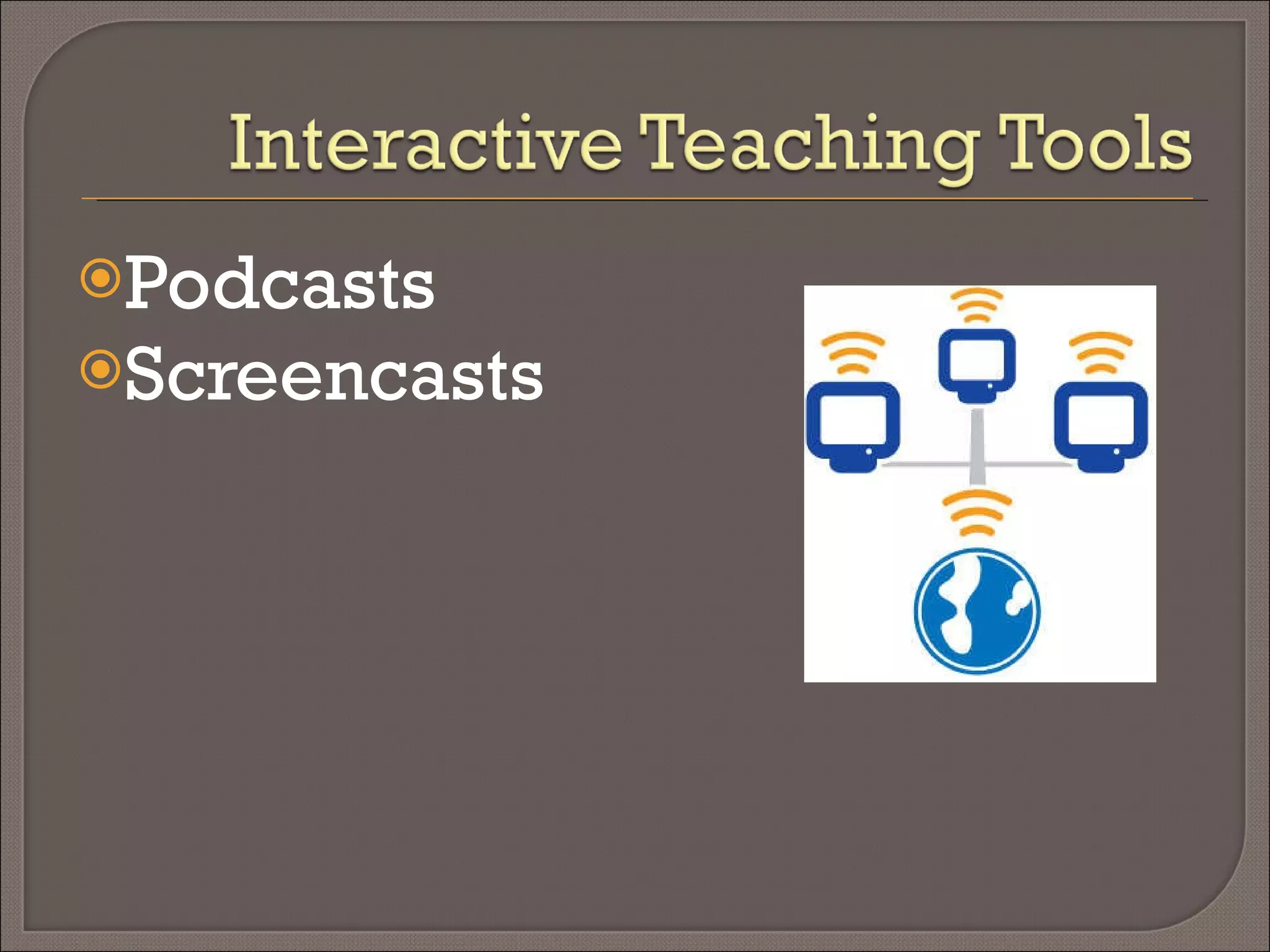
Podcasts Screencasts
podcast definition  pod·cast (päd ′ kast′) noun a recorded program of talk, music, etc. made available over the Internet as a  file  () that can be downloaded to a computer or portable device Etymology: <  iPod , trademark for a portable digital electronic device + (broad)cast transitive verb, intransitive verb to make (a program) available as a podcast Webster's New World College Dictionary Copyright © 2009 by Wiley Publishing, Inc., Cleveland, Ohio.  Used by arrangement with John Wiley & Sons, Inc.
Why create audio recordings? Podcasting is online audio content. Where bloggers are considered to be amateur journalists, podcasters might be considered  amateur radio  personalities!
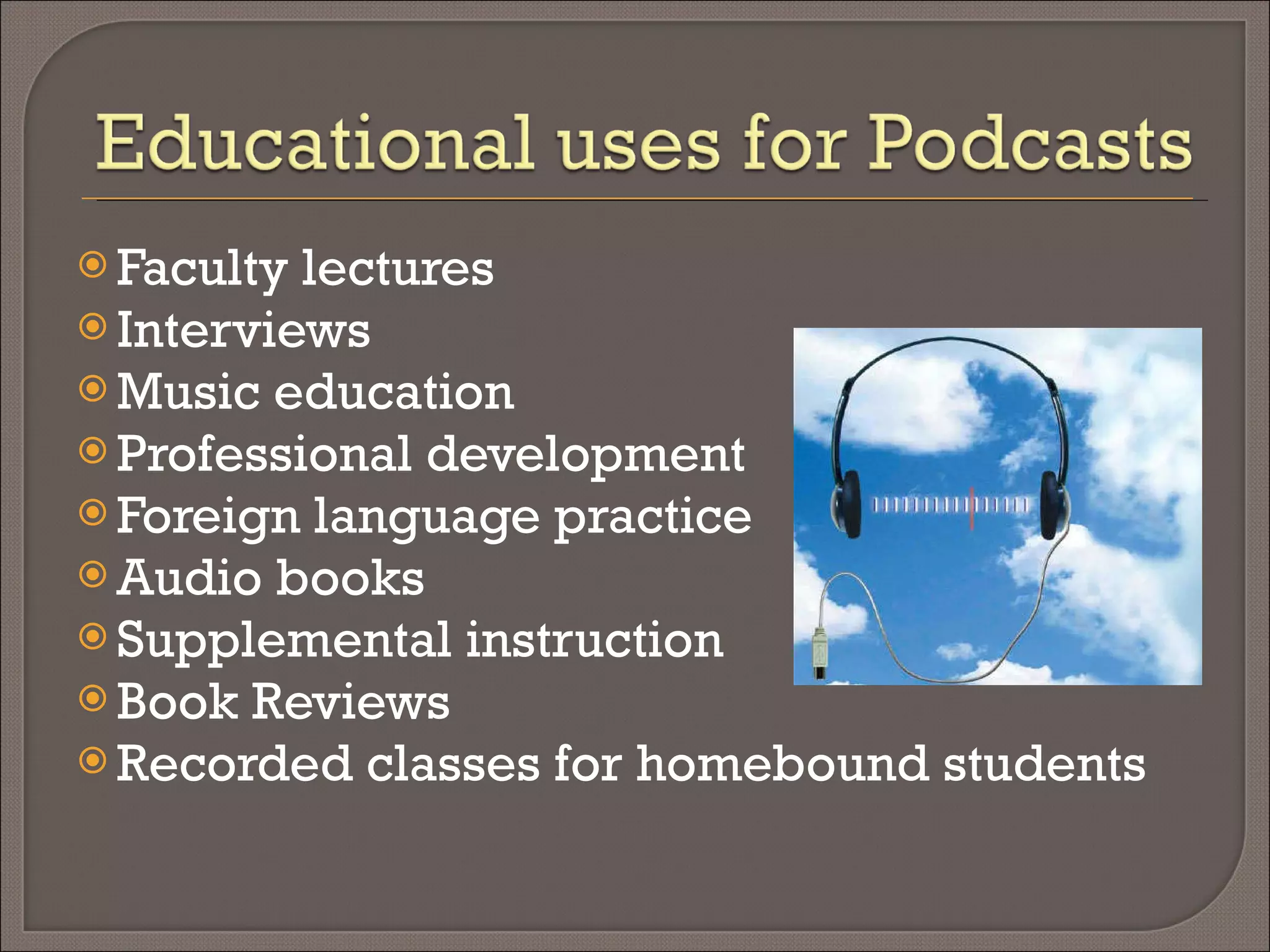
Professional development Faculty lectures Supplemental instruction Music education Foreign language practice Audio books Interviews Book reviews Oral reports
Radio Commercials Radio Show Storynory:  Free Audio Stories for Kids Radio Willow Web  ( Willowdale Elementary School, Omaha Nebraska) VoiceThread:  http://voicethread.com/#q.b56011.i289587
Write Script  Practice Record Playback Host Tips Speak slowly Speak clearly Keep recordings short Reduce background noise
Uploading podcasts – sites Podomatic.com Edweb.us Podbean.com Divshare.com Drop.io (rss capabilities) Audioboo.fm Ourmedia.org Your teacher website
Free Easy way to incorporate technology Allow students to present to a wide audience Language arts Develop writing skills Writing to authentic audience Their voice Emotion ANY grade level ANY subject
Podcasting Tools:  http://www.podcasting-tools.com/ Resources for Educational Podcasting  http://edweb.sdsu.edu/courses/edtec700/POD/resources.htm The Education Podcast Network  http://epnweb.org/ Audacity http://audacity.sourceforge.net/
From Wikipedia, the free encyclopedia A  screencast  is a digital recording of computer screen output, also known as a  video screen capture , often containing audio narration.  Just as a screenshot is a picture of a user’s screen, a screencast is essentially a movie of the changes over time that a user sees on his monitor.
A great way to provide high quality instruction at a low cost Students can use this tool to record educational demonstrations Avoid providing the same professional development classes over and over Listen to a friendly voice explain exactly what you need to know You can watch a screencast as many times as you need, stopping and/or rewinding at your own pace Great for visual learners
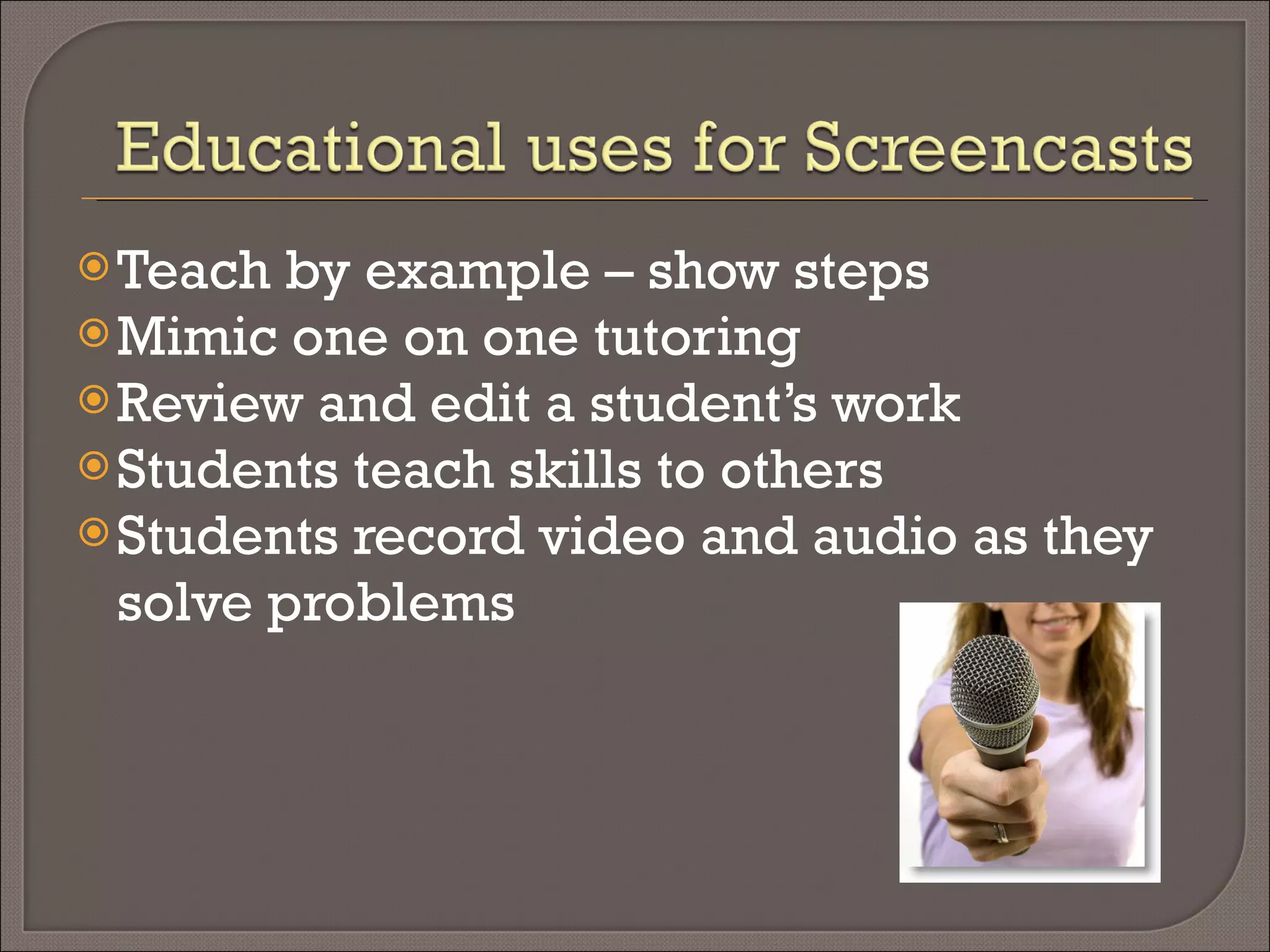
Teach by example – show steps Mimic one on one tutoring Review and edit a student’s work Students teach skills to others Students record video and audio as they solve problems
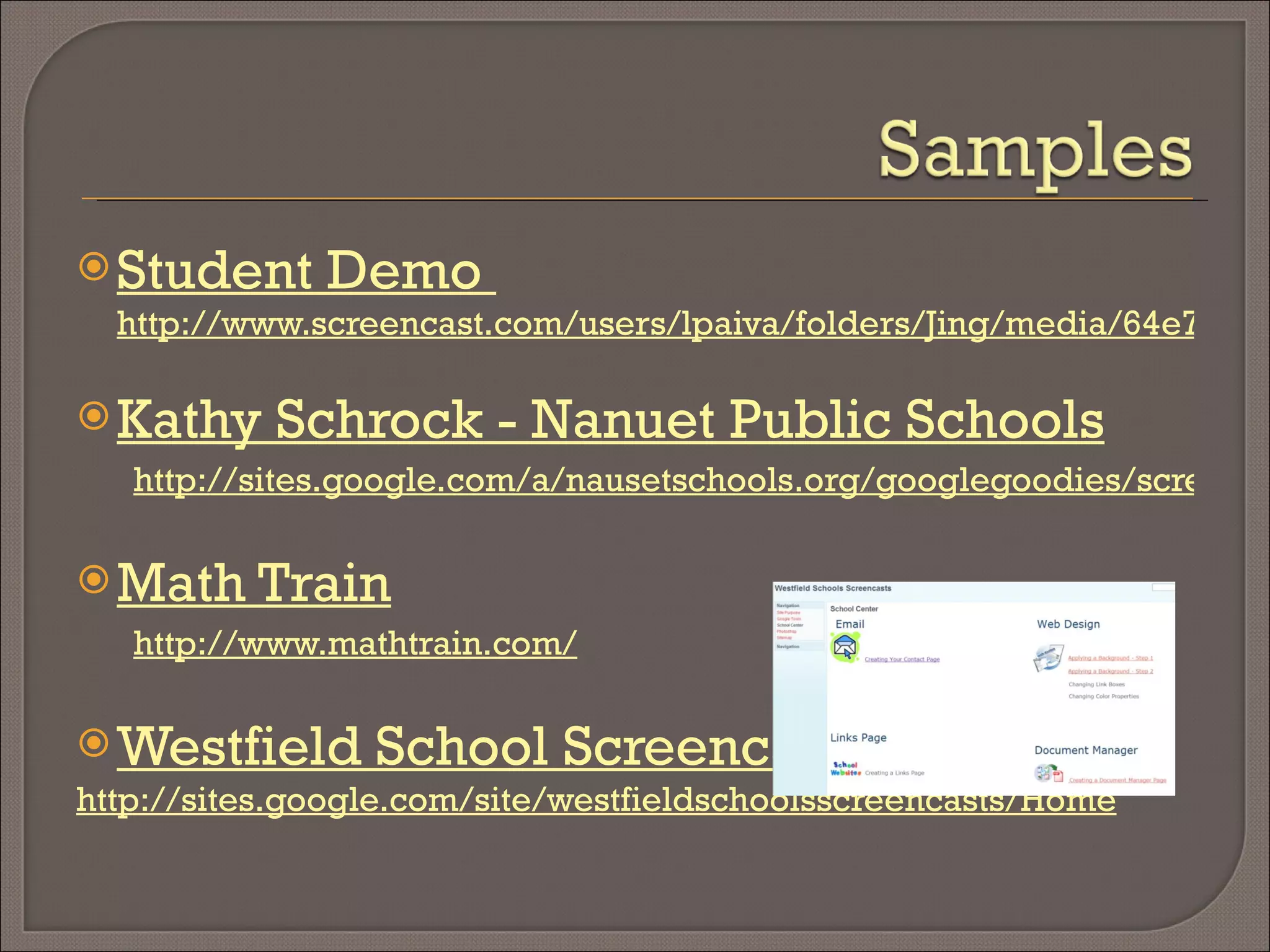
Student Demo  http://www.screencast.com/users/lpaiva/folders/Jing/media/64e7df31-191e-4ece-8f99-8caf7329992f Kathy Schrock - Nanuet Public Schools http://sites.google.com/a/nausetschools.org/googlegoodies/screencasts Math Train http://www.mathtrain.com/ Westfield School Screencasts http://sites.google.com/site/westfieldschoolsscreencasts/Home
Prepare script Practice Close unnecessary programs Begin video Tips Speak slowly Speak clearly Avoid extra mouse movements Keep screencast under 5 minutes Use an area of 800 x 600 In  PowerPoint use the Notes Section
Your school’s website Screencast.com Google Video You Tube One True Media
Appeals to both visual and auditory learners Easier than just reading text Playback as often as needed Entertaining Students can become teachers Assessment tool
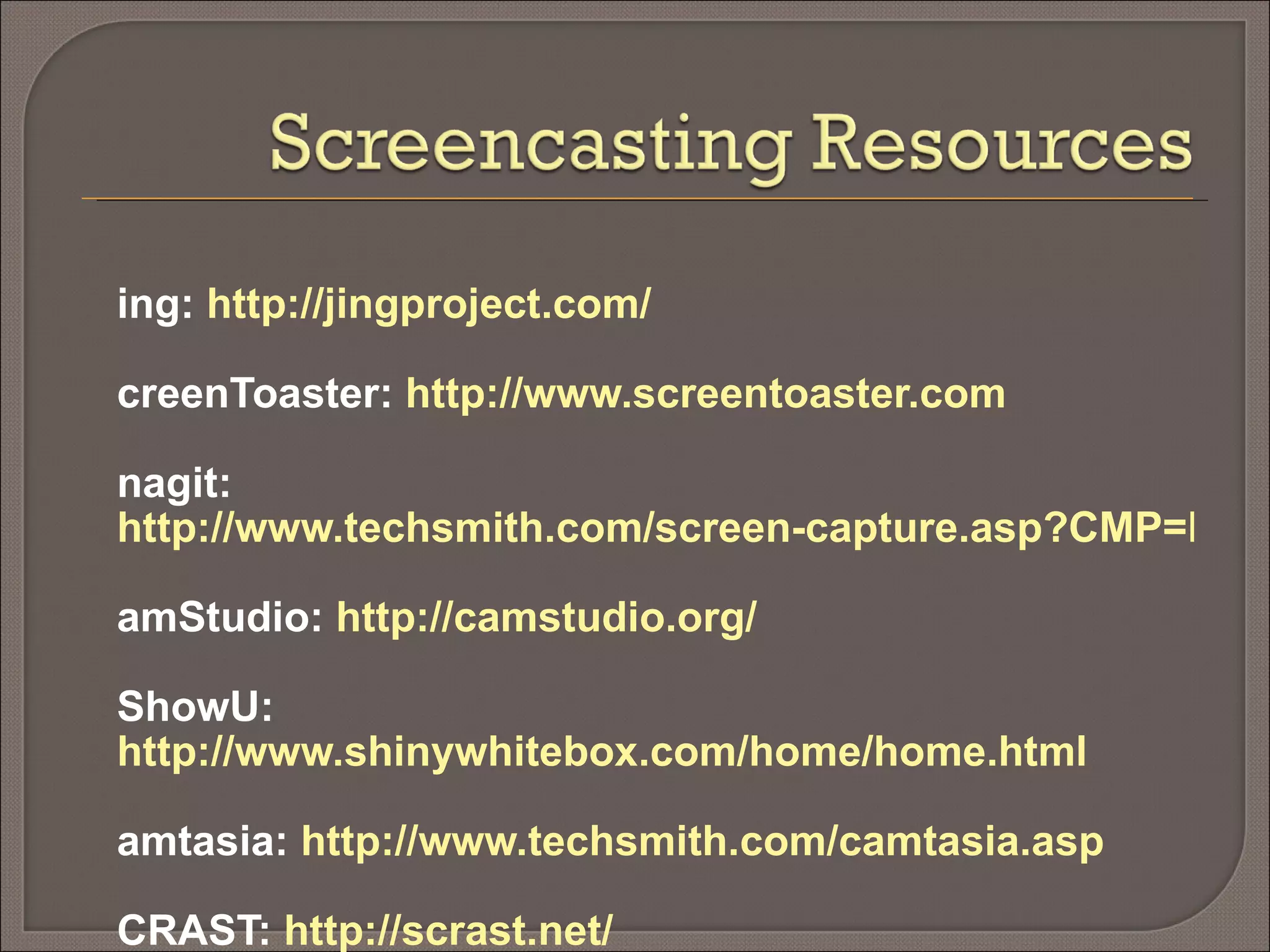
Jing:  http://jingproject.com/ ScreenToaster:  http://www.screentoaster.com Snagit:  http://www.techsmith.com/screen-capture.asp?CMP=KgoogleStmhome&gclid=CILasMq99ZgCFQ_yDAod7iAOzw CamStudio:  http://camstudio.org/ iShowU:  http://www.shinywhitebox.com/home/home.html Camtasia:  http://www.techsmith.com/camtasia.asp SCRAST:  http://scrast.net/ Screencast-o-Matic :  http://screencast-o-matic.com Screenjelly:  http://www.screenjelly.com/ ScreenCastle:  http://screencastle.com/
Pam Friedman Website:  www.westfieldnjk12.org/computerlab Email:  [email_address] Laura Paiva Website:  www.westfieldnjk12.org/paiva Email:  [email_address]

Podcasts And Screencasts

  • 1.
    Podcasting and ScreencastingPam Friedman Laura Paiva Westfield School District
  • 2.
  • 3.
    podcast definition pod·cast (päd ′ kast′) noun a recorded program of talk, music, etc. made available over the Internet as a file () that can be downloaded to a computer or portable device Etymology: < iPod , trademark for a portable digital electronic device + (broad)cast transitive verb, intransitive verb to make (a program) available as a podcast Webster's New World College Dictionary Copyright © 2009 by Wiley Publishing, Inc., Cleveland, Ohio. Used by arrangement with John Wiley & Sons, Inc.
  • 4.
    Why create audiorecordings? Podcasting is online audio content. Where bloggers are considered to be amateur journalists, podcasters might be considered amateur radio personalities!
  • 5.
    Professional development Facultylectures Supplemental instruction Music education Foreign language practice Audio books Interviews Book reviews Oral reports
  • 6.
    Radio Commercials RadioShow Storynory: Free Audio Stories for Kids Radio Willow Web ( Willowdale Elementary School, Omaha Nebraska) VoiceThread: http://voicethread.com/#q.b56011.i289587
  • 7.
    Write Script Practice Record Playback Host Tips Speak slowly Speak clearly Keep recordings short Reduce background noise
  • 8.
    Uploading podcasts –sites Podomatic.com Edweb.us Podbean.com Divshare.com Drop.io (rss capabilities) Audioboo.fm Ourmedia.org Your teacher website
  • 9.
    Free Easy wayto incorporate technology Allow students to present to a wide audience Language arts Develop writing skills Writing to authentic audience Their voice Emotion ANY grade level ANY subject
  • 10.
    Podcasting Tools: http://www.podcasting-tools.com/ Resources for Educational Podcasting http://edweb.sdsu.edu/courses/edtec700/POD/resources.htm The Education Podcast Network http://epnweb.org/ Audacity http://audacity.sourceforge.net/
  • 11.
    From Wikipedia, thefree encyclopedia A screencast is a digital recording of computer screen output, also known as a video screen capture , often containing audio narration.  Just as a screenshot is a picture of a user’s screen, a screencast is essentially a movie of the changes over time that a user sees on his monitor.
  • 12.
    A great wayto provide high quality instruction at a low cost Students can use this tool to record educational demonstrations Avoid providing the same professional development classes over and over Listen to a friendly voice explain exactly what you need to know You can watch a screencast as many times as you need, stopping and/or rewinding at your own pace Great for visual learners
  • 13.
    Teach by example– show steps Mimic one on one tutoring Review and edit a student’s work Students teach skills to others Students record video and audio as they solve problems
  • 14.
    Student Demo http://www.screencast.com/users/lpaiva/folders/Jing/media/64e7df31-191e-4ece-8f99-8caf7329992f Kathy Schrock - Nanuet Public Schools http://sites.google.com/a/nausetschools.org/googlegoodies/screencasts Math Train http://www.mathtrain.com/ Westfield School Screencasts http://sites.google.com/site/westfieldschoolsscreencasts/Home
  • 15.
    Prepare script PracticeClose unnecessary programs Begin video Tips Speak slowly Speak clearly Avoid extra mouse movements Keep screencast under 5 minutes Use an area of 800 x 600 In PowerPoint use the Notes Section
  • 16.
    Your school’s websiteScreencast.com Google Video You Tube One True Media
  • 17.
    Appeals to bothvisual and auditory learners Easier than just reading text Playback as often as needed Entertaining Students can become teachers Assessment tool
  • 18.
    Jing: http://jingproject.com/ScreenToaster: http://www.screentoaster.com Snagit: http://www.techsmith.com/screen-capture.asp?CMP=KgoogleStmhome&gclid=CILasMq99ZgCFQ_yDAod7iAOzw CamStudio: http://camstudio.org/ iShowU: http://www.shinywhitebox.com/home/home.html Camtasia: http://www.techsmith.com/camtasia.asp SCRAST: http://scrast.net/ Screencast-o-Matic : http://screencast-o-matic.com Screenjelly: http://www.screenjelly.com/ ScreenCastle: http://screencastle.com/
  • 19.
    Pam Friedman Website: www.westfieldnjk12.org/computerlab Email: [email_address] Laura Paiva Website: www.westfieldnjk12.org/paiva Email: [email_address]

Editor's Notes

  • #2 Laura and Pam introduce themselves Go around the room asking each participant to say their name, district, and position there? How many teachers, techs, here for themselves or to train others?
  • #3 Laura We are going to talk about and show you how you can create exciting lessons for your students using podcasting (create audio recordings) and screencasting (create video screen capture) tools. Does anyone use these tools today?
  • #4 Laura What does podcasting mean to you? (just title, pop up text after discussion) Traditional definition - that someone created an audio file for download to a portable device. Think iTunes (hence the name Podcast) Now the term is used to refer to many types of audio recordings
  • #5 Pam The audience becomes the entire world. It’s much more motivating to write something everyone can hear than just for one teacher to put a grade on it.
  • #6 Pam
  • #7 Pam
  • #8 Laura Don’t want to say um…don’t do when we read… File types – need to know where you are putting the recording so you know what types are valid More interesting – writing becomes better – their voice! Show how to record using audacity Read script, cut out part of it, add back in add music Export as a wav…to export as MP3 you need the LAME encoder Show Sound recorder Built in mics
  • #9 Laura Podomatic – free, allows you to create a podcast episode – access with your account – how do we share?
  • #10 Laura Only need 1 computer!
  • #11 Laura Look at these
  • #12 Pam
  • #13 Pam 
  • #14 Laura Did you ever try and teach yourself how to do something by reading tutorials? Sometimes, when they include lots of images and detailed instructions a written tutorial can be extremely helpful. Sometimes, however, it’s hard to put ‘how to’s” into words. Screencasts provide words as well as real-time, moving images. They are easier to understand because you can listen to directions while at the same time you can see what is being done. Go thru bullets
  • #15 laura
  • #16 Pam
  • #17 Pam – mention that the file type will determine whether or not you can post at different sites
  • #18 Pam
  • #19 Laura