Discover Odoo POS in v8: your
shop ready to use in 20 min
Michaël Richard, Functional Consultant
06/04/2014 – Discovery sessions
1
Topics
Introduction
2 Advantages
3 The PosBox
4 Demonstration
5 Conclusion
Introduction
"
"Jean-Paul T., my local bookseller
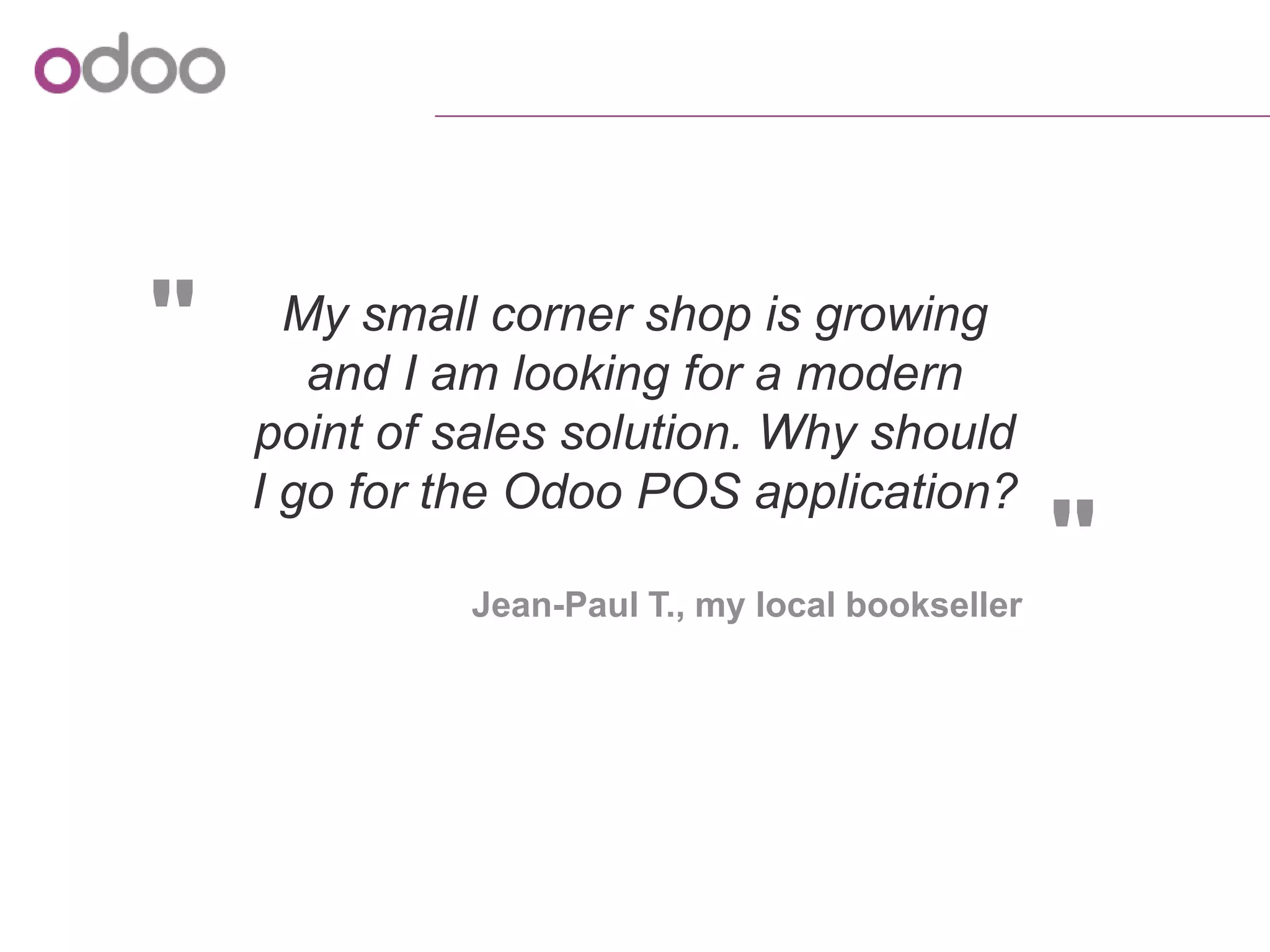
My small corner shop is growing
and I am looking for a modern
point of sales solution. Why should
I go for the Odoo POS application?
Introduction
o Setting up the software and learning how to use it is often
complex
o Setting up the hardware needs to be done by a technician
o No link with other applications such as inventory,
accounting or measurement tools
Traditional point of sales solutions have several stumbling blocks
Advantages
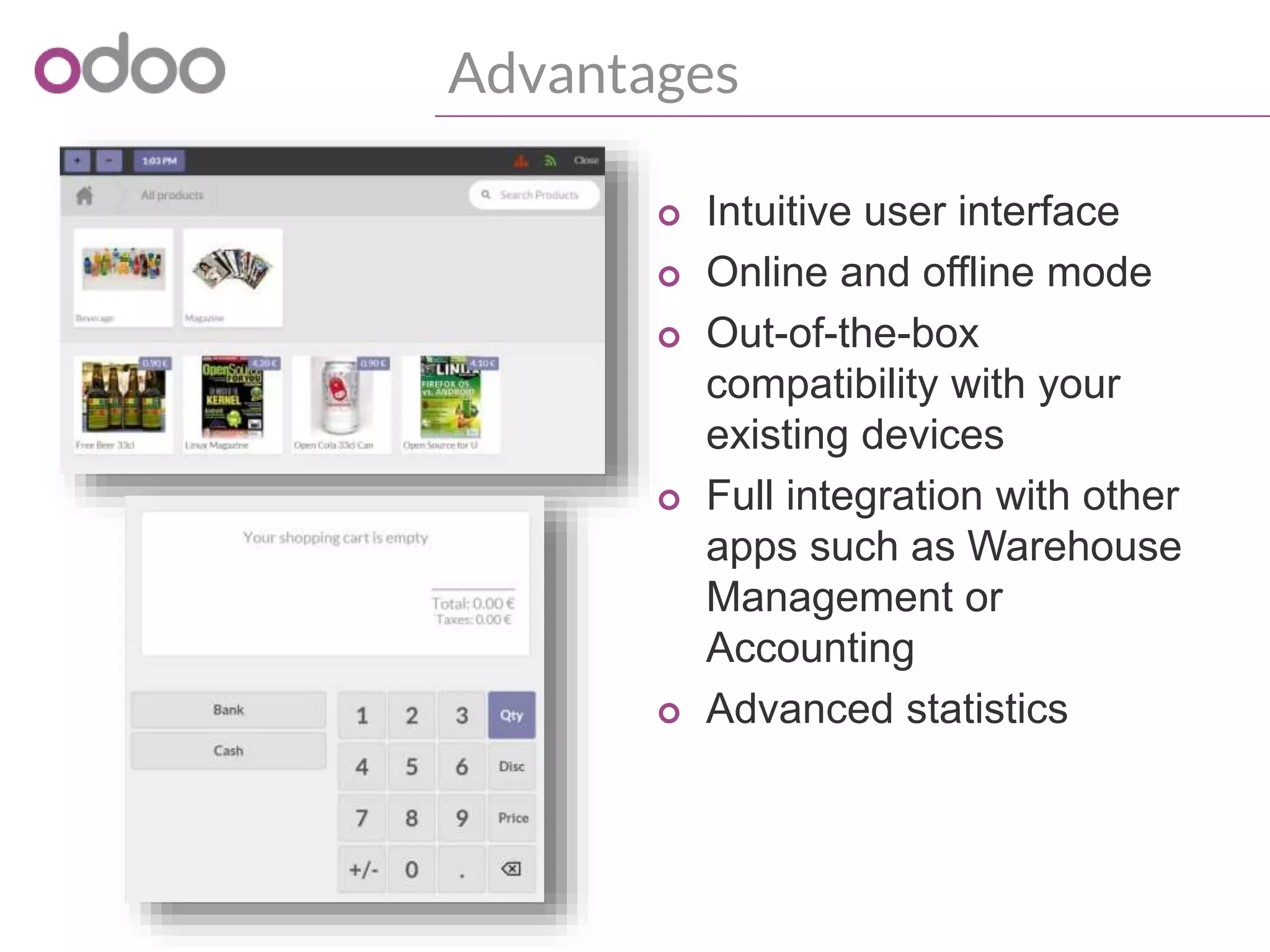
A very friendly Point of Sale
Advantages
o Intuitive user interface
o Online and offline mode
o Out-of-the-box
compatibility with your
existing devices
o Full integration with other
apps such as Warehouse
Management or
Accounting
o Advanced statistics
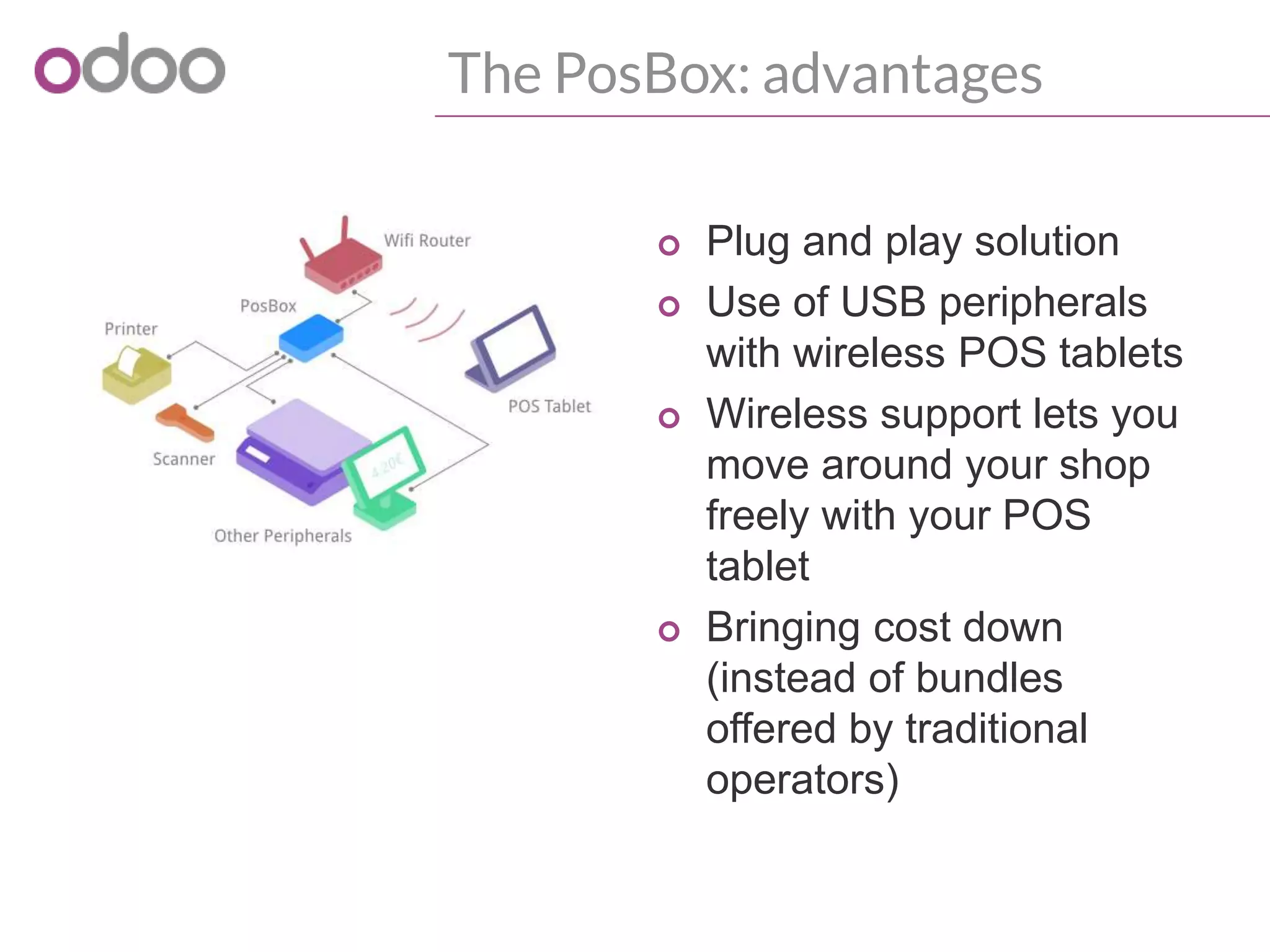
The PosBox
A wireless access to your existing peripherals
The PosBox: description
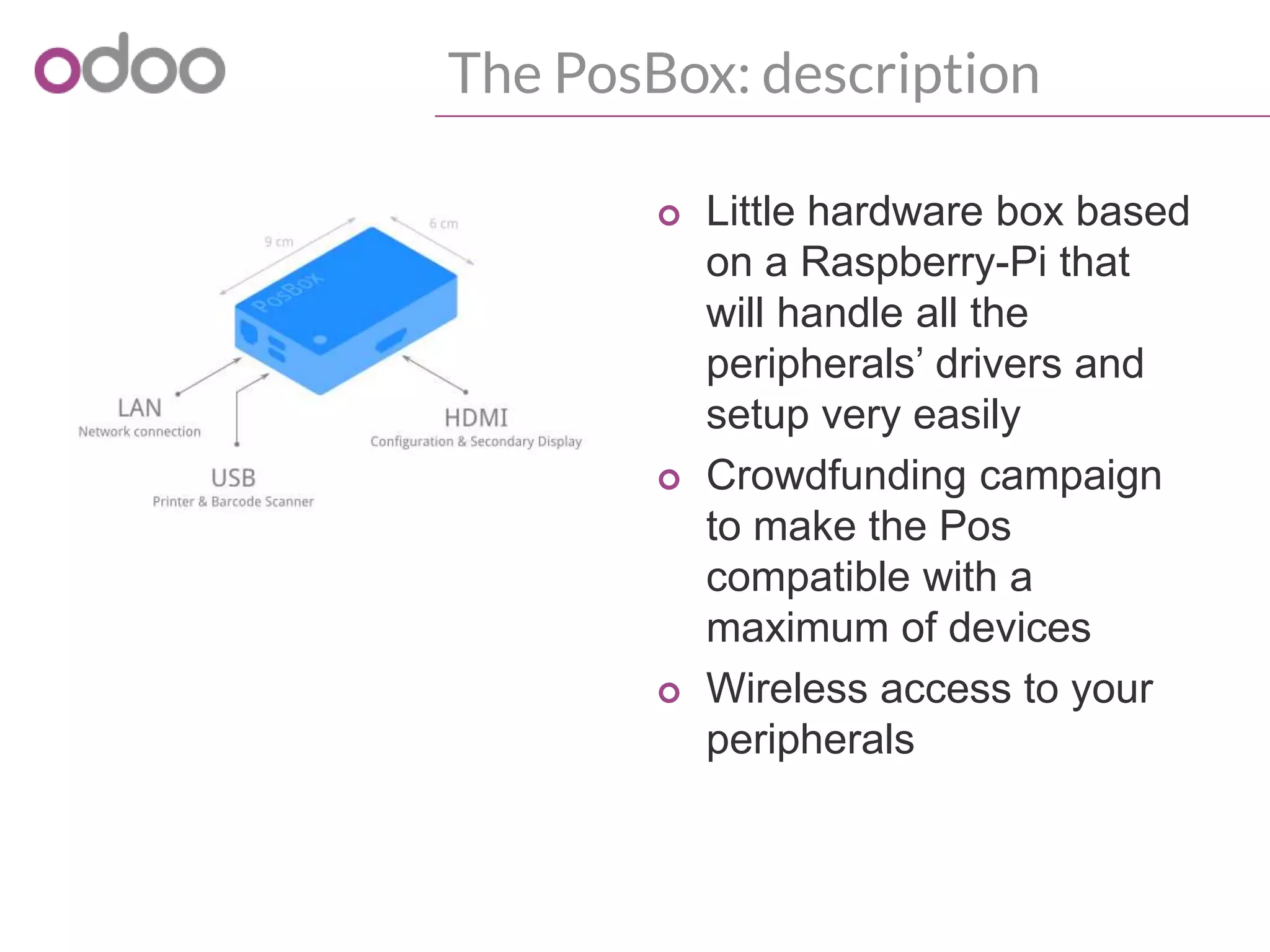
o Little hardware box based
on a Raspberry-Pi that
will handle all the
peripherals’ drivers and
setup very easily
o Crowdfunding campaign
to make the Pos
compatible with a
maximum of devices
o Wireless access to your
peripherals
The PosBox: advantages
o Plug and play solution
o Use of USB peripherals
with wireless POS tablets
o Wireless support lets you
move around your shop
freely with your POS
tablet
o Bringing cost down
(instead of bundles
offered by traditional
operators)
Demonstration
Demonstration
o Easy set-up of the point of sales application
o Creation of various products to be sold in the POS
o Common Use Cases
• Creation of a ticket
• Modification of the ticket
• Register a payment via several payment methods
• Creation of several tickets at a time in a restaurant
• Creation of an invoice for a B2B client
• Refund a ticket because of a defective object
o Strong integration of the POS with other Odoo
applications
o Making sense of the data collected: reporting
Conclusion
Conclusion
o Quick to configure
o Easy to use
o Affordable and evolving solution
Odoo
sales@odoo.com
+32 (0) 2 290 34 90
www.odoo.com
R&D and services office
Chaussée de Namur 40
B-1367 Grand Rosière
Sales office
Avenue Van Nieuwenhuyse 5
B-1160 Brussels
Thank You

Discover Odoo POS in v8: your shop ready to use in 20 min

  • 1.
    Discover Odoo POSin v8: your shop ready to use in 20 min Michaël Richard, Functional Consultant 06/04/2014 – Discovery sessions
  • 2.
    1 Topics Introduction 2 Advantages 3 ThePosBox 4 Demonstration 5 Conclusion
  • 3.
  • 4.
    " "Jean-Paul T., mylocal bookseller My small corner shop is growing and I am looking for a modern point of sales solution. Why should I go for the Odoo POS application?
  • 5.
    Introduction o Setting upthe software and learning how to use it is often complex o Setting up the hardware needs to be done by a technician o No link with other applications such as inventory, accounting or measurement tools Traditional point of sales solutions have several stumbling blocks
  • 6.
  • 7.
    Advantages o Intuitive userinterface o Online and offline mode o Out-of-the-box compatibility with your existing devices o Full integration with other apps such as Warehouse Management or Accounting o Advanced statistics
  • 8.
    The PosBox A wirelessaccess to your existing peripherals
  • 9.
    The PosBox: description oLittle hardware box based on a Raspberry-Pi that will handle all the peripherals’ drivers and setup very easily o Crowdfunding campaign to make the Pos compatible with a maximum of devices o Wireless access to your peripherals
  • 10.
    The PosBox: advantages oPlug and play solution o Use of USB peripherals with wireless POS tablets o Wireless support lets you move around your shop freely with your POS tablet o Bringing cost down (instead of bundles offered by traditional operators)
  • 11.
  • 12.
    Demonstration o Easy set-upof the point of sales application o Creation of various products to be sold in the POS o Common Use Cases • Creation of a ticket • Modification of the ticket • Register a payment via several payment methods • Creation of several tickets at a time in a restaurant • Creation of an invoice for a B2B client • Refund a ticket because of a defective object o Strong integration of the POS with other Odoo applications o Making sense of the data collected: reporting
  • 13.
  • 14.
    Conclusion o Quick toconfigure o Easy to use o Affordable and evolving solution
  • 15.
    Odoo sales@odoo.com +32 (0) 2290 34 90 www.odoo.com R&D and services office Chaussée de Namur 40 B-1367 Grand Rosière Sales office Avenue Van Nieuwenhuyse 5 B-1160 Brussels Thank You