Eat My Data: (now with 20% more rant!) How everybody gets file I/O wrong Stewart Smith [email_address] Senior Software Engineer, MySQL Cluster MySQL AB
What I work on MySQL Cluster High Availability (Shared Nothing) Clustered Database with some real time properties
Overview Common mistakes that lead to data loss
Overview Common mistakes that lead to data loss Mistakes by: the application programmer
Overview Common mistakes that lead to data loss Mistakes by: the application programmer the library programmer
Overview Common mistakes that lead to data loss Mistakes by: the application programmer the library programmer the kernel programmer
Overview Common mistakes that lead to data loss Mistakes by: the application programmer the library programmer the kernel programmer Mostly just concentrating on Linux will mention war stories on other platforms too
In the beginning All IO was synchronous
In the beginning All IO was synchronous When you called write things hit the platter
In the beginning All IO was synchronous When you called write things hit the platter Turns out that this is slow for a lot of cases
A world without failure
A world without failure doesn't exist
A world without failure doesn't exist computers crash
A world without failure doesn't exist computers crash power goes out
A world without failure doesn't exist computers crash power goes out battery goes flat
A world without failure doesn't exist computers crash power goes out battery goes flat kick-the-cord out
A world without failure doesn't exist computers crash power goes out battery goes flat kick-the-cord out suspend works, resume doesn't
A world without failure doesn't exist computers crash power goes out battery goes flat kick-the-cord out suspend works, resume doesn't When the data is important, live in the world of failure
Data Consistency In the event of failure, what state can I expect my data to be in?
User Expectations If the power goes out, the last saved version of my data is there
User Expectations If the power goes out, the last saved version of my data is there If there isn't an explicit save (e.g. RSS readers, IM logs) some recent version should be okay.
User Expectations If the power goes out, the last saved version of my data is there If there isn't an explicit save (e.g. RSS readers, IM logs) some recent version should be okay. Not Acceptable: I hit save, why is none of my work there? Why have all my IM logs disappeared? Why have all my saved passwords disappeared?
Databases
Databases ACID
Databases ACID D is for Durability
Databases ACID D is for Durability Transactions A committed transaction survives failure
Databases ACID D is for Durability Transactions A committed transaction survives failure Isolation Levels Repeatable Read, Read Committed etc
Databases ACID D is for Durability Transactions A committed transaction survives failure Isolation Levels Repeatable Read, Read Committed etc Very well known consistency issues
Databases ACID D is for Durability Transactions A committed transaction survives failure Isolation Levels Repeatable Read, Read Committed etc Very well known consistency issues that lots of people still get wrong
Databases ACID D is for Durability Transactions A committed transaction survives failure Isolation Levels Repeatable Read, Read Committed etc Very well known consistency issues that lots of people still get wrong different engines have different properties
What databases are good at Lots of small objects (rows)
What databases are good at Lots of small objects (rows) okay at larger objects (BLOBs)
What databases are good at Lots of small objects (rows) okay at larger objects (BLOBs) named after “The Blob”, not Binary Large Objects
What databases are good at Lots of small objects (rows) okay at larger objects (BLOBs) named after “The Blob”, not Binary Large Objects Accessed by a variety of ways indexes
Easy solution to data consistency put it in a database that gives data consistency guarantees We'll talk about this later
Revelation #1 Databases are not file systems!
Revelation #2 File systems are not databases!
Revelation #3 A database has different consistency semantics than a file system
Revelation #3 A database has different consistency semantics than a file system typically file systems a lot more relaxed
Eat my data Where can the data be to eat?
Where data can be Application Buffer - CoolApp application crash = loss of this data
Where data can be Application Buffer - CoolApp application crash = loss of this data Library buffer - glibc application crash = loss of this data
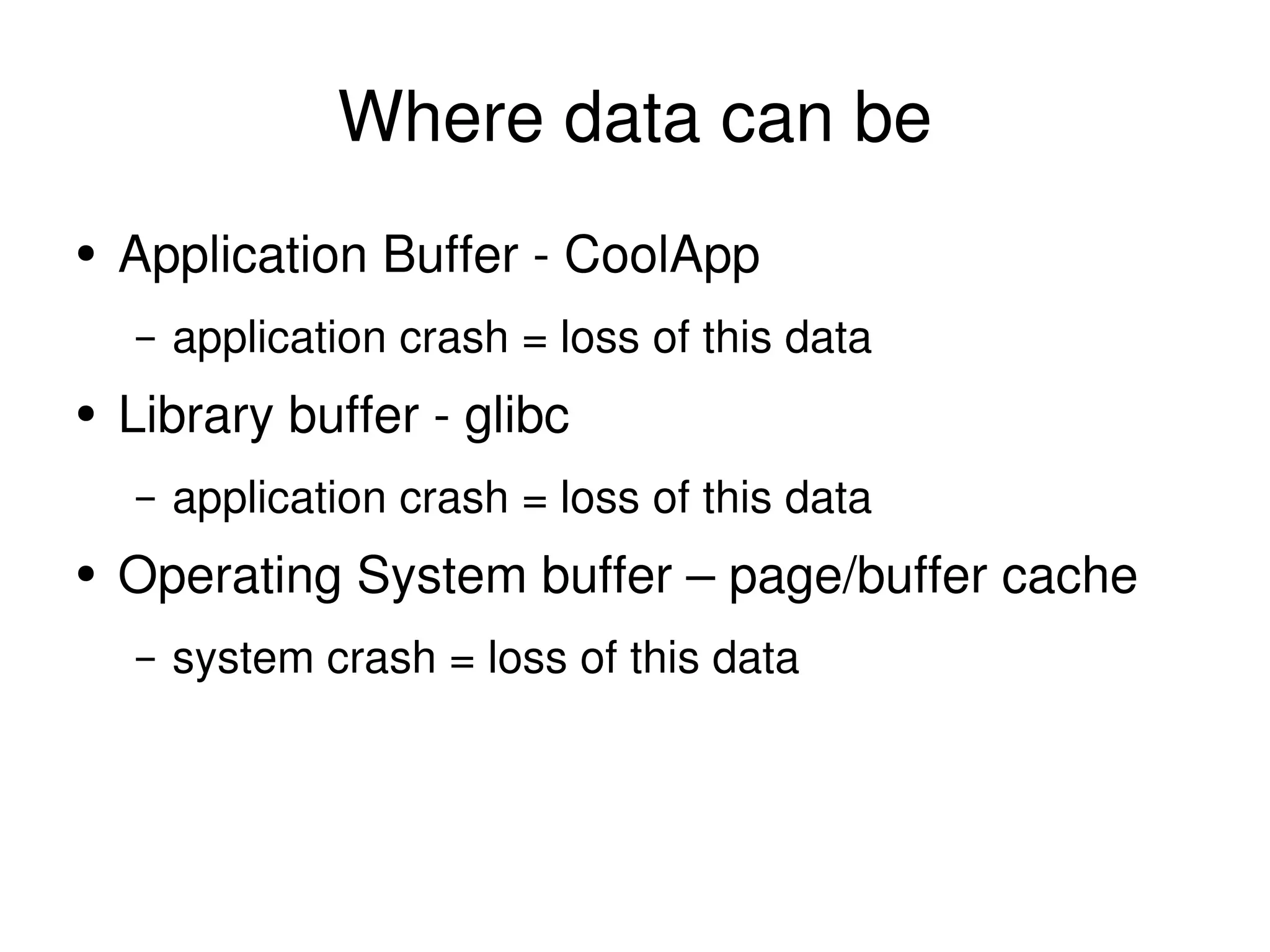
Where data can be Application Buffer - CoolApp application crash = loss of this data Library buffer - glibc application crash = loss of this data Operating System buffer – page/buffer cache system crash = loss of this data
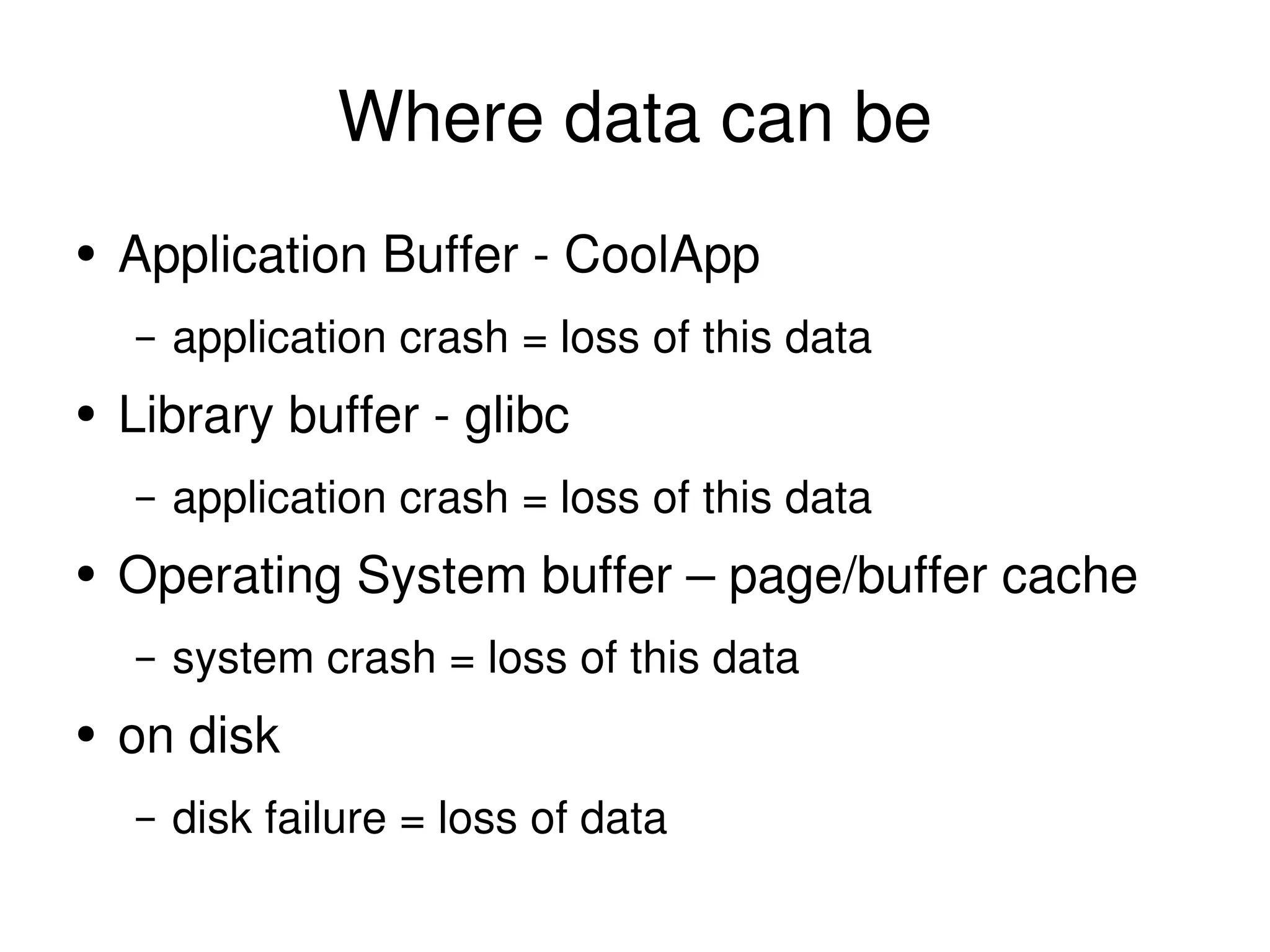
Where data can be Application Buffer - CoolApp application crash = loss of this data Library buffer - glibc application crash = loss of this data Operating System buffer – page/buffer cache system crash = loss of this data on disk disk failure = loss of data
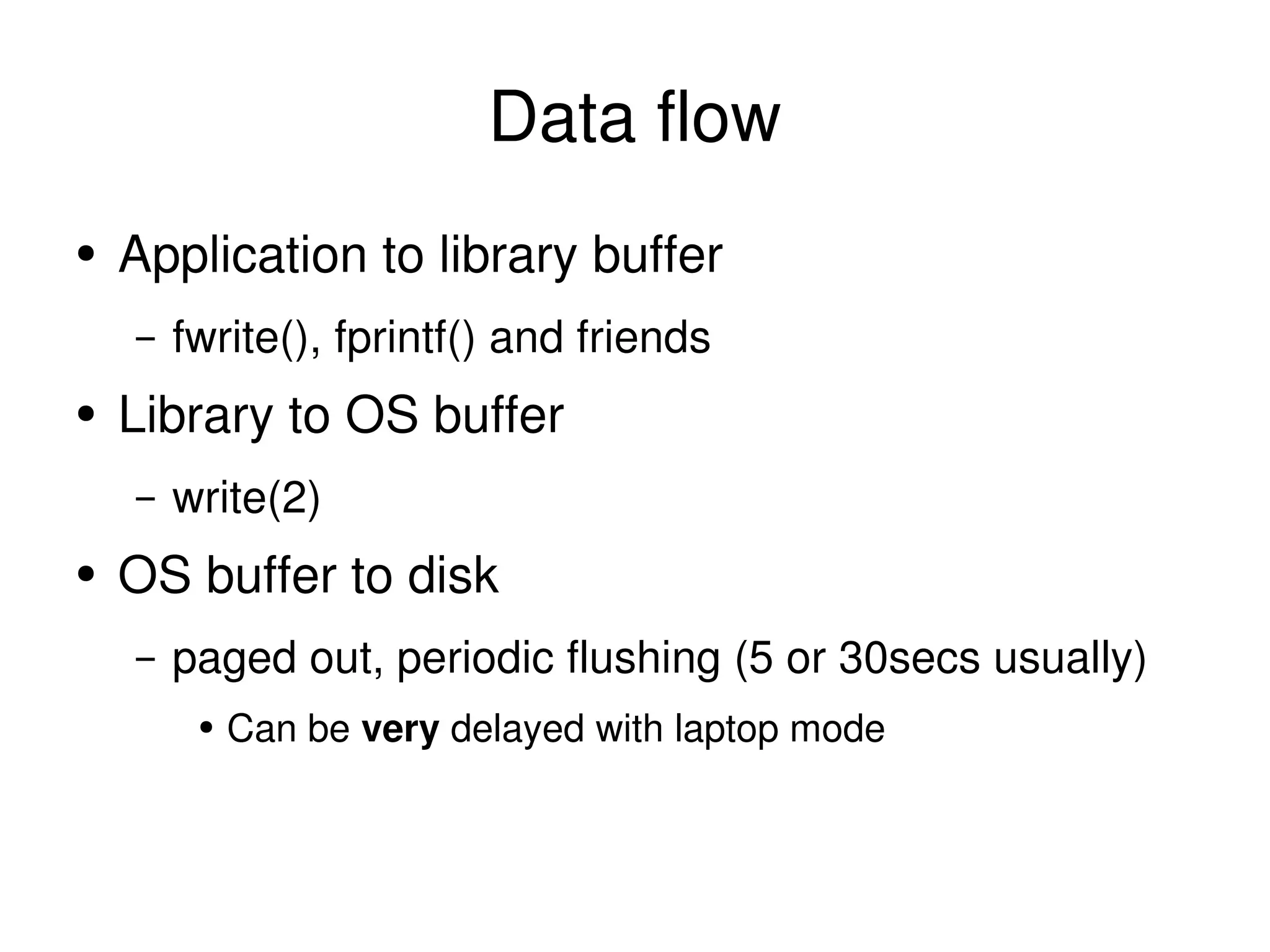
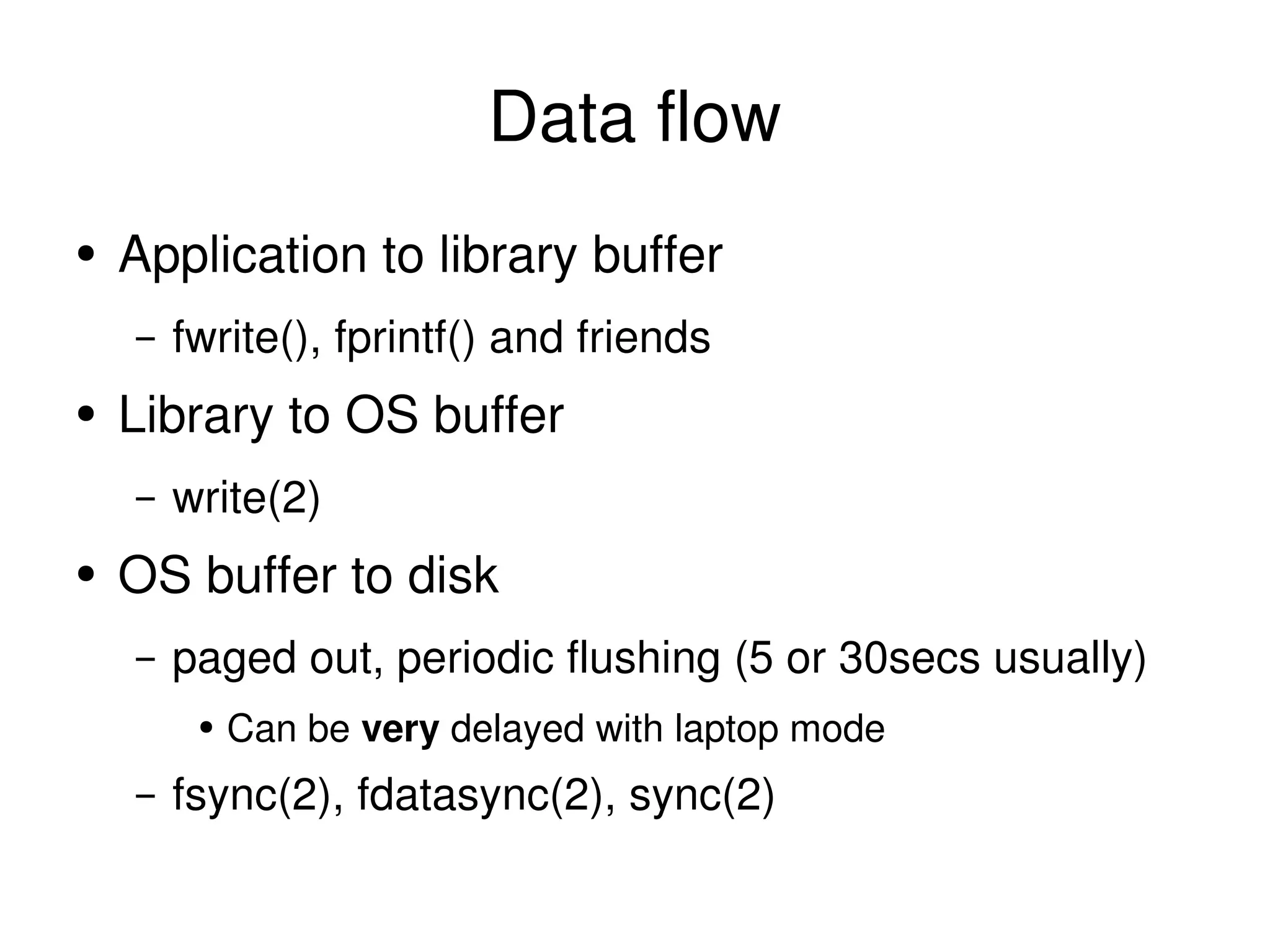
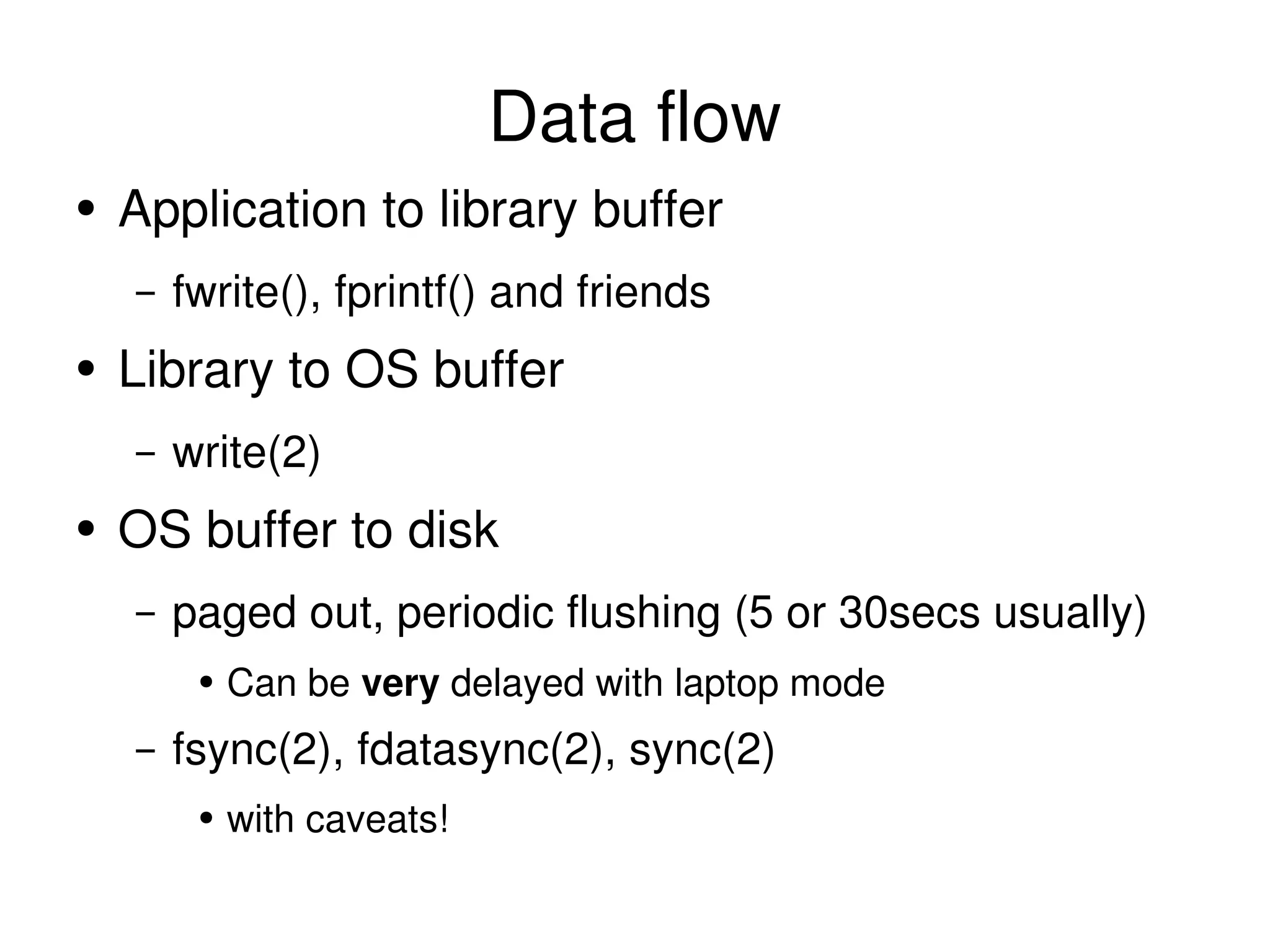
Data flow Application to library buffer fwrite(), fprintf() and friends
Data flow Application to library buffer fwrite(), fprintf() and friends Library to OS buffer write(2)
Data flow Application to library buffer fwrite(), fprintf() and friends Library to OS buffer write(2) OS buffer to disk
Data flow Application to library buffer fwrite(), fprintf() and friends Library to OS buffer write(2) OS buffer to disk paged out, periodic flushing (5 or 30secs usually)
Data flow Application to library buffer fwrite(), fprintf() and friends Library to OS buffer write(2) OS buffer to disk paged out, periodic flushing (5 or 30secs usually) Can be  very  delayed with laptop mode
Data flow Application to library buffer fwrite(), fprintf() and friends Library to OS buffer write(2) OS buffer to disk paged out, periodic flushing (5 or 30secs usually) Can be  very  delayed with laptop mode fsync(2), fdatasync(2), sync(2)
Data flow Application to library buffer fwrite(), fprintf() and friends Library to OS buffer write(2) OS buffer to disk paged out, periodic flushing (5 or 30secs usually) Can be  very  delayed with laptop mode fsync(2), fdatasync(2), sync(2) with caveats!
Simple Application: Save==on disk User hits “Save” in Word Processor Expects that data to be on disk when “Saved” How?
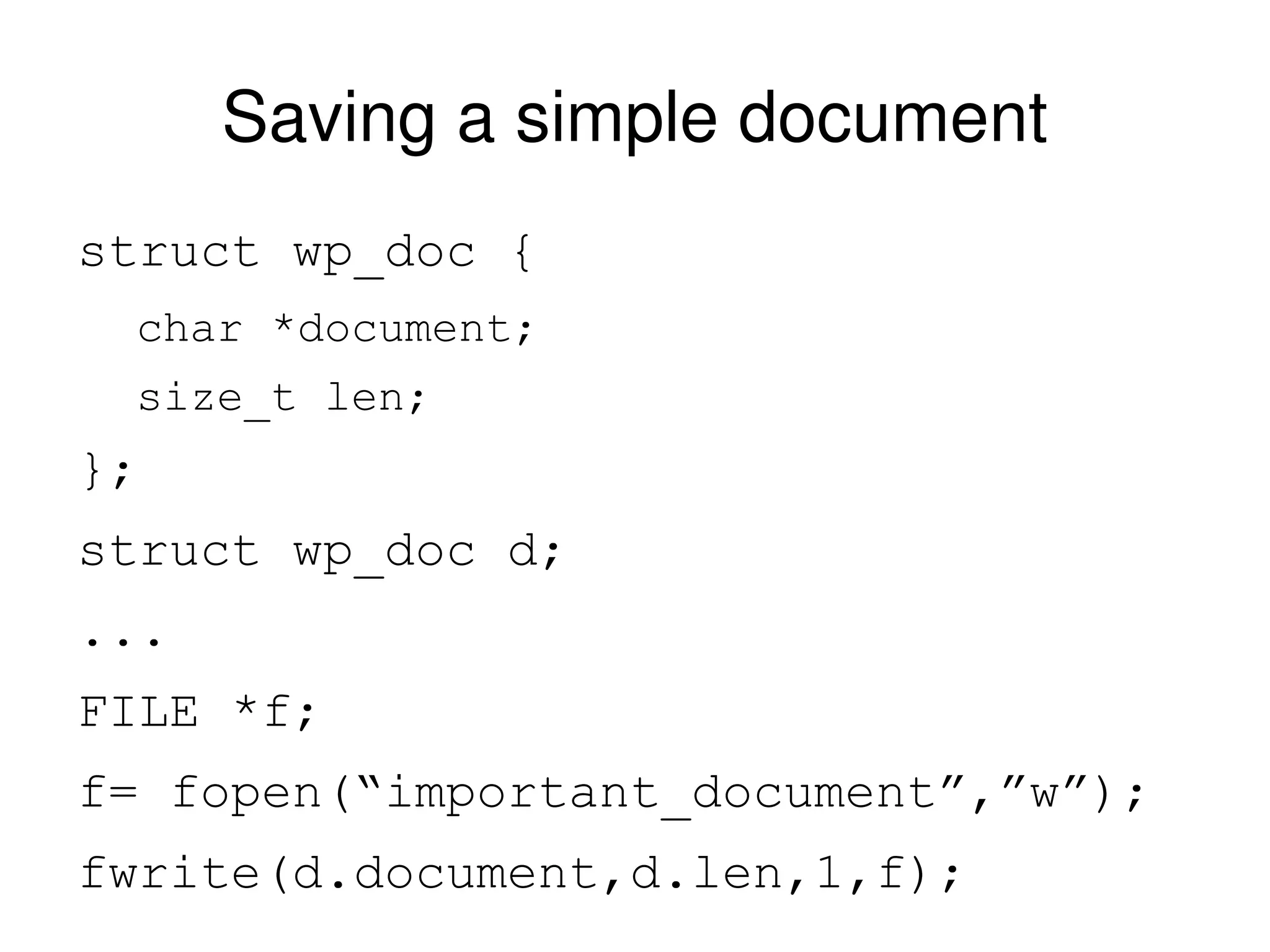
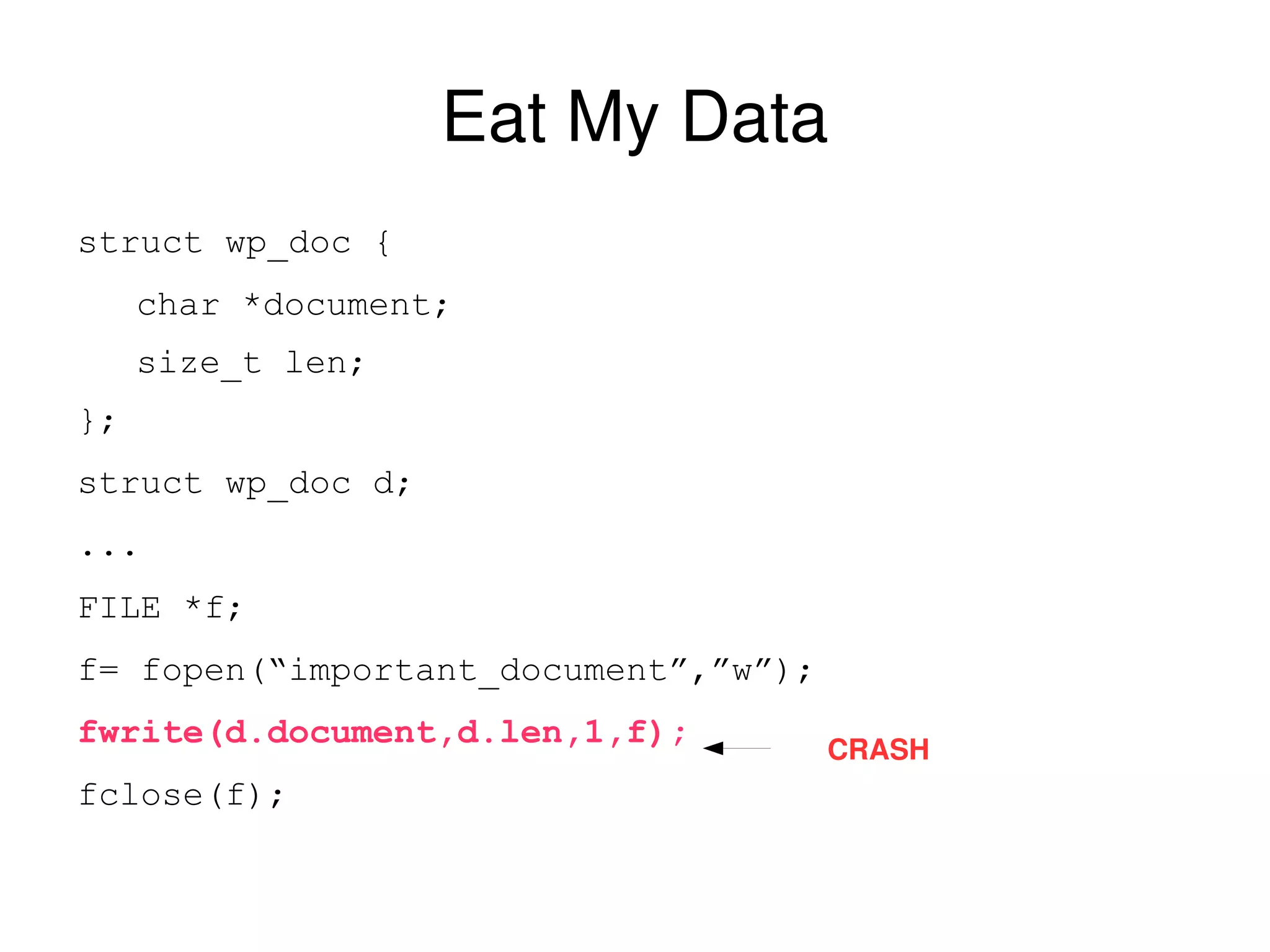
Saving a simple document struct wp_doc { char *document; size_t len; }; struct wp_doc d; ... FILE *f; f= fopen(“important_document”,”w”); fwrite(d.document,d.len,1,f);
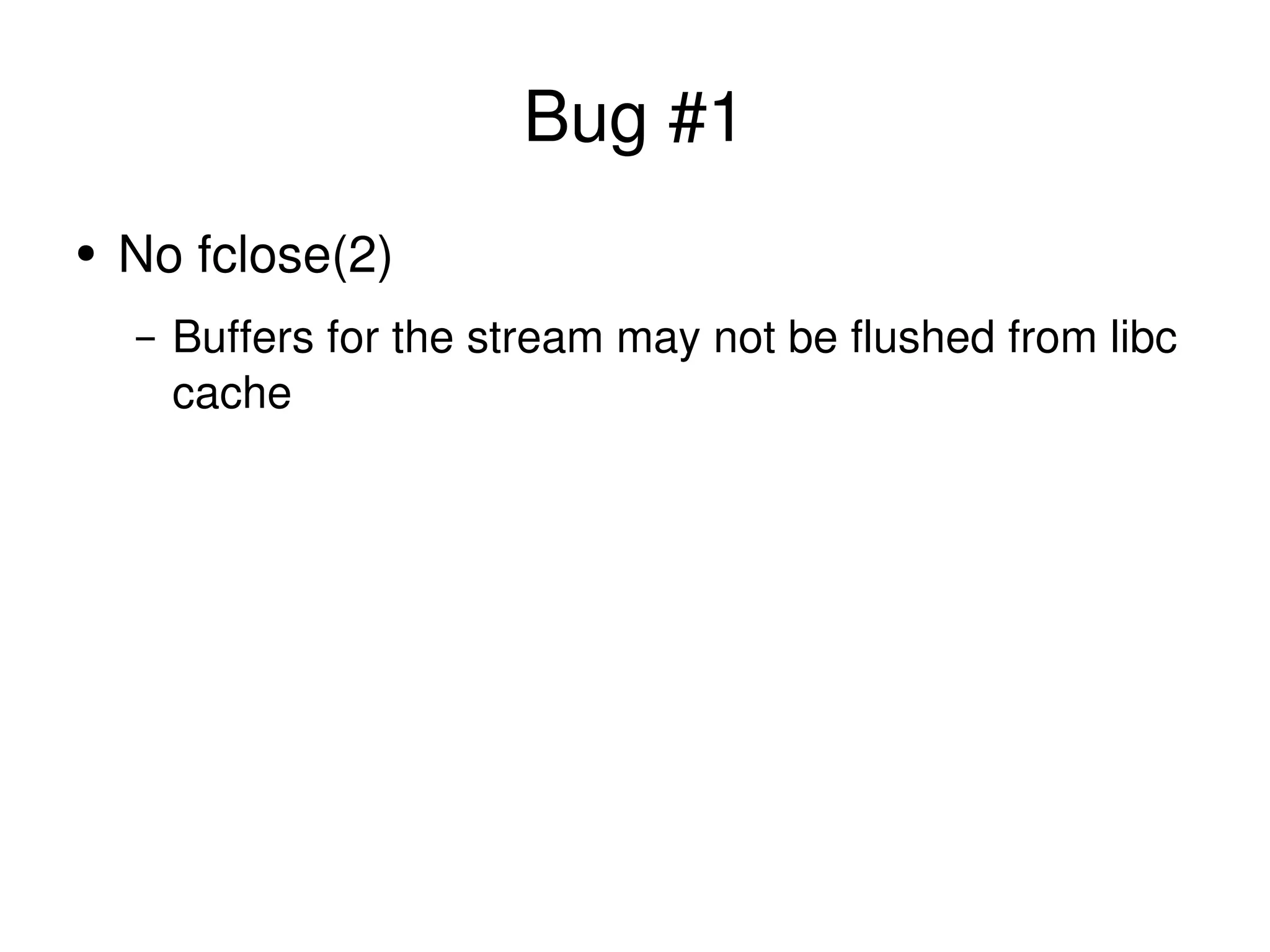
Bug #1 No fclose(2) Buffers for the stream may not be flushed from libc cache
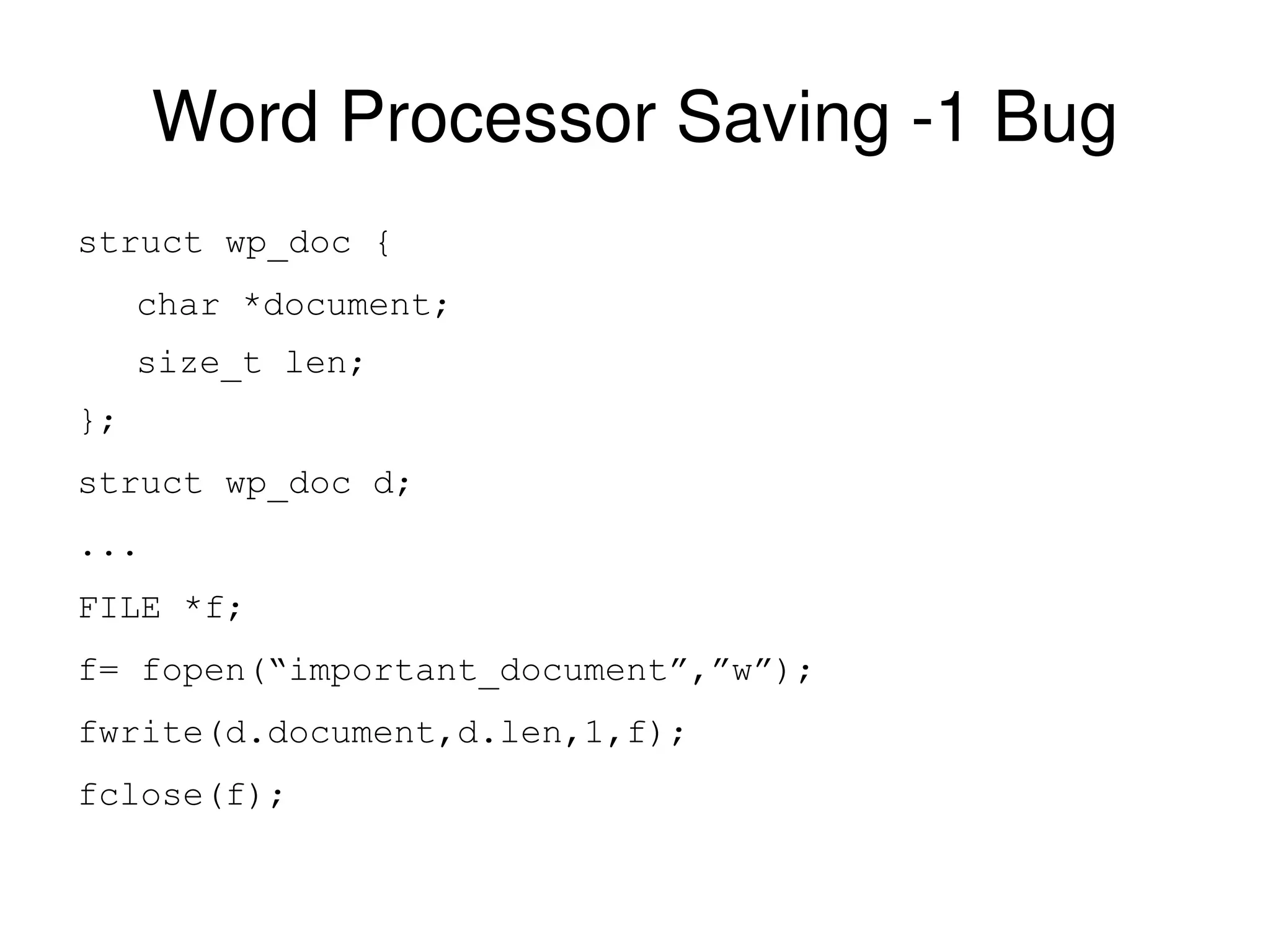
Word Processor Saving -1 Bug struct wp_doc { char *document; size_t len; }; struct wp_doc d; ... FILE *f; f= fopen(“important_document”,”w”); fwrite(d.document,d.len,1,f); fclose(f);
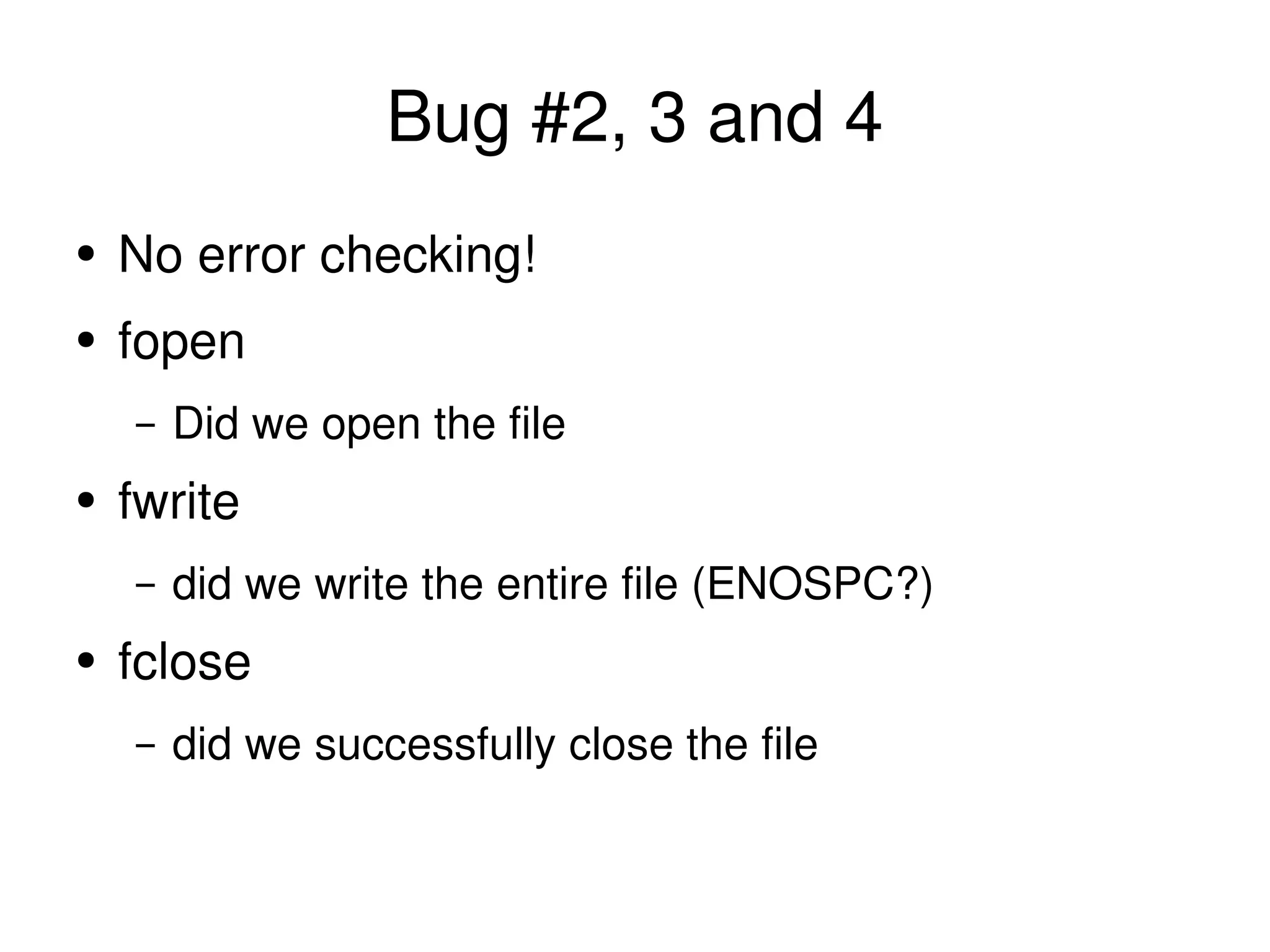
Bug #2, 3 and 4 No error checking! fopen Did we open the file fwrite did we write the entire file (ENOSPC?) fclose did we successfully close the file
File System Integrity metadata journaling is just that
File System Integrity metadata journaling is just that meta data  only
File System Integrity metadata journaling is just that meta data  only no data is written to the journal
File System Integrity metadata journaling is just that meta data  only no data is written to the journal integrity of file system structures
File System Integrity metadata journaling is just that meta data  only no data is written to the journal integrity of file system structures not internals of files
Data journaling is nothing like a database transaction
Atomic write(2)
Atomic write(2) It isn't
Atomic write(2) It isn't can half complete
Atomic write(2) It isn't can half complete A file system with atomic write(2)
Atomic write(2) It isn't can half complete A file system with atomic write(2) can't rely on it being there
Atomic write(2) It isn't can half complete A file system with atomic write(2) can't rely on it being there Essentially useless
Eat My Data struct wp_doc { char *document; size_t len; }; struct wp_doc d; ... FILE *f; f= fopen(“important_document”,”w”); fwrite(d.document,d.len,1,f); fclose(f); CRASH
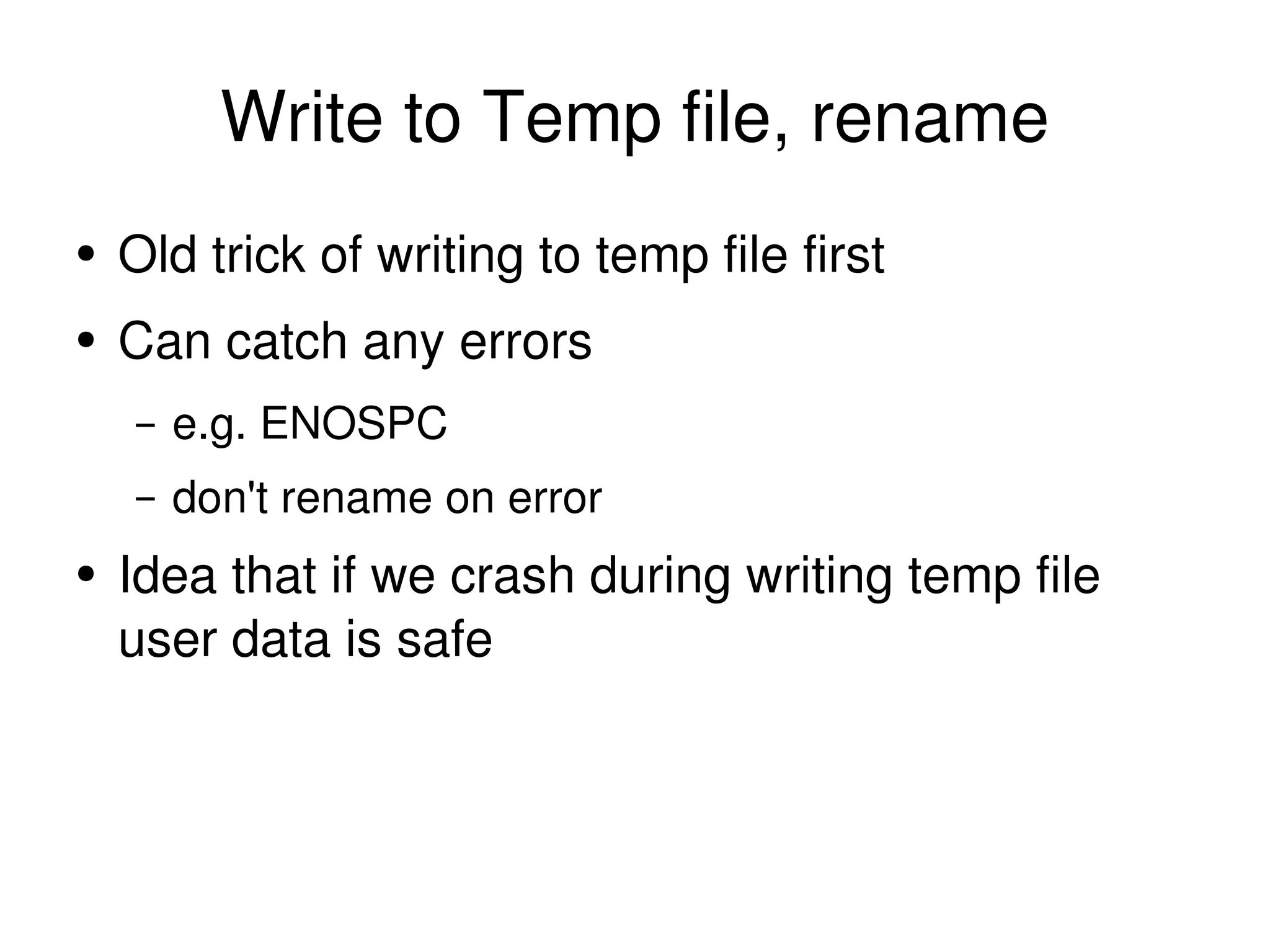
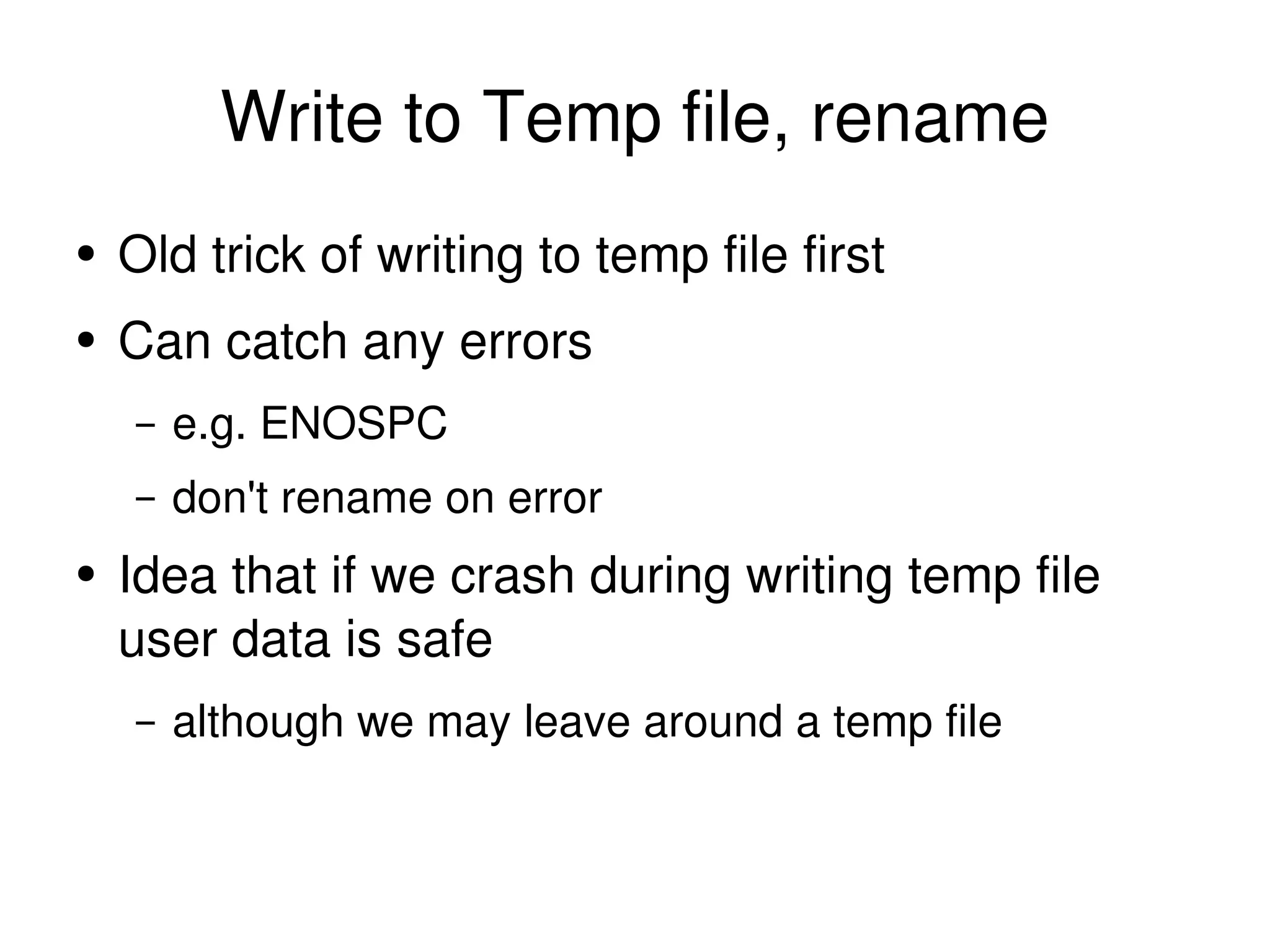
Write to Temp file, rename Old trick of writing to temp file first
Write to Temp file, rename Old trick of writing to temp file first Can catch any errors e.g. ENOSPC
Write to Temp file, rename Old trick of writing to temp file first Can catch any errors e.g. ENOSPC don't rename on error
Write to Temp file, rename Old trick of writing to temp file first Can catch any errors e.g. ENOSPC don't rename on error Idea that if we crash during writing temp file user data is safe
Write to Temp file, rename Old trick of writing to temp file first Can catch any errors e.g. ENOSPC don't rename on error Idea that if we crash during writing temp file user data is safe although we may leave around a temp file
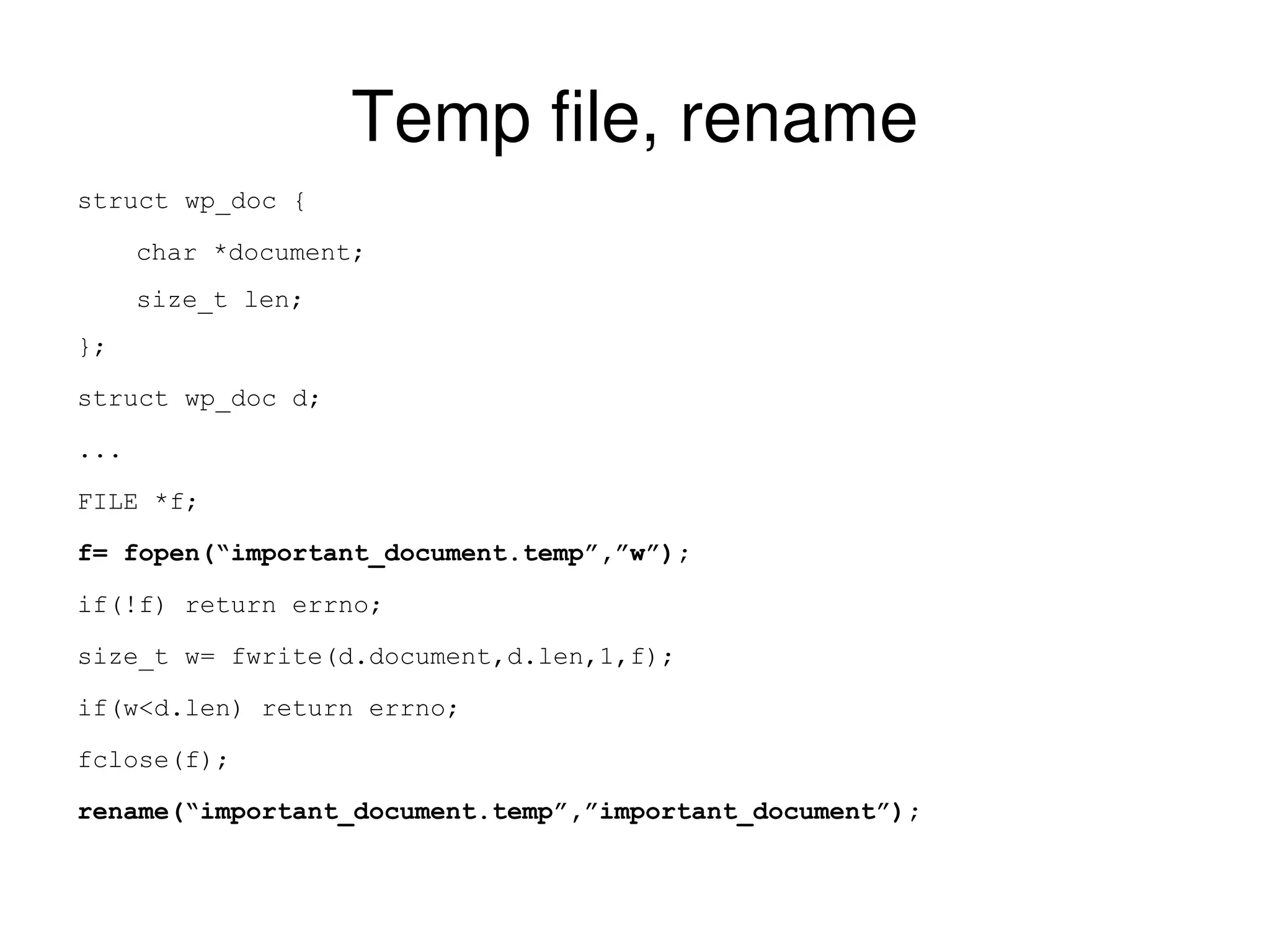
Temp file, rename struct wp_doc { char *document; size_t len; }; struct wp_doc d; ... FILE *f; f= fopen(“important_document.temp”,”w”); if(!f) return errno; size_t w= fwrite(d.document,d.len,1,f); if(w<d.len) return errno; fclose(f); rename(“important_document.temp”,”important_document”);
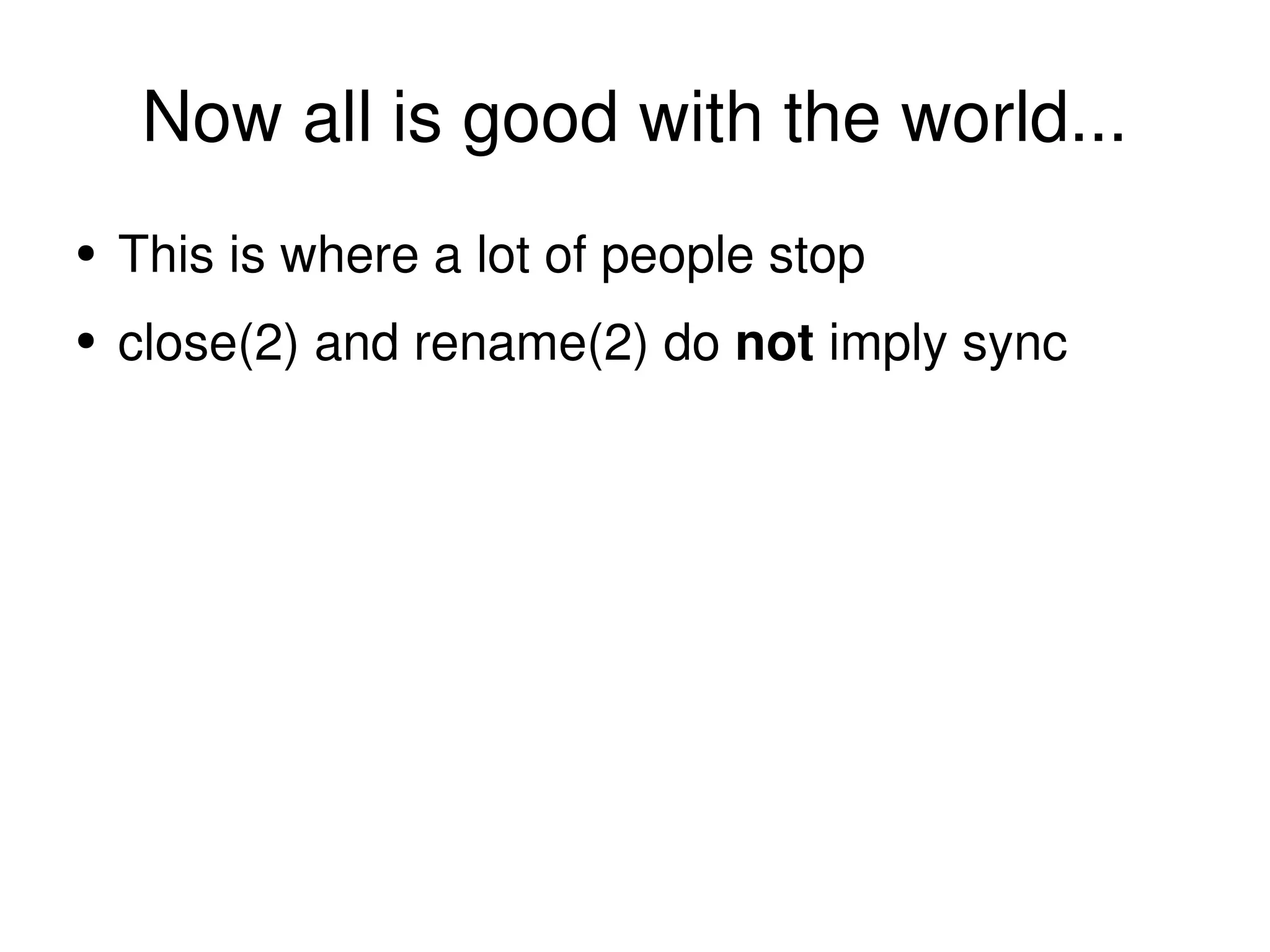
Now all is good with the world...
Now all is good with the world... This is where a lot of people stop
Now all is good with the world... This is where a lot of people stop close(2) and rename(2) do  not  imply sync
close and rename do  not  imply sync
Now all is good with the world... This is where a lot of people stop close(2) and rename(2) do  not  imply sync They make no guarantees on when (or in what order) changes hit the platter
Now all is good with the world... This is where a lot of people stop close(2) and rename(2) do  not  imply sync They make no guarantees on when (or in what order) changes hit the platter Quite possible (and often) metadata is flushed before data
File System Integrity data=ordered mode on ext3 writes data before metadata other file systems  are  different
File System Integrity data=ordered mode on ext3 writes data before metadata other file systems  are  different ext3 ordered mode is an  exception , not the rule
File System Integrity data=ordered mode on ext3 writes data before metadata other file systems  are  different ext3 ordered mode is an  exception , not the rule applications relying on this are not portable and depend on file system behaviour. the  applications  are buggy.
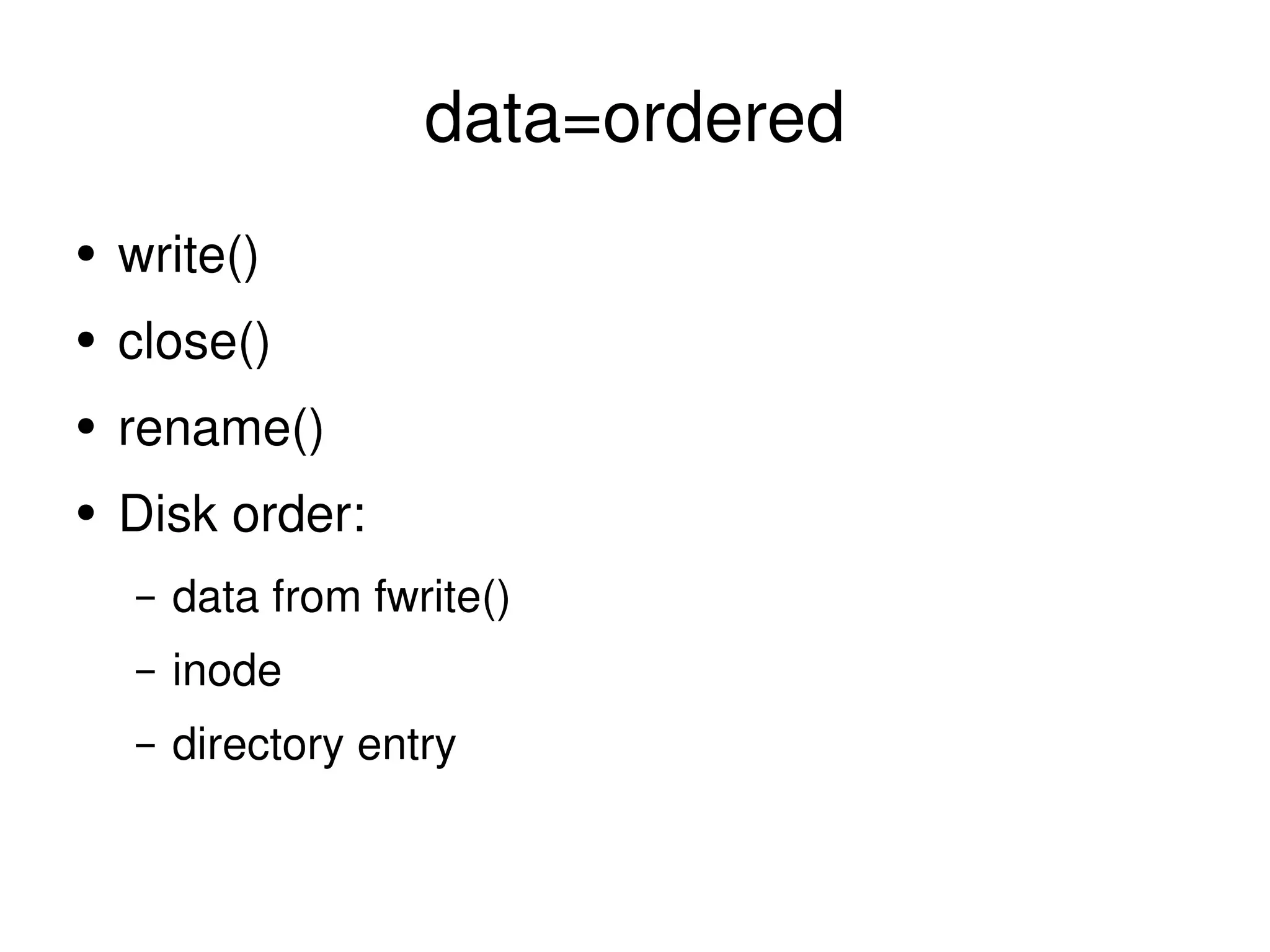
data=ordered write() close() rename() Disk order: data from fwrite() inode directory entry
other systems write() close() rename() Disk order: any!
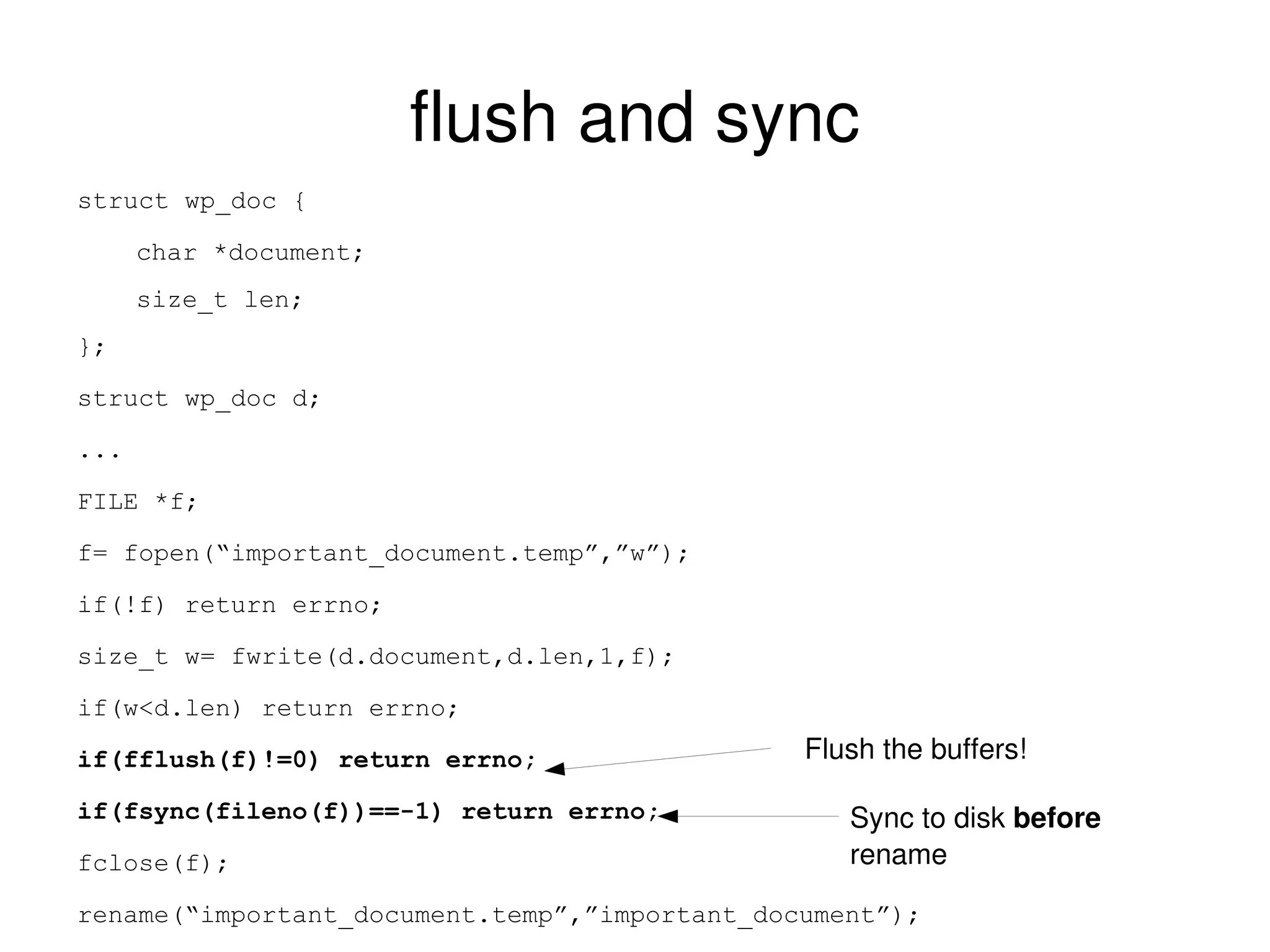
flush and sync struct wp_doc { char *document; size_t len; }; struct wp_doc d; ... FILE *f; f= fopen(“important_document.temp”,”w”); if(!f) return errno; size_t w= fwrite(d.document,d.len,1,f); if(w<d.len) return errno; if(fflush(f)!=0) return errno; if(fsync(fileno(f))==-1) return errno; fclose(f); rename(“important_document.temp”,”important_document”); Flush the buffers! Sync to disk  before  rename
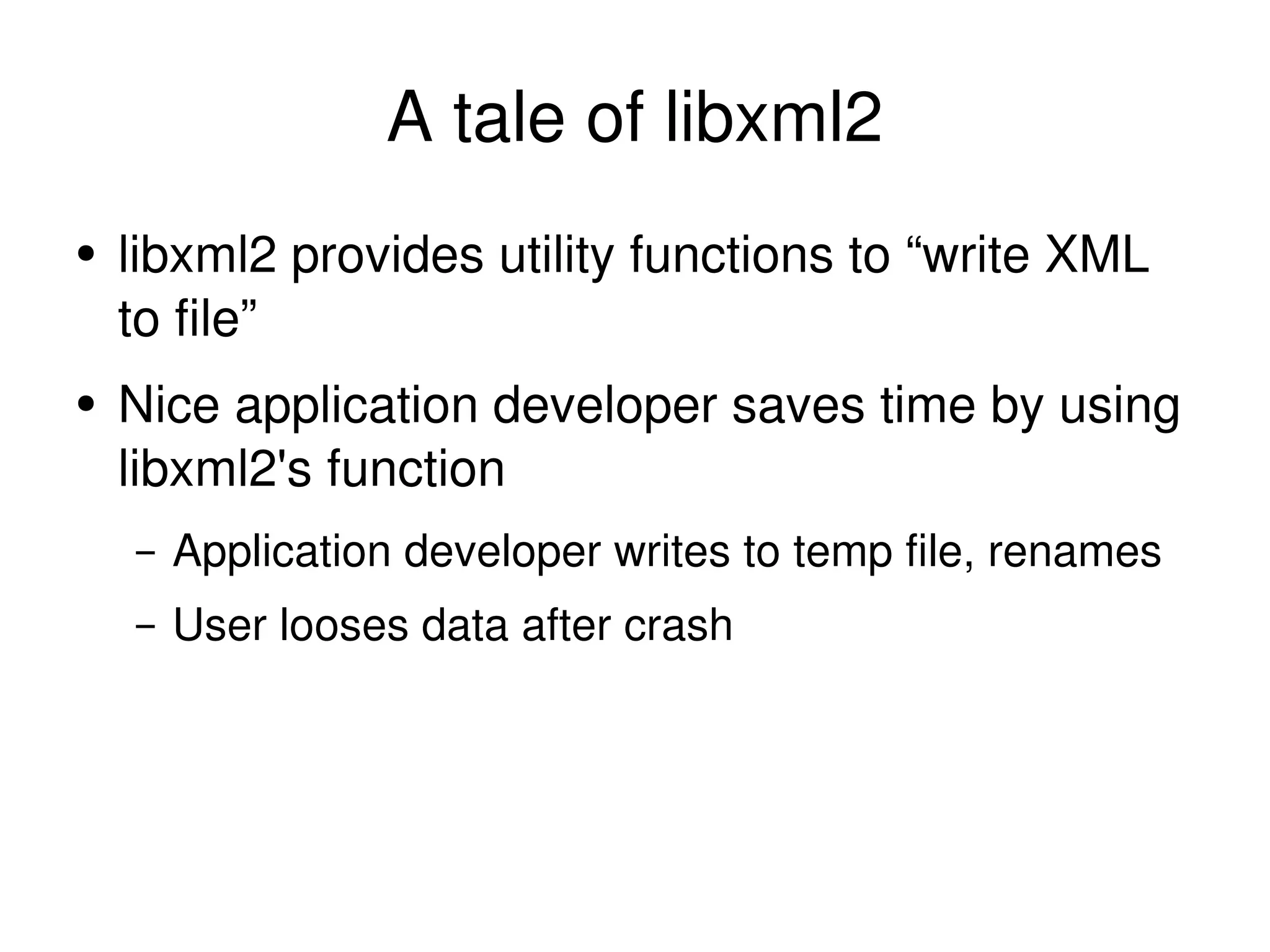
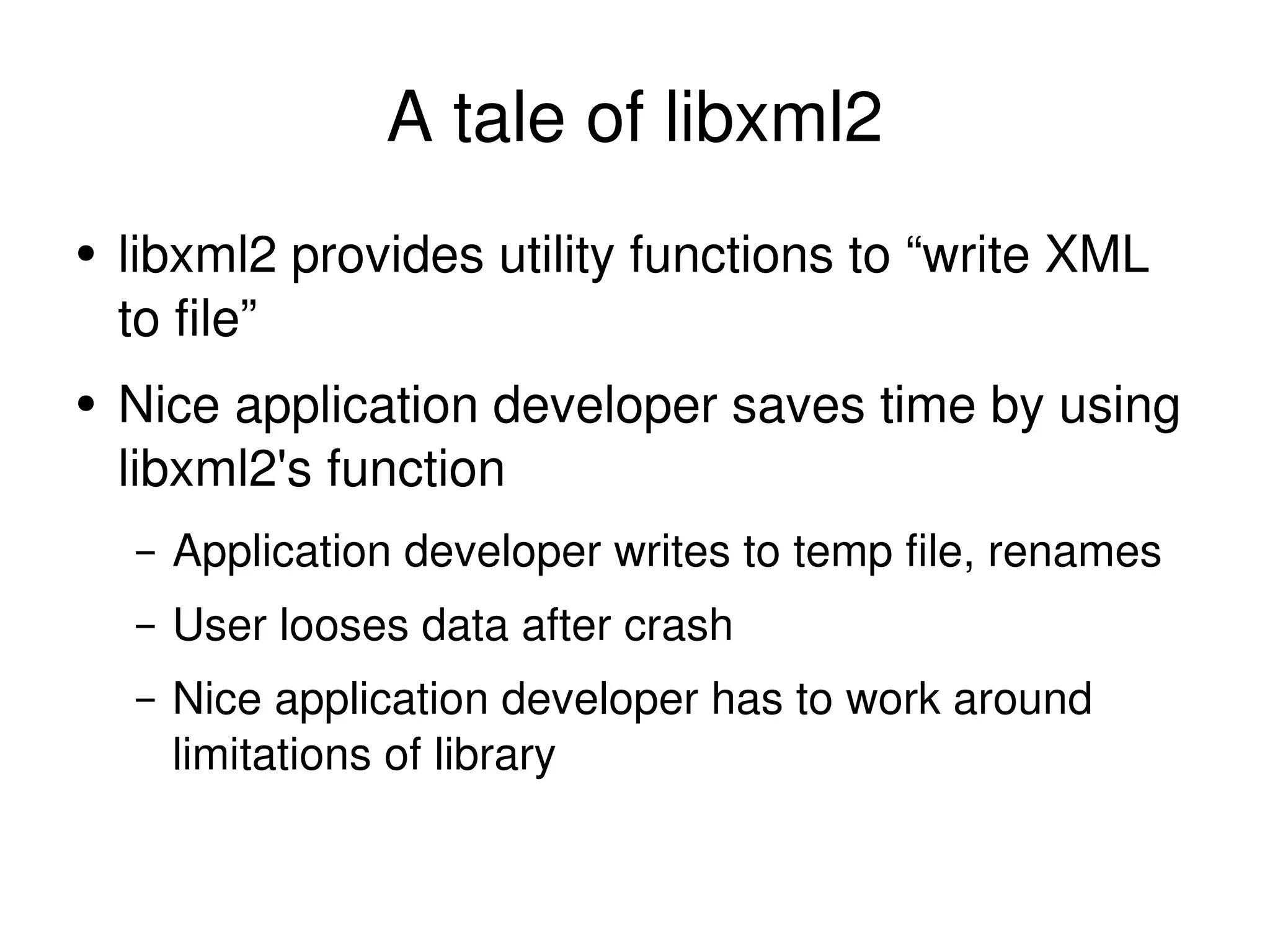
A tale of libxml2 libxml2 provides utility functions to “write XML to file”
A tale of libxml2 libxml2 provides utility functions to “write XML to file” Nice application developer saves time by using libxml2's function
A tale of libxml2 libxml2 provides utility functions to “write XML to file” Nice application developer saves time by using libxml2's function Application developer writes to temp file, renames
A tale of libxml2 libxml2 provides utility functions to “write XML to file” Nice application developer saves time by using libxml2's function Application developer writes to temp file, renames User looses data after crash
A tale of libxml2 libxml2 provides utility functions to “write XML to file” Nice application developer saves time by using libxml2's function Application developer writes to temp file, renames User looses data after crash Nice application developer has to work around limitations of library
so, replace xmlSaveFile(foo)
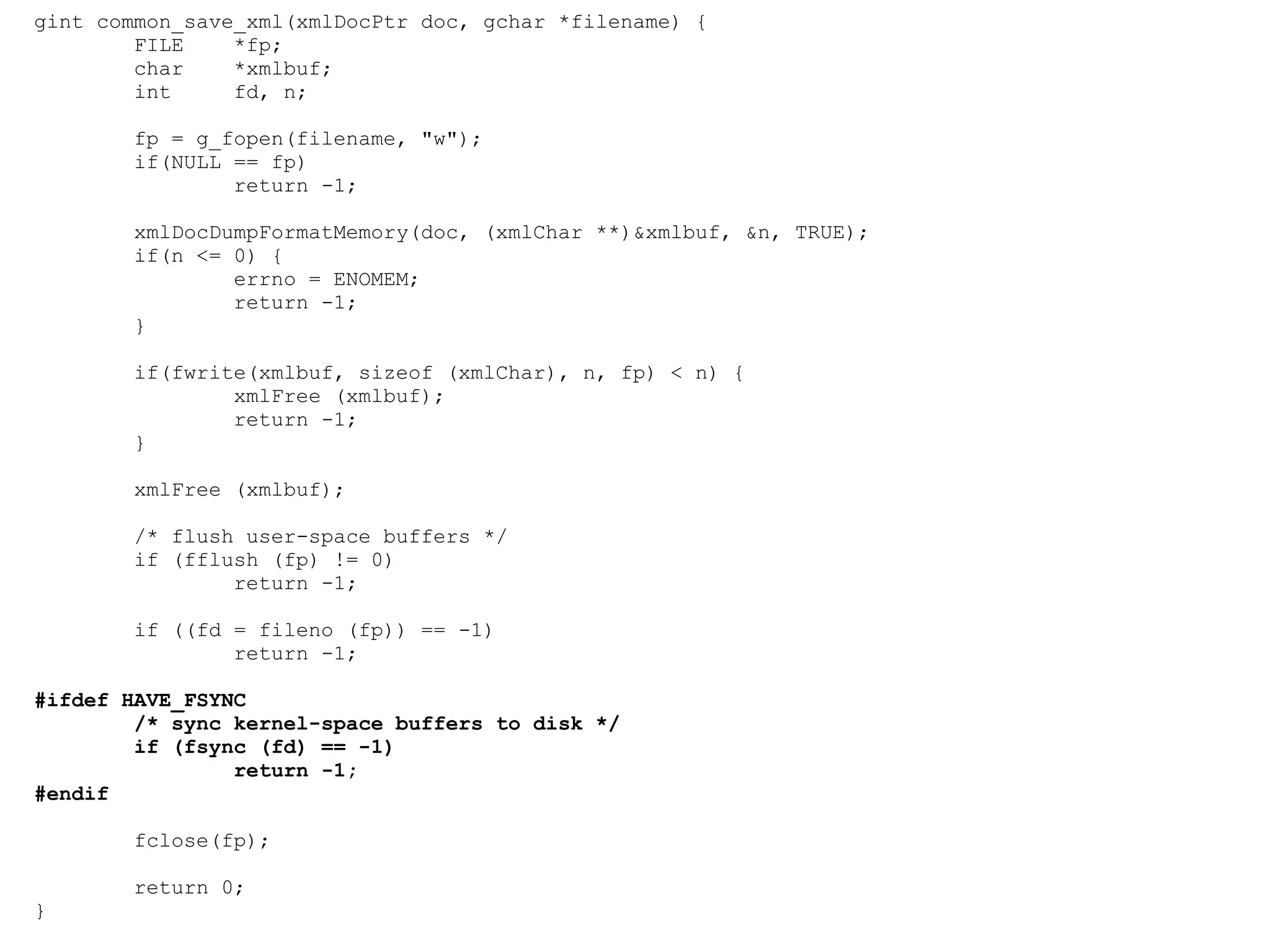
gint common_save_xml(xmlDocPtr doc, gchar *filename) { FILE  *fp; char  *xmlbuf; int  fd, n; fp = g_fopen(filename, &quot;w&quot;); if(NULL == fp) return -1; xmlDocDumpFormatMemory(doc, (xmlChar **)&xmlbuf, &n, TRUE); if(n <= 0) { errno = ENOMEM; return -1; } if(fwrite(xmlbuf, sizeof (xmlChar), n, fp) < n) { xmlFree (xmlbuf); return -1; } xmlFree (xmlbuf); /* flush user-space buffers */ if (fflush (fp) != 0) return -1; if ((fd = fileno (fp)) == -1) return -1; #ifdef HAVE_FSYNC /* sync kernel-space buffers to disk */ if (fsync (fd) == -1) return -1; #endif fclose(fp); return 0; }
Nearing Nirvana If any failure during writing, the previously saved copy is untouched and safe User wont get partial or no data
Except if you want to be portable... On Linux, fsync(2) does actually sync barring enabling write cache
Except if you want to be portable... On Linux, fsync(2) does actually sync barring enabling write cache On MacOS X,
Except if you want to be portable... On Linux, fsync(2) does actually sync barring enabling write cache On MacOS X, not so much
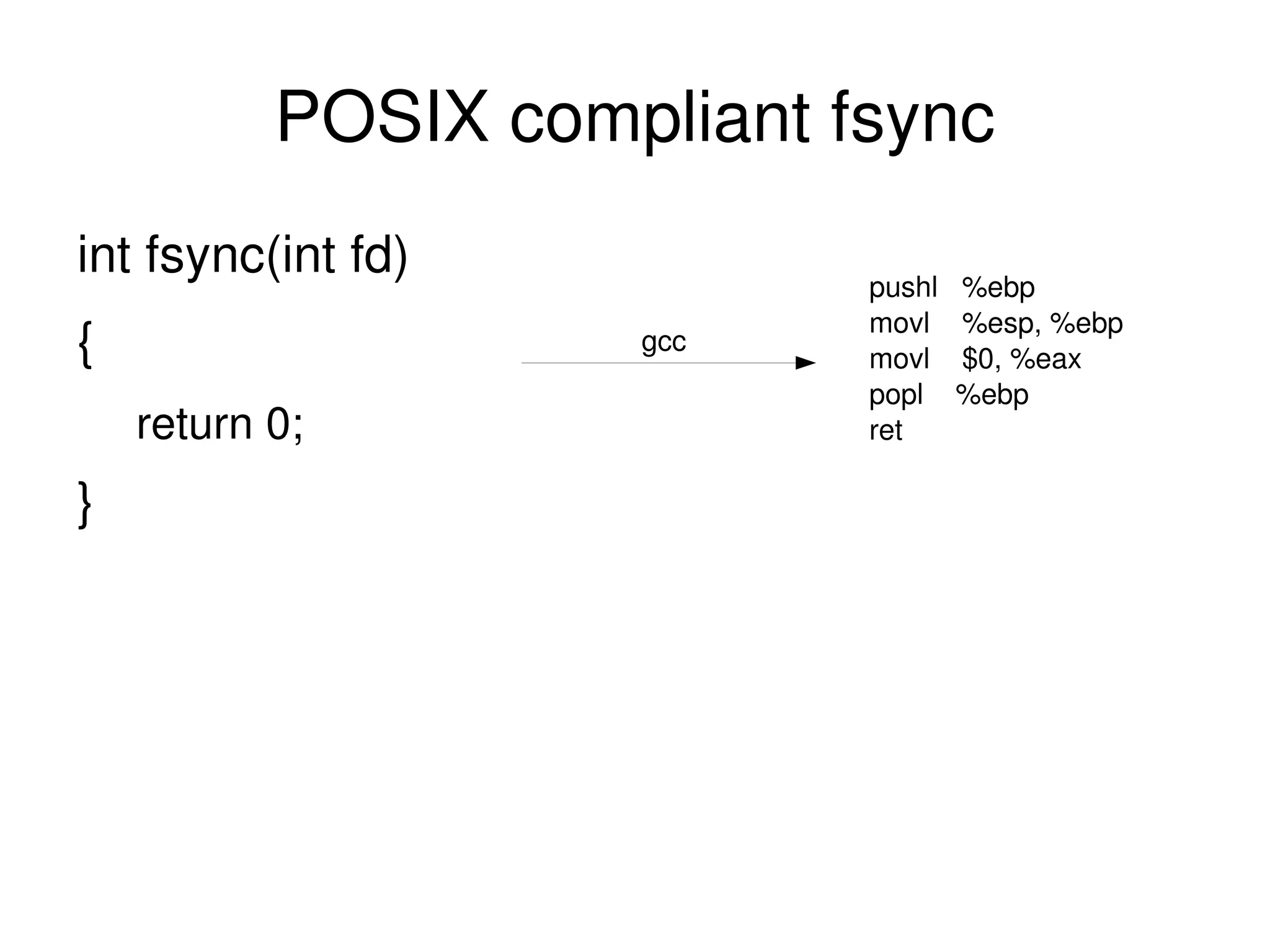
on fsync, POSIX Says... If _POSIX_SYNCHRONIZED_IO is not defined, the wording relies heavily on the conformance document to tell the user what can be expected from the system. It is explicitly intended that a null implementation is permitted.
on fsync, POSIX Says... If _POSIX_SYNCHRONIZED_IO is not defined, the wording relies heavily on the conformance document to tell the user what can be expected from the system.  It is explicitly intended that a null implementation is permitted.
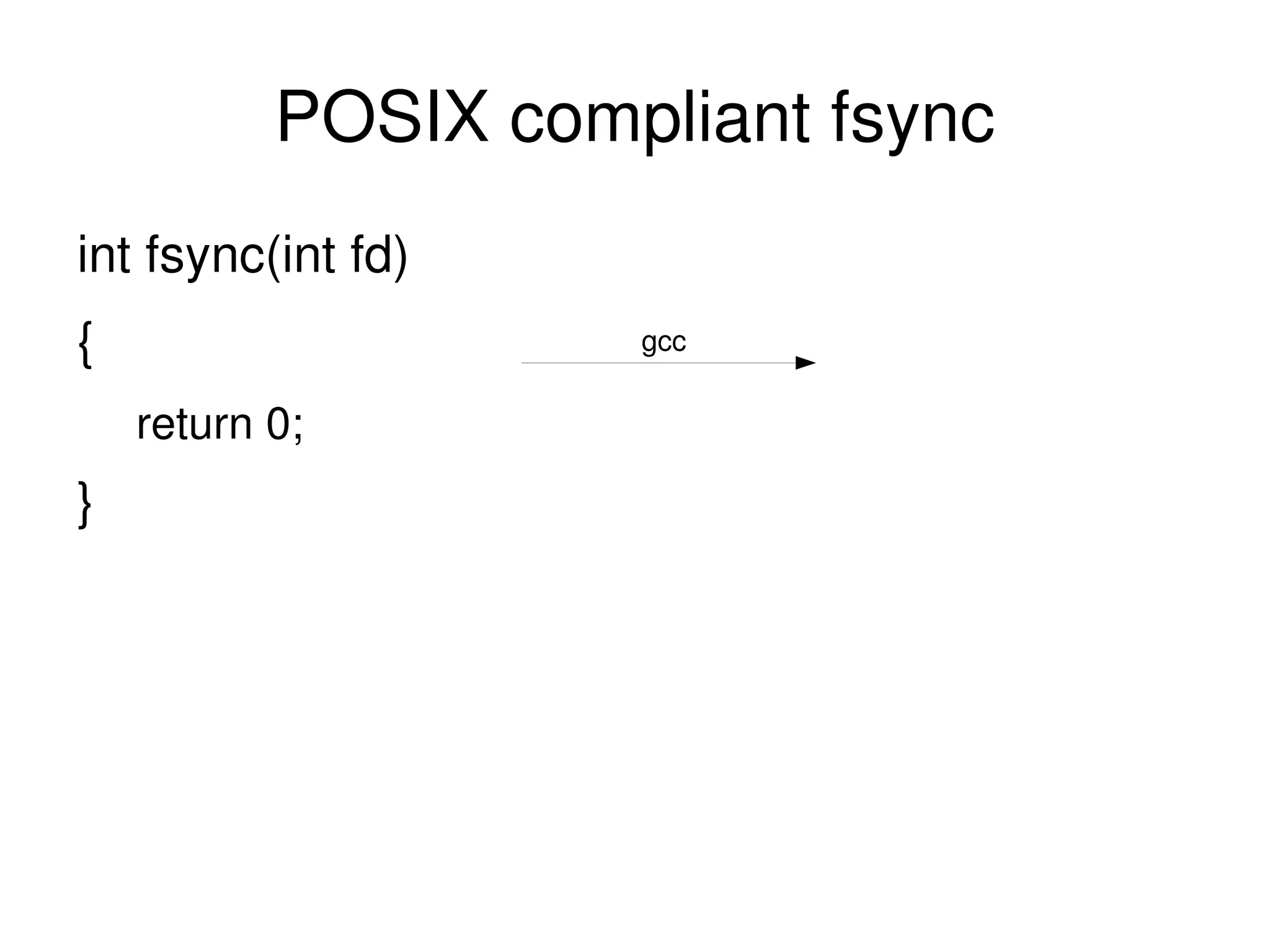
POSIX compliant fsync int fsync(int fd)
POSIX compliant fsync int fsync(int fd) {
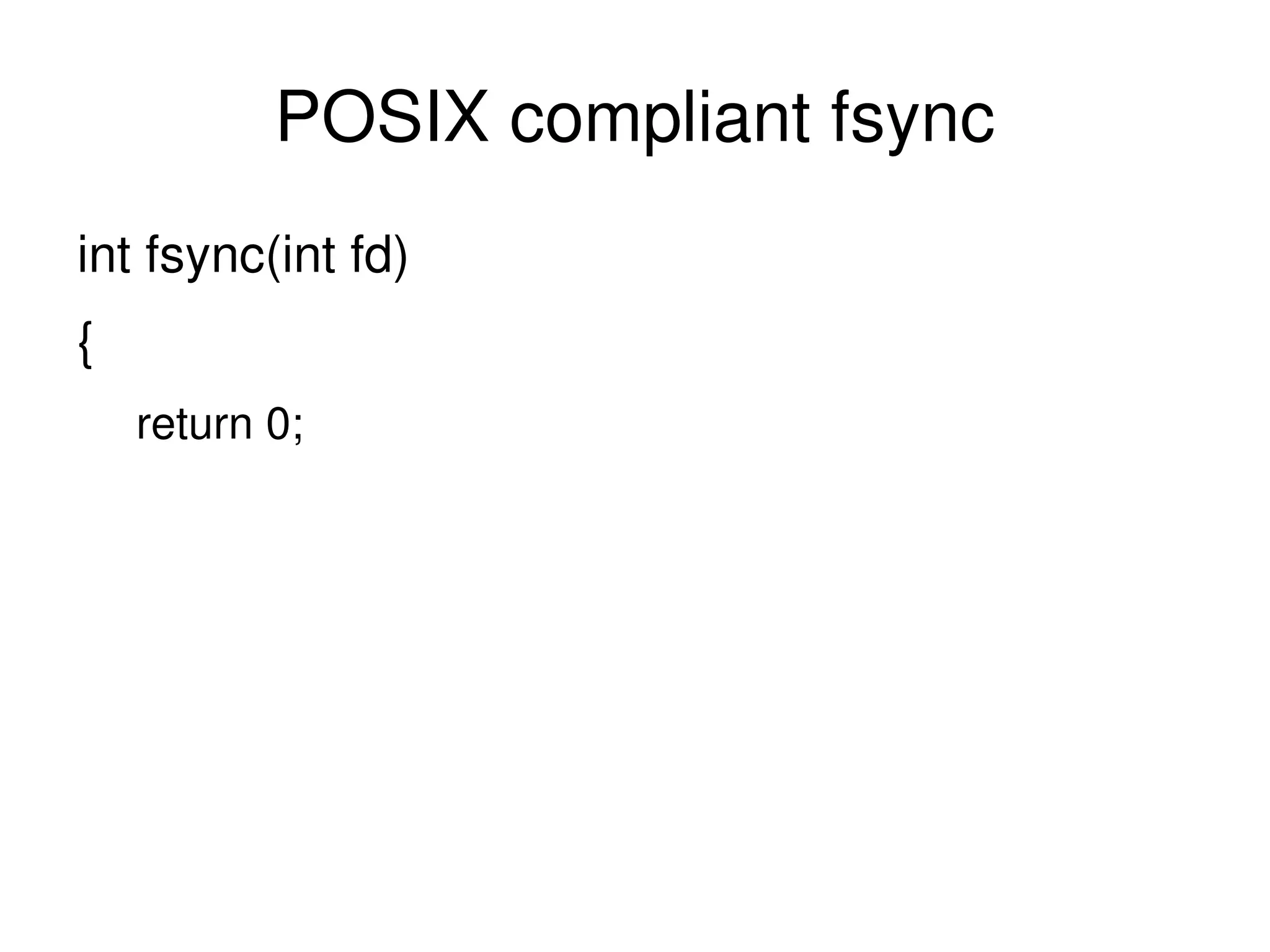
POSIX compliant fsync int fsync(int fd) { return 0;
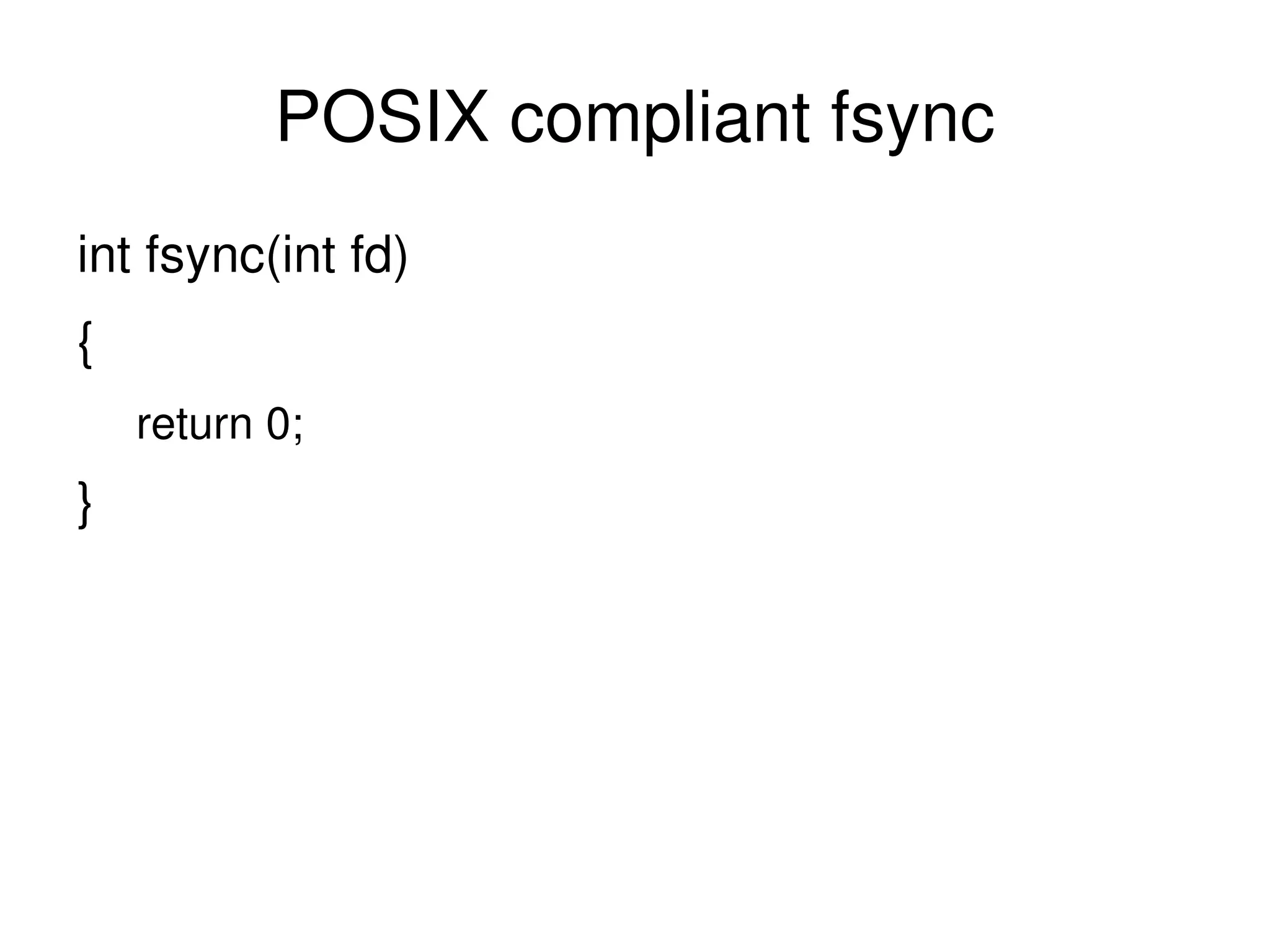
POSIX compliant fsync int fsync(int fd) { return 0; }
POSIX compliant fsync int fsync(int fd) { return 0; } gcc
POSIX compliant fsync int fsync(int fd) { return 0; } pushl  %ebp movl  %esp, %ebp movl  $0, %eax popl  %ebp ret gcc
Tale of a really fast database server A while ago (pre MySQL 4.1.9)
Tale of a really fast database server A while ago (pre MySQL 4.1.9) Seeing corruption of InnoDB pages
Tale of a really fast database server A while ago (pre MySQL 4.1.9) Seeing corruption of InnoDB pages only on MacOS X
Tale of a really fast database server A while ago (pre MySQL 4.1.9) Seeing corruption of InnoDB pages only on MacOS X Also, things seemed pretty fast
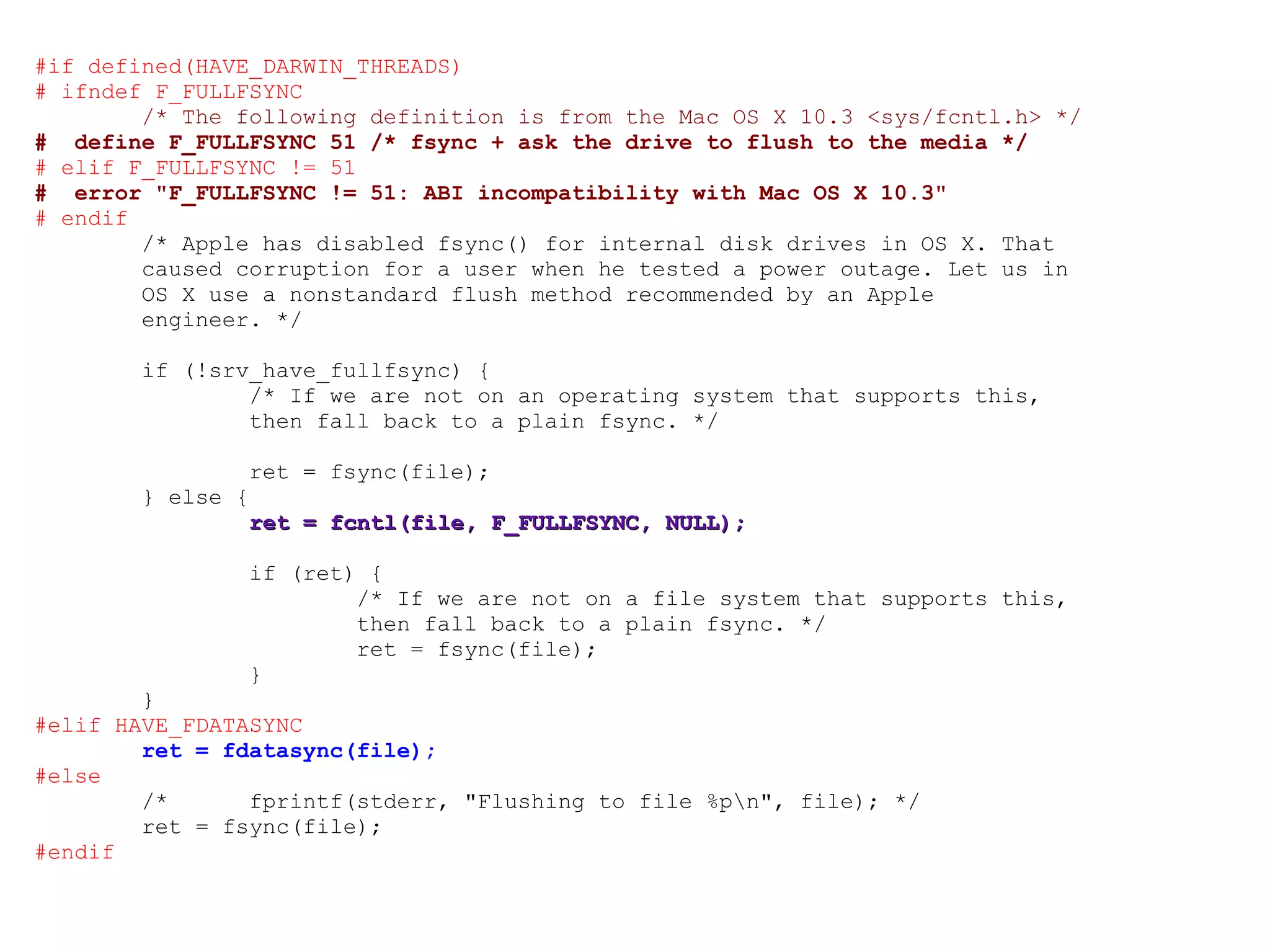
fsync() doesn't have to sync On MacOS X, fsync() doesn't flush drive write cache
fsync() doesn't have to sync On MacOS X, fsync() doesn't flush drive write cache An extra fcntl is provided to do this
Standards are great everybody has their own
Standards are great everybody has their own makes application developers life difficult
Standards are great everybody has their own makes application developers life difficult Let's see the InnoDB code for ensuring data is synced to disk
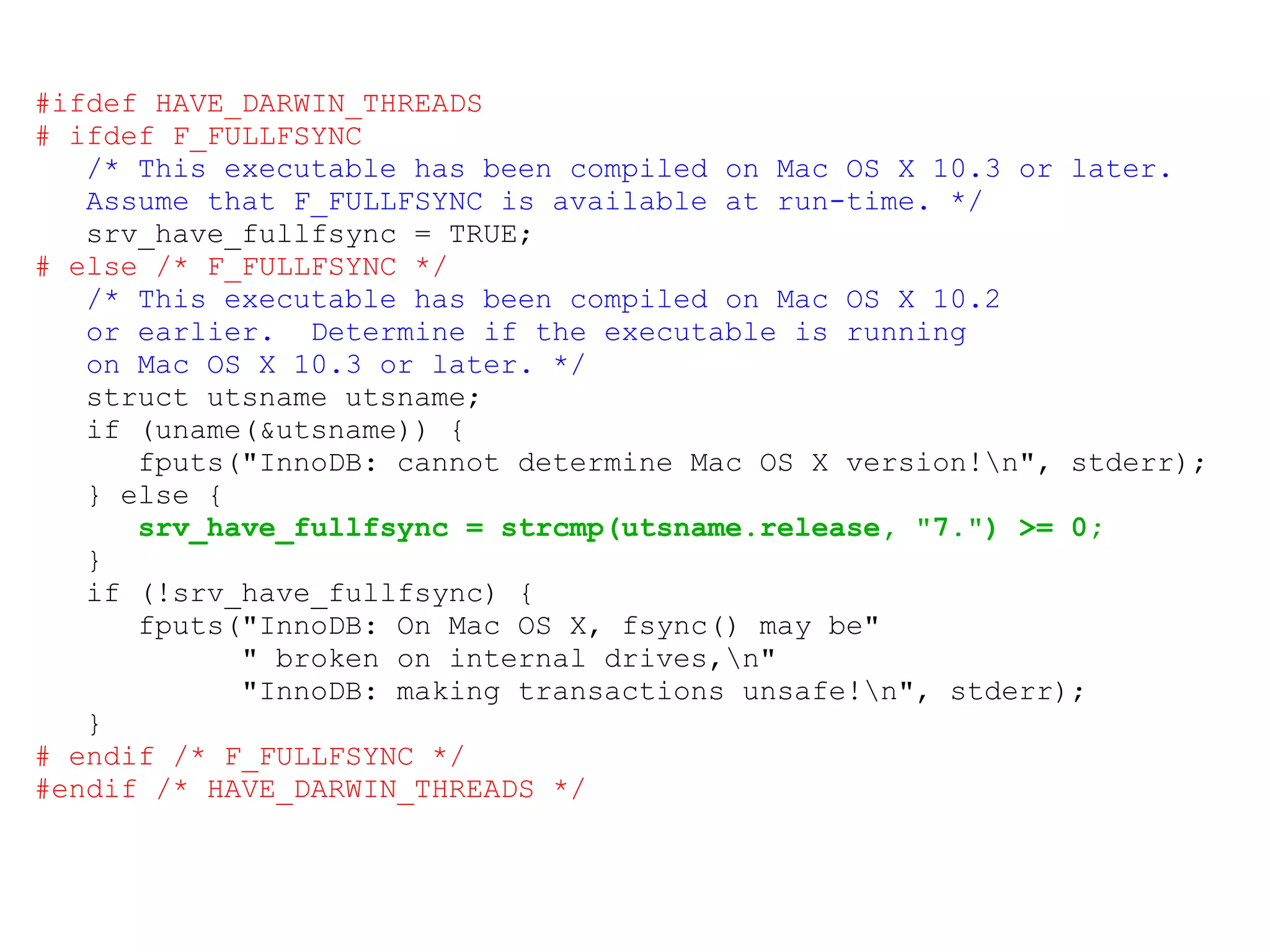
Standards are great everybody has their own makes application developers life difficult Let's see the InnoDB code for ensuring data is synced to disk if this doesn't work, transactions don't work
#ifdef HAVE_DARWIN_THREADS # ifdef F_FULLFSYNC /* This executable has been compiled on Mac OS X 10.3 or later. Assume that F_FULLFSYNC is available at run-time. */ srv_have_fullfsync = TRUE; # else /* F_FULLFSYNC */ /* This executable has been compiled on Mac OS X 10.2 or earlier.  Determine if the executable is running on Mac OS X 10.3 or later. */ struct utsname utsname; if (uname(&utsname)) { fputs(&quot;InnoDB: cannot determine Mac OS X version!\n&quot;, stderr); } else { srv_have_fullfsync = strcmp(utsname.release, &quot;7.&quot;) >= 0; } if (!srv_have_fullfsync) { fputs(&quot;InnoDB: On Mac OS X, fsync() may be&quot; &quot; broken on internal drives,\n&quot; &quot;InnoDB: making transactions unsafe!\n&quot;, stderr); } # endif /* F_FULLFSYNC */ #endif /* HAVE_DARWIN_THREADS */
#if defined(HAVE_DARWIN_THREADS) # ifndef F_FULLFSYNC /* The following definition is from the Mac OS X 10.3 <sys/fcntl.h> */ #  define F_FULLFSYNC 51 /* fsync + ask the drive to flush to the media */ # elif F_FULLFSYNC != 51 #  error &quot;F_FULLFSYNC != 51: ABI incompatibility with Mac OS X 10.3&quot; # endif /* Apple has disabled fsync() for internal disk drives in OS X. That caused corruption for a user when he tested a power outage. Let us in OS X use a nonstandard flush method recommended by an Apple engineer. */ if (!srv_have_fullfsync) { /* If we are not on an operating system that supports this, then fall back to a plain fsync. */ ret = fsync(file); } else { ret = fcntl(file, F_FULLFSYNC, NULL); if (ret) { /* If we are not on a file system that supports this, then fall back to a plain fsync. */ ret = fsync(file); } } #elif HAVE_FDATASYNC ret = fdatasync(file); #else /*  fprintf(stderr, &quot;Flushing to file %p\n&quot;, file); */ ret = fsync(file); #endif
Yes, some OS Vendors hate you Thanks to all the permutations of reliably getting data to a disk platter, a simple call is now two screens of code
Big Files
Big Files Write to temp file, sync, rename works badly with large files
Big Files Write to temp file, sync, rename works badly with large files especially frequently modified large files
Big Files Write to temp file, sync, rename works badly with large files especially frequently modified large files Time to start REDO/UNDO logging
Big Files Write to temp file, sync, rename works badly with large files especially frequently modified large files Time to start REDO/UNDO logging other cool tricks
Big Files Write to temp file, sync, rename works badly with large files especially frequently modified large files Time to start REDO/UNDO logging other cool tricks Or not care so much e.g. DVD ripping
Big Files Write to temp file, sync, rename works badly with large files especially frequently modified large files Time to start REDO/UNDO logging other cool tricks Or not care so much e.g. DVD ripping Some video software saves frame-per-file
Large directories Traditional directory is stored on disk as list of name,inode
Large directories Traditional directory is stored on disk as list of name,inode lookup is search through this list
Large directories Traditional directory is stored on disk as list of name,inode lookup is search through this list Allocation of disk space to directories is block-at-a-time, leading to fragmentation
Large directories Traditional directory is stored on disk as list of name,inode lookup is search through this list Allocation of disk space to directories is block-at-a-time, leading to fragmentation Directory indexes help some better than others
Large directories Traditional directory is stored on disk as list of name,inode lookup is search through this list Allocation of disk space to directories is block-at-a-time, leading to fragmentation Directory indexes help some better than others Can't always control the file system count on over a few thousand files being  slow
Where data is after being written txns in Dbs often committed but only written to log, not main data file
Where data is after being written txns in Dbs often committed but only written to log, not main data file same with file systems metadata that's replayed from the log is committed
Where data is after being written txns in Dbs often committed but only written to log, not main data file same with file systems metadata that's replayed from the log is committed Don't rely on reading the raw disk of a mounted fs
Where data is after being written txns in Dbs often committed but only written to log, not main data file same with file systems metadata that's replayed from the log is committed Don't rely on reading the raw disk of a mounted fs it harms kittens,
Where data is after being written txns in Dbs often committed but only written to log, not main data file same with file systems metadata that's replayed from the log is committed Don't rely on reading the raw disk of a mounted fs it harms kittens, puppies
Where data is after being written txns in Dbs often committed but only written to log, not main data file same with file systems metadata that's replayed from the log is committed Don't rely on reading the raw disk of a mounted fs it harms kittens, puppies  and  babies
sqlite Many applications have structured data
sqlite Many applications have structured data Can be (easily) represented in RDBMS
sqlite Many applications have structured data Can be (easily) represented in RDBMS sqlite is ACID with a capital D for Durability
sqlite Many applications have structured data Can be (easily) represented in RDBMS sqlite is ACID with a capital D for Durability takes hard work out of things
sqlite Many applications have structured data Can be (easily) represented in RDBMS sqlite is ACID with a capital D for Durability takes hard work out of things Not so good with many clients
sqlite Many applications have structured data Can be (easily) represented in RDBMS sqlite is ACID with a capital D for Durability takes hard work out of things Not so good with many clients Brilliant for a document format though
sqlite Many applications have structured data Can be (easily) represented in RDBMS sqlite is ACID with a capital D for Durability takes hard work out of things Not so good with many clients Brilliant for a document format though Scales up to “a few dozen GB of data” before not being as efficient as other RDBMs
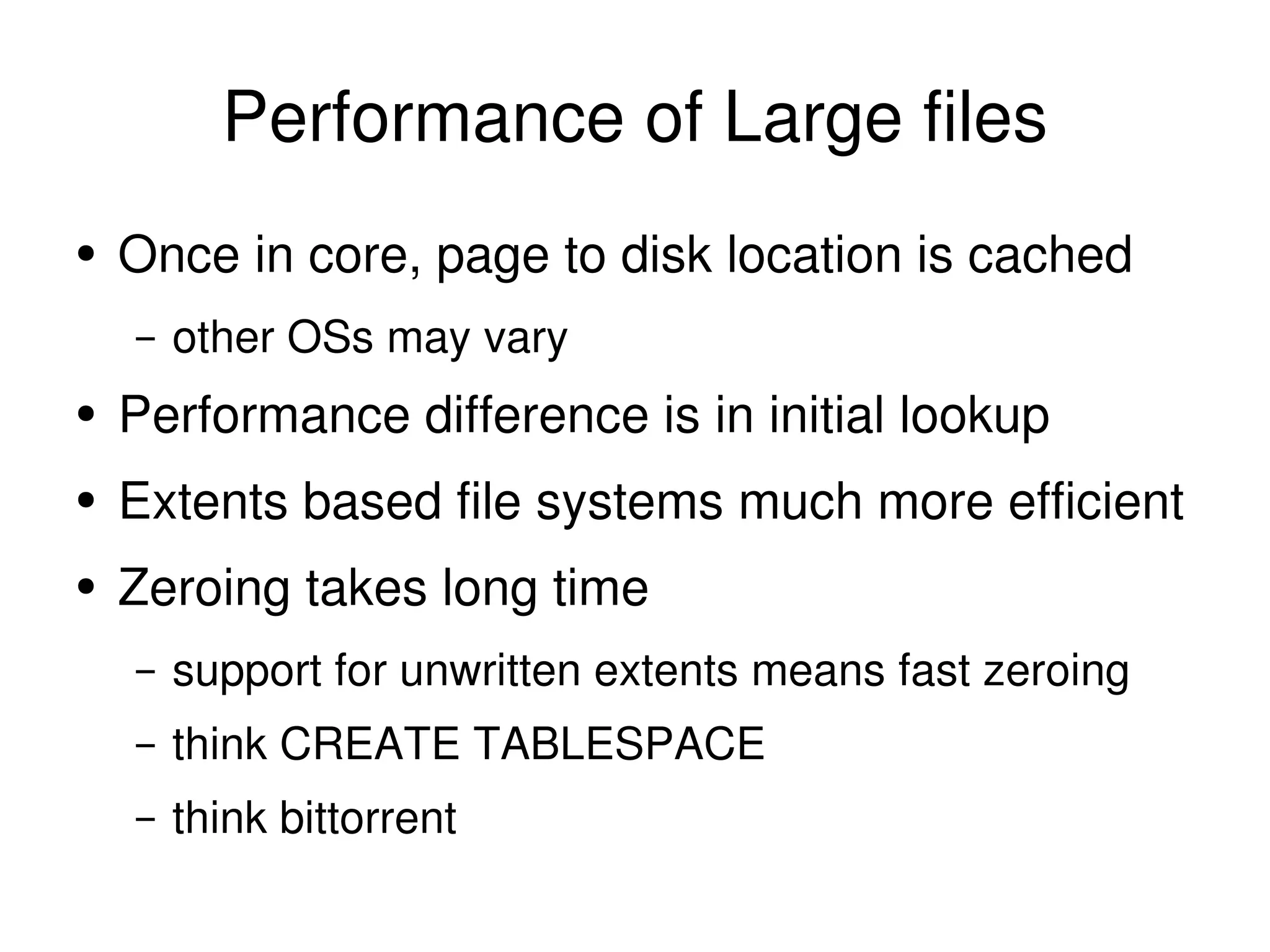
Performance of Large files Once in core, page to disk location is cached other OSs may vary
Performance of Large files Once in core, page to disk location is cached other OSs may vary Performance difference is in initial lookup
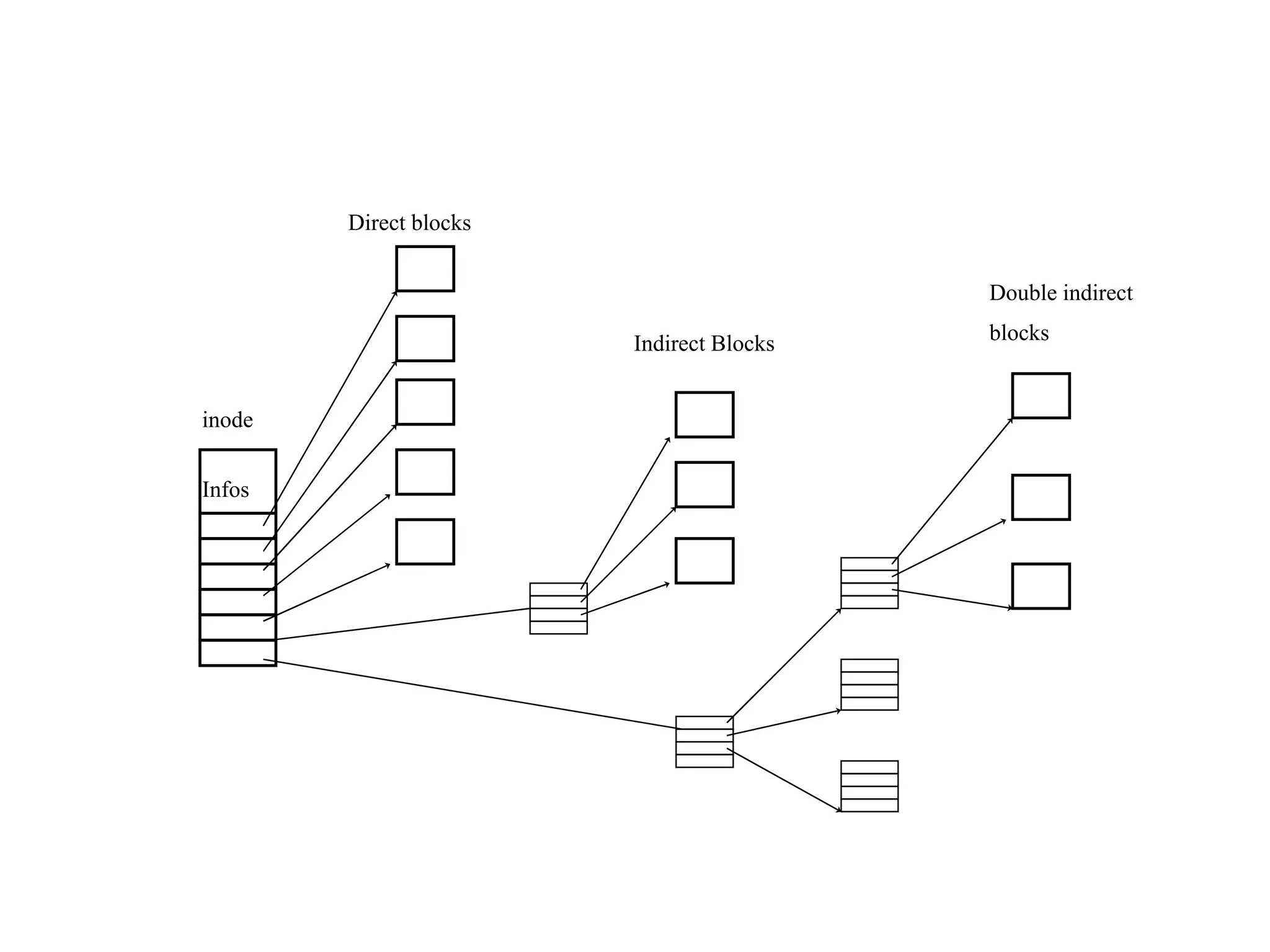
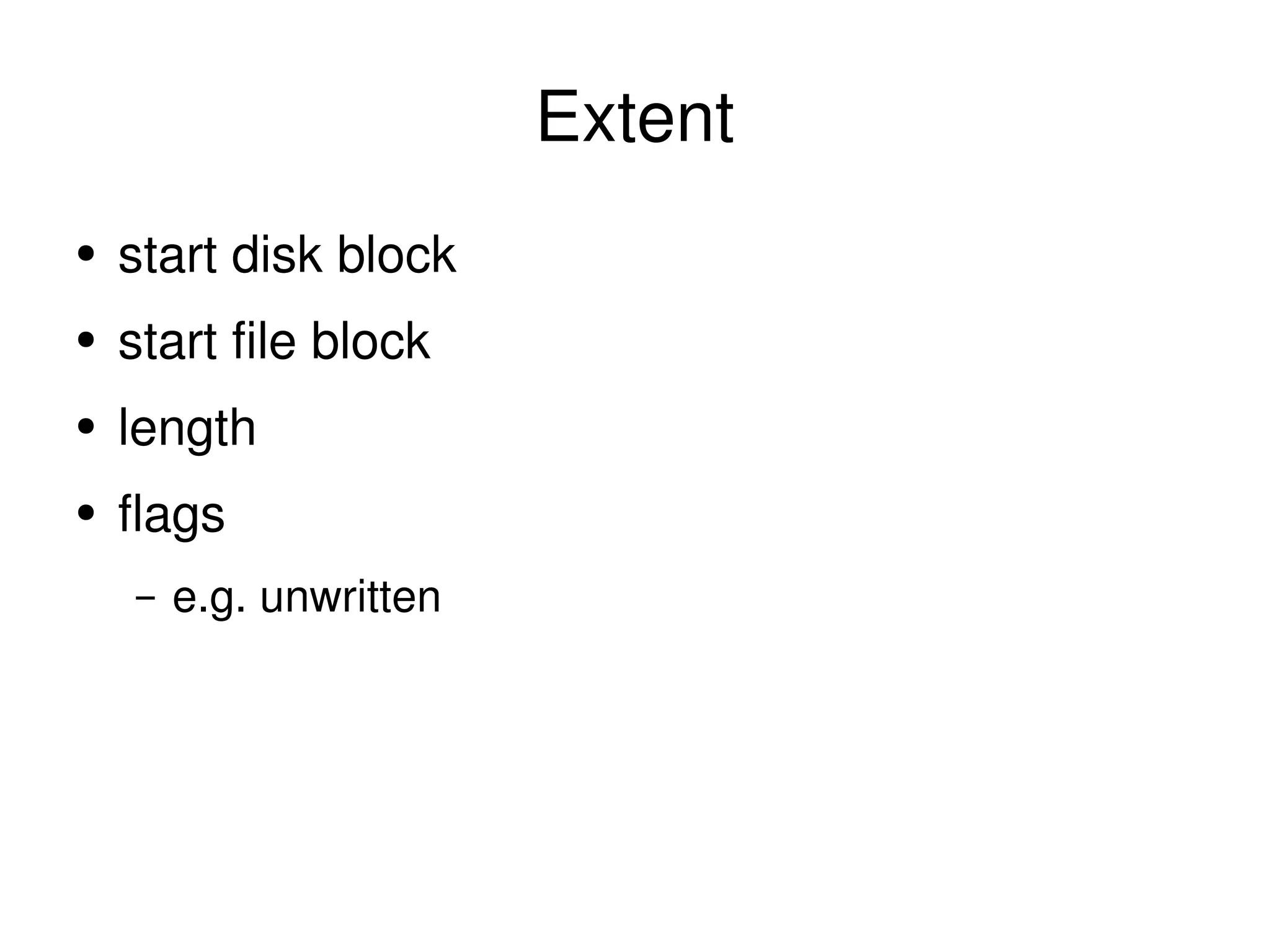
Performance of Large files Once in core, page to disk location is cached other OSs may vary Performance difference is in initial lookup Extents based file systems much more efficient
Performance of Large files Once in core, page to disk location is cached other OSs may vary Performance difference is in initial lookup Extents based file systems much more efficient Zeroing takes long time support for unwritten extents means fast zeroing think CREATE TABLESPACE think bittorrent
inode Infos Direct blocks Indirect Blocks Double indirect blocks
Extent start disk block start file block length flags e.g. unwritten
Parallel writers Multiple threads writing large files
Parallel writers Multiple threads writing large files Not uncommon to compete for disk allocation especially with O_SYNC
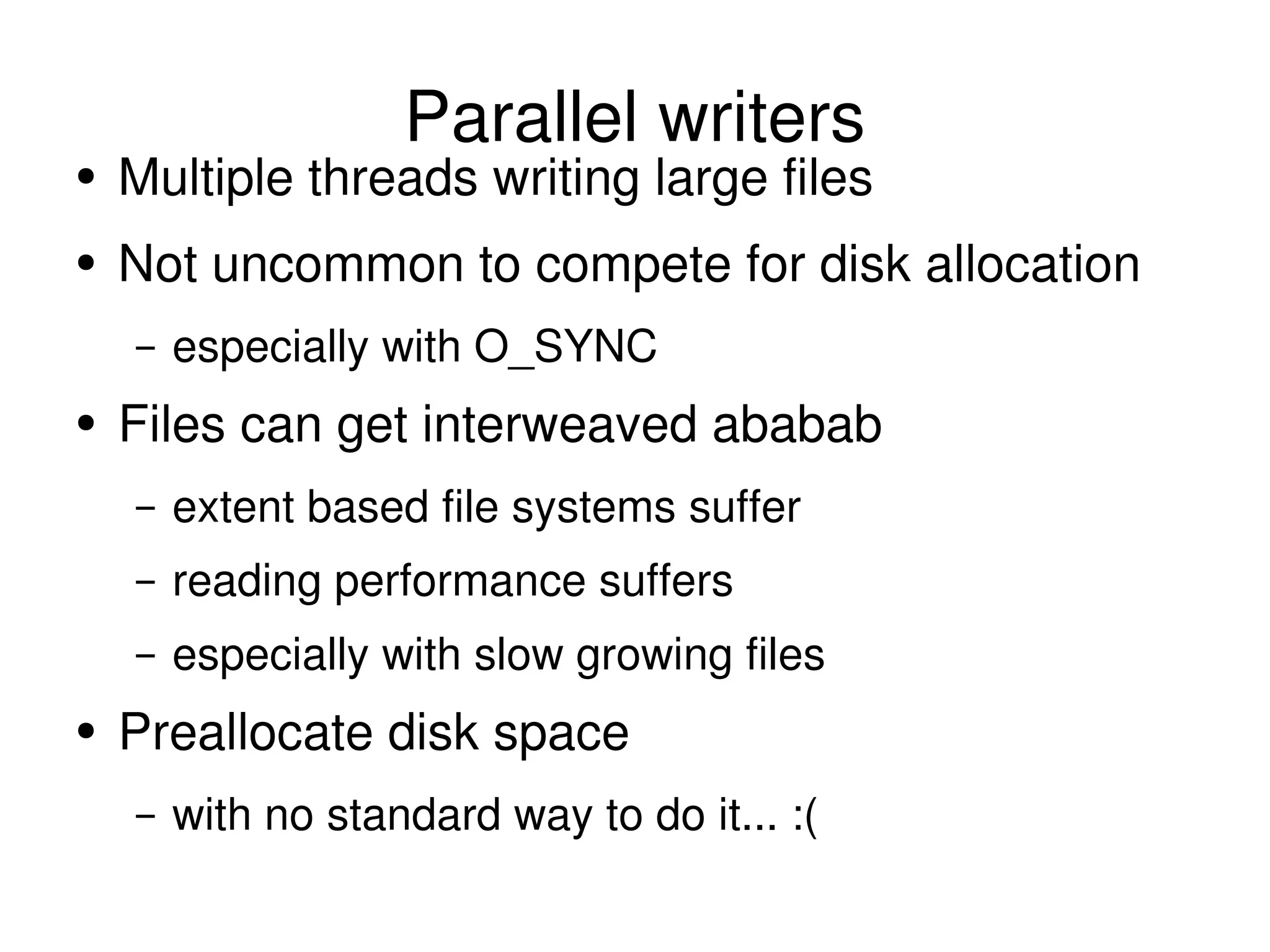
Parallel writers Multiple threads writing large files Not uncommon to compete for disk allocation especially with O_SYNC Files can get interweaved ababab extent based file systems suffer reading performance suffers especially with slow growing files
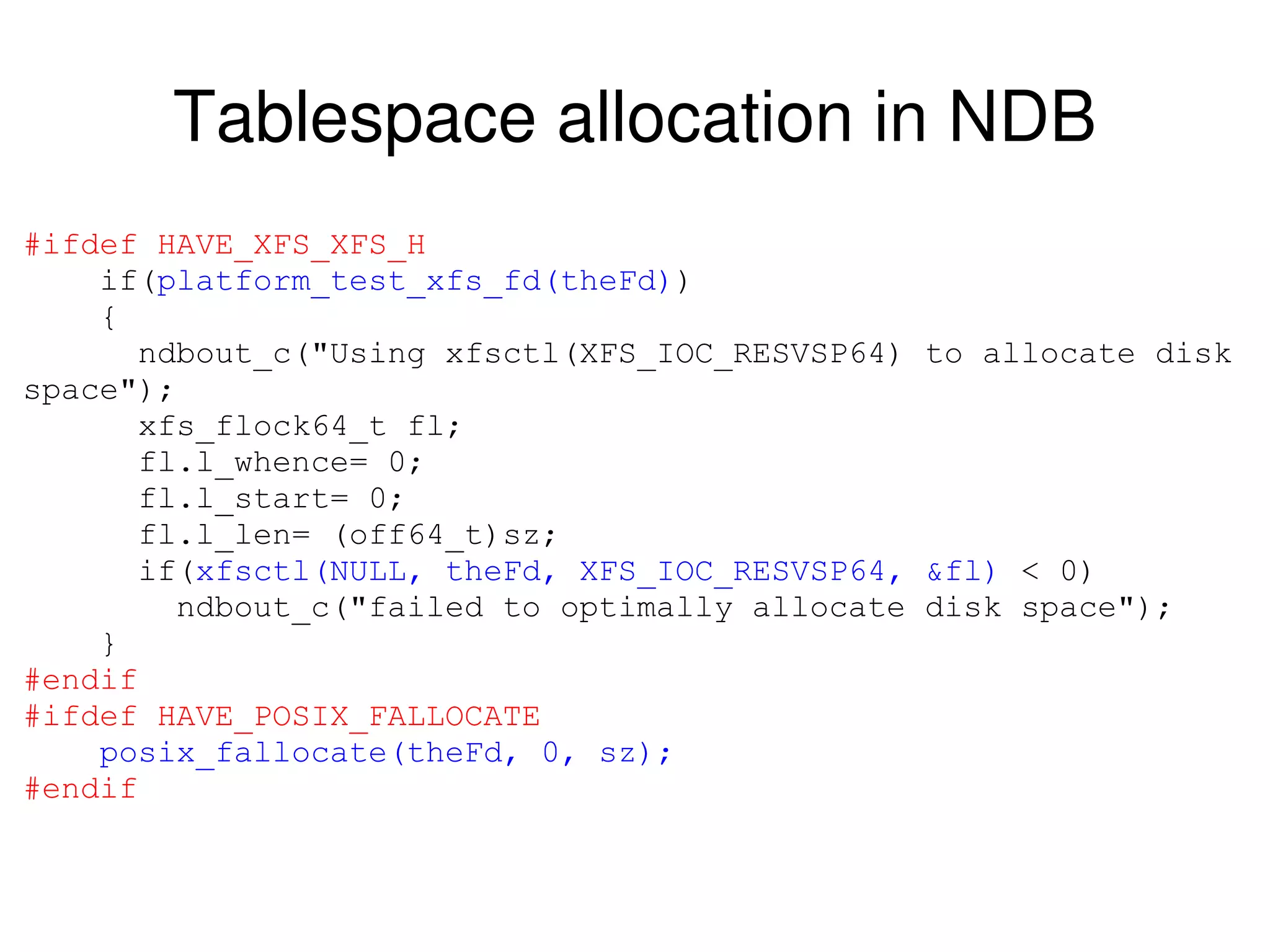
Parallel writers Multiple threads writing large files Not uncommon to compete for disk allocation especially with O_SYNC Files can get interweaved ababab extent based file systems suffer reading performance suffers especially with slow growing files Preallocate disk space with no standard way to do it... :(
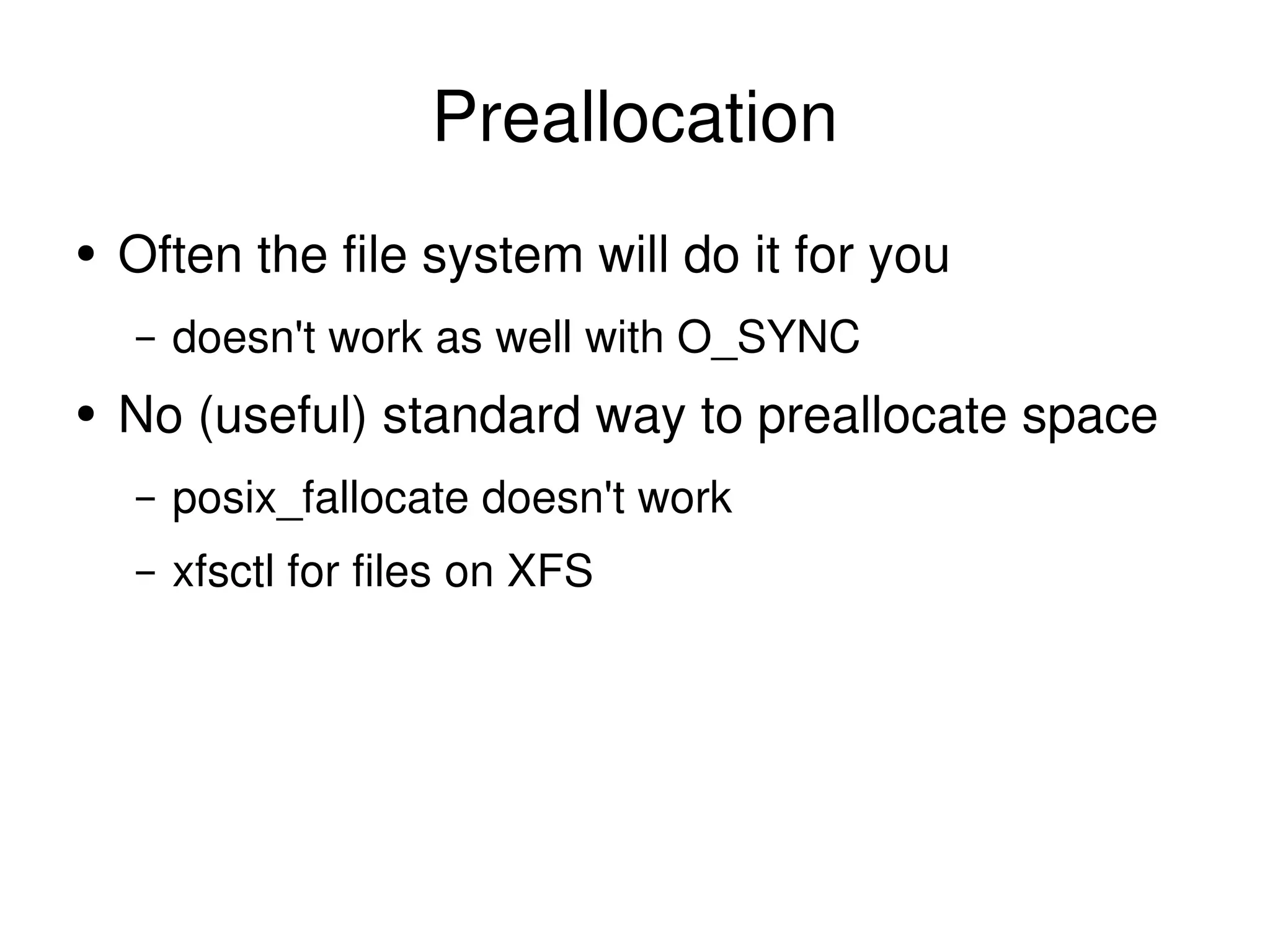
Preallocation Often the file system will do it for you doesn't work as well with O_SYNC No (useful) standard way to preallocate space posix_fallocate doesn't work xfsctl for files on XFS
Tablespace allocation in NDB #ifdef HAVE_XFS_XFS_H if( platform_test_xfs_fd(theFd) ) { ndbout_c(&quot;Using xfsctl(XFS_IOC_RESVSP64) to allocate disk space&quot;); xfs_flock64_t fl; fl.l_whence= 0; fl.l_start= 0; fl.l_len= (off64_t)sz; if( xfsctl(NULL, theFd, XFS_IOC_RESVSP64, &fl)  < 0) ndbout_c(&quot;failed to optimally allocate disk space&quot;); } #endif #ifdef HAVE_POSIX_FALLOCATE posix_fallocate(theFd, 0, sz); #endif
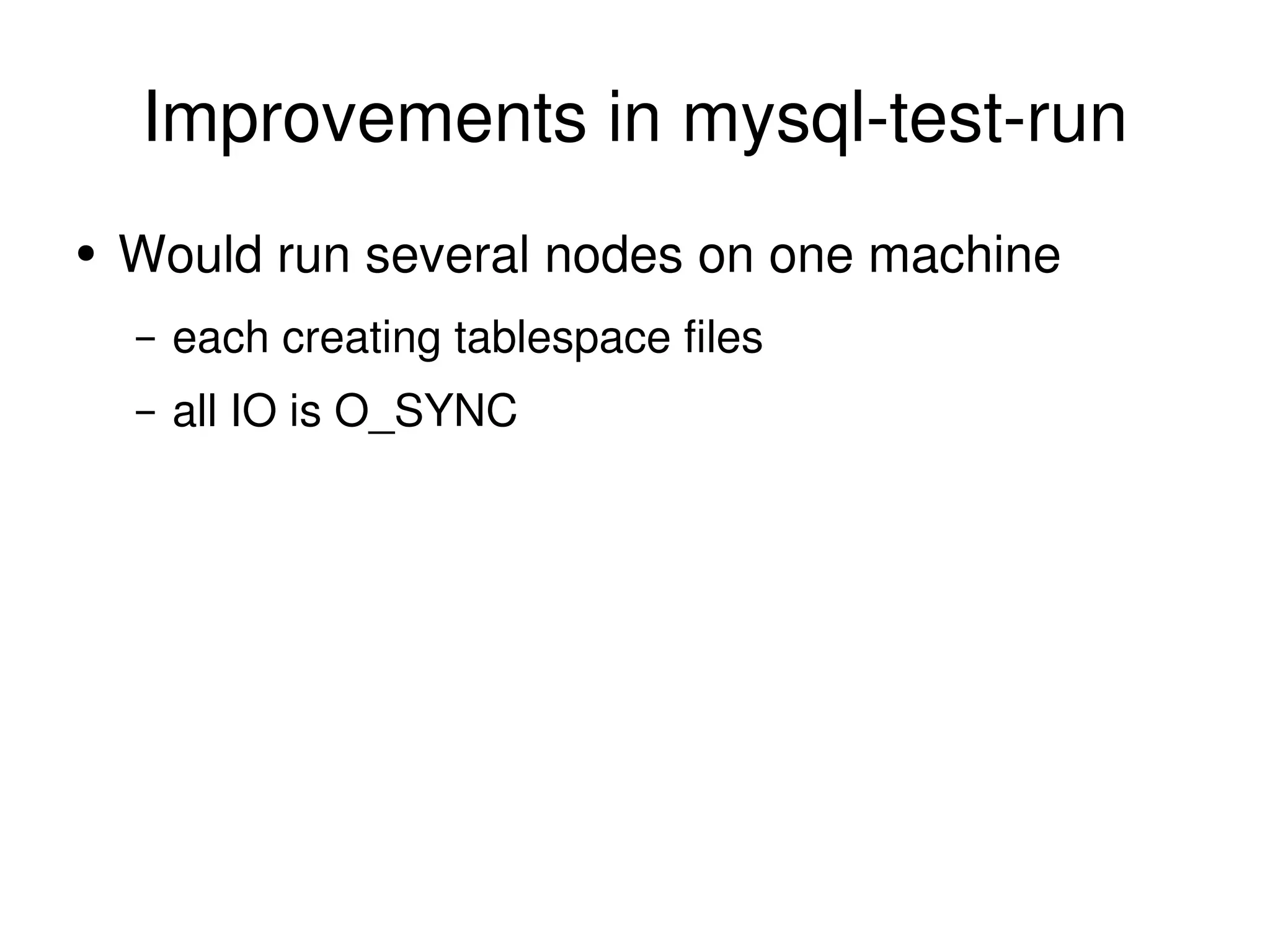
Improvements in mysql-test-run Would run several nodes on one machine each creating tablespace files all IO is O_SYNC
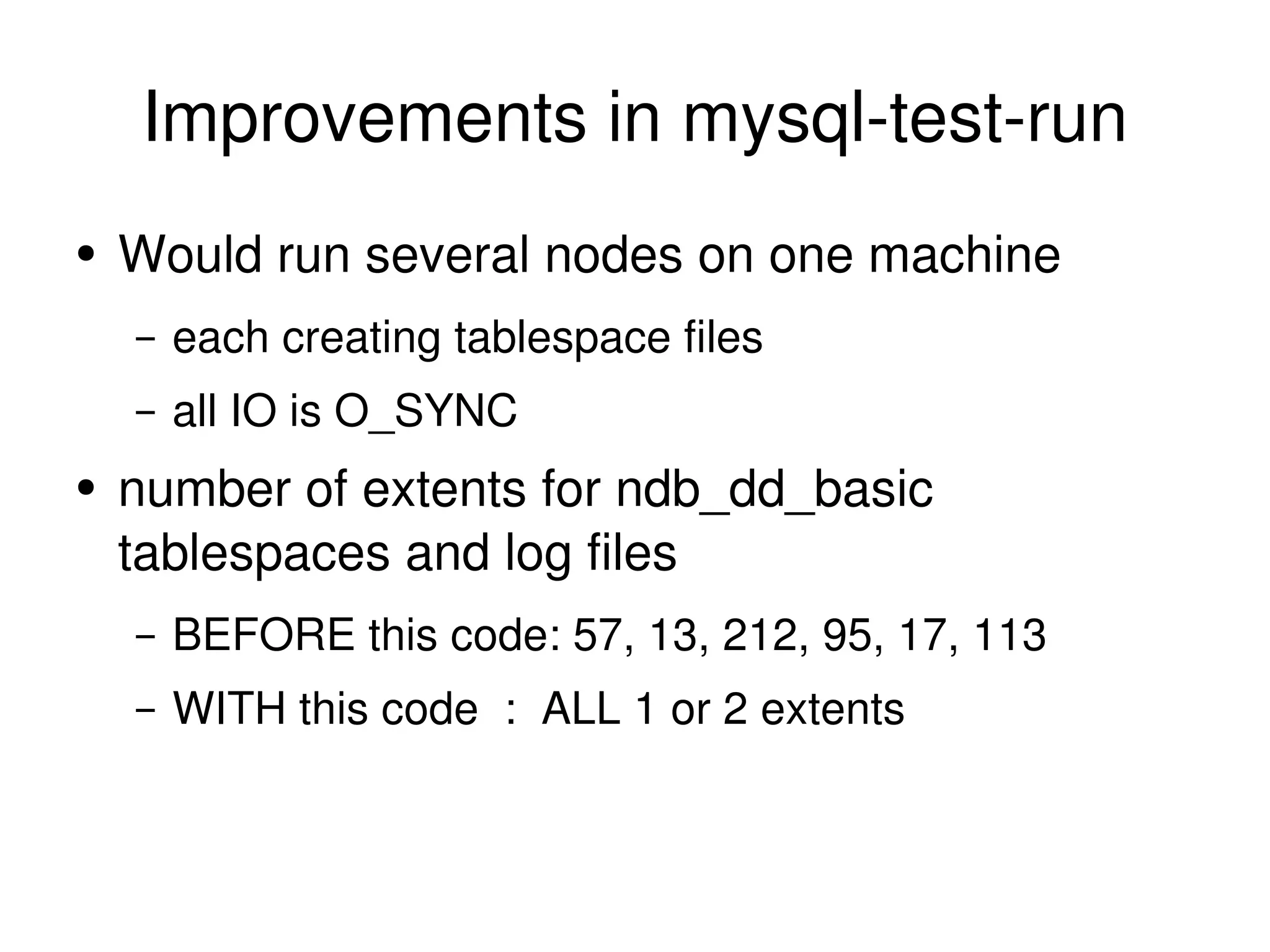
Improvements in mysql-test-run Would run several nodes on one machine each creating tablespace files all IO is O_SYNC number of extents for ndb_dd_basic tablespaces and log files BEFORE this code: 57, 13, 212, 95, 17, 113 WITH this code  :  ALL 1 or 2 extents
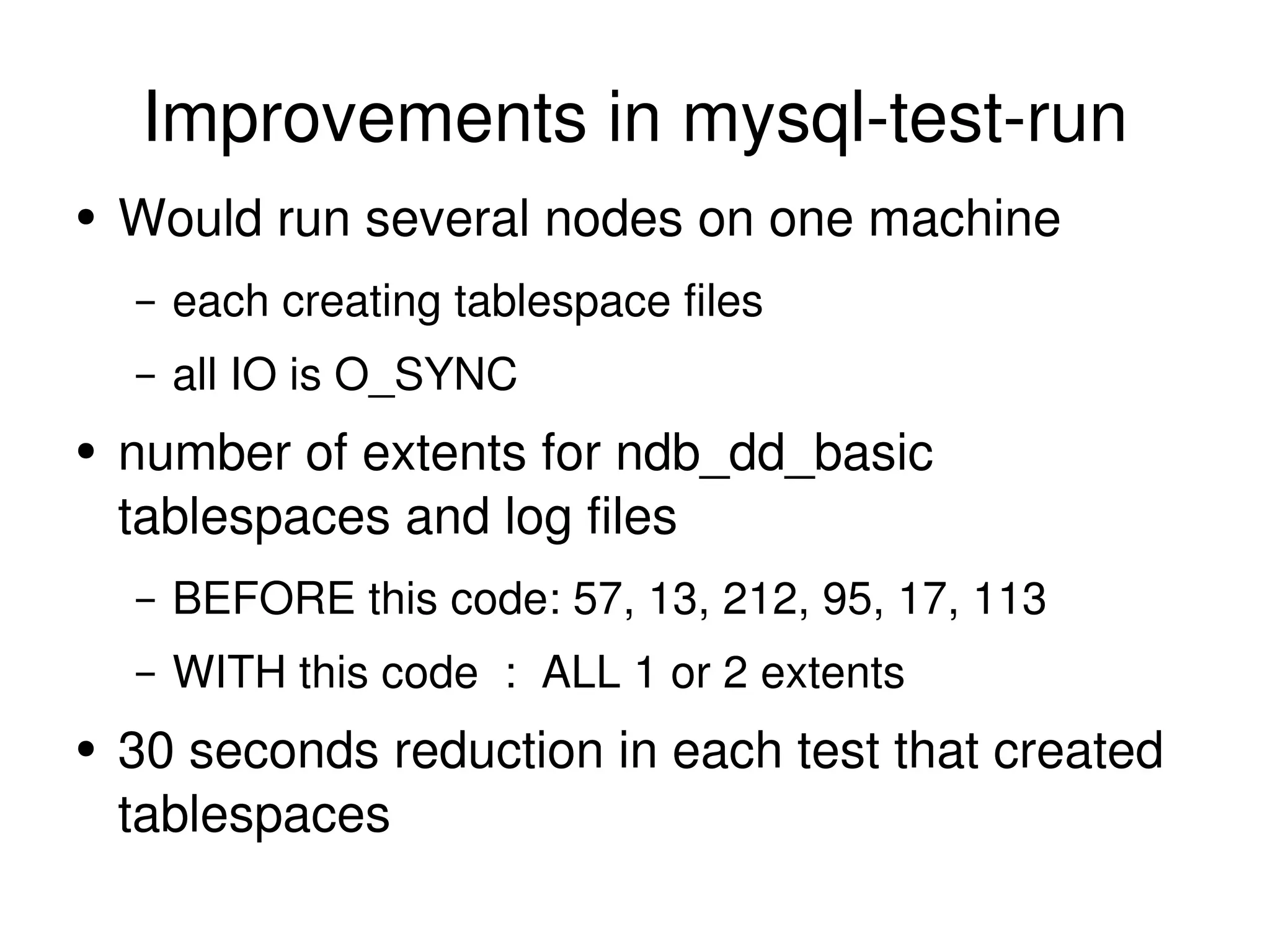
Improvements in mysql-test-run Would run several nodes on one machine each creating tablespace files all IO is O_SYNC number of extents for ndb_dd_basic tablespaces and log files BEFORE this code: 57, 13, 212, 95, 17, 113 WITH this code  :  ALL 1 or 2 extents 30 seconds reduction in each test that created tablespaces
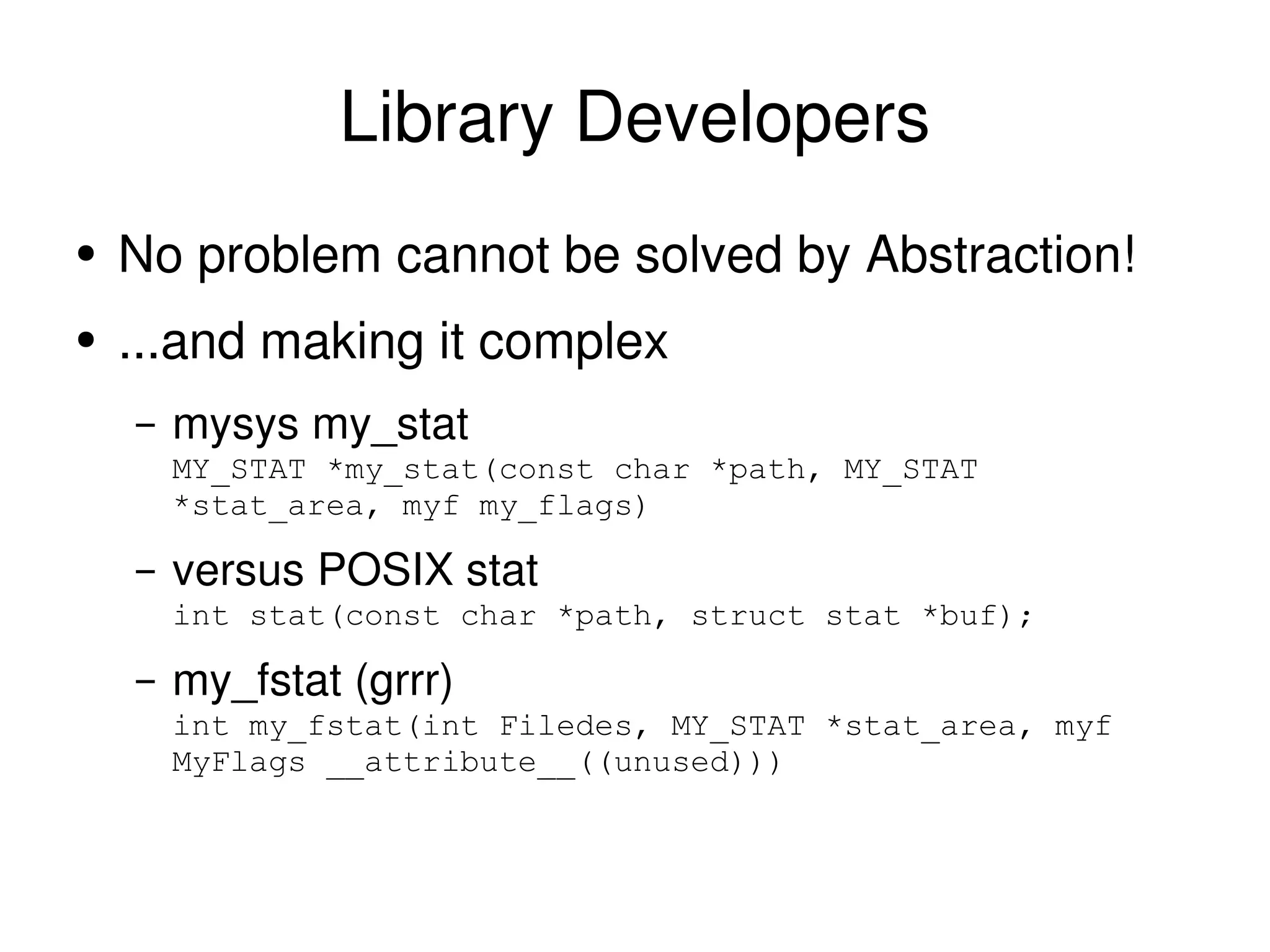
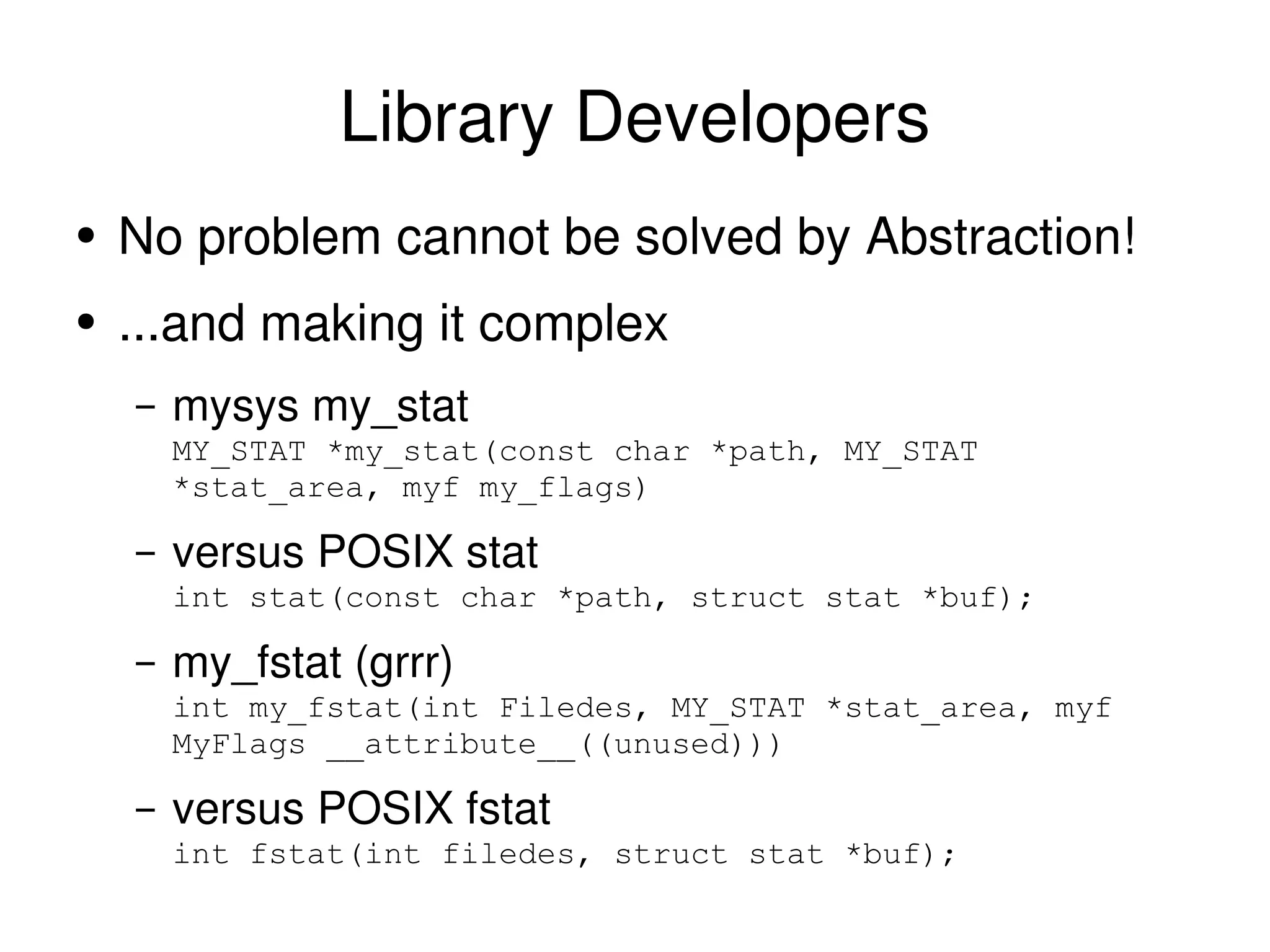
Library Developers No problem cannot be solved by Abstraction!
Library Developers No problem cannot be solved by Abstraction!  ...and making it complex
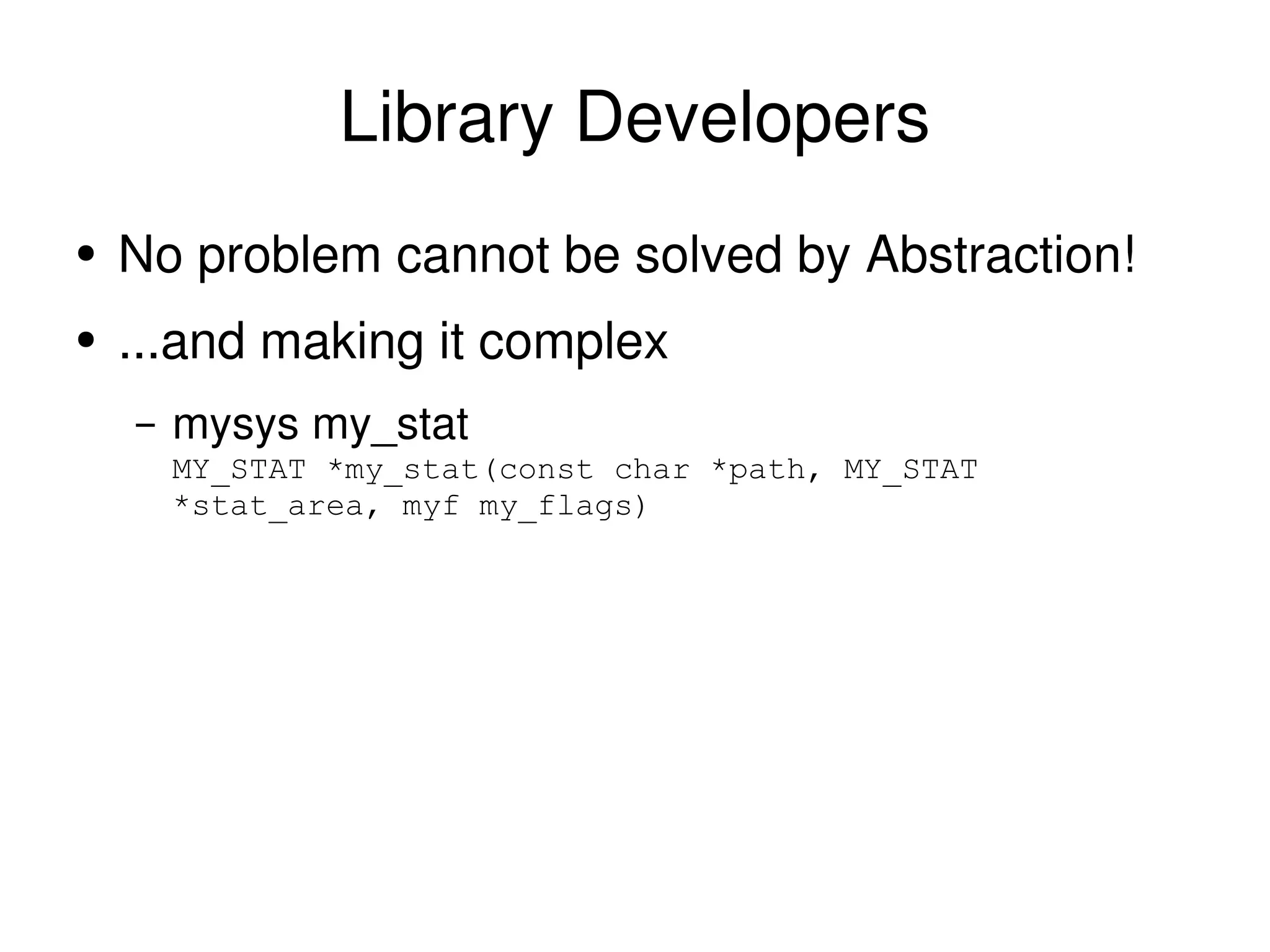
Library Developers No problem cannot be solved by Abstraction!  ...and making it complex mysys my_stat MY_STAT *my_stat(const char *path, MY_STAT *stat_area, myf my_flags)
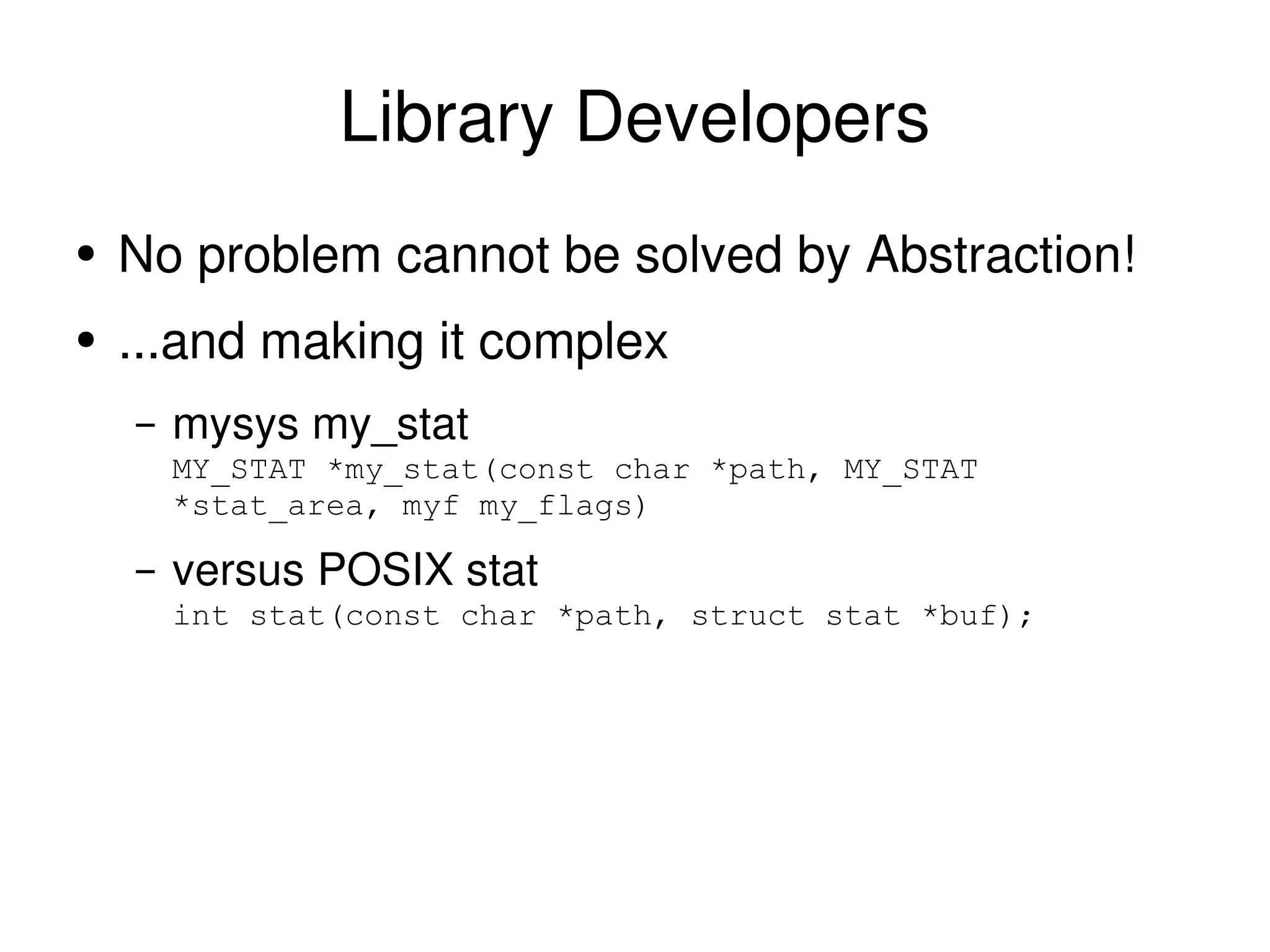
Library Developers No problem cannot be solved by Abstraction!  ...and making it complex mysys my_stat MY_STAT *my_stat(const char *path, MY_STAT *stat_area, myf my_flags) versus POSIX stat int stat(const char *path, struct stat *buf);
Library Developers No problem cannot be solved by Abstraction!  ...and making it complex mysys my_stat MY_STAT *my_stat(const char *path, MY_STAT *stat_area, myf my_flags) versus POSIX stat int stat(const char *path, struct stat *buf); my_fstat (grrr) int my_fstat(int Filedes, MY_STAT *stat_area, myf MyFlags __attribute__((unused)))
Library Developers No problem cannot be solved by Abstraction!  ...and making it complex mysys my_stat MY_STAT *my_stat(const char *path, MY_STAT *stat_area, myf my_flags) versus POSIX stat int stat(const char *path, struct stat *buf); my_fstat (grrr) int my_fstat(int Filedes, MY_STAT *stat_area, myf MyFlags __attribute__((unused))) versus POSIX fstat int fstat(int filedes, struct stat *buf);
There is hope You can do file IO correctly You can prevent data loss You can pester people to make life easier
Good Luck!
Good Luck! and please don't eat my data

Eat my data

  • 1.
    Eat My Data:(now with 20% more rant!) How everybody gets file I/O wrong Stewart Smith [email_address] Senior Software Engineer, MySQL Cluster MySQL AB
  • 2.
    What I workon MySQL Cluster High Availability (Shared Nothing) Clustered Database with some real time properties
  • 3.
    Overview Common mistakesthat lead to data loss
  • 4.
    Overview Common mistakesthat lead to data loss Mistakes by: the application programmer
  • 5.
    Overview Common mistakesthat lead to data loss Mistakes by: the application programmer the library programmer
  • 6.
    Overview Common mistakesthat lead to data loss Mistakes by: the application programmer the library programmer the kernel programmer
  • 7.
    Overview Common mistakesthat lead to data loss Mistakes by: the application programmer the library programmer the kernel programmer Mostly just concentrating on Linux will mention war stories on other platforms too
  • 8.
    In the beginningAll IO was synchronous
  • 9.
    In the beginningAll IO was synchronous When you called write things hit the platter
  • 10.
    In the beginningAll IO was synchronous When you called write things hit the platter Turns out that this is slow for a lot of cases
  • 11.
  • 12.
    A world withoutfailure doesn't exist
  • 13.
    A world withoutfailure doesn't exist computers crash
  • 14.
    A world withoutfailure doesn't exist computers crash power goes out
  • 15.
    A world withoutfailure doesn't exist computers crash power goes out battery goes flat
  • 16.
    A world withoutfailure doesn't exist computers crash power goes out battery goes flat kick-the-cord out
  • 17.
    A world withoutfailure doesn't exist computers crash power goes out battery goes flat kick-the-cord out suspend works, resume doesn't
  • 18.
    A world withoutfailure doesn't exist computers crash power goes out battery goes flat kick-the-cord out suspend works, resume doesn't When the data is important, live in the world of failure
  • 19.
    Data Consistency Inthe event of failure, what state can I expect my data to be in?
  • 20.
    User Expectations Ifthe power goes out, the last saved version of my data is there
  • 21.
    User Expectations Ifthe power goes out, the last saved version of my data is there If there isn't an explicit save (e.g. RSS readers, IM logs) some recent version should be okay.
  • 22.
    User Expectations Ifthe power goes out, the last saved version of my data is there If there isn't an explicit save (e.g. RSS readers, IM logs) some recent version should be okay. Not Acceptable: I hit save, why is none of my work there? Why have all my IM logs disappeared? Why have all my saved passwords disappeared?
  • 23.
  • 24.
  • 25.
    Databases ACID Dis for Durability
  • 26.
    Databases ACID Dis for Durability Transactions A committed transaction survives failure
  • 27.
    Databases ACID Dis for Durability Transactions A committed transaction survives failure Isolation Levels Repeatable Read, Read Committed etc
  • 28.
    Databases ACID Dis for Durability Transactions A committed transaction survives failure Isolation Levels Repeatable Read, Read Committed etc Very well known consistency issues
  • 29.
    Databases ACID Dis for Durability Transactions A committed transaction survives failure Isolation Levels Repeatable Read, Read Committed etc Very well known consistency issues that lots of people still get wrong
  • 30.
    Databases ACID Dis for Durability Transactions A committed transaction survives failure Isolation Levels Repeatable Read, Read Committed etc Very well known consistency issues that lots of people still get wrong different engines have different properties
  • 31.
    What databases aregood at Lots of small objects (rows)
  • 32.
    What databases aregood at Lots of small objects (rows) okay at larger objects (BLOBs)
  • 33.
    What databases aregood at Lots of small objects (rows) okay at larger objects (BLOBs) named after “The Blob”, not Binary Large Objects
  • 34.
    What databases aregood at Lots of small objects (rows) okay at larger objects (BLOBs) named after “The Blob”, not Binary Large Objects Accessed by a variety of ways indexes
  • 35.
    Easy solution todata consistency put it in a database that gives data consistency guarantees We'll talk about this later
  • 36.
    Revelation #1 Databasesare not file systems!
  • 37.
    Revelation #2 Filesystems are not databases!
  • 38.
    Revelation #3 Adatabase has different consistency semantics than a file system
  • 39.
    Revelation #3 Adatabase has different consistency semantics than a file system typically file systems a lot more relaxed
  • 40.
    Eat my dataWhere can the data be to eat?
  • 41.
    Where data canbe Application Buffer - CoolApp application crash = loss of this data
  • 42.
    Where data canbe Application Buffer - CoolApp application crash = loss of this data Library buffer - glibc application crash = loss of this data
  • 43.
    Where data canbe Application Buffer - CoolApp application crash = loss of this data Library buffer - glibc application crash = loss of this data Operating System buffer – page/buffer cache system crash = loss of this data
  • 44.
    Where data canbe Application Buffer - CoolApp application crash = loss of this data Library buffer - glibc application crash = loss of this data Operating System buffer – page/buffer cache system crash = loss of this data on disk disk failure = loss of data
  • 45.
    Data flow Applicationto library buffer fwrite(), fprintf() and friends
  • 46.
    Data flow Applicationto library buffer fwrite(), fprintf() and friends Library to OS buffer write(2)
  • 47.
    Data flow Applicationto library buffer fwrite(), fprintf() and friends Library to OS buffer write(2) OS buffer to disk
  • 48.
    Data flow Applicationto library buffer fwrite(), fprintf() and friends Library to OS buffer write(2) OS buffer to disk paged out, periodic flushing (5 or 30secs usually)
  • 49.
    Data flow Applicationto library buffer fwrite(), fprintf() and friends Library to OS buffer write(2) OS buffer to disk paged out, periodic flushing (5 or 30secs usually) Can be very delayed with laptop mode
  • 50.
    Data flow Applicationto library buffer fwrite(), fprintf() and friends Library to OS buffer write(2) OS buffer to disk paged out, periodic flushing (5 or 30secs usually) Can be very delayed with laptop mode fsync(2), fdatasync(2), sync(2)
  • 51.
    Data flow Applicationto library buffer fwrite(), fprintf() and friends Library to OS buffer write(2) OS buffer to disk paged out, periodic flushing (5 or 30secs usually) Can be very delayed with laptop mode fsync(2), fdatasync(2), sync(2) with caveats!
  • 52.
    Simple Application: Save==ondisk User hits “Save” in Word Processor Expects that data to be on disk when “Saved” How?
  • 53.
    Saving a simpledocument struct wp_doc { char *document; size_t len; }; struct wp_doc d; ... FILE *f; f= fopen(“important_document”,”w”); fwrite(d.document,d.len,1,f);
  • 54.
    Bug #1 Nofclose(2) Buffers for the stream may not be flushed from libc cache
  • 55.
    Word Processor Saving-1 Bug struct wp_doc { char *document; size_t len; }; struct wp_doc d; ... FILE *f; f= fopen(“important_document”,”w”); fwrite(d.document,d.len,1,f); fclose(f);
  • 56.
    Bug #2, 3and 4 No error checking! fopen Did we open the file fwrite did we write the entire file (ENOSPC?) fclose did we successfully close the file
  • 57.
    File System Integritymetadata journaling is just that
  • 58.
    File System Integritymetadata journaling is just that meta data only
  • 59.
    File System Integritymetadata journaling is just that meta data only no data is written to the journal
  • 60.
    File System Integritymetadata journaling is just that meta data only no data is written to the journal integrity of file system structures
  • 61.
    File System Integritymetadata journaling is just that meta data only no data is written to the journal integrity of file system structures not internals of files
  • 62.
    Data journaling isnothing like a database transaction
  • 63.
  • 64.
  • 65.
    Atomic write(2) Itisn't can half complete
  • 66.
    Atomic write(2) Itisn't can half complete A file system with atomic write(2)
  • 67.
    Atomic write(2) Itisn't can half complete A file system with atomic write(2) can't rely on it being there
  • 68.
    Atomic write(2) Itisn't can half complete A file system with atomic write(2) can't rely on it being there Essentially useless
  • 69.
    Eat My Datastruct wp_doc { char *document; size_t len; }; struct wp_doc d; ... FILE *f; f= fopen(“important_document”,”w”); fwrite(d.document,d.len,1,f); fclose(f); CRASH
  • 70.
    Write to Tempfile, rename Old trick of writing to temp file first
  • 71.
    Write to Tempfile, rename Old trick of writing to temp file first Can catch any errors e.g. ENOSPC
  • 72.
    Write to Tempfile, rename Old trick of writing to temp file first Can catch any errors e.g. ENOSPC don't rename on error
  • 73.
    Write to Tempfile, rename Old trick of writing to temp file first Can catch any errors e.g. ENOSPC don't rename on error Idea that if we crash during writing temp file user data is safe
  • 74.
    Write to Tempfile, rename Old trick of writing to temp file first Can catch any errors e.g. ENOSPC don't rename on error Idea that if we crash during writing temp file user data is safe although we may leave around a temp file
  • 75.
    Temp file, renamestruct wp_doc { char *document; size_t len; }; struct wp_doc d; ... FILE *f; f= fopen(“important_document.temp”,”w”); if(!f) return errno; size_t w= fwrite(d.document,d.len,1,f); if(w<d.len) return errno; fclose(f); rename(“important_document.temp”,”important_document”);
  • 76.
    Now all isgood with the world...
  • 77.
    Now all isgood with the world... This is where a lot of people stop
  • 78.
    Now all isgood with the world... This is where a lot of people stop close(2) and rename(2) do not imply sync
  • 79.
    close and renamedo not imply sync
  • 80.
    Now all isgood with the world... This is where a lot of people stop close(2) and rename(2) do not imply sync They make no guarantees on when (or in what order) changes hit the platter
  • 81.
    Now all isgood with the world... This is where a lot of people stop close(2) and rename(2) do not imply sync They make no guarantees on when (or in what order) changes hit the platter Quite possible (and often) metadata is flushed before data
  • 82.
    File System Integritydata=ordered mode on ext3 writes data before metadata other file systems are different
  • 83.
    File System Integritydata=ordered mode on ext3 writes data before metadata other file systems are different ext3 ordered mode is an exception , not the rule
  • 84.
    File System Integritydata=ordered mode on ext3 writes data before metadata other file systems are different ext3 ordered mode is an exception , not the rule applications relying on this are not portable and depend on file system behaviour. the applications are buggy.
  • 85.
    data=ordered write() close()rename() Disk order: data from fwrite() inode directory entry
  • 86.
    other systems write()close() rename() Disk order: any!
  • 87.
    flush and syncstruct wp_doc { char *document; size_t len; }; struct wp_doc d; ... FILE *f; f= fopen(“important_document.temp”,”w”); if(!f) return errno; size_t w= fwrite(d.document,d.len,1,f); if(w<d.len) return errno; if(fflush(f)!=0) return errno; if(fsync(fileno(f))==-1) return errno; fclose(f); rename(“important_document.temp”,”important_document”); Flush the buffers! Sync to disk before rename
  • 88.
    A tale oflibxml2 libxml2 provides utility functions to “write XML to file”
  • 89.
    A tale oflibxml2 libxml2 provides utility functions to “write XML to file” Nice application developer saves time by using libxml2's function
  • 90.
    A tale oflibxml2 libxml2 provides utility functions to “write XML to file” Nice application developer saves time by using libxml2's function Application developer writes to temp file, renames
  • 91.
    A tale oflibxml2 libxml2 provides utility functions to “write XML to file” Nice application developer saves time by using libxml2's function Application developer writes to temp file, renames User looses data after crash
  • 92.
    A tale oflibxml2 libxml2 provides utility functions to “write XML to file” Nice application developer saves time by using libxml2's function Application developer writes to temp file, renames User looses data after crash Nice application developer has to work around limitations of library
  • 93.
  • 94.
    gint common_save_xml(xmlDocPtr doc,gchar *filename) { FILE *fp; char *xmlbuf; int fd, n; fp = g_fopen(filename, &quot;w&quot;); if(NULL == fp) return -1; xmlDocDumpFormatMemory(doc, (xmlChar **)&xmlbuf, &n, TRUE); if(n <= 0) { errno = ENOMEM; return -1; } if(fwrite(xmlbuf, sizeof (xmlChar), n, fp) < n) { xmlFree (xmlbuf); return -1; } xmlFree (xmlbuf); /* flush user-space buffers */ if (fflush (fp) != 0) return -1; if ((fd = fileno (fp)) == -1) return -1; #ifdef HAVE_FSYNC /* sync kernel-space buffers to disk */ if (fsync (fd) == -1) return -1; #endif fclose(fp); return 0; }
  • 95.
    Nearing Nirvana Ifany failure during writing, the previously saved copy is untouched and safe User wont get partial or no data
  • 96.
    Except if youwant to be portable... On Linux, fsync(2) does actually sync barring enabling write cache
  • 97.
    Except if youwant to be portable... On Linux, fsync(2) does actually sync barring enabling write cache On MacOS X,
  • 98.
    Except if youwant to be portable... On Linux, fsync(2) does actually sync barring enabling write cache On MacOS X, not so much
  • 99.
    on fsync, POSIXSays... If _POSIX_SYNCHRONIZED_IO is not defined, the wording relies heavily on the conformance document to tell the user what can be expected from the system. It is explicitly intended that a null implementation is permitted.
  • 100.
    on fsync, POSIXSays... If _POSIX_SYNCHRONIZED_IO is not defined, the wording relies heavily on the conformance document to tell the user what can be expected from the system. It is explicitly intended that a null implementation is permitted.
  • 101.
    POSIX compliant fsyncint fsync(int fd)
  • 102.
    POSIX compliant fsyncint fsync(int fd) {
  • 103.
    POSIX compliant fsyncint fsync(int fd) { return 0;
  • 104.
    POSIX compliant fsyncint fsync(int fd) { return 0; }
  • 105.
    POSIX compliant fsyncint fsync(int fd) { return 0; } gcc
  • 106.
    POSIX compliant fsyncint fsync(int fd) { return 0; } pushl %ebp movl %esp, %ebp movl $0, %eax popl %ebp ret gcc
  • 107.
    Tale of areally fast database server A while ago (pre MySQL 4.1.9)
  • 108.
    Tale of areally fast database server A while ago (pre MySQL 4.1.9) Seeing corruption of InnoDB pages
  • 109.
    Tale of areally fast database server A while ago (pre MySQL 4.1.9) Seeing corruption of InnoDB pages only on MacOS X
  • 110.
    Tale of areally fast database server A while ago (pre MySQL 4.1.9) Seeing corruption of InnoDB pages only on MacOS X Also, things seemed pretty fast
  • 111.
    fsync() doesn't haveto sync On MacOS X, fsync() doesn't flush drive write cache
  • 112.
    fsync() doesn't haveto sync On MacOS X, fsync() doesn't flush drive write cache An extra fcntl is provided to do this
  • 113.
    Standards are greateverybody has their own
  • 114.
    Standards are greateverybody has their own makes application developers life difficult
  • 115.
    Standards are greateverybody has their own makes application developers life difficult Let's see the InnoDB code for ensuring data is synced to disk
  • 116.
    Standards are greateverybody has their own makes application developers life difficult Let's see the InnoDB code for ensuring data is synced to disk if this doesn't work, transactions don't work
  • 117.
    #ifdef HAVE_DARWIN_THREADS #ifdef F_FULLFSYNC /* This executable has been compiled on Mac OS X 10.3 or later. Assume that F_FULLFSYNC is available at run-time. */ srv_have_fullfsync = TRUE; # else /* F_FULLFSYNC */ /* This executable has been compiled on Mac OS X 10.2 or earlier. Determine if the executable is running on Mac OS X 10.3 or later. */ struct utsname utsname; if (uname(&utsname)) { fputs(&quot;InnoDB: cannot determine Mac OS X version!\n&quot;, stderr); } else { srv_have_fullfsync = strcmp(utsname.release, &quot;7.&quot;) >= 0; } if (!srv_have_fullfsync) { fputs(&quot;InnoDB: On Mac OS X, fsync() may be&quot; &quot; broken on internal drives,\n&quot; &quot;InnoDB: making transactions unsafe!\n&quot;, stderr); } # endif /* F_FULLFSYNC */ #endif /* HAVE_DARWIN_THREADS */
  • 118.
    #if defined(HAVE_DARWIN_THREADS) #ifndef F_FULLFSYNC /* The following definition is from the Mac OS X 10.3 <sys/fcntl.h> */ # define F_FULLFSYNC 51 /* fsync + ask the drive to flush to the media */ # elif F_FULLFSYNC != 51 # error &quot;F_FULLFSYNC != 51: ABI incompatibility with Mac OS X 10.3&quot; # endif /* Apple has disabled fsync() for internal disk drives in OS X. That caused corruption for a user when he tested a power outage. Let us in OS X use a nonstandard flush method recommended by an Apple engineer. */ if (!srv_have_fullfsync) { /* If we are not on an operating system that supports this, then fall back to a plain fsync. */ ret = fsync(file); } else { ret = fcntl(file, F_FULLFSYNC, NULL); if (ret) { /* If we are not on a file system that supports this, then fall back to a plain fsync. */ ret = fsync(file); } } #elif HAVE_FDATASYNC ret = fdatasync(file); #else /* fprintf(stderr, &quot;Flushing to file %p\n&quot;, file); */ ret = fsync(file); #endif
  • 119.
    Yes, some OSVendors hate you Thanks to all the permutations of reliably getting data to a disk platter, a simple call is now two screens of code
  • 120.
  • 121.
    Big Files Writeto temp file, sync, rename works badly with large files
  • 122.
    Big Files Writeto temp file, sync, rename works badly with large files especially frequently modified large files
  • 123.
    Big Files Writeto temp file, sync, rename works badly with large files especially frequently modified large files Time to start REDO/UNDO logging
  • 124.
    Big Files Writeto temp file, sync, rename works badly with large files especially frequently modified large files Time to start REDO/UNDO logging other cool tricks
  • 125.
    Big Files Writeto temp file, sync, rename works badly with large files especially frequently modified large files Time to start REDO/UNDO logging other cool tricks Or not care so much e.g. DVD ripping
  • 126.
    Big Files Writeto temp file, sync, rename works badly with large files especially frequently modified large files Time to start REDO/UNDO logging other cool tricks Or not care so much e.g. DVD ripping Some video software saves frame-per-file
  • 127.
    Large directories Traditionaldirectory is stored on disk as list of name,inode
  • 128.
    Large directories Traditionaldirectory is stored on disk as list of name,inode lookup is search through this list
  • 129.
    Large directories Traditionaldirectory is stored on disk as list of name,inode lookup is search through this list Allocation of disk space to directories is block-at-a-time, leading to fragmentation
  • 130.
    Large directories Traditionaldirectory is stored on disk as list of name,inode lookup is search through this list Allocation of disk space to directories is block-at-a-time, leading to fragmentation Directory indexes help some better than others
  • 131.
    Large directories Traditionaldirectory is stored on disk as list of name,inode lookup is search through this list Allocation of disk space to directories is block-at-a-time, leading to fragmentation Directory indexes help some better than others Can't always control the file system count on over a few thousand files being slow
  • 132.
    Where data isafter being written txns in Dbs often committed but only written to log, not main data file
  • 133.
    Where data isafter being written txns in Dbs often committed but only written to log, not main data file same with file systems metadata that's replayed from the log is committed
  • 134.
    Where data isafter being written txns in Dbs often committed but only written to log, not main data file same with file systems metadata that's replayed from the log is committed Don't rely on reading the raw disk of a mounted fs
  • 135.
    Where data isafter being written txns in Dbs often committed but only written to log, not main data file same with file systems metadata that's replayed from the log is committed Don't rely on reading the raw disk of a mounted fs it harms kittens,
  • 136.
    Where data isafter being written txns in Dbs often committed but only written to log, not main data file same with file systems metadata that's replayed from the log is committed Don't rely on reading the raw disk of a mounted fs it harms kittens, puppies
  • 137.
    Where data isafter being written txns in Dbs often committed but only written to log, not main data file same with file systems metadata that's replayed from the log is committed Don't rely on reading the raw disk of a mounted fs it harms kittens, puppies and babies
  • 138.
    sqlite Many applicationshave structured data
  • 139.
    sqlite Many applicationshave structured data Can be (easily) represented in RDBMS
  • 140.
    sqlite Many applicationshave structured data Can be (easily) represented in RDBMS sqlite is ACID with a capital D for Durability
  • 141.
    sqlite Many applicationshave structured data Can be (easily) represented in RDBMS sqlite is ACID with a capital D for Durability takes hard work out of things
  • 142.
    sqlite Many applicationshave structured data Can be (easily) represented in RDBMS sqlite is ACID with a capital D for Durability takes hard work out of things Not so good with many clients
  • 143.
    sqlite Many applicationshave structured data Can be (easily) represented in RDBMS sqlite is ACID with a capital D for Durability takes hard work out of things Not so good with many clients Brilliant for a document format though
  • 144.
    sqlite Many applicationshave structured data Can be (easily) represented in RDBMS sqlite is ACID with a capital D for Durability takes hard work out of things Not so good with many clients Brilliant for a document format though Scales up to “a few dozen GB of data” before not being as efficient as other RDBMs
  • 145.
    Performance of Largefiles Once in core, page to disk location is cached other OSs may vary
  • 146.
    Performance of Largefiles Once in core, page to disk location is cached other OSs may vary Performance difference is in initial lookup
  • 147.
    Performance of Largefiles Once in core, page to disk location is cached other OSs may vary Performance difference is in initial lookup Extents based file systems much more efficient
  • 148.
    Performance of Largefiles Once in core, page to disk location is cached other OSs may vary Performance difference is in initial lookup Extents based file systems much more efficient Zeroing takes long time support for unwritten extents means fast zeroing think CREATE TABLESPACE think bittorrent
  • 149.
    inode Infos Directblocks Indirect Blocks Double indirect blocks
  • 150.
    Extent start diskblock start file block length flags e.g. unwritten
  • 151.
    Parallel writers Multiplethreads writing large files
  • 152.
    Parallel writers Multiplethreads writing large files Not uncommon to compete for disk allocation especially with O_SYNC
  • 153.
    Parallel writers Multiplethreads writing large files Not uncommon to compete for disk allocation especially with O_SYNC Files can get interweaved ababab extent based file systems suffer reading performance suffers especially with slow growing files
  • 154.
    Parallel writers Multiplethreads writing large files Not uncommon to compete for disk allocation especially with O_SYNC Files can get interweaved ababab extent based file systems suffer reading performance suffers especially with slow growing files Preallocate disk space with no standard way to do it... :(
  • 155.
    Preallocation Often thefile system will do it for you doesn't work as well with O_SYNC No (useful) standard way to preallocate space posix_fallocate doesn't work xfsctl for files on XFS
  • 156.
    Tablespace allocation inNDB #ifdef HAVE_XFS_XFS_H if( platform_test_xfs_fd(theFd) ) { ndbout_c(&quot;Using xfsctl(XFS_IOC_RESVSP64) to allocate disk space&quot;); xfs_flock64_t fl; fl.l_whence= 0; fl.l_start= 0; fl.l_len= (off64_t)sz; if( xfsctl(NULL, theFd, XFS_IOC_RESVSP64, &fl) < 0) ndbout_c(&quot;failed to optimally allocate disk space&quot;); } #endif #ifdef HAVE_POSIX_FALLOCATE posix_fallocate(theFd, 0, sz); #endif
  • 157.
    Improvements in mysql-test-runWould run several nodes on one machine each creating tablespace files all IO is O_SYNC
  • 158.
    Improvements in mysql-test-runWould run several nodes on one machine each creating tablespace files all IO is O_SYNC number of extents for ndb_dd_basic tablespaces and log files BEFORE this code: 57, 13, 212, 95, 17, 113 WITH this code : ALL 1 or 2 extents
  • 159.
    Improvements in mysql-test-runWould run several nodes on one machine each creating tablespace files all IO is O_SYNC number of extents for ndb_dd_basic tablespaces and log files BEFORE this code: 57, 13, 212, 95, 17, 113 WITH this code : ALL 1 or 2 extents 30 seconds reduction in each test that created tablespaces
  • 160.
    Library Developers Noproblem cannot be solved by Abstraction!
  • 161.
    Library Developers Noproblem cannot be solved by Abstraction! ...and making it complex
  • 162.
    Library Developers Noproblem cannot be solved by Abstraction! ...and making it complex mysys my_stat MY_STAT *my_stat(const char *path, MY_STAT *stat_area, myf my_flags)
  • 163.
    Library Developers Noproblem cannot be solved by Abstraction! ...and making it complex mysys my_stat MY_STAT *my_stat(const char *path, MY_STAT *stat_area, myf my_flags) versus POSIX stat int stat(const char *path, struct stat *buf);
  • 164.
    Library Developers Noproblem cannot be solved by Abstraction! ...and making it complex mysys my_stat MY_STAT *my_stat(const char *path, MY_STAT *stat_area, myf my_flags) versus POSIX stat int stat(const char *path, struct stat *buf); my_fstat (grrr) int my_fstat(int Filedes, MY_STAT *stat_area, myf MyFlags __attribute__((unused)))
  • 165.
    Library Developers Noproblem cannot be solved by Abstraction! ...and making it complex mysys my_stat MY_STAT *my_stat(const char *path, MY_STAT *stat_area, myf my_flags) versus POSIX stat int stat(const char *path, struct stat *buf); my_fstat (grrr) int my_fstat(int Filedes, MY_STAT *stat_area, myf MyFlags __attribute__((unused))) versus POSIX fstat int fstat(int filedes, struct stat *buf);
  • 166.
    There is hopeYou can do file IO correctly You can prevent data loss You can pester people to make life easier
  • 167.
  • 168.
    Good Luck! andplease don't eat my data