WP-MU 101:
    How to Install &
Avoid Common Mistakes
WP-MU 101
• My Credentials
• What is WP-MU?
• Installation: WP v.s. WP-MU
• Configuring WP-MU
My Credentials

• NOT a Developer.

• NOT a Web Designer.
My Credentials
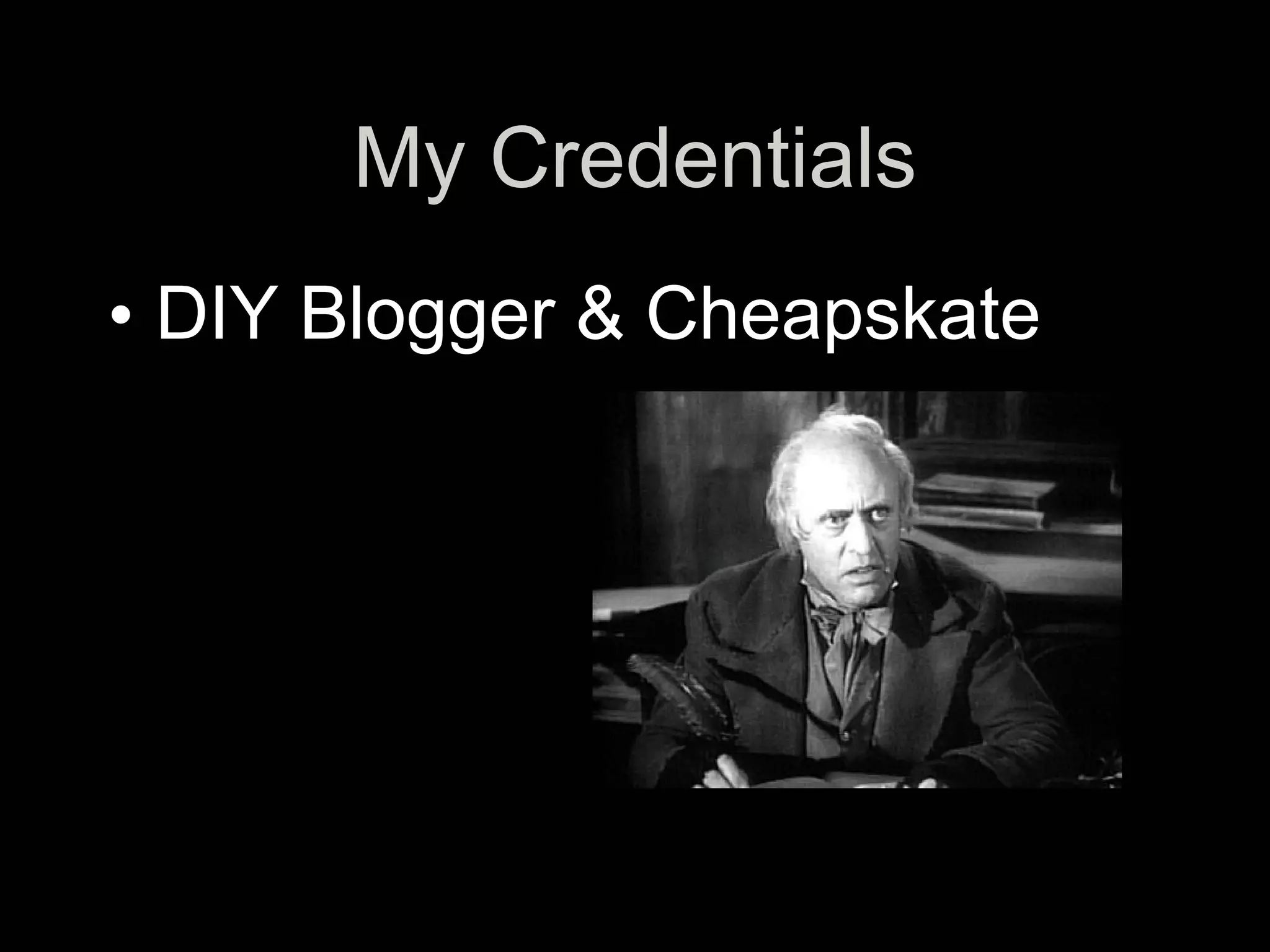
• DIY Blogger & Cheapskate
What is WP-MU?
• Multi-User Version of Wordpress.
What is WP-MU?
• Multi-User Version of Wordpress.
• Everything WordPress does.
What is WP-MU?
• Multi-User Version of Wordpress
• Everything WordPress does.
• Scales to tens of millions of
  pageviews per day.
What is WP-MU?
• Multi-User Version of Wordpress.
• Everything WordPress does.
• Scales to tens of millions of
  pageviews per day.
• Unlimited users and blogs.
What is WP-MU?
• Multi-User Version of Wordpress.
• Everything WordPress does.
• Scales to tens of millions of
  pageviews per day.
• Unlimited users and blogs.
• Different permissions on different
  blogs.
What is WP-MU For?
• Newspapers like NYT, WSJ, & Le
  Monde.
• Universities like Harvard.
• Blog networks.
• Niche-specific blog hosts, like
  Edublogs.
WP vs. WP-MU

• Installing WP

• Installing WP-MU
Intalling WP
•   Download & Unzip
•   Edit wp-config-sample.php
•   Save as wp-config.php
•   Upload folder contents to Apache
    server
•   Go to:
    http://domain.com/wp-admin/install.php
•   Follow the instructions…
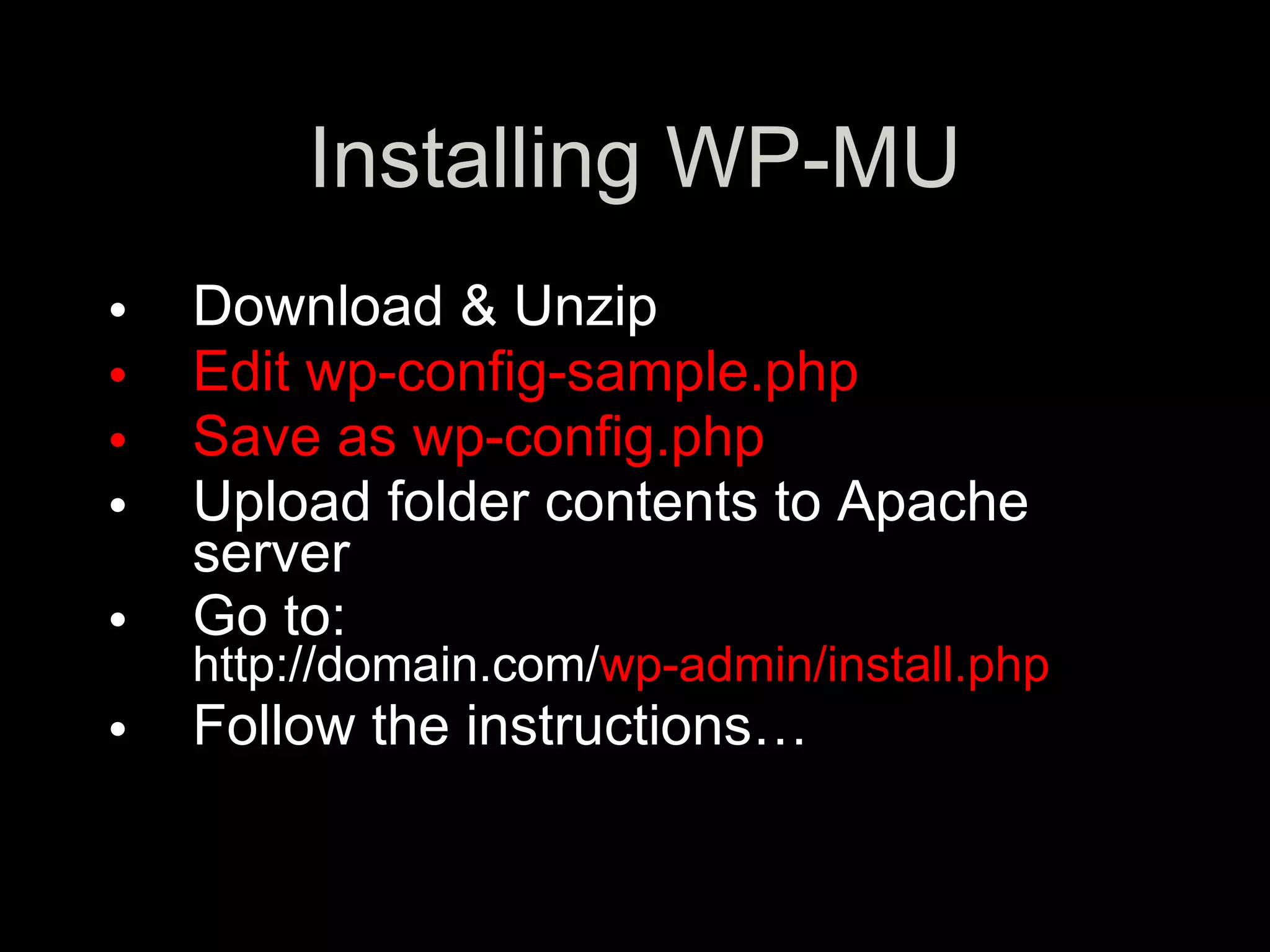
Installing WP-MU
•   Download & Unzip
•   Edit wp-config-sample.php
•   Save as wp-config.php
•   Upload folder contents to Apache
    server
•   Go to:
    http://domain.com/wp-admin/install.php
•   Follow the instructions…
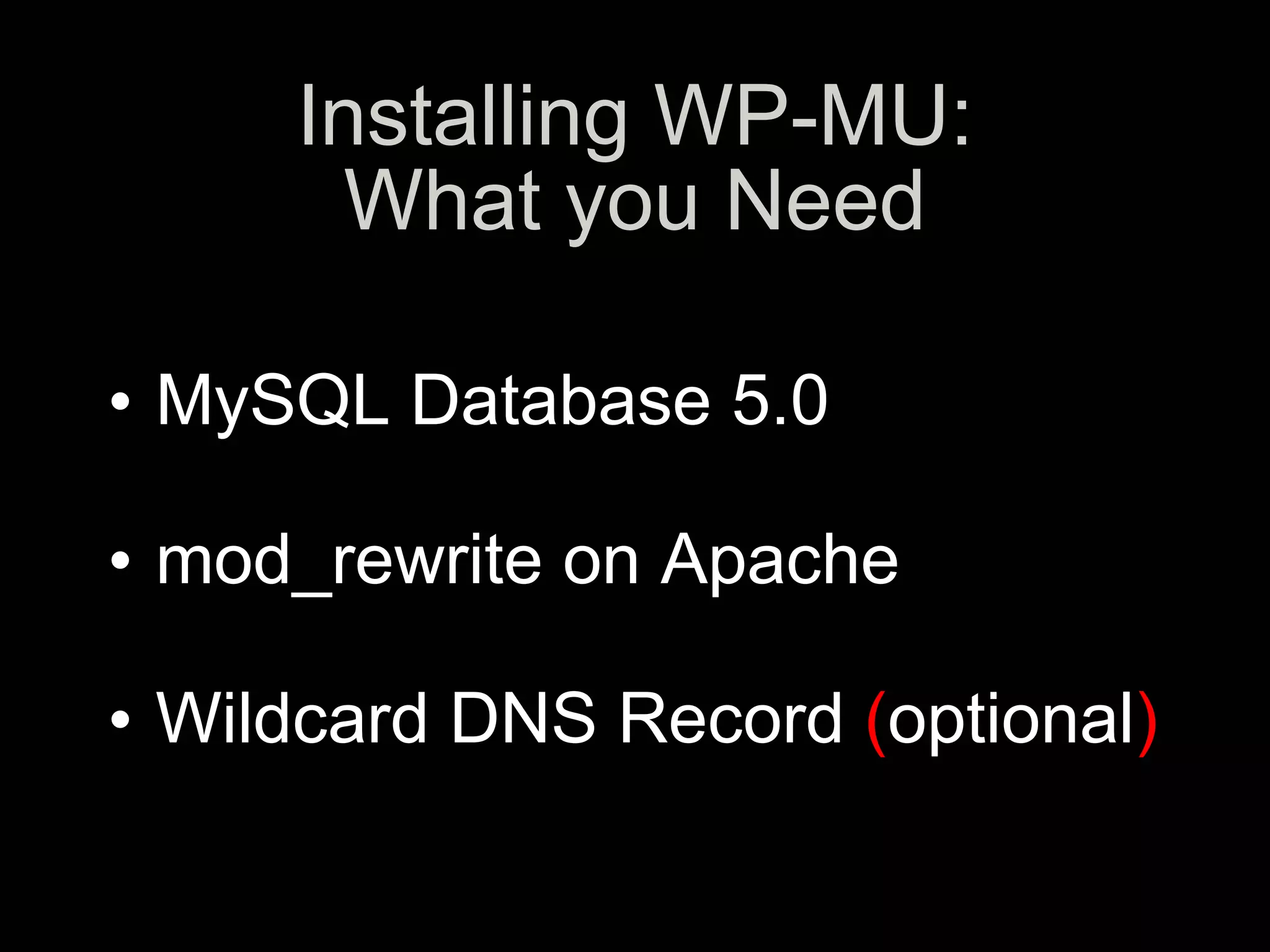
Installing WP-MU:
        What you Need
•w
• MySQL Database 5.0
• s
• mod_rewrite on Apache
• z
• Wildcard DNS Record (optional)
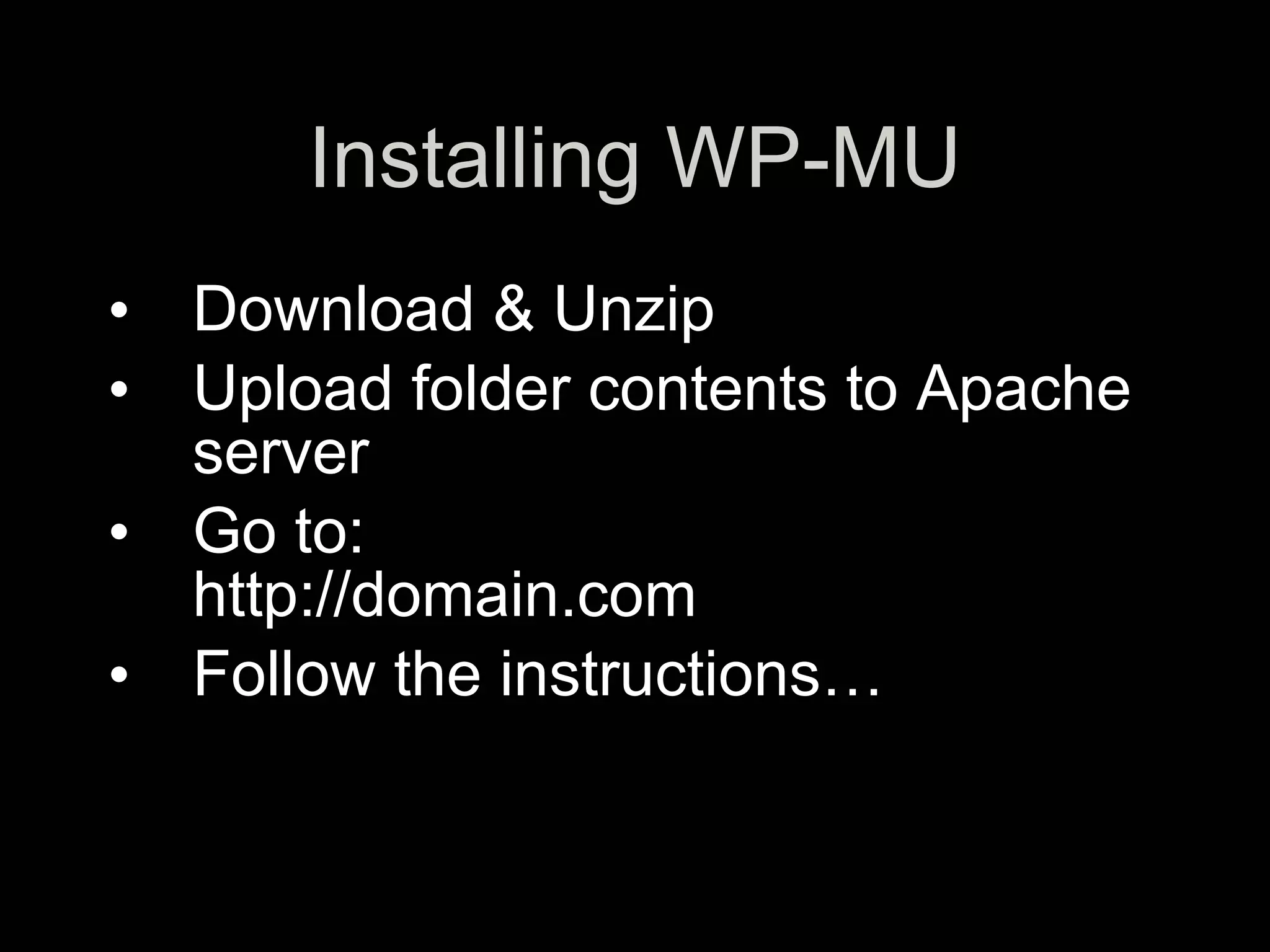
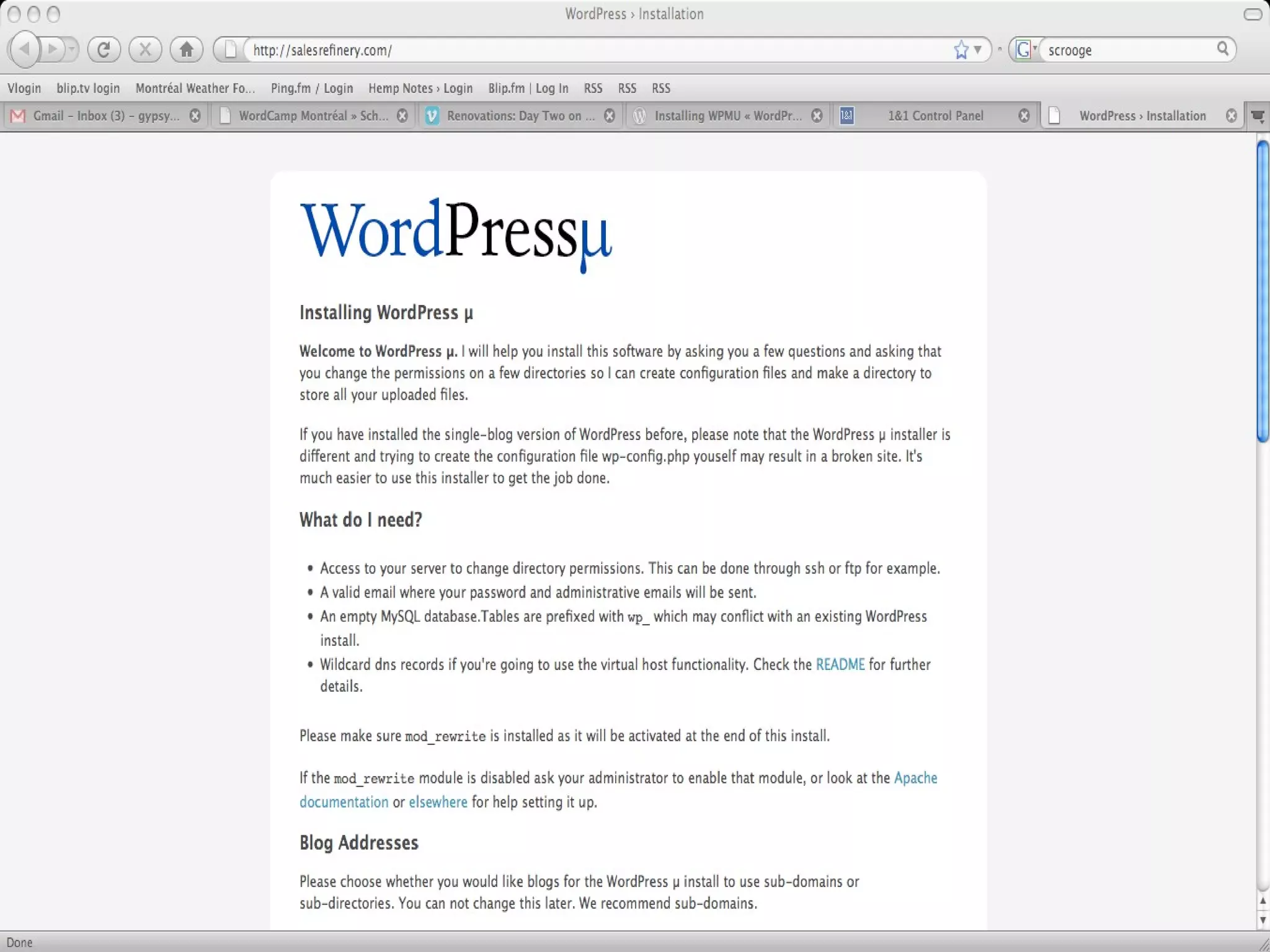
Installing WP-MU
• Download & Unzip
• Upload folder contents to Apache
  server
• Go to:
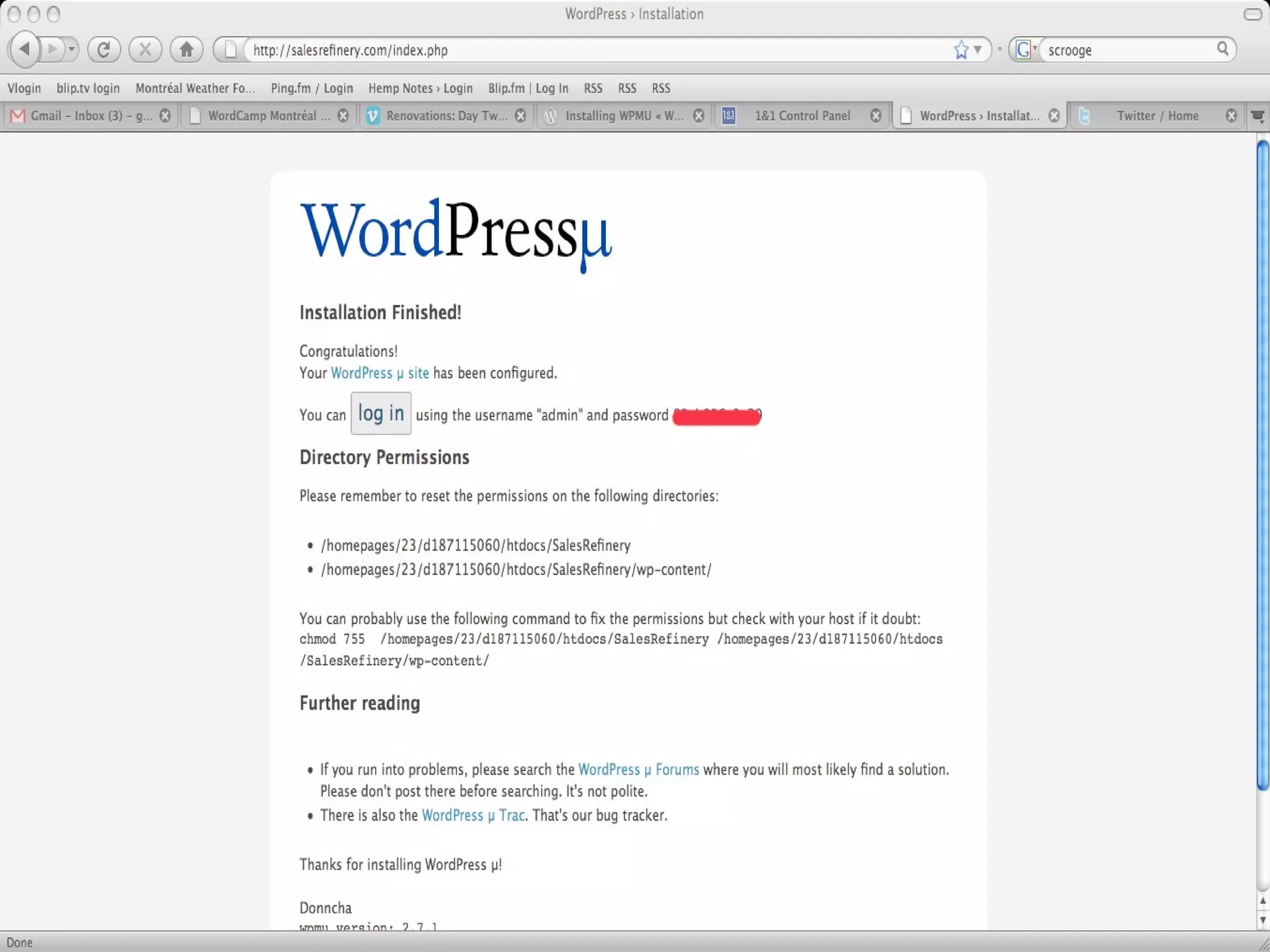
  http://domain.com
• Follow the instructions…
Configuration
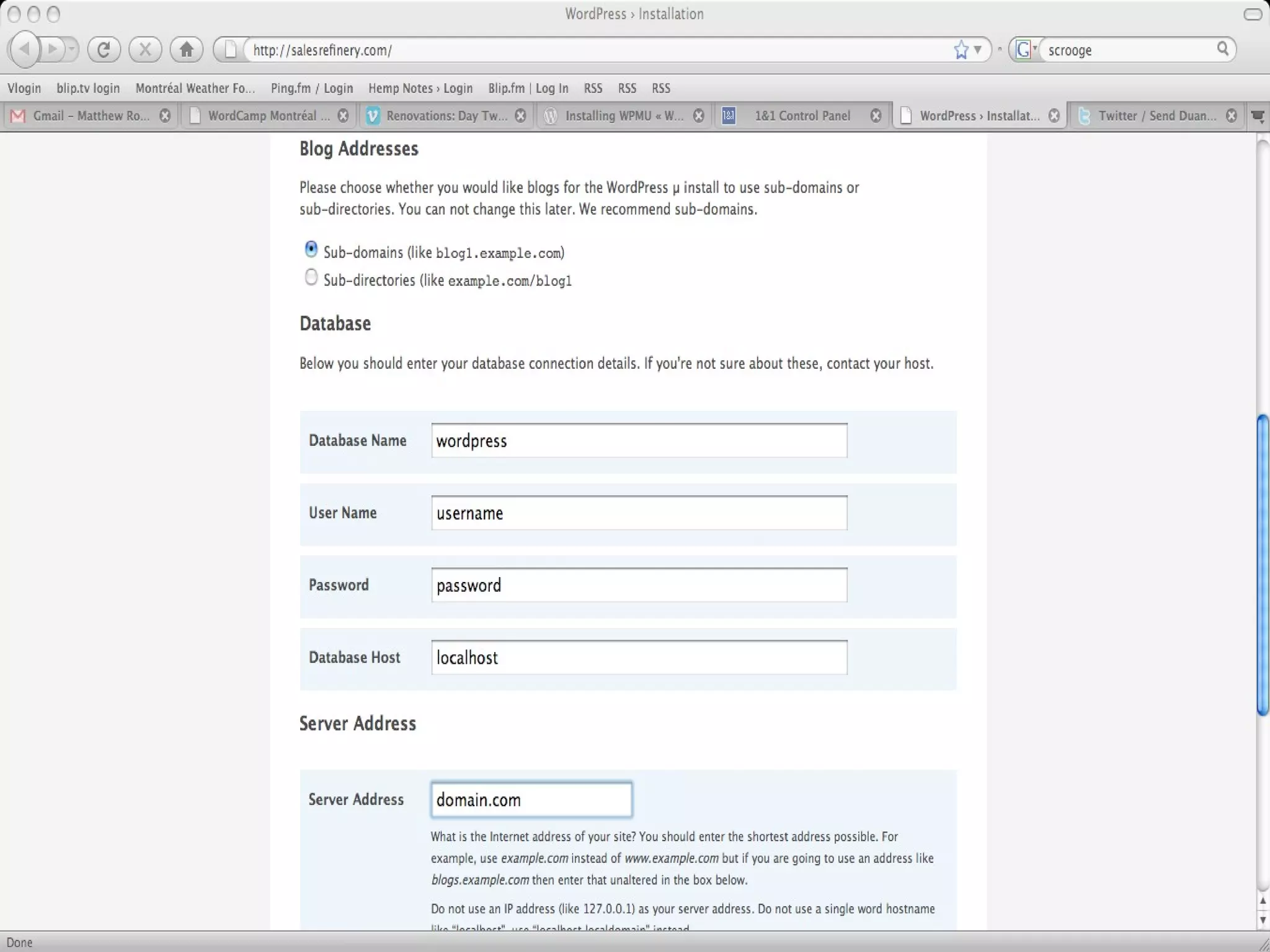
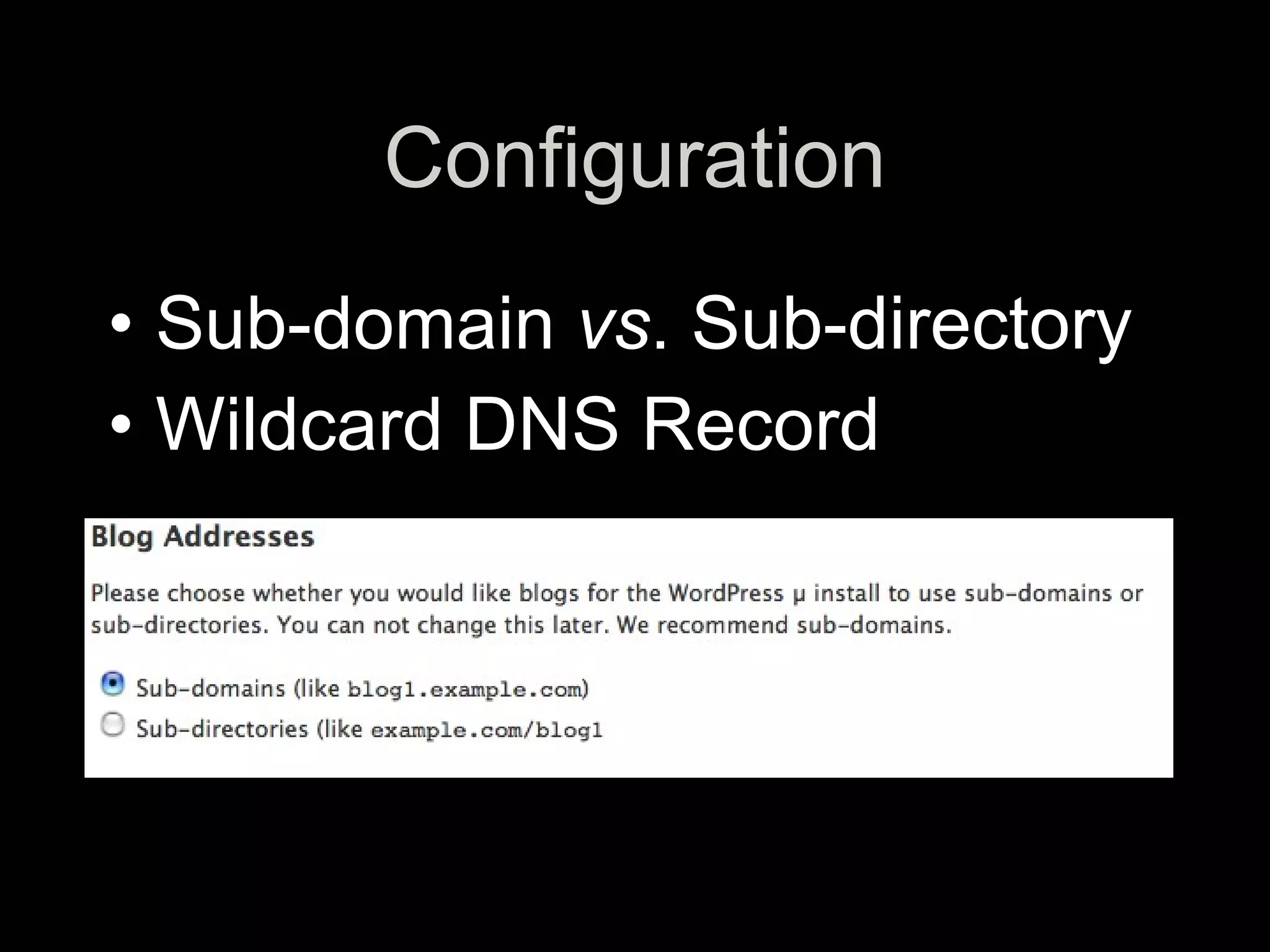
• Sub-domain vs. Sub-directory
• Wildcard DNS Record
Configuring WP-MU
•   d
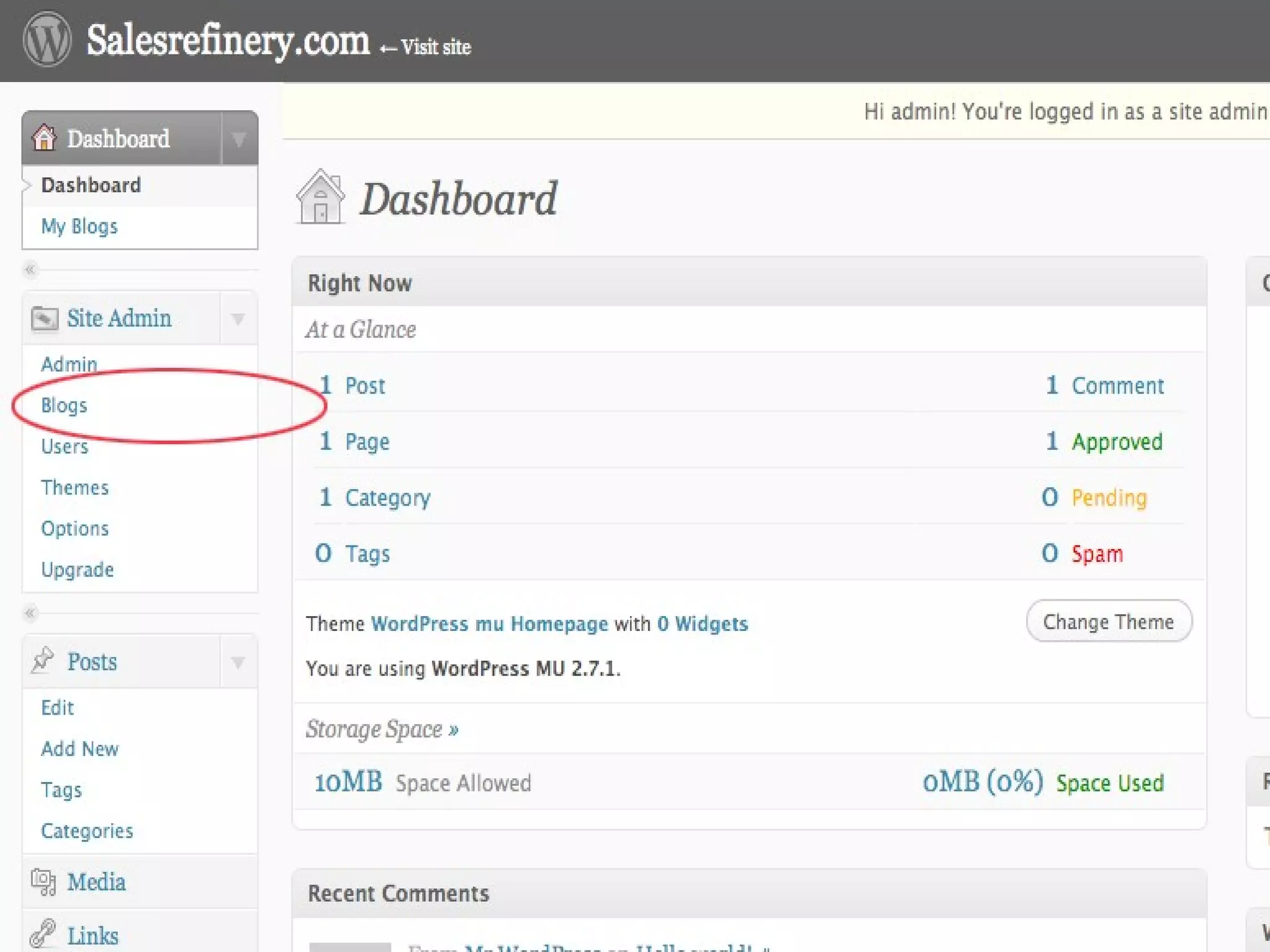
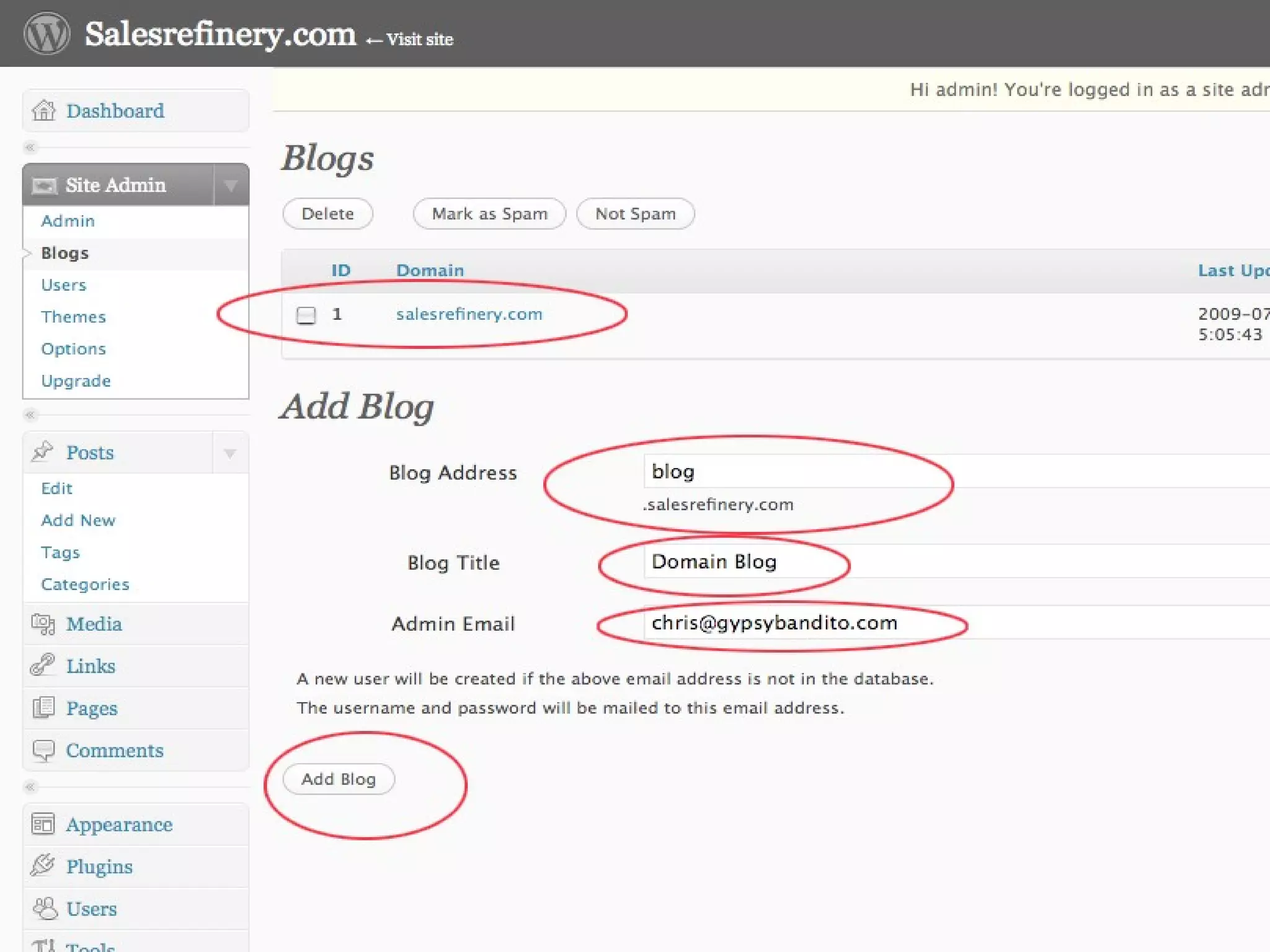
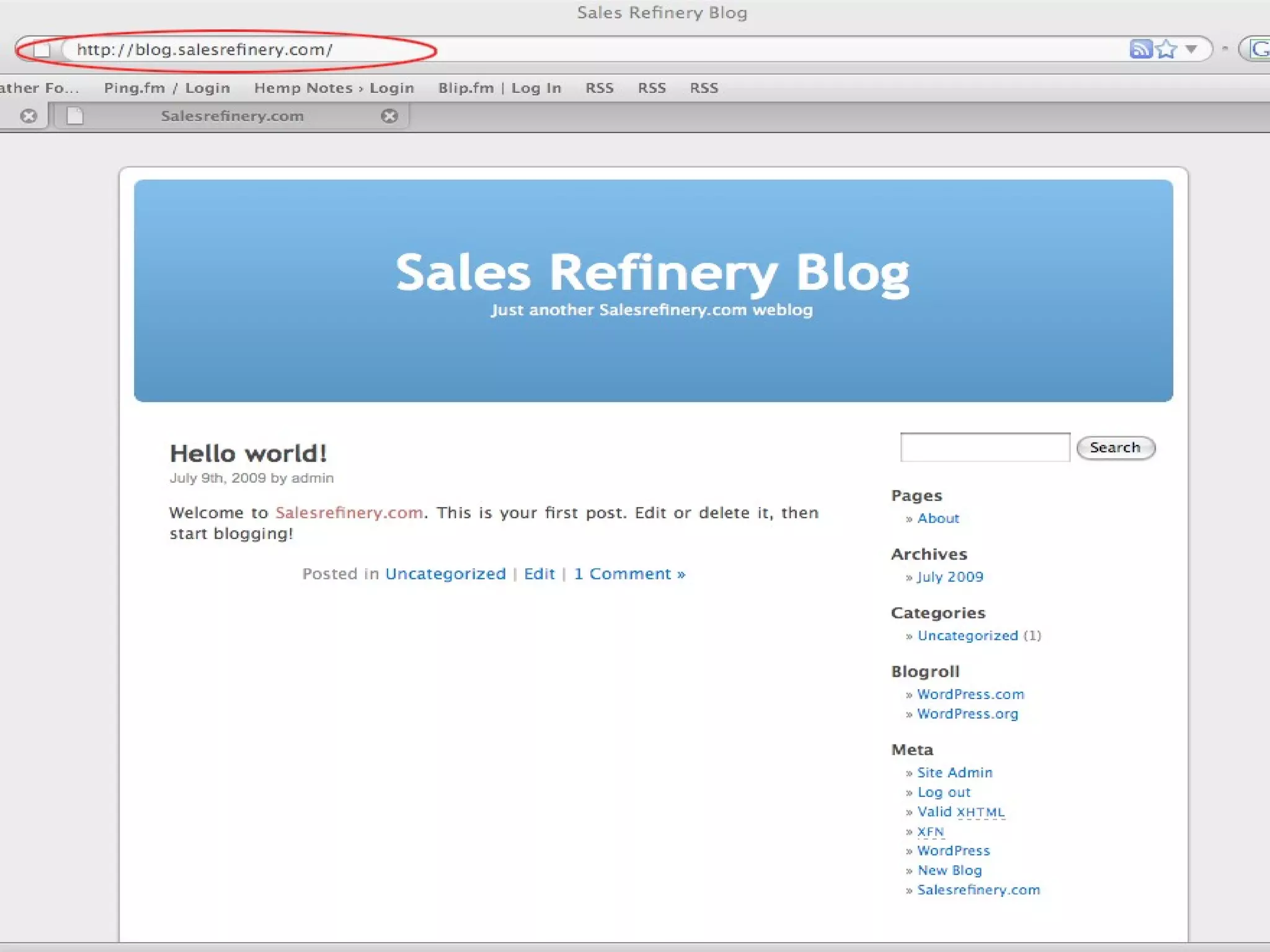
•   Adding a Blog
•   d
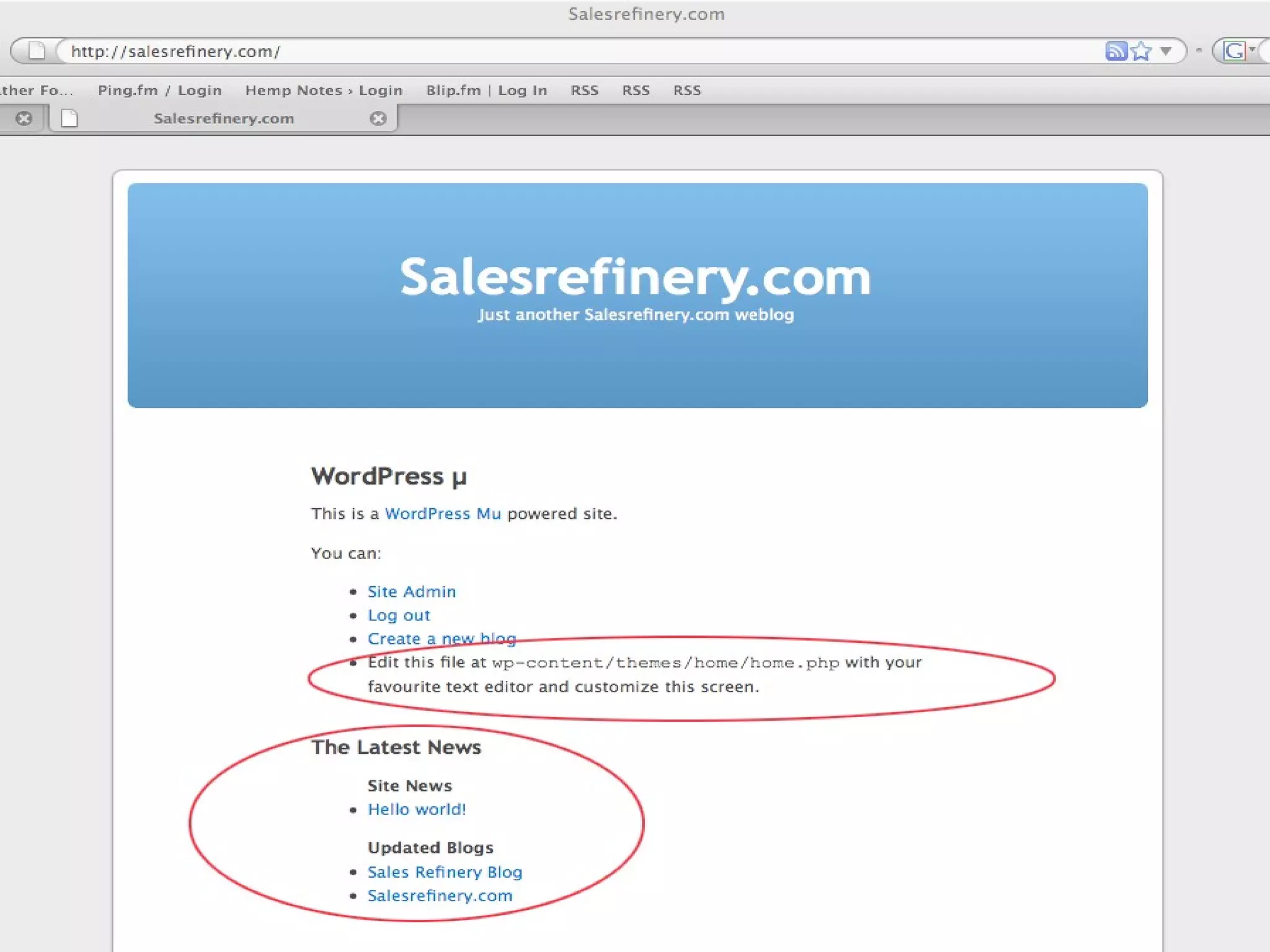
•   The Index Page
•   d
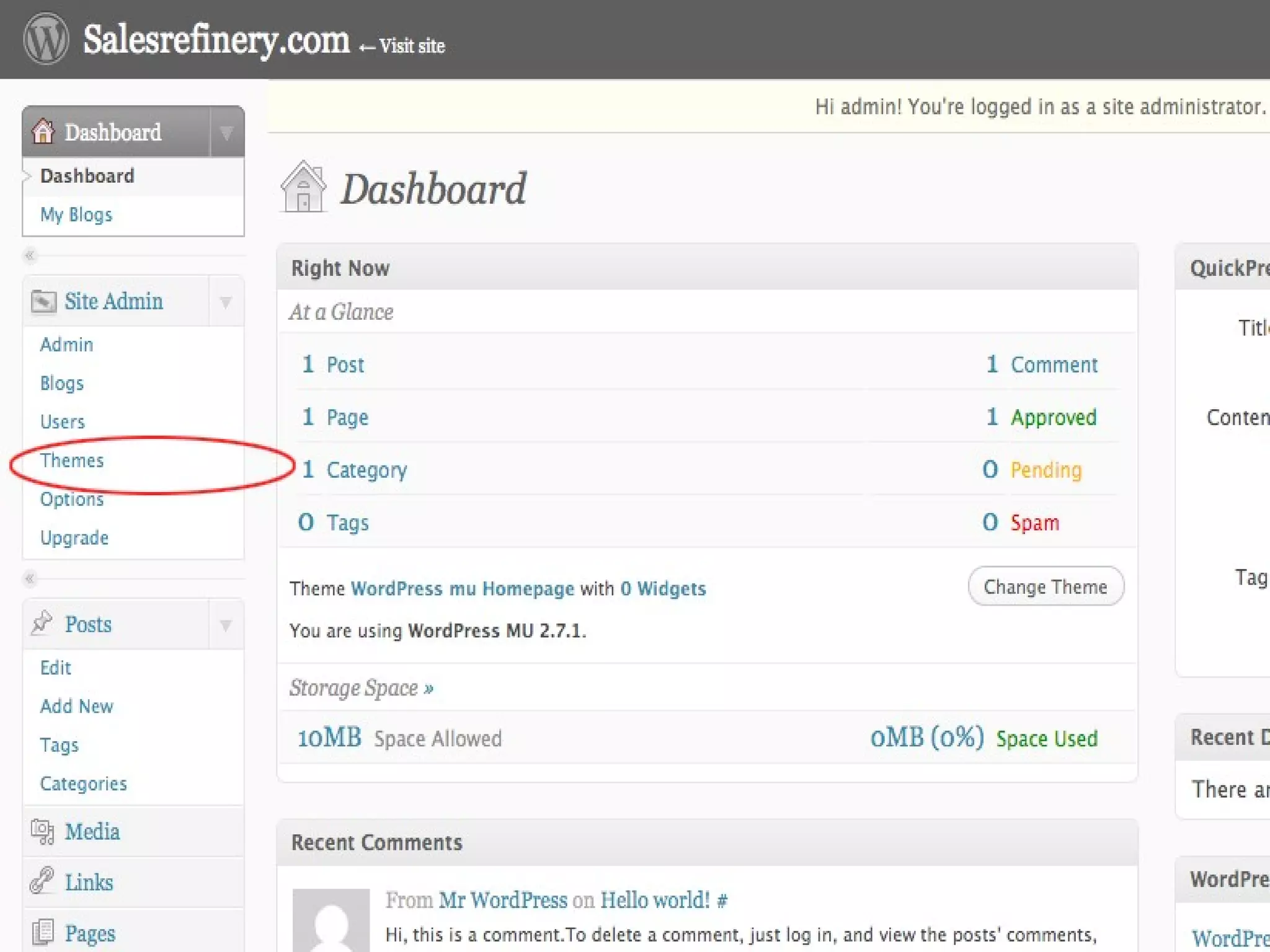
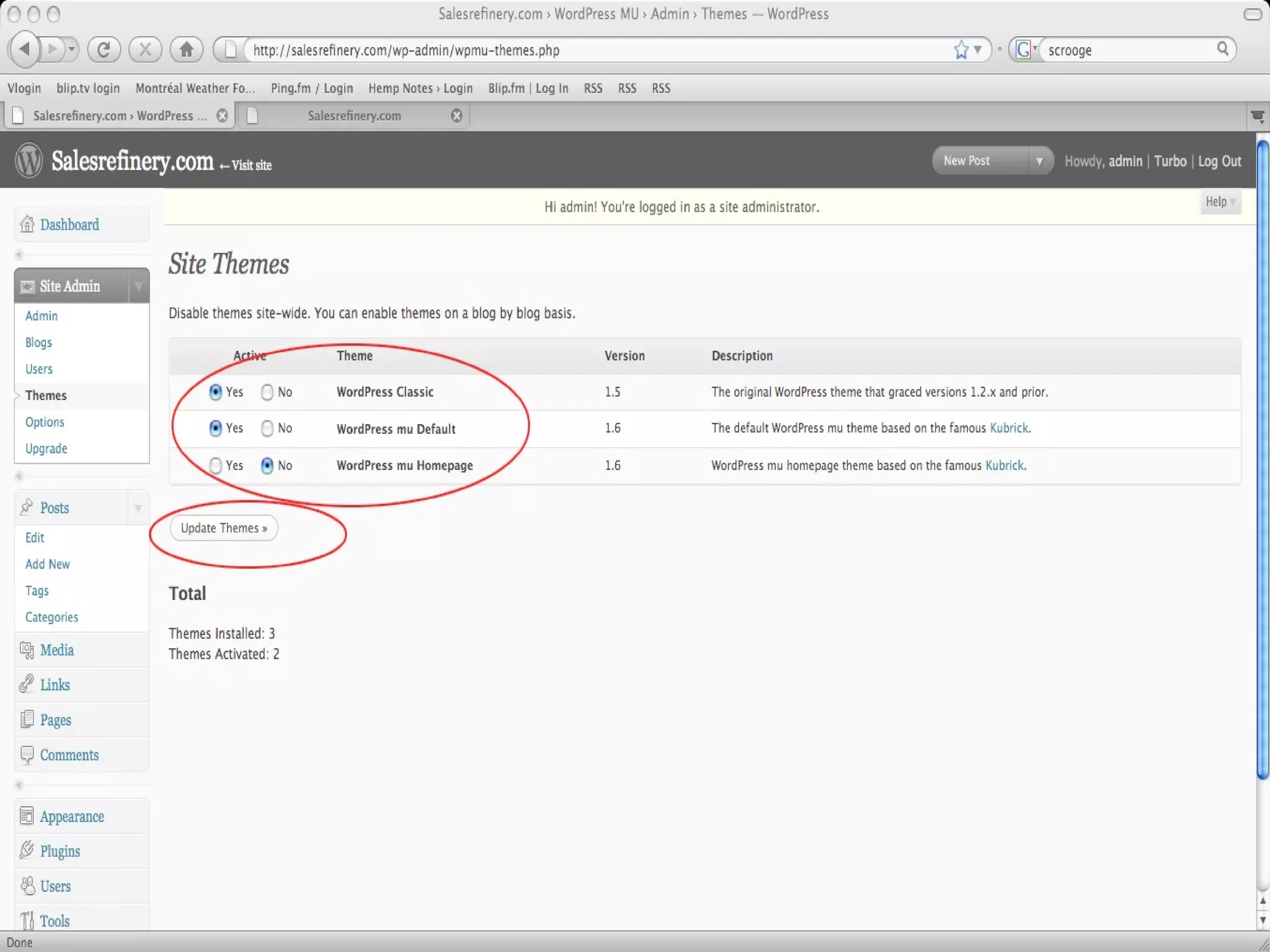
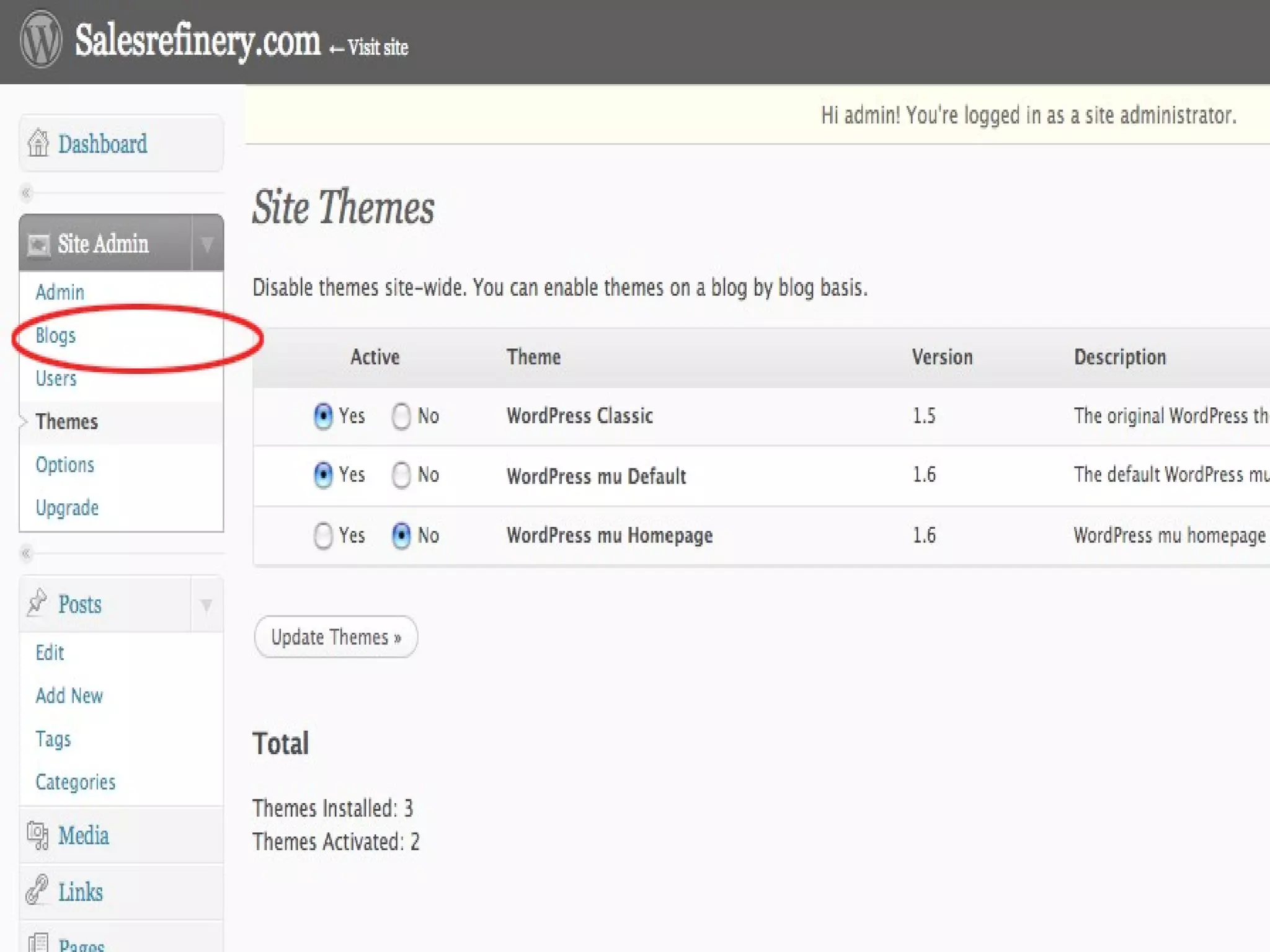
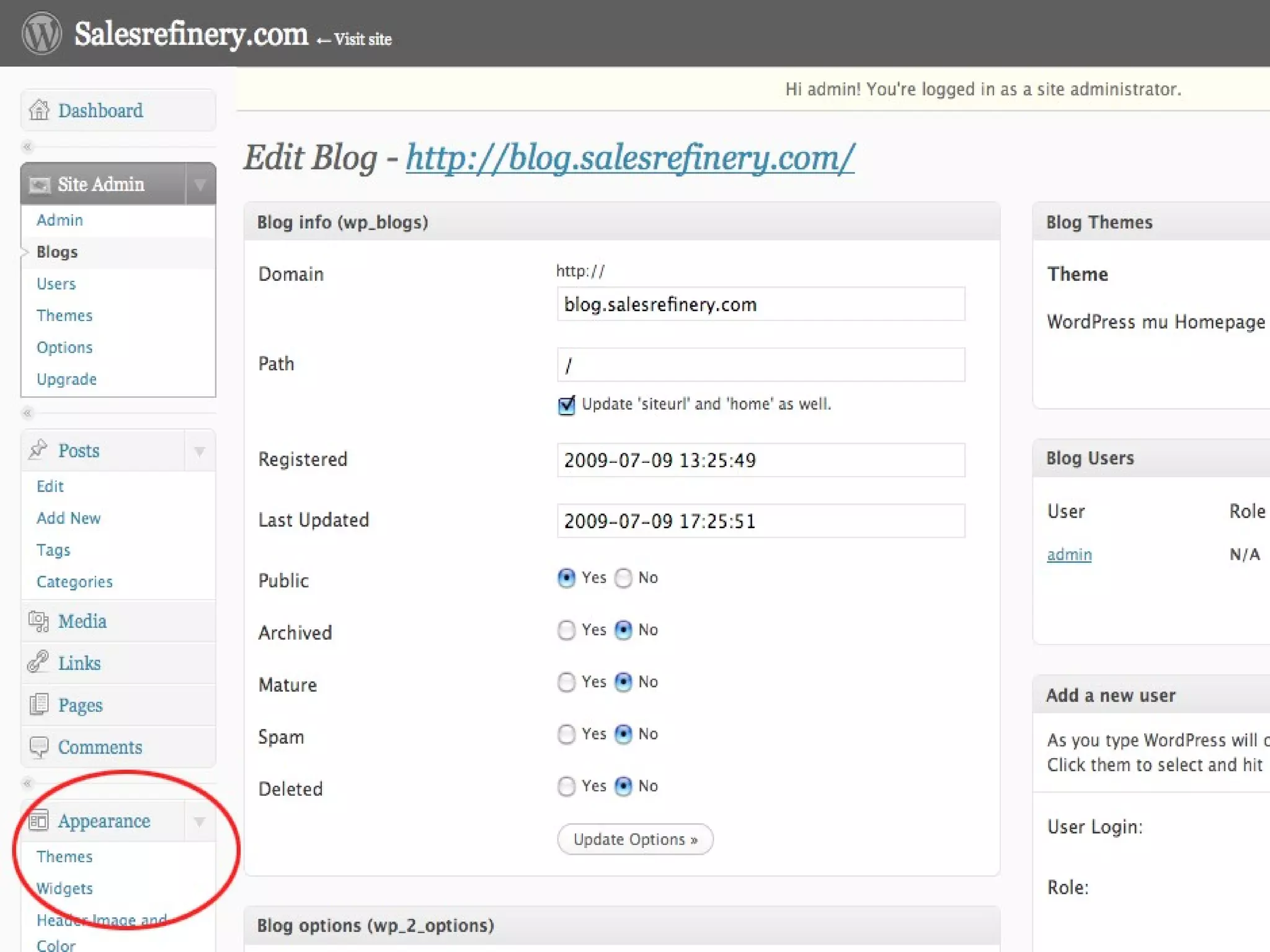
•   Adding a Theme
Adding a Theme
• Different Themes for each ‘blog’
• Like regular WP, upload themes to
  domain.com/wp-content/themes/
• Activate Themes as WP-MU admin
• Enter admin for specific blog
• Select theme
Questions???
          s


      CT Moore

www.GypsyBandito.com

chris@gypsybandito.com

WP-MU 101: How to Install and Avoid Common Mistakes

  • 1.
    WP-MU 101: How to Install & Avoid Common Mistakes
  • 2.
    WP-MU 101 • MyCredentials • What is WP-MU? • Installation: WP v.s. WP-MU • Configuring WP-MU
  • 3.
    My Credentials • NOTa Developer. • NOT a Web Designer.
  • 4.
    My Credentials • DIYBlogger & Cheapskate
  • 5.
    What is WP-MU? •Multi-User Version of Wordpress.
  • 6.
    What is WP-MU? •Multi-User Version of Wordpress. • Everything WordPress does.
  • 7.
    What is WP-MU? •Multi-User Version of Wordpress • Everything WordPress does. • Scales to tens of millions of pageviews per day.
  • 8.
    What is WP-MU? •Multi-User Version of Wordpress. • Everything WordPress does. • Scales to tens of millions of pageviews per day. • Unlimited users and blogs.
  • 9.
    What is WP-MU? •Multi-User Version of Wordpress. • Everything WordPress does. • Scales to tens of millions of pageviews per day. • Unlimited users and blogs. • Different permissions on different blogs.
  • 10.
    What is WP-MUFor? • Newspapers like NYT, WSJ, & Le Monde. • Universities like Harvard. • Blog networks. • Niche-specific blog hosts, like Edublogs.
  • 11.
    WP vs. WP-MU •Installing WP • Installing WP-MU
  • 12.
    Intalling WP • Download & Unzip • Edit wp-config-sample.php • Save as wp-config.php • Upload folder contents to Apache server • Go to: http://domain.com/wp-admin/install.php • Follow the instructions…
  • 13.
    Installing WP-MU • Download & Unzip • Edit wp-config-sample.php • Save as wp-config.php • Upload folder contents to Apache server • Go to: http://domain.com/wp-admin/install.php • Follow the instructions…
  • 14.
    Installing WP-MU: What you Need •w • MySQL Database 5.0 • s • mod_rewrite on Apache • z • Wildcard DNS Record (optional)
  • 15.
    Installing WP-MU • Download& Unzip • Upload folder contents to Apache server • Go to: http://domain.com • Follow the instructions…
  • 18.
    Configuration • Sub-domain vs.Sub-directory • Wildcard DNS Record
  • 21.
    Configuring WP-MU • d • Adding a Blog • d • The Index Page • d • Adding a Theme
  • 25.
    Adding a Theme •Different Themes for each ‘blog’ • Like regular WP, upload themes to domain.com/wp-content/themes/ • Activate Themes as WP-MU admin • Enter admin for specific blog • Select theme
  • 32.
    Questions??? s CT Moore www.GypsyBandito.com chris@gypsybandito.com