TAKE THE RED
PILL AND
ENTER THE
MATRIX
FSOSS – 2011-10-28


FREDERIC HARPER
DEVELOPER EVANGELIST @ MICROSOFT CANADA
AGENDA
 The pills dilemma

 What is WebMatrix?

 Who is WebMatrix for?

 Database

 Helpers

 App Gallery & OSS Apps
THE PILLS DILEMMA
THE PILLS DILEMMA
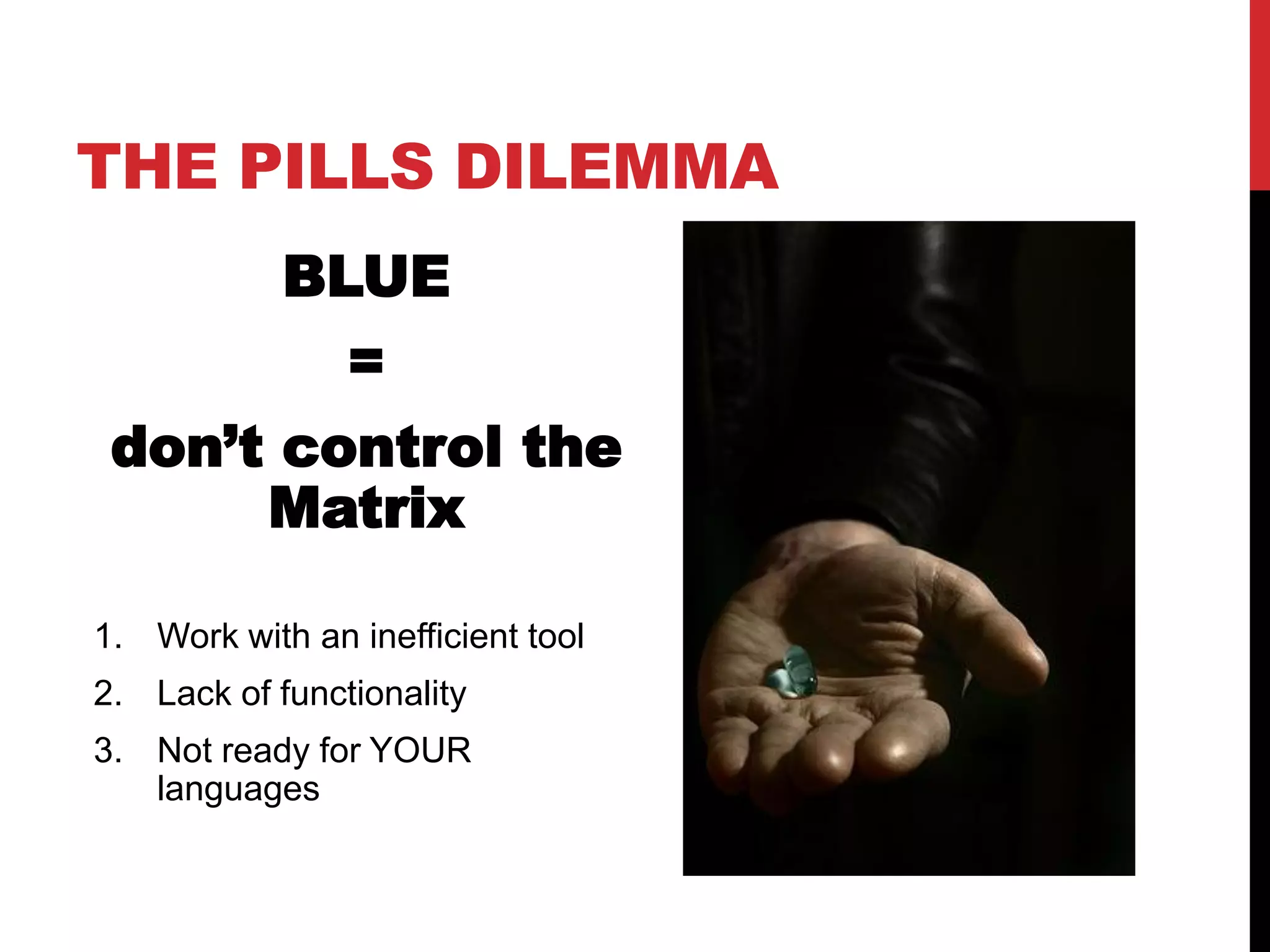
            BLUE
                =
 don’t control the
      Matrix

1. Work with an inefficient tool
2. Lack of functionality
3. Not ready for YOUR
   languages
THE PILLS DILEMMA
THE PILLS DILEMMA
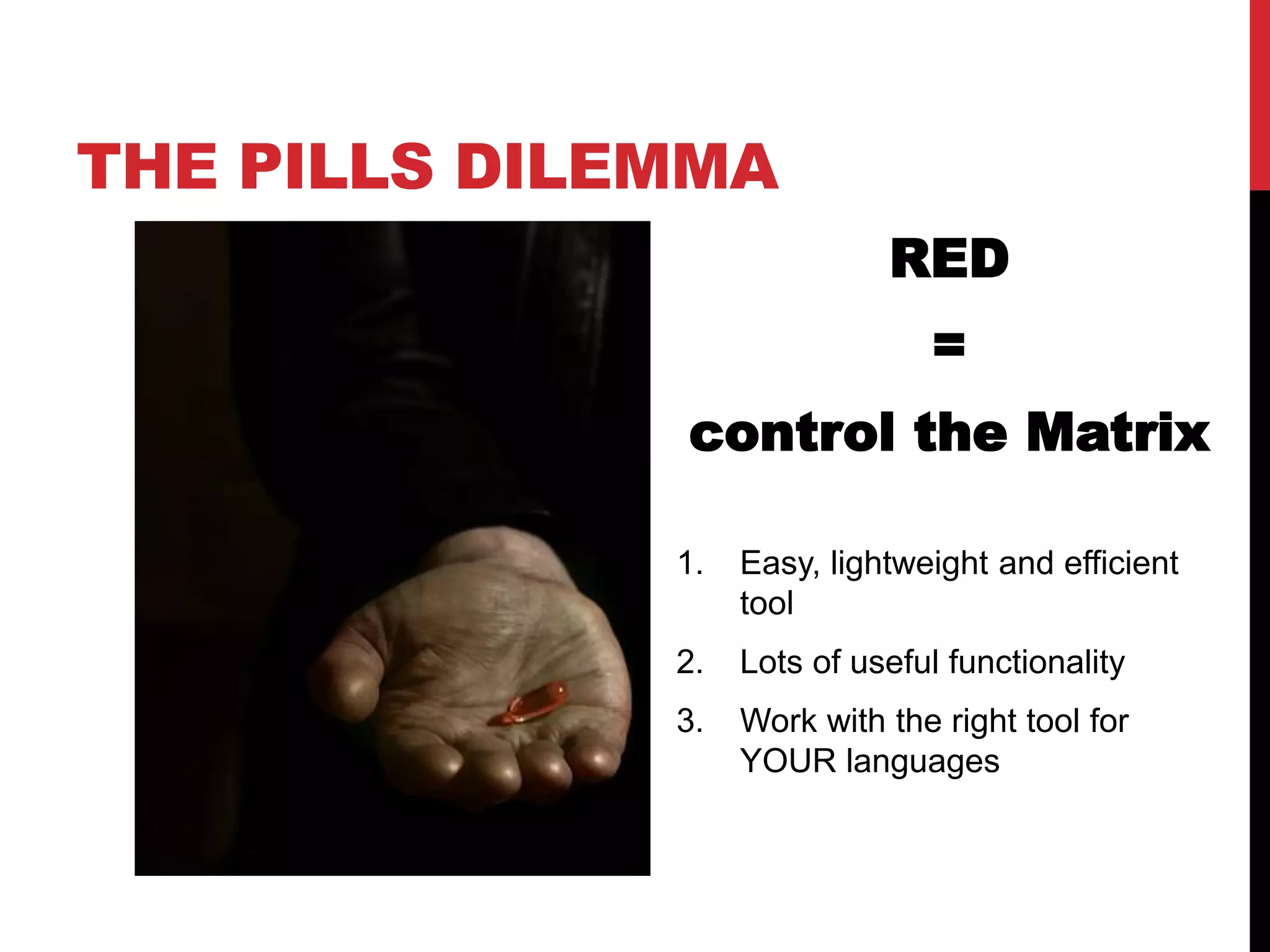
                             RED
                                =
              control the Matrix

              1.   Easy, lightweight and efficient
                   tool
              2.   Lots of useful functionality
              3.   Work with the right tool for
                   YOUR languages
WHICH ONE
WILL YOU TAKE?
WHAT IS WEBMATRIX
It’s a free tool that makes it easy to


 Create
 Configure
 Publish
your websites and web applications
WHAT IS WEBMATRIX
WHAT IS WEBMATRIX
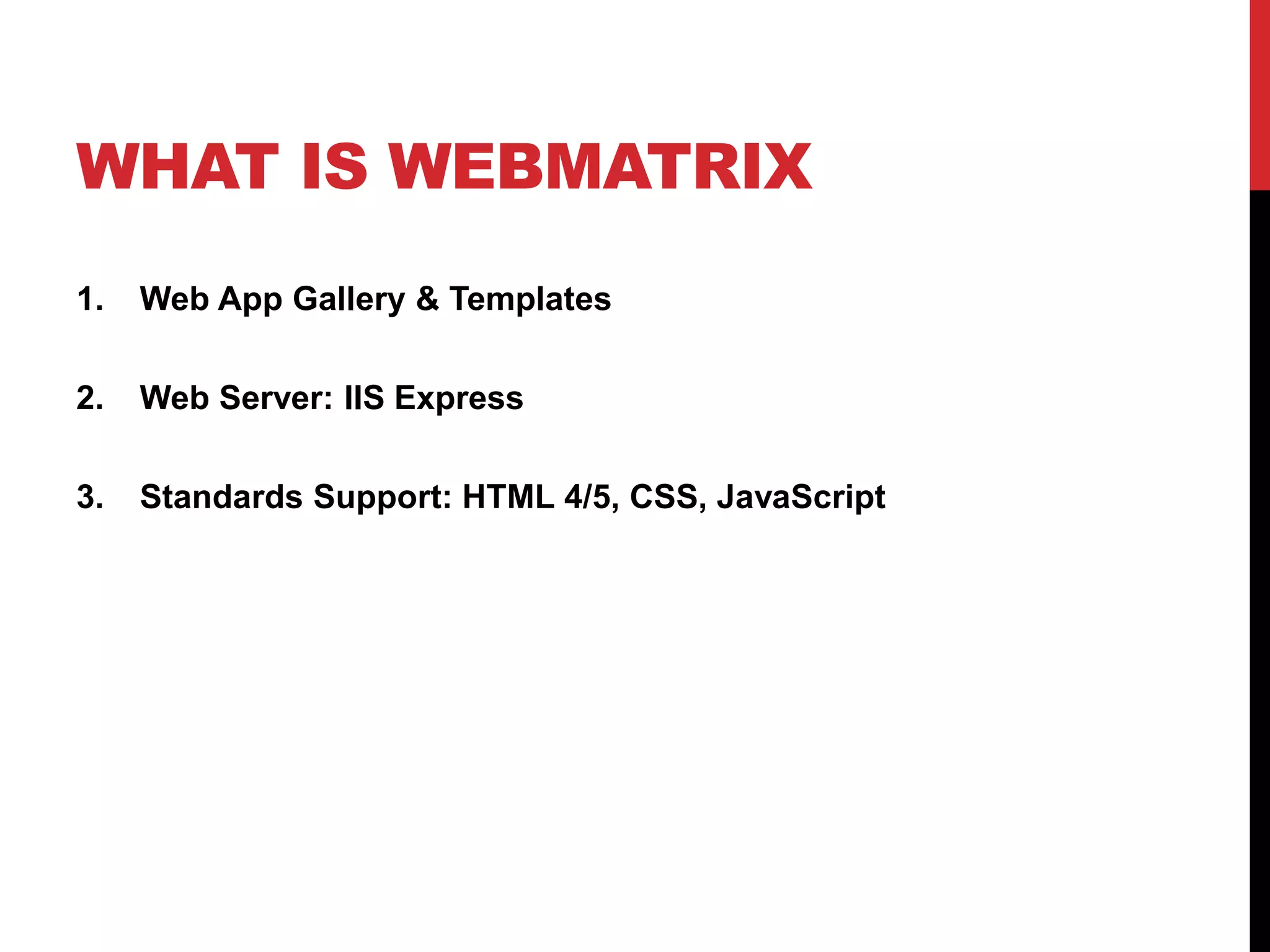
1.   Web App Gallery & Templates
WHAT IS WEBMATRIX
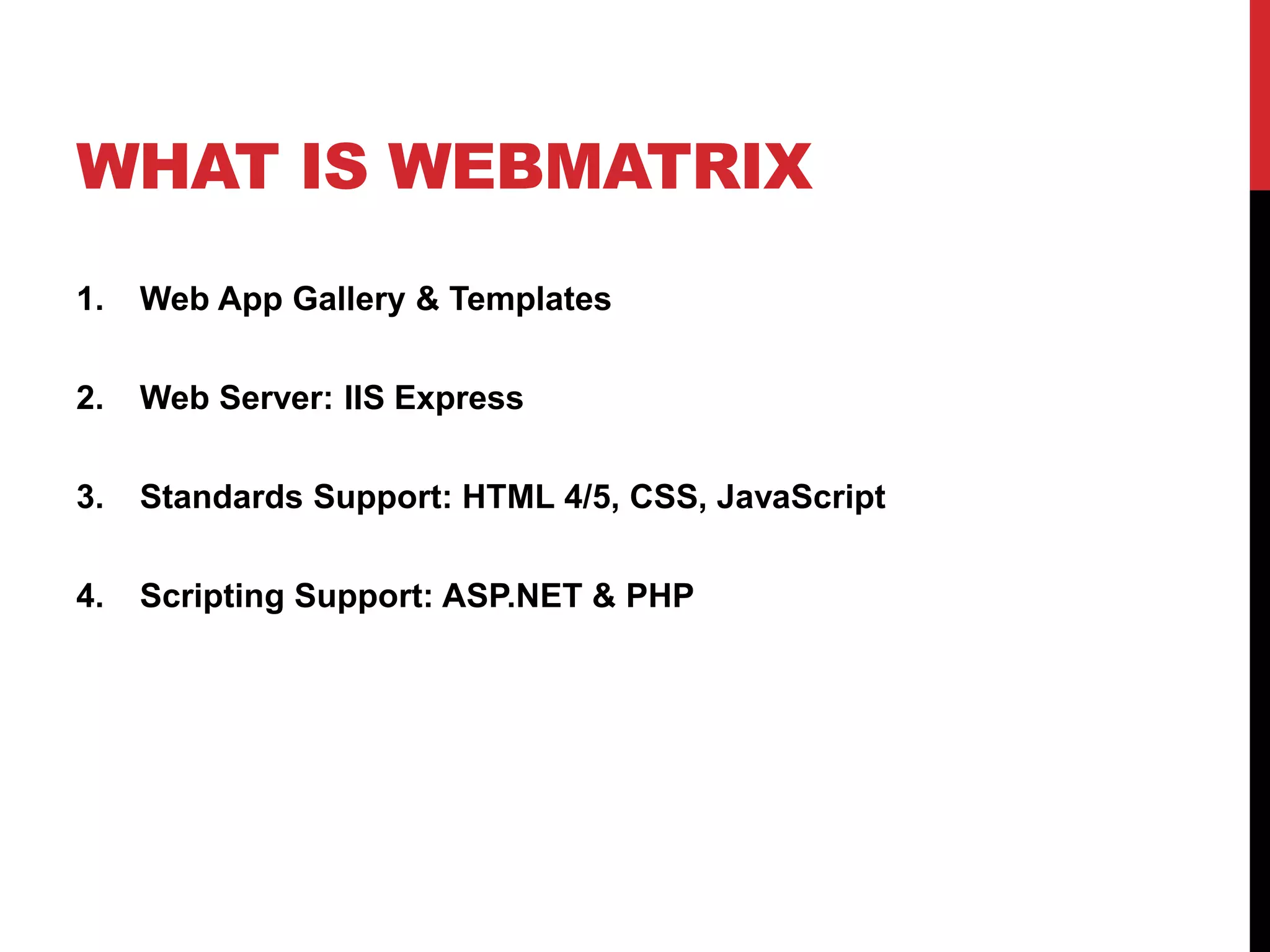
1.   Web App Gallery & Templates

2.   Web Server: IIS Express
WHAT IS WEBMATRIX
1.   Web App Gallery & Templates

2.   Web Server: IIS Express

3.   Standards Support: HTML 4/5, CSS, JavaScript
WHAT IS WEBMATRIX
1.   Web App Gallery & Templates

2.   Web Server: IIS Express

3.   Standards Support: HTML 4/5, CSS, JavaScript

4.   Scripting Support: ASP.NET & PHP
WHAT IS WEBMATRIX
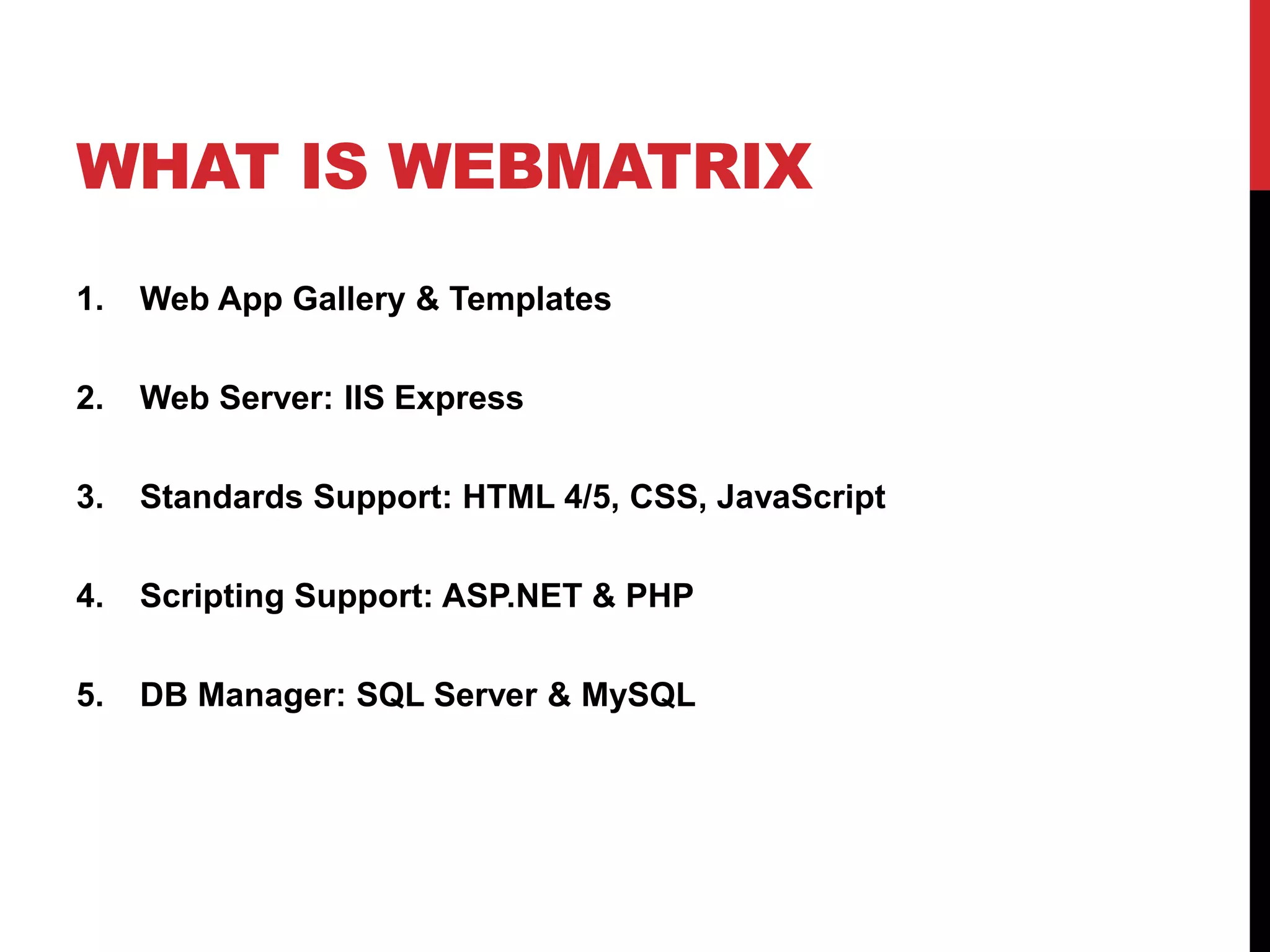
1.   Web App Gallery & Templates

2.   Web Server: IIS Express

3.   Standards Support: HTML 4/5, CSS, JavaScript

4.   Scripting Support: ASP.NET & PHP

5.   DB Manager: SQL Server & MySQL
WHAT IS WEBMATRIX
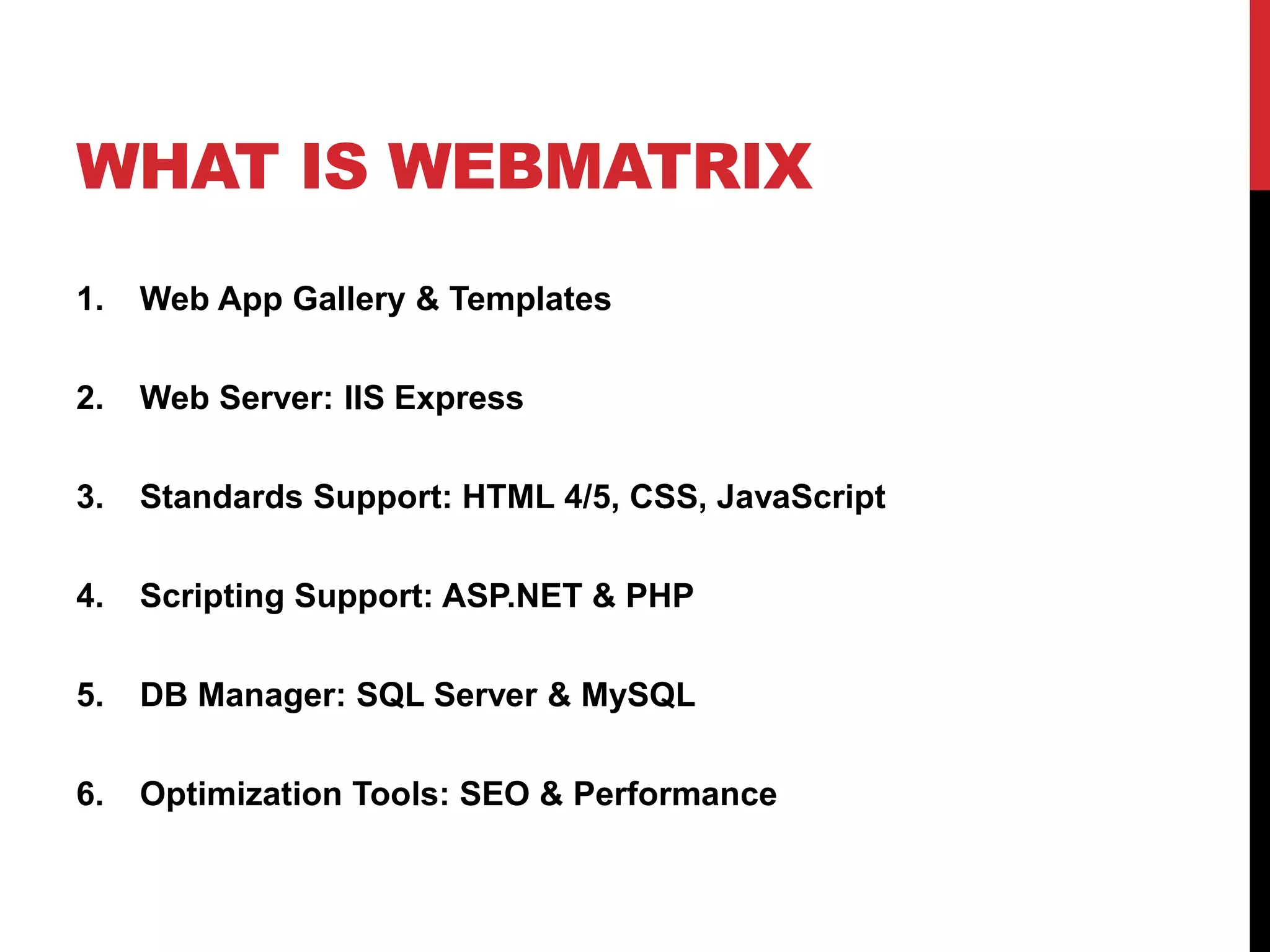
1.   Web App Gallery & Templates

2.   Web Server: IIS Express

3.   Standards Support: HTML 4/5, CSS, JavaScript

4.   Scripting Support: ASP.NET & PHP

5.   DB Manager: SQL Server & MySQL

6.   Optimization Tools: SEO & Performance
DEMO
A Lap Around Web Platform Installer
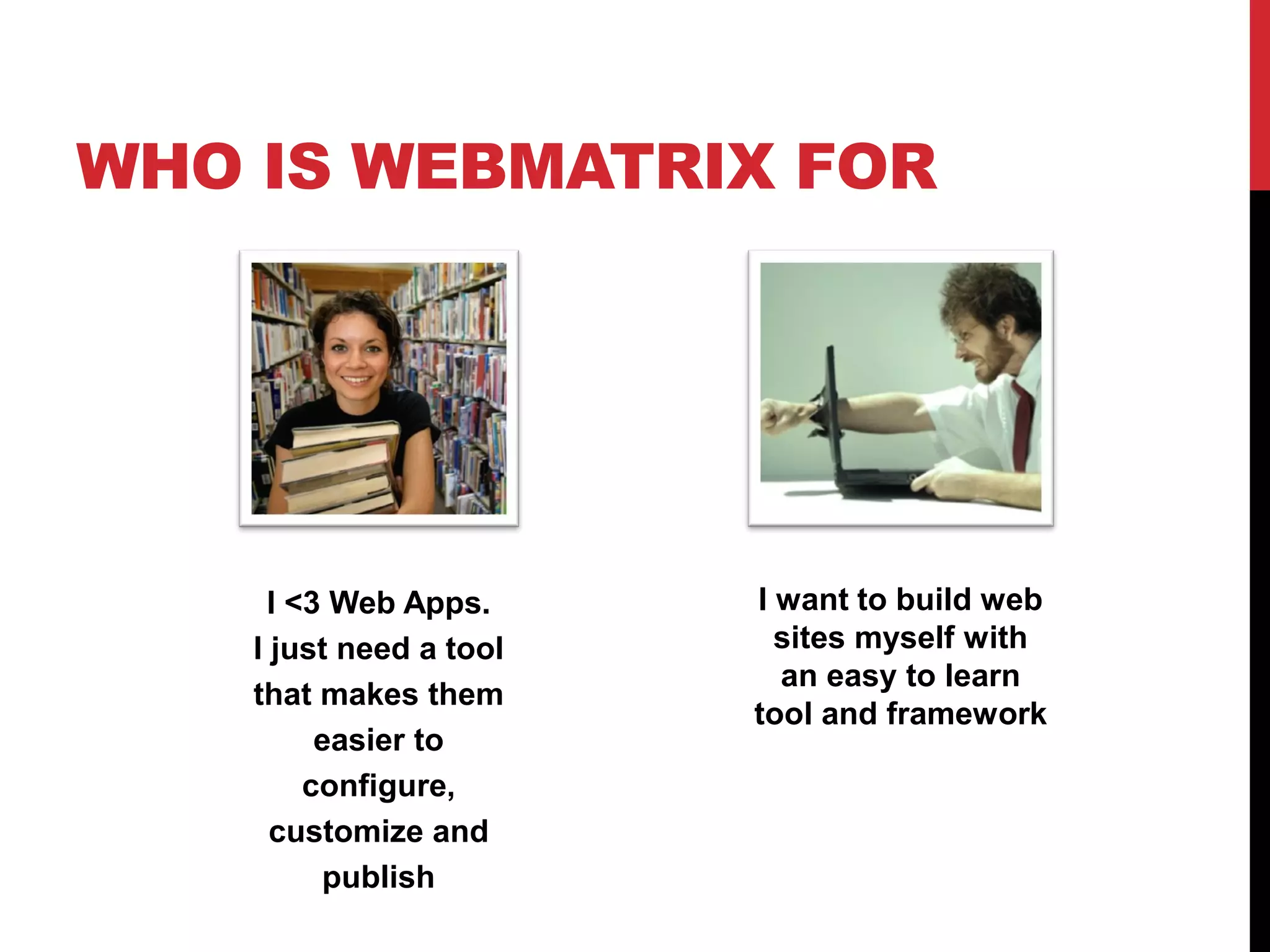
WHO IS WEBMATRIX FOR


     I <3 Web Apps.      I want to build web
    I just need a tool     sites myself with
                           an easy to learn
    that makes them
                         tool and framework
         easier to
        configure,
      customize and
         publish
DEMO
A lap around WebMatrix
TWO WAYS TO BUILD
TWO WAYS TO BUILD


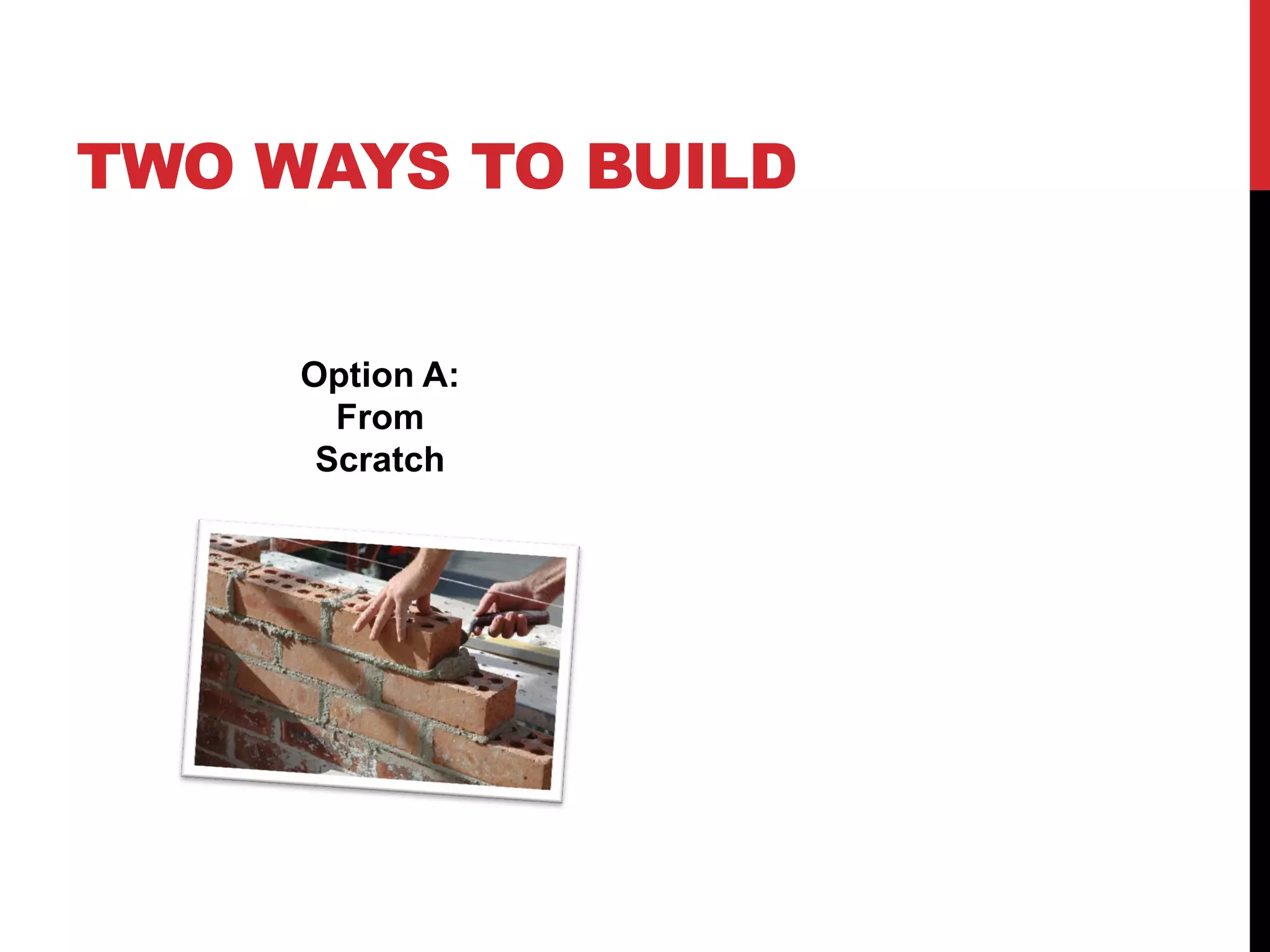
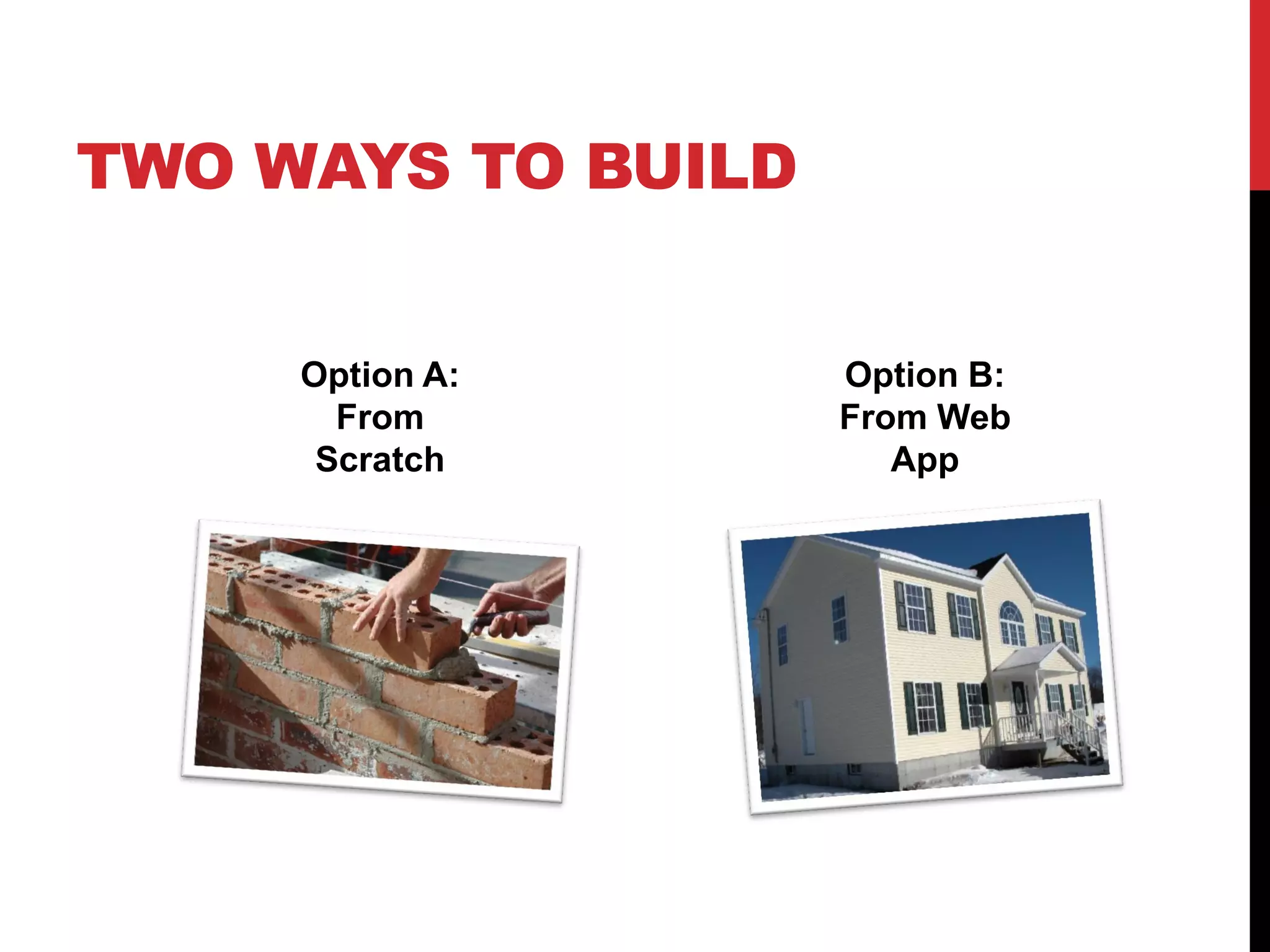
     Option A:
       From
      Scratch
TWO WAYS TO BUILD


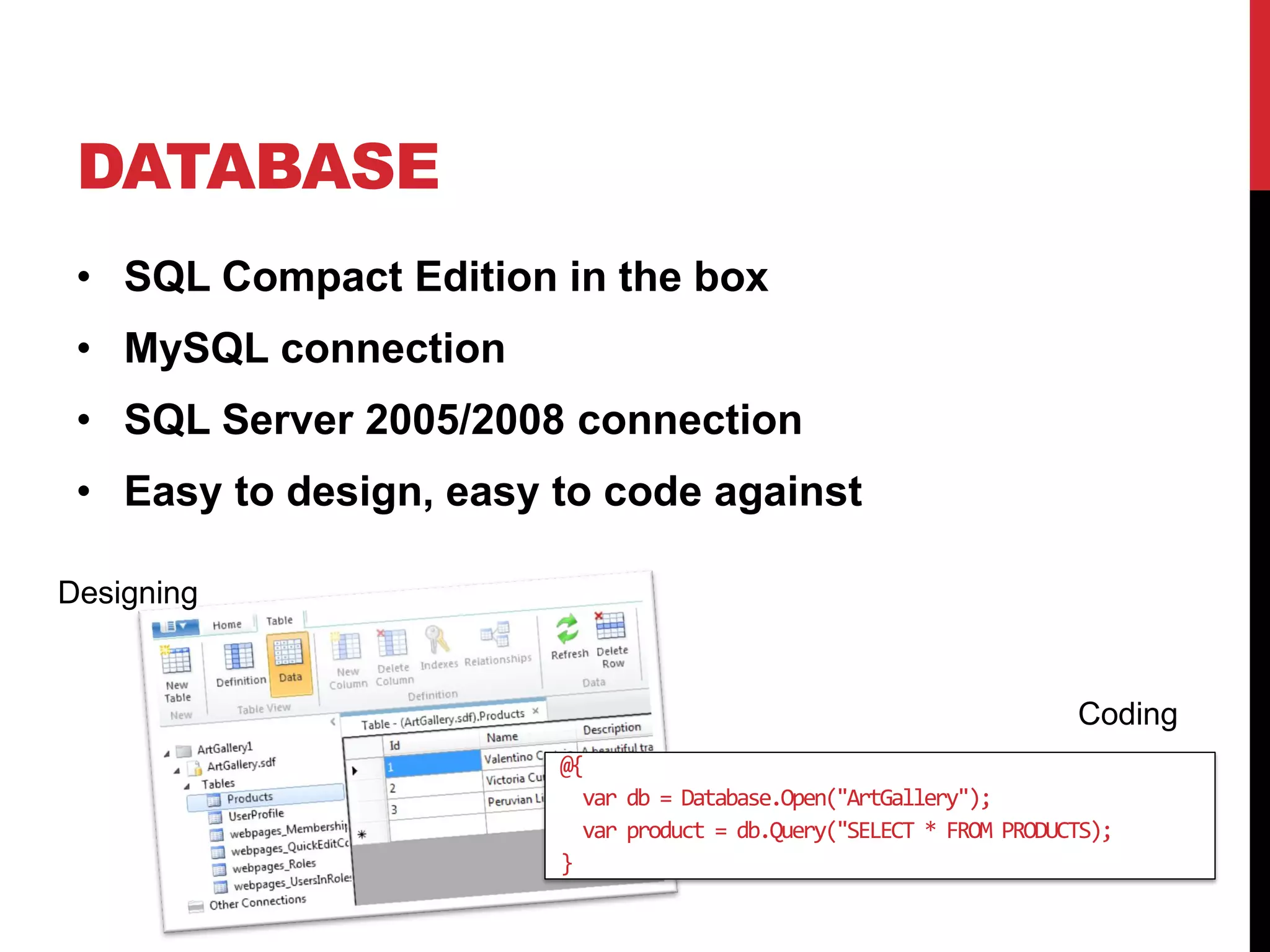
     Option A:      Option B:
       From         From Web
      Scratch          App
DEMO
Create a website from a template
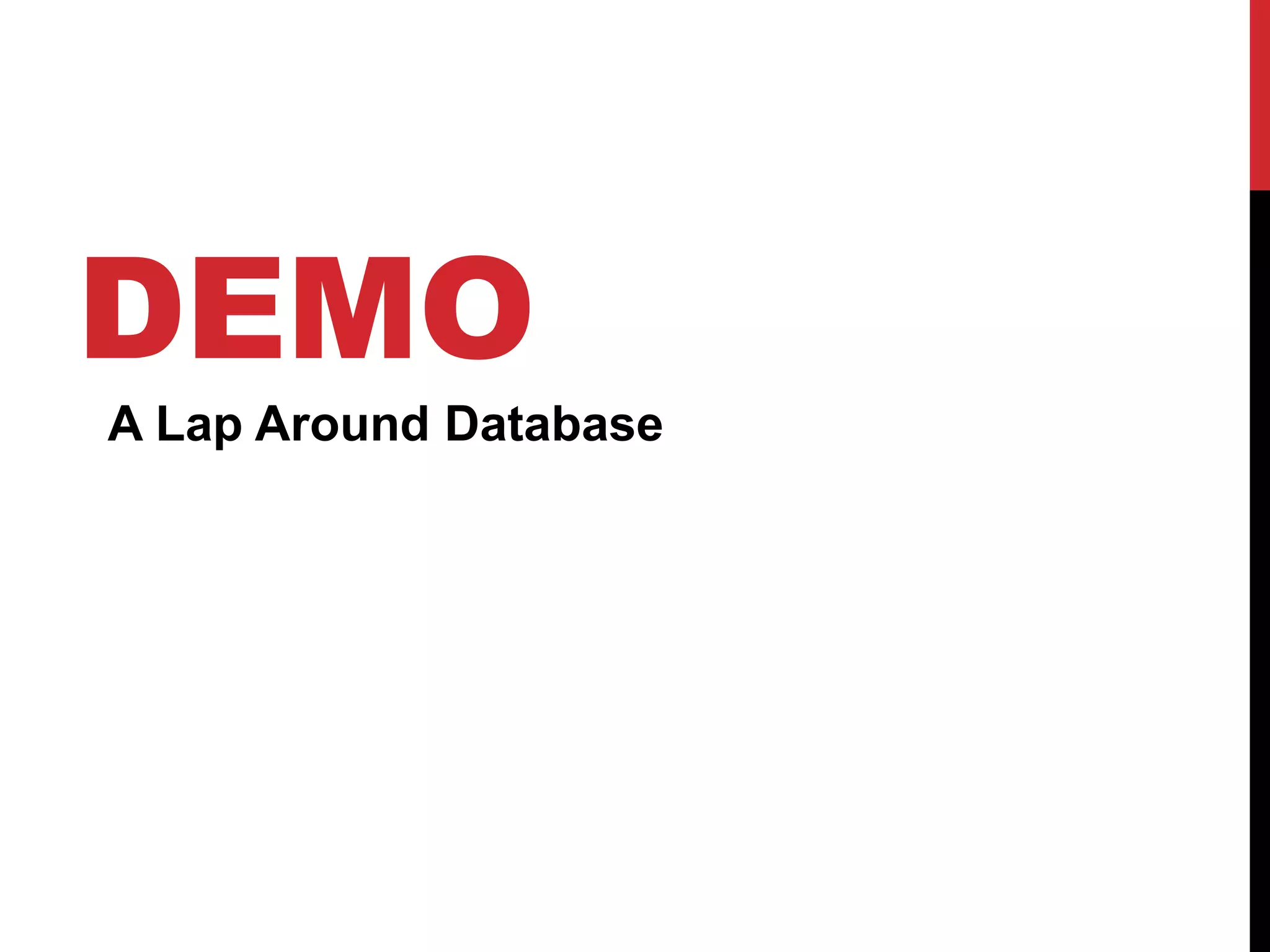
DATABASE
 • SQL Compact Edition in the box
 • MySQL connection
 • SQL Server 2005/2008 connection
 • Easy to design, easy to code against

Designing


                                                                      Coding
                        @{
                          var db = Database.Open("ArtGallery");
                          var product = db.Query("SELECT * FROM PRODUCTS);
                        }
DEMO
A Lap Around Database
HELPERS
Helpers make it easy to quickly add commonly used
functionality into your websites


                                                    and many more…
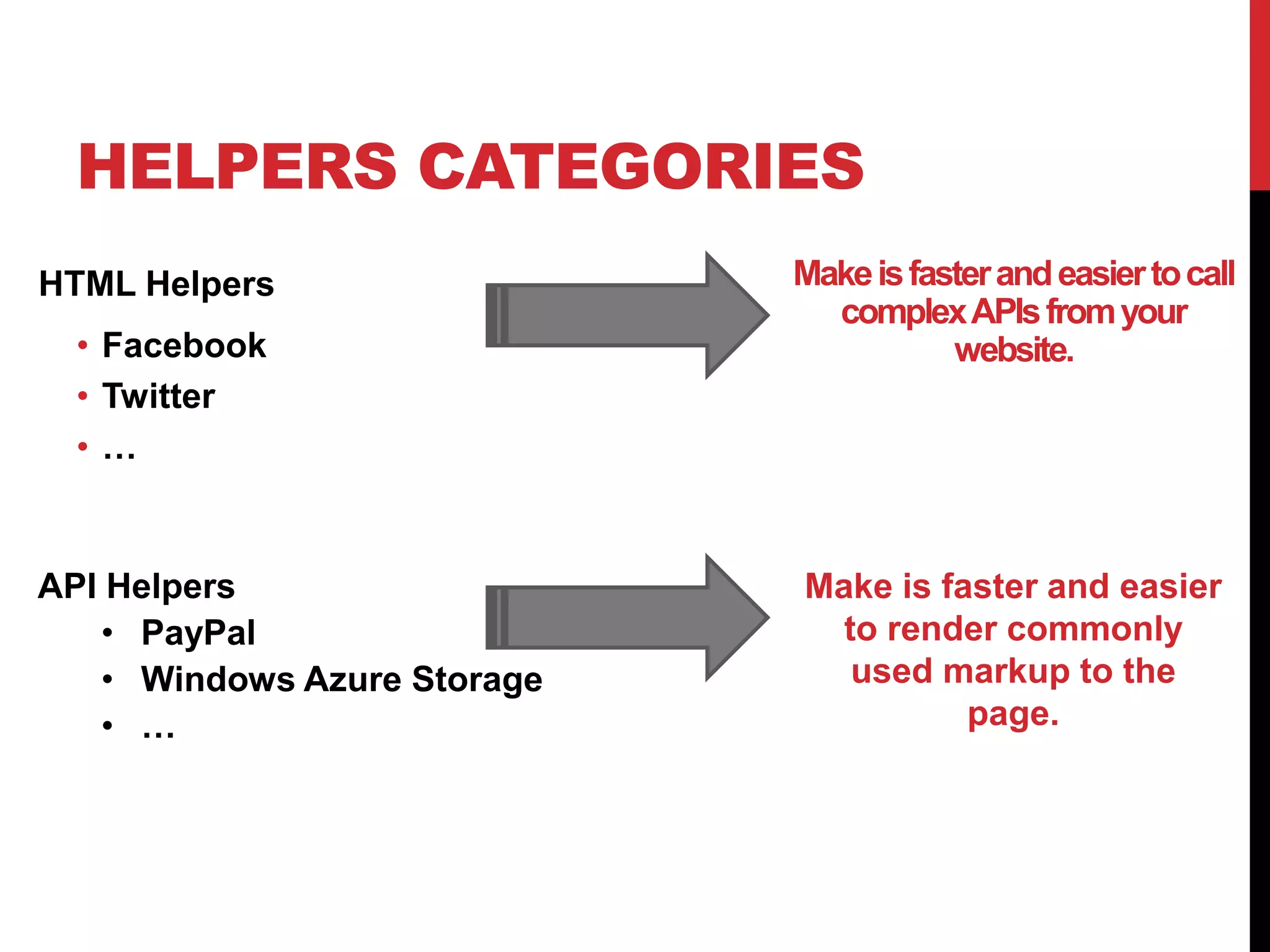
HELPERS CATEGORIES
HTML Helpers                 Make is faster and easier to call
                               complex APIs from your
 • Facebook                             website.
 • Twitter
 •…


API Helpers                  Make is faster and easier
   • PayPal                    to render commonly
   • Windows Azure Storage      used markup to the
   • …                                 page.
DEMO
How to use helpers
APP GALLERY & OSS APPS
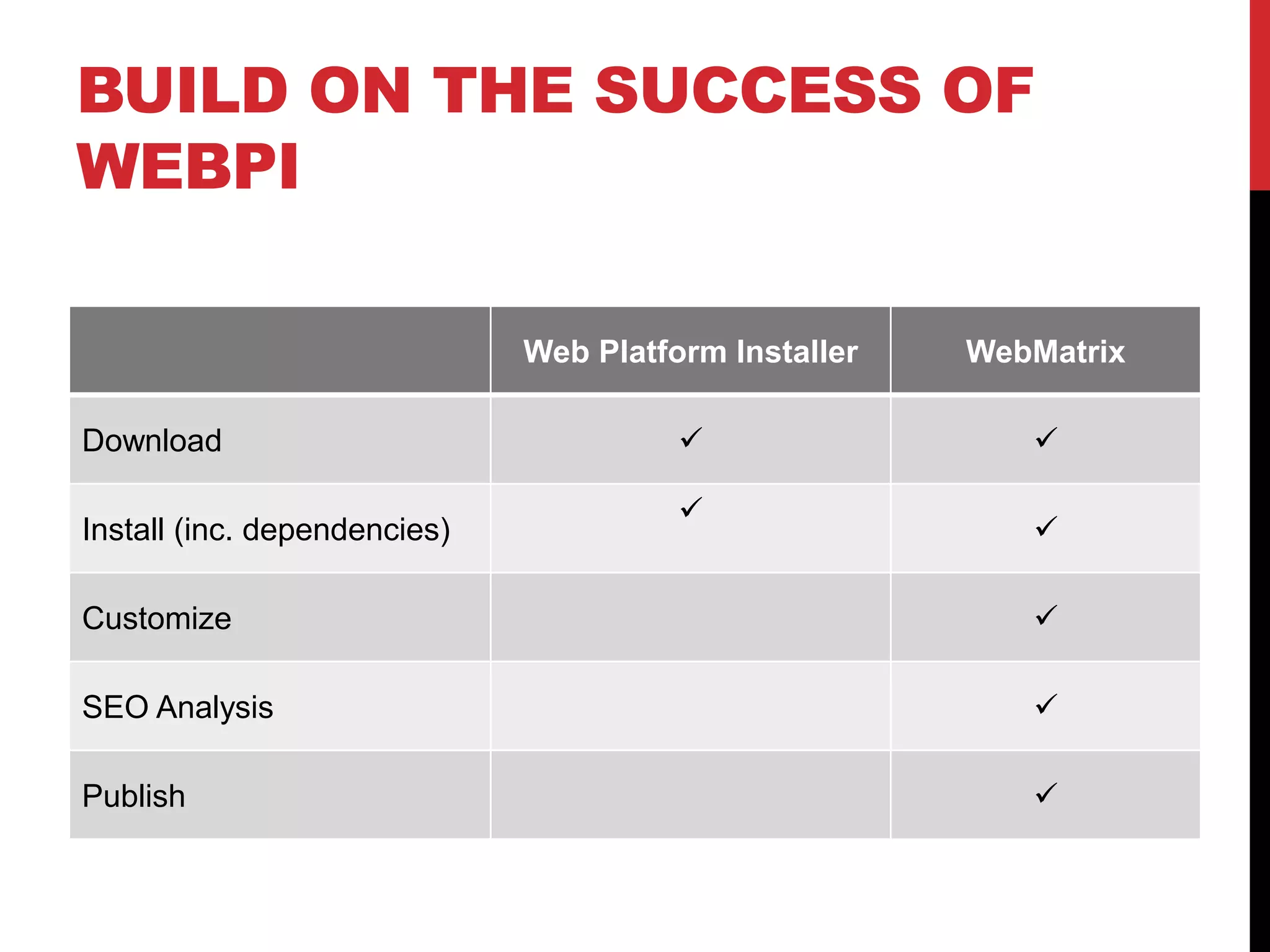
BUILD ON THE SUCCESS OF
WEBPI

                              Web Platform Installer   WebMatrix

Download                                                 

                                        
Install (inc. dependencies)                               

Customize                                                 

SEO Analysis                                              

Publish                                                   
DEMO
A closer look to App Gallery
NEXT STEPS
NEXT STEPS
1. Take the red pill
NEXT STEPS
1. Take the red pill

2. Install WebMatrix
NEXT STEPS
1. Take the red pill

2. Install WebMatrix

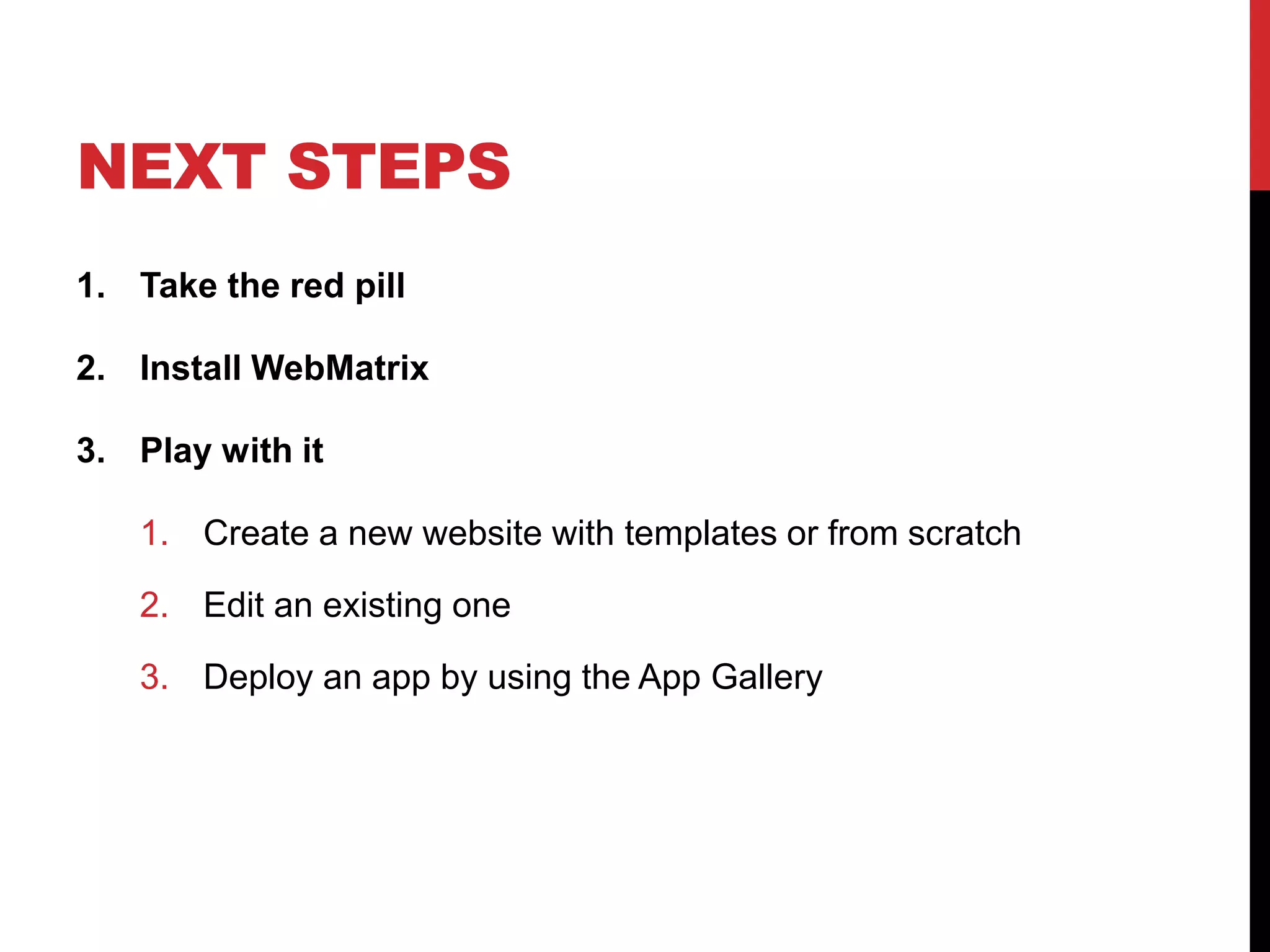
3. Play with it

   1. Create a new website with templates or from scratch

   2. Edit an existing one

   3. Deploy an app by using the App Gallery
NEXT STEPS
1. Take the red pill

2. Install WebMatrix

3. Play with it

   1. Create a new website with templates or from scratch

   2. Edit an existing one

   3. Deploy an app by using the App Gallery

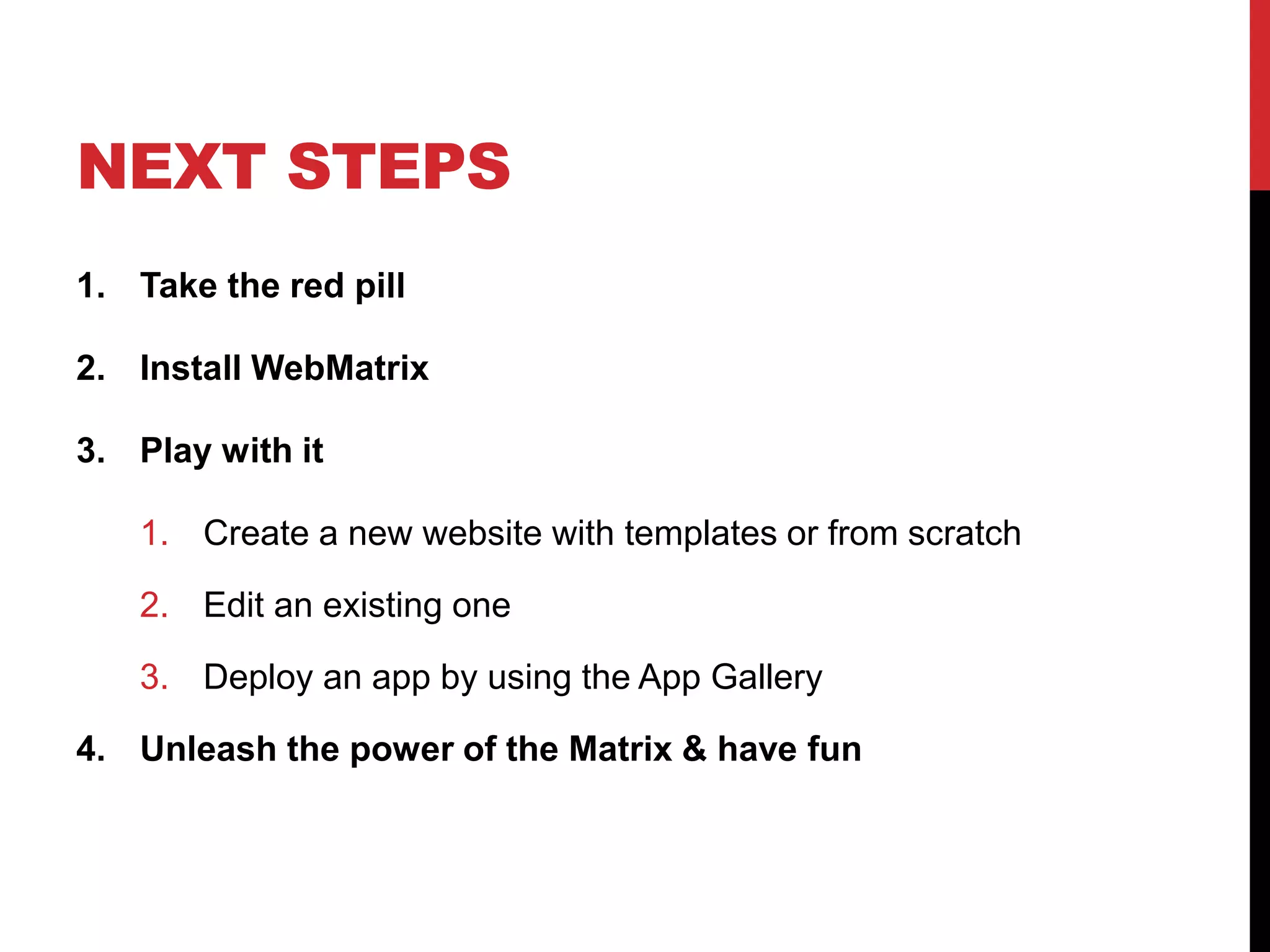
4. Unleash the power of the Matrix & have fun
RESOURCES

http://microsoft.com/web/webmatrix

http://asp.net/webmatrixresource (v1 tutorials)

http://www.webnotwar.ca/
QUESTIONS
   Frederic Harper, Developer Evangelist

fredh@microsoft.com
@fharper


http://webnotwar.ca
http://outofcomfortzone.net

FSOSS - Take the red pill and enter the Matrix

  • 1.
    TAKE THE RED PILLAND ENTER THE MATRIX FSOSS – 2011-10-28 FREDERIC HARPER DEVELOPER EVANGELIST @ MICROSOFT CANADA
  • 2.
    AGENDA  The pillsdilemma  What is WebMatrix?  Who is WebMatrix for?  Database  Helpers  App Gallery & OSS Apps
  • 3.
  • 4.
    THE PILLS DILEMMA BLUE = don’t control the Matrix 1. Work with an inefficient tool 2. Lack of functionality 3. Not ready for YOUR languages
  • 5.
  • 6.
    THE PILLS DILEMMA RED = control the Matrix 1. Easy, lightweight and efficient tool 2. Lots of useful functionality 3. Work with the right tool for YOUR languages
  • 7.
  • 8.
    WHAT IS WEBMATRIX It’sa free tool that makes it easy to  Create  Configure  Publish your websites and web applications
  • 9.
  • 10.
    WHAT IS WEBMATRIX 1. Web App Gallery & Templates
  • 11.
    WHAT IS WEBMATRIX 1. Web App Gallery & Templates 2. Web Server: IIS Express
  • 12.
    WHAT IS WEBMATRIX 1. Web App Gallery & Templates 2. Web Server: IIS Express 3. Standards Support: HTML 4/5, CSS, JavaScript
  • 13.
    WHAT IS WEBMATRIX 1. Web App Gallery & Templates 2. Web Server: IIS Express 3. Standards Support: HTML 4/5, CSS, JavaScript 4. Scripting Support: ASP.NET & PHP
  • 14.
    WHAT IS WEBMATRIX 1. Web App Gallery & Templates 2. Web Server: IIS Express 3. Standards Support: HTML 4/5, CSS, JavaScript 4. Scripting Support: ASP.NET & PHP 5. DB Manager: SQL Server & MySQL
  • 15.
    WHAT IS WEBMATRIX 1. Web App Gallery & Templates 2. Web Server: IIS Express 3. Standards Support: HTML 4/5, CSS, JavaScript 4. Scripting Support: ASP.NET & PHP 5. DB Manager: SQL Server & MySQL 6. Optimization Tools: SEO & Performance
  • 16.
    DEMO A Lap AroundWeb Platform Installer
  • 17.
    WHO IS WEBMATRIXFOR I <3 Web Apps. I want to build web I just need a tool sites myself with an easy to learn that makes them tool and framework easier to configure, customize and publish
  • 18.
  • 19.
  • 20.
    TWO WAYS TOBUILD Option A: From Scratch
  • 21.
    TWO WAYS TOBUILD Option A: Option B: From From Web Scratch App
  • 22.
    DEMO Create a websitefrom a template
  • 23.
    DATABASE • SQLCompact Edition in the box • MySQL connection • SQL Server 2005/2008 connection • Easy to design, easy to code against Designing Coding @{ var db = Database.Open("ArtGallery"); var product = db.Query("SELECT * FROM PRODUCTS); }
  • 24.
  • 25.
    HELPERS Helpers make iteasy to quickly add commonly used functionality into your websites and many more…
  • 26.
    HELPERS CATEGORIES HTML Helpers Make is faster and easier to call complex APIs from your • Facebook website. • Twitter •… API Helpers Make is faster and easier • PayPal to render commonly • Windows Azure Storage used markup to the • … page.
  • 27.
  • 28.
    APP GALLERY &OSS APPS
  • 29.
    BUILD ON THESUCCESS OF WEBPI Web Platform Installer WebMatrix Download    Install (inc. dependencies)  Customize  SEO Analysis  Publish 
  • 30.
    DEMO A closer lookto App Gallery
  • 31.
  • 32.
    NEXT STEPS 1. Takethe red pill
  • 33.
    NEXT STEPS 1. Takethe red pill 2. Install WebMatrix
  • 34.
    NEXT STEPS 1. Takethe red pill 2. Install WebMatrix 3. Play with it 1. Create a new website with templates or from scratch 2. Edit an existing one 3. Deploy an app by using the App Gallery
  • 35.
    NEXT STEPS 1. Takethe red pill 2. Install WebMatrix 3. Play with it 1. Create a new website with templates or from scratch 2. Edit an existing one 3. Deploy an app by using the App Gallery 4. Unleash the power of the Matrix & have fun
  • 36.
  • 37.
    QUESTIONS Frederic Harper, Developer Evangelist fredh@microsoft.com @fharper http://webnotwar.ca http://outofcomfortzone.net