Downloaded 330 times











![NSUUID *proximityUUID =
[[NSUUID alloc] initWithUUIDString:@"39ED98FF-2900-441A-802F-9C398FC199D2"];
CLBeaconRegion *beaconRegion =
[[CLBeaconRegion alloc] initWithProximityUUID:proximityUUID
identifier:@"com.company.region"];
!
NSDictionary *beaconPeripheralData =
[beaconRegion peripheralDataWithMeasuredPower:@(-50)];
!
CBPeripheralManager *peripheralManager =
[[CBPeripheralManager alloc] initWithDelegate:self queue:nil options:nil];
[peripheralManager startAdvertising:beaconPeripheralData];](https://image.slidesharecdn.com/demystifyingibeacons-131210165052-phpapp01/75/Demystifying-iBeacons-28-2048.jpg)
![NSUUID *proximityUUID =
[[NSUUID alloc] initWithUUIDString:@"39ED98FF-2900-441A-802F-9C398FC199D2"];
CLBeaconRegion *beaconRegion =
[[CLBeaconRegion alloc] initWithProximityUUID:proximityUUID
identifier:@"com.company.region"];
!
self.locationManager = [[CLLocationManager alloc] init];
self.locationManager.delegate = self;
[self.locationManager startMonitoringForRegion:beaconRegion];](https://image.slidesharecdn.com/demystifyingibeacons-131210165052-phpapp01/75/Demystifying-iBeacons-30-2048.jpg)
![- (void)locationManager:(CLLocationManager *)manager
didEnterRegion:(CLRegion *)region {
[self.locationManager startRangingBeaconsInRegion:region];
}
!
- (void)locationManager:(CLLocationManager *)manager
didExitRegion:(CLRegion *)region {
[self.locationManager stopRangingBeaconsInRegion:region];
}
!
- (void)locationManager:(CLLocationManager *)manager
didRangeBeacons:(NSArray *)beacons
inRegion:(CLBeaconRegion *)region {
if ([beacons count] > 0) {
CLBeacon *nearestExhibit = [beacons firstObject];
!
if (CLProximityNear == nearestExhibit.proximity) {
[self presentExhibitInfo:nearestExhibit.major.integerValue];
} else {
[self dismissExhibitInfo];
}
}
}](https://image.slidesharecdn.com/demystifyingibeacons-131210165052-phpapp01/75/Demystifying-iBeacons-31-2048.jpg)








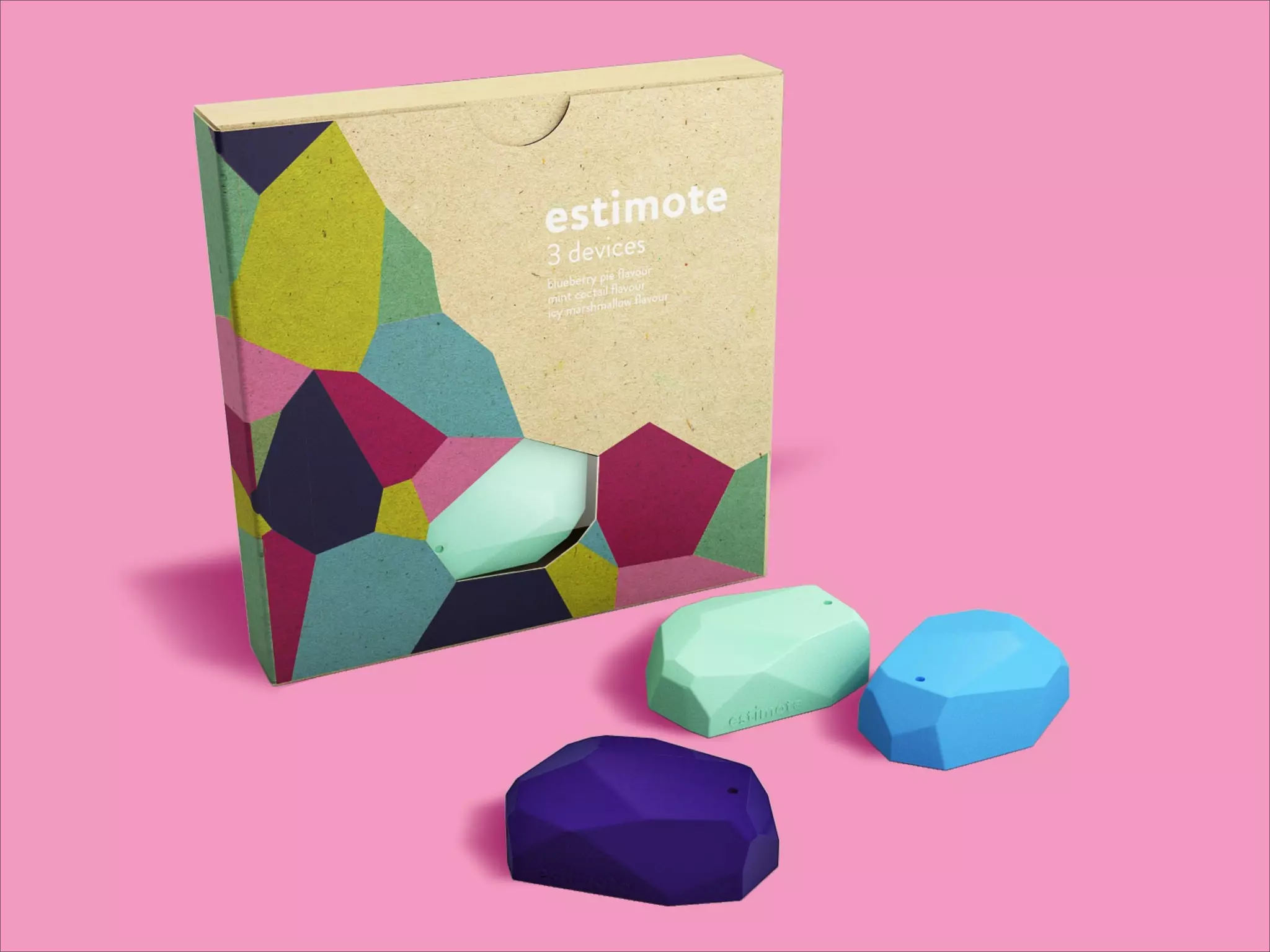
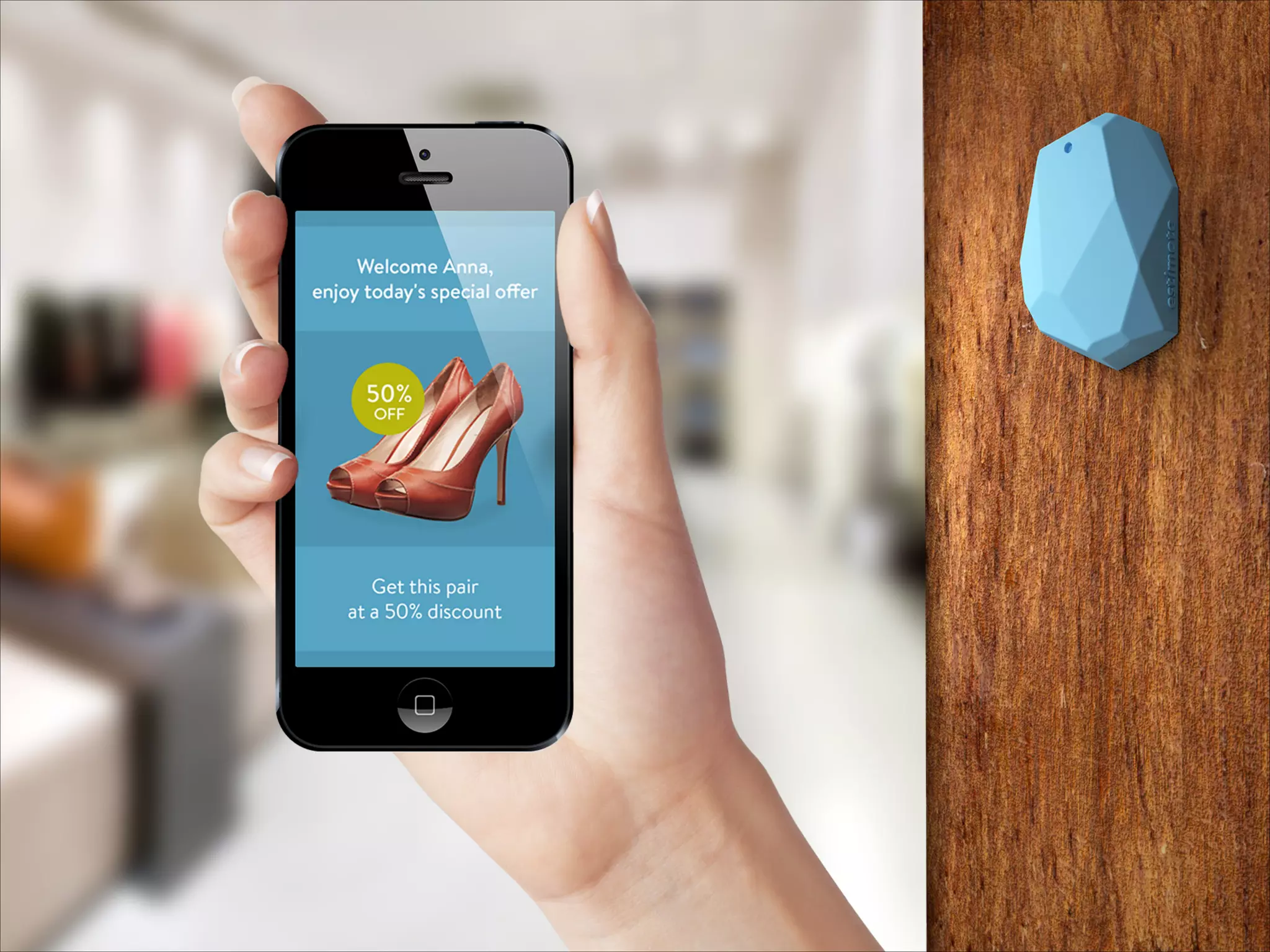


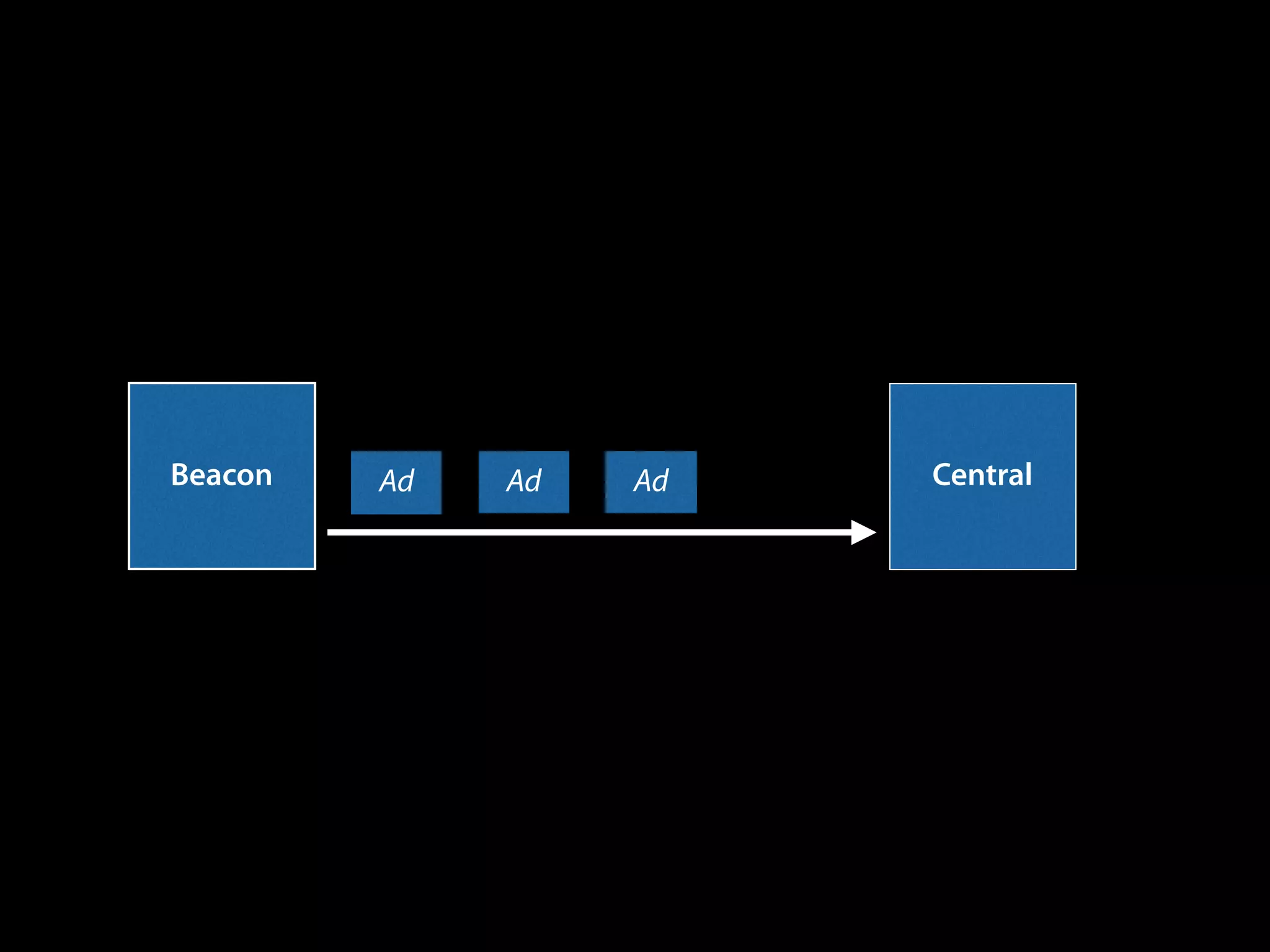
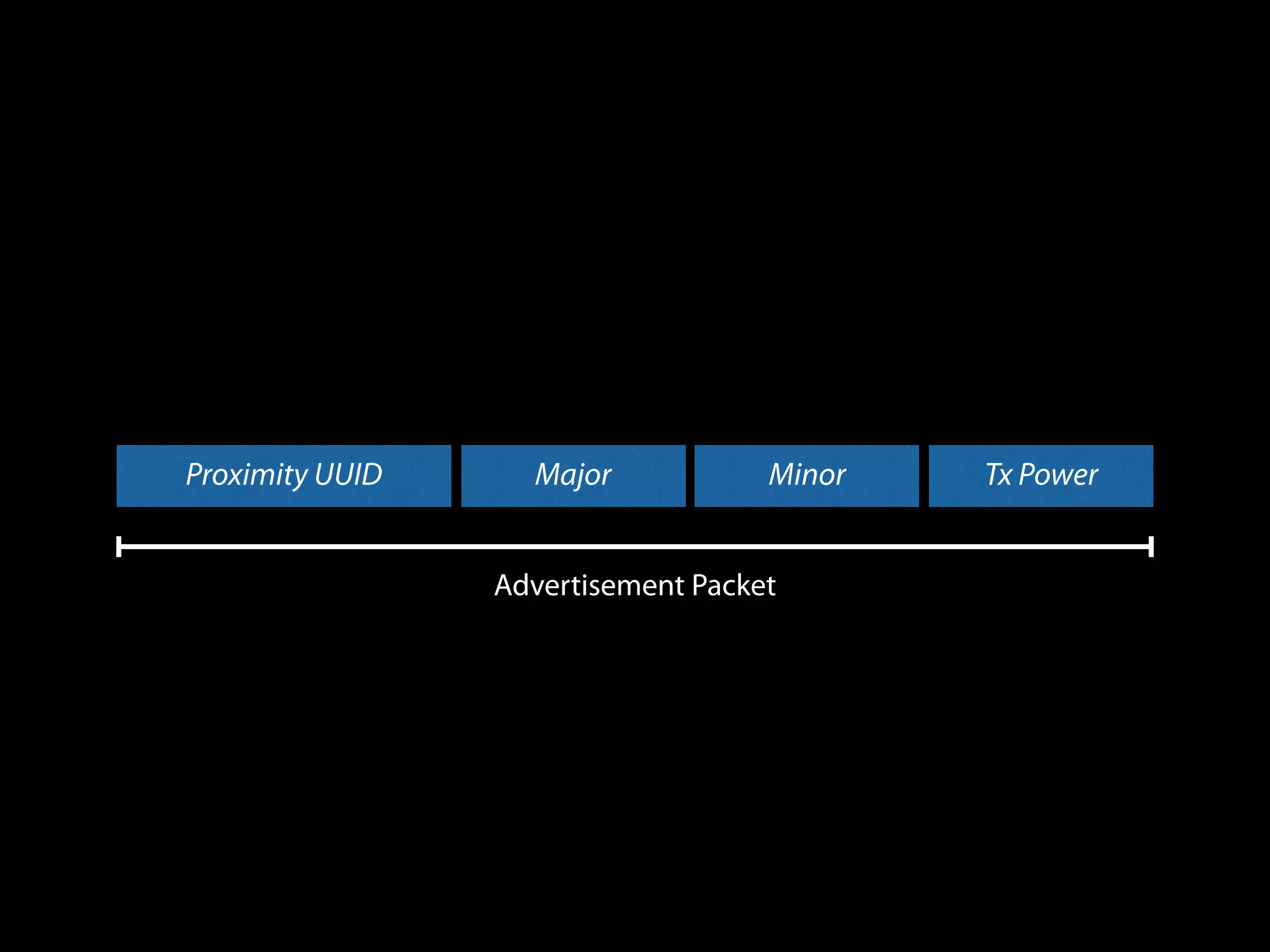
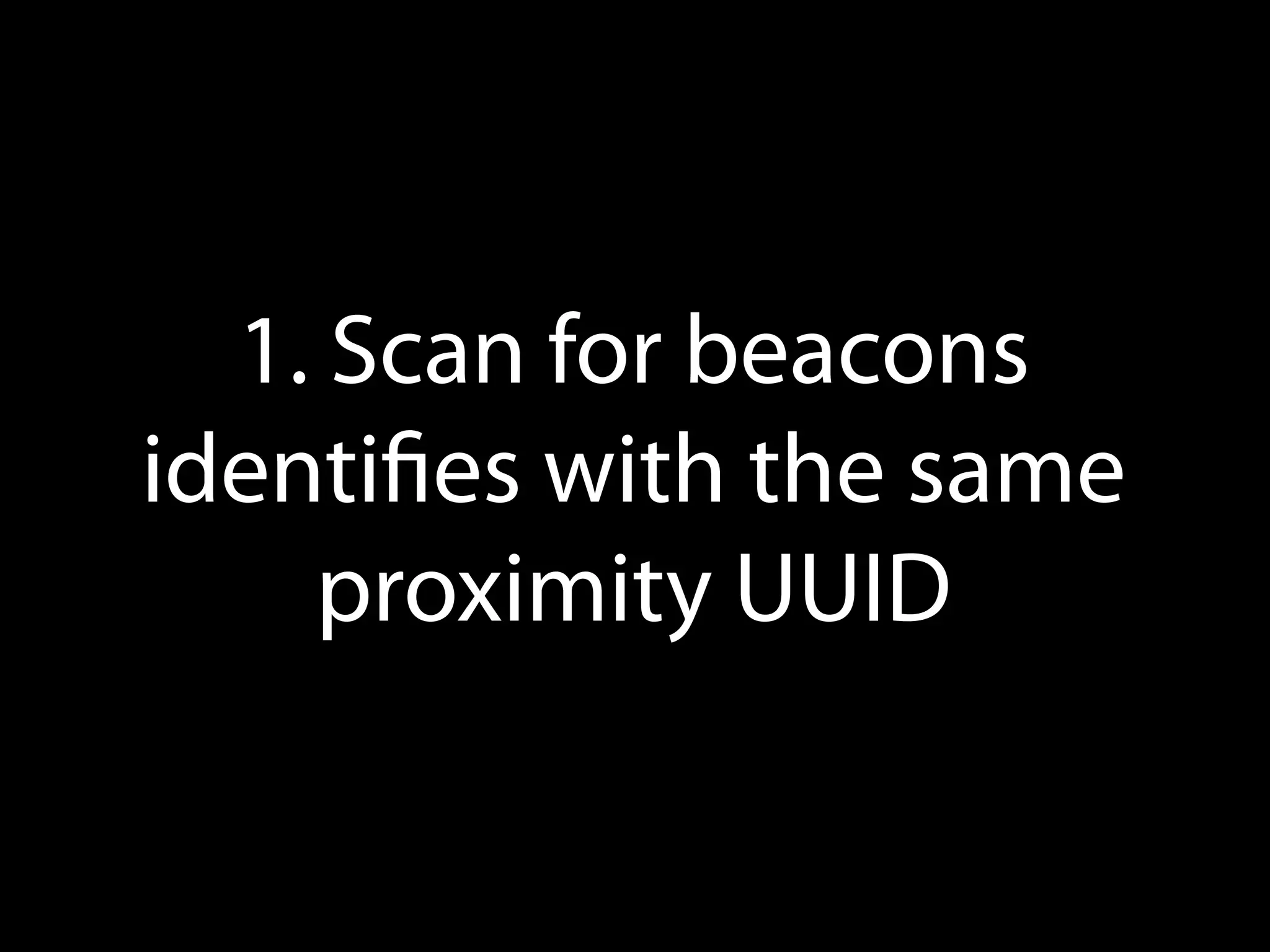
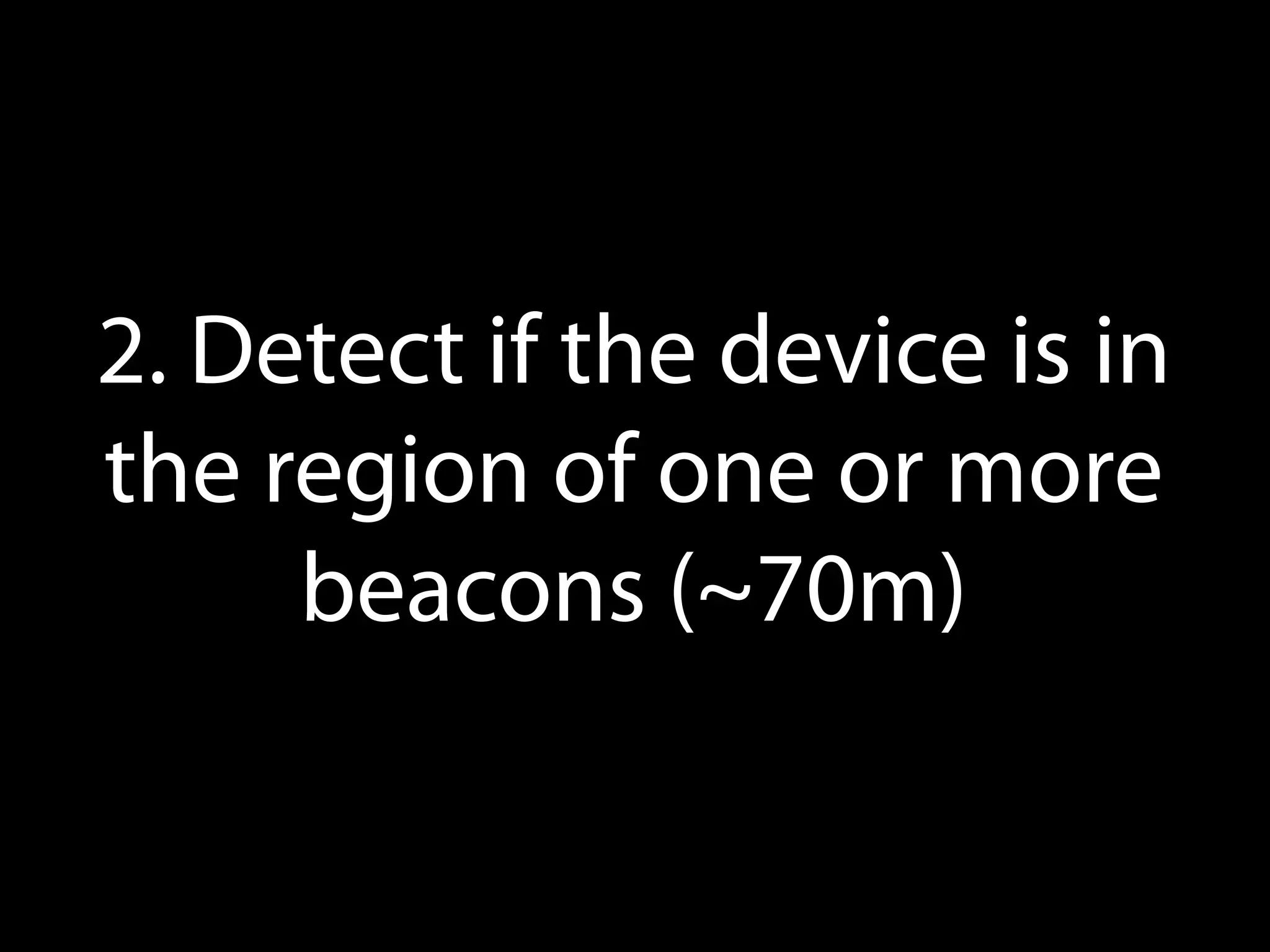
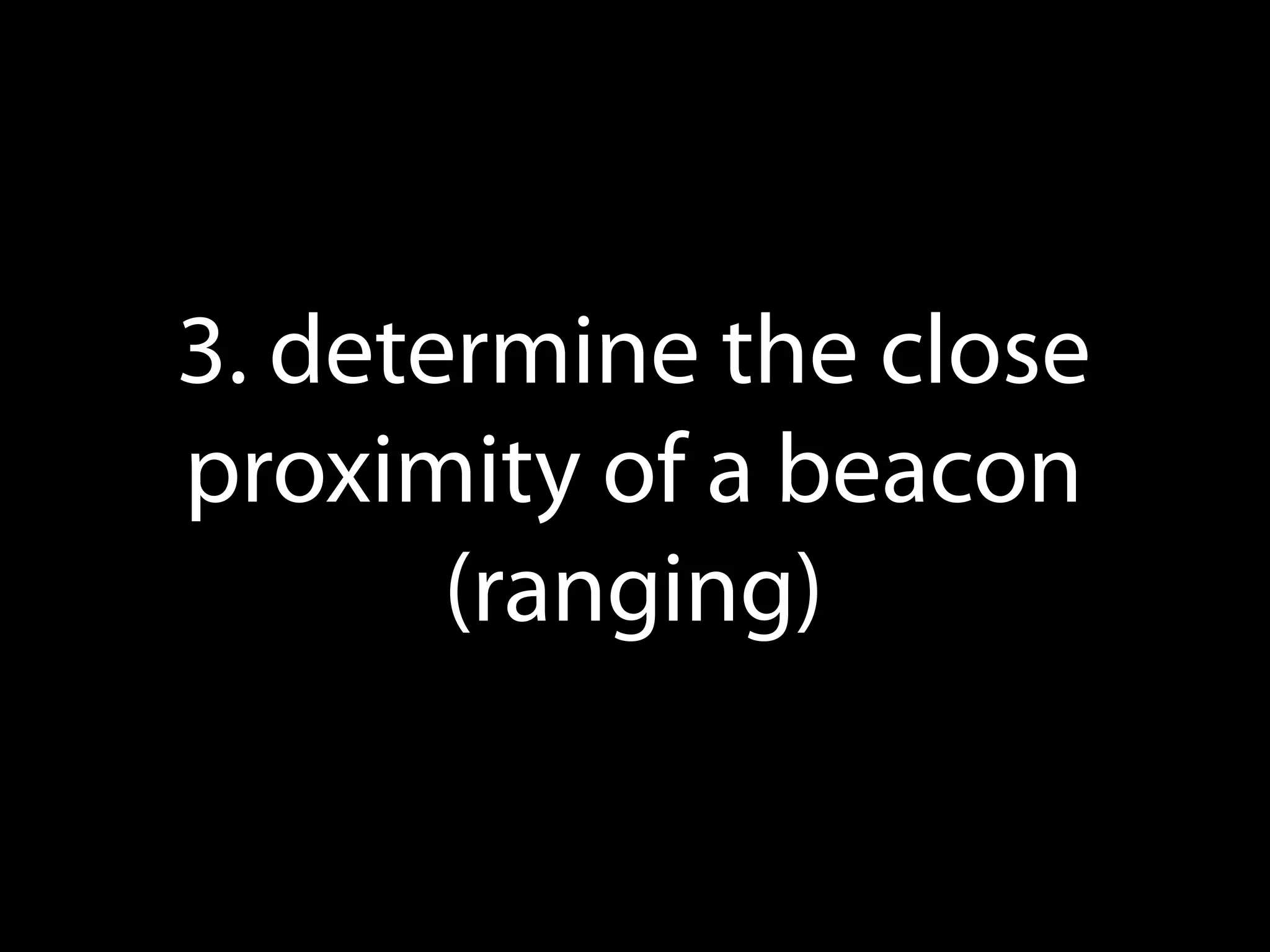
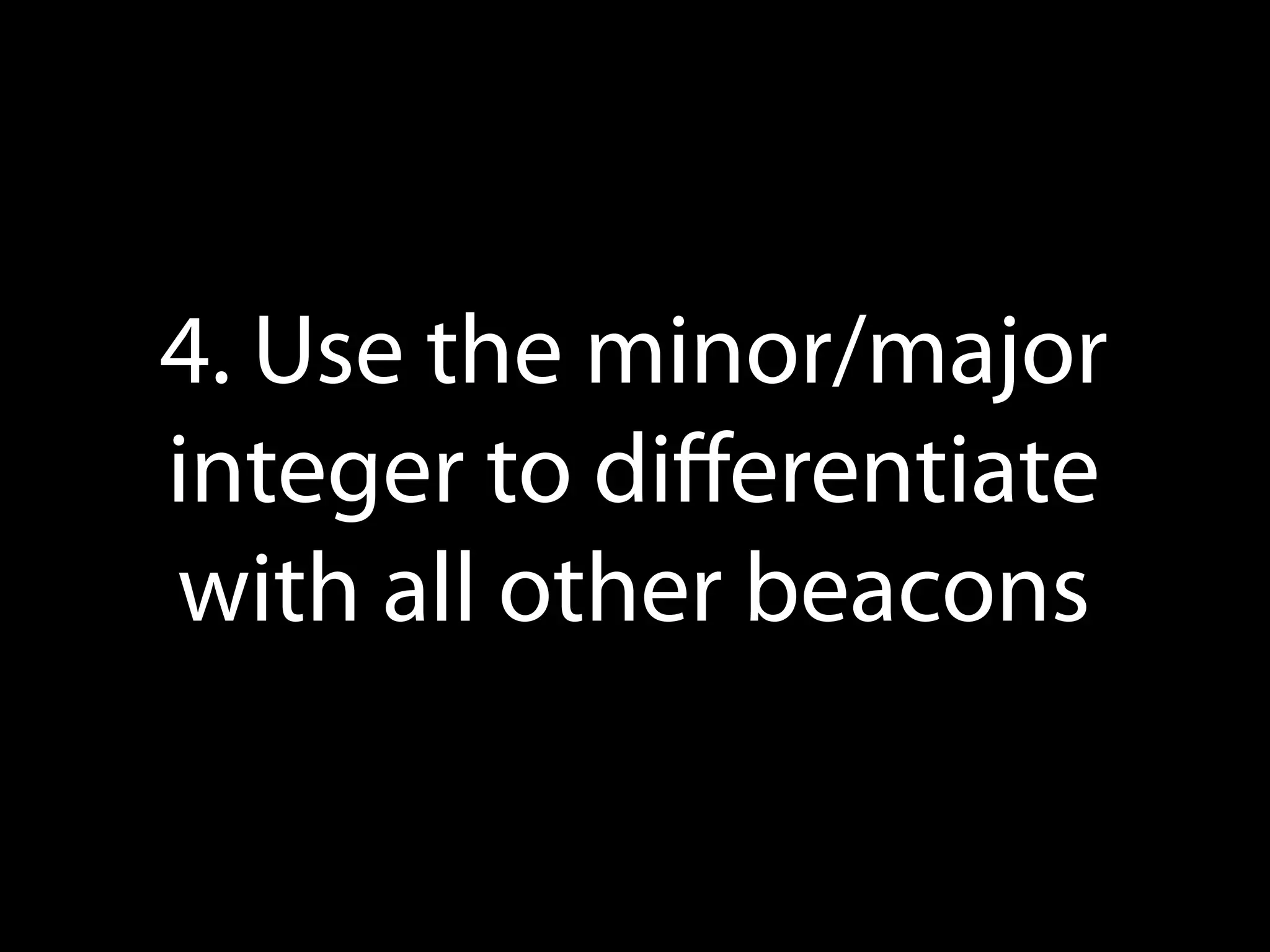
iBeacon is an indoor positioning system that uses Bluetooth Low Energy beacons to provide location services to iOS devices. Beacons broadcast a signal that includes a proximity UUID, major and minor values that allow an app to detect beacons and understand proximity. The CoreLocation API exposes APIs to monitor for regions defined by beacons and range beacons to determine distance. While beacons enable new location-based experiences, their location capabilities are approximate rather than precise and they cannot directly push information, require an app to be open for ranging, or enable payments. Support for beacons also exists on Android through third parties.


![Coded Agents – with UiPath SDK + LangGraph [Virtual Hands-on Workshop]](https://cdn.slidesharecdn.com/ss_thumbnails/codedagentsdeck-251215155422-5497c599-thumbnail.jpg?width=640&height=640&fit=bounds)


