Green Computing 
( For a cleaner World ) 
Presenting By 
Swarna Bhargava, 
MCA V sem.
What is Green Computing??? 
 Green computing is the practice of using 
computing resources efficiently. 
 Designing , manufacturing and disposing 
Computer, servers with no impact on the 
environment. 
 To reduce the use of Hazardous materials, 
maximize energy efficiency during product’s 
lifetime.
Need of Green Computing 
 Computer energy is often wasteful 
Leaving the computer on when not in use 
 Printing is often wasteful 
How many of you print out your emails or meeting 
agendas . 
 Pollution 
Due to manufacturing, packaging, disposal 
techniques. 
 Toxicity 
Due to toxic chemicals involved in the 
manufacturing
Approaching Areas 
 Product Longevity 
 Data center design 
 Software & Development optimization 
 Power management
Manufacturing of PC’s 
 Lead: used in soldering of printed circuit boards 
lead can cause damage to the central and 
peripheral nervous system , blood systems 
and kidneys. 
 Mercury: used in batteries, switches . Mercury spreads 
out in water transforming into methylated 
mercury that can cause chronic brain damage. 
 Cadmium: used in resistors for chips and in 
semiconductors . Cadmium is classified as toxic, 
these compounds accumulate in the human body, 
particularly the kidneys.
Green manufacturing 
 Bamboo : is becoming increasingly popular for making 
casings for computers and peripherals. 
 Recyclable plastics : computers are constructed from non-recyclable 
plastics ie recyclable polycarbonate resin. 
 Eco-friendly flame retardant : there are flame retardant 
silicone compounds available that are flame retardant and 
completely non-toxic. 
 Inventory management : reducing the quantity of both 
hazardous materials used in the process and the amount of excess 
raw materials. 
 Volume reduction : removes hazardous portion of waste 
from non hazardous portion.
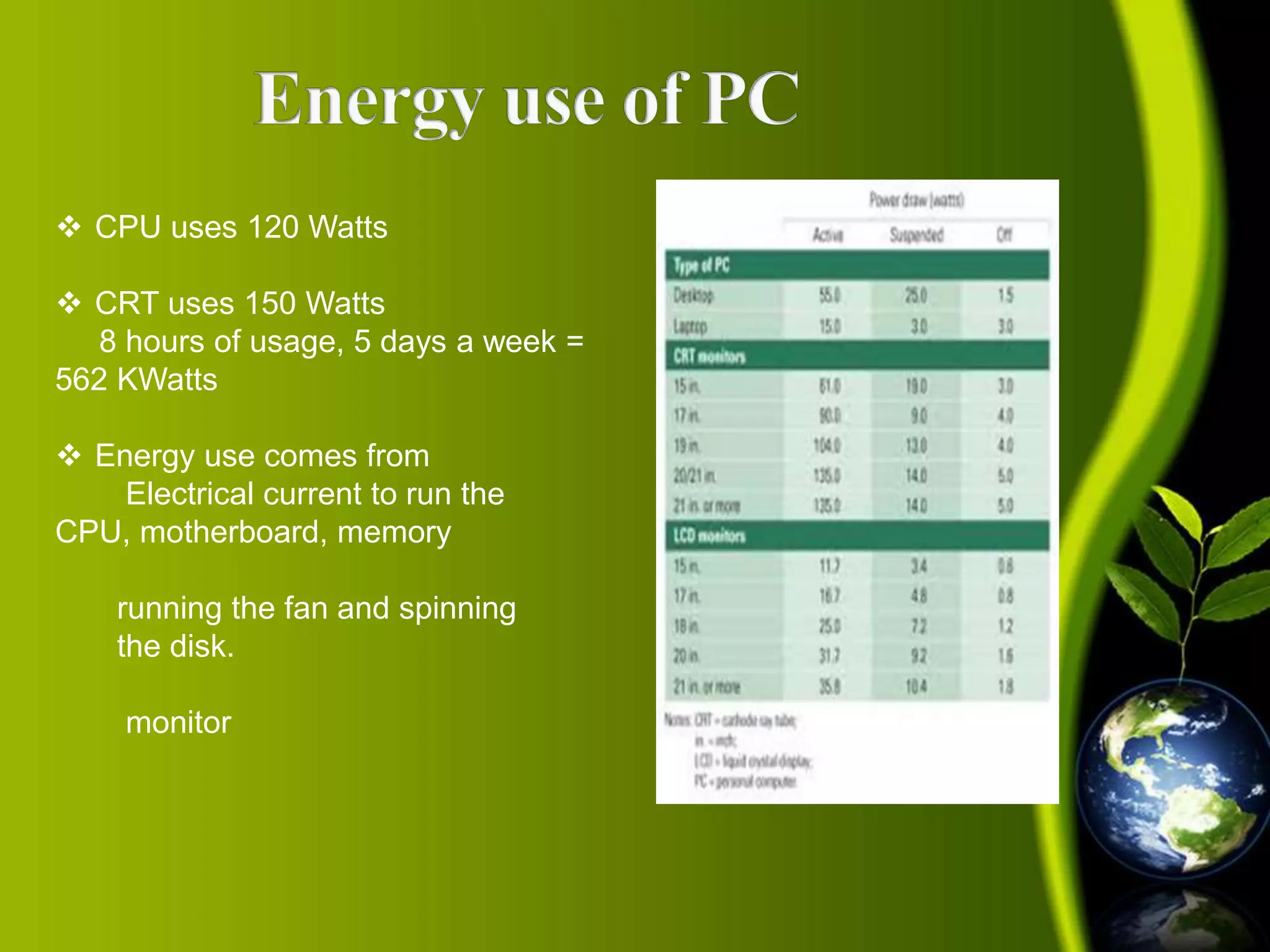
 CPU uses 120 Watts 
 CRT uses 150 Watts 
8 hours of usage, 5 days a week = 
562 KWatts 
 Energy use comes from 
Electrical current to run the 
CPU, motherboard, memory 
running the fan and spinning 
the disk. 
monitor
 Turn off the computer when not in use, even if just 
for an hour 
 Turn off the monitor when not in use 
 Use power saver mode 
 Use hardware/software with the Energy Star label 
 Don’t print unless necessary and you are ready 
 Use LCDs instead of CRTs as they are more power 
efficient
How to save energy while 
working on the computer?? 
Sleep mode: 
 Sleep or standby mode conserves energy by cutting off power to 
your display, hard drives and peripherals. 
 After a pre-set period of inactivity, your computer switches to a 
low power state. 
Hibernate mode : 
 Saves energy and protects your work by copying system data to a 
reserved area on your hard drive and then completely turning off 
your computer. 
 Reduces wear and tear on your components.
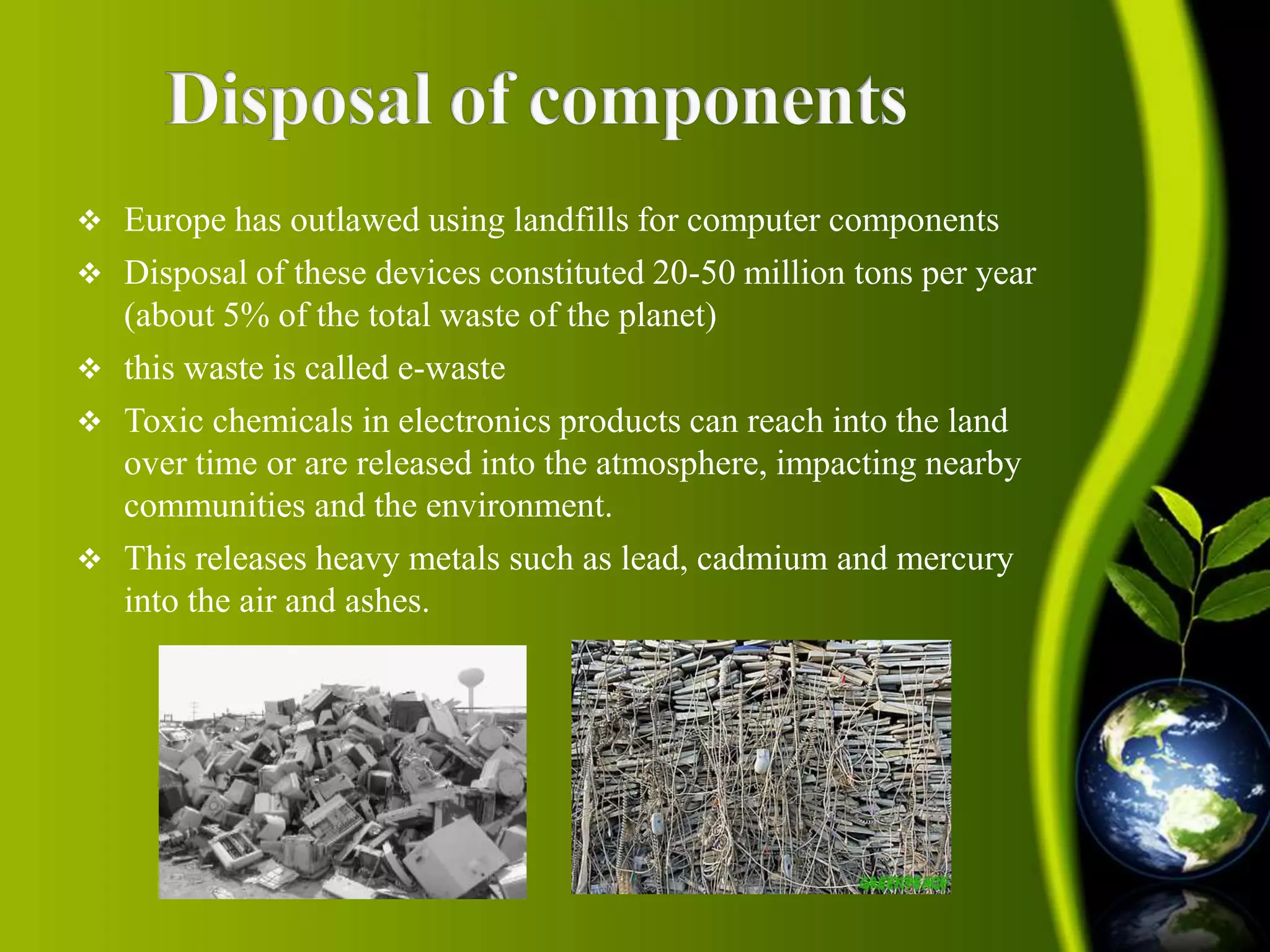
 Europe has outlawed using landfills for computer components 
 Disposal of these devices constituted 20-50 million tons per year 
(about 5% of the total waste of the planet) 
 this waste is called e-waste 
 Toxic chemicals in electronics products can reach into the land 
over time or are released into the atmosphere, impacting nearby 
communities and the environment. 
 This releases heavy metals such as lead, cadmium and mercury 
into the air and ashes.
Green computing
Green computing

Green computing

  • 1.
    Green Computing (For a cleaner World ) Presenting By Swarna Bhargava, MCA V sem.
  • 2.
    What is GreenComputing???  Green computing is the practice of using computing resources efficiently.  Designing , manufacturing and disposing Computer, servers with no impact on the environment.  To reduce the use of Hazardous materials, maximize energy efficiency during product’s lifetime.
  • 3.
    Need of GreenComputing  Computer energy is often wasteful Leaving the computer on when not in use  Printing is often wasteful How many of you print out your emails or meeting agendas .  Pollution Due to manufacturing, packaging, disposal techniques.  Toxicity Due to toxic chemicals involved in the manufacturing
  • 4.
    Approaching Areas Product Longevity  Data center design  Software & Development optimization  Power management
  • 5.
    Manufacturing of PC’s  Lead: used in soldering of printed circuit boards lead can cause damage to the central and peripheral nervous system , blood systems and kidneys.  Mercury: used in batteries, switches . Mercury spreads out in water transforming into methylated mercury that can cause chronic brain damage.  Cadmium: used in resistors for chips and in semiconductors . Cadmium is classified as toxic, these compounds accumulate in the human body, particularly the kidneys.
  • 6.
    Green manufacturing Bamboo : is becoming increasingly popular for making casings for computers and peripherals.  Recyclable plastics : computers are constructed from non-recyclable plastics ie recyclable polycarbonate resin.  Eco-friendly flame retardant : there are flame retardant silicone compounds available that are flame retardant and completely non-toxic.  Inventory management : reducing the quantity of both hazardous materials used in the process and the amount of excess raw materials.  Volume reduction : removes hazardous portion of waste from non hazardous portion.
  • 8.
     CPU uses120 Watts  CRT uses 150 Watts 8 hours of usage, 5 days a week = 562 KWatts  Energy use comes from Electrical current to run the CPU, motherboard, memory running the fan and spinning the disk. monitor
  • 9.
     Turn offthe computer when not in use, even if just for an hour  Turn off the monitor when not in use  Use power saver mode  Use hardware/software with the Energy Star label  Don’t print unless necessary and you are ready  Use LCDs instead of CRTs as they are more power efficient
  • 10.
    How to saveenergy while working on the computer?? Sleep mode:  Sleep or standby mode conserves energy by cutting off power to your display, hard drives and peripherals.  After a pre-set period of inactivity, your computer switches to a low power state. Hibernate mode :  Saves energy and protects your work by copying system data to a reserved area on your hard drive and then completely turning off your computer.  Reduces wear and tear on your components.
  • 11.
     Europe hasoutlawed using landfills for computer components  Disposal of these devices constituted 20-50 million tons per year (about 5% of the total waste of the planet)  this waste is called e-waste  Toxic chemicals in electronics products can reach into the land over time or are released into the atmosphere, impacting nearby communities and the environment.  This releases heavy metals such as lead, cadmium and mercury into the air and ashes.