Your Data in Unreal:
How to bring your data into real-time environments
Goals
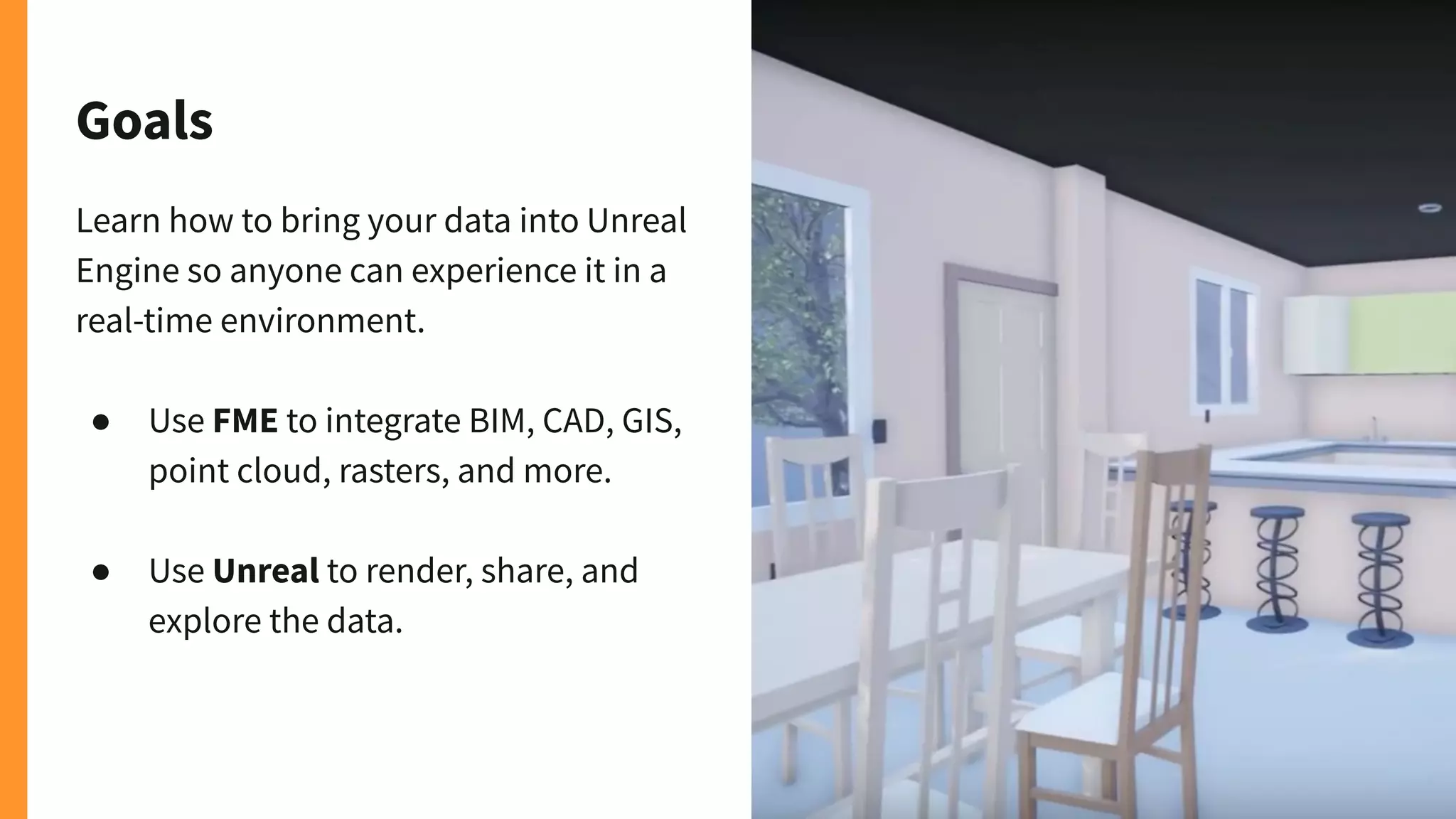
Learn how to bring your data into Unreal
Engine so anyone can experience it in a
real-time environment.
● Use FME to integrate BIM, CAD, GIS,
point cloud, rasters, and more.
● Use Unreal to render, share, and
explore the data.
Tiana Warner
Content Marketing Specialist
Safe Software
Dmitri Bagh
Scenario Creation Analyst
Safe Software
Craig Barr
Epic Games
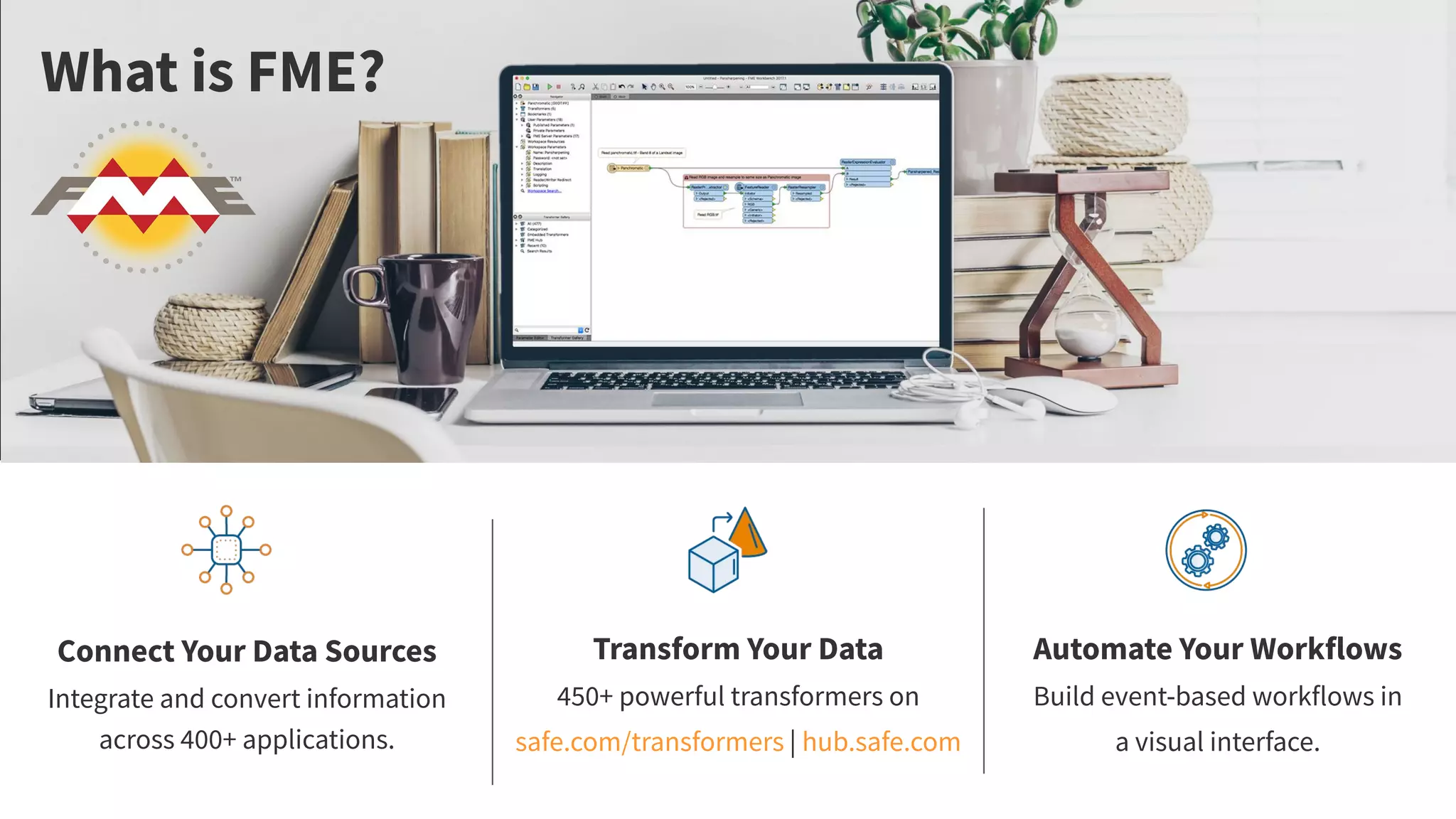
Connect Your Data Sources
Integrate and convert information
across 400+ applications.
Transform Your Data
450+ powerful transformers on
safe.com/transformers | hub.safe.com
Automate Your Workflows
Build event-based workflows in
a visual interface.
What is FME?
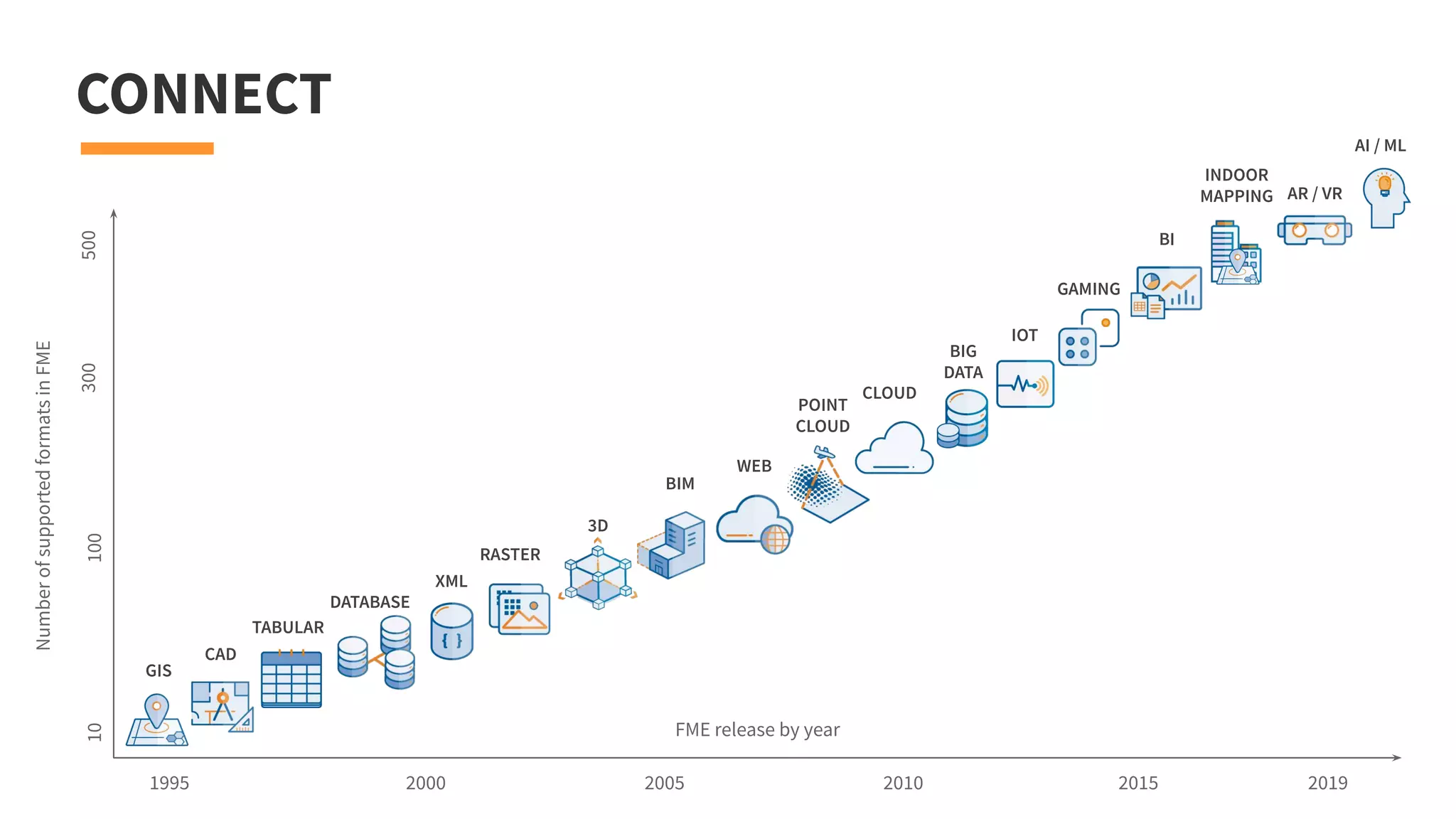
CONNECT
CAD
GIS
FME release by year
NumberofsupportedformatsinFME
1995
10500100300
20192015201020052000
TABULAR
DATABASE
RASTER
POINT
CLOUD
BIM
3D
WEB
XML
CLOUD
BIG
DATA
IOT
BI
AR / VR
AI / ML
INDOOR
MAPPING
GAMING
Why Game Engines?
When you bring your data into
Unreal, you’re enabling anyone
to explore and interact with it as
a character in a real-time
environment.
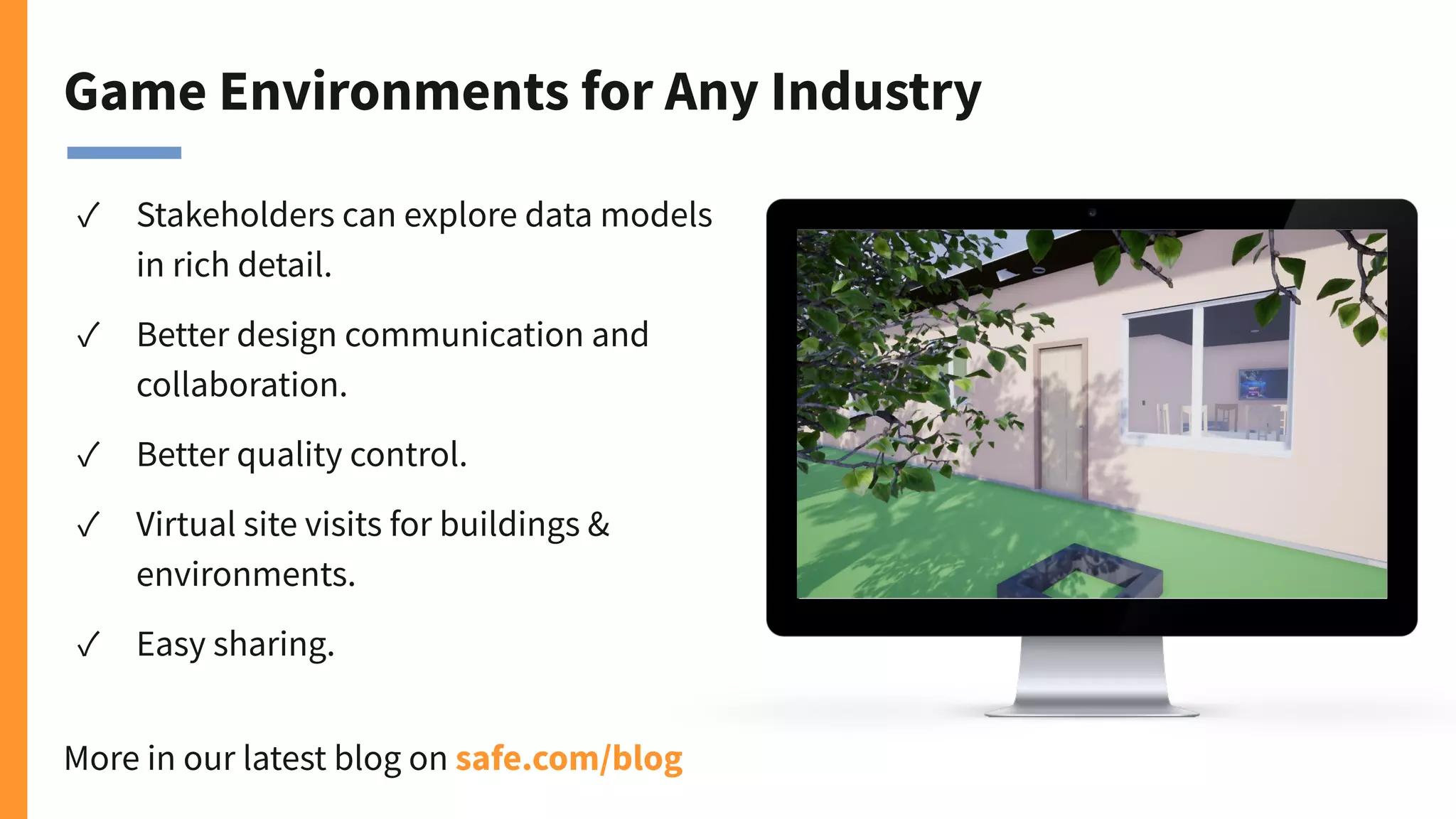
Game Environments for Any Industry
✓ Stakeholders can explore data models
in rich detail.
✓ Better design communication and
collaboration.
✓ Better quality control.
✓ Virtual site visits for buildings &
environments.
✓ Easy sharing.
More in our latest blog on safe.com/blog
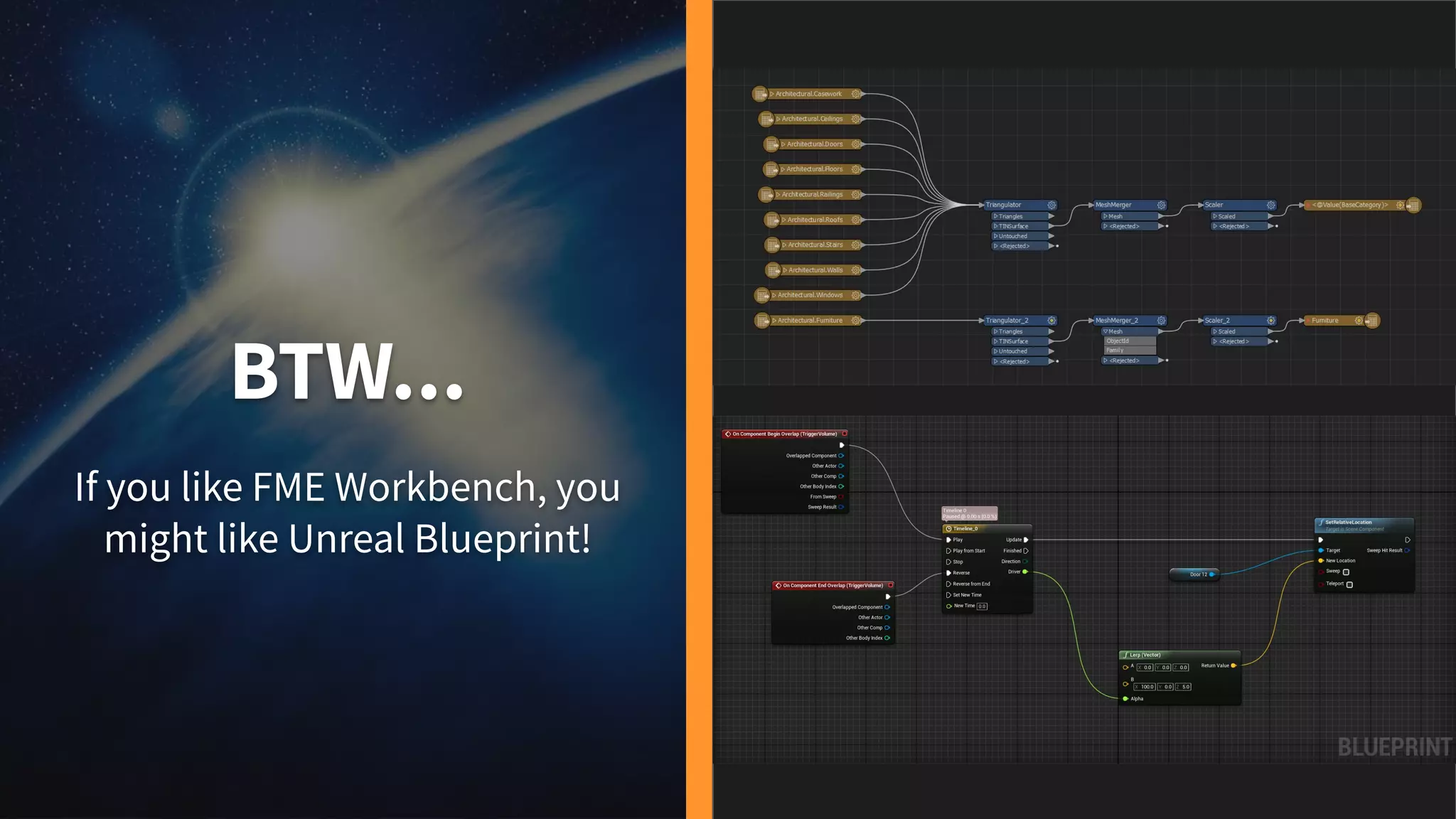
BTW...
If you like FME Workbench, you
might like Unreal Blueprint!
Let’s make a game.
Right here. Right now.
Demo 1: BIM to Unreal Engine
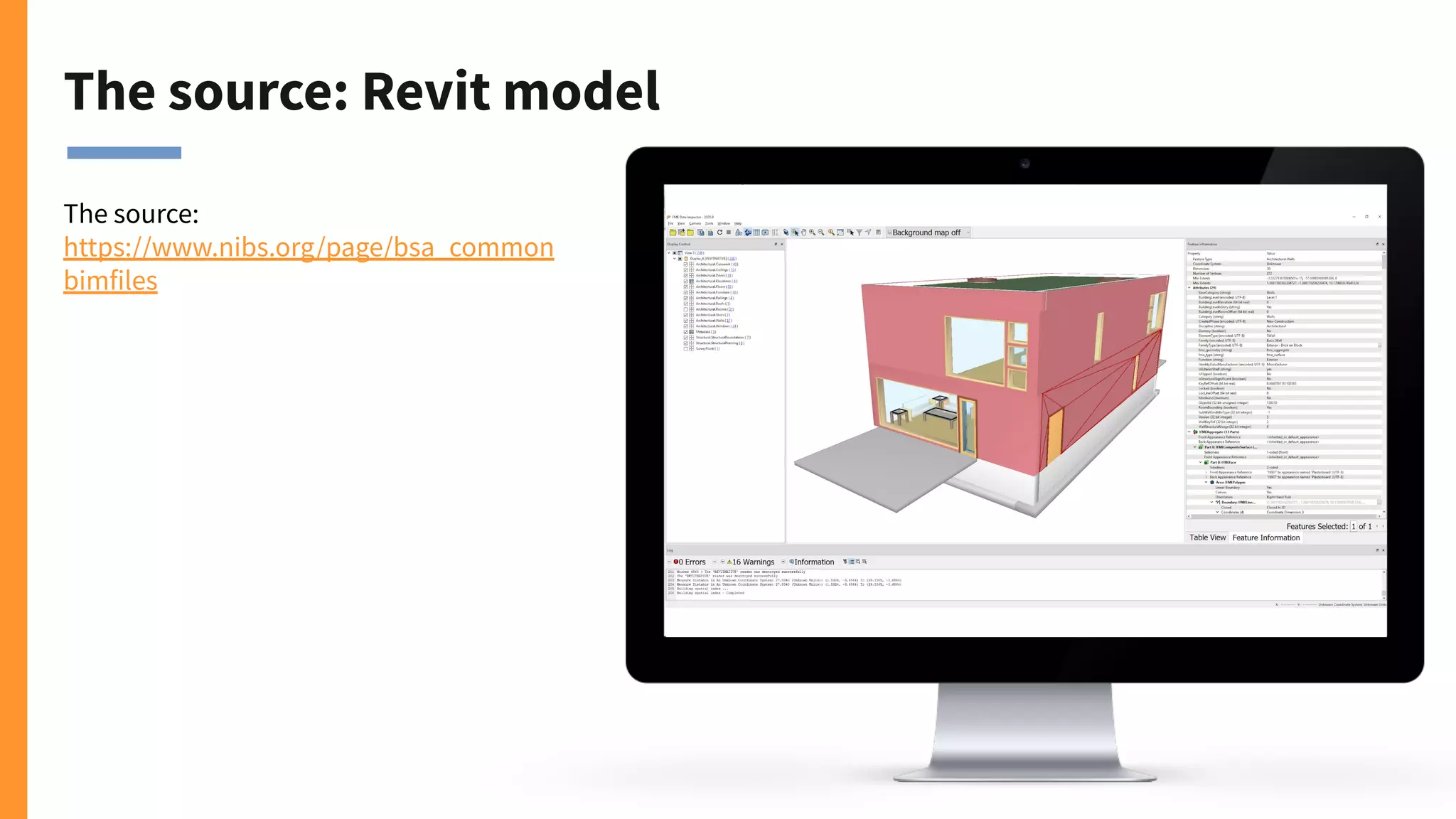
The source: Revit model
The source:
https://www.nibs.org/page/bsa_common
bimfiles
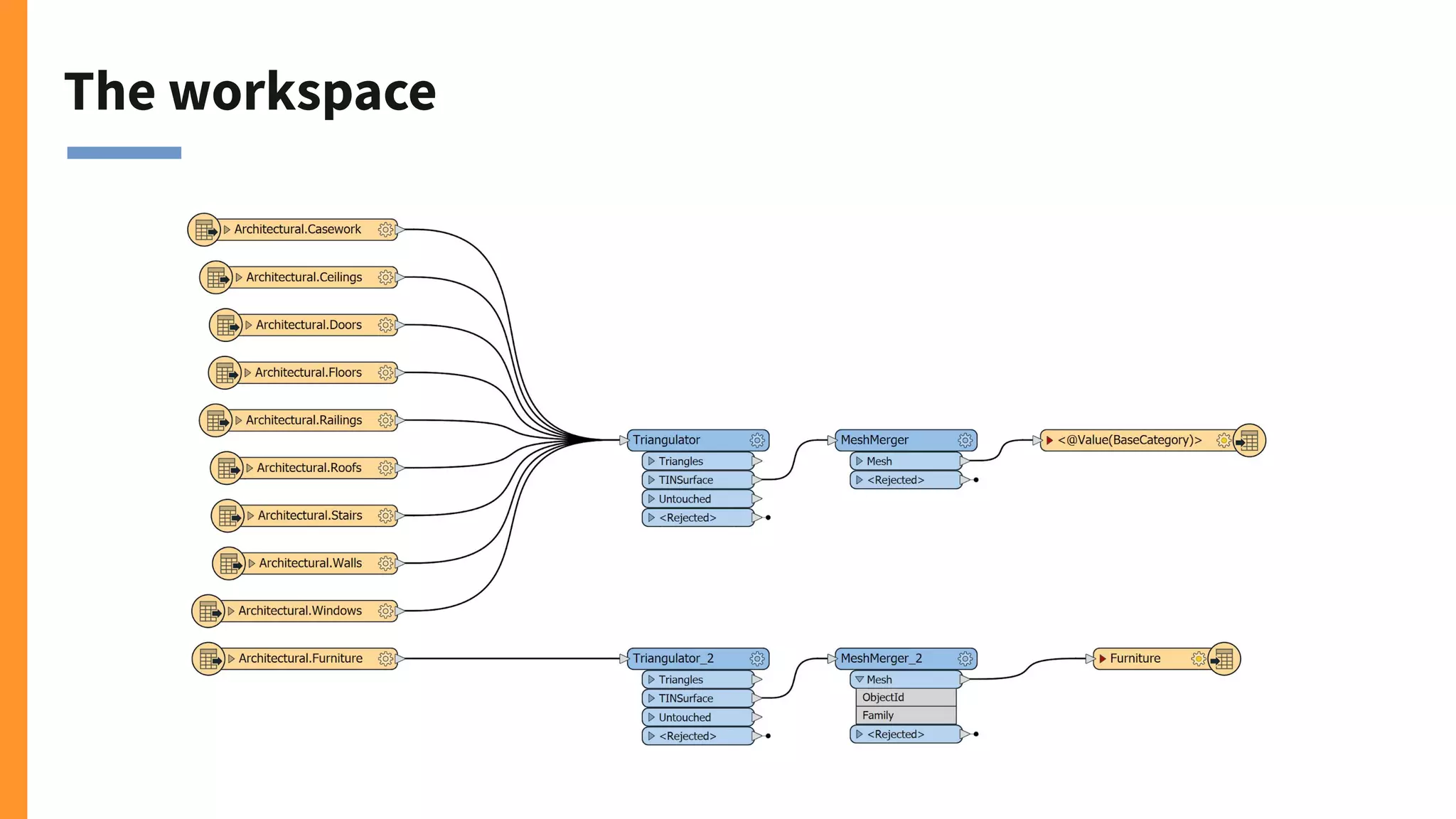
The workspace
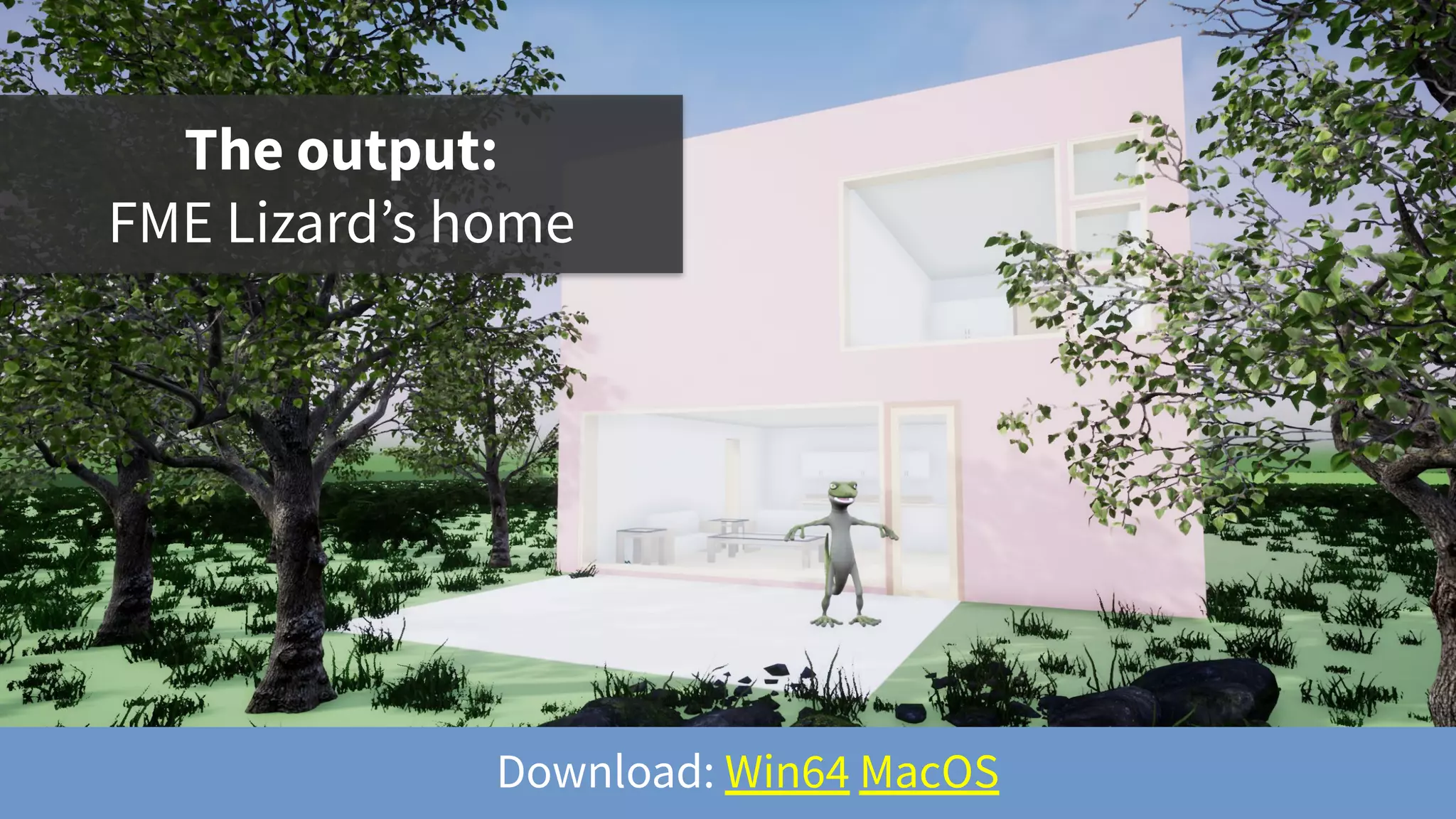
The output:
FME Lizard’s home
Download: Win64 MacOS
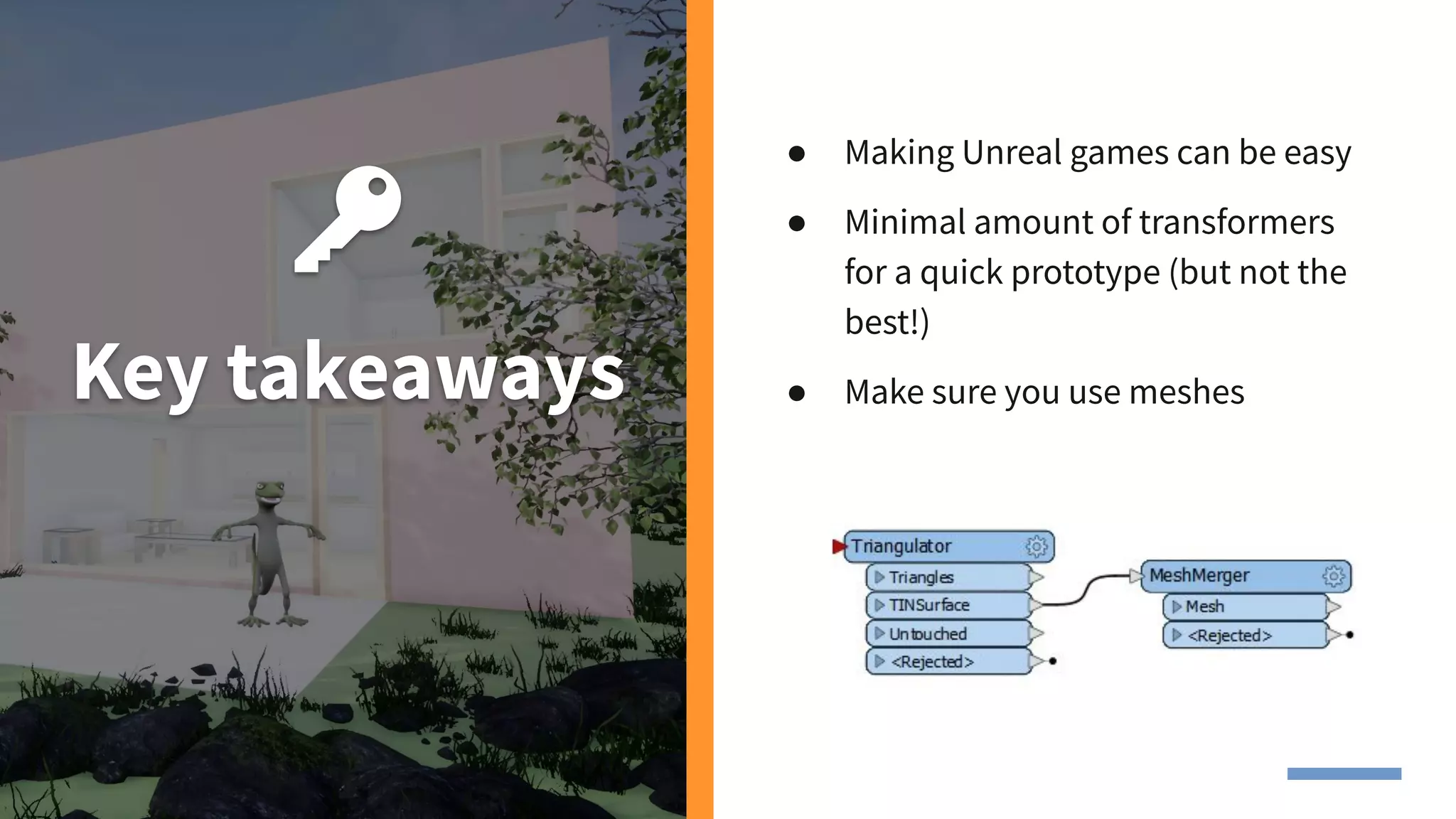
Key takeaways
● Making Unreal games can be easy
● Minimal amount of transformers
for a quick prototype (but not the
best!)
● Make sure you use meshes
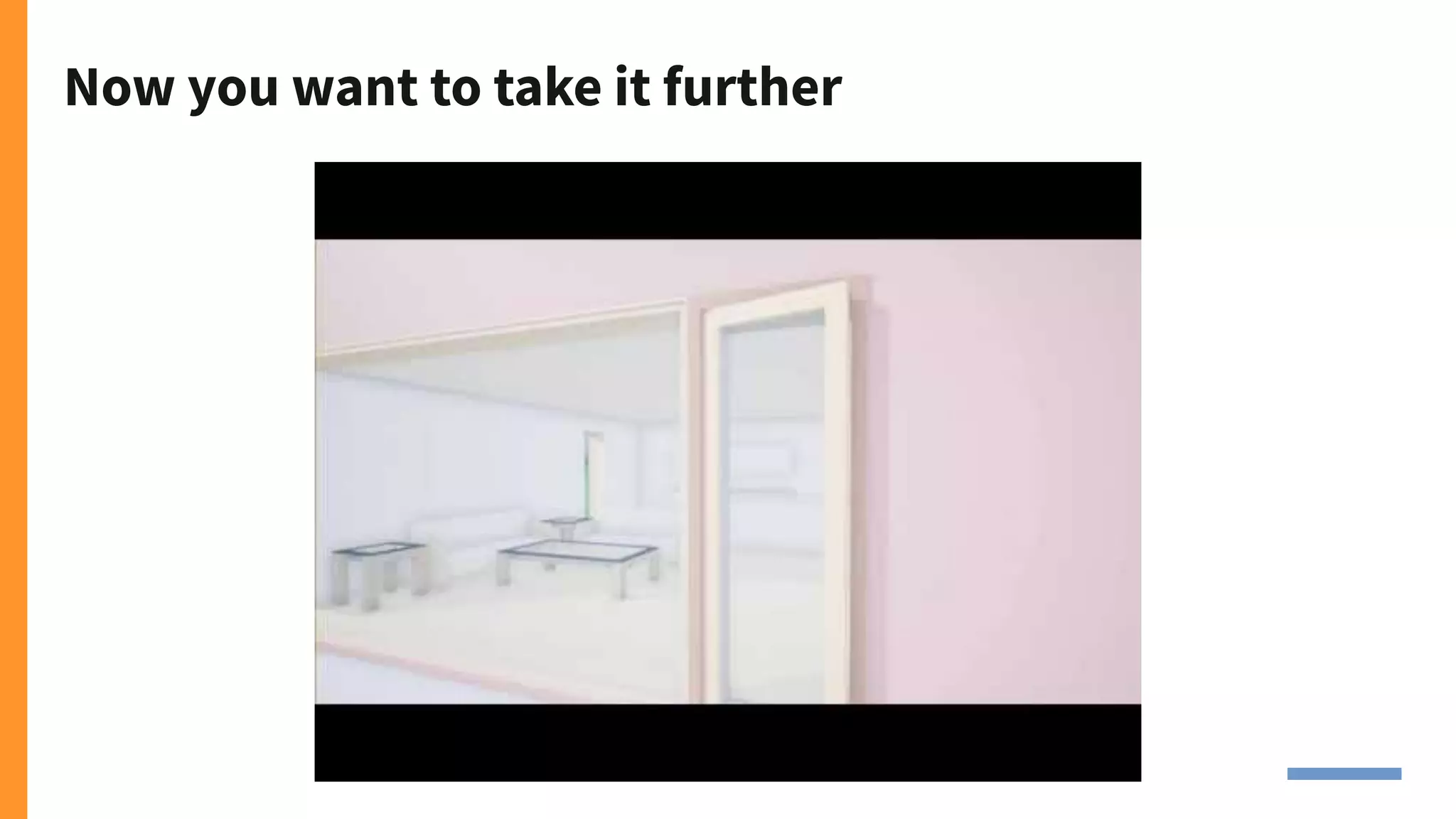
Now you want to take it further
Demo 2. HOK floor plan
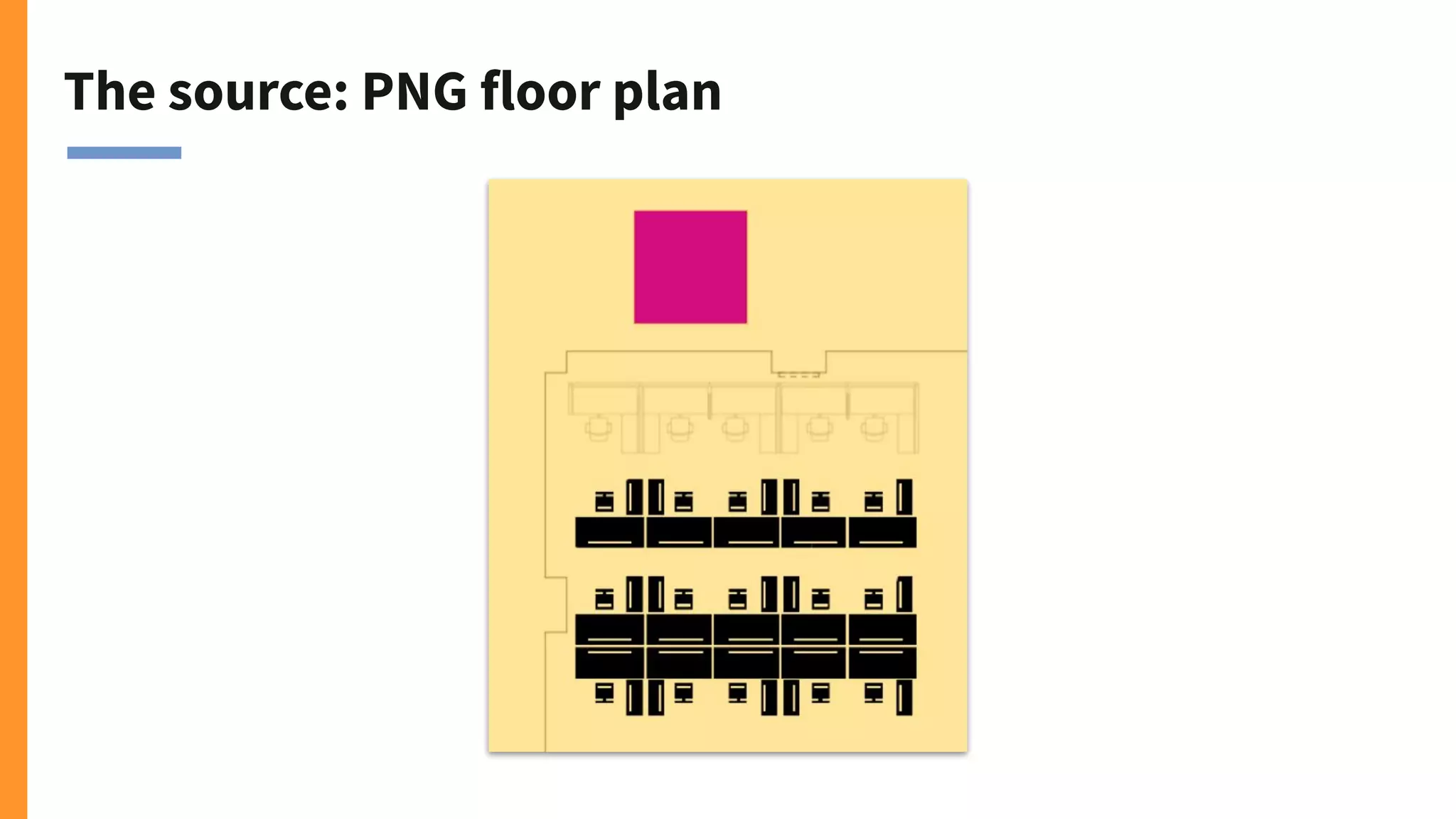
The source: PNG floor plan
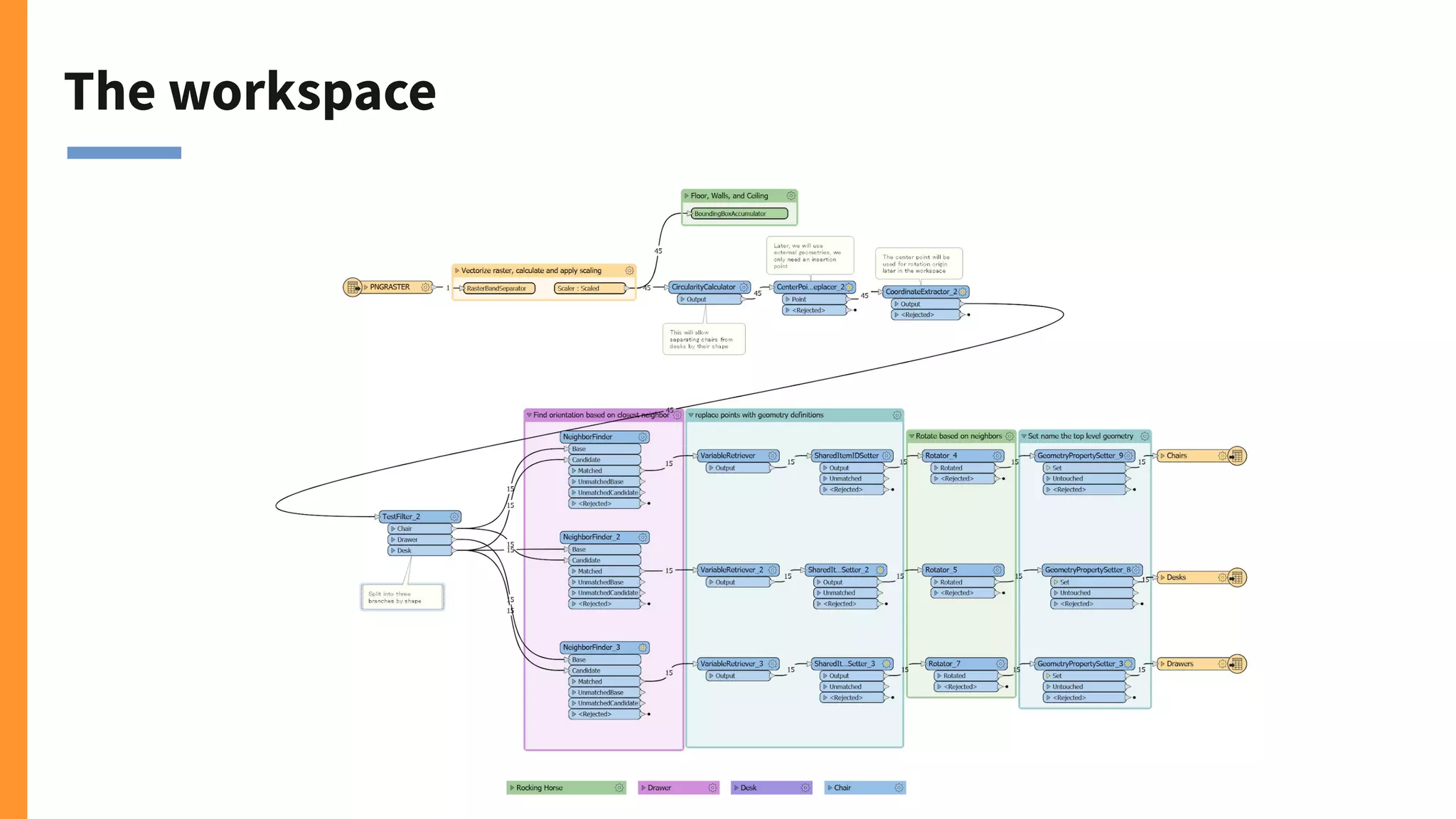
The workspace
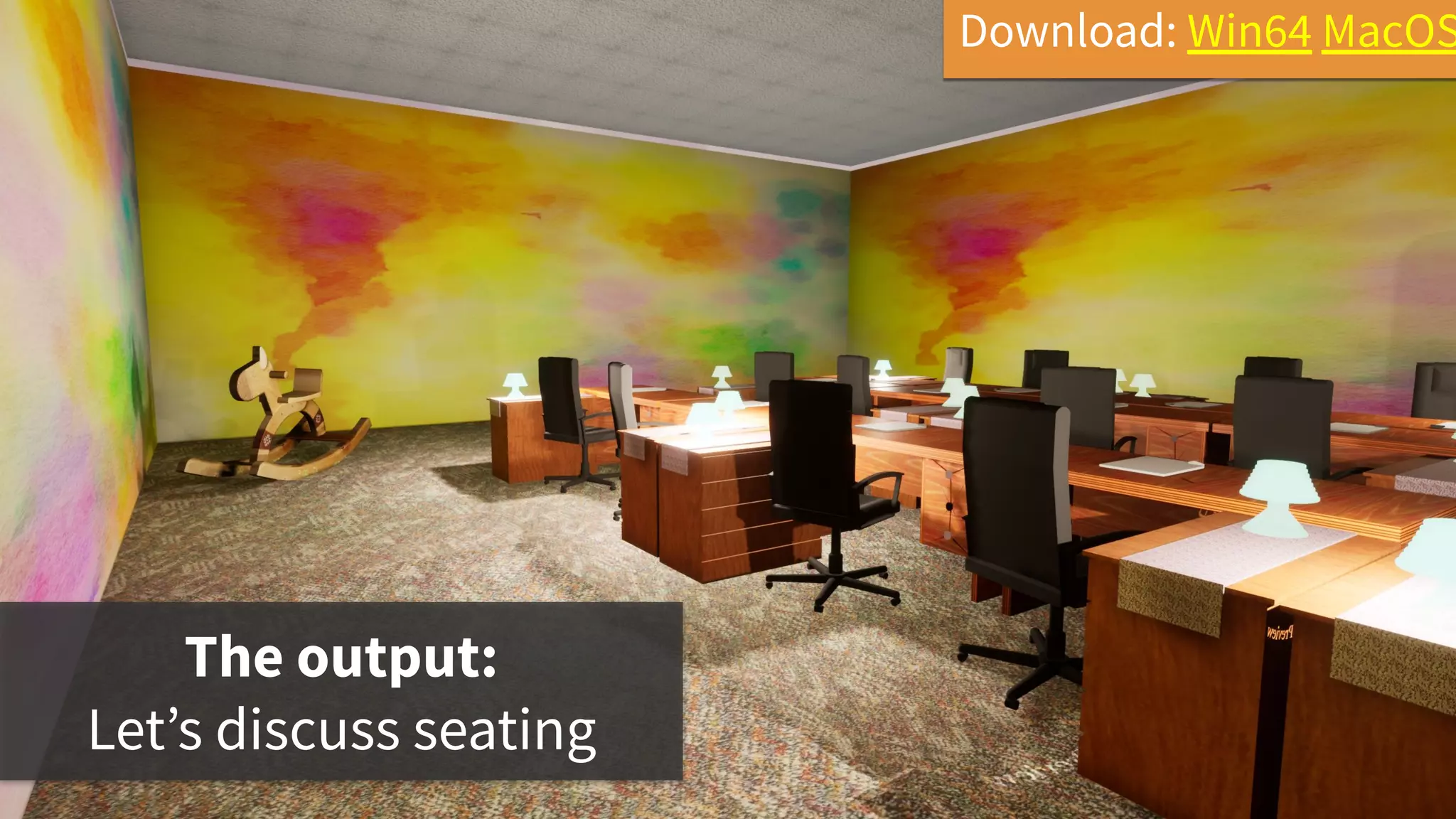
The output:
Let’s discuss seating
Download: Win64 MacOS
Key takeaways
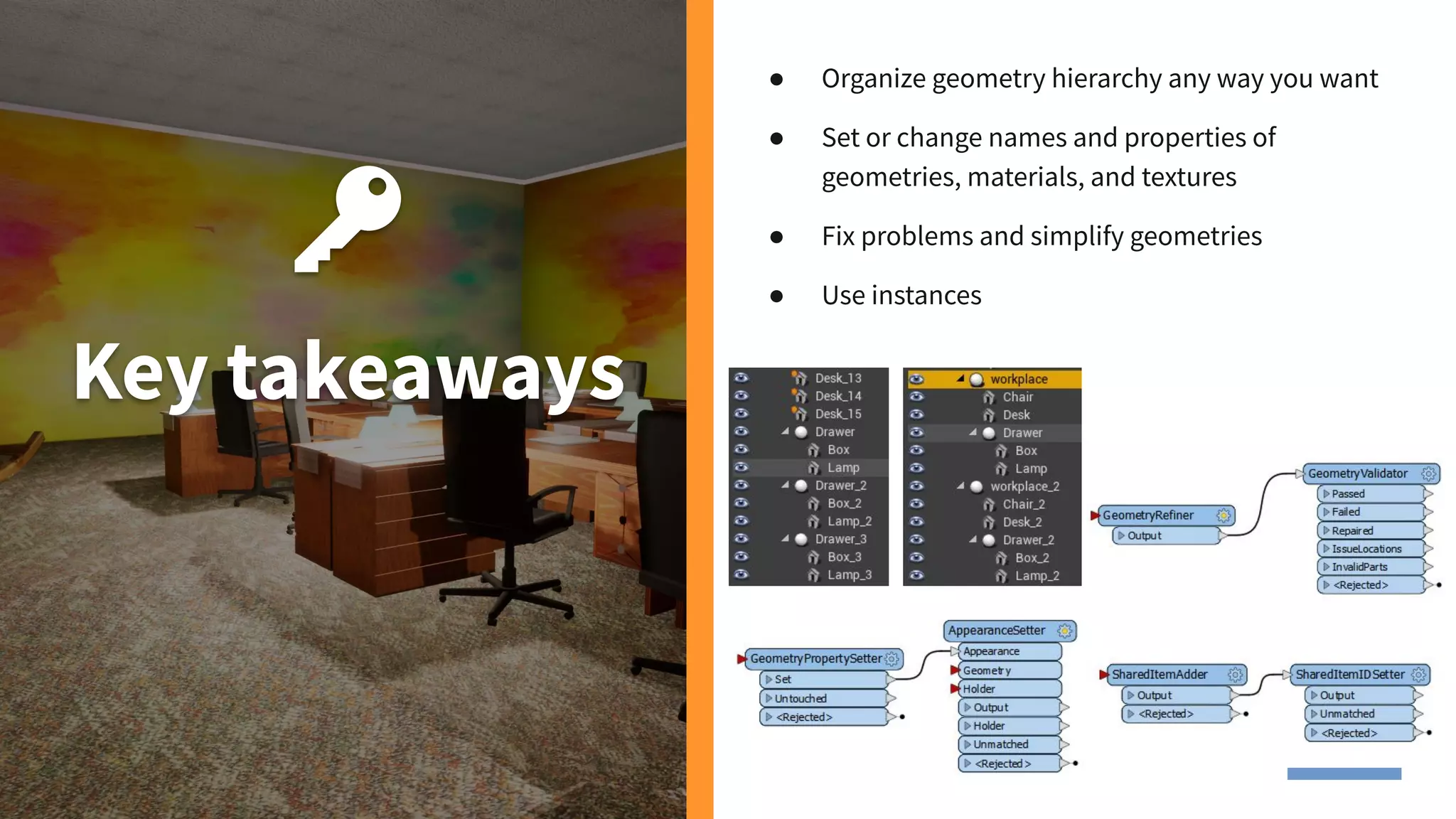
● Organize geometry hierarchy any way you want
● Set or change names and properties of
geometries, materials, and textures
● Fix problems and simplify geometries
● Use instances
Demo 3. Digital memorial
Amache project
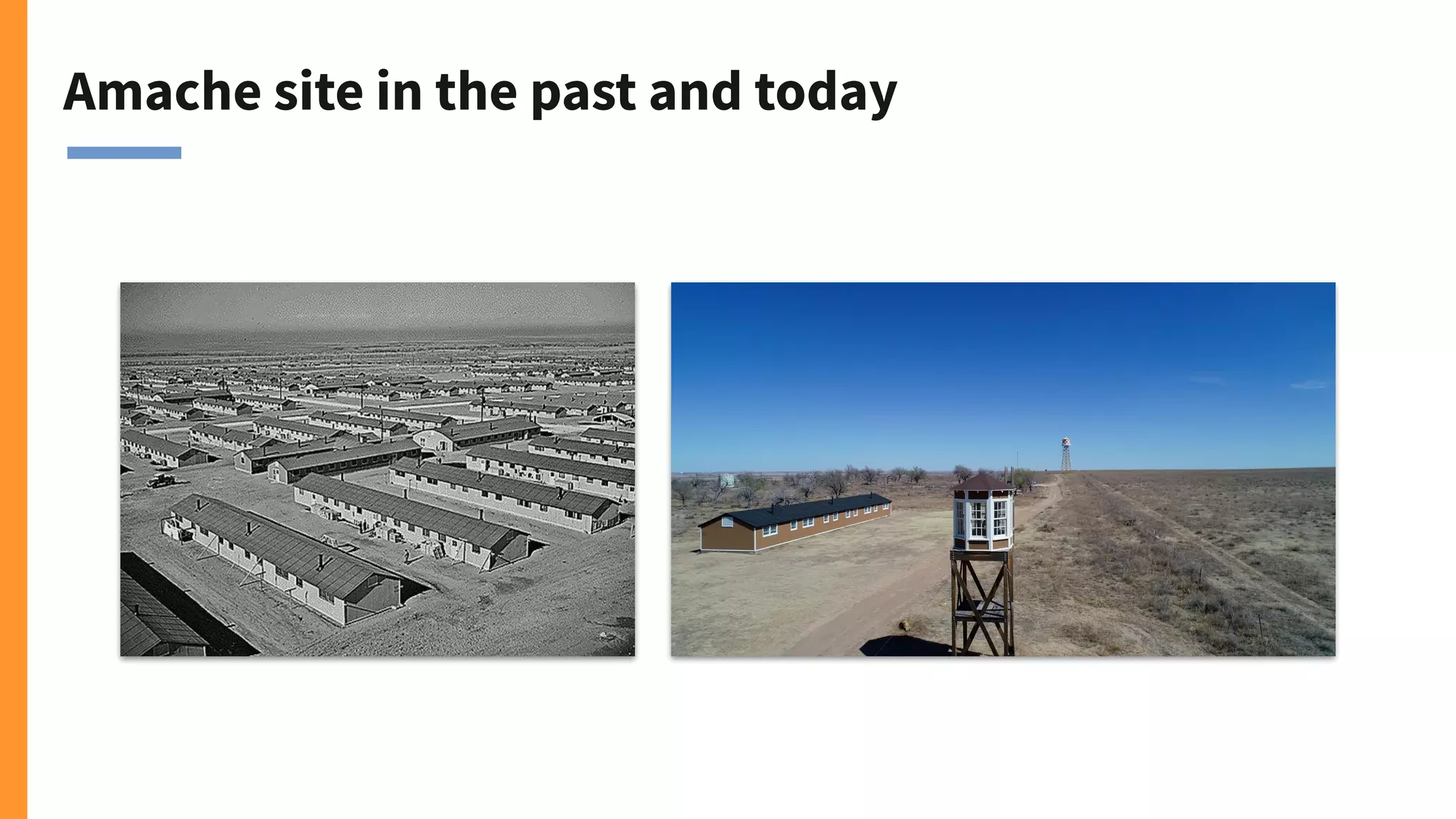
Amache site in the past and today
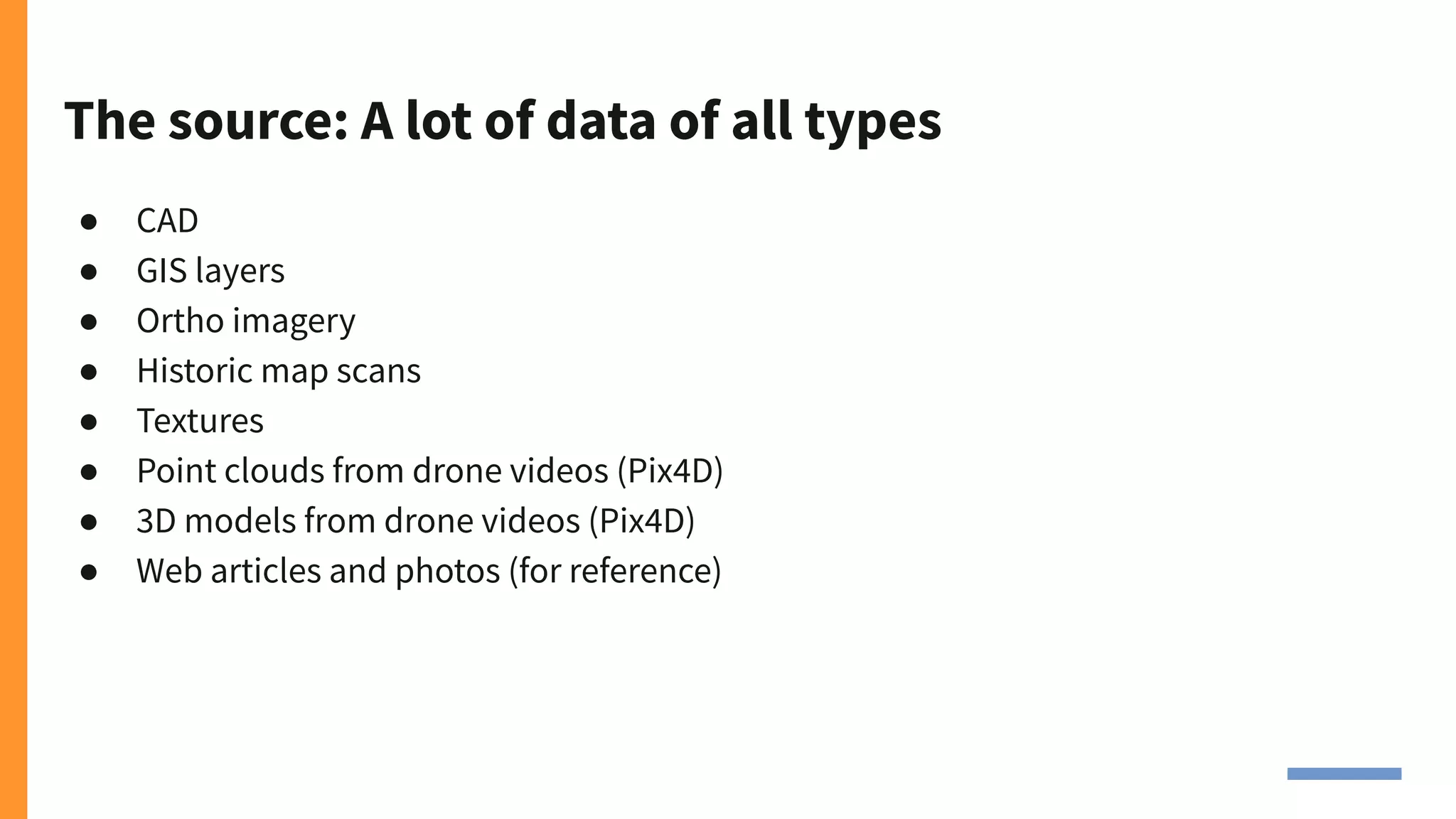
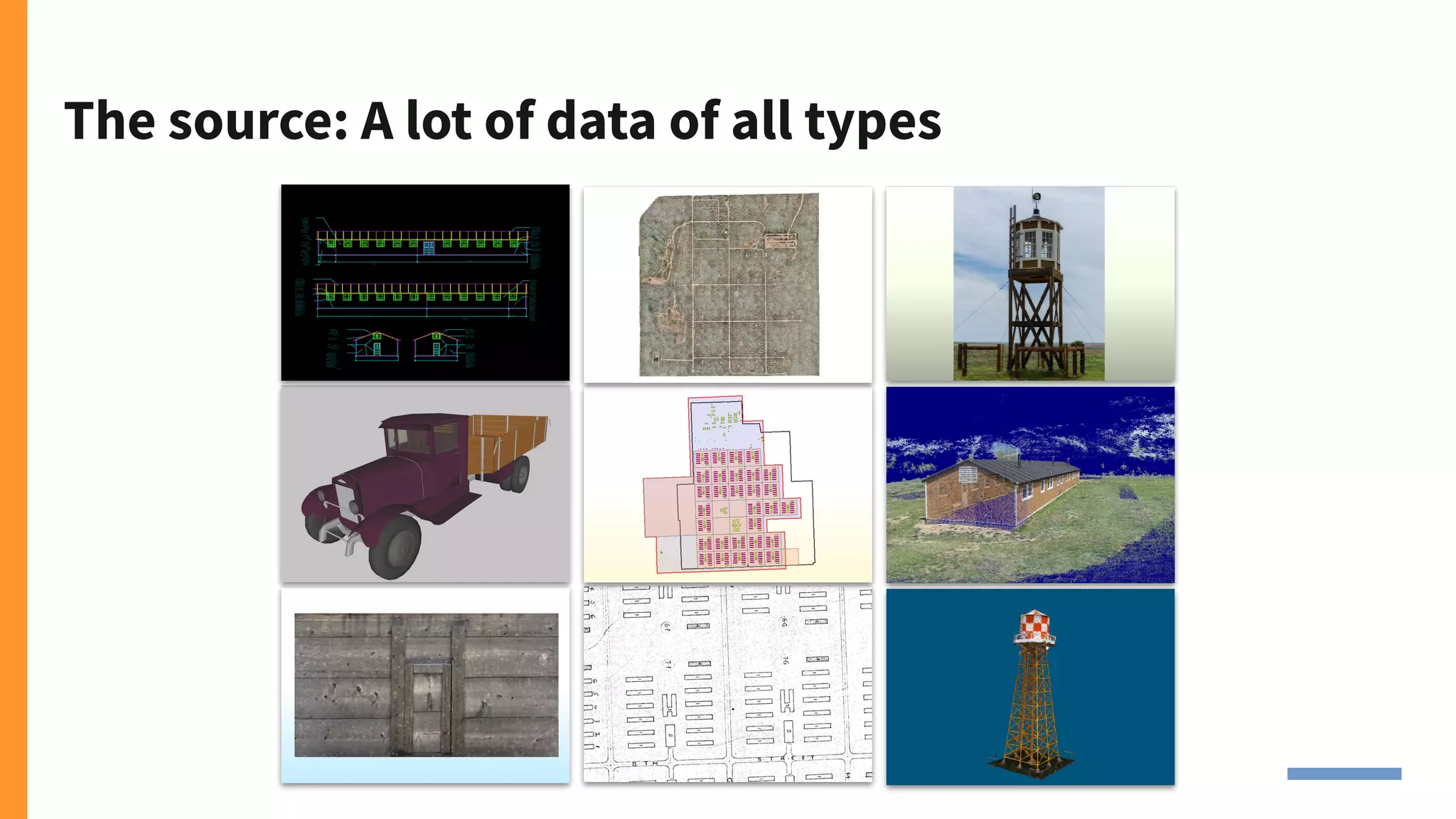
The source: A lot of data of all types
● CAD
● GIS layers
● Ortho imagery
● Historic map scans
● Textures
● Point clouds from drone videos (Pix4D)
● 3D models from drone videos (Pix4D)
● Web articles and photos (for reference)
The source: A lot of data of all types
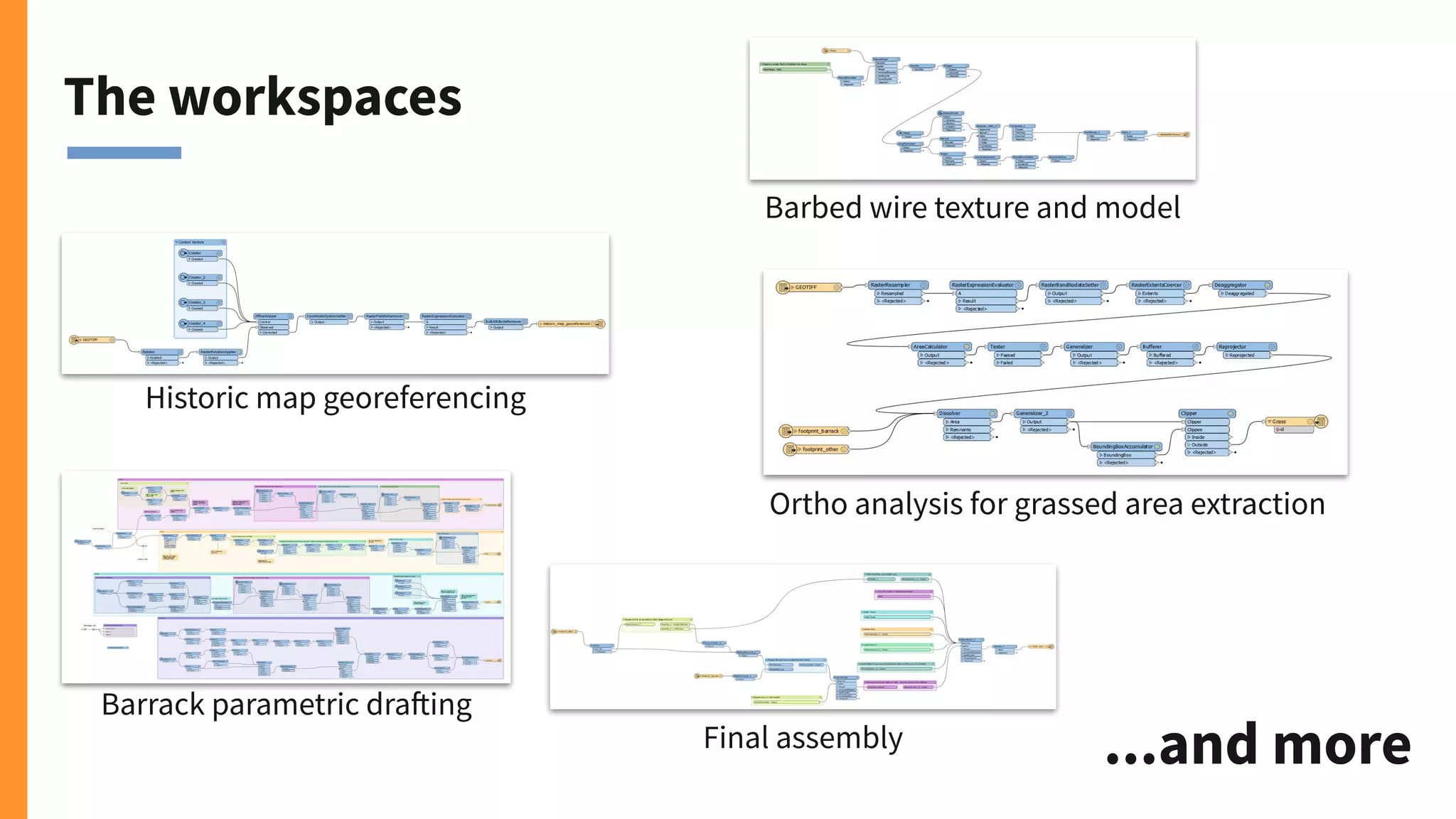
The workspaces
Barrack parametric drafting
Barbed wire texture and model
Ortho analysis for grassed area extraction
Final assembly
Historic map georeferencing
...and more
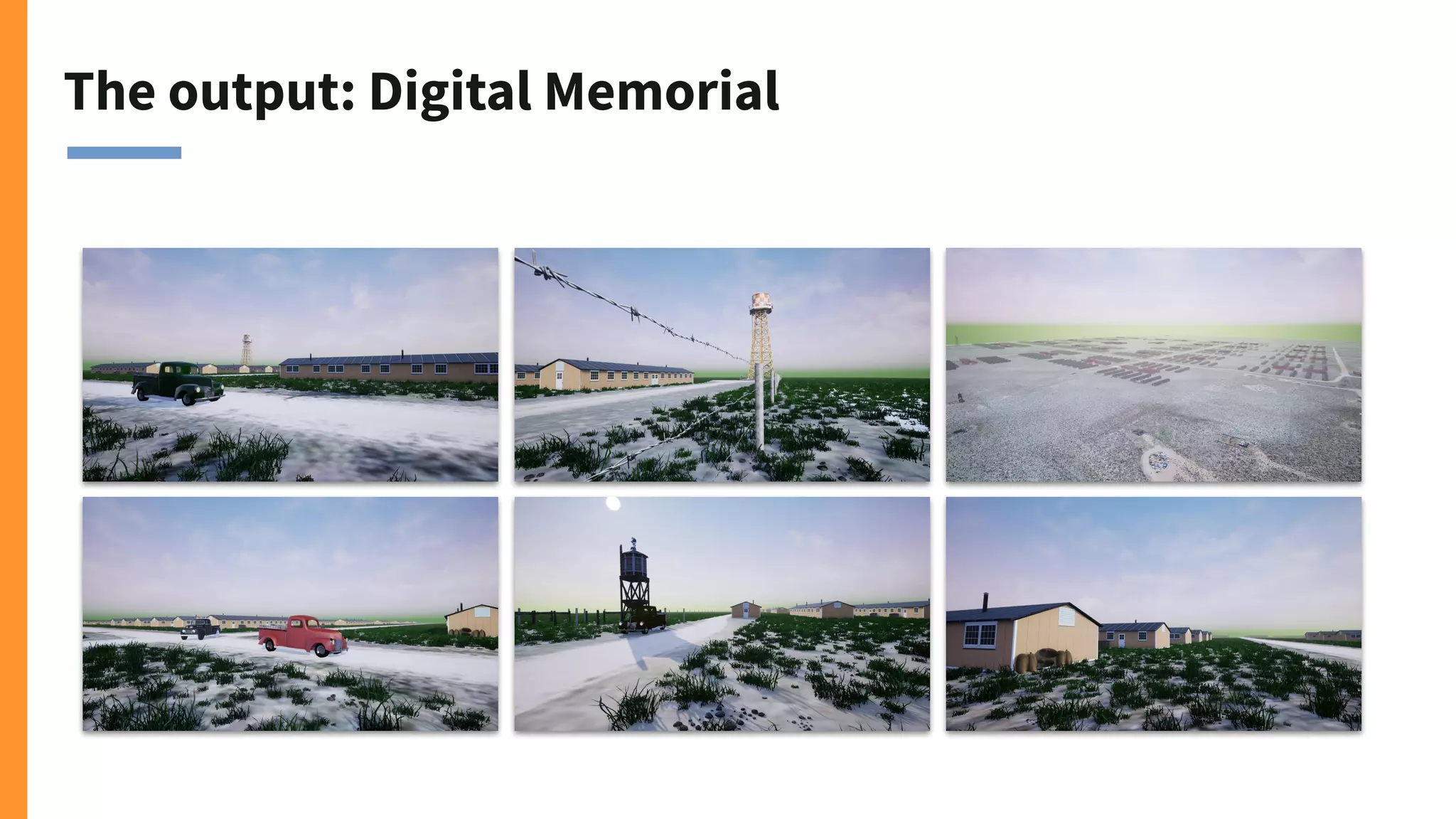
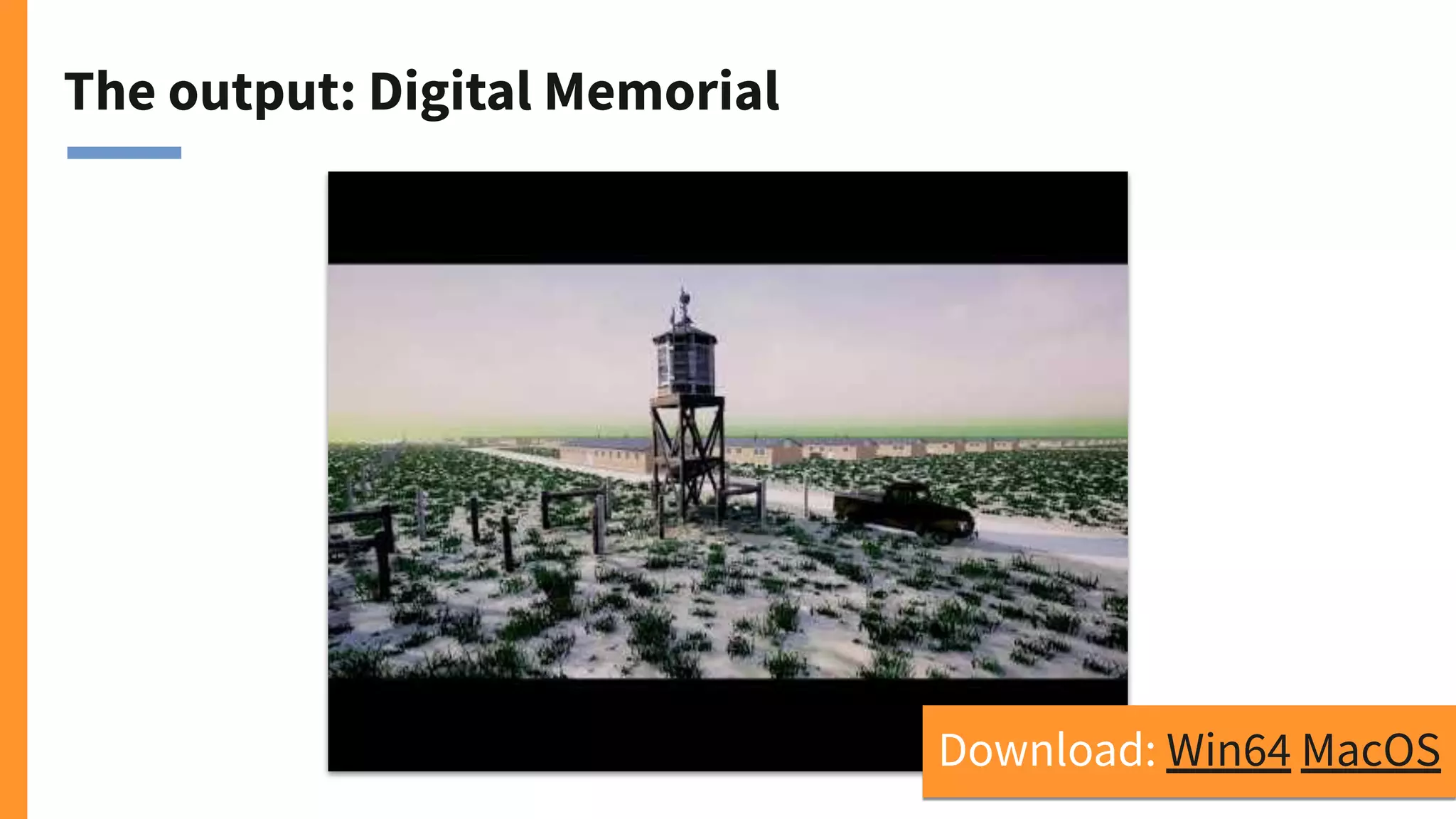
The output: Digital Memorial
Download: Win64 MacOS
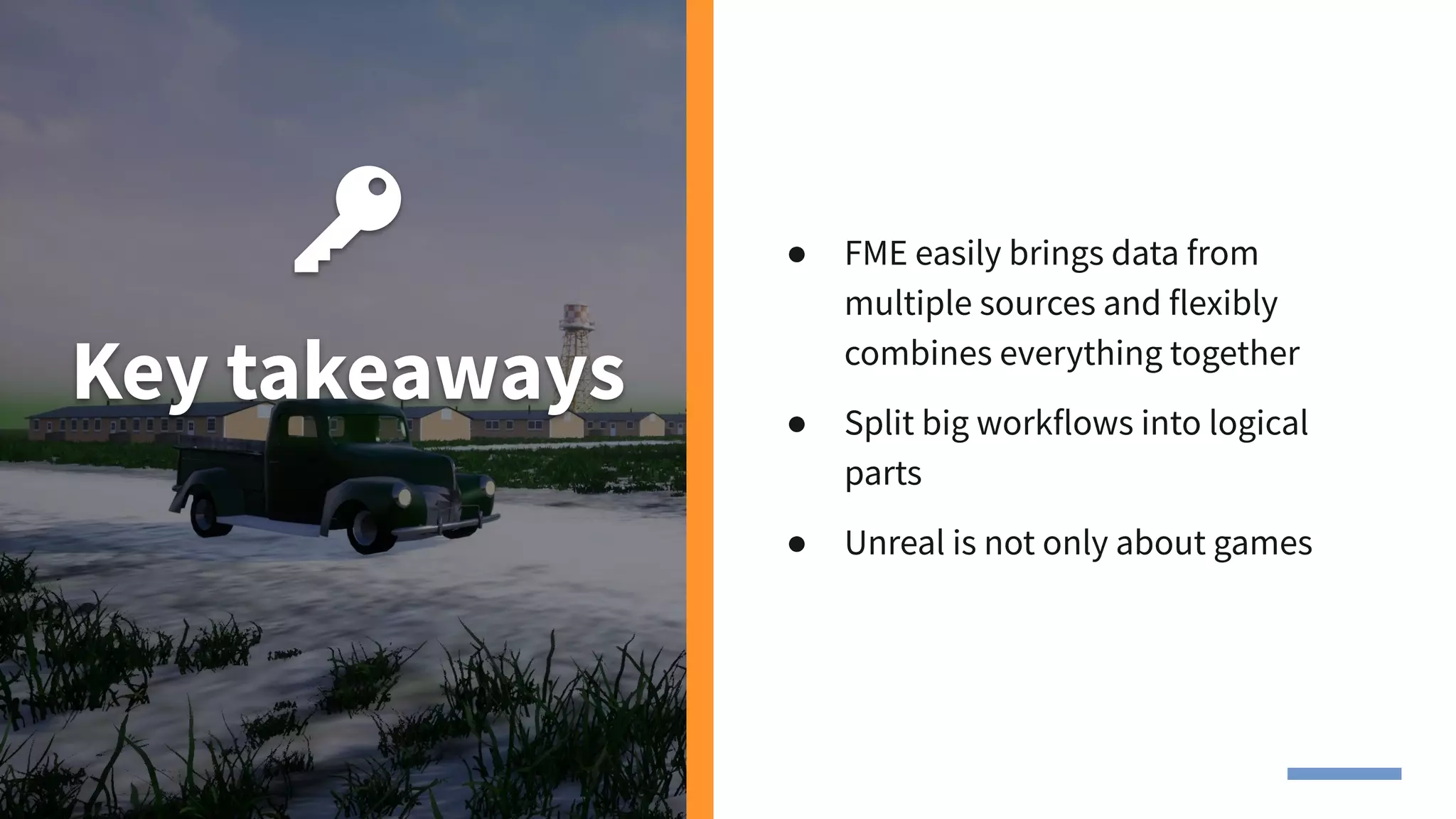
Key takeaways
● FME easily brings data from
multiple sources and flexibly
combines everything together
● Split big workflows into logical
parts
● Unreal is not only about games
Over to Epic Games
Summary
By using FME to integrate data and
Unreal to build a game, we were able to
explore any data in an immersive
game environment.
1. We walked through a Revit
architectural model in Unreal.
2. We converted a PNG floor plan to
an immersive environment.
3. We integrated a lot of data types to
create a digital version of a
memorial.
4. We explored 3D data models in a
real-time environment.
Share your
ideas!
What would you do with Unreal?
What kind of data and for what
industry?
Your biggest challenges?
Thank you!
And a special thanks to Craig Barr of Epic Games!
Get a free trial of FME or talk to
us on live chat at safe.com

Your Data in Unreal: How to bring your data into real-time environments

  • 1.
    Your Data inUnreal: How to bring your data into real-time environments
  • 2.
    Goals Learn how tobring your data into Unreal Engine so anyone can experience it in a real-time environment. ● Use FME to integrate BIM, CAD, GIS, point cloud, rasters, and more. ● Use Unreal to render, share, and explore the data.
  • 3.
    Tiana Warner Content MarketingSpecialist Safe Software Dmitri Bagh Scenario Creation Analyst Safe Software Craig Barr Epic Games
  • 4.
    Connect Your DataSources Integrate and convert information across 400+ applications. Transform Your Data 450+ powerful transformers on safe.com/transformers | hub.safe.com Automate Your Workflows Build event-based workflows in a visual interface. What is FME?
  • 5.
    CONNECT CAD GIS FME release byyear NumberofsupportedformatsinFME 1995 10500100300 20192015201020052000 TABULAR DATABASE RASTER POINT CLOUD BIM 3D WEB XML CLOUD BIG DATA IOT BI AR / VR AI / ML INDOOR MAPPING GAMING
  • 6.
    Why Game Engines? Whenyou bring your data into Unreal, you’re enabling anyone to explore and interact with it as a character in a real-time environment.
  • 7.
    Game Environments forAny Industry ✓ Stakeholders can explore data models in rich detail. ✓ Better design communication and collaboration. ✓ Better quality control. ✓ Virtual site visits for buildings & environments. ✓ Easy sharing. More in our latest blog on safe.com/blog
  • 8.
    BTW... If you likeFME Workbench, you might like Unreal Blueprint!
  • 9.
    Let’s make agame. Right here. Right now. Demo 1: BIM to Unreal Engine
  • 10.
    The source: Revitmodel The source: https://www.nibs.org/page/bsa_common bimfiles
  • 11.
  • 12.
    The output: FME Lizard’shome Download: Win64 MacOS
  • 13.
    Key takeaways ● MakingUnreal games can be easy ● Minimal amount of transformers for a quick prototype (but not the best!) ● Make sure you use meshes
  • 14.
    Now you wantto take it further
  • 15.
    Demo 2. HOKfloor plan
  • 16.
    The source: PNGfloor plan
  • 17.
  • 18.
    The output: Let’s discussseating Download: Win64 MacOS
  • 19.
    Key takeaways ● Organizegeometry hierarchy any way you want ● Set or change names and properties of geometries, materials, and textures ● Fix problems and simplify geometries ● Use instances
  • 20.
    Demo 3. Digitalmemorial Amache project
  • 22.
    Amache site inthe past and today
  • 23.
    The source: Alot of data of all types ● CAD ● GIS layers ● Ortho imagery ● Historic map scans ● Textures ● Point clouds from drone videos (Pix4D) ● 3D models from drone videos (Pix4D) ● Web articles and photos (for reference)
  • 24.
    The source: Alot of data of all types
  • 25.
    The workspaces Barrack parametricdrafting Barbed wire texture and model Ortho analysis for grassed area extraction Final assembly Historic map georeferencing ...and more
  • 26.
  • 27.
    The output: DigitalMemorial Download: Win64 MacOS
  • 28.
    Key takeaways ● FMEeasily brings data from multiple sources and flexibly combines everything together ● Split big workflows into logical parts ● Unreal is not only about games
  • 29.
  • 30.
    Summary By using FMEto integrate data and Unreal to build a game, we were able to explore any data in an immersive game environment. 1. We walked through a Revit architectural model in Unreal. 2. We converted a PNG floor plan to an immersive environment. 3. We integrated a lot of data types to create a digital version of a memorial. 4. We explored 3D data models in a real-time environment.
  • 31.
    Share your ideas! What wouldyou do with Unreal? What kind of data and for what industry? Your biggest challenges?
  • 32.
    Thank you! And aspecial thanks to Craig Barr of Epic Games! Get a free trial of FME or talk to us on live chat at safe.com