how to build
Serverless
OBSERVABILITY
into a application
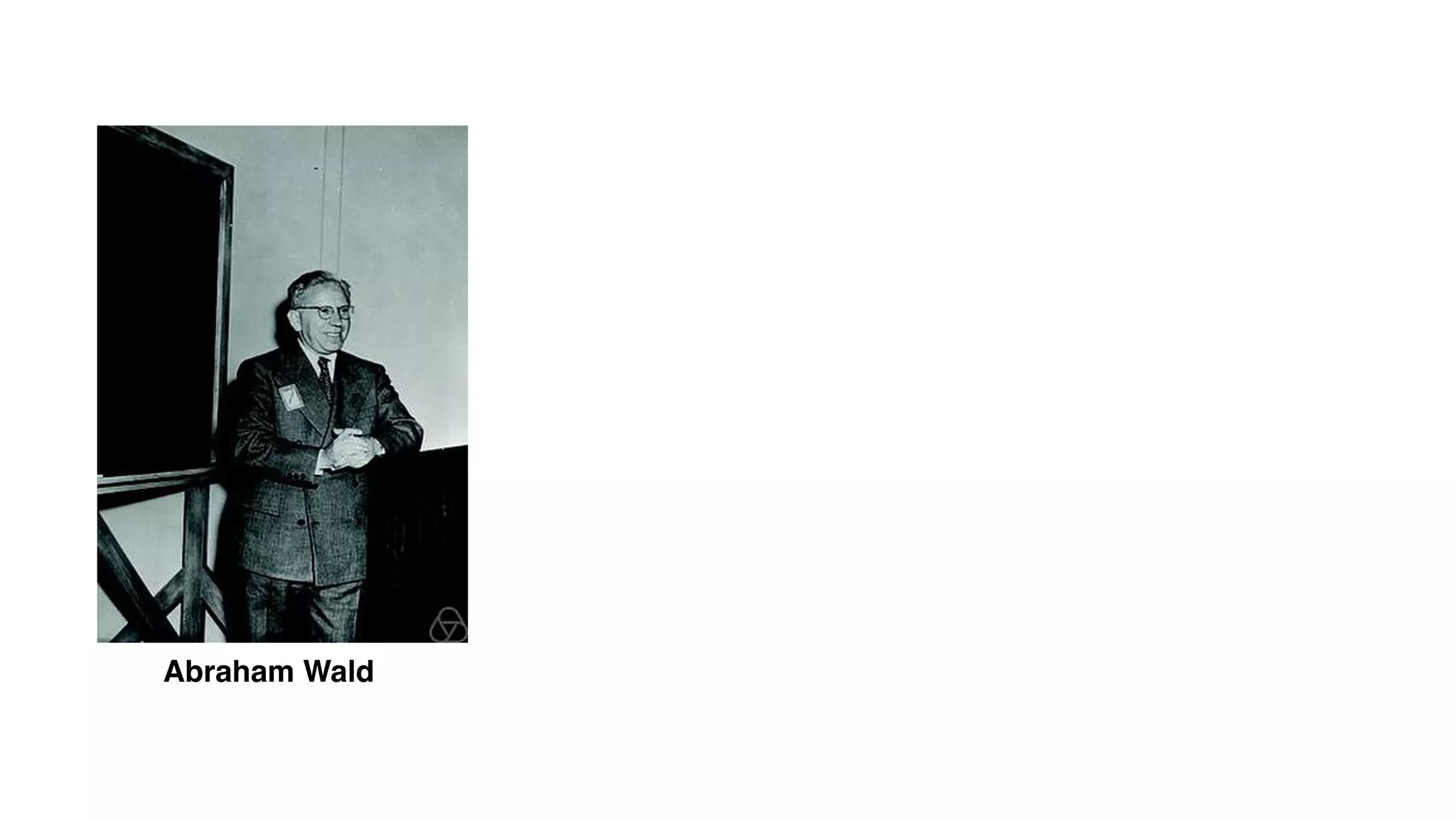
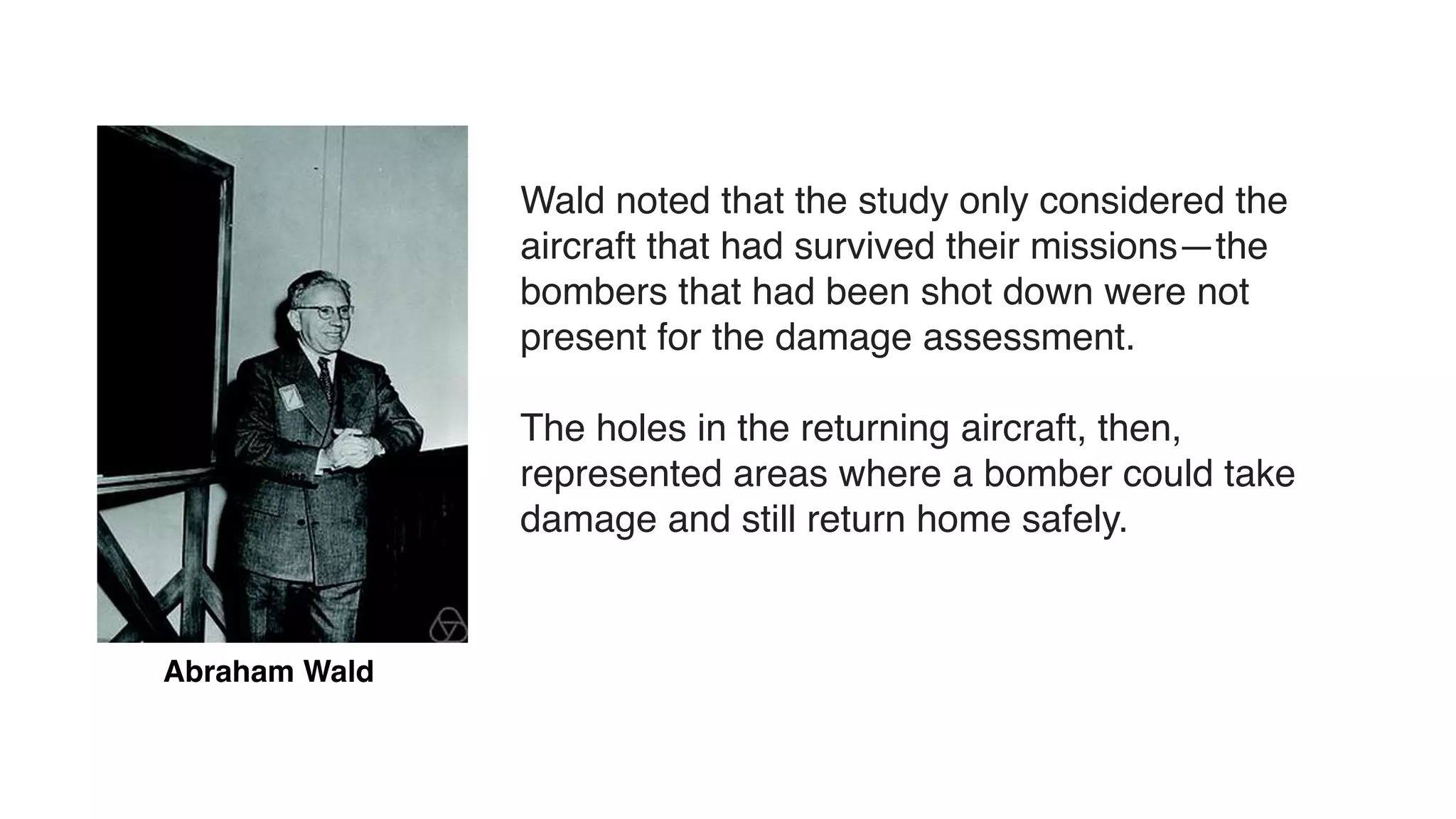
Abraham Wald
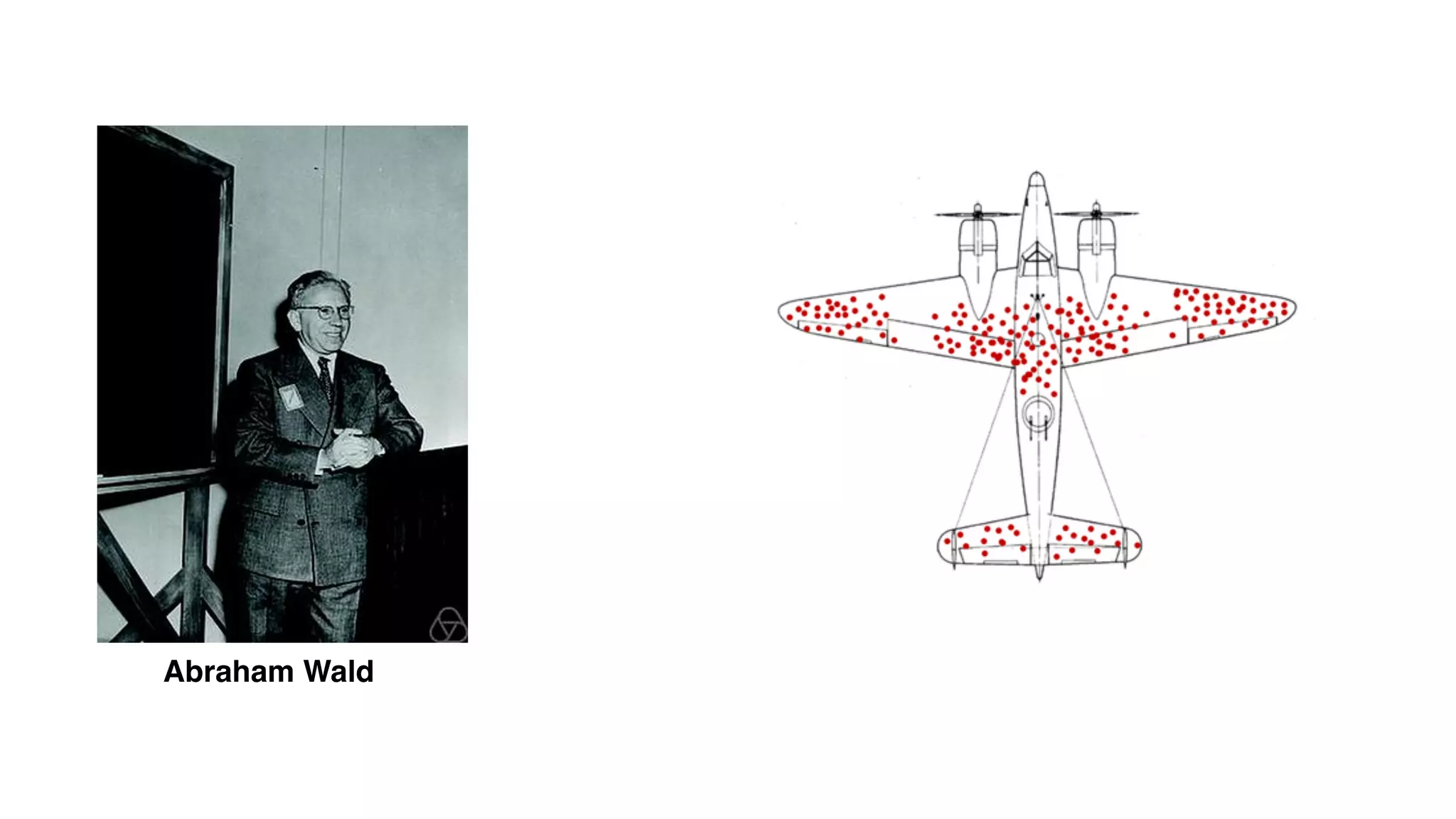
Abraham Wald
Abraham Wald
Abraham Wald
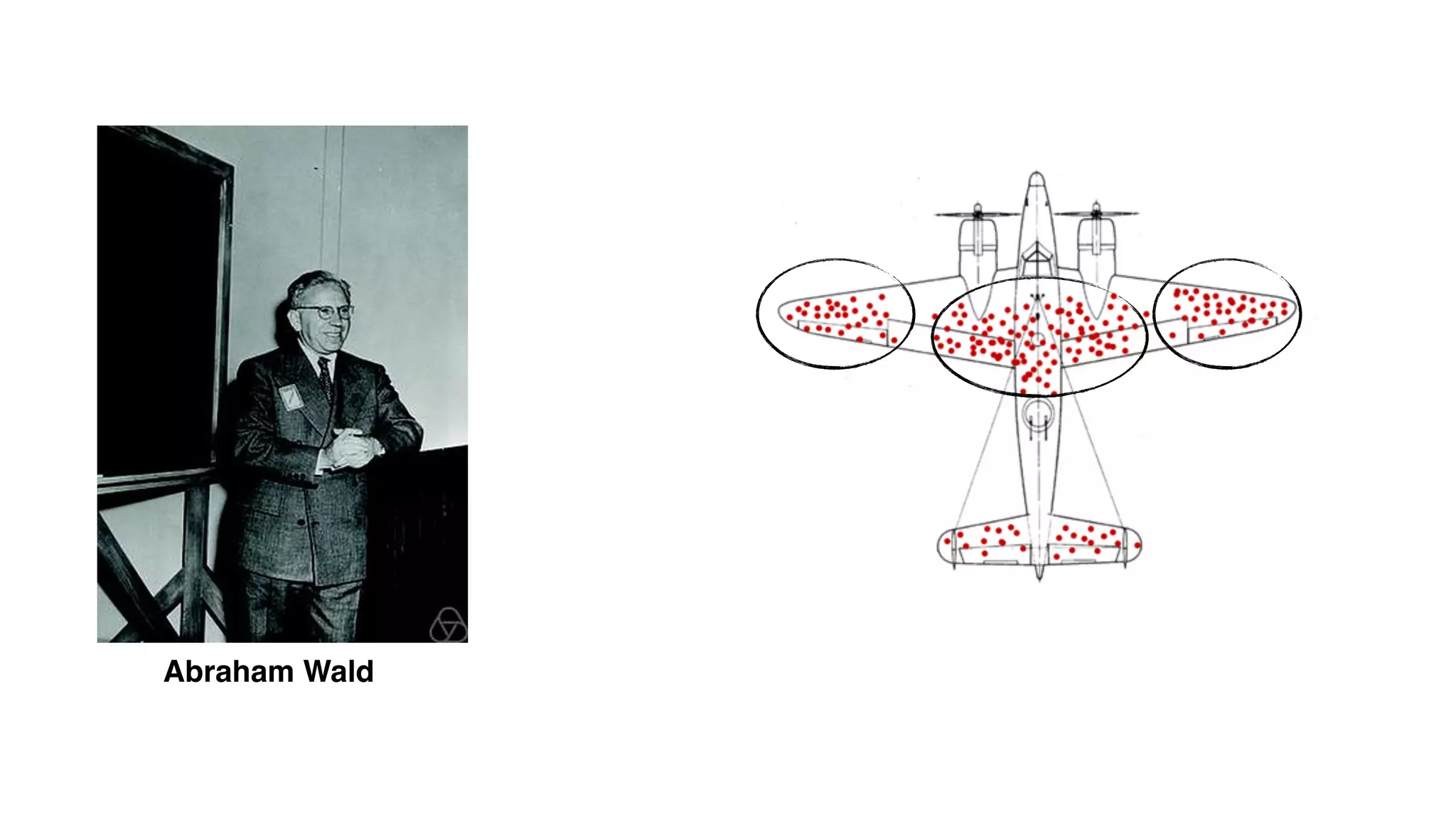
Wald noted that the study only considered the
aircraft that had survived their missions—the
bombers that had been shot down were not
present for the damage assessment.
The holes in the returning aircraft, then,
represented areas where a bomber could take
damage and still return home safely.
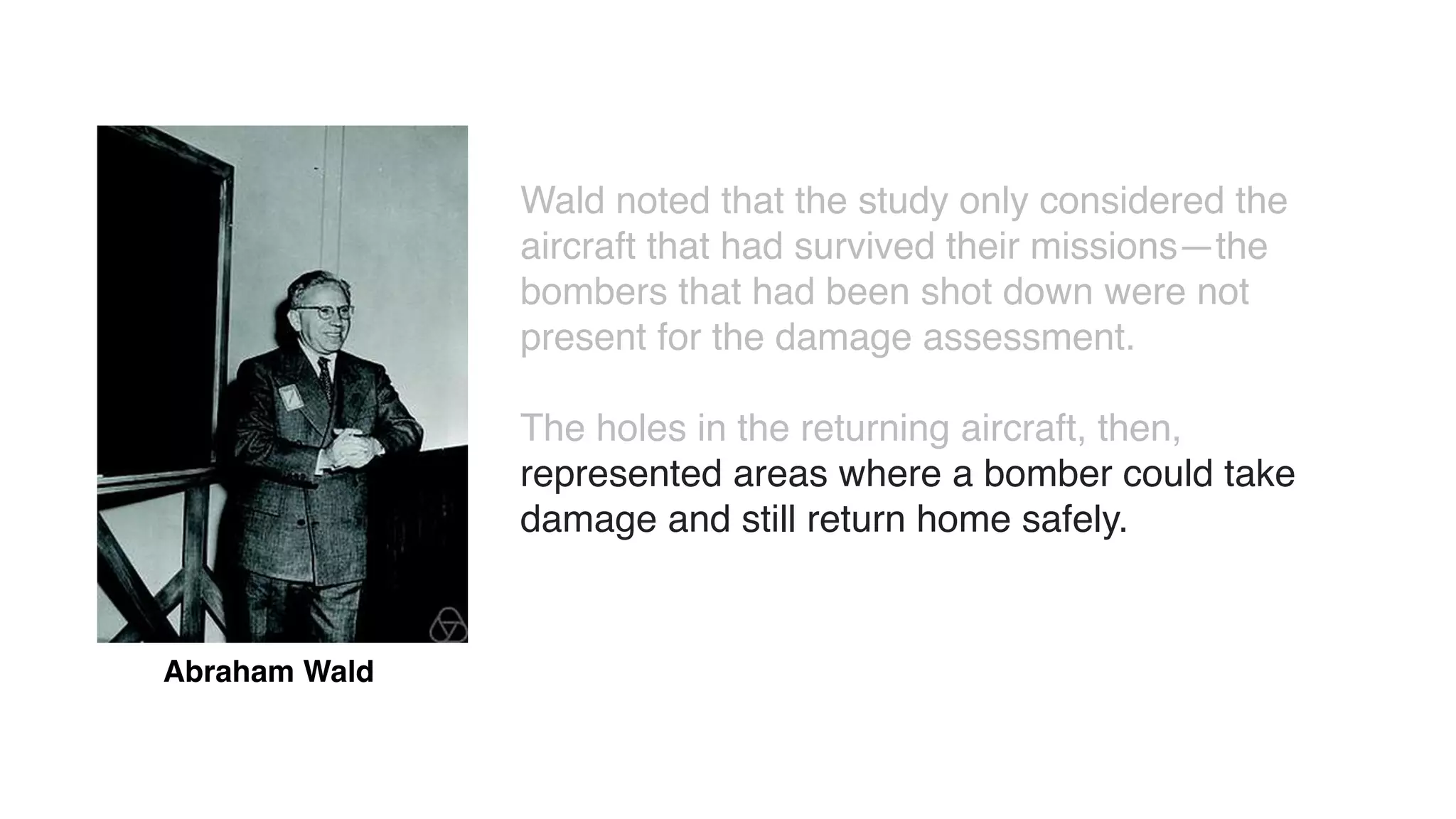
Abraham Wald
Wald noted that the study only considered the
aircraft that had survived their missions—the
bombers that had been shot down were not
present for the damage assessment.
The holes in the returning aircraft, then,
represented areas where a bomber could take
damage and still return home safely.
survivor bias in monitoring
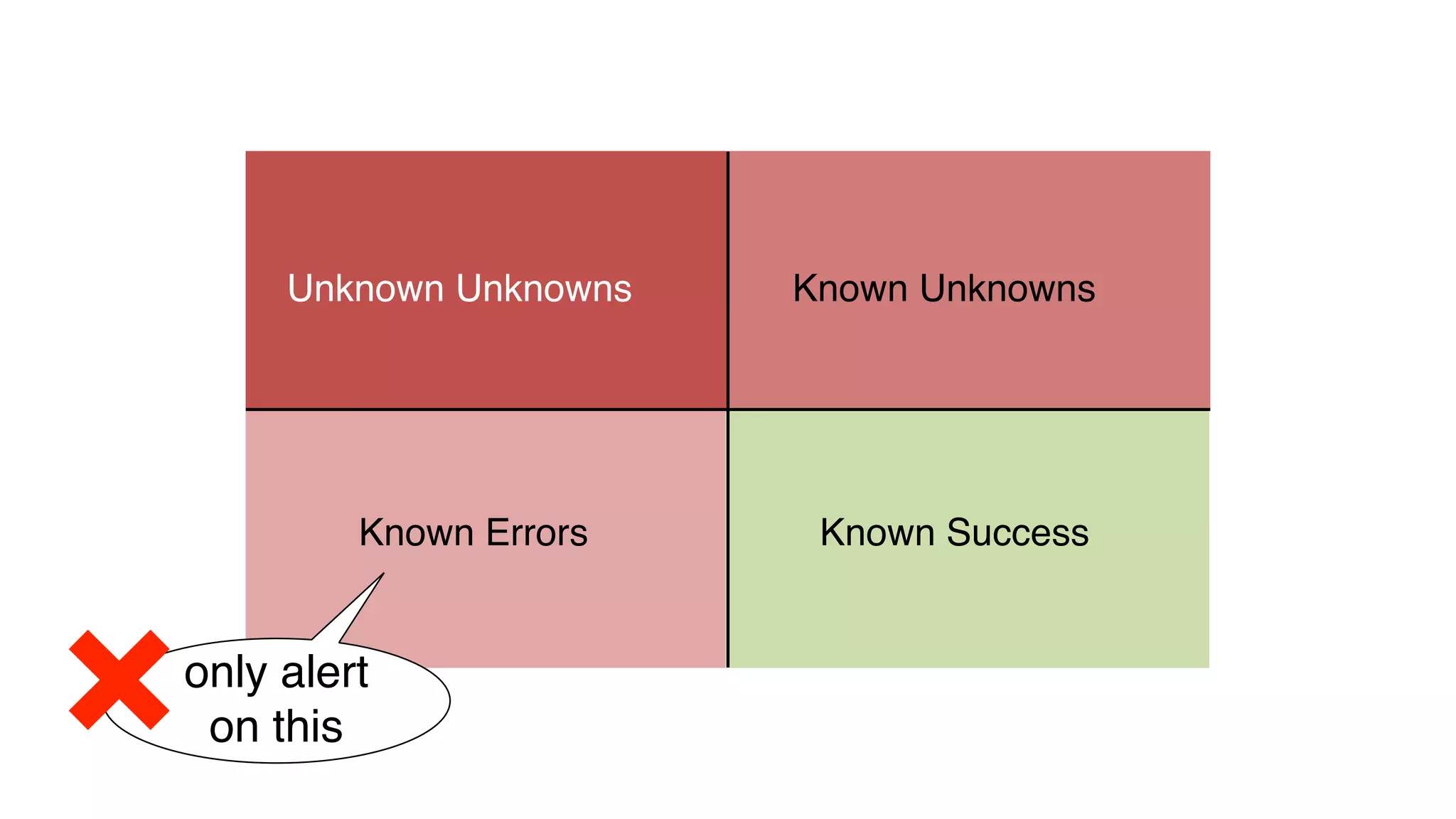
Only focus on failure modes that we were able to successfully identify
through investigation and postmortem in the past.
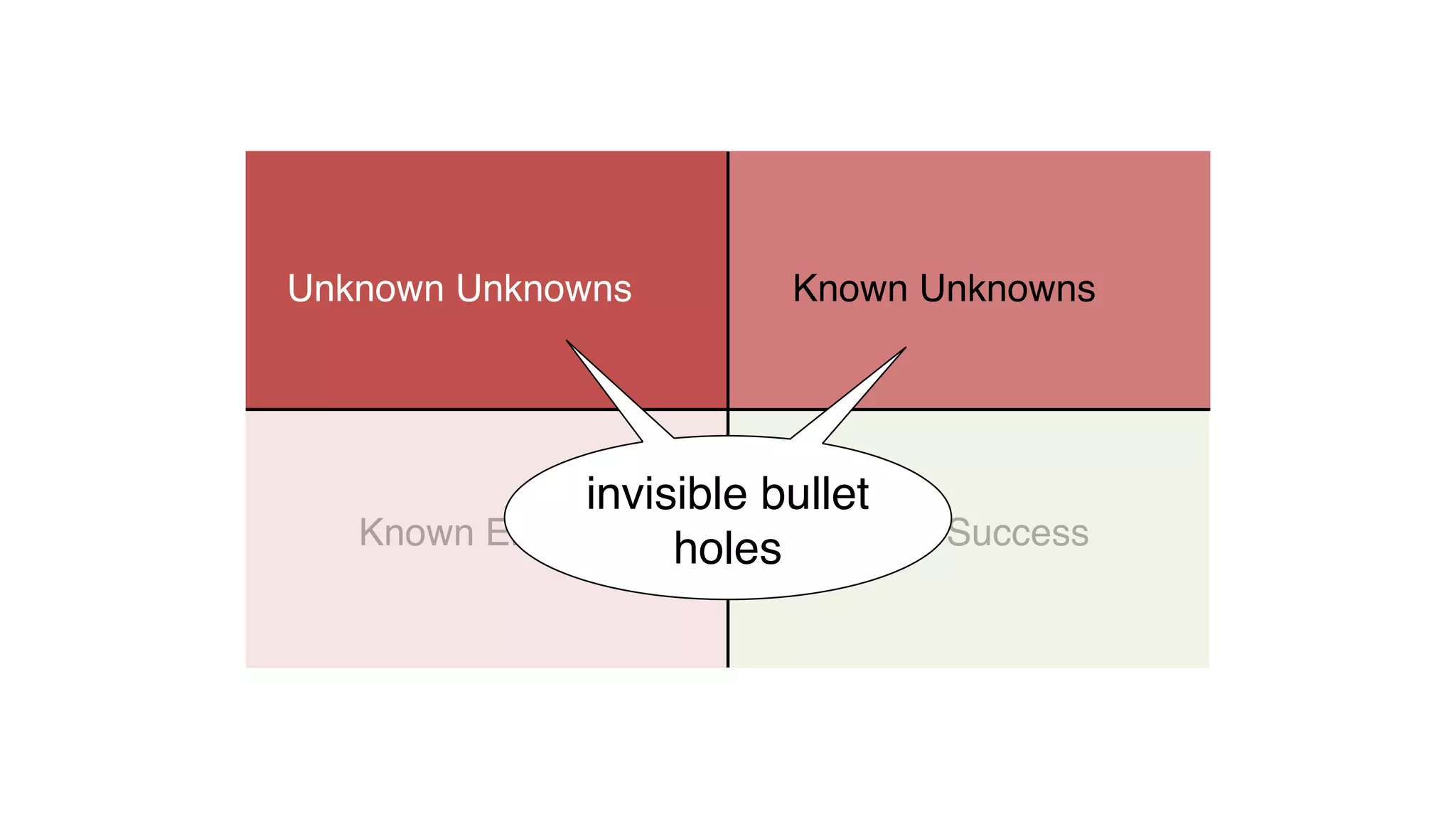
The bullet holes that shot us down and we couldn’t identify stay
invisible, and will continue to shoot us down.
What do I mean by “observability”?
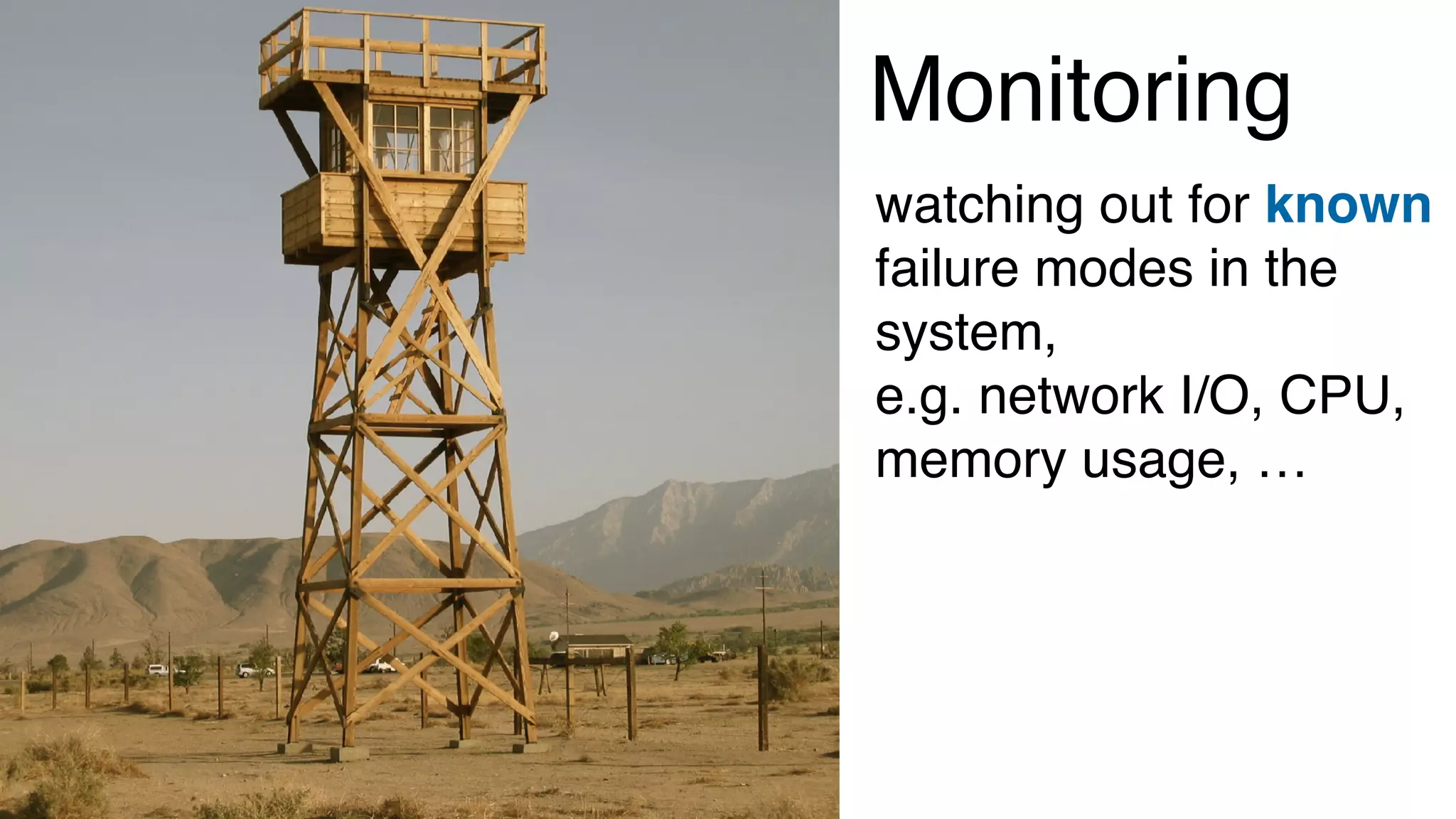
Monitoring
watching out for known
failure modes in the
system,
e.g. network I/O, CPU,
memory usage, …
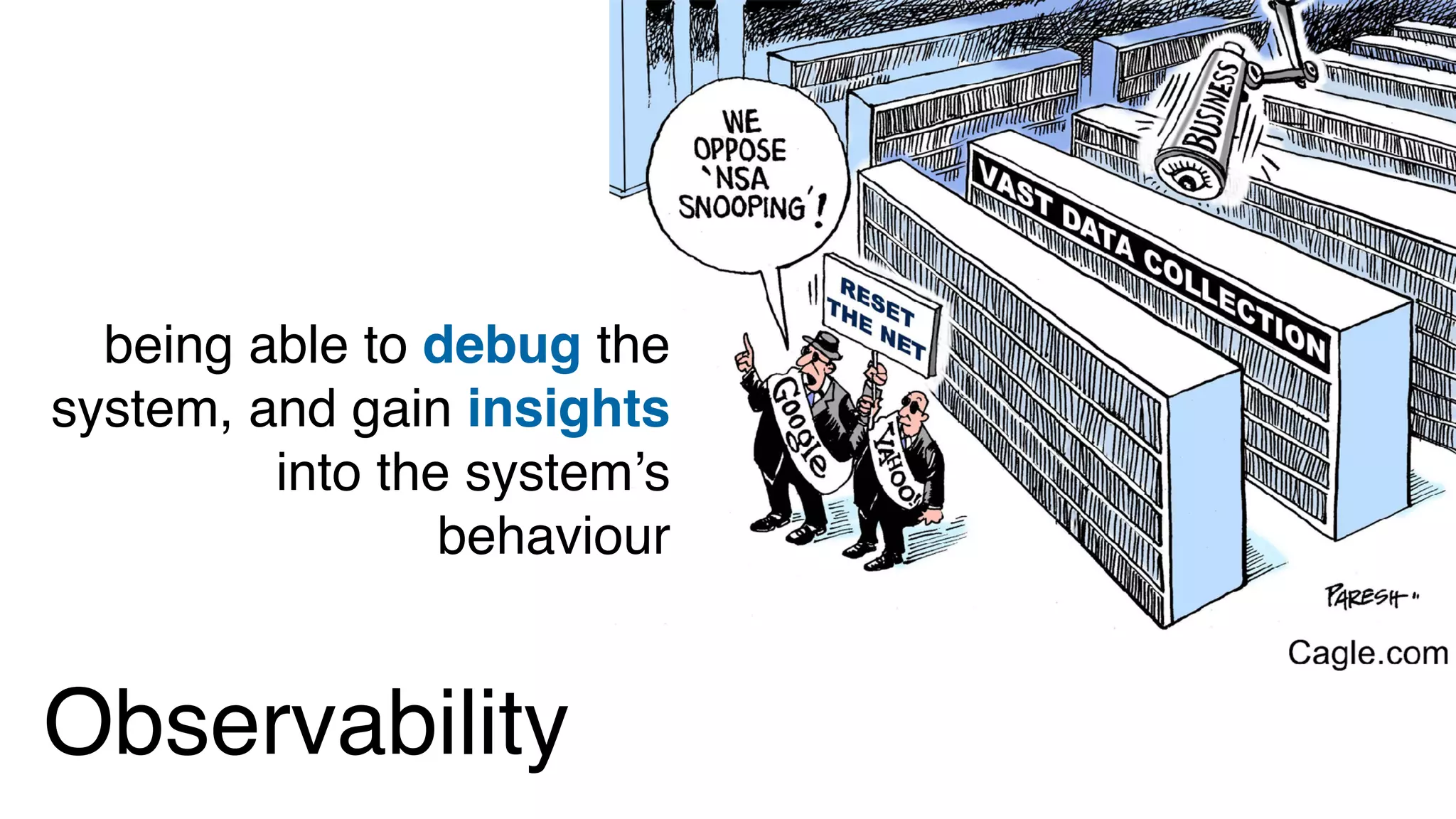
Observability
being able to debug the
system, and gain insights
into the system’s
behaviour
In control theory, observability is a measure of how well internal
states of a system can be inferred from knowledge of its
external outputs.
https://en.wikipedia.org/wiki/Observability
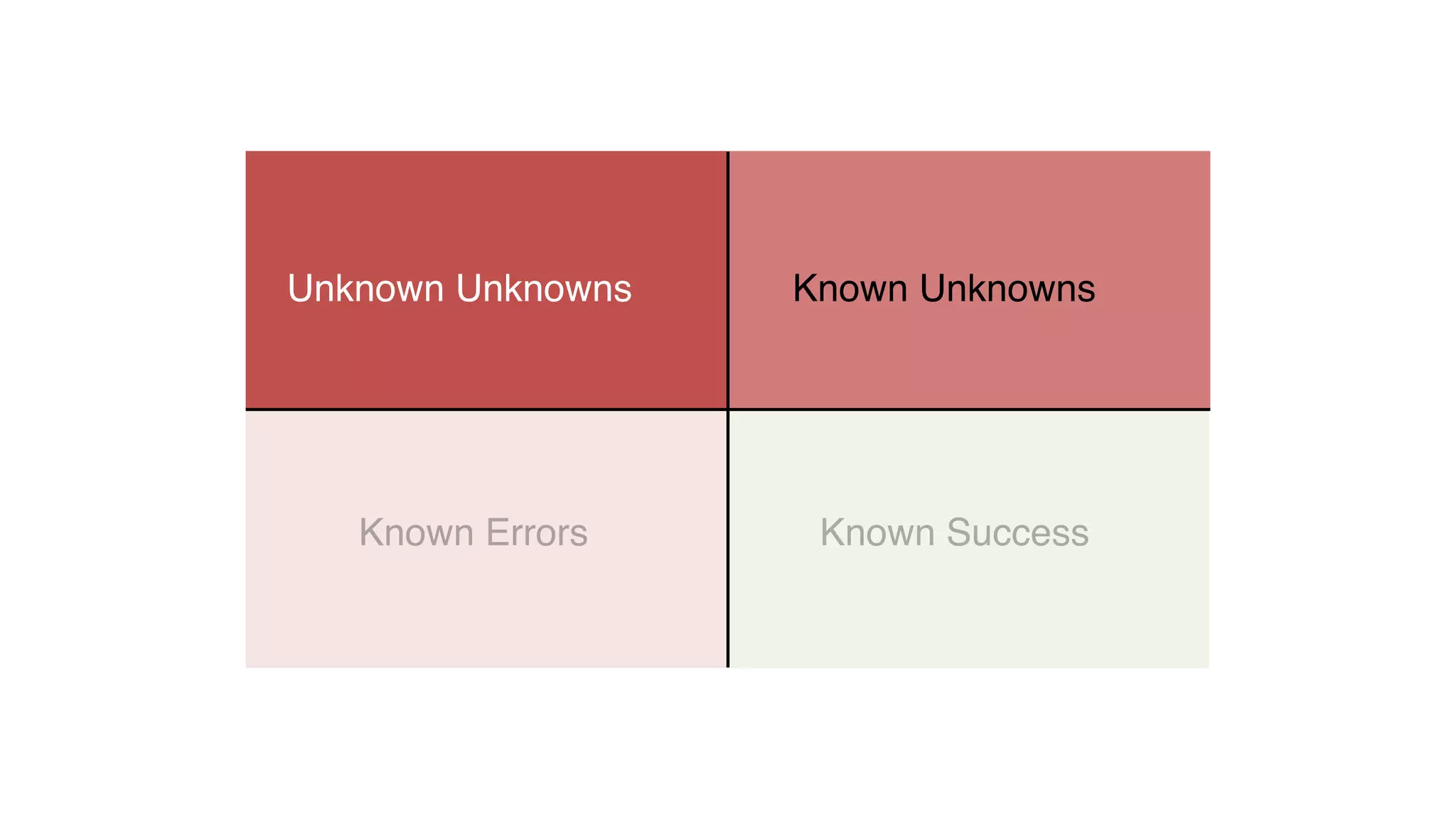
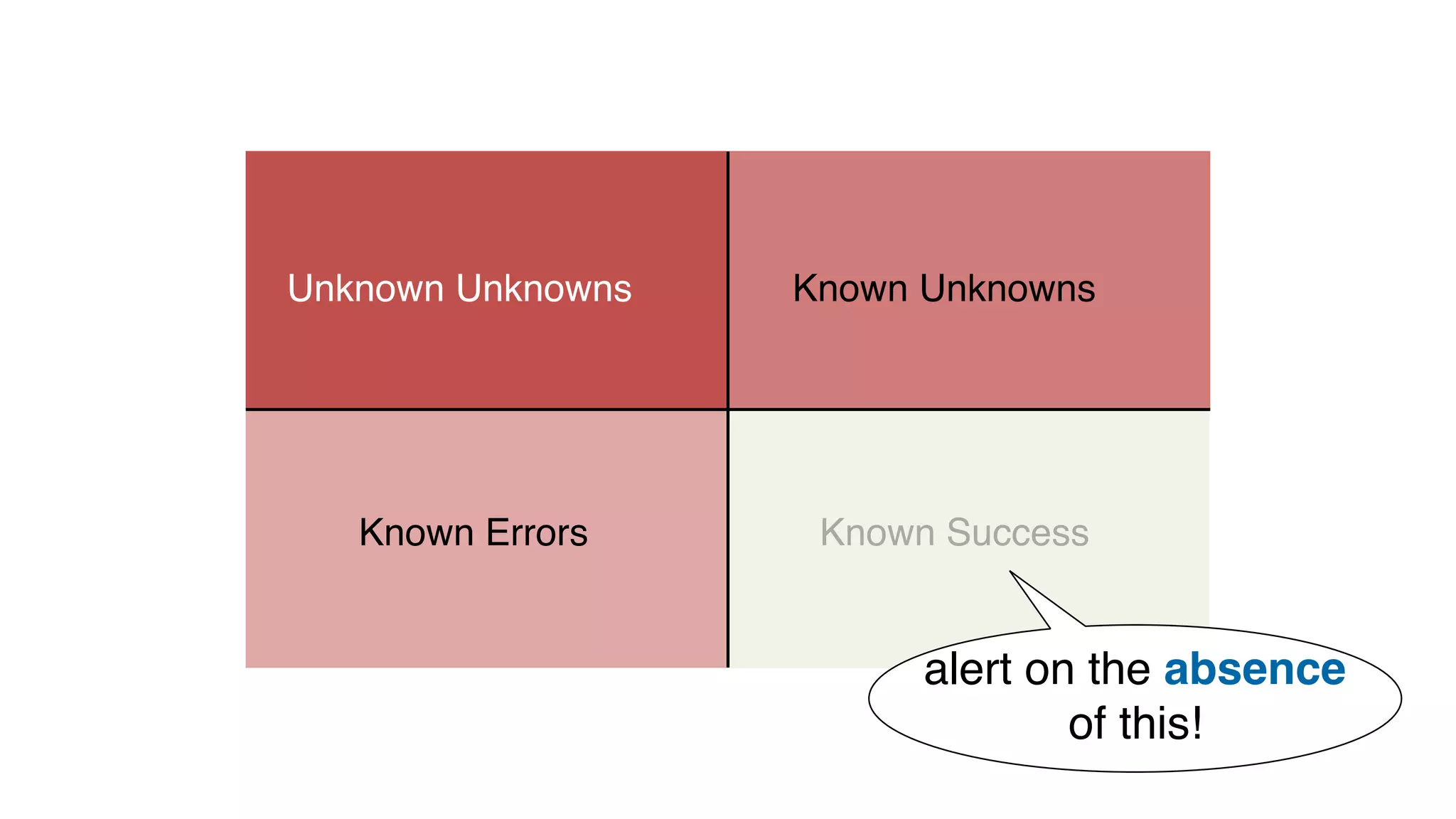
Known Success
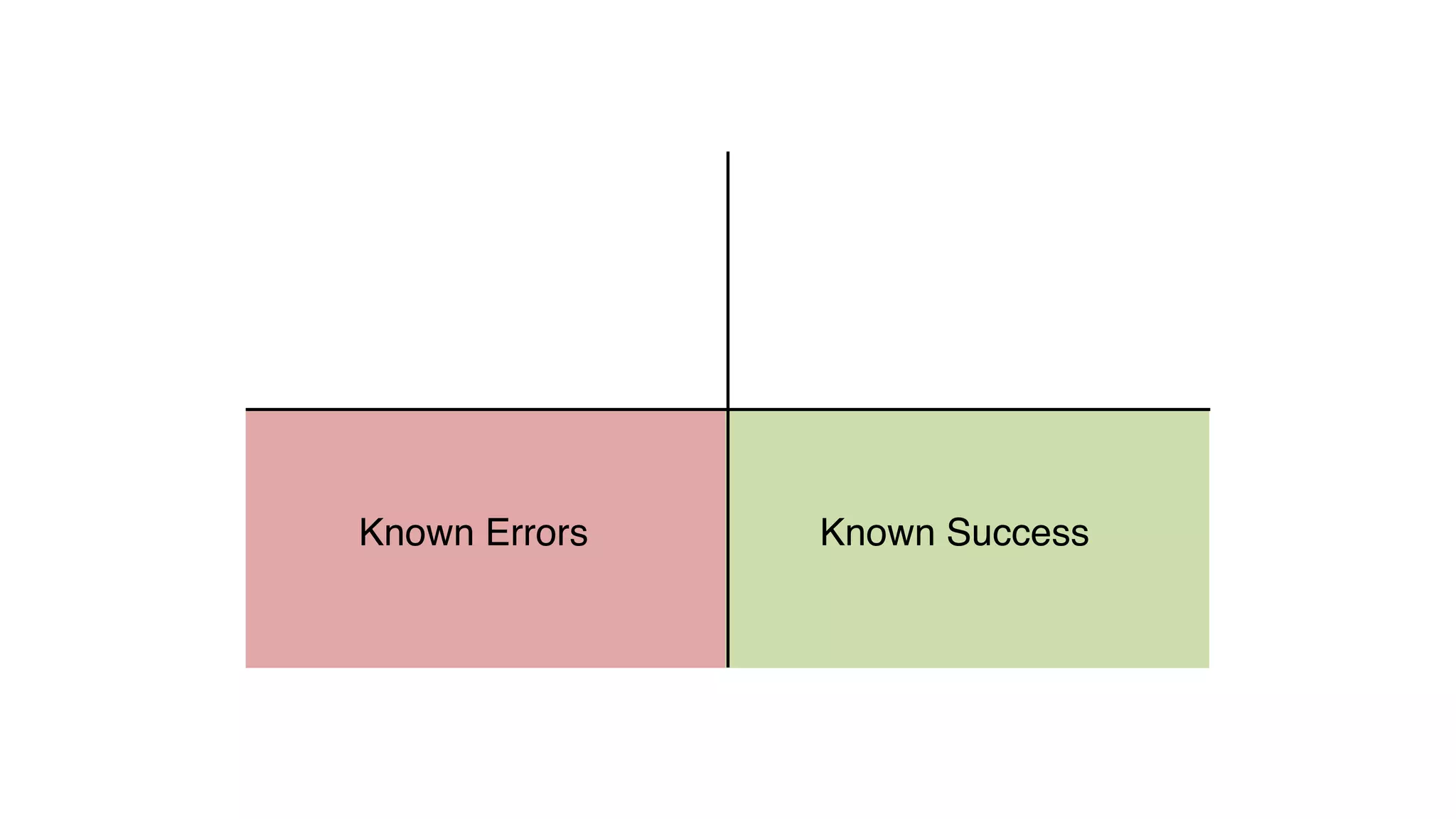
Known SuccessKnown Errors
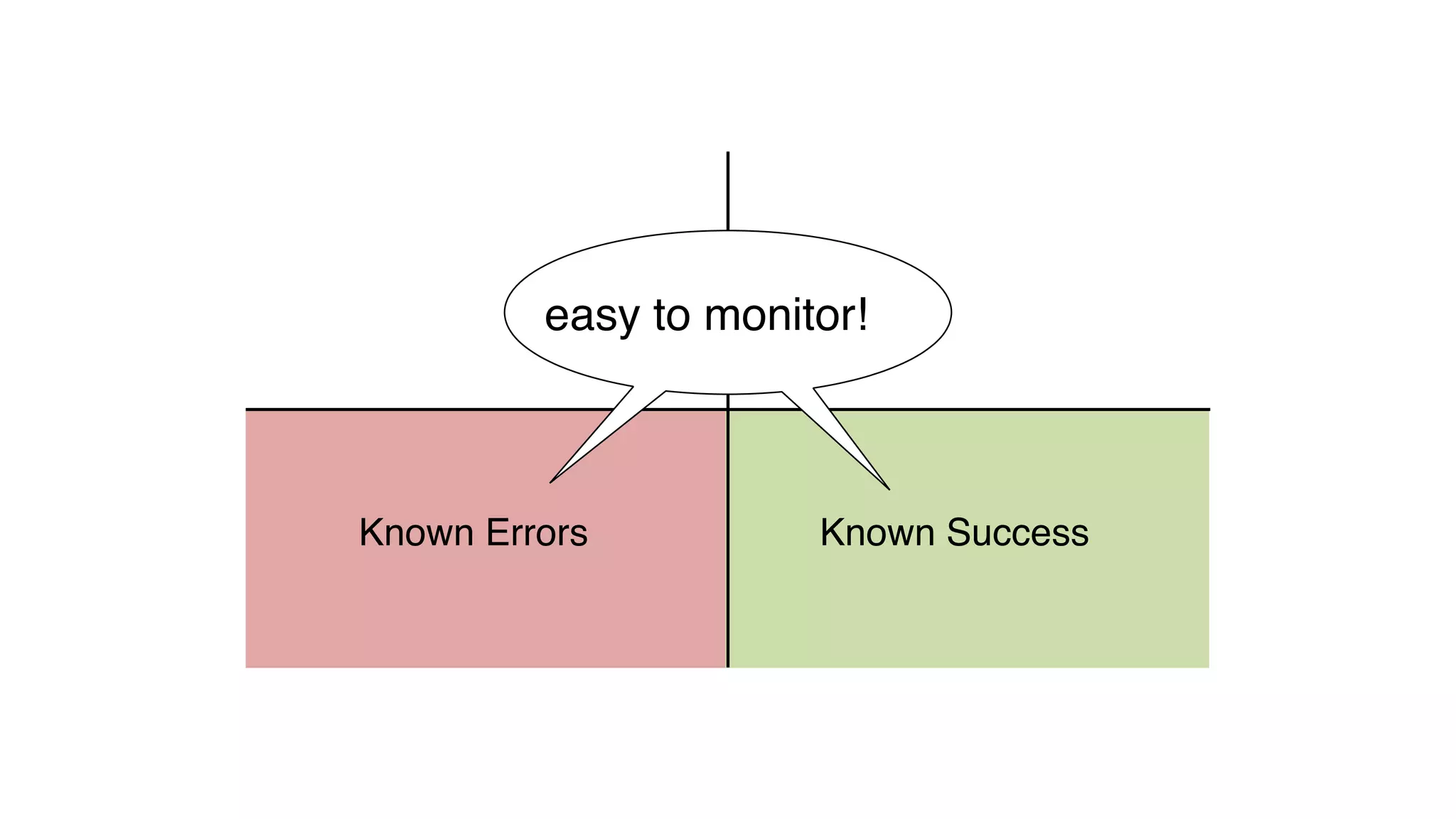
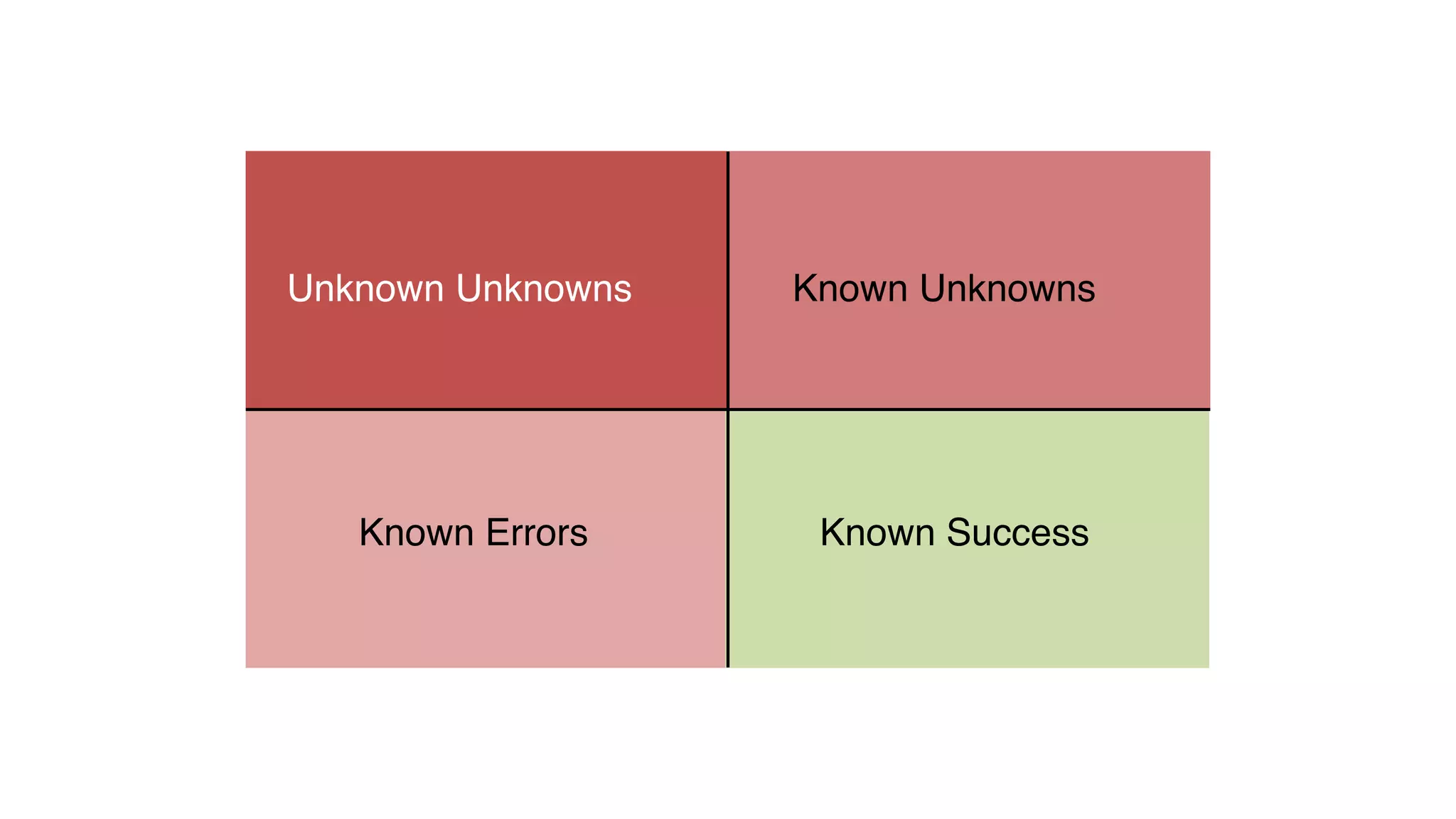
easy to monitor!
Known SuccessKnown Errors
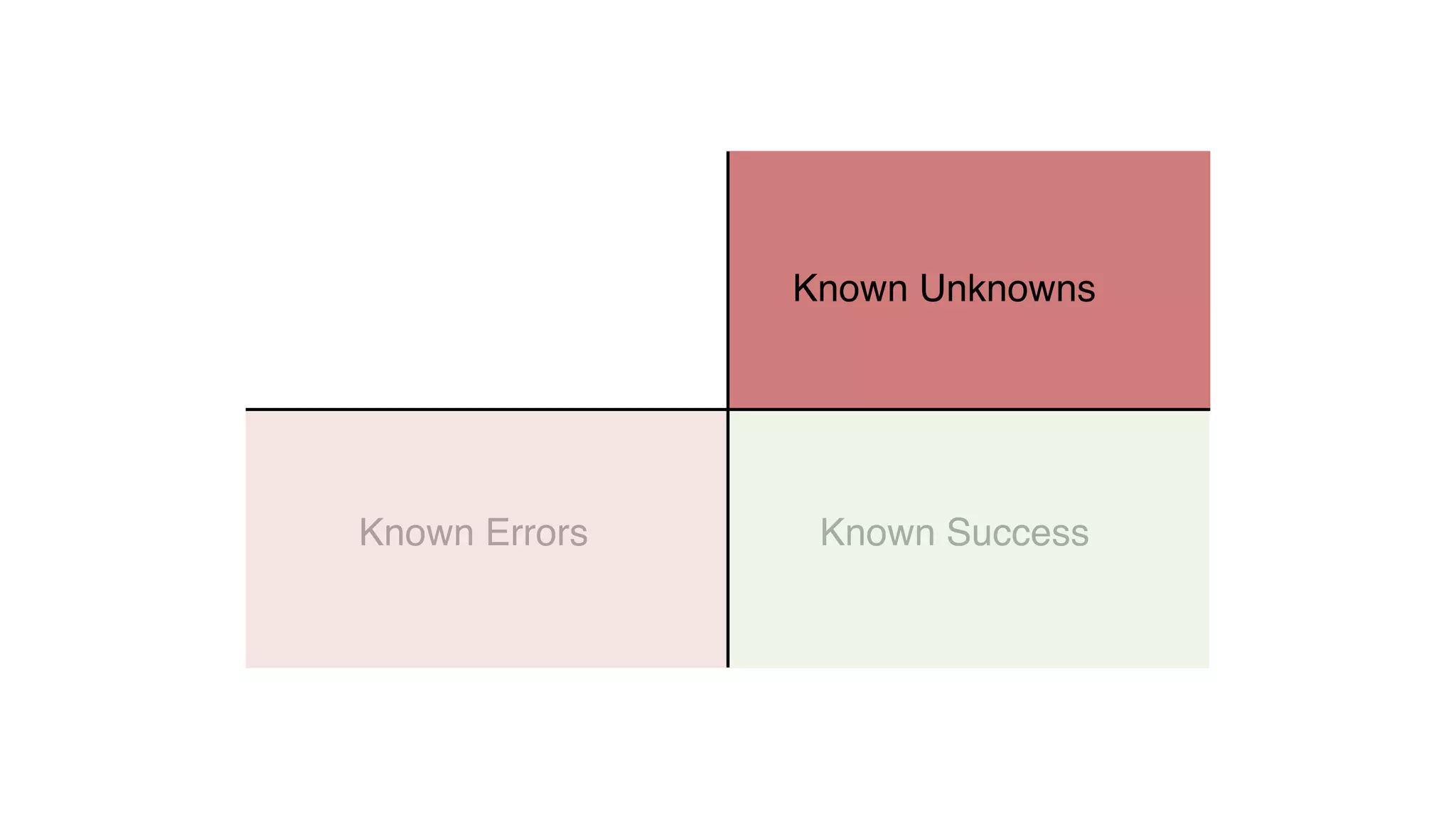
Known Unknowns
Known SuccessKnown Errors
Known UnknownsUnknown Unknowns
Known SuccessKnown Errors
Known UnknownsUnknown Unknowns
invisible bullet
holes
Known SuccessKnown Errors
Known UnknownsUnknown Unknowns
Known SuccessKnown Errors
Known UnknownsUnknown Unknowns
only alert
on this
Known SuccessKnown Errors
Known UnknownsUnknown Unknowns
alert on the absence
of this!
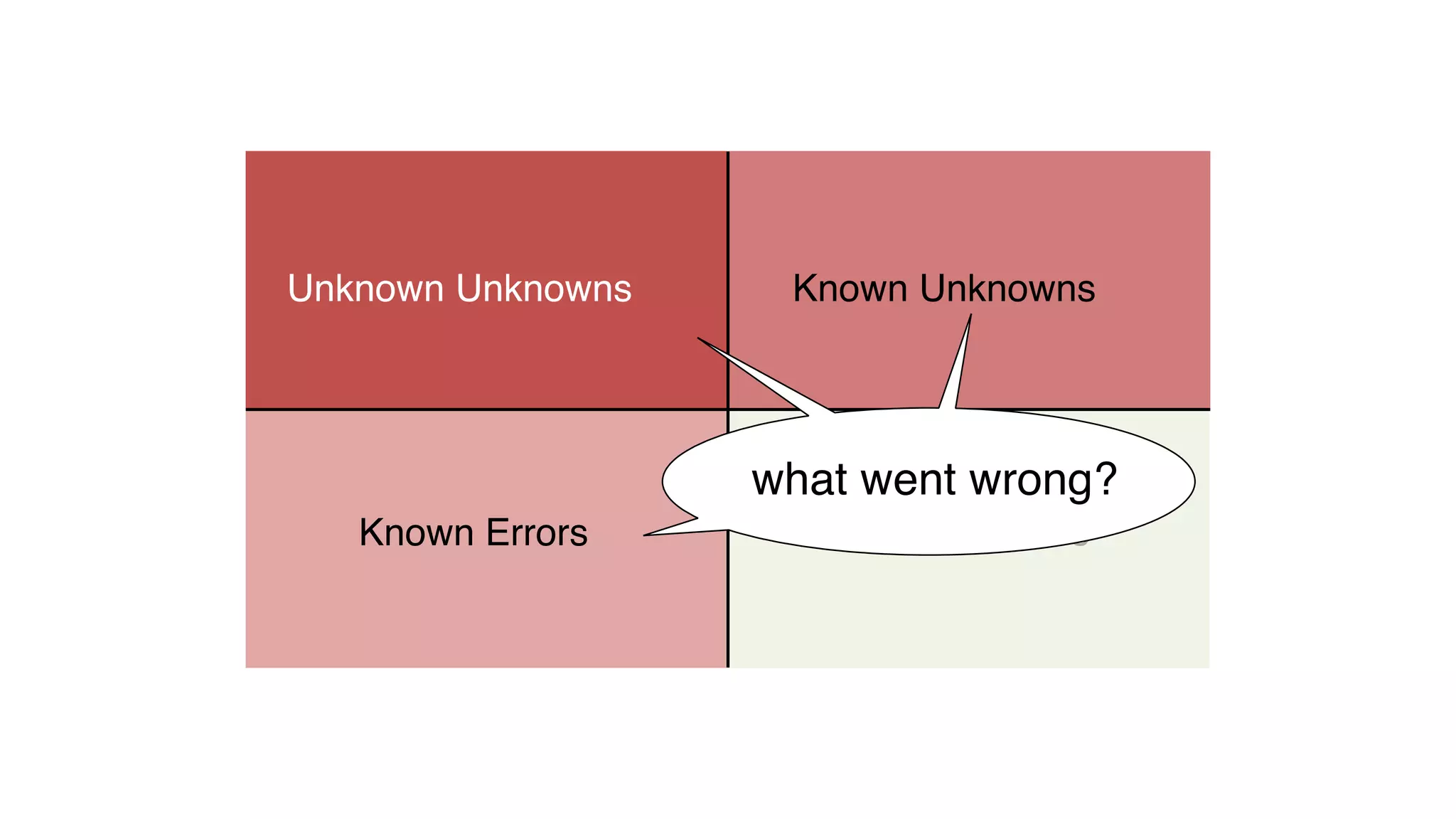
Known SuccessKnown Errors
Known UnknownsUnknown Unknowns
what went wrong?
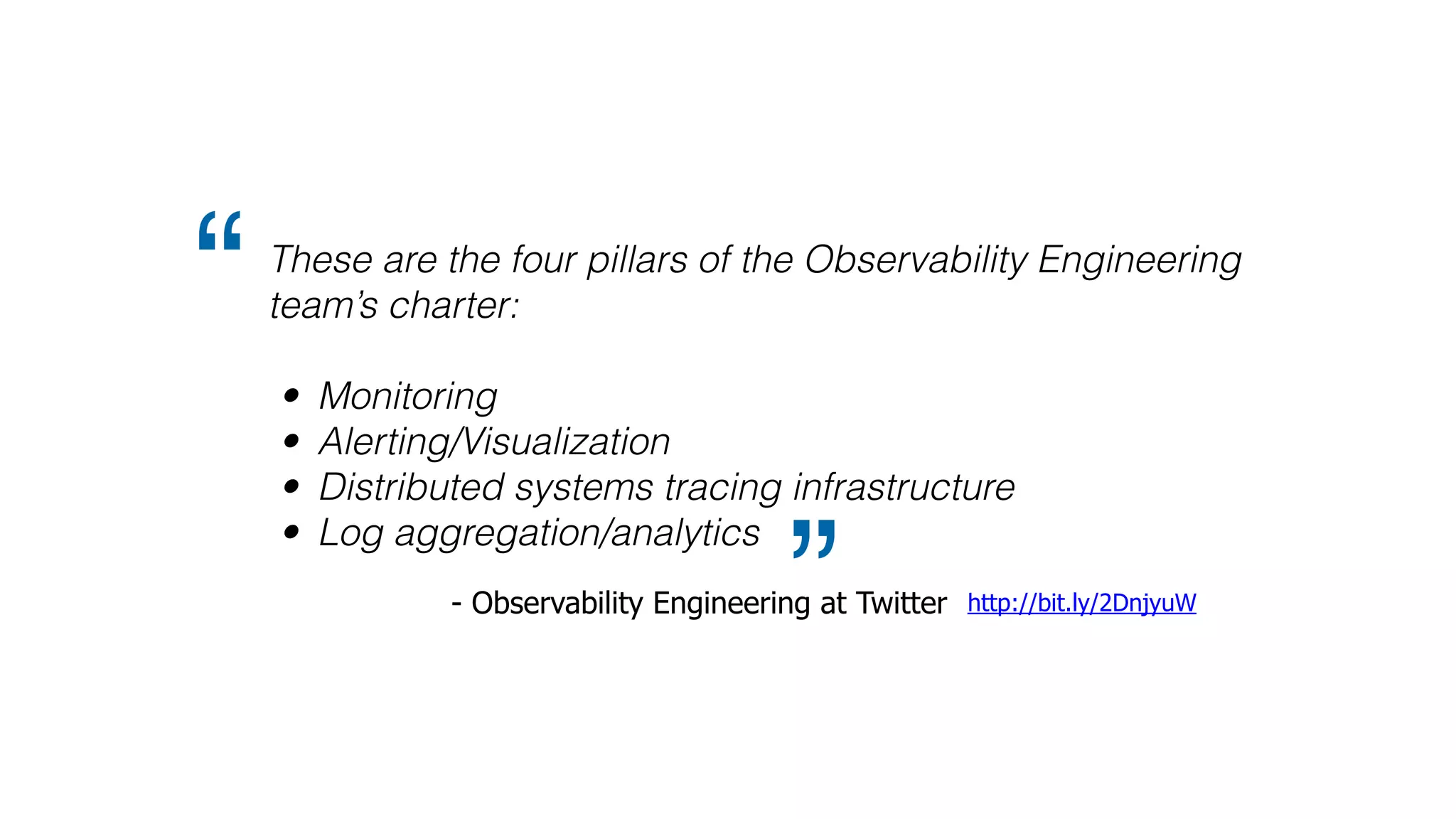
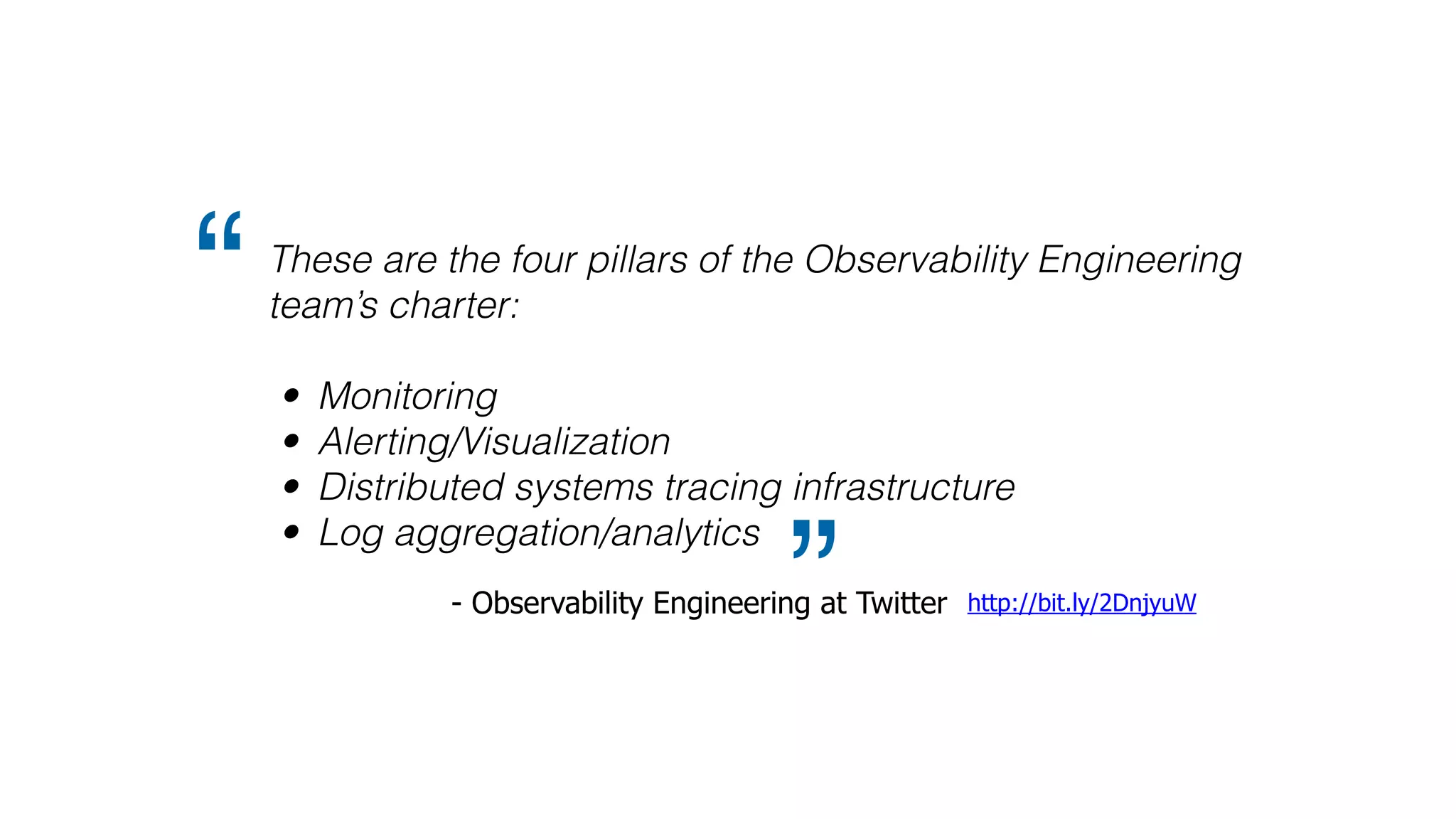
These are the four pillars of the Observability Engineering
team’s charter:
• Monitoring
• Alerting/Visualization
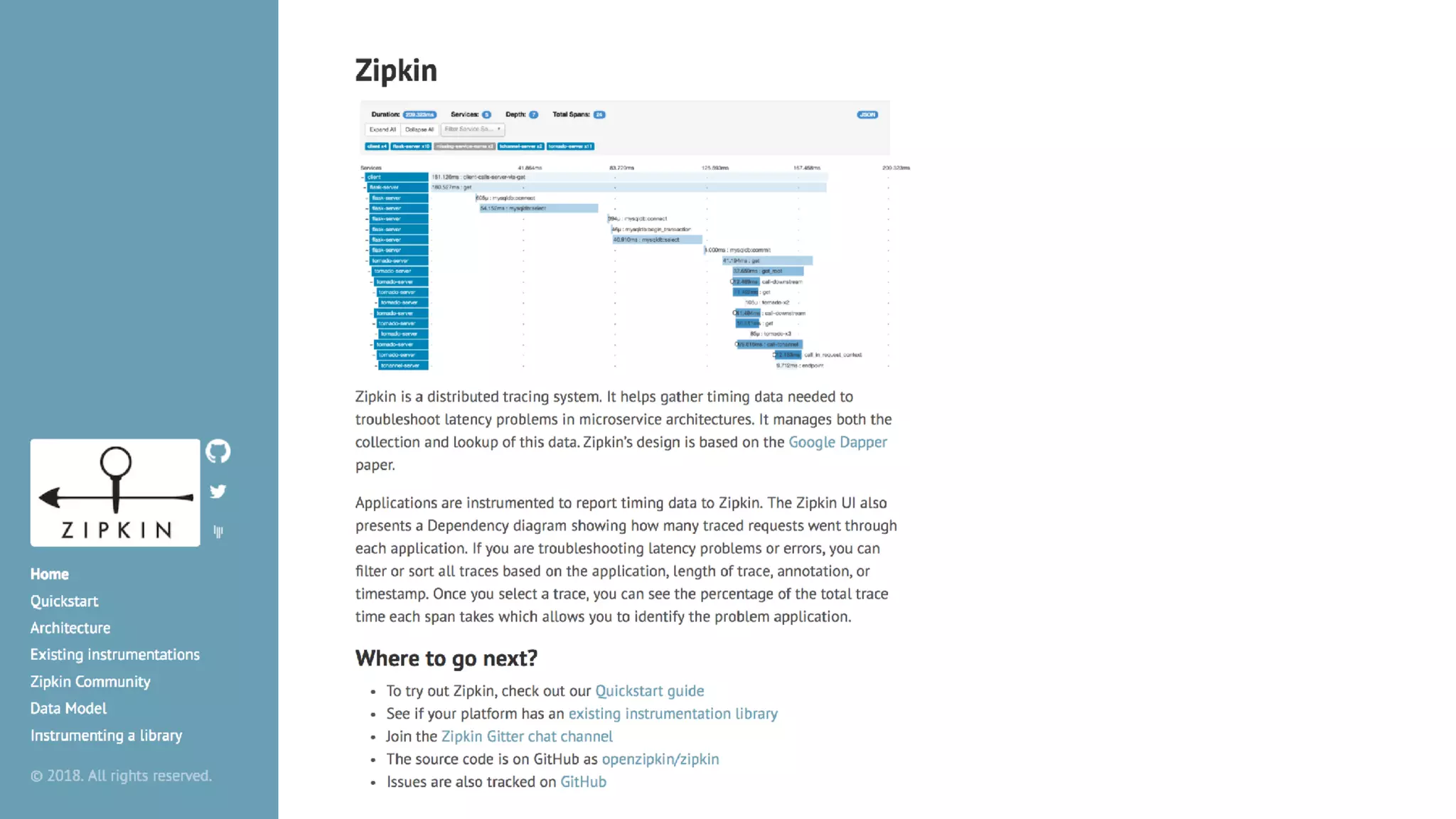
• Distributed systems tracing infrastructure
• Log aggregation/analytics
“
” http://bit.ly/2DnjyuW- Observability Engineering at Twitter
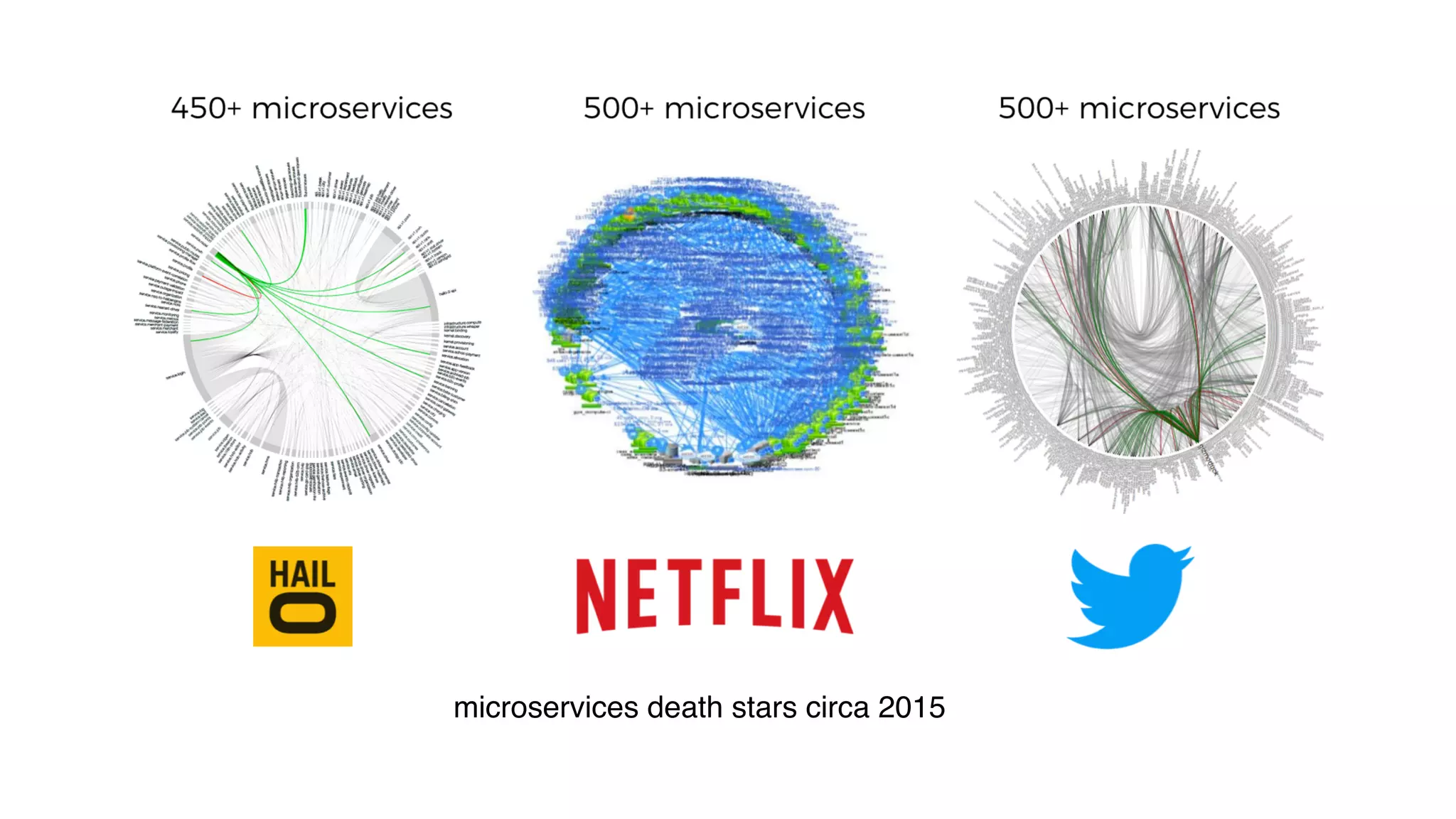
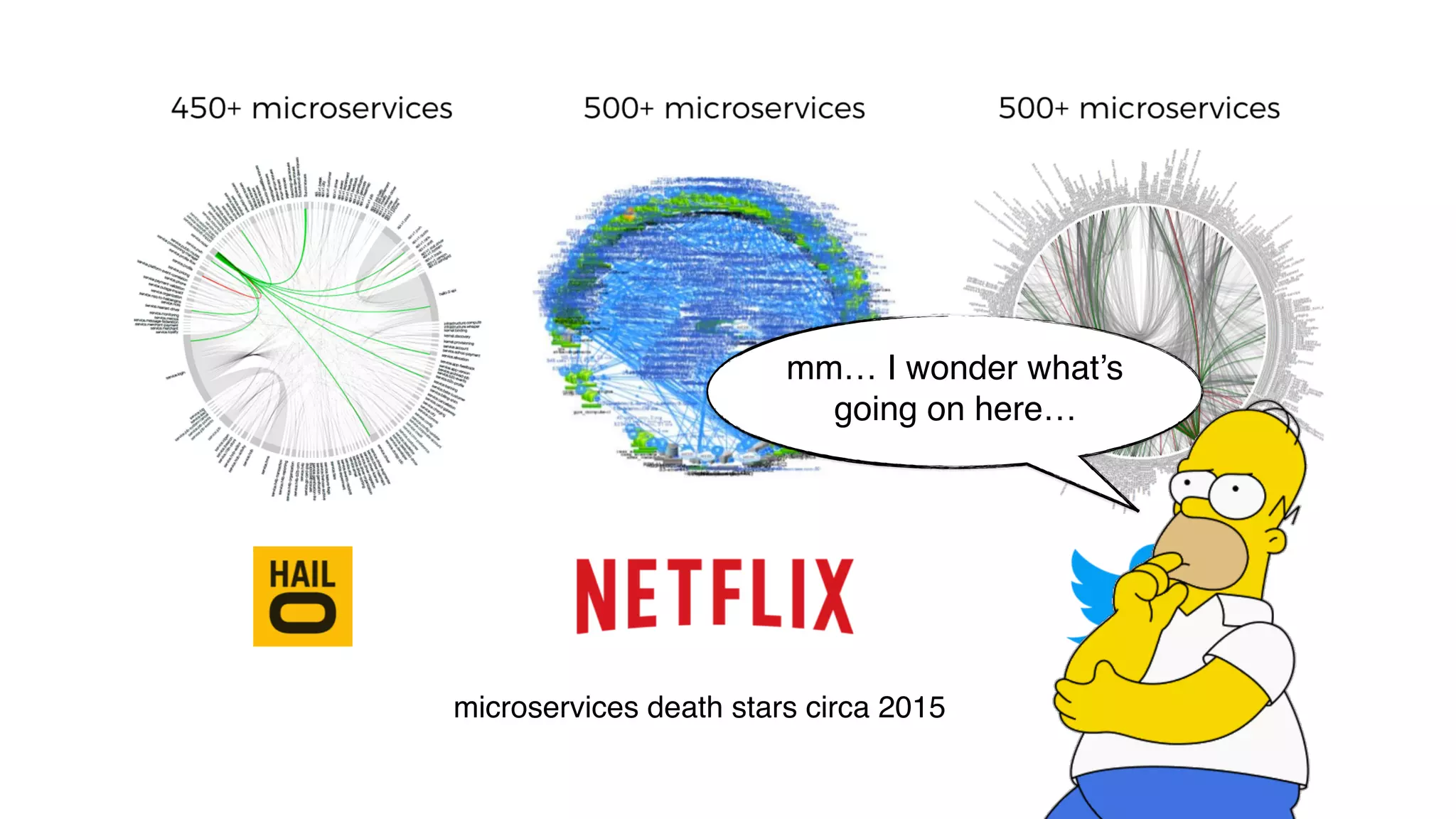
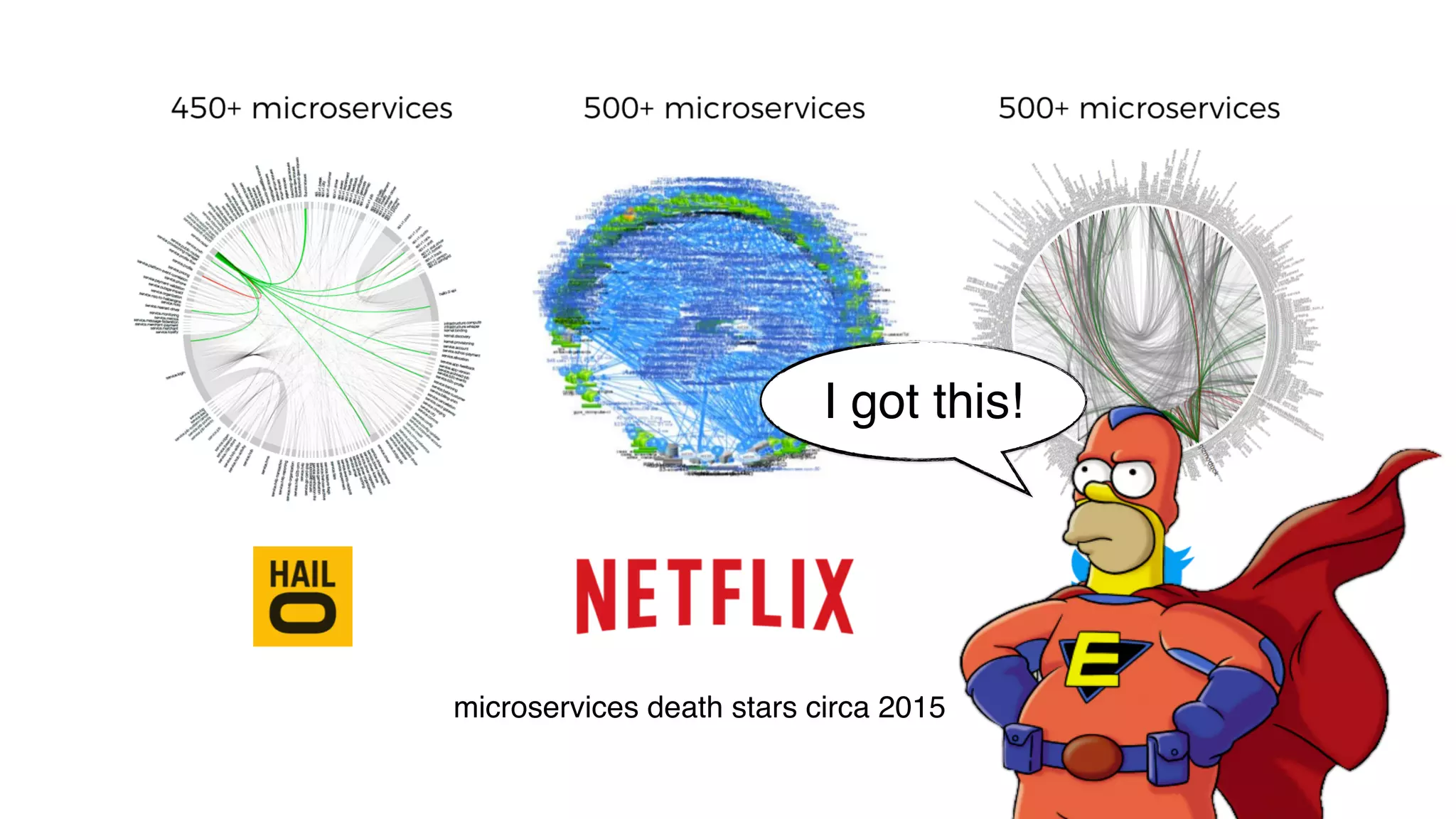
microservices death stars circa 2015
mm… I wonder what’s
going on here…
microservices death stars circa 2015
I got this!
Yan Cui
http://theburningmonk.com
@theburningmonk
Principal Engineer @
Independent Consultant
available in Austria, Switzerland, Germany,
Japan, Canada, Italy, US and Spain
available on 30+ platforms
~1,000,000 concurrent viewers
follow @dazneng for
updates about the
engineering team
We’re hiring! Visit
engineering.dazn.com
to learn more.
WE’RE HIRING!
AWS user since 2009
AWS user since 2009
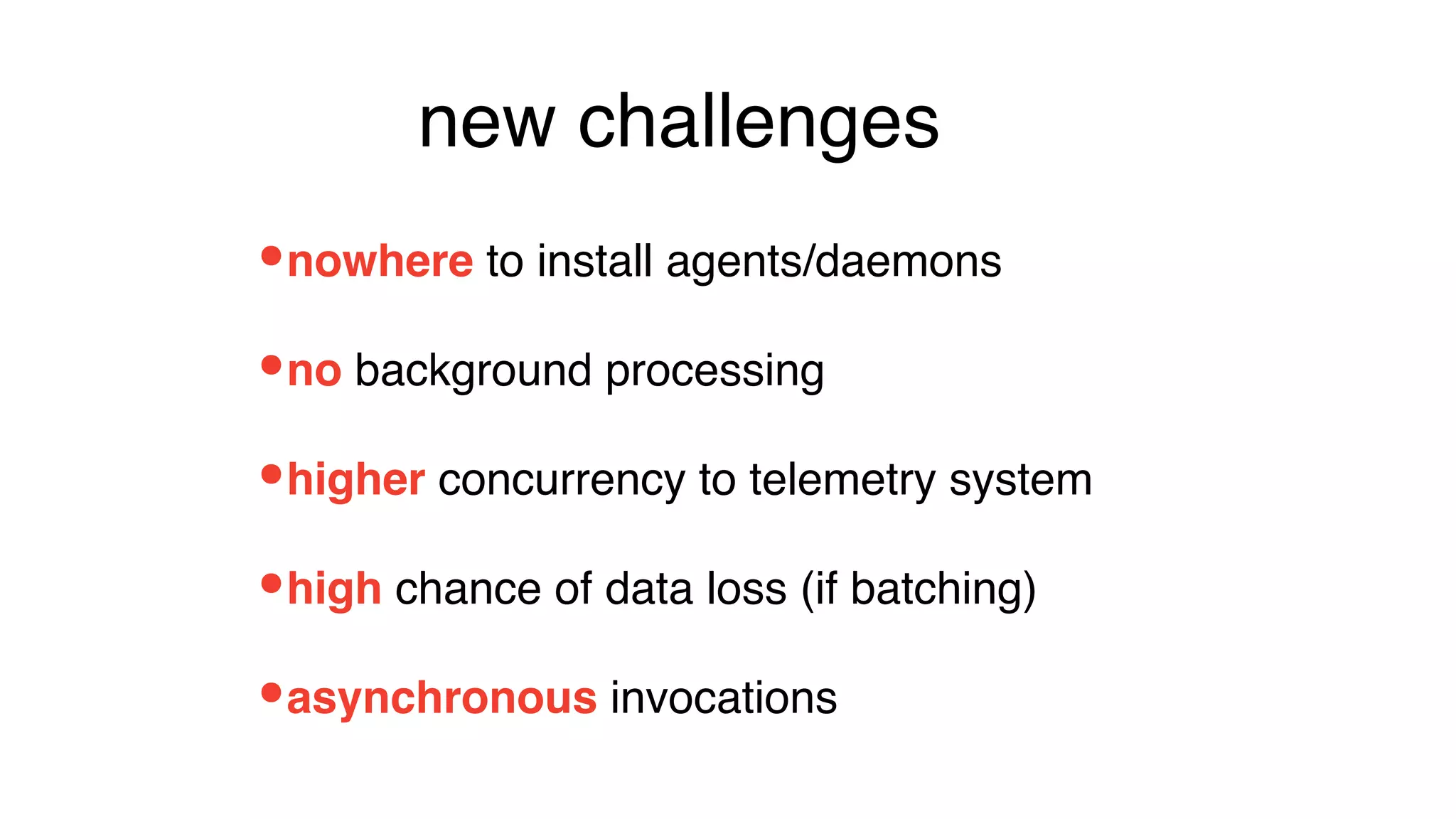
new
challenges
NO ACCESS
to underlying OS
NOWHERE
to install agents/daemons
•nowhere to install agents/daemons
new challenges
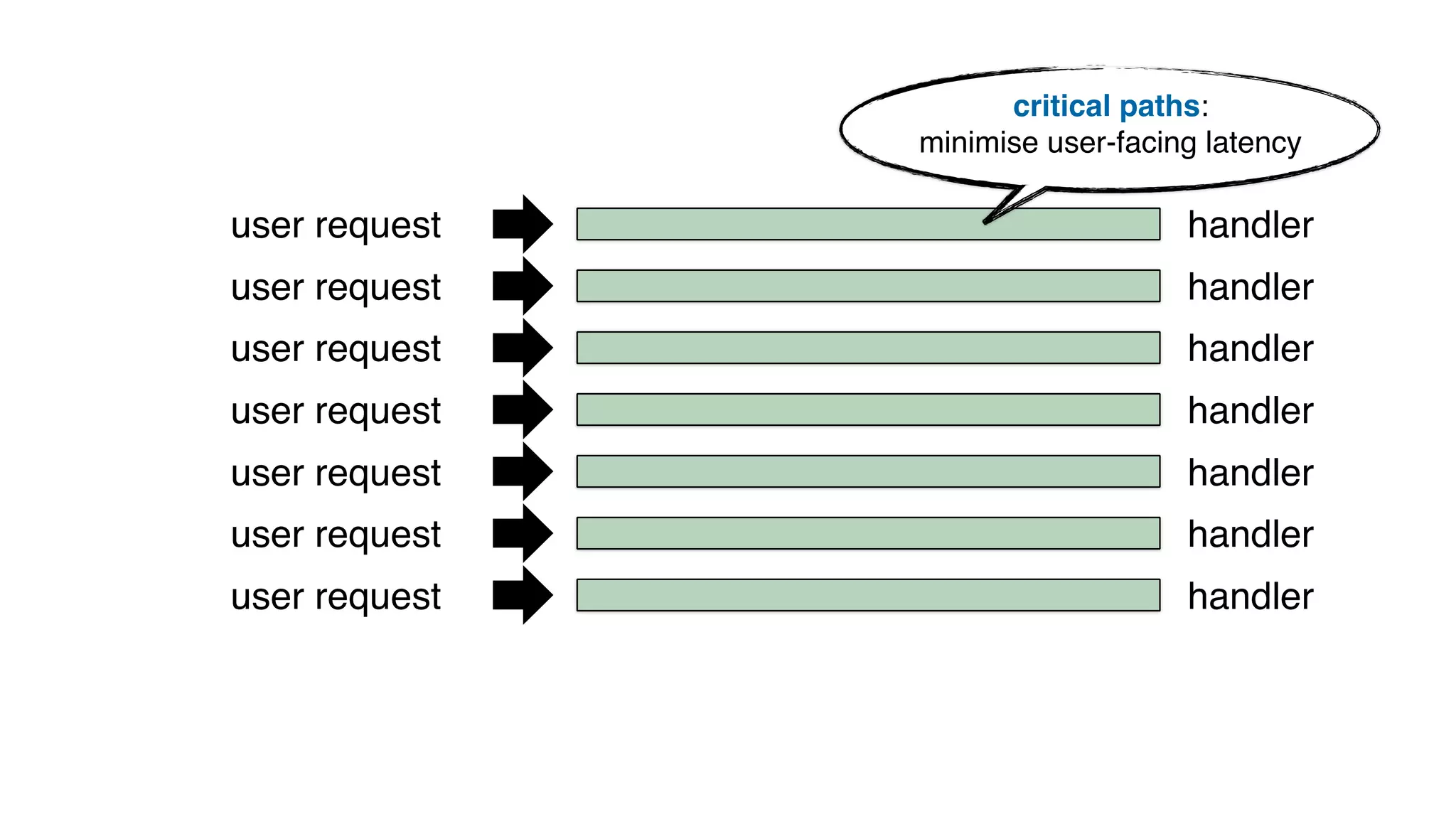
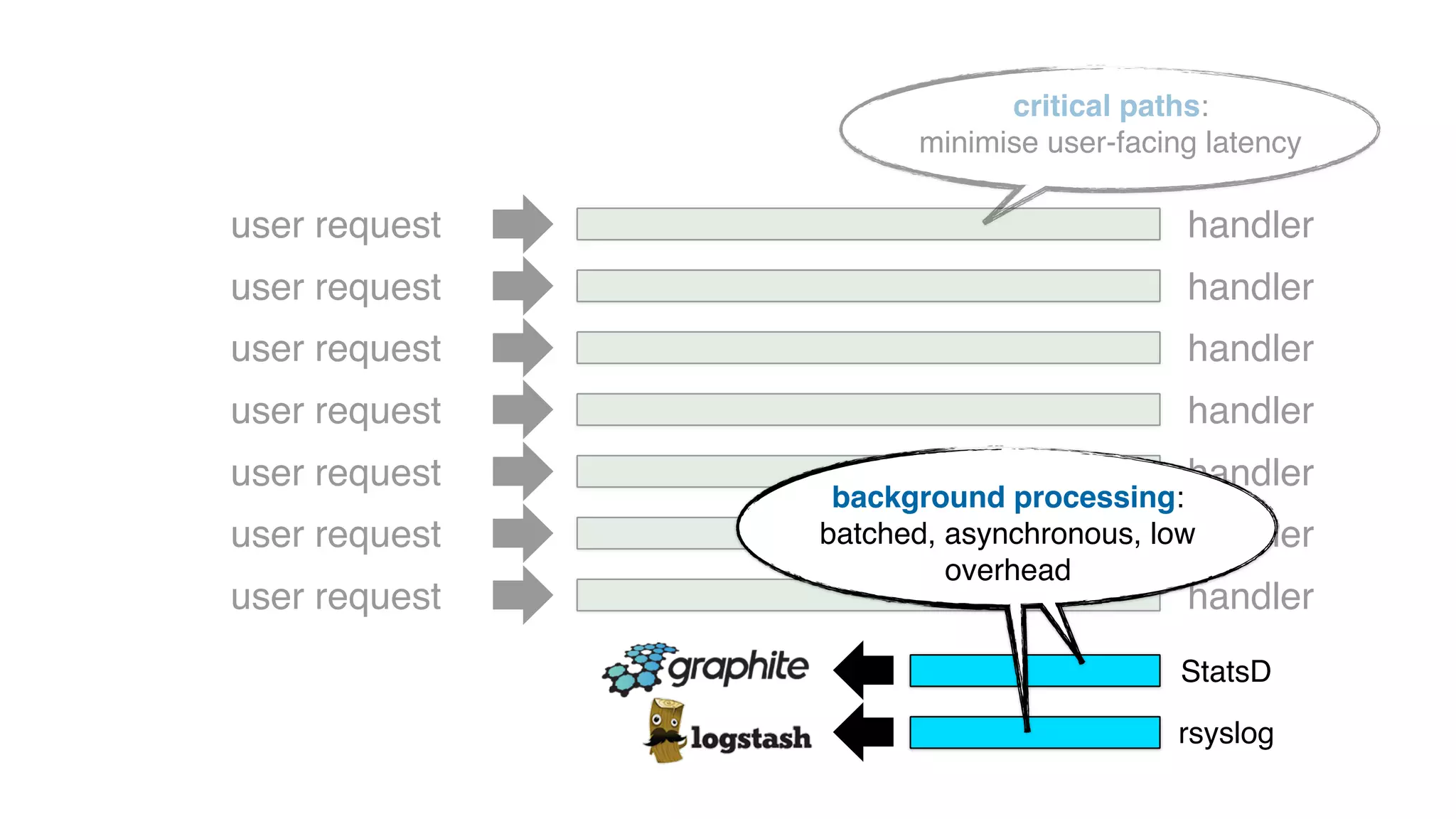
user request
user request
user request
user request
user request
user request
user request
critical paths:
minimise user-facing latency
handler
handler
handler
handler
handler
handler
handler
user request
user request
user request
user request
user request
user request
user request
critical paths:
minimise user-facing latency
StatsD
handler
handler
handler
handler
handler
handler
handler
rsyslog
background processing:
batched, asynchronous, low
overhead
user request
user request
user request
user request
user request
user request
user request
critical paths:
minimise user-facing latency
StatsD
handler
handler
handler
handler
handler
handler
handler
rsyslog
background processing:
batched, asynchronous, low
overhead
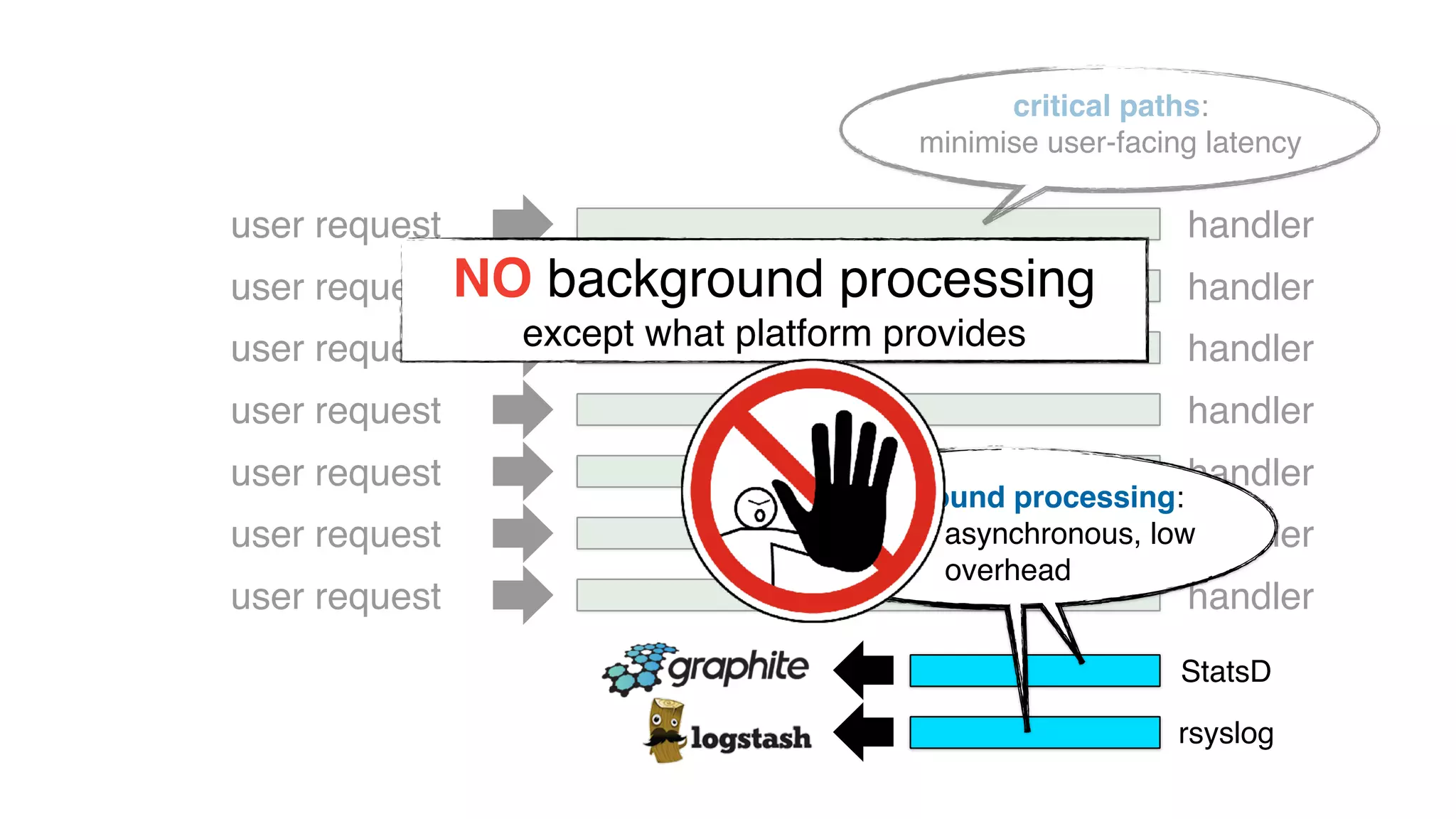
NO background processing
except what platform provides
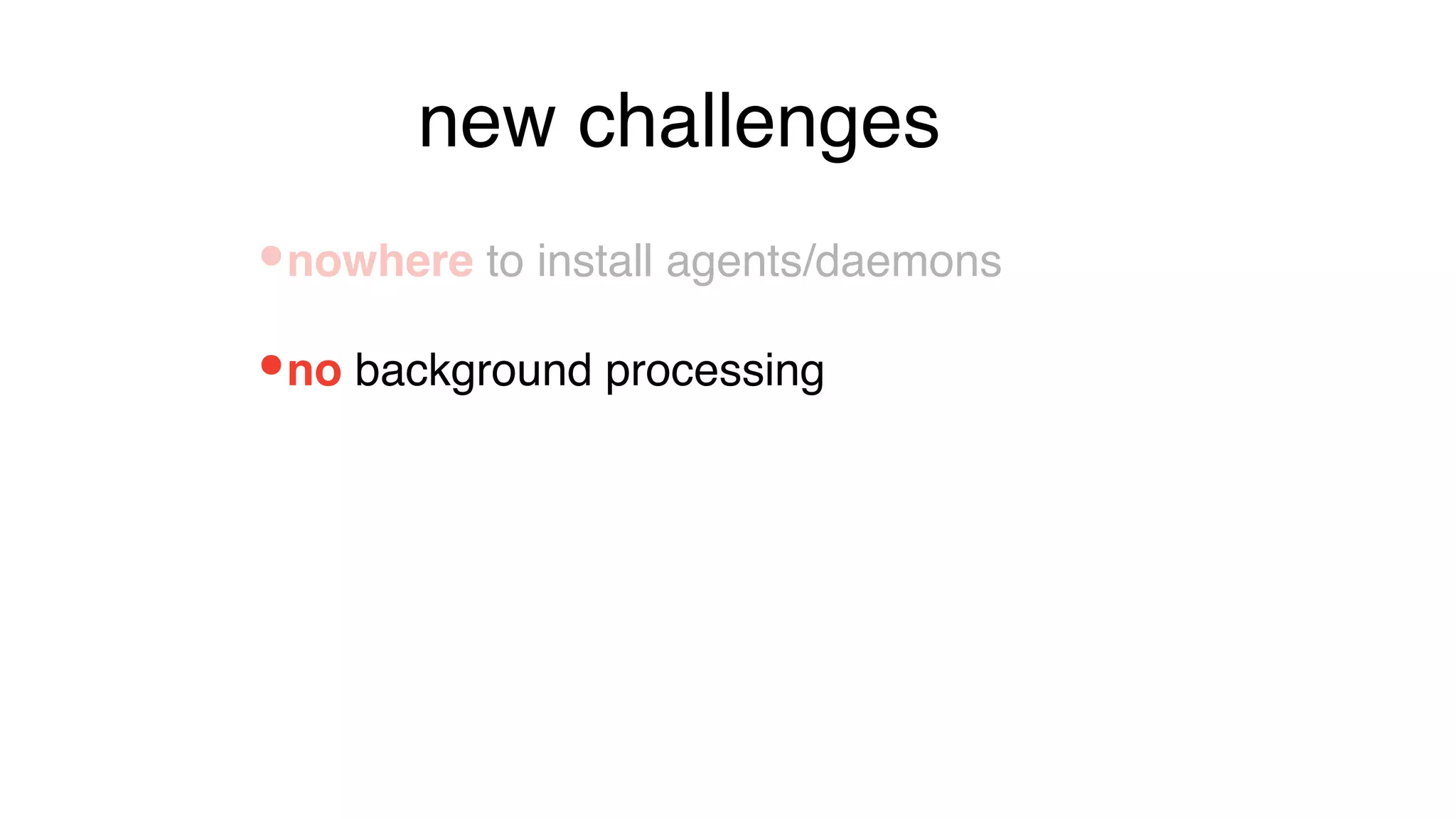
•no background processing
•nowhere to install agents/daemons
new challenges
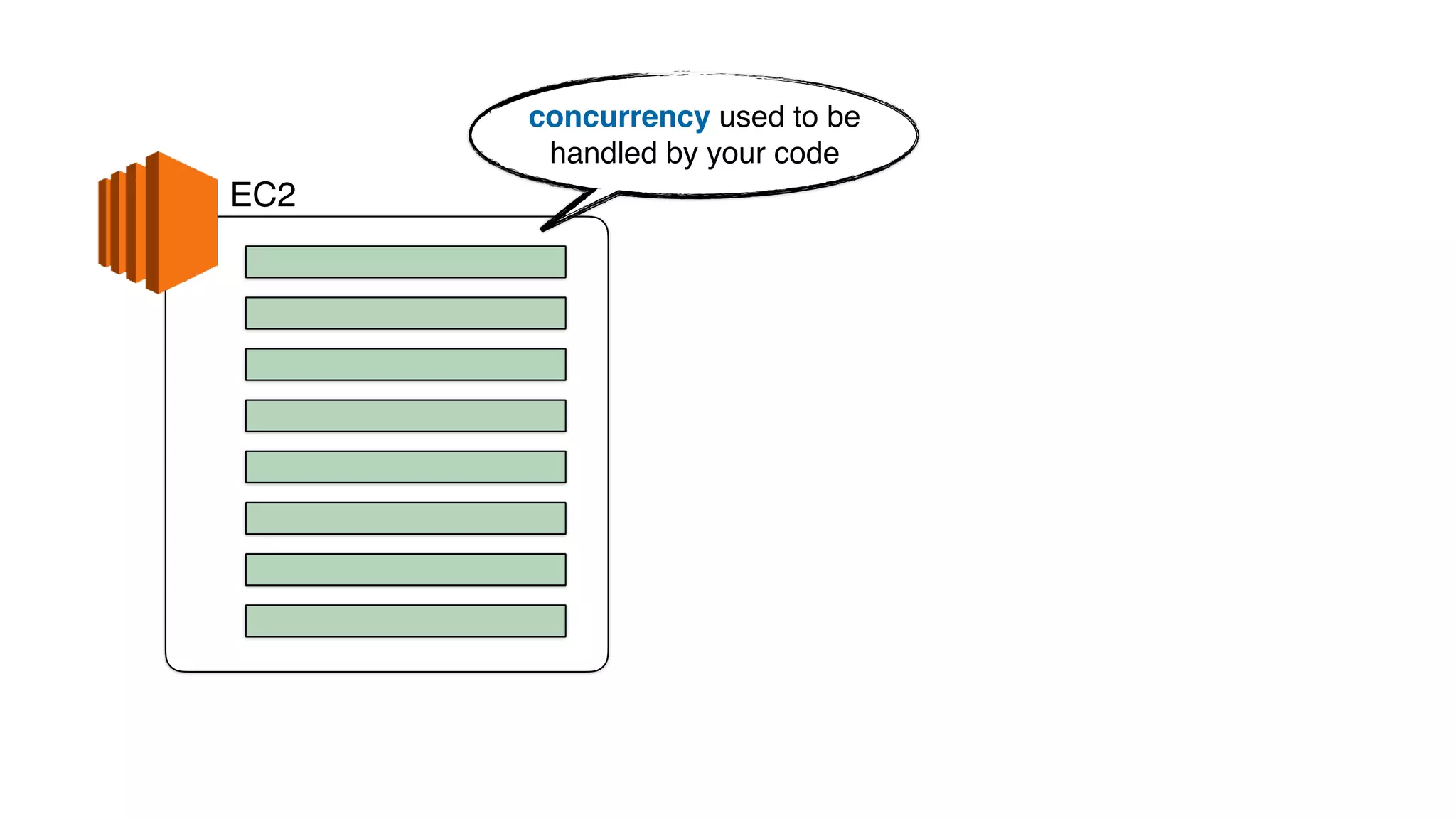
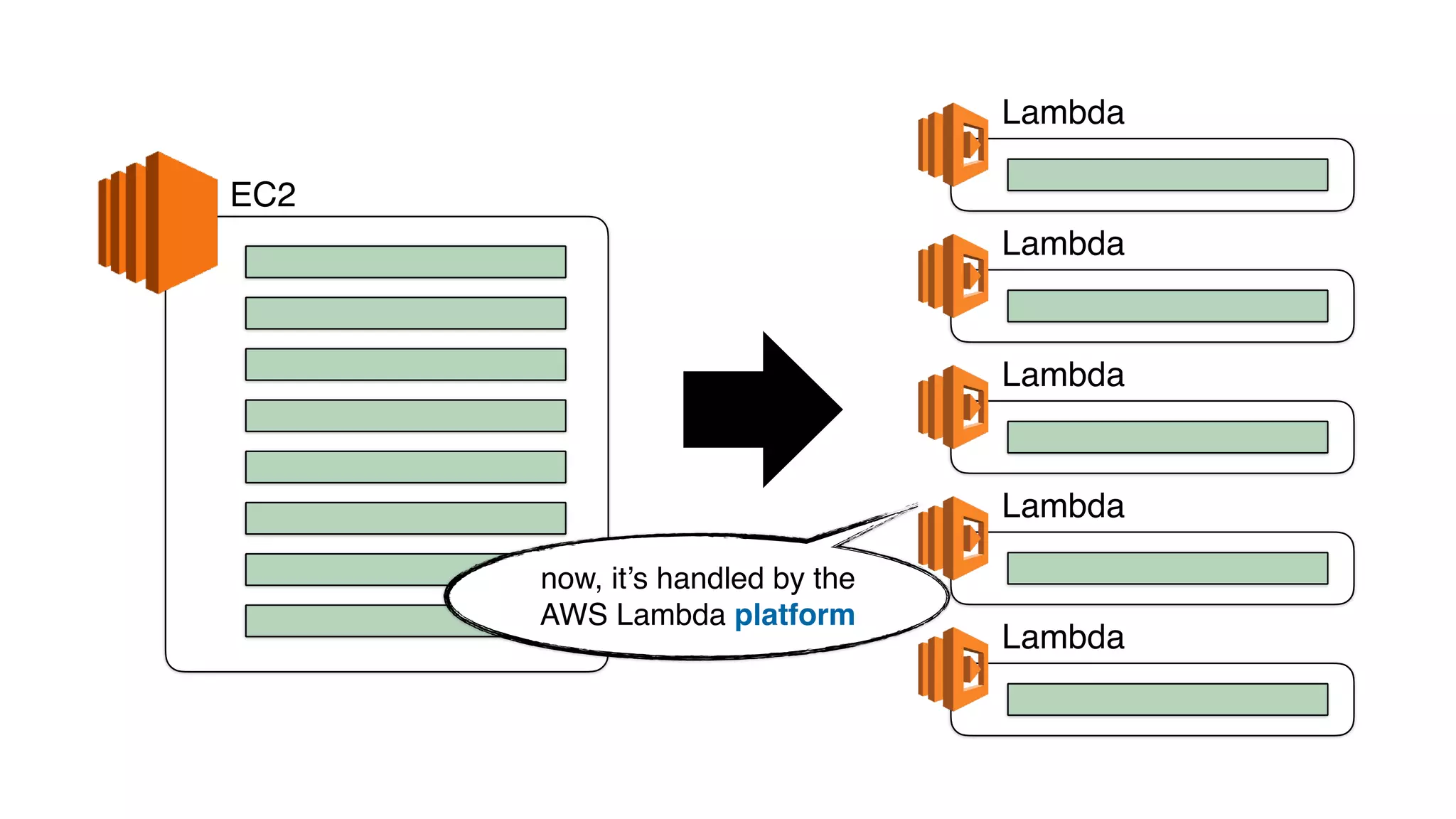
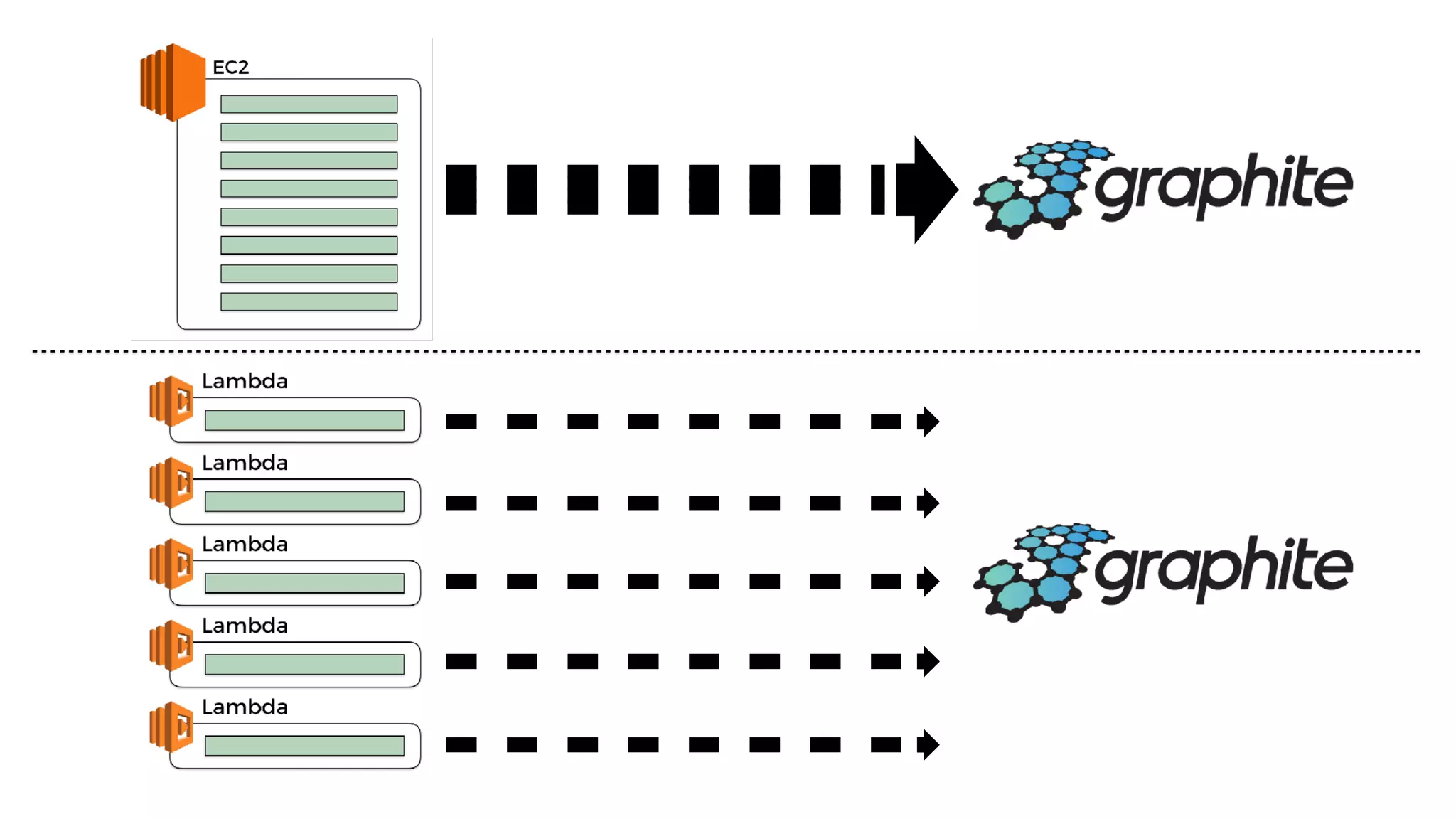
EC2
concurrency used to be
handled by your code
EC2
Lambda
Lambda
Lambda
Lambda
Lambda
now, it’s handled by the
AWS Lambda platform
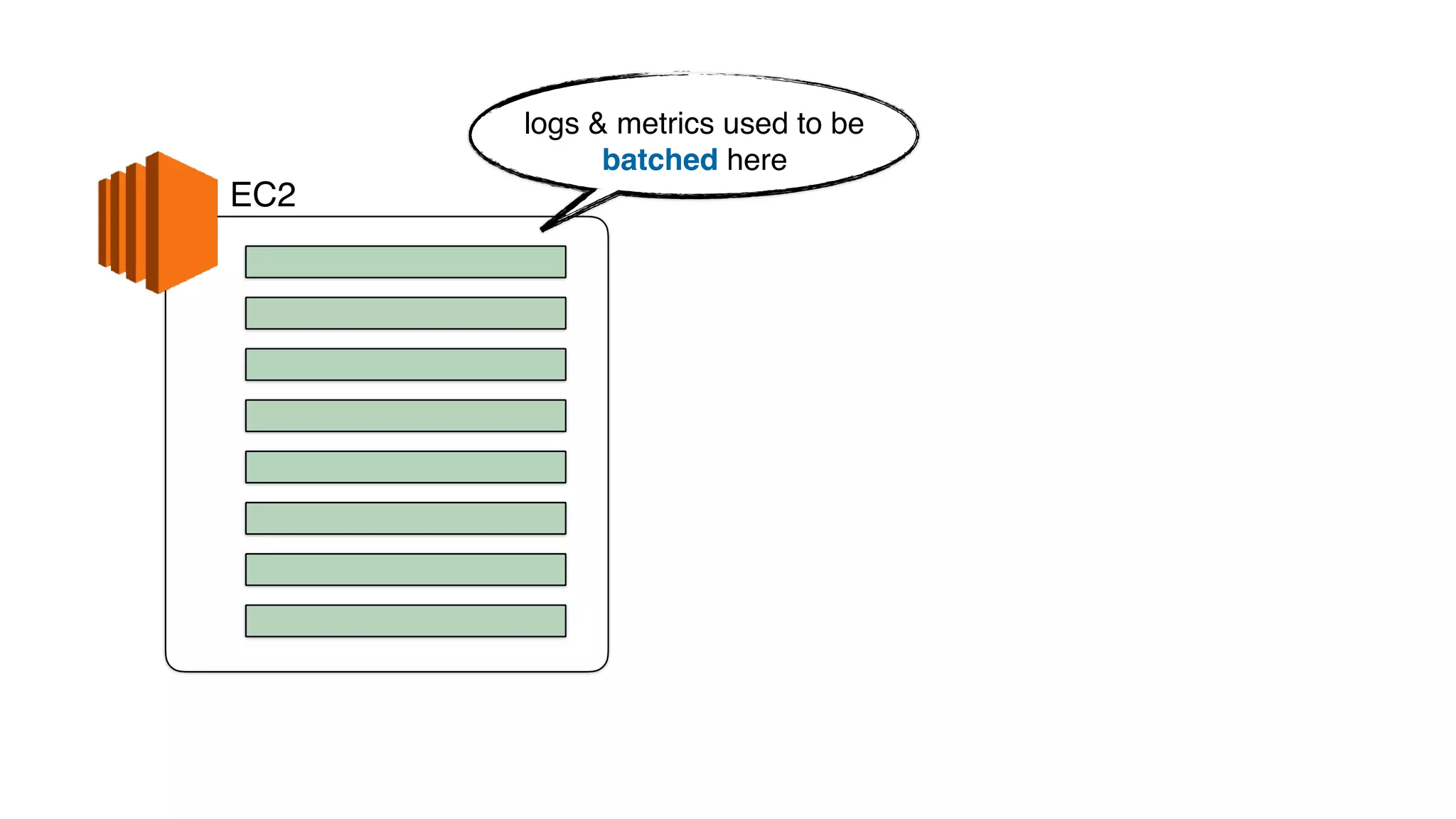
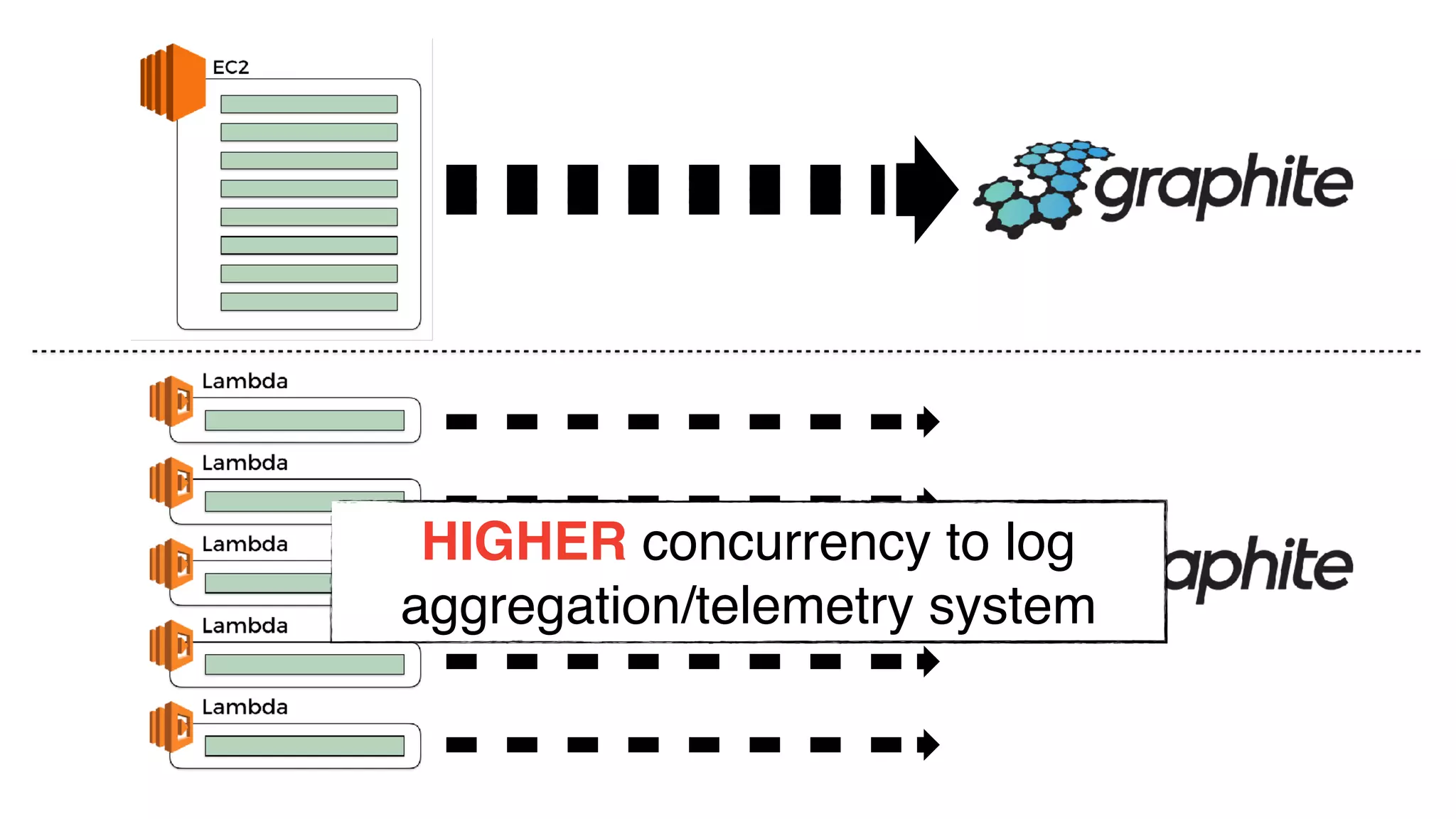
EC2
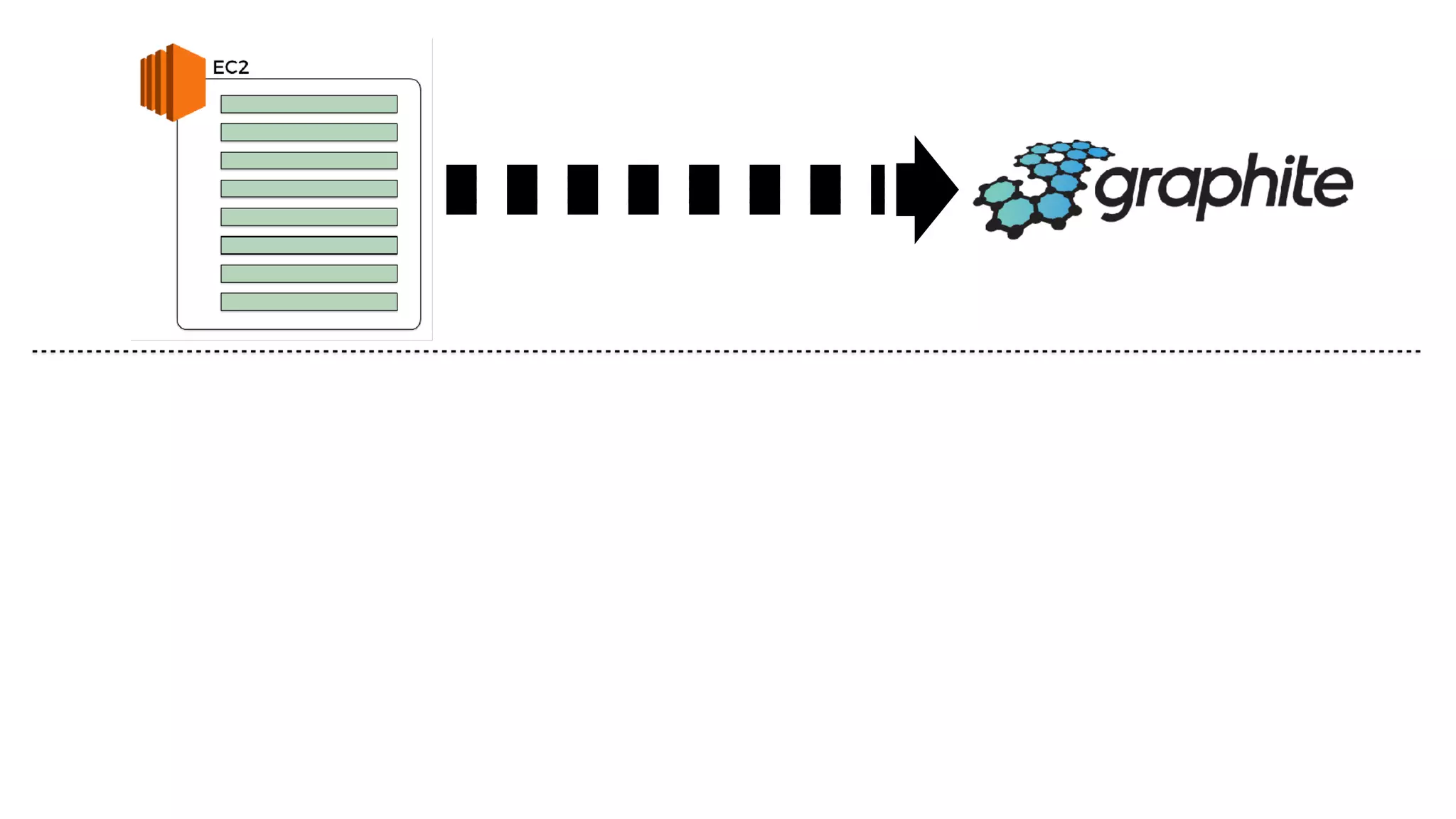
logs & metrics used to be
batched here
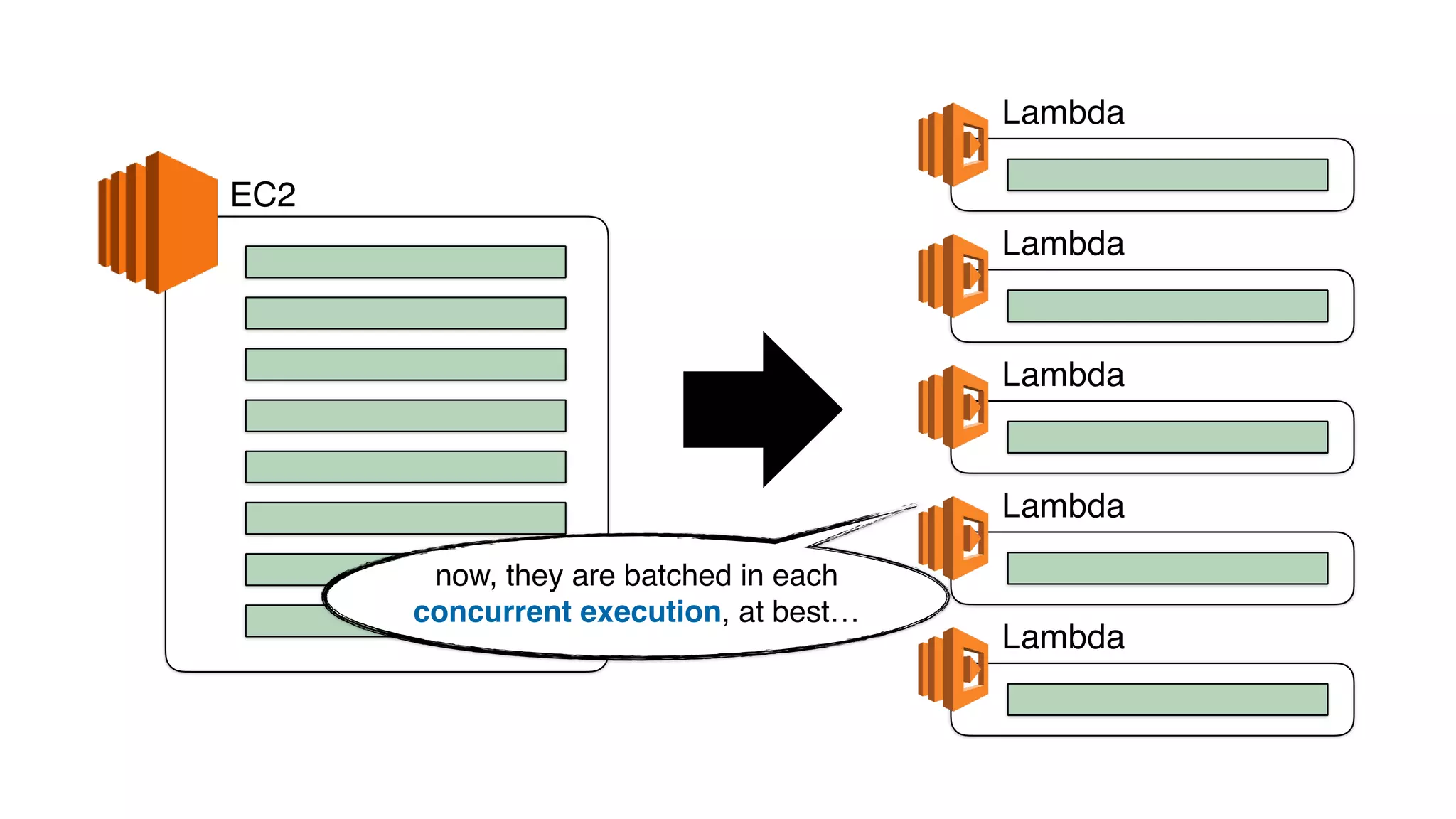
EC2
Lambda
Lambda
Lambda
Lambda
Lambda
now, they are batched in each
concurrent execution, at best…
HIGHER concurrency to log
aggregation/telemetry system
•higher concurrency to telemetry system
•nowhere to install agents/daemons
•no background processing
new challenges
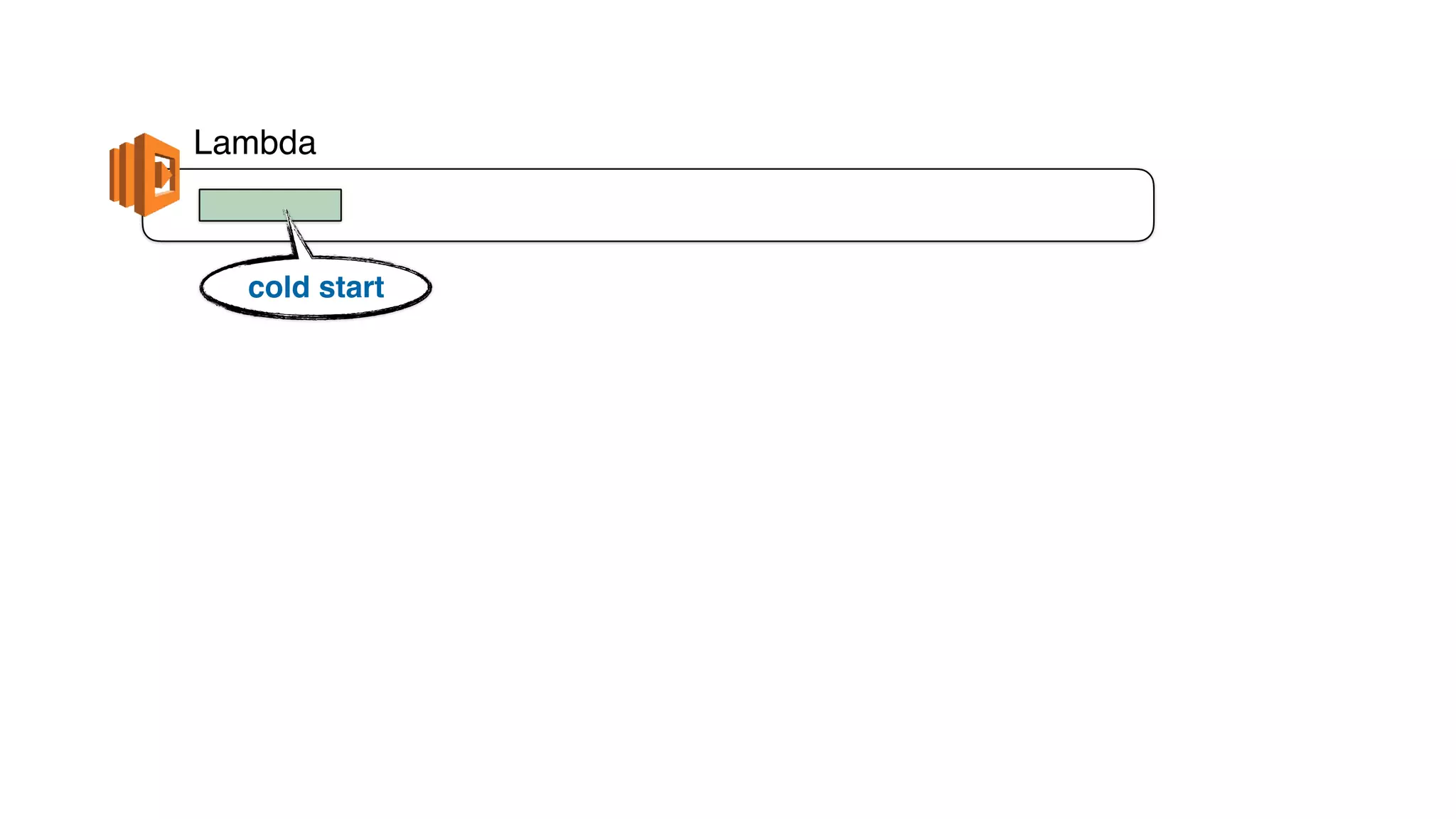
Lambda
cold start
Lambda
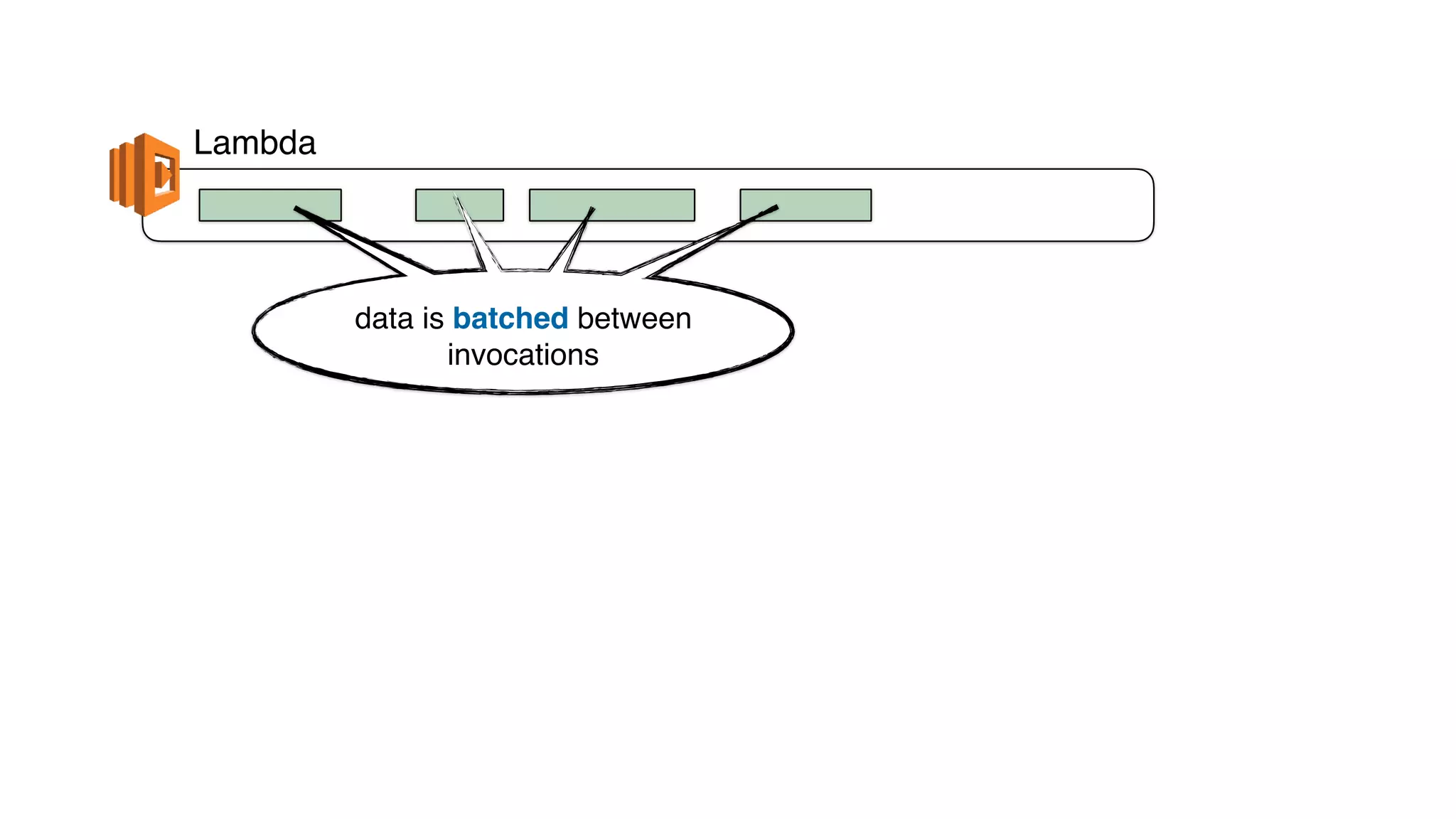
data is batched between
invocations
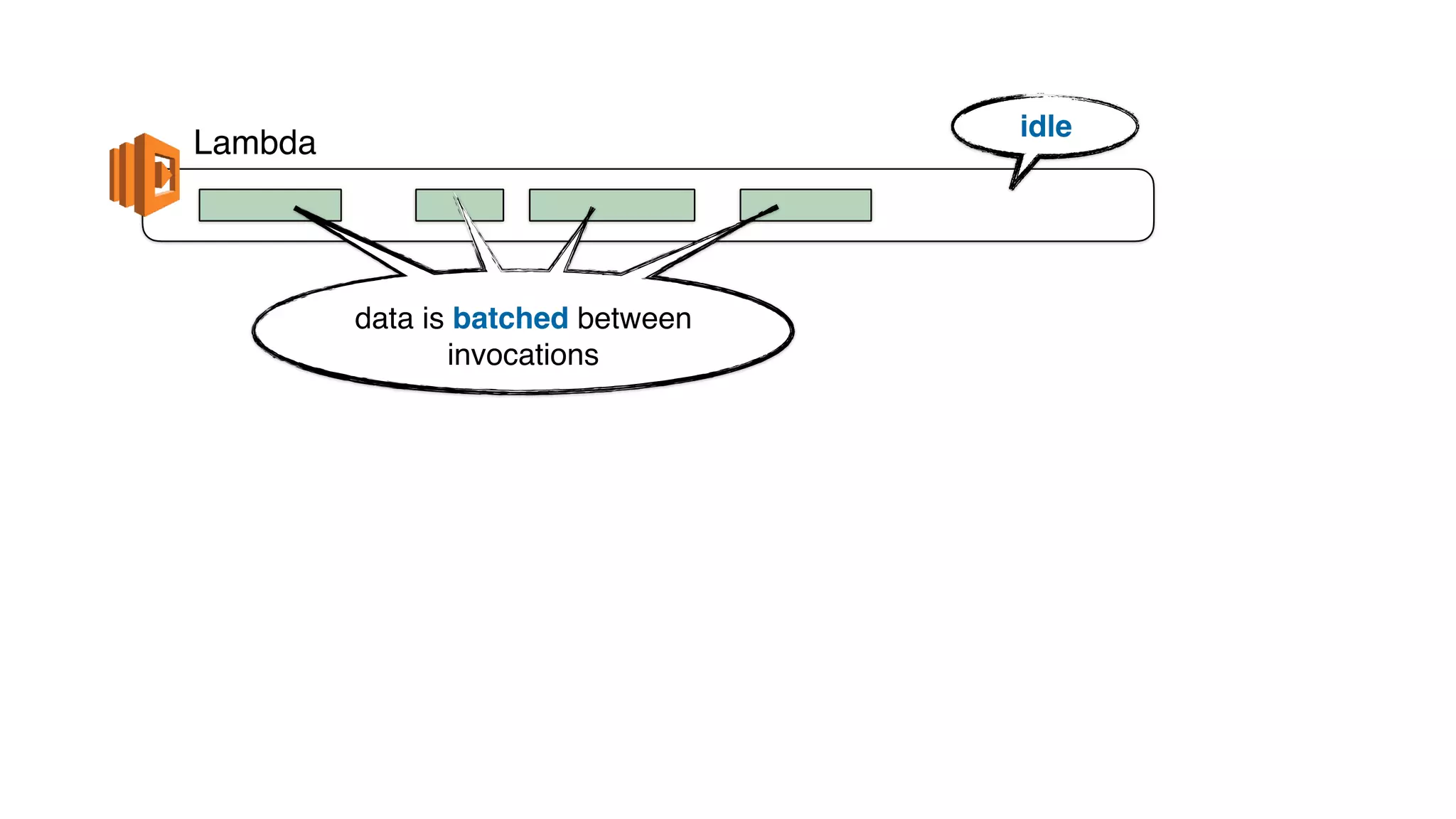
Lambda
idle
data is batched between
invocations
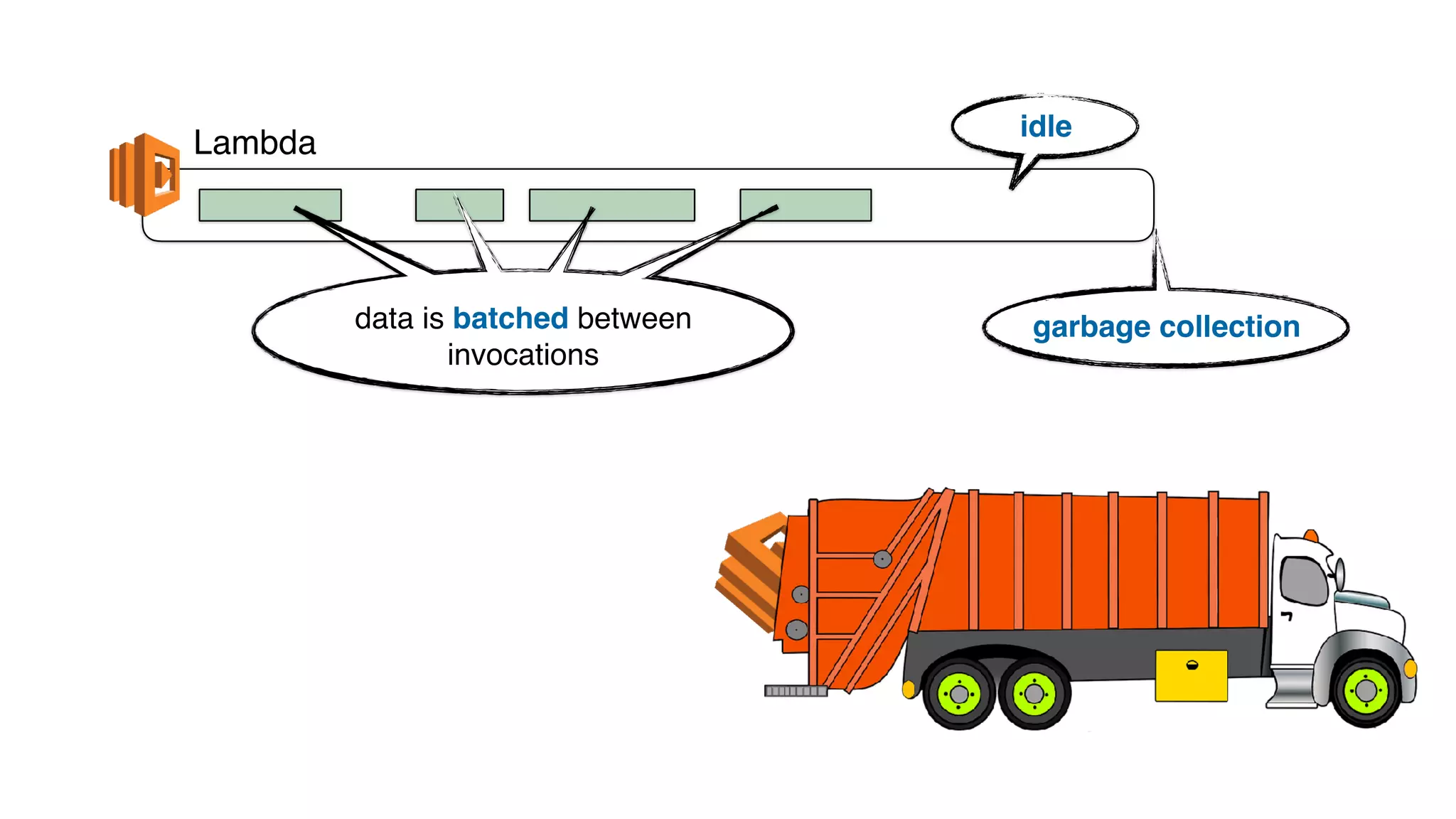
Lambda
idle
garbage collectiondata is batched between
invocations
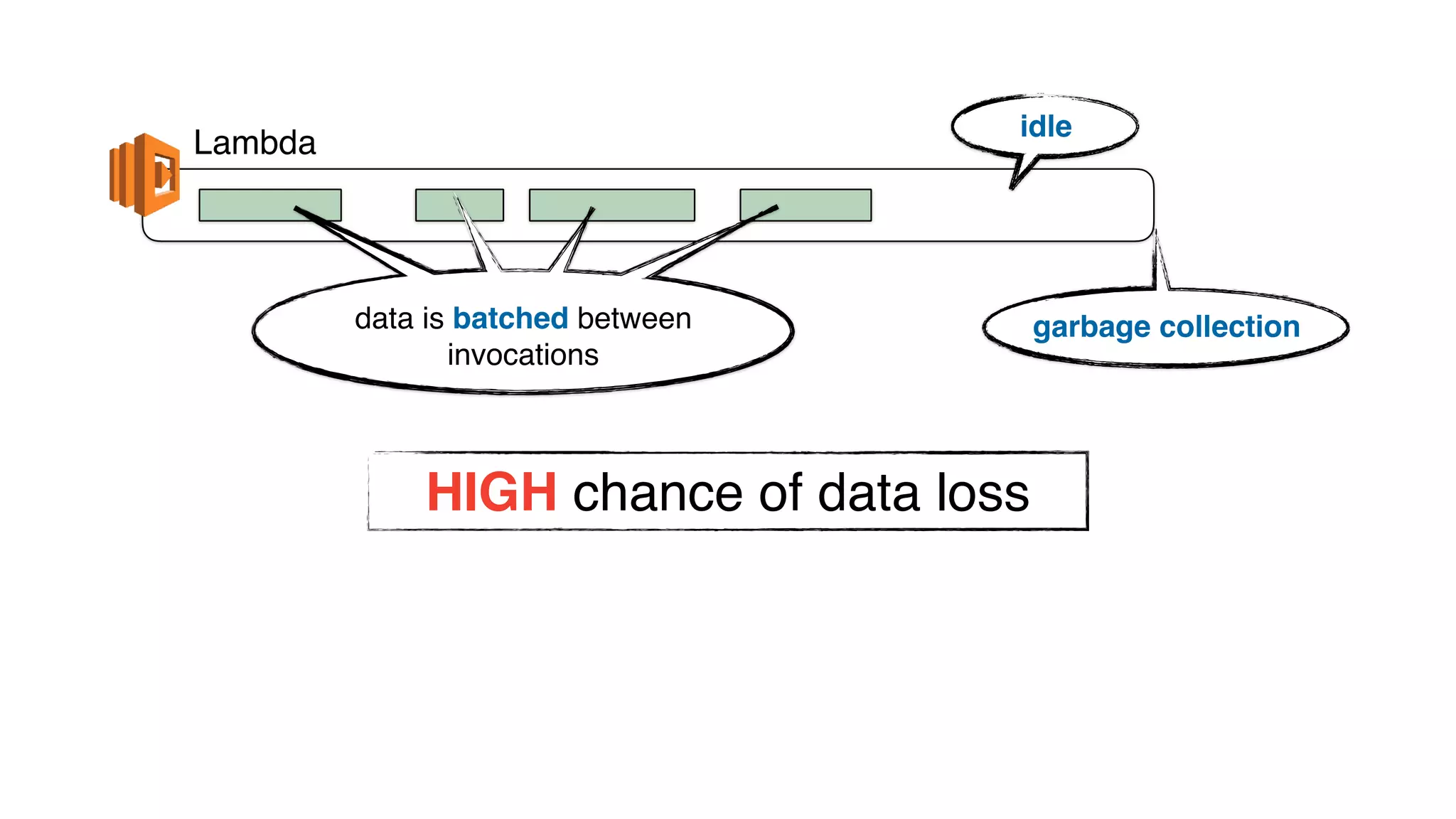
Lambda
idle
garbage collectiondata is batched between
invocations
HIGH chance of data loss
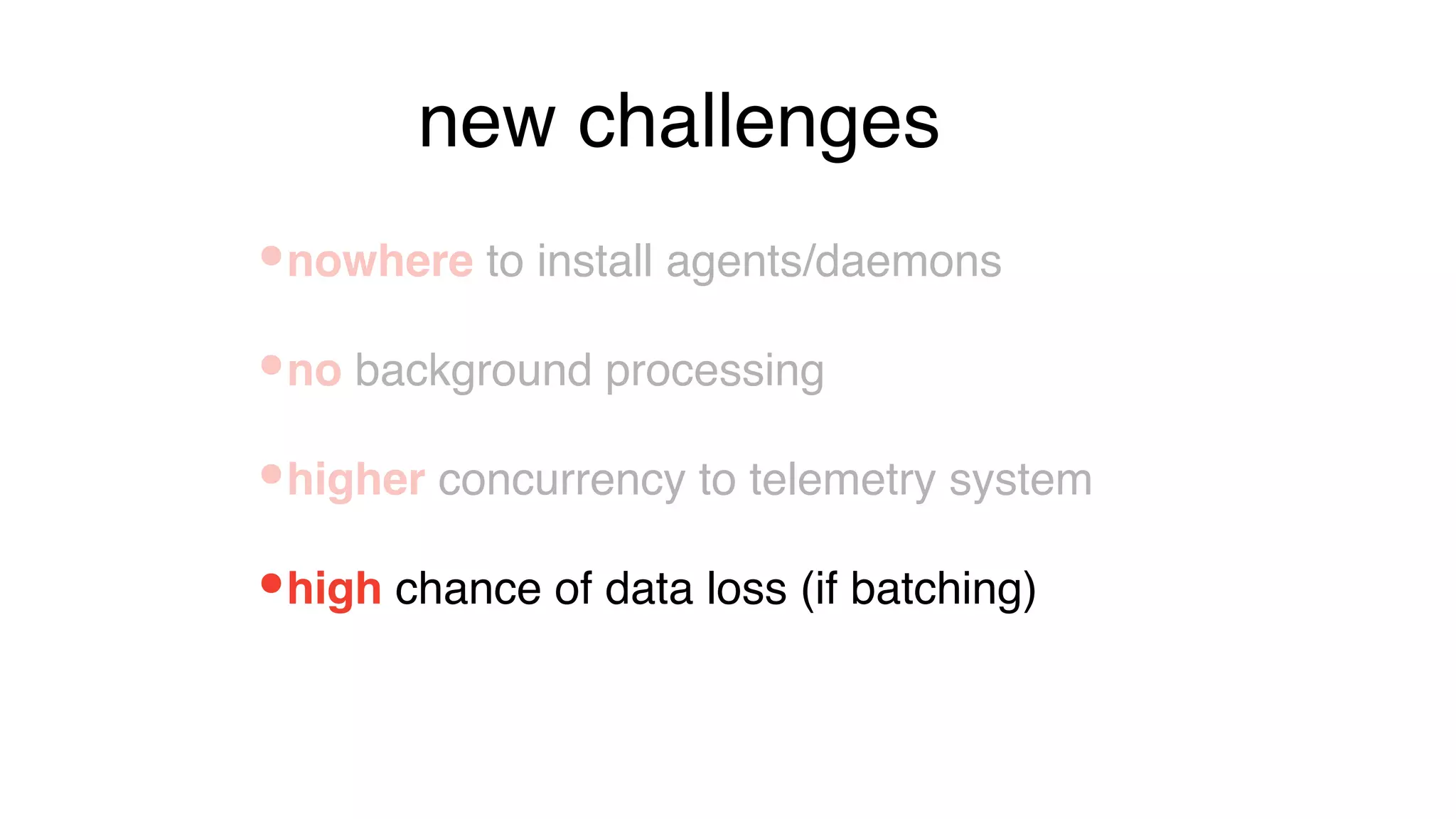
•high chance of data loss (if batching)
•nowhere to install agents/daemons
•no background processing
•higher concurrency to telemetry system
new challenges
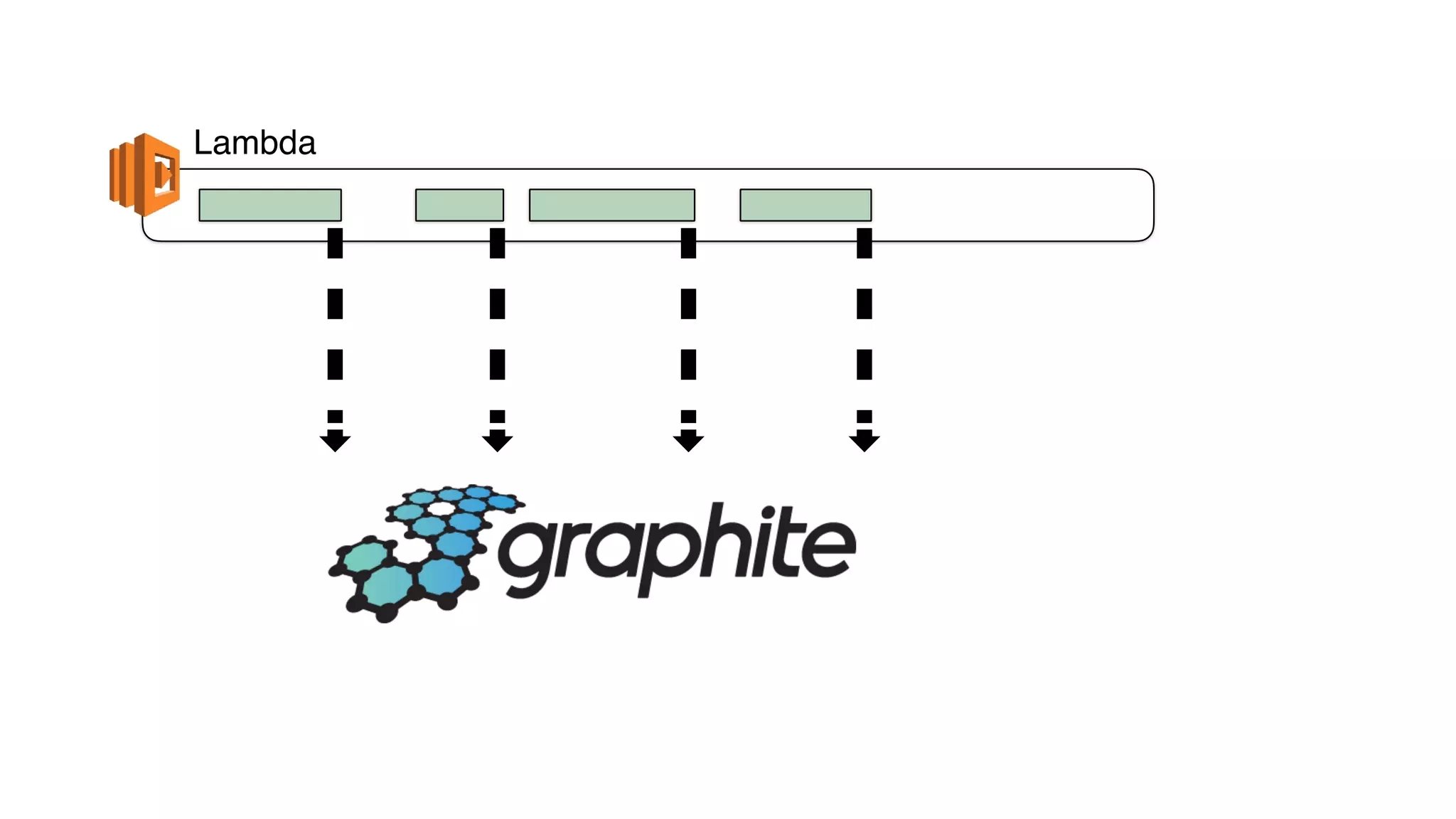
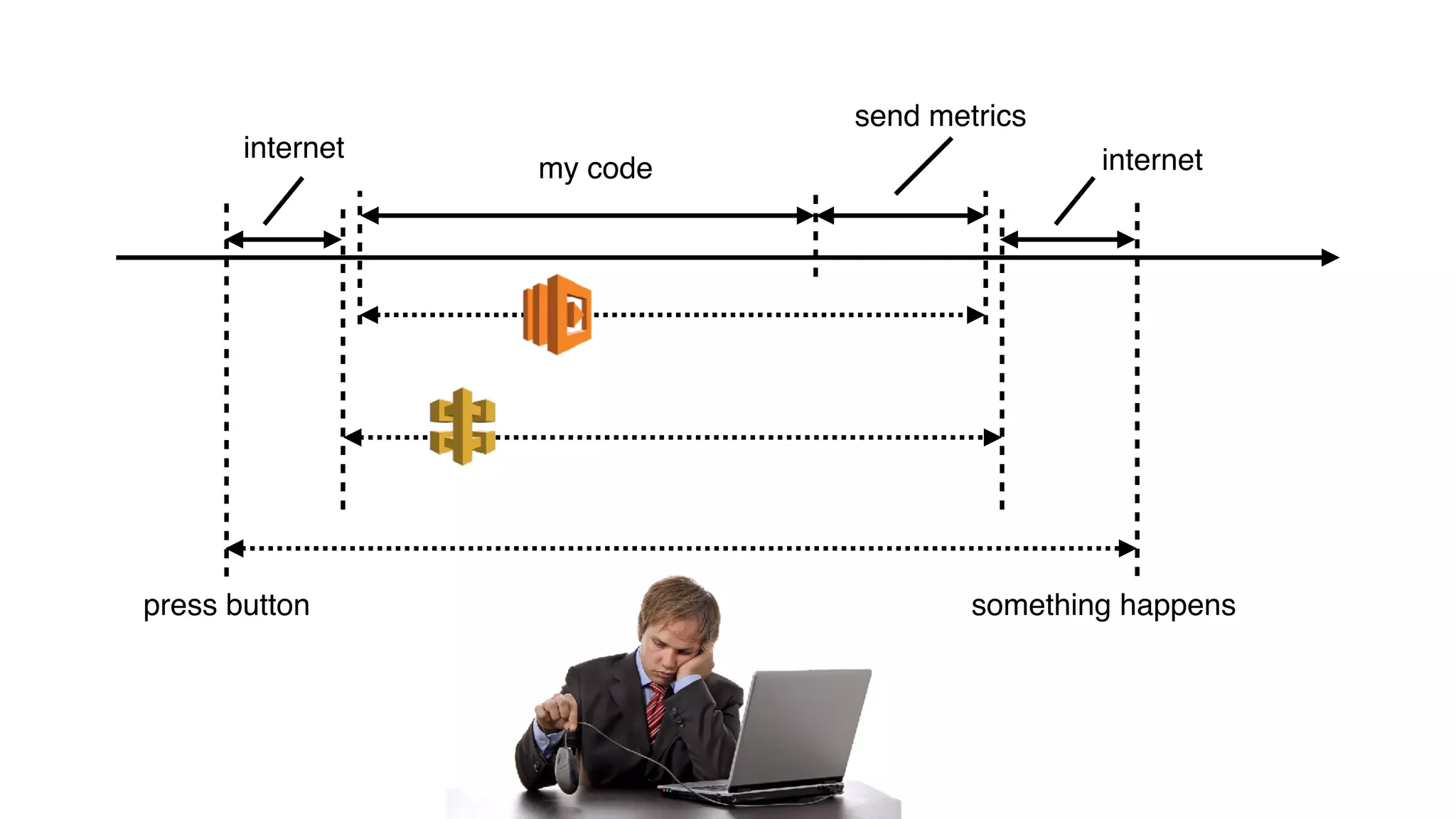
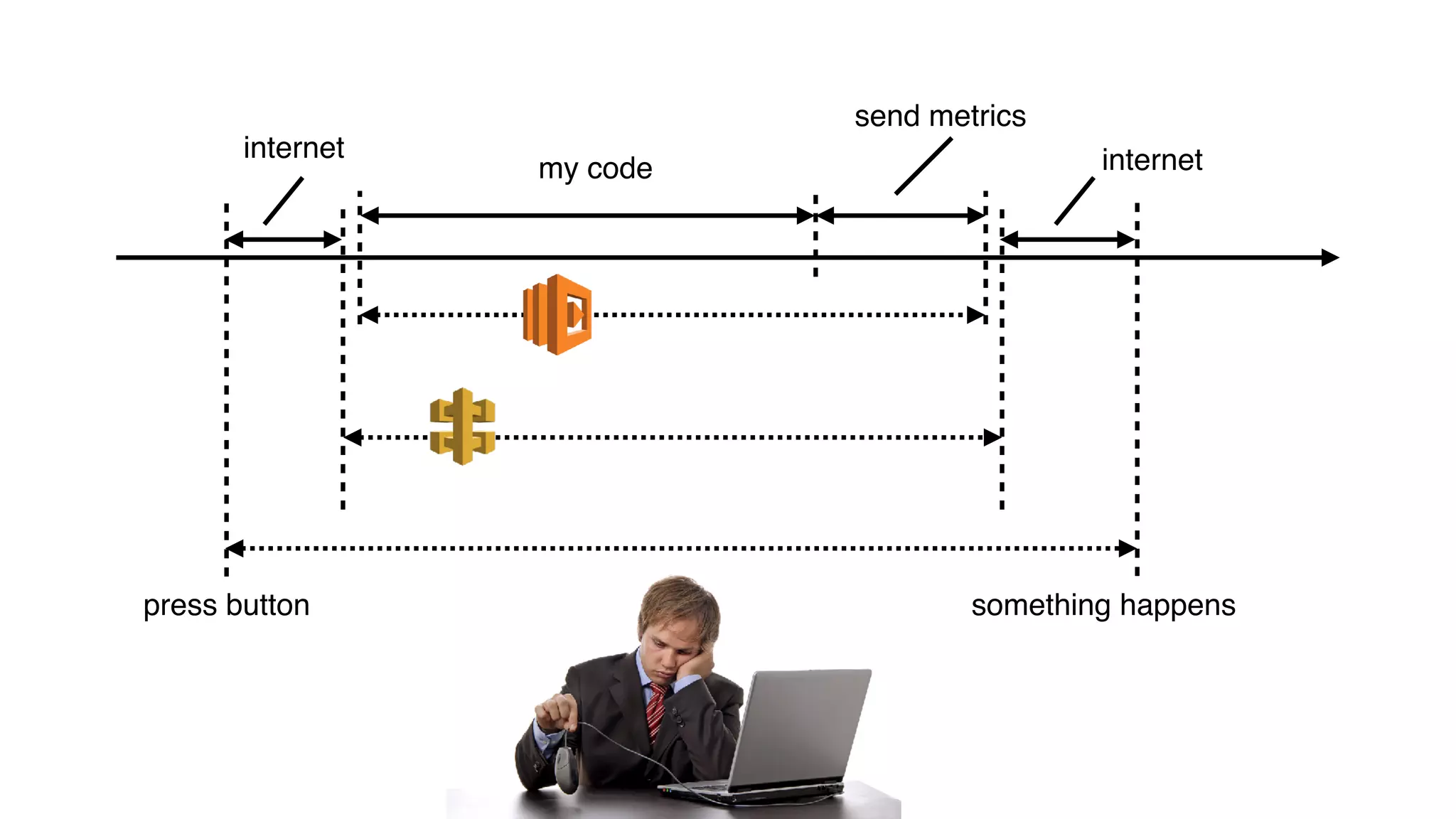
Lambda
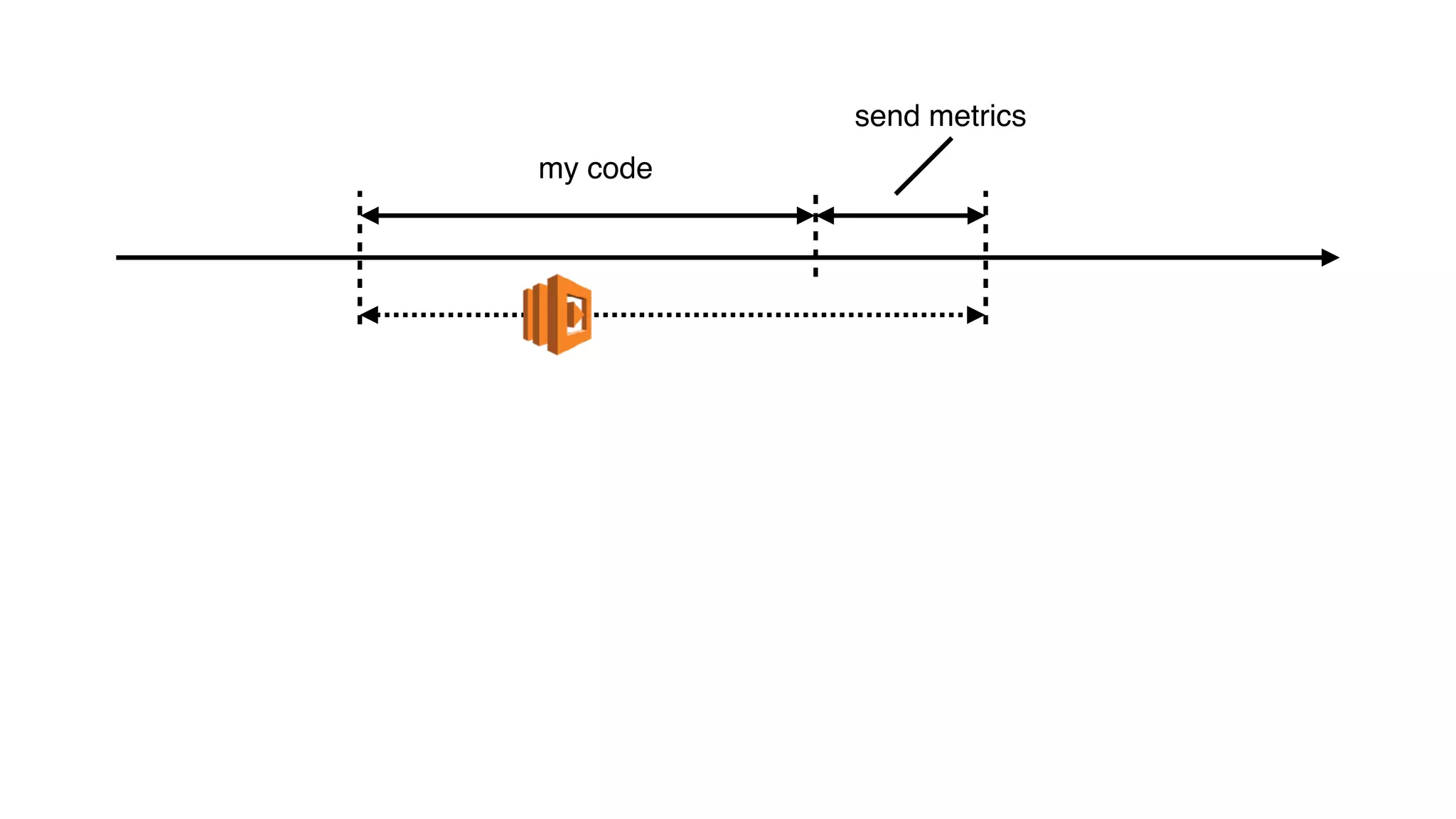
my code
send metrics
my code
send metrics
my code
send metrics
internet internet
press button something happens
http://bit.ly/2Dpidje
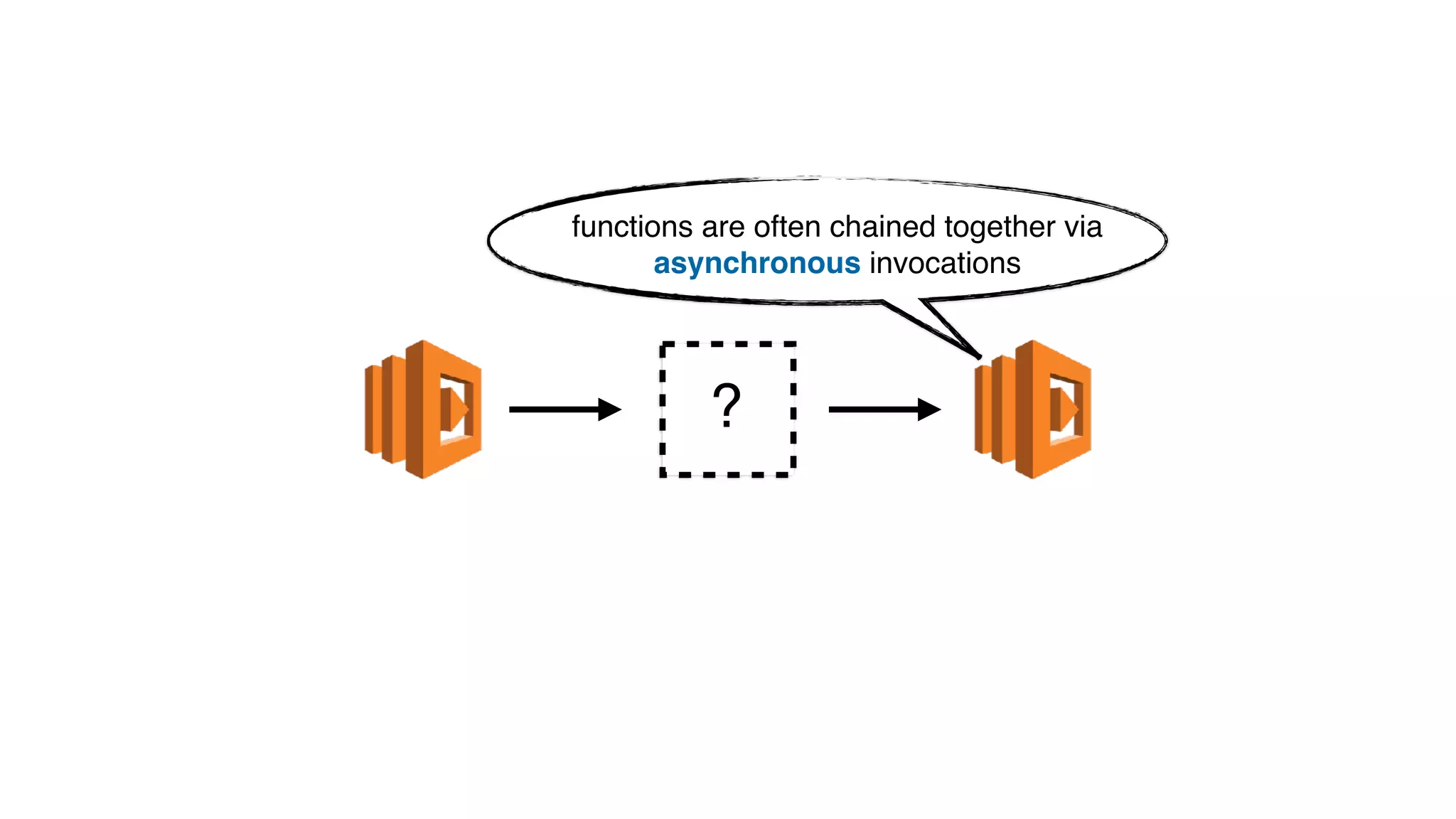
?
functions are often chained together via
asynchronous invocations
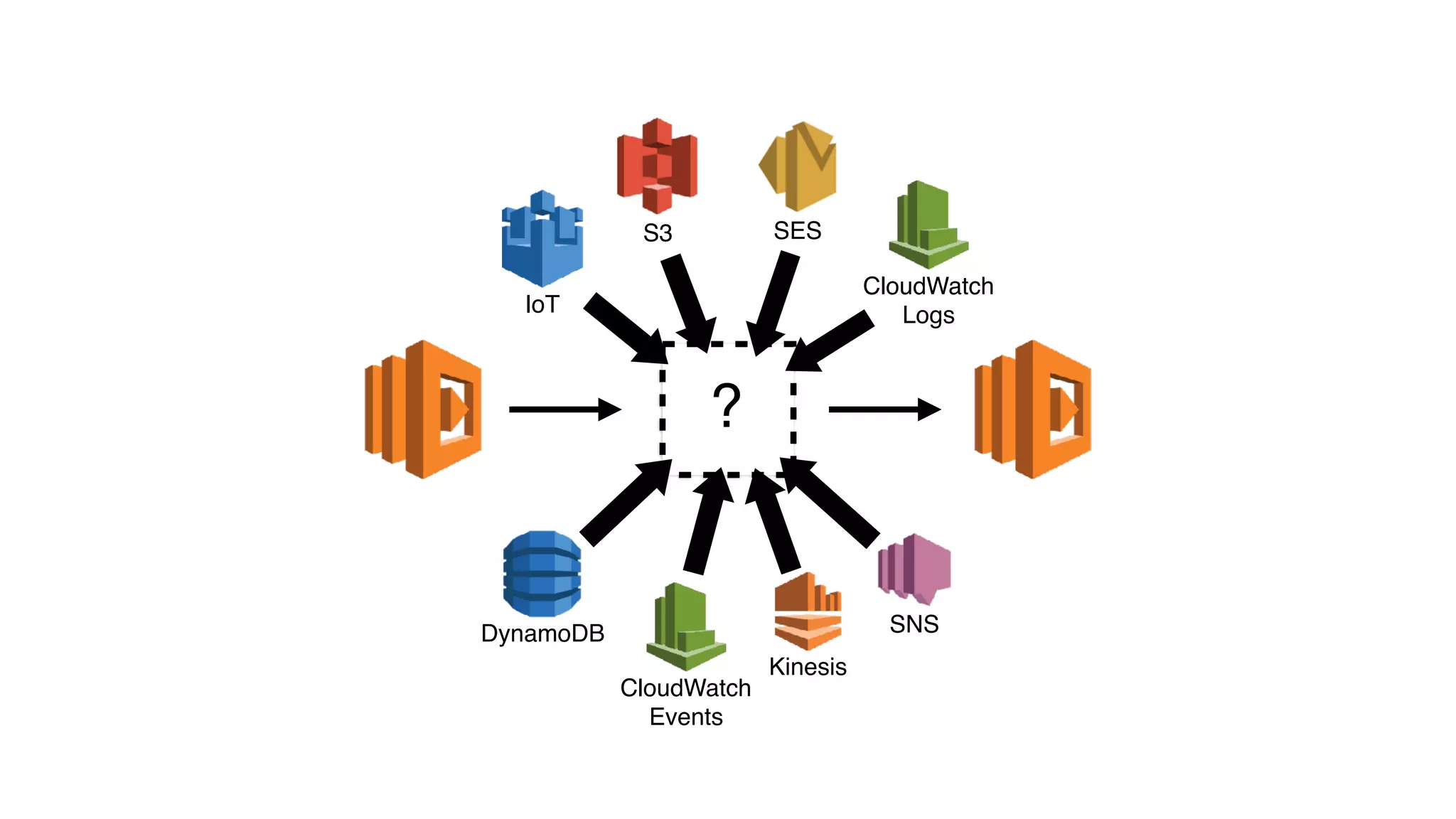
?
SNS
Kinesis
CloudWatch
Events
CloudWatch
LogsIoT
DynamoDB
S3 SES
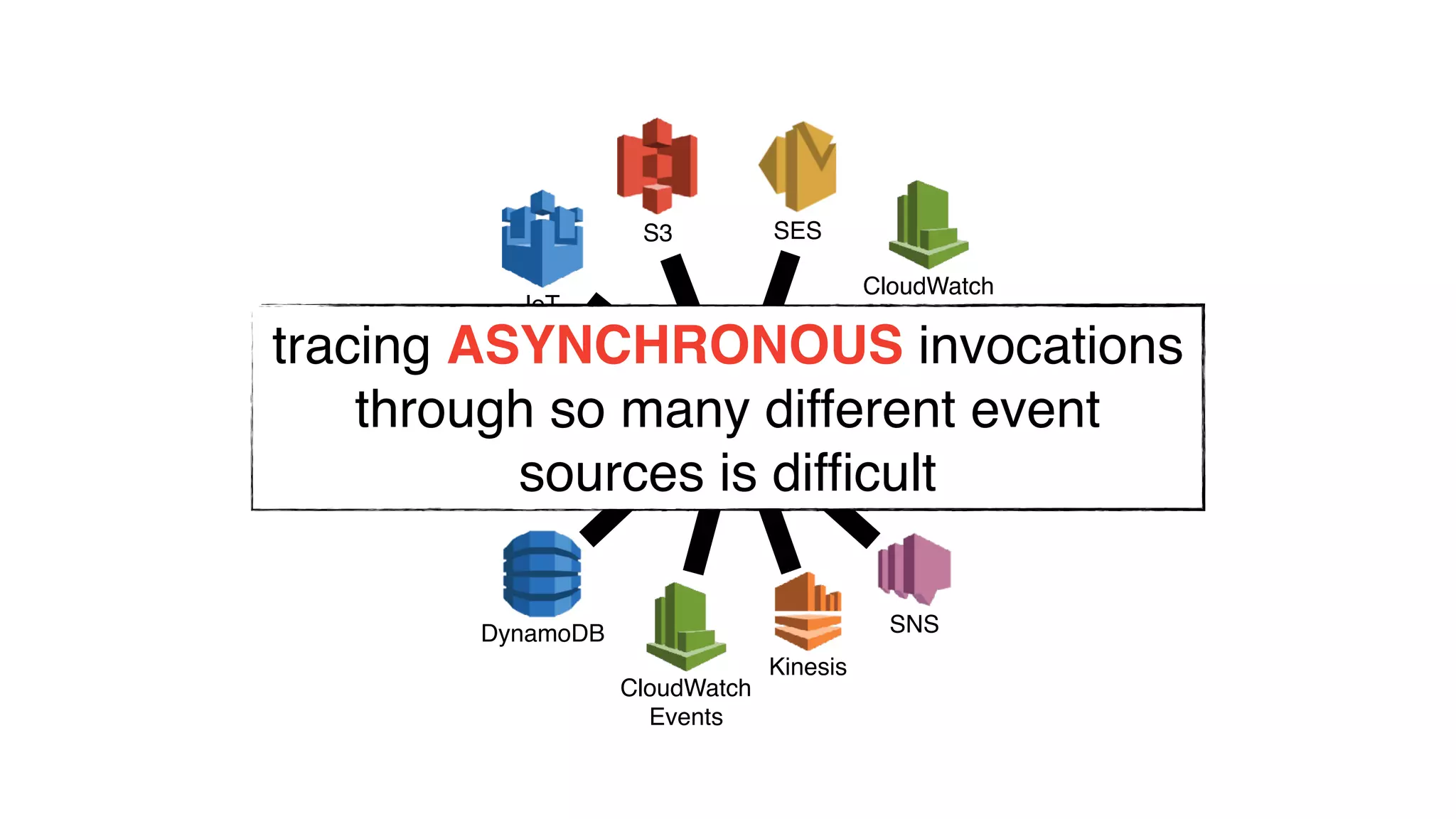
?
SNS
Kinesis
CloudWatch
Events
CloudWatch
LogsIoT
DynamoDB
S3 SES
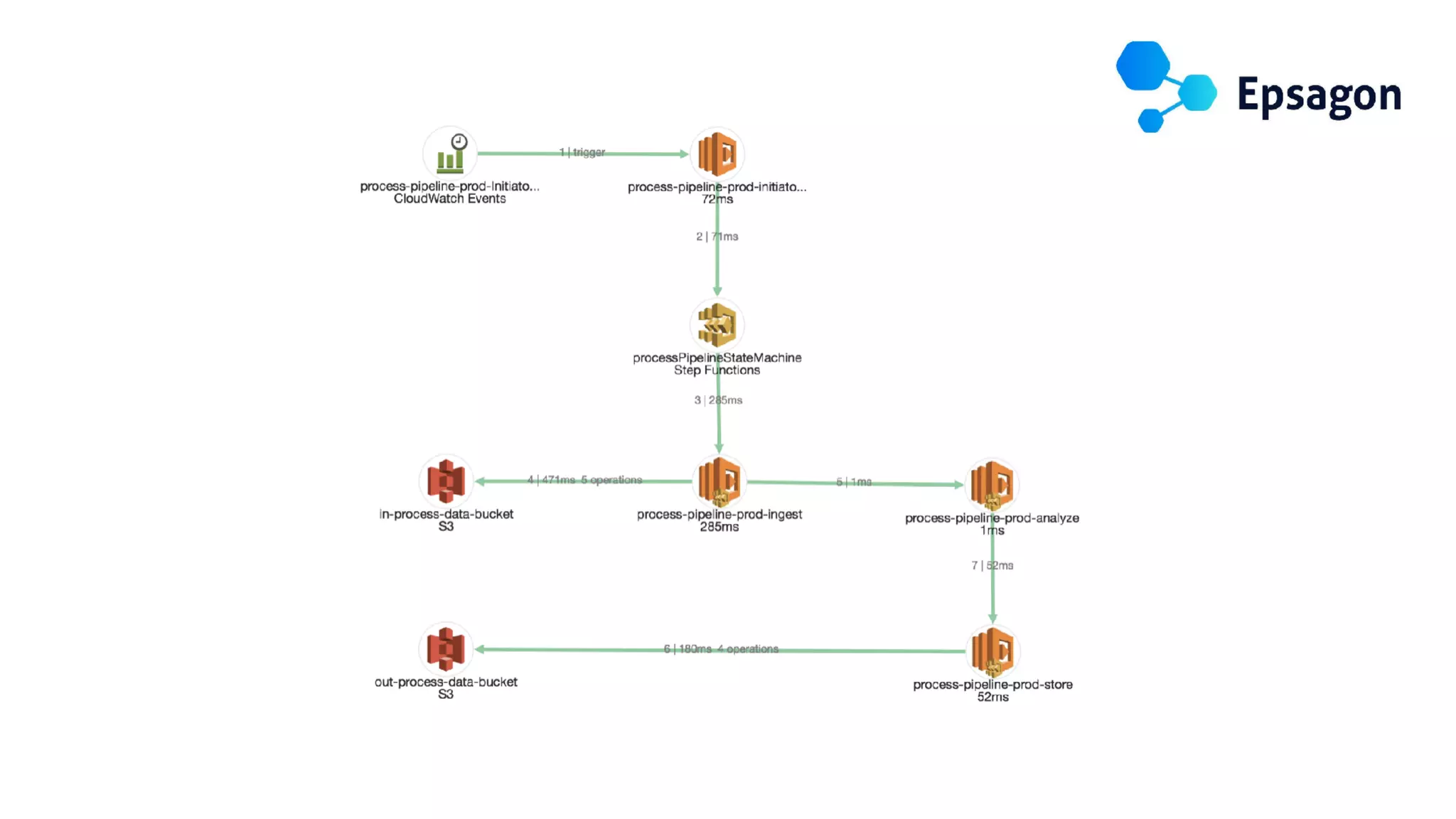
tracing ASYNCHRONOUS invocations
through so many different event
sources is difficult
•asynchronous invocations
•nowhere to install agents/daemons
•no background processing
•higher concurrency to telemetry system
•high chance of data loss (if batching)
new challenges
These are the four pillars of the Observability Engineering
team’s charter:
• Monitoring
• Alerting/Visualization
• Distributed systems tracing infrastructure
• Log aggregation/analytics
“
” http://bit.ly/2DnjyuW- Observability Engineering at Twitter
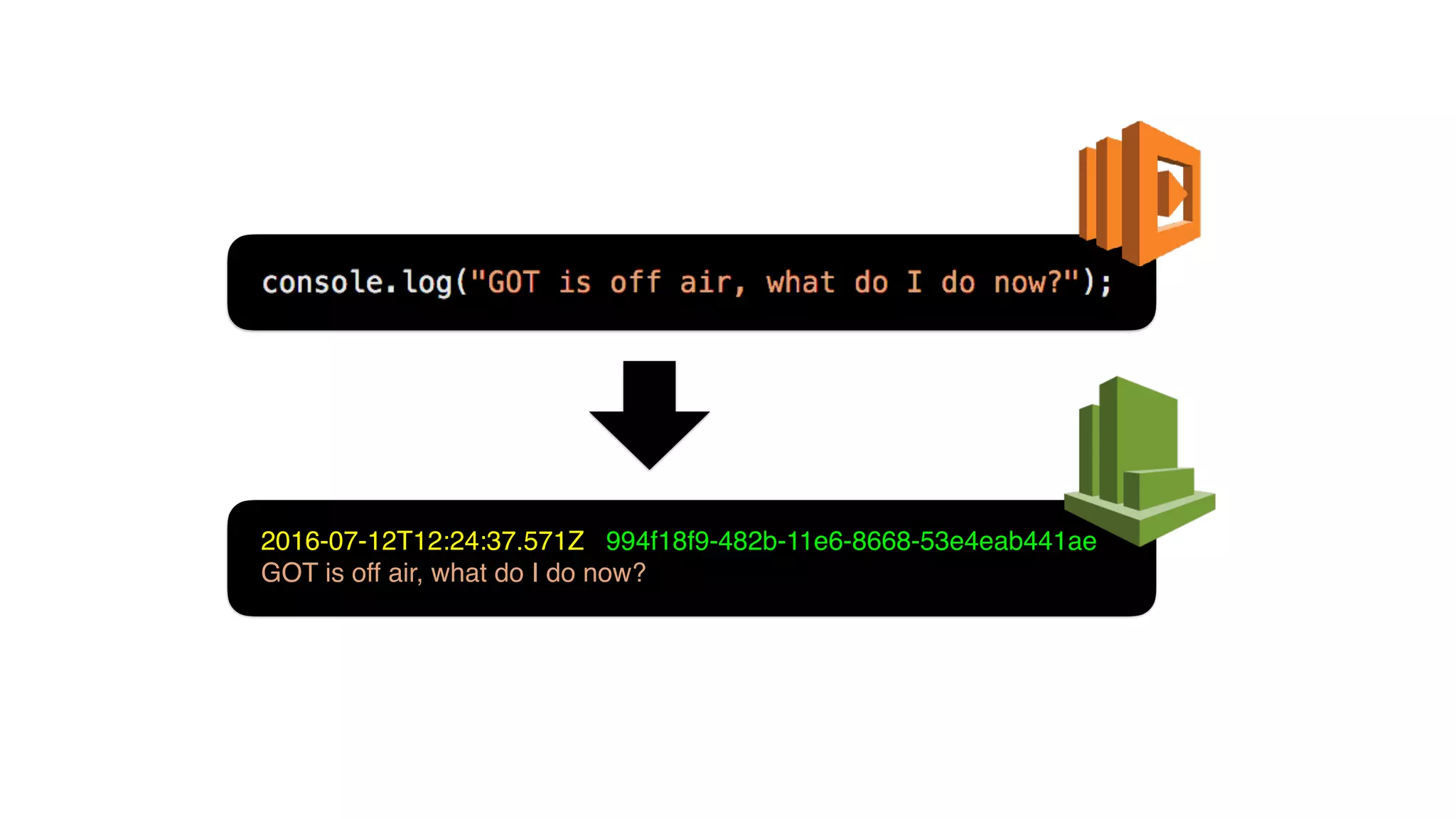
LOGGING
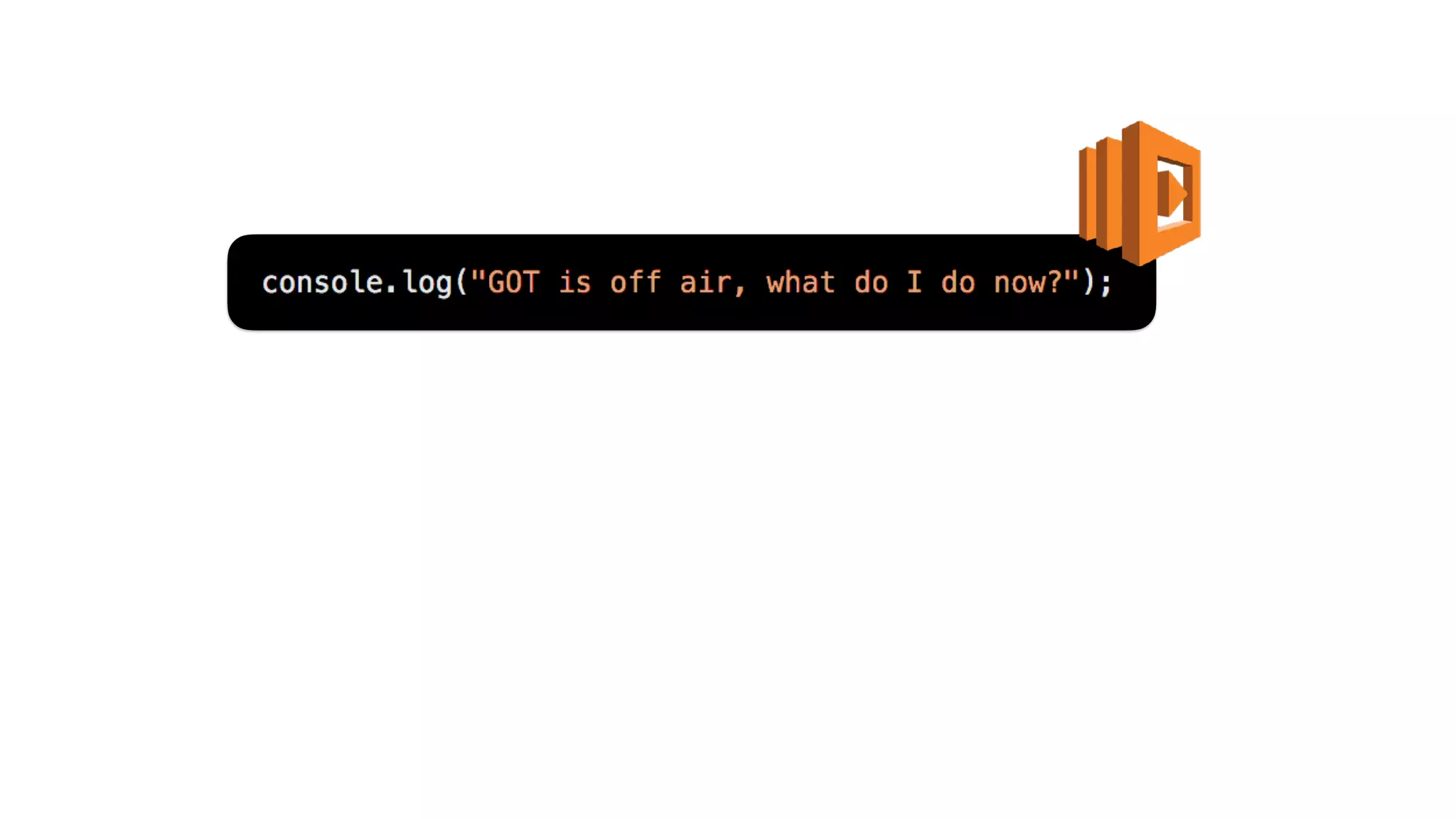
2016-07-12T12:24:37.571Z 994f18f9-482b-11e6-8668-53e4eab441ae
GOT is off air, what do I do now?
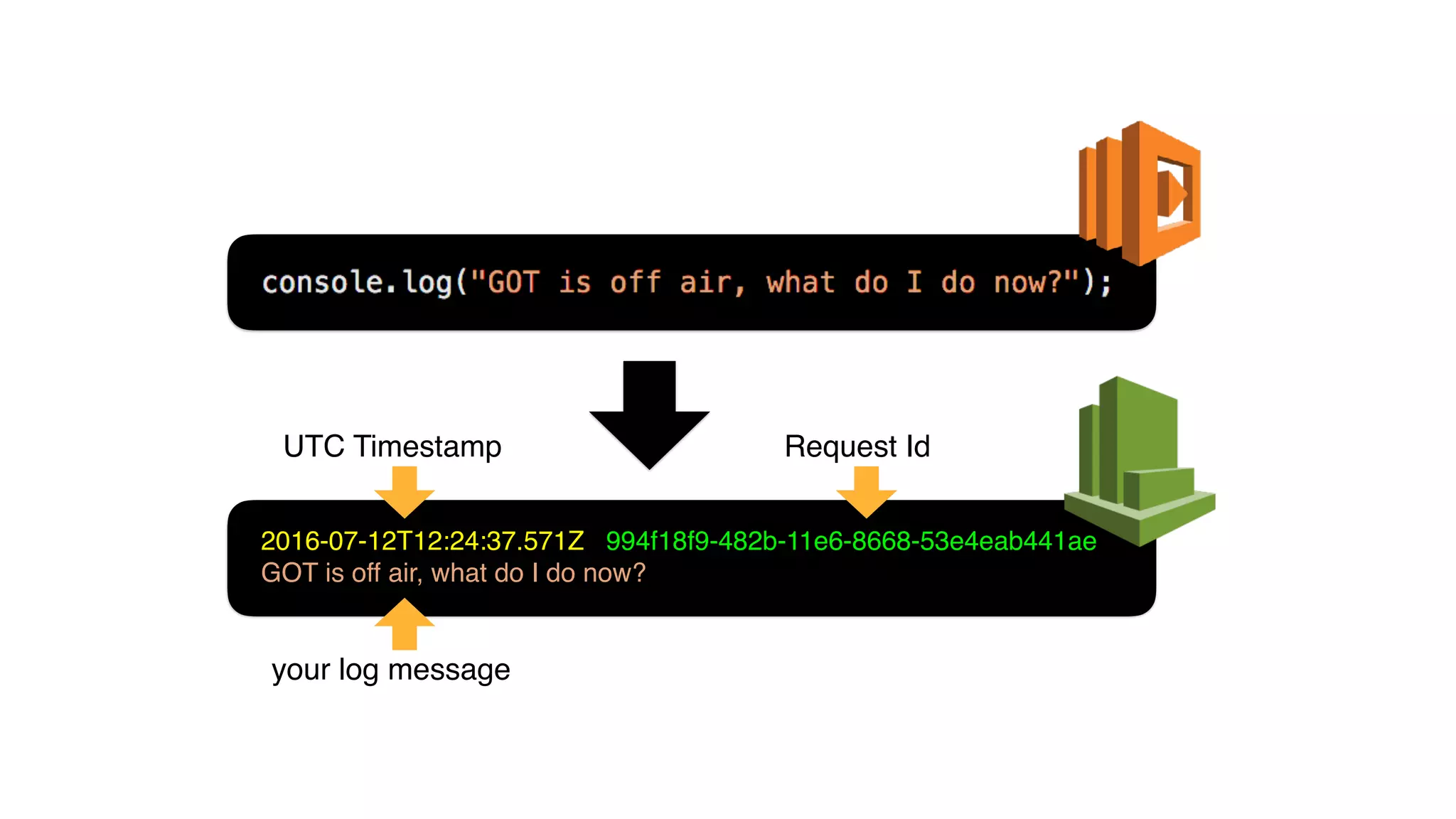
2016-07-12T12:24:37.571Z 994f18f9-482b-11e6-8668-53e4eab441ae
GOT is off air, what do I do now?
UTC Timestamp Request Id
your log message
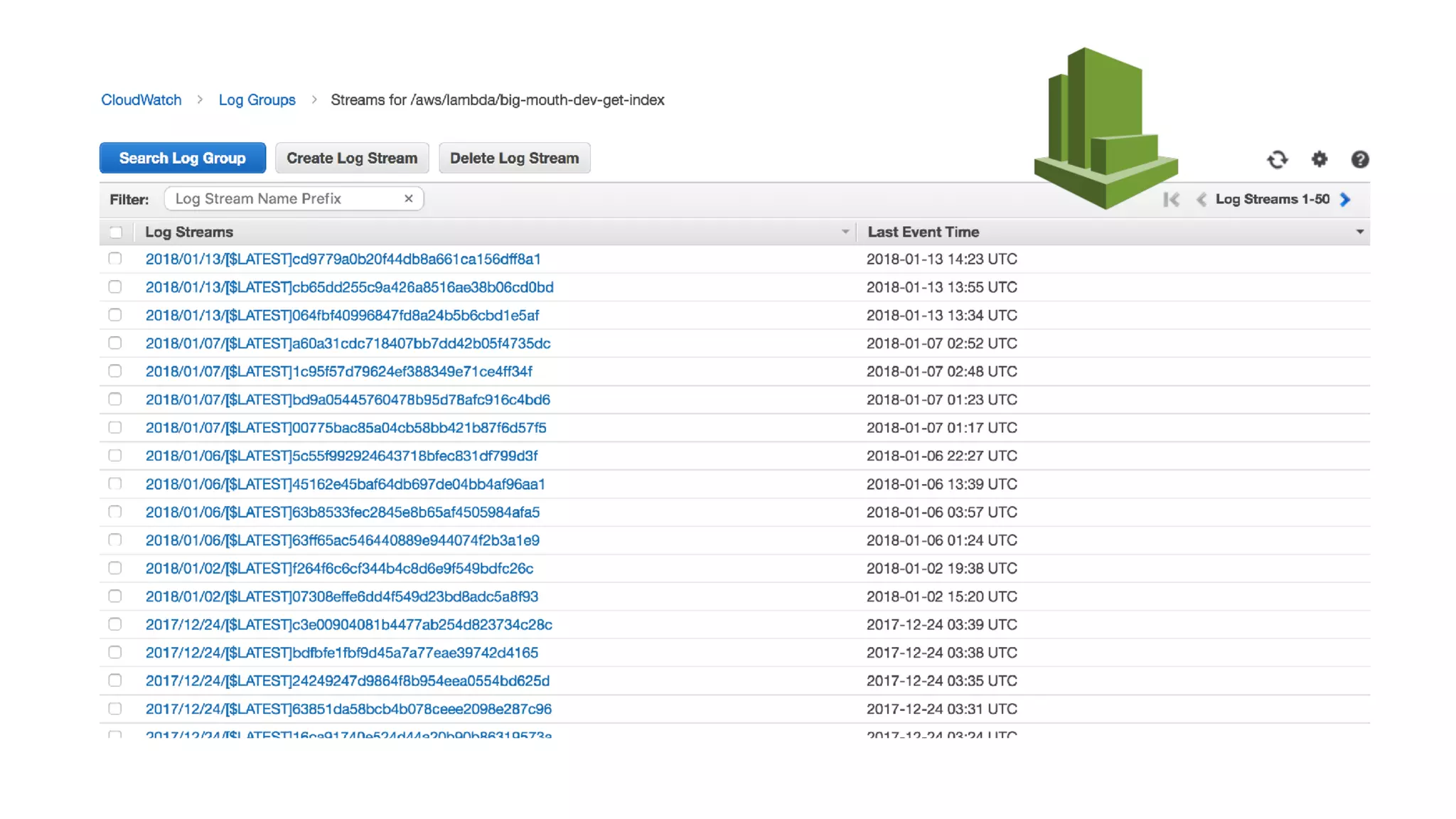
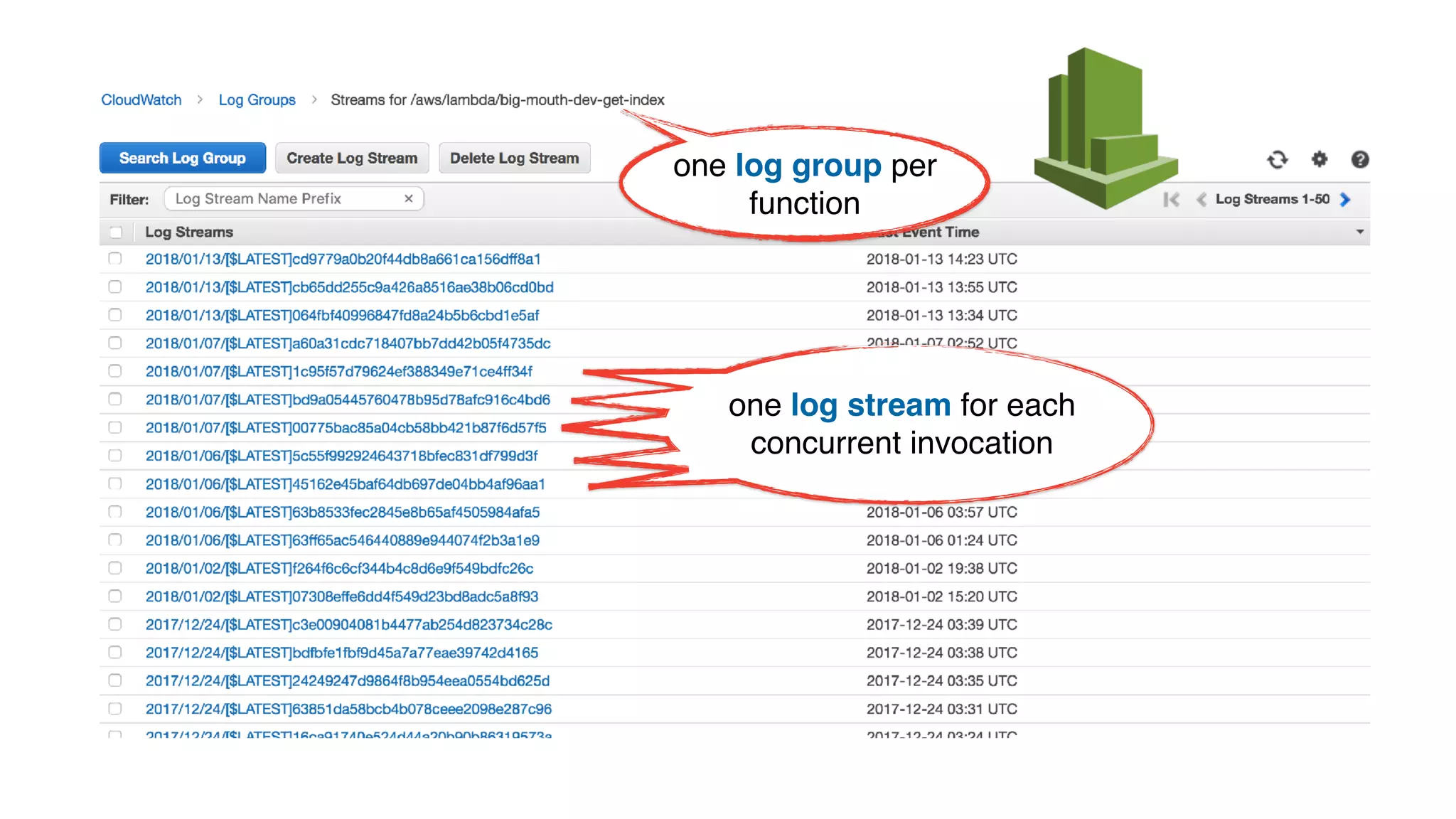
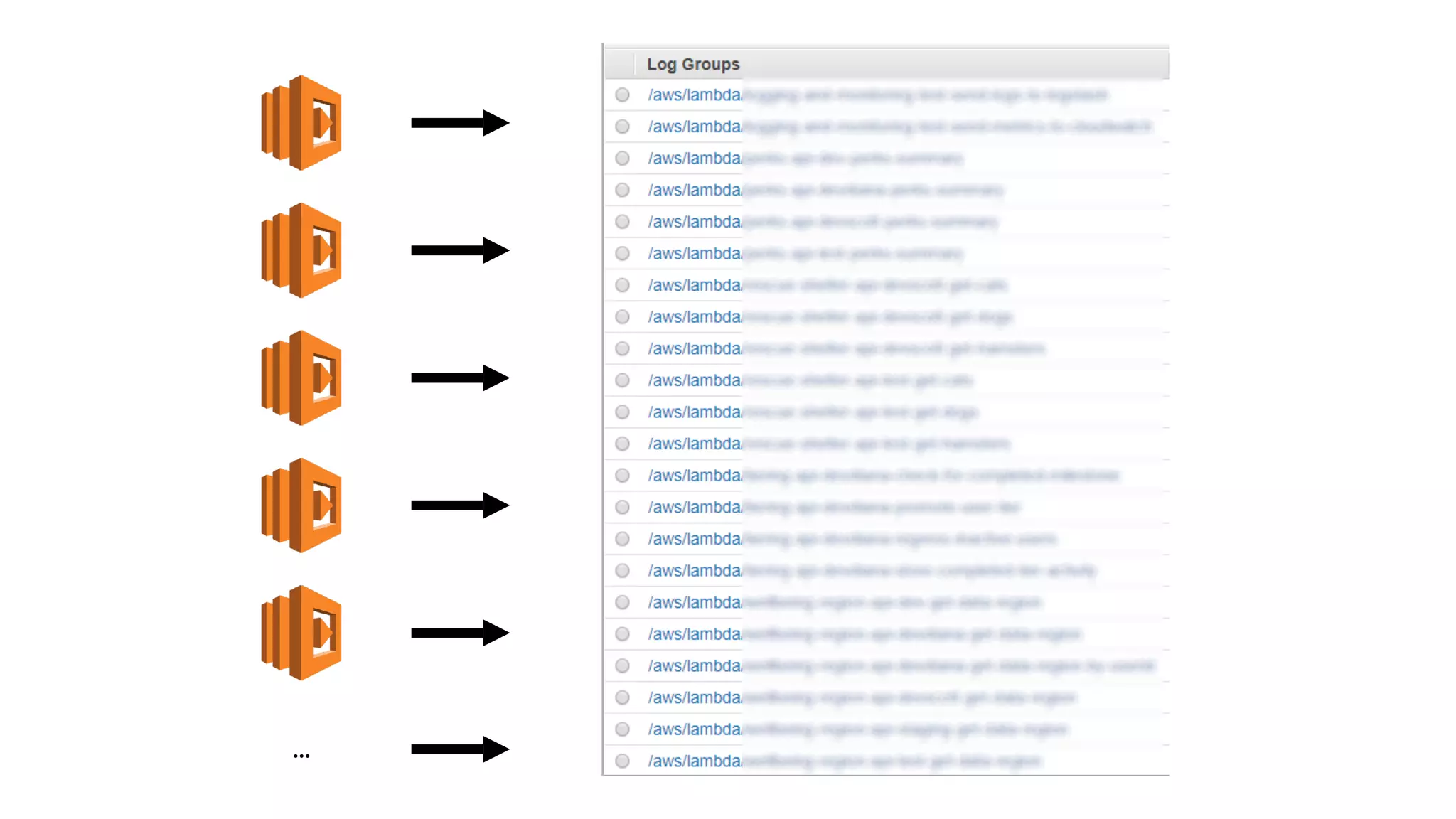
one log group per
function
one log stream for each
concurrent invocation
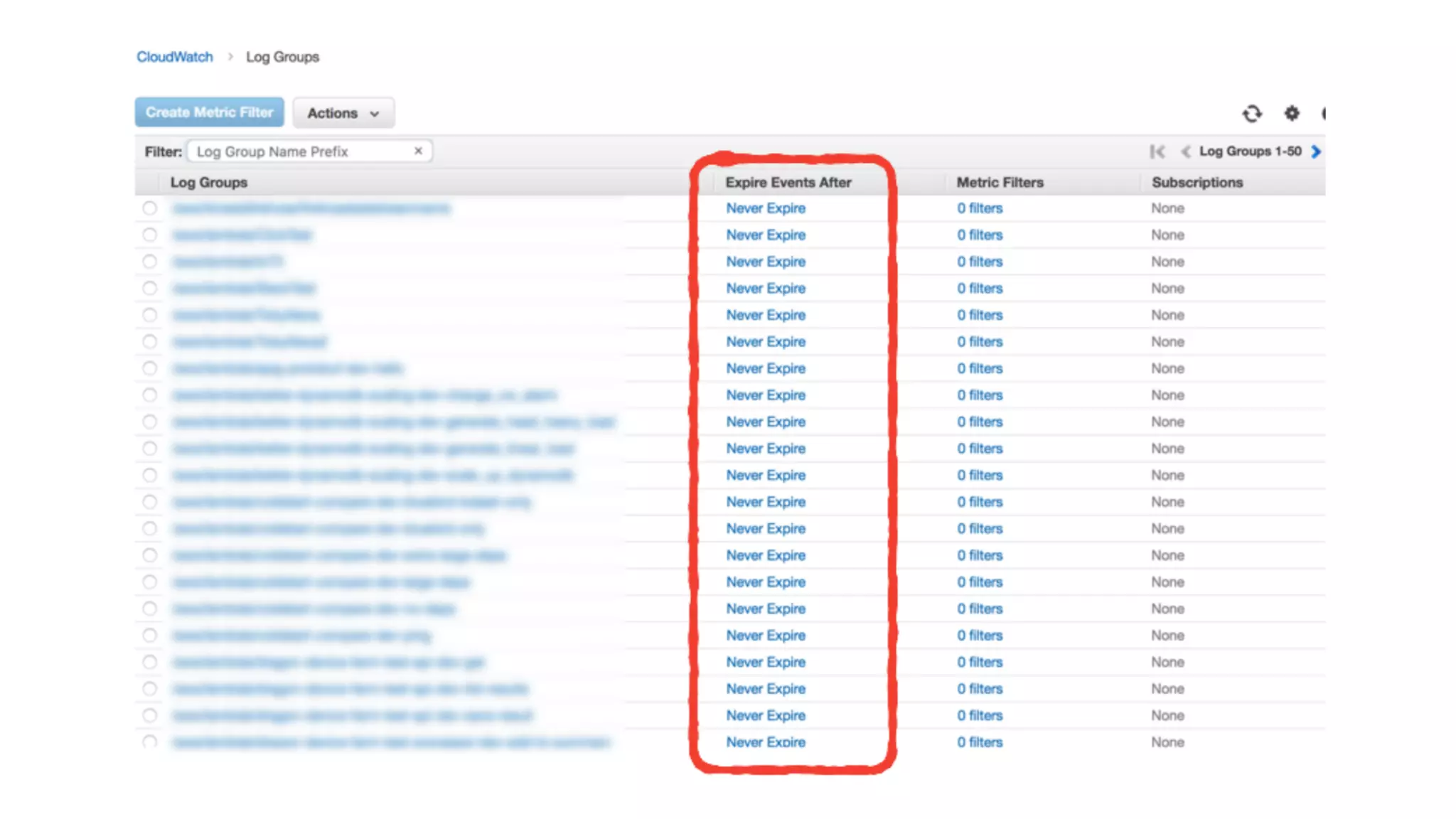
logs are not easily searchable in CloudWatch
Logs
me
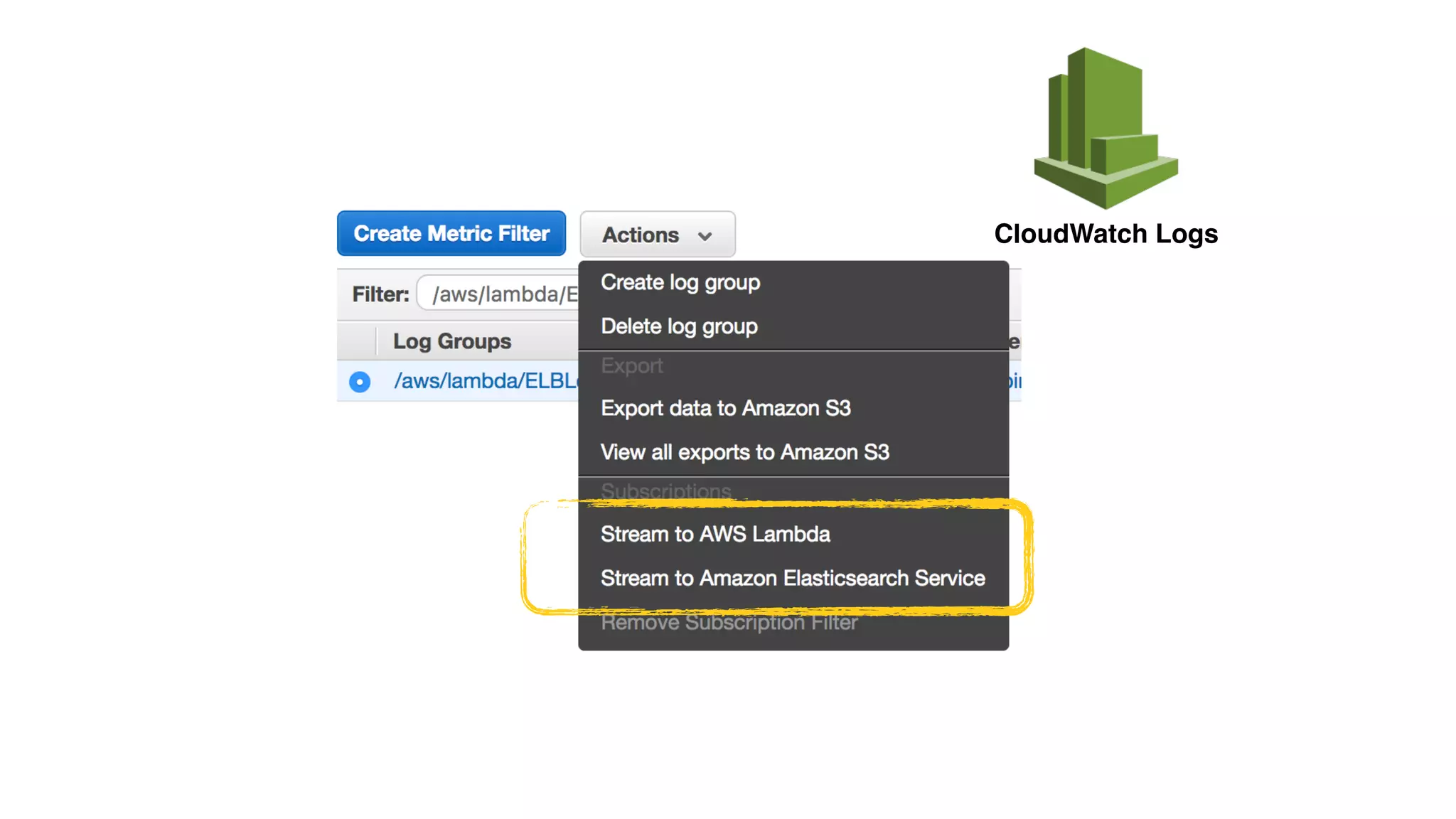
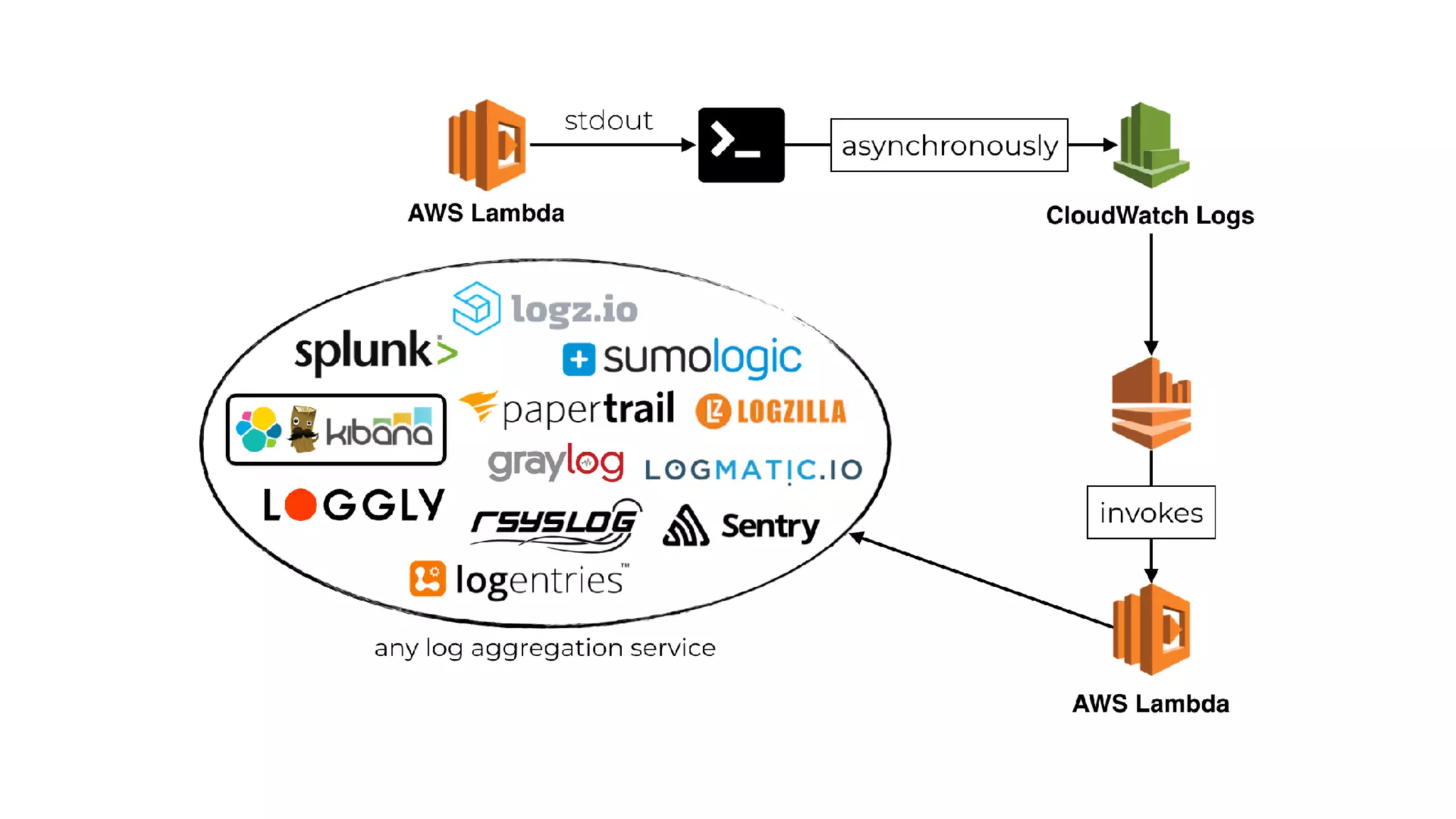
CloudWatch Logs
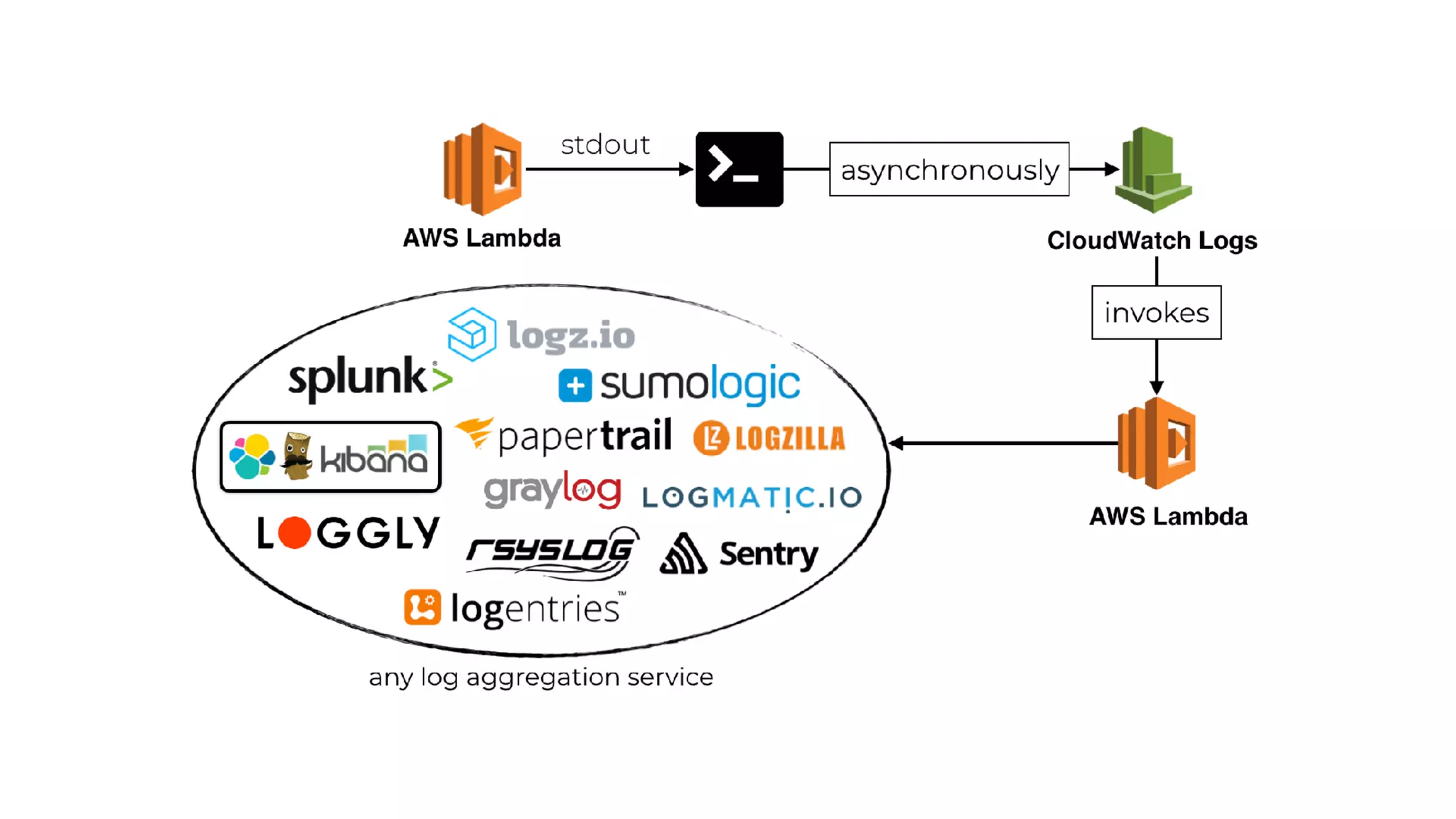
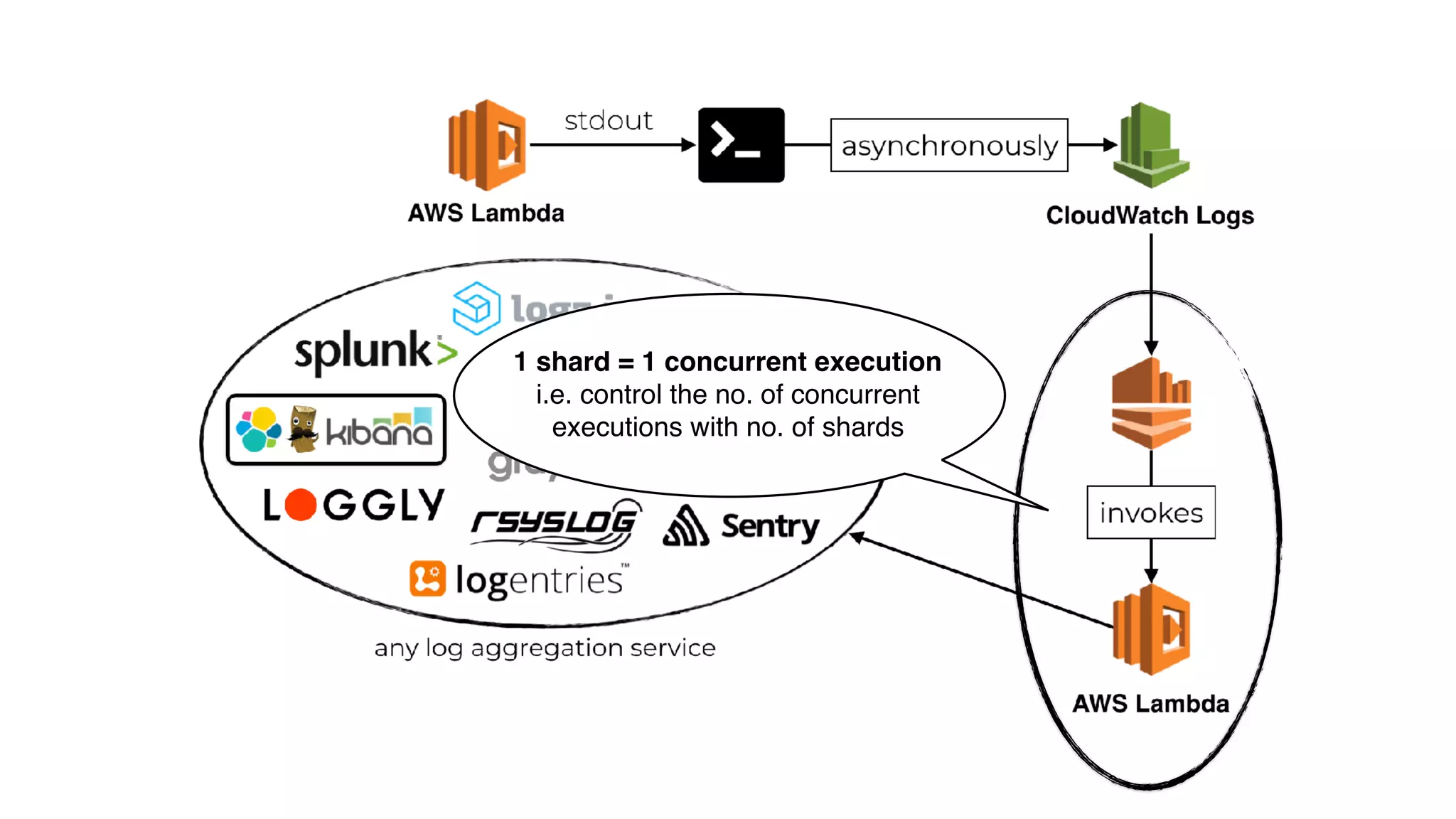
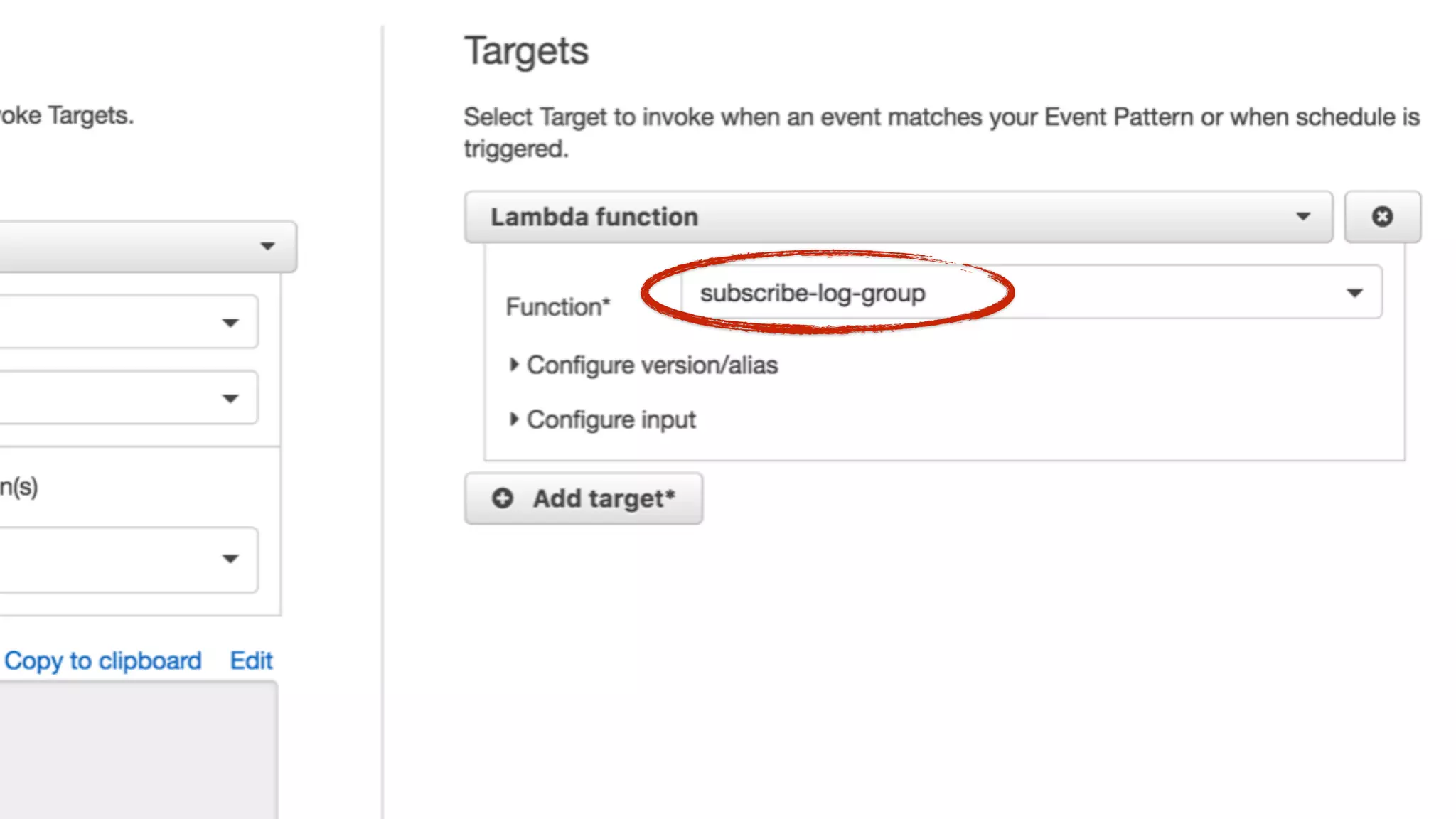
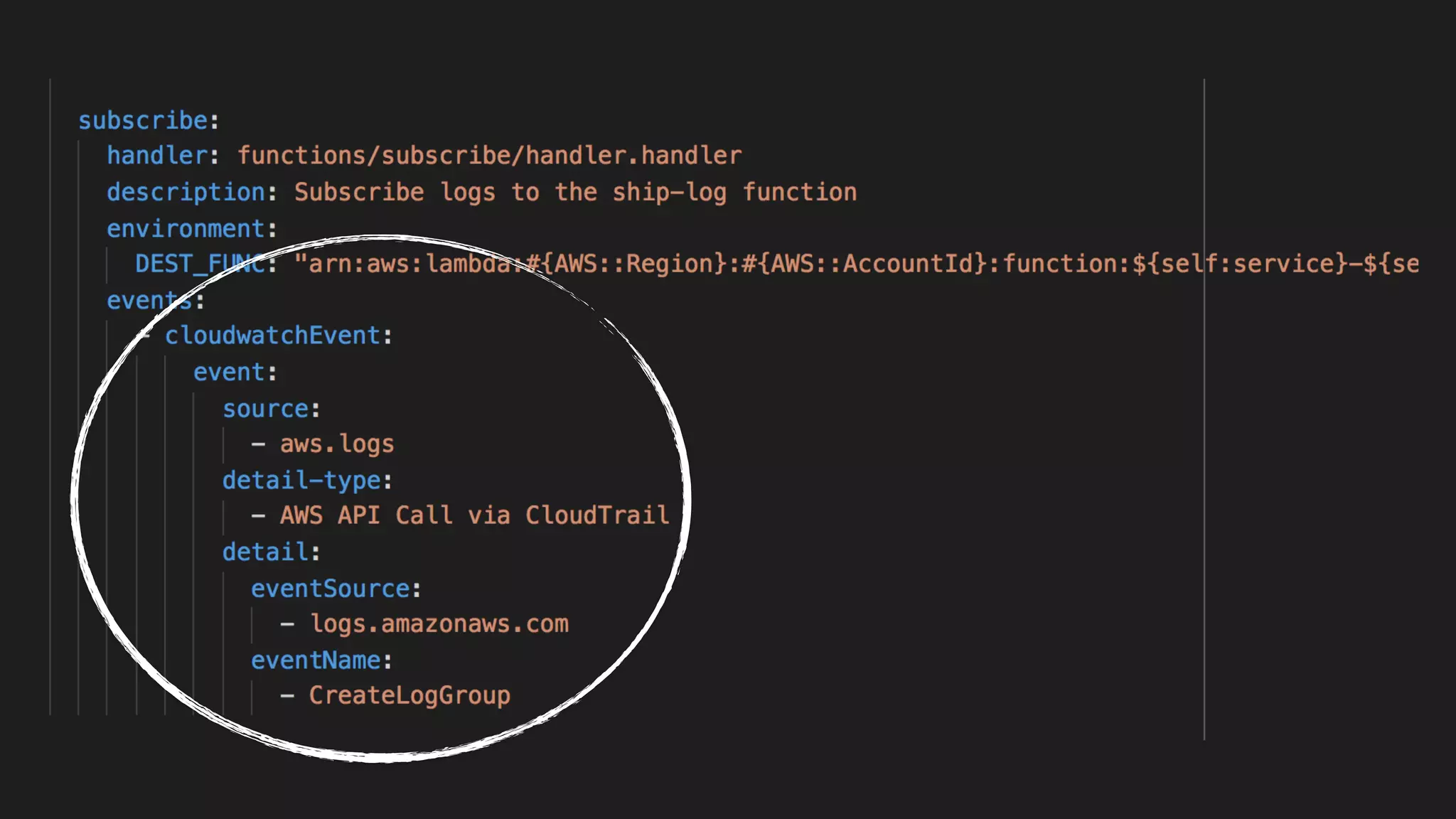
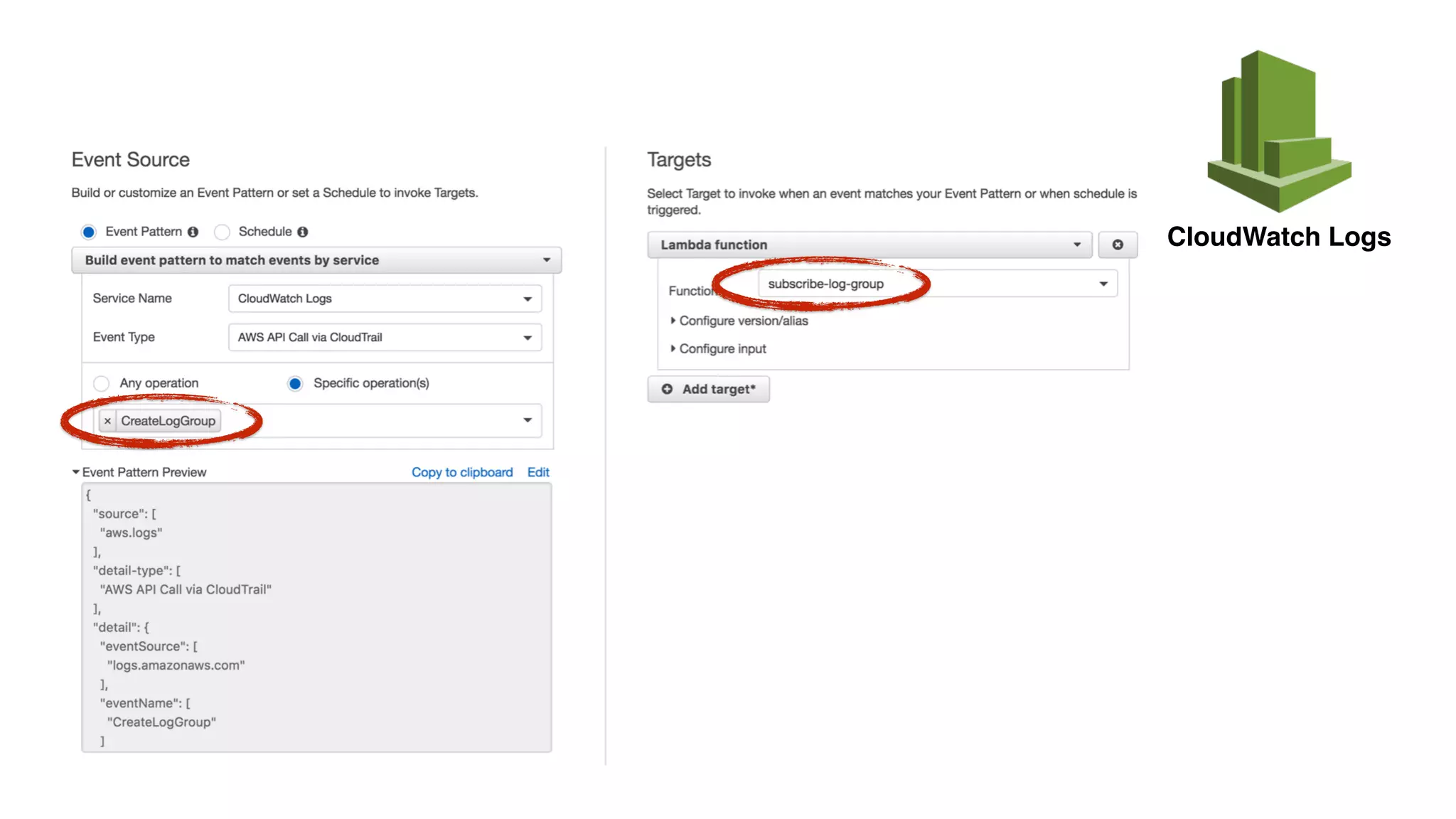
CloudWatch Logs is an async event source for Lambda
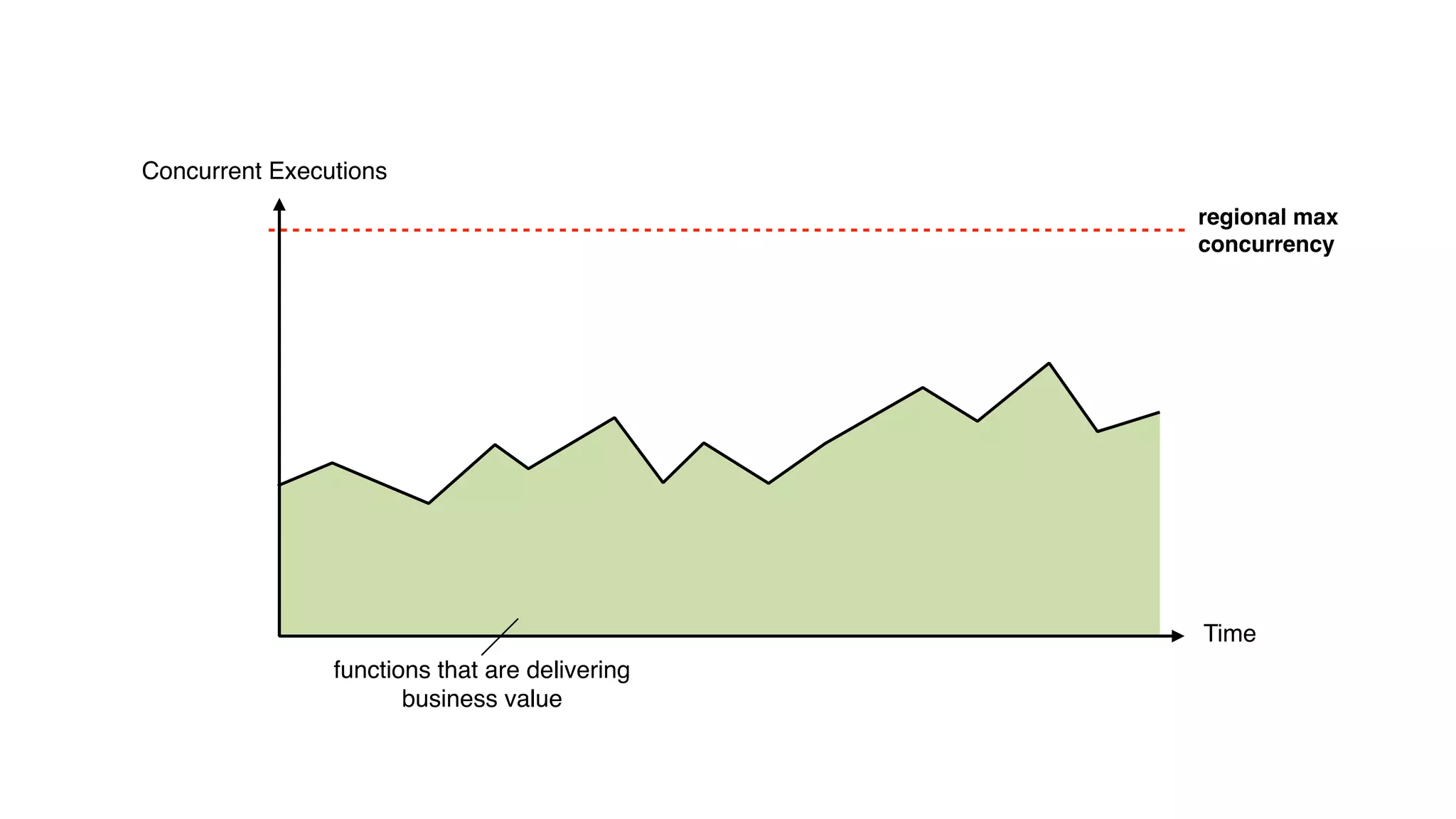
Concurrent Executions
Time
regional max
concurrency
functions that are delivering
business value
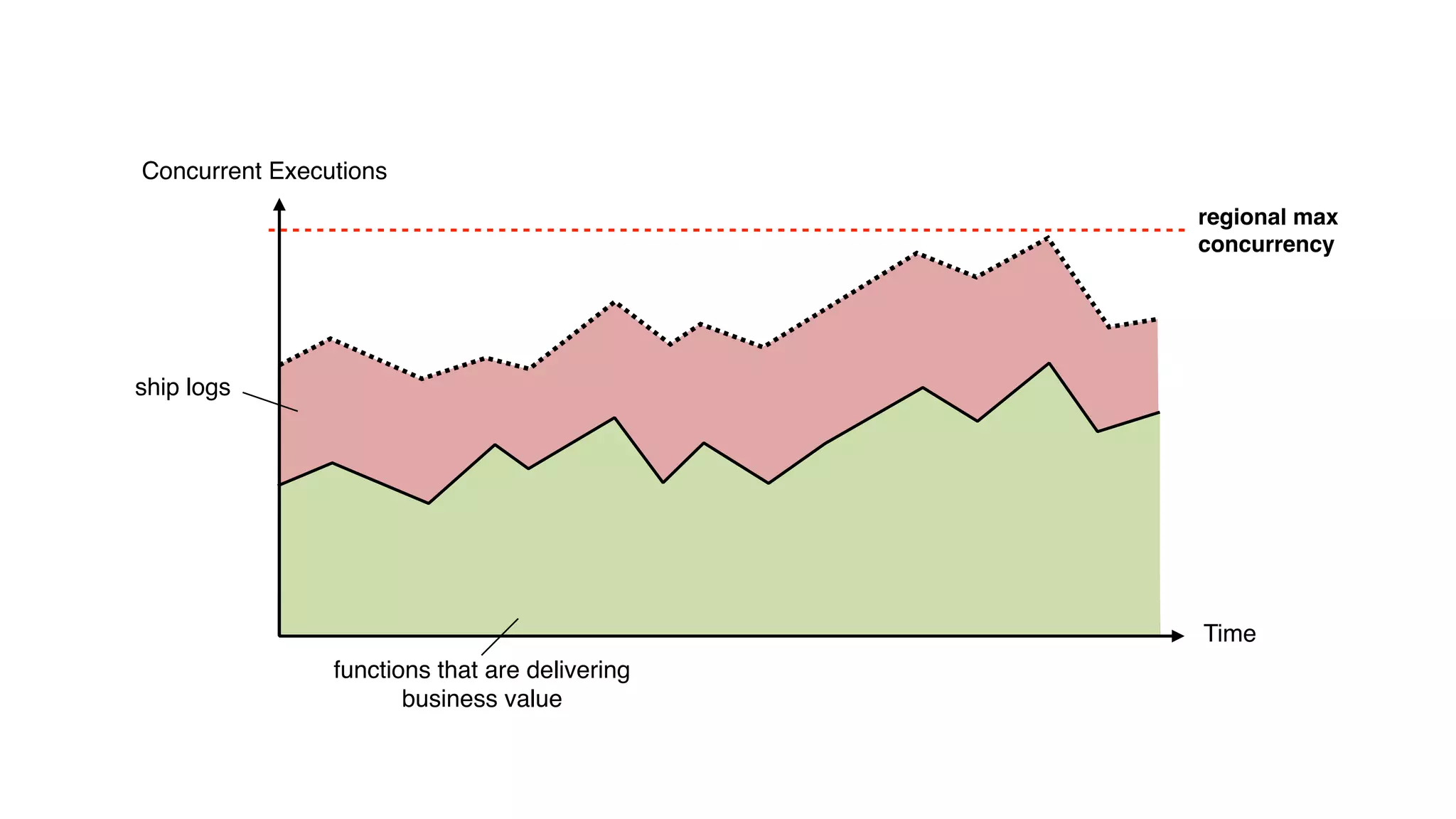
Concurrent Executions
Time
regional max
concurrency
functions that are delivering
business value
ship logs
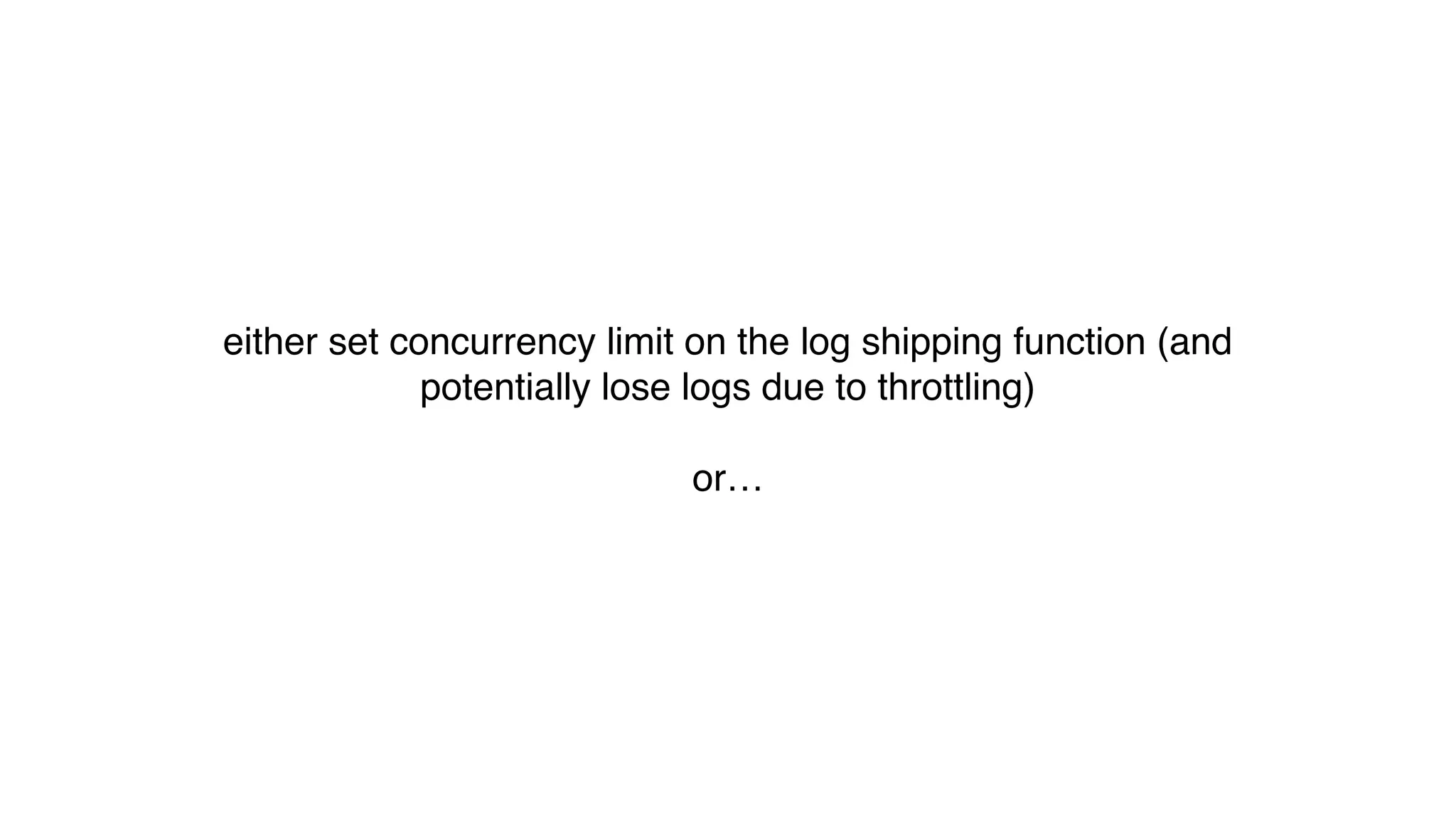
either set concurrency limit on the log shipping function (and
potentially lose logs due to throttling)
or…
1 shard = 1 concurrent execution
i.e. control the no. of concurrent
executions with no. of shards
…
CloudWatch Logs
CloudWatch Logs
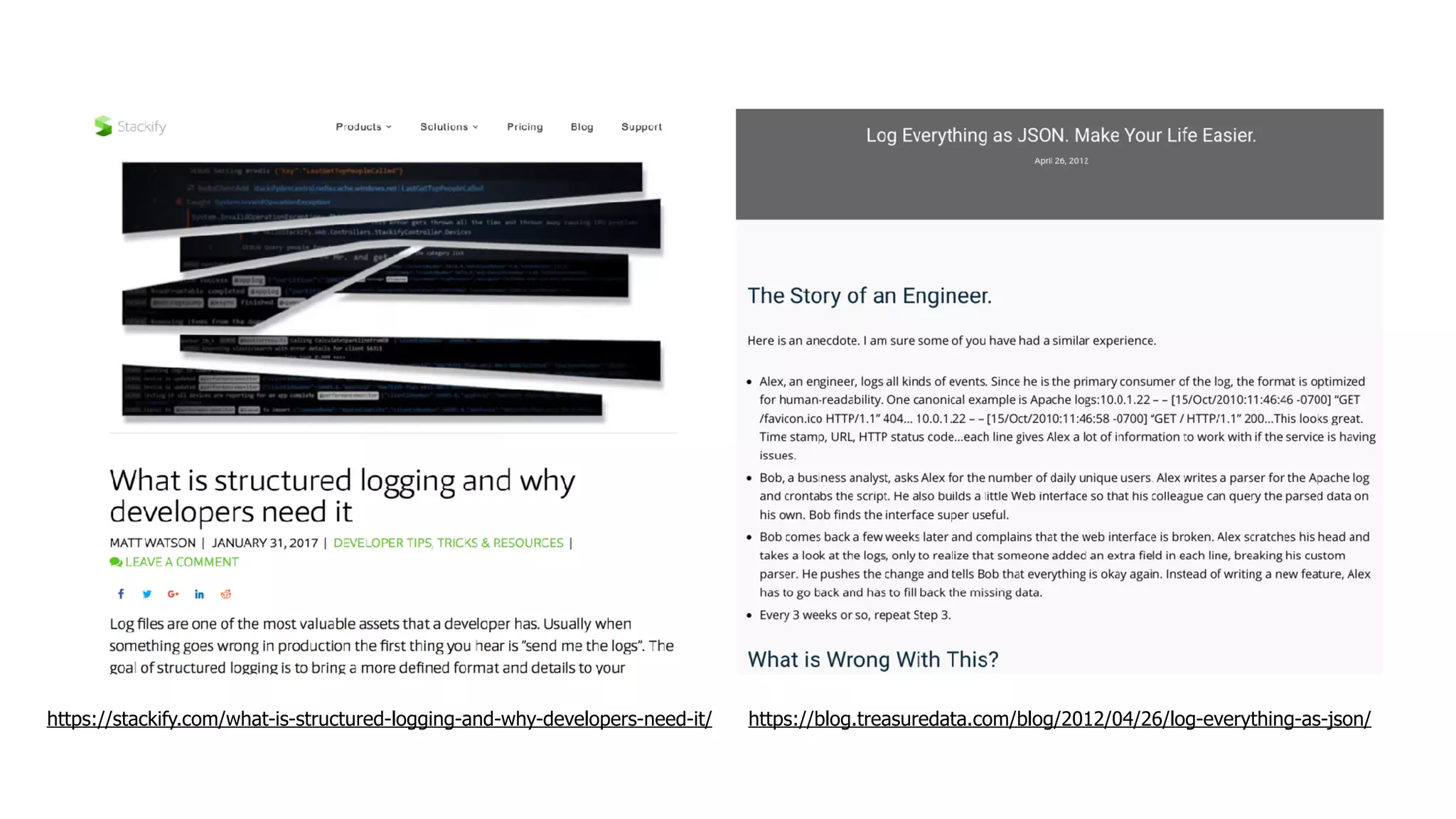
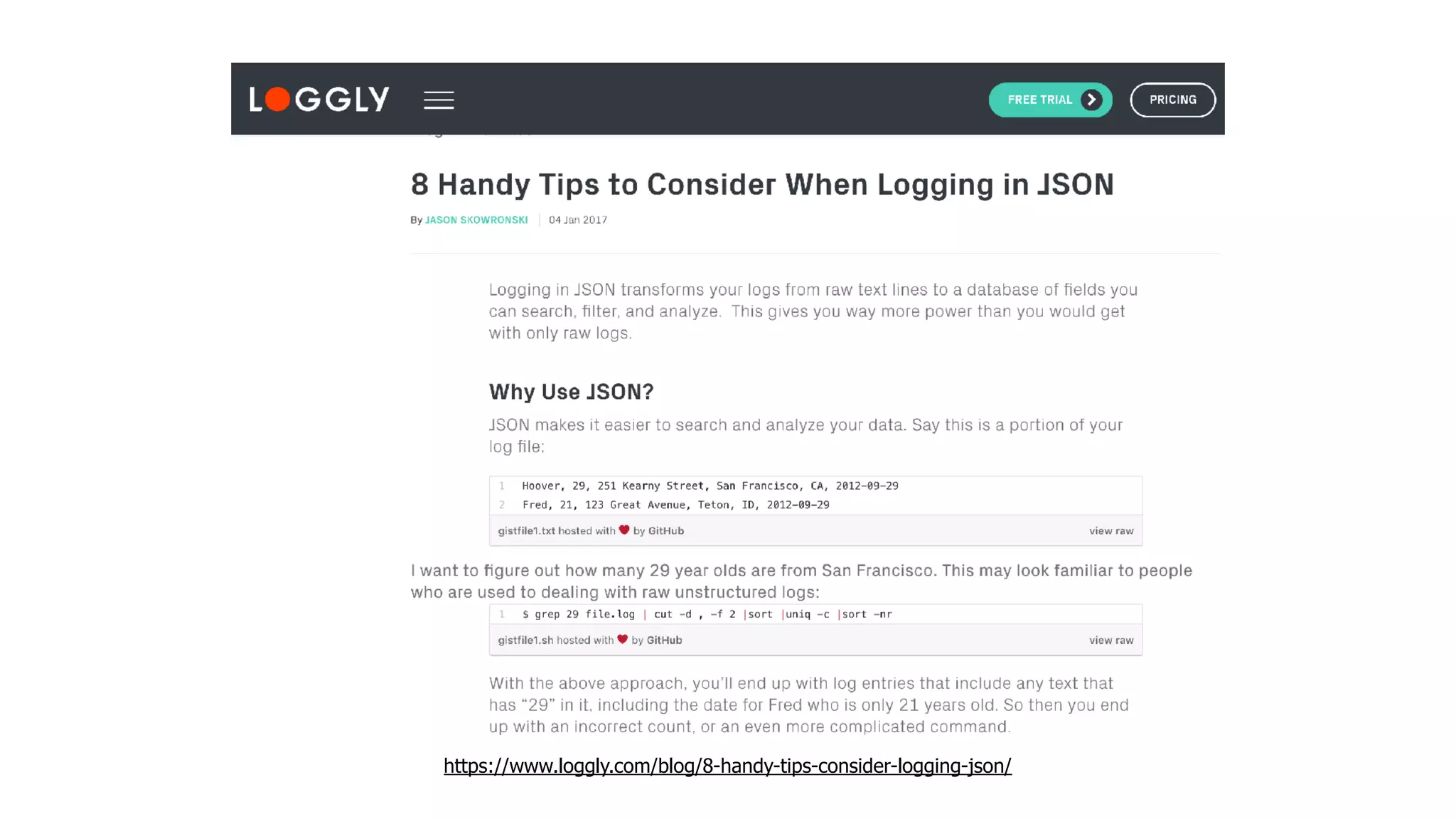
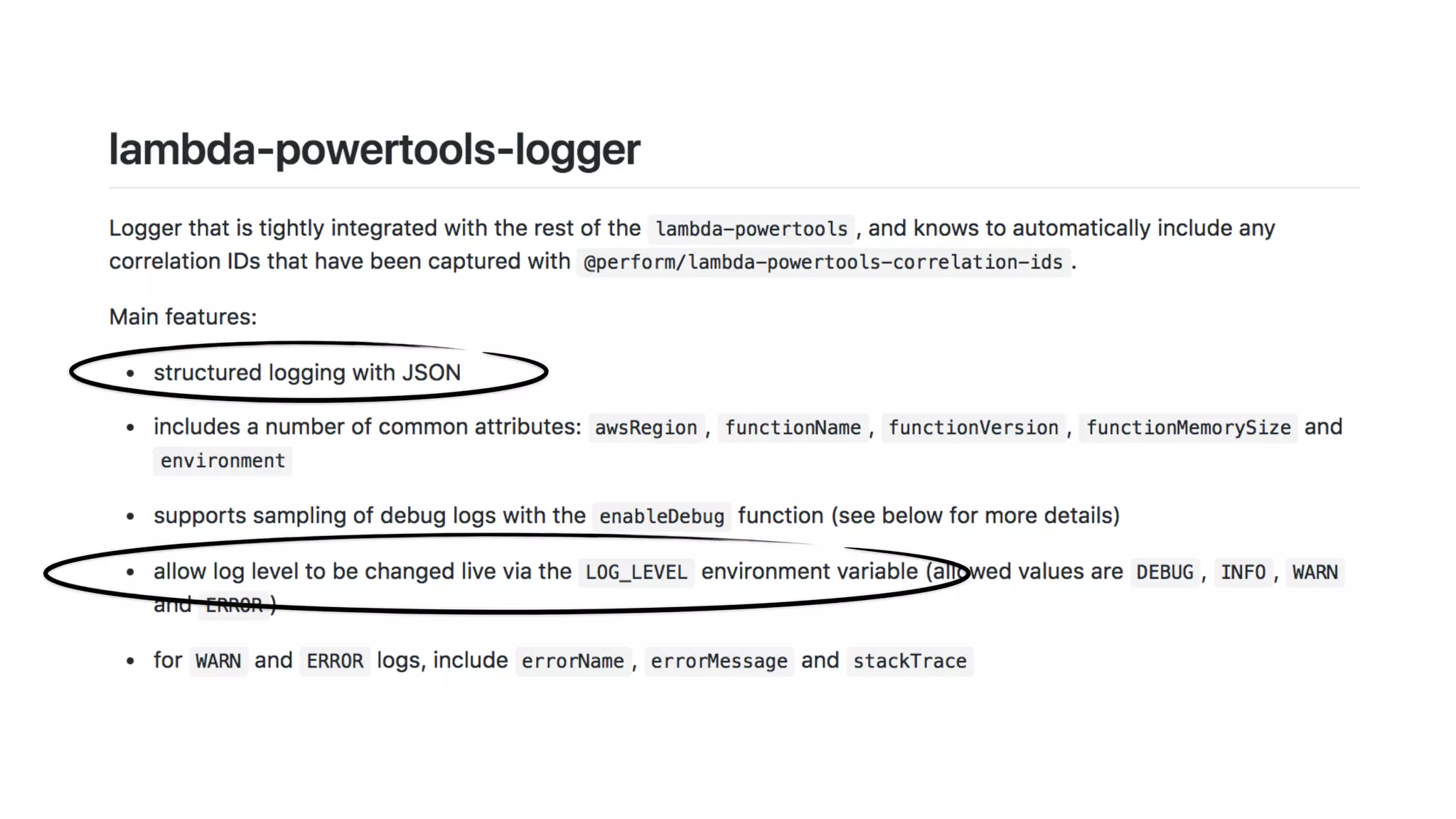
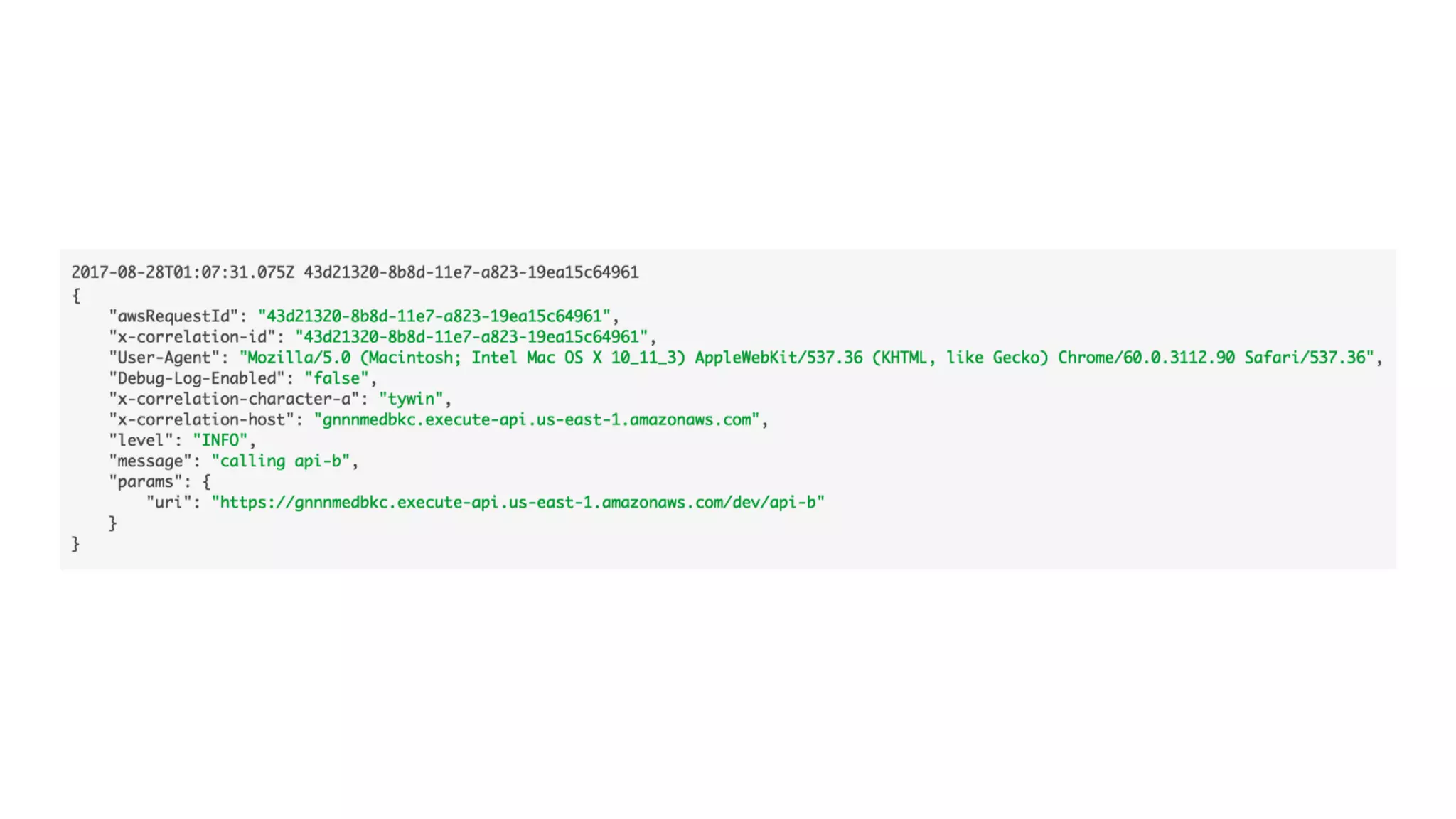
use structured logging with JSON
https://stackify.com/what-is-structured-logging-and-why-developers-need-it/ https://blog.treasuredata.com/blog/2012/04/26/log-everything-as-json/
https://www.loggly.com/blog/8-handy-tips-consider-logging-json/
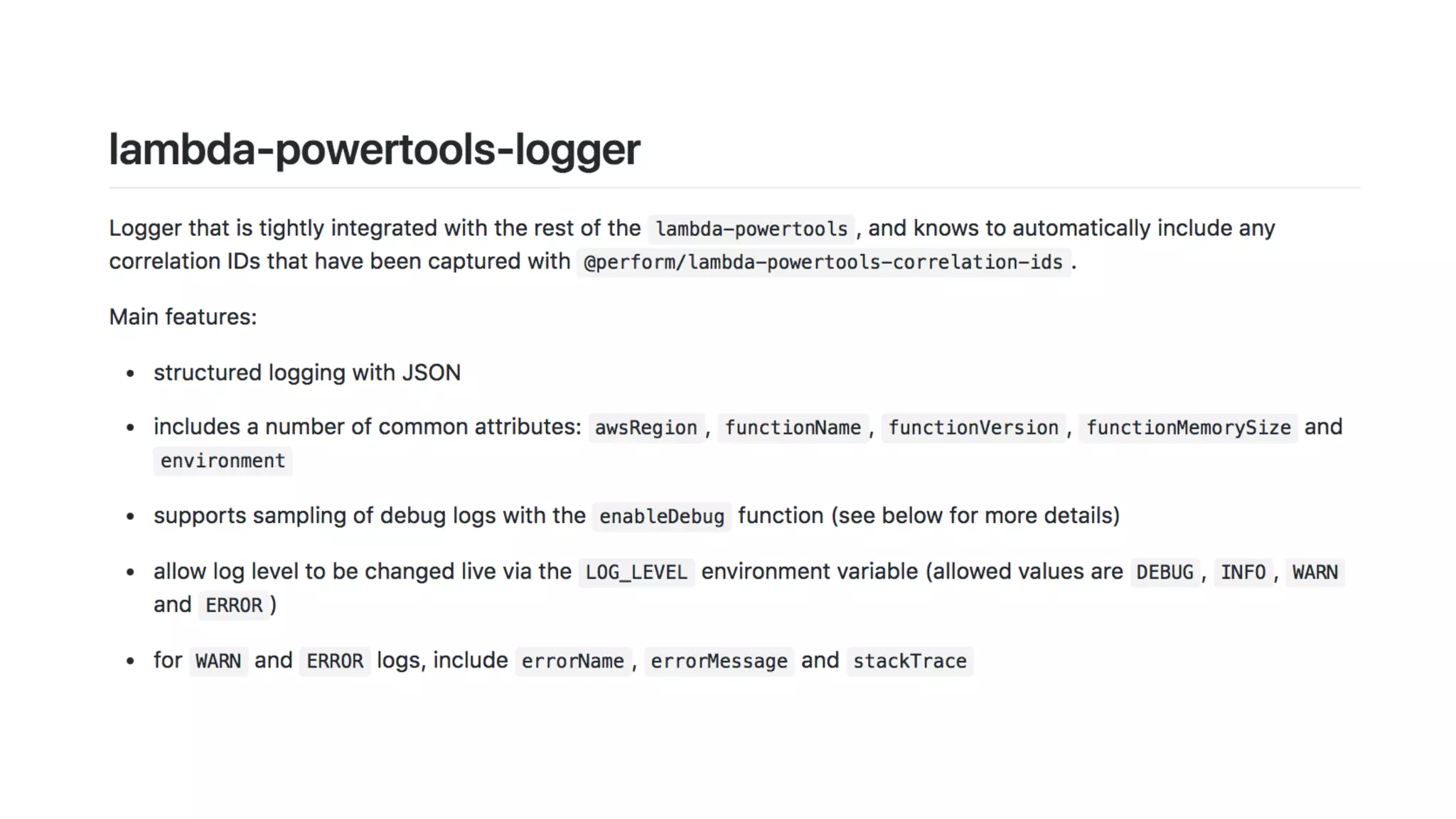
traditional loggers are too heavy for Lambda
CloudWatch Logs
$0.50 per GB ingested
$0.03 per GB archived per month
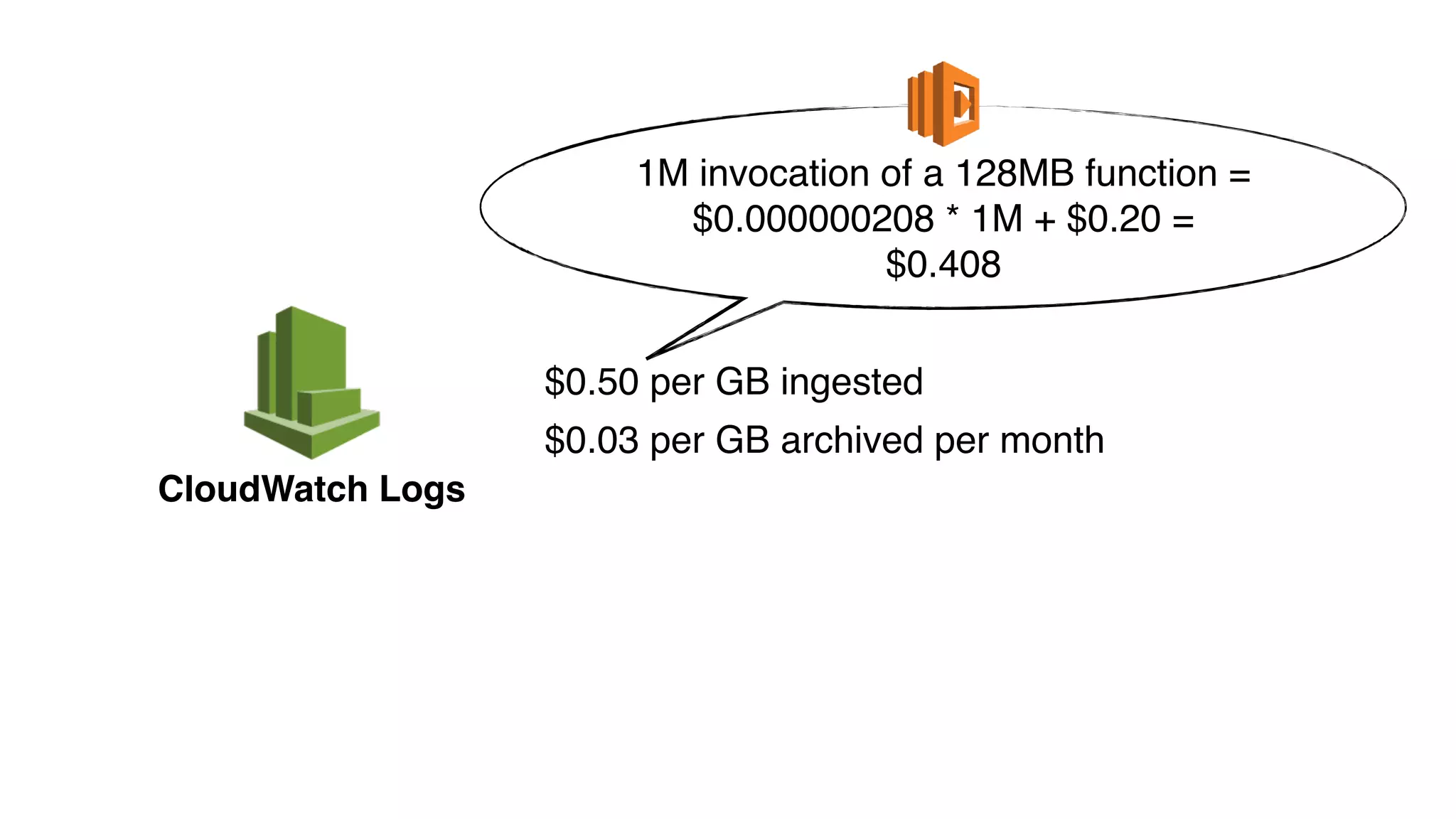
CloudWatch Logs
$0.50 per GB ingested
$0.03 per GB archived per month
1M invocation of a 128MB function =
$0.000000208 * 1M + $0.20 =
$0.408
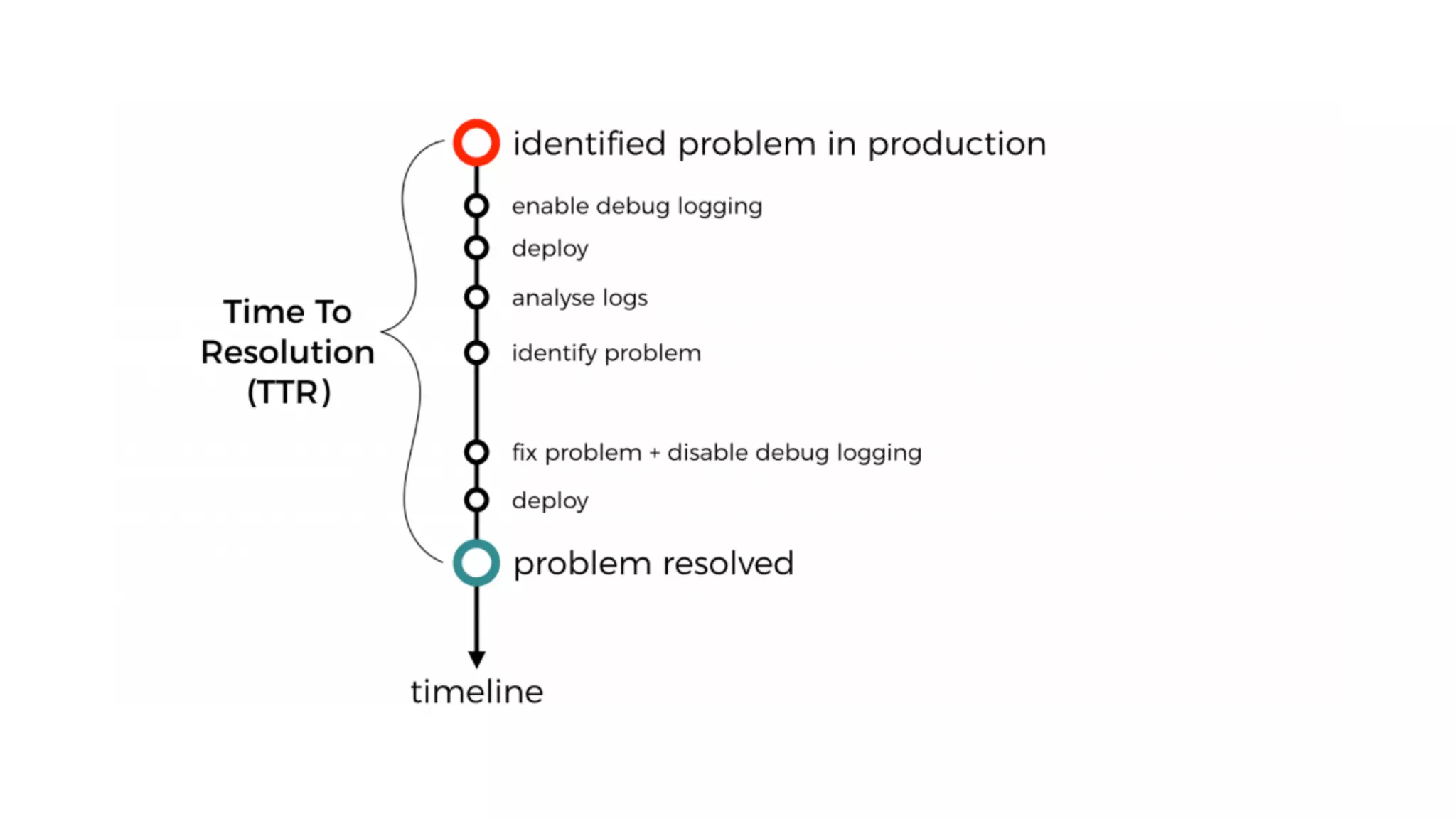
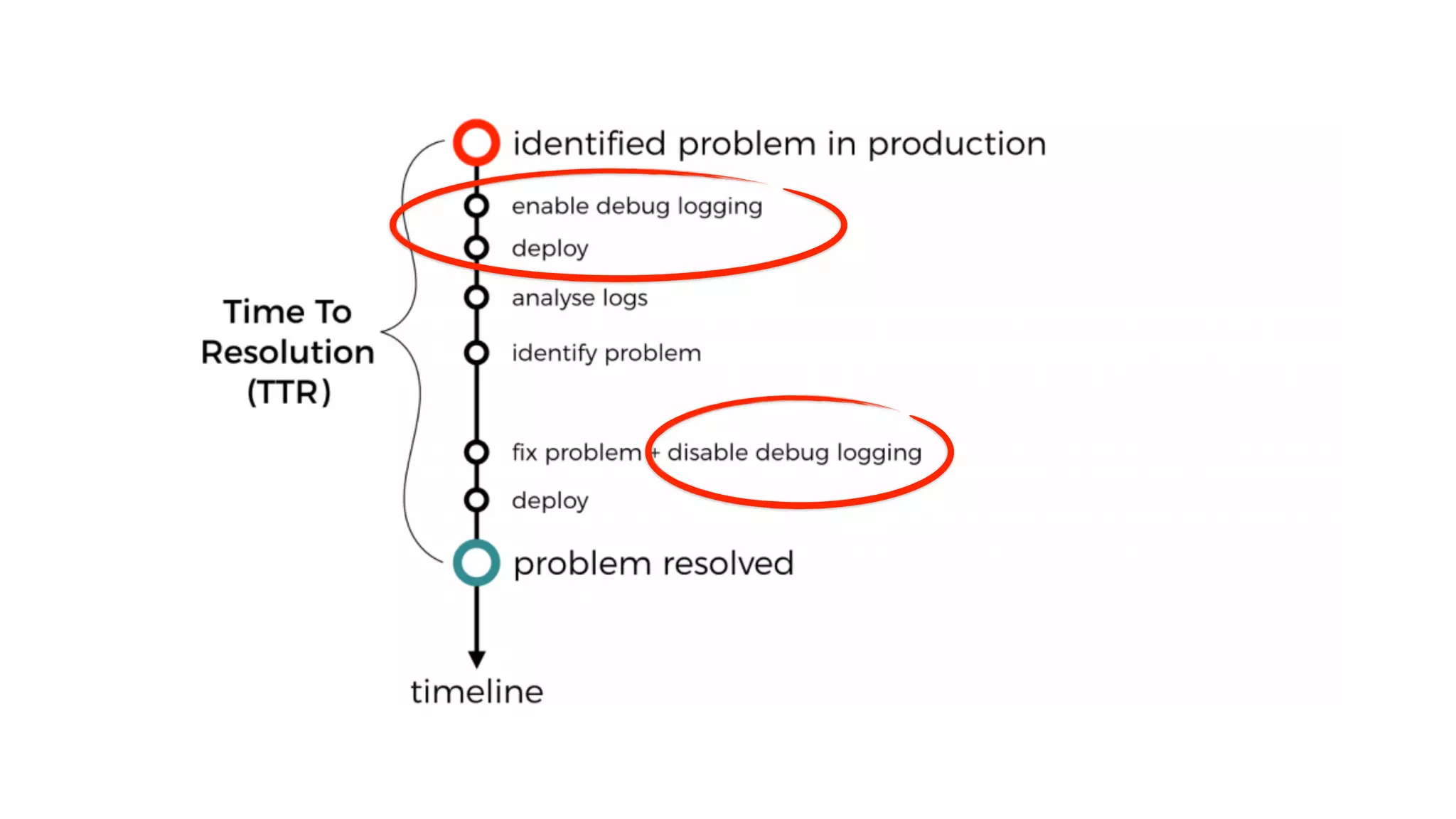
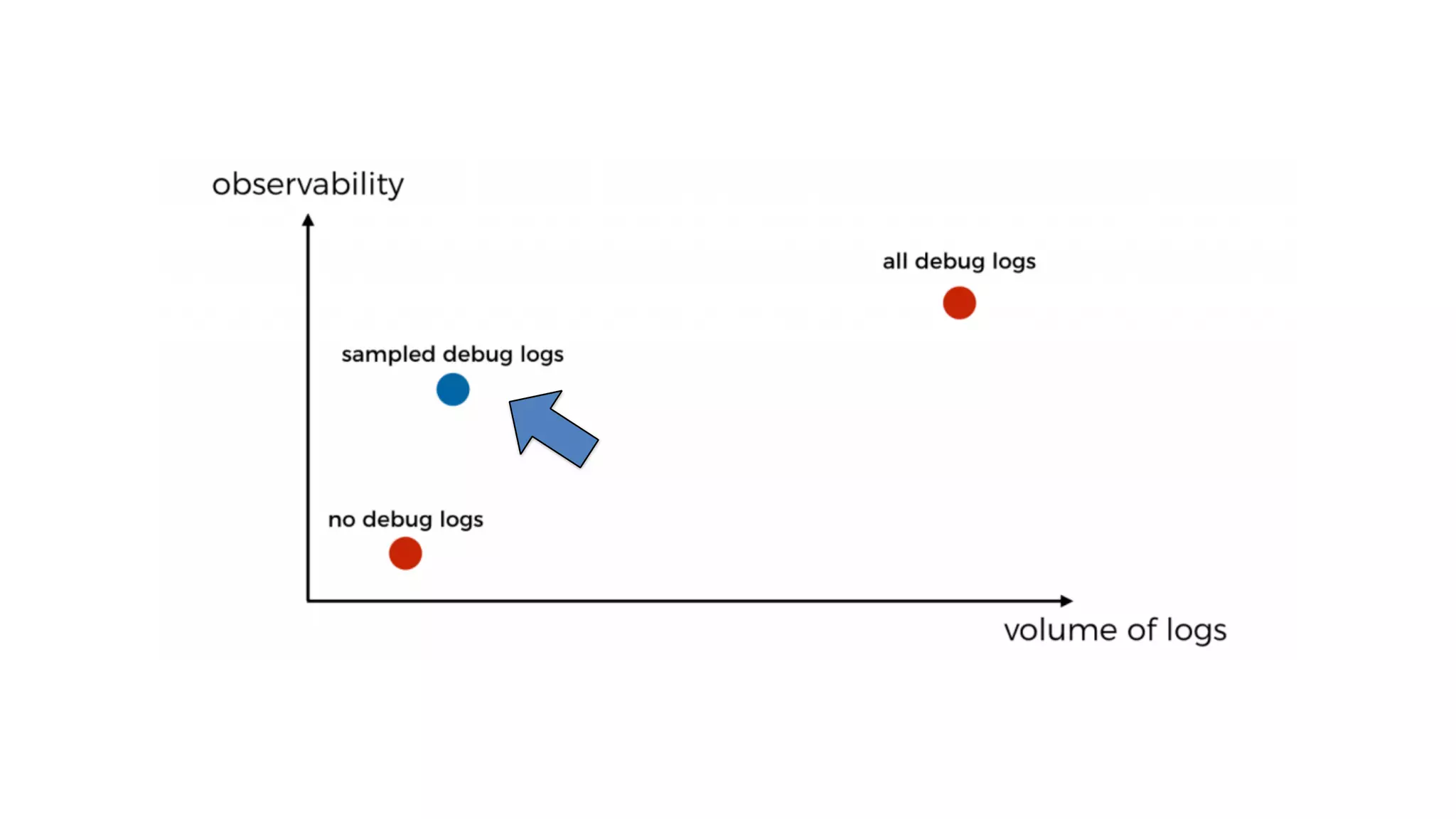
DON’T leave debug logging ON in production
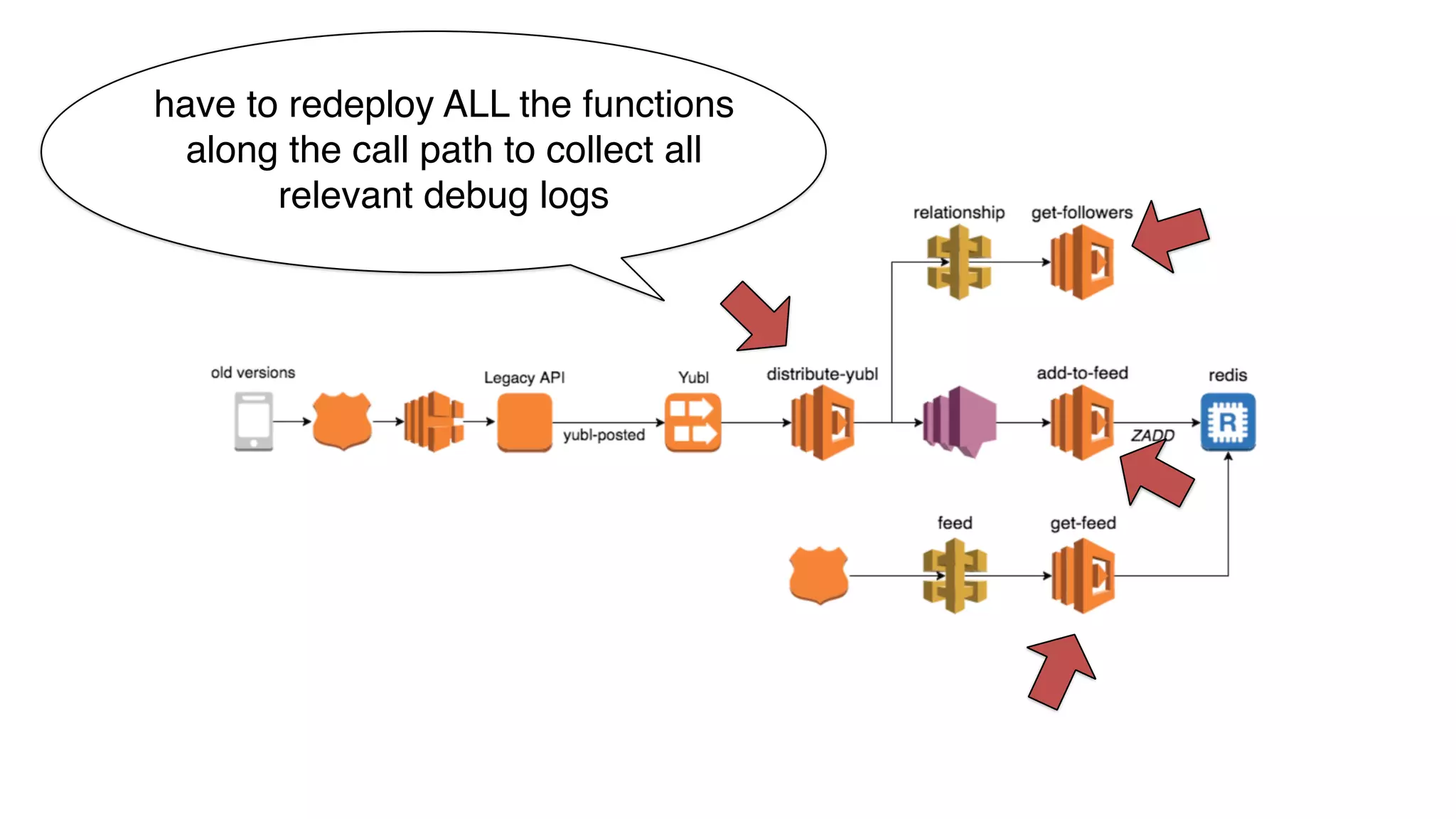
have to redeploy ALL the functions
along the call path to collect all
relevant debug logs
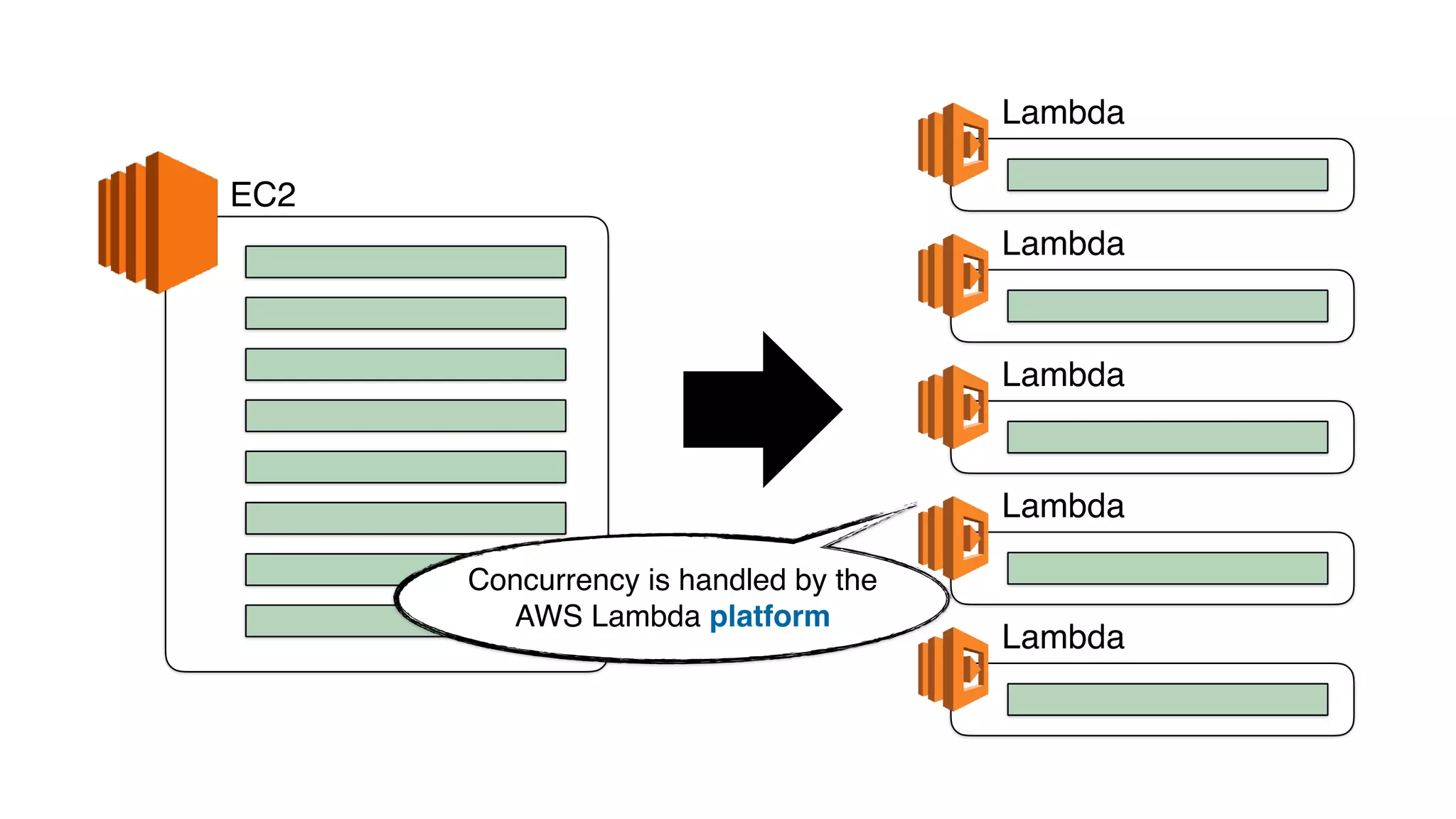
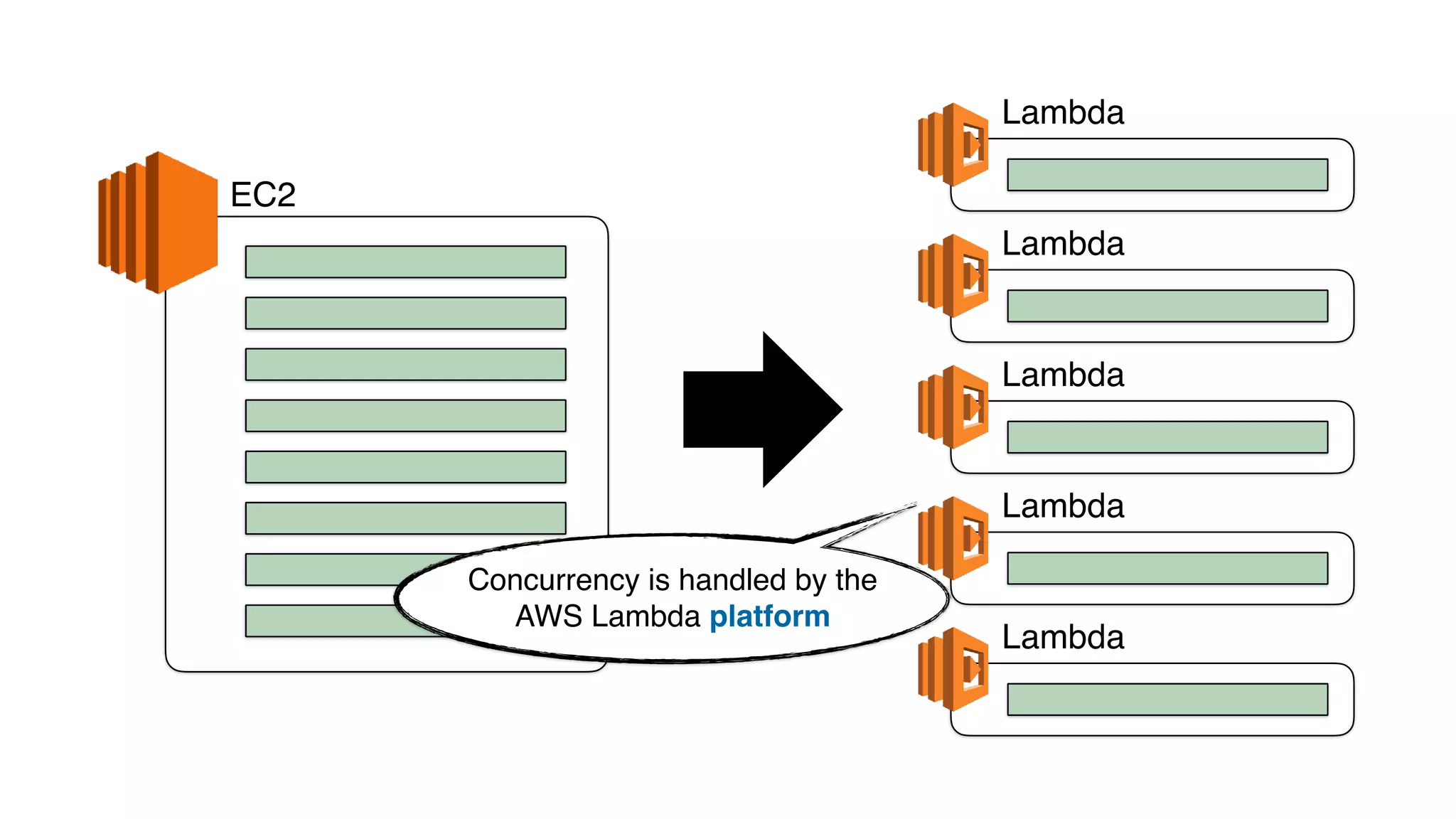
EC2
Lambda
Lambda
Lambda
Lambda
Lambda
Concurrency is handled by the
AWS Lambda platform
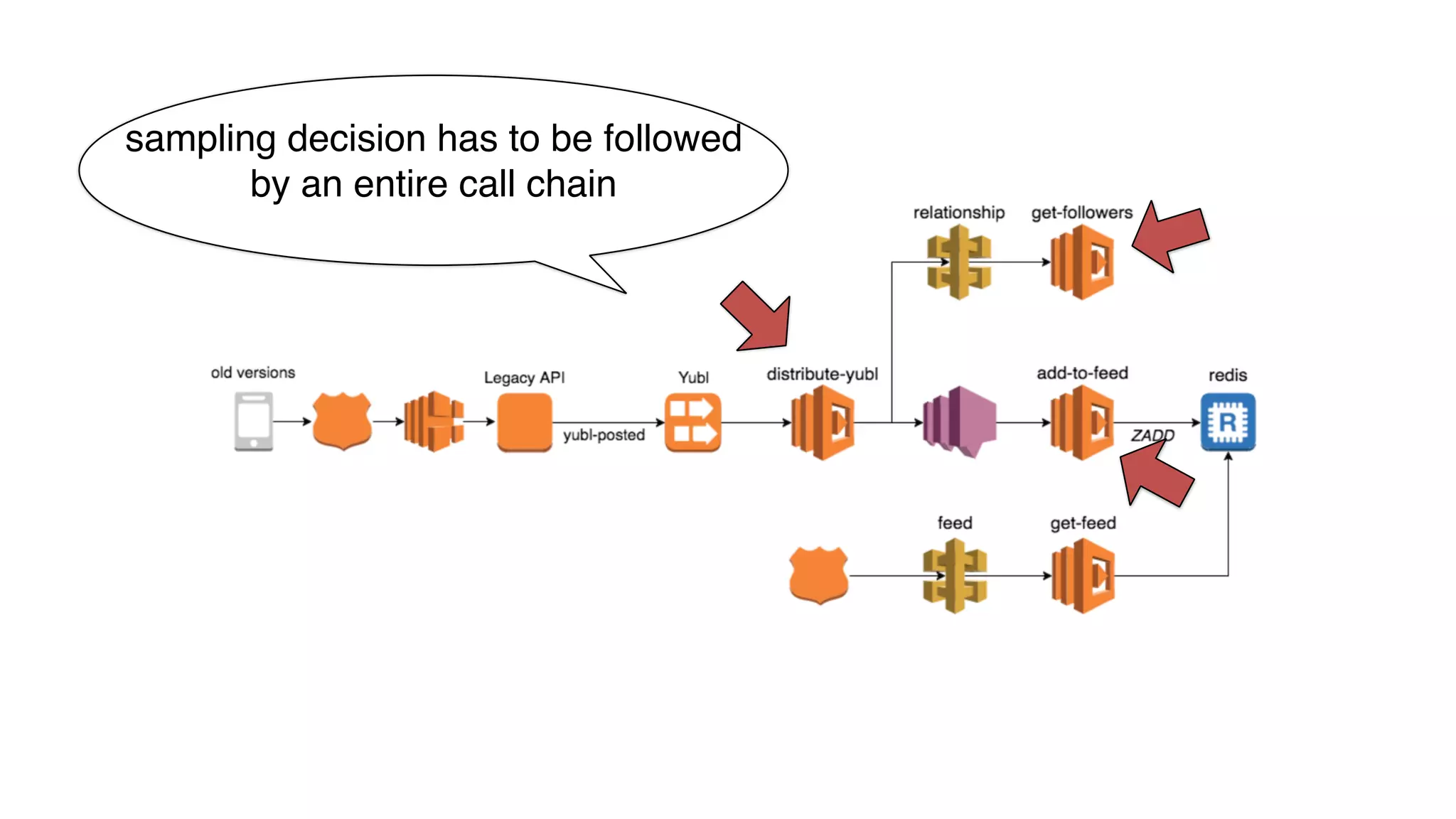
sampling decision has to be followed
by an entire call chain
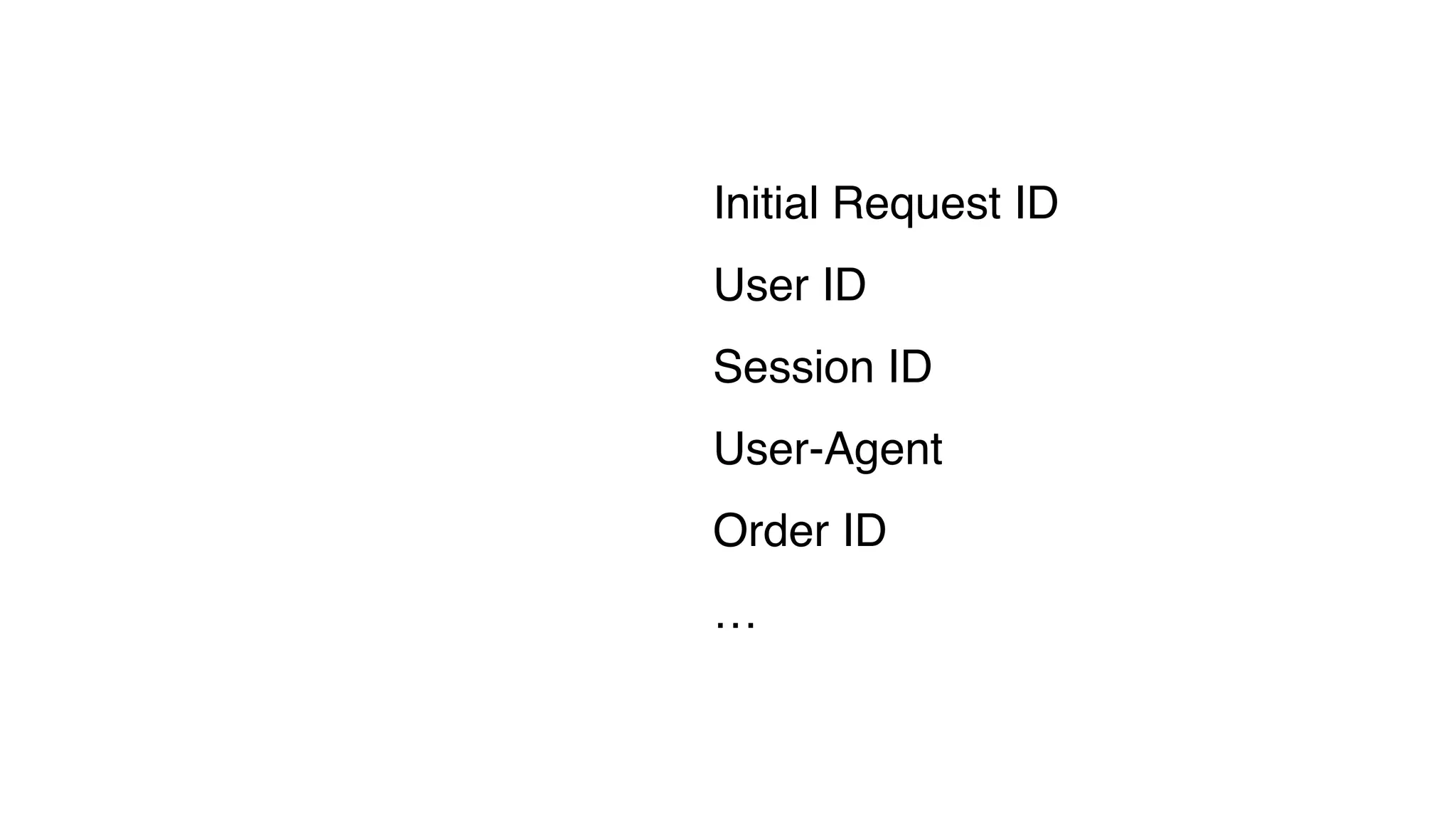
Initial Request ID
User ID
Session ID
User-Agent
Order ID
…
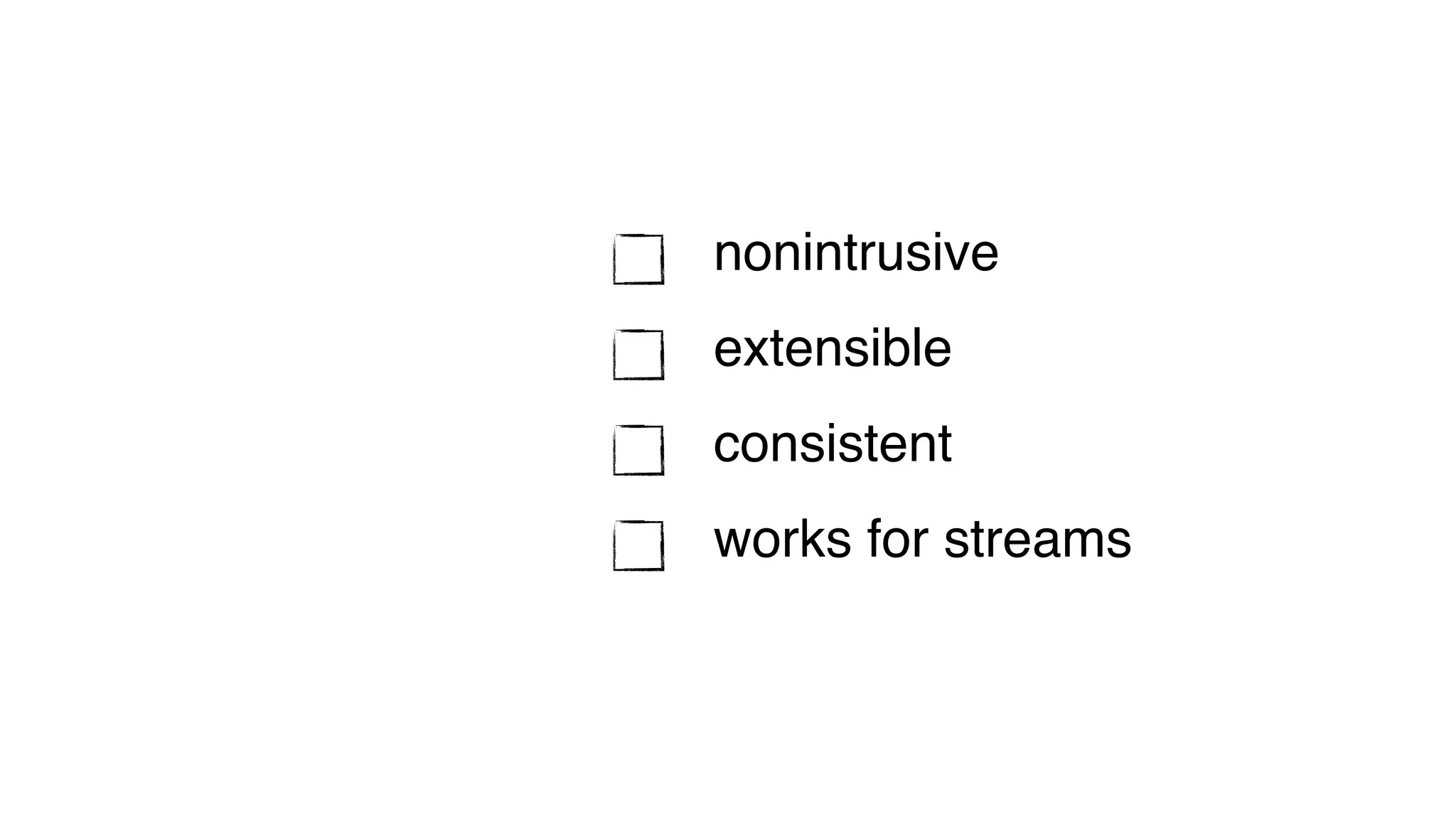
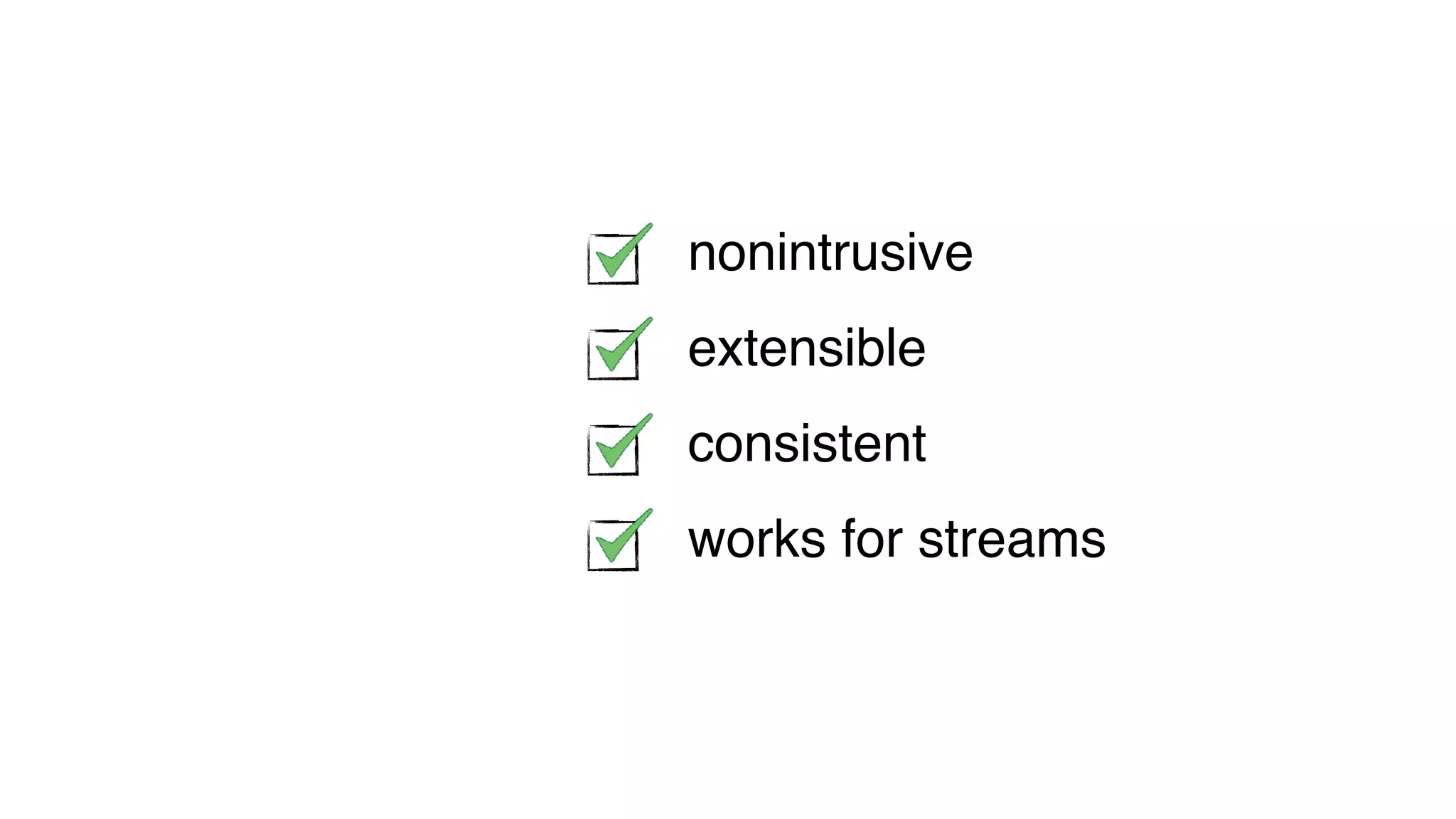
nonintrusive
extensible
consistent
works for streams
EC2
Lambda
Lambda
Lambda
Lambda
Lambda
Concurrency is handled by the
AWS Lambda platform
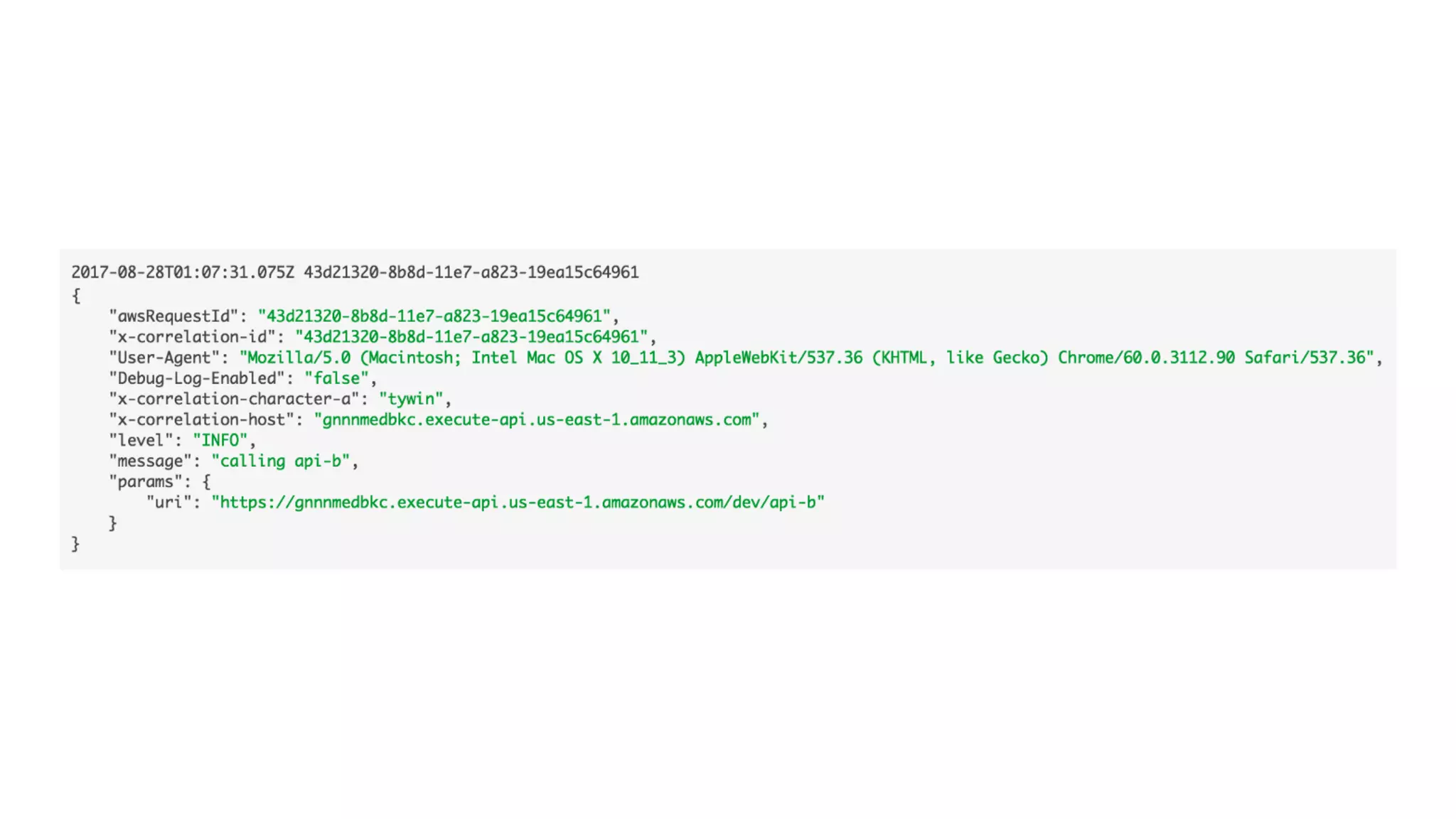
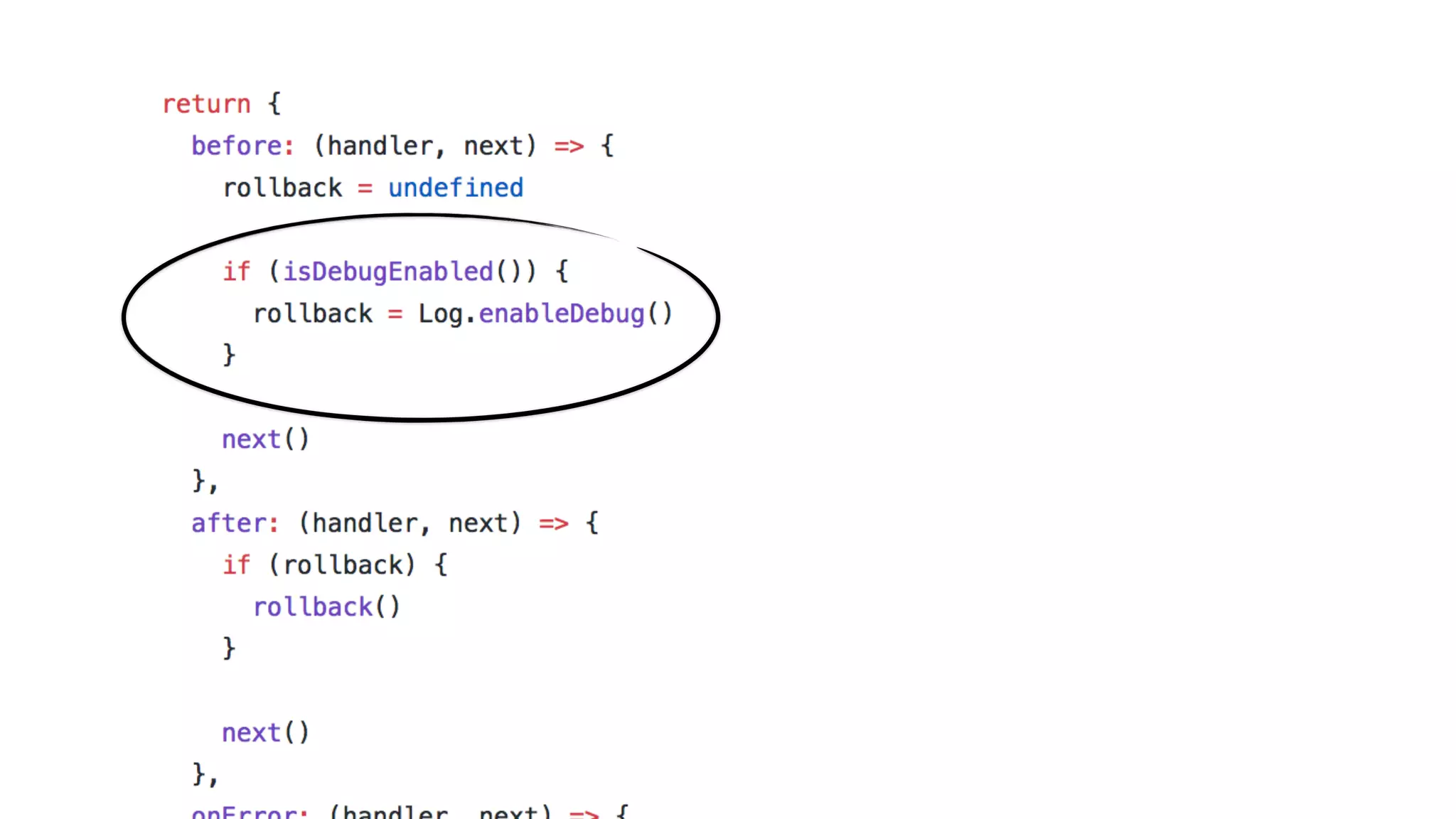
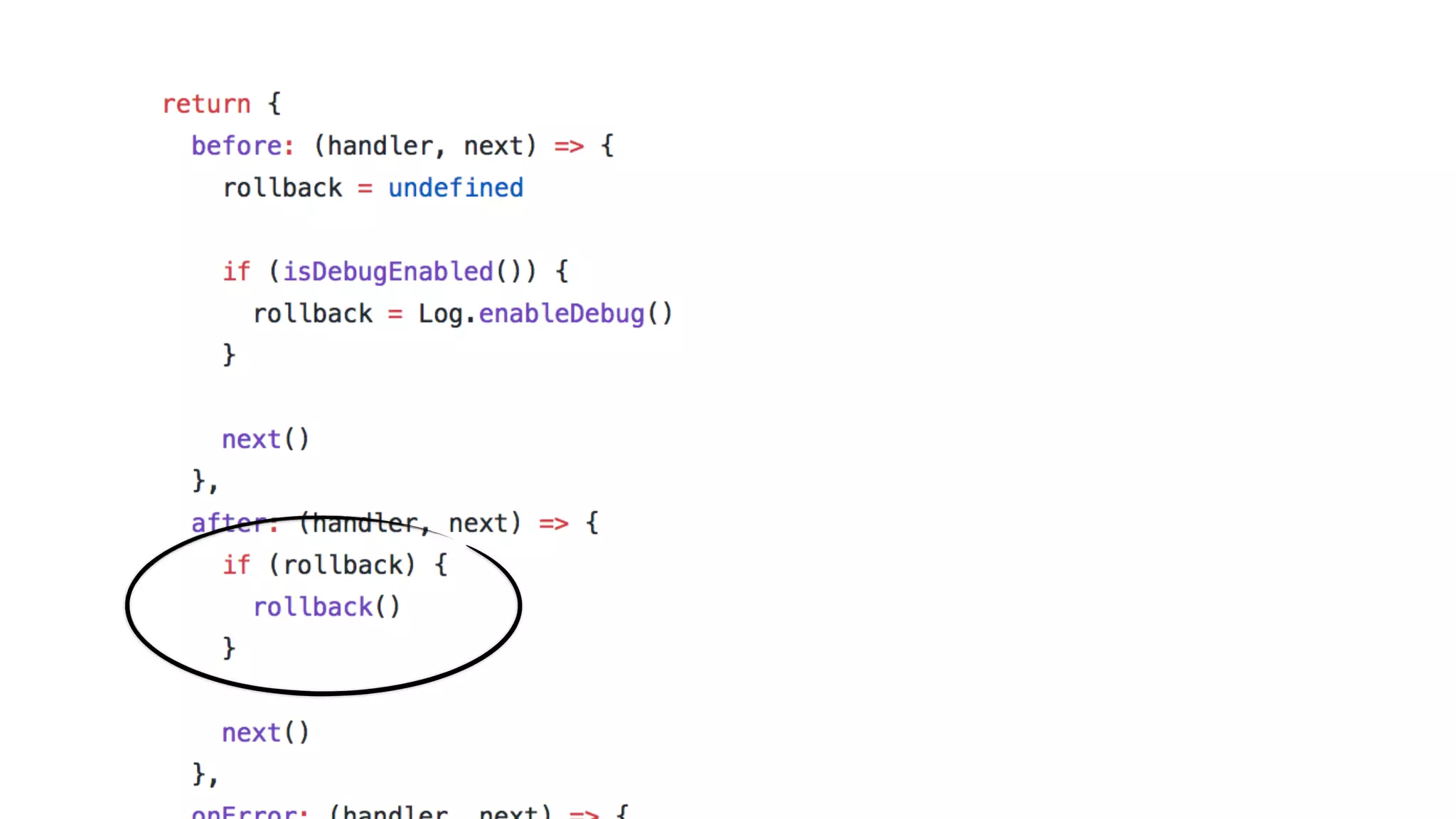
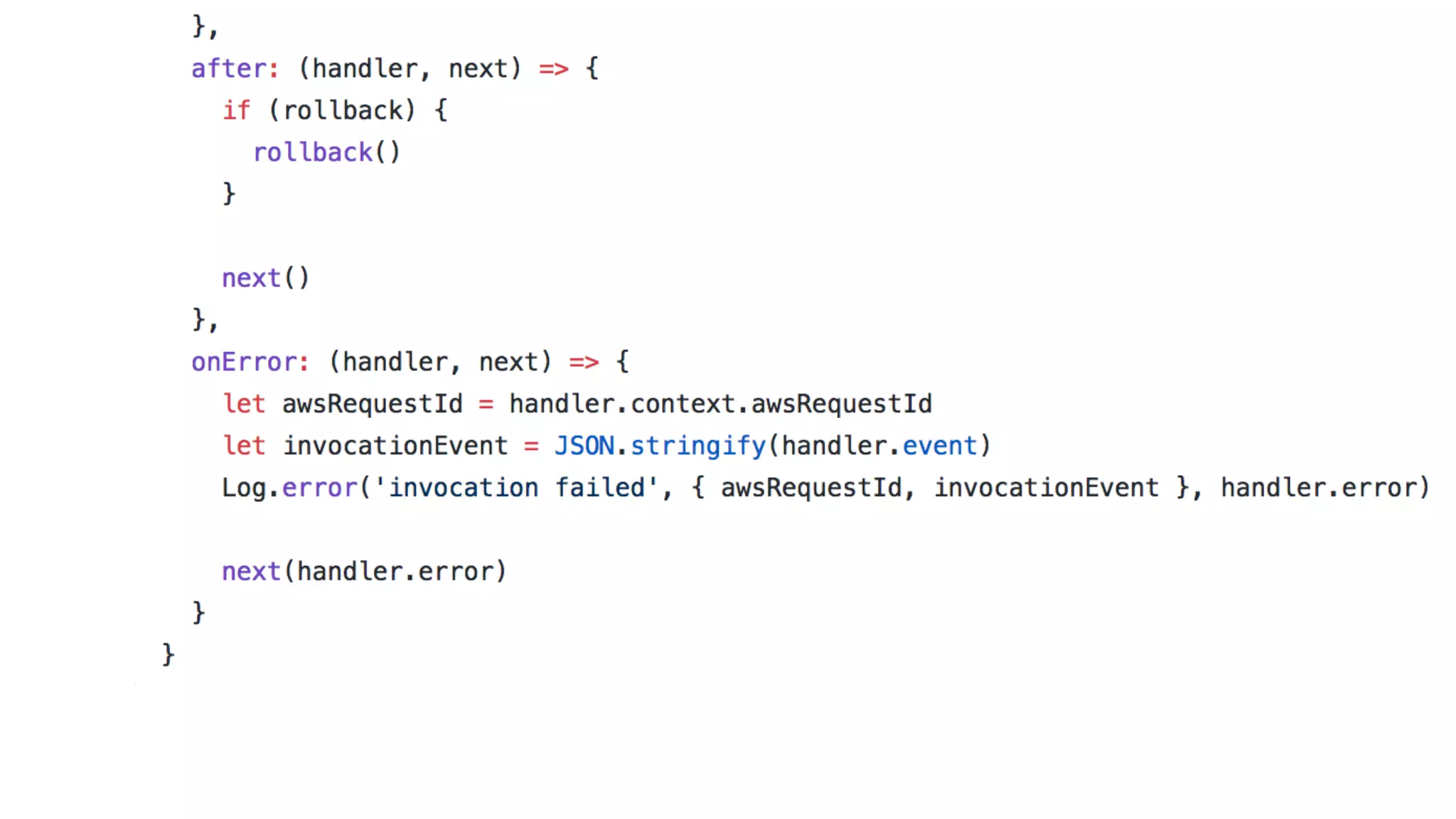
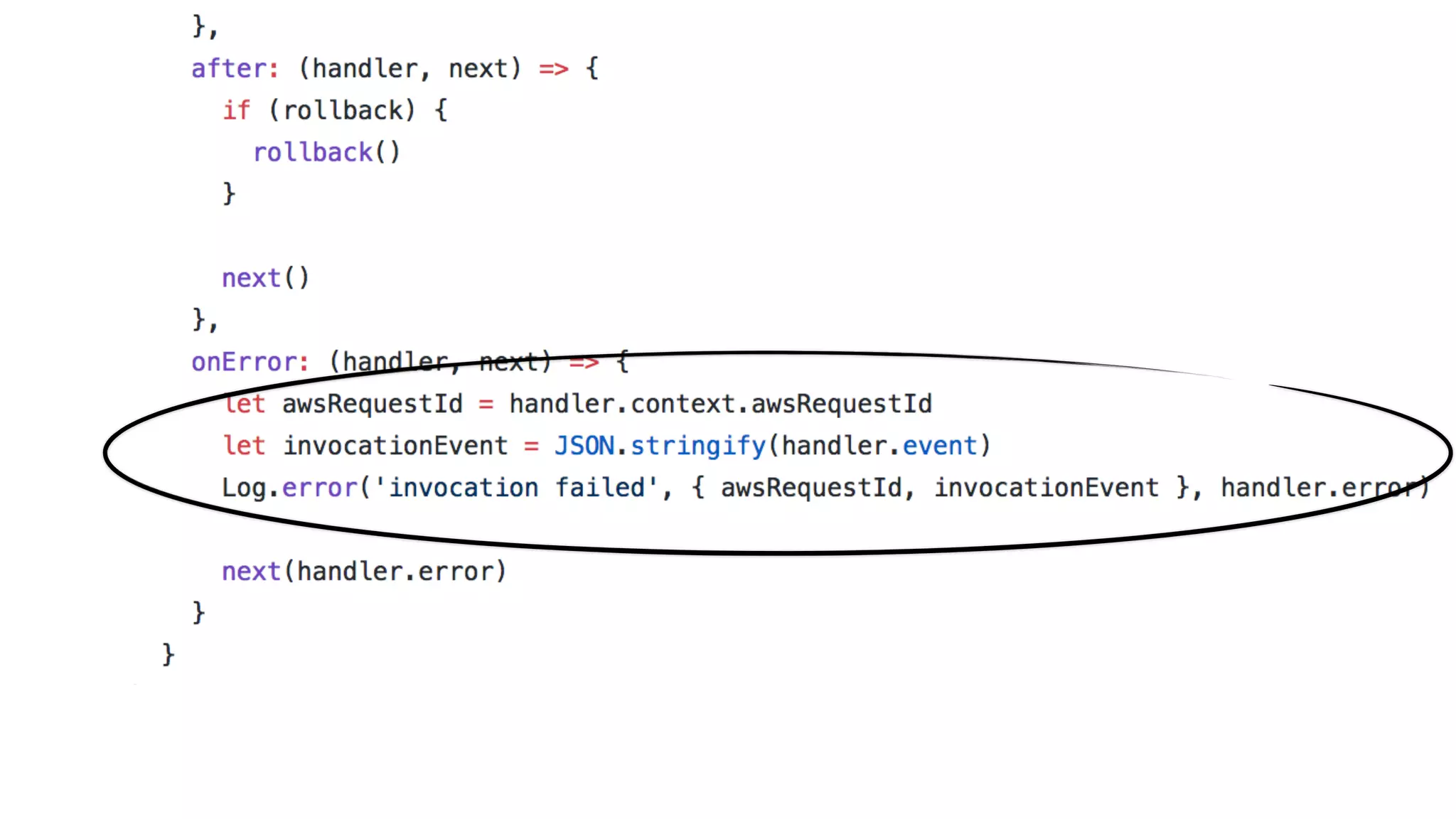
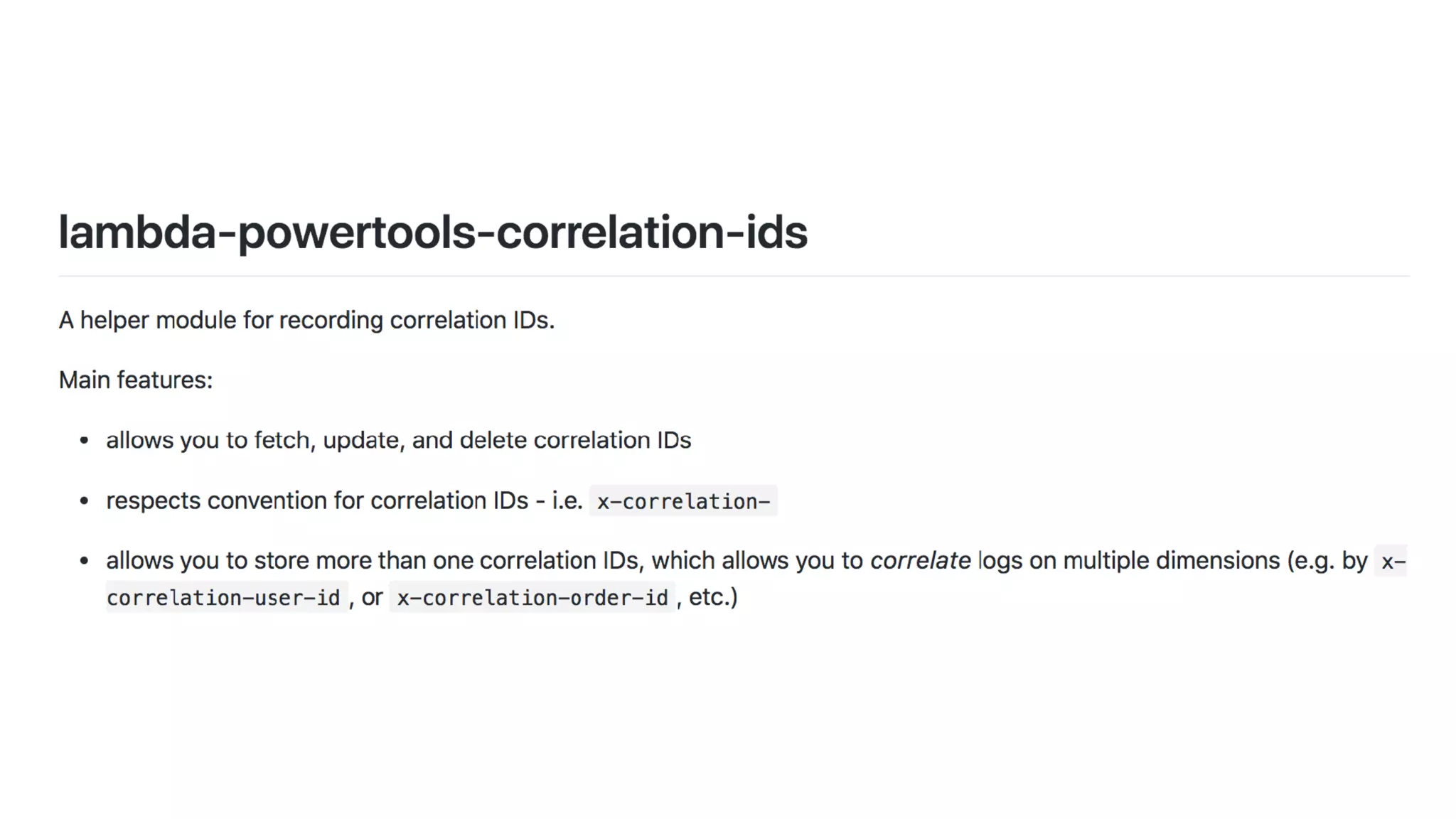
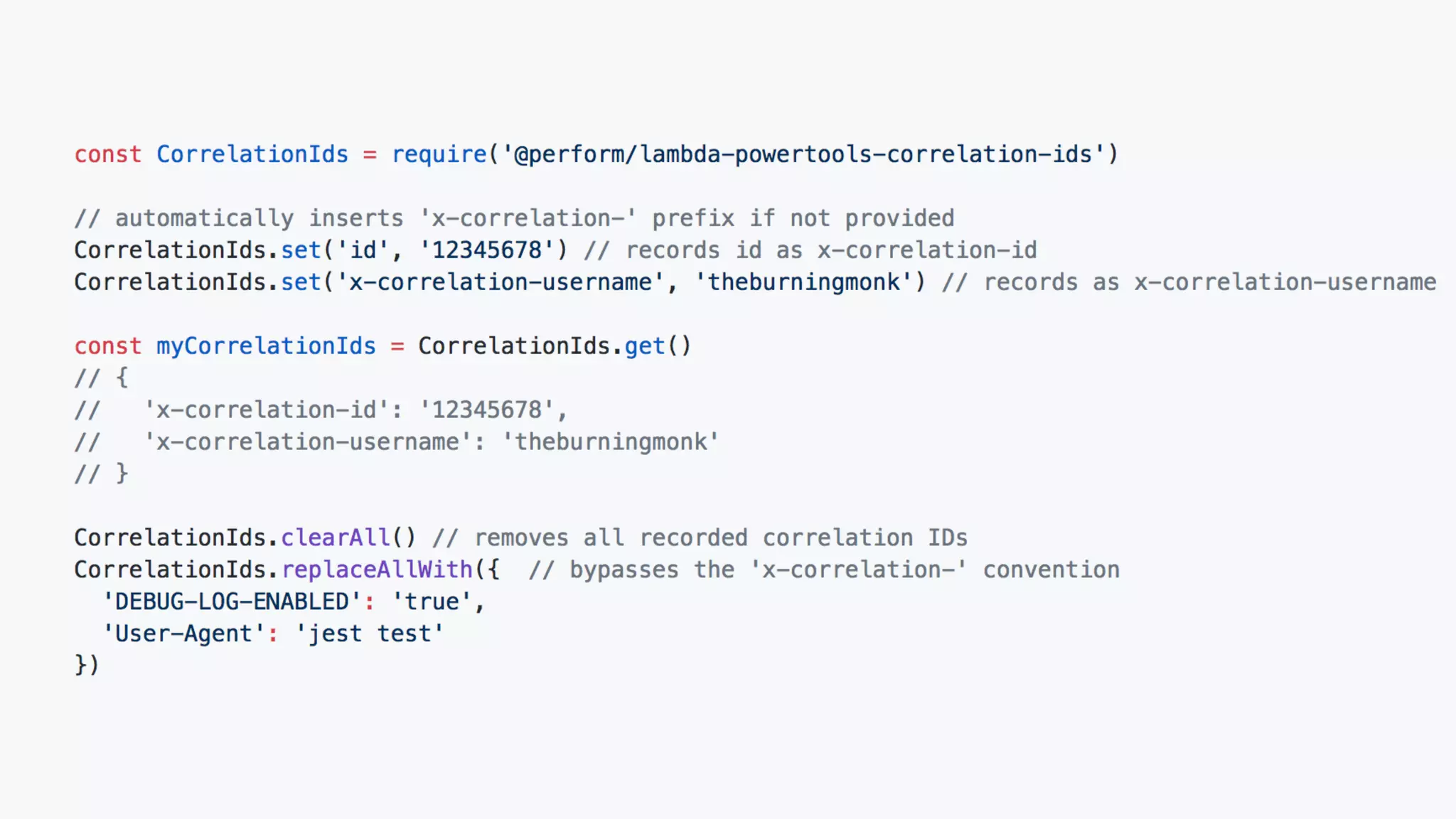
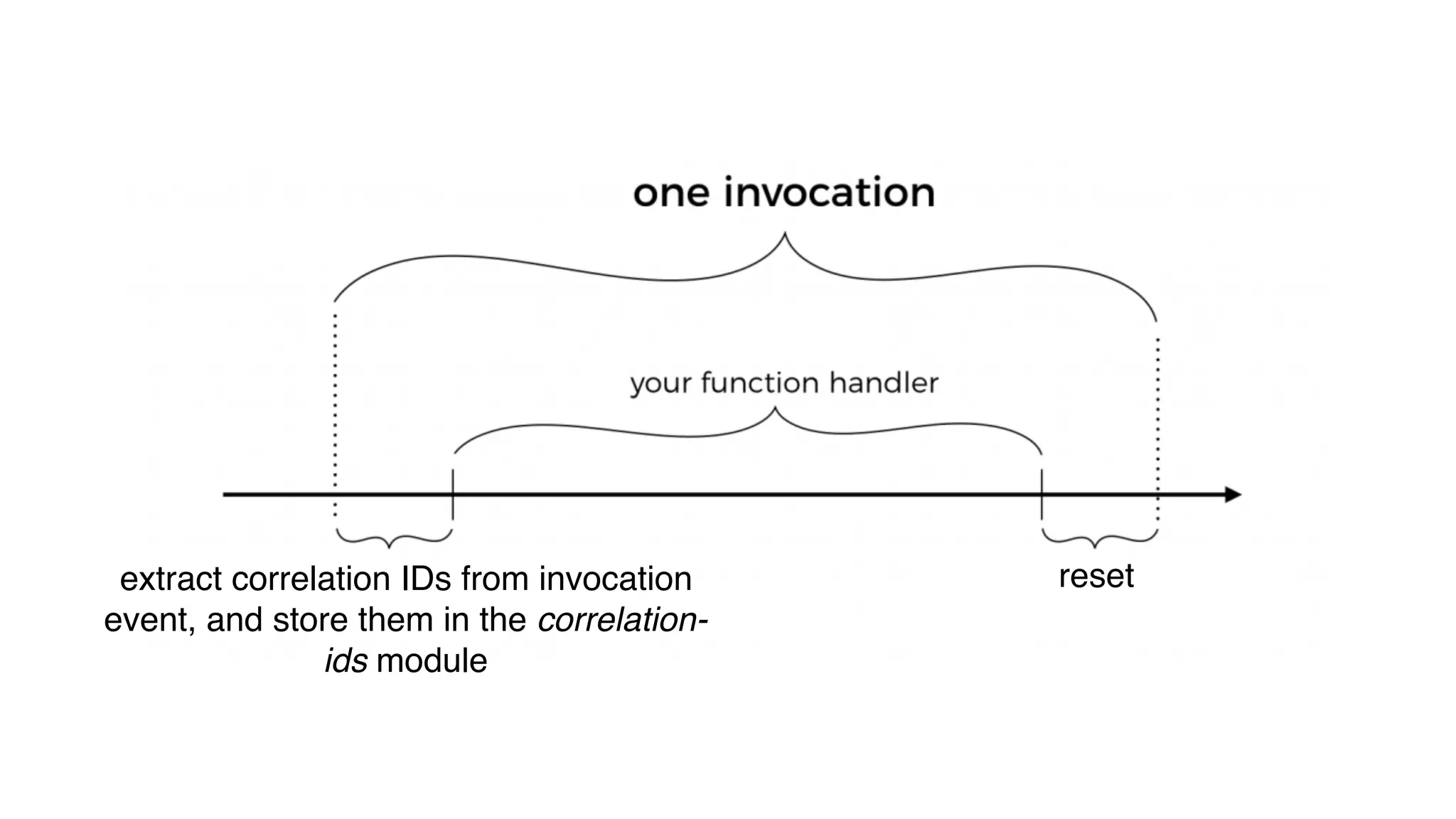
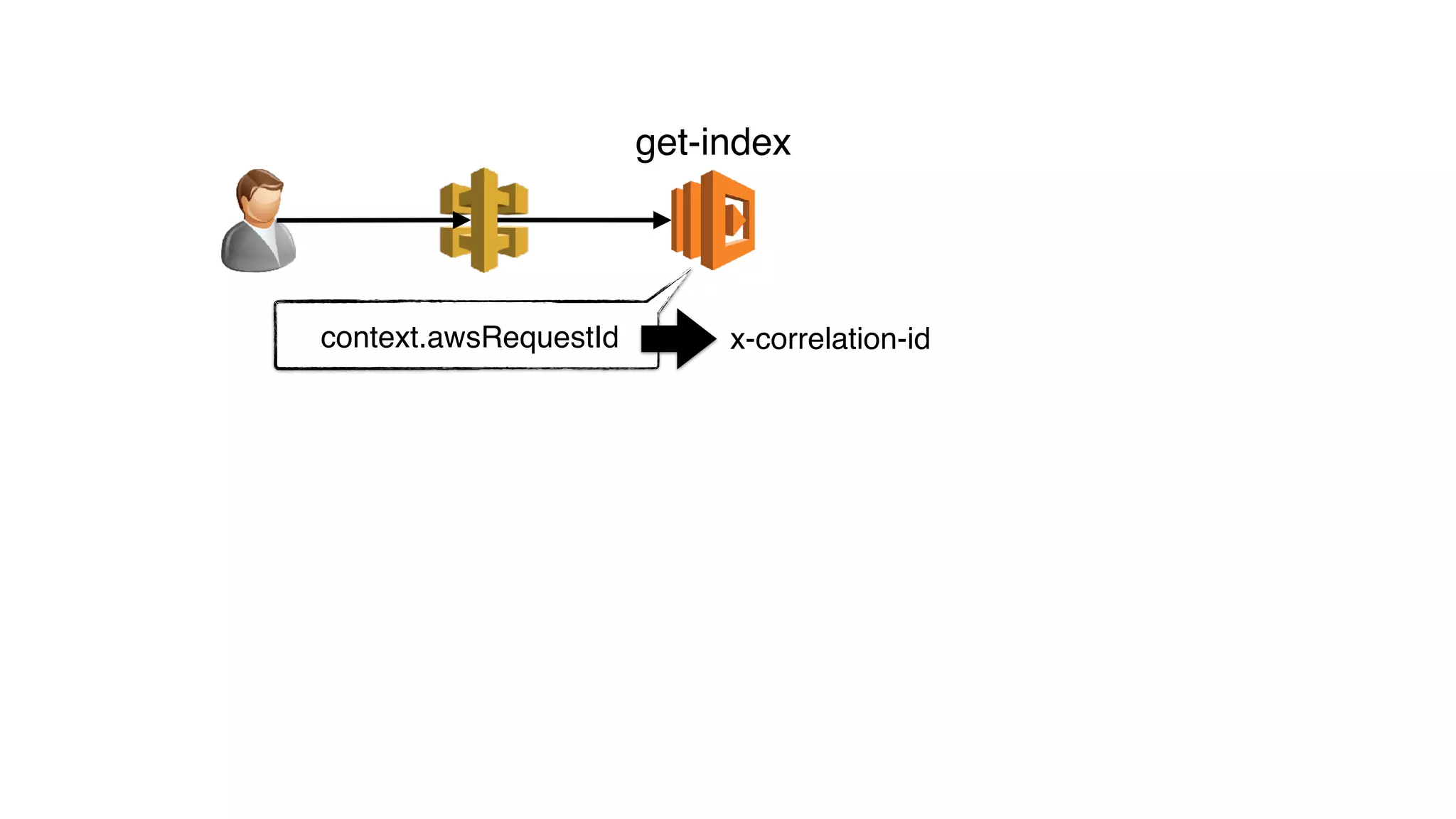
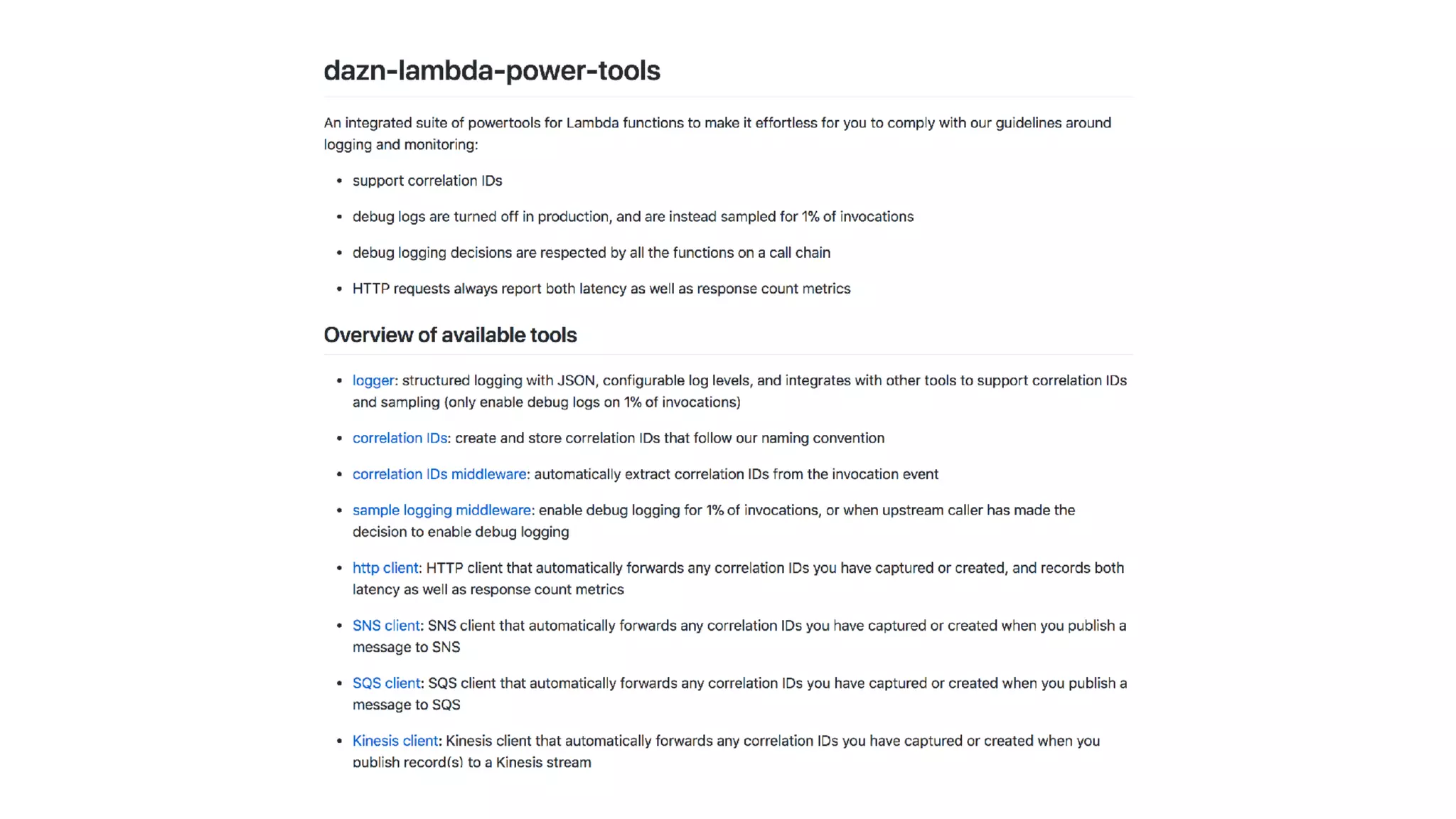
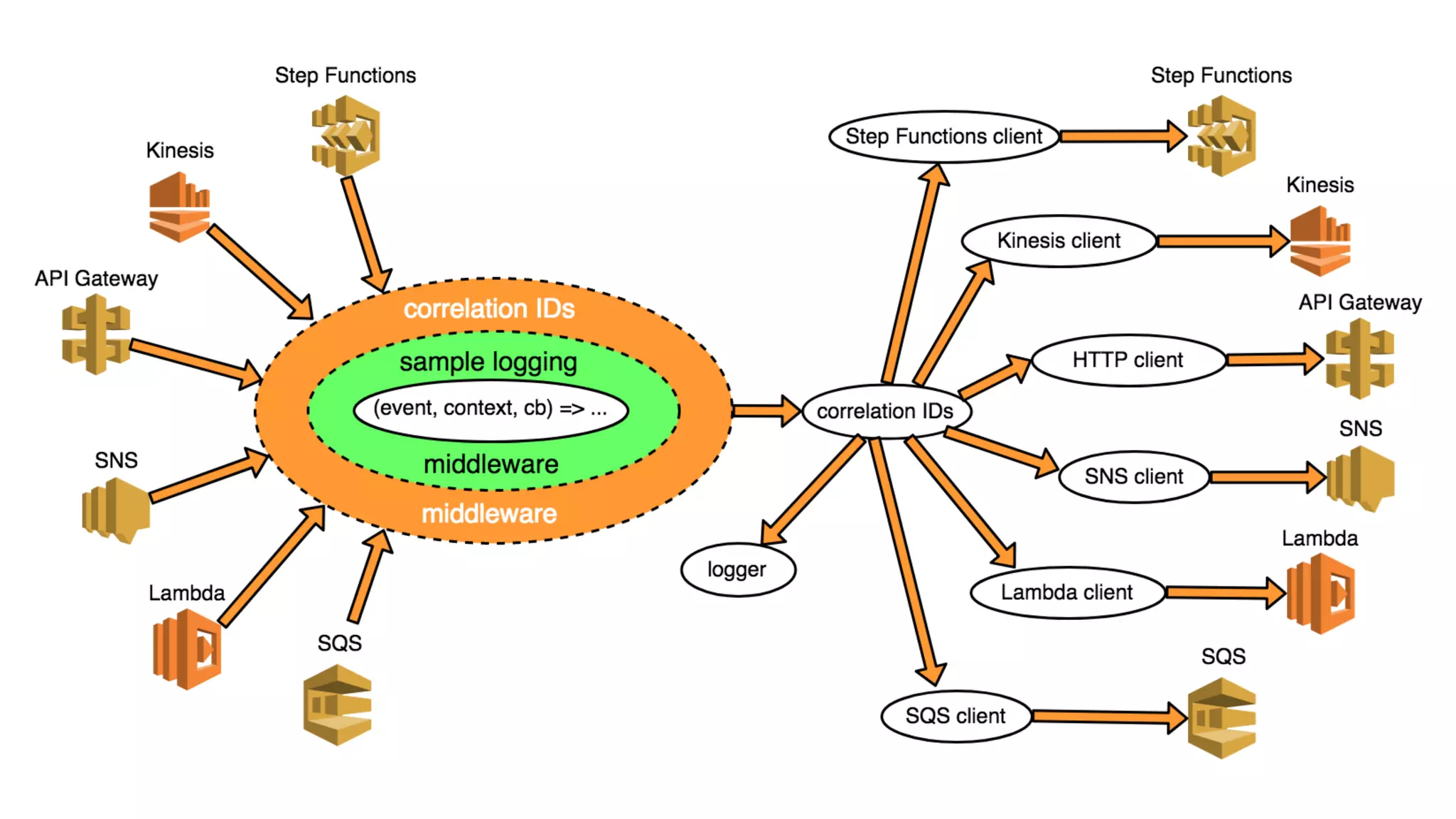
store correlation IDs in global variable
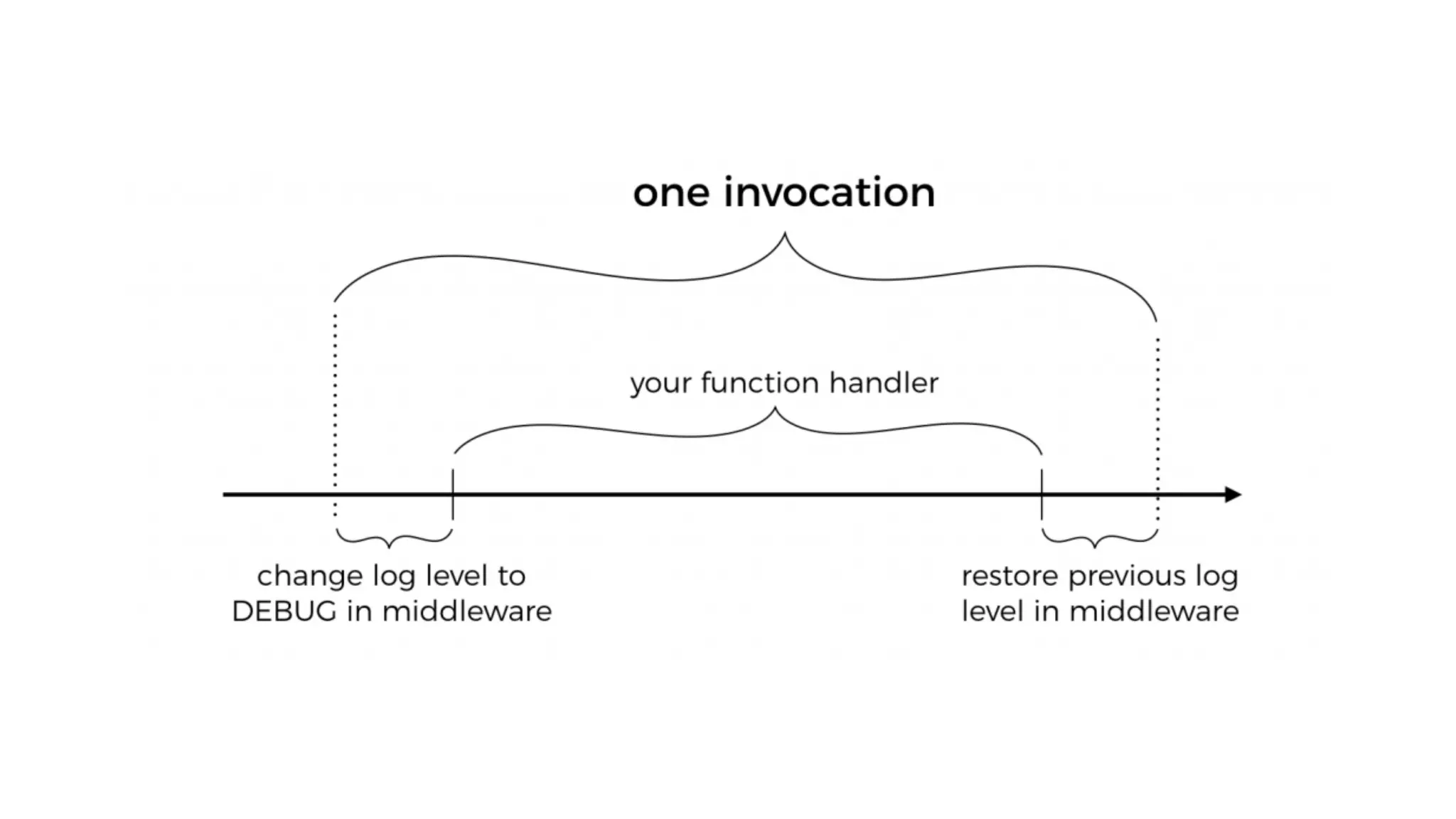
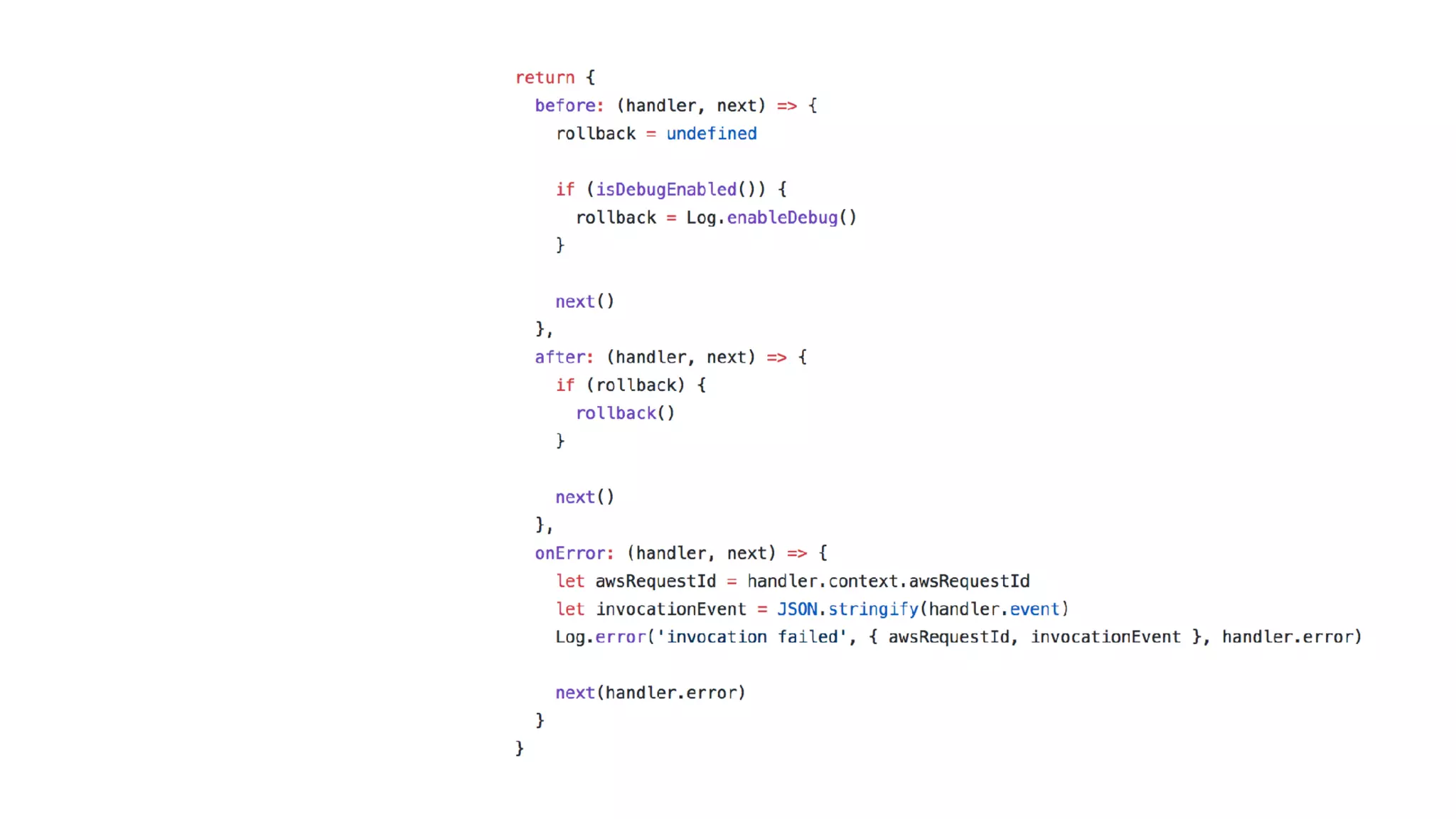
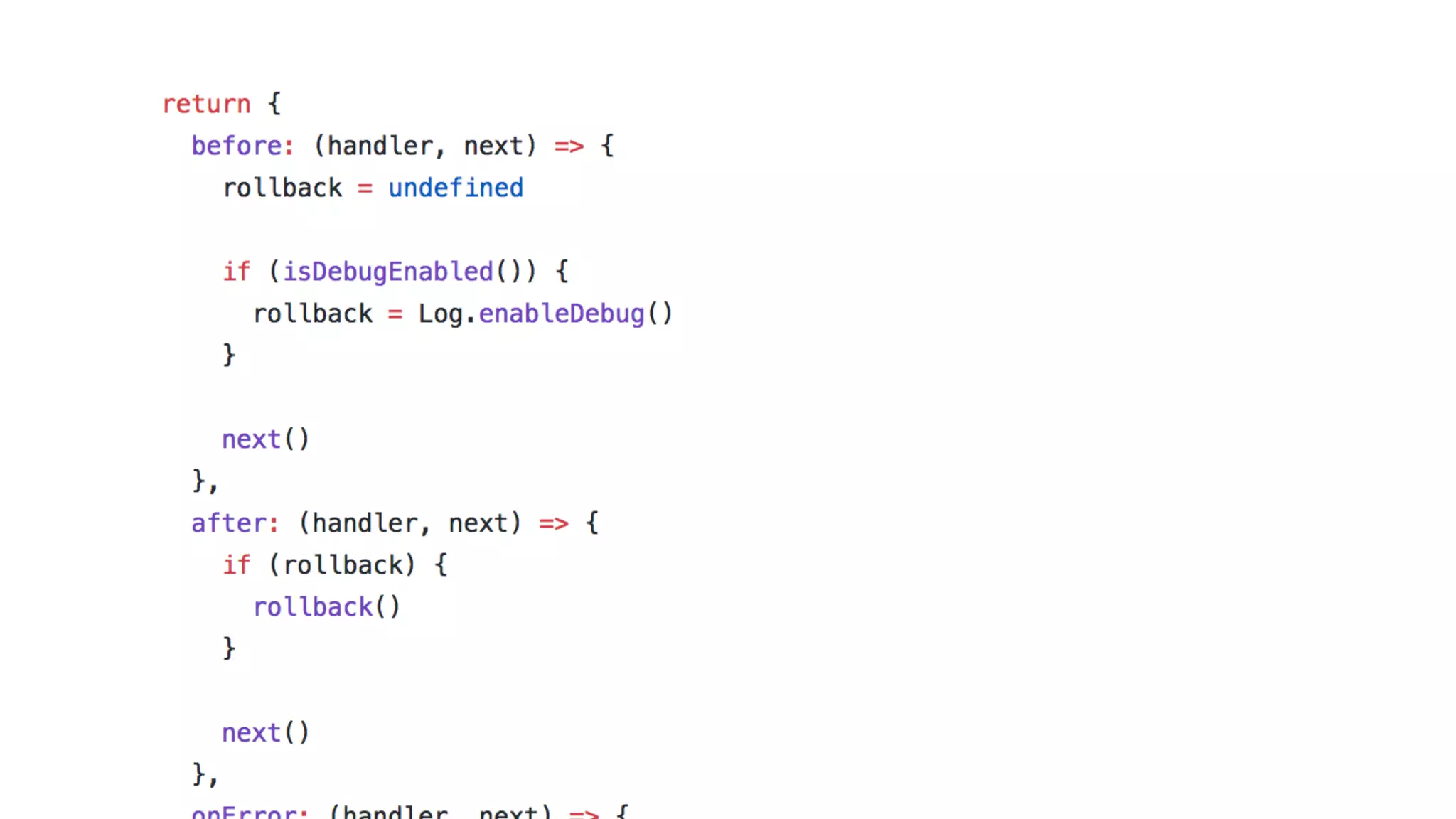
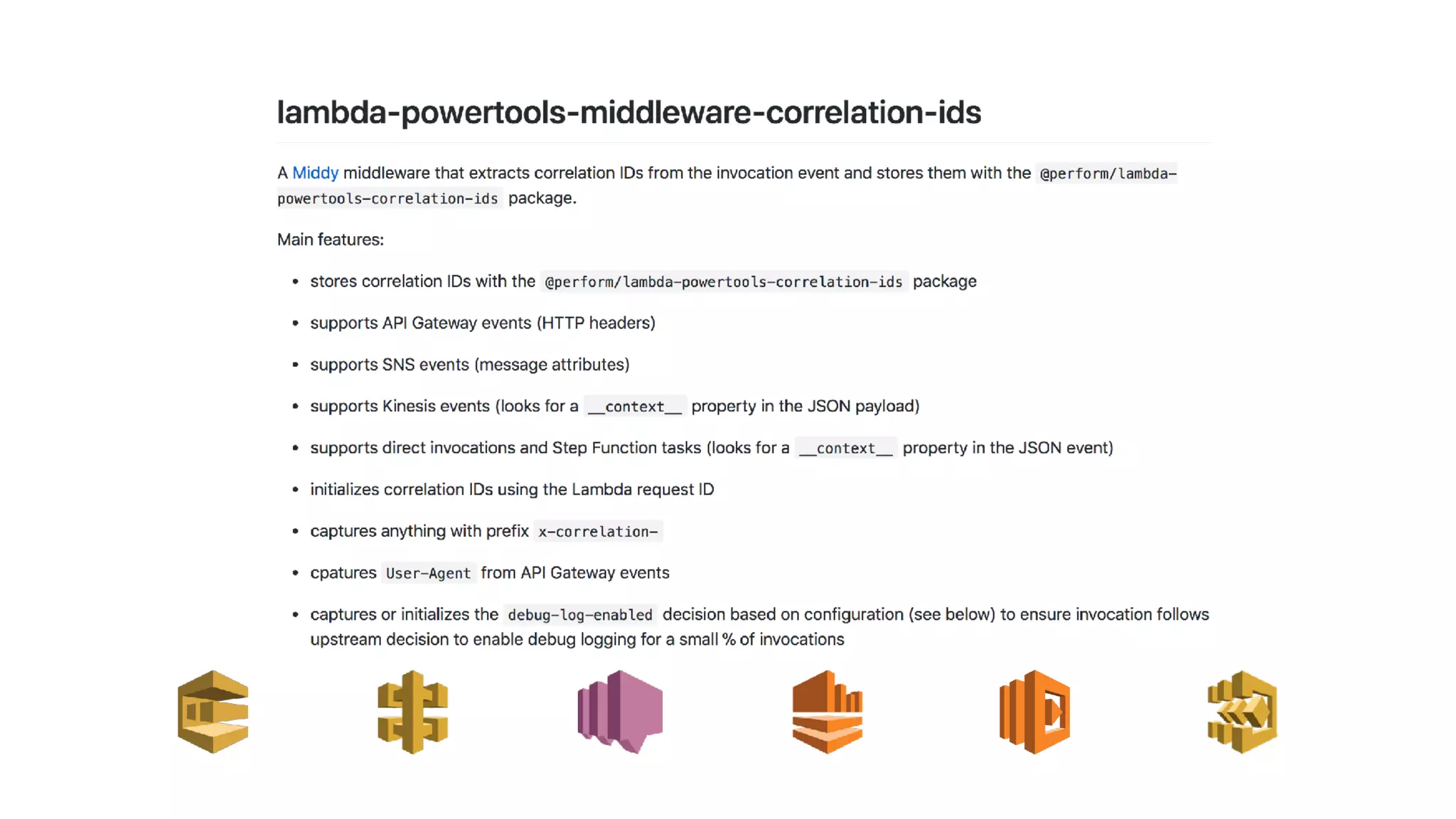
use middleware to auto-capture incoming correlation IDs
extract correlation IDs from invocation
event, and store them in the correlation-
ids module
reset
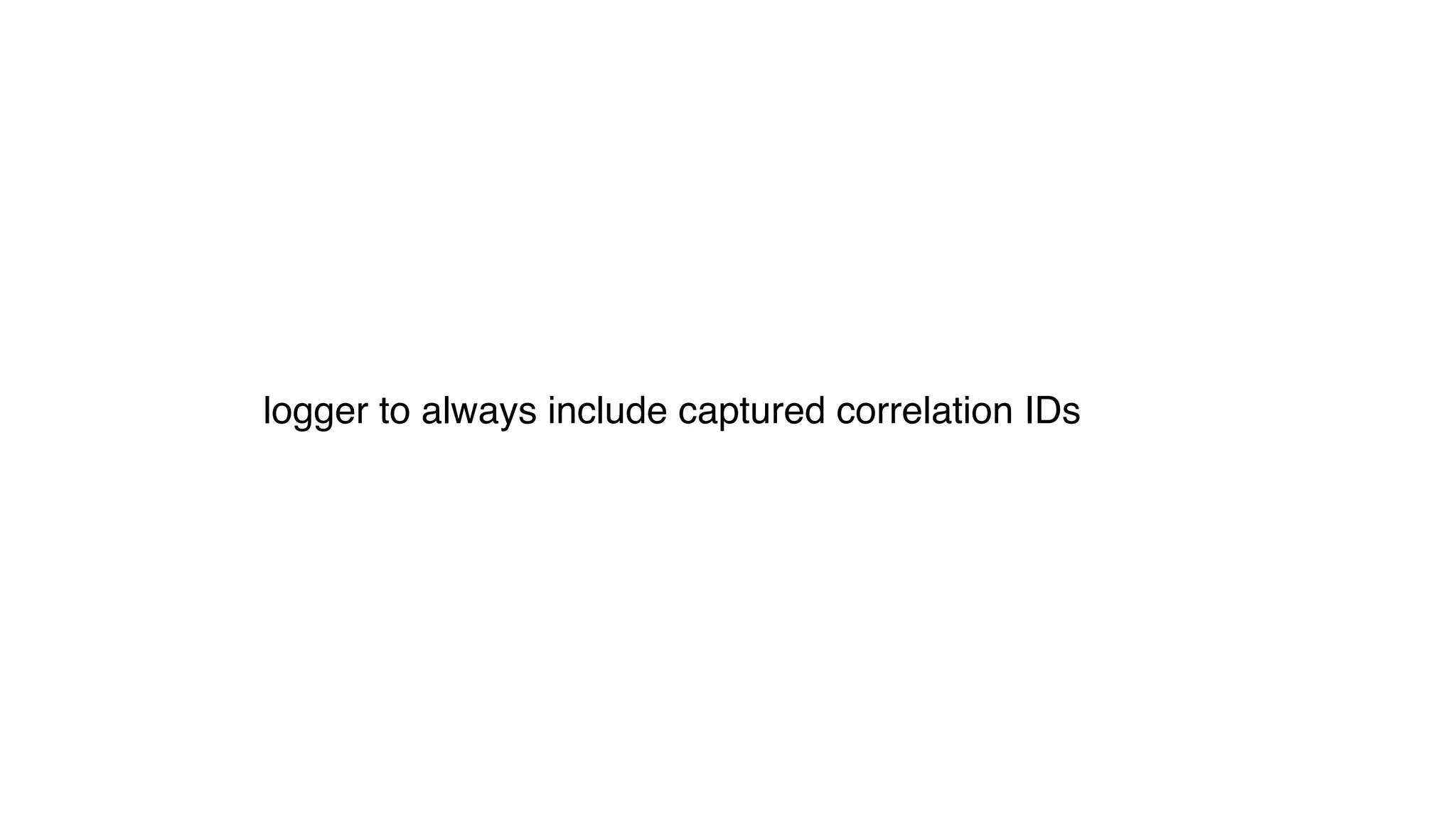
logger to always include captured correlation IDs
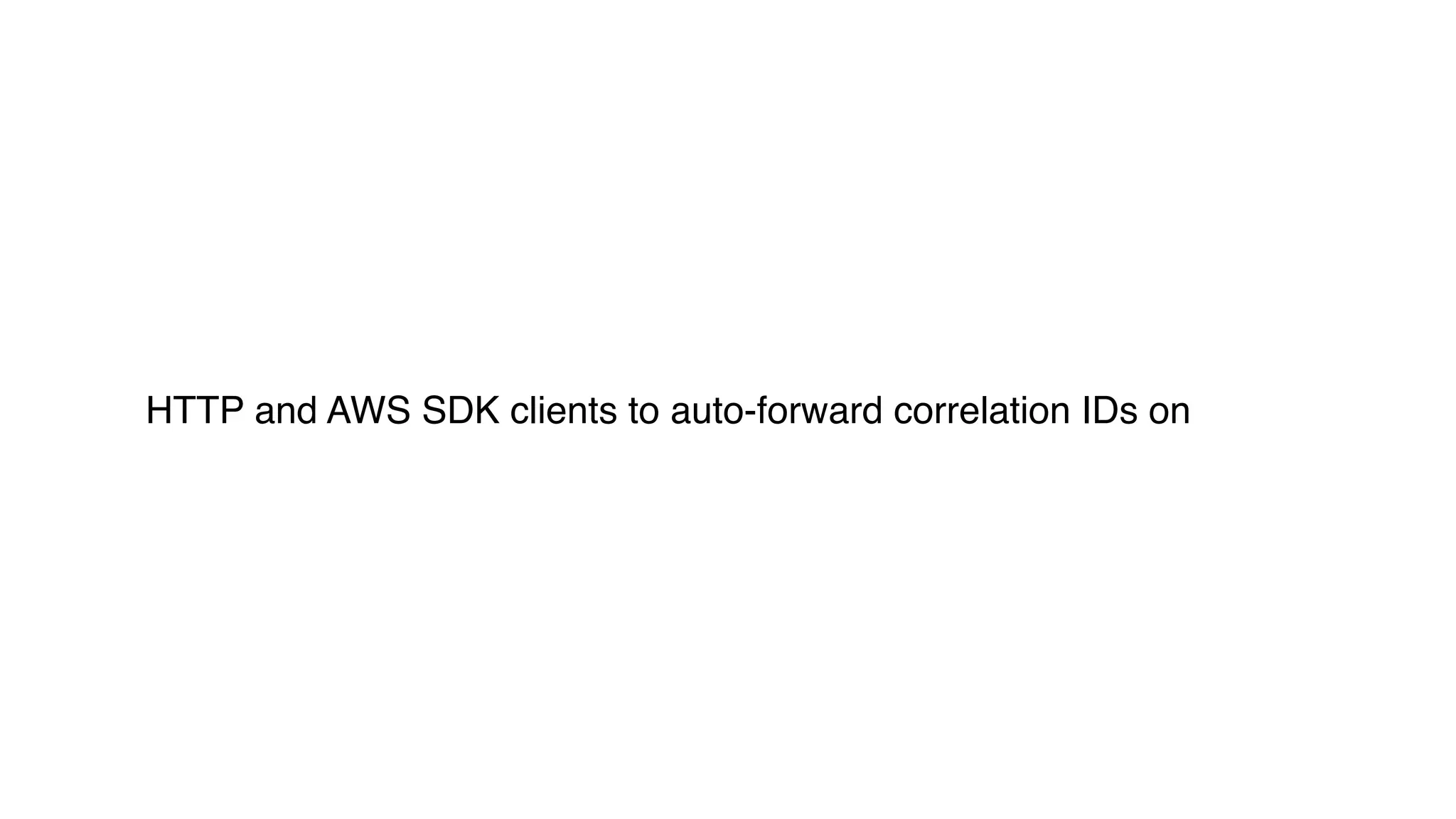
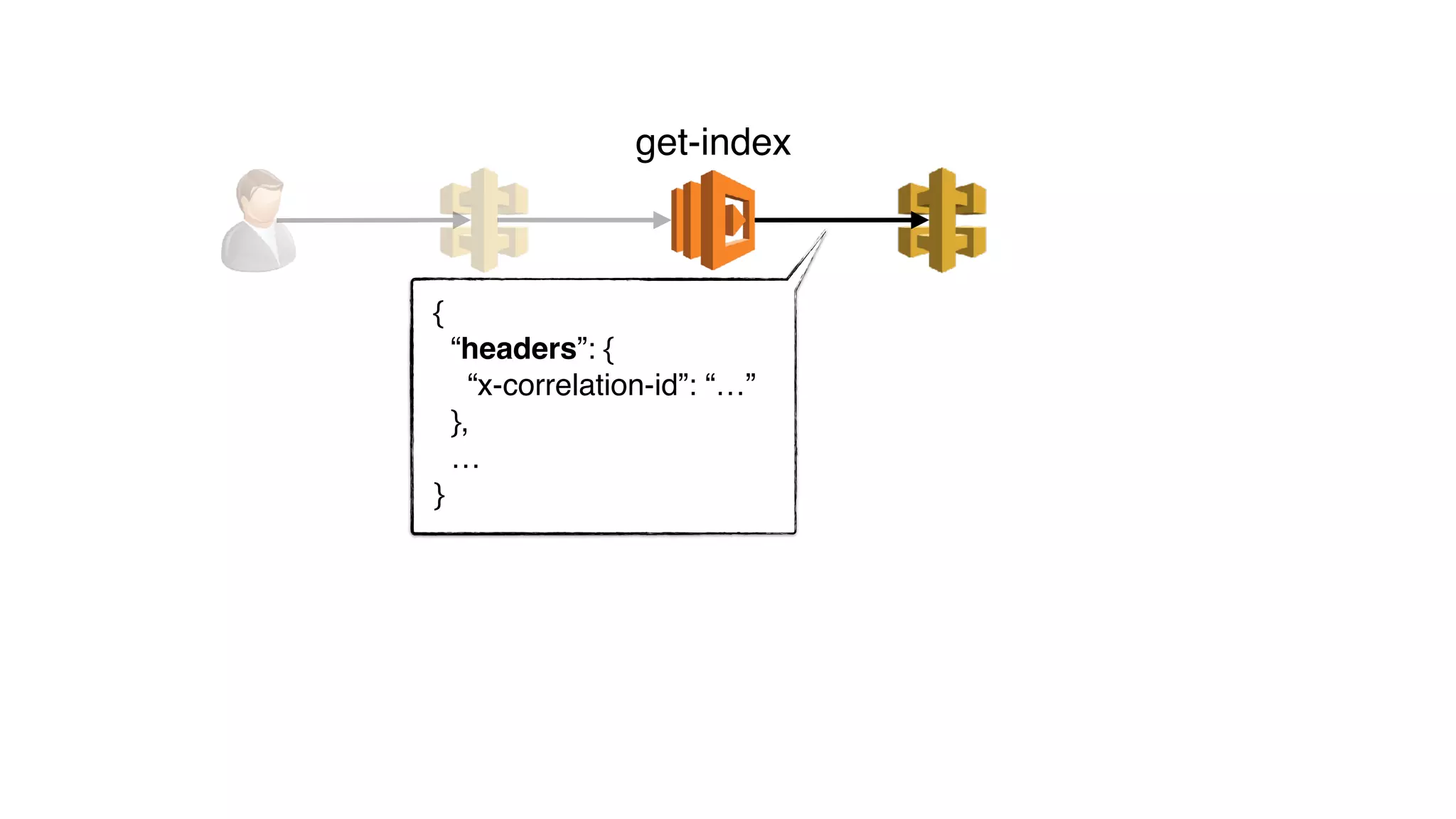
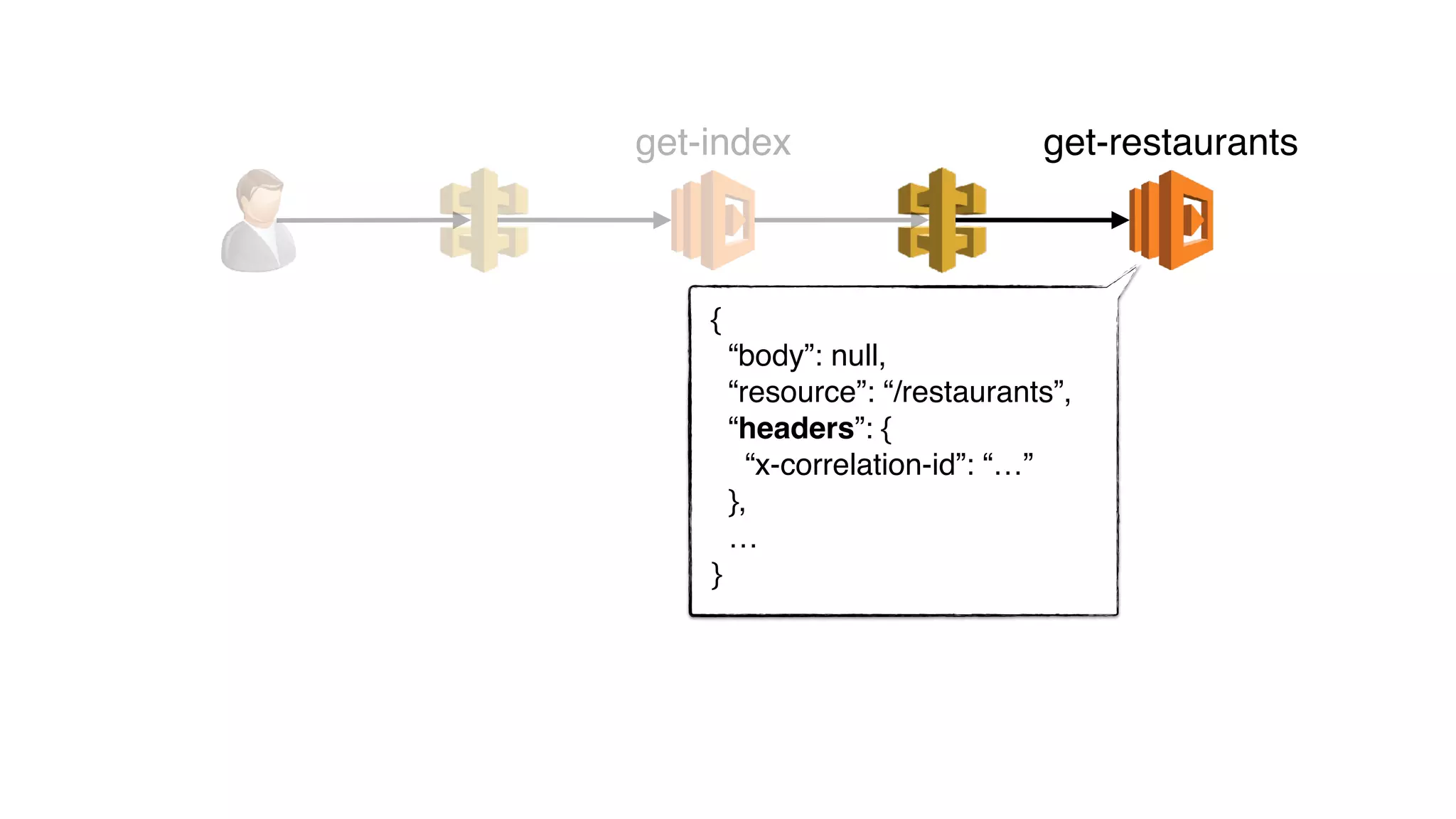
HTTP and AWS SDK clients to auto-forward correlation IDs on
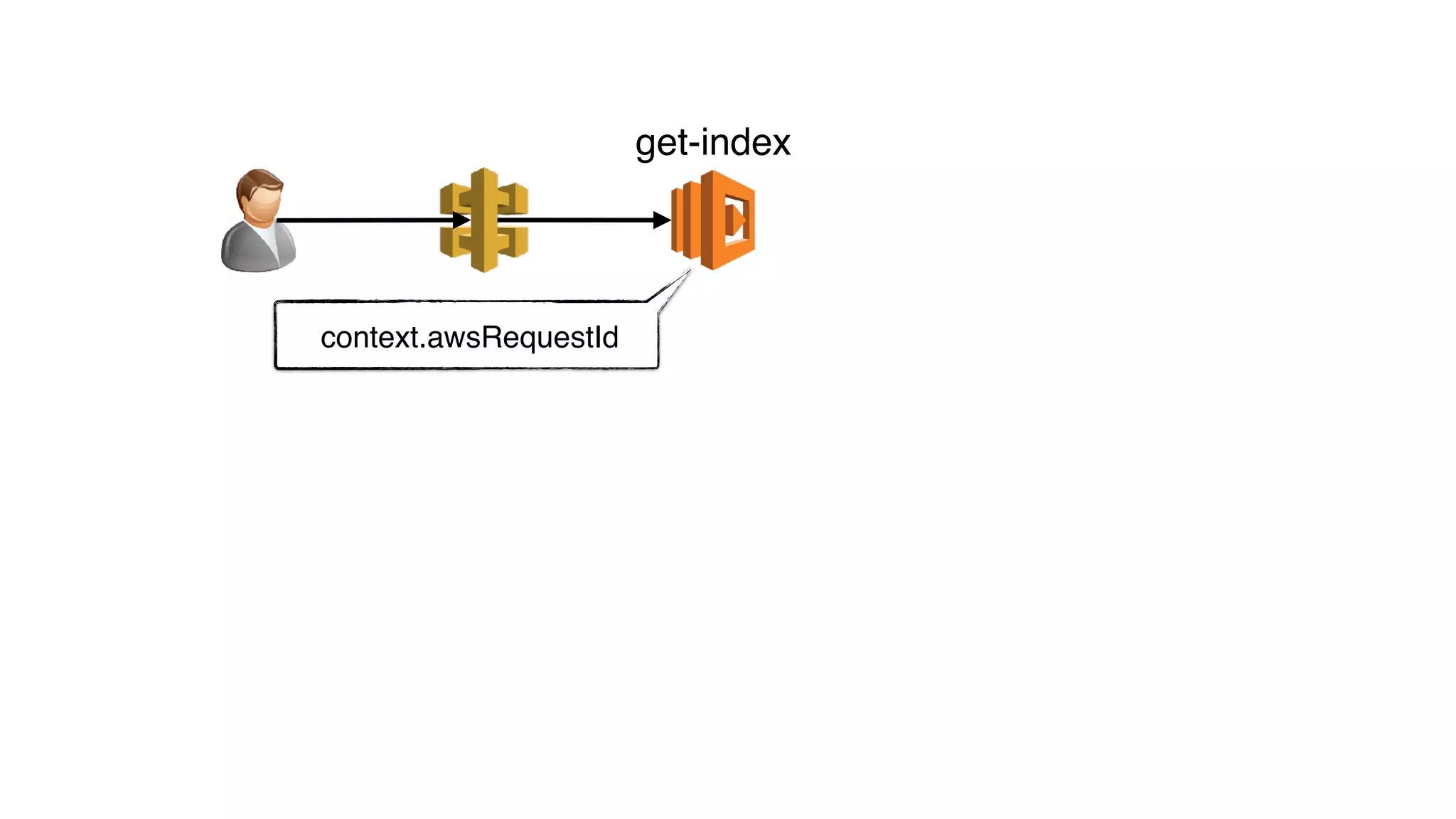
context.awsRequestId
get-index
context.awsRequestId x-correlation-id
get-index
{
“headers”: {
“x-correlation-id”: “…”
},
…
}
get-index
{
“body”: null,
“resource”: “/restaurants”,
“headers”: {
“x-correlation-id”: “…”
},
…
}
get-index get-restaurants
get-restaurants
global.CONTEXT
global.CONTEXT
x-correlation-id = …
x-correlation-xxx = …
get-index
headers[“User-Agent”]
headers[“Debug-Log-Enabled”]
headers[“User-Agent”]
headers[“Debug-Log-Enabled”]
headers[“x-correlation-id”]
capture
forward
function
event
log.info(…)
nonintrusive
extensible
consistent
works for streams
MONITORING
•no background processing
•nowhere to install agents/daemons
new challenges
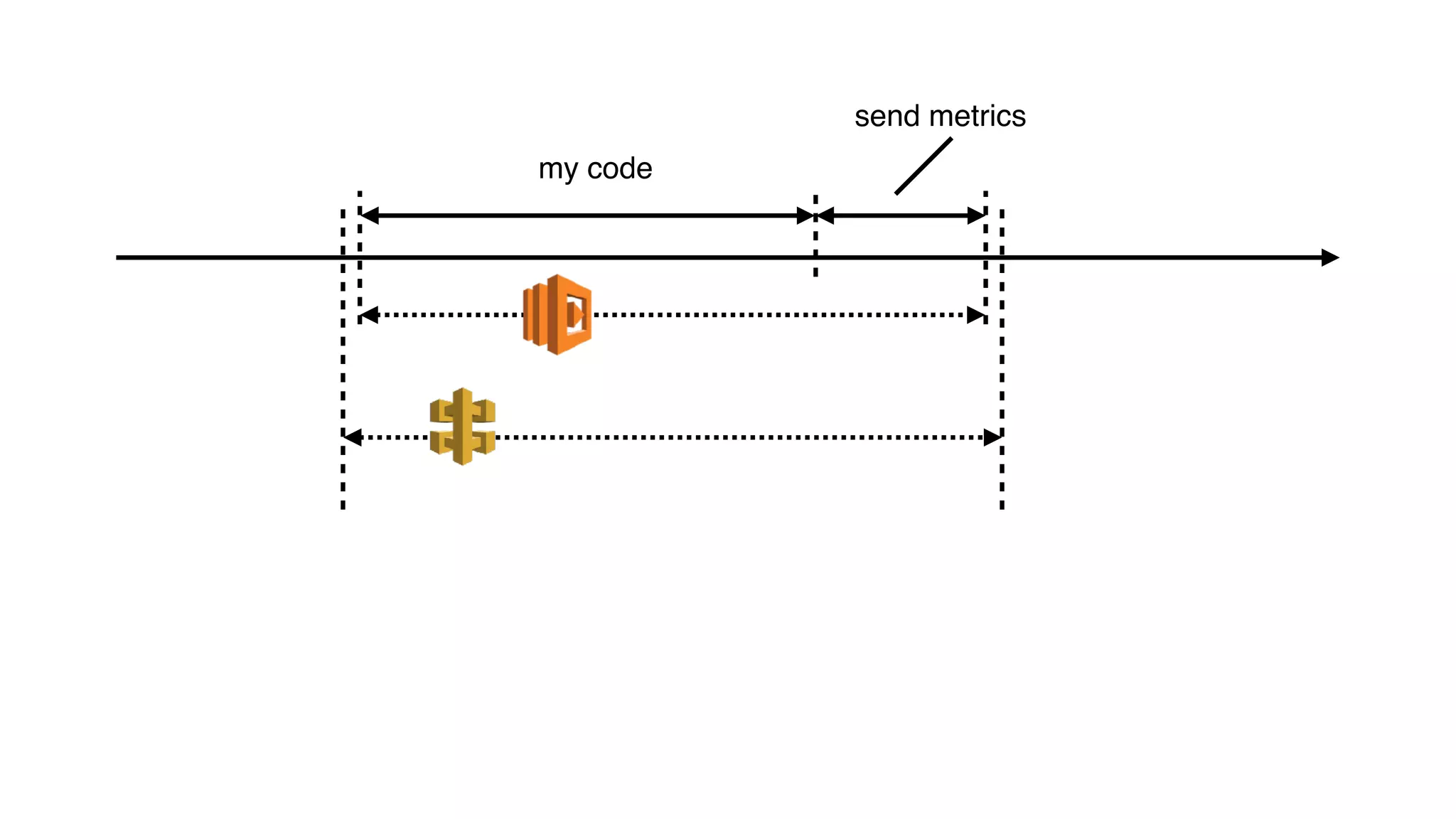
my code
send metrics
internet internet
press button something happens
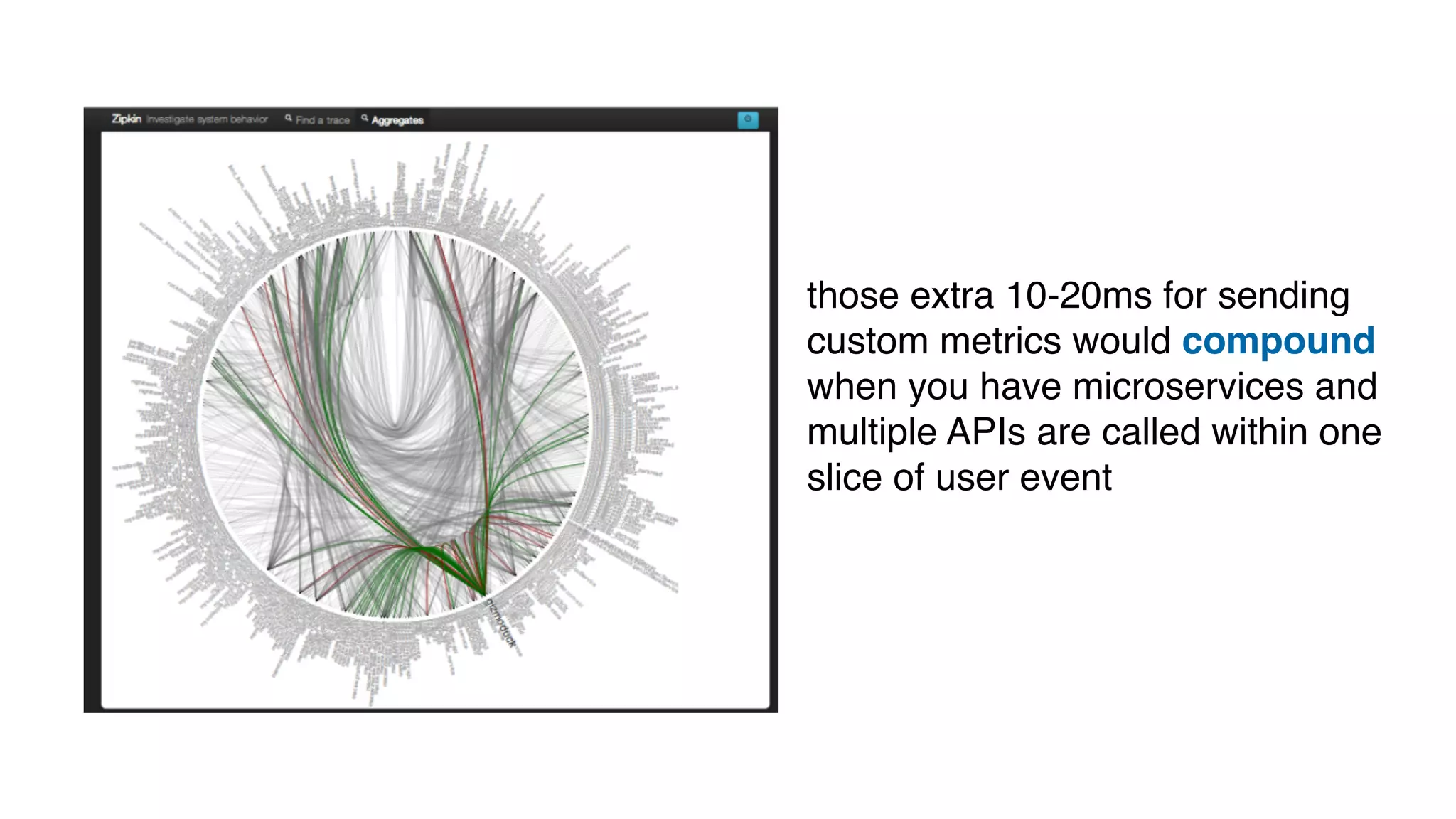
those extra 10-20ms for sending
custom metrics would compound
when you have microservices and
multiple APIs are called within one
slice of user event
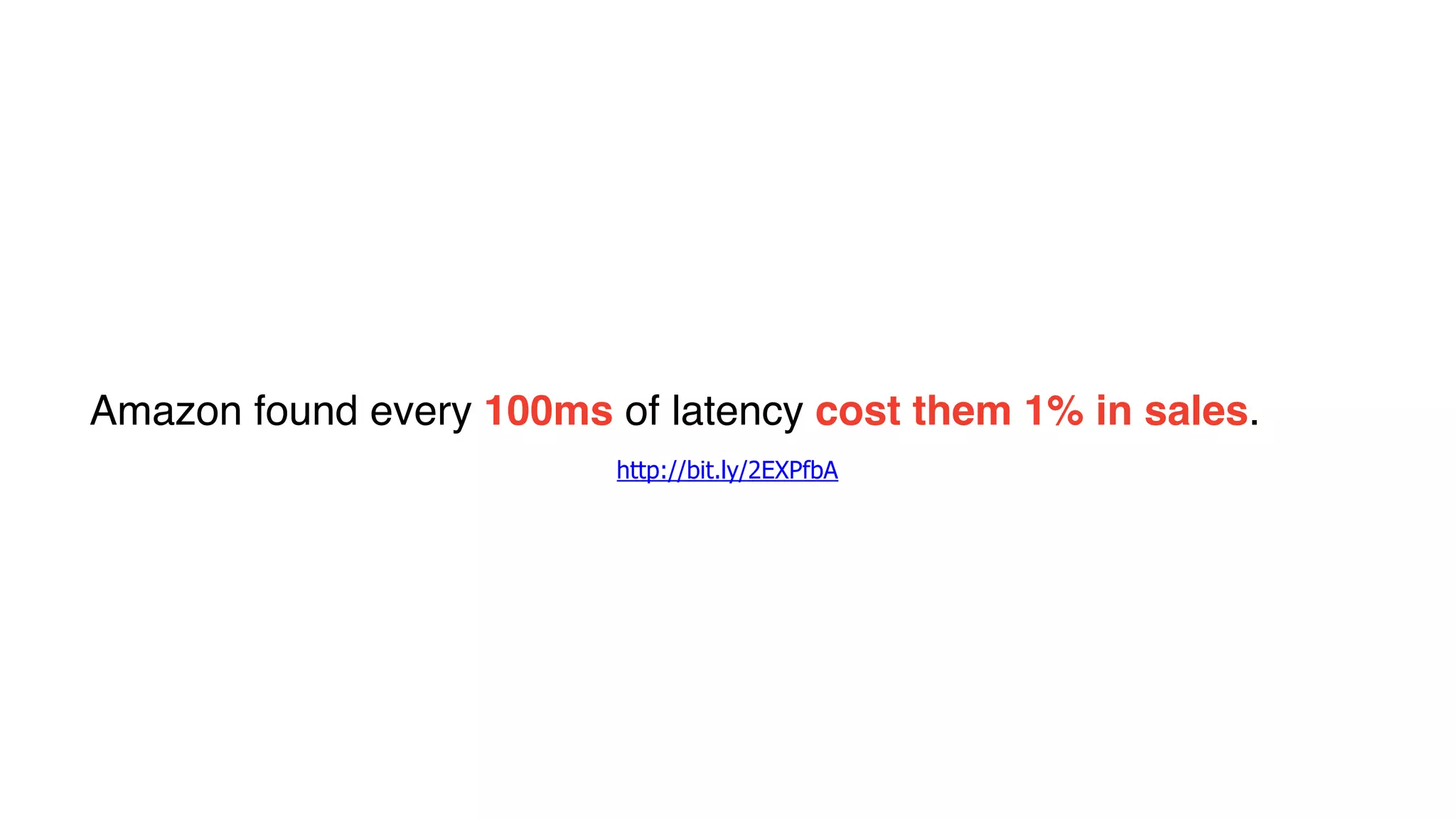
Amazon found every 100ms of latency cost them 1% in sales.
http://bit.ly/2EXPfbA
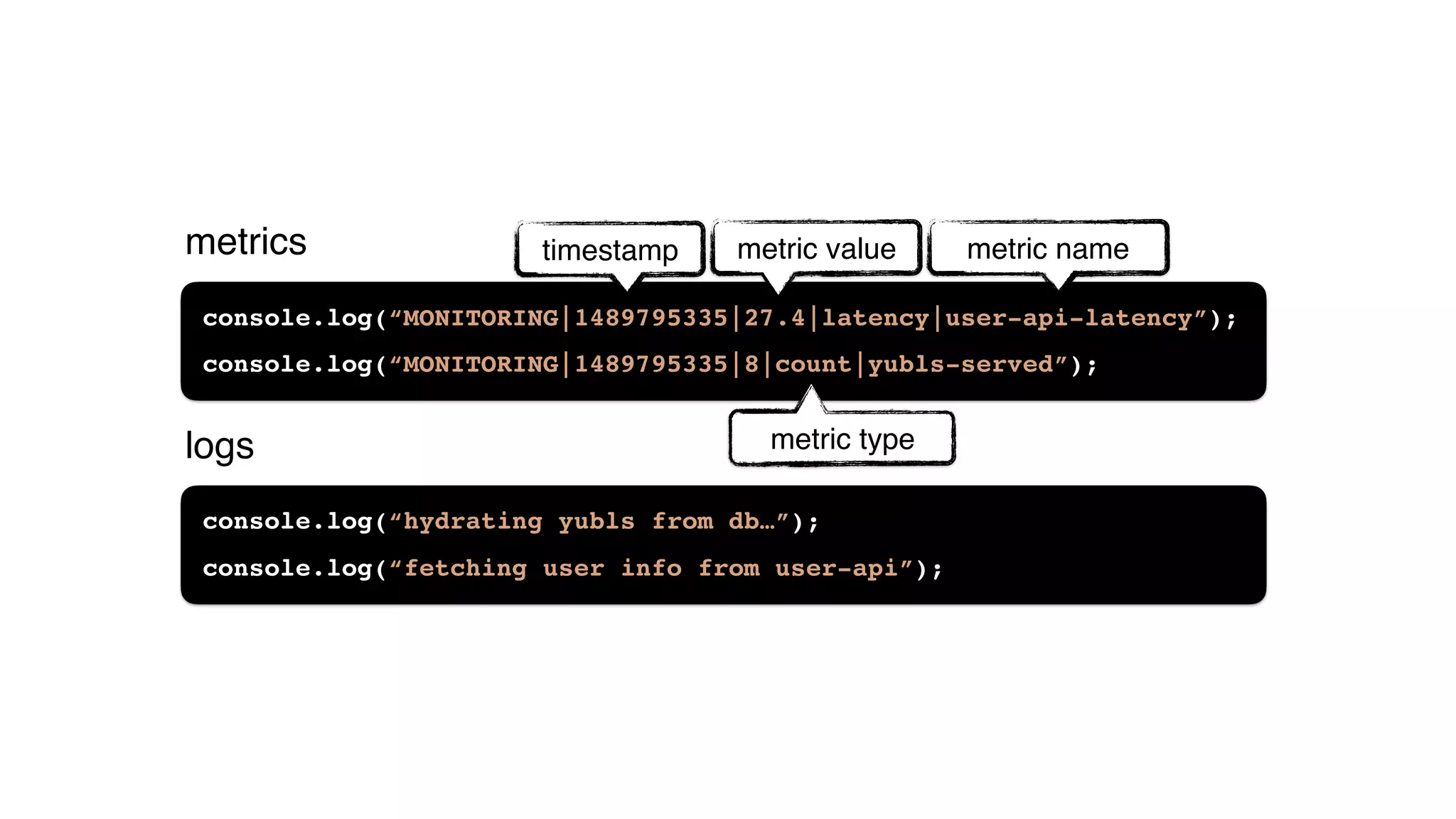
console.log(“hydrating yubls from db…”);
console.log(“fetching user info from user-api”);
console.log(“MONITORING|1489795335|27.4|latency|user-api-latency”);
console.log(“MONITORING|1489795335|8|count|yubls-served”);
timestamp metric value
metric type
metric namemetrics
logs
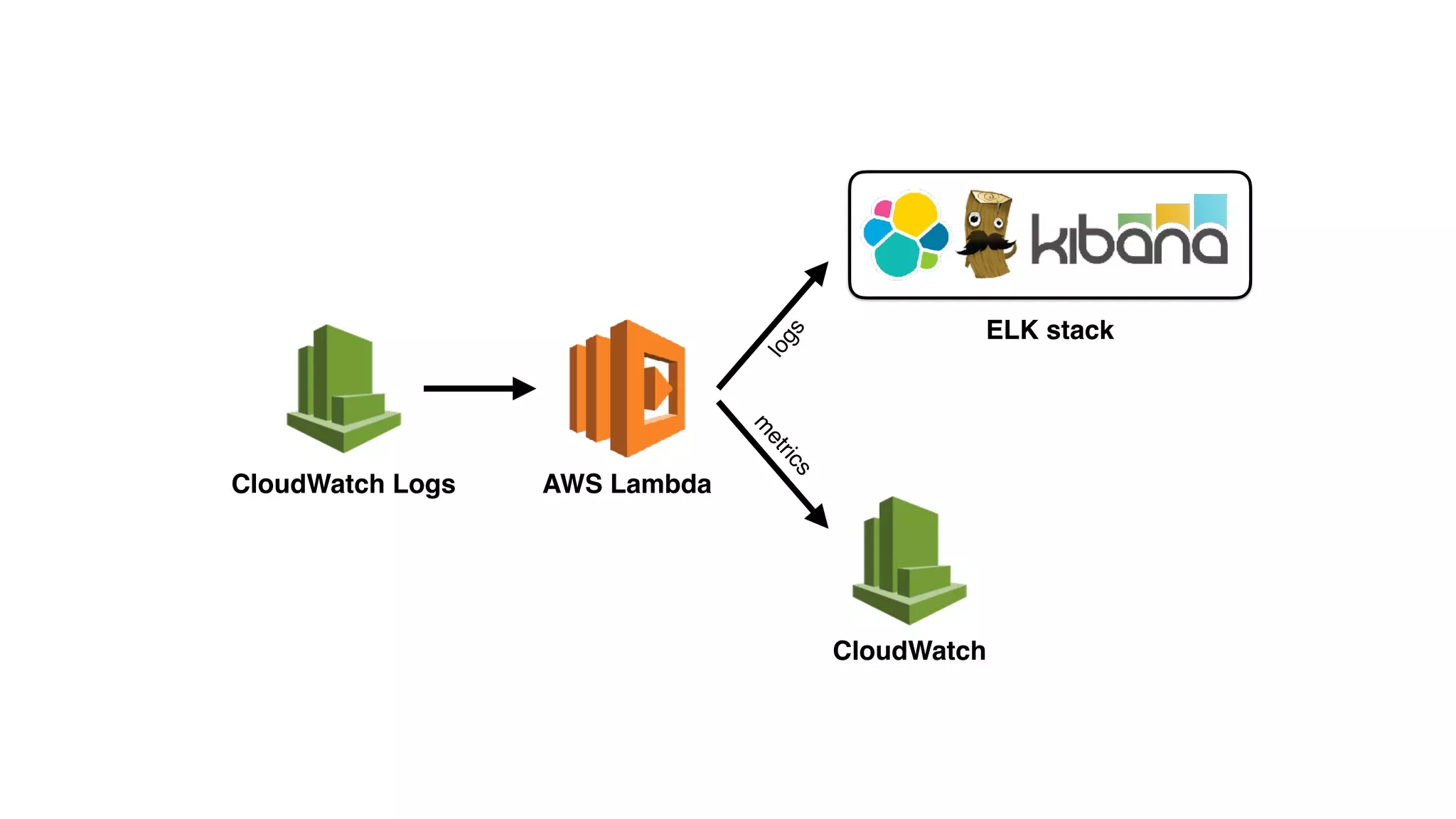
CloudWatch Logs AWS Lambda
ELK stack
logs
m
etrics
CloudWatch
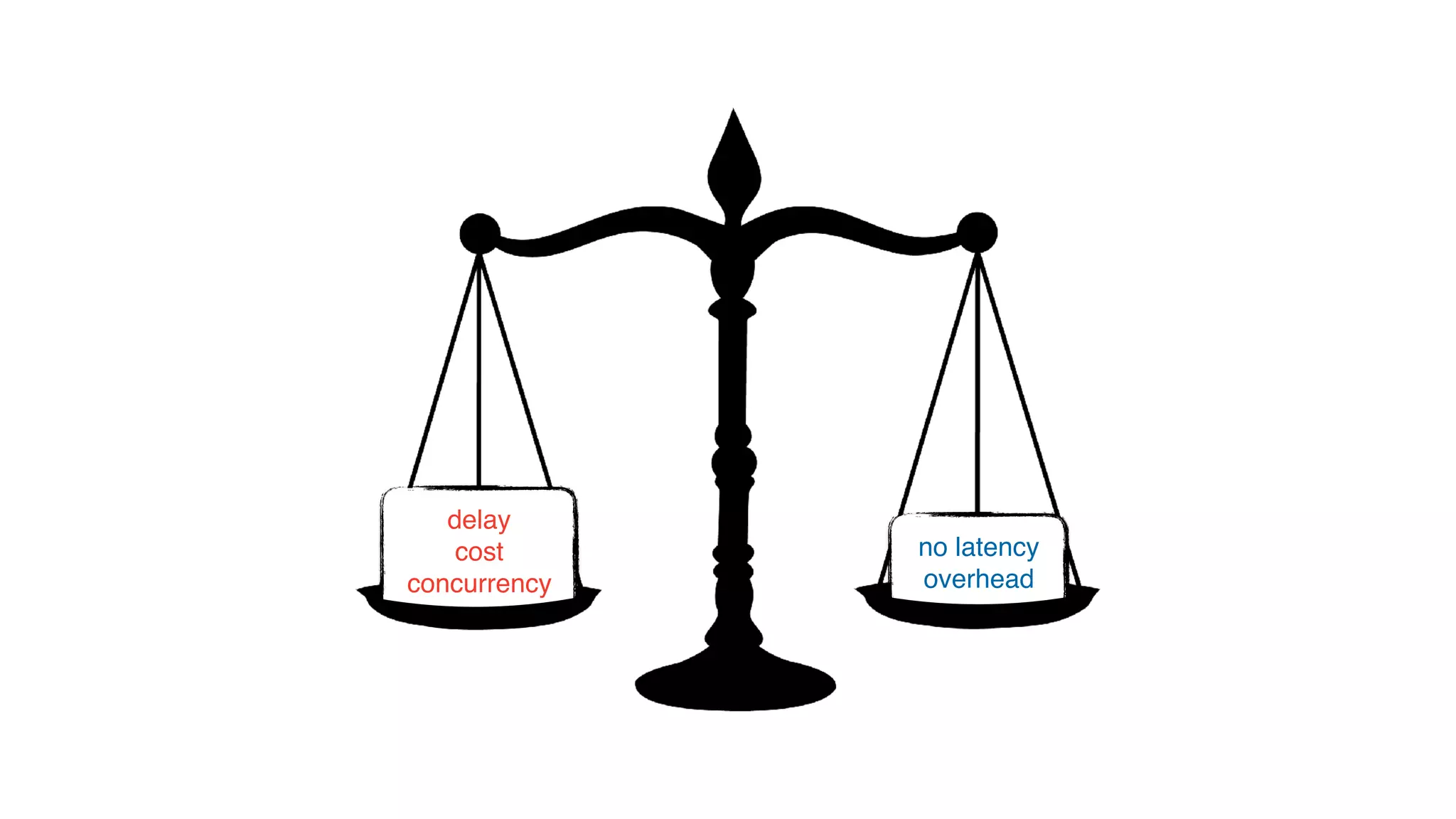
delay
cost
concurrency
delay
cost
concurrency
no latency
overhead
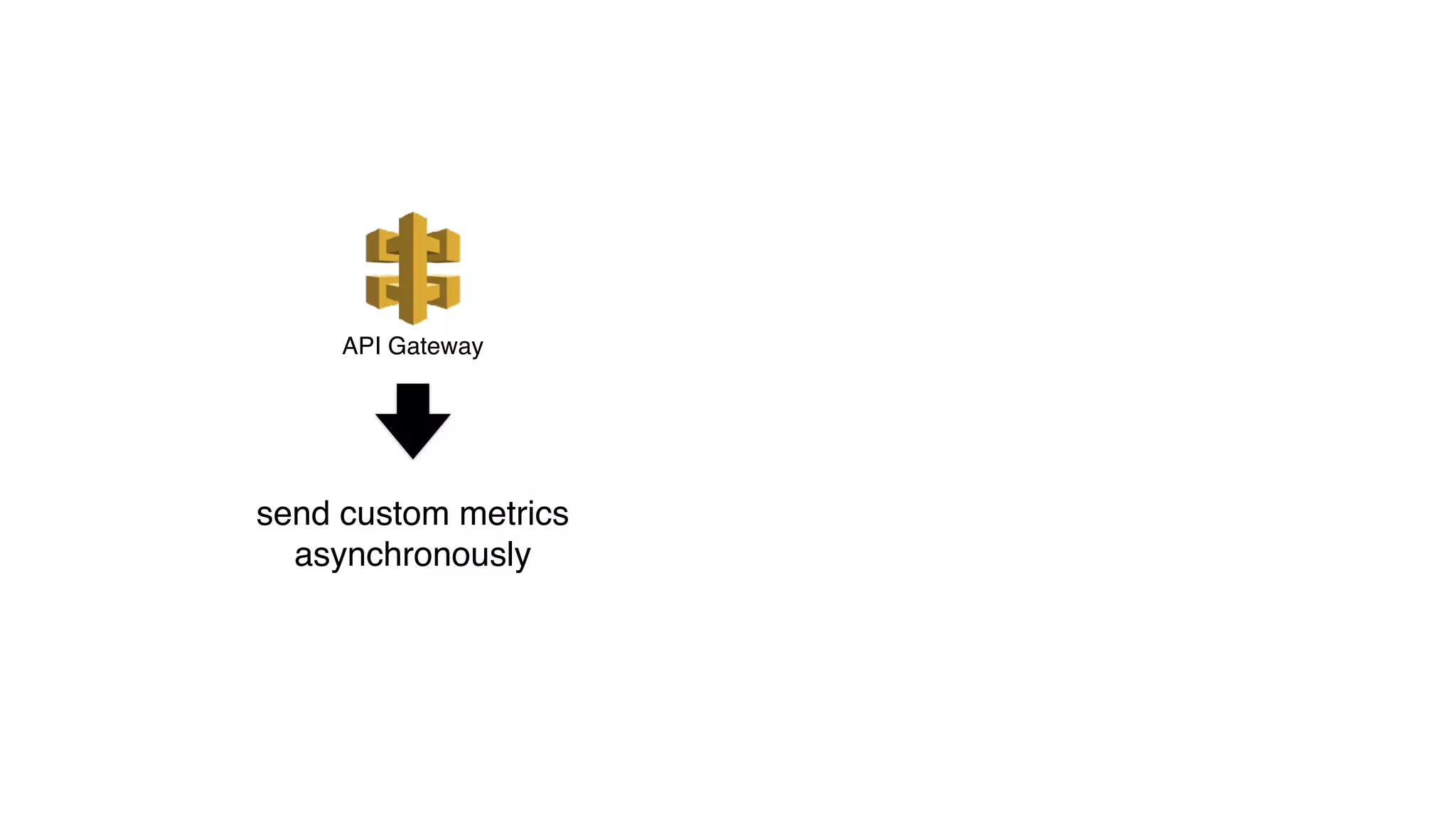
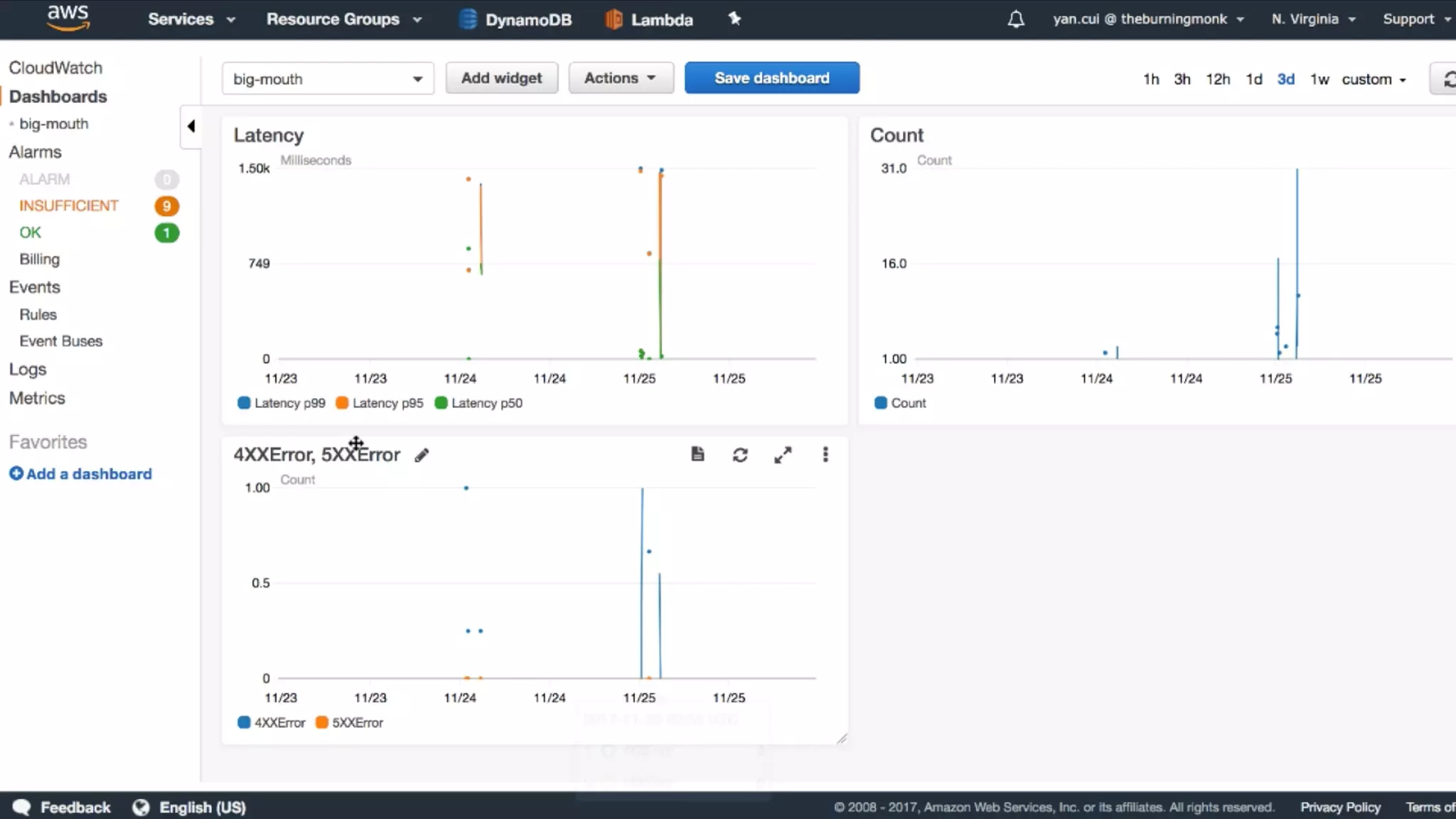
API Gateway
send custom metrics
asynchronously
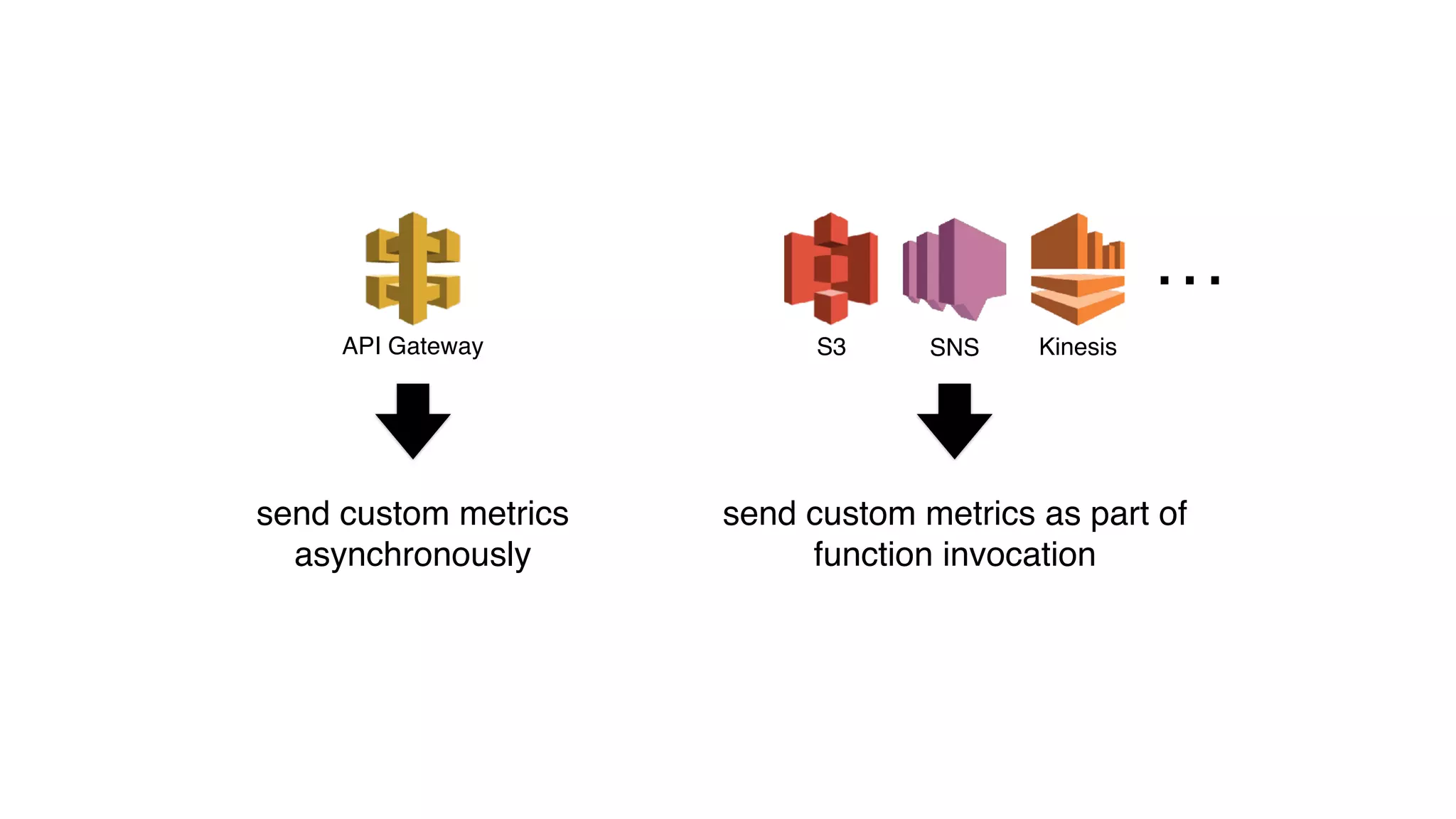
SNS KinesisS3API Gateway
…
send custom metrics
asynchronously
send custom metrics as part of
function invocation
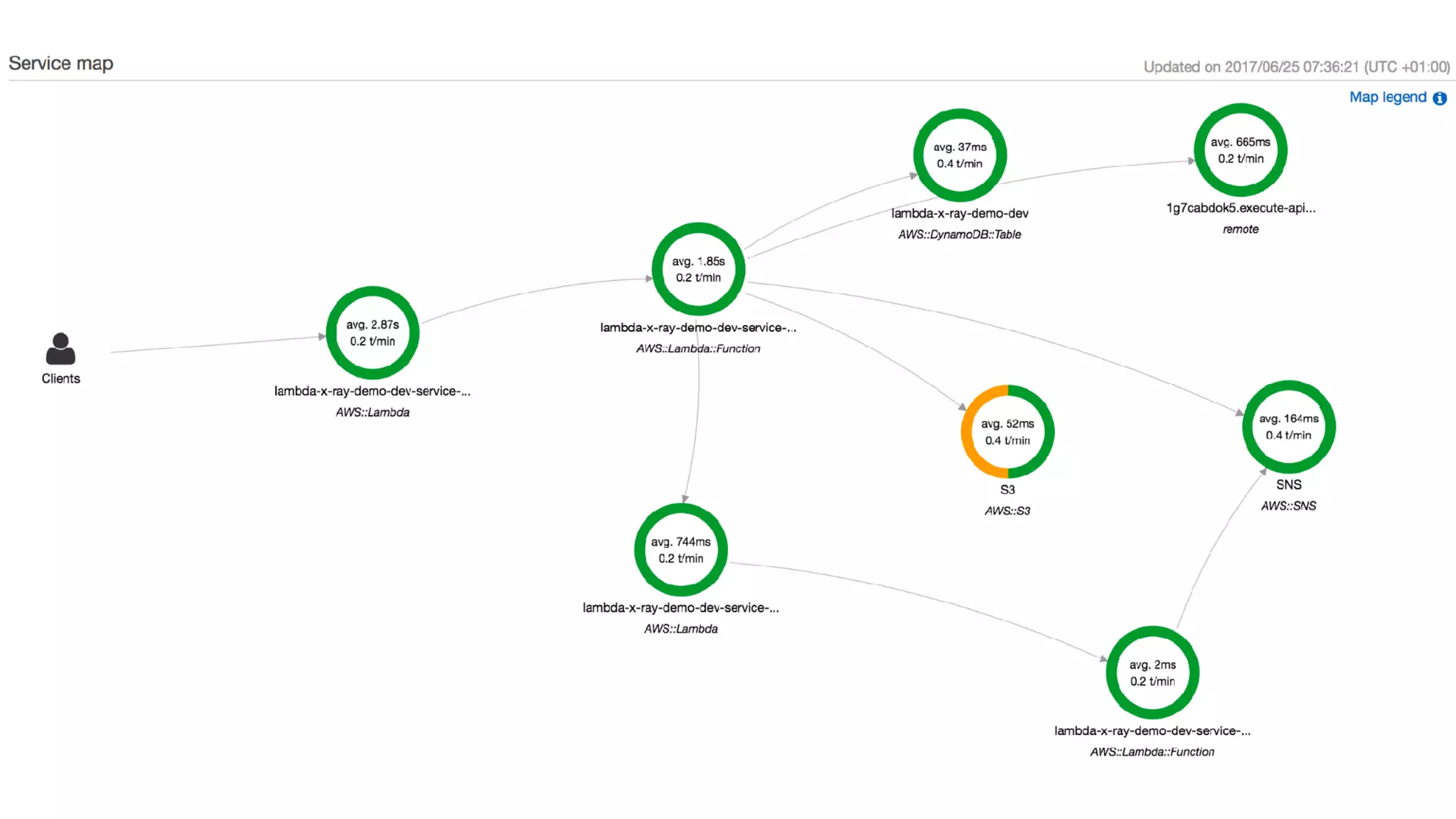
TRACING
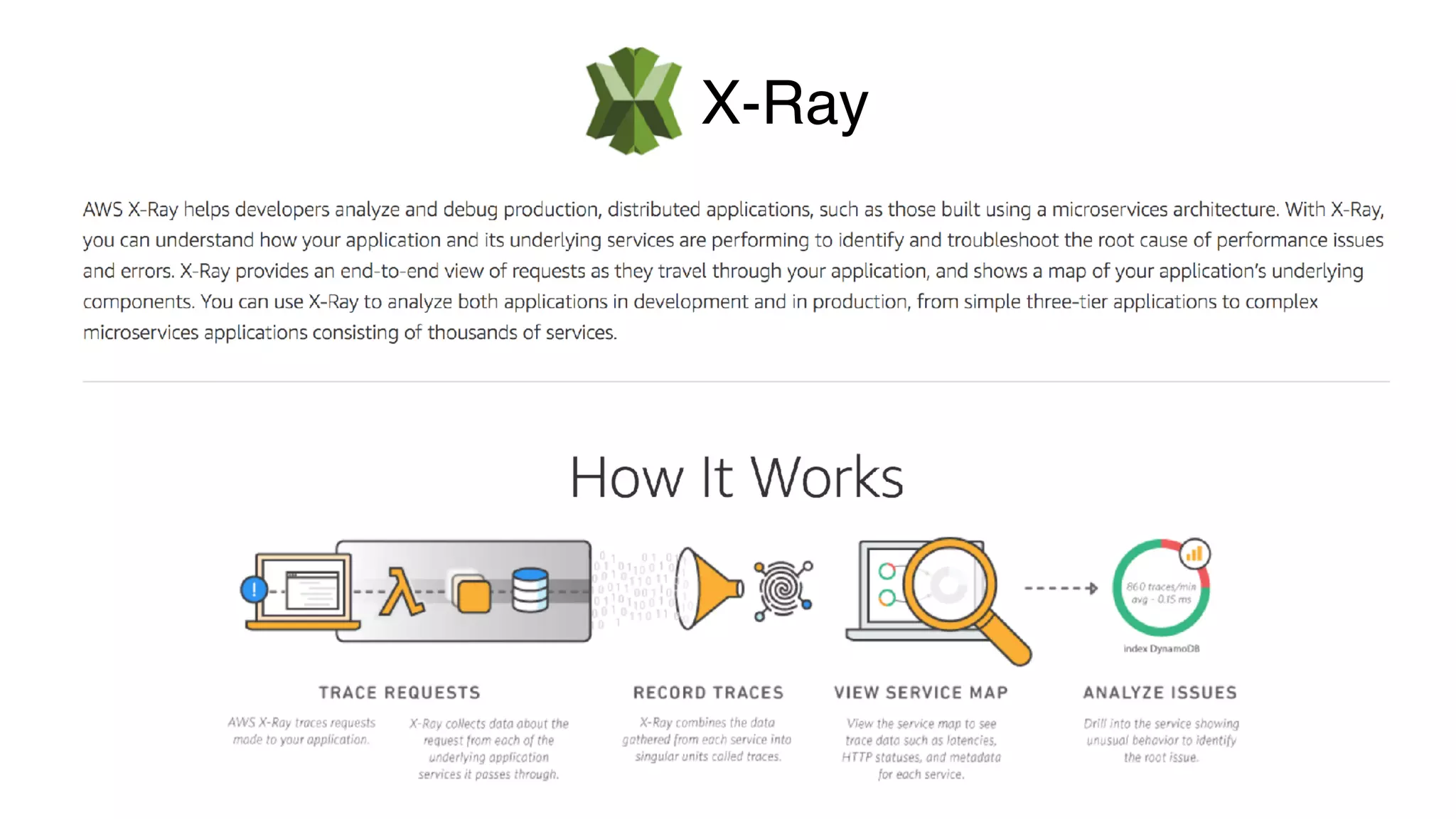
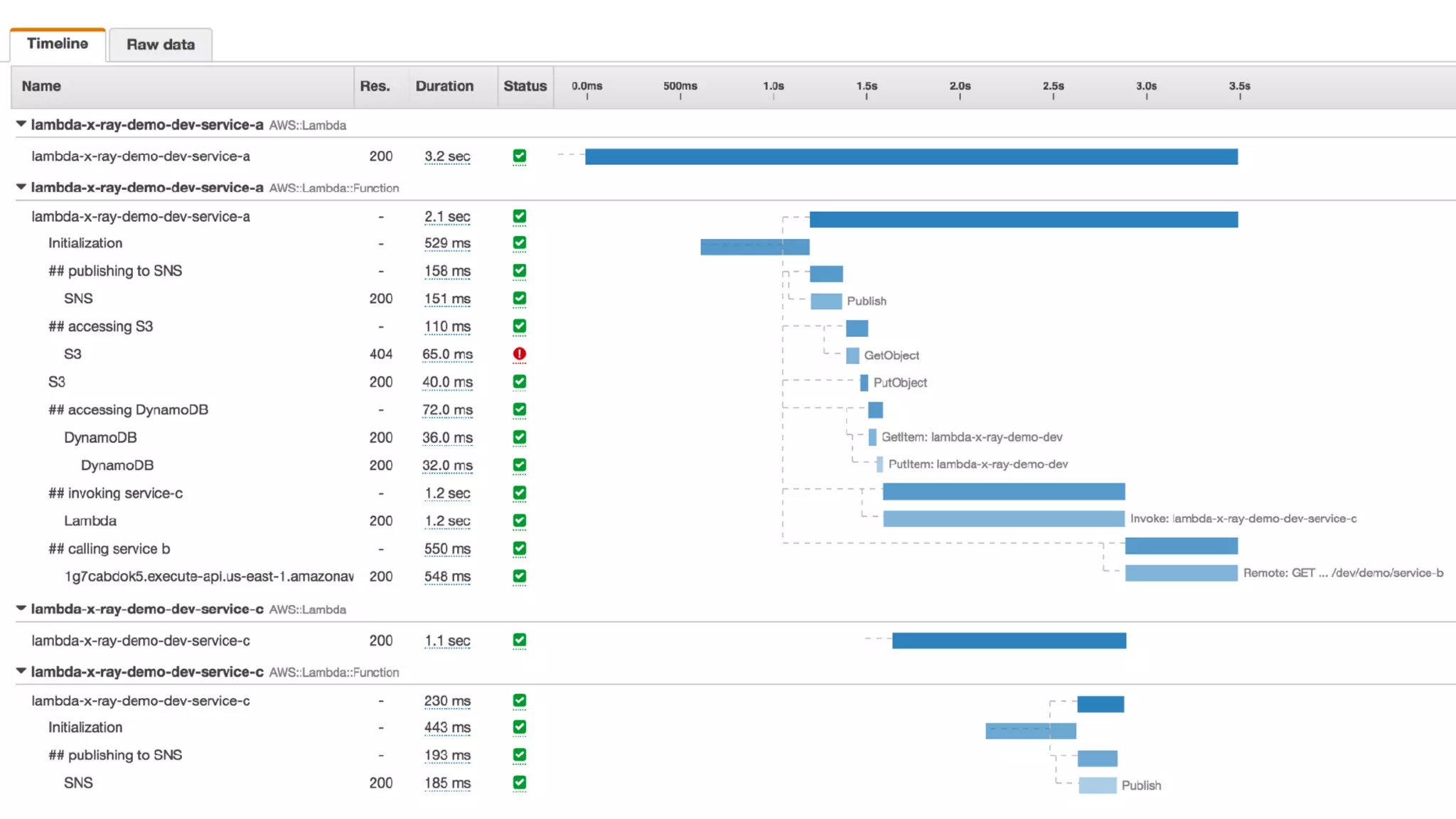
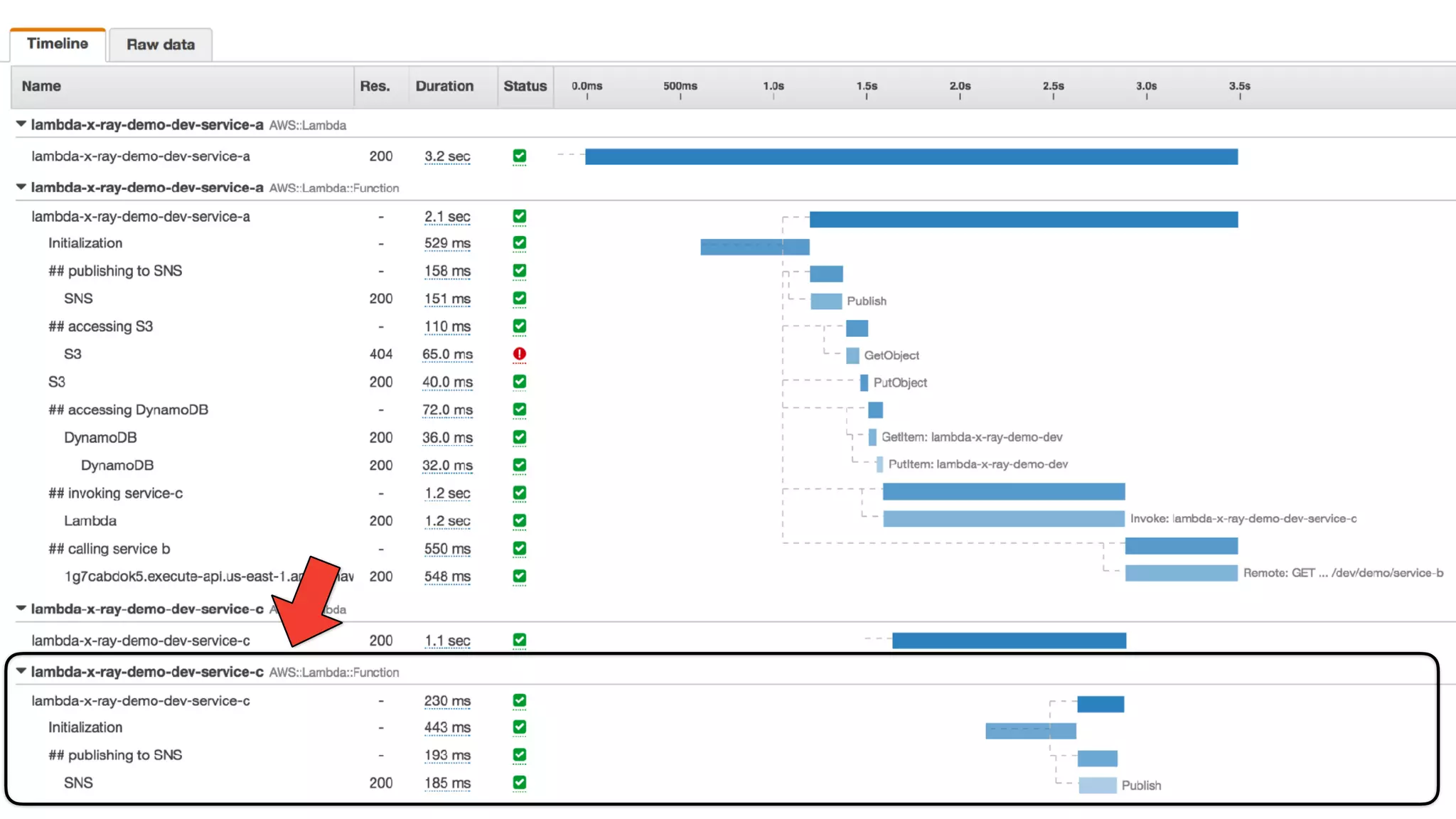
X-Ray
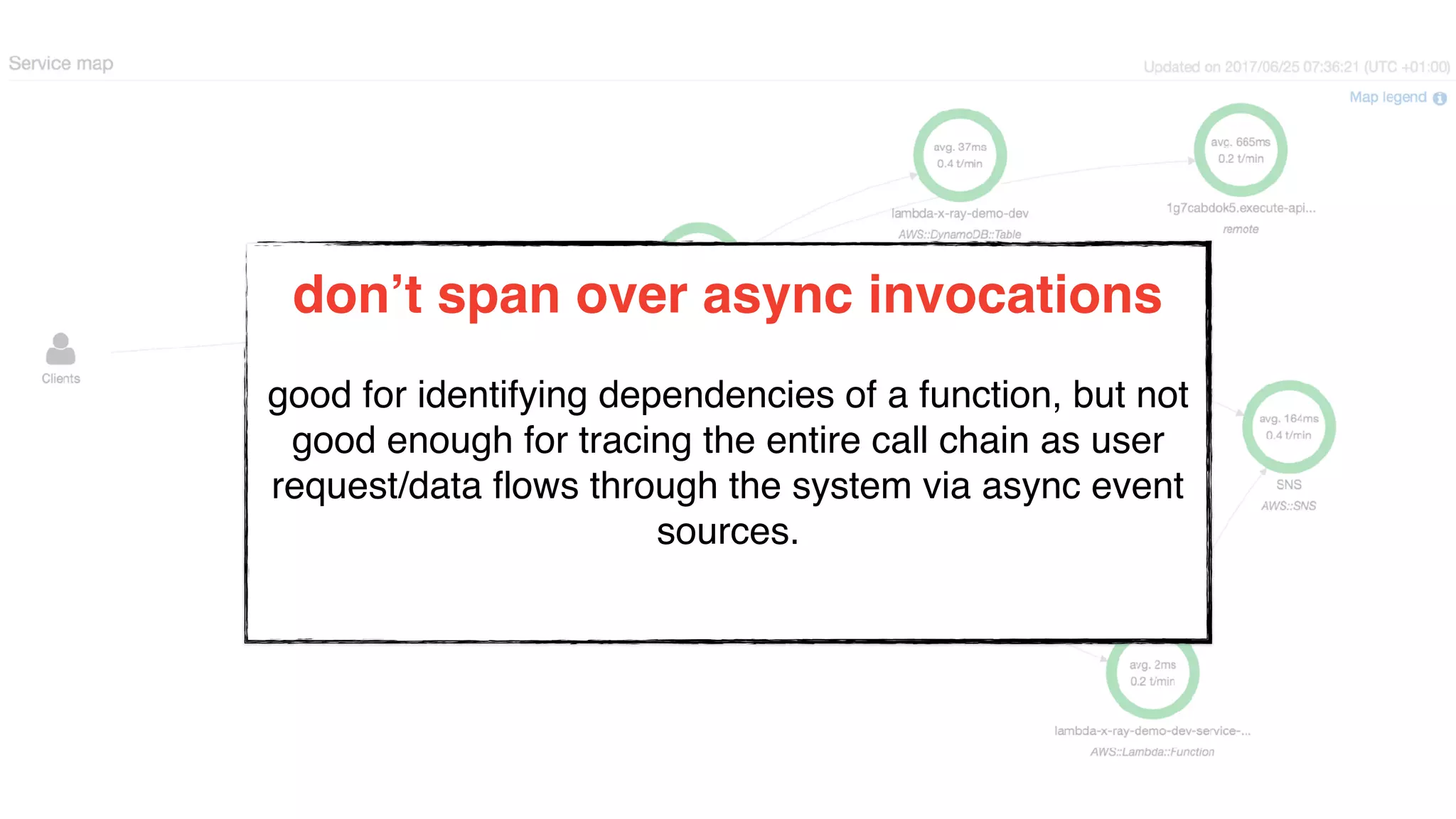
don’t span over async invocations
good for identifying dependencies of a function, but not
good enough for tracing the entire call chain as user
request/data flows through the system via async event
sources.
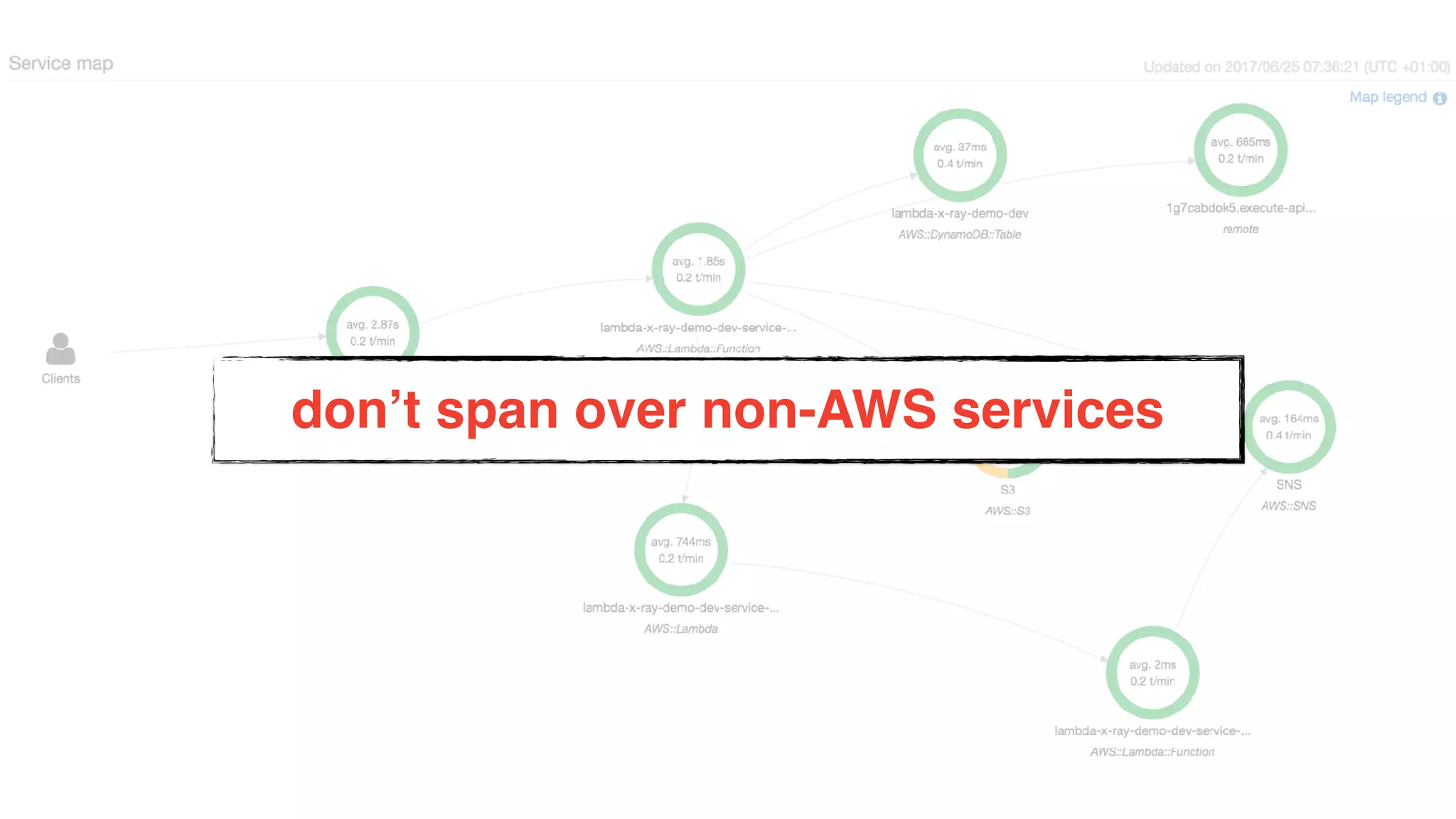
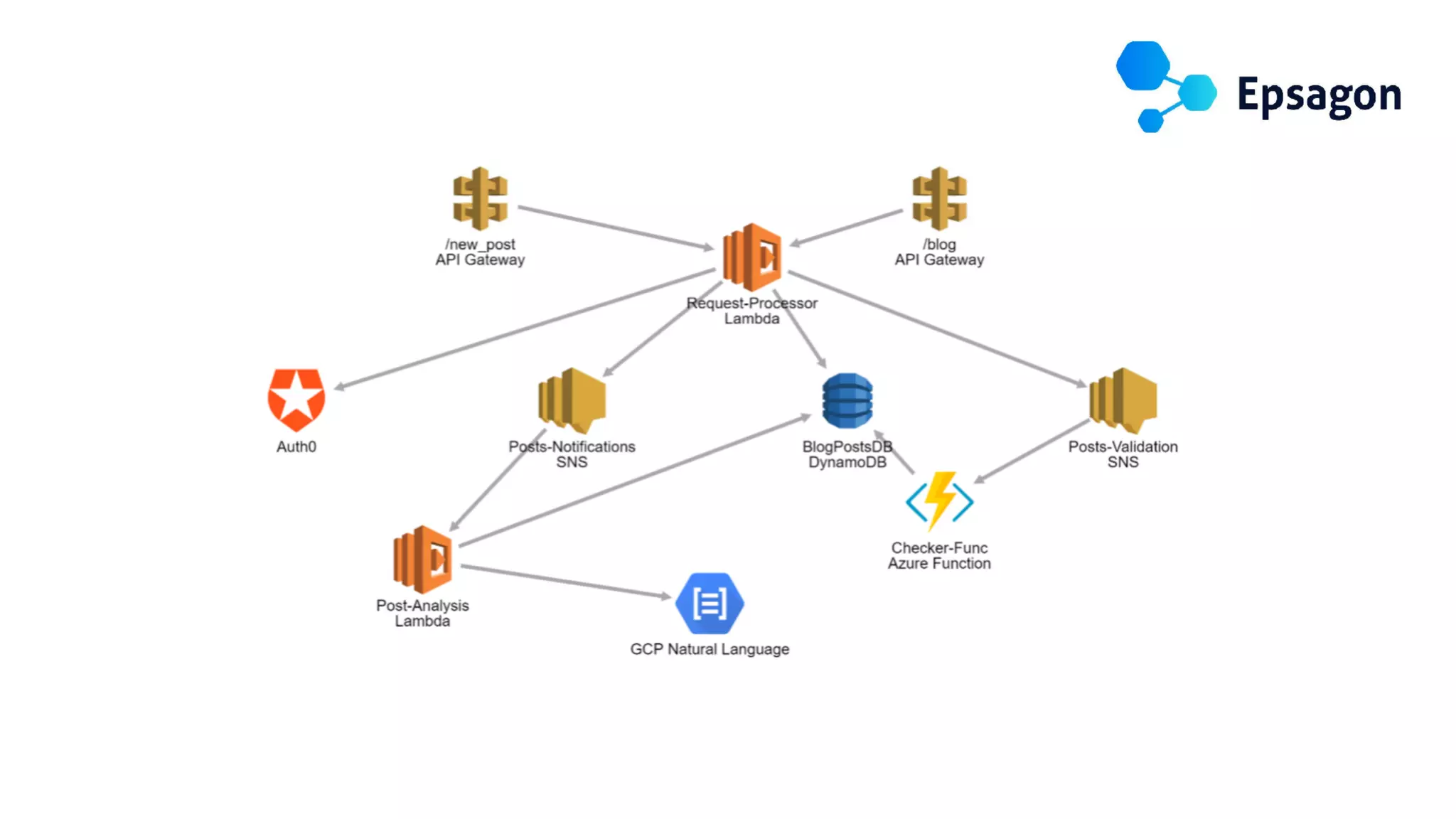
don’t span over non-AWS services
write structured logs
instrument your code
make it easy to do the right thing
Yan Cui
http://theburningmonk.com
@theburningmonk
follow @dazneng for
updates about the
engineering team
We’re hiring! Visit
engineering.dazn.com
to learn more.
WE’RE HIRING!

Yan Cui - How to build observability into a serverless application - Codemotion Amsterdam 2019