Xpath & Xquery
1
XQuery
● XQuery is an active programming language, which is used to
interact with XML data groups.
● It is primarily used to extract, transform, and combine XML
documents.
● It can read and write the data in the database which is used in
software and services integration for making analysis reports.
2
Example 1: Basic Query
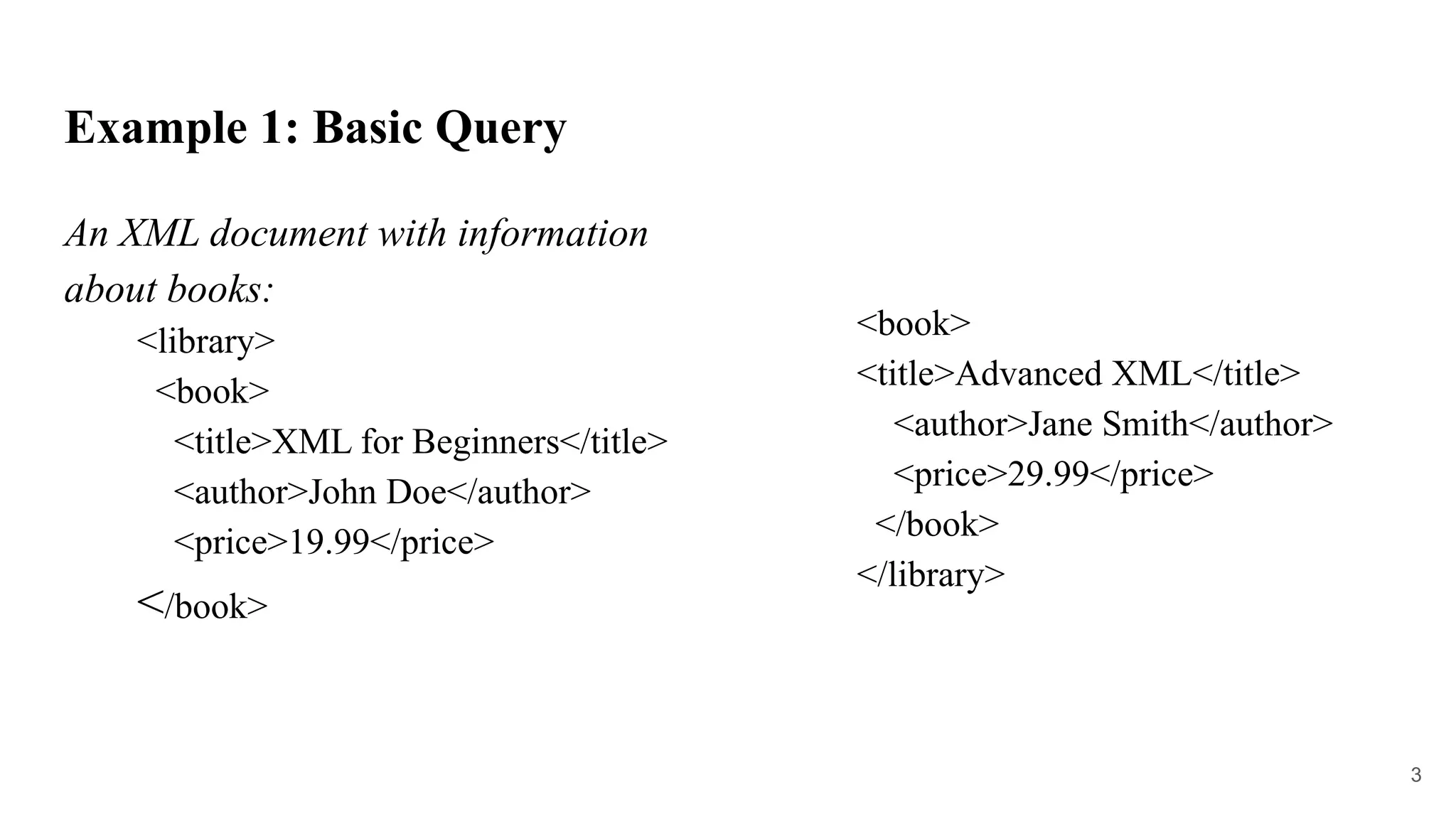
An XML document with information
about books:
<library>
<book>
<title>XML for Beginners</title>
<author>John Doe</author>
<price>19.99</price>
</book>
<book>
<title>Advanced XML</title>
<author>Jane Smith</author>
<price>29.99</price>
</book>
</library>
3
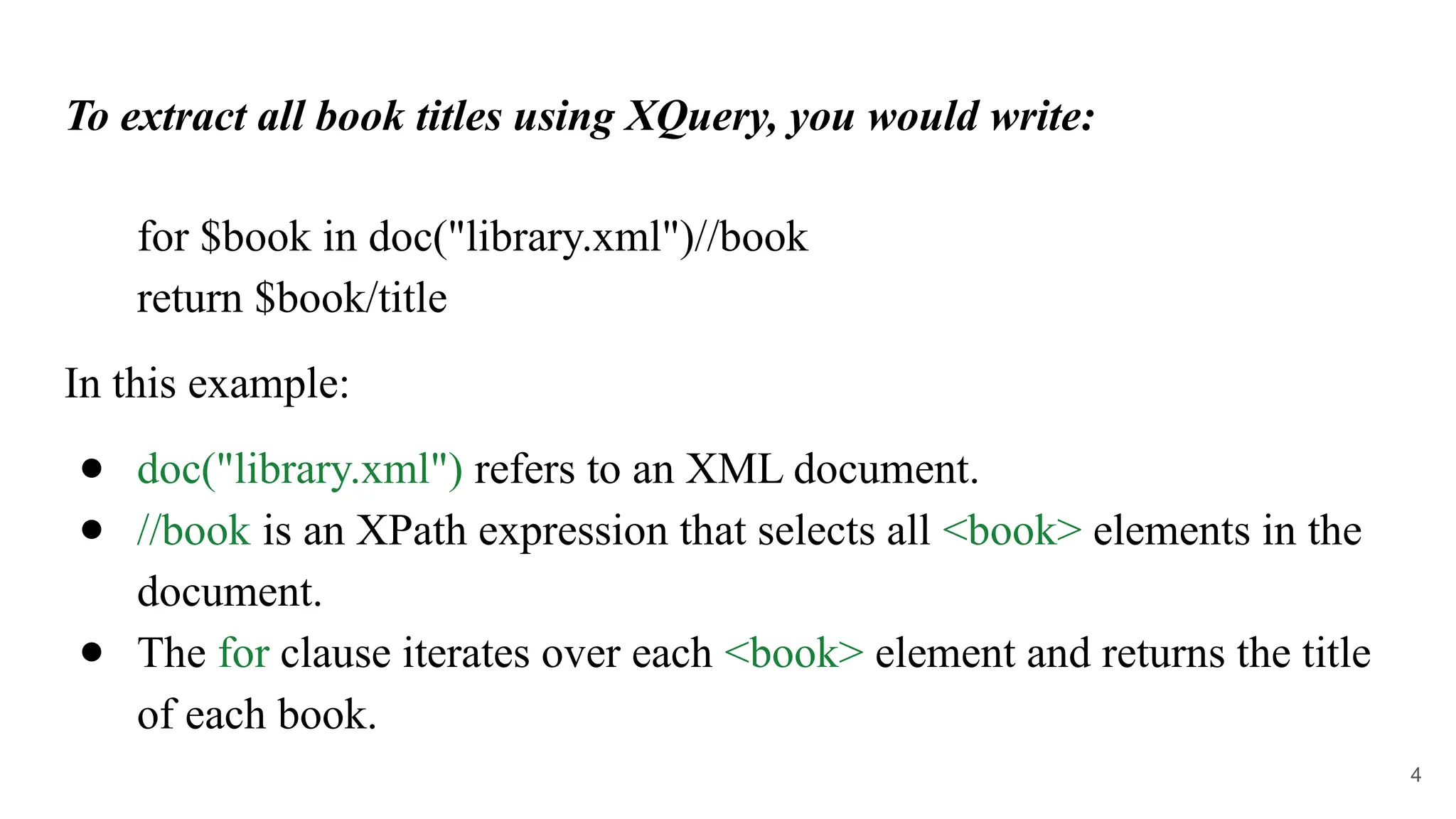
To extract all book titles using XQuery, you would write:
for $book in doc("library.xml")//book
return $book/title
In this example:
● doc("library.xml") refers to an XML document.
● //book is an XPath expression that selects all <book> elements in the
document.
● The for clause iterates over each <book> element and returns the title
of each book.
4
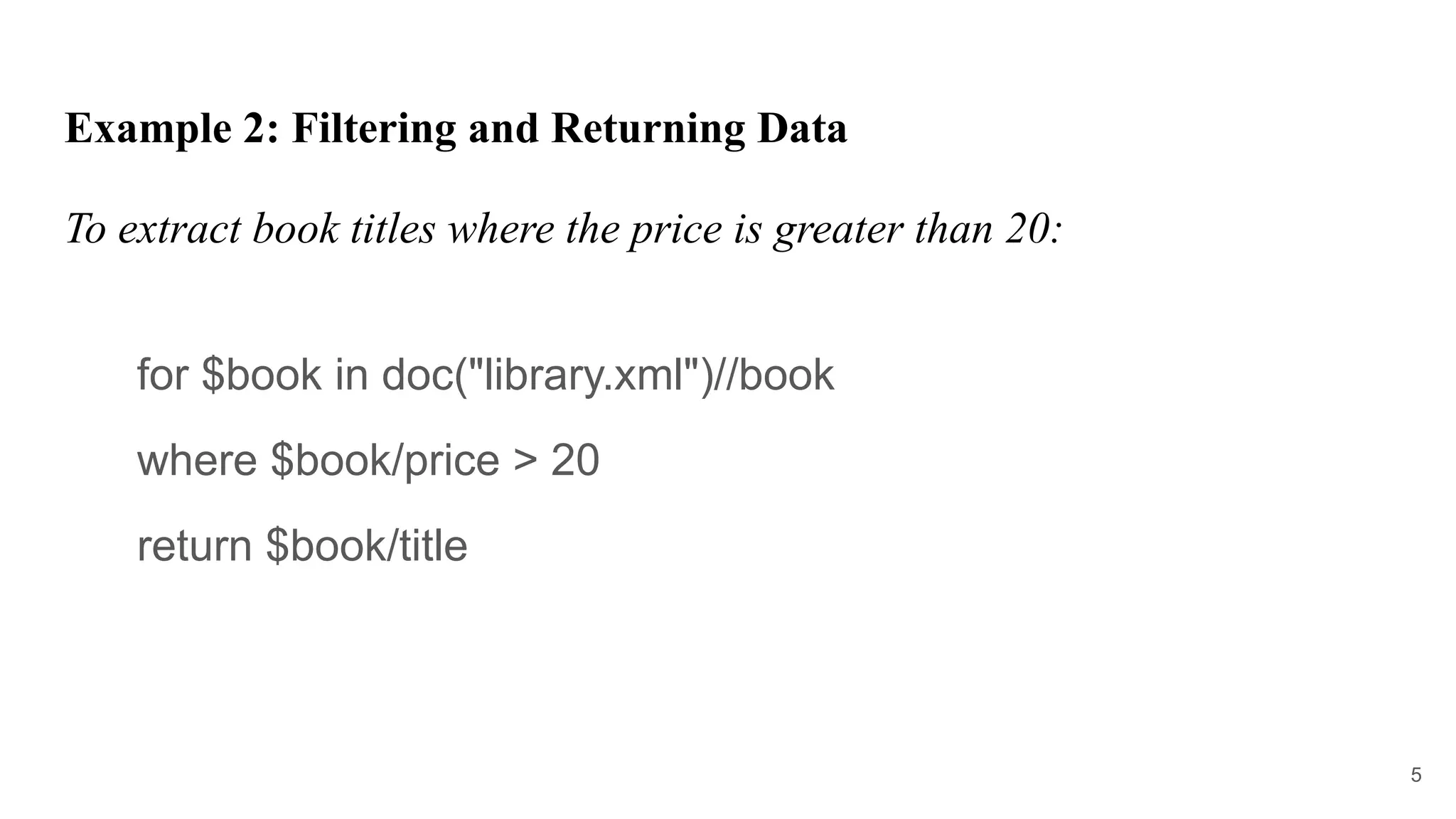
Example 2: Filtering and Returning Data
To extract book titles where the price is greater than 20:
for $book in doc("library.xml")//book
where $book/price > 20
return $book/title
5
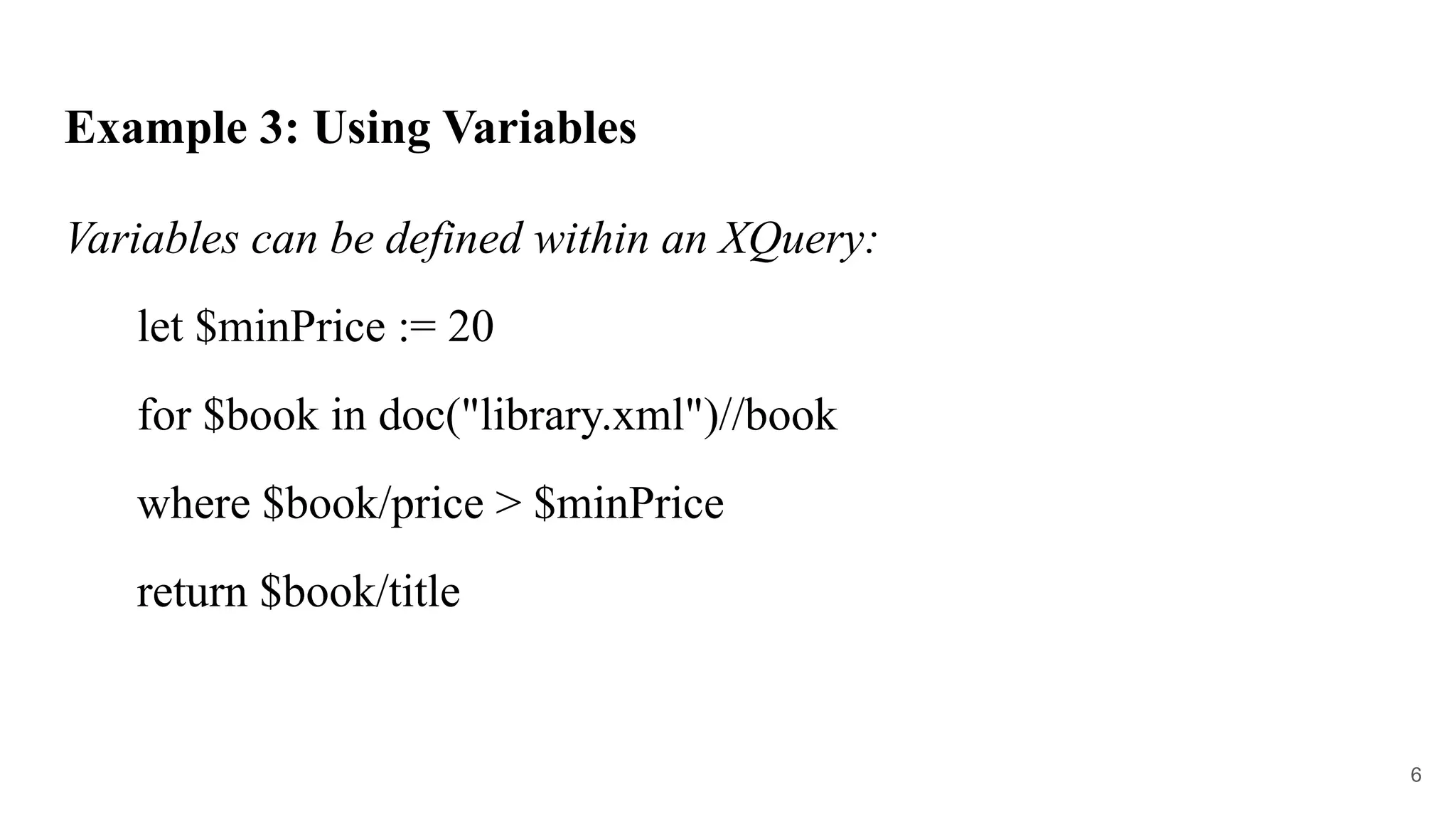
Example 3: Using Variables
Variables can be defined within an XQuery:
let $minPrice := 20
for $book in doc("library.xml")//book
where $book/price > $minPrice
return $book/title
6
XQuery Components:
● Variables (let): Used to assign values that can be reused.
● For loops: Iterate over sequences of data.
● Conditionals (if/then/else): Allow for conditional branching in the query.
● Functions: XQuery supports defining functions for reusability.
● XPath Expressions: Used for selecting nodes or parts of the XML
document.
7
XQuery Example Use Cases:
1. Data Extraction: Extracting specific data from XML-based files.
2. Transformation: Transforming XML documents into other formats (e.g.,
JSON or HTML).
3. Data Aggregation: Aggregating XML data, such as counting elements or
summing up values.
8
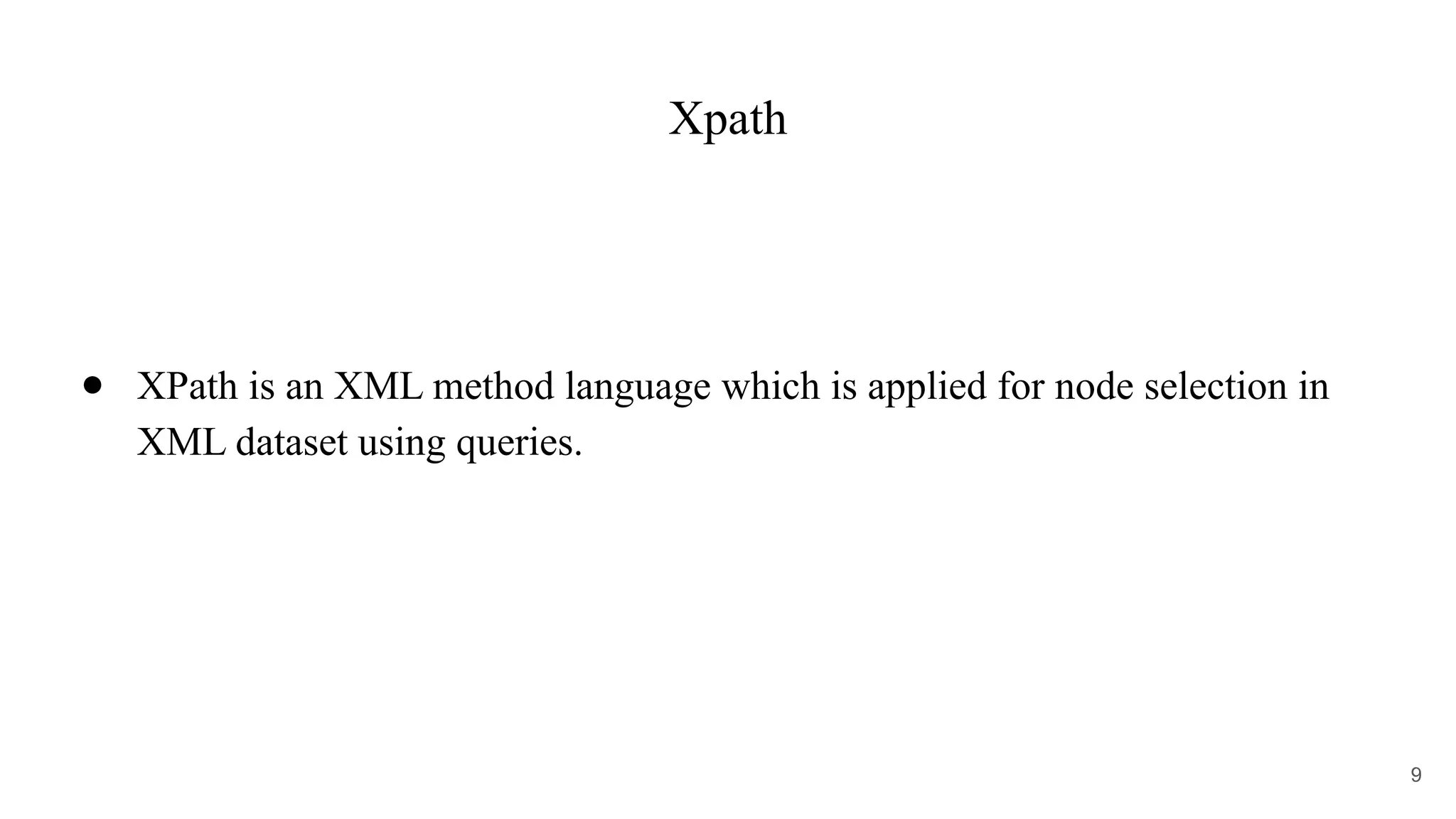
Xpath
● XPath is an XML method language which is applied for node selection in
XML dataset using queries.
9
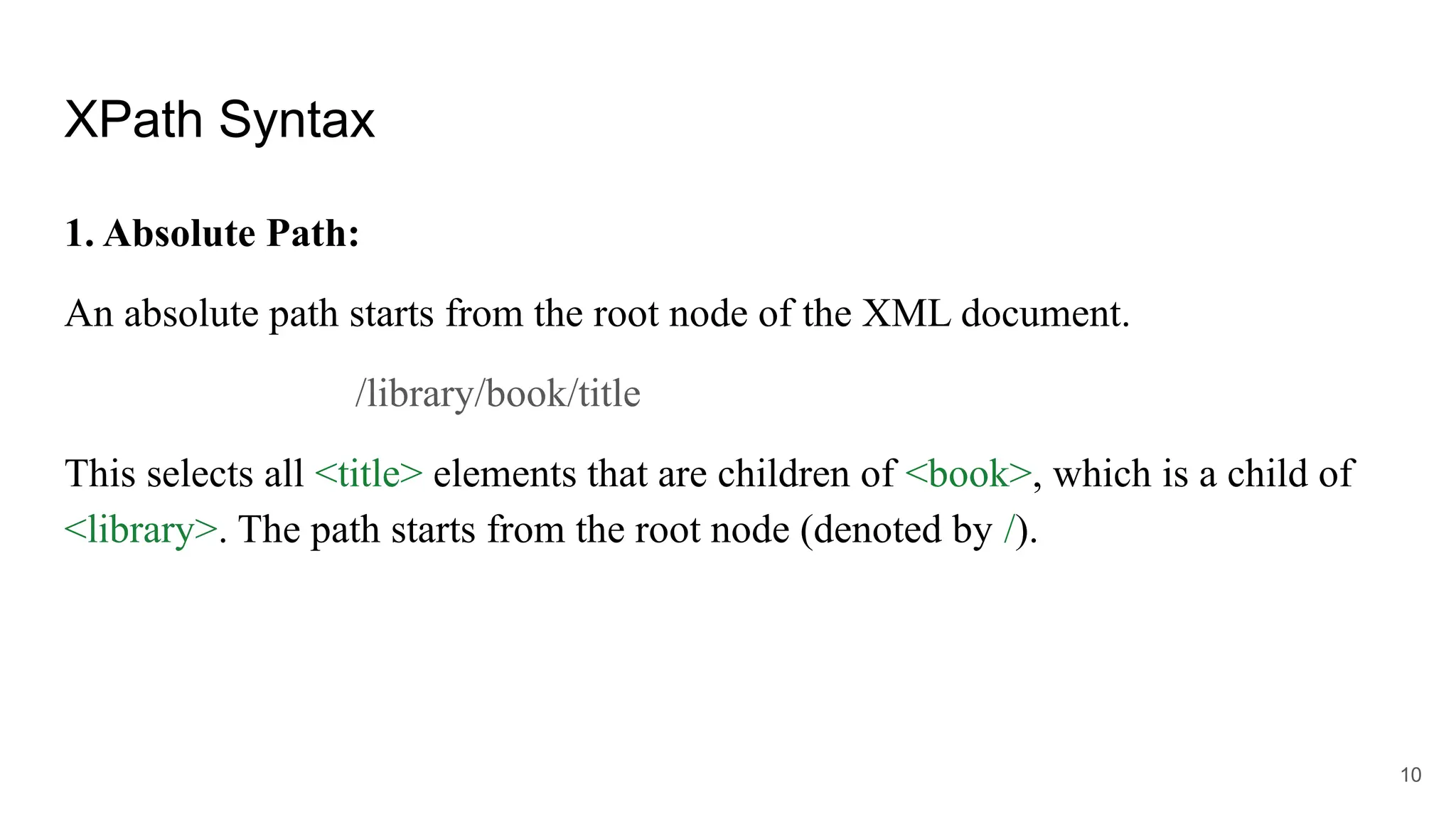
XPath Syntax
1. Absolute Path:
An absolute path starts from the root node of the XML document.
/library/book/title
This selects all <title> elements that are children of <book>, which is a child of
<library>. The path starts from the root node (denoted by /).
10
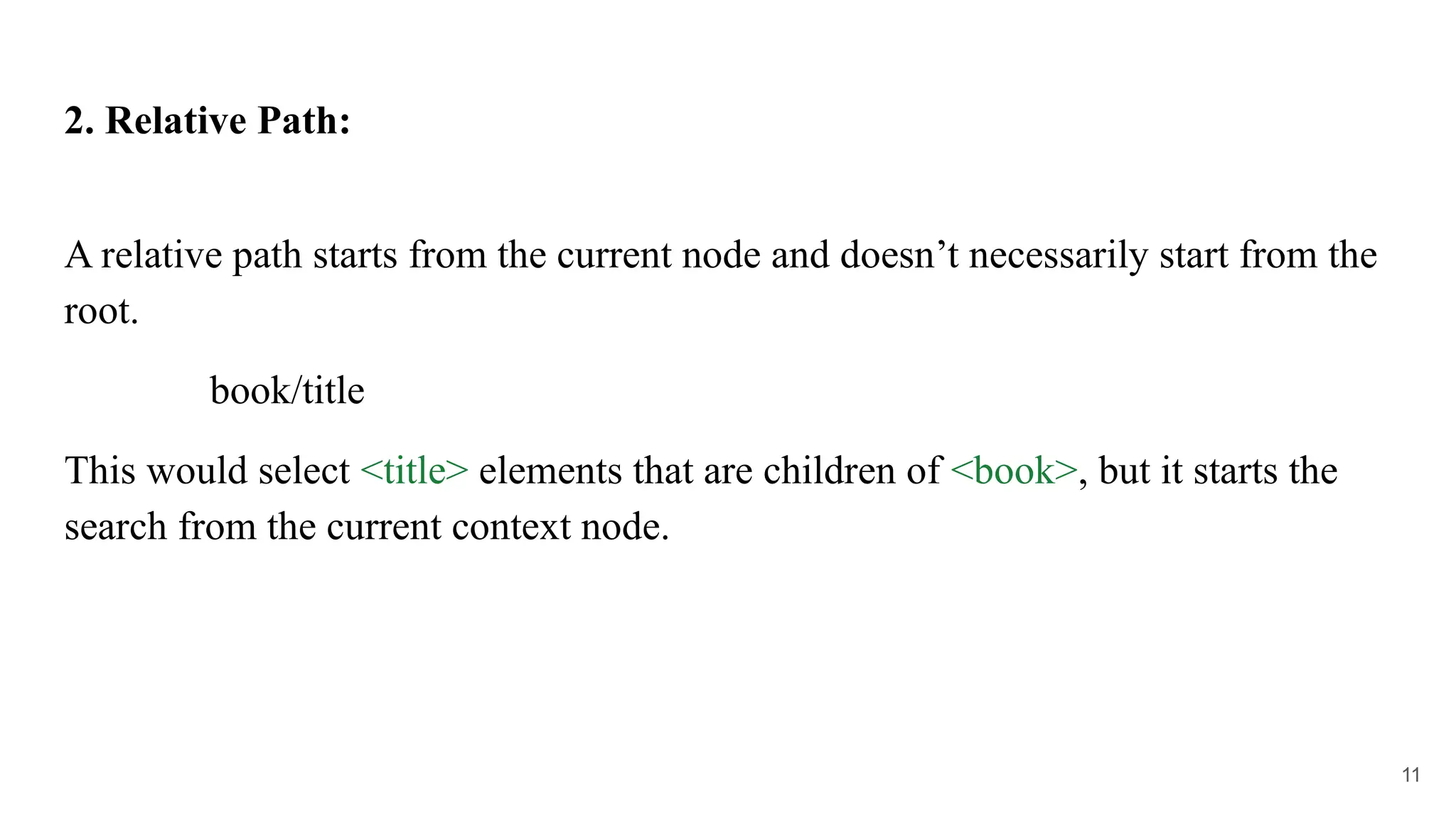
2. Relative Path:
A relative path starts from the current node and doesn’t necessarily start from the
root.
book/title
This would select <title> elements that are children of <book>, but it starts the
search from the current context node.
11
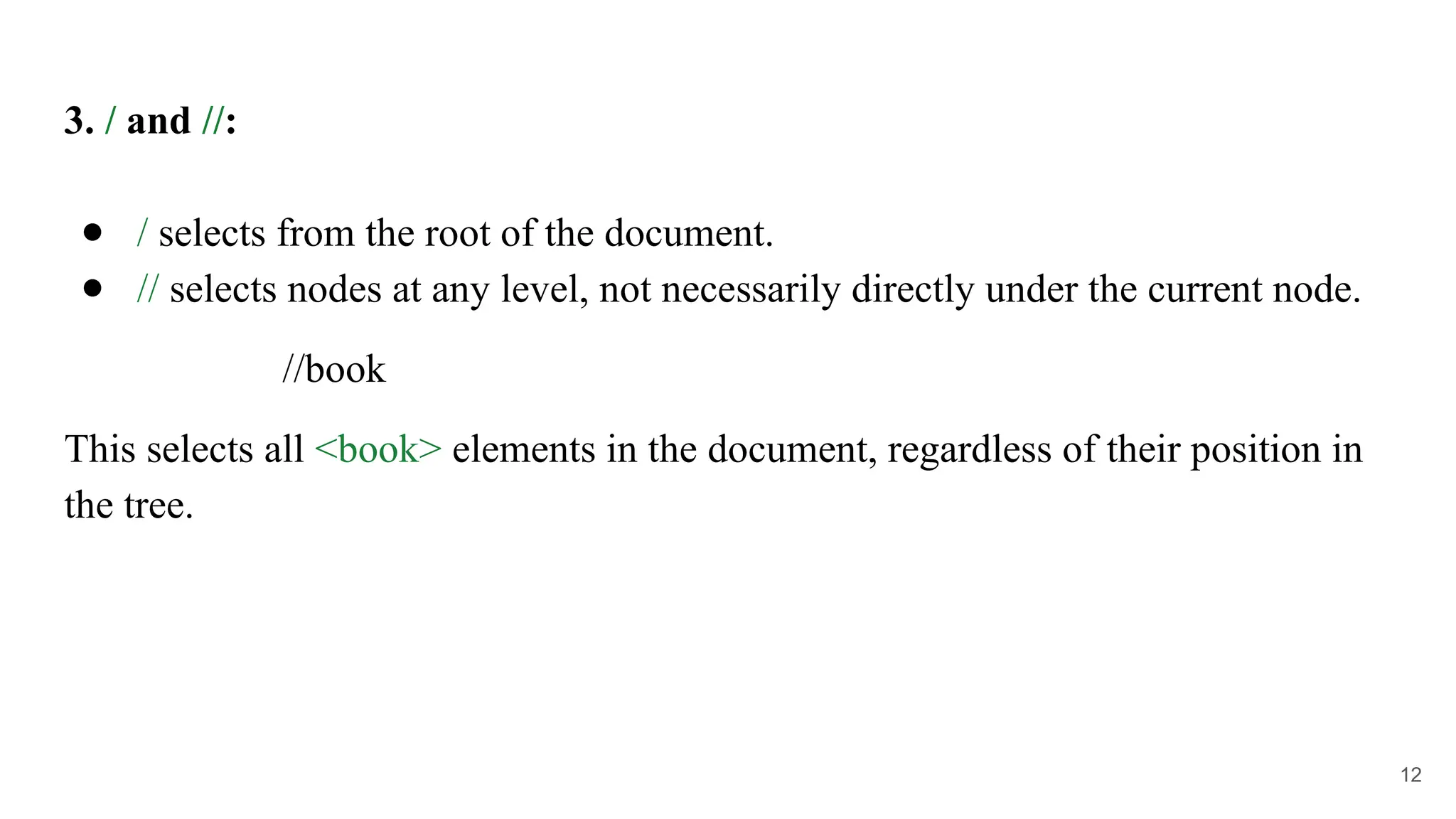
3. / and //:
● / selects from the root of the document.
● // selects nodes at any level, not necessarily directly under the current node.
//book
This selects all <book> elements in the document, regardless of their position in
the tree.
12
4. @ for Attributes:
You can select attributes using the @ symbol.
//book/@id
This selects the id attribute of all <book> elements in the document.
13
5. Using Predicates (Conditions):
Predicates are used to filter nodes based on certain conditions. These are
enclosed in square brackets [].
//book[price > 20]
This selects all <book> elements where the <price> child element has a value
greater than 20.
● We can also use predicates to select specific occurrences of elements:
//book[2]
This selects the second <book> element.
14
XPath Examples:
1. Select all books:
//book
2. Select the title of the second book:
//book[2]/title
3. Select the price of books where the price is greater than 20:
//book[price > 20]/price
15
4. Select the id attribute of the first book:
//book[1]/@id
5. Select the text content of all titles:
//book/title/text()
6. Select all books that are written by "John Doe":
//book[author = "John Doe"]
7. Select the author of the first book:
//book[1]/author
16

Xpath & Xquery in XML documents for retreving data

  • 1.
  • 2.
    XQuery ● XQuery isan active programming language, which is used to interact with XML data groups. ● It is primarily used to extract, transform, and combine XML documents. ● It can read and write the data in the database which is used in software and services integration for making analysis reports. 2
  • 3.
    Example 1: BasicQuery An XML document with information about books: <library> <book> <title>XML for Beginners</title> <author>John Doe</author> <price>19.99</price> </book> <book> <title>Advanced XML</title> <author>Jane Smith</author> <price>29.99</price> </book> </library> 3
  • 4.
    To extract allbook titles using XQuery, you would write: for $book in doc("library.xml")//book return $book/title In this example: ● doc("library.xml") refers to an XML document. ● //book is an XPath expression that selects all <book> elements in the document. ● The for clause iterates over each <book> element and returns the title of each book. 4
  • 5.
    Example 2: Filteringand Returning Data To extract book titles where the price is greater than 20: for $book in doc("library.xml")//book where $book/price > 20 return $book/title 5
  • 6.
    Example 3: UsingVariables Variables can be defined within an XQuery: let $minPrice := 20 for $book in doc("library.xml")//book where $book/price > $minPrice return $book/title 6
  • 7.
    XQuery Components: ● Variables(let): Used to assign values that can be reused. ● For loops: Iterate over sequences of data. ● Conditionals (if/then/else): Allow for conditional branching in the query. ● Functions: XQuery supports defining functions for reusability. ● XPath Expressions: Used for selecting nodes or parts of the XML document. 7
  • 8.
    XQuery Example UseCases: 1. Data Extraction: Extracting specific data from XML-based files. 2. Transformation: Transforming XML documents into other formats (e.g., JSON or HTML). 3. Data Aggregation: Aggregating XML data, such as counting elements or summing up values. 8
  • 9.
    Xpath ● XPath isan XML method language which is applied for node selection in XML dataset using queries. 9
  • 10.
    XPath Syntax 1. AbsolutePath: An absolute path starts from the root node of the XML document. /library/book/title This selects all <title> elements that are children of <book>, which is a child of <library>. The path starts from the root node (denoted by /). 10
  • 11.
    2. Relative Path: Arelative path starts from the current node and doesn’t necessarily start from the root. book/title This would select <title> elements that are children of <book>, but it starts the search from the current context node. 11
  • 12.
    3. / and//: ● / selects from the root of the document. ● // selects nodes at any level, not necessarily directly under the current node. //book This selects all <book> elements in the document, regardless of their position in the tree. 12
  • 13.
    4. @ forAttributes: You can select attributes using the @ symbol. //book/@id This selects the id attribute of all <book> elements in the document. 13
  • 14.
    5. Using Predicates(Conditions): Predicates are used to filter nodes based on certain conditions. These are enclosed in square brackets []. //book[price > 20] This selects all <book> elements where the <price> child element has a value greater than 20. ● We can also use predicates to select specific occurrences of elements: //book[2] This selects the second <book> element. 14
  • 15.
    XPath Examples: 1. Selectall books: //book 2. Select the title of the second book: //book[2]/title 3. Select the price of books where the price is greater than 20: //book[price > 20]/price 15
  • 16.
    4. Select theid attribute of the first book: //book[1]/@id 5. Select the text content of all titles: //book/title/text() 6. Select all books that are written by "John Doe": //book[author = "John Doe"] 7. Select the author of the first book: //book[1]/author 16