Charlin Agramonte
charlin@crossgeeks.com
Twitter: @chard003
FB: chard003
https://xamgirl.com/
Rendy Del Rosario
rendy@crossgeeks.com
Twitter: @rdelrosario
FB: RendyDelRosario
XAMARIN FORMS
FROM ZERO TO HERO
By Rendy Del Rosario and Charlin Agramonte
What is Xamarin?
Traditional approach
Traditionally, apps have separate code bases
written in their native language, are built using
native tools, and utilize platform-specific features
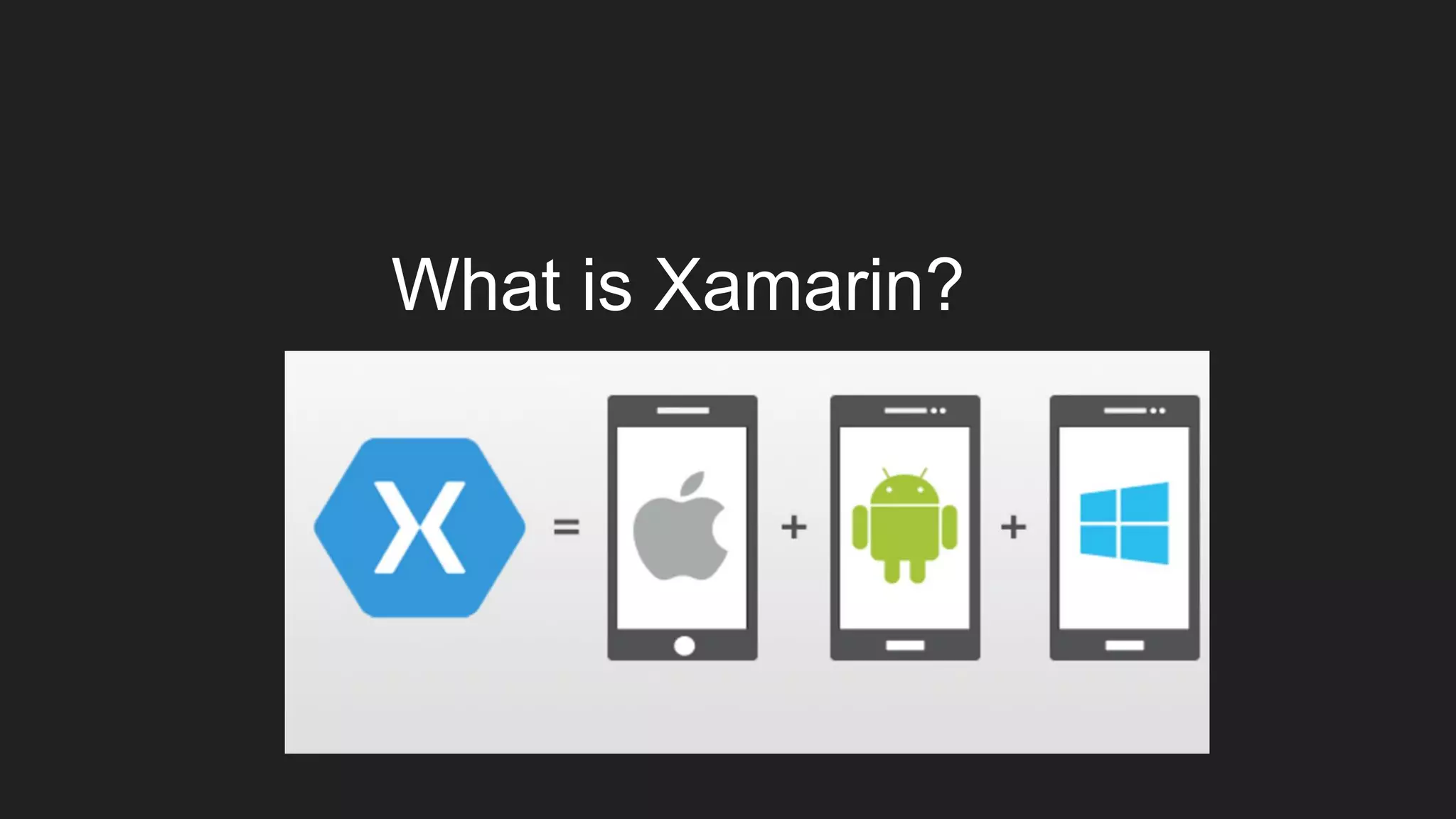
What is Xamarin?
Xamarin is an app-development platform that lets
you build apps for many operating systems from a
single, shared code base
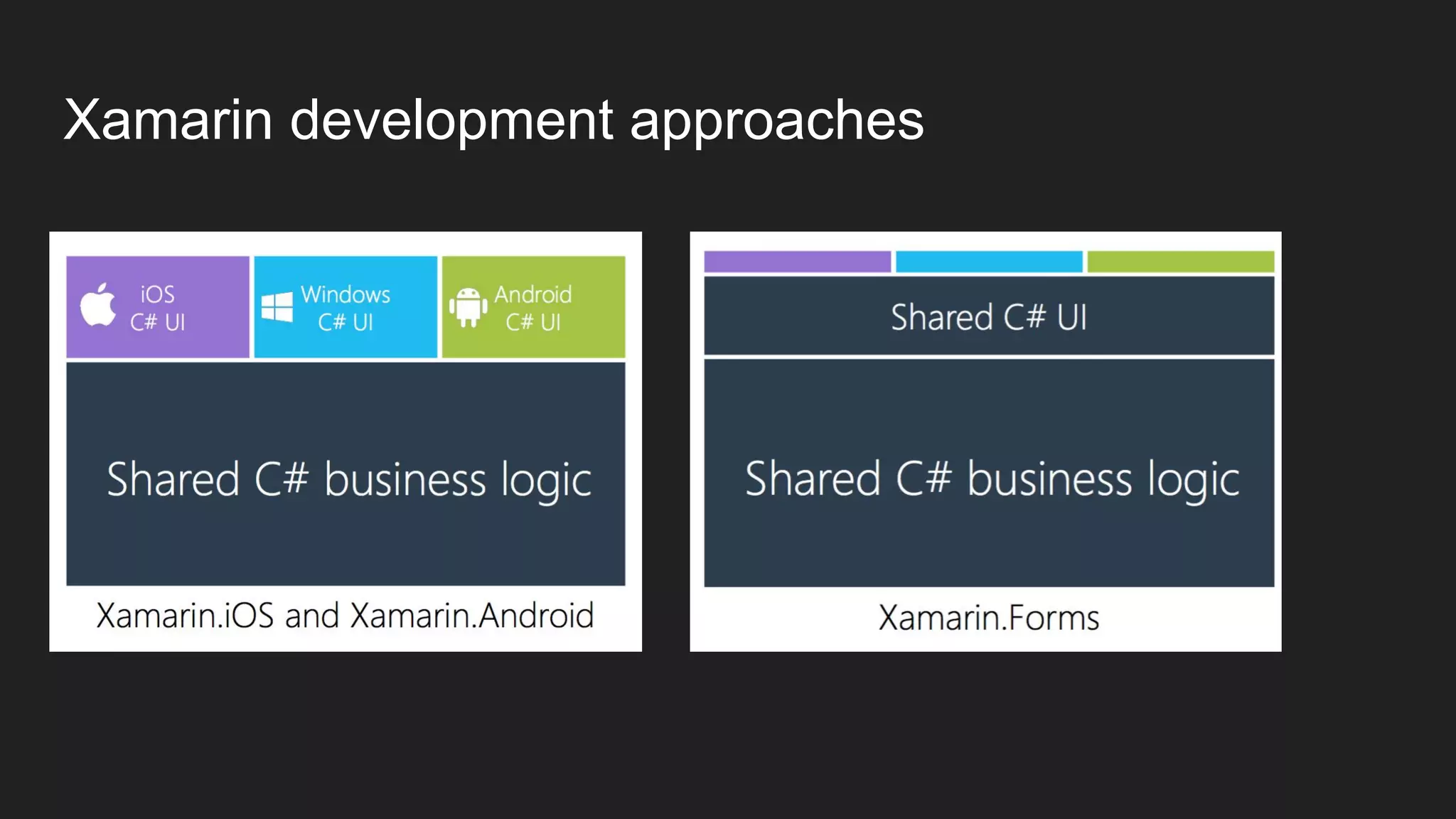
Xamarin development approaches
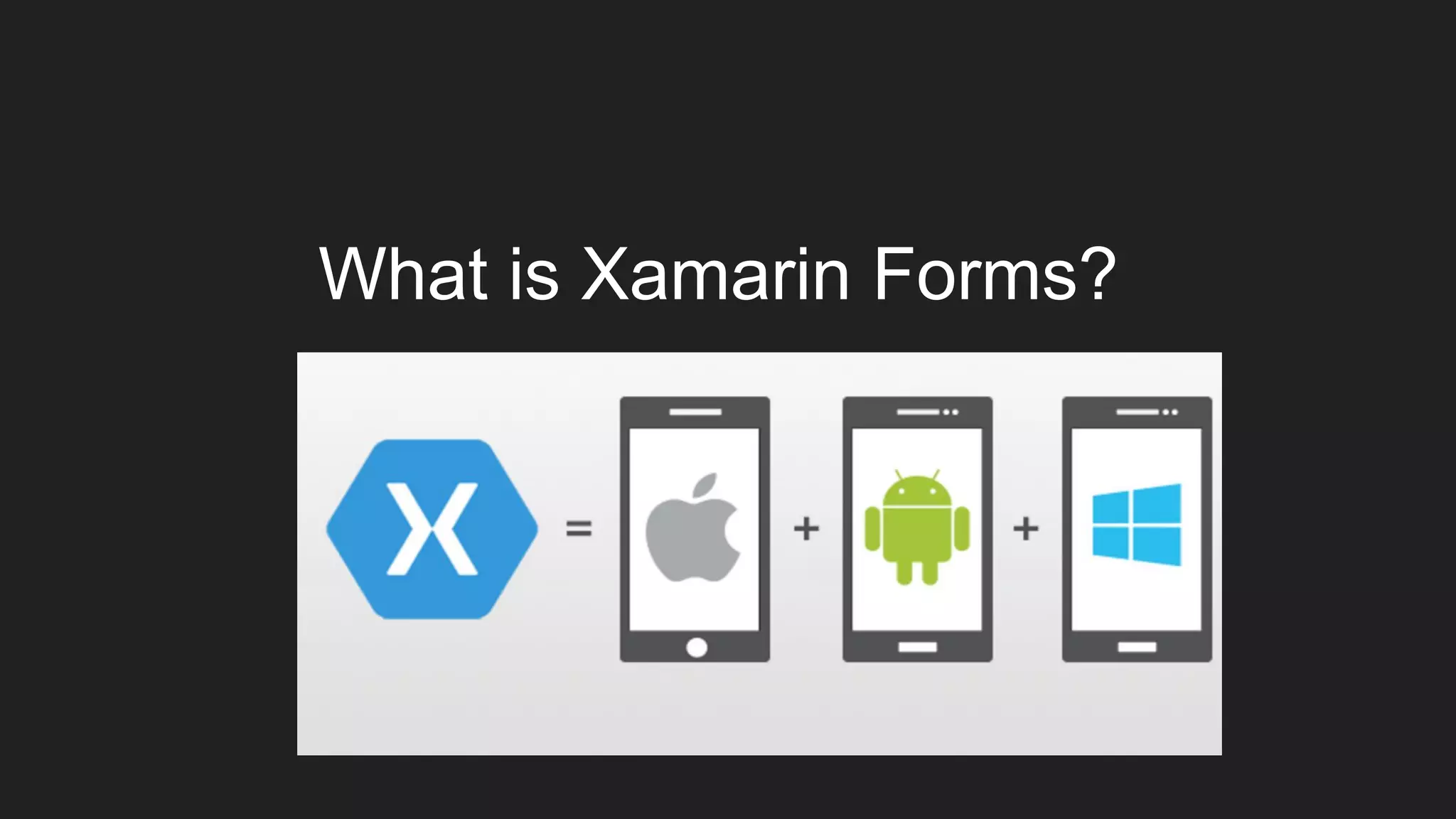
What is Xamarin Forms?
Xamarin Forms
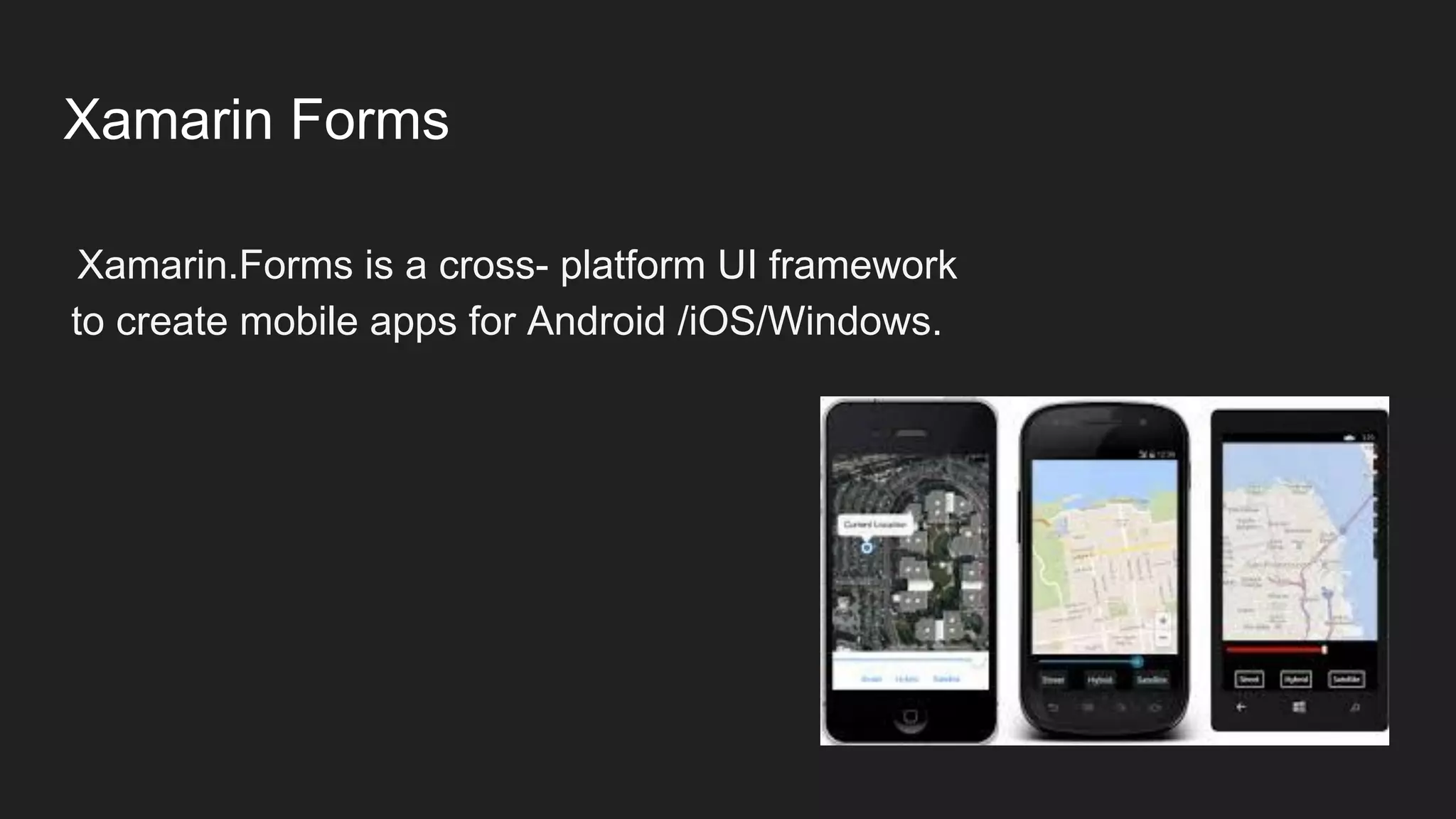
Xamarin.Forms is a cross- platform UI framework
to create mobile apps for Android /iOS/Windows.
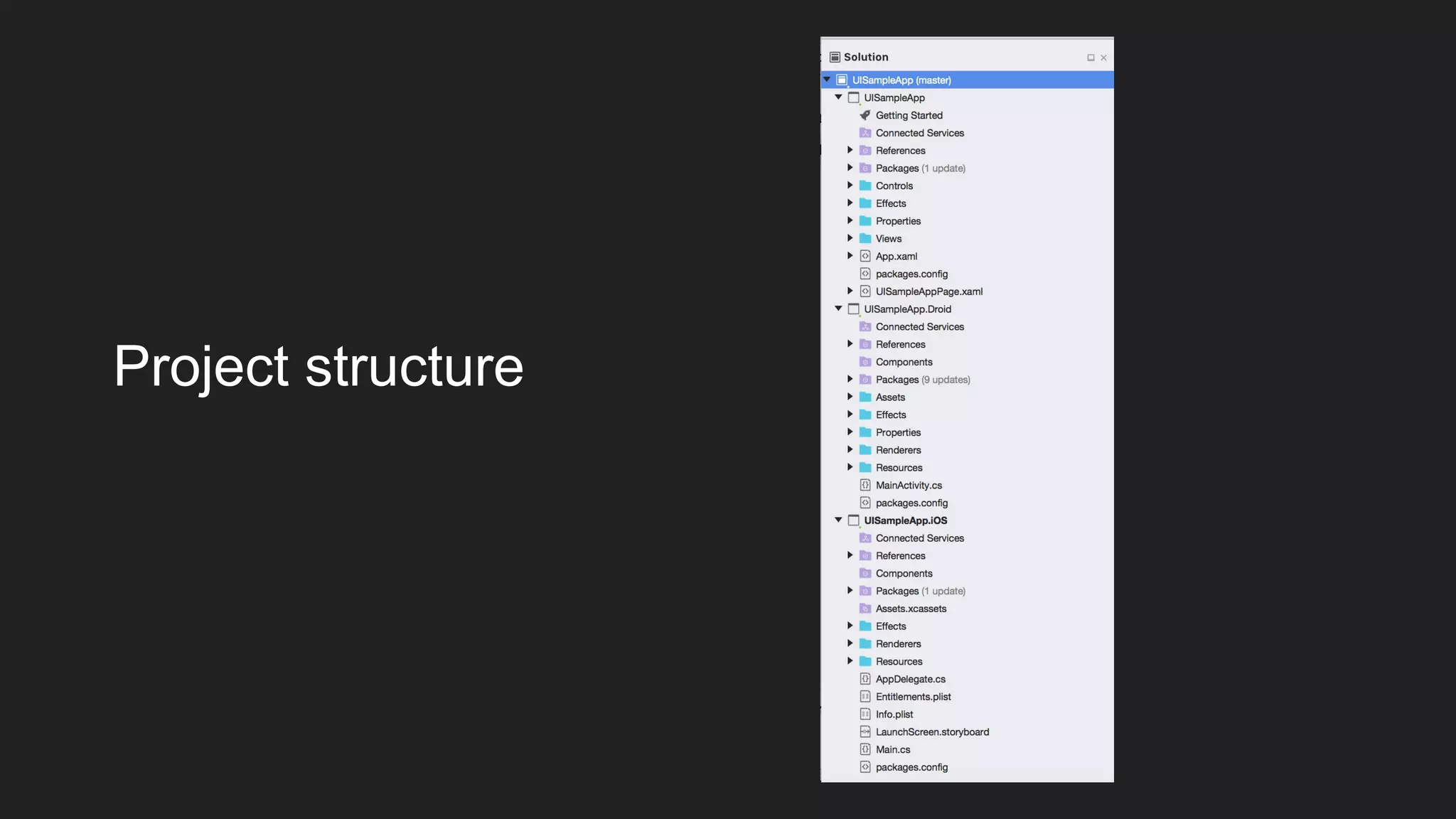
Project structure
SAMPLE
Creating a Xamarin Forms application
Xamarin Forms Application
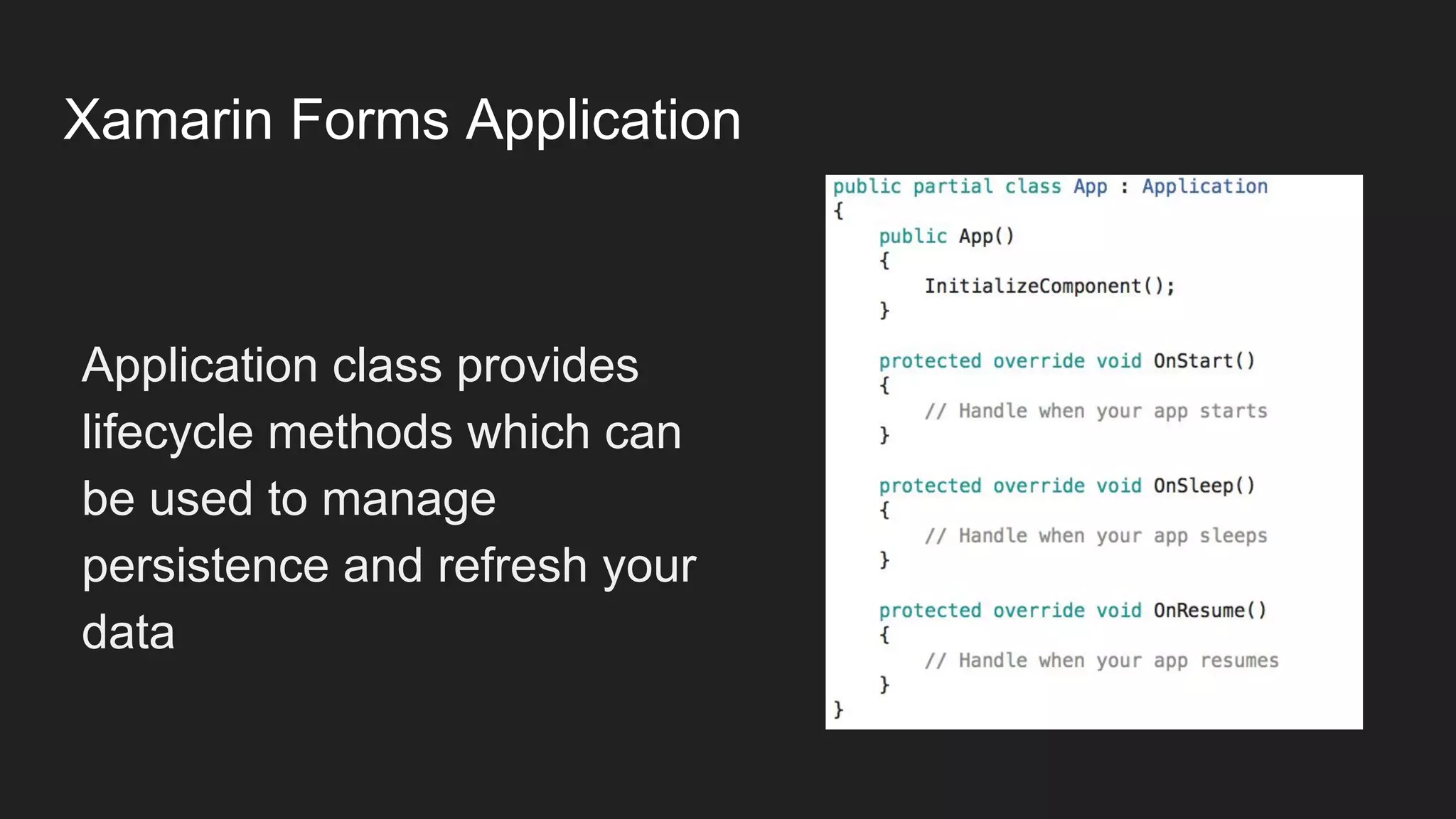
Application class provides
lifecycle methods which can
be used to manage
persistence and refresh your
data
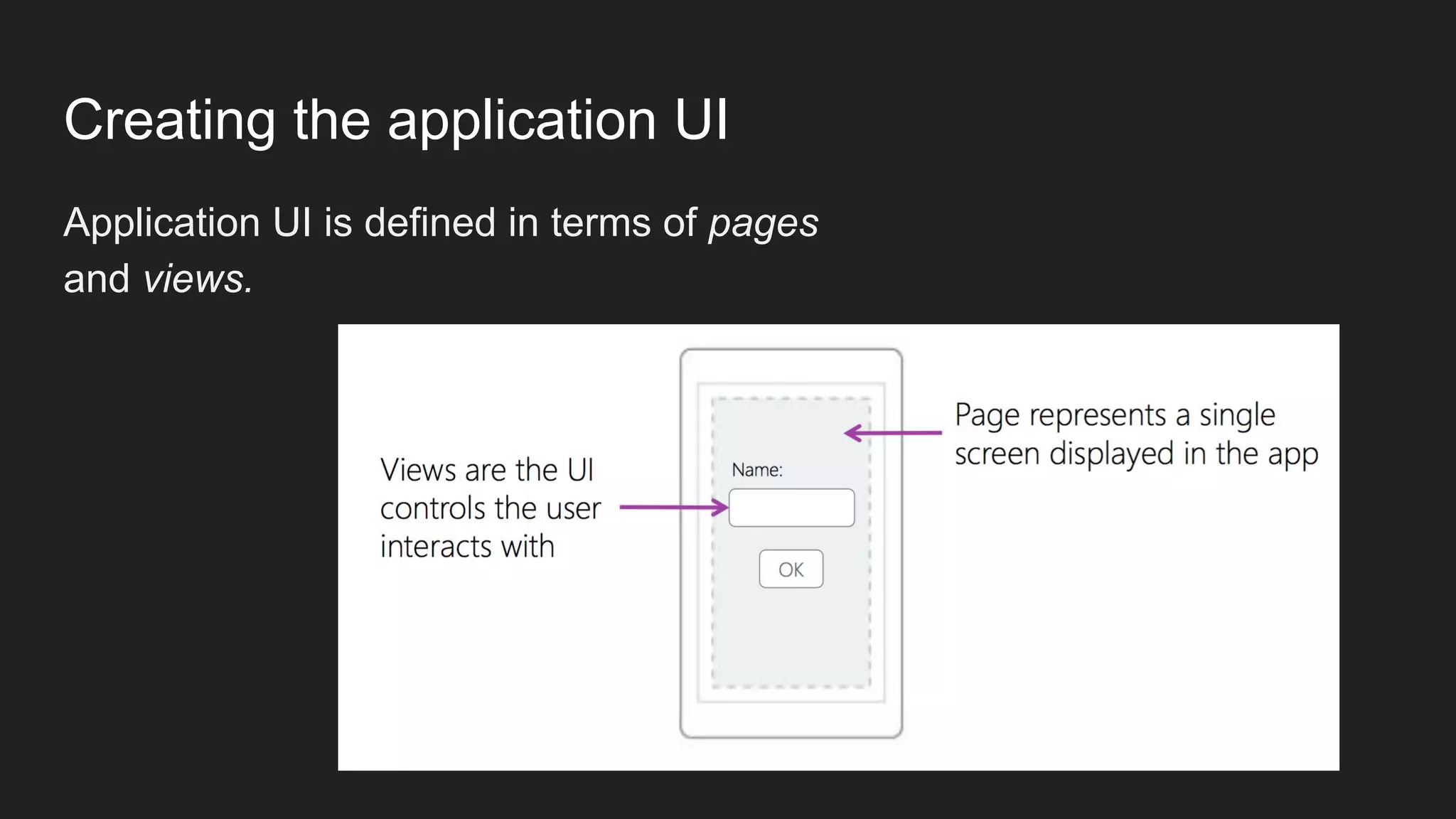
Creating the application UI
Application UI is defined in terms of pages
and views.
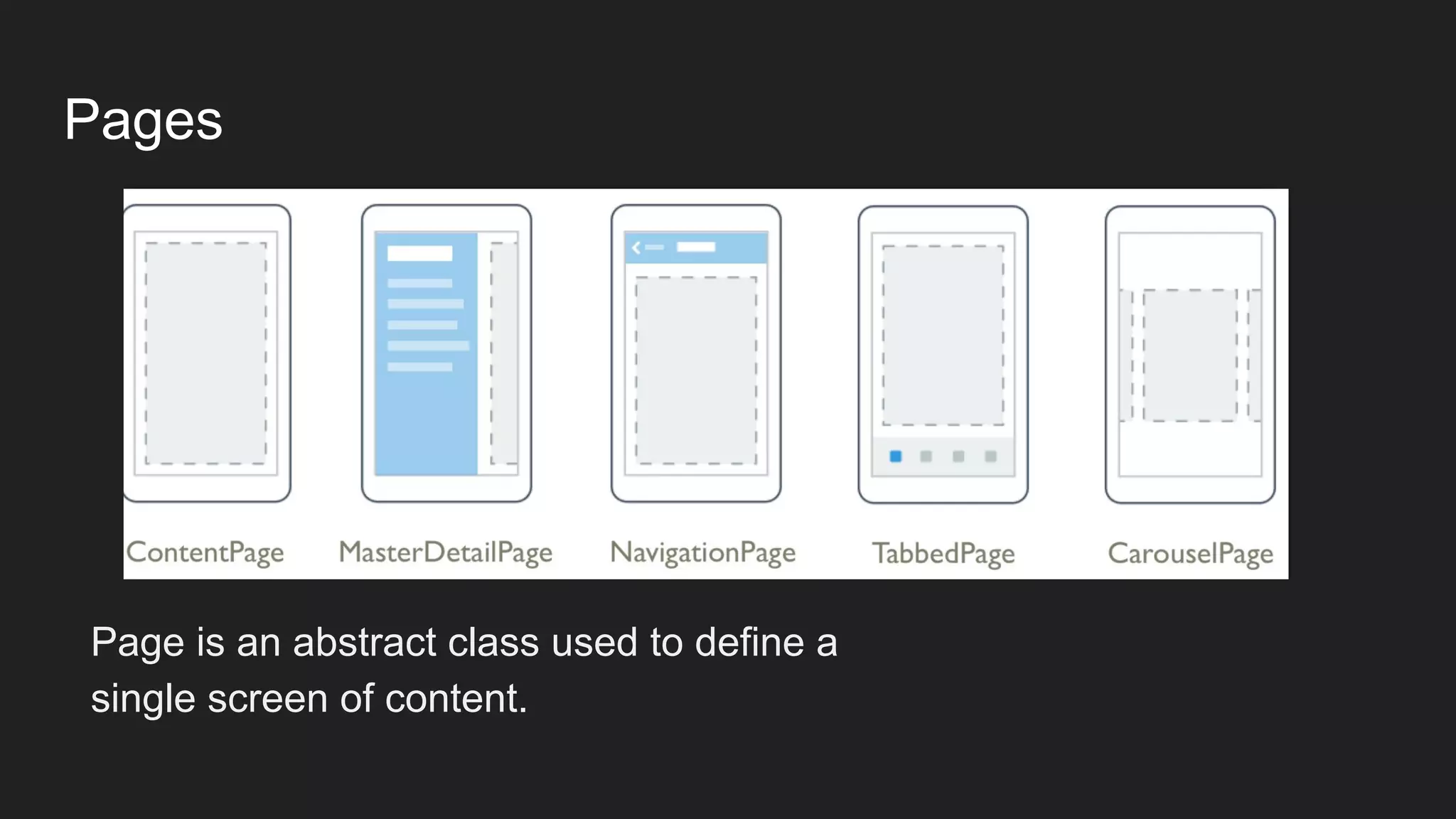
Pages
Page is an abstract class used to define a
single screen of content.
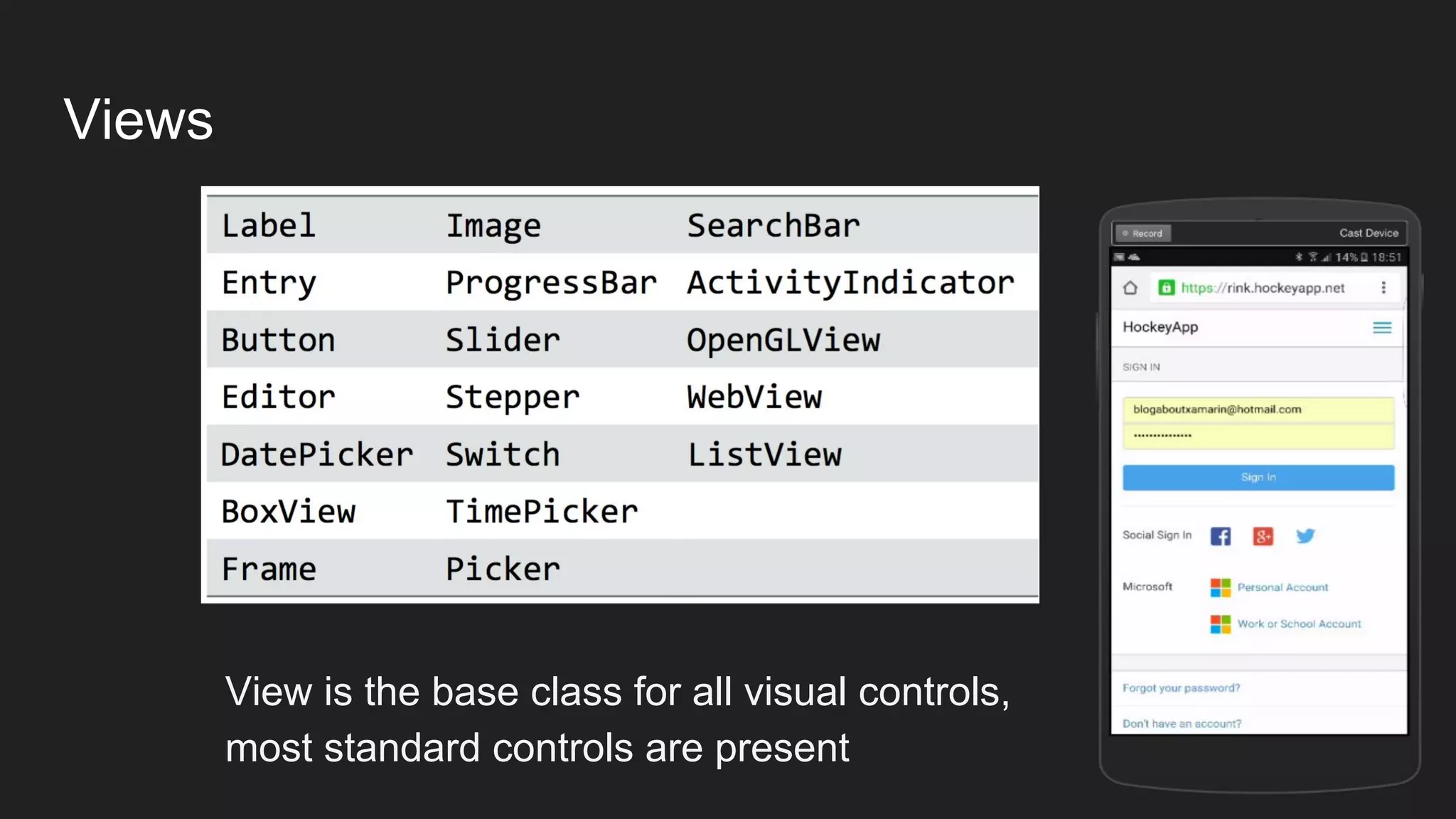
Views
View is the base class for all visual controls,
most standard controls are present
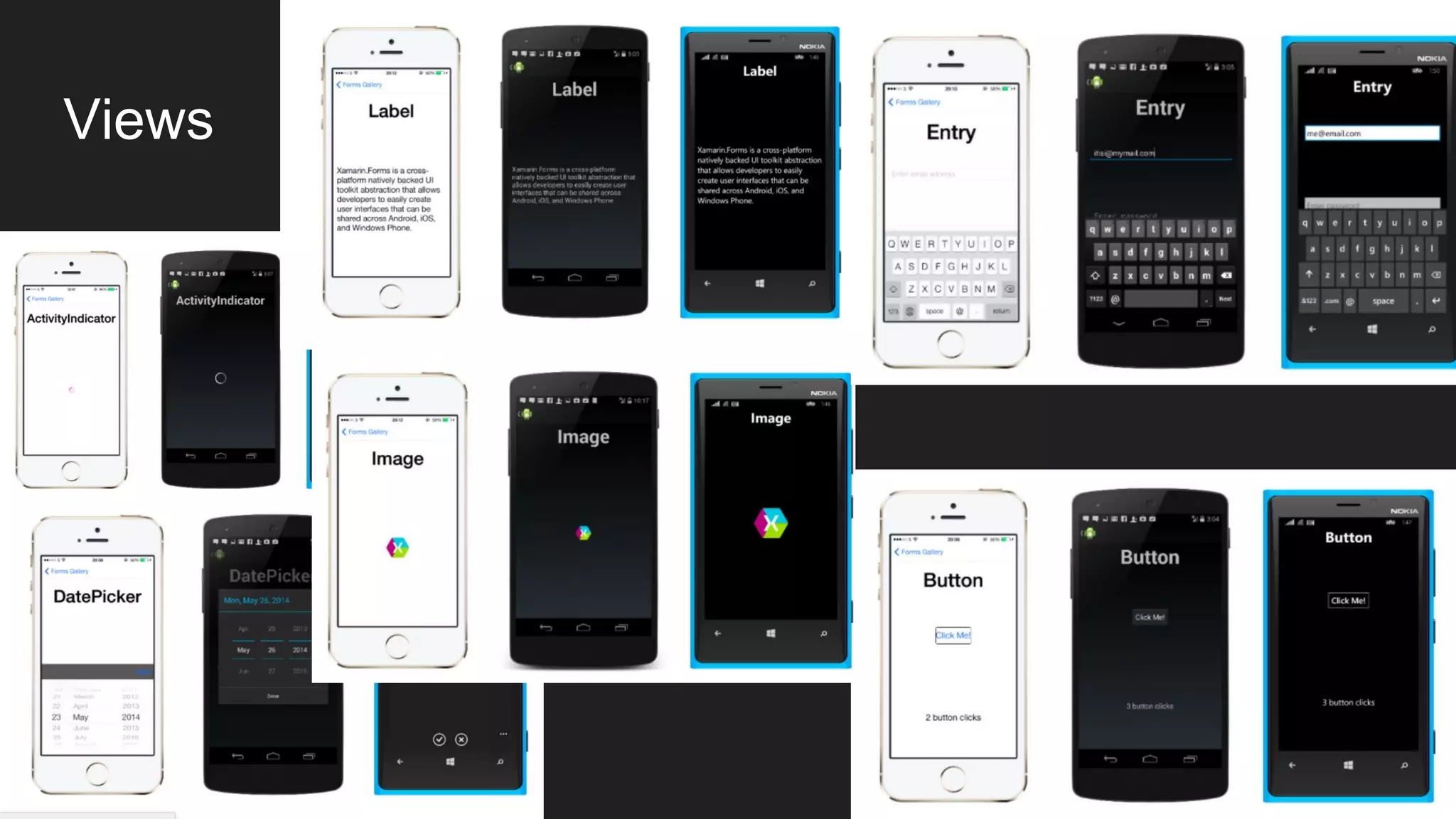
Views
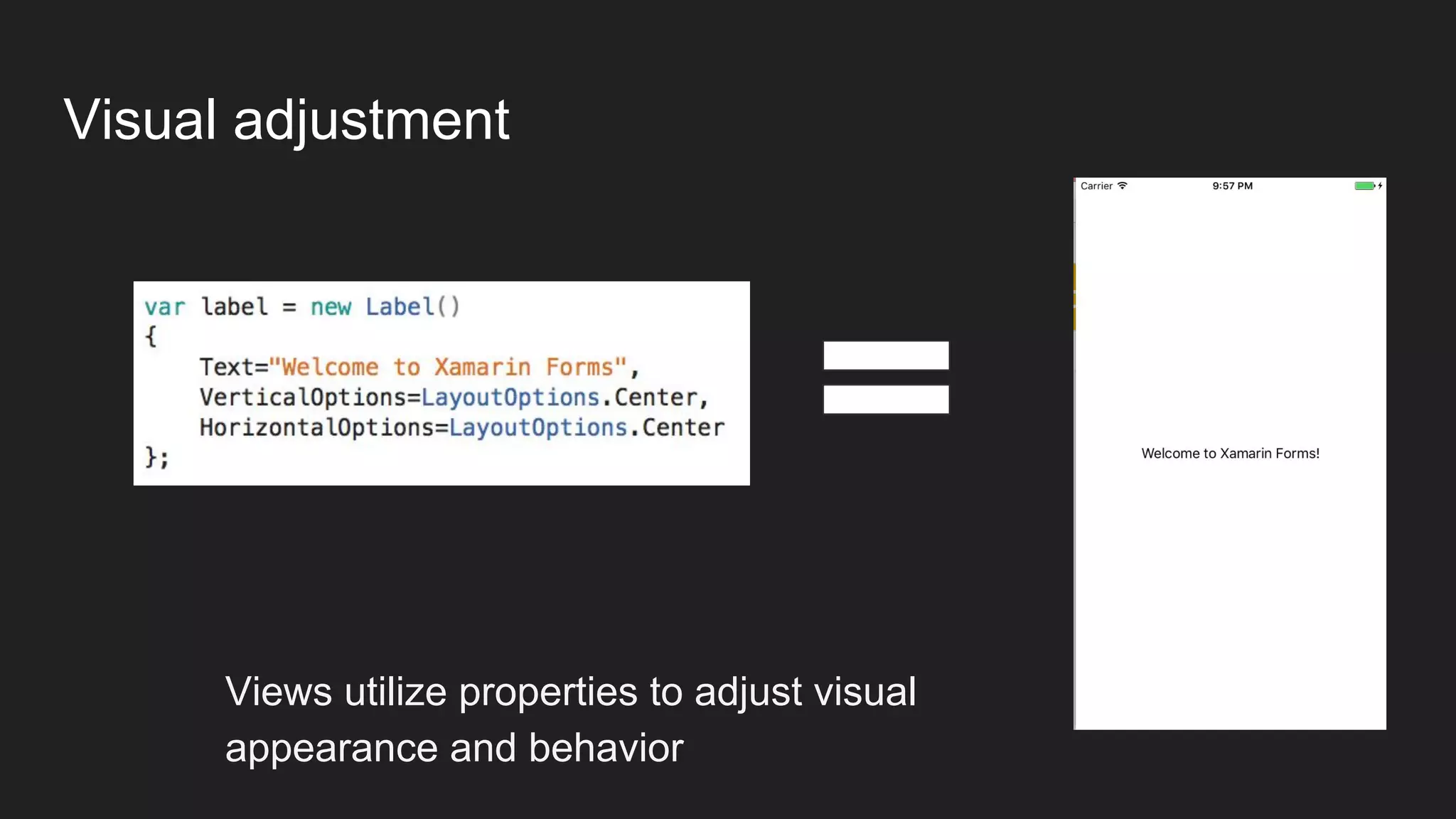
Visual adjustment
Views utilize properties to adjust visual
appearance and behavior
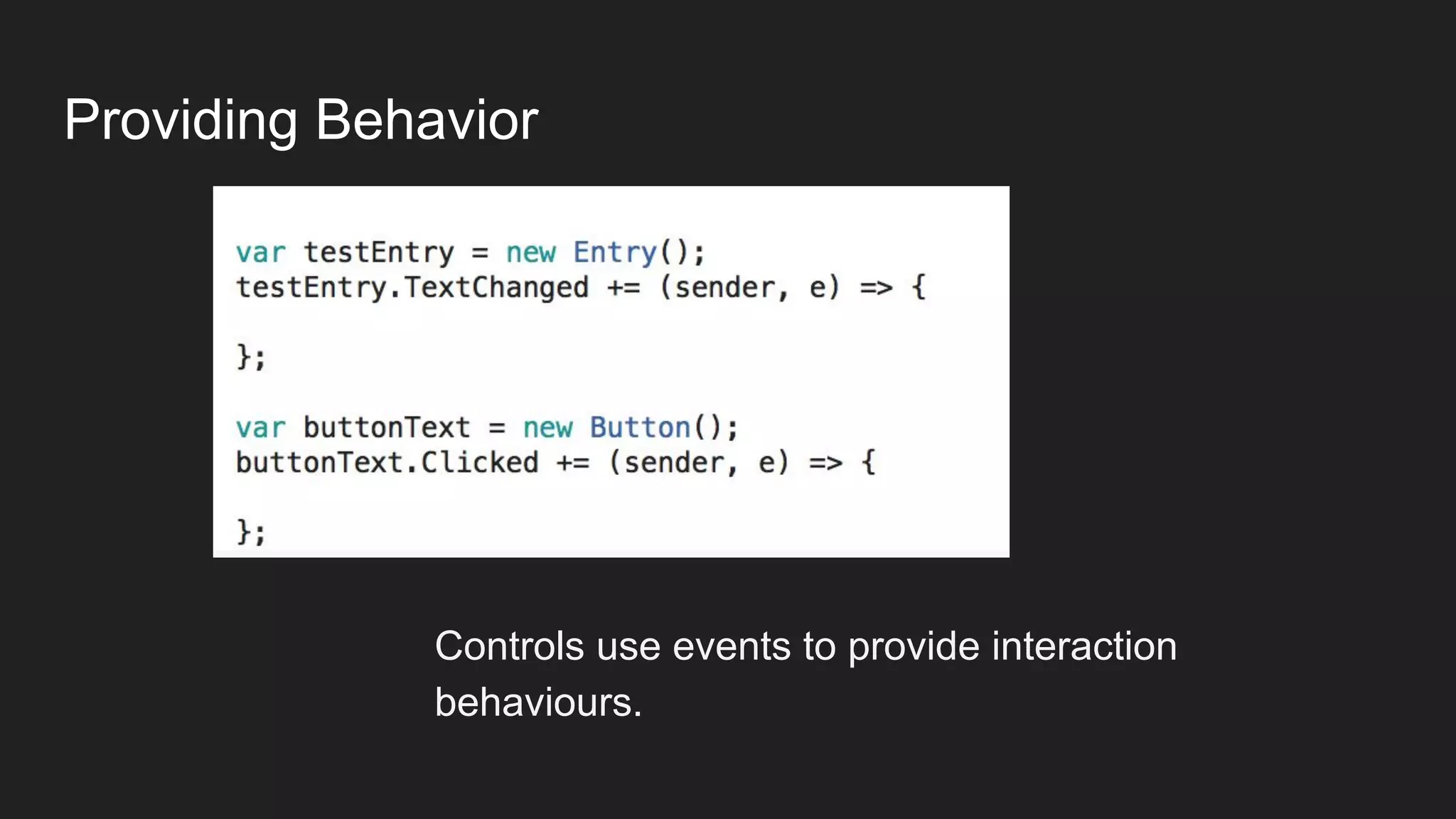
Providing Behavior
Controls use events to provide interaction
behaviours.

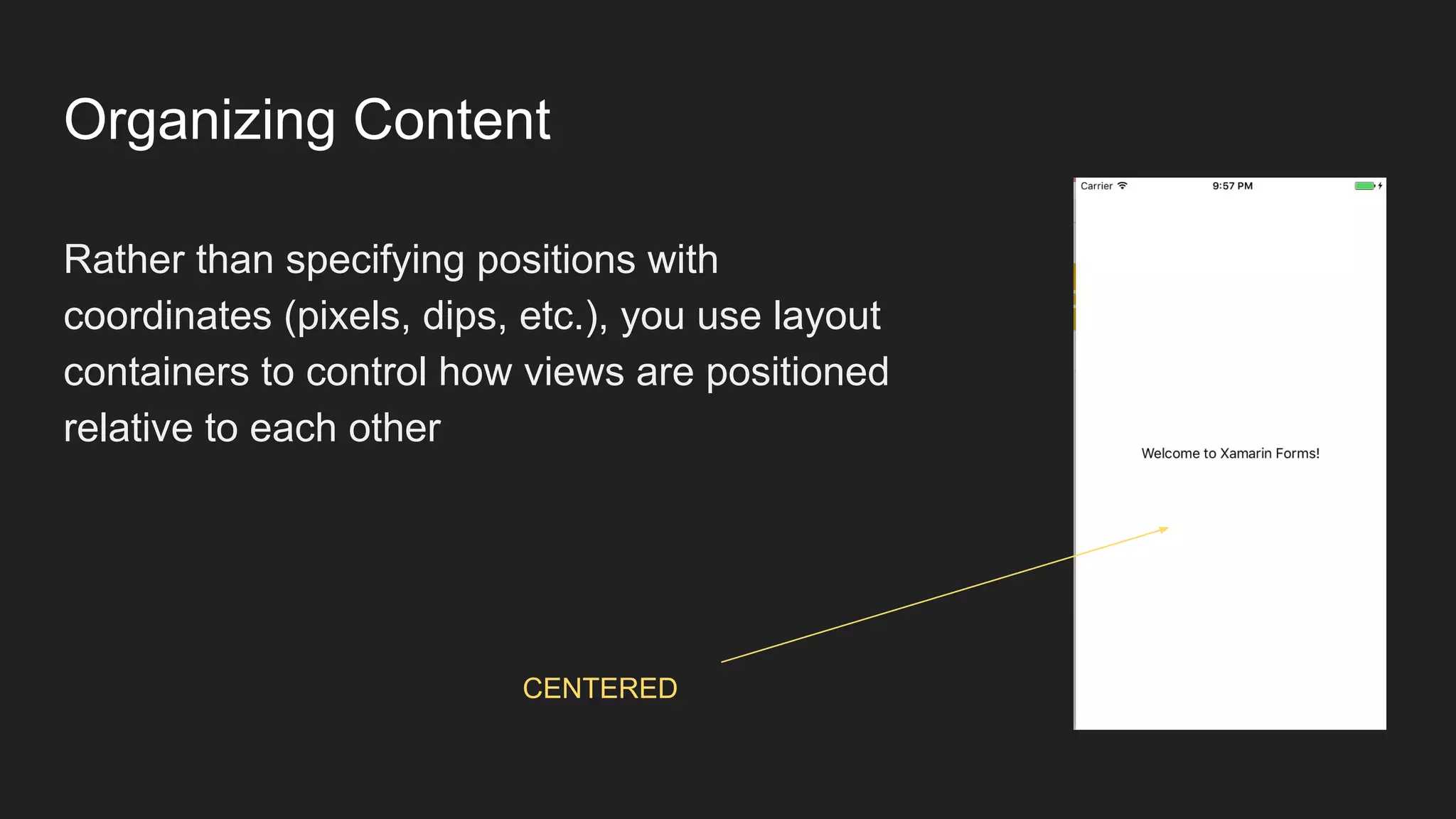
Organizing Content
Rather than specifying positions with
coordinates (pixels, dips, etc.), you use layout
containers to control how views are positioned
relative to each other
CENTERED
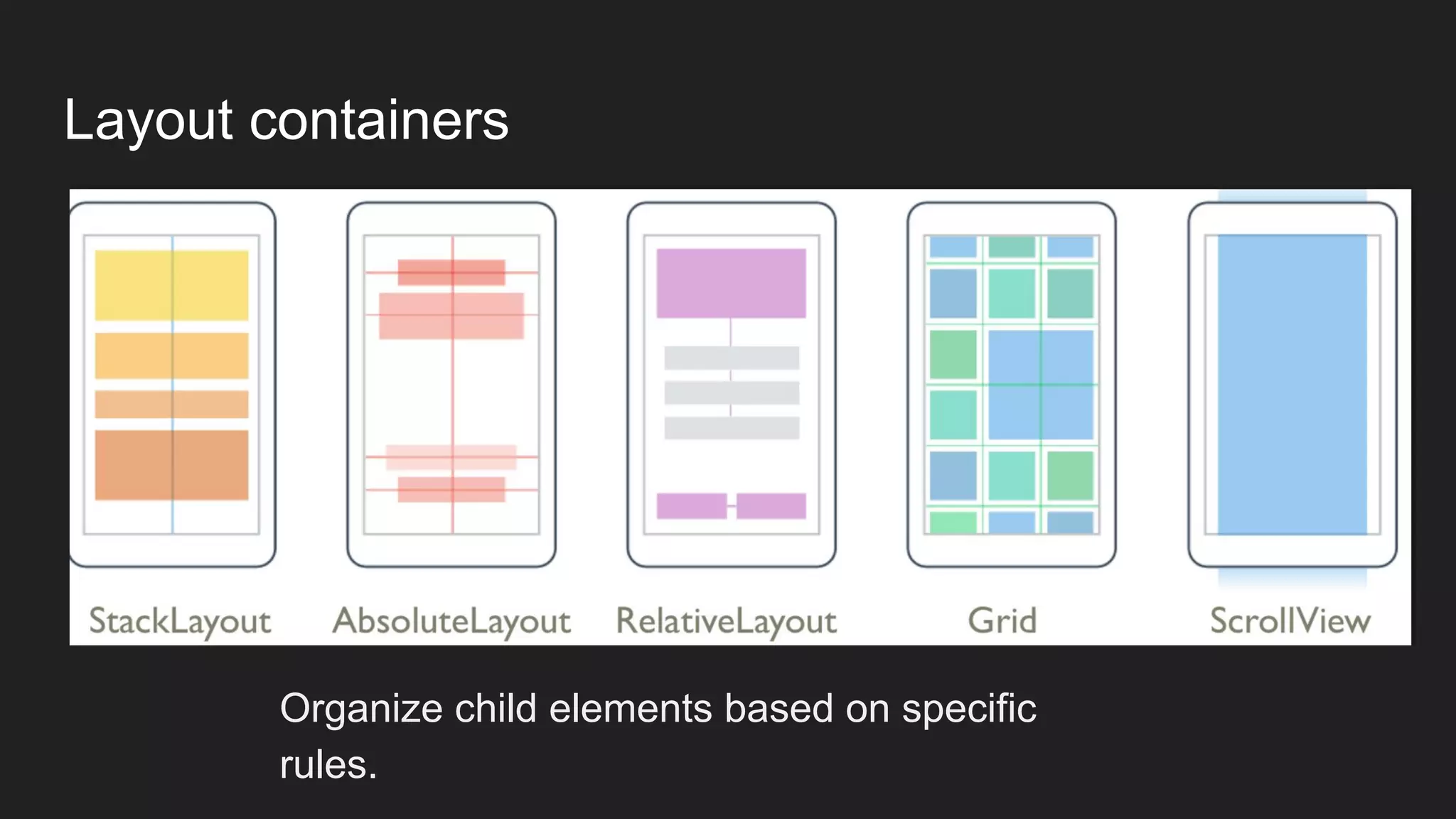
Layout containers
Organize child elements based on specific
rules.
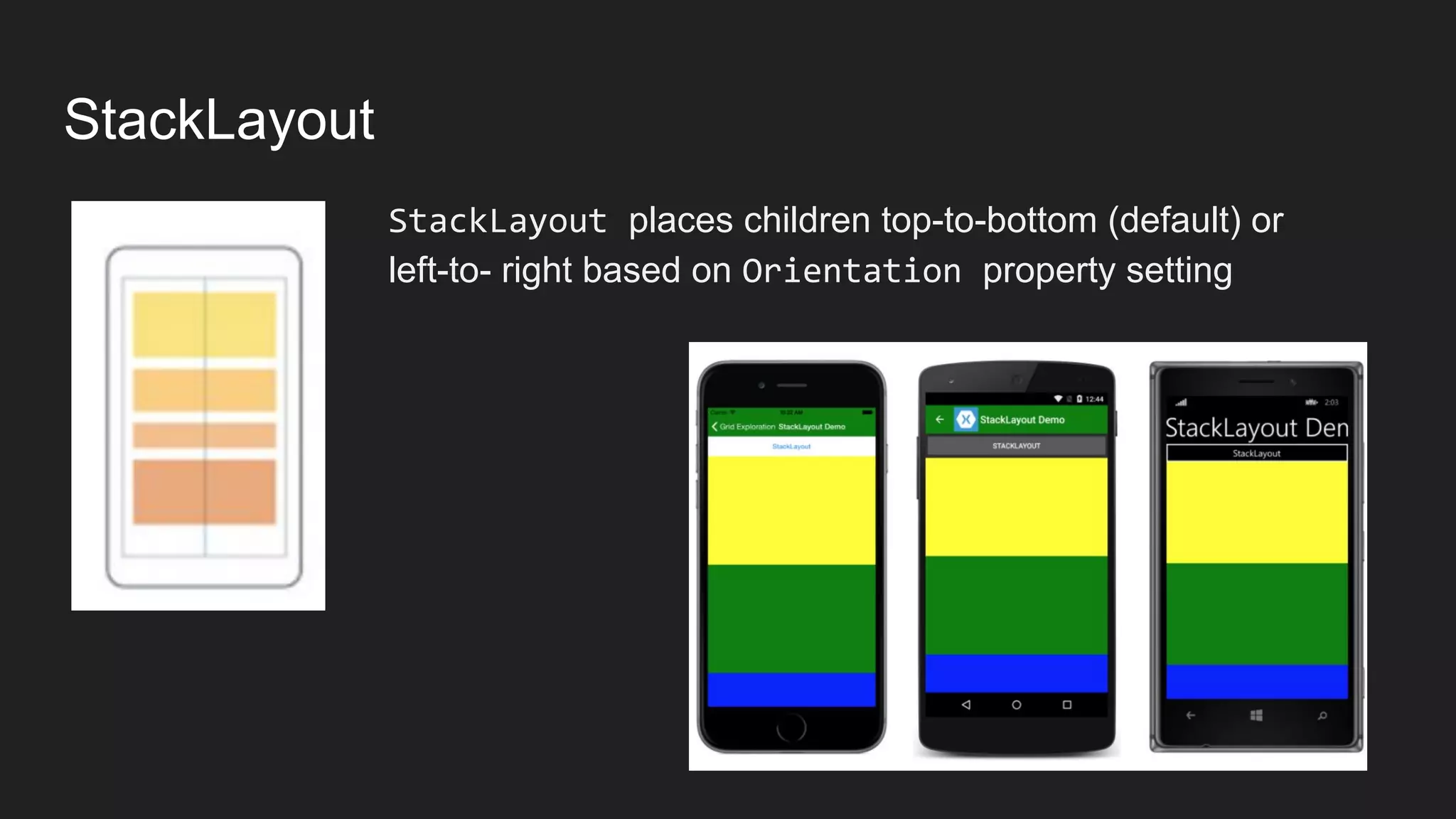
StackLayout
StackLayout places children top-to-bottom (default) or
left-to- right based on Orientation property setting
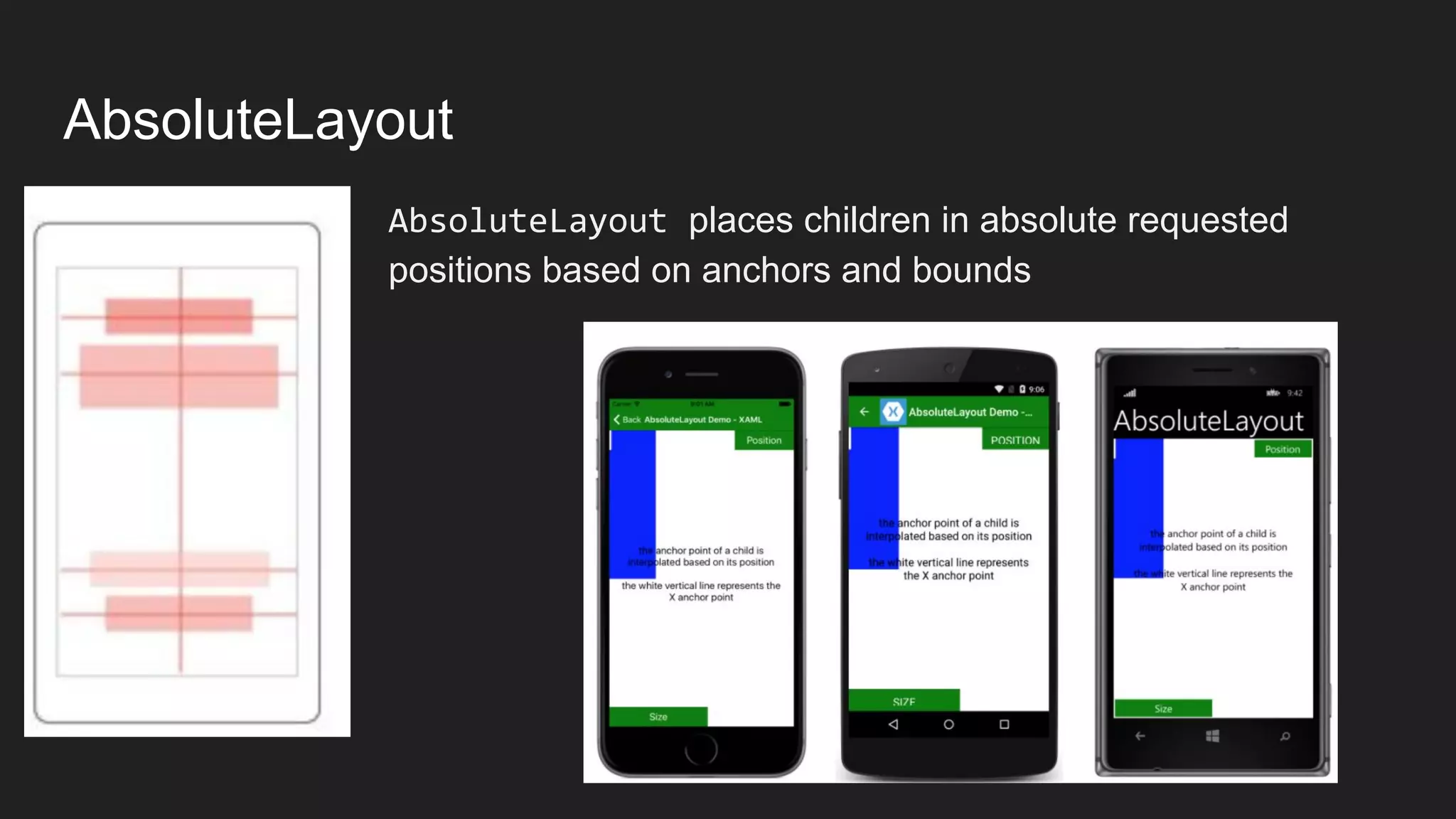
AbsoluteLayout
AbsoluteLayout places children in absolute requested
positions based on anchors and bounds
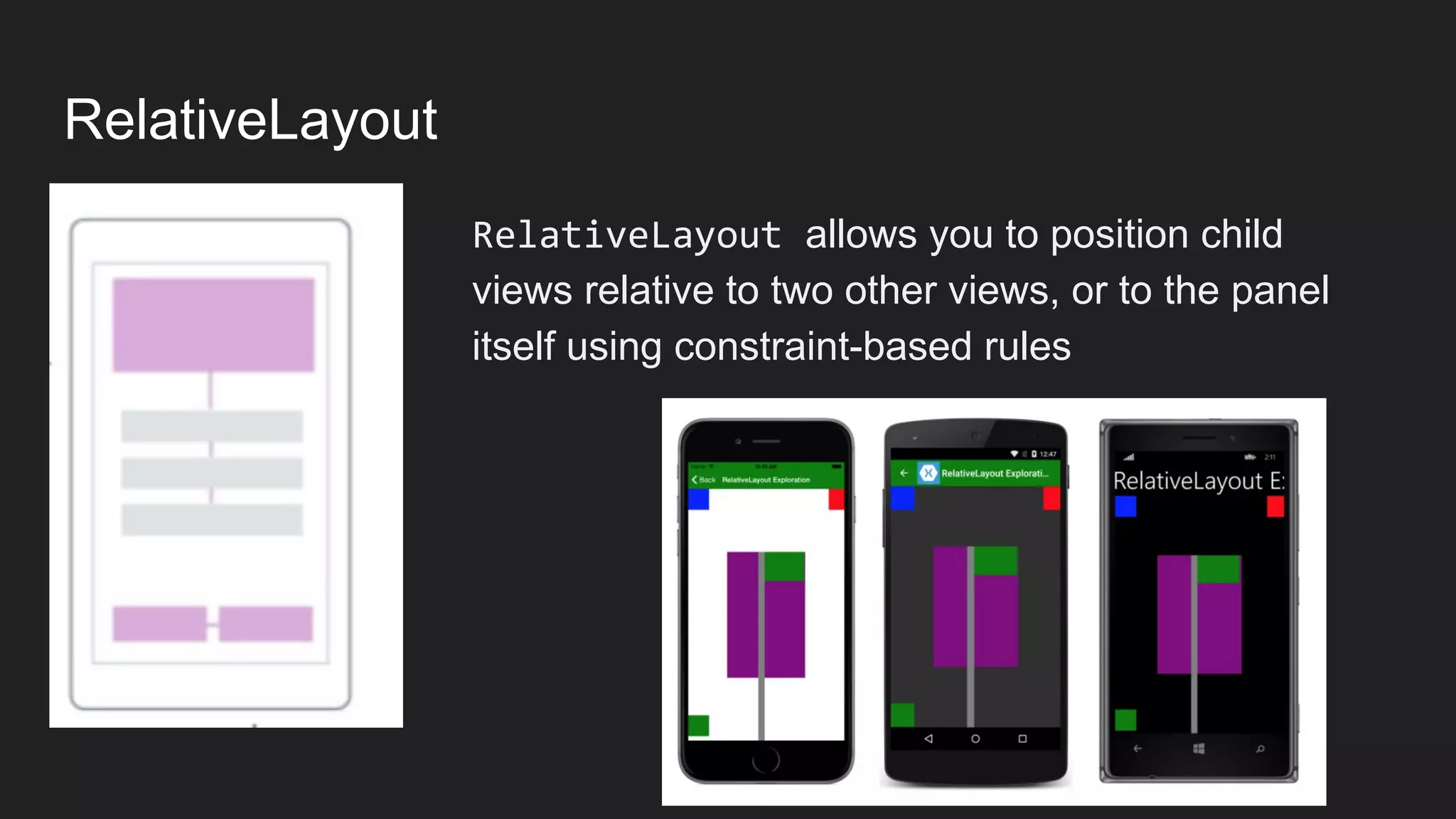
RelativeLayout
RelativeLayout allows you to position child
views relative to two other views, or to the panel
itself using constraint-based rules
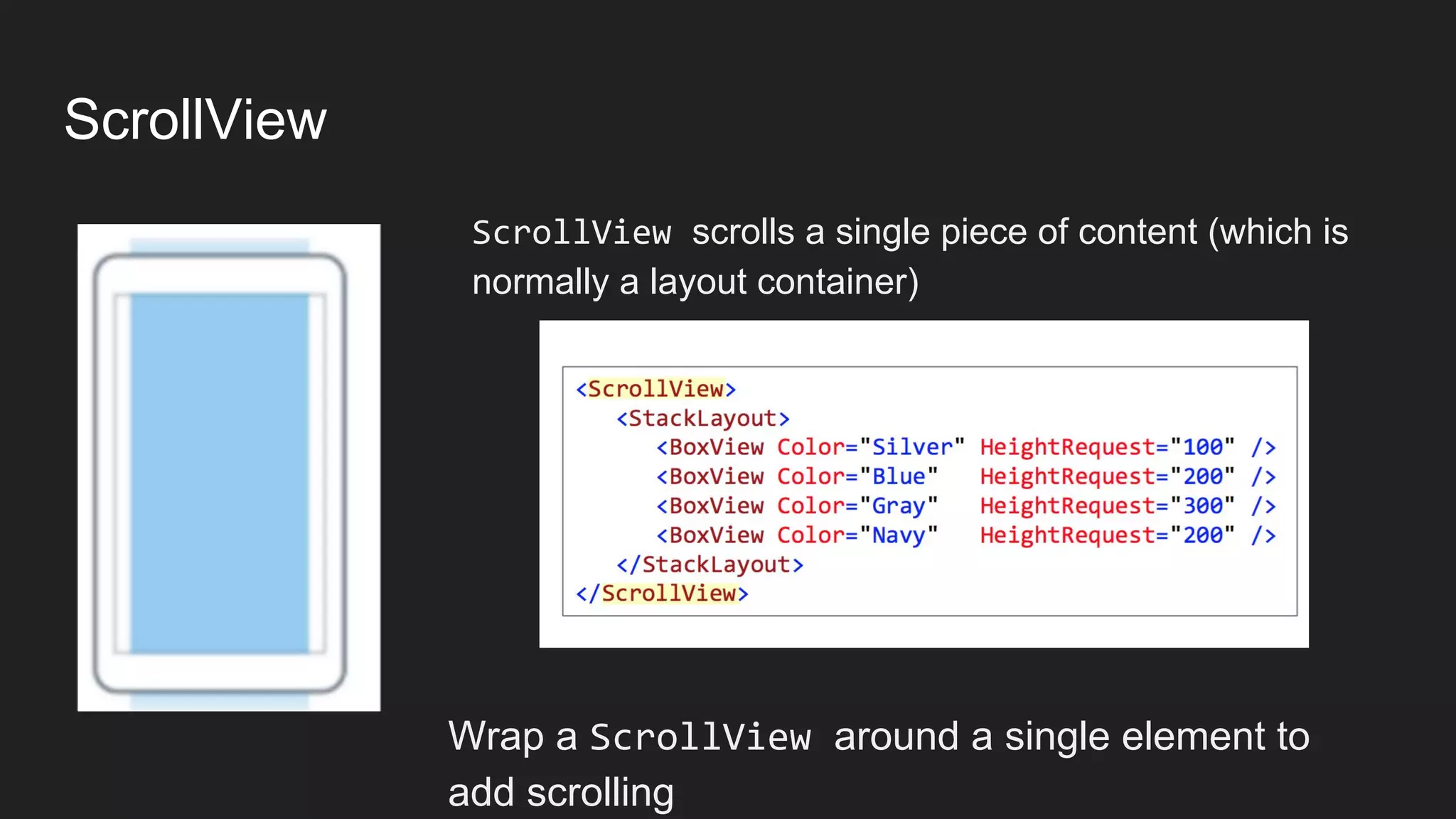
ScrollView
ScrollView scrolls a single piece of content (which is
normally a layout container)
Wrap a ScrollView around a single element to
add scrolling
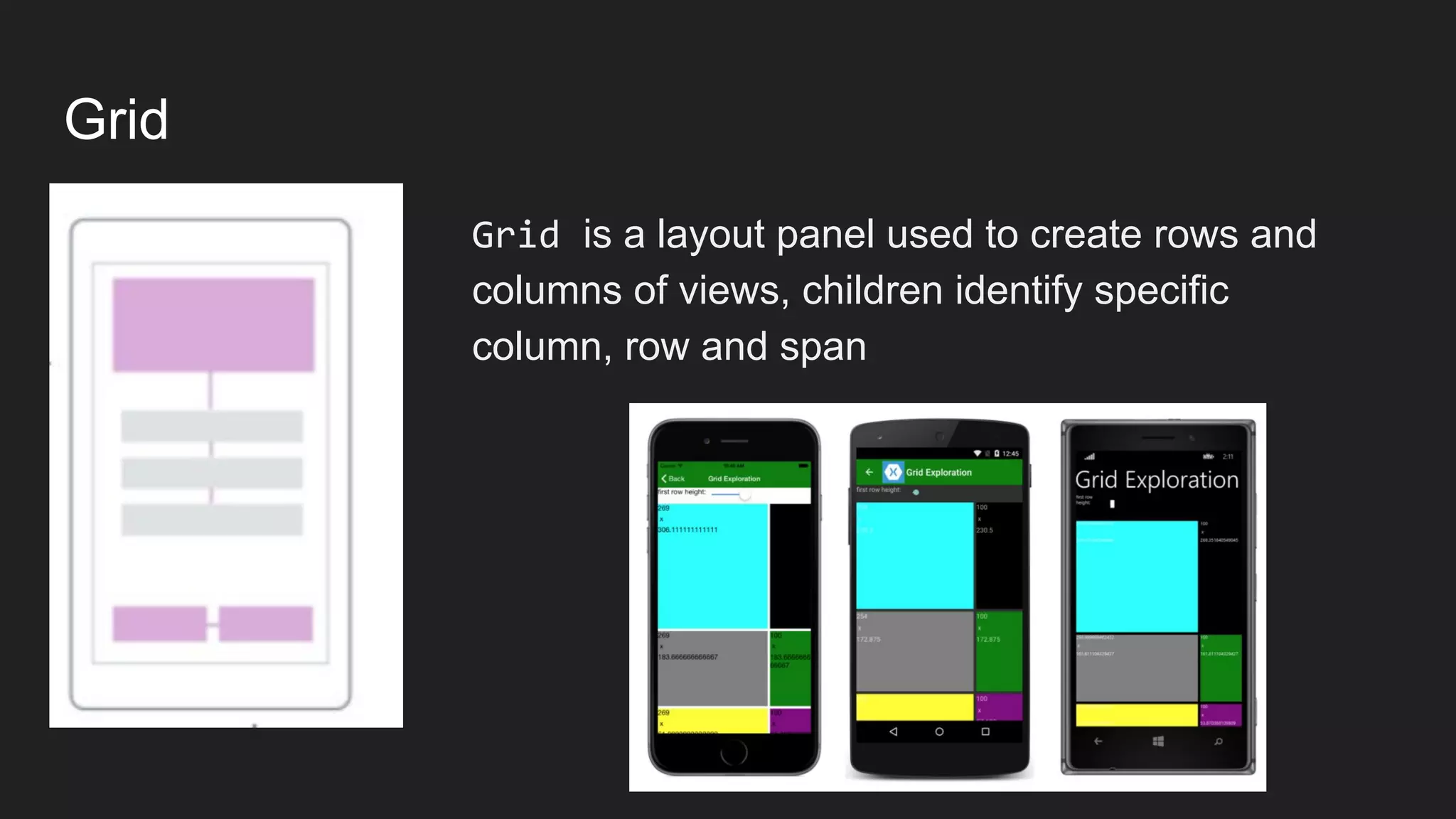
Grid
Grid is a layout panel used to create rows and
columns of views, children identify specific
column, row and span
Flexlayout
A Flexbox-like layout that lays out child elements
in optionally wrappable rows or columns of child
elements.
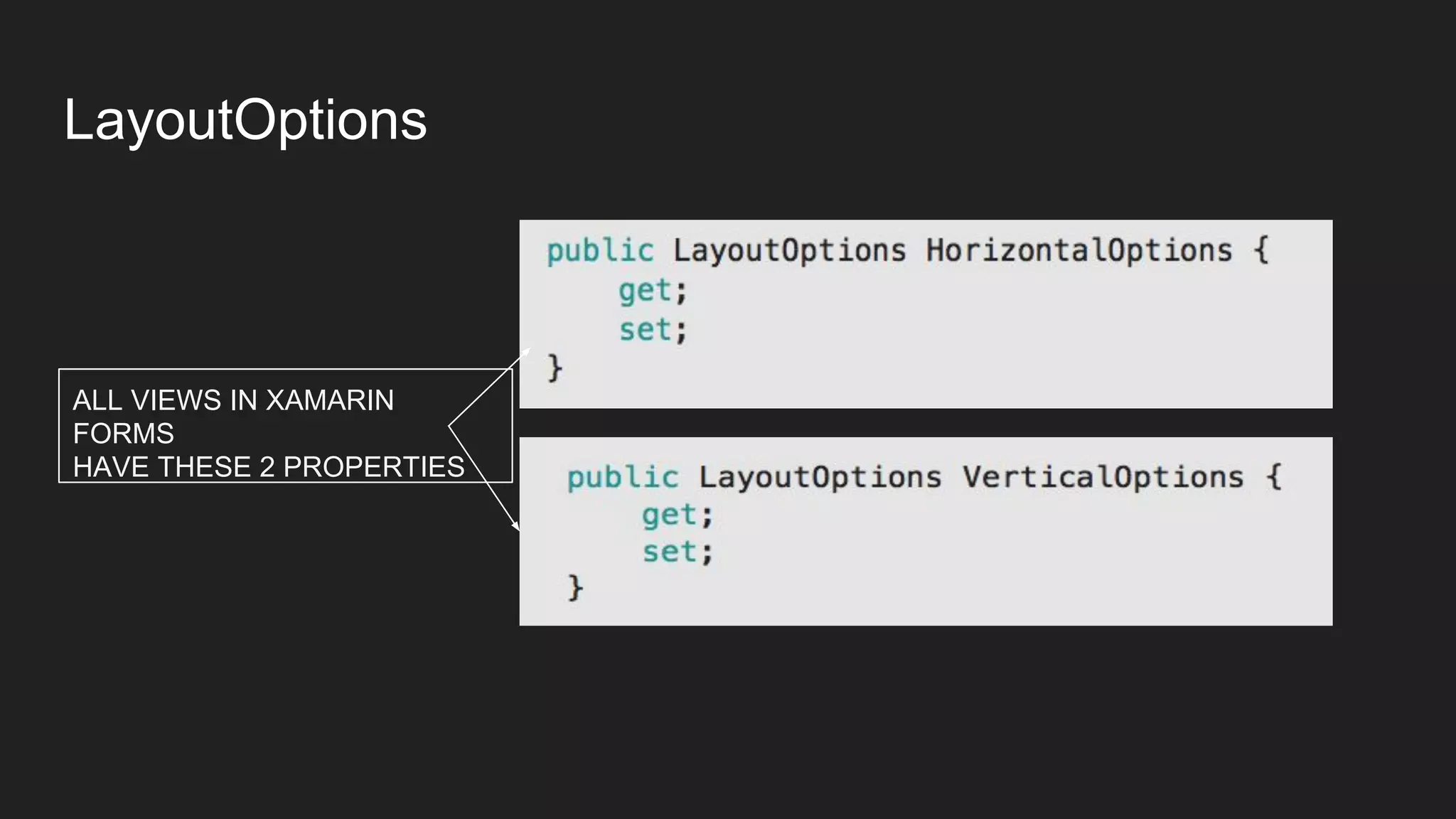
LayoutOptions
ALL VIEWS IN XAMARIN
FORMS
HAVE THESE 2 PROPERTIES
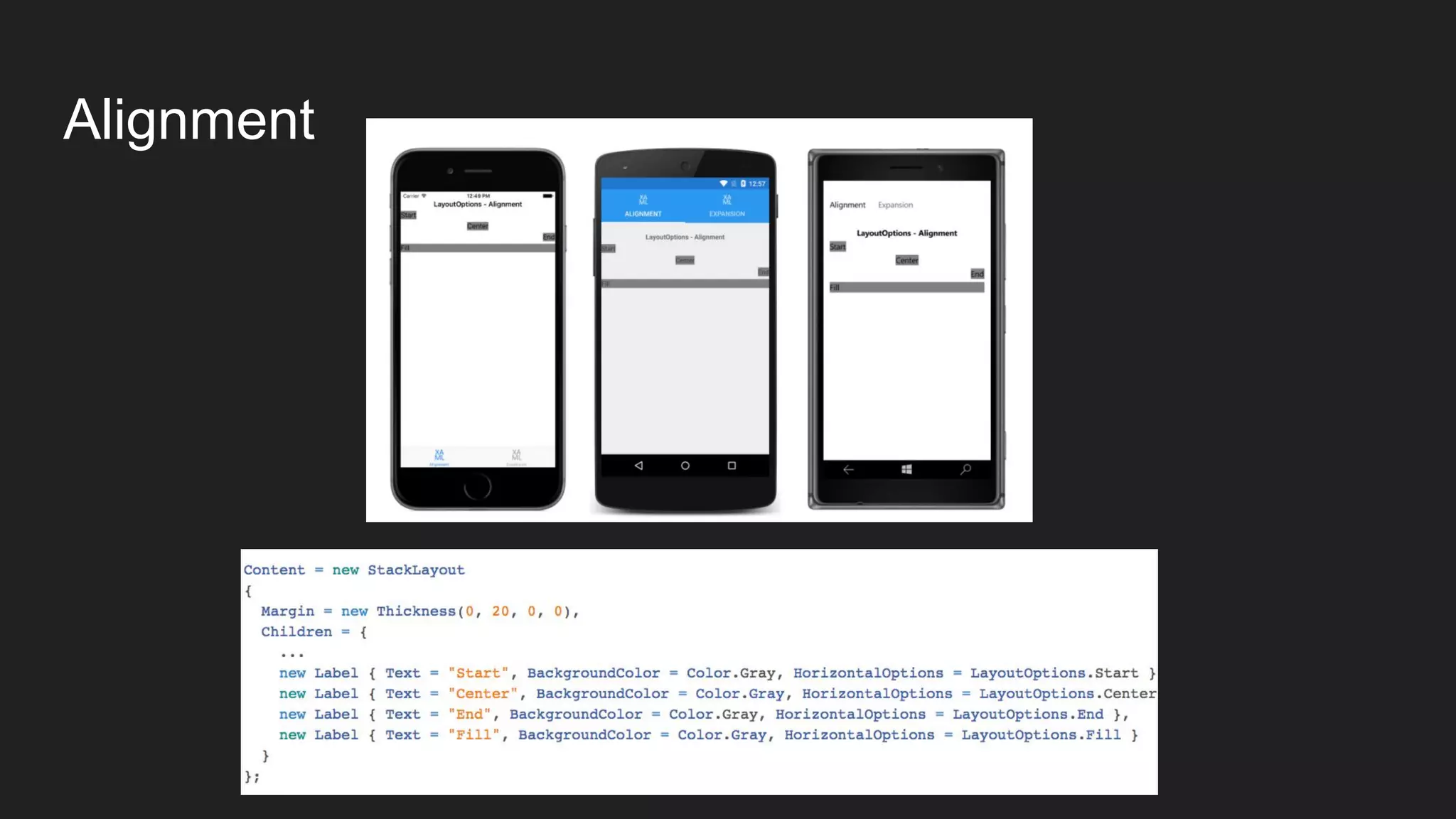
Alignment
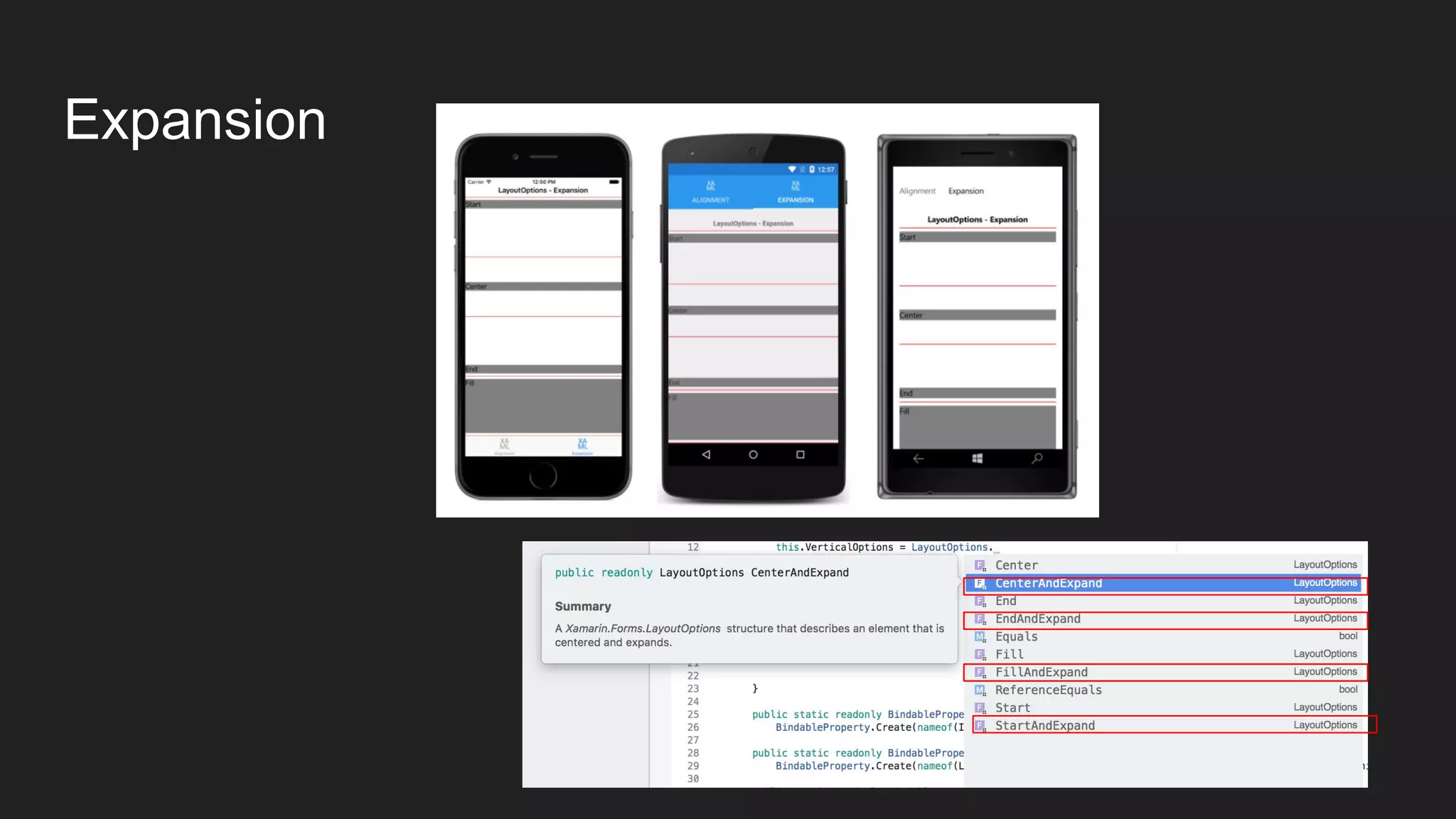
Expansion
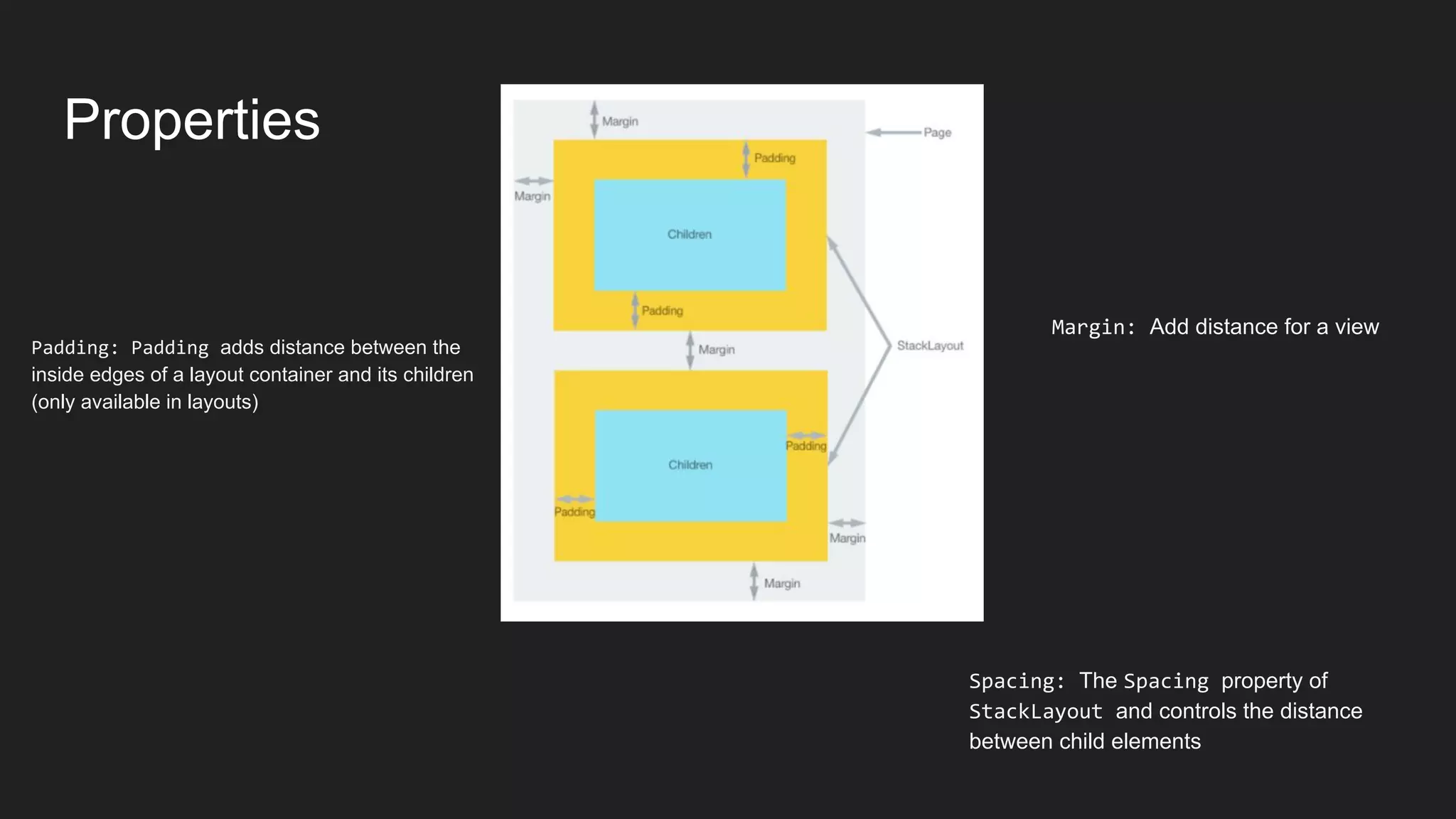
Properties
Padding: Padding adds distance between the
inside edges of a layout container and its children
(only available in layouts)
Spacing: The Spacing property of
StackLayout and controls the distance
between child elements
Margin: Add distance for a view
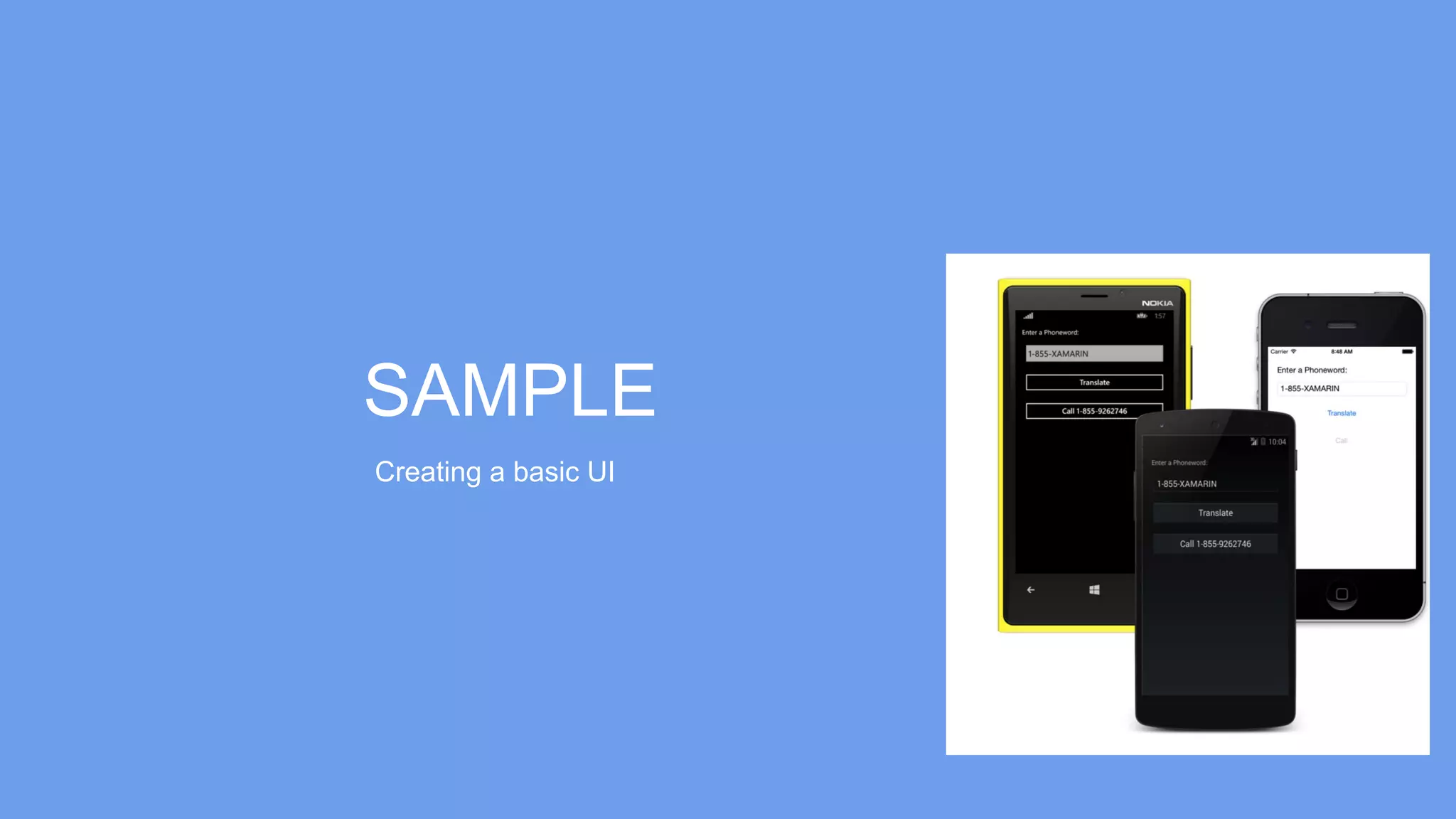
SAMPLE
Creating a basic UI
INDIVIDUAL EXERCISE
Creating a Text color procesador
TIME: 25 MINUTES
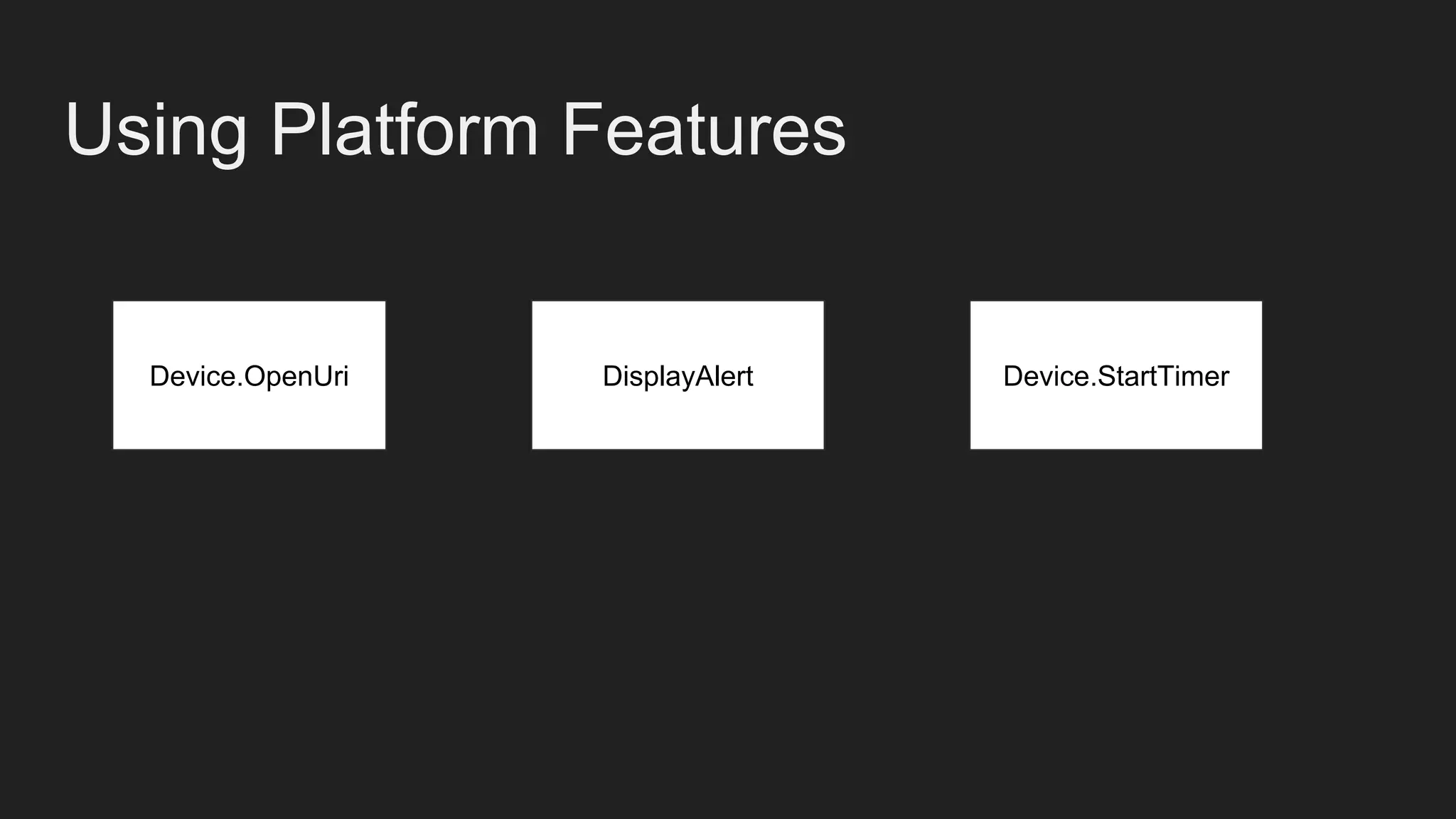
Using Platform Features
Device.OpenUri DisplayAlert Device.StartTimer
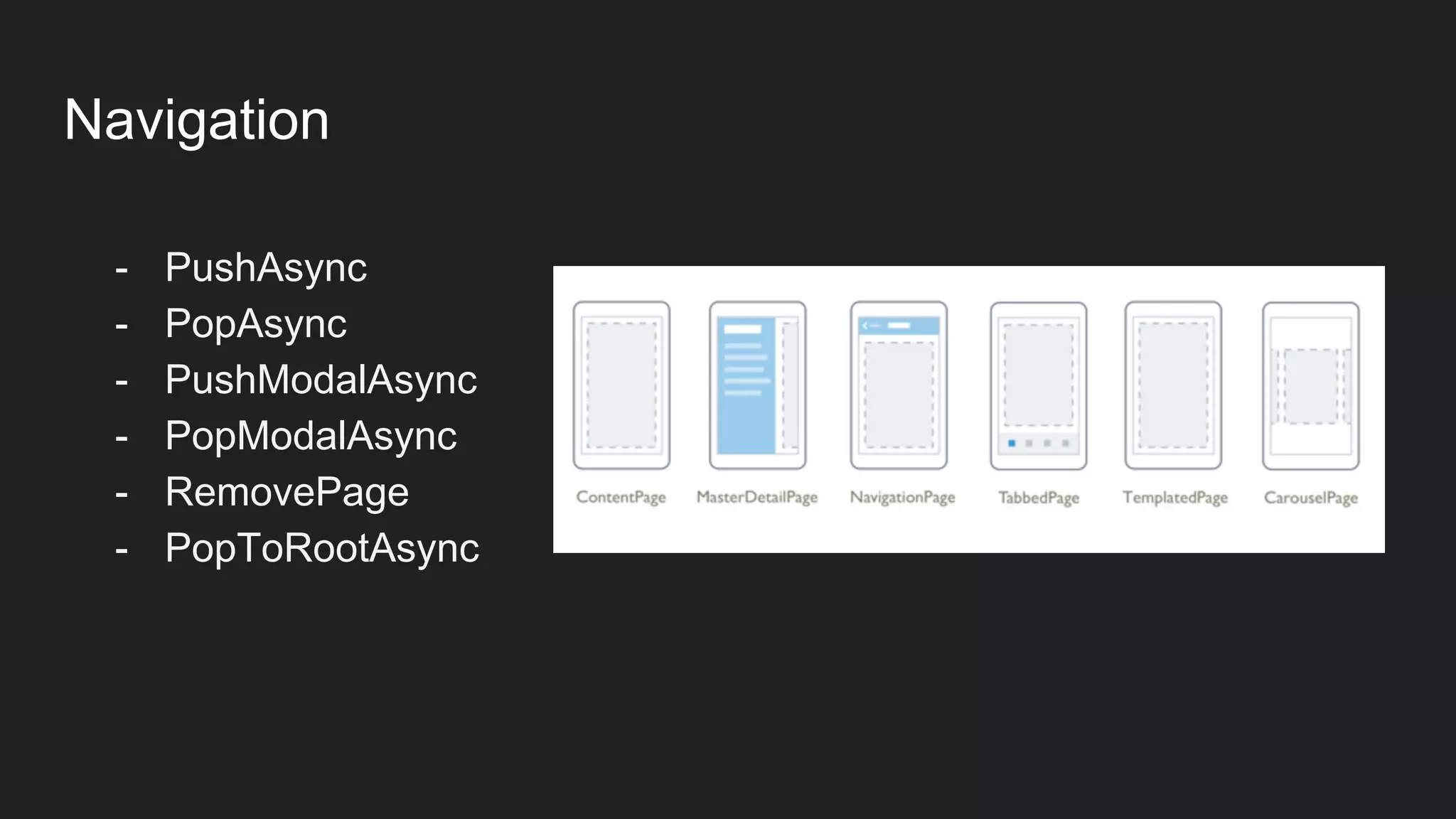
Navigation
- PushAsync
- PopAsync
- PushModalAsync
- PopModalAsync
- RemovePage
- PopToRootAsync
HOMEWORK PRACTICE
Creating Navigation Options to Our Color procesador
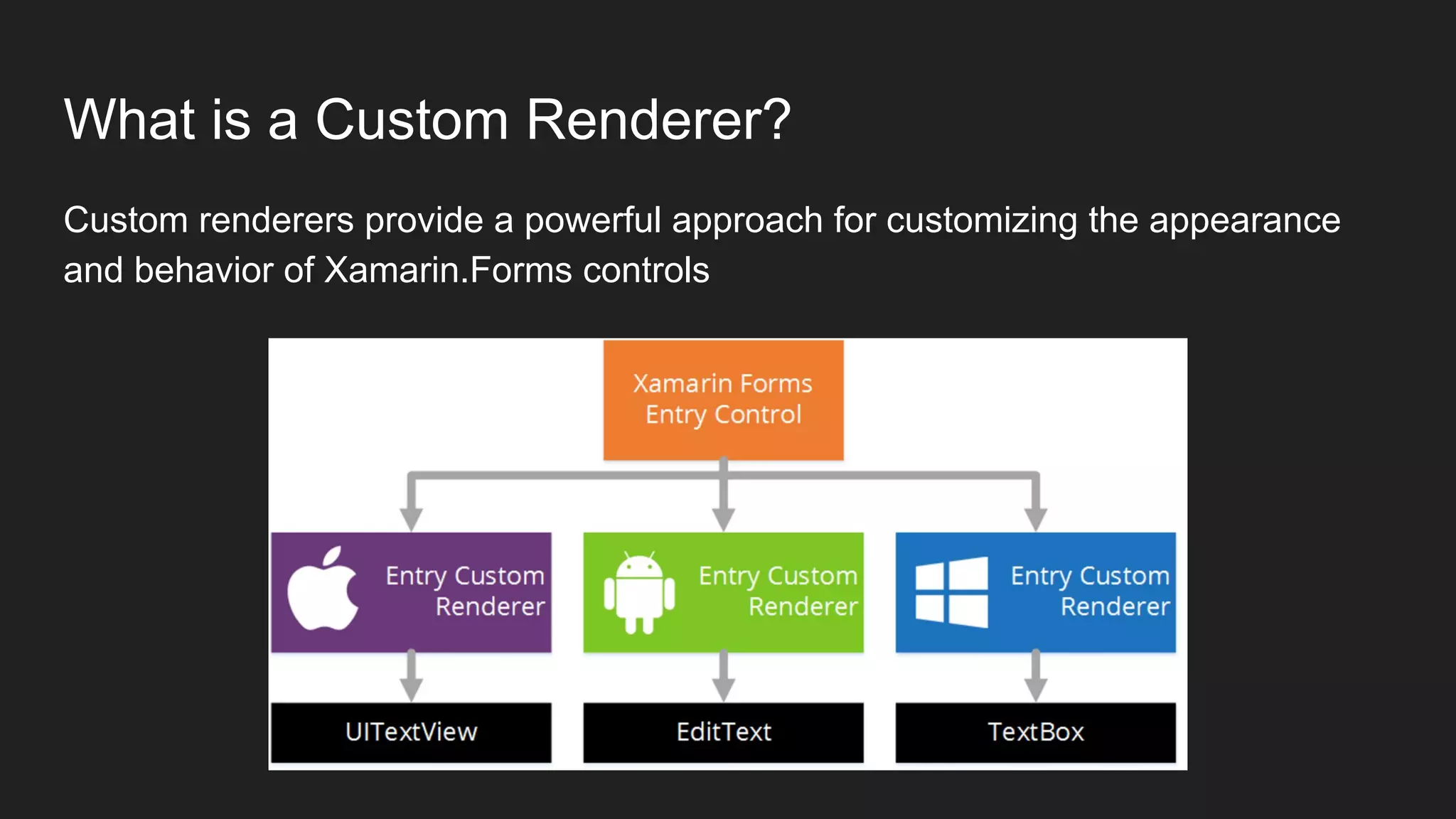
What is a Custom Renderer?
Custom renderers provide a powerful approach for customizing the appearance
and behavior of Xamarin.Forms controls
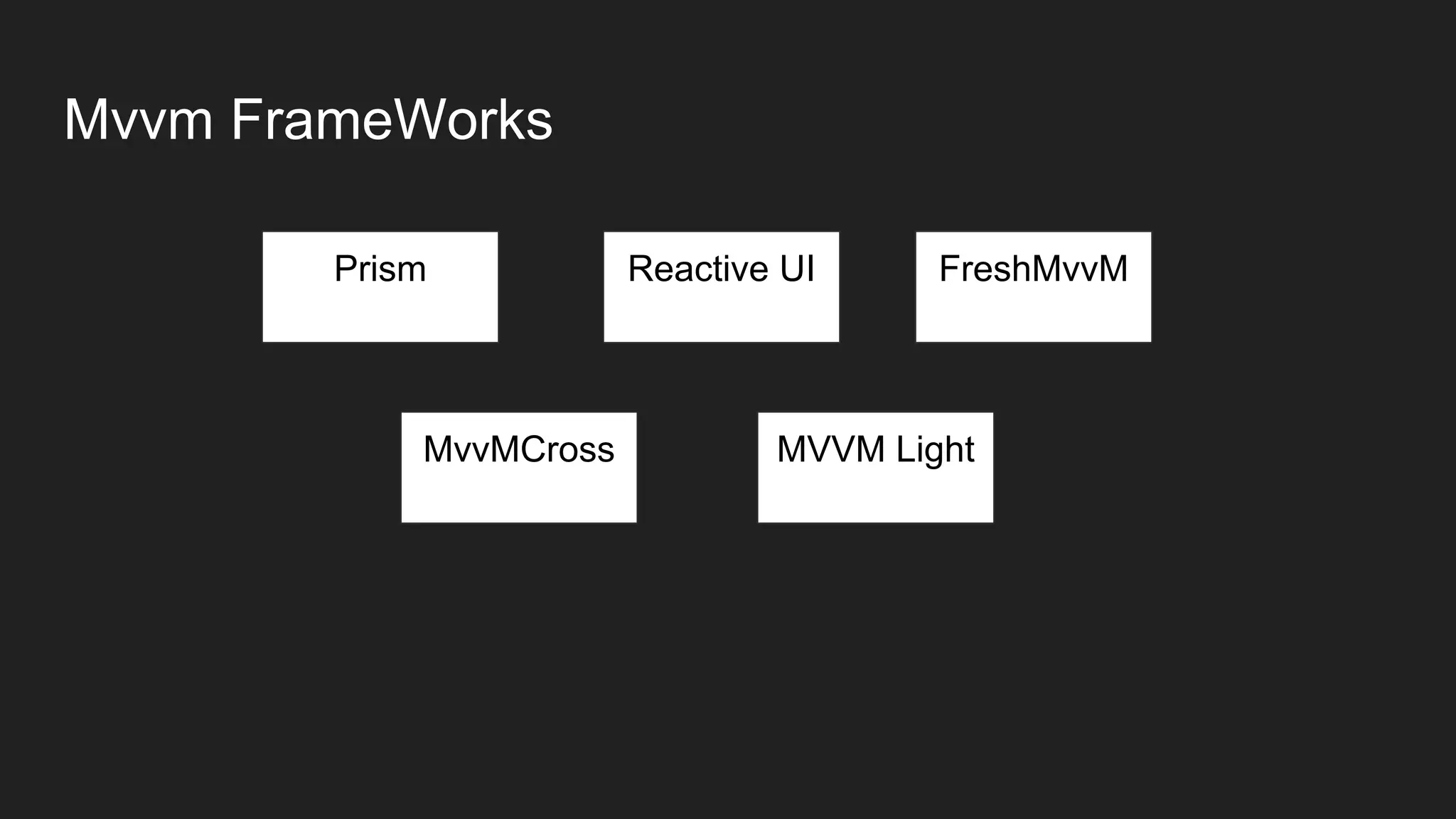
Mvvm FrameWorks
Prism Reactive UI FreshMvvM
MVVM LightMvvMCross
So what’s next?
- Take a course (https://university.xamarin.com/)
- Start an App (https://www.ideaswatch.com/startup-ideas/app)
- Use a Framework
(https://xamgirl.com/prism-in-xamarin-forms-step-by-step-part-1/)
- Join to Xamarin Forms Facebook developer group
(https://www.facebook.com/groups/778559908978460/)
References
- Getting Start
https://developer.xamarin.com/guides/xamarin-forms/getting-started/
- Layouts
https://developer.xamarin.com/guides/xamarin-forms/user-interface/lay
outs/
- Learning Xamarin Forms
https://xamgirl.com/learning-xamarin-forms-personal-recipe/
By Rendy Del Rosario and Charlin Agramonte
THANK YOU!!!

Xamarin forms from zero to hero