Emenike Christian Chukwuemeka - @CCEmenike
WORDPRESS
SECURITY
@smwWordpressNG
Following Best Practices of Securing a
“WordPress” Site
Emenike Christian Chukwuemeka - @CCEmenike
 Who am I?
 My Goals and Objectives today
 Tiers of WordPress Security
 Getting the Raw Facts Out
 The Standard 3 Musketeers
 WYMK – hydra
 Defending Territories
 General Rule of Thumb
 Hungry for More Resources
 Q & A – Further Support
SETTING THE STAGE RIGHT….
Emenike Christian Chukwuemeka - @CCEmenike
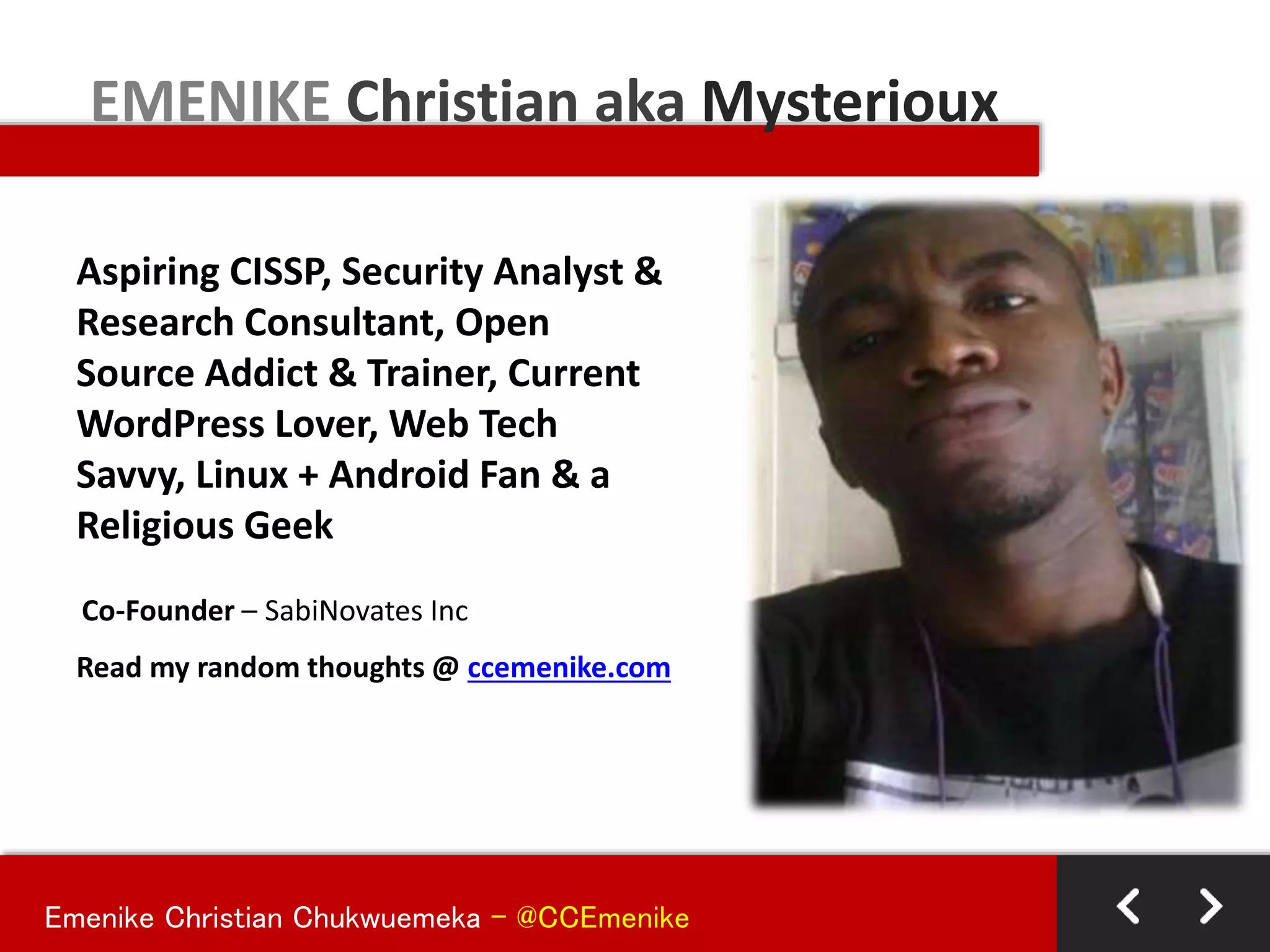
Aspiring CISSP, Security Analyst &
Research Consultant, Open
Source Addict & Trainer, Current
WordPress Lover, Web Tech
Savvy, Linux + Android Fan & a
Religious Geek
EMENIKE Christian aka Mysterioux
Co-Founder – SabiNovates Inc
Read my random thoughts @ ccemenike.com
Emenike Christian Chukwuemeka - @CCEmenike
Objectives:
To enlighten us on the need to take “SECURITY” serious when
using WordPress or building Websites/WebApps in general
Goals:
 Increase the awareness of WordPress Security from all
development standpoint levels
 Share best practices, tips and plugins to improve WordPress
Security
 Point us to more useful resources to harden Security
 Put a smile on everyone face before leaving
Objectives and Goals…
Emenike Christian Chukwuemeka - @CCEmenike
Considering the different personalities , I will assume you belong to
the following group:
 BEGINNER (You know your way around WordPress)
 INTERMEDIATE (You are doing some extra settings and
customizations with WordPress)
 ADVANCED (You can break, repair, create and build functionalities
from ground-up in WordPress)
The Tiers of WordPress Security…
Protecting things of value from
harm’s way.
Different people, different meanings.
WHAT IS SECURITY?
Emenike Christian Chukwuemeka - @CCEmenike
The percentage of risk can never be 0!
Key objective: Minimize risk
Is any site?
IS MY SITE SECURE?
Emenike Christian Chukwuemeka - @CCEmenike
Keep your computer up to date
+ Ensure you’re patching or installing
updates ASAP
+ Automatic updates rock!
Install an anti-virus solution
+ Ensure you’re keeping definitions current
+ Automatic updates aren’t a bad idea here
either!
Yes, personal firewalls still apply!
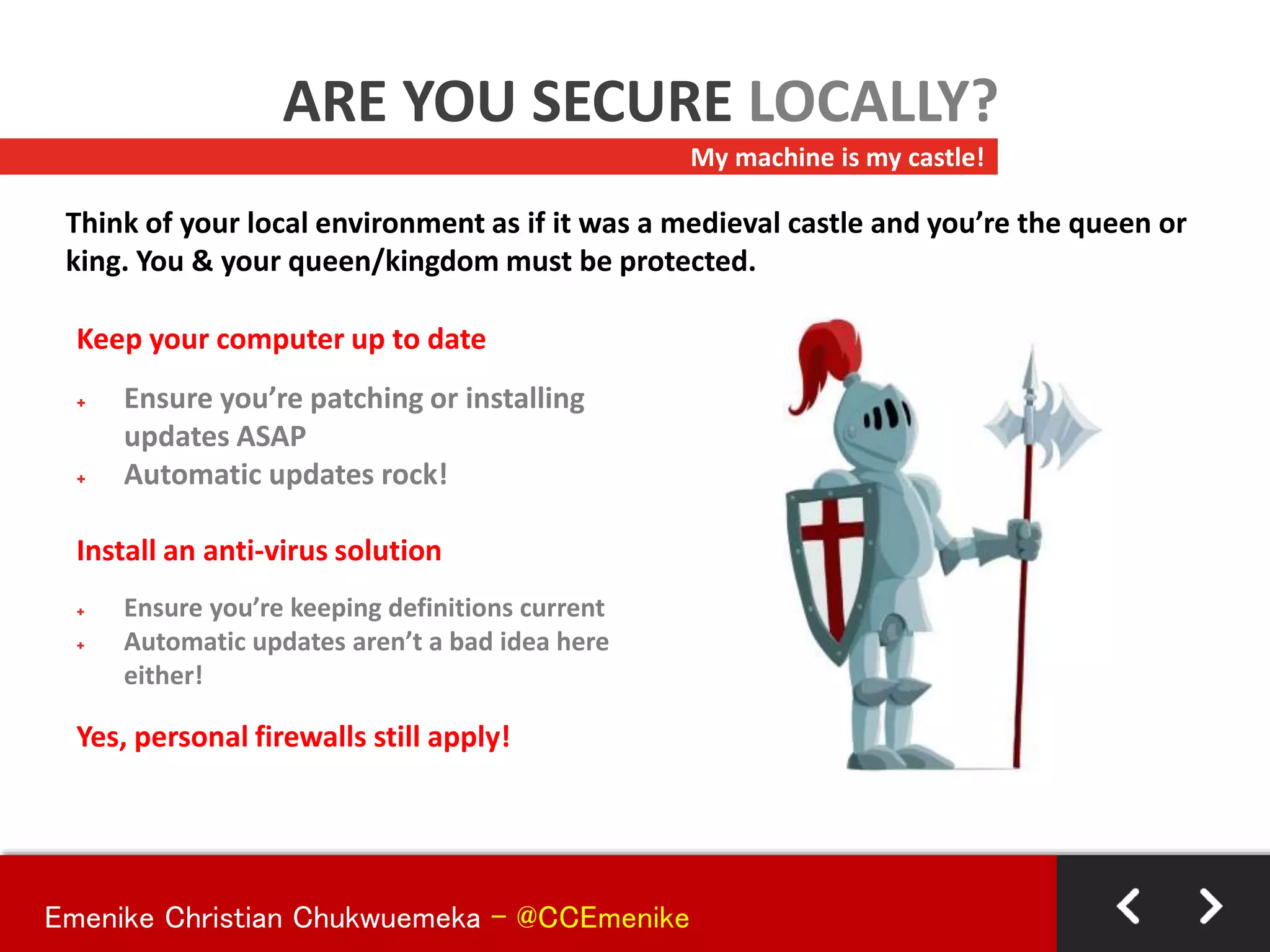
My machine is my castle!
ARE YOU SECURE LOCALLY?
Think of your local environment as if it was a medieval castle and you’re the queen or
king. You & your queen/kingdom must be protected.
Emenike Christian Chukwuemeka - @CCEmenike
Your Internet Connection
Use SSL whenever possible, especially on an unverified connection.
+ HTTPS - great way to ensure transactions & traffic are traveling with security in
mind.
Connecting To Your Site(s)
Consider using sFTP/SSH vs. FTP
+ Still widely marketed, but did you know your credentials are passed unencrypted
when using FTP
+ If FTP is unavoidable, deny anonymous login, limit connections, practice least
privilege
+ Don’t store your credentials in your FTP client.
Who’s watching?
CONNECTING SECURELY?
It’s your information, but who’s watching & listening? You may be a network geek at
home, but what happens at Starbucks?
Emenike Christian Chukwuemeka - @CCEmenike
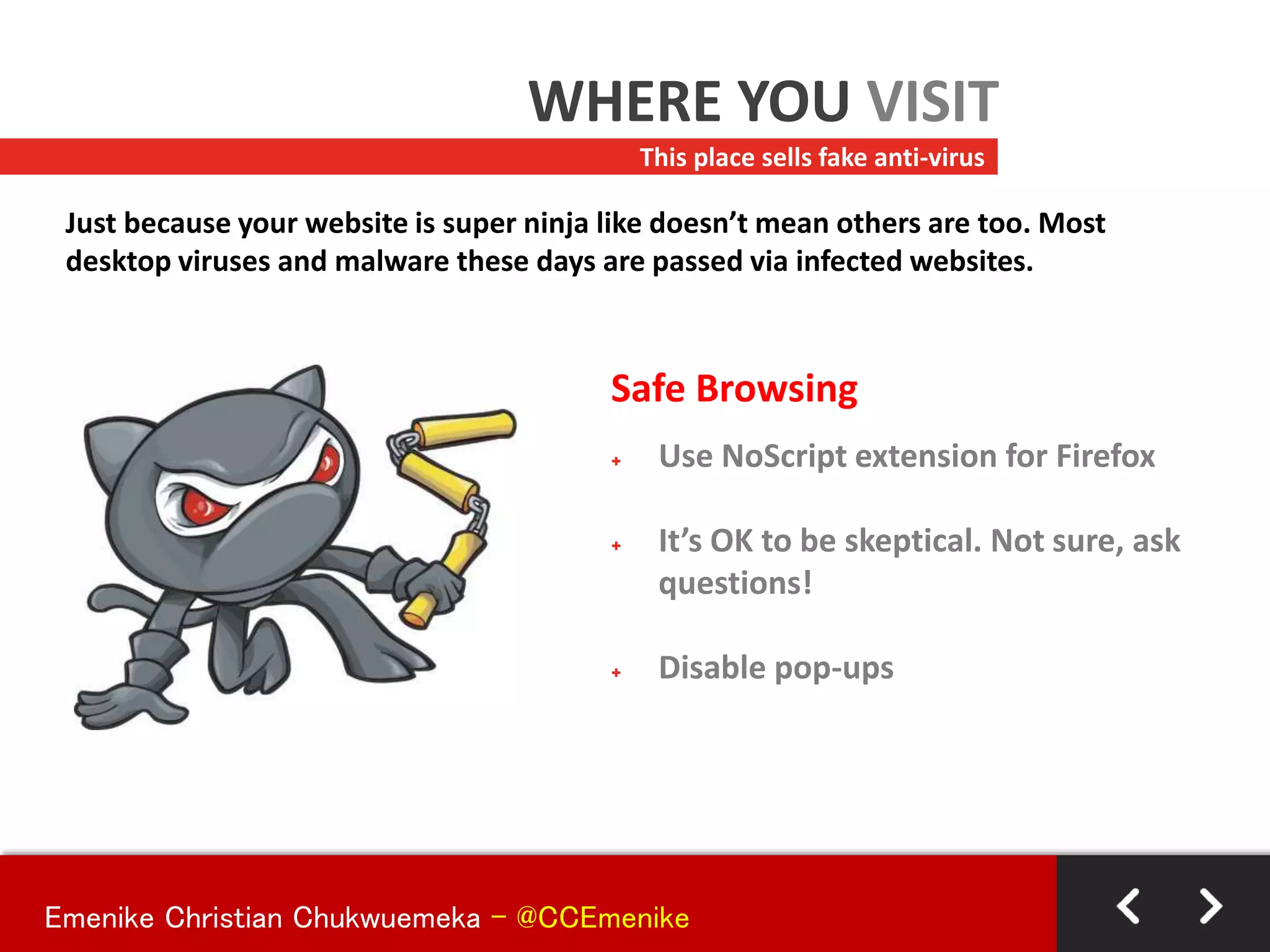
Safe Browsing
+ Use NoScript extension for Firefox
+ It’s OK to be skeptical. Not sure, ask
questions!
+ Disable pop-ups
This place sells fake anti-virus
WHERE YOU VISIT
Just because your website is super ninja like doesn’t mean others are too. Most
desktop viruses and malware these days are passed via infected websites.
Emenike Christian Chukwuemeka - @CCEmenike
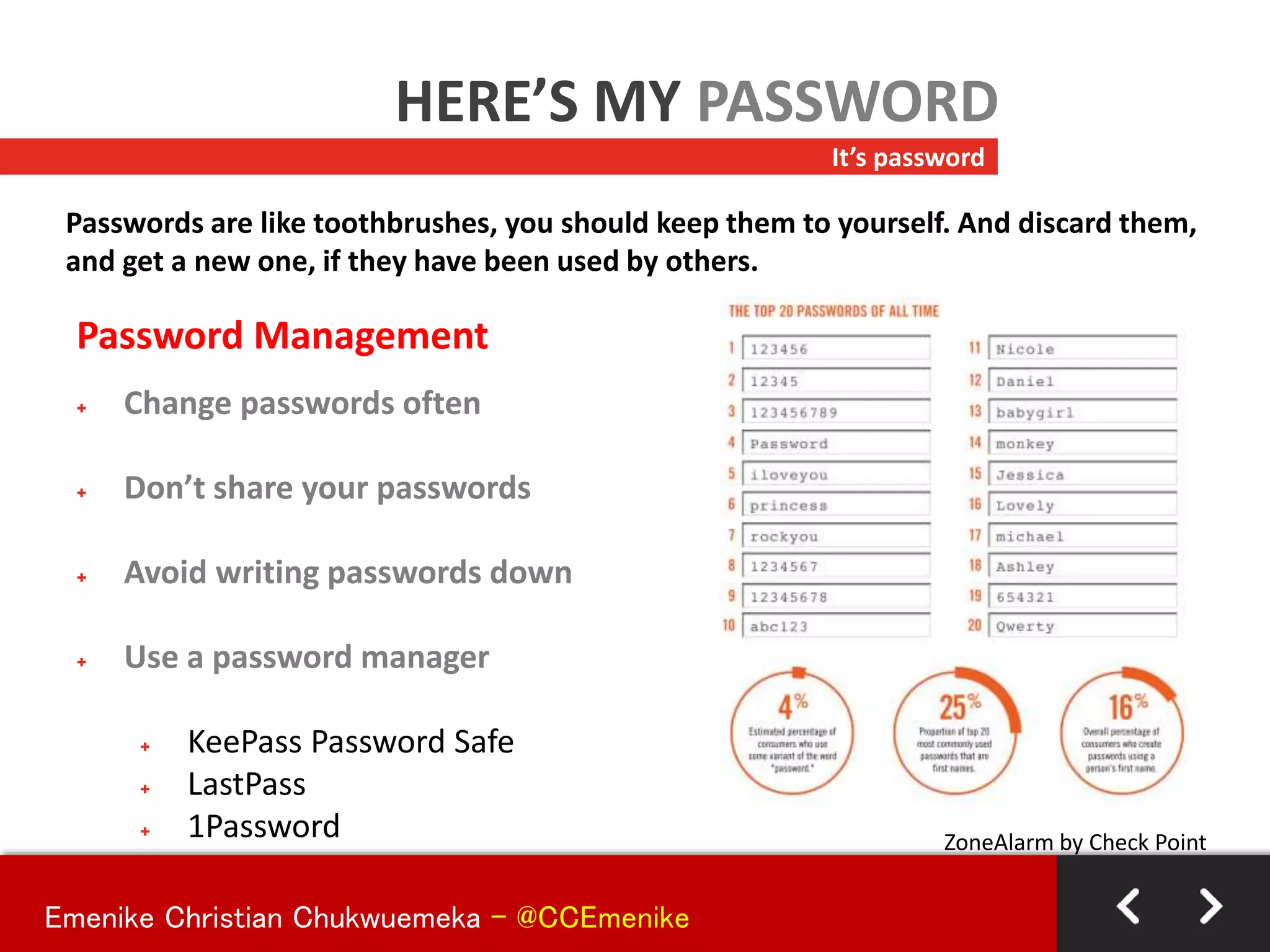
Password Management
+ Change passwords often
+ Don’t share your passwords
+ Avoid writing passwords down
+ Use a password manager
+ KeePass Password Safe
+ LastPass
+ 1Password
It’s password
HERE’S MY PASSWORD
Passwords are like toothbrushes, you should keep them to yourself. And discard them,
and get a new one, if they have been used by others.
ZoneAlarm by Check Point
Emenike Christian Chukwuemeka - @CCEmenike
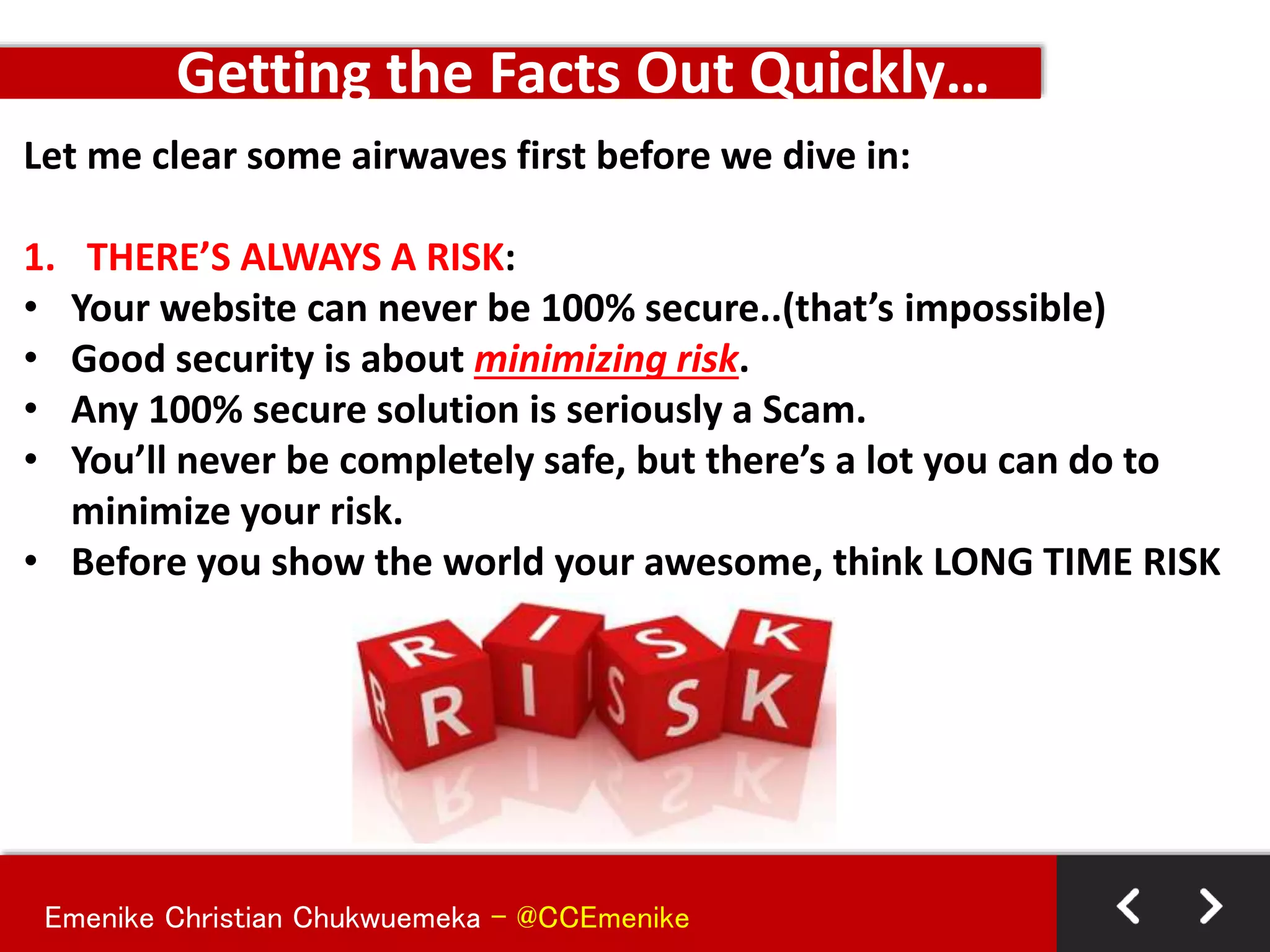
Let me clear some airwaves first before we dive in:
1. THERE’S ALWAYS A RISK:
• Your website can never be 100% secure..(that’s impossible)
• Good security is about minimizing risk.
• Any 100% secure solution is seriously a Scam.
• You’ll never be completely safe, but there’s a lot you can do to
minimize your risk.
• Before you show the world your awesome, think LONG TIME RISK
Getting the Facts Out Quickly…
Emenike Christian Chukwuemeka - @CCEmenike
Let me clear some airwaves first before we dive in:
2. TO BE FULLY SECURED .VS. EASE OF USE OR BOTH:
• There’s a fine balance between security and ease of use.
• Sometimes locking down your site makes it secure, but it’s hard to
use. Sometimes making your site easier to use makes it less
secure. You’ll have to find the balance.
• You have to balance the Cost between User Access to your
resources and Prevent Unauthorized Entering to Sensitive
Resources without overload
Getting the Facts Out Quickly…
Emenike Christian Chukwuemeka - @CCEmenike
Let me clear some airwaves first before we dive in:
3. WORDPRESS CANNOT BE BLAMED:
• Critics says that “WordPress isn’t secure”. (That’s not necessarily
true—it depends on how you set up and use WordPress).
• More than 17% of the Websites online are powered by WordPress
making it a huge target market for Hackers – Be updated and
follow best practices to lock down your site.
• Many security issues have little to do with WordPress and more to
do with server vulnerabilities, cross-contamination and poor
passwords. Bad decisions can undermine your site, and that’s true
whether you’re using WordPress or any other solution. So don’t
blame your security woes on WordPress (its unfair).
Getting the Facts Out Quickly…
Emenike Christian Chukwuemeka - @CCEmenike
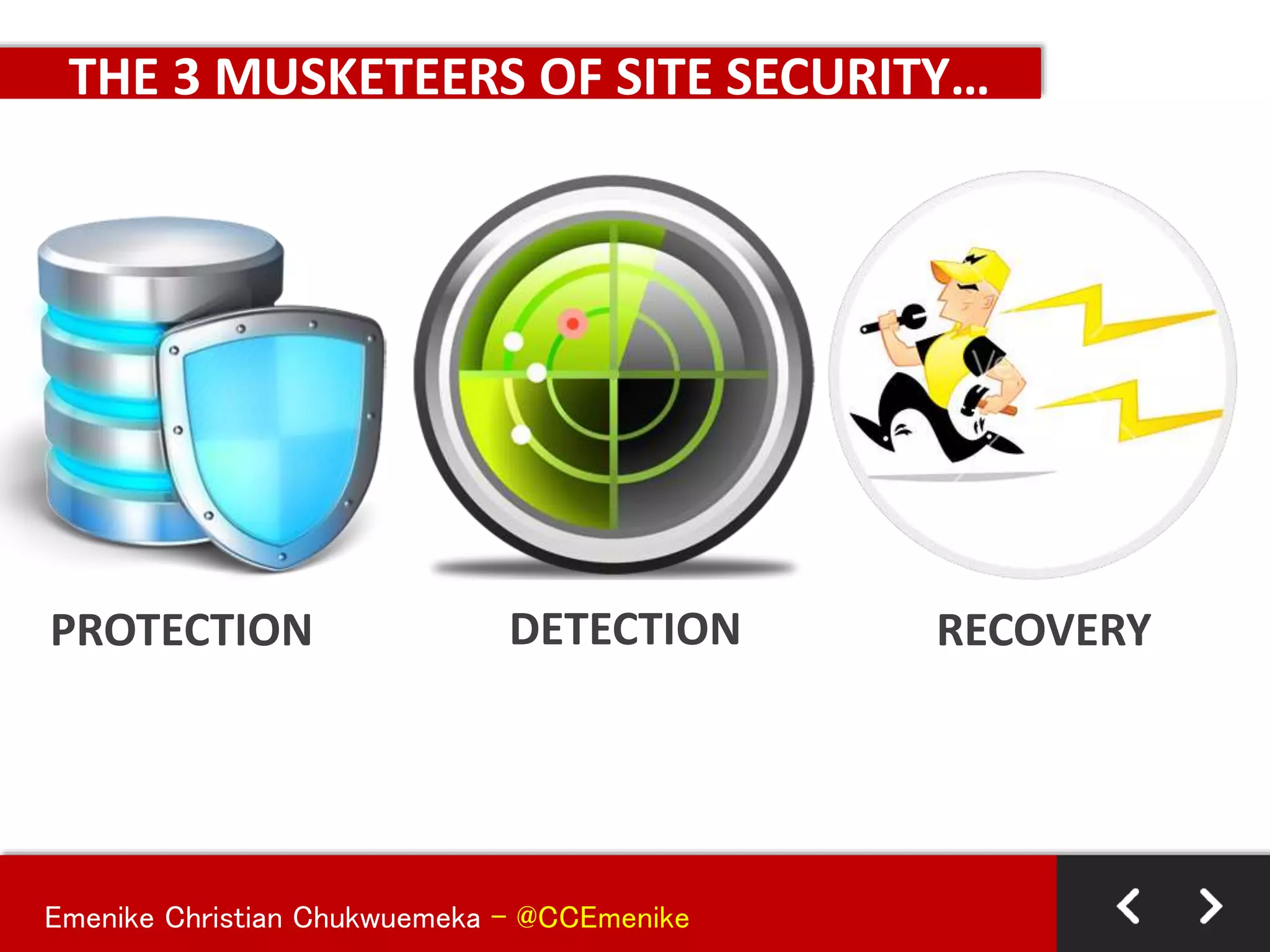
THE 3 MUSKETEERS OF SITE SECURITY…
PROTECTION DETECTION RECOVERY
Emenike Christian Chukwuemeka - @CCEmenike
THE 3 MUSKETEERS OF SITE SECURITY…
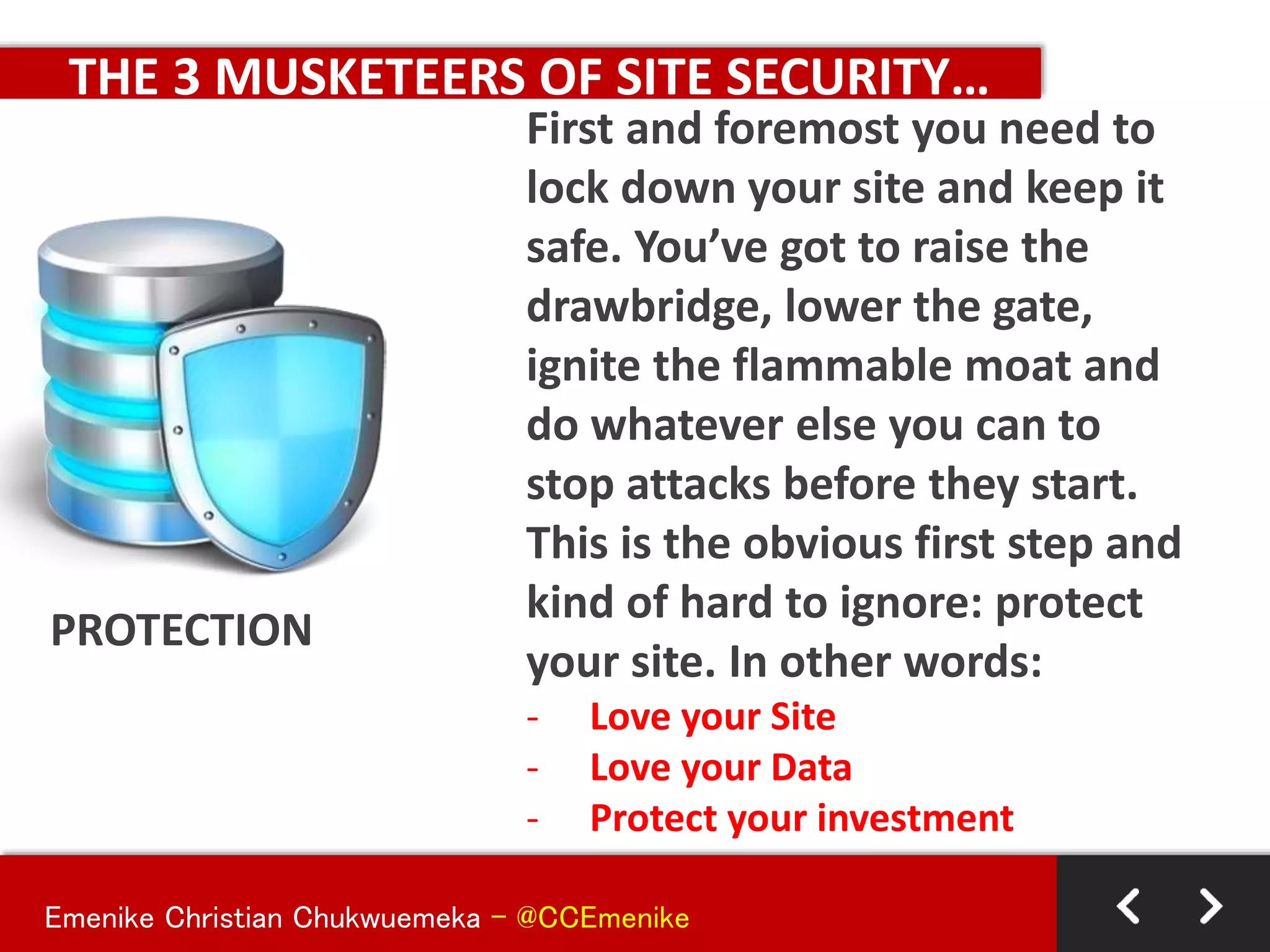
PROTECTION
First and foremost you need to
lock down your site and keep it
safe. You’ve got to raise the
drawbridge, lower the gate,
ignite the flammable moat and
do whatever else you can to
stop attacks before they start.
This is the obvious first step and
kind of hard to ignore: protect
your site. In other words:
- Love your Site
- Love your Data
- Protect your investment
Emenike Christian Chukwuemeka - @CCEmenike
THE 3 MUSKETEERS OF SITE SECURITY…
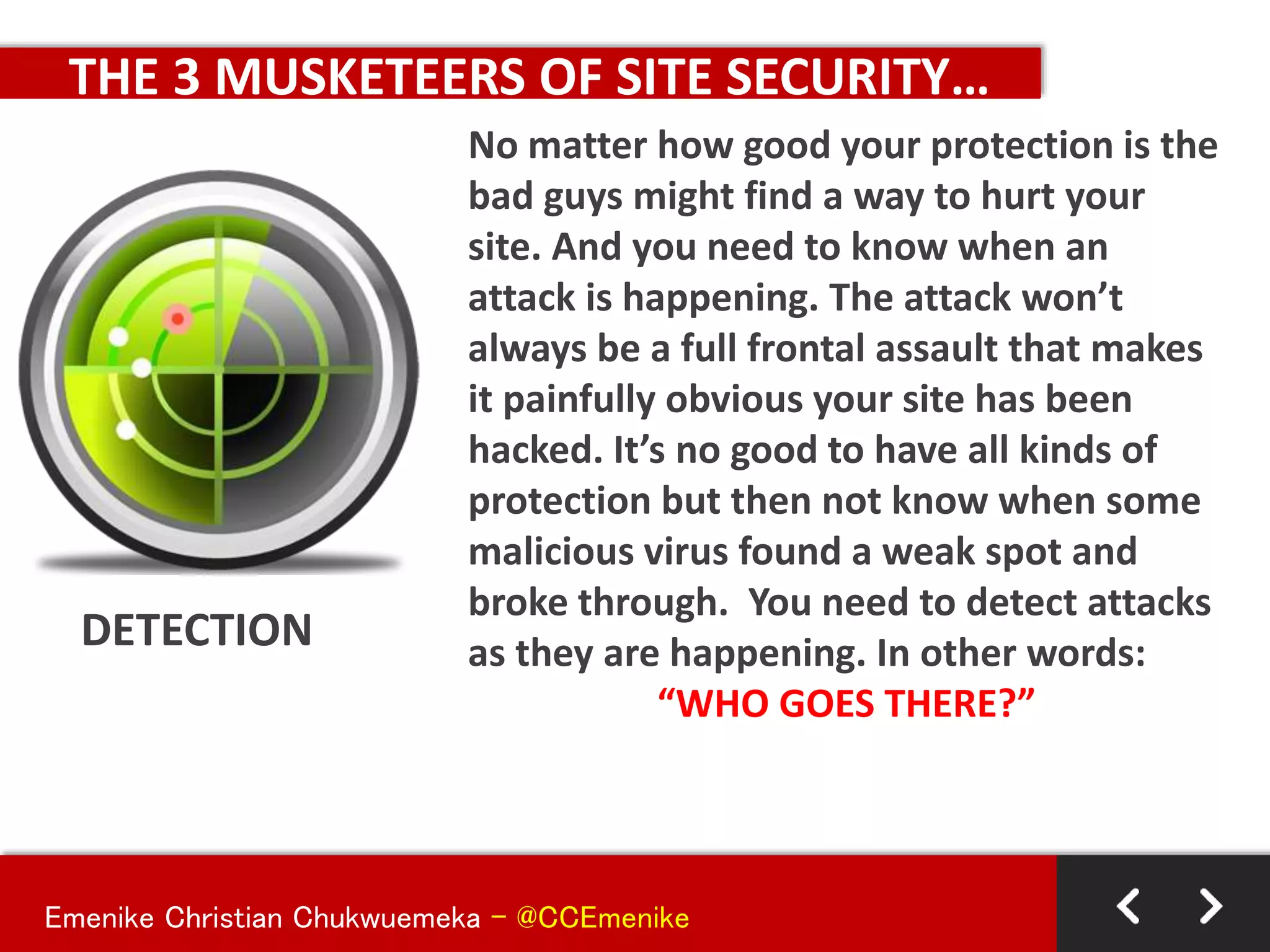
DETECTION
No matter how good your protection is the
bad guys might find a way to hurt your
site. And you need to know when an
attack is happening. The attack won’t
always be a full frontal assault that makes
it painfully obvious your site has been
hacked. It’s no good to have all kinds of
protection but then not know when some
malicious virus found a weak spot and
broke through. You need to detect attacks
as they are happening. In other words:
“WHO GOES THERE?”
Emenike Christian Chukwuemeka - @CCEmenike
THE 3 MUSKETEERS OF SITE SECURITY…
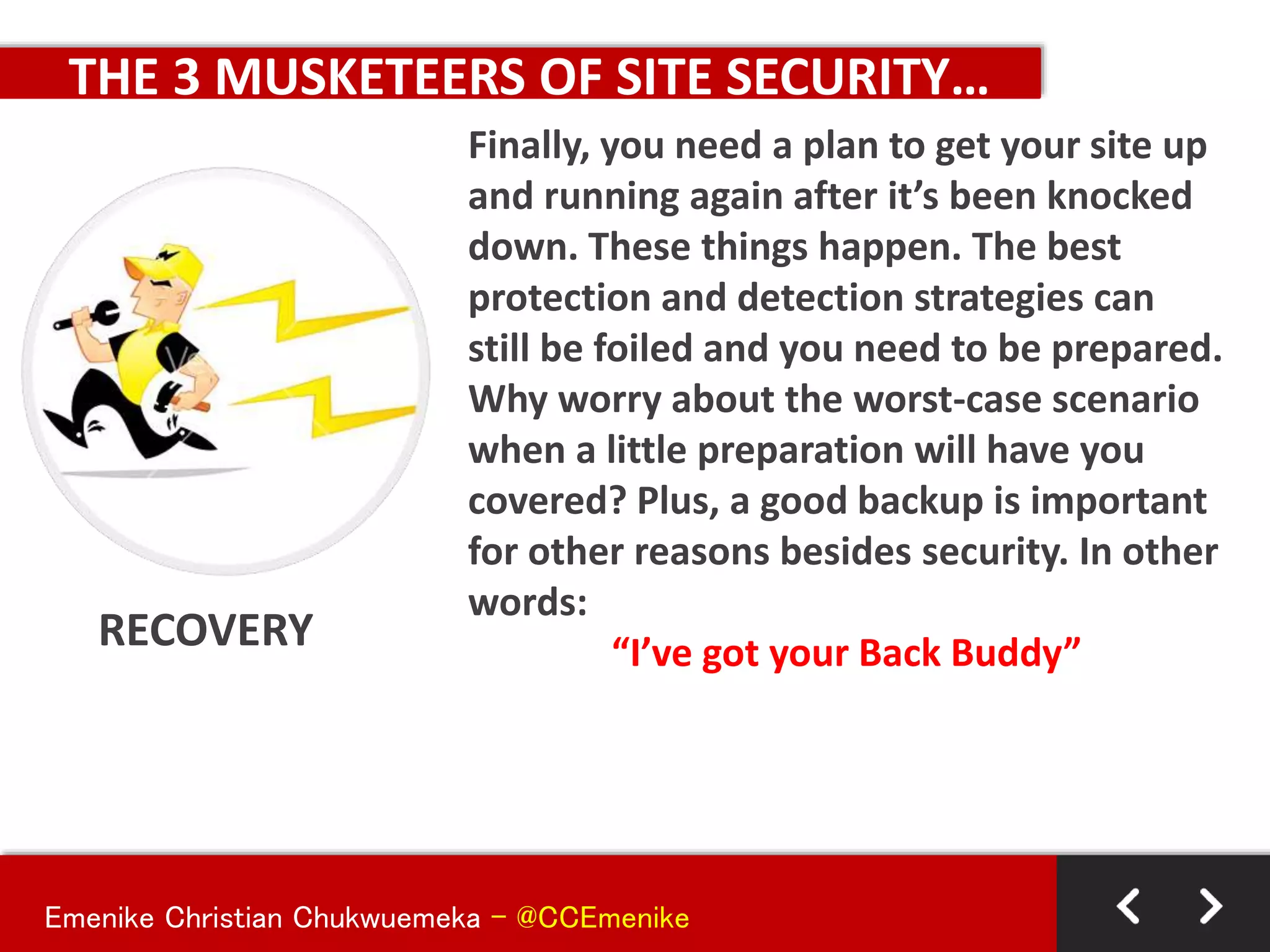
RECOVERY
Finally, you need a plan to get your site up
and running again after it’s been knocked
down. These things happen. The best
protection and detection strategies can
still be foiled and you need to be prepared.
Why worry about the worst-case scenario
when a little preparation will have you
covered? Plus, a good backup is important
for other reasons besides security. In other
words:
“I’ve got your Back Buddy”
Emenike Christian Chukwuemeka - @CCEmenike
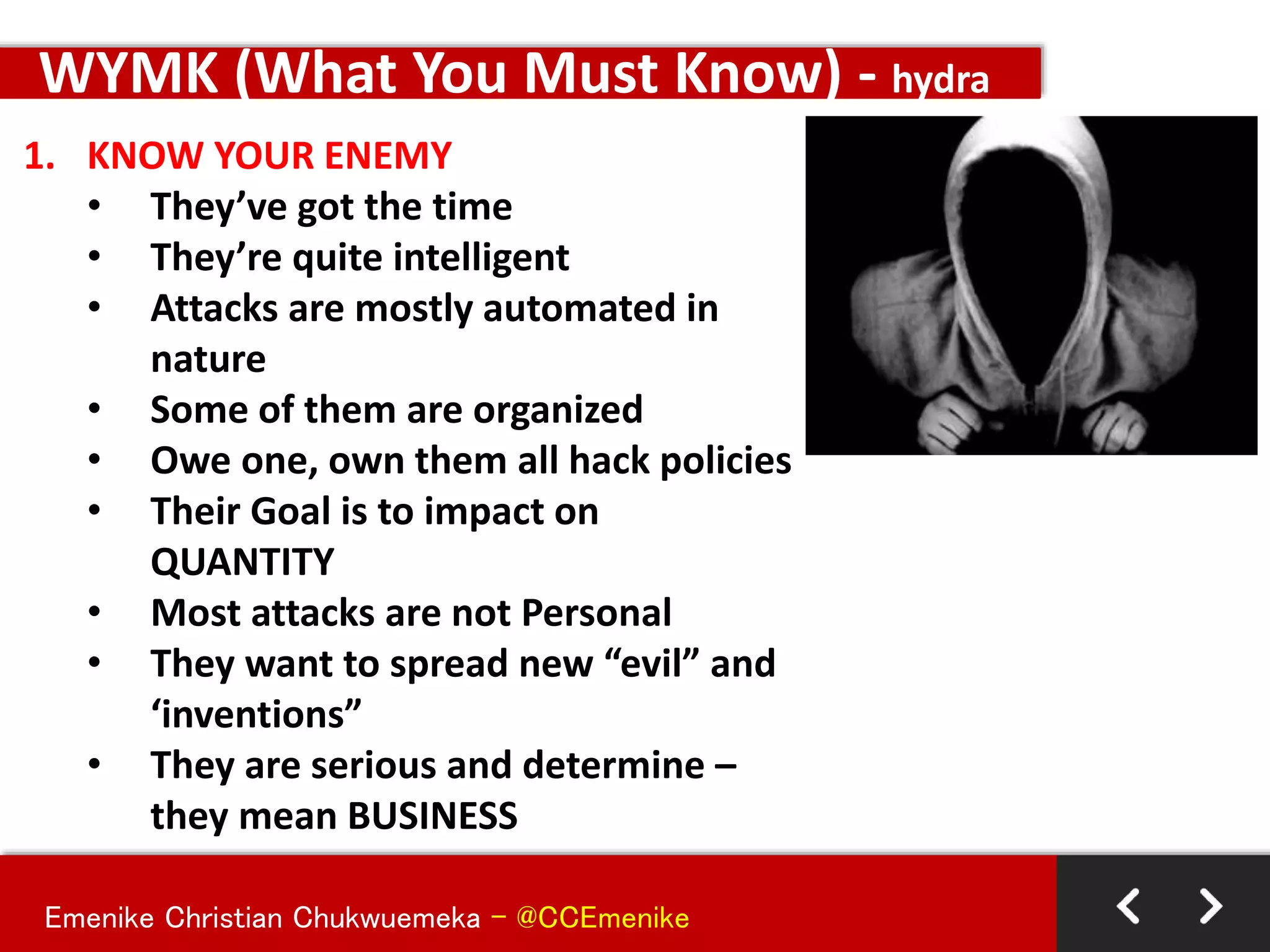
1. KNOW YOUR ENEMY
• They’ve got the time
• They’re quite intelligent
• Attacks are mostly automated in
nature
• Some of them are organized
• Owe one, own them all hack policies
• Their Goal is to impact on
QUANTITY
• Most attacks are not Personal
• They want to spread new “evil” and
‘inventions”
• They are serious and determine –
they mean BUSINESS
WYMK (What You Must Know) - hydra
Emenike Christian Chukwuemeka - @CCEmenike
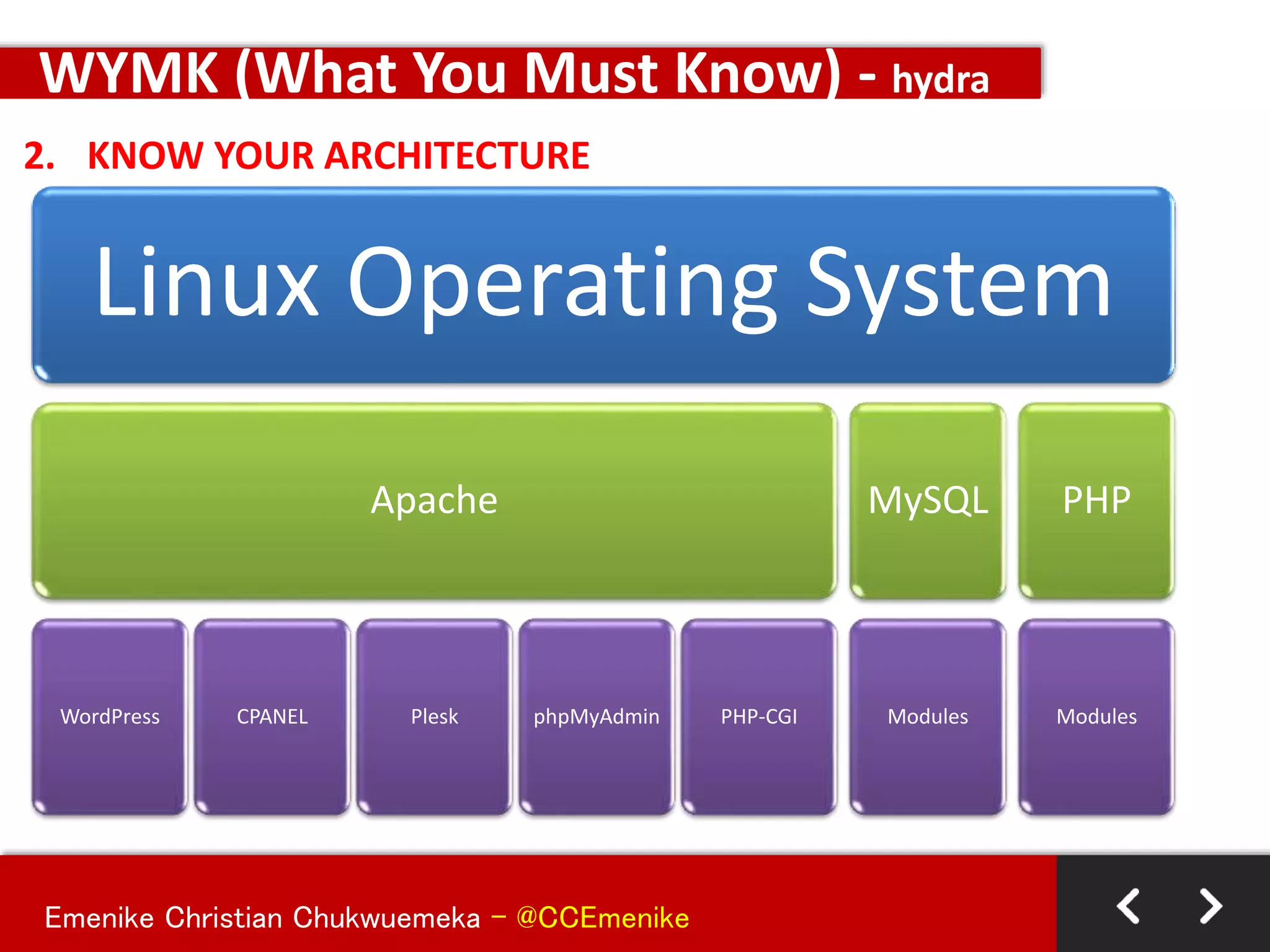
2. KNOW YOUR ARCHITECTURE
WYMK (What You Must Know) - hydra
Linux Operating System
Apache
WordPress CPANEL Plesk phpMyAdmin PHP-CGI
MySQL
Modules
PHP
Modules
Emenike Christian Chukwuemeka - @CCEmenike
2. KNOW YOUR ARCHITECTURE - more
WYMK (What You Must Know) - hydra
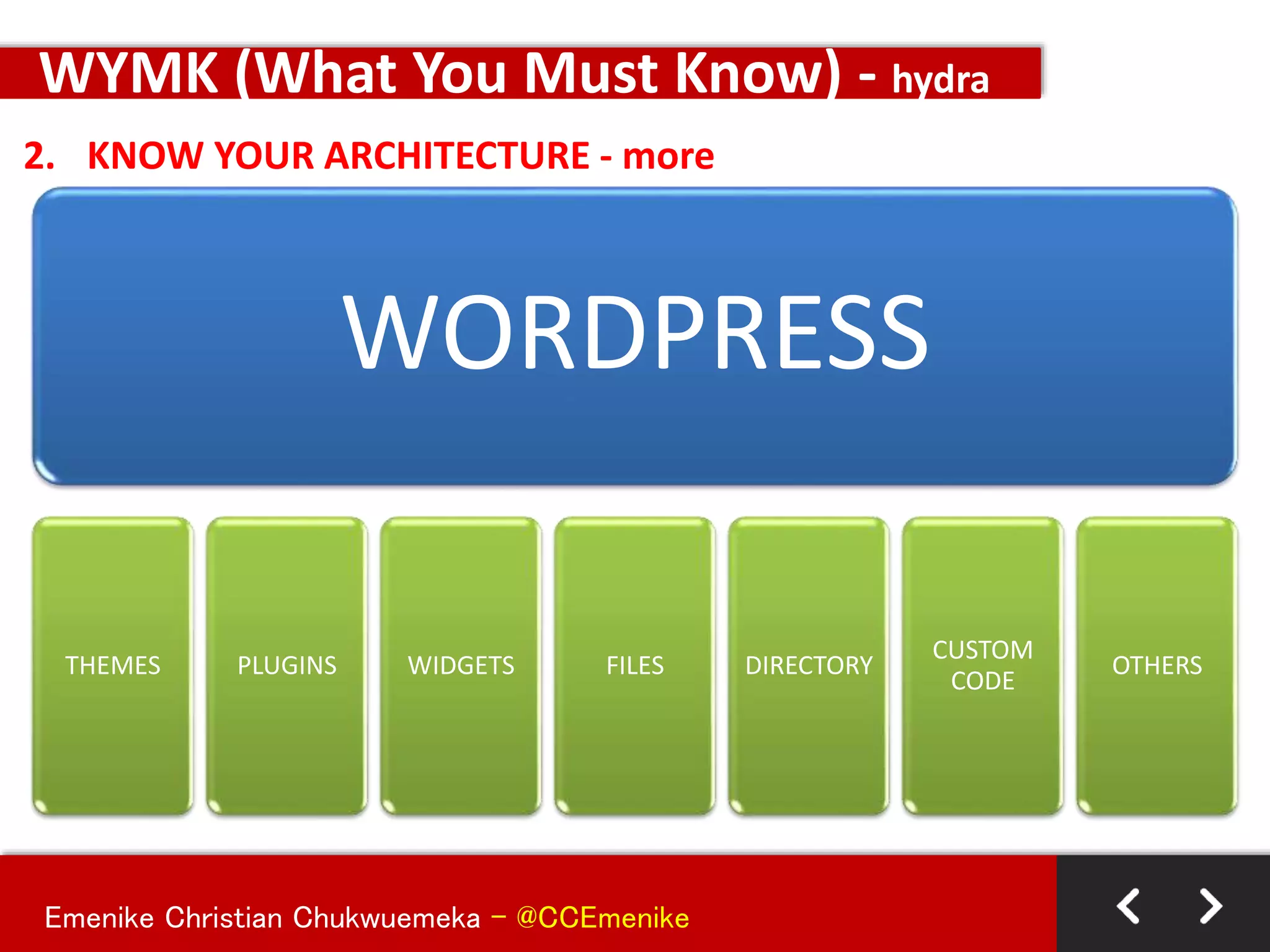
WORDPRESS
THEMES PLUGINS WIDGETS FILES DIRECTORY
CUSTOM
CODE
OTHERS
Emenike Christian Chukwuemeka - @CCEmenike
SAMPLE HACKS ON SYSTEM ARCHITECTURE
WYMK (What You Must Know) - hydra
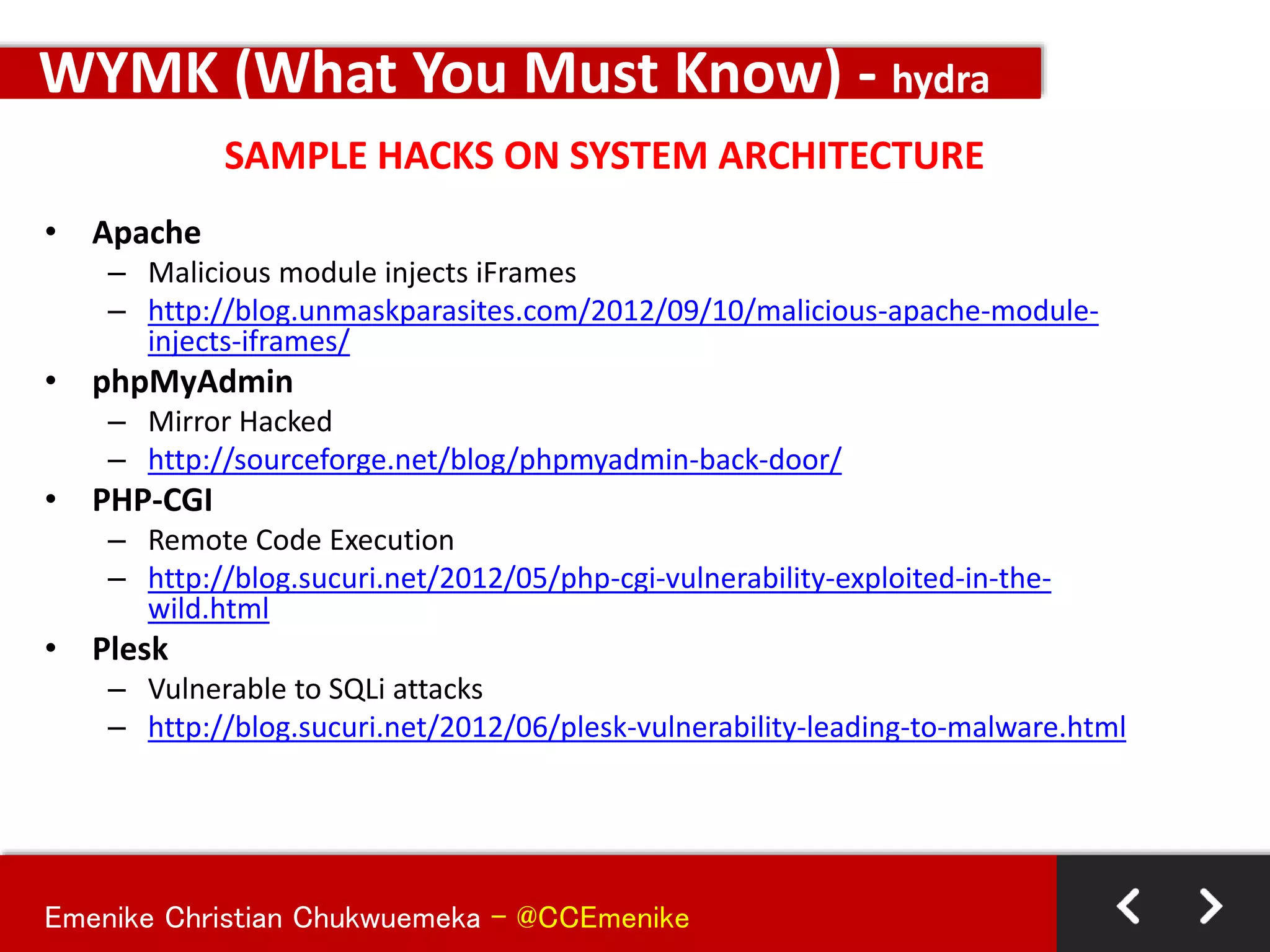
• Apache
– Malicious module injects iFrames
– http://blog.unmaskparasites.com/2012/09/10/malicious-apache-module-
injects-iframes/
• phpMyAdmin
– Mirror Hacked
– http://sourceforge.net/blog/phpmyadmin-back-door/
• PHP-CGI
– Remote Code Execution
– http://blog.sucuri.net/2012/05/php-cgi-vulnerability-exploited-in-the-
wild.html
• Plesk
– Vulnerable to SQLi attacks
– http://blog.sucuri.net/2012/06/plesk-vulnerability-leading-to-malware.html
Emenike Christian Chukwuemeka - @CCEmenike
DEFENDING TERRITORIES USING COMMON SENSE
KEEPING IT SECURED AND SIMPLE -KISS
Emenike Christian Chukwuemeka - @CCEmenike
BASICS PRACTICES
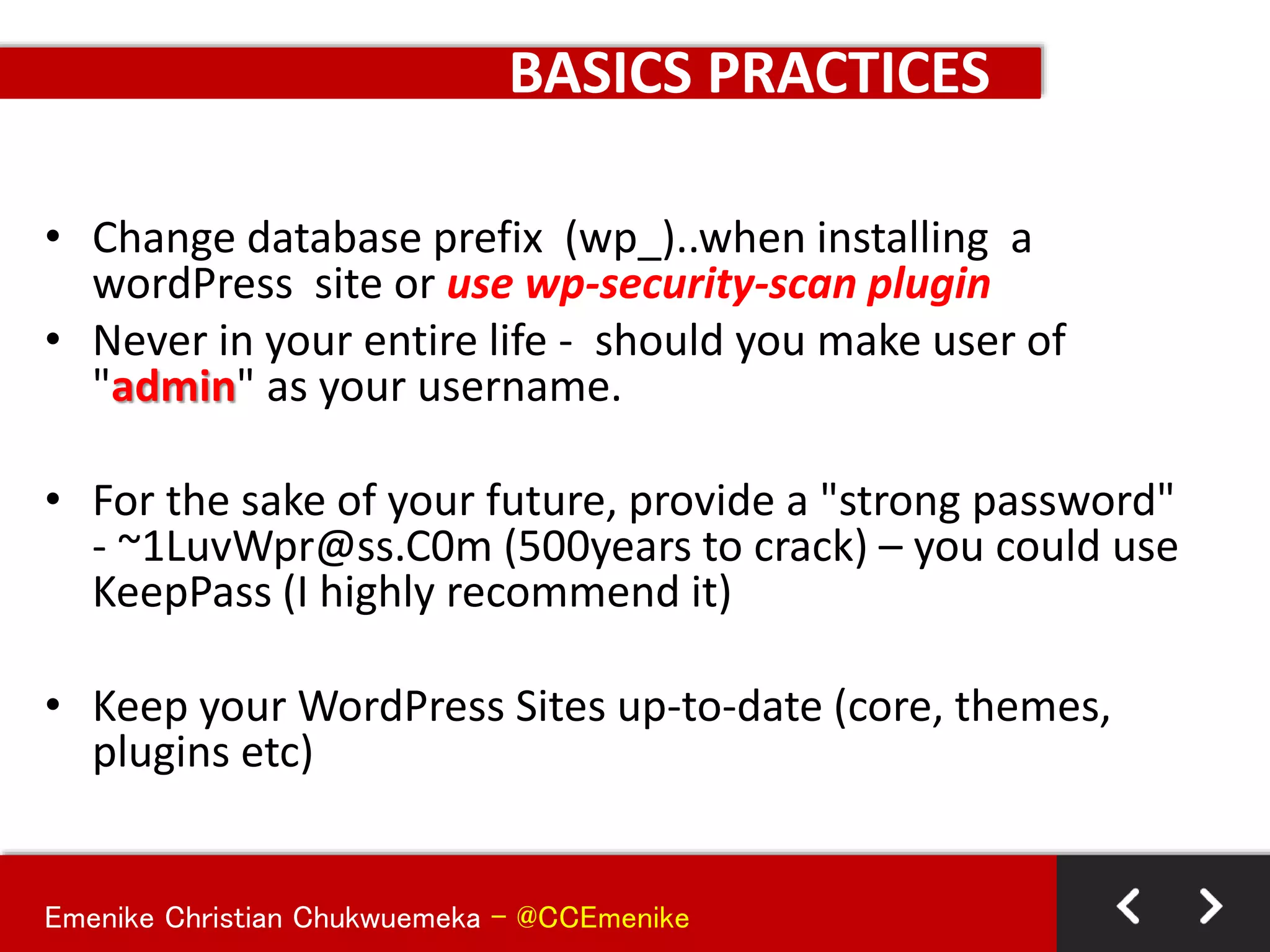
• Change database prefix (wp_)..when installing a
wordPress site or use wp-security-scan plugin
• Never in your entire life - should you make user of
"admin" as your username.
• For the sake of your future, provide a "strong password"
- ~1LuvWpr@ss.C0m (500years to crack) – you could use
KeepPass (I highly recommend it)
• Keep your WordPress Sites up-to-date (core, themes,
plugins etc)
Emenike Christian Chukwuemeka - @CCEmenike
BASICS PRACTICES
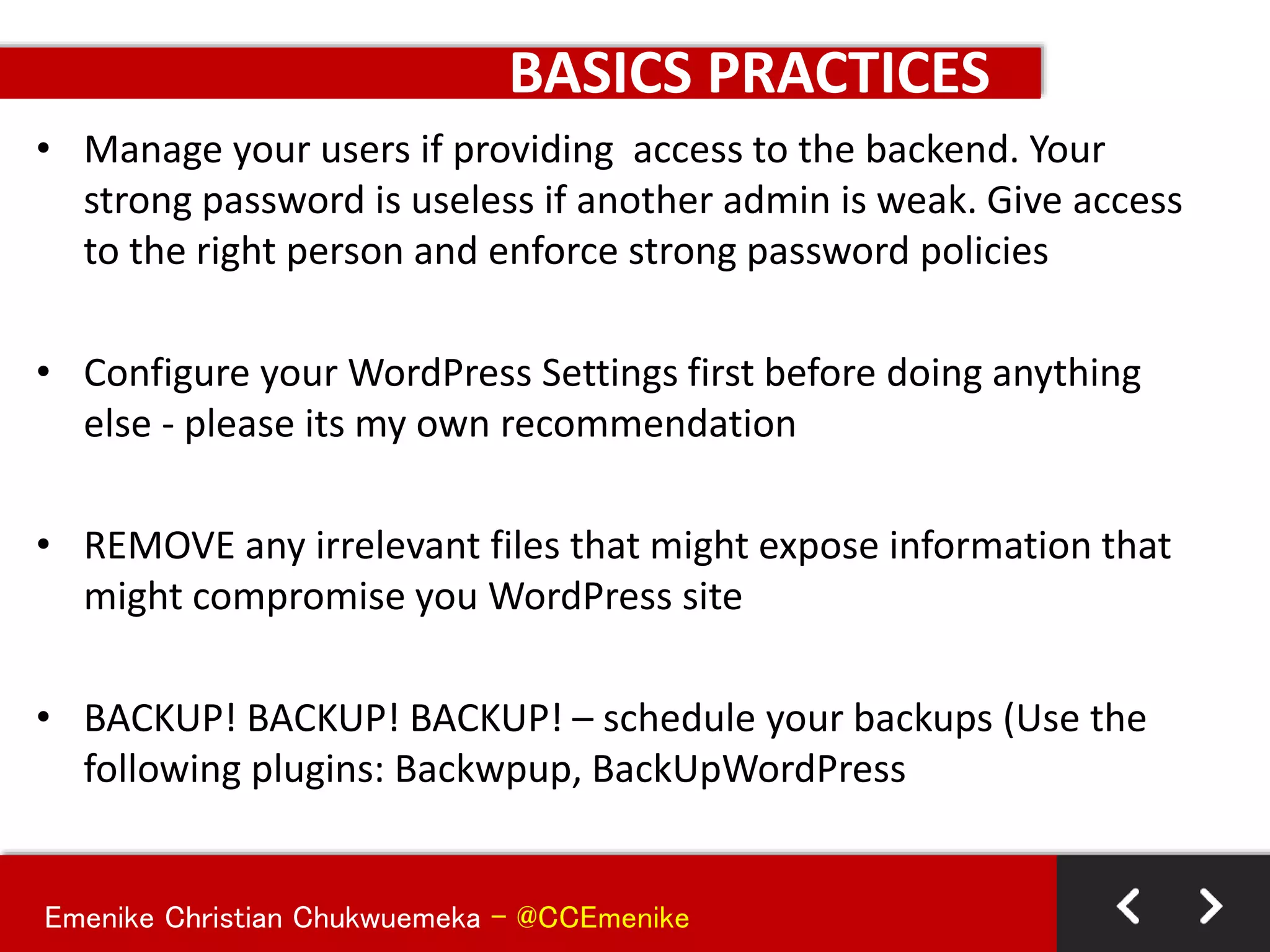
• Manage your users if providing access to the backend. Your
strong password is useless if another admin is weak. Give access
to the right person and enforce strong password policies
• Configure your WordPress Settings first before doing anything
else - please its my own recommendation
• REMOVE any irrelevant files that might expose information that
might compromise you WordPress site
• BACKUP! BACKUP! BACKUP! – schedule your backups (Use the
following plugins: Backwpup, BackUpWordPress
Emenike Christian Chukwuemeka - @CCEmenike
BASICS PRACTICES
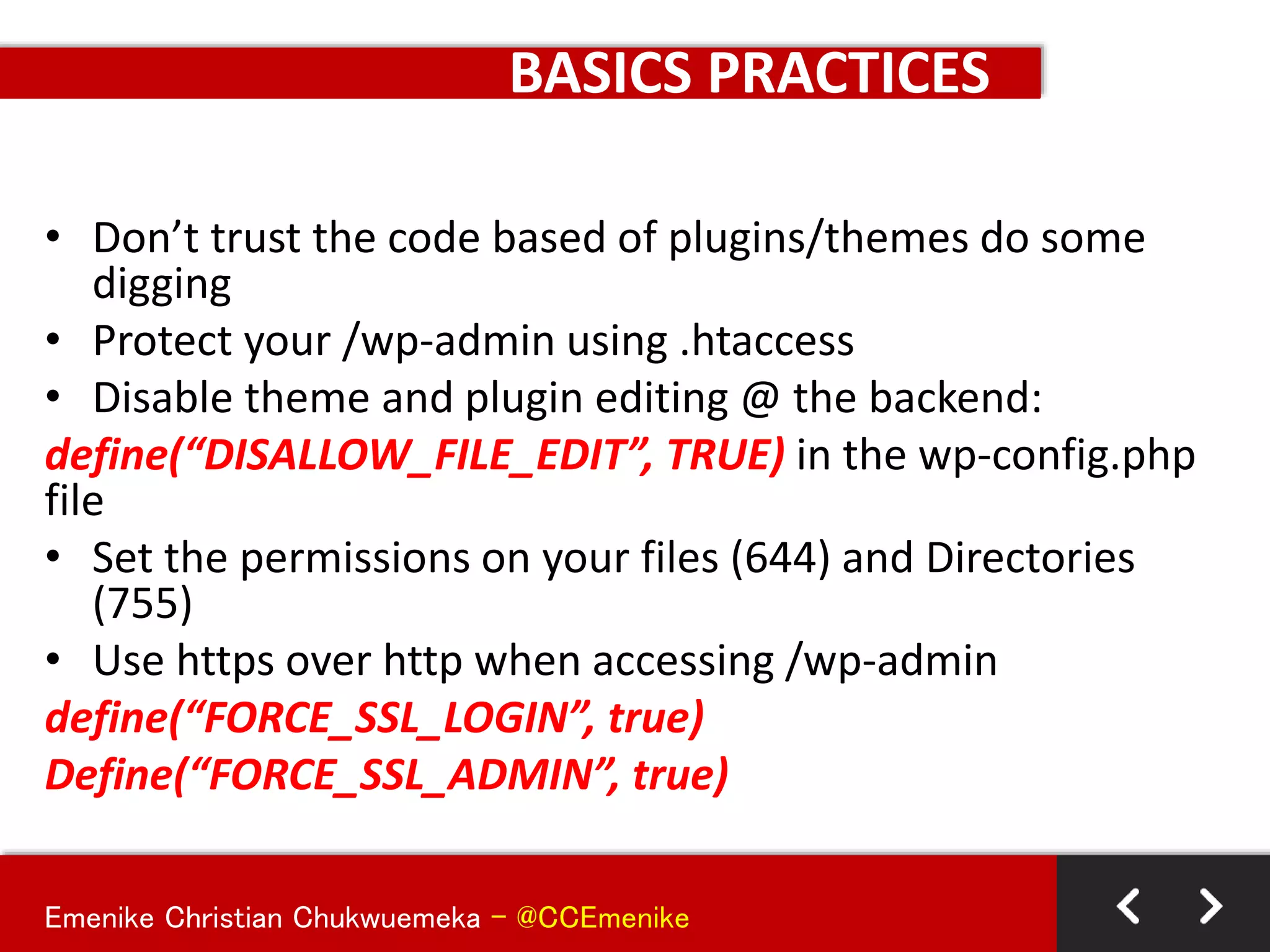
• Don’t trust the code based of plugins/themes do some
digging
• Protect your /wp-admin using .htaccess
• Disable theme and plugin editing @ the backend:
define(“DISALLOW_FILE_EDIT”, TRUE) in the wp-config.php
file
• Set the permissions on your files (644) and Directories
(755)
• Use https over http when accessing /wp-admin
define(“FORCE_SSL_LOGIN”, true)
Define(“FORCE_SSL_ADMIN”, true)
Emenike Christian Chukwuemeka - @CCEmenike
BASICS PRACTICES
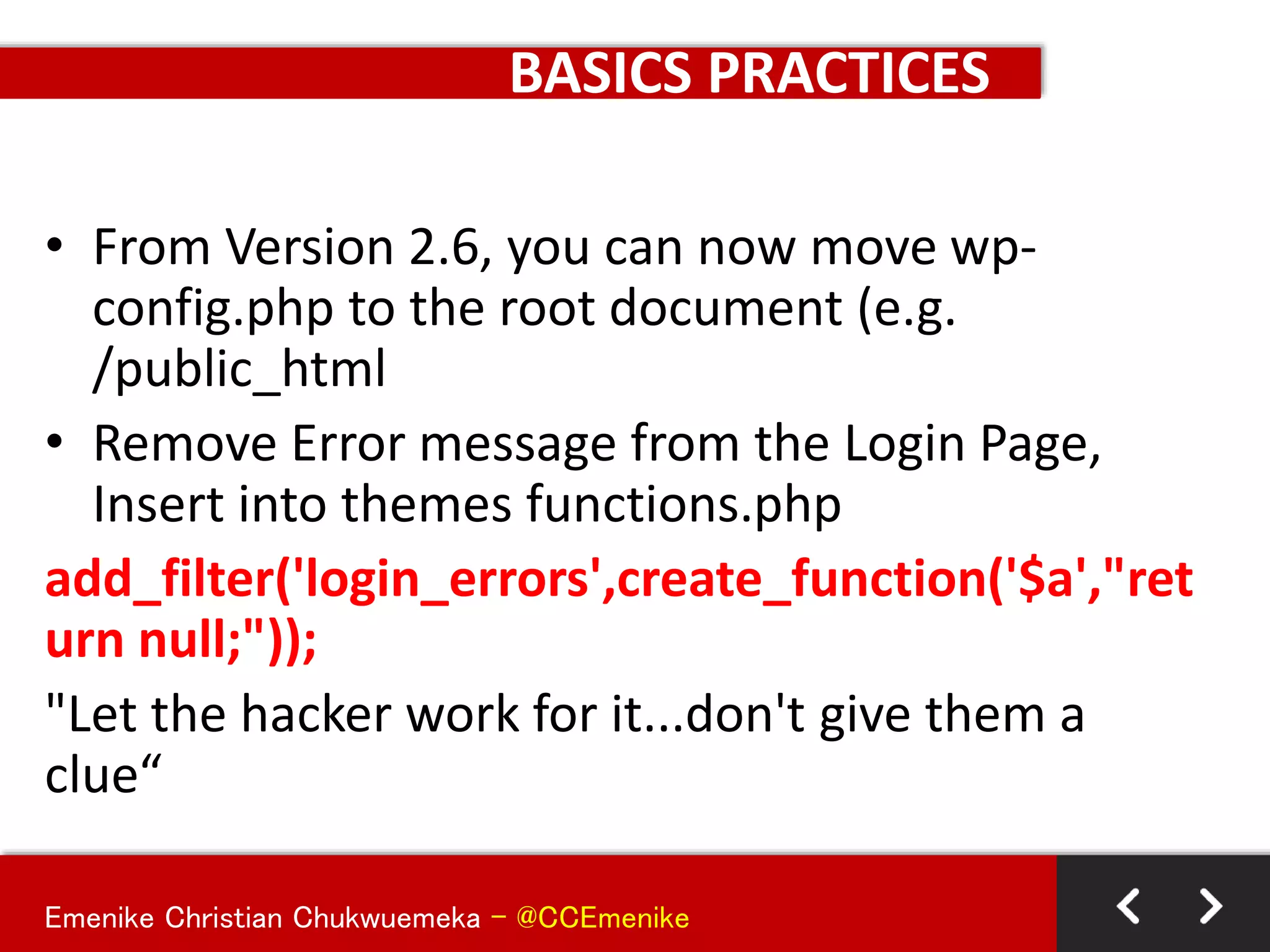
• From Version 2.6, you can now move wp-
config.php to the root document (e.g.
/public_html
• Remove Error message from the Login Page,
Insert into themes functions.php
add_filter('login_errors',create_function('$a',"ret
urn null;"));
"Let the hacker work for it...don't give them a
clue“
Emenike Christian Chukwuemeka - @CCEmenike
BASICS PRACTICES
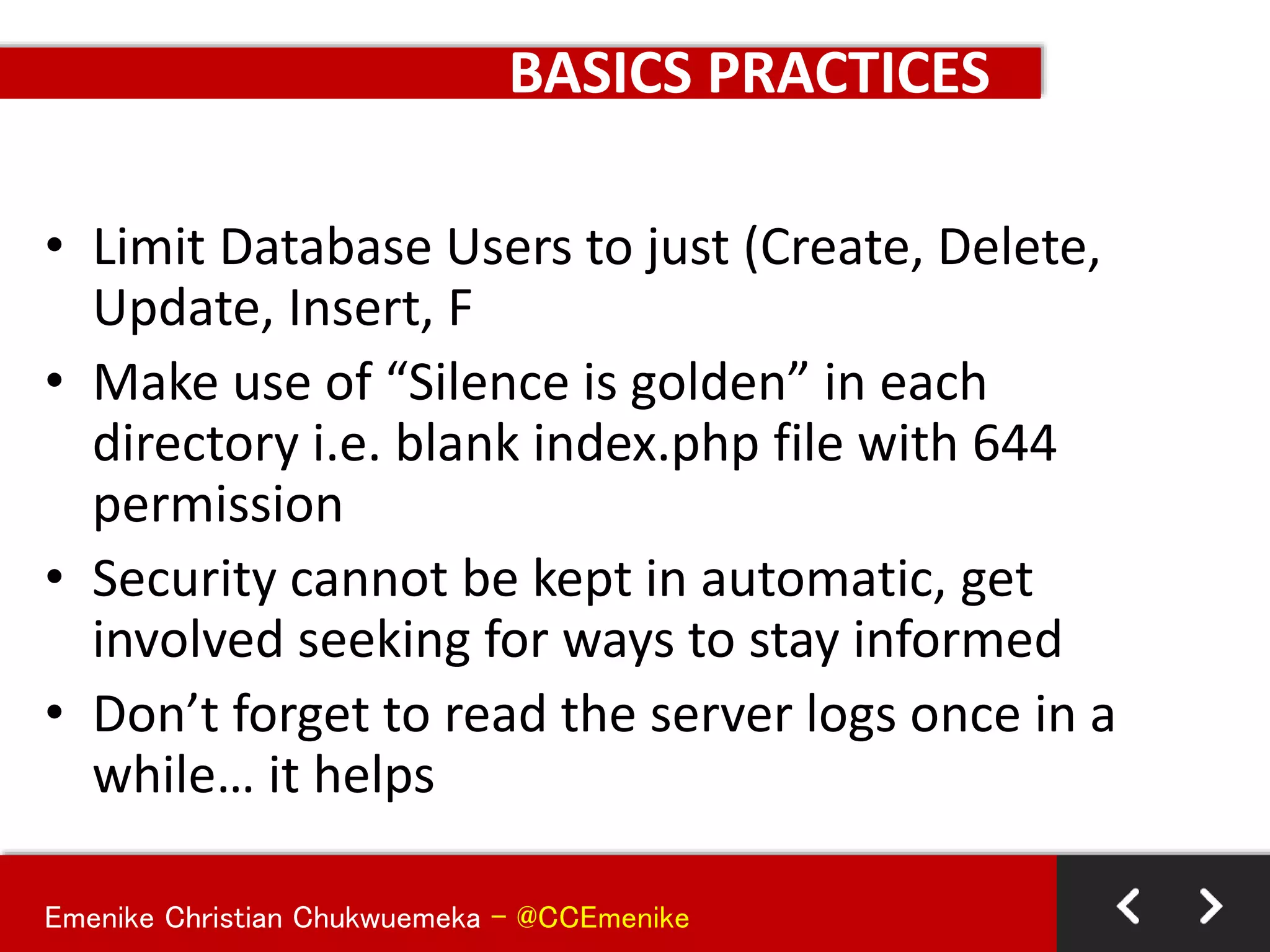
• Limit Database Users to just (Create, Delete,
Update, Insert, F
• Make use of “Silence is golden” in each
directory i.e. blank index.php file with 644
permission
• Security cannot be kept in automatic, get
involved seeking for ways to stay informed
• Don’t forget to read the server logs once in a
while… it helps
Emenike Christian Chukwuemeka - @CCEmenike
DEFENDING TERRITORIES USING PLUGINS
KEEPING IT SECURED AND SIMPLE -KISS
Emenike Christian Chukwuemeka - @CCEmenike
BASICS PRACTICES
The best few security plugins that must be
installed in all sites:
1. Sucuri-Scanner
2. Security WordPress by Acunetix
3. Exploit Scanner
4. WordFence
5. Better-wp-Security
Emenike Christian Chukwuemeka - @CCEmenike
GENERAL RULE OF THUMB
-Make sure your Operating System is running an
updated version
-Make sure you are using a legal and update copy
of an antivirus software on your system
-Make use of SFTP than FTP when uploading or
access files online – in regards to what
application. Ask your host for such an access
SANDBOX ENVIRONMENT
Emenike Christian Chukwuemeka - @CCEmenike
GENERAL RULE OF THUMB
• Beware of free/cheap shared hosting accounts
• Look for hosts with experience hosting WordPress sites
• Look for hosts with solid support
• Look for hosts that are transparent: who communicate quickly
and post issues online
• Make sure your host does regular backups than you can access
• Call your potential host to find out which versions of Apache
Web Server, MySQL, and PHP they're running. Check the versions
release dates with a Google search
• Ask your host for written documents containing their server data
backup, failover, and update or maintenance policy. If they don't
have them, find another host
• Recommended Host: Hostdime, Siteground, WP Engine
HOSTING ACCOUNT
Emenike Christian Chukwuemeka - @CCEmenike
GENERAL RULE OF THUMB
• Keep WordPress, themes, and plugins up to date. Always, Period
• Backup your site before you update WordPress, Theme, and/or
plugins.
• Disable unused user accounts
• Never use "Admin" as your username. Ever
• Grant users the minimum privilege they need to do their jobs
• Require strong passwords
• Use KeePass to create strong passwords
• Use a different, strong password for every site log in
• Lock down the WordPress admin dashboard (/wp-admin) using an
.htaccess file
WORDPRESS SITES
Emenike Christian Chukwuemeka - @CCEmenike
GENERAL RULE OF THUMB
• Enable SSL on your WP Install
• Change your passwords once a month. Set a reminder in your
calendar if you have to
• Do backups...Recommended
• Set file permissions at 644 and 755 for folders
• Ensure that the permissions on wp-config.php are not world
readable especially in a shared hosting environment
• Consider adding HTTP authentication to your /wp-admin
• Read Sucuri.net's blog (http://blog.sucuri.net)
• Read Google's Security Blog
(http://googleonlinesecurity.blogspot.com)
WORDPRESS SITES
Emenike Christian Chukwuemeka - @CCEmenike
GENERAL RULE OF THUMB
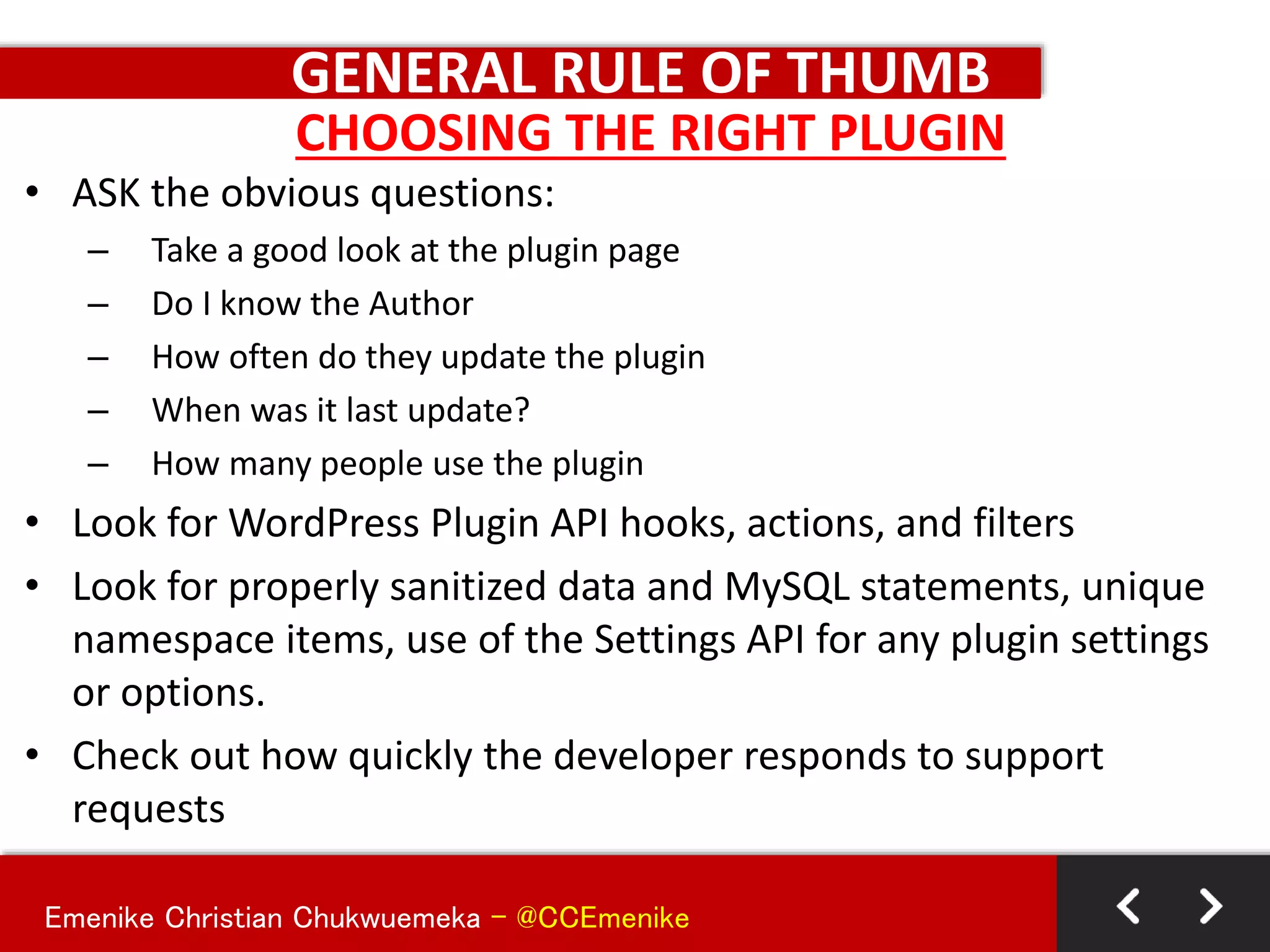
• ASK the obvious questions:
– Take a good look at the plugin page
– Do I know the Author
– How often do they update the plugin
– When was it last update?
– How many people use the plugin
• Look for WordPress Plugin API hooks, actions, and filters
• Look for properly sanitized data and MySQL statements, unique
namespace items, use of the Settings API for any plugin settings
or options.
• Check out how quickly the developer responds to support
requests
CHOOSING THE RIGHT PLUGIN
Emenike Christian Chukwuemeka - @CCEmenike
GENERAL RULE OF THUMB
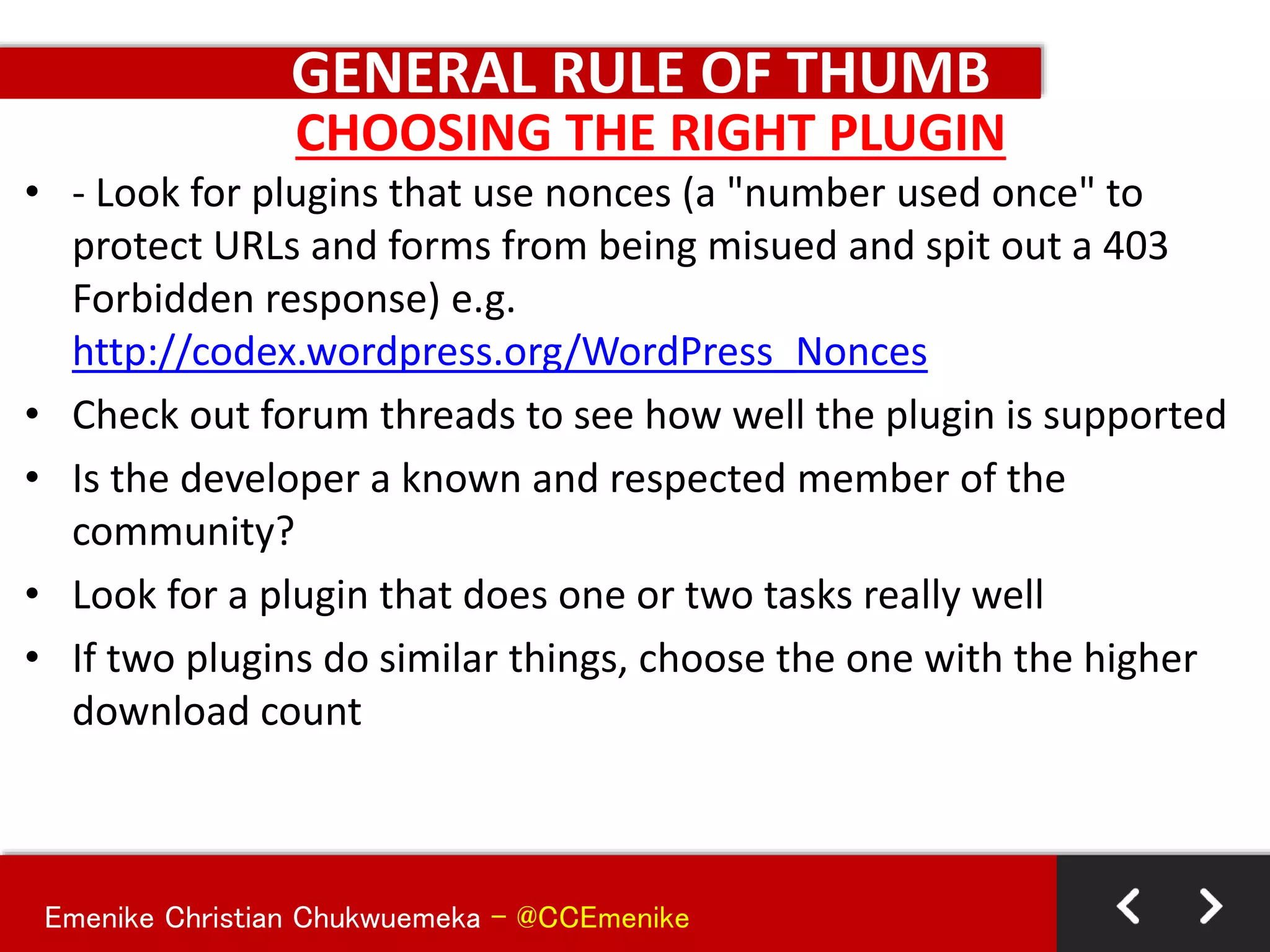
• - Look for plugins that use nonces (a "number used once" to
protect URLs and forms from being misued and spit out a 403
Forbidden response) e.g.
http://codex.wordpress.org/WordPress_Nonces
• Check out forum threads to see how well the plugin is supported
• Is the developer a known and respected member of the
community?
• Look for a plugin that does one or two tasks really well
• If two plugins do similar things, choose the one with the higher
download count
CHOOSING THE RIGHT PLUGIN
Emenike Christian Chukwuemeka - @CCEmenike
Trusted sources you can source for Free Themes
WordPress.org Theme Directory
+ http://wordpress.org/extend/themes/
WooThemes
+ http://www.woothemes.com/themes/free/
Themelab
+ http://www.themelab.com/free-wordpress-themes
Theme Hybrid
+ http://themehybrid.com/
ThemeShaper(Thematic)
+ http://themeshaper.com
Graph Paper Press
+ http://graphpaperpress.com/themes/
MORE RESOURCES – Free Themes
Emenike Christian Chukwuemeka - @CCEmenike
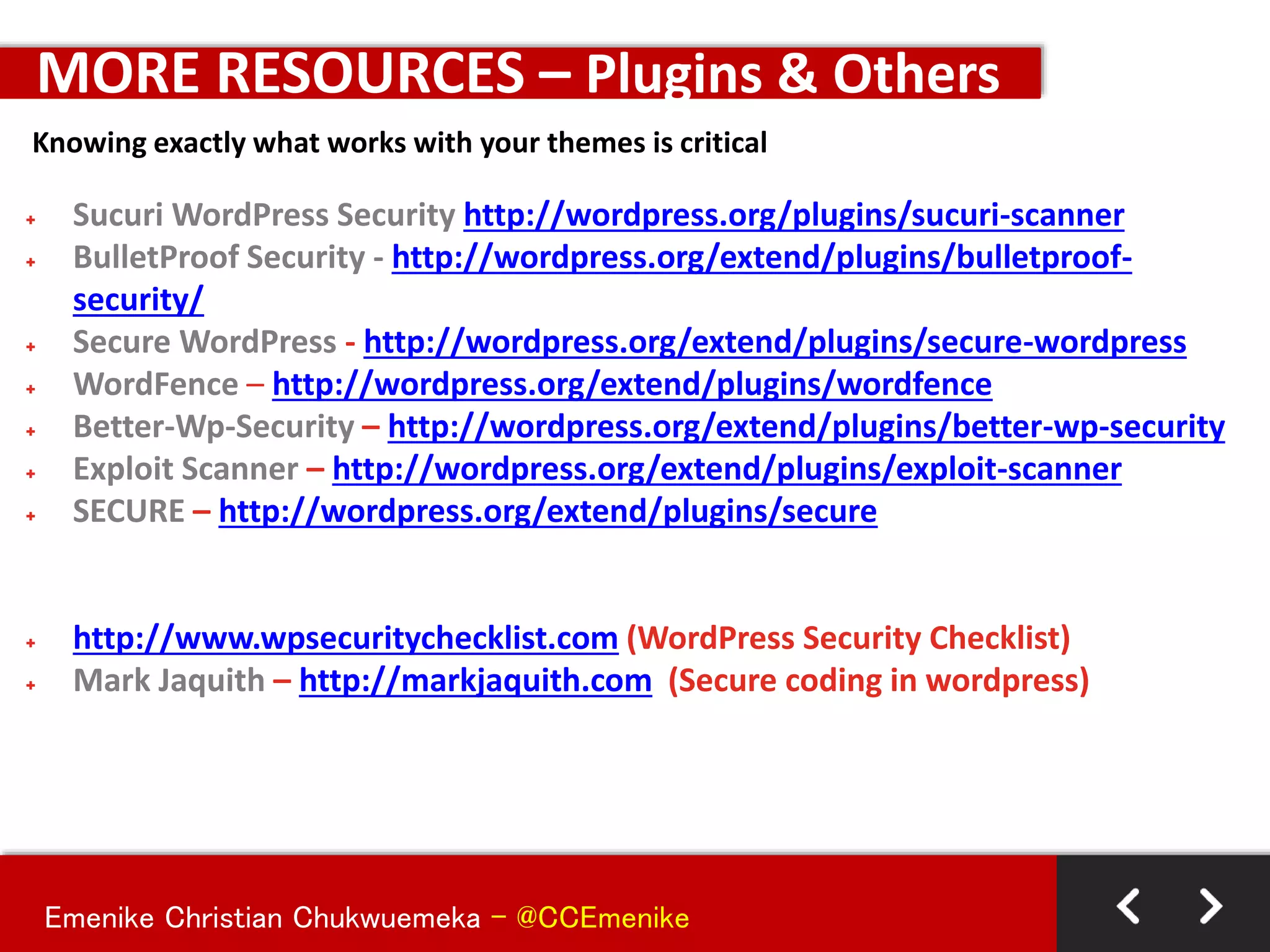
+ Sucuri WordPress Security http://wordpress.org/plugins/sucuri-scanner
+ BulletProof Security - http://wordpress.org/extend/plugins/bulletproof-
security/
+ Secure WordPress - http://wordpress.org/extend/plugins/secure-wordpress
+ WordFence – http://wordpress.org/extend/plugins/wordfence
+ Better-Wp-Security – http://wordpress.org/extend/plugins/better-wp-security
+ Exploit Scanner – http://wordpress.org/extend/plugins/exploit-scanner
+ SECURE – http://wordpress.org/extend/plugins/secure
+ http://www.wpsecuritychecklist.com (WordPress Security Checklist)
+ Mark Jaquith – http://markjaquith.com (Secure coding in wordpress)
MORE RESOURCES – Plugins & Others
Knowing exactly what works with your themes is critical
Emenike Christian Chukwuemeka - @CCEmenike
MORE RESOURCES – Documentations
Security Related Codex Articles
• http://codex.wordpress.org/Hardening_WordPress
• http://codex.wordpress.org/Changing_File_Permissions
• http://codex.wordpress.org/Editing_wp-config.php
• http://codex.wordpress.org/htaccess_for_subdirectories
Blog Security Articles
• http://blog.sucuri.net/2010/11/yet-another-wordpress-security-post-part-one.html
• http://www.wpbeginner.com/wp-tutorials/11-vital-tips-and-hacks-to-protect-your-
wordpress-admin-area/
• http://www.growmap.com/wordpress-exploits/
• http://wpcandy.com/teaches/security-tips
• http://semlabs.co.uk/journal/how-to-stop-your-wordpress-blog-getting-hacked/
• http://www.makeuseof.com/tag/18-useful-plugins-and-hacks-to-protect-your-
wordpress-blog/
Emenike Christian Chukwuemeka - @CCEmenike
MORE RESOURCES – PENTEST
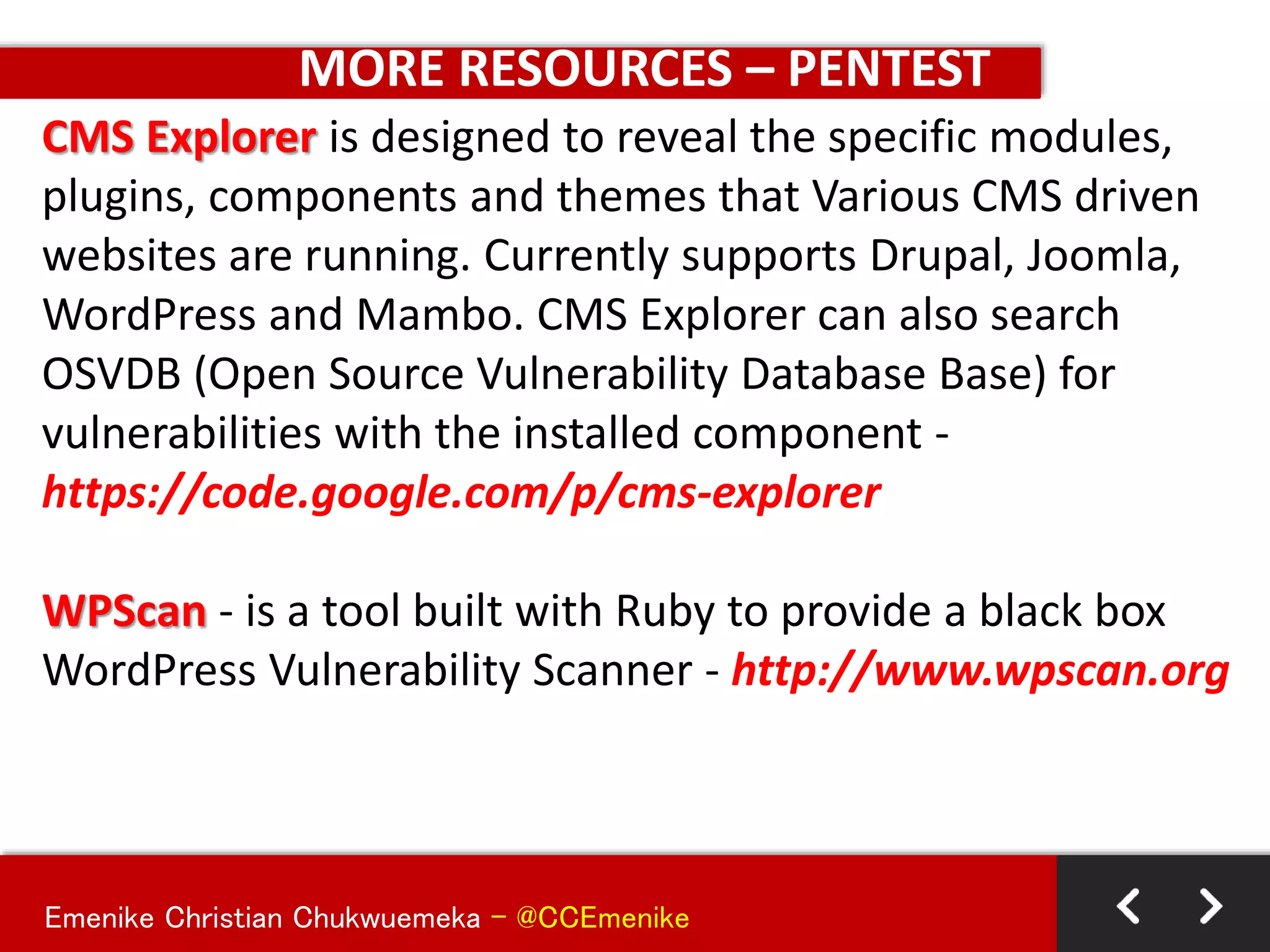
CMS Explorer is designed to reveal the specific modules,
plugins, components and themes that Various CMS driven
websites are running. Currently supports Drupal, Joomla,
WordPress and Mambo. CMS Explorer can also search
OSVDB (Open Source Vulnerability Database Base) for
vulnerabilities with the installed component -
https://code.google.com/p/cms-explorer
WPScan - is a tool built with Ruby to provide a black box
WordPress Vulnerability Scanner - http://www.wpscan.org
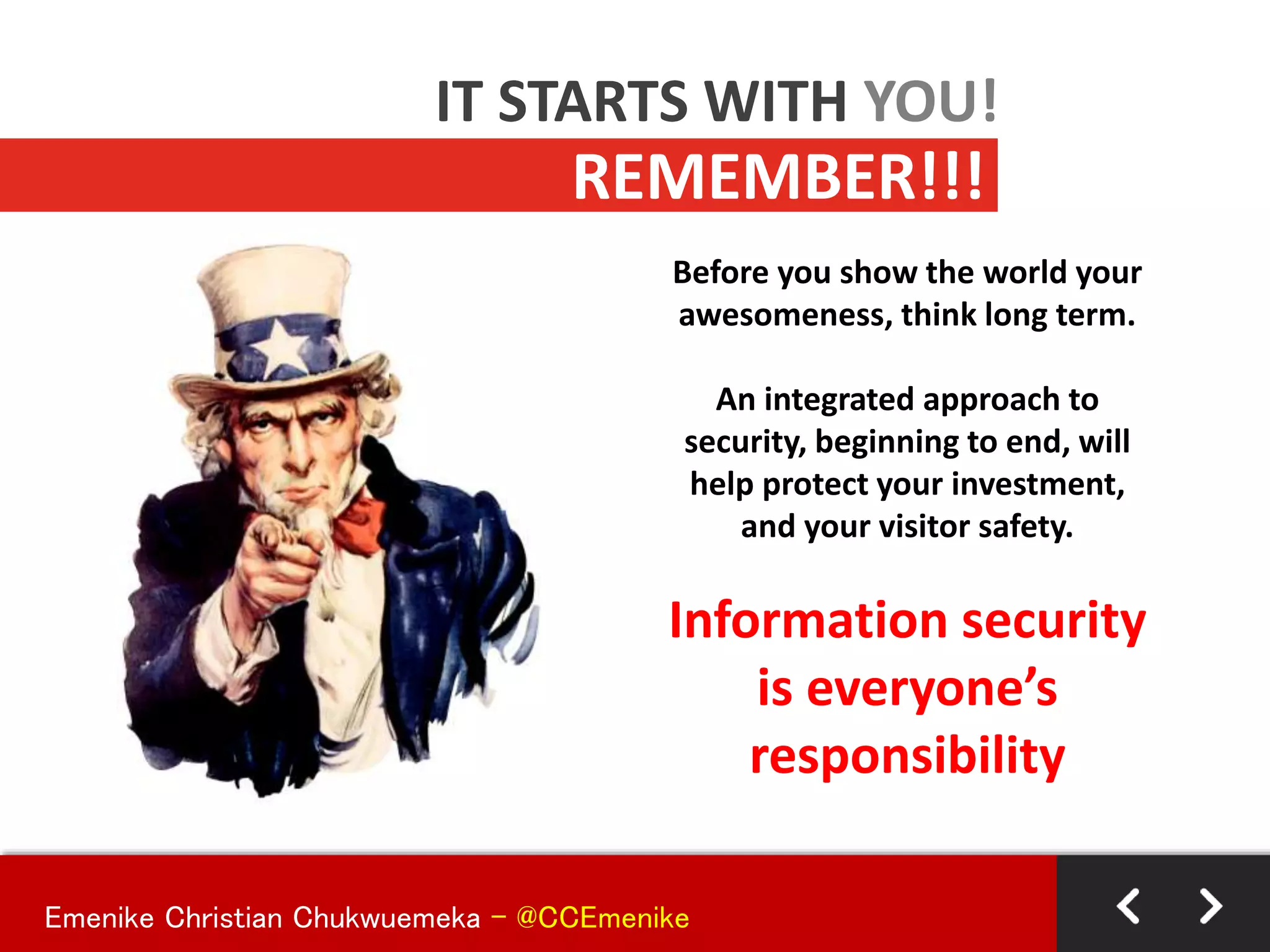
Before you show the world your
awesomeness, think long term.
An integrated approach to
security, beginning to end, will
help protect your investment,
and your visitor safety.
Information security
is everyone’s
responsibility
REMEMBER!!!
IT STARTS WITH YOU!
Emenike Christian Chukwuemeka - @CCEmenike
MUCH GRATITUDE
Special thanks to the following for their profound knowledge
1. Dre Armeda (Co-Founder Sucuri.net) -permission to use
revamp his slides
2. Racheal Backer (rachelbaker.me) - hidden thoughts
3. Brad Williams (webdevstudios.com) -secured coding
4. John Ford (johnford.is) -serve issues
5. Seye Kuyinu (seyekuyinu.com) - for the inspiration to
start a blog
6. WordPress Security (http://vip.wordpress.com/security)
– keeping the core of wordpress safe (25 Experts in all)
Emenike Christian Chukwuemeka - @CCEmenike
COMMERCIAL BREAK
Need to audit your wordpress site(s),
monitor your wordpress site(s) or
provide security solutions to your
wordrpess site(s)….
HEY! I’M HERE TO HELP….
(1Hr Free Consulting every Wednesday)
Emenike Christian Chukwuemeka - @CCEmenike
THANK YOU FOR YOUR TIME
Hey! Stay Safe out there…
EMENIKE Christian aka Mysterioux
Co-Founder – SabiNovates Inc
Read my random thoughts
ccemenike.com
08034699500
sabinovates@gmail.com

WP Security - Master Class #SMWLagos2014

  • 1.
    Emenike Christian Chukwuemeka- @CCEmenike WORDPRESS SECURITY @smwWordpressNG Following Best Practices of Securing a “WordPress” Site
  • 2.
    Emenike Christian Chukwuemeka- @CCEmenike  Who am I?  My Goals and Objectives today  Tiers of WordPress Security  Getting the Raw Facts Out  The Standard 3 Musketeers  WYMK – hydra  Defending Territories  General Rule of Thumb  Hungry for More Resources  Q & A – Further Support SETTING THE STAGE RIGHT….
  • 3.
    Emenike Christian Chukwuemeka- @CCEmenike Aspiring CISSP, Security Analyst & Research Consultant, Open Source Addict & Trainer, Current WordPress Lover, Web Tech Savvy, Linux + Android Fan & a Religious Geek EMENIKE Christian aka Mysterioux Co-Founder – SabiNovates Inc Read my random thoughts @ ccemenike.com
  • 4.
    Emenike Christian Chukwuemeka- @CCEmenike Objectives: To enlighten us on the need to take “SECURITY” serious when using WordPress or building Websites/WebApps in general Goals:  Increase the awareness of WordPress Security from all development standpoint levels  Share best practices, tips and plugins to improve WordPress Security  Point us to more useful resources to harden Security  Put a smile on everyone face before leaving Objectives and Goals…
  • 5.
    Emenike Christian Chukwuemeka- @CCEmenike Considering the different personalities , I will assume you belong to the following group:  BEGINNER (You know your way around WordPress)  INTERMEDIATE (You are doing some extra settings and customizations with WordPress)  ADVANCED (You can break, repair, create and build functionalities from ground-up in WordPress) The Tiers of WordPress Security…
  • 6.
    Protecting things ofvalue from harm’s way. Different people, different meanings. WHAT IS SECURITY? Emenike Christian Chukwuemeka - @CCEmenike
  • 7.
    The percentage ofrisk can never be 0! Key objective: Minimize risk Is any site? IS MY SITE SECURE? Emenike Christian Chukwuemeka - @CCEmenike
  • 8.
    Keep your computerup to date + Ensure you’re patching or installing updates ASAP + Automatic updates rock! Install an anti-virus solution + Ensure you’re keeping definitions current + Automatic updates aren’t a bad idea here either! Yes, personal firewalls still apply! My machine is my castle! ARE YOU SECURE LOCALLY? Think of your local environment as if it was a medieval castle and you’re the queen or king. You & your queen/kingdom must be protected. Emenike Christian Chukwuemeka - @CCEmenike
  • 9.
    Your Internet Connection UseSSL whenever possible, especially on an unverified connection. + HTTPS - great way to ensure transactions & traffic are traveling with security in mind. Connecting To Your Site(s) Consider using sFTP/SSH vs. FTP + Still widely marketed, but did you know your credentials are passed unencrypted when using FTP + If FTP is unavoidable, deny anonymous login, limit connections, practice least privilege + Don’t store your credentials in your FTP client. Who’s watching? CONNECTING SECURELY? It’s your information, but who’s watching & listening? You may be a network geek at home, but what happens at Starbucks? Emenike Christian Chukwuemeka - @CCEmenike
  • 10.
    Safe Browsing + UseNoScript extension for Firefox + It’s OK to be skeptical. Not sure, ask questions! + Disable pop-ups This place sells fake anti-virus WHERE YOU VISIT Just because your website is super ninja like doesn’t mean others are too. Most desktop viruses and malware these days are passed via infected websites. Emenike Christian Chukwuemeka - @CCEmenike
  • 11.
    Password Management + Changepasswords often + Don’t share your passwords + Avoid writing passwords down + Use a password manager + KeePass Password Safe + LastPass + 1Password It’s password HERE’S MY PASSWORD Passwords are like toothbrushes, you should keep them to yourself. And discard them, and get a new one, if they have been used by others. ZoneAlarm by Check Point Emenike Christian Chukwuemeka - @CCEmenike
  • 12.
    Emenike Christian Chukwuemeka- @CCEmenike Let me clear some airwaves first before we dive in: 1. THERE’S ALWAYS A RISK: • Your website can never be 100% secure..(that’s impossible) • Good security is about minimizing risk. • Any 100% secure solution is seriously a Scam. • You’ll never be completely safe, but there’s a lot you can do to minimize your risk. • Before you show the world your awesome, think LONG TIME RISK Getting the Facts Out Quickly…
  • 13.
    Emenike Christian Chukwuemeka- @CCEmenike Let me clear some airwaves first before we dive in: 2. TO BE FULLY SECURED .VS. EASE OF USE OR BOTH: • There’s a fine balance between security and ease of use. • Sometimes locking down your site makes it secure, but it’s hard to use. Sometimes making your site easier to use makes it less secure. You’ll have to find the balance. • You have to balance the Cost between User Access to your resources and Prevent Unauthorized Entering to Sensitive Resources without overload Getting the Facts Out Quickly…
  • 14.
    Emenike Christian Chukwuemeka- @CCEmenike Let me clear some airwaves first before we dive in: 3. WORDPRESS CANNOT BE BLAMED: • Critics says that “WordPress isn’t secure”. (That’s not necessarily true—it depends on how you set up and use WordPress). • More than 17% of the Websites online are powered by WordPress making it a huge target market for Hackers – Be updated and follow best practices to lock down your site. • Many security issues have little to do with WordPress and more to do with server vulnerabilities, cross-contamination and poor passwords. Bad decisions can undermine your site, and that’s true whether you’re using WordPress or any other solution. So don’t blame your security woes on WordPress (its unfair). Getting the Facts Out Quickly…
  • 15.
    Emenike Christian Chukwuemeka- @CCEmenike THE 3 MUSKETEERS OF SITE SECURITY… PROTECTION DETECTION RECOVERY
  • 16.
    Emenike Christian Chukwuemeka- @CCEmenike THE 3 MUSKETEERS OF SITE SECURITY… PROTECTION First and foremost you need to lock down your site and keep it safe. You’ve got to raise the drawbridge, lower the gate, ignite the flammable moat and do whatever else you can to stop attacks before they start. This is the obvious first step and kind of hard to ignore: protect your site. In other words: - Love your Site - Love your Data - Protect your investment
  • 17.
    Emenike Christian Chukwuemeka- @CCEmenike THE 3 MUSKETEERS OF SITE SECURITY… DETECTION No matter how good your protection is the bad guys might find a way to hurt your site. And you need to know when an attack is happening. The attack won’t always be a full frontal assault that makes it painfully obvious your site has been hacked. It’s no good to have all kinds of protection but then not know when some malicious virus found a weak spot and broke through. You need to detect attacks as they are happening. In other words: “WHO GOES THERE?”
  • 18.
    Emenike Christian Chukwuemeka- @CCEmenike THE 3 MUSKETEERS OF SITE SECURITY… RECOVERY Finally, you need a plan to get your site up and running again after it’s been knocked down. These things happen. The best protection and detection strategies can still be foiled and you need to be prepared. Why worry about the worst-case scenario when a little preparation will have you covered? Plus, a good backup is important for other reasons besides security. In other words: “I’ve got your Back Buddy”
  • 19.
    Emenike Christian Chukwuemeka- @CCEmenike 1. KNOW YOUR ENEMY • They’ve got the time • They’re quite intelligent • Attacks are mostly automated in nature • Some of them are organized • Owe one, own them all hack policies • Their Goal is to impact on QUANTITY • Most attacks are not Personal • They want to spread new “evil” and ‘inventions” • They are serious and determine – they mean BUSINESS WYMK (What You Must Know) - hydra
  • 20.
    Emenike Christian Chukwuemeka- @CCEmenike 2. KNOW YOUR ARCHITECTURE WYMK (What You Must Know) - hydra Linux Operating System Apache WordPress CPANEL Plesk phpMyAdmin PHP-CGI MySQL Modules PHP Modules
  • 21.
    Emenike Christian Chukwuemeka- @CCEmenike 2. KNOW YOUR ARCHITECTURE - more WYMK (What You Must Know) - hydra WORDPRESS THEMES PLUGINS WIDGETS FILES DIRECTORY CUSTOM CODE OTHERS
  • 22.
    Emenike Christian Chukwuemeka- @CCEmenike SAMPLE HACKS ON SYSTEM ARCHITECTURE WYMK (What You Must Know) - hydra • Apache – Malicious module injects iFrames – http://blog.unmaskparasites.com/2012/09/10/malicious-apache-module- injects-iframes/ • phpMyAdmin – Mirror Hacked – http://sourceforge.net/blog/phpmyadmin-back-door/ • PHP-CGI – Remote Code Execution – http://blog.sucuri.net/2012/05/php-cgi-vulnerability-exploited-in-the- wild.html • Plesk – Vulnerable to SQLi attacks – http://blog.sucuri.net/2012/06/plesk-vulnerability-leading-to-malware.html
  • 23.
    Emenike Christian Chukwuemeka- @CCEmenike DEFENDING TERRITORIES USING COMMON SENSE KEEPING IT SECURED AND SIMPLE -KISS
  • 24.
    Emenike Christian Chukwuemeka- @CCEmenike BASICS PRACTICES • Change database prefix (wp_)..when installing a wordPress site or use wp-security-scan plugin • Never in your entire life - should you make user of "admin" as your username. • For the sake of your future, provide a "strong password" - ~1LuvWpr@ss.C0m (500years to crack) – you could use KeepPass (I highly recommend it) • Keep your WordPress Sites up-to-date (core, themes, plugins etc)
  • 25.
    Emenike Christian Chukwuemeka- @CCEmenike BASICS PRACTICES • Manage your users if providing access to the backend. Your strong password is useless if another admin is weak. Give access to the right person and enforce strong password policies • Configure your WordPress Settings first before doing anything else - please its my own recommendation • REMOVE any irrelevant files that might expose information that might compromise you WordPress site • BACKUP! BACKUP! BACKUP! – schedule your backups (Use the following plugins: Backwpup, BackUpWordPress
  • 26.
    Emenike Christian Chukwuemeka- @CCEmenike BASICS PRACTICES • Don’t trust the code based of plugins/themes do some digging • Protect your /wp-admin using .htaccess • Disable theme and plugin editing @ the backend: define(“DISALLOW_FILE_EDIT”, TRUE) in the wp-config.php file • Set the permissions on your files (644) and Directories (755) • Use https over http when accessing /wp-admin define(“FORCE_SSL_LOGIN”, true) Define(“FORCE_SSL_ADMIN”, true)
  • 27.
    Emenike Christian Chukwuemeka- @CCEmenike BASICS PRACTICES • From Version 2.6, you can now move wp- config.php to the root document (e.g. /public_html • Remove Error message from the Login Page, Insert into themes functions.php add_filter('login_errors',create_function('$a',"ret urn null;")); "Let the hacker work for it...don't give them a clue“
  • 28.
    Emenike Christian Chukwuemeka- @CCEmenike BASICS PRACTICES • Limit Database Users to just (Create, Delete, Update, Insert, F • Make use of “Silence is golden” in each directory i.e. blank index.php file with 644 permission • Security cannot be kept in automatic, get involved seeking for ways to stay informed • Don’t forget to read the server logs once in a while… it helps
  • 29.
    Emenike Christian Chukwuemeka- @CCEmenike DEFENDING TERRITORIES USING PLUGINS KEEPING IT SECURED AND SIMPLE -KISS
  • 30.
    Emenike Christian Chukwuemeka- @CCEmenike BASICS PRACTICES The best few security plugins that must be installed in all sites: 1. Sucuri-Scanner 2. Security WordPress by Acunetix 3. Exploit Scanner 4. WordFence 5. Better-wp-Security
  • 31.
    Emenike Christian Chukwuemeka- @CCEmenike GENERAL RULE OF THUMB -Make sure your Operating System is running an updated version -Make sure you are using a legal and update copy of an antivirus software on your system -Make use of SFTP than FTP when uploading or access files online – in regards to what application. Ask your host for such an access SANDBOX ENVIRONMENT
  • 32.
    Emenike Christian Chukwuemeka- @CCEmenike GENERAL RULE OF THUMB • Beware of free/cheap shared hosting accounts • Look for hosts with experience hosting WordPress sites • Look for hosts with solid support • Look for hosts that are transparent: who communicate quickly and post issues online • Make sure your host does regular backups than you can access • Call your potential host to find out which versions of Apache Web Server, MySQL, and PHP they're running. Check the versions release dates with a Google search • Ask your host for written documents containing their server data backup, failover, and update or maintenance policy. If they don't have them, find another host • Recommended Host: Hostdime, Siteground, WP Engine HOSTING ACCOUNT
  • 33.
    Emenike Christian Chukwuemeka- @CCEmenike GENERAL RULE OF THUMB • Keep WordPress, themes, and plugins up to date. Always, Period • Backup your site before you update WordPress, Theme, and/or plugins. • Disable unused user accounts • Never use "Admin" as your username. Ever • Grant users the minimum privilege they need to do their jobs • Require strong passwords • Use KeePass to create strong passwords • Use a different, strong password for every site log in • Lock down the WordPress admin dashboard (/wp-admin) using an .htaccess file WORDPRESS SITES
  • 34.
    Emenike Christian Chukwuemeka- @CCEmenike GENERAL RULE OF THUMB • Enable SSL on your WP Install • Change your passwords once a month. Set a reminder in your calendar if you have to • Do backups...Recommended • Set file permissions at 644 and 755 for folders • Ensure that the permissions on wp-config.php are not world readable especially in a shared hosting environment • Consider adding HTTP authentication to your /wp-admin • Read Sucuri.net's blog (http://blog.sucuri.net) • Read Google's Security Blog (http://googleonlinesecurity.blogspot.com) WORDPRESS SITES
  • 35.
    Emenike Christian Chukwuemeka- @CCEmenike GENERAL RULE OF THUMB • ASK the obvious questions: – Take a good look at the plugin page – Do I know the Author – How often do they update the plugin – When was it last update? – How many people use the plugin • Look for WordPress Plugin API hooks, actions, and filters • Look for properly sanitized data and MySQL statements, unique namespace items, use of the Settings API for any plugin settings or options. • Check out how quickly the developer responds to support requests CHOOSING THE RIGHT PLUGIN
  • 36.
    Emenike Christian Chukwuemeka- @CCEmenike GENERAL RULE OF THUMB • - Look for plugins that use nonces (a "number used once" to protect URLs and forms from being misued and spit out a 403 Forbidden response) e.g. http://codex.wordpress.org/WordPress_Nonces • Check out forum threads to see how well the plugin is supported • Is the developer a known and respected member of the community? • Look for a plugin that does one or two tasks really well • If two plugins do similar things, choose the one with the higher download count CHOOSING THE RIGHT PLUGIN
  • 37.
    Emenike Christian Chukwuemeka- @CCEmenike Trusted sources you can source for Free Themes WordPress.org Theme Directory + http://wordpress.org/extend/themes/ WooThemes + http://www.woothemes.com/themes/free/ Themelab + http://www.themelab.com/free-wordpress-themes Theme Hybrid + http://themehybrid.com/ ThemeShaper(Thematic) + http://themeshaper.com Graph Paper Press + http://graphpaperpress.com/themes/ MORE RESOURCES – Free Themes
  • 38.
    Emenike Christian Chukwuemeka- @CCEmenike + Sucuri WordPress Security http://wordpress.org/plugins/sucuri-scanner + BulletProof Security - http://wordpress.org/extend/plugins/bulletproof- security/ + Secure WordPress - http://wordpress.org/extend/plugins/secure-wordpress + WordFence – http://wordpress.org/extend/plugins/wordfence + Better-Wp-Security – http://wordpress.org/extend/plugins/better-wp-security + Exploit Scanner – http://wordpress.org/extend/plugins/exploit-scanner + SECURE – http://wordpress.org/extend/plugins/secure + http://www.wpsecuritychecklist.com (WordPress Security Checklist) + Mark Jaquith – http://markjaquith.com (Secure coding in wordpress) MORE RESOURCES – Plugins & Others Knowing exactly what works with your themes is critical
  • 39.
    Emenike Christian Chukwuemeka- @CCEmenike MORE RESOURCES – Documentations Security Related Codex Articles • http://codex.wordpress.org/Hardening_WordPress • http://codex.wordpress.org/Changing_File_Permissions • http://codex.wordpress.org/Editing_wp-config.php • http://codex.wordpress.org/htaccess_for_subdirectories Blog Security Articles • http://blog.sucuri.net/2010/11/yet-another-wordpress-security-post-part-one.html • http://www.wpbeginner.com/wp-tutorials/11-vital-tips-and-hacks-to-protect-your- wordpress-admin-area/ • http://www.growmap.com/wordpress-exploits/ • http://wpcandy.com/teaches/security-tips • http://semlabs.co.uk/journal/how-to-stop-your-wordpress-blog-getting-hacked/ • http://www.makeuseof.com/tag/18-useful-plugins-and-hacks-to-protect-your- wordpress-blog/
  • 40.
    Emenike Christian Chukwuemeka- @CCEmenike MORE RESOURCES – PENTEST CMS Explorer is designed to reveal the specific modules, plugins, components and themes that Various CMS driven websites are running. Currently supports Drupal, Joomla, WordPress and Mambo. CMS Explorer can also search OSVDB (Open Source Vulnerability Database Base) for vulnerabilities with the installed component - https://code.google.com/p/cms-explorer WPScan - is a tool built with Ruby to provide a black box WordPress Vulnerability Scanner - http://www.wpscan.org
  • 41.
    Before you showthe world your awesomeness, think long term. An integrated approach to security, beginning to end, will help protect your investment, and your visitor safety. Information security is everyone’s responsibility REMEMBER!!! IT STARTS WITH YOU! Emenike Christian Chukwuemeka - @CCEmenike
  • 42.
    Emenike Christian Chukwuemeka- @CCEmenike MUCH GRATITUDE Special thanks to the following for their profound knowledge 1. Dre Armeda (Co-Founder Sucuri.net) -permission to use revamp his slides 2. Racheal Backer (rachelbaker.me) - hidden thoughts 3. Brad Williams (webdevstudios.com) -secured coding 4. John Ford (johnford.is) -serve issues 5. Seye Kuyinu (seyekuyinu.com) - for the inspiration to start a blog 6. WordPress Security (http://vip.wordpress.com/security) – keeping the core of wordpress safe (25 Experts in all)
  • 43.
    Emenike Christian Chukwuemeka- @CCEmenike COMMERCIAL BREAK Need to audit your wordpress site(s), monitor your wordpress site(s) or provide security solutions to your wordrpess site(s)…. HEY! I’M HERE TO HELP…. (1Hr Free Consulting every Wednesday)
  • 44.
    Emenike Christian Chukwuemeka- @CCEmenike THANK YOU FOR YOUR TIME Hey! Stay Safe out there… EMENIKE Christian aka Mysterioux Co-Founder – SabiNovates Inc Read my random thoughts ccemenike.com 08034699500 sabinovates@gmail.com