Working with 2.0 tools
 simply and quickly


                   August 2010
15 Web 2.0 Services
           No registration,
        web-based and free

 1. Discover and test

    2. Be creative

 3. Publish your work
audio
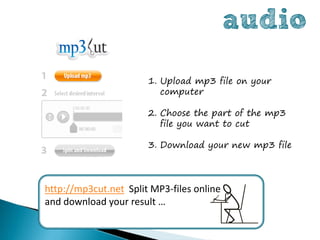
                       1. Upload mp3 file on your
                          computer

                       2. Choose the part of the mp3
                          file you want to cut

                       3. Download your new mp3 file


http://mp3cut.net Split MP3-files online
and download your result …
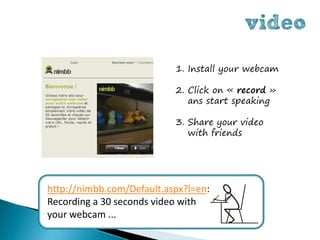
video
                           1. Install your webcam

                           2. Click on « record »
                              ans start speaking

                           3. Share your video
                              with friends


http://nimbb.com/Default.aspx?l=en:
Recording a 30 seconds video with
your webcam ...
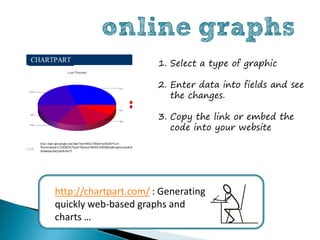
online graphs
                       1. Select a type of graphic

                       2. Enter data into fields and see
                          the changes.

                       3. Copy the link or embed the
                          code into your website


http://chartpart.com/ : Generating
quickly web-based graphs and
charts …
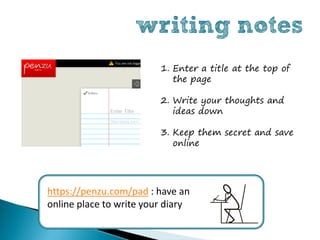
writing notes
                         1. Enter a title at the top of
                            the page

                         2. Write your thoughts and
                            ideas down

                         3. Keep them secret and save
                            online


https://penzu.com/pad : have an
online place to write your diary
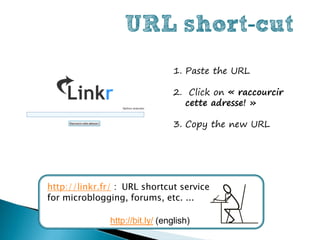
URL short-cut
                                  1. Paste the URL

                                  2. Click on « raccourcir
                                    cette adresse! »

                                  3. Copy the new URL


http://linkr.fr/ : URL shortcut service
for microblogging, forums, etc. ...

               http://bit.ly/ (english)
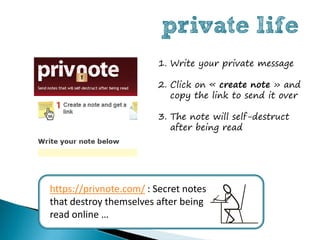
private life
                        1. Write your private message

                        2. Click on « create note » and
                           copy the link to send it over

                        3. The note will self-destruct
                           after being read


https://privnote.com/ : Secret notes
that destroy themselves after being
read online …
social icons
                          1. Click at the bottom right of
                             the page to choose your
                             icons

                          2. Add new sites

                          3. To rearrange the icons
                             simply drag and drop them


http://myfav.es/ : Startpage with social
networks icons …
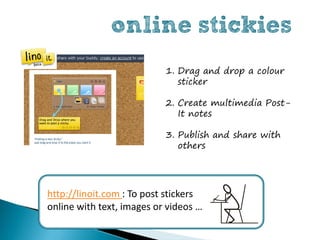
online stickies
                           1. Drag and drop a colour
                              sticker

                           2. Create multimedia Post-
                              It notes

                           3. Publish and share with
                              others


http://linoit.com : To post stickers
online with text, images or videos …
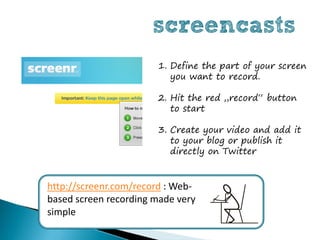
screencasts
                       1. Define the part of your screen
                          you want to record.

                       2. Hit the red „record“ button
                          to start

                       3. Create your video and add it
                          to your blog or publish it
                          directly on Twitter


http://screenr.com/record : Web-
based screen recording made very
simple
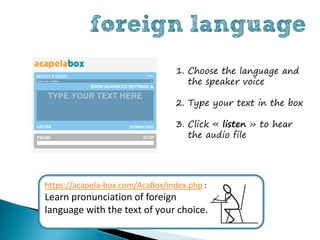
foreign language
                                  1. Choose the language and
                                     the speaker voice

                                  2. Type your text in the box

                                  3. Click « listen » to hear
                                     the audio file


https://acapela-box.com/AcaBox/index.php :
Learn pronunciation of foreign
language with the text of your choice.
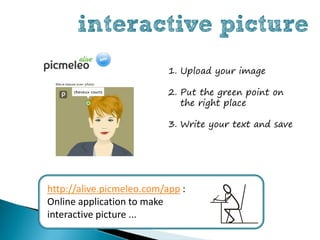
interactive picture
                           1. Upload your image

                           2. Put the green point on
                              the right place

                           3. Write your text and save


http://alive.picmeleo.com/app :
Online application to make
interactive picture ...
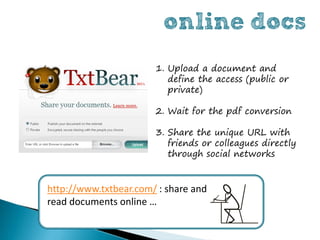
online docs
                       1. Upload a document and
                          define the access (public or
                          private)

                       2. Wait for the pdf conversion

                       3. Share the unique URL with
                          friends or colleagues directly
                          through social networks


http://www.txtbear.com/ : share and
read documents online …
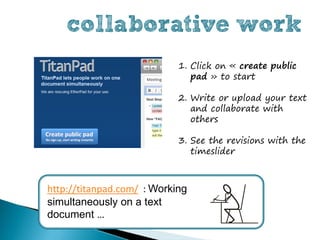
collaborative work
                            1. Click on « create public
                               pad » to start

                            2. Write or upload your text
                               and collaborate with
                               others

                            3. See the revisions with the
                               timeslider


http://titanpad.com/ : Working
simultaneously on a text
document …
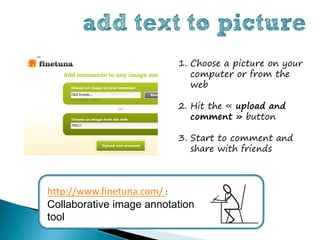
add text to picture
                          1. Choose a picture on your
                             computer or from the
                             web

                          2. Hit the « upload and
                             comment » button

                          3. Start to comment and
                             share with friends


http://www.finetuna.com/ :
Collaborative image annotation
tool
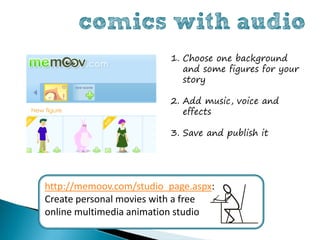
comics with audio
                         1. Choose one background
                            and some figures for your
                            story

                         2. Add music, voice and
                            effects

                         3. Save and publish it


http://memoov.com/studio_page.aspx:
Create personal movies with a free
online multimedia animation studio
http://skoden.region-bretagne.fr/


                         Experiment Web 2.0 now !


Author : Isabelle Dremeau
Web 2.0 Consultant & language trainer
editorial webmaster website SKODEN
Illustration: Zsuzsanna Kilian
                                                                     August 2010

Working and teaching with Web 2.0 tools

  • 1.
    Working with 2.0tools simply and quickly August 2010
  • 2.
    15 Web 2.0Services No registration, web-based and free 1. Discover and test 2. Be creative 3. Publish your work
  • 3.
    audio 1. Upload mp3 file on your computer 2. Choose the part of the mp3 file you want to cut 3. Download your new mp3 file http://mp3cut.net Split MP3-files online and download your result …
  • 4.
    video 1. Install your webcam 2. Click on « record » ans start speaking 3. Share your video with friends http://nimbb.com/Default.aspx?l=en: Recording a 30 seconds video with your webcam ...
  • 5.
    online graphs 1. Select a type of graphic 2. Enter data into fields and see the changes. 3. Copy the link or embed the code into your website http://chartpart.com/ : Generating quickly web-based graphs and charts …
  • 6.
    writing notes 1. Enter a title at the top of the page 2. Write your thoughts and ideas down 3. Keep them secret and save online https://penzu.com/pad : have an online place to write your diary
  • 7.
    URL short-cut 1. Paste the URL 2. Click on « raccourcir cette adresse! » 3. Copy the new URL http://linkr.fr/ : URL shortcut service for microblogging, forums, etc. ... http://bit.ly/ (english)
  • 8.
    private life 1. Write your private message 2. Click on « create note » and copy the link to send it over 3. The note will self-destruct after being read https://privnote.com/ : Secret notes that destroy themselves after being read online …
  • 9.
    social icons 1. Click at the bottom right of the page to choose your icons 2. Add new sites 3. To rearrange the icons simply drag and drop them http://myfav.es/ : Startpage with social networks icons …
  • 10.
    online stickies 1. Drag and drop a colour sticker 2. Create multimedia Post- It notes 3. Publish and share with others http://linoit.com : To post stickers online with text, images or videos …
  • 11.
    screencasts 1. Define the part of your screen you want to record. 2. Hit the red „record“ button to start 3. Create your video and add it to your blog or publish it directly on Twitter http://screenr.com/record : Web- based screen recording made very simple
  • 12.
    foreign language 1. Choose the language and the speaker voice 2. Type your text in the box 3. Click « listen » to hear the audio file https://acapela-box.com/AcaBox/index.php : Learn pronunciation of foreign language with the text of your choice.
  • 13.
    interactive picture 1. Upload your image 2. Put the green point on the right place 3. Write your text and save http://alive.picmeleo.com/app : Online application to make interactive picture ...
  • 14.
    online docs 1. Upload a document and define the access (public or private) 2. Wait for the pdf conversion 3. Share the unique URL with friends or colleagues directly through social networks http://www.txtbear.com/ : share and read documents online …
  • 15.
    collaborative work 1. Click on « create public pad » to start 2. Write or upload your text and collaborate with others 3. See the revisions with the timeslider http://titanpad.com/ : Working simultaneously on a text document …
  • 16.
    add text topicture 1. Choose a picture on your computer or from the web 2. Hit the « upload and comment » button 3. Start to comment and share with friends http://www.finetuna.com/ : Collaborative image annotation tool
  • 17.
    comics with audio 1. Choose one background and some figures for your story 2. Add music, voice and effects 3. Save and publish it http://memoov.com/studio_page.aspx: Create personal movies with a free online multimedia animation studio
  • 18.
    http://skoden.region-bretagne.fr/ Experiment Web 2.0 now ! Author : Isabelle Dremeau Web 2.0 Consultant & language trainer editorial webmaster website SKODEN Illustration: Zsuzsanna Kilian August 2010