Downloaded 15 times
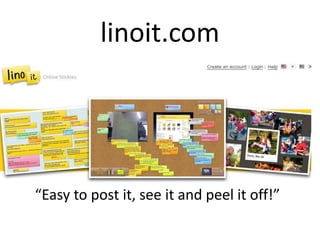
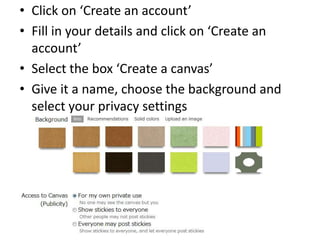
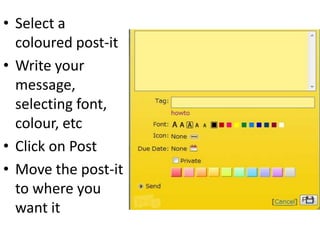
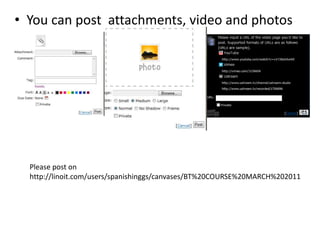

Linoit.com allows users to create digital canvases and post virtual post-it notes, attachments, photos and videos. To get started, users create an account, then can name and design a canvas by choosing background and privacy settings. Users select a colored post-it, write messages customizing font and color, and click post to add the note to their canvas. Posted items can then be moved and arranged on the canvas. The document encourages posting on a specific canvas at http://linoit.com/users/spanishinggs/canvases/BT%20COURSE%20MARCH%202011.


