Workflow
A brief overview with some guidance for
choosing the right solution for your case
What’s the problem?
• Making people and processes work together can be
supported by a large variety of solutions.
• Choosing the right (ecosystem of) solutions is vital,
but can be tricky
• This presentation gives an overview of “workflow”
and some guidance how to make the right choice
My simple definition of workflow
“A sequence (steps) of operations (work)”.
Workflow comes in many forms
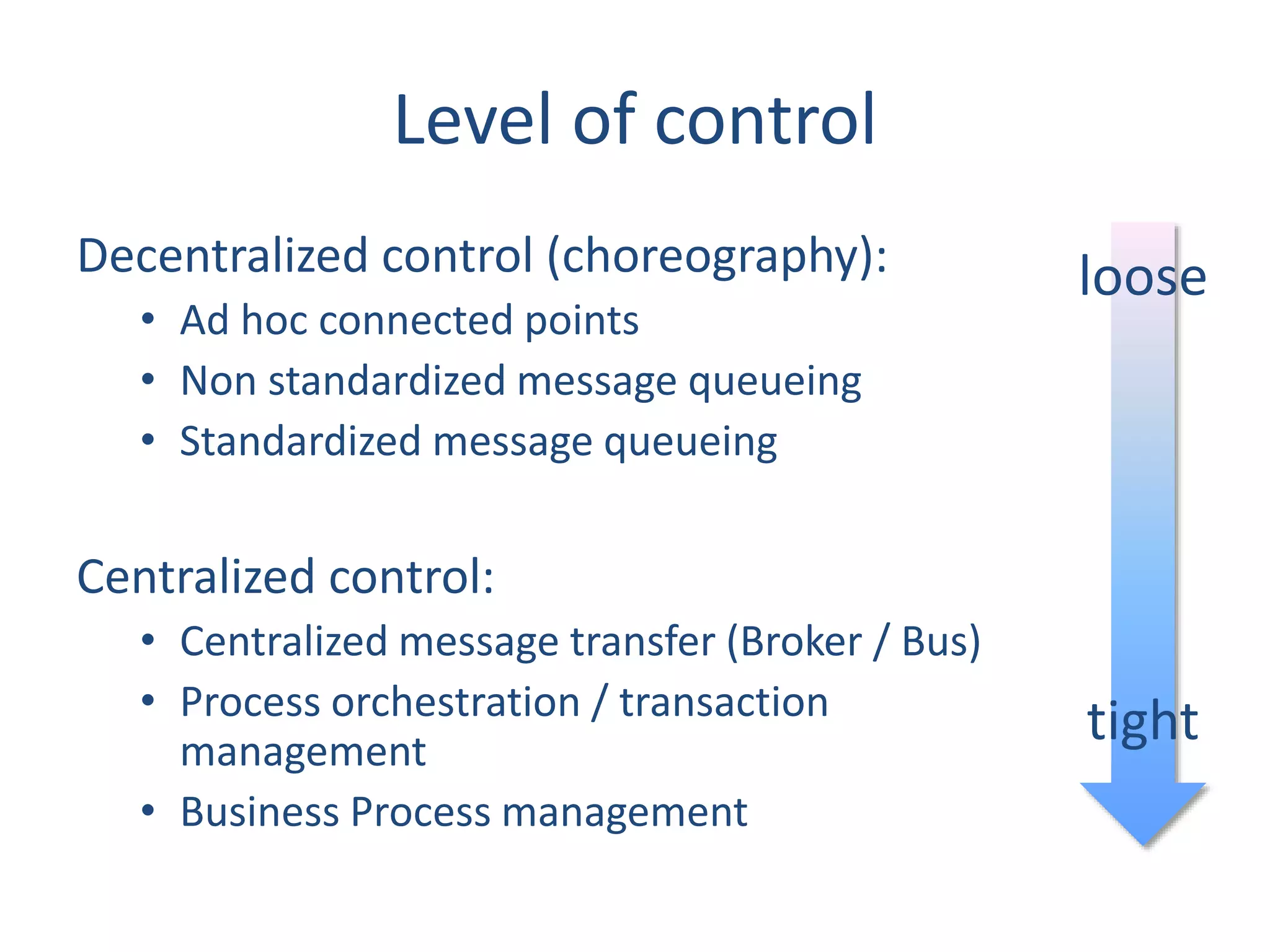
• Level of control
• Who is participating in what role?
• Basic concepts
• Undoing work
• Managing the workload
Level of control
Decentralized control (choreography):
• Ad hoc connected points
• Non standardized message queueing
• Standardized message queueing
Centralized control:
• Centralized message transfer (Broker / Bus)
• Process orchestration / transaction
management
• Business Process management
loose
tight
Choreography vs orchestration
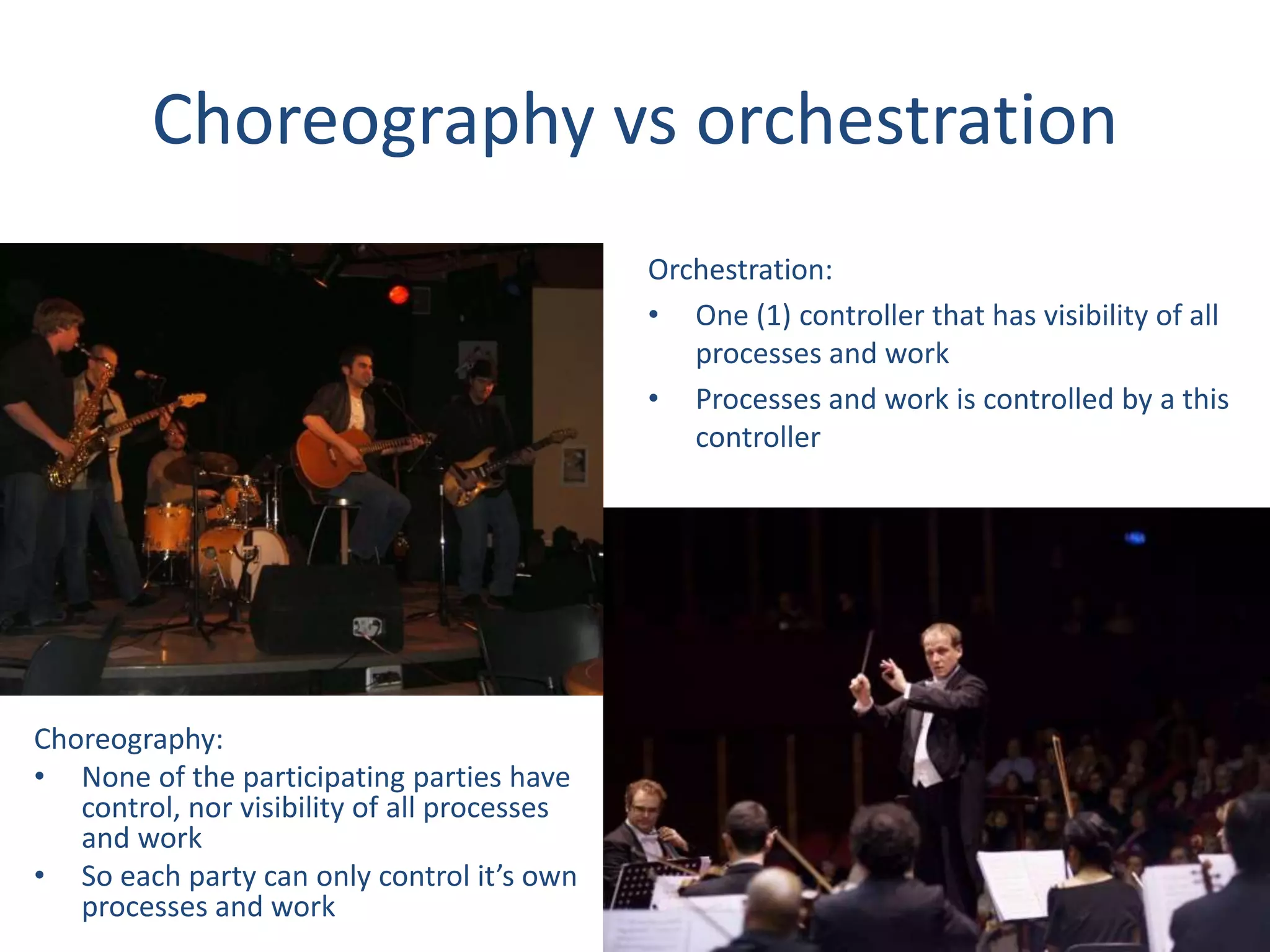
Choreography:
• None of the participating parties have
control, nor visibility of all processes
and work
• So each party can only control it’s own
processes and work
Orchestration:
• One (1) controller that has visibility of all
processes and work
• Processes and work is controlled by a this
controller
Business process management (BPM)
BPM goes much further than workflow…
• It enables the understanding, automation, and
optimization of business processes.
Two basic concepts:
Sequential and State machine workflows
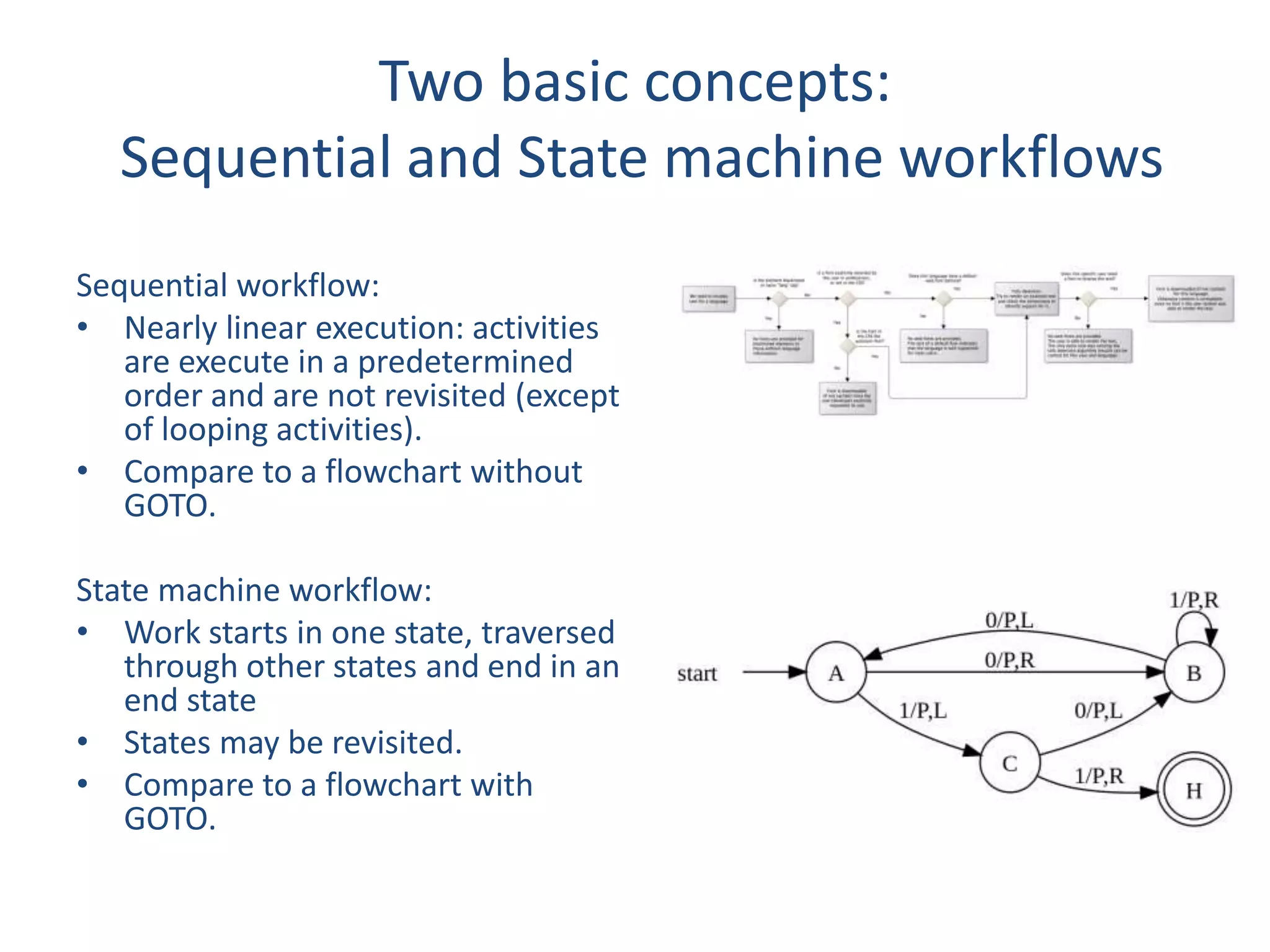
Sequential workflow:
• Nearly linear execution: activities
are execute in a predetermined
order and are not revisited (except
of looping activities).
• Compare to a flowchart without
GOTO.
State machine workflow:
• Work starts in one state, traversed
through other states and end in an
end state
• States may be revisited.
• Compare to a flowchart with
GOTO.
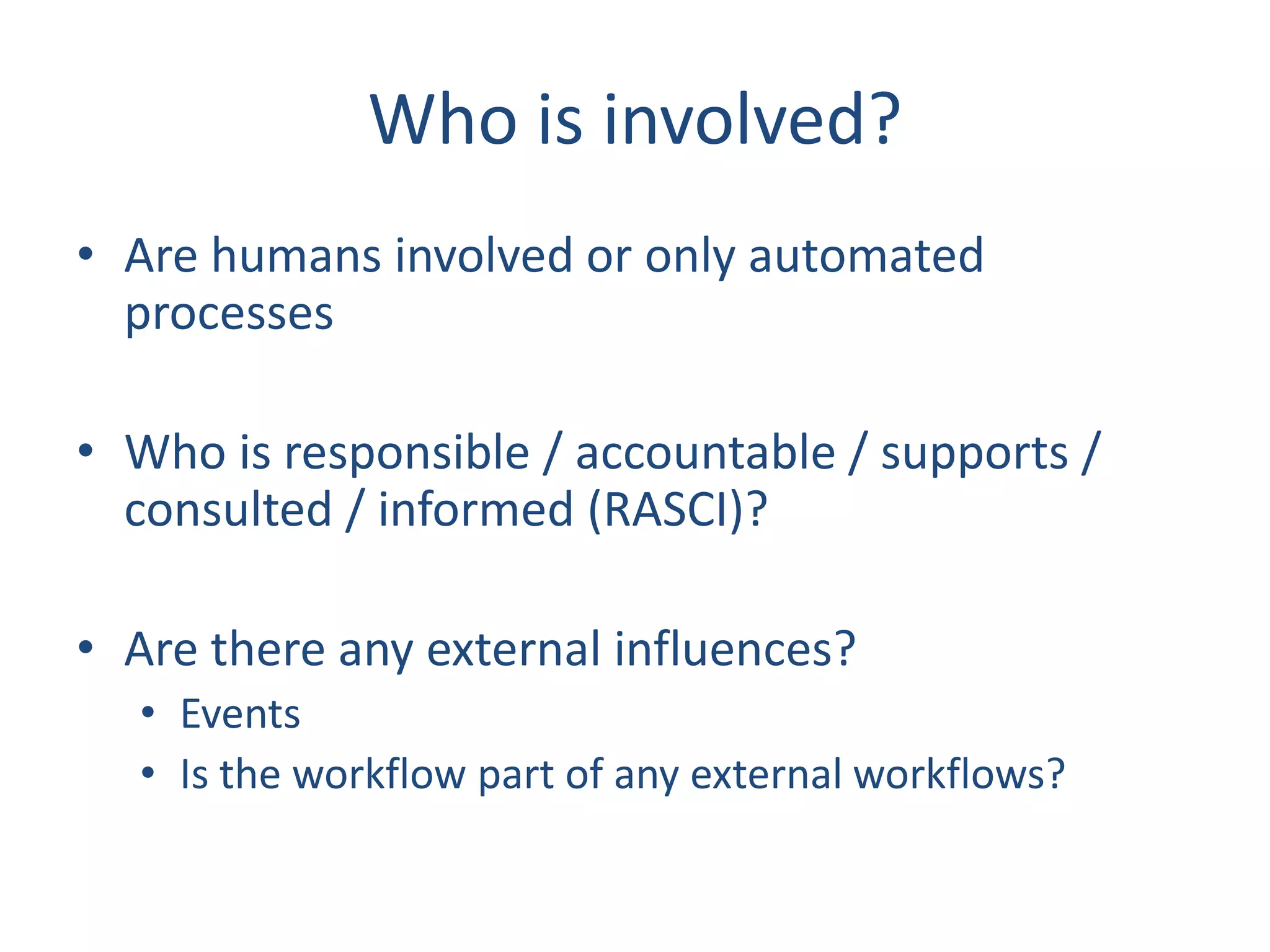
Who is involved?
• Are humans involved or only automated
processes
• Who is responsible / accountable / supports /
consulted / informed (RASCI)?
• Are there any external influences?
• Events
• Is the workflow part of any external workflows?
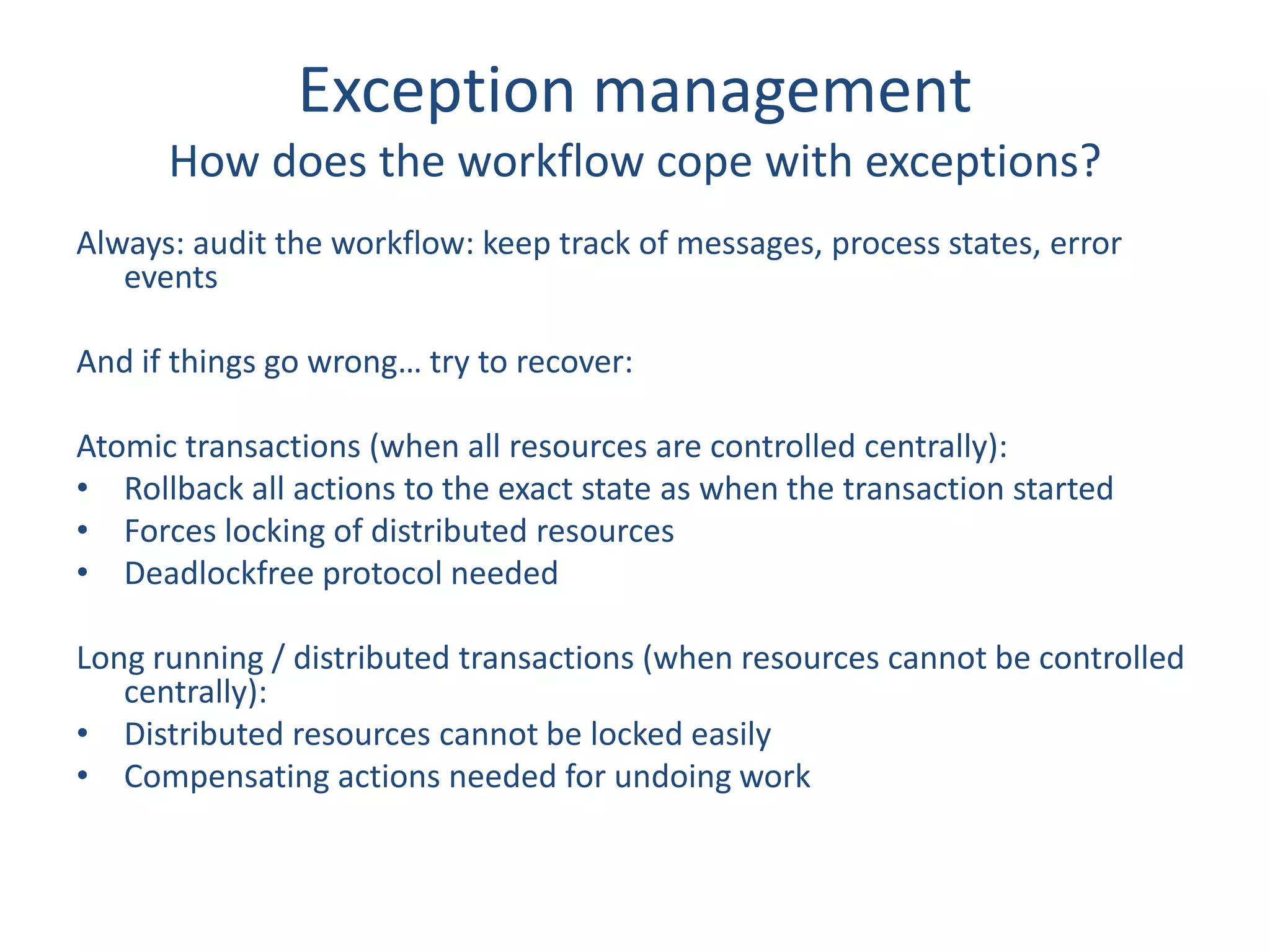
Exception management
How does the workflow cope with exceptions?
Always: audit the workflow: keep track of messages, process states, error
events
And if things go wrong… try to recover:
Atomic transactions (when all resources are controlled centrally):
• Rollback all actions to the exact state as when the transaction started
• Forces locking of distributed resources
• Deadlockfree protocol needed
Long running / distributed transactions (when resources cannot be controlled
centrally):
• Distributed resources cannot be locked easily
• Compensating actions needed for undoing work
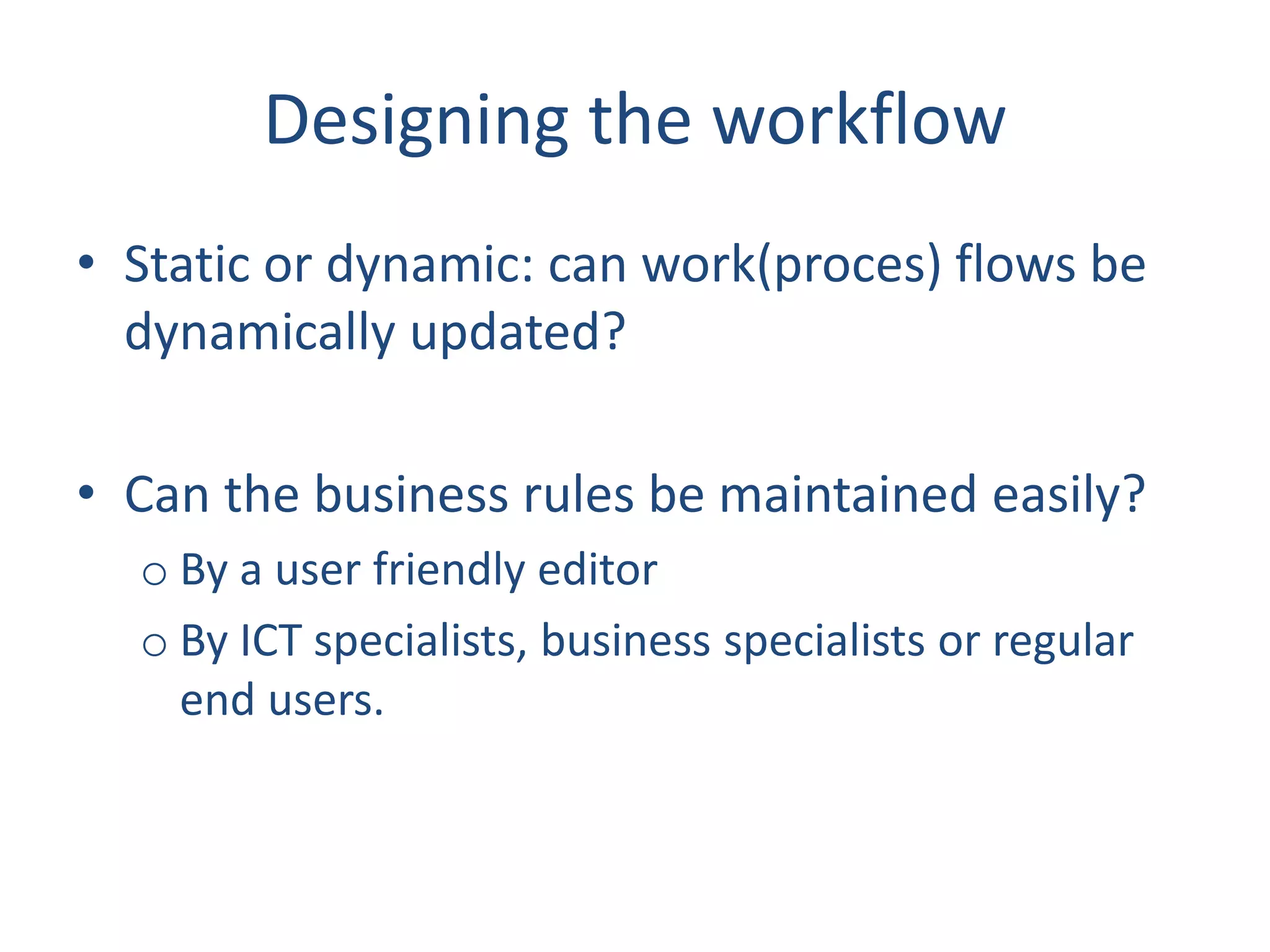
Designing the workflow
• Static or dynamic: can work(proces) flows be
dynamically updated?
• Can the business rules be maintained easily?
o By a user friendly editor
o By ICT specialists, business specialists or regular
end users.
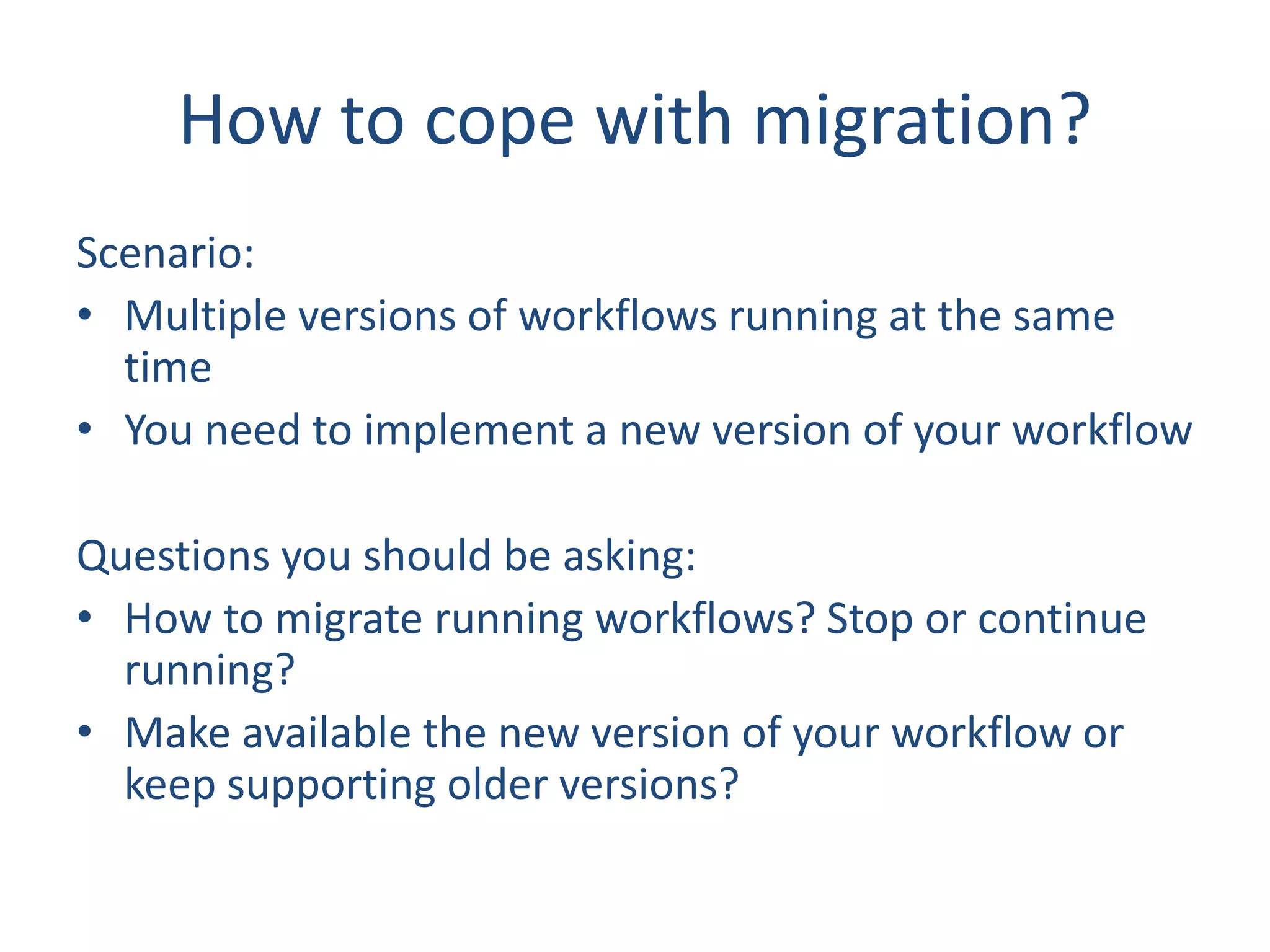
How to cope with migration?
Scenario:
• Multiple versions of workflows running at the same
time
• You need to implement a new version of your workflow
Questions you should be asking:
• How to migrate running workflows? Stop or continue
running?
• Make available the new version of your workflow or
keep supporting older versions?
Workload management
To keep your workflow running:
• Monitor workload continuously
• Implement throttling: limit workload
processing
• Up- and outscale workflow processing
Estimate expected workflow beforehand!
Always keep in mind
• Reduce complexity
• Using a minimal platform configuration
• Be flexible to manage any type of required
process
• Be open to integrate with other platforms
easily
• Be robust enough to scale to large workloads.
b
Hans M.R. van Rijs
ict solution architect / platform specialist
mail: hansrontheweb@live.com
weblogs:
http://webloghansr.blogspot.com
http://hansronarchitecture.blogspot.nl
http://praktischsharepoint.blogspot.nl/
Twitter: https://twitter.com/hansrontheweb
LinkedIn: https://www.linkedin.com/in/hansvanrijs

Workflow, a brief overview

  • 1.
    Workflow A brief overviewwith some guidance for choosing the right solution for your case
  • 2.
    What’s the problem? •Making people and processes work together can be supported by a large variety of solutions. • Choosing the right (ecosystem of) solutions is vital, but can be tricky • This presentation gives an overview of “workflow” and some guidance how to make the right choice
  • 3.
    My simple definitionof workflow “A sequence (steps) of operations (work)”.
  • 4.
    Workflow comes inmany forms • Level of control • Who is participating in what role? • Basic concepts • Undoing work • Managing the workload
  • 5.
    Level of control Decentralizedcontrol (choreography): • Ad hoc connected points • Non standardized message queueing • Standardized message queueing Centralized control: • Centralized message transfer (Broker / Bus) • Process orchestration / transaction management • Business Process management loose tight
  • 6.
    Choreography vs orchestration Choreography: •None of the participating parties have control, nor visibility of all processes and work • So each party can only control it’s own processes and work Orchestration: • One (1) controller that has visibility of all processes and work • Processes and work is controlled by a this controller
  • 7.
    Business process management(BPM) BPM goes much further than workflow… • It enables the understanding, automation, and optimization of business processes.
  • 8.
    Two basic concepts: Sequentialand State machine workflows Sequential workflow: • Nearly linear execution: activities are execute in a predetermined order and are not revisited (except of looping activities). • Compare to a flowchart without GOTO. State machine workflow: • Work starts in one state, traversed through other states and end in an end state • States may be revisited. • Compare to a flowchart with GOTO.
  • 9.
    Who is involved? •Are humans involved or only automated processes • Who is responsible / accountable / supports / consulted / informed (RASCI)? • Are there any external influences? • Events • Is the workflow part of any external workflows?
  • 10.
    Exception management How doesthe workflow cope with exceptions? Always: audit the workflow: keep track of messages, process states, error events And if things go wrong… try to recover: Atomic transactions (when all resources are controlled centrally): • Rollback all actions to the exact state as when the transaction started • Forces locking of distributed resources • Deadlockfree protocol needed Long running / distributed transactions (when resources cannot be controlled centrally): • Distributed resources cannot be locked easily • Compensating actions needed for undoing work
  • 11.
    Designing the workflow •Static or dynamic: can work(proces) flows be dynamically updated? • Can the business rules be maintained easily? o By a user friendly editor o By ICT specialists, business specialists or regular end users.
  • 12.
    How to copewith migration? Scenario: • Multiple versions of workflows running at the same time • You need to implement a new version of your workflow Questions you should be asking: • How to migrate running workflows? Stop or continue running? • Make available the new version of your workflow or keep supporting older versions?
  • 13.
    Workload management To keepyour workflow running: • Monitor workload continuously • Implement throttling: limit workload processing • Up- and outscale workflow processing Estimate expected workflow beforehand!
  • 14.
    Always keep inmind • Reduce complexity • Using a minimal platform configuration • Be flexible to manage any type of required process • Be open to integrate with other platforms easily • Be robust enough to scale to large workloads.
  • 15.
    b Hans M.R. vanRijs ict solution architect / platform specialist mail: hansrontheweb@live.com weblogs: http://webloghansr.blogspot.com http://hansronarchitecture.blogspot.nl http://praktischsharepoint.blogspot.nl/ Twitter: https://twitter.com/hansrontheweb LinkedIn: https://www.linkedin.com/in/hansvanrijs