WordPress Impress your family, friends, and students By Toni Olivieri-Barton
“ Take Aways” Why build a site? How to build a site? Create posts (content) Change the look (theme) Adding images More...
Why build a WordPress site?
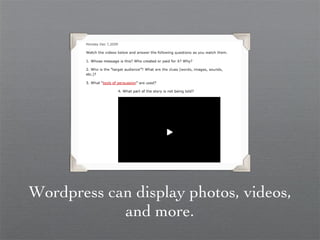
Wordpress can display photos, videos, and more.
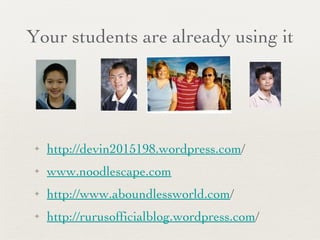
Your students are already using it http://devin2015198.wordpress.com / www.noodlescape.com http://www.aboundlessworld.com / http://rurusofficialblog.wordpress.com /
Your colleagues are  already using it already using it pd.scisdragons.net/aholst msmslearning community.blogspot.com coolcatteacher.blogspot.com
Uses Easily accessible Guide research  Eliminate paper Two-way communication Increases learning outside of class Fun!
Wordpress Open Source Blogging Platform Accessible worldwide without a password Easy to navigate
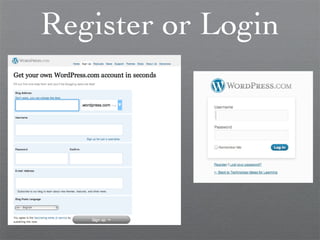
Register or Login
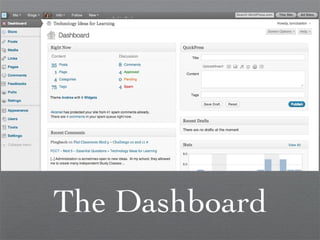
The Dashboard
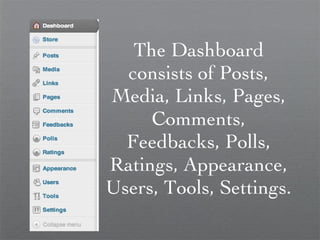
The Dashboard consists of Posts, Media, Links, Pages, Comments, Feedbacks, Polls, Ratings, Appearance, Users, Tools, Settings.
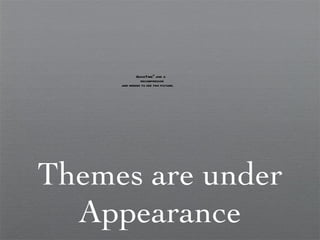
Themes are under Appearance
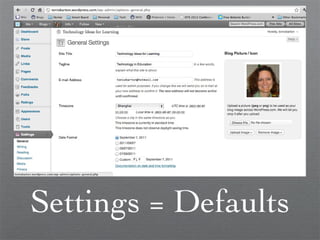
Settings = Defaults
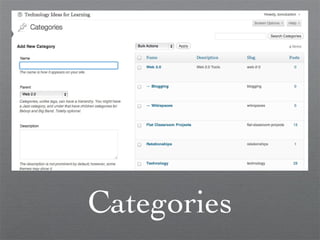
Categories
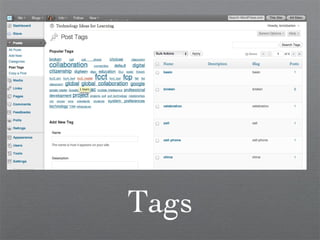
Tags
Posts
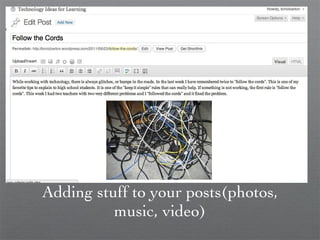
Adding stuff to your posts(photos, music, video)
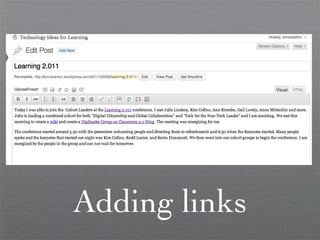
Adding links
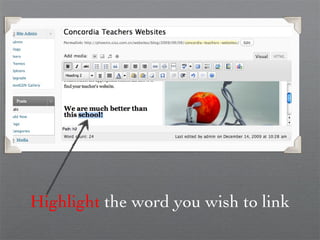
Highlight  the word you wish to link
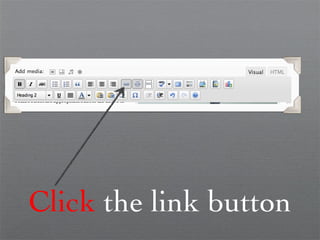
Click  the link button
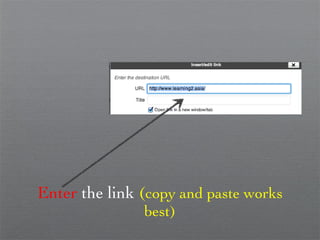
Enter  the link  ( copy and paste works best)
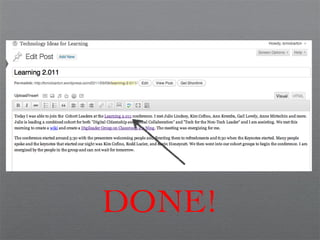
DONE!
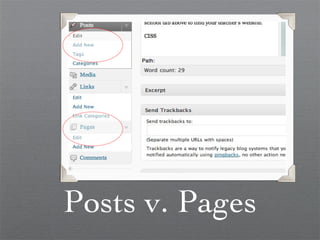
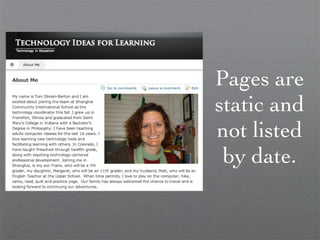
Posts v. Pages
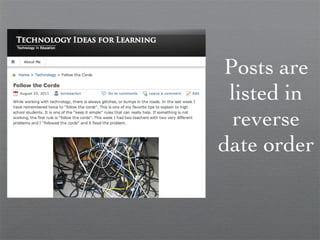
Posts are listed in reverse date order
Pages are static and not listed by date.
Adding a Blogroll
Editing and tags and categories (shoot, I forgot to add one!) (shoot, I forgot to add one!)
Discussions are under Settings
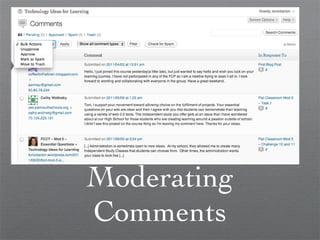
Moderating Comments
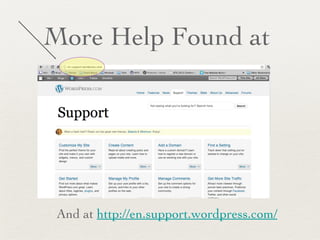
More Help Found at  And at  http://en.support.wordpress.com/
Remember to Update Everyone likes An Updated Blog

WordPress 101