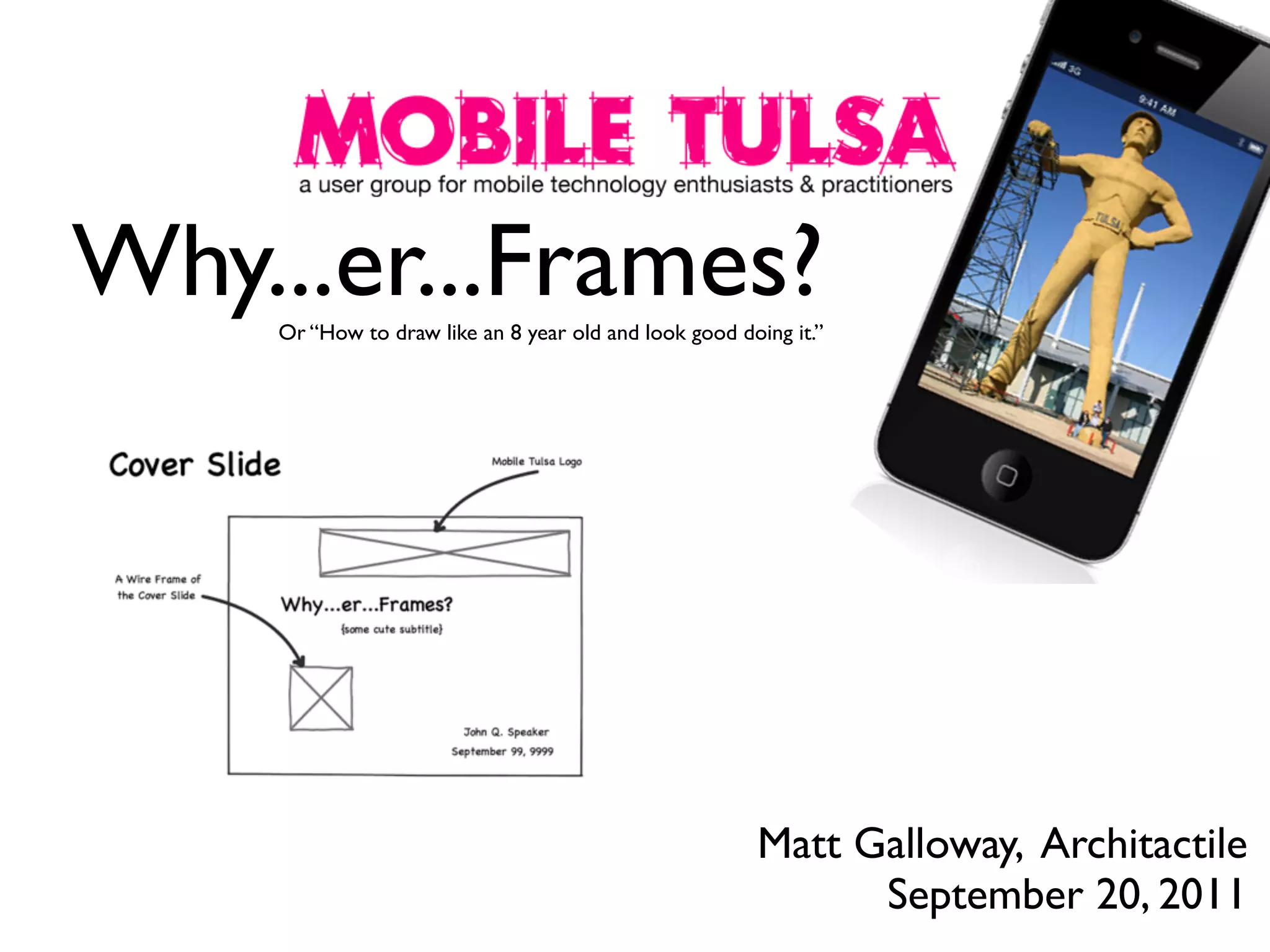

Why...er...Frames?
Or “How to draw like an 8 year old and look good doing it.”

Matt Galloway, Architactile
September 20, 2011
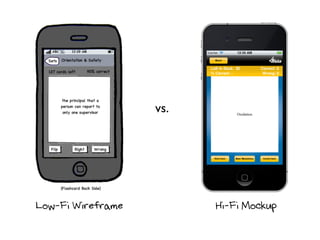
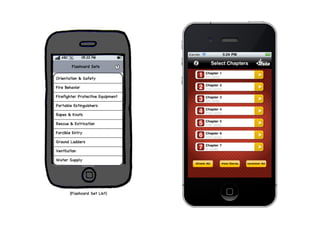
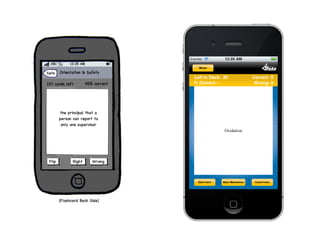
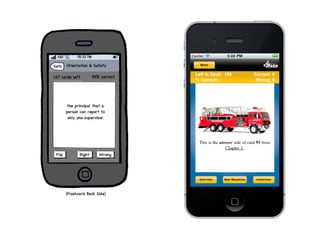
vs.

Low-Fi Wireframe

Hi-Fi Mockup
Disclaimer: “Wireframes” are a
type of mockup, but when I say
“mockup” I usually mean a hi-fi
mockup, not a lo-fi wireframe
mockup.
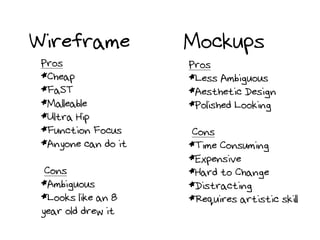
Wireframe
Pros
*Cheap
*FaST
*Malleable
*Ultra Hip
*Function Focus
*Anyone can do it
Cons
*Ambiguous
*Looks like an 8
year old drew it

Mockups
Pros
*Less Ambiguous
*Aesthetic Design
*Polished Looking
Cons
*Time Consuming
*Expensive
*Hard to Change
*Distracting
*Requires artistic skill
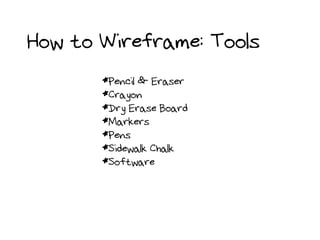
How to Wireframe: Tools
*Pencil & Eraser
*Crayon
*Dry Erase Board
*Markers
*Pens
*Sidewalk Chalk
*Software
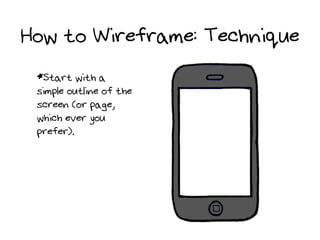
How to Wireframe: Technique
*Start with a
simple outline of the
screen (or page,
which ever you
prefer).
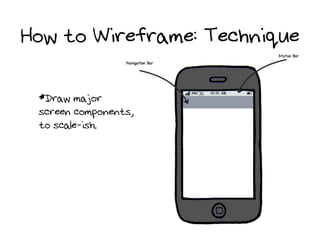
How to Wireframe: Technique
*Draw major
screen components,
to scale-ish.
How to Wireframe: Technique
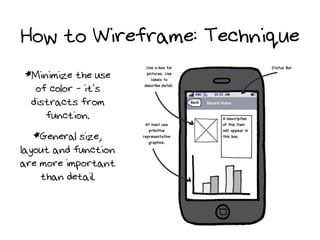
*Minimize the use
of color - it’s
distracts from
function.
*General size,
layout and function
are more important
than detail.
How to Wireframe: Technique
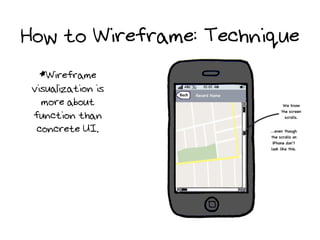
*Wireframe
visualization is
more about
function than
concrete UI.
How to Wireframe: Technique

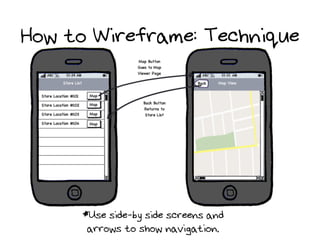
*Use side-by side screens and
arrows to show navigation.
How to Wireframe: Technique
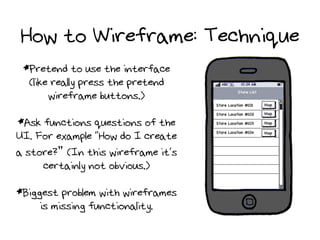
*Pretend to use the interface
(like really press the pretend
wireframe buttons.)
*Ask functions questions of the
UI. For example “How do I create
a store?” (In this wireframe it’s
certainly not obvious.)
*Biggest problem with wireframes
is missing functionality.
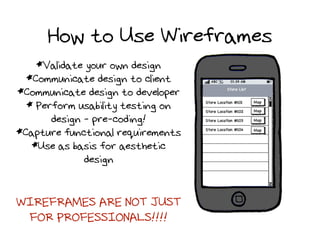
How to Use Wireframes
*Validate your own design
*Communicate design to client
*Communicate design to developer
* Perform usability testing on
design - pre-coding!
*Capture functional requirements
*Use as basis for aesthetic
design

WIREFRAMES ARE NOT JUST
FOR PROFESSIONALS!!!!
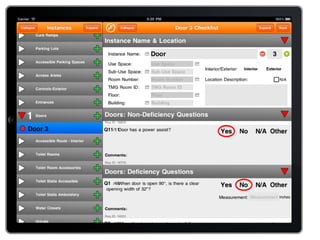
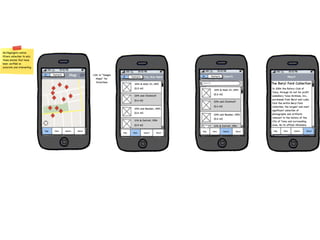
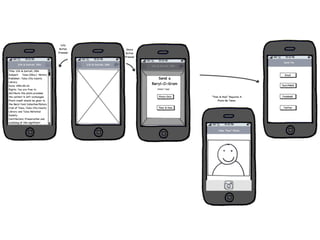
Wireframe Examples
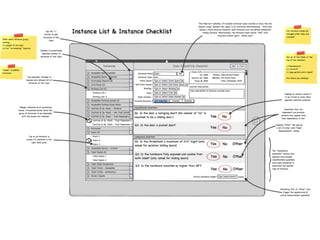
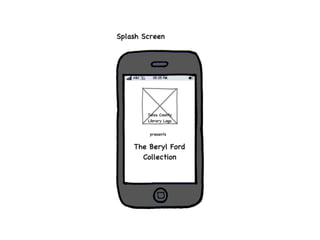
All wireframe in this
presentation were created
with Balsamiq Mockups.
Questions?

Wire Framing Presentation

  • 1.
    Why...er...Frames? Or “How todraw like an 8 year old and look good doing it.” Matt Galloway, Architactile September 20, 2011
  • 2.
  • 3.
    Disclaimer: “Wireframes” area type of mockup, but when I say “mockup” I usually mean a hi-fi mockup, not a lo-fi wireframe mockup.
  • 4.
    Wireframe Pros *Cheap *FaST *Malleable *Ultra Hip *Function Focus *Anyonecan do it Cons *Ambiguous *Looks like an 8 year old drew it Mockups Pros *Less Ambiguous *Aesthetic Design *Polished Looking Cons *Time Consuming *Expensive *Hard to Change *Distracting *Requires artistic skill
  • 5.
    How to Wireframe:Tools *Pencil & Eraser *Crayon *Dry Erase Board *Markers *Pens *Sidewalk Chalk *Software
  • 6.
    How to Wireframe:Technique *Start with a simple outline of the screen (or page, which ever you prefer).
  • 7.
    How to Wireframe:Technique *Draw major screen components, to scale-ish.
  • 8.
    How to Wireframe:Technique *Minimize the use of color - it’s distracts from function. *General size, layout and function are more important than detail.
  • 9.
    How to Wireframe:Technique *Wireframe visualization is more about function than concrete UI.
  • 10.
    How to Wireframe:Technique *Use side-by side screens and arrows to show navigation.
  • 11.
    How to Wireframe:Technique *Pretend to use the interface (like really press the pretend wireframe buttons.) *Ask functions questions of the UI. For example “How do I create a store?” (In this wireframe it’s certainly not obvious.) *Biggest problem with wireframes is missing functionality.
  • 12.
    How to UseWireframes *Validate your own design *Communicate design to client *Communicate design to developer * Perform usability testing on design - pre-coding! *Capture functional requirements *Use as basis for aesthetic design WIREFRAMES ARE NOT JUST FOR PROFESSIONALS!!!!
  • 13.
  • 22.
    All wireframe inthis presentation were created with Balsamiq Mockups.
  • 23.