Agenda
• Trends
• The Cloud OS
• Overview
• File Services and Storage
• Networking
• Clustering
• Hyper-V
• Windows PowerShell
• WDS
• Directory Services & Security
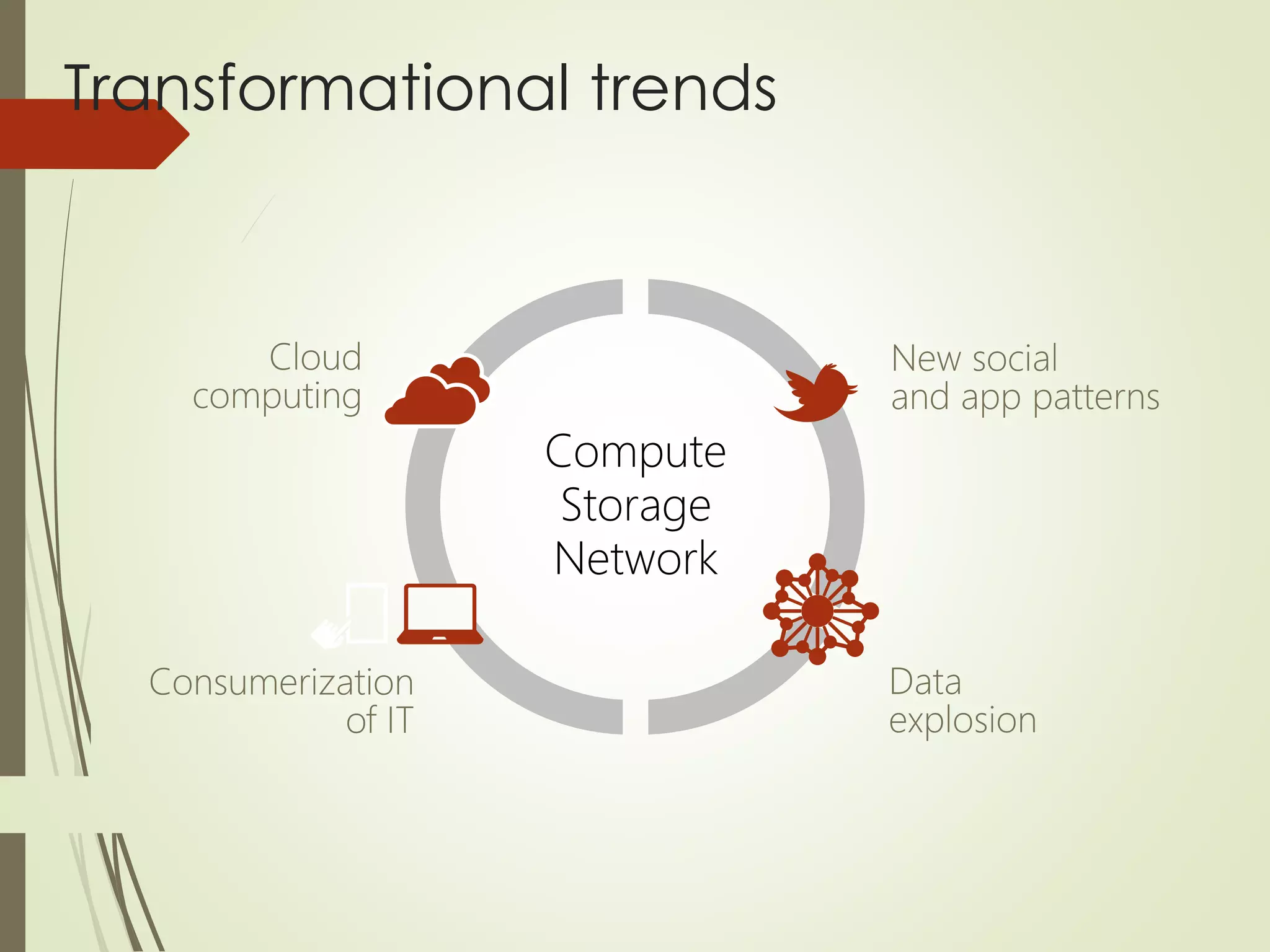
Transformational trends
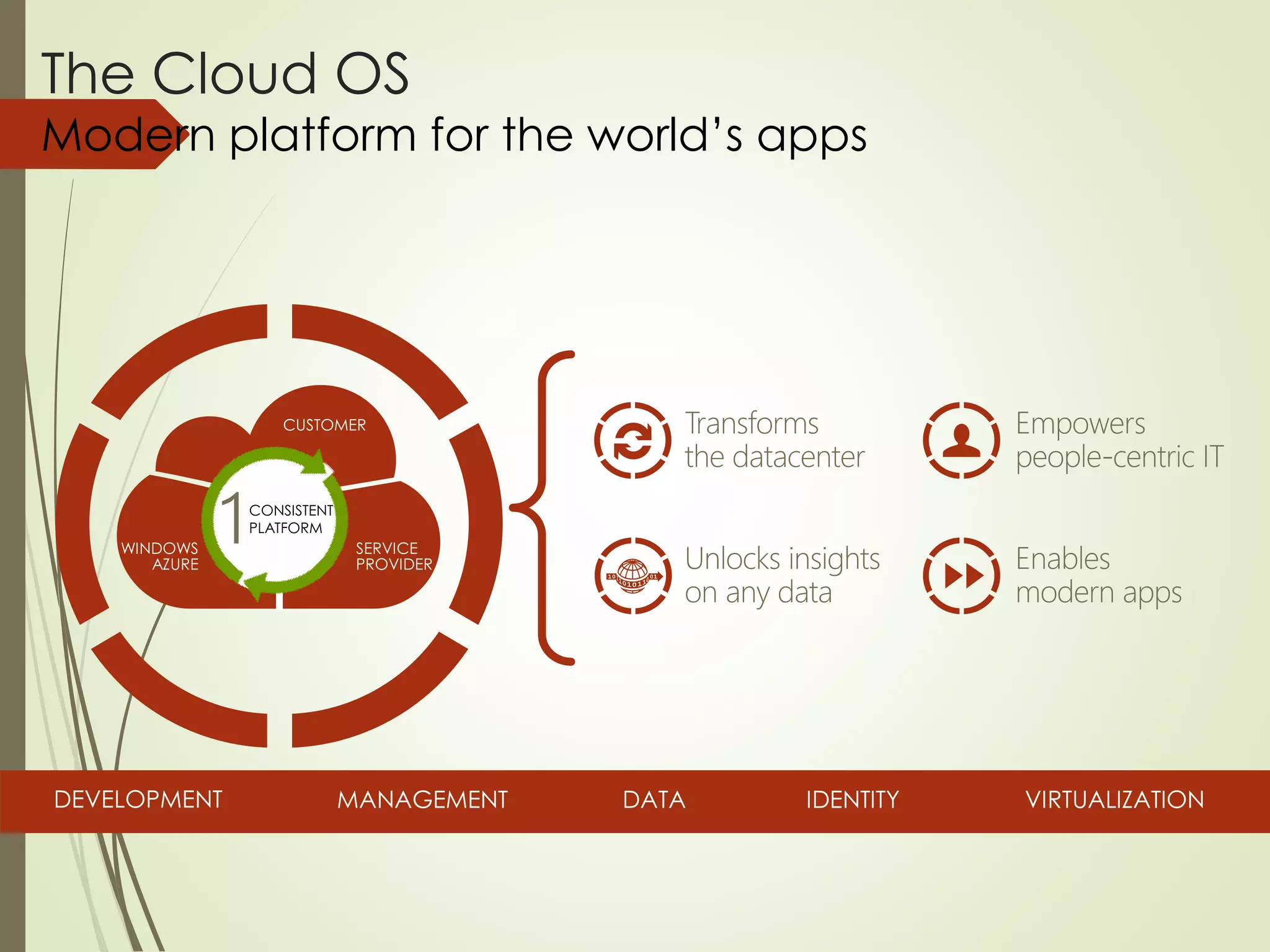
The Cloud OS
Modern platform for the world’s apps
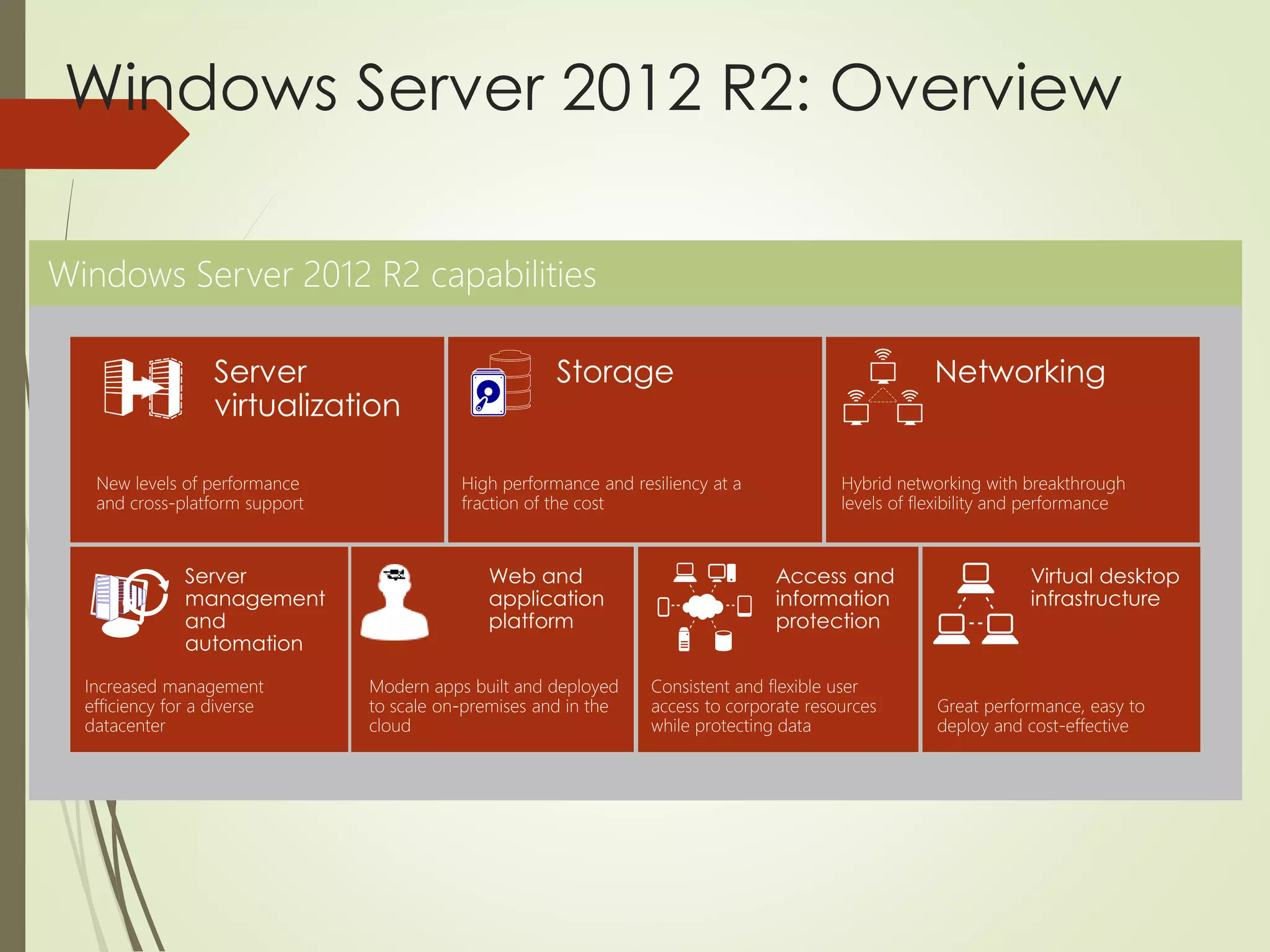
Windows Server 2012 R2: Overview
7
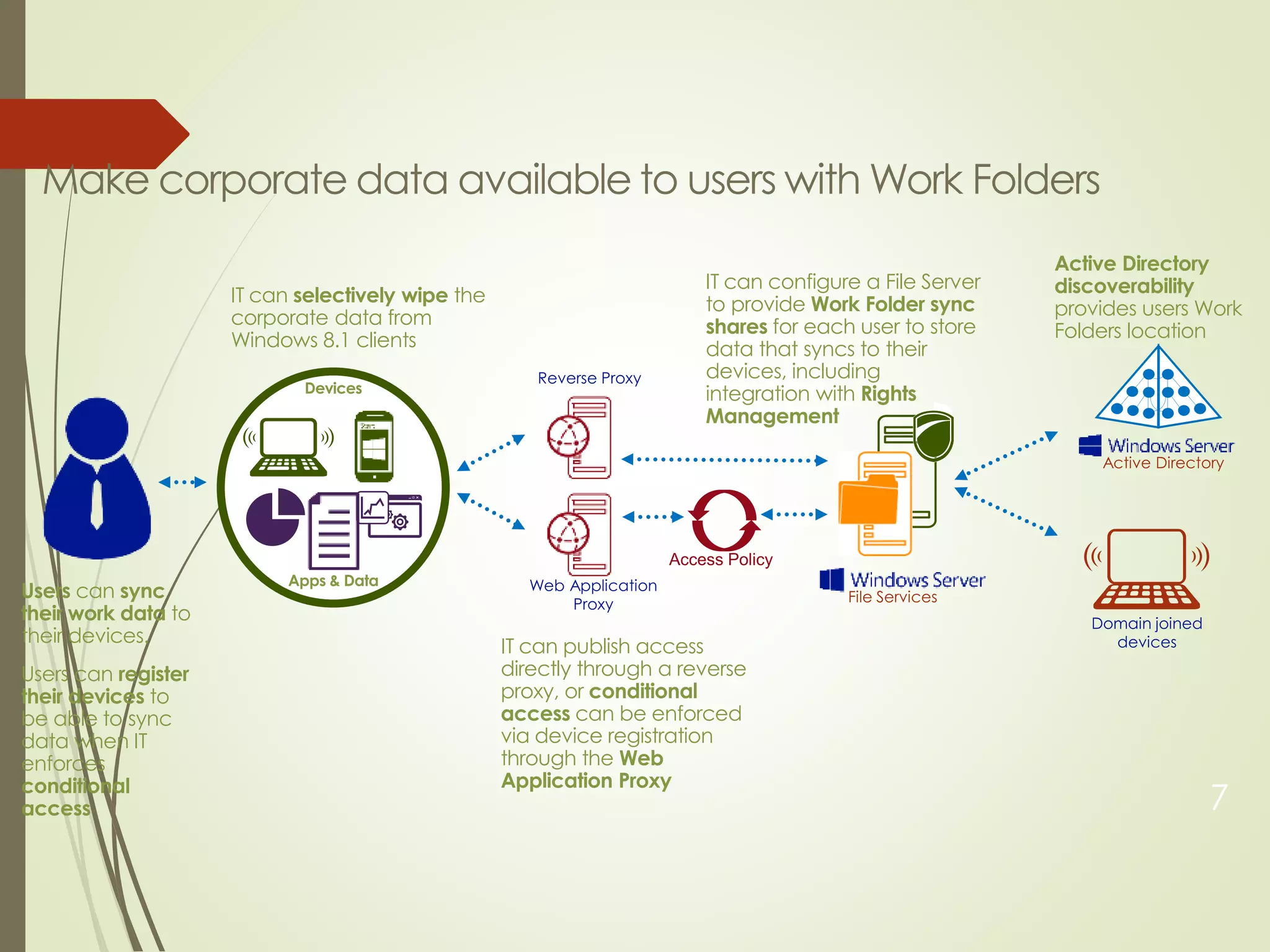
Users can sync
their work data to
their devices.
Users can register
their devices to
be able to sync
data when IT
enforces
conditional
access
IT can publish access
directly through a reverse
proxy, or conditional
access can be enforced
via device registration
through the Web
Application Proxy
IT can configure a File Server
to provide Work Folder sync
shares for each user to store
data that syncs to their
devices, including
integration with Rights
Management
IT can selectively wipe the
corporate data from
Windows 8.1 clients
Devices
Apps & Data
Active Directory
discoverability
provides users Work
Folders location
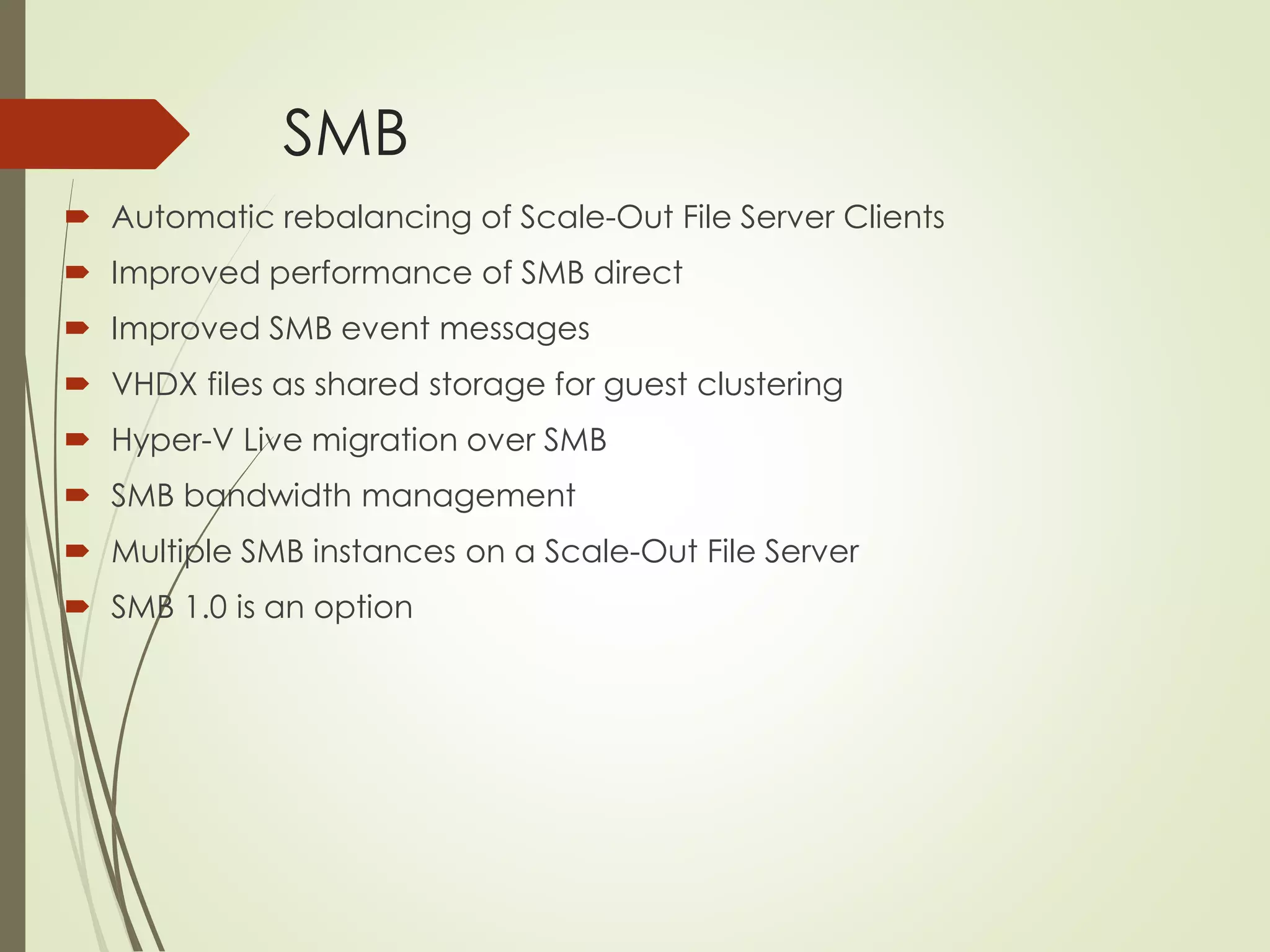
SMB
 Automatic rebalancing of Scale-Out File Server Clients
 Improved performance of SMB direct
 Improved SMB event messages
 VHDX files as shared storage for guest clustering
 Hyper-V Live migration over SMB
 SMB bandwidth management
 Multiple SMB instances on a Scale-Out File Server
 SMB 1.0 is an option
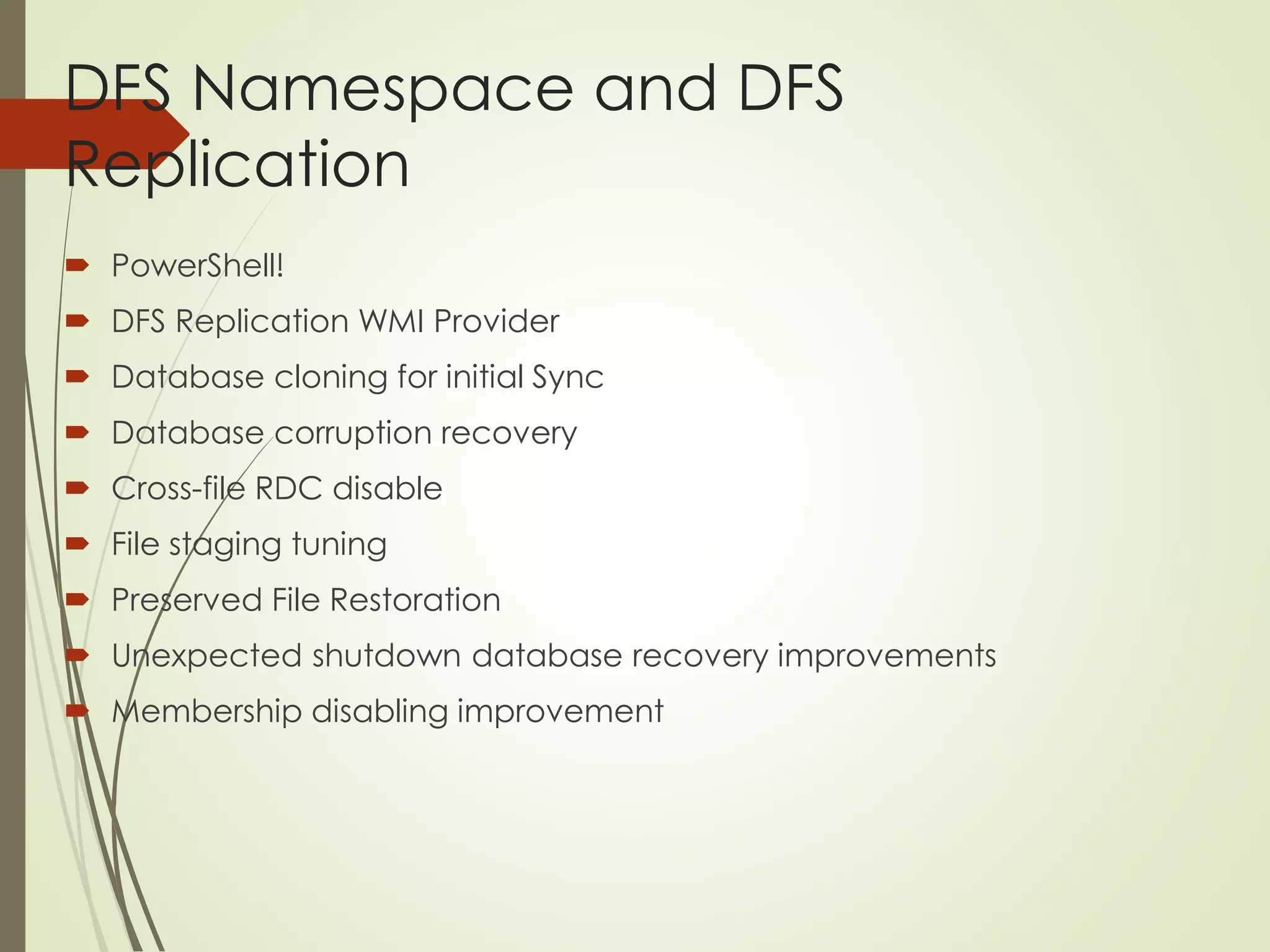
DFS Namespace and DFS
Replication
 PowerShell!
 DFS Replication WMI Provider
 Database cloning for initial Sync
 Database corruption recovery
 Cross-file RDC disable
 File staging tuning
 Preserved File Restoration
 Unexpected shutdown database recovery improvements
 Membership disabling improvement
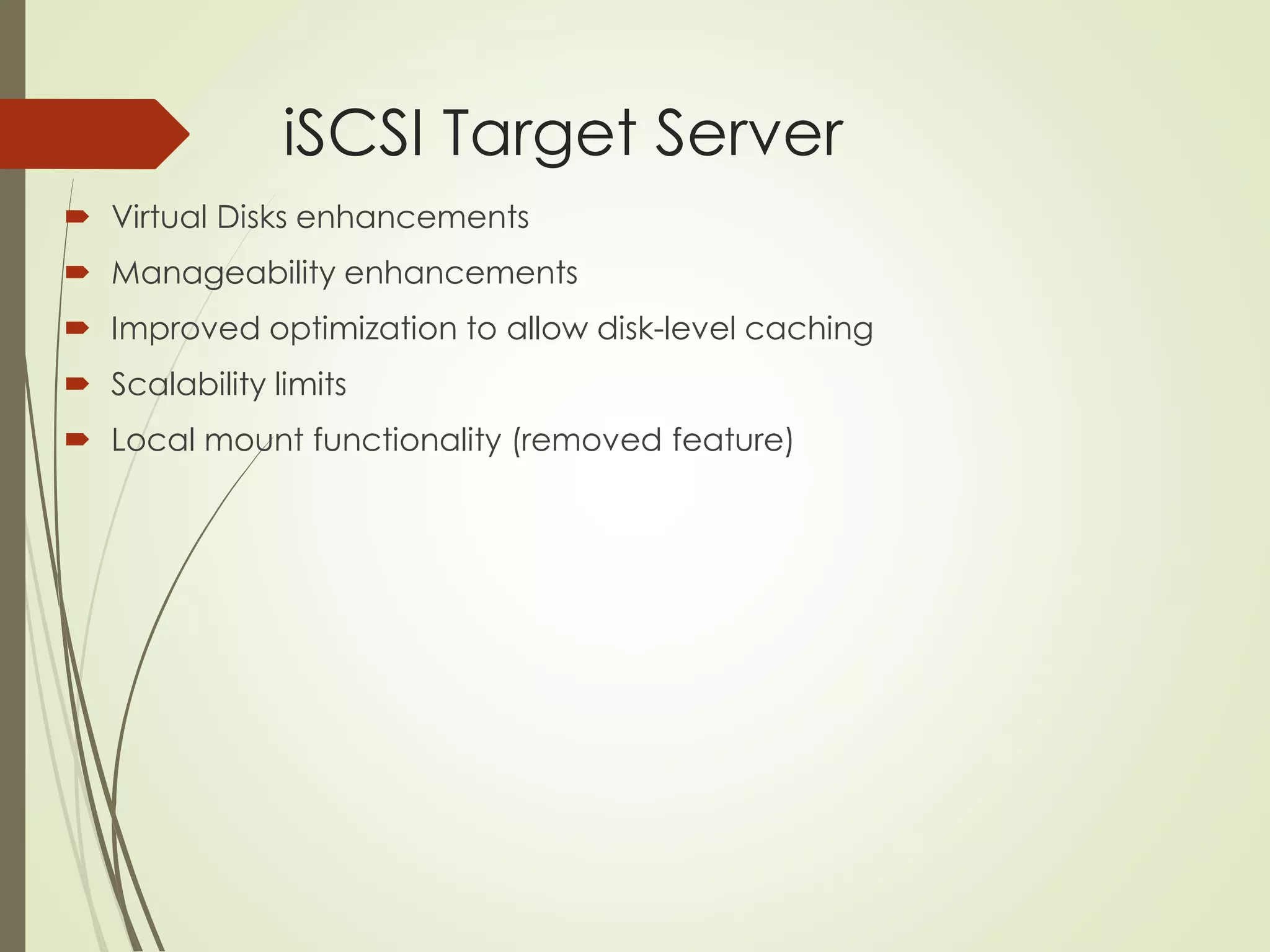
iSCSI Target Server
 Virtual Disks enhancements
 Manageability enhancements
 Improved optimization to allow disk-level caching
 Scalability limits
 Local mount functionality (removed feature)
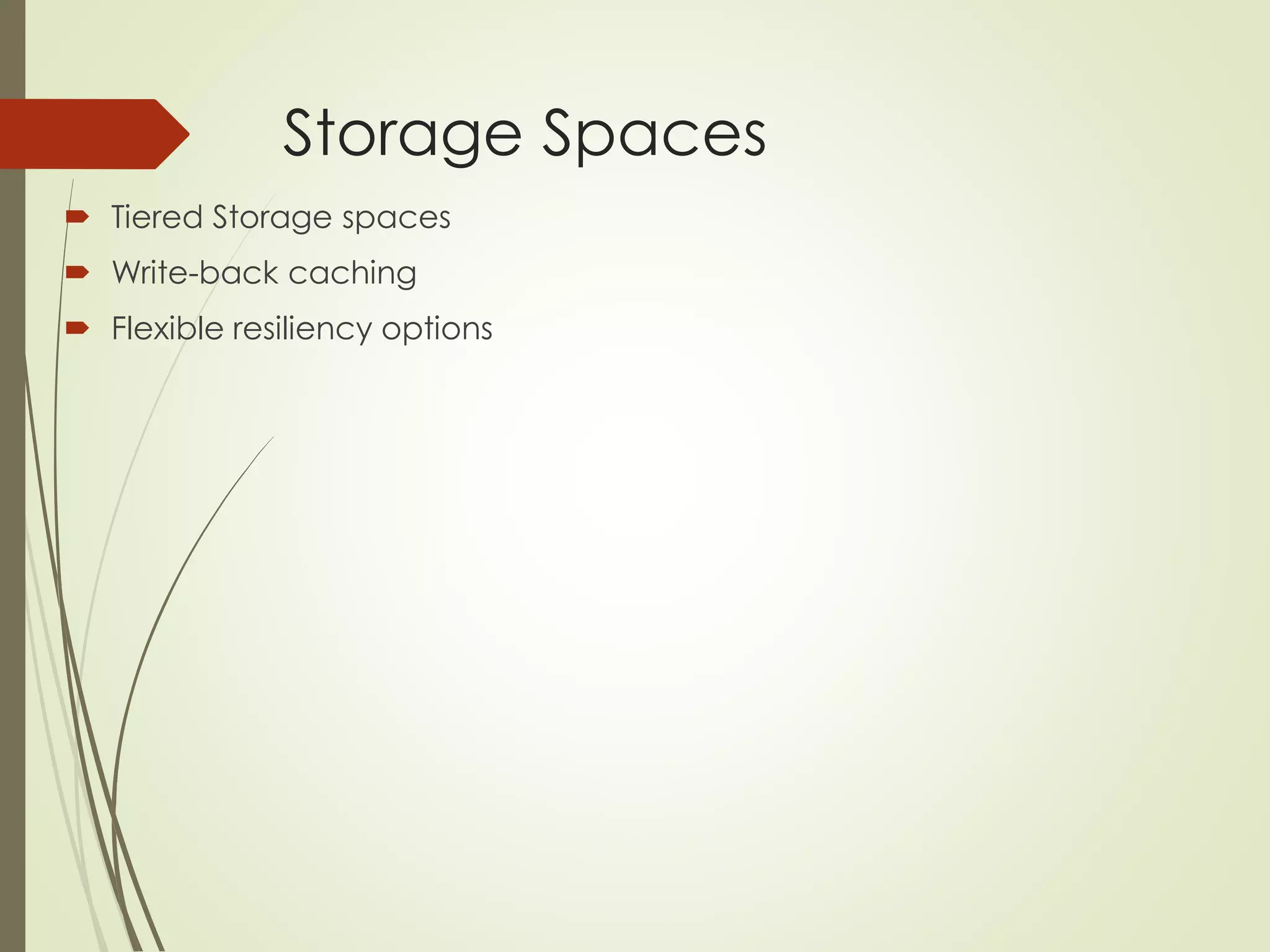
Storage Spaces
 Tiered Storage spaces
 Write-back caching
 Flexible resiliency options
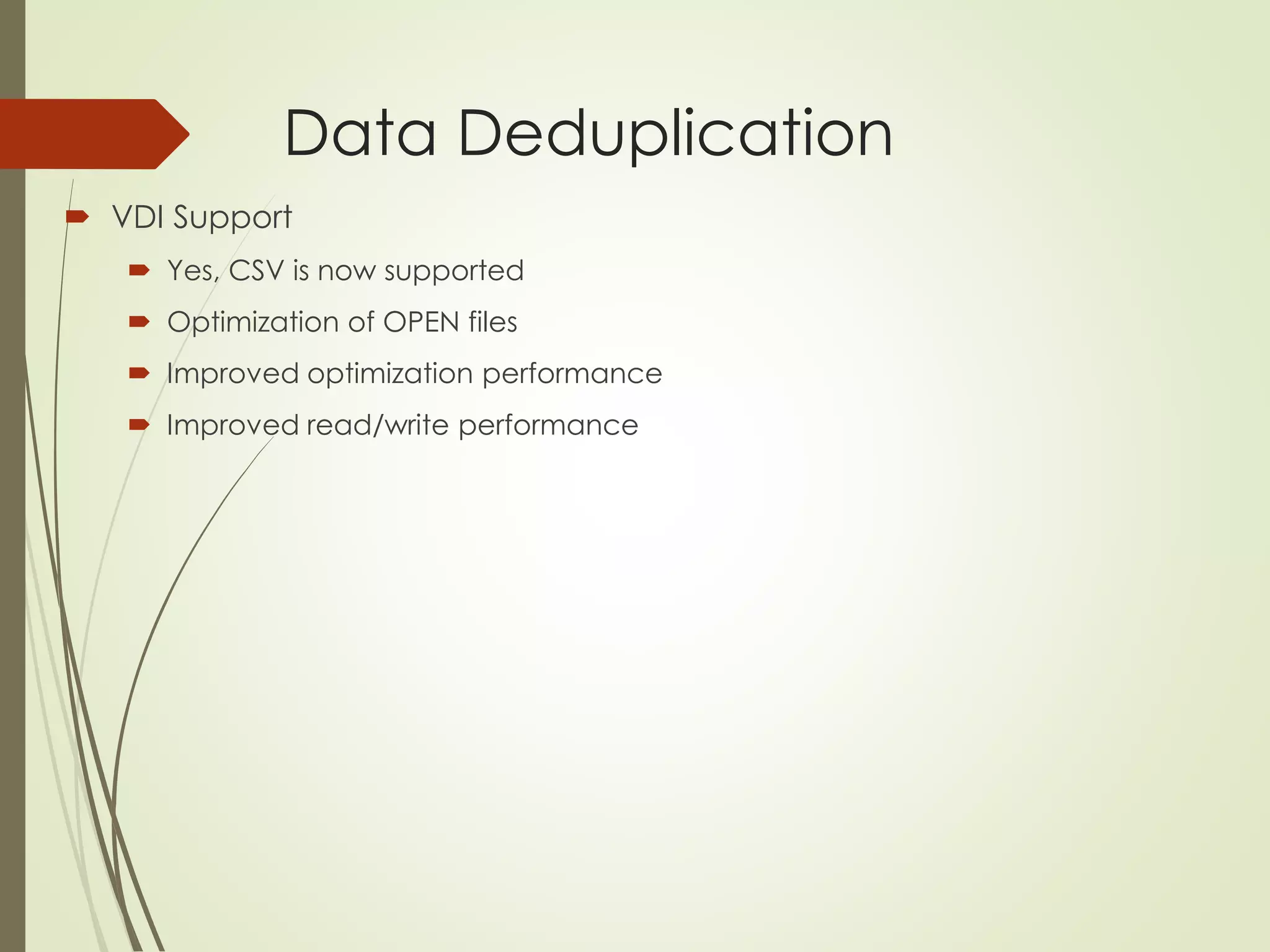
Data Deduplication
 VDI Support
 Yes, CSV is now supported
 Optimization of OPEN files
 Improved optimization performance
 Improved read/write performance
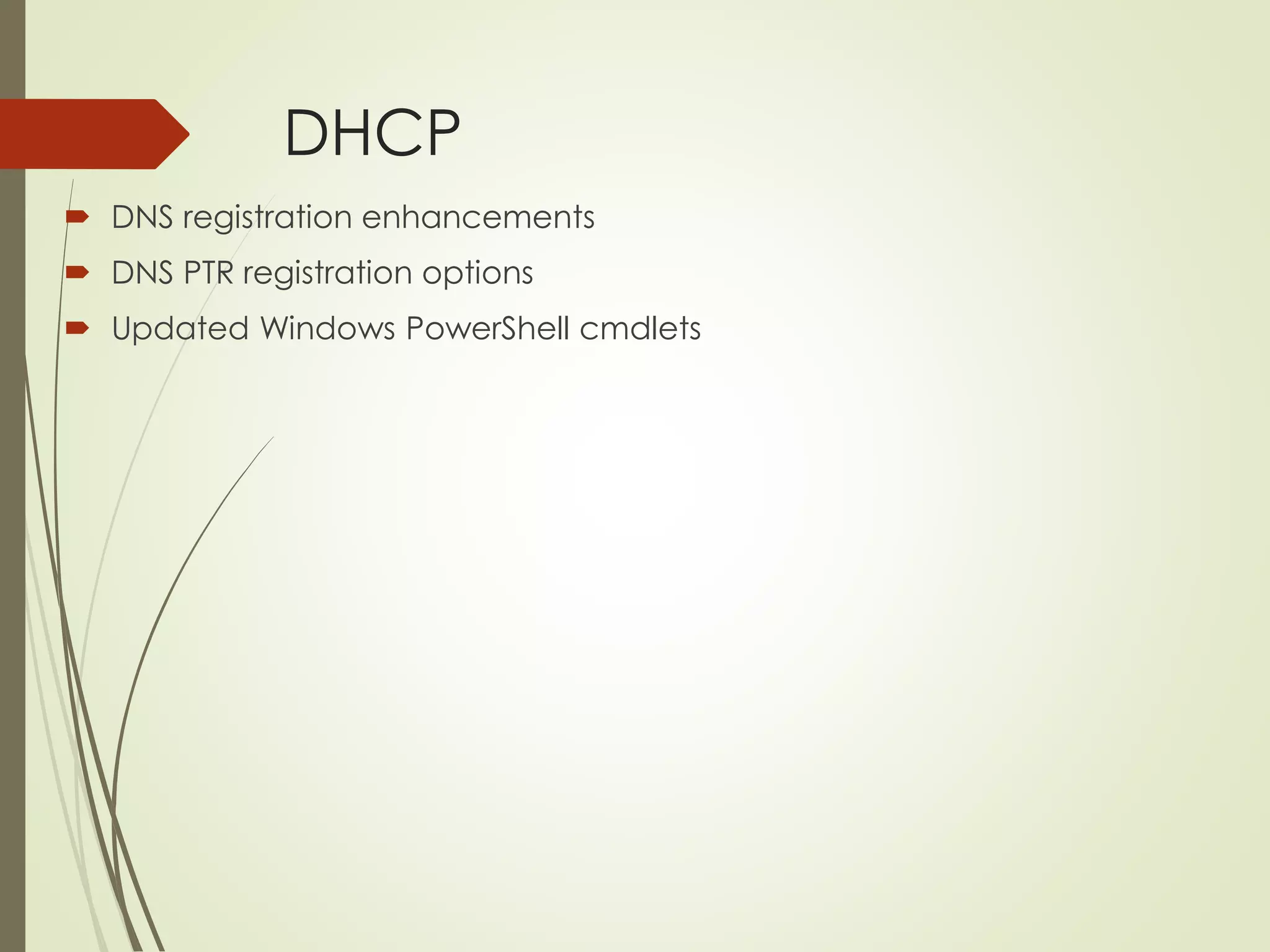
DHCP
 DNS registration enhancements
 DNS PTR registration options
 Updated Windows PowerShell cmdlets
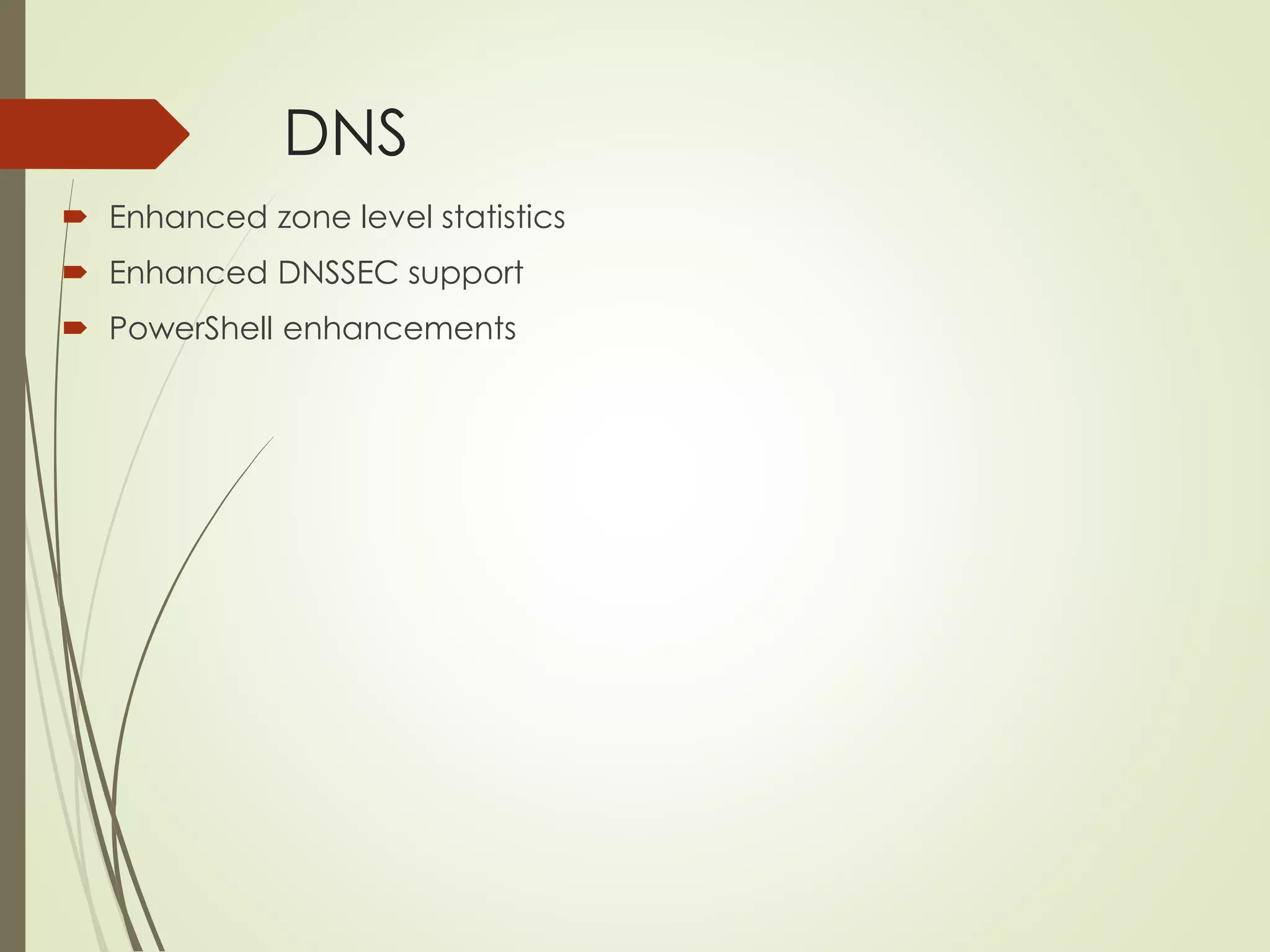
DNS
 Enhanced zone level statistics
 Enhanced DNSSEC support
 PowerShell enhancements
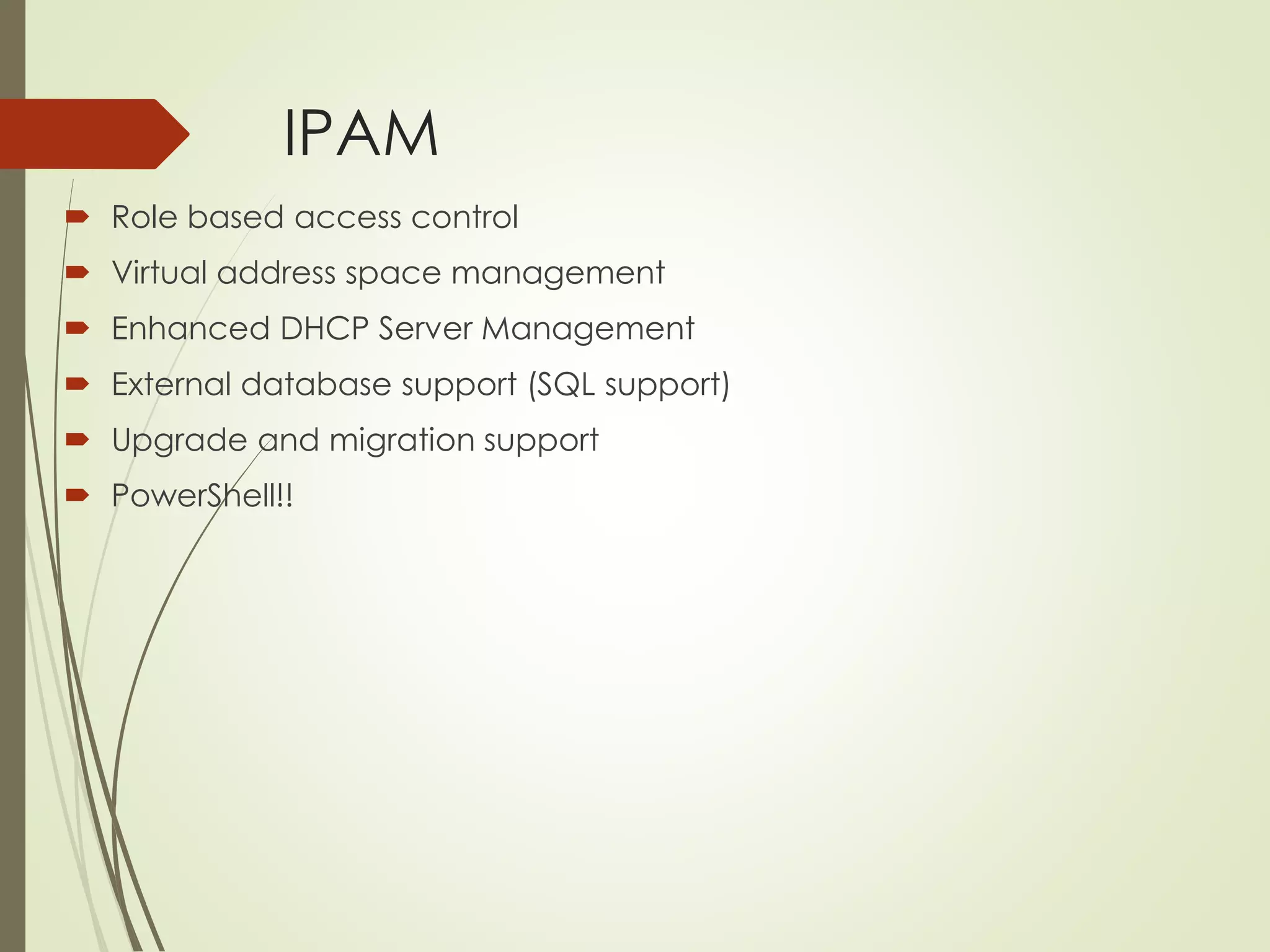
IPAM
 Role based access control
 Virtual address space management
 Enhanced DHCP Server Management
 External database support (SQL support)
 Upgrade and migration support
 PowerShell!!
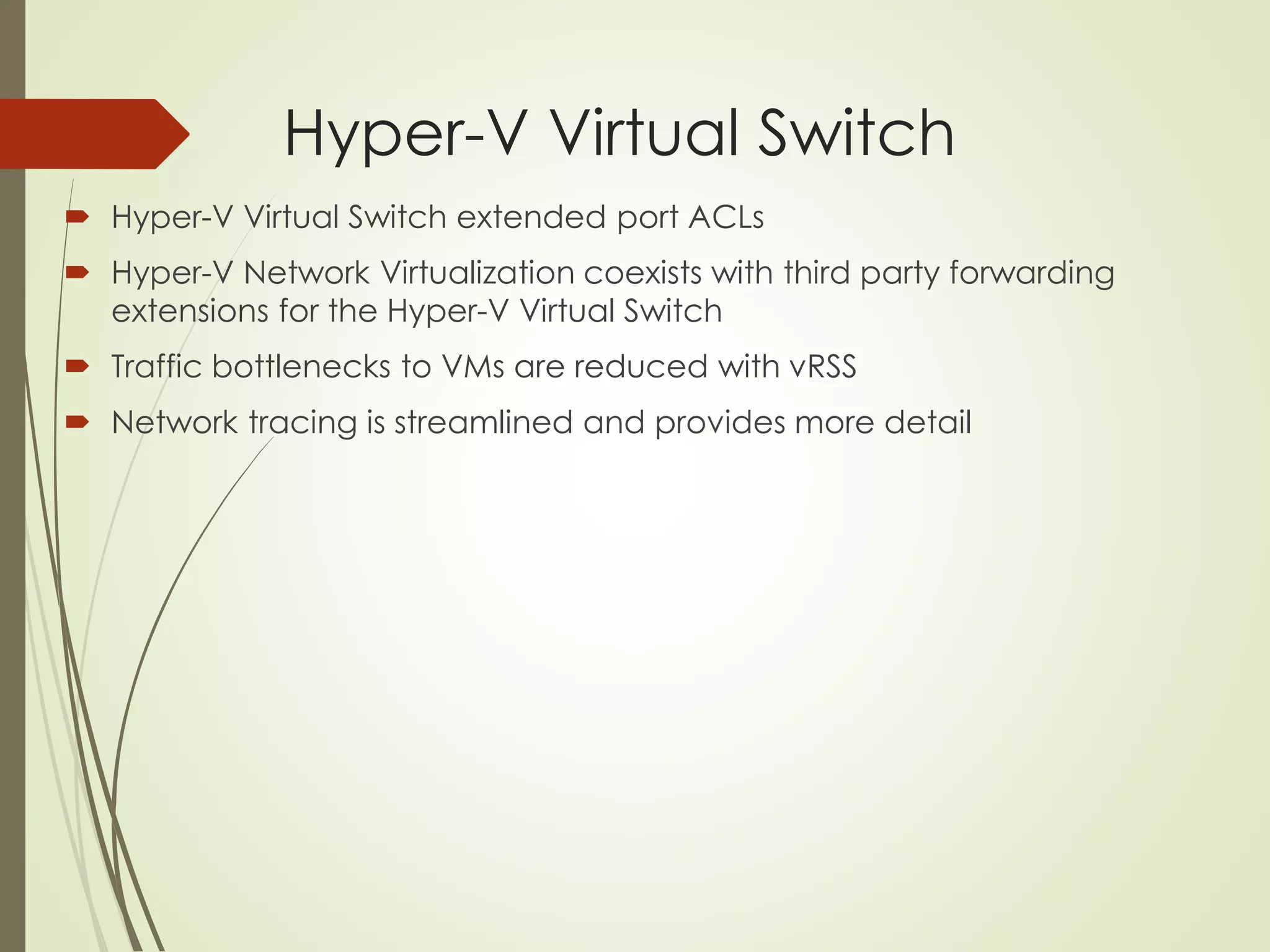
Hyper-V Virtual Switch
 Hyper-V Virtual Switch extended port ACLs
 Hyper-V Network Virtualization coexists with third party forwarding
extensions for the Hyper-V Virtual Switch
 Traffic bottlenecks to VMs are reduced with vRSS
 Network tracing is streamlined and provides more detail
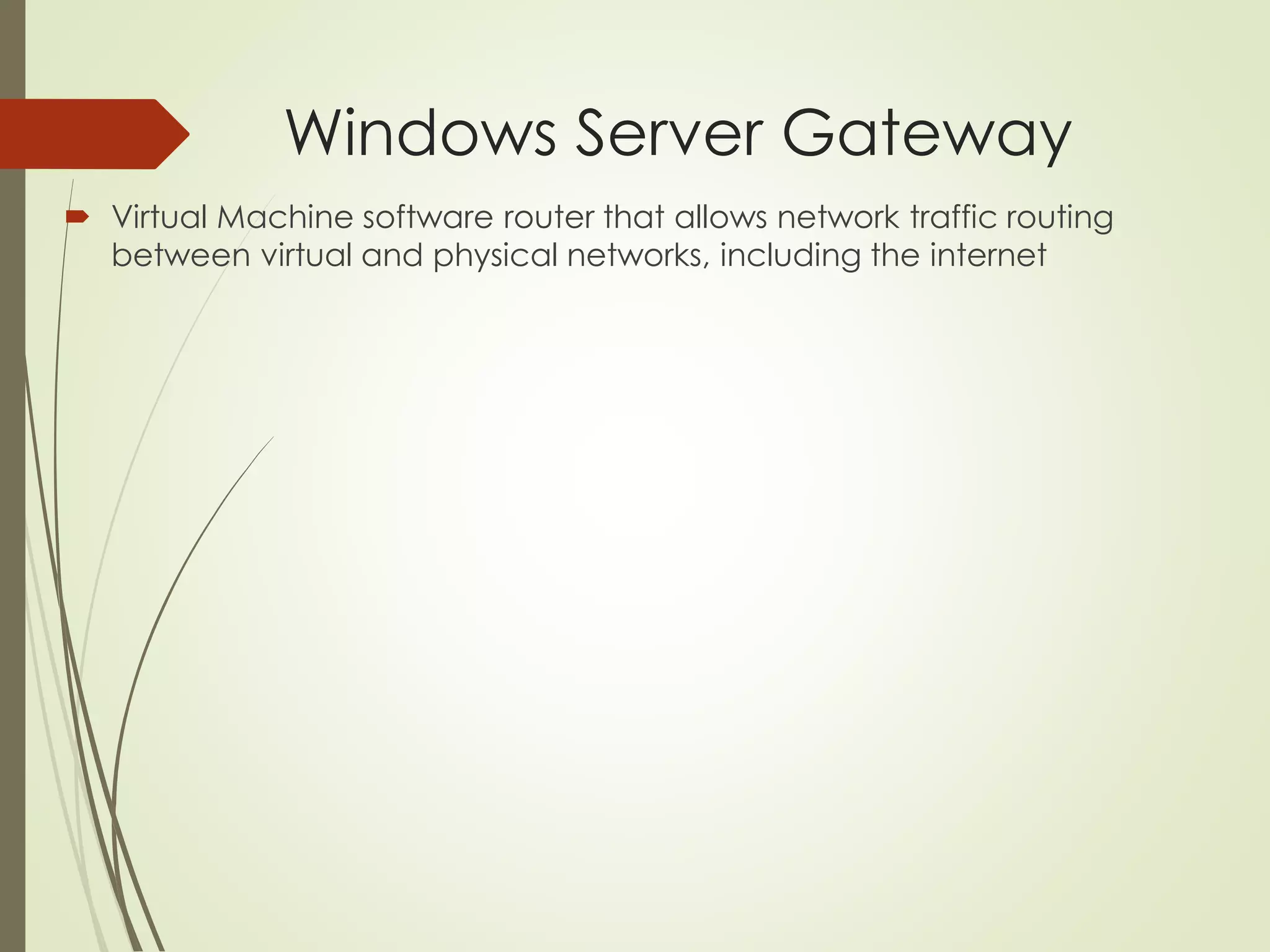
Windows Server Gateway
 Virtual Machine software router that allows network traffic routing
between virtual and physical networks, including the internet
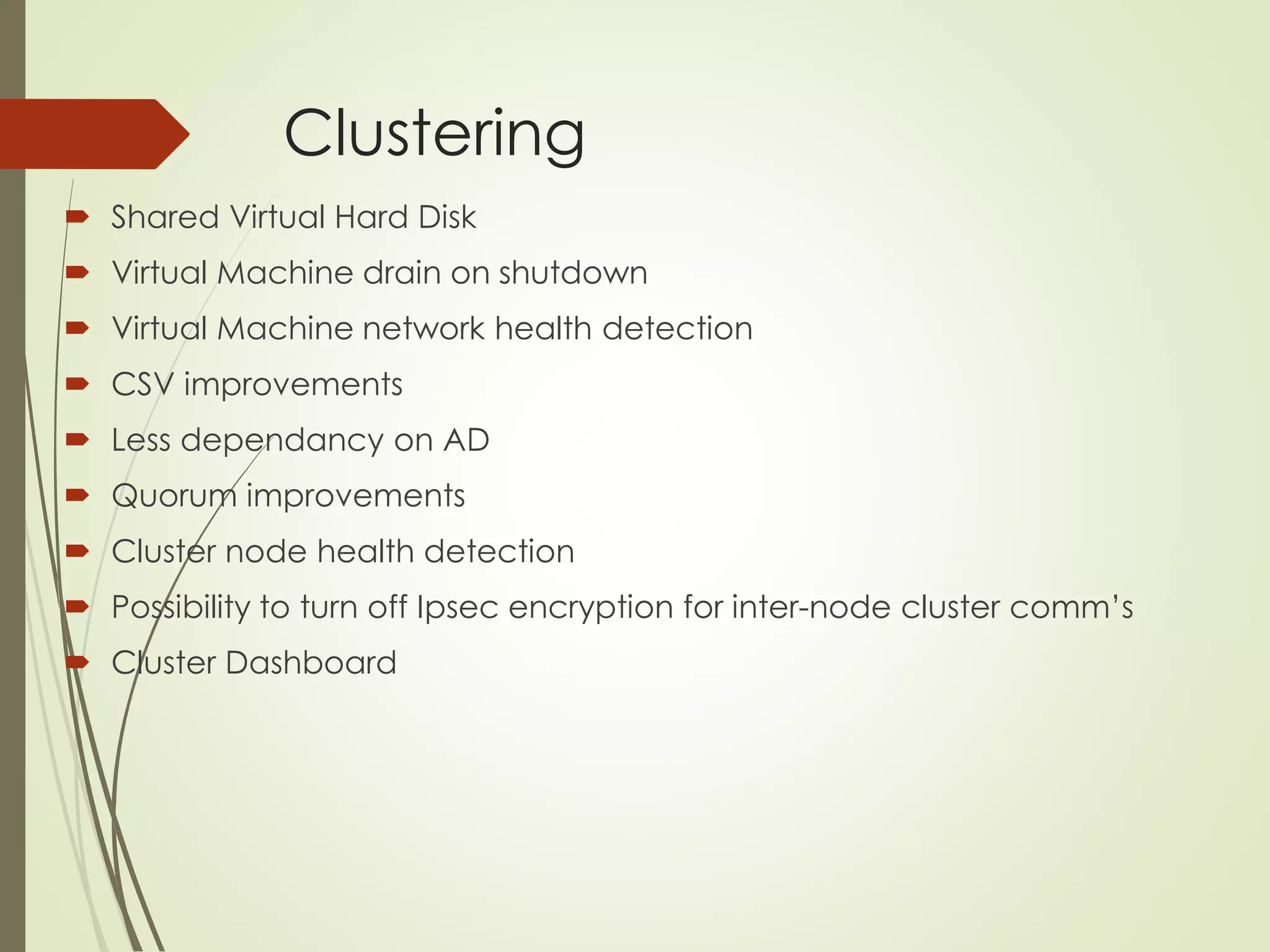
Clustering
 Shared Virtual Hard Disk
 Virtual Machine drain on shutdown
 Virtual Machine network health detection
 CSV improvements
 Less dependancy on AD
 Quorum improvements
 Cluster node health detection
 Possibility to turn off Ipsec encryption for inter-node cluster comm’s
 Cluster Dashboard
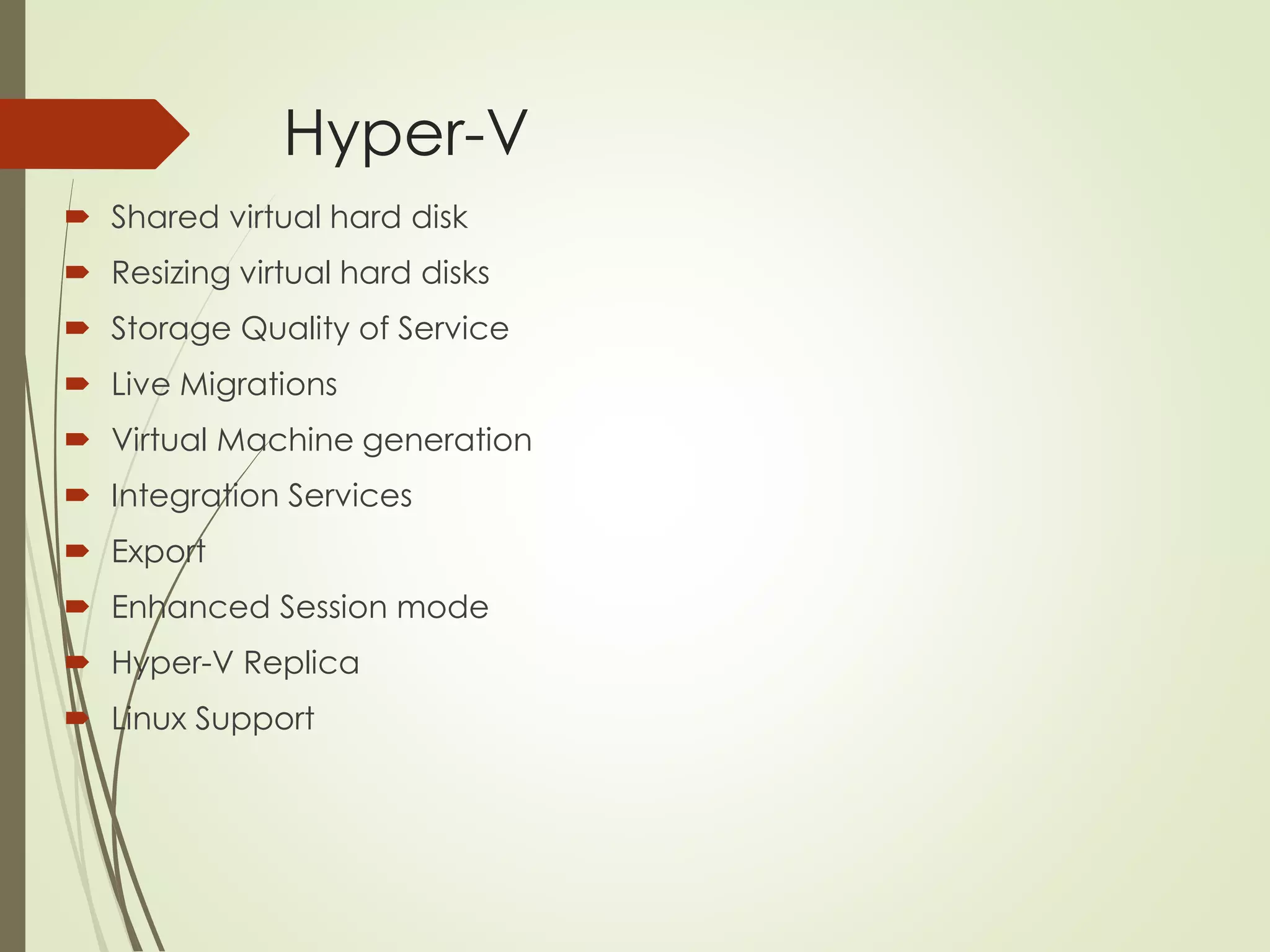
Hyper-V
 Shared virtual hard disk
 Resizing virtual hard disks
 Storage Quality of Service
 Live Migrations
 Virtual Machine generation
 Integration Services
 Export
 Enhanced Session mode
 Hyper-V Replica
 Linux Support
Hyper-V
 Management
 Automatic Virtual Machine Activation
RDS
 Session Shadowing
 Online storage deduplication
 Improved RemoteApp behavior
 Quick reconnect for Remote Desktop clients
 Improved compression and bandwidth usage
 Dynamic display handling
 RemoteFX virtualized GPU supports DX11.1
PowerShell
 Windows PowerShell Desired State Configuration
 Save-help
 Windows PowerShell debugger
 Additional bugfixes and enhancements
WDS
 PowerShell support
Directory Services & Security
 Single Sign-On
 Work from anywhere
 Multi-factor authentication
 Multi-factor access control
 OAuth 2.0 Support
 Security
 Group Policy
Sign up
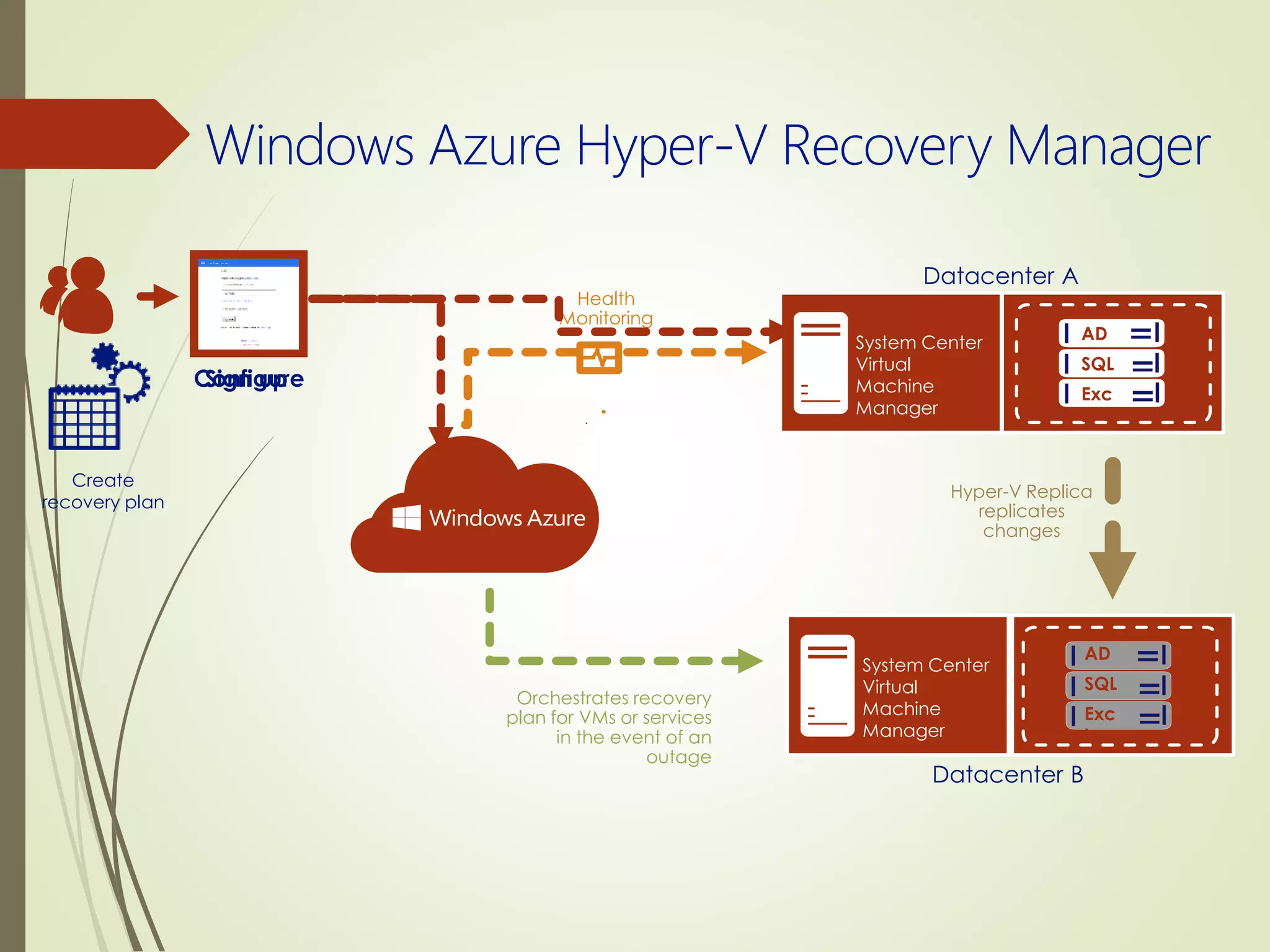
Datacenter B
System Center
Virtual
Machine
Manager
Hyper-V Replica
replicates
changes
Health
Monitoring
Orchestrates recovery
plan for VMs or services
in the event of an
outage
Create a recovery
plan
Create
recovery plan
Datacenter A
System Center
Virtual
Machine
Manager
AD
SQL
Exc
h
Configure
AD
SQL
Exc
h
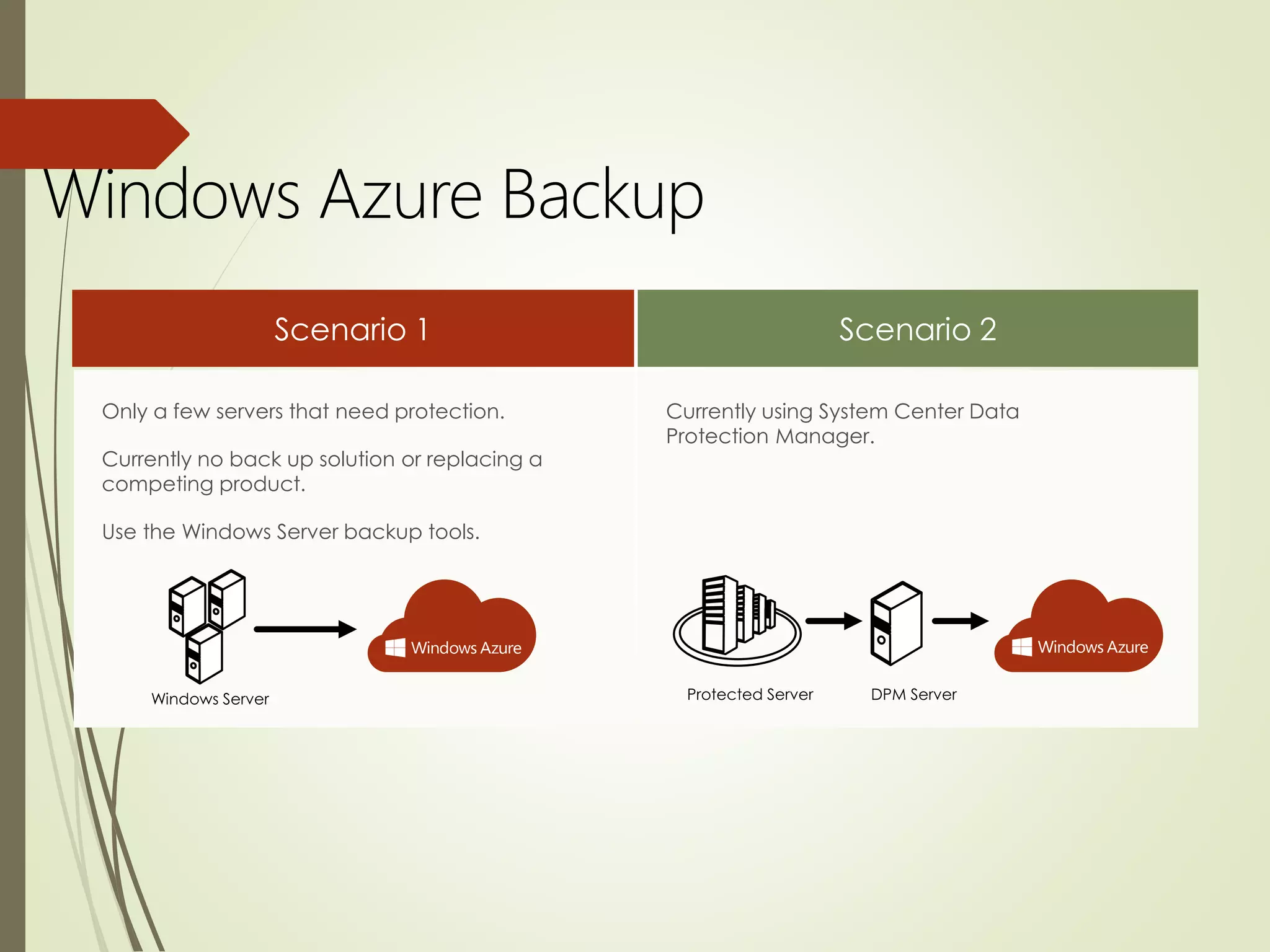
Currently using System Center Data
Protection Manager.
Only a few servers that need protection.
Currently no back up solution or replacing a
competing product.
Use the Windows Server backup tools.
Windows Azure Backup

Windows Server 2012 r2

  • 2.
    Agenda • Trends • TheCloud OS • Overview • File Services and Storage • Networking • Clustering • Hyper-V • Windows PowerShell • WDS • Directory Services & Security
  • 3.
  • 4.
    The Cloud OS Modernplatform for the world’s apps
  • 5.
    Windows Server 2012R2: Overview
  • 7.
    7 Users can sync theirwork data to their devices. Users can register their devices to be able to sync data when IT enforces conditional access IT can publish access directly through a reverse proxy, or conditional access can be enforced via device registration through the Web Application Proxy IT can configure a File Server to provide Work Folder sync shares for each user to store data that syncs to their devices, including integration with Rights Management IT can selectively wipe the corporate data from Windows 8.1 clients Devices Apps & Data Active Directory discoverability provides users Work Folders location
  • 8.
    SMB  Automatic rebalancingof Scale-Out File Server Clients  Improved performance of SMB direct  Improved SMB event messages  VHDX files as shared storage for guest clustering  Hyper-V Live migration over SMB  SMB bandwidth management  Multiple SMB instances on a Scale-Out File Server  SMB 1.0 is an option
  • 9.
    DFS Namespace andDFS Replication  PowerShell!  DFS Replication WMI Provider  Database cloning for initial Sync  Database corruption recovery  Cross-file RDC disable  File staging tuning  Preserved File Restoration  Unexpected shutdown database recovery improvements  Membership disabling improvement
  • 10.
    iSCSI Target Server Virtual Disks enhancements  Manageability enhancements  Improved optimization to allow disk-level caching  Scalability limits  Local mount functionality (removed feature)
  • 11.
    Storage Spaces  TieredStorage spaces  Write-back caching  Flexible resiliency options
  • 12.
    Data Deduplication  VDISupport  Yes, CSV is now supported  Optimization of OPEN files  Improved optimization performance  Improved read/write performance
  • 14.
    DHCP  DNS registrationenhancements  DNS PTR registration options  Updated Windows PowerShell cmdlets
  • 15.
    DNS  Enhanced zonelevel statistics  Enhanced DNSSEC support  PowerShell enhancements
  • 16.
    IPAM  Role basedaccess control  Virtual address space management  Enhanced DHCP Server Management  External database support (SQL support)  Upgrade and migration support  PowerShell!!
  • 17.
    Hyper-V Virtual Switch Hyper-V Virtual Switch extended port ACLs  Hyper-V Network Virtualization coexists with third party forwarding extensions for the Hyper-V Virtual Switch  Traffic bottlenecks to VMs are reduced with vRSS  Network tracing is streamlined and provides more detail
  • 18.
    Windows Server Gateway Virtual Machine software router that allows network traffic routing between virtual and physical networks, including the internet
  • 20.
    Clustering  Shared VirtualHard Disk  Virtual Machine drain on shutdown  Virtual Machine network health detection  CSV improvements  Less dependancy on AD  Quorum improvements  Cluster node health detection  Possibility to turn off Ipsec encryption for inter-node cluster comm’s  Cluster Dashboard
  • 22.
    Hyper-V  Shared virtualhard disk  Resizing virtual hard disks  Storage Quality of Service  Live Migrations  Virtual Machine generation  Integration Services  Export  Enhanced Session mode  Hyper-V Replica  Linux Support
  • 23.
    Hyper-V  Management  AutomaticVirtual Machine Activation
  • 25.
    RDS  Session Shadowing Online storage deduplication  Improved RemoteApp behavior  Quick reconnect for Remote Desktop clients  Improved compression and bandwidth usage  Dynamic display handling  RemoteFX virtualized GPU supports DX11.1
  • 27.
    PowerShell  Windows PowerShellDesired State Configuration  Save-help  Windows PowerShell debugger  Additional bugfixes and enhancements
  • 29.
  • 31.
    Directory Services &Security  Single Sign-On  Work from anywhere  Multi-factor authentication  Multi-factor access control  OAuth 2.0 Support  Security  Group Policy
  • 32.
    Sign up Datacenter B SystemCenter Virtual Machine Manager Hyper-V Replica replicates changes Health Monitoring Orchestrates recovery plan for VMs or services in the event of an outage Create a recovery plan Create recovery plan Datacenter A System Center Virtual Machine Manager AD SQL Exc h Configure AD SQL Exc h
  • 33.
    Currently using SystemCenter Data Protection Manager. Only a few servers that need protection. Currently no back up solution or replacing a competing product. Use the Windows Server backup tools. Windows Azure Backup