
What’s new in Android 6.0
Runtime Permissions
Privacy & Security
• Runtime Permission
• Advanced permission controls for all apps
• Verified boot
• Fingerprint sensors support
• BorringSSL replace OpenSSL
• Android Keystore provider no longer support DSA
• APK validation
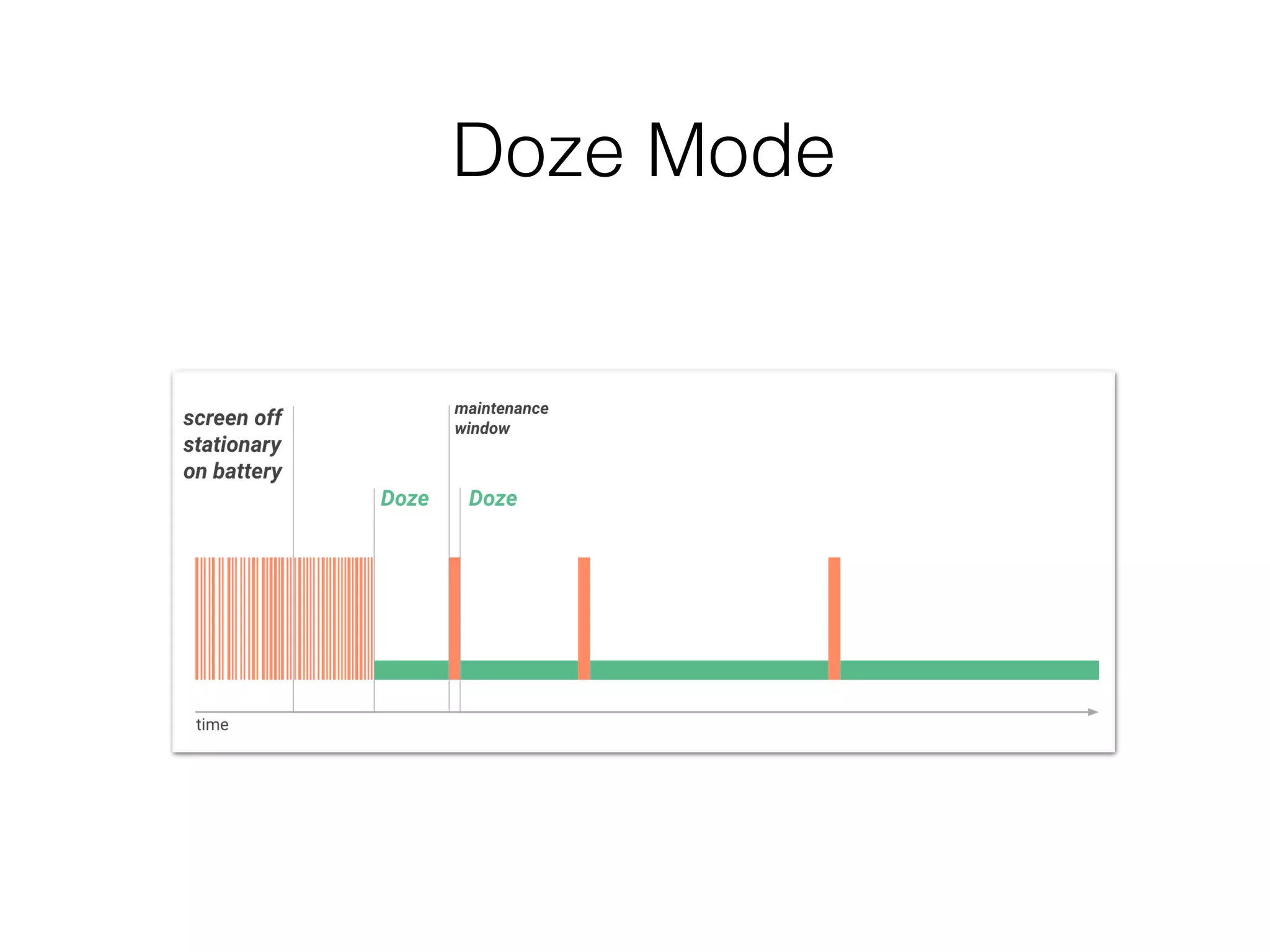
Doze Mode
Doze Mode Restriction
• Network access is suspended
• The system ignores wake locks
• The system doesn’t perform Wi-Fi scans
• The system doesn’t allow sync adapter to run
• The system doesn’t allow JobScheduler to run
• Standart AlarmManager alarms are deferred to the next maintaince
window
• If you need to set alarms that fire while in Doze, use setAndAllowWhileIdle() or
setExactAndAllowWhileIdle().
• Alarms set with setAlarmClock() continue to fire normally — the system exits Doze
shortly before those alarms fire.
Active app for App Standby
conditions
• The user explicitly launches the app
• The app has a process in the foreground
• The app generates a notification that users see on
the lock screen on in the notification tray
Battery Features
• Doze Mode
• App Standby Mode
• USB Type C Support
• More power efficient Bluetooth Low Energy
scanning
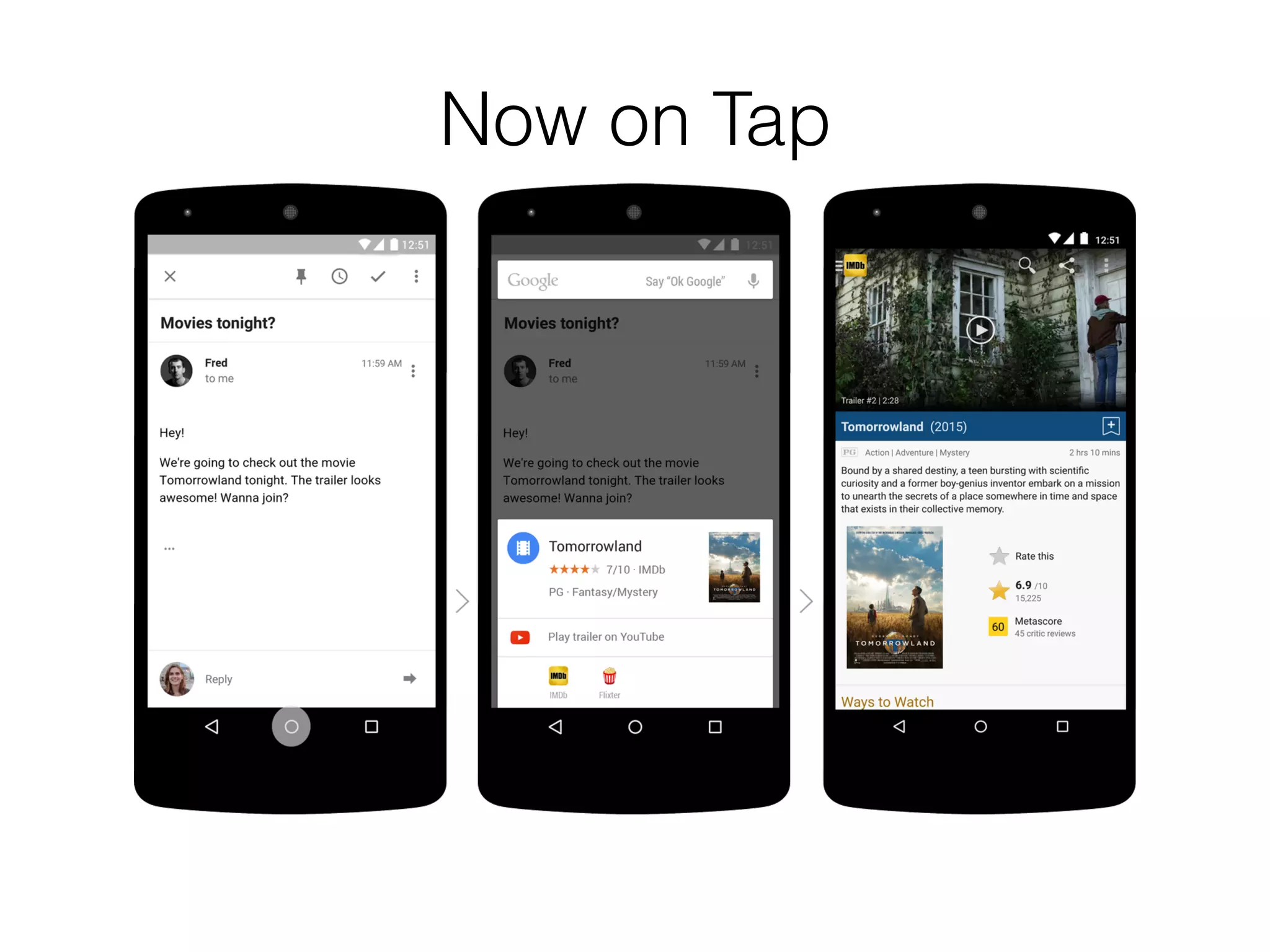
Now on Tap
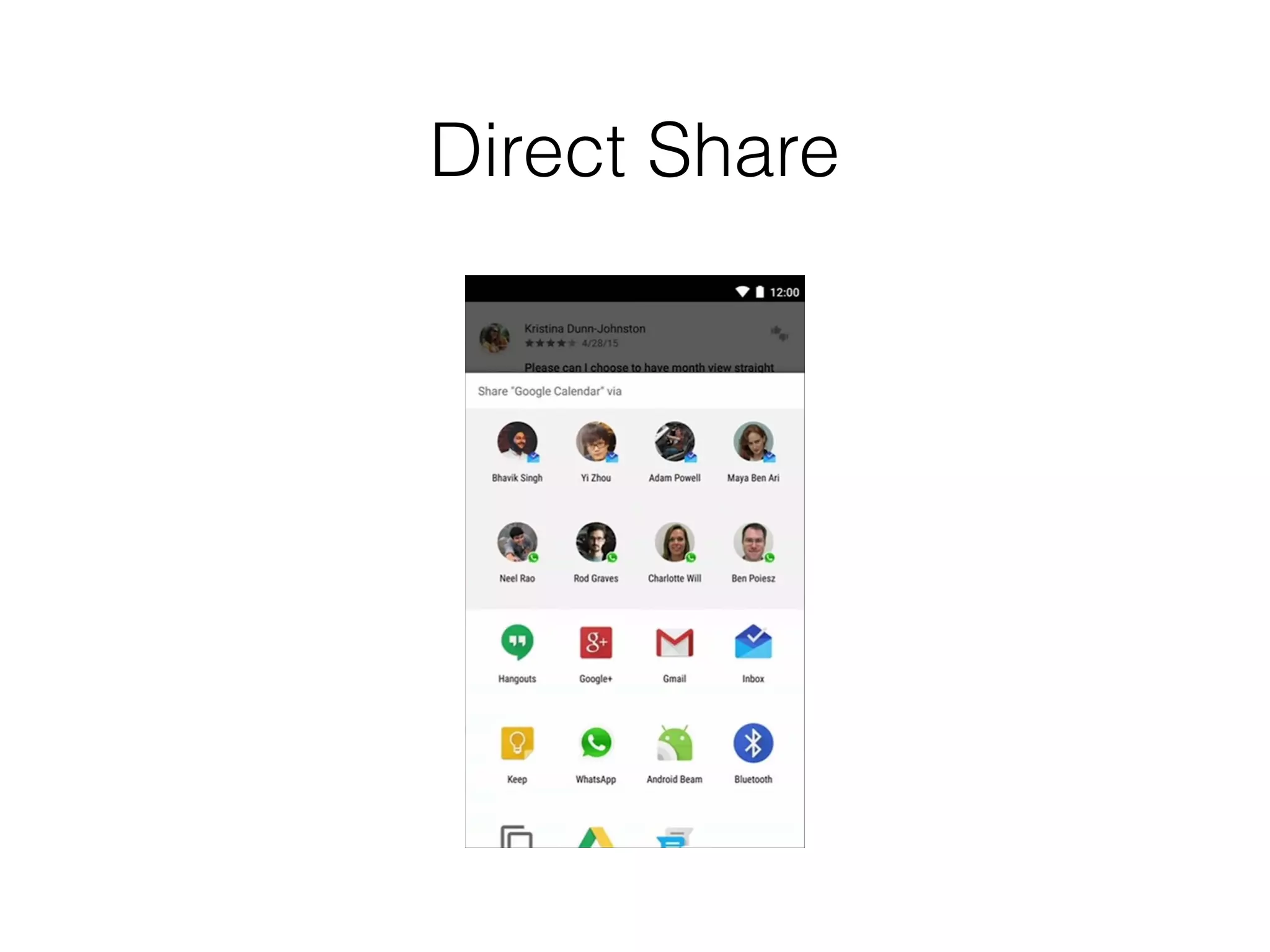
Direct Share
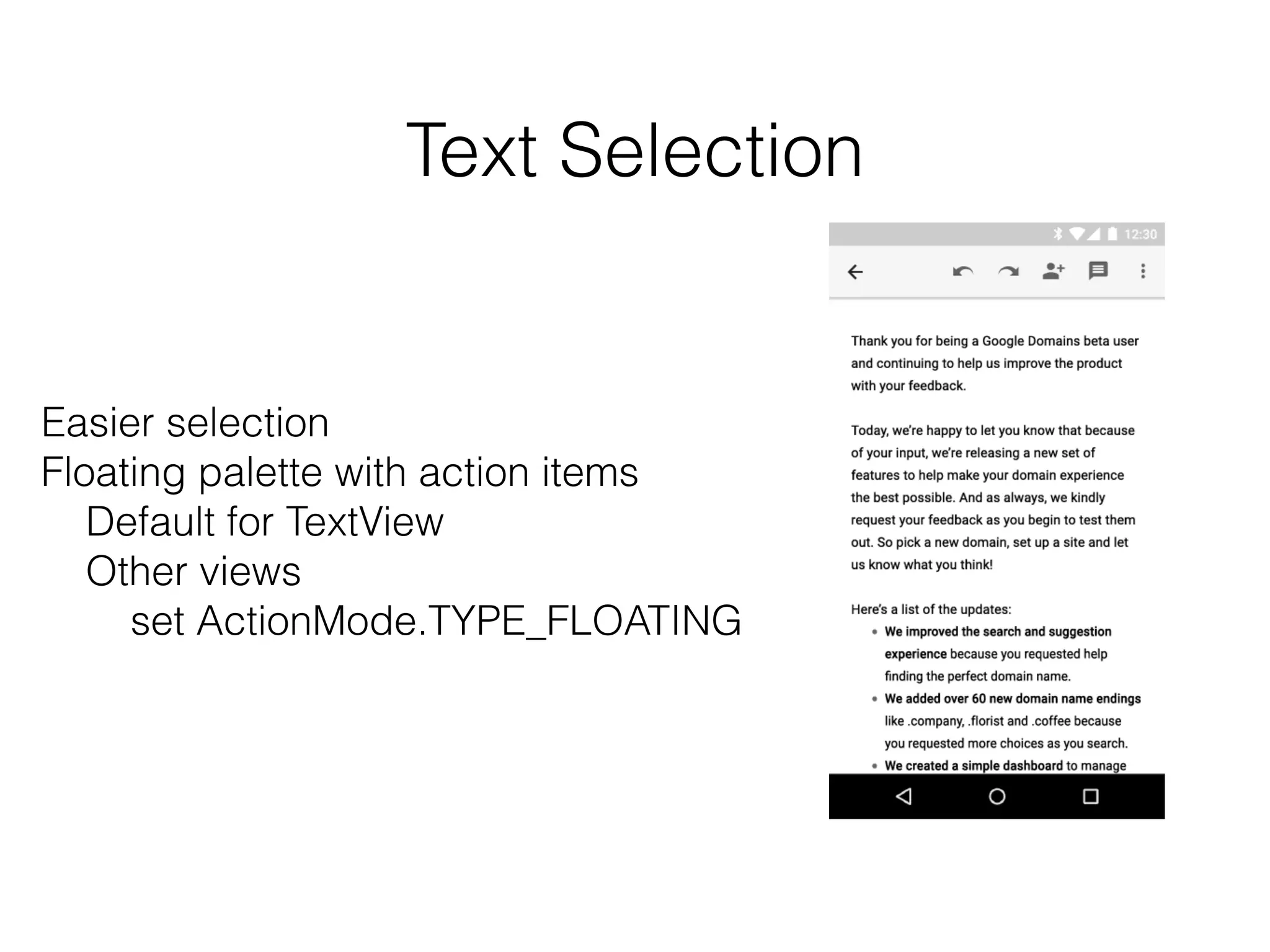
Text Selection
Easier selection
Floating palette with action items
Default for TextView
Other views
set ActionMode.TYPE_FLOATING
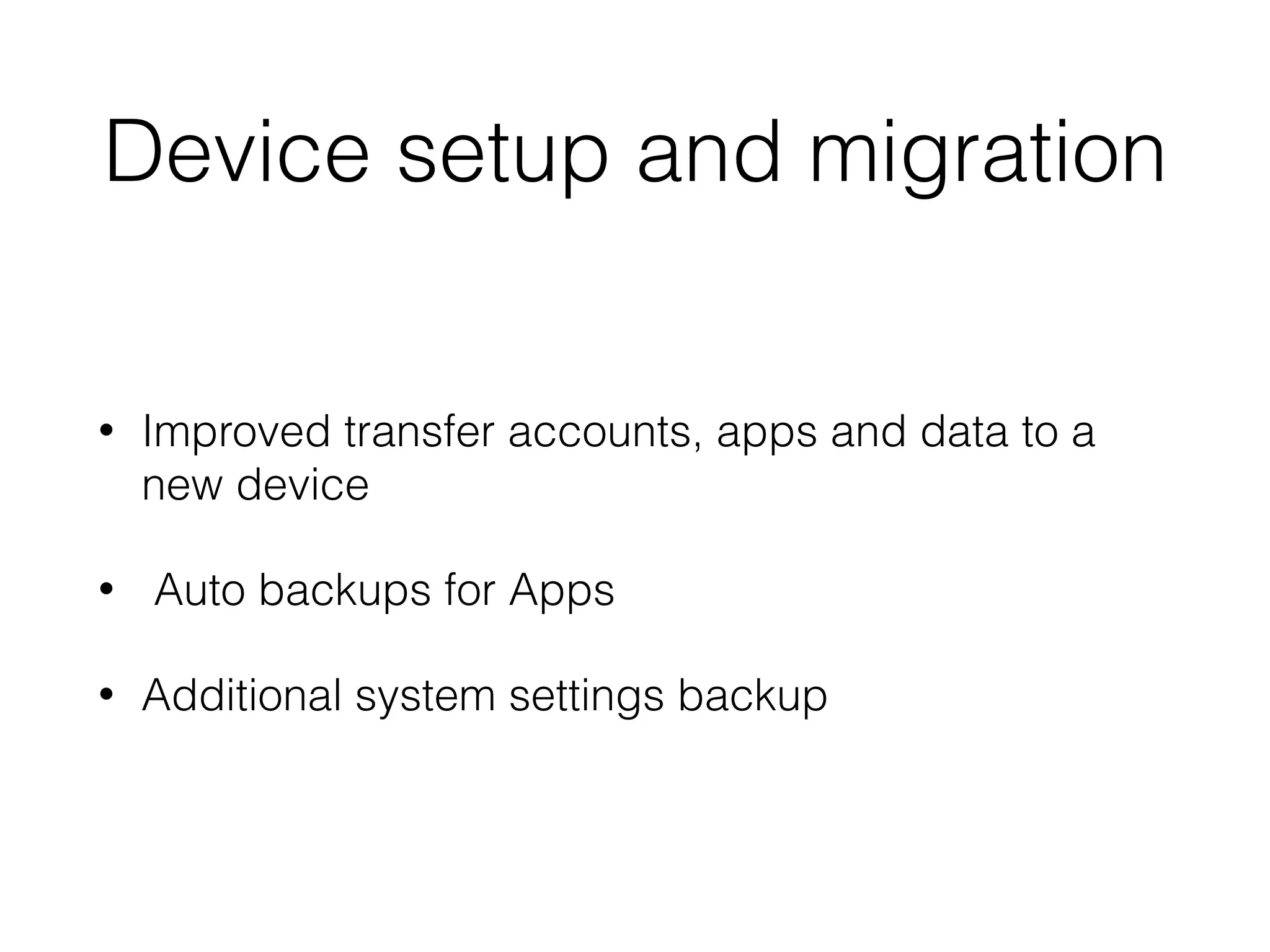
Device setup and migration
• Improved transfer accounts, apps and data to a
new device
• Auto backups for Apps
• Additional system settings backup
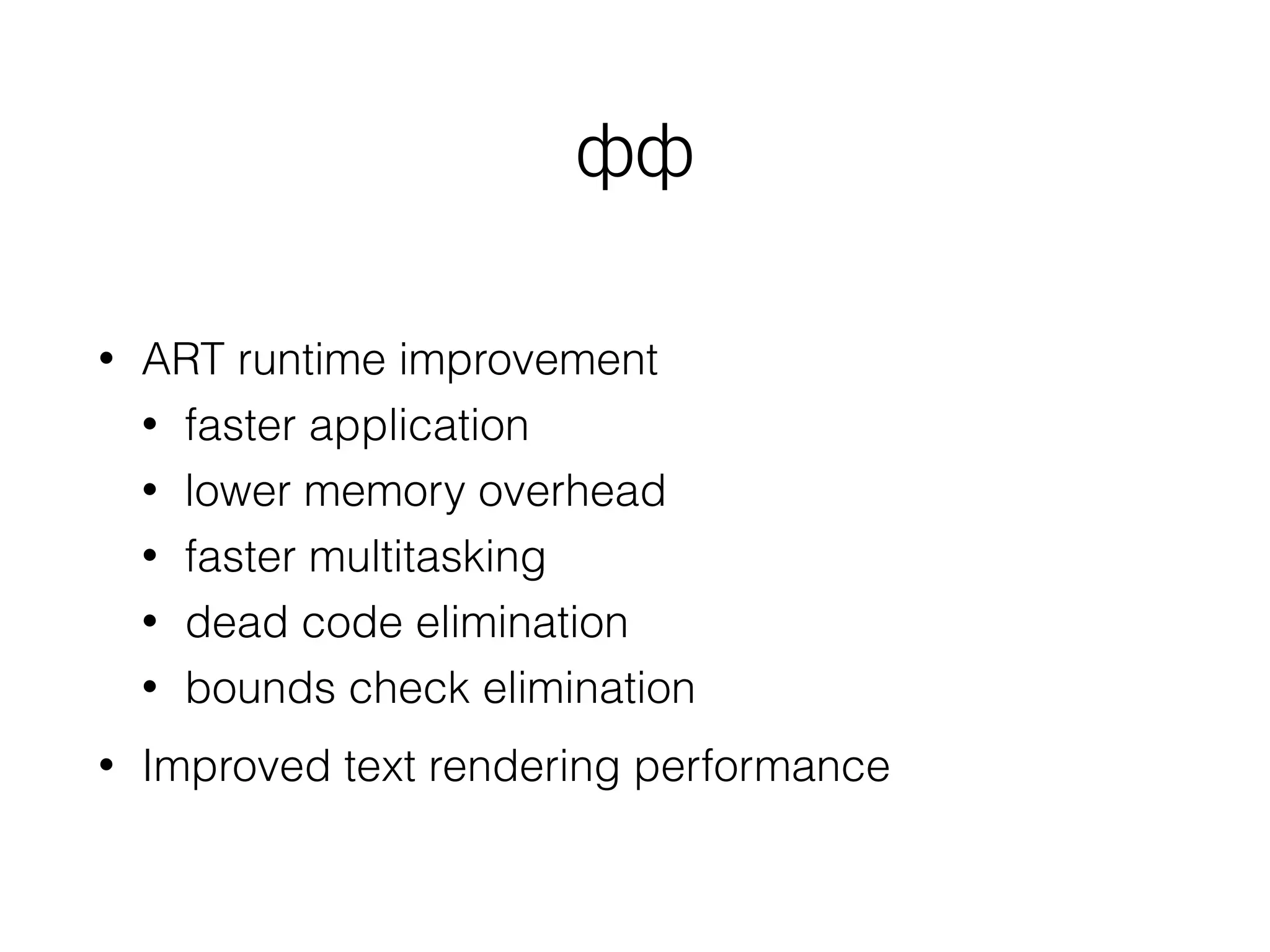
Performance Improvements
• ART runtime improvement
• faster application
• lower memory overhead
• faster multitasking
• dead code elimination
• bounds check elimination
• Improved text rendering performance
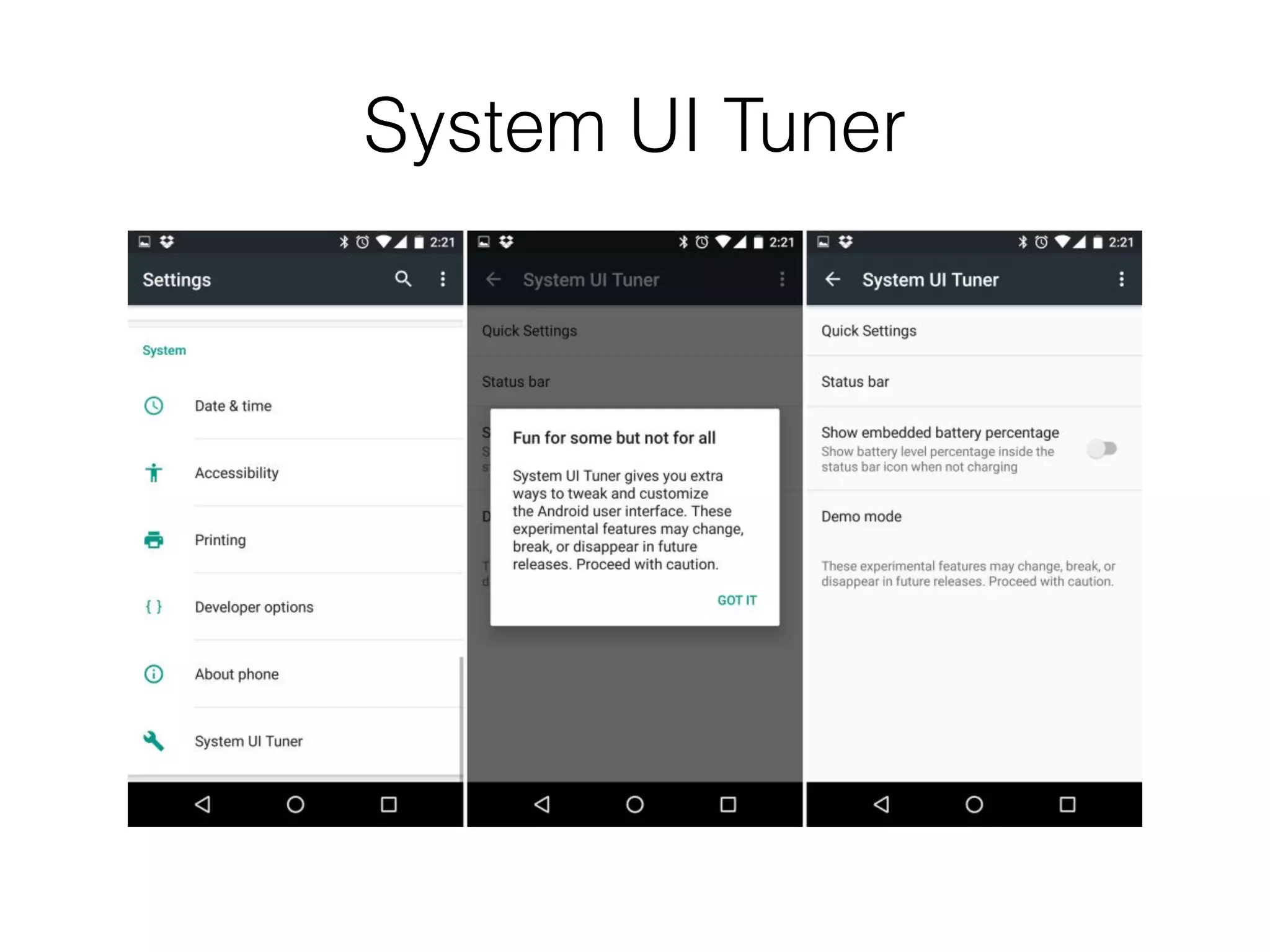
System UI Tuner
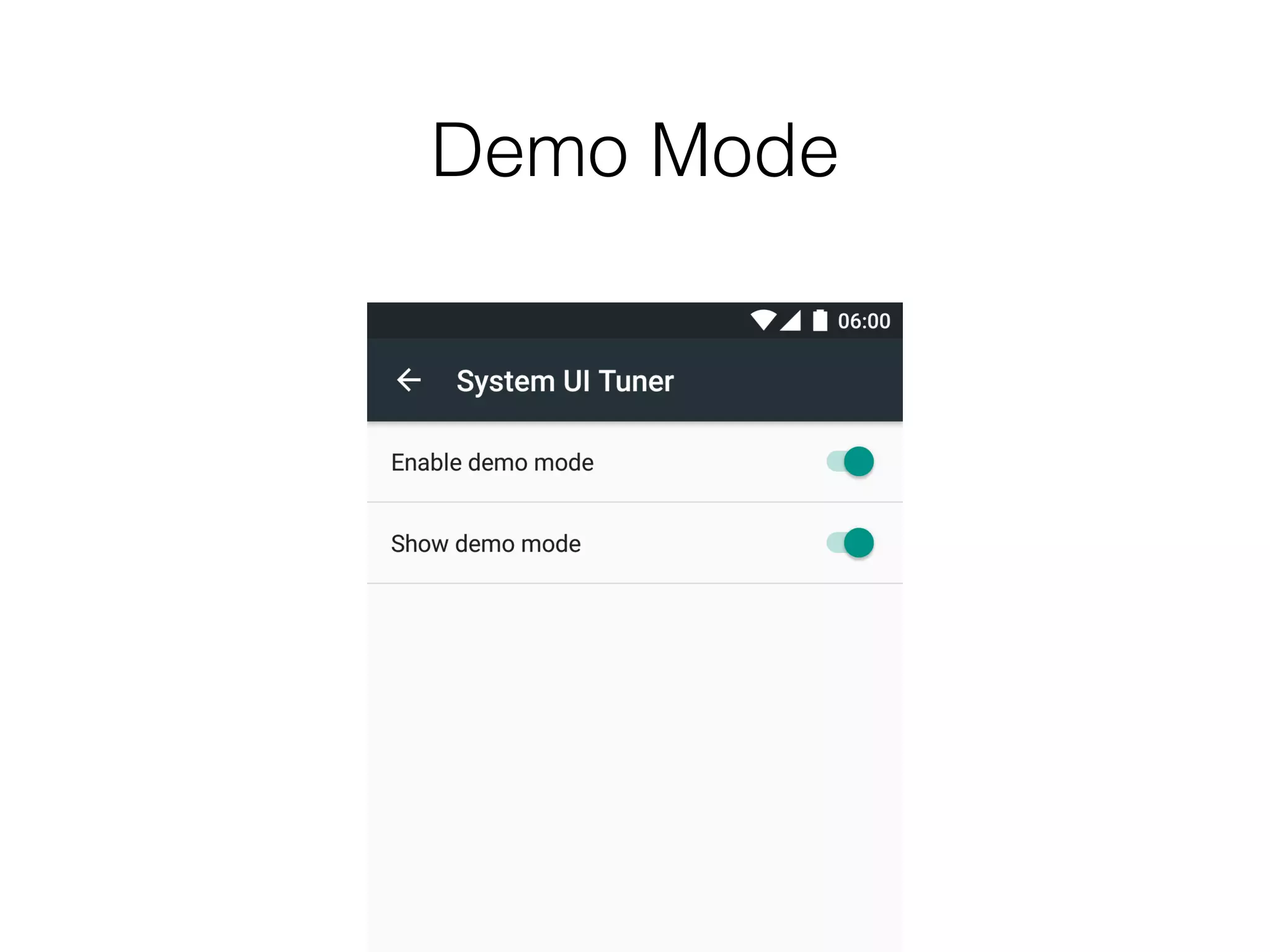
Demo Mode
Other features
• App Links
• Apache HTTP client removed
• Bluetooth stylus support
• Improved “Do not Disturb”
• Simplified volumes control
• Update Google Now Launcher
• Bluetooth SAP Support
• Android for Work update
• Improved text input
• Hotspot 2.0 Support
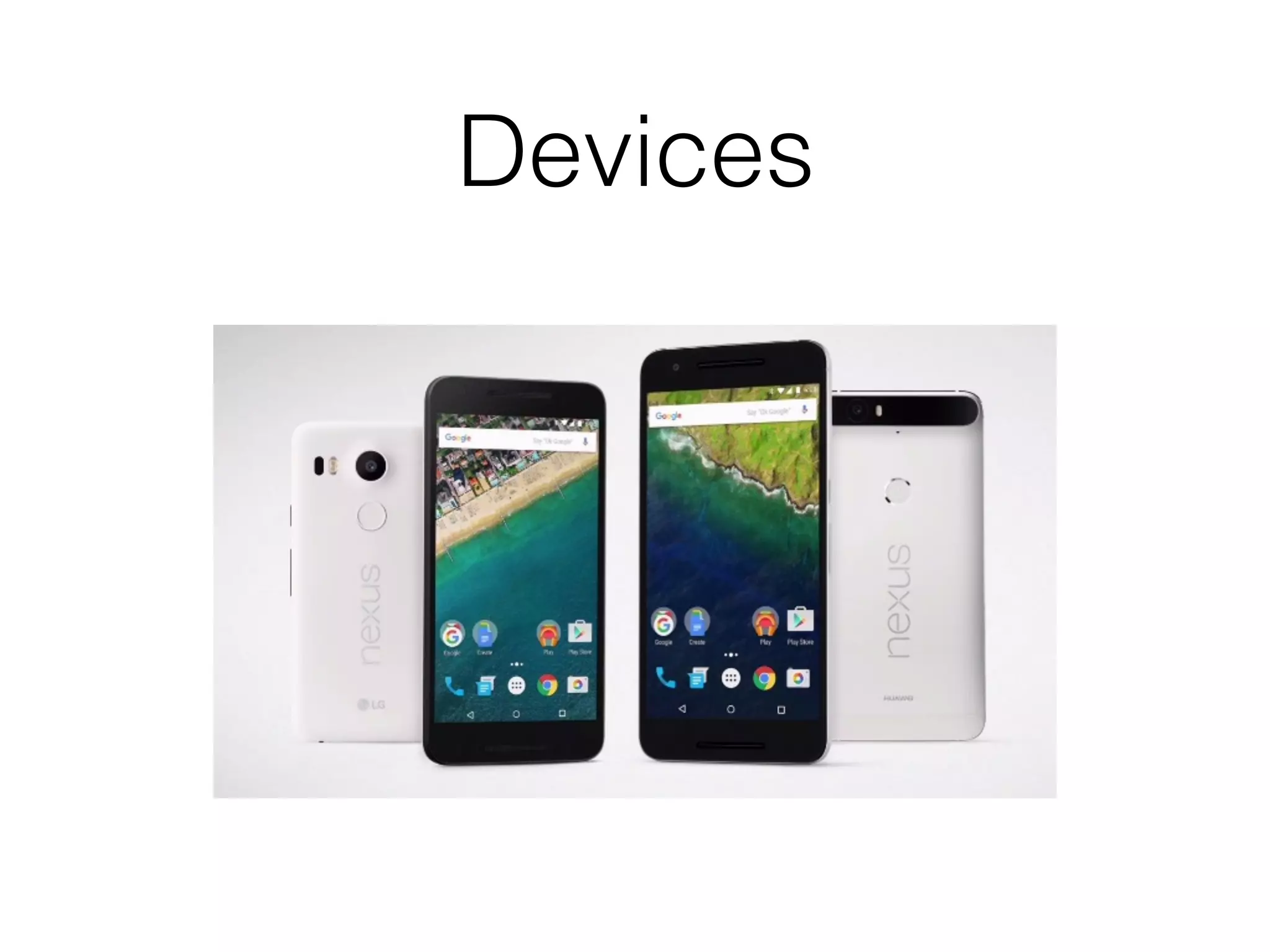
Devices
Developer Tools
Android Studio
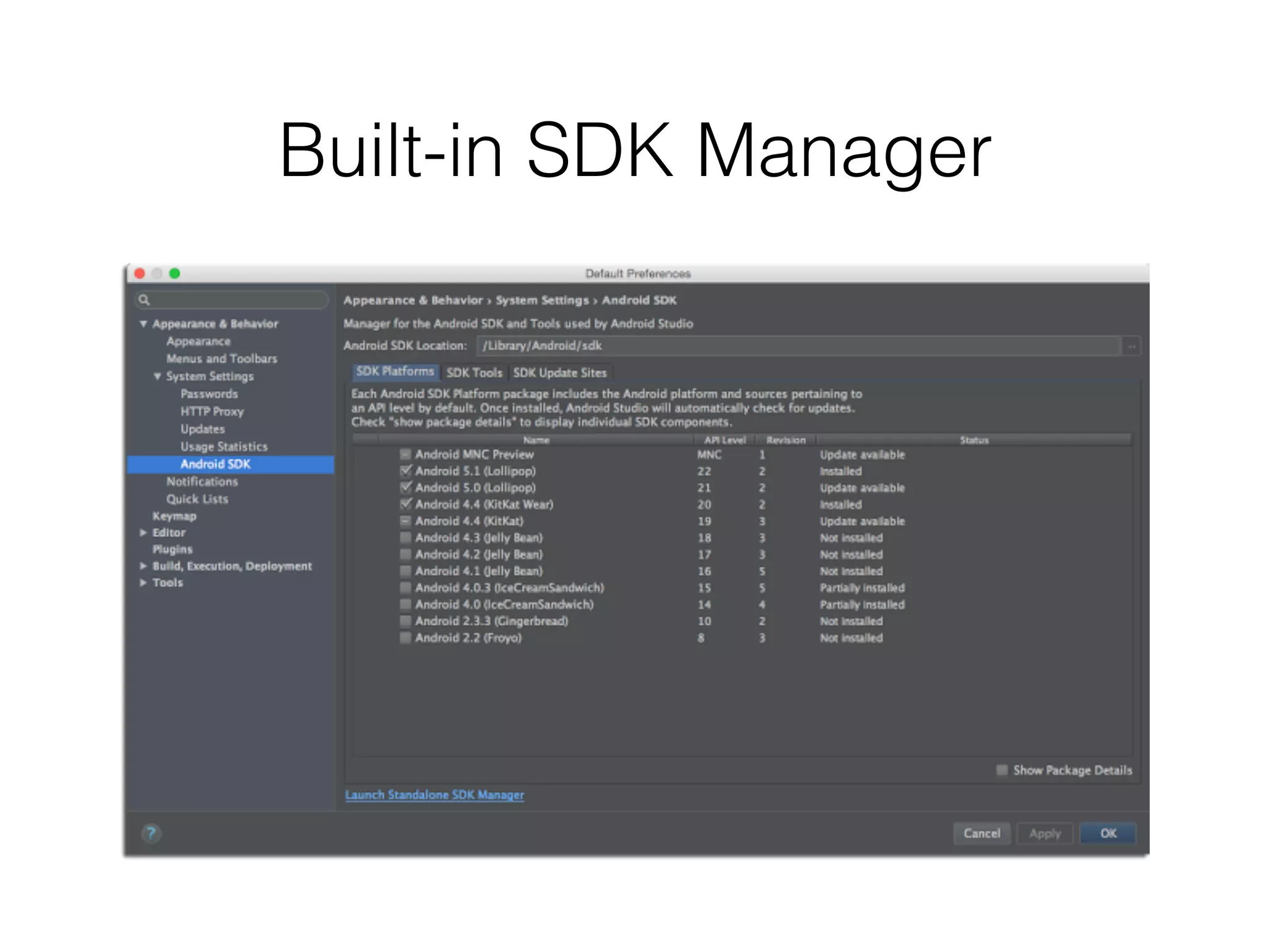
Built-in SDK Manager
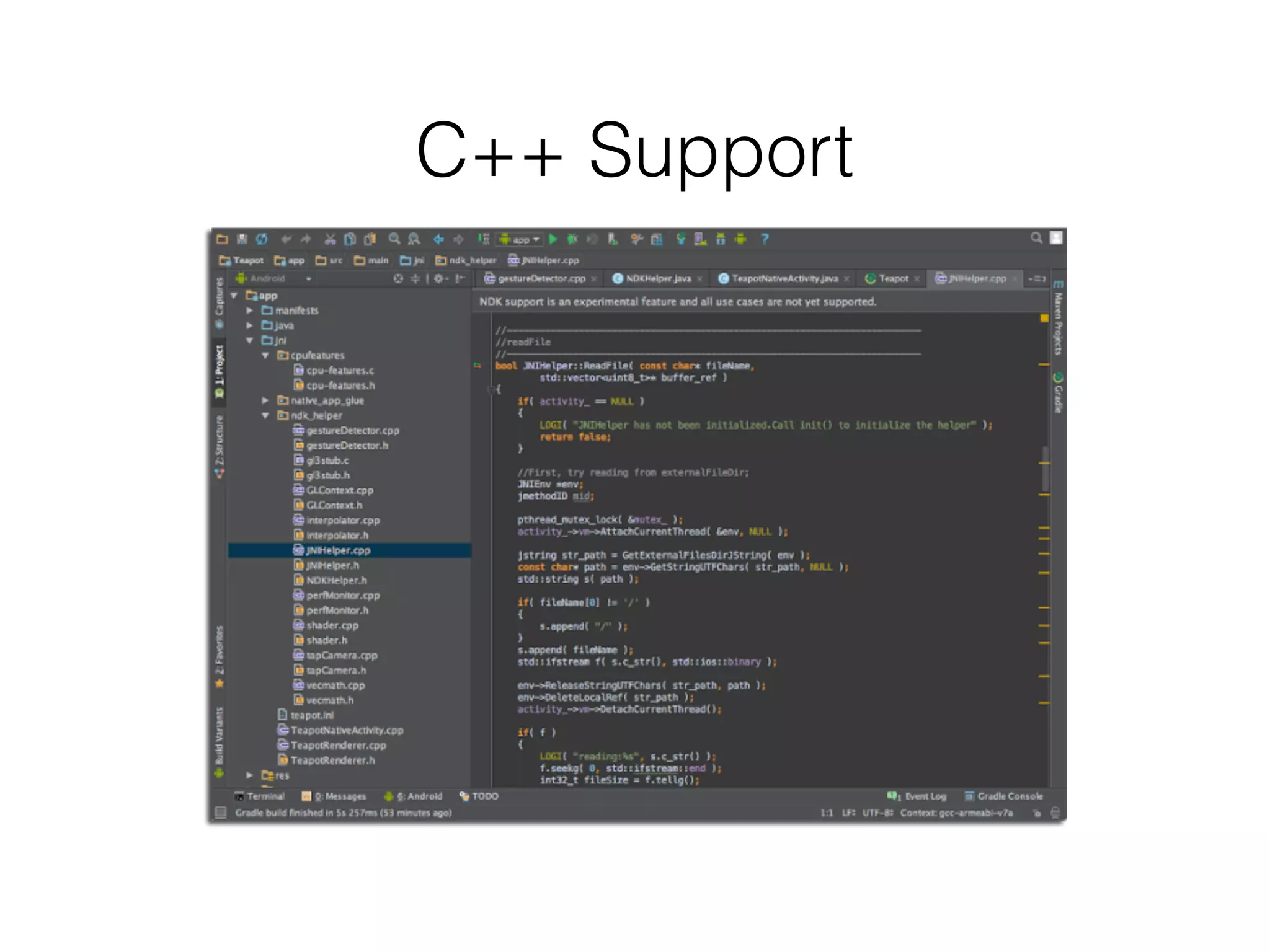
C++ Support
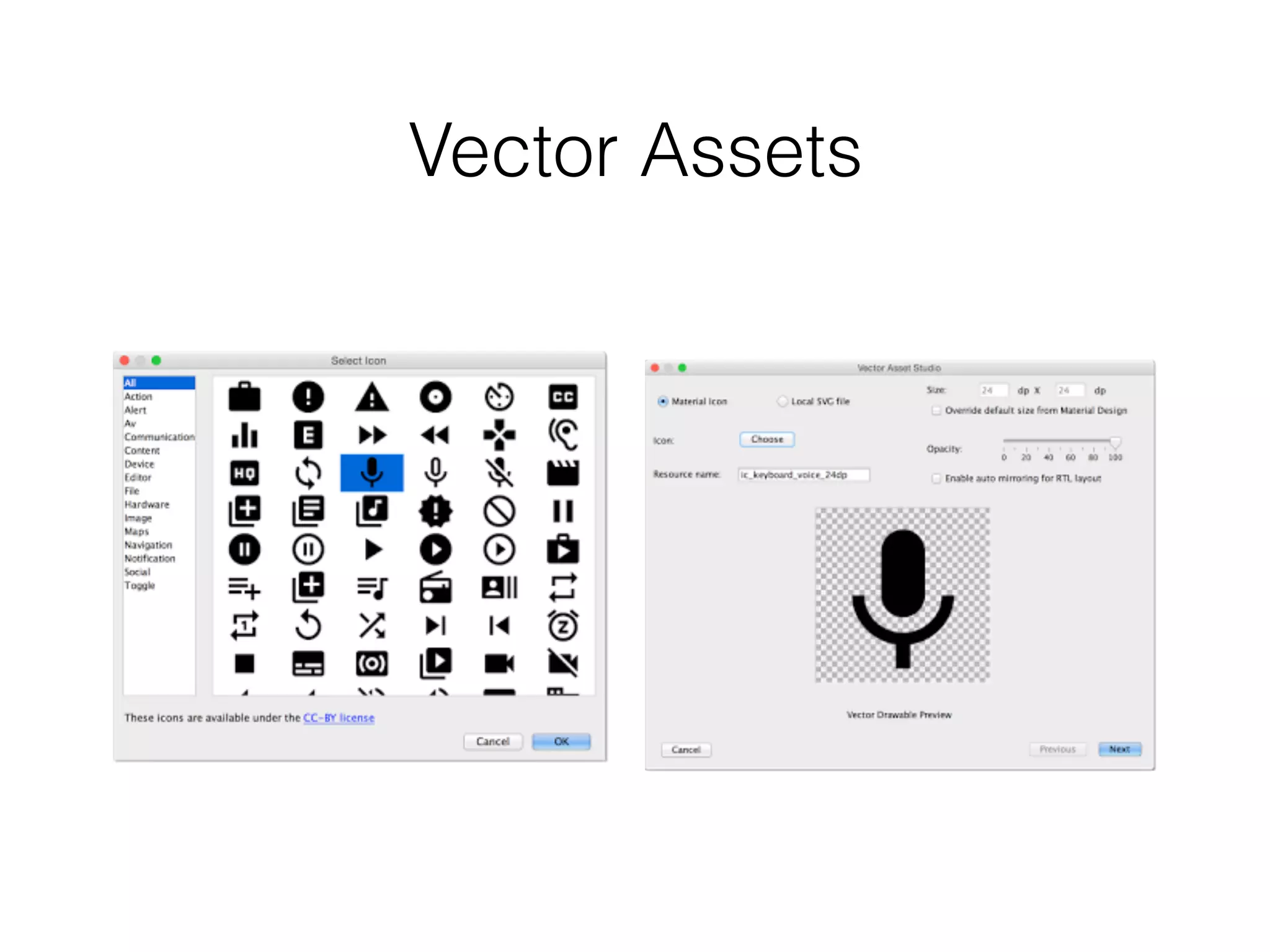
Vector Assets
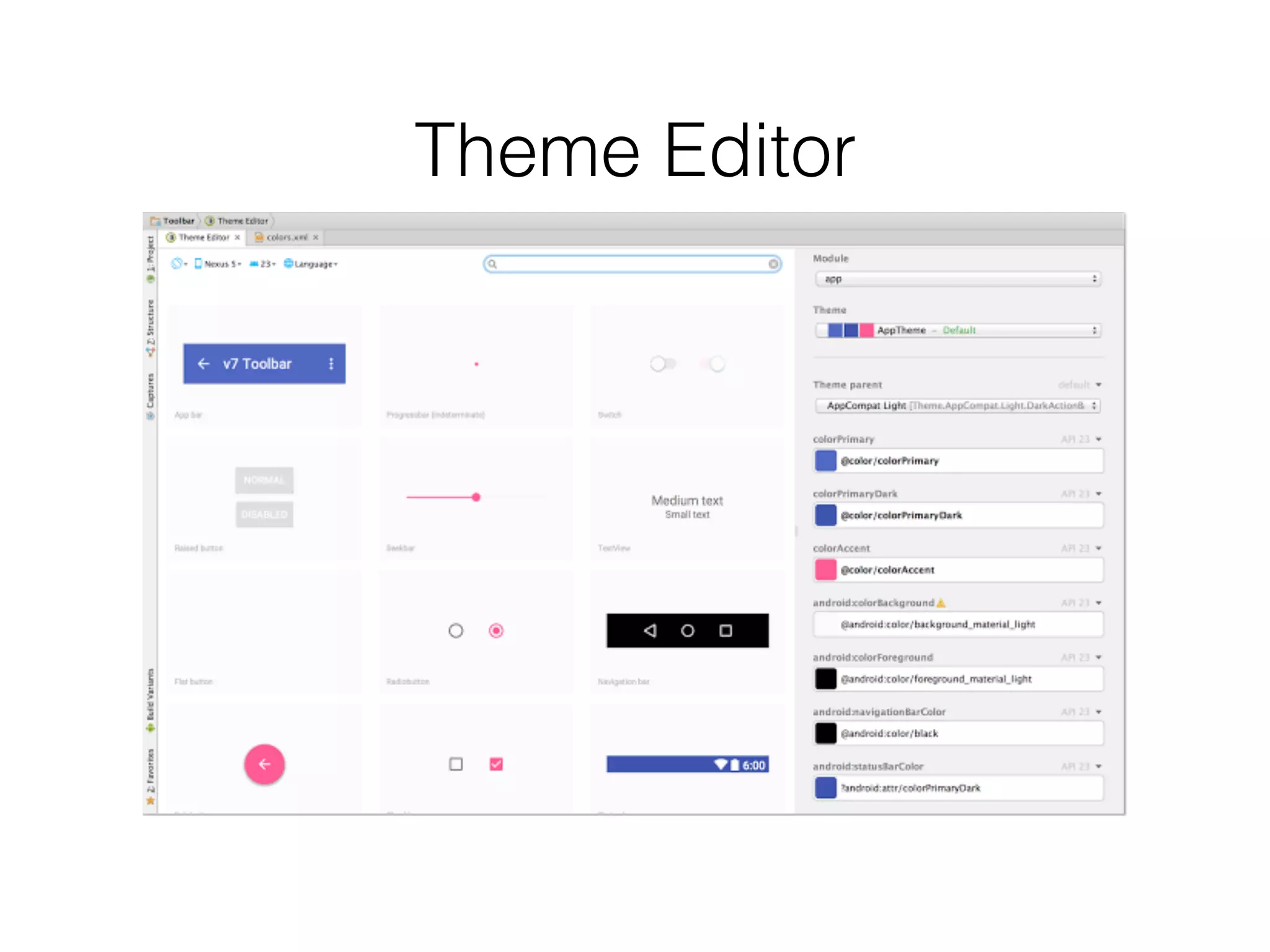
Theme Editor
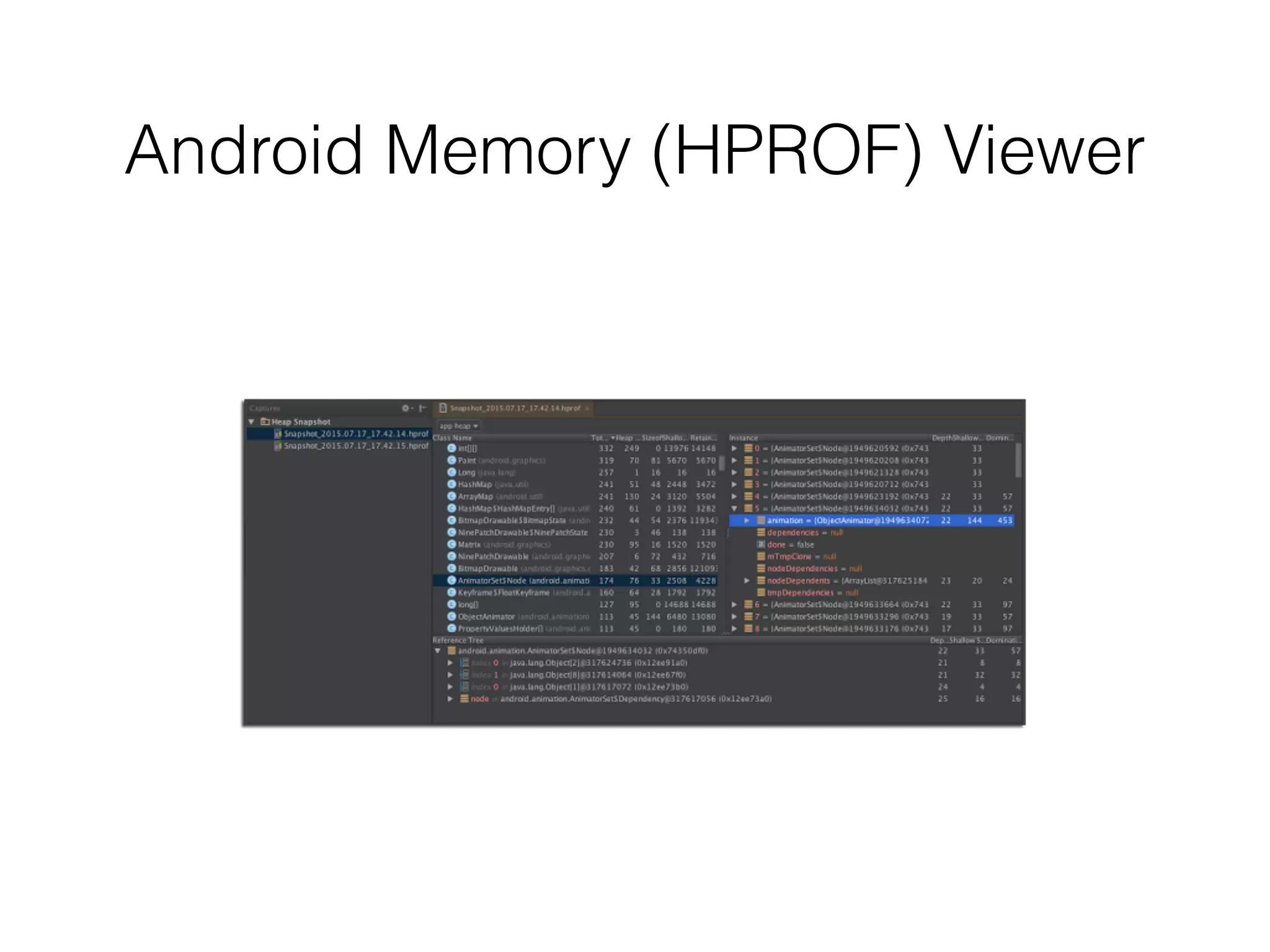
Android Memory (HPROF) Viewer
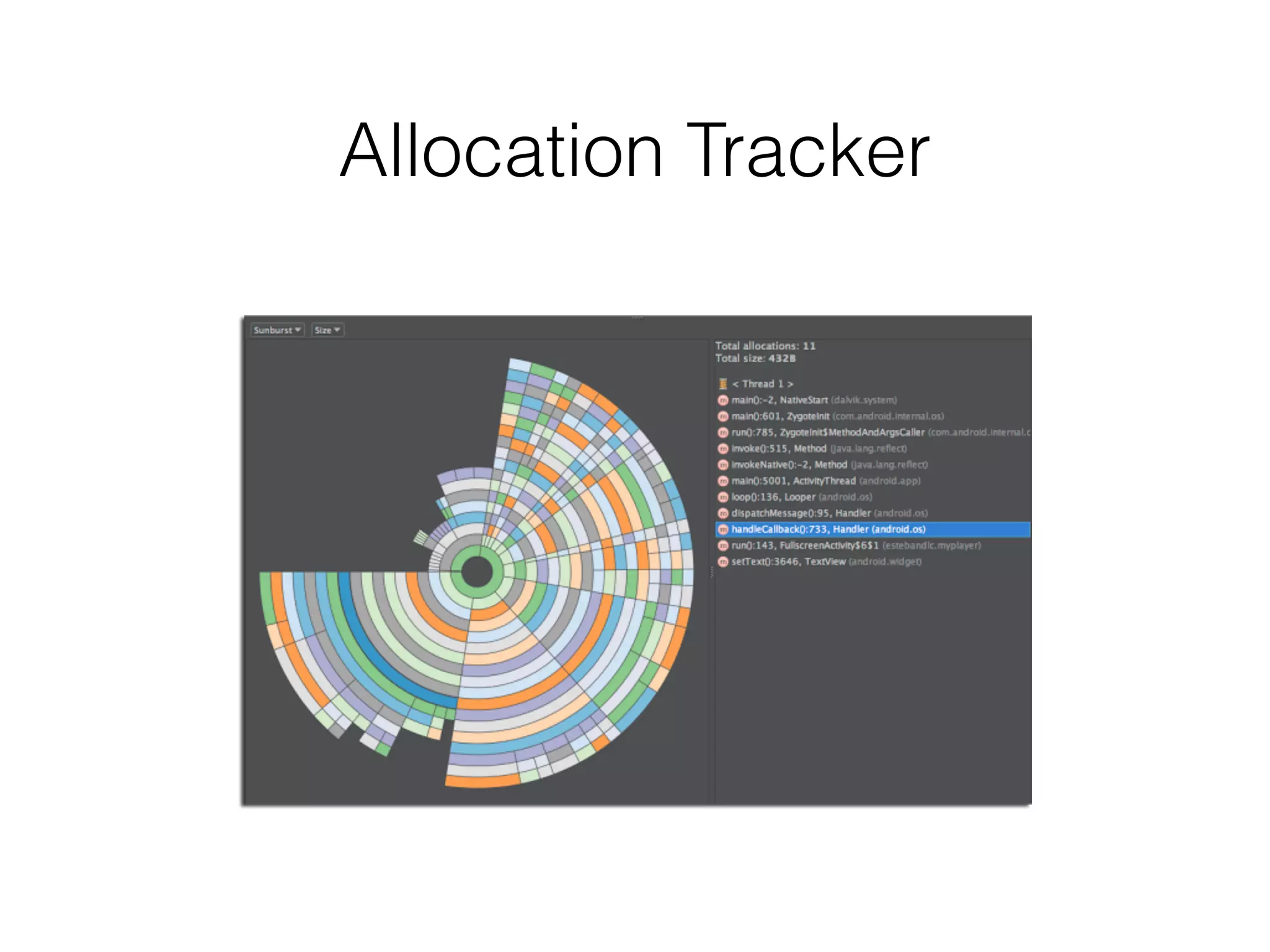
Allocation Tracker
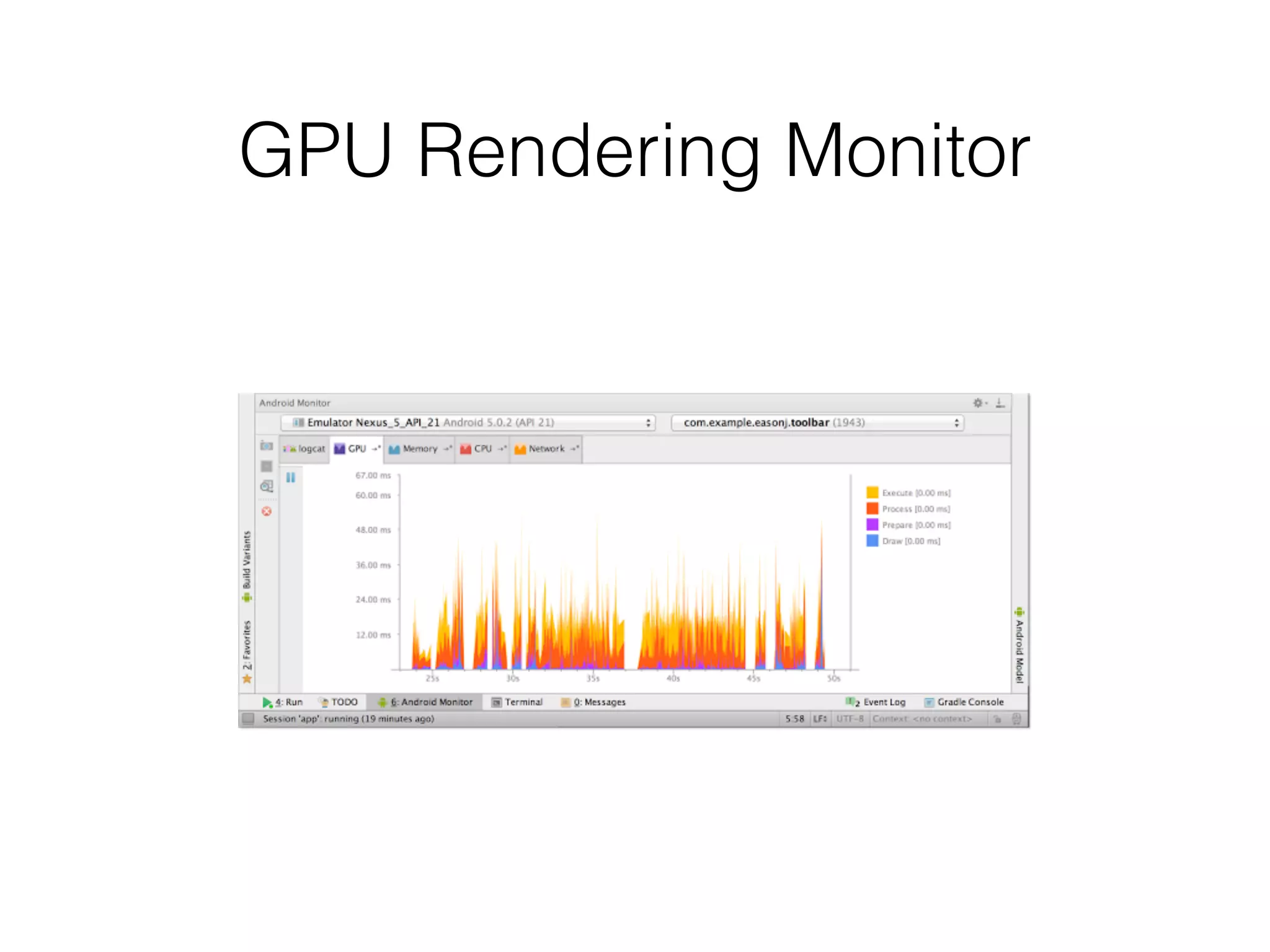
GPU Rendering Monitor
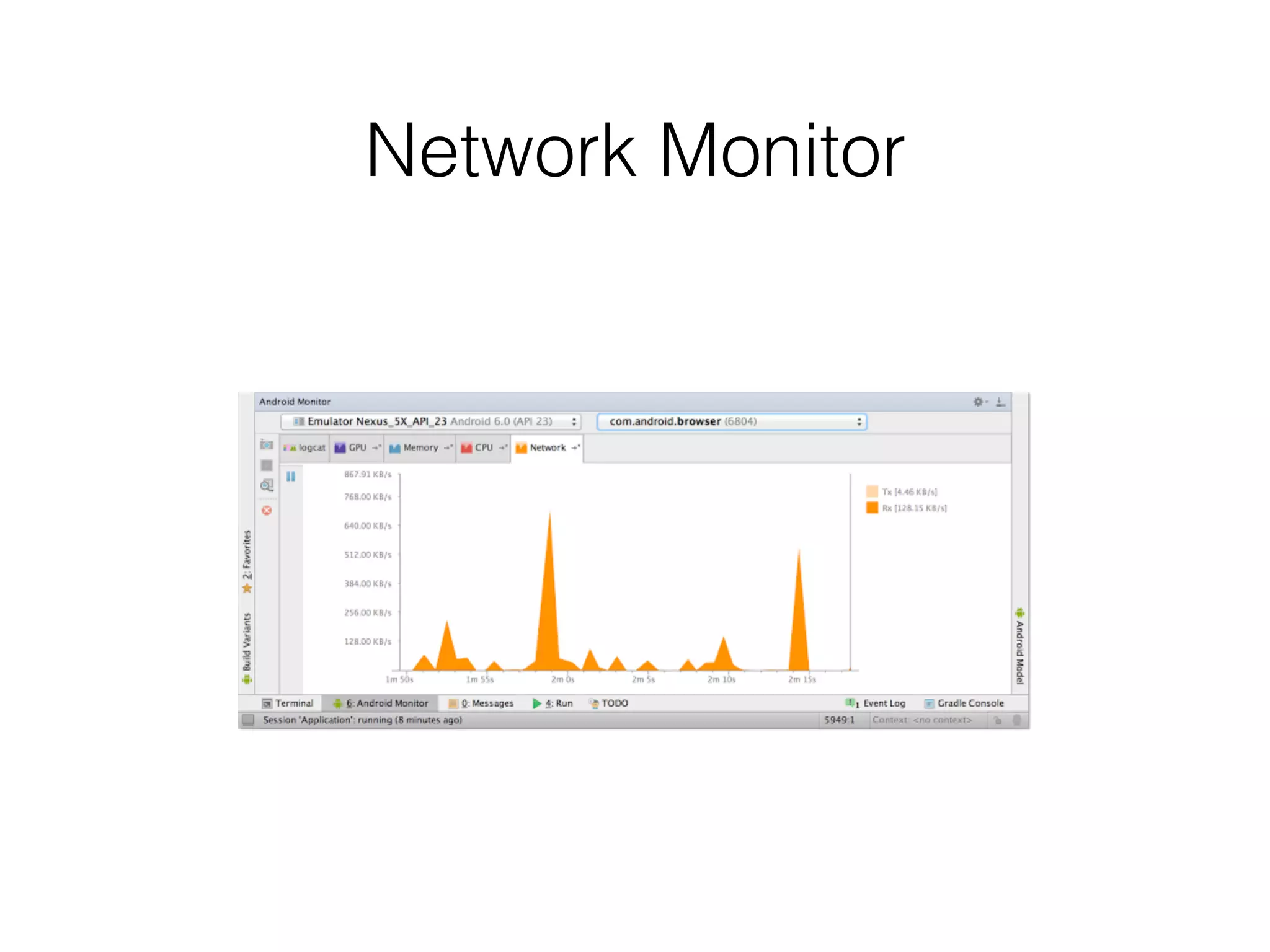
Network Monitor
Other features
• Firebase integration
• Heap dump analyse (v1.5)
• Updated Android Gradle Plugin
• Updated Systrace
New Libraries
• Design Support Library
• Custom Tabs Support Library
• Preference v7, v14 Support Libraries
• Preference v17 Support Library for TV
• App Recommendation Support Library for TV
• Percent Support Library
• Data Binding Support Library
Design Support Library
• TextInputLayout
• FloatingActionButton
• Snackbar
• TabLayout
• NavigationView
• Nested Scrolling Support
• Update All Standard
Widgets to Material Style
• FAB
• CoordinatorLayout
• AppBarLayout
• CollapsingToolbarLayout
• Swipe to Dismiss
• Drawable tinting on pre-
Lollipop devices
Design Support Library
• TextInputLayout
• FloatingActionButton
• Snackbar
• TabLayout
• NavigationView
Design Support Library
• TextInputLayout
• FloatingActionButton
• Snackbar
• TabLayout
• NavigationView
Design Support Library
• TextInputLayout
• FloatingActionButton
• Snackbar
• TabLayout
• NavigationView
Design Support Library
• TextInputLayout
• FloatingActionButton
• Snackbar
• TabLayout
• NavigationView
Design Support Library
• TextInputLayout
• FloatingActionButton
• Snackbar
• TabLayout
• NavigationView
Annotation Support Library
• Thread Annotations
• @BinderThread
• @WorkerThread
• @UiThread
• @MainThread
• @CallSuper
• @CheckResult
• @ColorInt
• @IntRange
• @Size
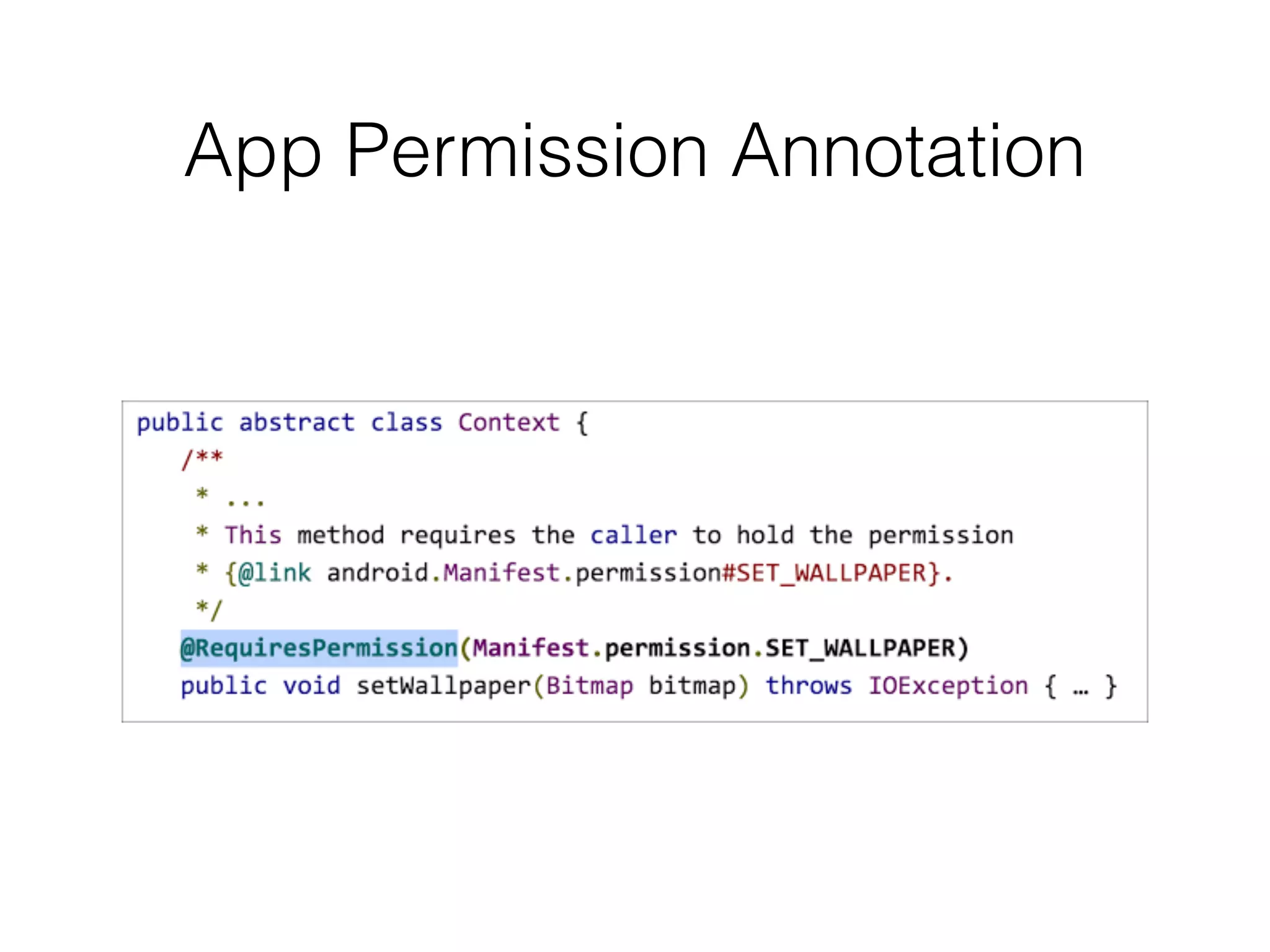
• @RequiresPermission
Percent Support Library
• PercentFrameLayout
• PercentRelativeLayout
Percent Layout Params
• layout_widthPercent
• layout_heightPercent
• layout_marginPercent
• layout_marginLeftPercent
• layout_marginTopPercent
• layout_marginRightPercent
• layout_marginBottomPercent
• layout_marginStartPercent
• layout_marginEndPercent
• layout_aspectRatio
PercentRelativeLayout Sample
<android.support.percent.PercentRelativeLayout>
<ImageView
android:id=”@+id/centered_image”
android:layout_gravity=”center”
app:layout_widthPercent="50%"
app:layout_heightPercent="50%" />
<TextView
android:id=”@+id/caption”
android:layout_width="wrap_content"
android:layout_height="wrap_content"
android:layout_below=”@id/centered_image”
android:layout_gravity=”center_horizontal”
app:layout_marginStartPercent=”25%”
app:layout_marginEndPercent=”25%” />
</android.support.percent.PercentRelativeLayout>
PercentRelativeLayout Sample
<android.support.percent.PercentRelativeLayout>
<ImageView
android:layout_width="300dp"
app:layout_aspectRatio="150%" />
</android.support.percent.PercentRelativeLayout>
PercentRelativeLayout Sample
<android.support.percent.PercentRelativeLayout>
<ImageView
android:layout_width="300dp"
android:layout_height="450dp" />
</android.support.percent.PercentRelativeLayout>
Recycler View Support Library
• ItemTouchHelper
• Drag And Drop
• Swipe to Dismiss
• Item content animation

What's new in Android M