Seattle Mobile .NET Developers!
• https://www.meetup.com/SeattleMobileDevelopers/
What’s New, Hot, &
Awesome for Xamarin
Developers
@JamesMontemagno | jamont@microsoft.com
https://devblogs.microsoft.com/xamarin/recapping-xamarin-developer-summit/
Xamarin Developer Summit
• 2 Days
• 2 Keynotes
• 30+ Sessions
• 300 Attendees
• Live Streamed to YT
• Videos on Demand
https://youtube.com/c/XamarinDevelopers
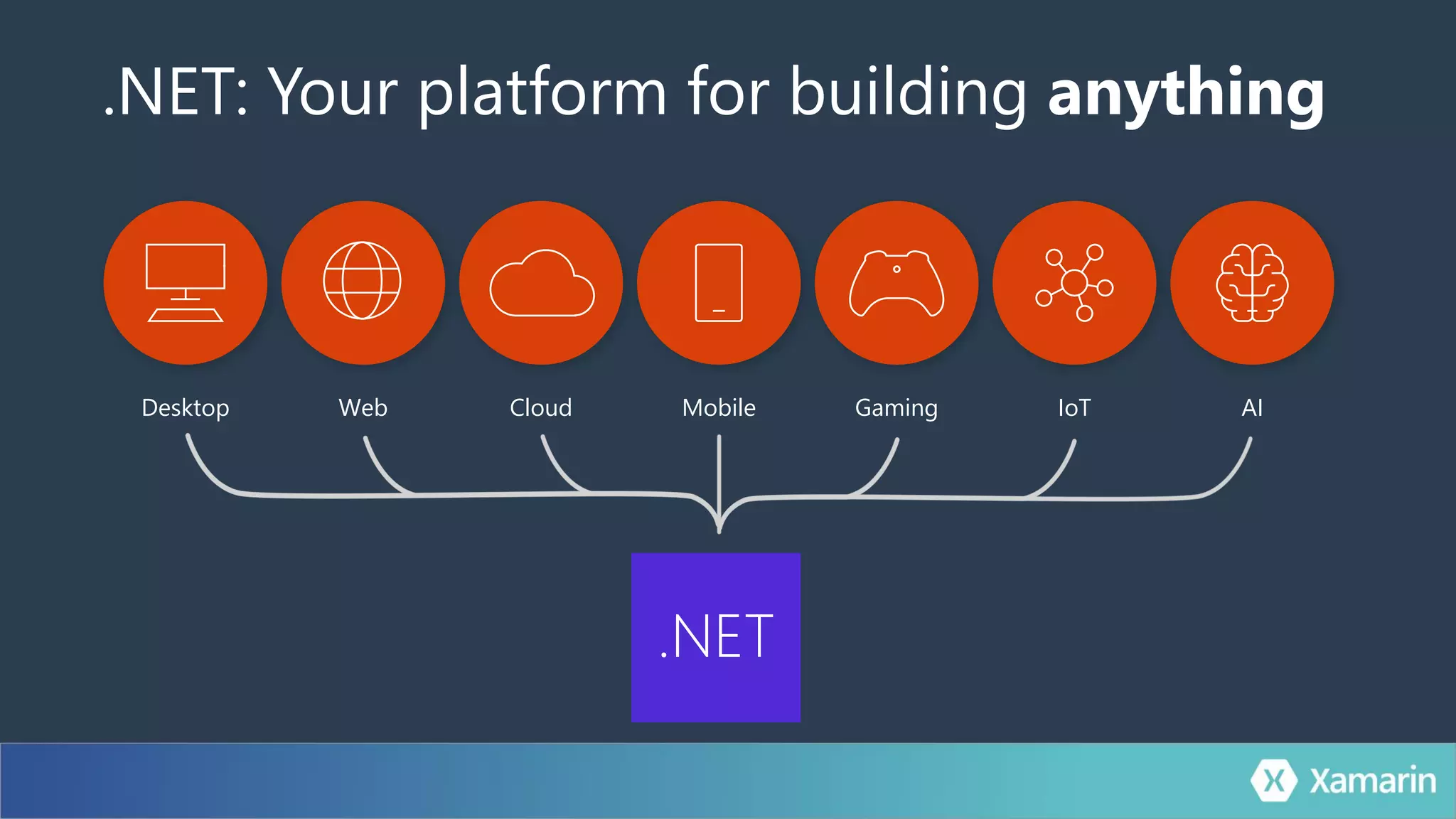
.NET: Your platform for building anything
Desktop Web Cloud Mobile Gaming IoT AI
.NET
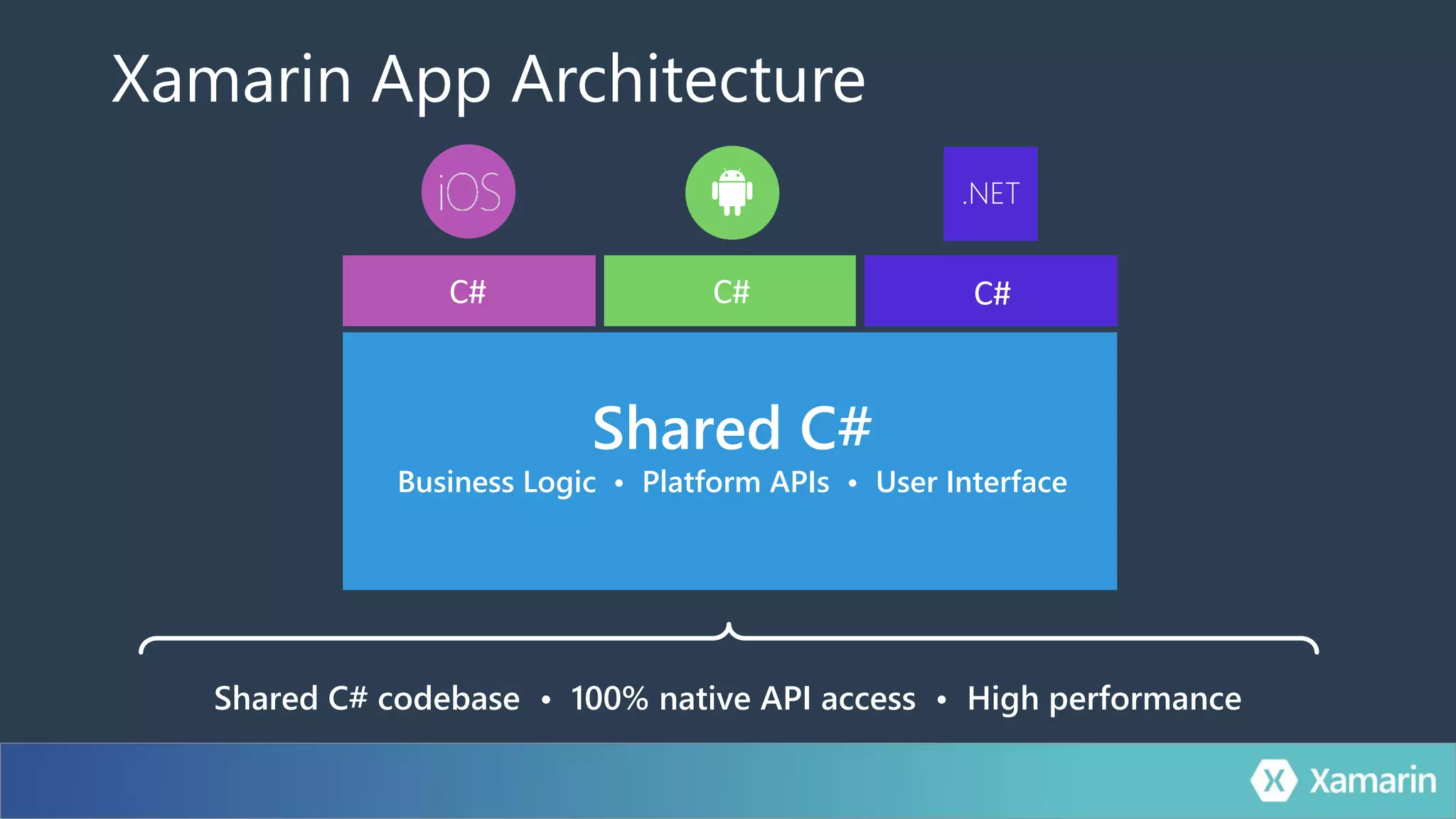
Shared C#
Business Logic • Platform APIs • User Interface
Xamarin App Architecture
Shared C# codebase • 100% native API access • High performance
.NET
C# C# C#
Delight Developers
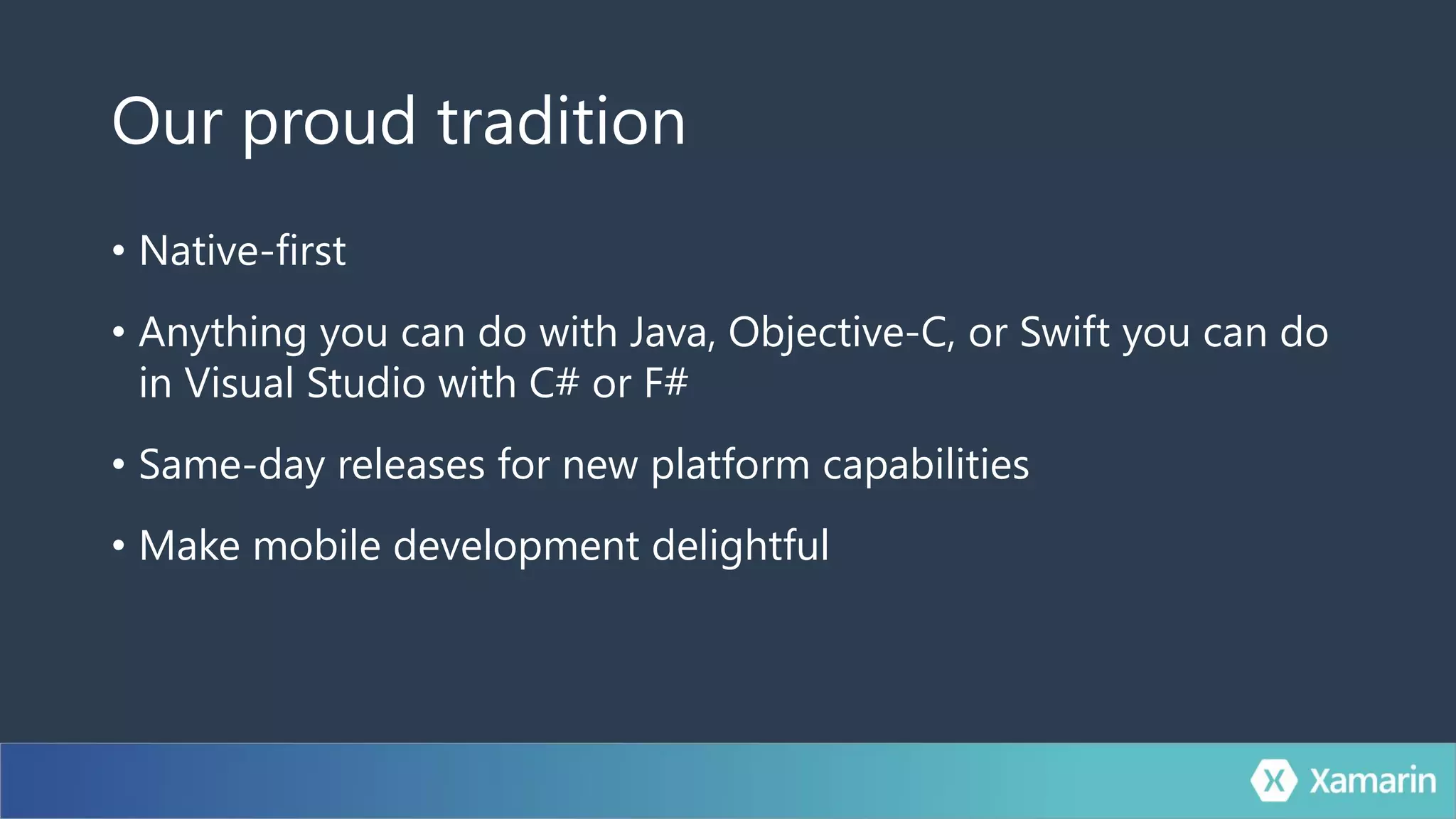
Our proud tradition
• Native-first
• Anything you can do with Java, Objective-C, or Swift you can do
in Visual Studio with C# or F#
• Same-day releases for new platform capabilities
• Make mobile development delightful
aka.ms/xamarin-showcase
Developer Productivity
Cross-Platform Everything
100% Native & Optimized
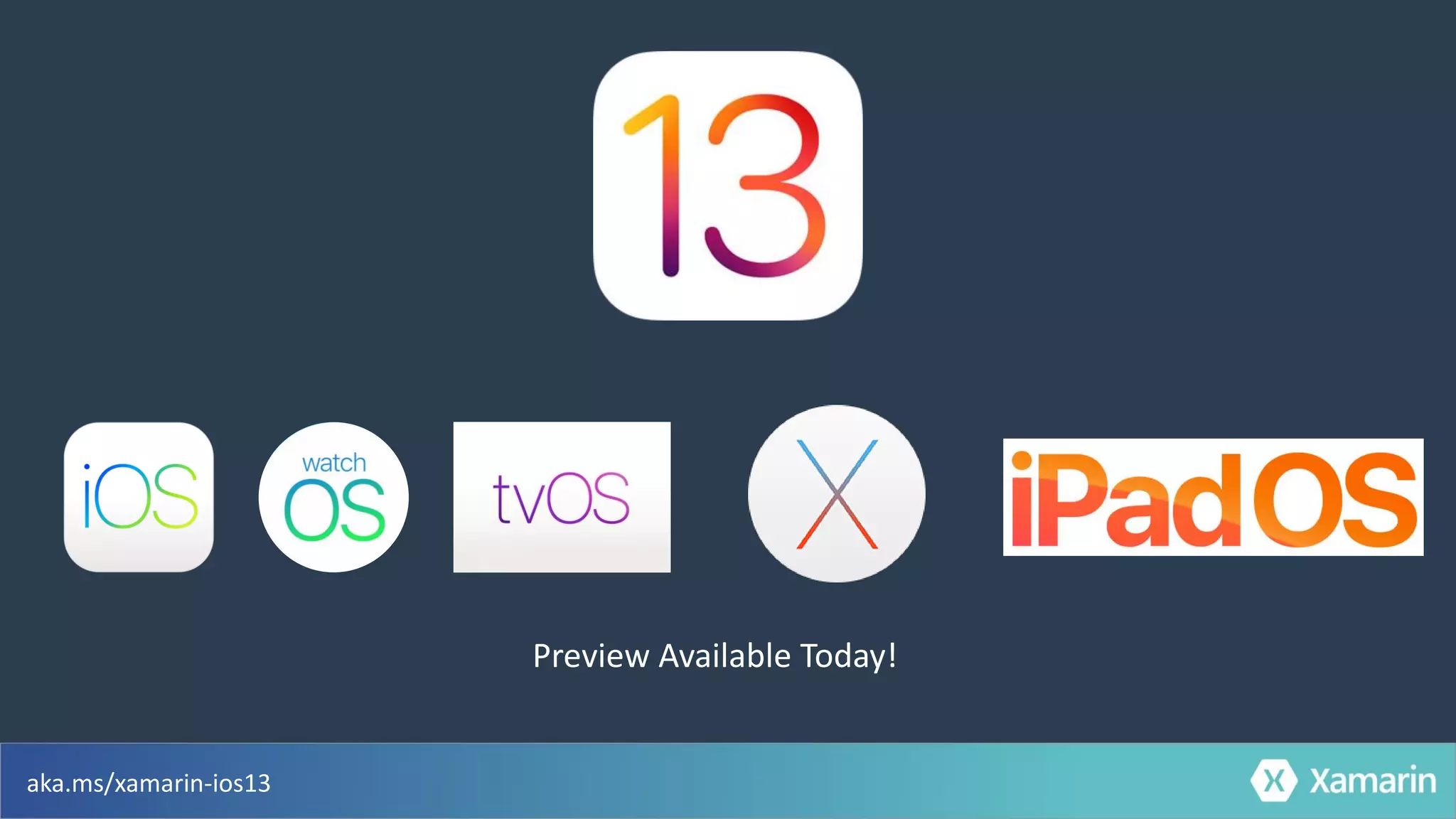
Preview Available Today!
aka.ms/xamarin-ios13
Visual Studio 2019 16.3 Preview 2
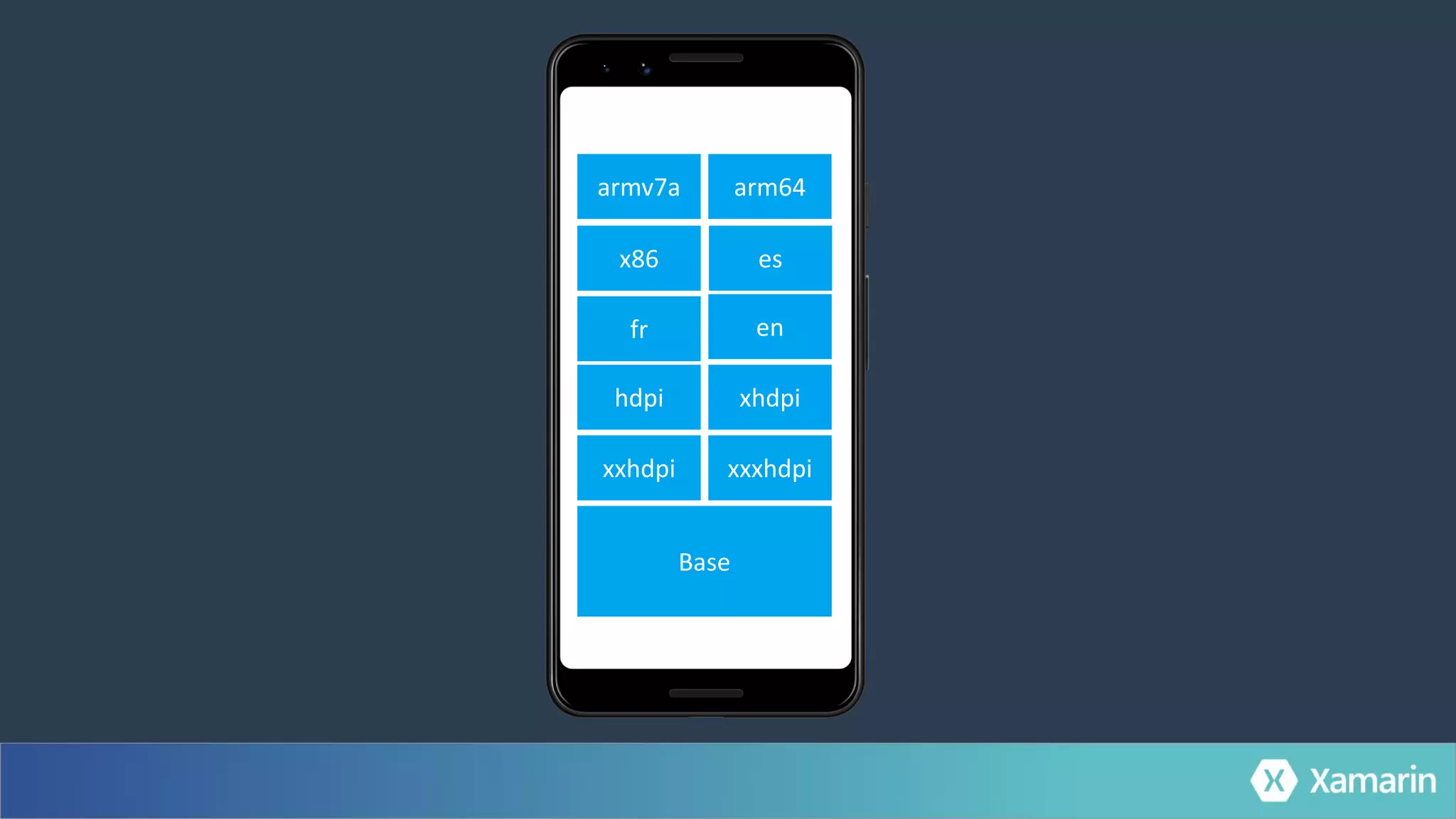
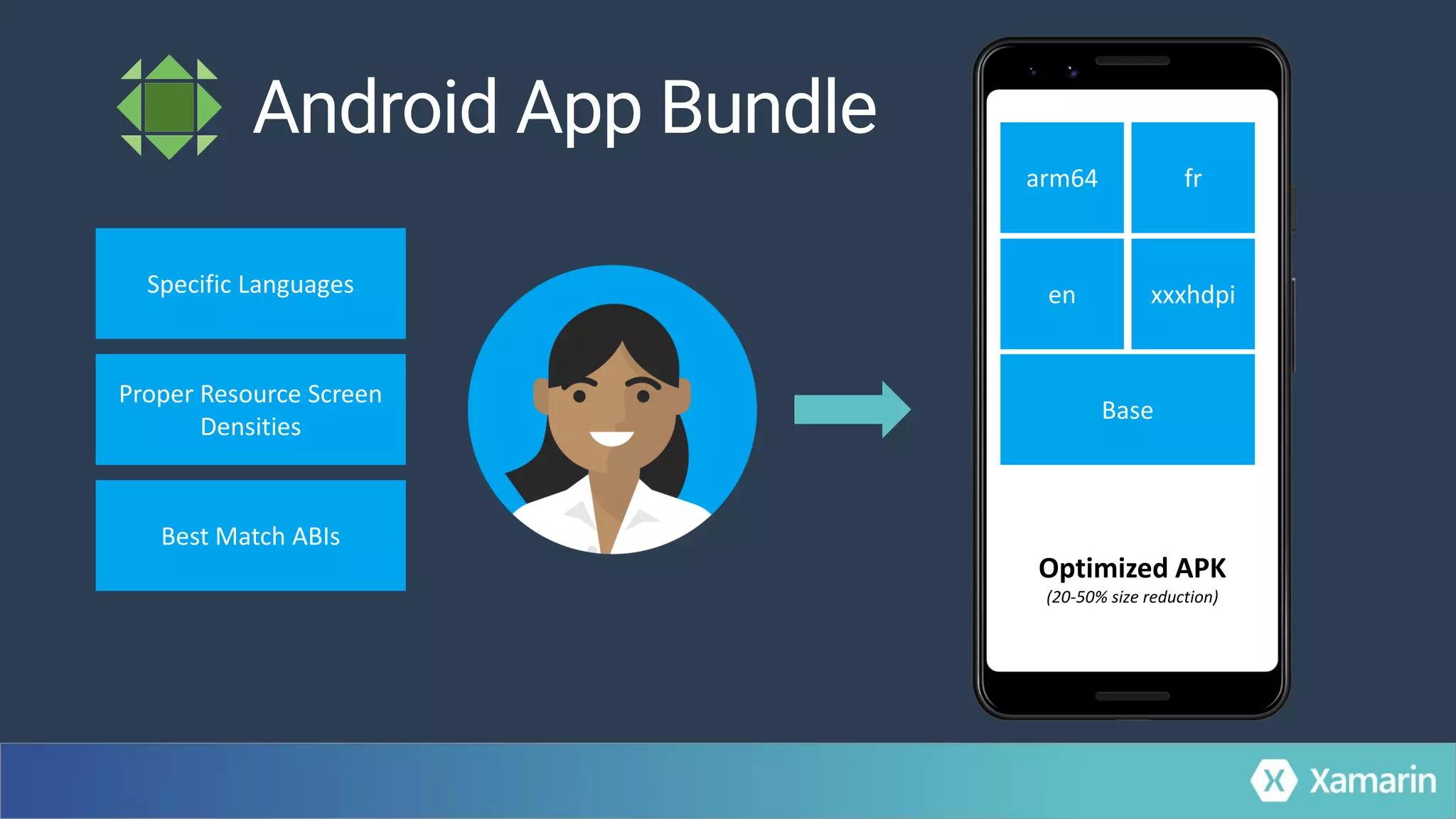
Leaner Apps
xxhdpi
Base
xxxhdpi
xhdpihdpi
enfr
esx86
arm64armv7a
Specific Languages
Proper Resource Screen
Densities
Best Match ABIs
arm64
en xxxhdpi
fr
Base
Optimized APK
(20-50% size reduction)
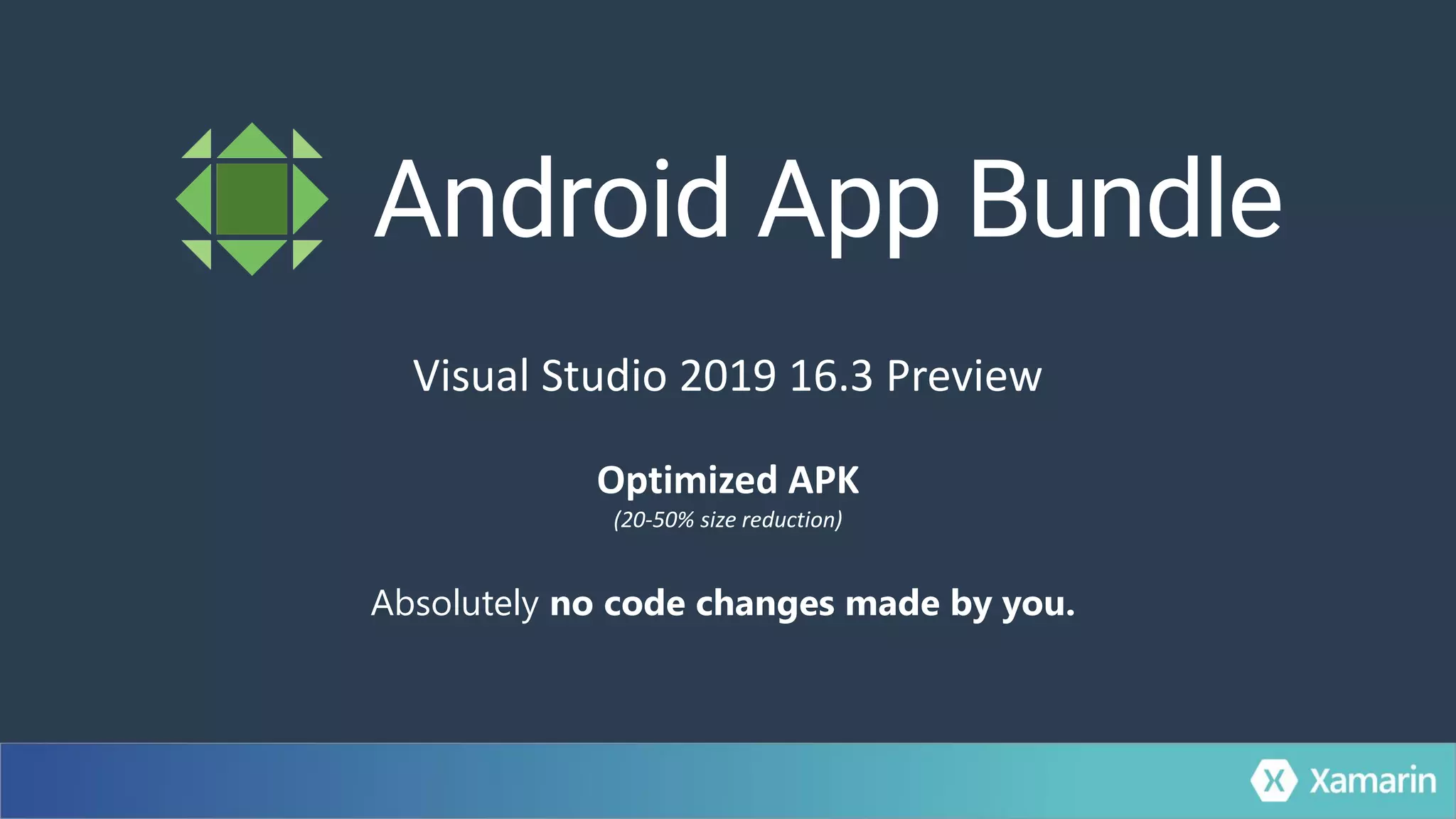
Absolutely no code changes made by you.
Optimized APK
(20-50% size reduction)
Visual Studio 2019 16.3 Preview
Faster App Startup
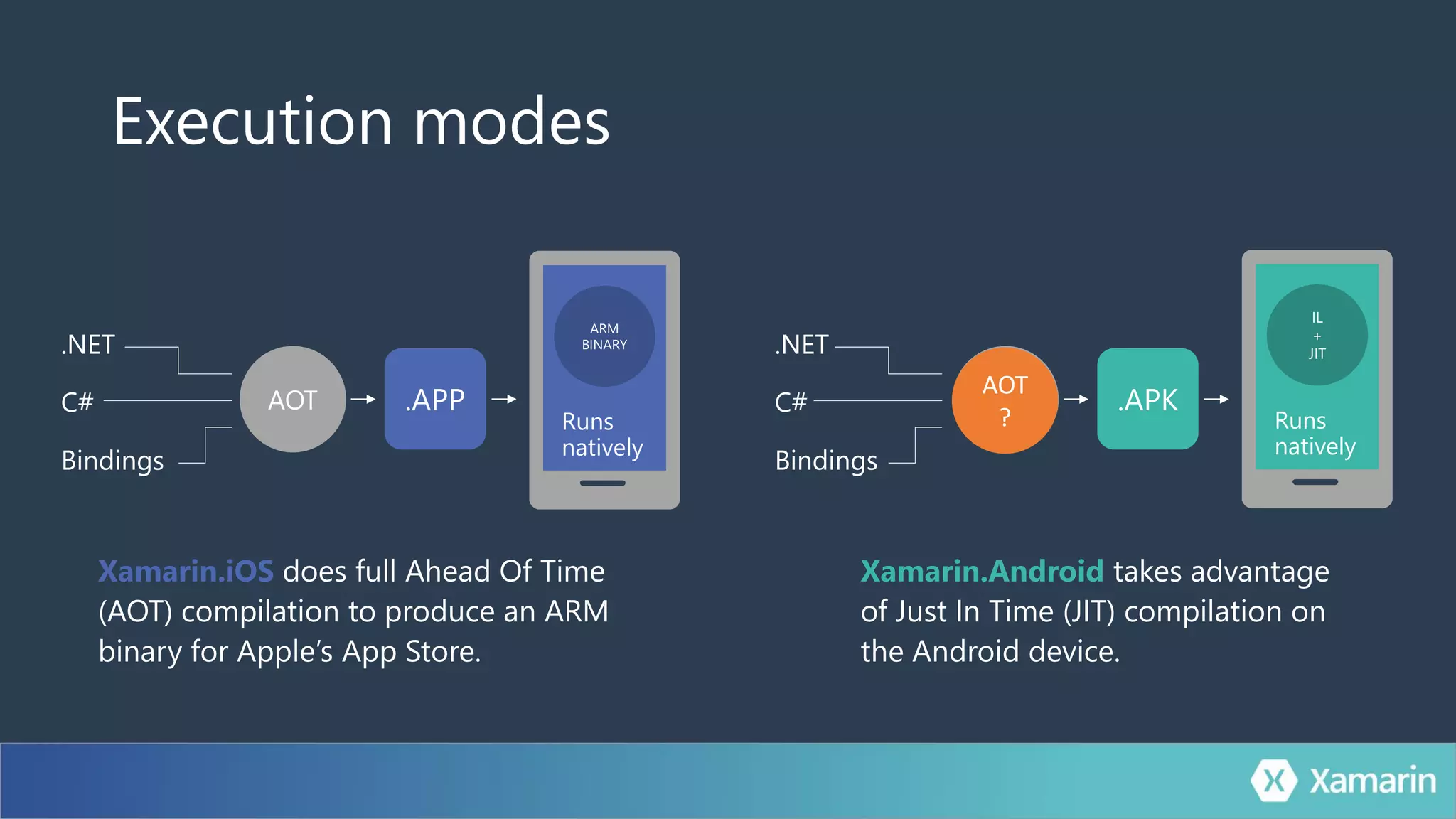
Execution modes
Xamarin.iOS does full Ahead Of Time
(AOT) compilation to produce an ARM
binary for Apple’s App Store.
Xamarin.Android takes advantage
of Just In Time (JIT) compilation on
the Android device.
ARM
BINARY
Runs
natively
.APPAOT
.NET
C#
Bindings
.APKCompile
and Link
.NET
C#
Bindings
IL
+
JIT
Runs
natively
AOT
?
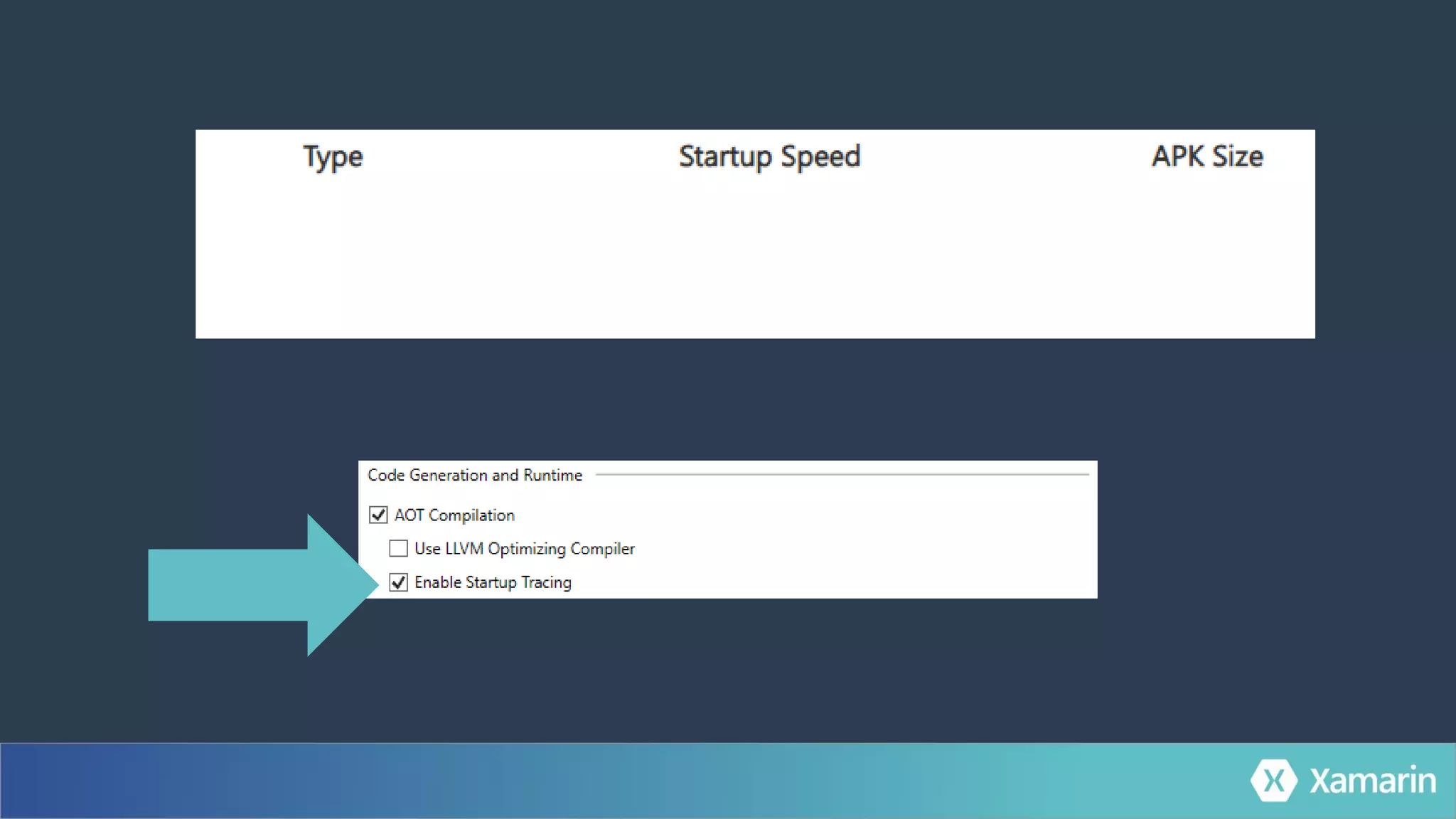
Startup Tracing for Android
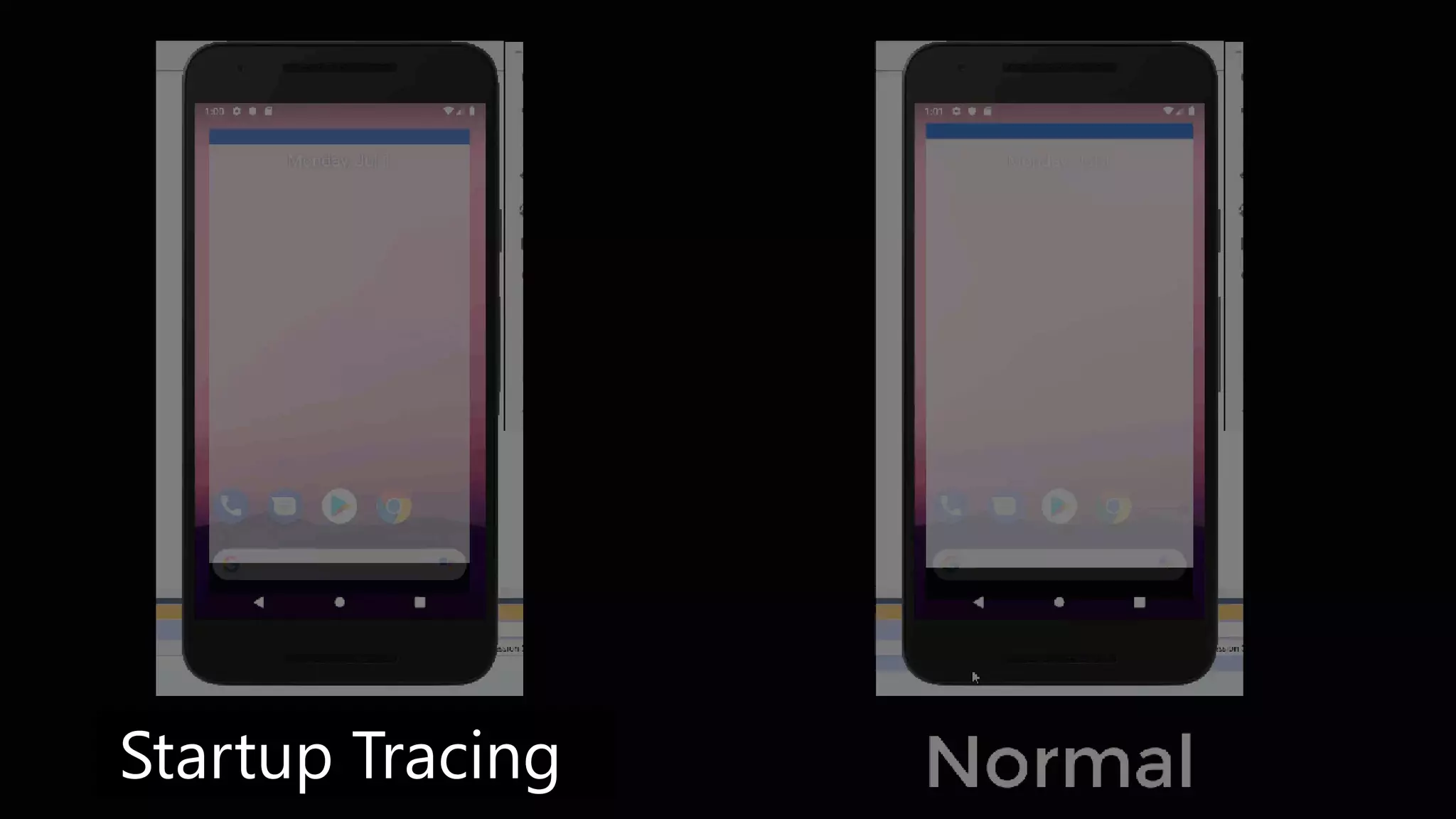
Startup Tracing
Startup Tracing
Startup Tracing for Android
Available in ALL versions of Visual Studio 2019 16.2
Cross-Platform Everything
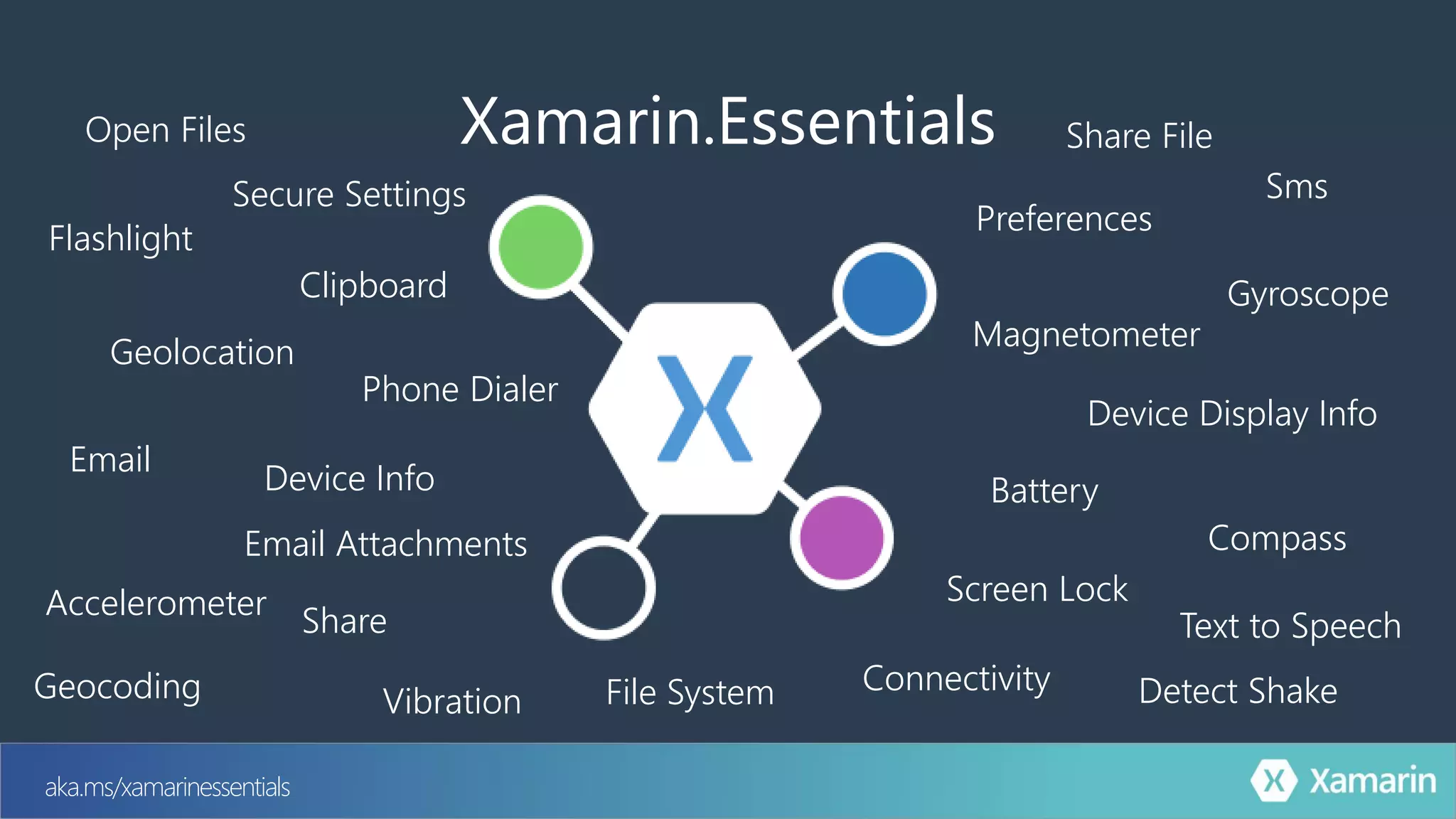
aka.ms/xamarinessentials
Flashlight
Geolocation
Preferences
Device Info
Device Display Info
Secure Settings
Accelerometer
Battery
Clipboard
Compass
Connectivity
Share
Email
File SystemGeocoding
Gyroscope
Magnetometer
Phone Dialer
Screen Lock
Sms
Text to Speech
Vibration
Xamarin.Essentials
Email Attachments
Open Files Share File
Detect Shake
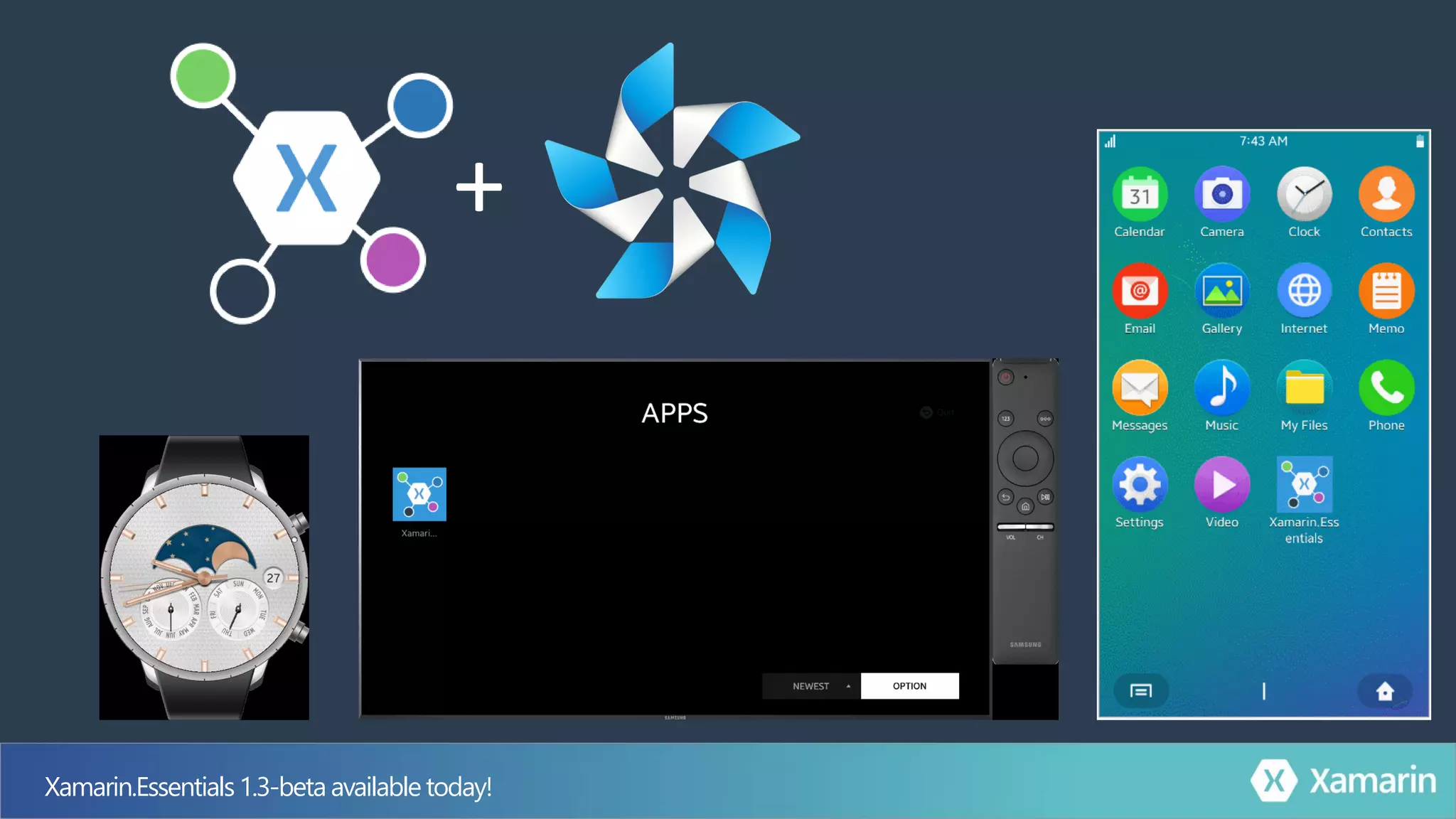
Xamarin.Essentials1.3-beta available today!
+
.Forms
An open source mobile UI framework
from Microsoft for building
iOS, Android, & Windows apps with .NET
from a single shared codebase.
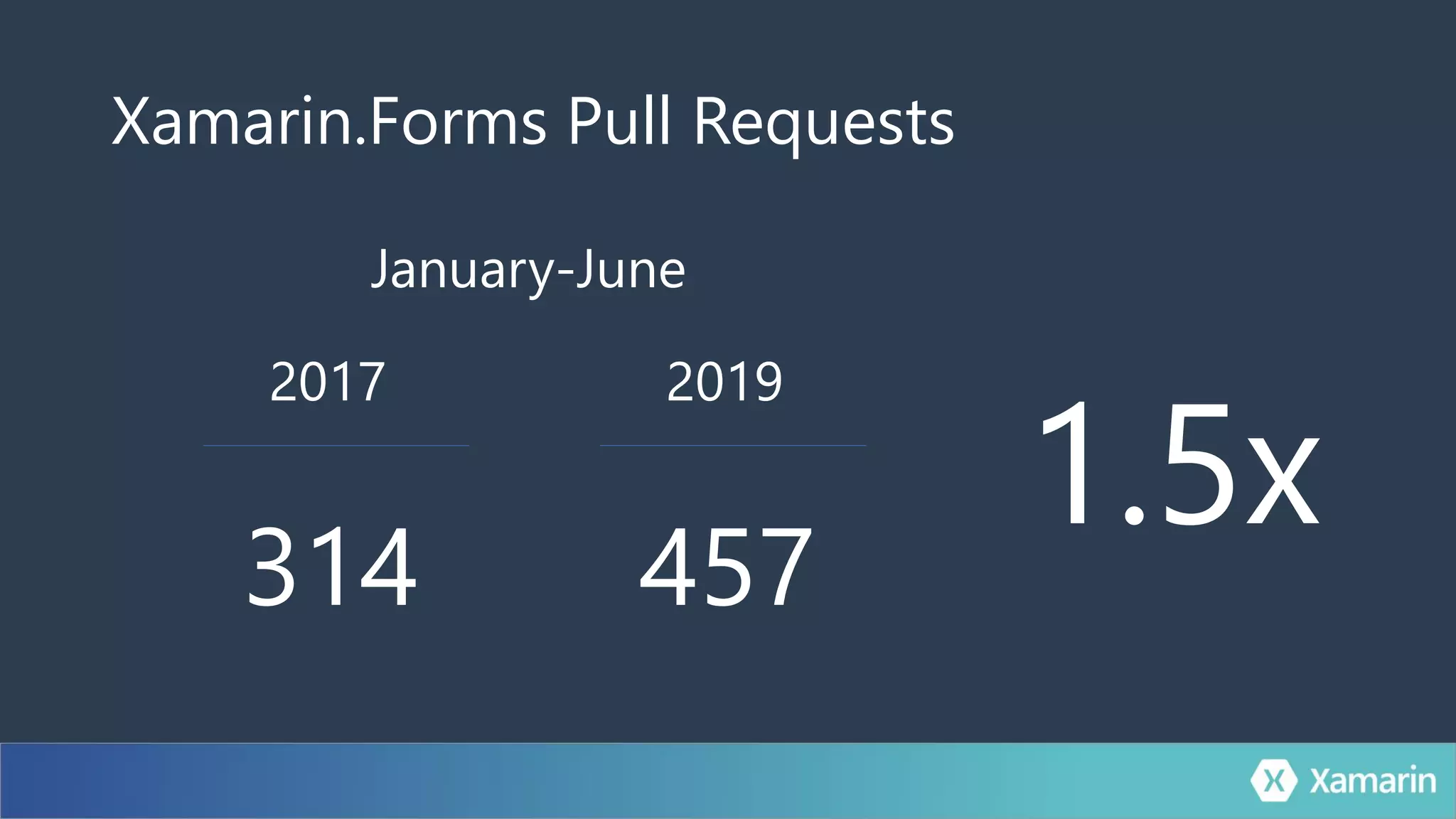
Xamarin.Forms Pull Requests
2017
314
2019
457
1.5x
January-June
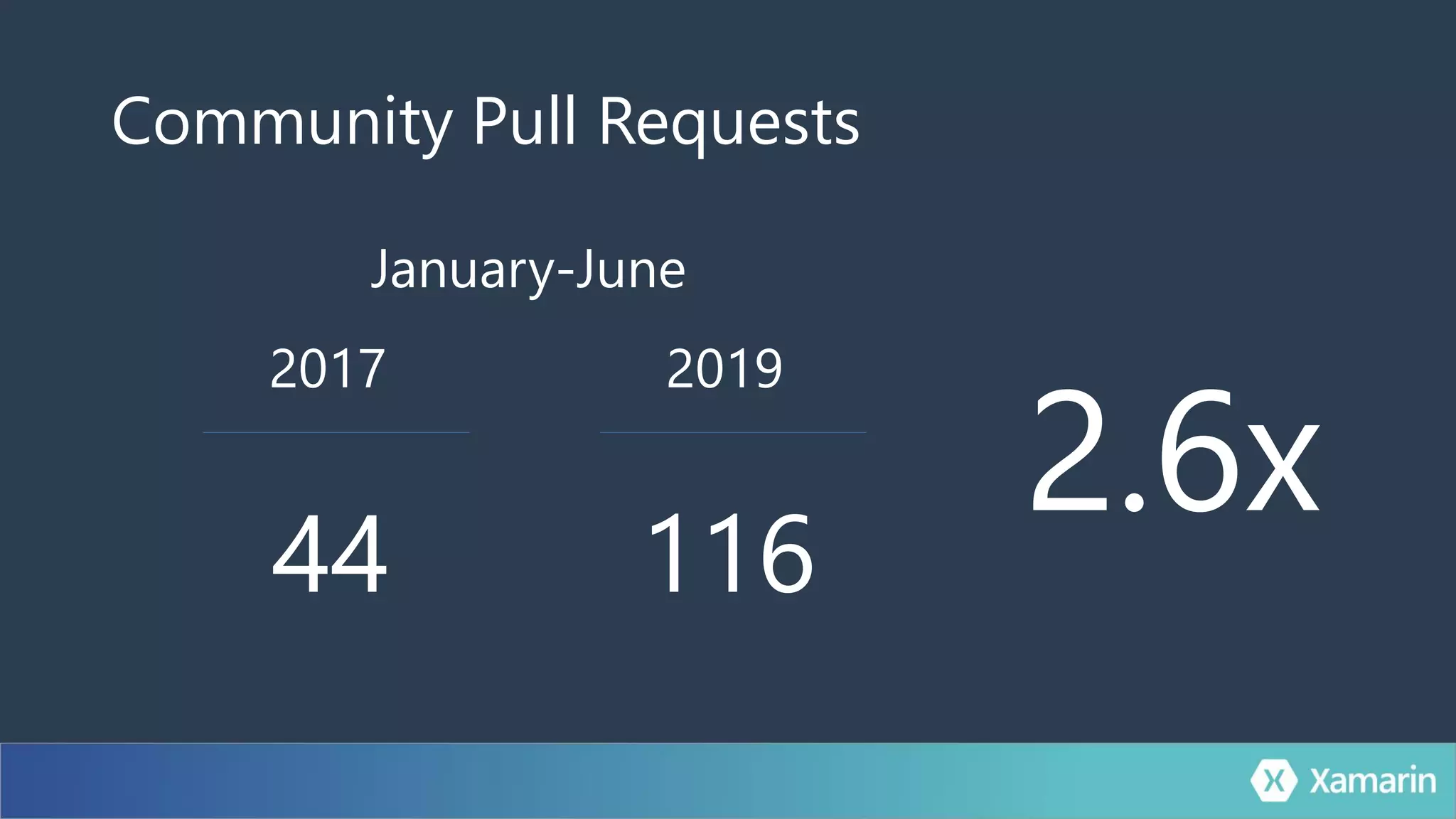
Community Pull Requests
2017
44
2019
116
2.6x
January-June
Common Controls
YOU
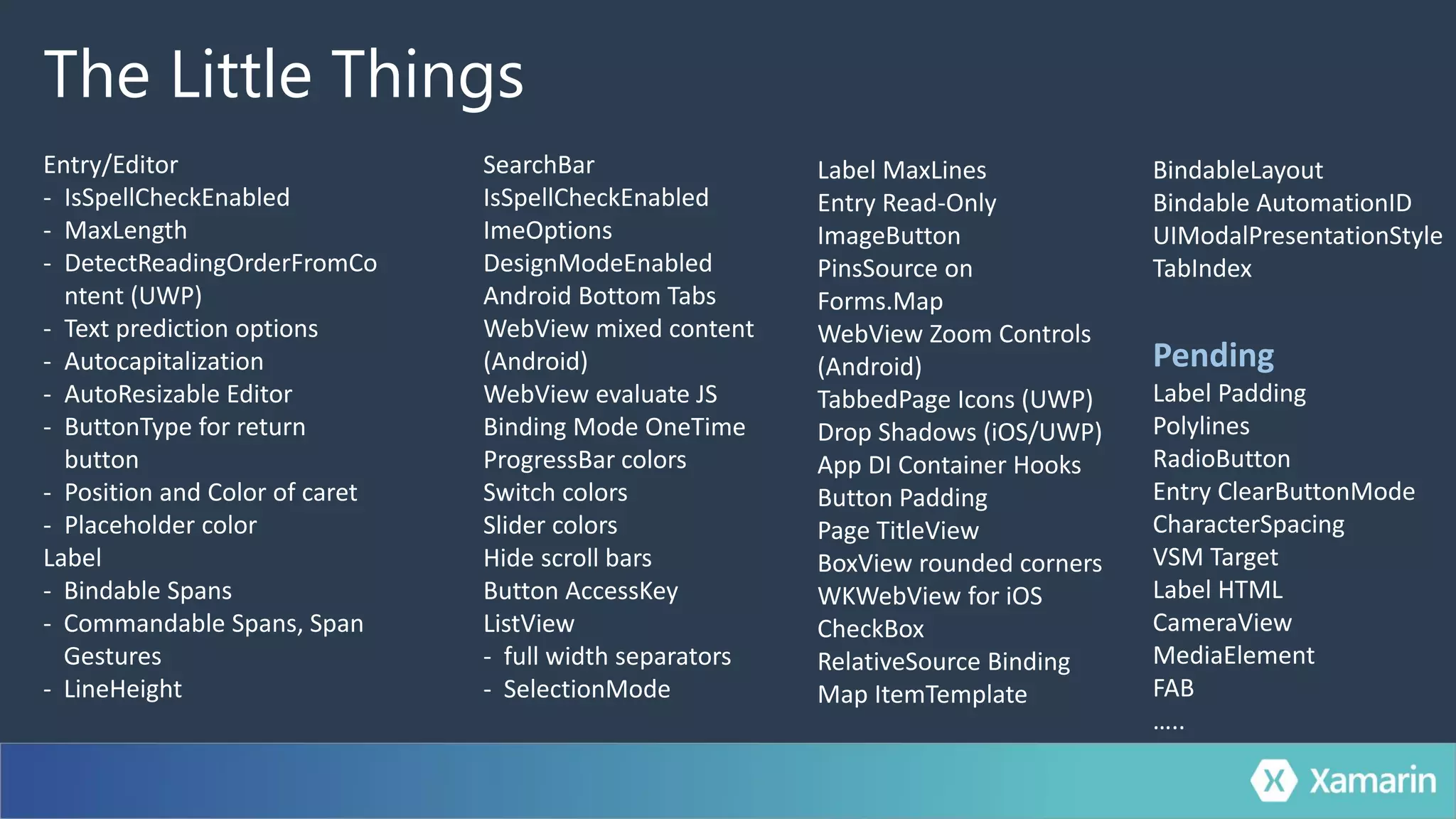
The Little Things
Entry/Editor
- IsSpellCheckEnabled
- MaxLength
- DetectReadingOrderFromCo
ntent (UWP)
- Text prediction options
- Autocapitalization
- AutoResizable Editor
- ButtonType for return
button
- Position and Color of caret
- Placeholder color
Label
- Bindable Spans
- Commandable Spans, Span
Gestures
- LineHeight
SearchBar
IsSpellCheckEnabled
ImeOptions
DesignModeEnabled
Android Bottom Tabs
WebView mixed content
(Android)
WebView evaluate JS
Binding Mode OneTime
ProgressBar colors
Switch colors
Slider colors
Hide scroll bars
Button AccessKey
ListView
- full width separators
- SelectionMode
Label MaxLines
Entry Read-Only
ImageButton
PinsSource on
Forms.Map
WebView Zoom Controls
(Android)
TabbedPage Icons (UWP)
Drop Shadows (iOS/UWP)
App DI Container Hooks
Button Padding
Page TitleView
BoxView rounded corners
WKWebView for iOS
CheckBox
RelativeSource Binding
Map ItemTemplate
BindableLayout
Bindable AutomationID
UIModalPresentationStyle
TabIndex
Pending
Label Padding
Polylines
RadioButton
Entry ClearButtonMode
CharacterSpacing
VSM Target
Label HTML
CameraView
MediaElement
FAB
…..
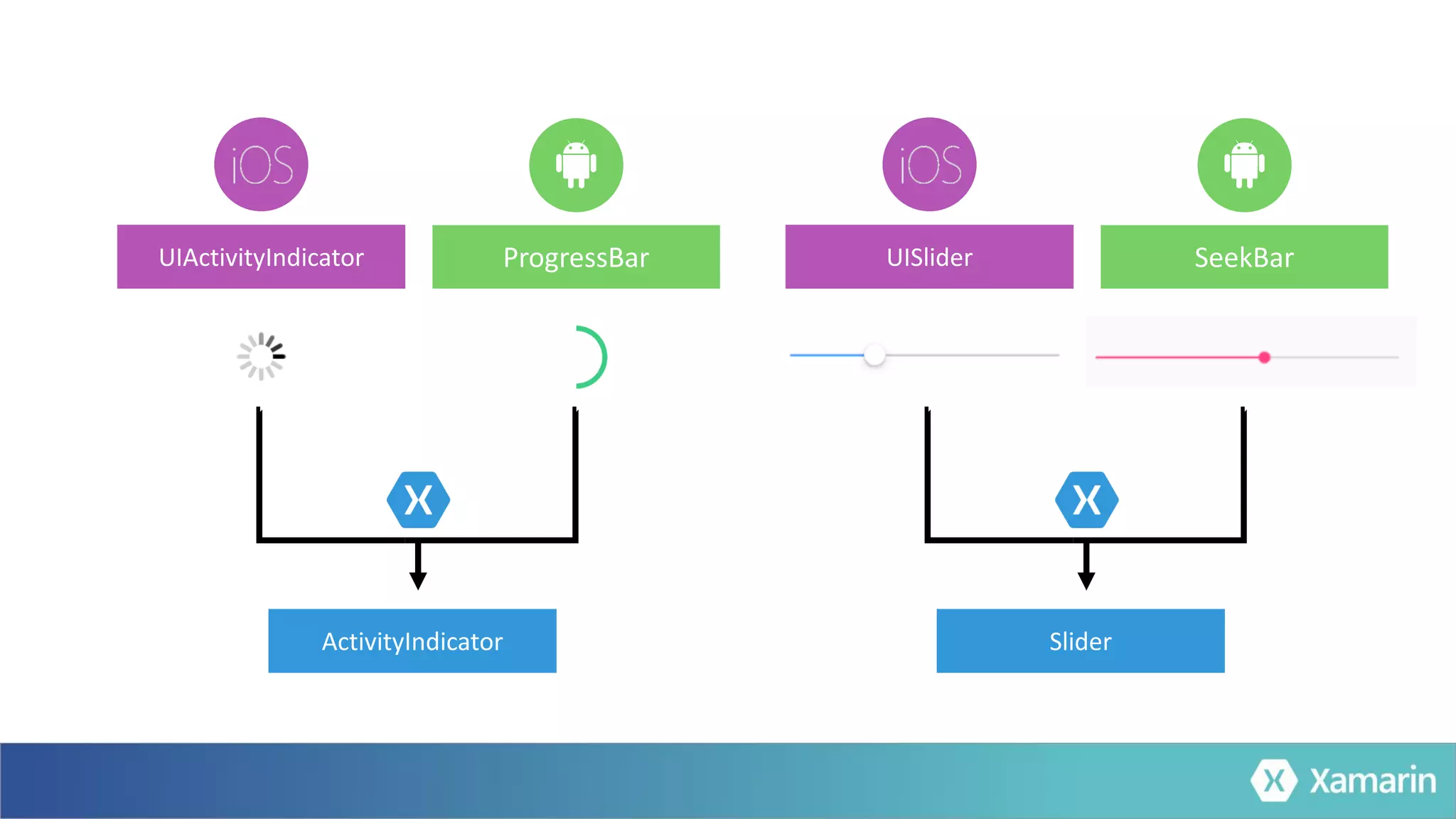
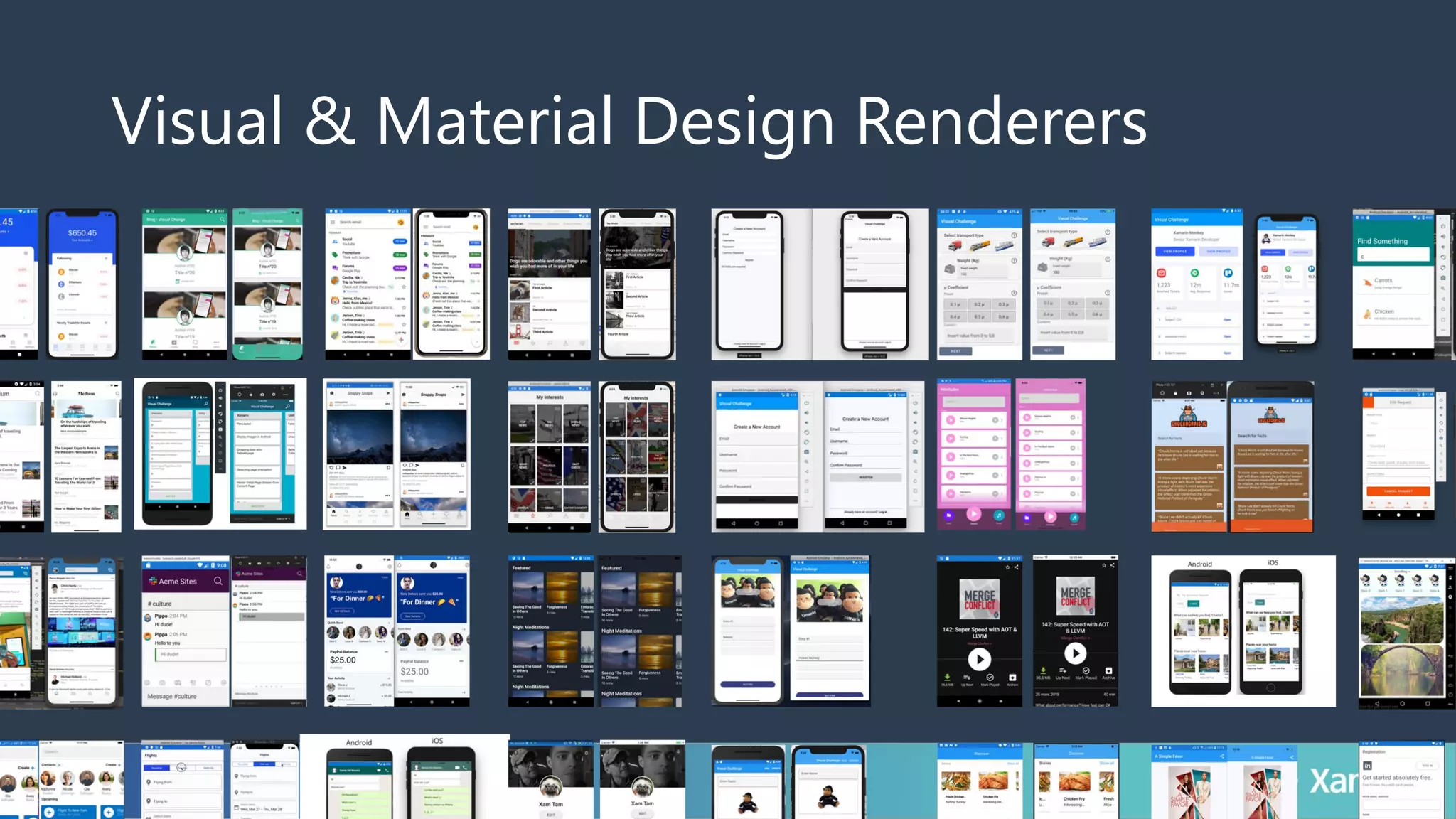
Visual & Material Design Renderers
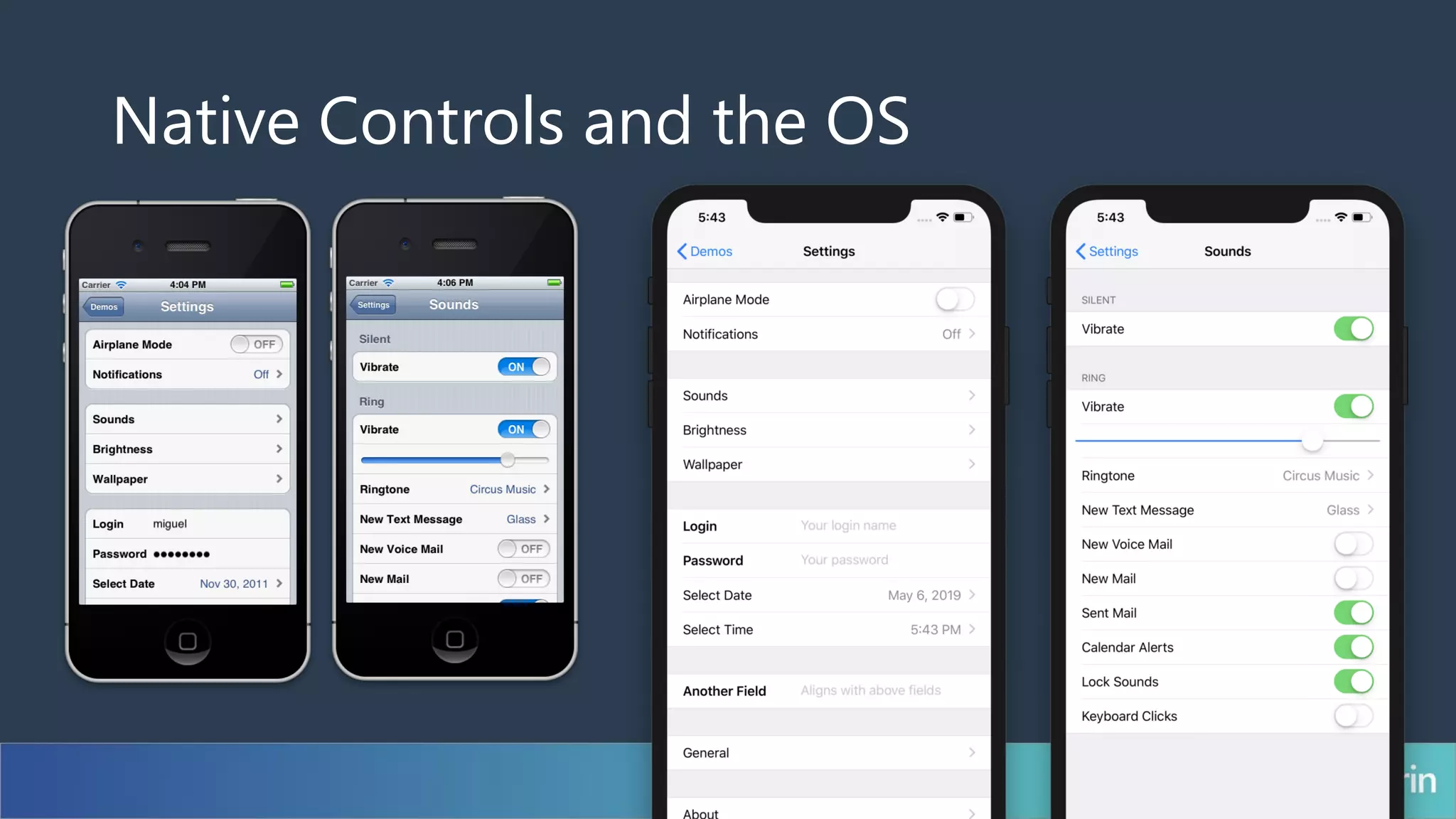
Native Controls and the OS
Visual
Simplicity of Shell
• Single Container
• URI Routing
• Templating
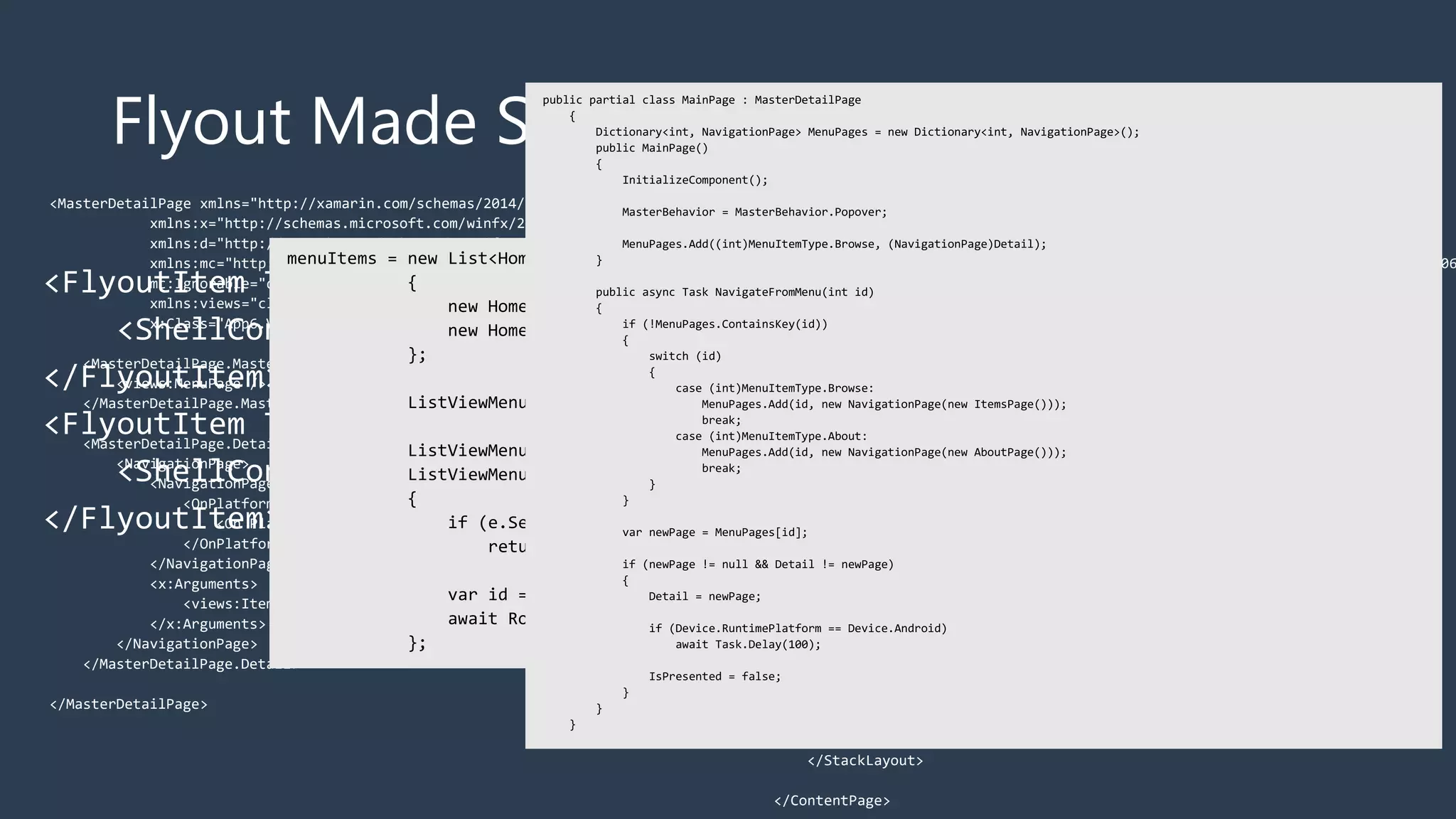
Flyout Made Simple
<FlyoutItem Title="Browse" Icon="tab_feed.png">
<ShellContent ContentTemplate="{DataTemplate local:ItemsPage}" />
</FlyoutItem>
<FlyoutItem Title="About" Icon="tab_about.png">
<ShellContent ContentTemplate="{DataTemplate local:AboutPage}" />
</FlyoutItem>
<MasterDetailPage xmlns="http://xamarin.com/schemas/2014/forms"
xmlns:x="http://schemas.microsoft.com/winfx/2009/xaml"
xmlns:d="http://xamarin.com/schemas/2014/forms/design"
xmlns:mc="http://schemas.openxmlformats.org/markup-compatibility/2006"
mc:Ignorable="d"
xmlns:views="clr-namespace:App6.Views"
x:Class="App6.Views.MainPage">
<MasterDetailPage.Master>
<views:MenuPage />
</MasterDetailPage.Master>
<MasterDetailPage.Detail>
<NavigationPage>
<NavigationPage.Icon>
<OnPlatform x:TypeArguments="FileImageSource">
<On Platform="iOS" Value="tab_feed.png"/>
</OnPlatform>
</NavigationPage.Icon>
<x:Arguments>
<views:ItemsPage />
</x:Arguments>
</NavigationPage>
</MasterDetailPage.Detail>
</MasterDetailPage>
<ContentPage xmlns="http://xamarin.com/schemas/2014/forms"
xmlns:x="http://schemas.microsoft.com/winfx/2009/xaml"
xmlns:d="http://xamarin.com/schemas/2014/forms/design"
xmlns:mc="http://schemas.openxmlformats.org/markup-compatibility/2006
mc:Ignorable="d"
x:Class="App6.Views.MenuPage"
Title="Menu">
<StackLayout VerticalOptions="FillAndExpand">
<ListView x:Name="ListViewMenu"
HasUnevenRows="True">
<d:ListView.ItemsSource>
<x:Array Type="{x:Type x:String}">
<x:String>Item 1</x:String>
<x:String>Item 2</x:String>
</x:Array>
</d:ListView.ItemsSource>
<ListView.ItemTemplate>
<DataTemplate>
<ViewCell>
<Grid Padding="10">
<Label Text="{Binding Title}" d:Text="{Binding .}"
FontSize="20"/>
</Grid>
</ViewCell>
</DataTemplate>
</ListView.ItemTemplate>
</ListView>
</StackLayout>
</ContentPage>
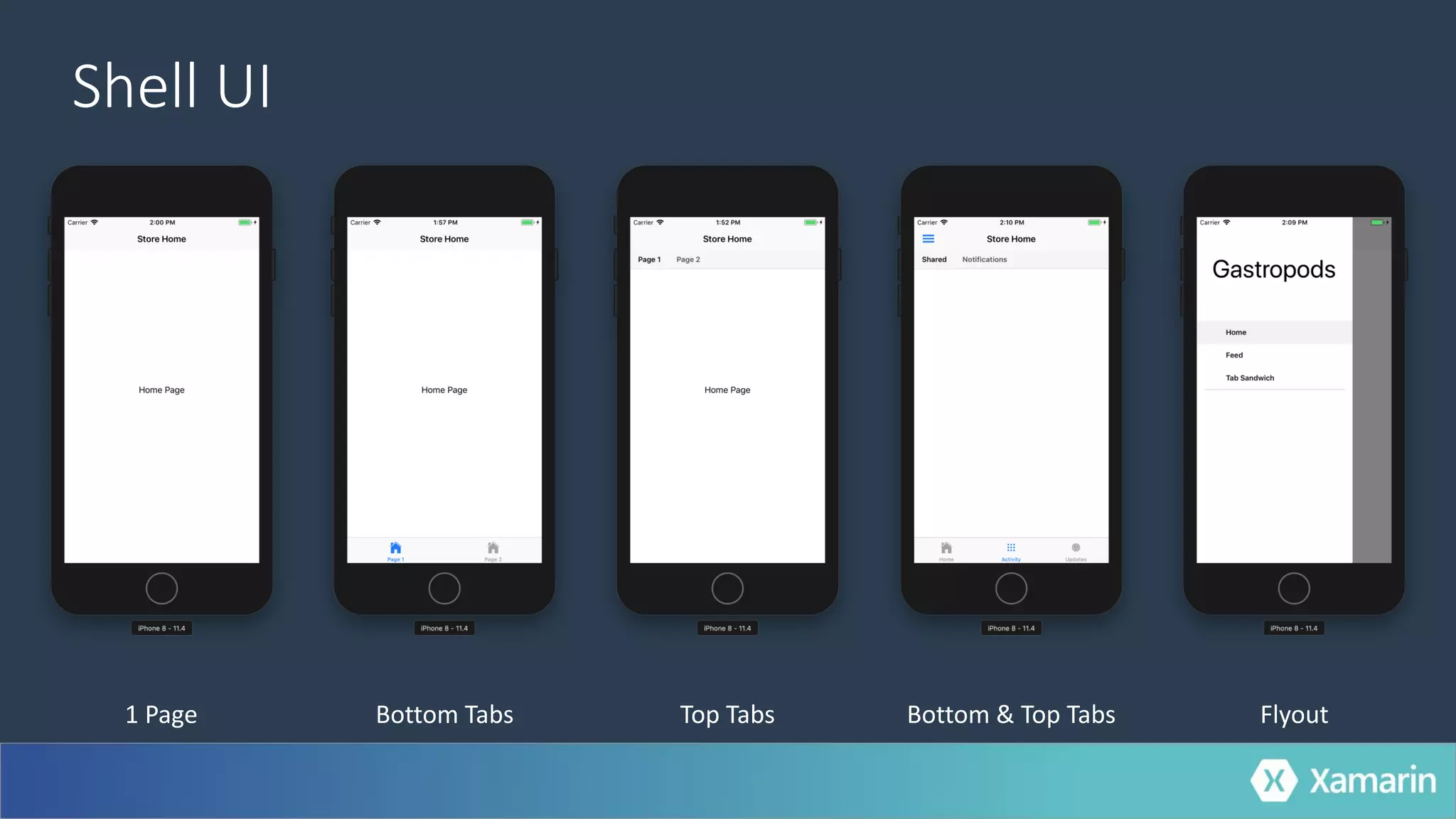
Shell UI
1 Page Bottom Tabs Bottom & Top Tabs FlyoutTop Tabs
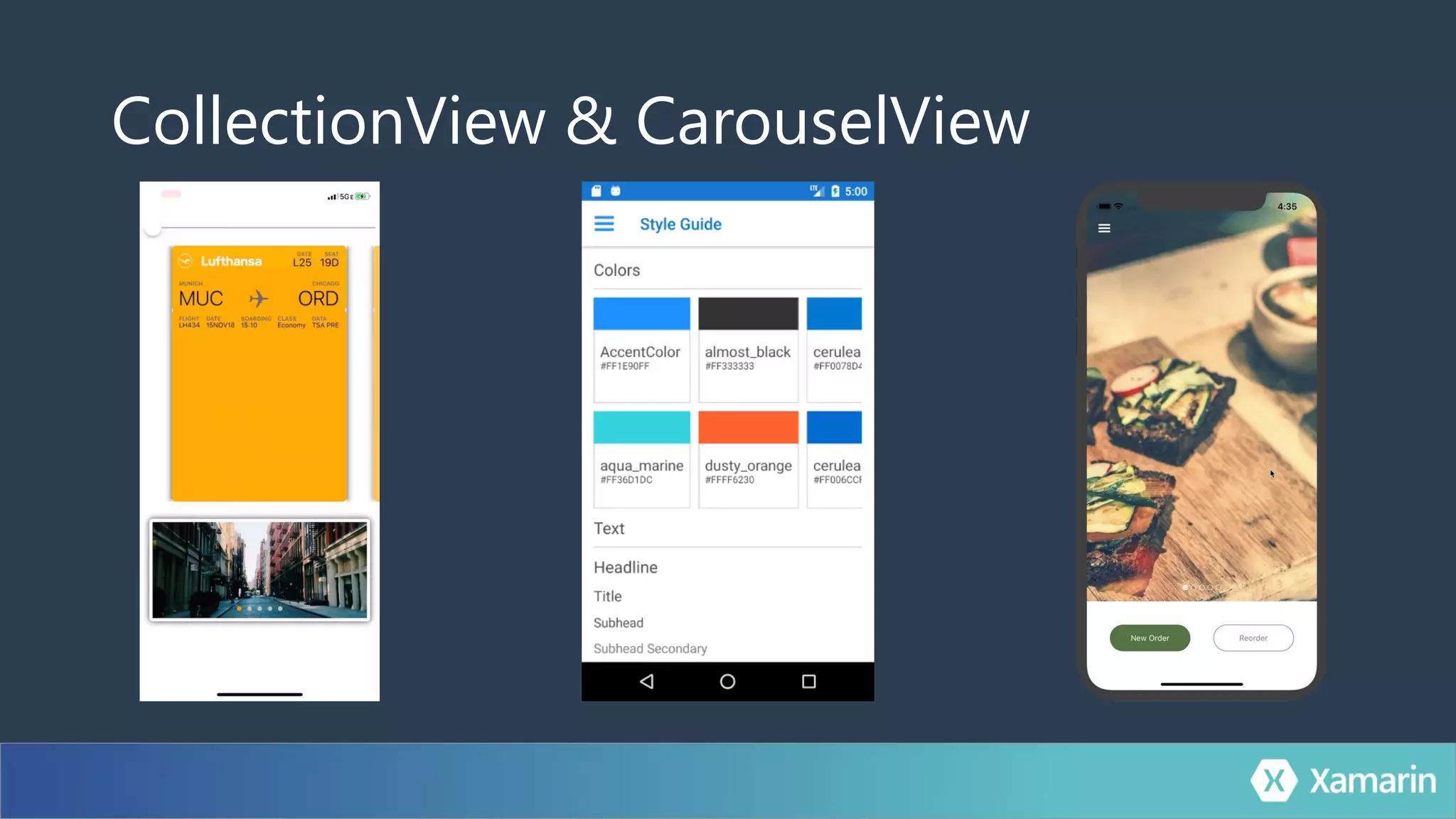
CollectionView & CarouselView
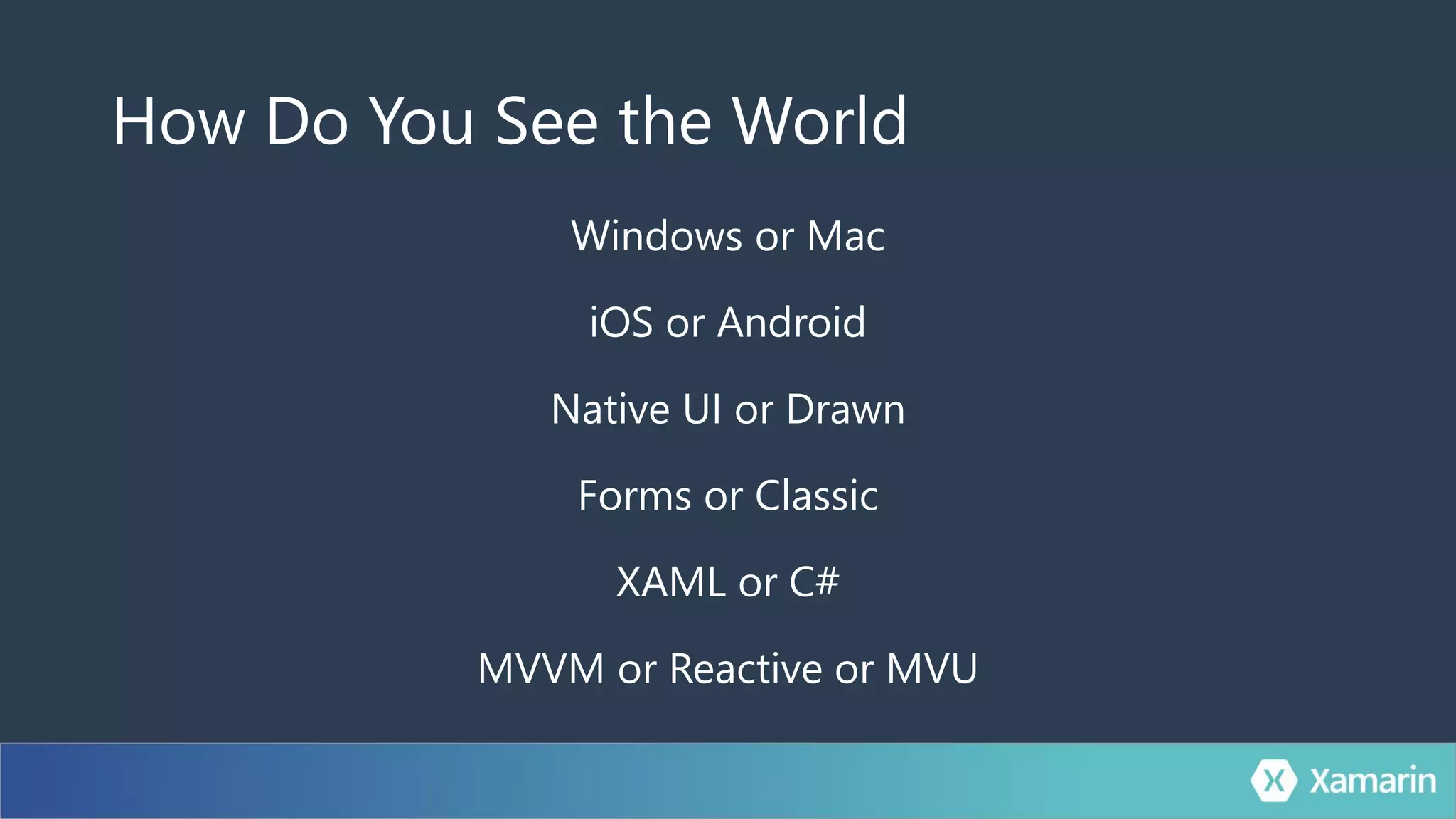
How Do You See the World
Windows or Mac
iOS or Android
Native UI or Drawn
Forms or Classic
XAML or C#
MVVM or Reactive or MVU
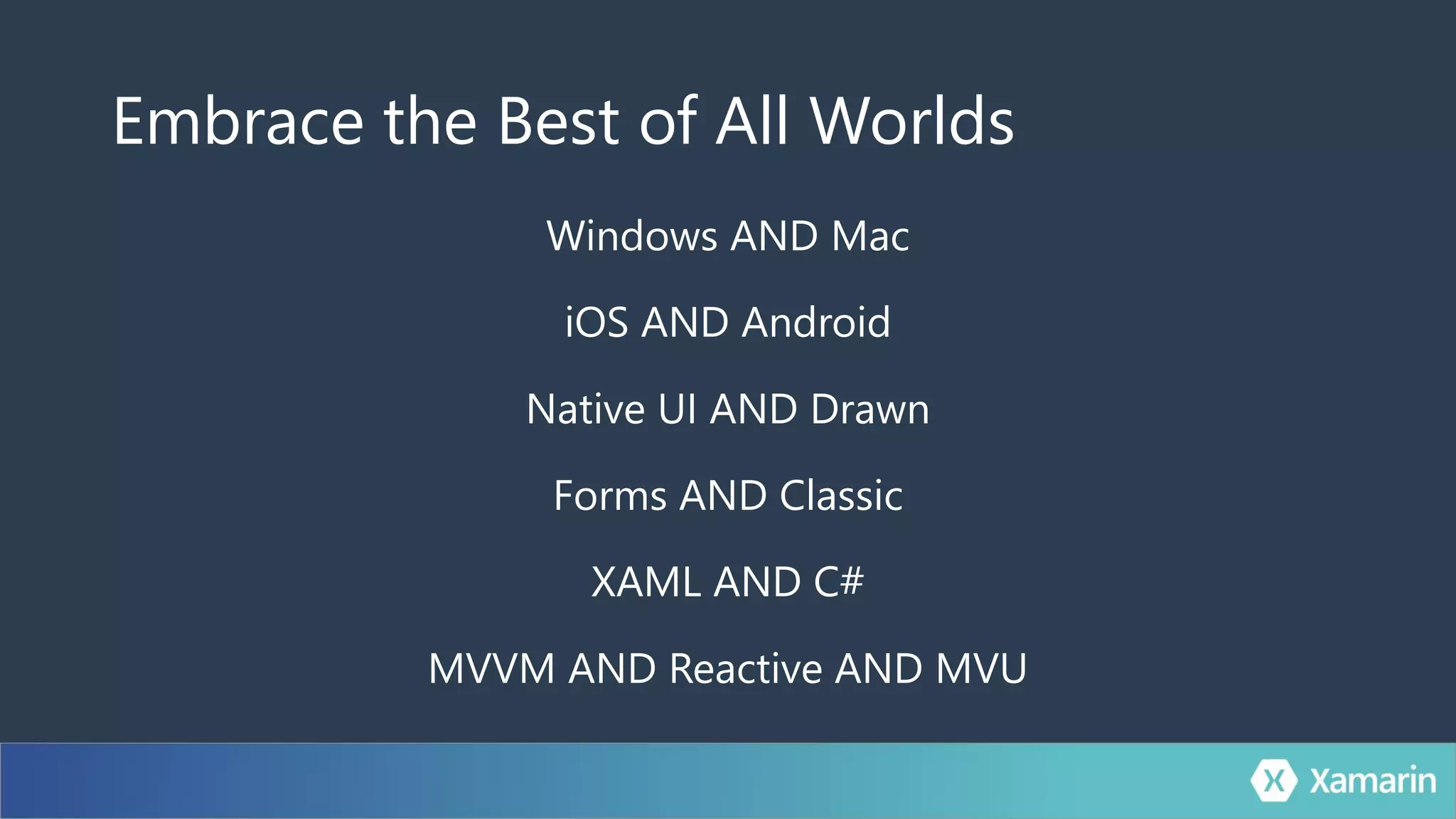
Embrace the Best of All Worlds
Windows AND Mac
iOS AND Android
Native UI AND Drawn
Forms AND Classic
XAML AND C#
MVVM AND Reactive AND MVU
.Forms
Developer Productivity
Get Started Faster
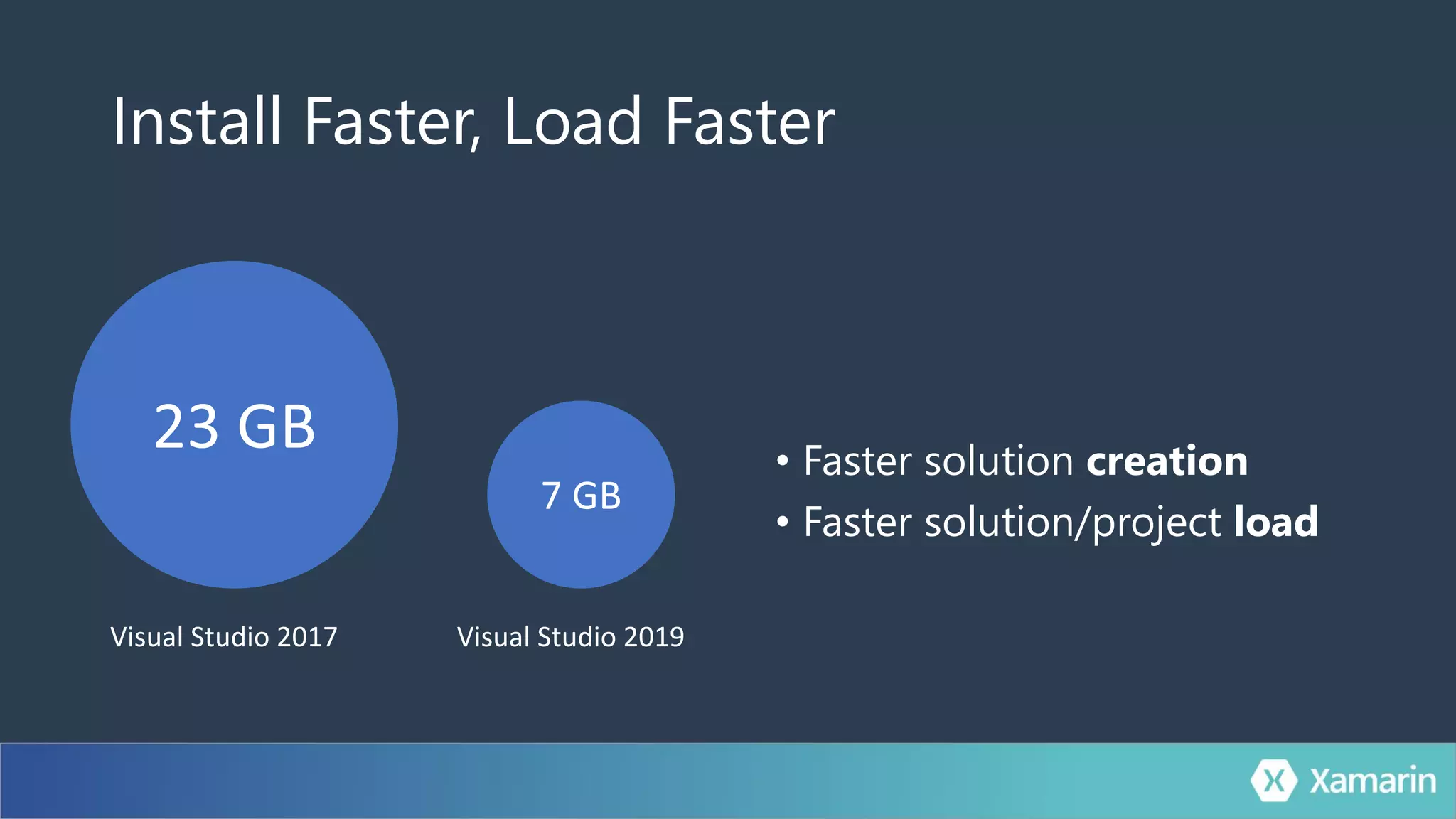
Install Faster, Load Faster
• Faster solution creation
• Faster solution/project load
Visual Studio 2017 Visual Studio 2019
Code Faster
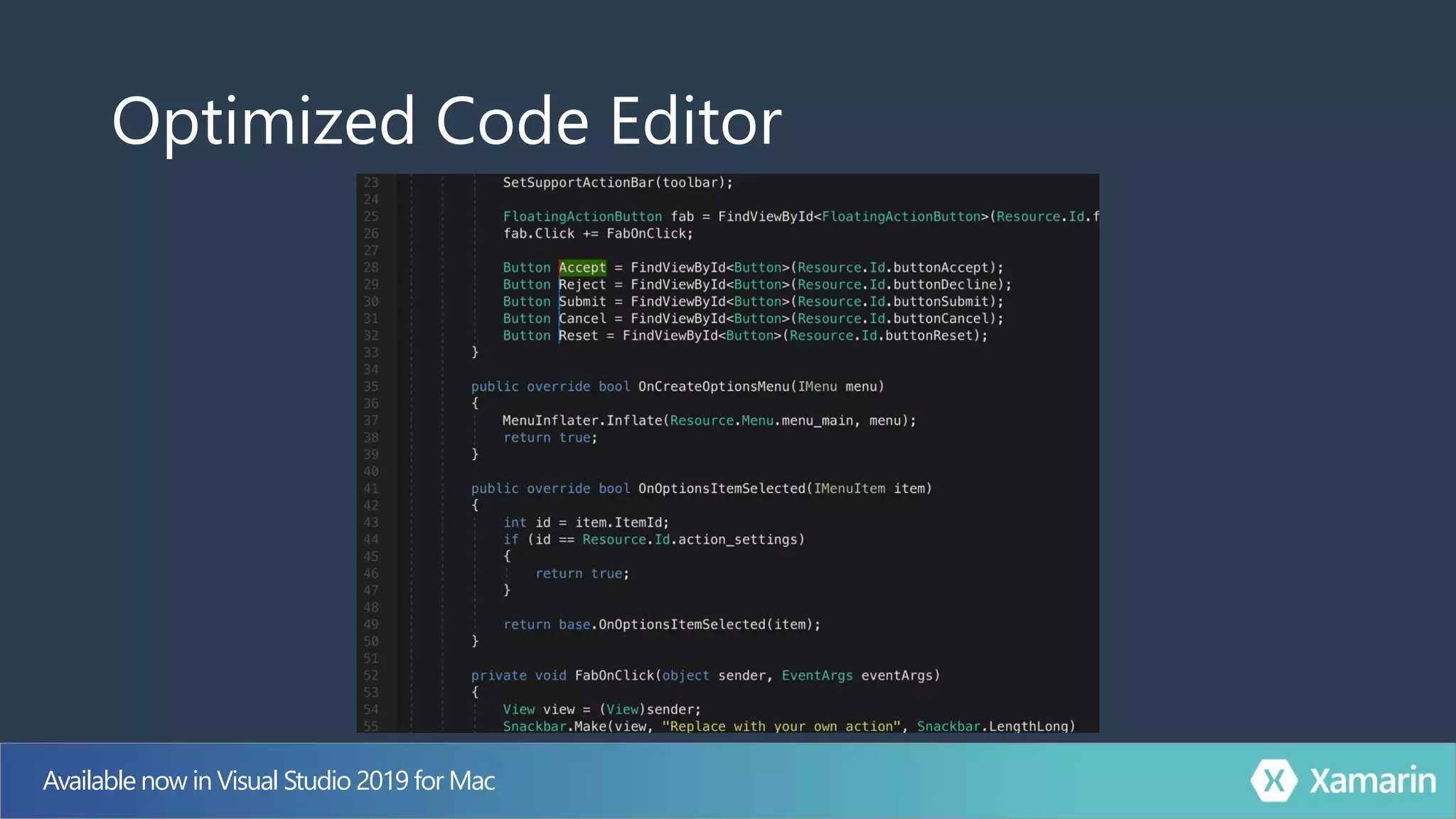
Optimized Code Editor
Available now in Visual Studio 2019 for Mac
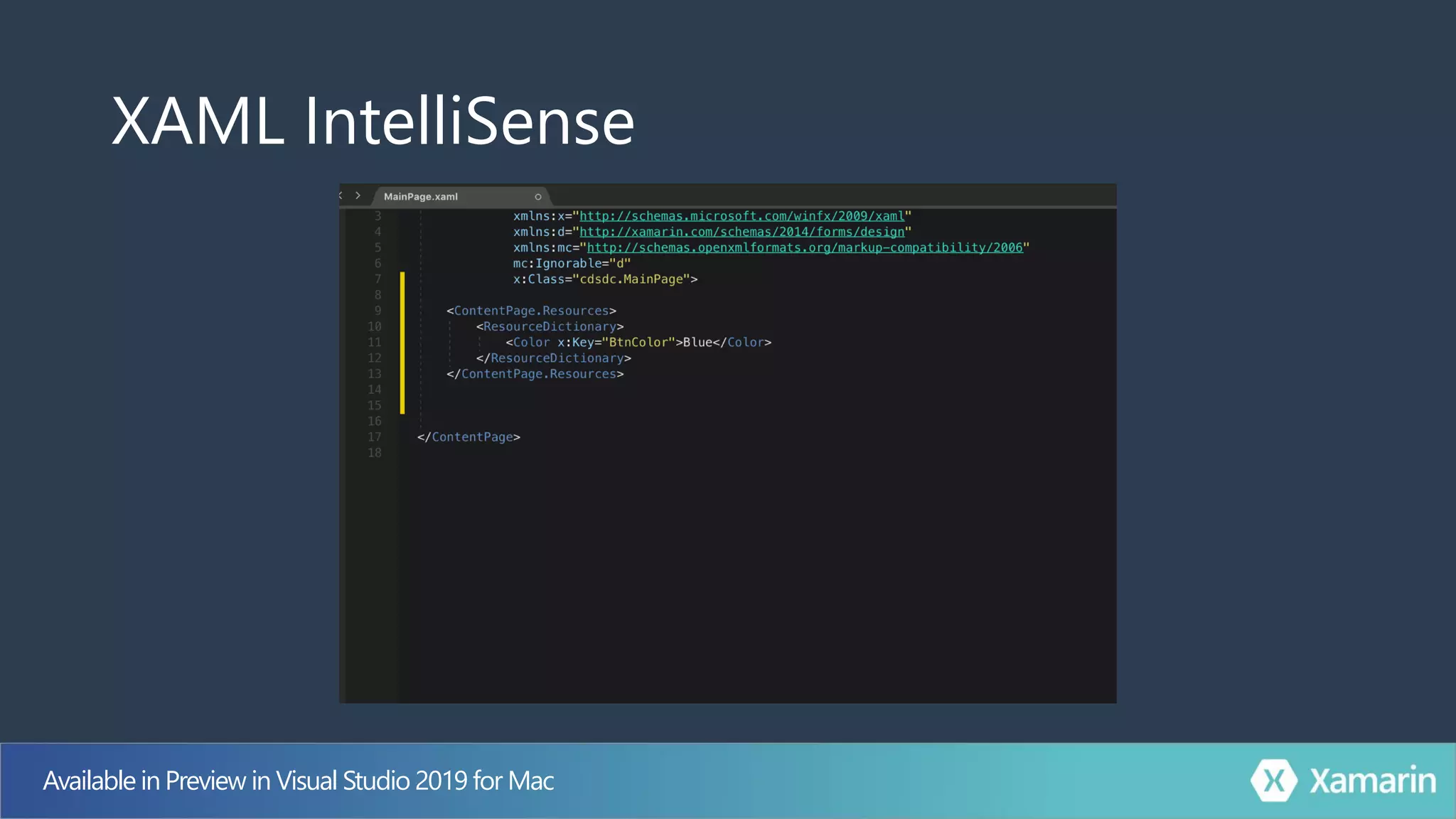
XAML IntelliSense
Available in Preview in Visual Studio 2019 for Mac
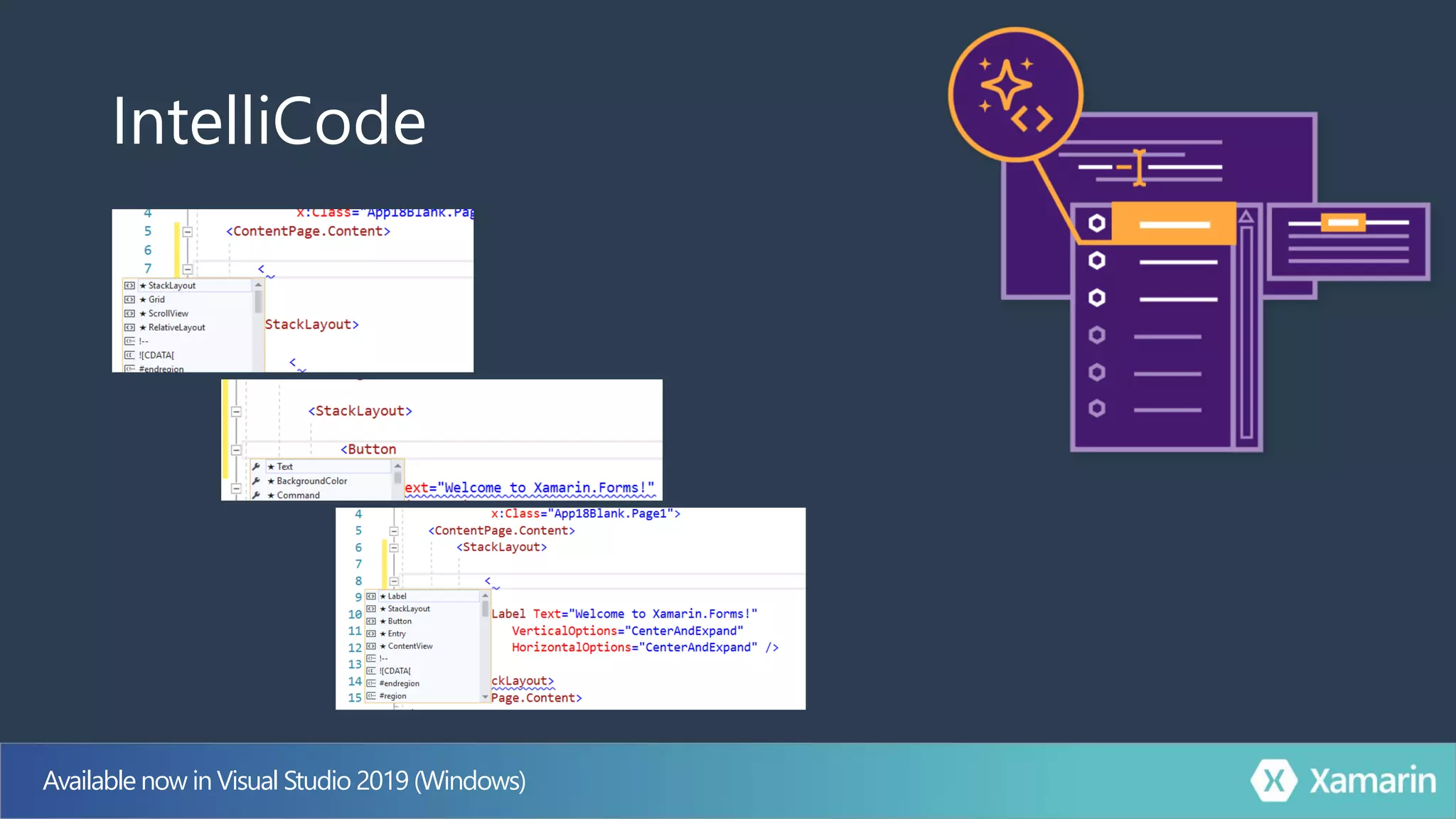
IntelliCode
Available now in Visual Studio 2019 (Windows)
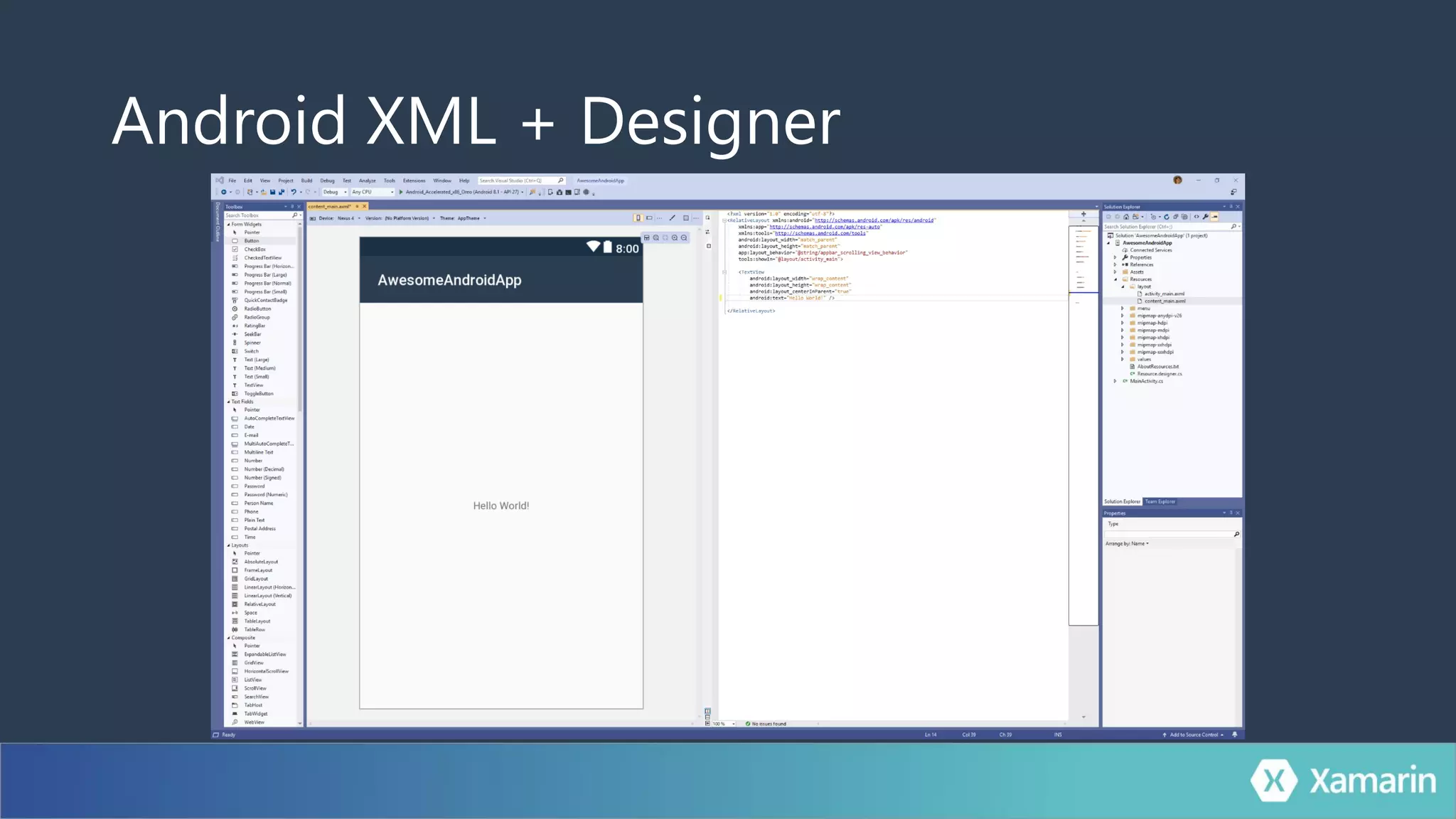
Android XML + Designer
And in the next release of Visual Studio:.AXML .XML
Android XML
Build Faster
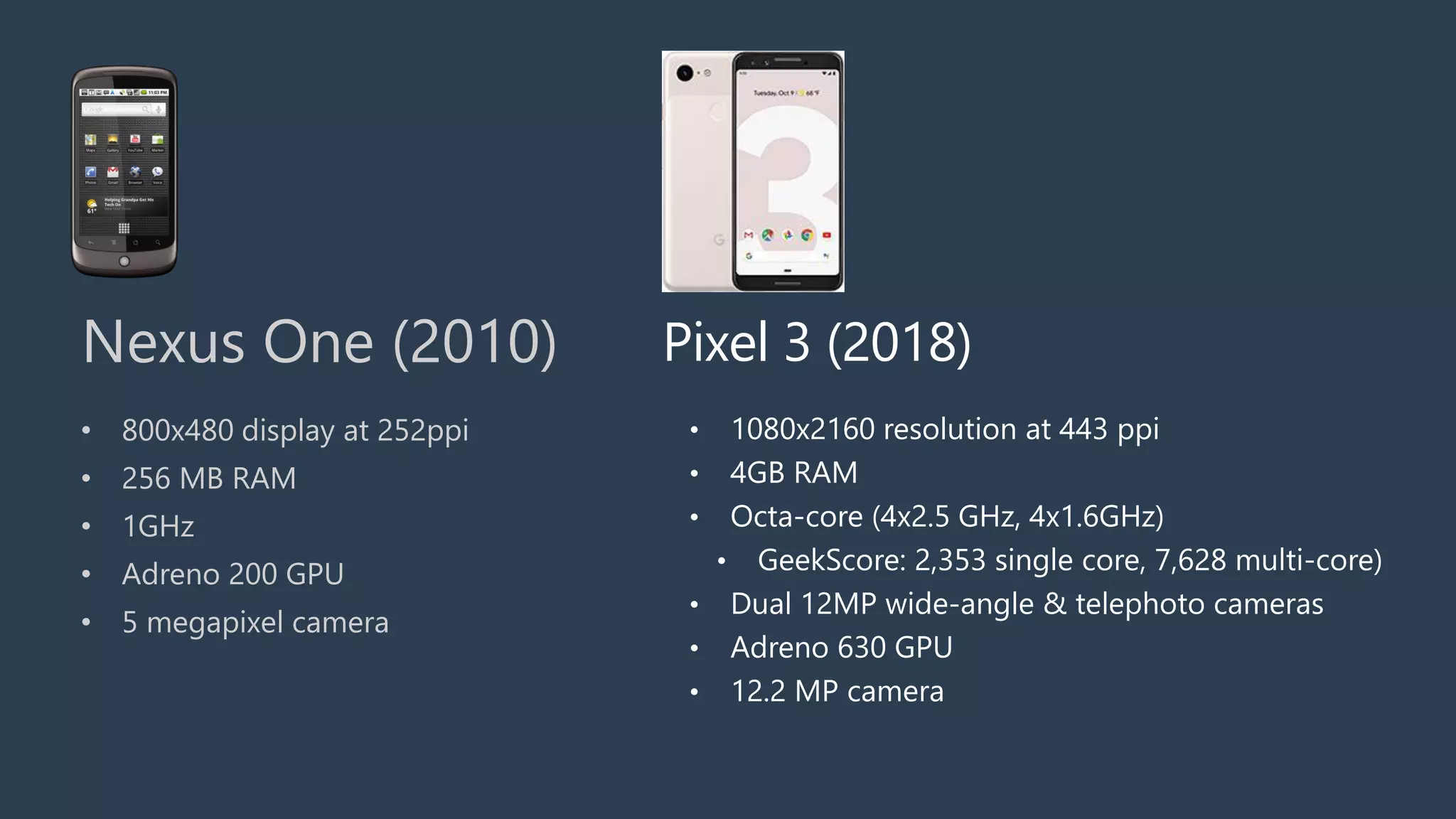
• 800x480 display at 252ppi
• 256 MB RAM
• 1GHz
• Adreno 200 GPU
• 5 megapixel camera
Nexus One (2010)
• 1080x2160 resolution at 443 ppi
• 4GB RAM
• Octa-core (4x2.5 GHz, 4x1.6GHz)
• GeekScore: 2,353 single core, 7,628 multi-core)
• Dual 12MP wide-angle & telephoto cameras
• Adreno 630 GPU
• 12.2 MP camera
Pixel 3 (2018)
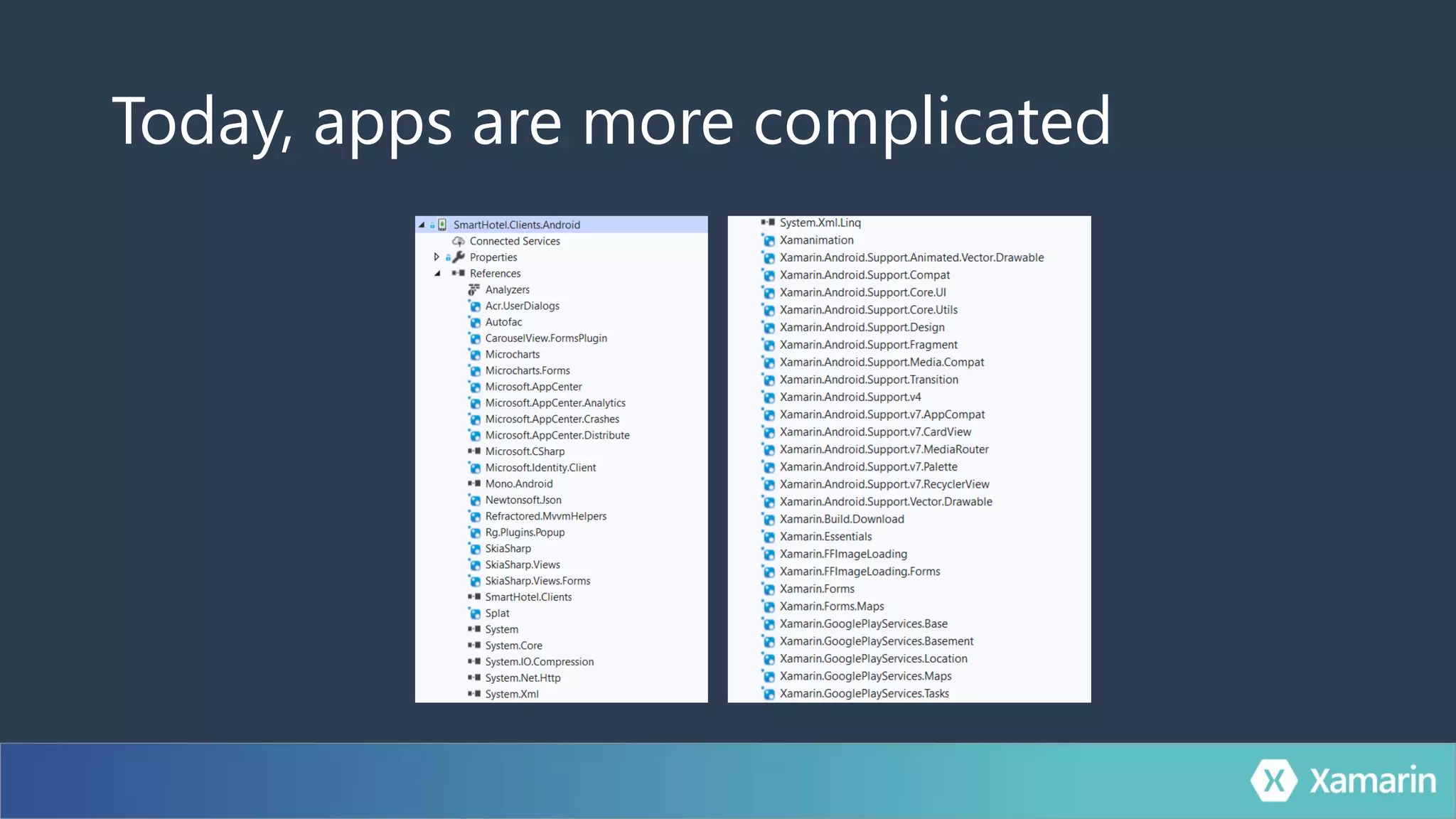
Today, apps are more complicated
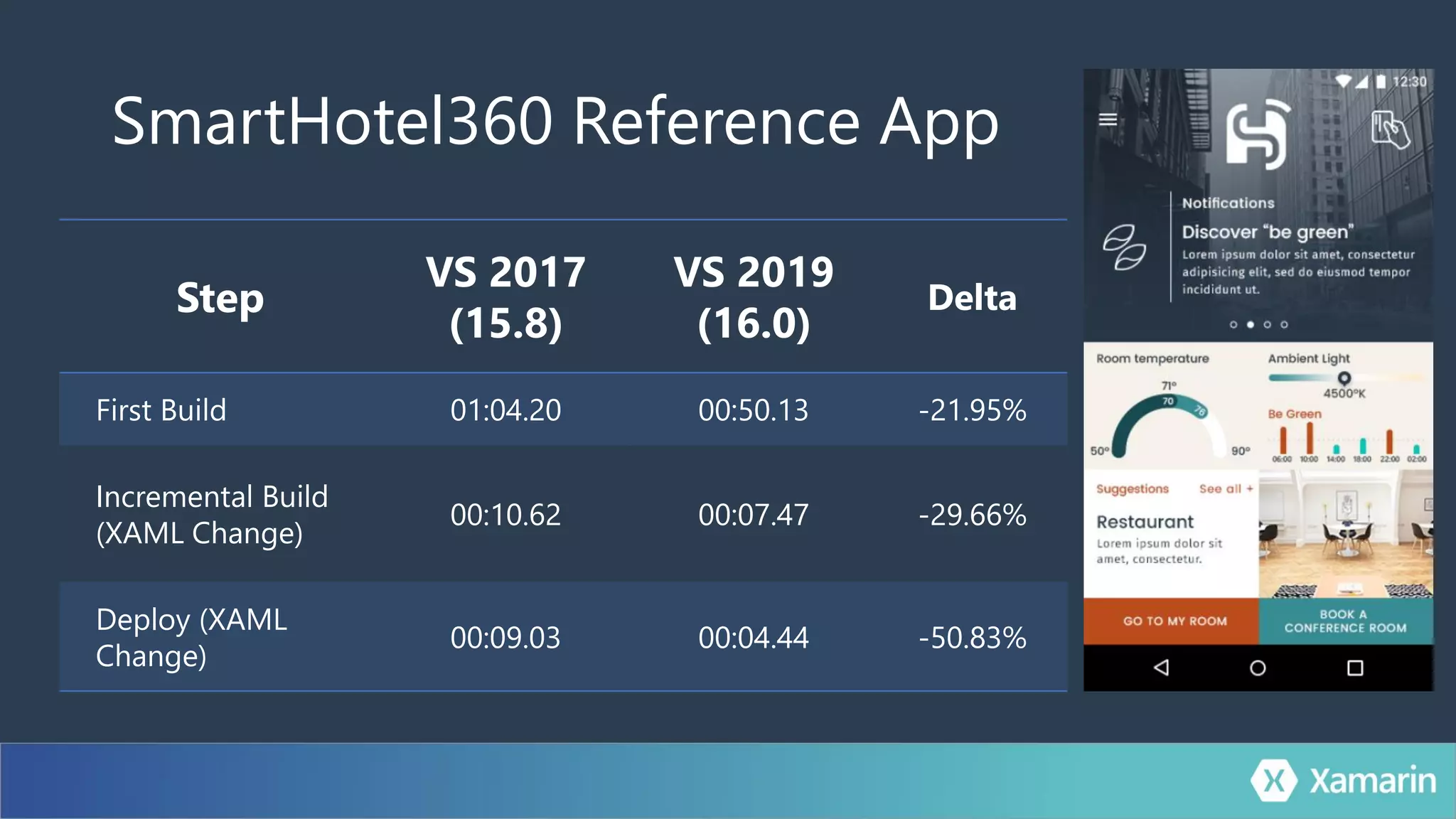
SmartHotel360 Reference App
Step
VS 2017
(15.8)
VS 2019
(16.0)
Delta
First Build 01:04.20 00:50.13 -21.95%
Incremental Build
(XAML Change)
00:10.62 00:07.47 -29.66%
Deploy (XAML
Change)
00:09.03 00:04.44 -50.83%
Iterate Faster
Announcing
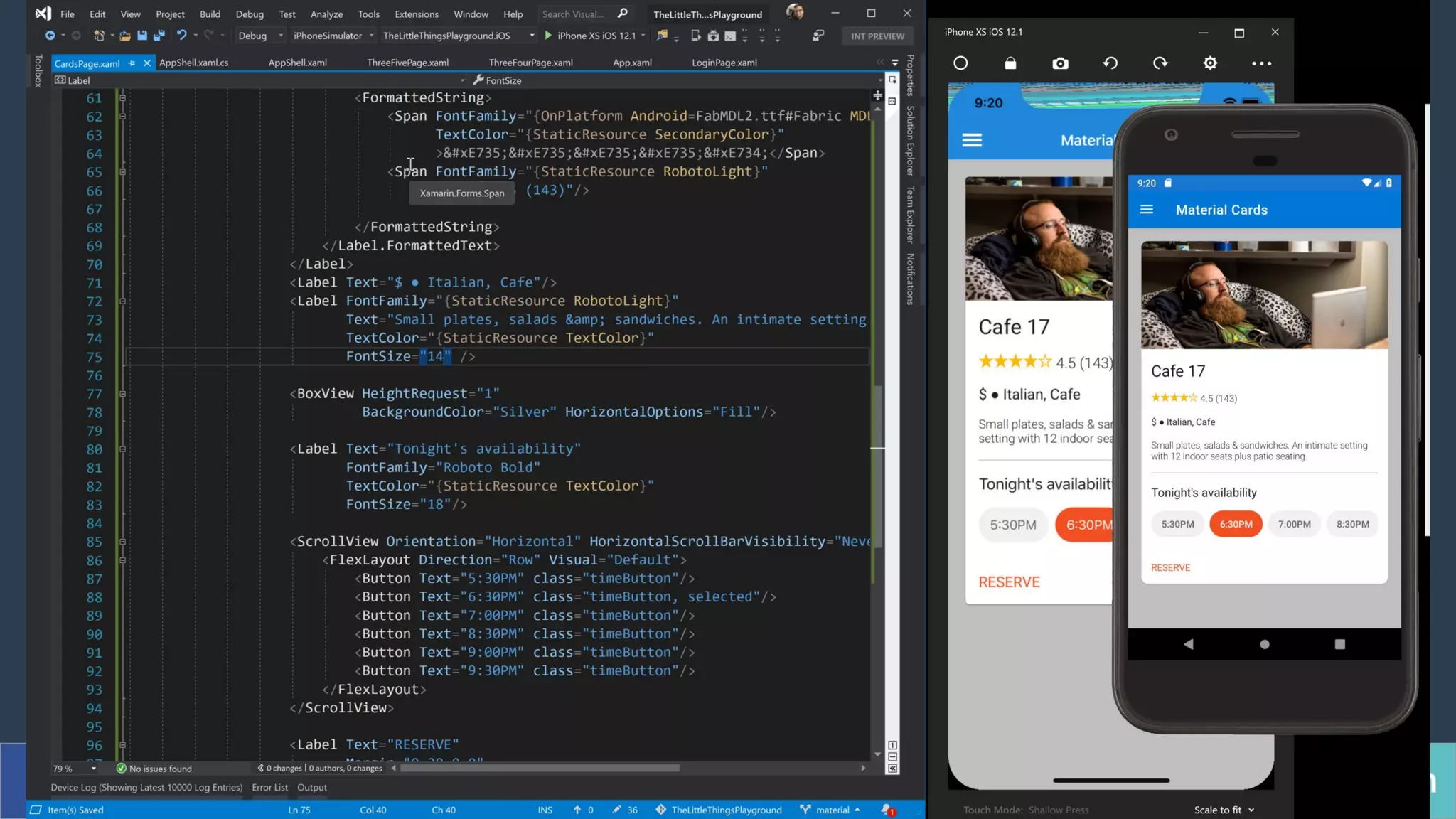
XAML Hot Reload
for Xamarin.Forms
Iterating on UI
Demo:
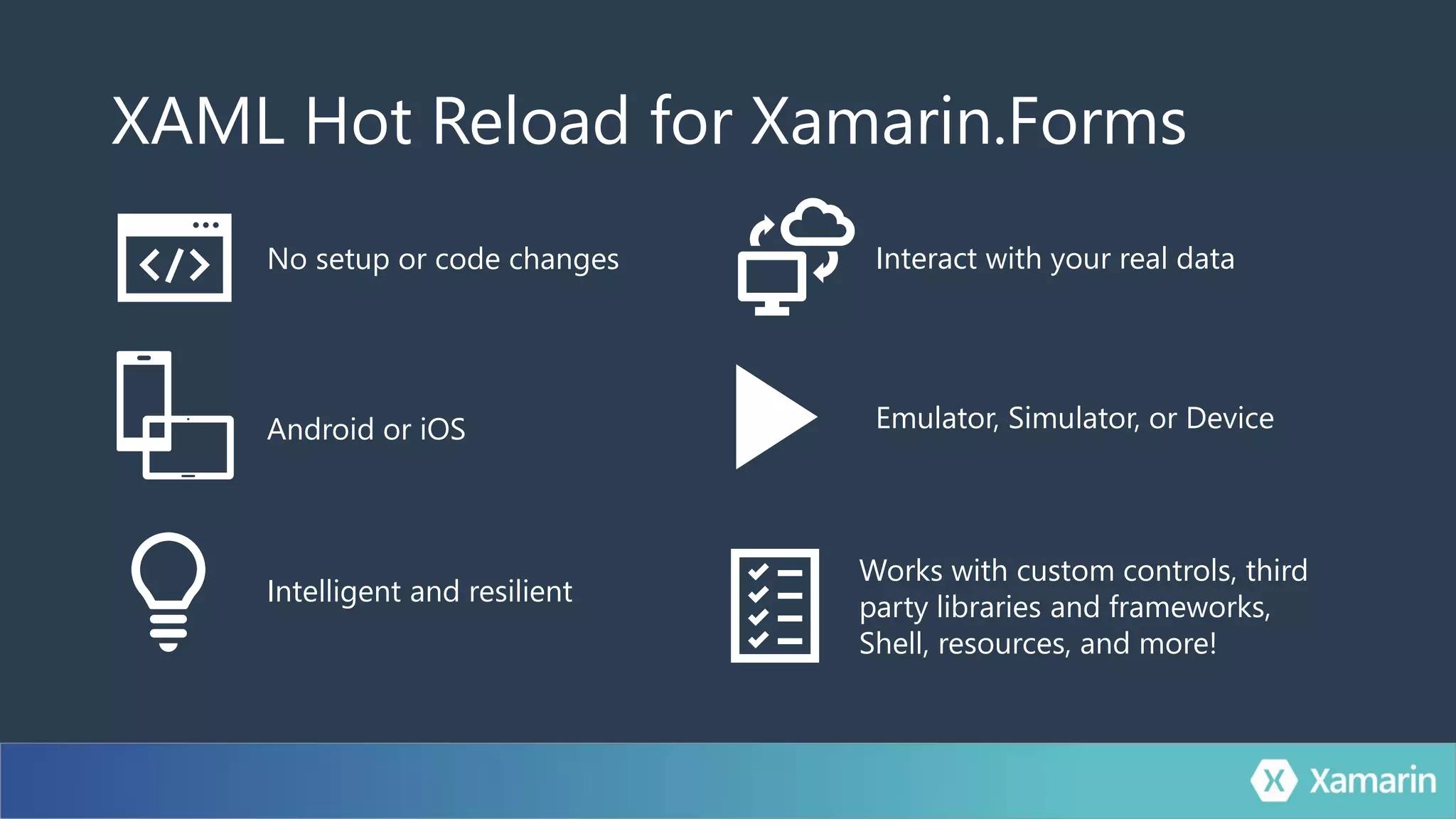
XAML Hot Reload for Xamarin.Forms
Intelligent and resilient
No setup or code changes
Emulator, Simulator, or Device
Interact with your real data
Works with custom controls, third
party libraries and frameworks,
Shell, resources, and more!
Android or iOS
Private Preview Available Today
https://aka.ms/XAMLHotReload
Developer Productivity
Cross-Platform Everything
100% Native & Optimized
.Forms
Thank you.
James
Montemagno
Principal Program Manager – Mobile Developer Tools,
Microsoft
motz@microsoft.com Montemagno.com @JamesMontemagno
Weekly development podcast
mergeconflict.fm
Weekly development show
xamarinshow.com

What's New, Hot, & Awesome for Xamarin Developers!