Introduction to XML
(Bonus Assignment)
Aneesa Rahman(1005)
BSIT-Mor-2nd
sems
University of Education
What is XML
 XML stand for Extensible Markup language
 It is a markup language much like HTML
 It was designed to carry data not to display
data
 XML tags are not predefined you must design
your own.
 XML is designed to be self descriptive
 XML is a w3c recommendation
HTML vs. XML
 XML is not a replacement of HTML
 XML and HTML are designed for different goals
 XML is designed to transport and store data with
focus on what data is.
 HTML is designed to display data with focus on what
data looks.
 HTML is about displaying information
 XML is about carrying information.
Comparison….
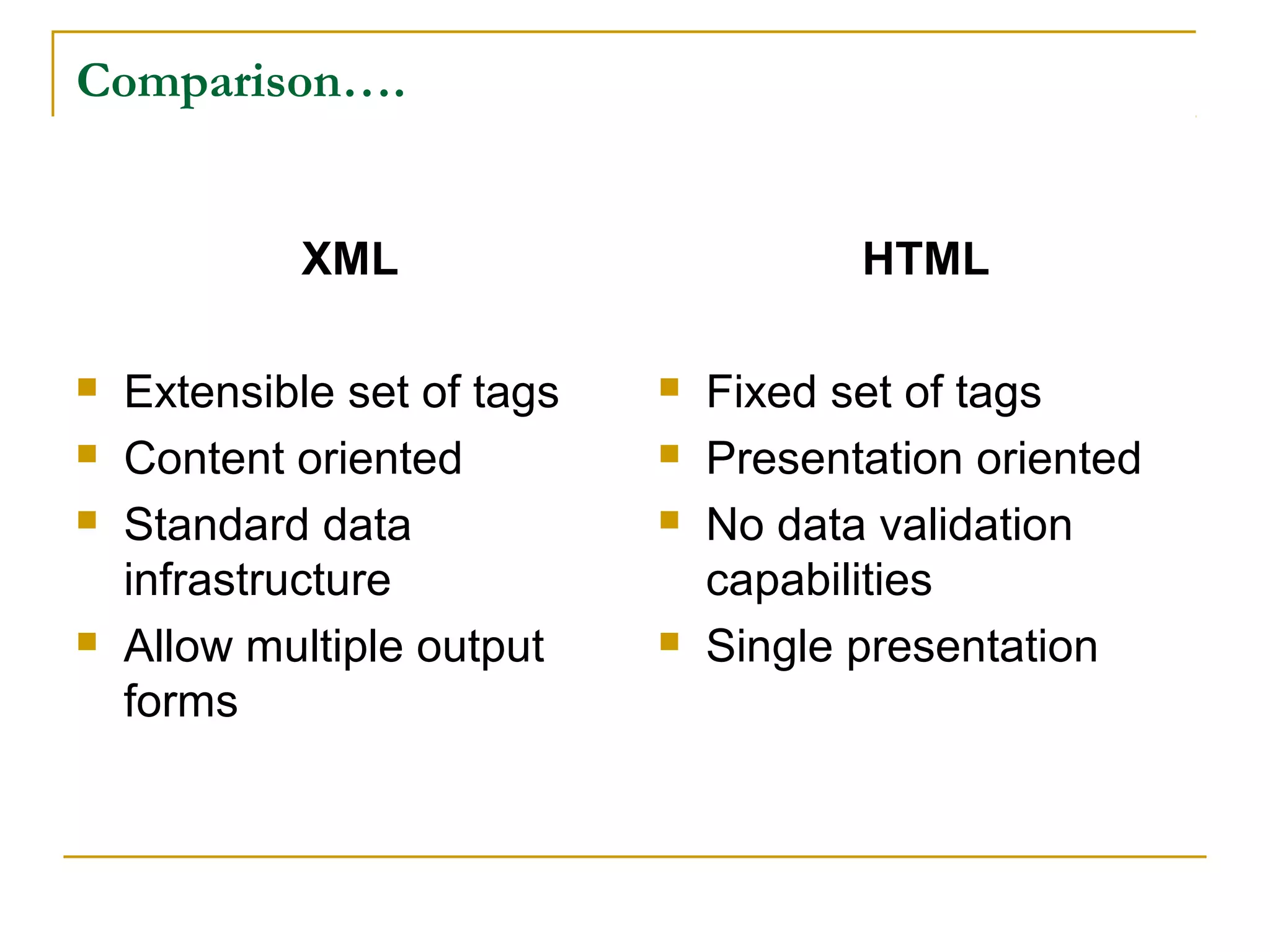
XML
 Extensible set of tags
 Content oriented
 Standard data
infrastructure
 Allow multiple output
forms
HTML
 Fixed set of tags
 Presentation oriented
 No data validation
capabilities
 Single presentation
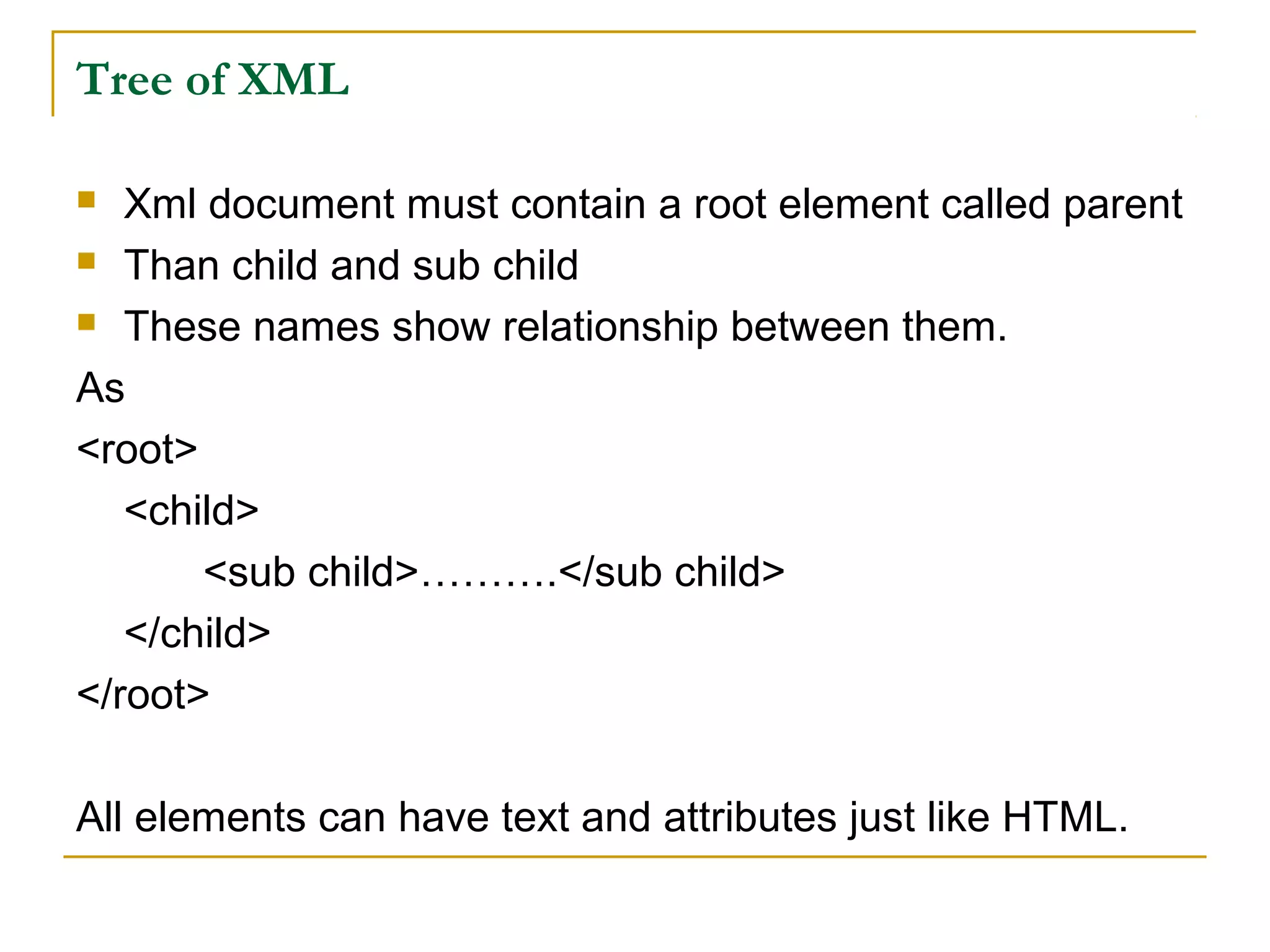
Tree of XML
 Xml document must contain a root element called parent
 Than child and sub child
 These names show relationship between them.
As
<root>
<child>
<sub child>……….</sub child>
</child>
</root>
All elements can have text and attributes just like HTML.
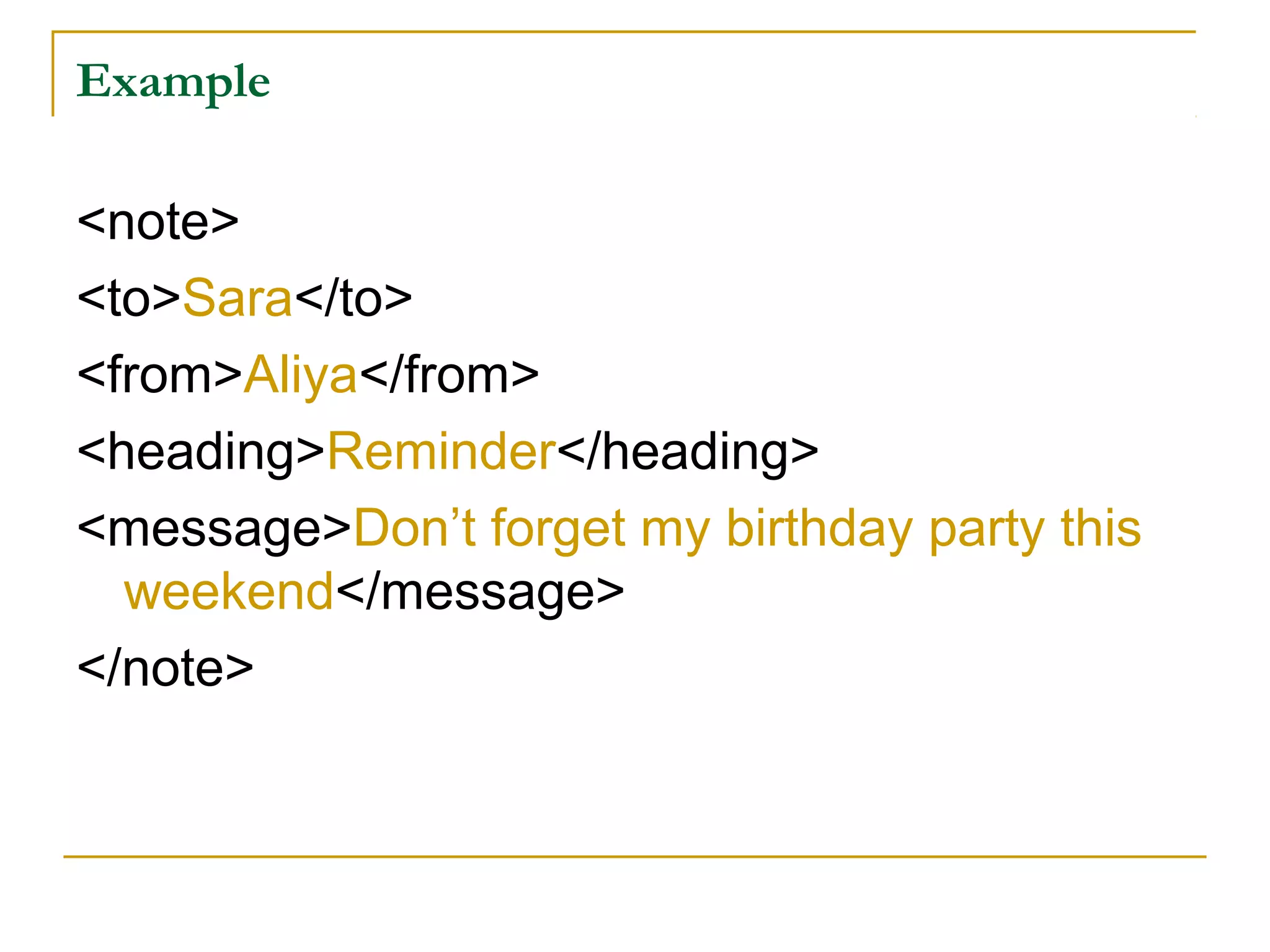
Example
<note>
<to>Sara</to>
<from>Aliya</from>
<heading>Reminder</heading>
<message>Don’t forget my birthday party this
weekend</message>
</note>
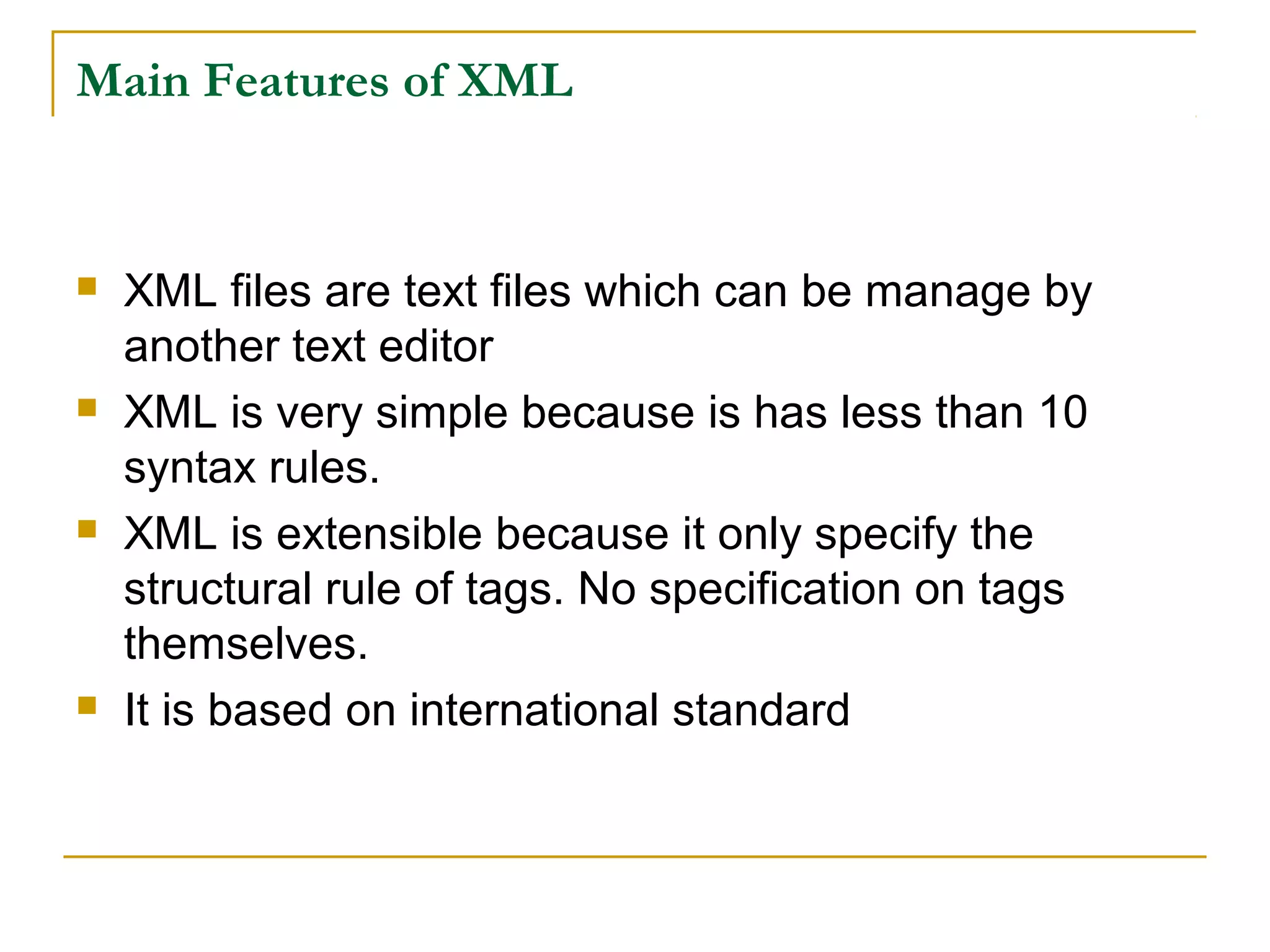
Main Features of XML
 XML files are text files which can be manage by
another text editor
 XML is very simple because is has less than 10
syntax rules.
 XML is extensible because it only specify the
structural rule of tags. No specification on tags
themselves.
 It is based on international standard
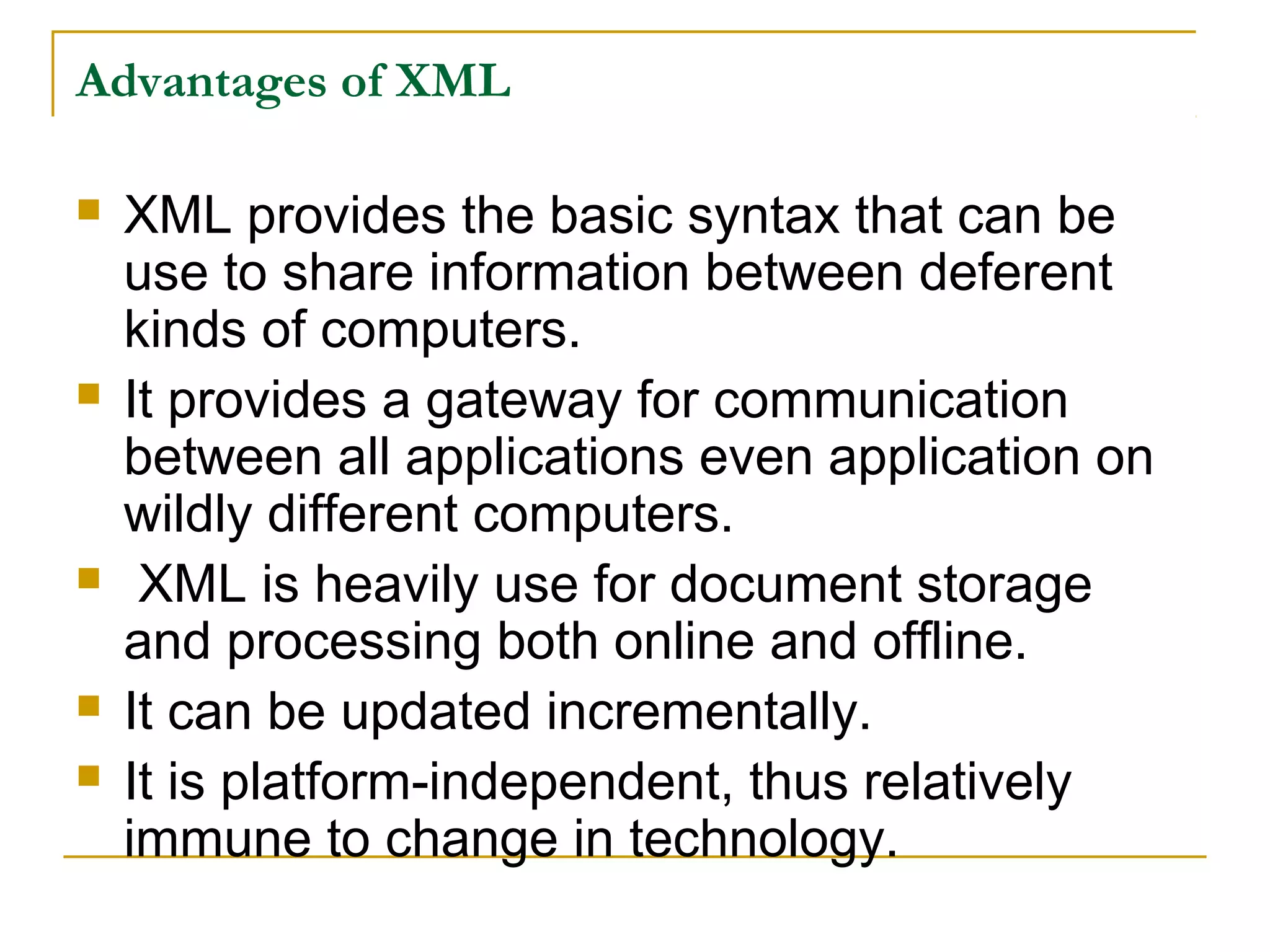
Advantages of XML
 XML provides the basic syntax that can be
use to share information between deferent
kinds of computers.
 It provides a gateway for communication
between all applications even application on
wildly different computers.
 XML is heavily use for document storage
and processing both online and offline.
 It can be updated incrementally.
 It is platform-independent, thus relatively
immune to change in technology.
Advantages of XML
 It can represent common computer science data
structures: records, lists and trees
 It supports Unicode, allowing almost any information
in any written human language to be communicated.
 With XML, your data can be available to all kinds of
reading machine (handheld computers, voice
machines, news feeds etc..)
How can XML be used?
XML is used in many aspects of web
development, often to simplify and share
data.
A lot of new Internet languages are created with XML.
Here are some examples:
 XHTML
 WSDL for describing available web services
 WAP and WML as markup languages for handheld
devices
 RSS languages for news feeds
 RDF and OWL for describing resources and
ontology
 SMIL for describing multimedia for the web
Technologies of XML
 XQuery (XML Query Language)
An XML based language for queering xml data.
 DTD (Document Type Definition)
A standard for defining the legal elements in an XML document.
 XSD (XML Schema)
An XML-based alternative querying XML data to DTD.
 SOAP (Simple Object Access Protocol)
An XML-based protocol to let applications exchange information
over HTTP.
 WSDL (Web Services Description Language)
An XML-based language for describing web services.
 RDF (Resource Description Framework)
An XML-based language for describing web resources.
 RSS (Really Simple Syndication)
A format for syndicating news and the content of news-like sites.
 SVG (Scalable Vector Graphics)
Defines graphics in XML format.
Versions
There are two current versions of XML:
1. (XML 1.0) It was initially defined in 1998. it has
undergone miner version since than. it is widely
implicated and still recommended for general use.
2. (XML 1.1) published on Feb. 4, 2004. it contains
many features that are intended to make xml easy
in many cases.
There has been discussion for XML 2.0.
Some XML Markup Languages
 Atom (standard)
 Attention Profiling Mark-up Language
 Channel Definition Format
 Document Structure Description
 FleXML
 Java Speech Markup Language
 Music Markup Language
 Vector Markup Language etc…
References
 http://www.w3schools.com/xml/xml_whatis.asp
 http://en.wikipedia.org/wiki/XML
 http://www.herongyang.com/XML/Introduction-Main-Features-
 http://www.w3schools.com/xml/default.ASP
 http://en.wikipedia.org/wiki/List_of_XML_markup_langua
ges
 http://www.w3schools.com/xml/xml_technologies.asp

What is xml

  • 1.
    Introduction to XML (BonusAssignment) Aneesa Rahman(1005) BSIT-Mor-2nd sems University of Education
  • 2.
    What is XML XML stand for Extensible Markup language  It is a markup language much like HTML  It was designed to carry data not to display data  XML tags are not predefined you must design your own.  XML is designed to be self descriptive  XML is a w3c recommendation
  • 3.
    HTML vs. XML XML is not a replacement of HTML  XML and HTML are designed for different goals  XML is designed to transport and store data with focus on what data is.  HTML is designed to display data with focus on what data looks.  HTML is about displaying information  XML is about carrying information.
  • 4.
    Comparison…. XML  Extensible setof tags  Content oriented  Standard data infrastructure  Allow multiple output forms HTML  Fixed set of tags  Presentation oriented  No data validation capabilities  Single presentation
  • 5.
    Tree of XML Xml document must contain a root element called parent  Than child and sub child  These names show relationship between them. As <root> <child> <sub child>……….</sub child> </child> </root> All elements can have text and attributes just like HTML.
  • 6.
  • 7.
    Main Features ofXML  XML files are text files which can be manage by another text editor  XML is very simple because is has less than 10 syntax rules.  XML is extensible because it only specify the structural rule of tags. No specification on tags themselves.  It is based on international standard
  • 8.
    Advantages of XML XML provides the basic syntax that can be use to share information between deferent kinds of computers.  It provides a gateway for communication between all applications even application on wildly different computers.  XML is heavily use for document storage and processing both online and offline.  It can be updated incrementally.  It is platform-independent, thus relatively immune to change in technology.
  • 9.
    Advantages of XML It can represent common computer science data structures: records, lists and trees  It supports Unicode, allowing almost any information in any written human language to be communicated.  With XML, your data can be available to all kinds of reading machine (handheld computers, voice machines, news feeds etc..)
  • 10.
    How can XMLbe used? XML is used in many aspects of web development, often to simplify and share data. A lot of new Internet languages are created with XML. Here are some examples:  XHTML  WSDL for describing available web services  WAP and WML as markup languages for handheld devices  RSS languages for news feeds  RDF and OWL for describing resources and ontology  SMIL for describing multimedia for the web
  • 12.
    Technologies of XML XQuery (XML Query Language) An XML based language for queering xml data.  DTD (Document Type Definition) A standard for defining the legal elements in an XML document.  XSD (XML Schema) An XML-based alternative querying XML data to DTD.  SOAP (Simple Object Access Protocol) An XML-based protocol to let applications exchange information over HTTP.  WSDL (Web Services Description Language) An XML-based language for describing web services.  RDF (Resource Description Framework) An XML-based language for describing web resources.  RSS (Really Simple Syndication) A format for syndicating news and the content of news-like sites.  SVG (Scalable Vector Graphics) Defines graphics in XML format.
  • 13.
    Versions There are twocurrent versions of XML: 1. (XML 1.0) It was initially defined in 1998. it has undergone miner version since than. it is widely implicated and still recommended for general use. 2. (XML 1.1) published on Feb. 4, 2004. it contains many features that are intended to make xml easy in many cases. There has been discussion for XML 2.0.
  • 14.
    Some XML MarkupLanguages  Atom (standard)  Attention Profiling Mark-up Language  Channel Definition Format  Document Structure Description  FleXML  Java Speech Markup Language  Music Markup Language  Vector Markup Language etc…
  • 15.
    References  http://www.w3schools.com/xml/xml_whatis.asp  http://en.wikipedia.org/wiki/XML http://www.herongyang.com/XML/Introduction-Main-Features-  http://www.w3schools.com/xml/default.ASP  http://en.wikipedia.org/wiki/List_of_XML_markup_langua ges  http://www.w3schools.com/xml/xml_technologies.asp